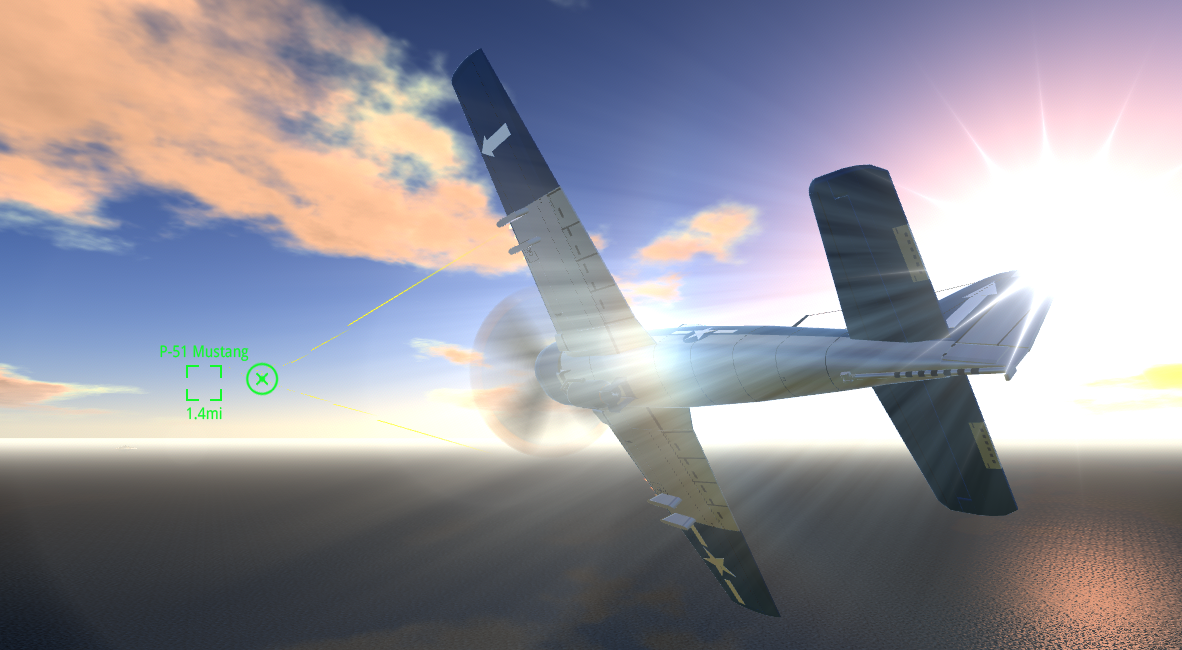
Today we are releasing our final update for SimplePlanes. Release notes are here. We had a few small features and several bug fixes that have accumulated in our repo so we decided to finish them up and push out a final update before sailing away to the next project(s). This will be our last update for SimplePlanes, unless we have any critical issues that pop up, but hey that doesn't mean the story ends here!
You might ask "is the next major project SimplePlanes 2?" Great question! That's a very strong contender and there are other ideas that we are very excited about as well. The team has been focusing on researching and developing core technologies that can be used in future games.
Today we are also releasing an update for Juno: New Origins along with a collaboration with @Linx bringing his amazing KSP mod Parallax to Juno with improved performance and visuals.
To celebrate all of this we are going to offer a week long discount to all of our titles on Steam, so if you have been thinking of getting the original SimpleRockets or SimplePlanes VR, now it is the time!
These discounts apply on top of the Aerospace Engineer bundle, so if you want both Juno and SimplePlanes or just one of them and you already own the other, you can get them with an extra 15% discount.
SimplePlanes version 1.12.125.0 is now live. With the update comes all the necessary tweaks and changes to make SimplePlanes a great experience on the Steam Deck. We hope you enjoy it and please provide us feedback on ways we can further enhance your experience on the Steam Deck. Thanks for playing!
SimplePlanes update v1.12.118.3 (minor hotfix)
Tweaks
In the "VR headset not found..." error message, we now show the current OpenXR runtime (for debugging purposes), and a link to the related topic on the Steam forums.
SimplePlanes VR has arrived along with the latest updates from SimplePlanes!
Ever wanted to reach out and grab the flight stick, or flick that switch in SimplePlanes before?
Go ahead and give it a try, because SimplePlanes VR is now available to buy with a %20 launch discount! Experience the expanded freedom of SimplePlanes as you fly all the crafts again for the first time, in VR.
SimplePlanes VR is a standalone version of SimplePlanes, which allows you to fly all the crafts/levels/challenges/etc that are available in SimplePlanes, but enhanced by the incredible immersion provided by VR, along with and all the functionality added to SimplePlanes in updates 1.11 and 1.12. We focused on making flying in VR as polished as we could, so SimplePlanes VR does not include the aircraft builder that SimplePlanes has. There are some other differences you should know about. Check the SimplePlanes VR store page out for more info.
Some key info regarding SimplePlanes vs SimplePlanes VR
SimplePlanes VR will have a launch discount for a limited time.
Once logged in, you have access to fly the same craft in both games.
SimplePlanes includes an aircraft builder, SimplePlanes VR does not.
Except for those which require building; all challenges, islands, locations, aircraft, etc. are available in both games.
Buying them both on Steam will automatically enable VR in SimplePlanes. After VR is enabled in SimplePlanes you can do everything there, without switching games.
The latest updates (v1.11 and v1.12) have prepared for this moment by adding tons of new features/parts with content for everyone (VR and non-VR).
We hope you enjoy updates v.1.11 and v1.12 for SimplePlanes, and we also hope you check out SimplePlanes VR, which is now available!
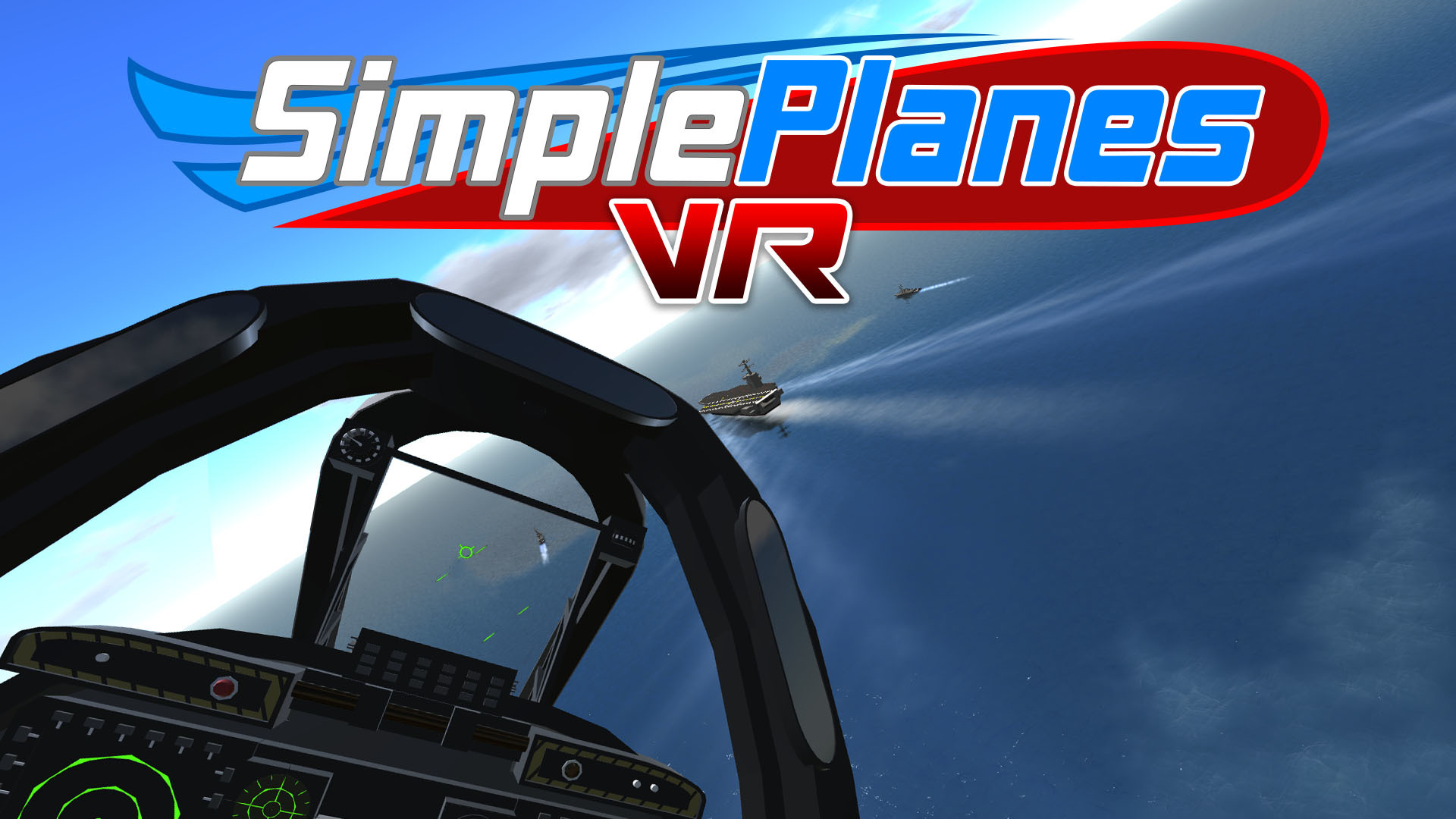
SimplePlanes VR is now available
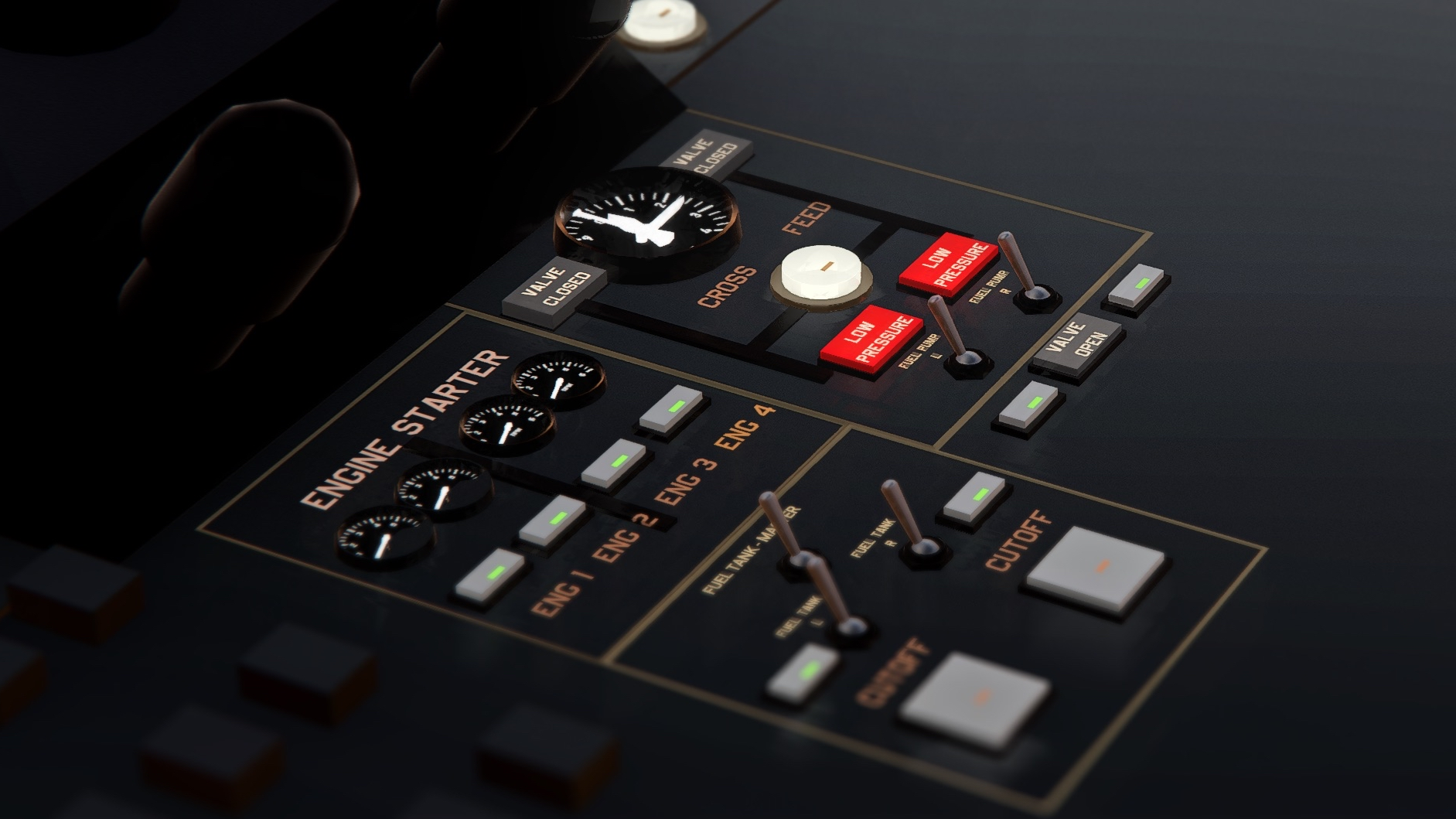
After far too many late nights of caffeine-infused coding and 3D modeling, we are proud to present SimplePlanes VR! Strap a VR headset to your face and grab the stick and throttle in front of you to fly. Flip switches, push buttons, crank levers, slide throttles, and so much more. Download community-made aircraft without leaving the comfort of your VR headset. SimplePlanes VR is the most feature-packed VR flight sim you'll find for the meager cost of a gourmet sandwich. We hope you enjoy your flight!
SimplePlanes VR is a standalone game and does not require SimplePlanes. However, if you own SimplePlanes, then purchasing SPVR will unlock VR mode in your original SimplePlanes so you can easily switch to VR mode and see how your builds are looking in VR.
We have also released version 1.12 today for SimplePlanes. You can read the release notes here.
LAUNCH TRAILER
KEY FEATURES
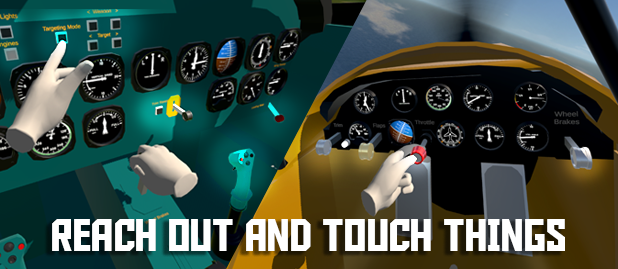
Fully immersive cockpits and virtual controls that you can reach out and grab with your hands
Download and fly any number of crafts from SimplePlanes.com for free
Escort a bomber, torpedo a WW2 destroyer, dogfight enemy aircraft, obliterate a convoy, and several more combat challenges are included
Fly around in sandbox mode and engage neutral aircraft and ships or spawn enemy aircraft to dogfight whenever it suits your fancy
Explore islands and airports to unlock secret locations
Includes several air and car racecourses to compete against A.I. opponents
One of the very few flight sims available for Oculus Quest, and the only one that includes helicopters and such a wide variety of aircraft!
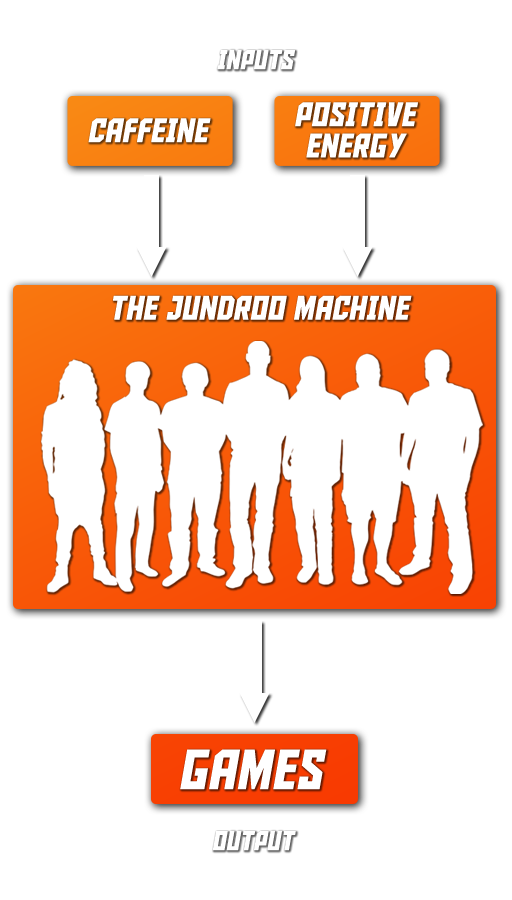
THE JUNDROO MACHINE
We've got the caffeine covered. If you can help provide some positive energy then you can help keep the Jundroo machine running and churning out games and updates. Positive energy can take many forms:
1) Playing our games, of course!
2) Sharing SimplePlanes VR on social media
Thanks for playing and thanks for supporting our small indie game dev studio!
-The Jundroo Team
SimplePlanes Update v1.11 - Inside Job
Building immersive cockpits in SimplePlanes has never been an easy task, but that ends today. The new update brings a whole bunch of new parts and features that make this so easy that even I can build one now. Here's the new update trailer:
Image from Alisuchanka's P-40F-10 Warhawk
FUSELAGE SLICING
Use the new Fuselage Slicing to cut holes in your fuselages. The main purpose is to allow cutting holes for your new cockpits, but players have already found many other creative ways to use this new feature.
NEW AND UPGRADED STOCK CRAFTS
Several stock crafts have been upgraded with new, immersive cockpits. Wasp, Gator 2, Kicking Fish, Bush Plane, Pigpen, Hellkeska, Sea Plane, Twin Prop, and Vertigo all updated. P-51 was updated with two variants, P-51-B and P-51-D.
SEVERAL NEW PARTS
Tons of new parts are available to build your own custom cockpits.
Gauges – Instrument panel gauges used to display a piece of information (such as altitude or airspeed) with radial indicators.
Artificial Horizon – A standalone artificial horizon which appears to contain a ball, but does not require a cut–out in the panel to show depth.
Labels – Label parts, to add text or numbers to builds. Supports inputs within curly brackets, curvature, outline, gradients, and rich text formatting.
Simple Throttle – a standalone push–pull style throttle.
Fighter Throttle – a standalone slider type throttle with button.
Yoke – a standalone yoke part, with two handles.
Lever – a simple standalone lever that can be bound to any axis.
Control Base – A part that acts as a rotator and a grippable control, grip parts such as the joystick top can be placed on top of it. Each axis it takes an input that is also its output. This means it cannot be an arbitrary FT expression, but can be a flight control or a custom variable name.
Buttons – Interactable buttons that can be pushed to do stuff
Switches – Interactable switches that can be toggled to do stuff
Flight Computer – A 'cockpit' part with no camera that can act as a primary cockpit part.
Modern Joystick – A modern–style joystick grip part with a trigger and buttons.
Basic Joystick – An older looking joystick grip part with trigger and buttons.
Cylinder Grip – A basic grip part in the form of a cylinder.
Refuel Probe – A part that enables the “assist” mode of refueling from a drogue.
Refuel Drogue – Transfers fuel to other craft, designed to be trailed on a winch. Only used on the Tanker.
Seat – A simple seat part with built in camera.
Advanced Seat – A stronger fighter jet style seat. May add ejection functionality in the future.
Cockpit Canopy – A prebuilt glass canopy for 1–seat cockpits. Can open.
Basic Frame – A skeleton for the interior of a cockpit, which everything can stick to.
Modern Frame – Similar to Basic Frame, but with side areas for placing controls and a central divider between the pilot's legs.
Hollow Glass – A hollow glass part with tweaked rendering so the inside is not visible from outside, and the inside can be coloured differently to the outside. Recommend turning down the smoothness in the inside, as strong reflections from the canopy do not reflect the cockpit and can be very disorienting.
Wing Landing Gear Bare – new version of the wing landing gear with a different wheel and no attached fairing.
Air To Air refueling
Put a Refuel Probe on your plane and spawn a tanker through the spawn sandbox AI dialogue.
Variables System
An aircraft now has a list of numeric variables that can be written to from certain sources and read from all FT expressions.
Each assignment to a variable also carries a “priority” which allows you to choose which assignments will override others if multiple attempt on the same frame.
Variables are mainly written from the aircraft’s list of variable setters, which is accessible from a button in the bottom right of the designer. Each row in this isn’t a variable, but represents an assignment to a variable (a variable is automatically created if it’s ever assigned to). This means you can assign the same variable multiple times in that frame, or have it updated from multiple sources. A setter takes in an FT expression and stores its result to a variable. It also has an activator function which can disable the setter but this is XML–only right now and pending a GUI.
Variables can also be written by part modifiers that have designated outputs. Currently the only one of these is a helicopter rotor that outputs its RPM to the variable [code single]RotorRPM
for a gauge, but this may be expanded on in the future.
OTHER NEW TWEAKS AND FEATURES
Added emission option to paint. Emissive paint do glowy. We assume no liability for exposure to radiation.
Added part hiding feature in the designer. You can conceal parts, show or hide concealed parts, invert the concealed part list, and other things.
Added 5 extra color slots for default themes.
Added support for Slant Angle to all fuselage parts.
Maintain camera orientation when double-clicking to focus on a non-wing part.
CTRL+Click on the Input button in Part Properties to enter a Funky Trees expression.
Changed minimum zoom distance in the designer to from 0.5 to 0.05.
Hold left-shift to pan/rotation/zoom the camera at 10% normal speed.
Changed name of designer categories: "Cockpits" to "Cockpit Basic".
Added XML attribute for the CowlFlaps on the WWII engine to hide the engine cowl (bool attribute is named "hide").
Added support for loading AI aircraft across multiple frames.
Added optional liftScale to Wing.State XML element.
Added optional throttleResponse attribute to Engine.State XML element to override the part type's throttleResponse.
Added "audio" XML attribute to JointRotator modifier so the annoying audio can be disabled.
Added Rpm1, Rpm2, Rpm3, and Rpm4 to the flight data accessible from Funky Trees. These predate the RotorRPM variable and are on a priority based system, supporting up to 4 sources. They can't be remapped manually, but they do support Car Engines as well as heli rotors.
Added collider attribute to Fuselage.State element to allow more accurate colliders on fuselage parts. Possible values are Auto, Basic, ConvexMesh, and NonConvexMesh. Note that NonConvexMesh will still be convex in flight due to physics limitations.
Hold left-shift to pan/rotation/zoom the camera at 10% normal speed.
Added support for custom names for cameras.
Added TargetLocked and TargetLocking variables accessible from Funky Trees.
Made connections more predictable when using the “Add Section” button.
Updated the camera part to optionally support the gun reticle and missile targeting
Updated the cockpit modifier to optionally disable the camera vantage.
Updated the cameras to optionally act like a cockpit camera, using a priority based system.
Updated the first person camera part to support an adjustable 'up offset'. Prior to this tweak, a hard–coded offset of 0.5 was used, meaning the camera would render half a meter above the visual mesh for the camera. This can now be adjusted. With a value of zero, the camera should render at the same position as the visual mesh.
The designer paint panel now dynamically adds colors to match the number of materials defined in XML.
Updated to Unity 2020.3.19
BUG FIXES
So many bug fixes. Too many to list here. Check the previousbetaposts for a full listing of them.
1.11 Beta is now available
Welcome to the much-awaited 1.11 beta! We've really had to do our best to bring it to you this month, so some things might be a little rough around the edges but we'll be fixing stuff as it comes up. This update mainly focuses on enabling builders to create immersive and part-efficient cockpits in their craft with much less hassle than before, which will make them far more suited to SimplePlanes VR, releasing alongside SP 1.12 which will contain mostly VR features for those who have purchased SPVR as well.
Image taken by Kennneth in SimplePlanes v1.11 beta (using Reshade for AO and depth of field)
Below is our changelog, do read carefully because there's a lot of interesting new stuff in there.
Features
Fuselage Slicing. This adds fill percent sliders to the fuselage tool. These can act from either of 4 sides on each end, and each side defines a flat, infinite plane that the fuselage will be cut along. This allows you to create partial fuselages which are handy for cockpit enclosures.
Air To Air refueling – Put a Refuel Probe on your plane and spawn a tanker through the spawn sandbox AI dialogue. This was added for things to do in VR–only games.
Variables System – An aircraft now has a list of numeric variables that can be written to from certain sources and read from all FT expressions.
Added emission option to paint. Emissive paint do glowy. We assume no liability for exposure to radiation.
Added part hiding feature in the designer. You can conceal parts, show or hide concealed parts, invert the concealed part list, and other things.
Updated Stock Craft – Wasp, Gator 2, Kicking Fish, Bush Plane, Vertigo all updated. P-51 updated with two variants, P-51 Mustang and P-51-B.
New Wright airport, with an improved runway, taxiways, and more buildings.
Parts
Gauges – Instrument panel gauges used to display a piece of information (such as altitude or airspeed) with radial indicators.
Artificial Horizon – A standalone artificial horizon which appears to contain a ball, but does not require a cut–out in the panel to show depth.
Labels – Label parts, to add text or numbers to builds. Supports inputs within curly brackets, curvature, outline, gradients, and rich text formatting.
Simple Throttle – a standalone push–pull style throttle.
Fighter Throttle – a standalone slider type throttle with button.
Yoke – a standalone yoke part, with two handles.
Lever – a simple standalone lever that can be bound to any axis.
Control Base – A part that acts as a rotator and a grippable control, grip parts such as the joystick top can be placed on top of it. Each axis it takes an input that is also its output. This means it cannot be an arbitrary FT expression, but can be a flight control or a custom variable name.
Buttons – Interactable buttons that can be pushed to do stuff
Switches – Interactable switches that can be toggled to do stuff
Flight Computer – A 'cockpit' part with no camera that can act as a primary cockpit part.
Modern Joystick – A modern–style joystick grip part with a trigger and buttons.
Basic Joystick – An older looking joystick grip part with trigger and buttons.
Cylinder Grip – A basic grip part in the form of a cylinder.
Refuel Probe – A part that enables the “assist” mode of refueling from a drogue.
Refuel Drogue – Transfers fuel to other craft, designed to be trailed on a winch. Only used on the Tanker.
Seat – A simple seat part with built in camera.
Advanced Seat – A stronger fighter jet style seat. May add ejection functionality in the future.
Cockpit Canopy – A prebuilt glass canopy for 1–seat cockpits. Can open.
Basic Frame – A skeleton for the interior of a cockpit, which everything can stick to.
Modern Frame – Similar to Basic Frame, but with side areas for placing controls and a central divider between the pilot's legs.
Hollow Glass – A hollow glass part with tweaked rendering so the inside is not visible from outside, and the inside can be coloured differently to the outside. Recommend turning down the smoothness in the inside, as strong reflections from the canopy do not reflect the cockpit and can be very disorienting.
Wing Landing Gear Bare – new version of the wing landing gear with a different wheel and no attached fairing.
Tweaks
Updated the camera part to optionally support the gun reticle and missile targeting
Updated the cockpit modifier to optionally disable the camera vantage.
Updated the cameras to optionally act like a cockpit camera, using a priority based system.
Added support for custom names for cameras.
Updated the first person camera part to support an adjustable 'up offset'. Prior to this tweak, a hard–coded offset of 0.5 was used, meaning the camera would render half a meter above the visual mesh for the camera. This can now be adjusted. With a value of zero, the camera should render at the same position as the visual mesh.
The designer paint panel now dynamically adds colors to match the number of materials defined in XML.
Added 5 extra color slots for default themes.
Added TargetLocked and TargetLocking variables accessible from Funky Trees.
Made connections more predictable when using the “Add Section” button.
Added support for Slant Angle to all fuselage parts.
Maintain camera orientation when double-clicking to focus on a non-wing part.
CTRL+Click on the Input button in Part Properties to enter a Funky Trees expression.
Changed minimum zoom distance in the designer to from 0.5 to 0.05.
Hold left-shift to pan/rotation/zoom the camera at 10% normal speed.
Updated to Unity 2020.3.19
Changed name of designer categories: "Cockpits" to "Cockpit Basic".
Added XML attribute for the CowlFlaps on the WWII engine to hide the engine cowl (bool attribute is named "hide").
Added support for loading AI aircraft across multiple frames.
Added optional liftScale to Wing.State XML element.
Added optional throttleResponse attribute to Engine.State XML element to override the part type's throttleResponse.
Added "audio" XML attribute to JointRotator modifier so the annoying audio can be disabled.
Added Rpm1, Rpm2, Rpm3, and Rpm4 to the flight data accessible from Funky Trees. These predate the RotorRPM variable and are on a priority based system, supporting up to 4 sources. They can't be remapped manually, but they do support Car Engines as well as heli rotors.
Added collider attribute to Fuselage.State element to allow more accurate colliders on fuselage parts. Possible values are Auto, Basic, ConvexMesh, and NonConvexMesh. Note that NonConvexMesh will still be convex in flight due to physics limitations.
Hold left-shift to pan/rotation/zoom the camera at 10% normal speed.
Fixes
Fixed a bug where blueprint data would be cleared when not in use.
Fixed a bug where FT would fail to compile a zero–length string.
Fixed rotators playing audio when they are set to Floppy and their input is not zero.
Fixed a bug that would cause the wind audio to not be centered on first person view cameras.
Cockpits should no longer blast off into oblivion at ludicrous speeds.
Fixed some color bleeding on some of the icons and textures in the game.
Slightly raised the USS Beast launch location to prevent some craft from falling through the deck.
Fixed a bug that could cause some craft to be incorrectly positioned at the start of a level.
Fixed a bug where Jet Engine Nozzle Flaps responded directly to Throttle regardless of engine input.
Prevent long expressions from spilling out of Input button in Part Properties.
Fixed fuselage normals appearing to show a "zig zag" pattern
Performance
Improved performance and fixed memory leaks releated to painting crafts.
Many peformance and memory optimizations related to craft loading. High part count crafts, particularly those with many fuselages, should load quicker and with less memory consumption.
Visuals
Switched to linear color space
Atmosphere visual tweaks
Improved reflections in water from far away
Removed the 'SP Classic' and 'Static–Low' craft reflections settings. 'Static–High' is now 'Static'.
SimplePlanes VR - Coming 2021 to Steam and Oculus Quest
What is even better than flying an airplane in SimplePlanes? How about flying an airplane with screens strapped to your eyeballs? SimplePlanes VR is coming this year to Steam and Oculus Quest. Wishlist it today on Steam and join our mailing list so you'll be the first to know when it's released.
We're also working on a big update for the original SimplePlanes that will include some awesome new parts and new features to make it easier to build fully immersive cockpits with fewer parts. Some players are already building amazing cockpits, so I'm really excited to see what they will come up with when they get access to the new parts, such as the new gauge part.
Here's a small FAQ if you're interested in learning more about SimplePlanes VR:
What is SimplePlanes VR?
SimplePlanes VR will be a new, standalone game with full VR support and redesigned user interfaces where you can download airplanes from SimplePlanes.com and fly them. If an aircraft has a virtual cockpit, then you will be able to reach out and grab the virtual controls with your hands. If it doesn't have a virtual cockpit, then you will still be able to fly it in first or third person camera views using your VR rig's physical controllers. If you are playing on PC, then you can also use a joystick connected to your PC.
How much will it cost?
$9.99 USD on Steam and Oculus Quest.
Can you build airplanes in SimplePlanes VR?
No, SimplePlanes VR will not have a building mode. All crafts are built in the original SimplePlanes on desktop and mobile.
Why don't you release it as DLC on Steam?
If we released it as DLC, then it would be more expensive for new players since they would need to buy SP in addition to SPVR. Some players might only be interested in the virtual reality experience.
When are you going to release it?
We're not sure yet, but sometime between now and the end of 2021.
Thanks for playing!
-The Jundroo Team
Update v1.10 - Smooth as Glass
Features:
Update 1.9.205
The 1.9.205 update is now available. It includes a lead indicator for the guns and cannons, tracer rounds for the cannons, and a big update to Funky Trees. Also, we've upgraded Unity to a newer version and if you also play on Android, you will hopefully see some performance improvements.