With February almost over and March just around the corner, we thought it would be a good time to write a bit of a progress report to let you know where we're at with everything.
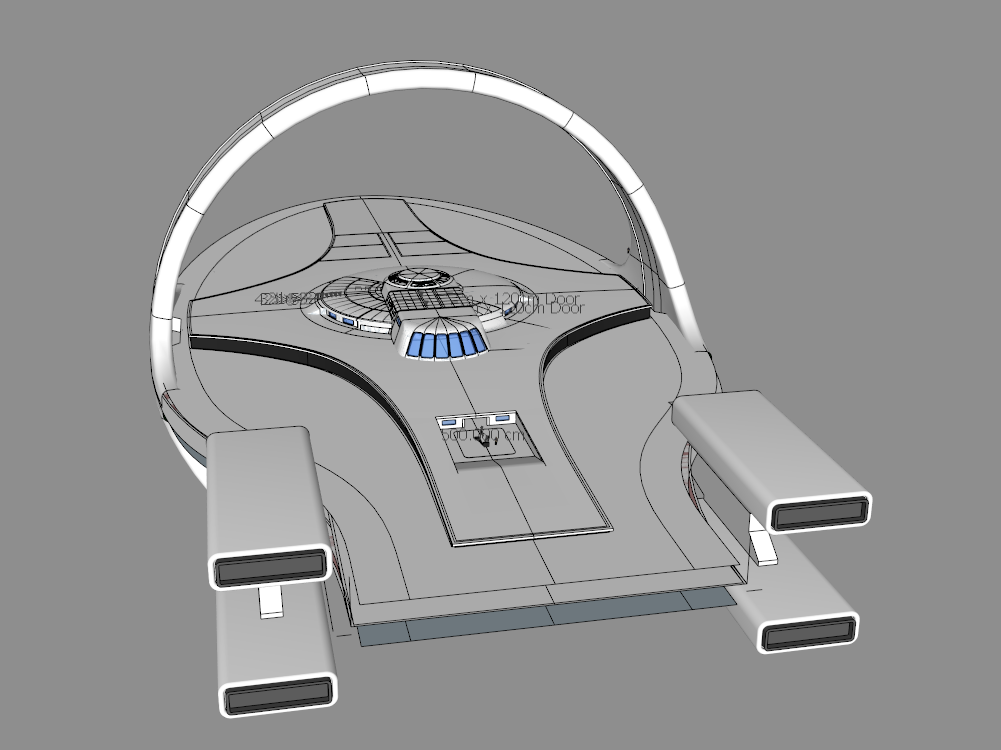
We've got three main things going on right now - Preparing for our Kickstarter launch, remodelling the Magellan Class exterior, and significantly overhauling/expanding the Sensors UI to prepare for our Planetary Scanning update.
Preparing the Kickstarter campaign page has actually been quite time consuming, but now that it's done and the pre-launch page is live, we really need your help!
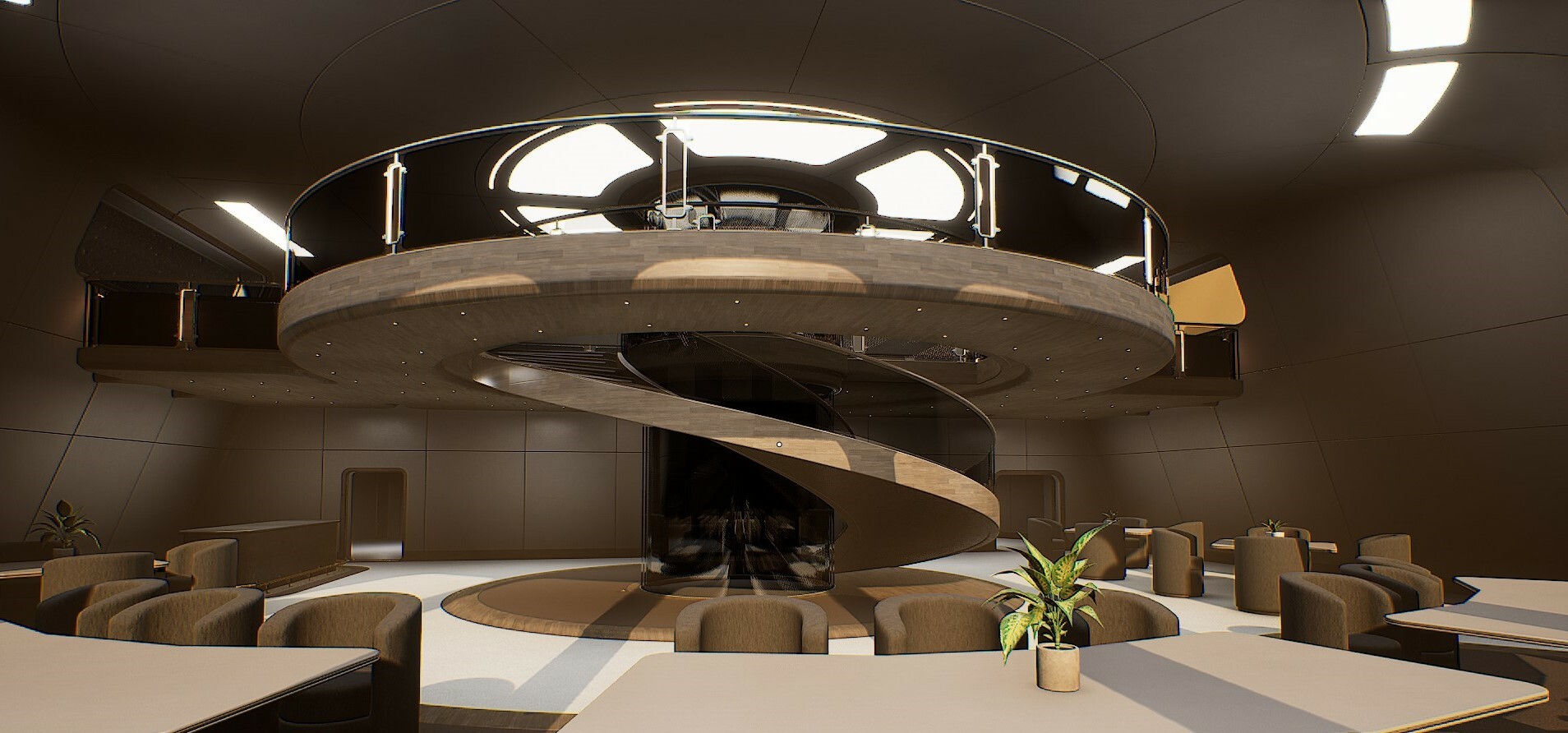
For the greatest chance at success we need to hit 1000 followers on the pre-launch page, so if you could please share the link far and wide, we'll definitely owe you a beer in the ship's VIP lounge.
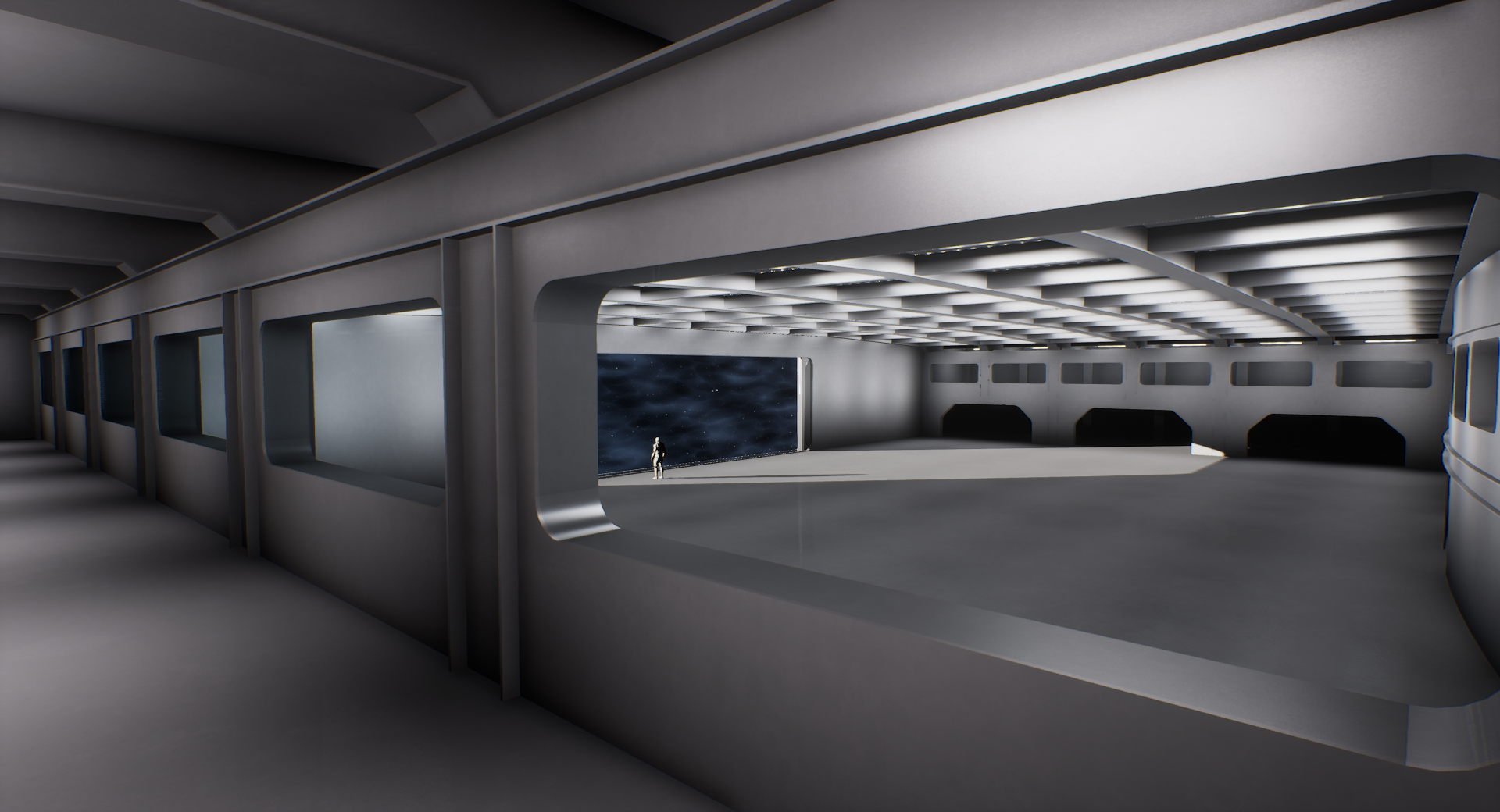
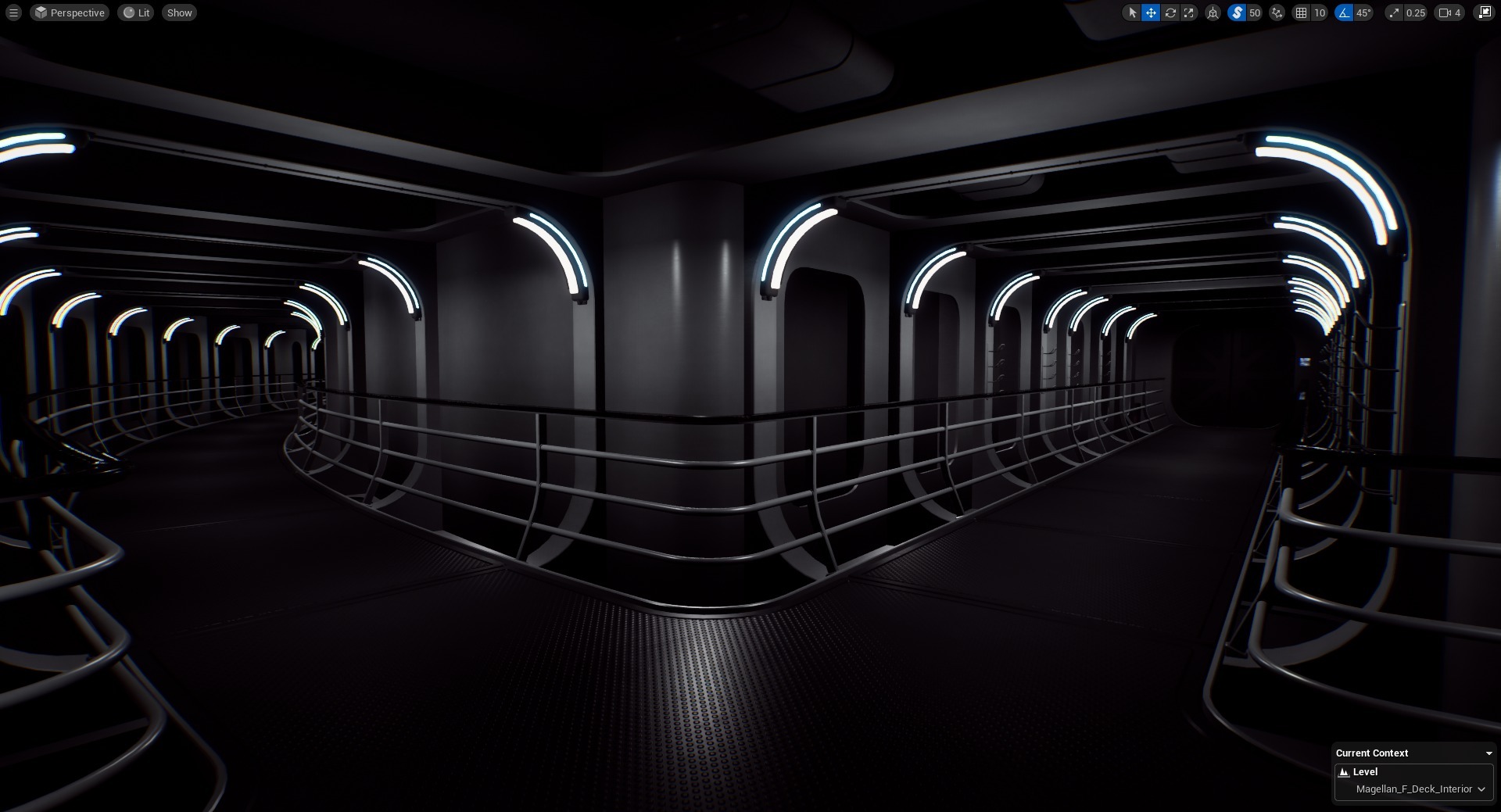
The ship remodelling is coming along nicely, with the main framework elements now clearly defined and being put into place. The C Deck layout has been finalised, and will now include feature staircases on the Port and Starboard sides, each boasting panoramic windows in the ceiling. We'll have lots of images to share once that's a bit further along, but rest assured it's going to look pretty epic.
The final D and E deck layouts are also now largely cemented, with only a small area around the shuttle bay still needing a bit more work. That's where we'll be building the brig and a small firing range for the Tactical team, along with the internal security office and associated rooms.
All of the new areas will be included in the next demo update, mostly without wall panels or lighting, but at least with finished and polished framework.
Speaking of the next demo update, the plan is to get the new Sensors UI finished and polished first, along with adding the new Planetary Scanning mode. This will include the beginnings of life calculations in the galaxy, so when scanning habitable worlds you will start to see descriptions of any life/civilisations that might exist there.
If you want a sneak peak of the new UI under construction, then check out Dan's latest dev stream on YouTube:
Dan is now aiming to do dev streams on a weekly basis, so be sure to subscribe to our YouTube channel so that you don't miss any.
Ok, I think that's about everything for now. We're still working hard on the game every single day, and we're looking forward to releasing the next update as soon as it's ready! :)
2023 in Review
Happy New Year!
We have a lot of exciting things planned for 2024, but before we get into that let's take stock of what we managed to achieve in 2023 - our third full year of development.
We pushed a total of 231 builds to Steam, of which 18 were release builds. That's an average of 1.5 release-quality builds per month, which is about 12% less than last year, so I'm going to make an effort to improve that in 2024.
We also went live with our second fully public tech demo, which has been downloaded a whopping 42,202 times. By contrast, the first tech demo only had 3,529 downloads.
Much to my astonishment, for the second year running we made it into the top 10 for "Best Upcoming Indie" on IndieDB's yearly round of voting. Out of 13,000 upcoming titles, we came 7th, and that was completely organic without any advertising. My heartfelt thanks go out to anyone who voted for us, it's just amazing, thank you.
Ok, so what about the game itself? In addition to hundreds of small fixes and improvements, here are a few headline additions:
ENGINEERING
• Engineering underwent a massive overhaul, with a new layout and a whole new design language.
• The electrical system received a significant update, with better performance and full multiplayer support.
• Over 100 electrical distribution boxes and over 400 individual cables were added to the ship.
• The Cryo Room was added to Engineering, with a full interior and various functional devices.
• A whole new system was built for simulating piped fluids, with over 30 individual pipes added to the ship.
• The FTL system was connected to the reactor, so reactor output now has an impact on FTL speed.
TUTORIAL SYSTEM
• A whole new system for in-game tutorials was built from scratch.
• The Scanning & Navigation tutorial was added, with 12 minutes of voice dialogue.
• The Engineering Cold Start tutorial was added, with 7 minutes of voice dialogue.
GALAXY
• Volumetric Black Holes were aded to the game.
• Planetary Rings were added to the game, with 3 different types of rings.
• Earthlike worlds were improved with the addition of city lights, glaciation and more colour variation.
• More variation was added to Lava worlds, with lava coverage tied directly to planet temperature.
• Added the ability to filter the sensors output, making it easier to find specific types of object.
MULTIPLAYER
• Added password protection to multiplayer games.
• Added the ability to hold tab to see a list of player crew members.
• Added a new Host Controls menu, where you can kick, mute or send players to the brig.
UNOS UI SYSTEM
• The "UNOS" UI's in the game were updated to function more like a true operating system.
• Added over 30 new UI screens to the ship, across many different devices.
• UI customisation was improved, with greater flexibility and additional UI elements.
PROPS SYSTEM
• Built a new system for achieving object permanence. Props will now remain where you left them.
• Added dynamic collision and interaction audio to props.
• Improved the way props are handled when picked up
• Added multiplayer support to props.
• Improved prop physics and collision handling.
As always I wish I could have gotten more done in a year, but alas, as a solo developer I do need to sleep sometimes :D
Looking forward into 2024 the first thing we're looking to achieve is finishing our new game trailer, followed immediately by launching our Kickstarter campaign. With any luck that will be in February, so watch this space for updates. After that we're going to focus 100% on Early Access, and if the stars align (and I give up sleeping) we might see that launching towards the very end of the year.
I'd like to again say a huge thankyou to everyone who's supported us so far, and I wish you all a very happy new year! <3
Here's a little bonus WIP of the ship as it is at the moment!
Alpha Update 0.224.0.29
Since updating the Demo yesterday, we've had a few people with DirectX 12 capable hardware that are unable to launch the game. To help remedy this, we've now added Vulkan support as an option when you launch the game.
We suspect that this issue is caused by a lack of O/S or GPU Driver support for DirectX Agility. If you are using Windows 10, please ensure you are using the most up to date version, as below;
Windows 10 version 1909 - The revision number should be at least .1350 Windows 10 version 2004 and 20H2 - The revision number should be at least .789
GAME ENGINE / GENERAL
Added Vulkan support to the game.
Added Vulkan mode to the game's launch options on Steam.
New Demo Update
Greetings everyone!
We're happy to announce that after what feels like an eternity, the Cold & Dark update is now live across the board for all players, including the public Demo. It's been a long road with many moving goalposts, but we're finally there!
COLD & DARK New games can now be launched in either a Flight Ready or Cold & Dark configuration, with the Cold Start tutorial now being available to play. The tutorial has over 12 minutes of spoken dialogue and takes about 15-20 minutes to complete.
ENGINEERING In addition to many visual improvements, the engineering systems have been completely overhauled, with a more robust electrical system and an all-new fluid transport system. All of the ship's engineering systems now work properly in multiplayer, so crews can work together to make a dark ship flight-ready.
MULTIPLAYER We've added password protection for servers and a new Host Controls menu, enabling server hosts to kick or mute unruly guests, in addition to being able to send them to the brig. An individual player's brig status is saved between sessions, so if you send someone to your brig, they will always appear in your brig even if they log off and return weeks later.
PROP SYSTEM The physical prop manipulation system is now greatly improved, with better collisions, new audio, and more intuitive mouse control. This also now works properly in multiplayer, so you can chuck your crewmates a beer and they'll be able to catch it. The props on the ship now also have proper object permanence, so once you move an object it will remain where you left it between sessions.
ENGINE UPGRADE We have now updated the game to Unreal Engine 5.3.2, which brings with it many engine improvements and allows us to utilise next-gen features such as Nanite, for a practically unlimited poly count budget. These additional capabilities do come with a cost however, because it means as of now we are ending support for DirectX 11. The latest UE features require DirectX 12, so sadly this is unavoidable. We are however looking to enable GeForce Now as soon as possible, which should make the game playable on older systems, in addition to Mac and Linux.
Now that we've draw a line under this update, the next step will be to focus on completing the exterior ship model for the Magellan Class, along with laying the groundwork for planetary scanning and a much more fleshed out galaxy. Stay tuned for an updated roadmap soon.
Ok, that's it from us, have fun out there!
Alpha Update 0.224.0.28
GAME ENGINE / GENERAL
The game has now been updated to Unreal Engine 5.3.2.
Support for DirectX11 (Shader Model 5) has been discontinued, as the new UE5 features require DirectX12 (Shader Model 6).
Shadows are now rendered using Virtual Shadow Maps, which are superior to the old Cascaded Shadow Maps.
All world geometry is now rendered using Nanite, which practically gives us an unlimited poly count budget.
Replaced the visible sun flare with a more dynamic and visually attractive version.
Optimised and generally removed unnecessary bloat from the sun/starlight code.
Reduced the opacity of the FTL magic space clouds so that the realtime star parallax can be seen more clearly.
The initial entry into the game is now a lot smoother, with all of the laggy processes hidden behind the loading screen.
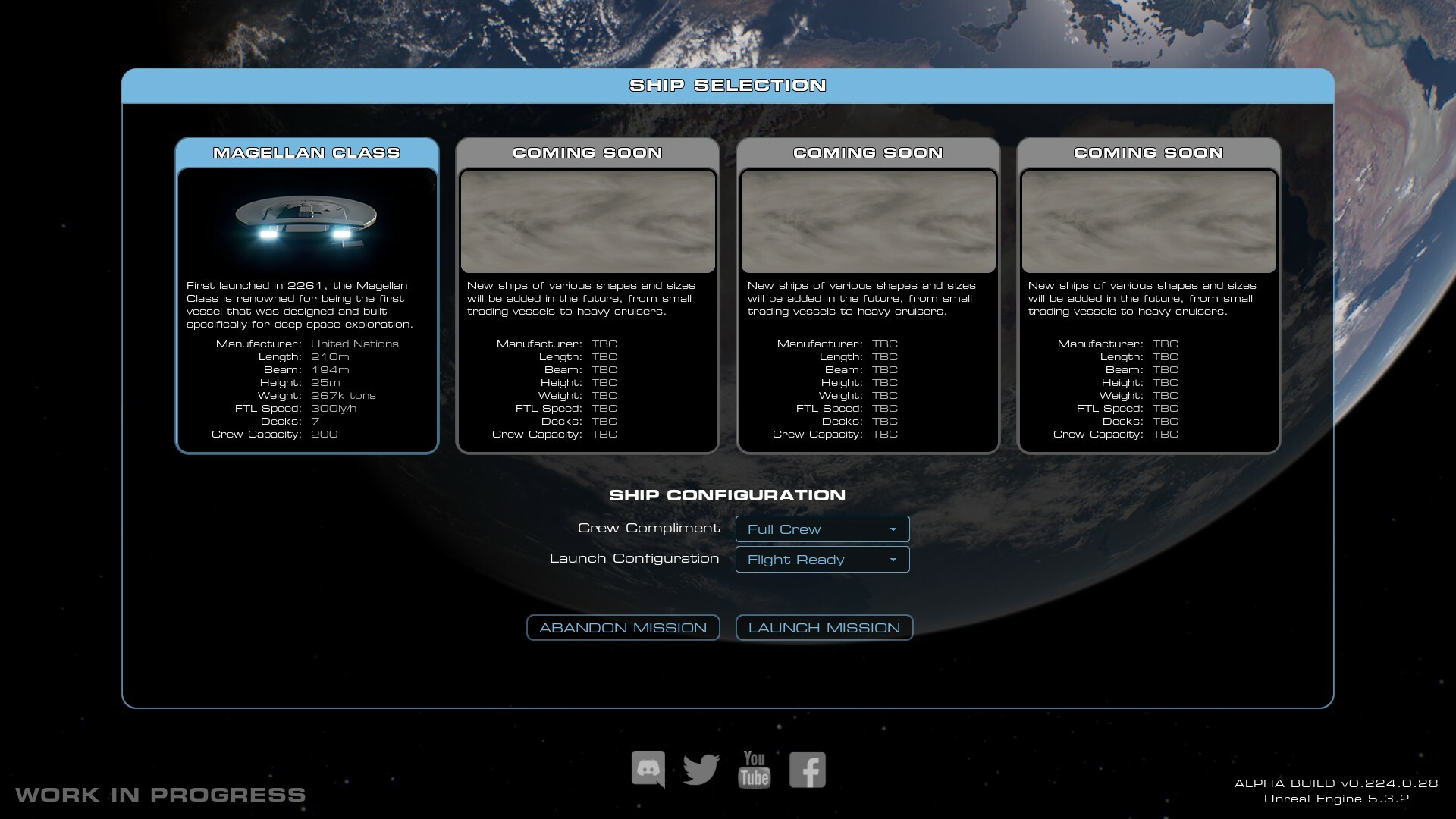
Added a new ship selection/config menu when starting a new game.
You can now turn NPC's on or off when starting a new game (SP and MP).
You can now start new games in a Cold & Dark state (SP and MP).
MULTIPLAYER
Added password protection for multiplayer games.
Added the ability to hold tab to see a list of player crew members.
Added a new Host Controls UI. Press F6, or find it on the pause menu when you are hosting a multiplayer game.
Added the ability to kick players from your game.
Added the ability to mute players on your game.
Added the ability to send players to the brig (basic, temporary brigs have been added adjacent to the shuttle bay on E Deck).
Added the ability to update the server password, description and max-players while still in-game using the host controls.
Picking up and manipulating props is now properly synced in multiplayer.
The lift in the VIP lounge is now properly synced in multiplayer.
All of the Engineering systems now work in multiplayer.
UNOS OPERATING SYSTEM
Turned the UNOS UI's into more of an actual operating system, with consistent UI elements and a custom data transfer system.
Updated the projected UI material so it properly scales the background cloud effect to its screen size.
Added a new simulated UNOS loading screen (only included on the new UI's currently).
Holding E will allow you to use the mouse pointer to interact with any UI screen.
Designed a new UI for the Cryo Tanks.
Designed a new UI for the Cryo Pumps.
Designed a new UI for the Cryo Coolers.
Designed a new UI for the Valves.
Designed a new UI for the Fusion Reactor.
Designed a new UI for the Reactor Output Distributor.
Designed a new UI for the HV Battery Distributor.
Designed a new UI for the HV Shields Distributor.
Designed a new UI for the HV FTL Distributor.
Designed a new UI for the HV Propulsion Distributor.
Designed a new UI for the HV Weapons Distributor.
Designed a new UI for the Deck Distributors.
Designed a new UI for the Quadrant Distributors.
Designed a new UI for the Reactor Room Distributor.
Designed a new UI for the Startup Distributor.
Designed a new UI for the Corridor Distributors.
Designed a new UI for the A Deck Distributor.
Designed a new UI for the Battery Charge Distributors.
Designed a new UI for the Battery Aggregators.
Designed a new UI for the Battery Arrays.
Designed a new UI for the B Deck Crew Information Terminal/Map.
Designed a new UI for the C Deck Crew Information Terminal/Map.
Designed a new UI for the D Deck Crew Information Terminal/Map.
Designed a new UI for the E Deck Crew Information Terminal/Map.
Designed a new UI for the F Deck Crew Information Terminal/Map.
Designed a new UI for the G Deck Crew Information Terminal/Map.
ENGINEERING
Built a new system from the ground up to simulate piped fluids.
Built a new system for laying pipework via splines, which dynamically adds brackets and connectors.
Built new models for the pipework and its connectors.
Added all of the cryogenic pipework needed to supply the reactor with fuel and coolant.
Added coloured plastic clips to the pipe brackets and connectors to help indicate the fluid type.
Added functional valves to control the flow of cryogenic fluids.
Built new models for both small and large Valve variants.
Built a new model for the Cryo Coolers.
All fluid-related hardware now requires live power to operate.
Significantly overhauled and optimised the existing electrical simulation, increasing performance and reducing lag spikes.
Updated the electrical code to support an "emergency power" flag, so everything knows when its on emergency power.
Updated the Reactor to require actual fuel and coolant consumables.
The Reactor can now be throttled between 10% and 110%, with anything above 100% heating the reactor to eventual failure.
The Reactor output is now connected to the FTL system, so changing the reactor setting will impact the ship's FTL speed.
The audible buzz from the distribution boxes now scales with internal bus amperage, but is also generally quieter.
Built new models for the HV Distributors at the back of the reactor room.
Built a new system for adding dynamically scaled Distribution boxes, which can now scale to fit any UI dimensions.
Updated how Battery Arrays calculate wattage. They now use the "Equivalent Resistance" of all connected battery cells.
Changed how batteries display their remaining charge. It now states "Time To Depletion", which is calculated against the current draw.
Built a new system for laying railings via splines, which dynamically adds balustrades and other details.
Built new models for the various railing elements.
Added new railings to both floors of the Cryo Room.
Built new models for some of the steps on the Cryo Room staircase. The remaining steps are still WIP.
Built new models for the various Cryo Room flooring elements.
Added a new WIP room on G Deck to house the Startup Capacitors and their associated Distributor.
All of the doors on both F and G decks should now be named properly.
TUTORIAL SYSTEM
Significantly improved the tutorial system, which is now generally more robust and has much better UI click-detection.
Added the ability to skip forwards (Enter) and backwards (Backspace) in the tutorials.
Added a new tutorial covering the ship's full Cold Start procedure, which includes 12 minutes (180+ lines) of audio dialogue.
Updated the Scanning & Navigation tutorial and replaced all of the audio with new samples, totalling 7 minutes.
GALAXY
Added city surface lights to procedural Earthlike planets. There's a flat 33% chance for testing right now.
Added glaciation coverage to Earthlike planets, which is driven by the planet's temperature.
Added more surface colour variation to Earthlike planets.
Updated Earth's surface lights, and added a noise function to increase their detail a bit more.
Updated the light cast by black holes so that it properly obeys inverse square law and is the correct colour.
Updated the Black Holes code to remove some unnecessary bloat, and generally optimise how they are generated.
Added some more volumetric noise textures to increase Black Hole detail and variety.
PROPS SYSTEM
Built a new system for achieving object permanence. Props will now remain where you left them when re-loading a saved game.
Greatly improved the way props are handled when picked up. You can now rotate them with the mouse and reset their orientation.
Props are now a lot more solid, and much more difficult to clip through walls unless you really force them.
You can now pick up and interact with objects while sat in a chair.
Props now have audio associated with them.
Updated a few prop items to make them interactive, such as the mop and wet floor sign in the B Deck lounge bathroom.
SHIP CUSTOMISATION
Added the ability to change the UI button colours (only affects the new UI's currently).
Added the ability to switch between seasonal holiday ship decorations.
A few Halloween and Christmas decorations are now available on the bridge for testing.
All of the standard UNOS UI screens now display the chosen ship name correctly.
FIXES
Fixed Earthlike planet mountains reflecting starlight on the dark side.
Fixed the bridge space labels appearing and flickering on B Deck.
Fixed the sun/starlight shining into B Deck in the wrong places.
Fixed an issue with the volumetric textures on Black Holes, and made a new one with a cell resolution of 128x128 (up from 32x32).
Fixed Water Planets not being spawned properly.
Fixed Dwarf Terrestrial Worlds not being spawned properly.
It's not quite an update yet but just a few images to show you how we're doing ( these are published on social media regularly if you want to keep up there).
We've created host controls, such as ban, brig, and mute. This should help lots with those bored people on the internet ːsteamsaltyː
We have also been hard at work on the second tutorial, which is looking to be bigger than we thought it would be but we're almost there!
Here's where we are so far:
Friday Livestream AMA with Dan
On Friday, Dan will once again have a walk around the ship, explaining his reasoning, passions, and wants for the future of Starship Simulator.
21:30 BST Demo Livestream
Dan will be going live around 9:30 pm (BST) to show you all Starship Simulator and to answer any questions.
Demo is out now
• Explore billions of star systems • Try the navigation tutorial • Explore the ship, even the unfinished areas! • Every button does something • T for the torch!
The demo will be updated with features and fixes over the next couple of months.
Join our Discord here: discord.gg/eDSQvpgdUX
A quick update on Starship Simulator!
We've not been keeping up with dev diaries or video updates on Steam lately due to the hard work that Dan has been putting in to get the demo and Kickstarter ready. Although, here have been many updates put out on our social media pages covering things that have been happening, such as a new officer's lounge:
A lot of new work has gone into the engineering corridors and maintenance tunnels:
There are two new tutorials to help people via our ship's computer A.V.A:
New cryo rooms for fuel (Still WIP):
Planets now have rings ːsteamhappyː
There are still a lot of things to do on the Magellan itself, but you can see the park at the front, the RCS cutouts, and the white panels that will be put across the whole ship. We now have windows cut into decks B and C, and the engines will be built at some point. :)
and many, many other things!
As a solo dev, Dan is doing amazingly well working 16hr days to bring such an exciting project to life. We hope to see you all in multiplayer during the demo! :)