Hi,
Just a small update to some areas of the game. The 3 most notable changes are force feedback support (only took nearly 2 years for a basic feature!), path triggers now working correctly and any level from the main campaign can be loaded into the editor for reference and remixes.
Game
Path triggers now initialise before all other entities which fixes the double restart platform bug found in 3-1 Eleventry. However, the acid pool in the first section on 3-6 Shaft no longer behaves correctly after respawning at a checkpoint so the acid will just stay at the bottom since it wasn't really meant for gameplay.
Plasma shooters (First seen in 3-1 Eleventry) now flash and beep when they can't see Lumi. This should make it a little fairer to time dodging them.
Added force feedback for game controllers on player death and when the screen shakes.
The level clear screen now shows the name of the level.
Level Editor
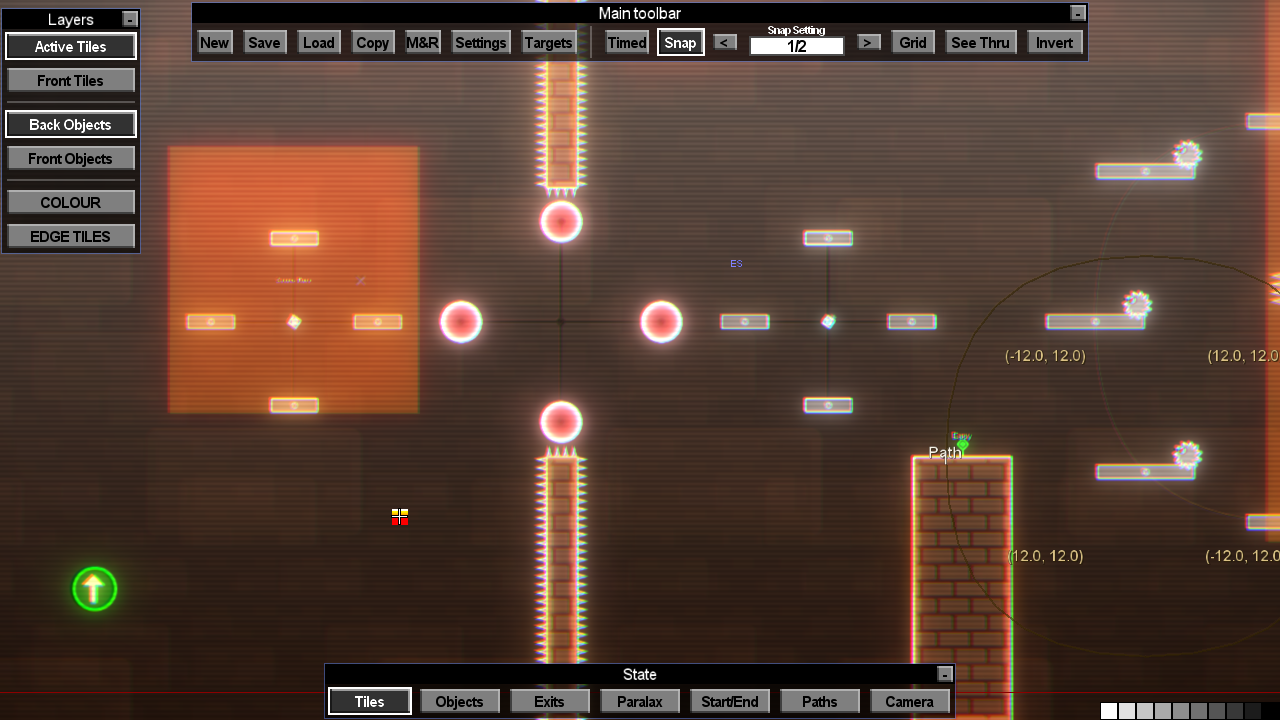
The level editor now allows you to load and edit any level from the main campaign. You can access them with the "Dev" button on the main toolbar.
Help info in the level editor is now minimised by default.
3-Star time targets can now be as low as 133.3% of your best author time which is down from 150%. Also, the 3-Star time now correctly rounds down to the nearest one tenth of a second. 2-Star times are rounded down to whole seconds and must be at least 300% of the authored best time.
OCD Tweaks
Raised the distance fall off volume at the 20 units away point from -8 db to -6 db so objects at the edges of the screen are a little louder.
Lowered the maximum room size for the dynamic reverb from 100 to 50. This gives a more pronounced reverb in larger caverns instead of it sounding like you're standing between two distant mountains.
The idle amplitudes of the acid and lava pools have been increased.
Thanks for reading,
Marios.
Update 1.7.0 - Tokenless Mode
Hi everyone,
It's been a long day so I'll let the change log below do all the talking :)
New Game Plus (Tokenless mode)
You can now choose to play any campaign without any silver or gold tokens appearing in the levels and without any token tolls blocking your way. It can be unlocked for all profiles if you have at least one save game which has completed the game.
The leaderboards used are a bit different for tokenless mode given the shorter route. The changes are:
Level Clear - Unchanged.
Ace Level Clear - N/A.
Map Total - Unchanged.
Ace Map Total - N/A.
Campaign Clear -> TL Game Clear.
All Levels Clear -> TL All Levels.
100% Clear -> N/A.
Gold Clear -> TL Gold Clear.
200% Clear -> TL 200% Clear.
Map Screen
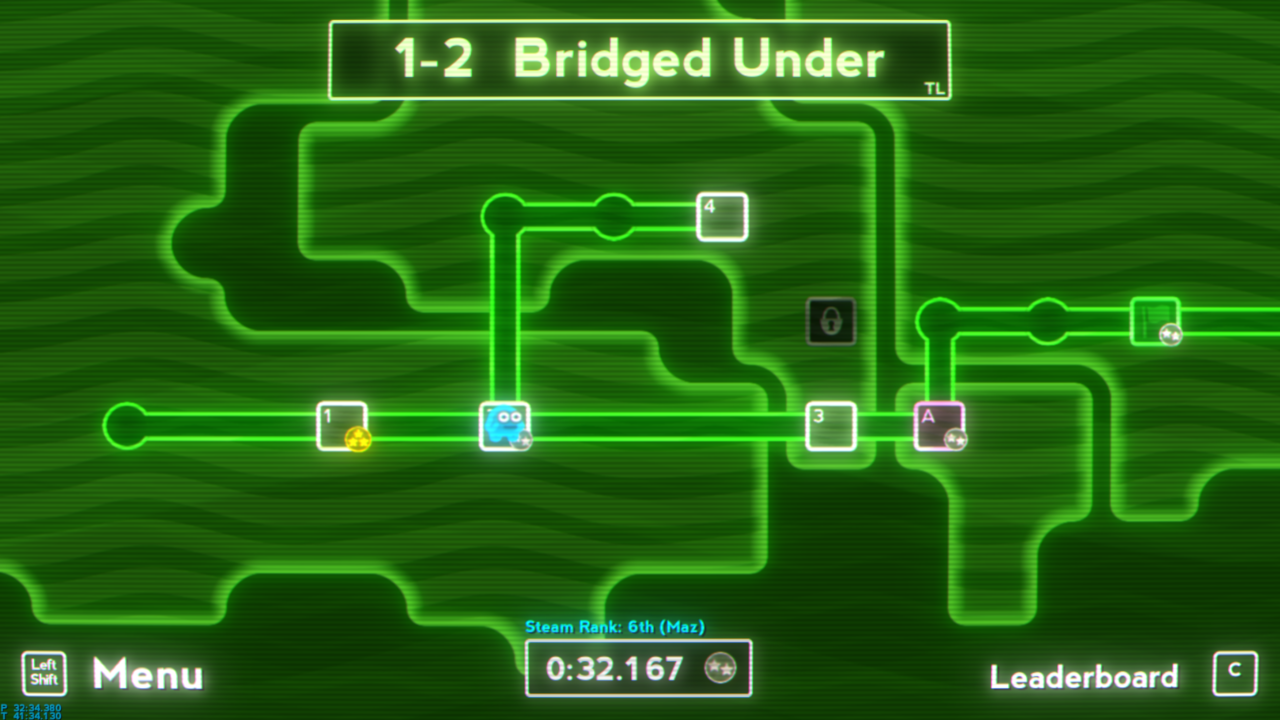
Season map medals have been moved and made smaller to create space for a flag icon which shows up when all tokens and exits have been found on a level.
Added a node on the Season 4 map which connects level 7 and 8 to the Silver Toll before the boss level. This replaces needing to find the secret exit on level 4 into just a bonus shortcut.
During the unlocked levels/tolls particle animation on the season map screen after completing a level, all the particle explosions would use the most recent explosion colour. This is no longer the case as each particle now correctly uses it's own colour multiplier instead of the currently set colour multiplier of the particle system. This will have a knock on effect with various other particle systems now being coloured correctly. One such system is the level clear growing glow effect which will be coloured a bit to match the level.
Profiles
The currently selected profile no longer resets to the top-most profile when using the restart speedrun option.
The shift key will no longer back out from the name entry screen. Instead the escape key must be pressed once if the selected button is on END or twice if not.
After choosing an EMPTY profile you will be presented with the name profile screen and then the campaign selection screen instead of the other way round.
View Records screen
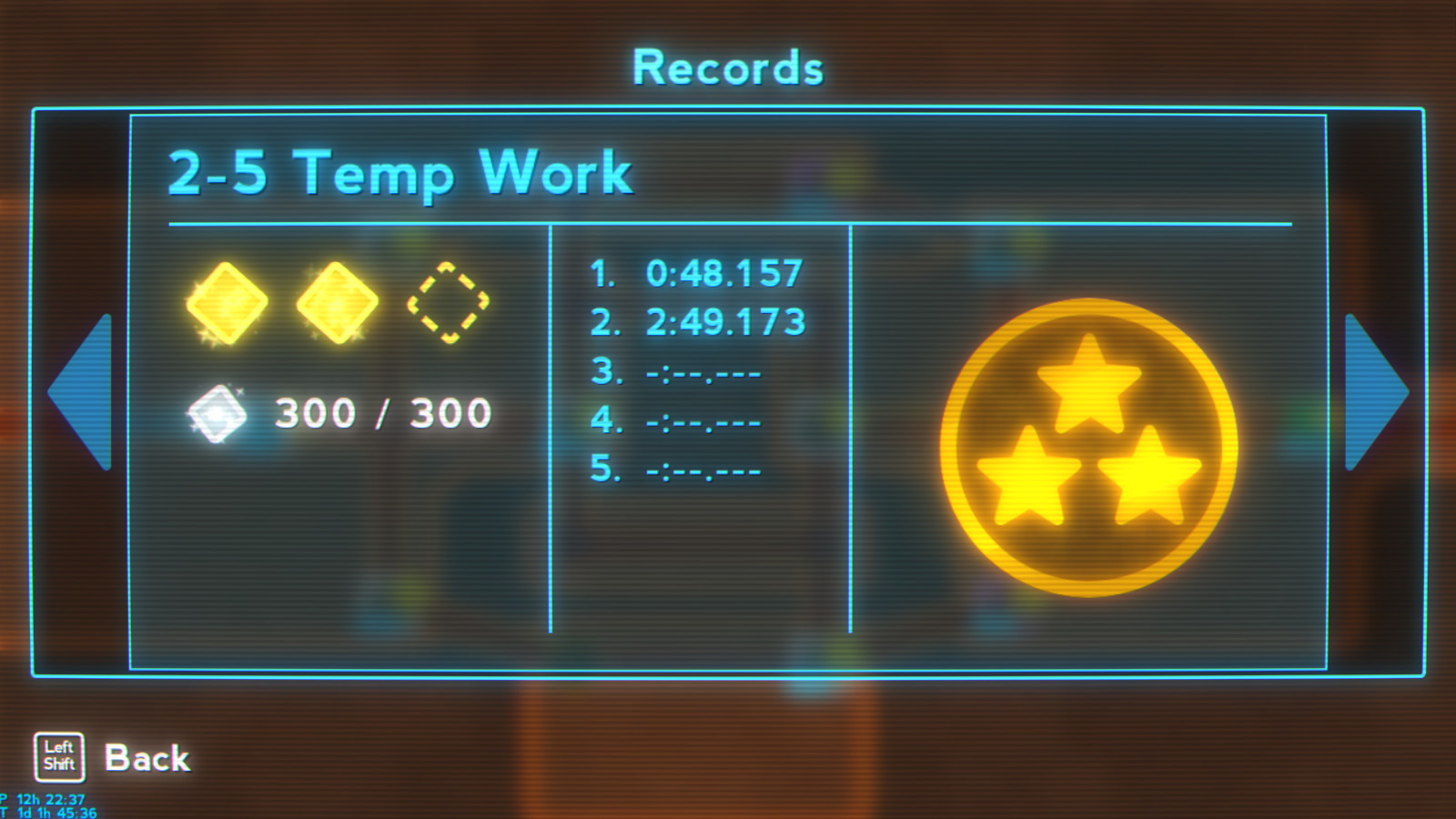
Best level times are now coloured according to which time target medal they achieved. A medal is also displayed next to the times for better clarity.
Pressing down while on a level record will go to the season record of that level and not to the previous season or the campaign stats.
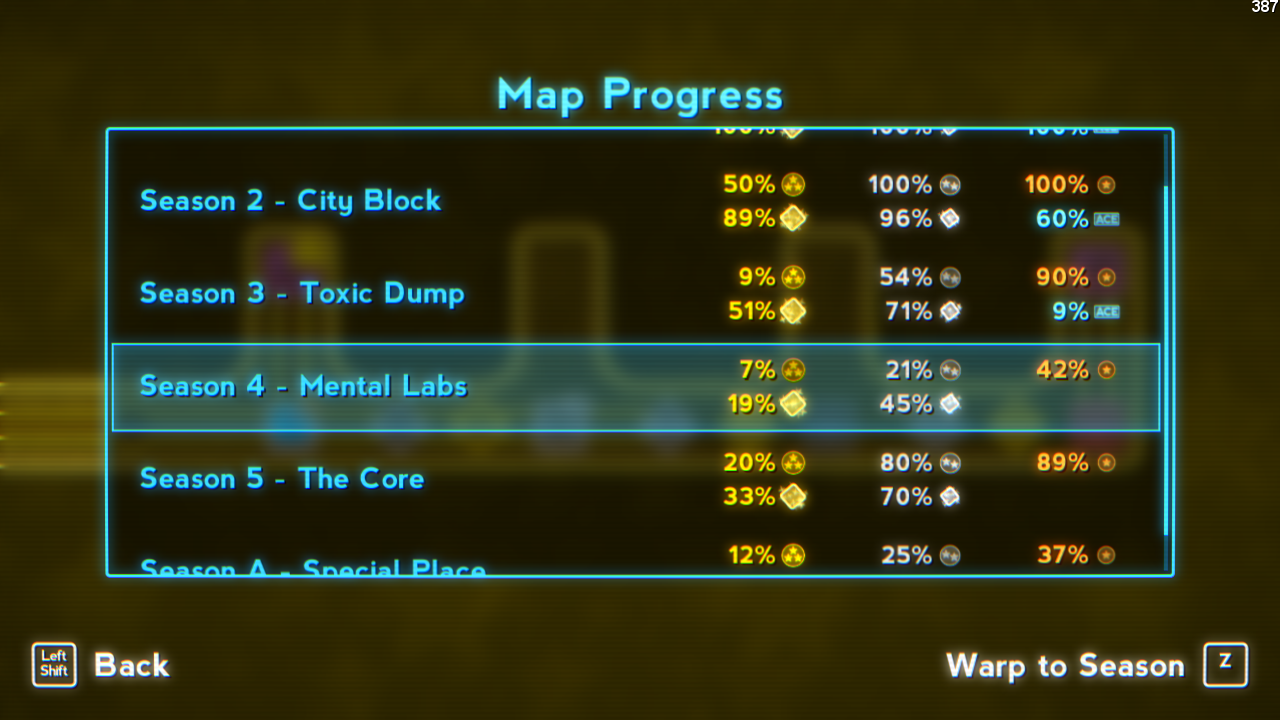
Season records now show percentage completed.
The Season Totals UI now shows the level clear tick percentage and is adapted to tokenless mode.
View Records has also been adapted for tokenless mode.
Map Editor
Links can be removed by holding down the right mouse button.
Restricted the movement of map nodes which have links attached to them. It will no allow invalid link configurations.
Thanks for reading and I hope you enjoy the new mode,
Marios.
Upcoming price change and ESA sale!
Just want to give a heads up for anyone thinking of buying Super Lumi Live or for anyone who has already purchased it within the last 14 days and can still refund.
The base price of the game will change from $9.99 to $5.99 in the upcoming weeks!
That's not all though because Super Lumi Live will also have a massive 75% off sale in July lasting for 2 weeks!
This is to celebrate GameguySD being submitted into the ESA Marathon for an Any% speedrun of the game. The sale will be from 14th - 28th July.
Also, don't miss out on the event itself from 19th - 28th July and donate towards the Swedish Alzheimer’s Foundation while watching some awesome speedruns! GameguySD's Any% run will commence on 23rd July at 23:02 UK BST or 15:02 US EDT over on ESA stream 2
Thanks for reading,
Marios.
Update 1.6.25 - GPU memory optimisation
Changes
Render textures no longer leak GPU memory and are reused or disposed of much more efficiently. This has lowered the GPU memory footprint from an unstable 250 - 700MB to a more stable 150MB.
The pause menu has mostly returned to its previous version. The restart level button has moved away from the bottom three quit level buttons.
Also, the restart speedrun button has been moved from the pause menu to the options menu and no longer deletes the save game.
Several UI text changes.
Speedrun timers are no longer rendered with bloom and have been made slightly smaller and darker.
Removed one of the two checkpoints that were situated very close together on 3-5 After Hours.
Thanks,
Marios.
Update 1.6.23 - View Totals hotfix
Just a quick hotfix for the View Totals UI and the final level
S-Rank medals will no longer appear on the "View Totals" screen if one hasn't been earned yet.
Removed "300 / 300" text for Silver Token. It now reads the correct totals.
Fixed levels appearing in the wrong order.
Added up and down input to switch between Seasons.
Changed the size of the time rank numbers on the level scores.
Added null check for uploading replays as I found a case where completing a level threw a null exception.
Added a new checkpoint on A-Boss (The Incredible Finale) at the start of the 6th area (the one with spikes and plasma shooters).
Marios.
Update 1.6.21 - Replay fix and View Totals screen
Hi,
Fixing the replays turned out to be less tricky then I originally thought they would be so I decided to start work on a UI window I've always wanted in the game.
The new UI isn't working exactly as intended and it needs some improving but it's working and shows a numerical breakdown of the Campaign, Season and Level scores.
Replays
Fixed the timescale controls being active on the pause screen when watching a replay.
Fixed replays going crazy when a manual respawn is contained within the replay.
Checkpoints are always active during replays.
Deaths during replays have a three second auto-respawn timer.
UI
Renamed "Campaign Progress" button to just "Progress".
Renamed "Progress" from the Campaign Progress menu to "Season Totals";
Added View Records button to the Progress menu which takes you to more detailed breakdown of your save game.
Removed the Achievements and Statistics buttons from the pause menu and replaced them with a Campaign Progress button
Grouped all three quit level buttons from the pause menu into their own separate menu.
Thanks for reading,
Marios.
Update 1.6.15 - Hotfix for 1.6.14
Hi, just a quick hotfix for progression percentages and replay playback.
Fixed progress percentage calculation showing half the value it should be. This was to cap it to 100% if platinums haven't been unlocked yet but the weights were multiplied by 100 instead of 200.
The calculated percentage is limited to 100% until you unlock platinum times (Get an S-Rank or get all the 3-Star medals) or gain a single level Ace.
Fixed replay time manipulation. Up and down to speed up or slow down playing back replays works correctly now.
Removed faulty death/restart statistics from the level clear screen when in replay mode.
Limited sprite trails to only spawn a maximum of 10 sprites per frame. This is stop crashing when too many are created during a frame from wonky playback of replays.
Thanks for reading,
Marios.
Update 1.6.14 - Many things
Hi,
I really wanted to finish the Workshop integration with the season editor but decided to release this update early because of the optimisation listed below. It's a strong candidate for the stuttering issues around screen transitions, especially for larger profiles containing loads of replays.
Season Editor added to the game!
The ability to create your own campaigns is now available! The ability to share and play them is not yet available but will be priority number one for the next update.
Optimisation
The map and game screen code was littered with SaveProfile functions which saved progress to your drive after each achievement. This worked well for smaller profiles but since giving profiles the ability to store multiple game saves, this will have contributed to the stuttering issues. This was especially true when playing on large profiles that contain a lot of replays. Suffice to say, all profile saving to your drive has been removed. Profile data is now only saved when the game shuts down normally.
Gameplay
The hitbox for the standard spikes is slightly narrower along the sides. The safe margin was a 1/4 tile on each side but now is 3/8 of a tile.
This was initially to prevent edge cases where spikes on a moving platform would kill you if you jumped into the platform from underneath. It can happen in the first S-bend section in 1-2 in you jump into the left wall and into the underneath of the spiked moving platform. It didn't solve this issue but I intended for jumping off edges with spikes to be possible and feel a 1/4 tile is a little too difficult for consistency.
Game Progression
Level A-Boss has had it's end goal replaced with a final end goal so it will trigger the credits sequence and record your time if you reached a new game clear milestone.
The final end goal will update your save progress for campaign clear categories one frame AFTER touching it instead of instantly. This allows the current level score to be recorded before checking if you've met category requirements.
The final end goal's minimum slow down scale is a bit quicker to not take as long.
Added all level clear category to save games and leaderboards. The requirement for this type of campaign clear is to reach the end goal on all the levels.
Removed the requirement of collecting perfect aces and silver/gold medals from the 100% clear category to roll them into the 200% category. The requirement for 100% clear is now as follows:
Clear all levels with at least a bronze medal (under 10 minutes).
Collect all gold and silver tokens from all levels.
then
Reach the final end goal on 5-X or A-Boss.
Added another game clear category called "Gold Clear" for getting a 100% clear and all 3-Star medals.
All leaderboards have been completely unlocked and can be accessed at any time.
The leaderboard UI is a little wider and milliseconds is shown for all the times.
Here are all the game clear categories in order:
Cleared - Clear the final level.
All Levels - Clear all the levels.
100% - Grab all tokens and 1-Star medals.
Gold Clear - Get all 3-Star medals.
200% - Get everything (Aces and S-Ranks).
Each successive category requires attaining all the previous ones.
The percentage cleared value on a campaign save has been adjusted to reflect the above changes. These are the new weights:
100%
20 | Clear all levels
10 | All under 10 minutes
30 | All gold tokens
40 | All silver tokens
200%
35 | All platinum medals
20 | All gold medals
10 | All silver medals
35 | All perfect aces
Platinum medals will now show up once one is achieved or if all the gold medals are achieved, whichever is first.
Level Editor
Levels must now be validated before they can be saved as a level set. Season maps can only use level sets.
To validate your level, press on the Validate! button so it becomes selected, then press F6 to test your level and reach the end.
Return to the editor but take great care to NOT add, delete or change anything in the level otherwise your level will become invalidated.
Go to the Targets menu and set up your 3-Star and 2-Star target times.
Press on the Save button and be sure to switch on Master Level before saving your level and level set.
That's it! Your level set is now ready to use in your Season!
Fixed the mouse not be able to reach the right and lower areas when the resolution is set to lower than 1280x720.
Added help info for possibly the most important feature of any level editor, pressing F6 to play the bloody level!
The escape key can also be used to return to the editor during level testing.
Removed help info about rotating objects as the feature was never implemented!
Other
Vertical wrap around now works when the top or bottom most element is greyed out and can't be selected.
Tidied up the inputs for changing the speed of the game when in replay mode and it can no longer be done during level testing:
Holding down - 1 tick every 1.25 seconds (75x slower than normal).
Holding up - 10 ticks every 1/60th second (10x faster than normal).
Shorten the info text that was chopped off for the fullscreen option in the video settings.
Added extra info for the "Show
**" options in the video settings.
Changed both the default brightness and contrast settings to +3.
Changed the Chrom. Ab. default setting from 2.0 to 1.0.
Thanks for reading,
Marios
Update 1.6.13 - Fixed stuttering issue
Patch notes:
- Added the option to switch between windowed, borderless fullscreen and exclusive fullscreen modes.
Exclusive fullscreen mode might not be ideal for 2 screen set-ups but it should almost completely eliminate the stuttering issue that some computers exhibit. It seems that XNA possibly doesn't play nice in windowed and fullscreen borderless modes.
- You can now pause the game during the Ready and Respawn states.
- Leaderboard labels no longer use platinum for 1st place and is now the more normal colour scheme of gold, silver, bronze and, for the rest of the top ten, cyan. Also the top ten scores' size are constant but still slightly bigger than the rest.
- The Steam Rank display above your level time on the map screen also doesn't use platinum for first place.
- The right hand level cleared button now says "Continue" instead of "Back to Map" as I think it reads a little better.
- The crash logging system was removed in an attempt to reduce the stuttering issue but forgot to add it back for version 1.6.11 since it didn't improve things. It's now back in to catch crashes and write a stack trace to file.
I'm aware of the occasional lag spikes which I will look more into at some point but for the near future it's time to go back to fixing/making features :)
Thanks for reading,
Marios.
Update 1.6.11 - Editor help and Optimisations
Level Editor
- Changed the start, editor start and finish locations to centre left of entire map.
- Most of the state of the editor will not reset to default upon entering the editor.
- Added shortcuts information in the level editor which can be shown and hidden with the key 'H'. The information is only available for tiles, objects and start/end modes at the moment but most modes follow a similar shortcut theme.
UI and memory optimisation update (1st pass)
- The title, map and game screens have had many memory allocation issues removed which should help with the stuttering problems. For the curious, you can show GC memory usage via the video menu.
- Many texts have been optimised to pre-allocate memory instead of using concatenation which generates waste memory requiring stutter producing clean ups.
- UI windows are no longer updated and their render targets are no longer drawn when the UI is not visible. This only affects the map and title screens as the game screen already does this
- UI elements no longer render when not within the windows view greatly helping windows that contain a lot of text heavy elements such as the achievements window.
- Particles and trails have been optimised a bit but more work needs to be done here.
- Removed all function calls in Sprite, Particle and Tile render code to squeeze out some performance.
- Whenever a new screen or level is transitioned to the game time will reset to zero and the next update frame is skipped which forces the game to not catch up any time lost during loading. This used to happen between the game and the map screens but is now more aggressively used to eliminate loading time interference with the timer statistics.
- Leaderboards have been spruced up a bit with colours and proper rank texts. The Steam rank above your level time has also been spruced up to match.
I'm aware there could be still an issue with heavy stutters occurring at the start of the title, map and game screens. This is due to a large amount of particles and/or trail particles being allocated quickly I believe. I haven't looked too deeply into this yet but the above particle and trail optimisations will help a bit for now.