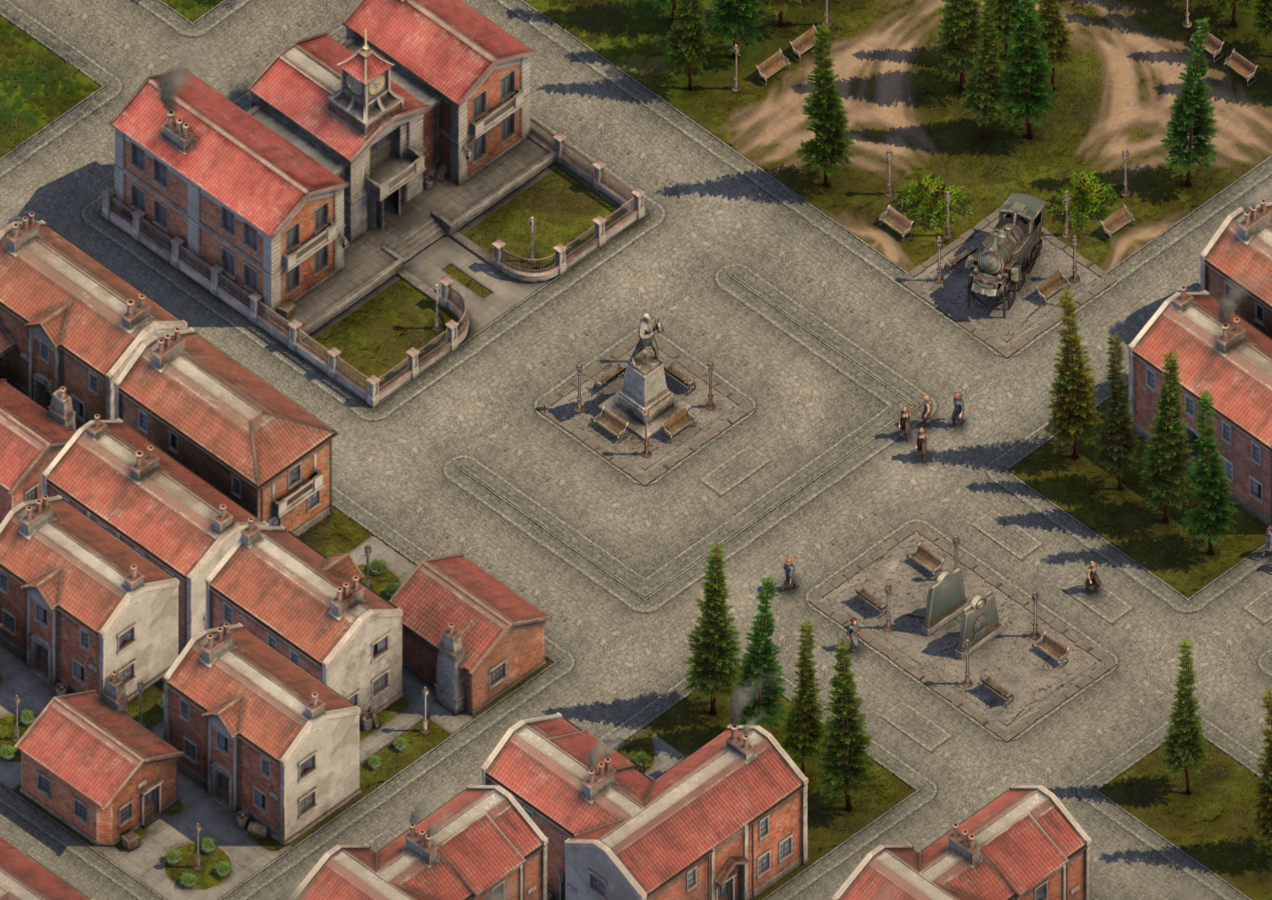
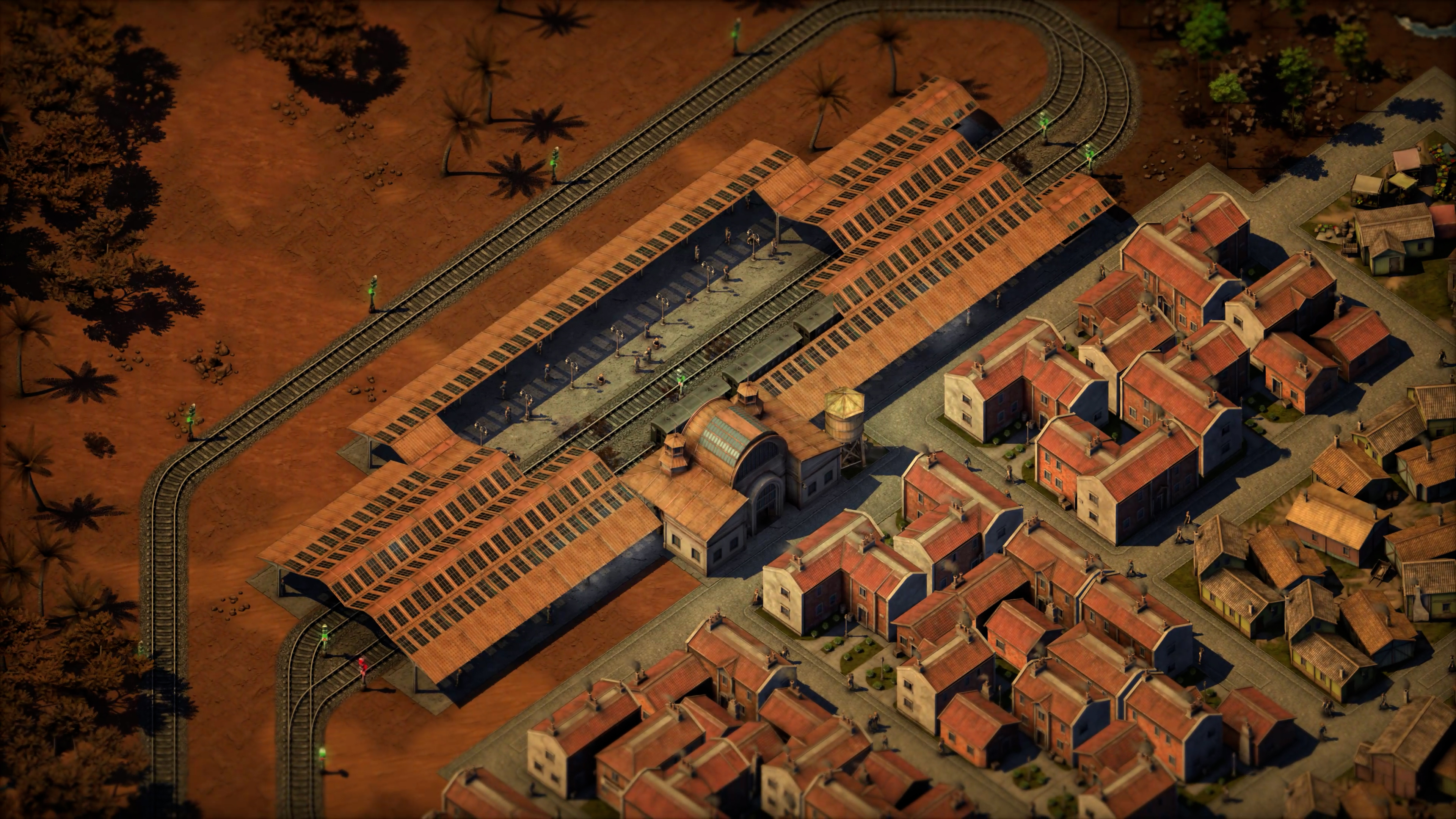
Hello again, everyone! Time to talk about what's most likely the hottest topic Sweet Transit has - a UI rework! Quite a few of the community's in-game frustrations and problems have come around because the UI is not doing its job as well as it could.
We understood this early on and we decided to wait for further feedback to see how to better approach things. Some parts were fixed and some were tweaked to work better. But it was clear that pure iteration won't solve all the issues and that's why talks about a UI redesign started last year.
Working with a good publisher means that if there are problems, I'm not alone and can rely on them. Around October I told Rosie, my excellent producer, that the best way Team17 could help me is by redesigning the UI. And the people at Team17 delivered with help from Clockwork Monkey Studios! My only job then was to nod and occasionally complain more about what doesn't work, until the redesign for the main parts of the UI was finished!
Clockwork Monkey Studios
Let's start by looking through Kevin from Clockwork Monkey Studios eyes at how this redesign was achieved.
What was your first impressions of Sweet Transit UI?
Kevin: [I]"From our first play-through we could see that this was a very complex UI, supporting an incredibly deep range of options and controls. This is obviously exactly as it should be for a game like Sweet Transit! It was great to see how much players could customize and dig into every fine detail. At the same time this did feel somewhat overwhelming as new players, and so addressing this initial learning curve, without compromising the rich functionality, became one of our main focuses."
How did you approach fixing the already existing UI's?
[I]"In many ways, re-working an existing UI is easier than starting from scratch! We have a working game to play, with fully functional features, so can make decisions based on how things actually feel in practice.
The existing UI style already did a great job of capturing the game's theme and tone, and so style-wise we only had to make minor changes, such as increasing contrast, refining the palette and removing unnecessary details. Our main focus was therefore on reworking the layout to better support the existing functionality.
After analyzing everything in detail, we reconfigured the content and placement of almost every UI panel, aiming to make the core functionality easier to engage with, without compromising things for experienced players."
Where and how would you recommend developers who are struggling with their UI invest their time?
[I]"It's easy to underestimate how much work is required to make a good UI! It's good practice to spend as much time as possible wireframing high-level layout and flow (even just sketching things roughly on paper!) before jumping into the fine details and intricate design problems. This will ensure you focus on considering the most important information first, and get the fundamental questions answered before investing time in work you might end up throwing away.
In terms of UX, it's also a good idea to follow genre conventions as much as possible. Take inspiration from similar games that inspire you, try to find common functionality across multiple games, follow these trends where possible. You want players to intuitively know how to engage with your UI without a steep learning curve.
Finally, try to watch people actually using the UI, as often as possible - it's amazing how often the super-obvious button you designed seems invisible to everyone! Nothing beats a fresh user-test, even if it's just family and friends :)"
Context
And with that being said, some of the improved UI is already in-game (in a WIP state). It takes a lot of time to rewrite how part of the UI works and looks. I didn't write any visual preview for my UI framework; everything is decided in code. This allows for much more dynamic elements with a very low-performance overhead. New context UI decides how it looks based on available space and what is selected. Here are some variations as an example.
Quality of Life
With the new UI, I have an opportunity to implement long-awaited quality-of-life features. Some things like disabling settlement production facilities, automatic UI scaling based on screen size and content, name regeneration, custom alerts, in-game notepad, scroll bars remembering where they were last time and many other smaller features. All systems are being created to be more modular than before for easier and faster iteration in the future.
Build UI
The biggest offender in gaming history (at least how it looks when reading some reviews and comments) is the Build UI. The first iteration wasn't as good as I would have liked, but now I know how to better approach UI problem-solving after seeing how Clockwork Monkey Studios approaches these problems. It is already much faster and easier to navigate through build options. In the future, I will add a grouping system that will improve build items navigation even more.
Build Tooltip
Build tooltips are always right there in the player's face. Players have provided feeback about it obstructing their screen too much. And to add more salt to the wound, hotkeys are often overlooked and there is a hotkey to hide this UI. To fix this, the new design will always show just the most important information. If the cursor stays still for some time then the full tooltip pops up, pulling the player's gaze to the hotkeys. You can still hide this UI, but hopefully, it will not be in the way anymore.
Small Screens
The old UI was not using the screen efficiently and it was very visible with 1080p or smaller displays. In the future, the minimal usable screen size will be 1280x800. This introduces a new set of problems for a UI heavy game as Sweet Transit. But with the new design and some automatic UI scaling/rearranging it seems like an achievable goal. Here is an early preview of what that looks like.
As you can see there is still a lot of work to be done, such as building icons, tooltips and other parts of the UI. However, now is the best time to leave us some feedback in Discord! You can join our Discord community here.
Just a note to say that all UI will not be reworked in one update. Even once the rework is finished, it will be continously worked on and improved until full release, as this is a very iterative process. Next time I will share more of the new UI and how tutorial rework is progressing. Until then!
- Ernestas
Sweet Transit | Hotfix 14
Calling all passengers!
Hotfix 14 has arrived at the station and is ready for boarding! This hotfix brings with it bugfixes to improve your playing experience.
Here's the patch details:
Bug Fixes
Fixed a crash with a settlement that has a large number of production facilities connected
Fixed train not fueling up with warehouse having protected fuel amount
Fixed a crash when undoing a selected station bridge
Fixed upkeep not rounding correctly
Fixed a crash with destroyed pass rail
Fixed a crash relating to copy requirement signals
Fixed protect showing twice on settlement production facilities tooltip
Fixed being able to type anything in a number block
Fixed not being able to build train depot where front rail cannot be placed
Fixed resources being registered as exports when used by facilities attached to a city
Fixed "Going Over" achievement being triggered with station bridge
About Sweet Transit #21 | Next Update
Next Update
Hello again, everyone! I am glad to see people enjoying the new update. Scenarios might be one of the most well received additions so far, seeing how engaging it has been for problem solvers and new players alike. Now I would like to talk about the next update and some future content. Finally, it's clear which problems need solving, and that gives some confidence in which steps we should take.
Roadmap
The next update will increase the locomotives count from 5 to 11 which will change mid-late game progression. New decorations will also be added, with system improvements. And two of our biggest offenders will be addressed - the UI and Tutorial. The tutorial will be rewritten fully with many more bite-size pieces that will introduce mechanics and advanced systems much better. UI will have more than just a facelift. A new design will unclutter the screen and make the user experience more enjoyable overall. More on that in the next post.
After that, further updates will feature electricity - power plants, power poles, electric tracks and trains. It will bring new benefits to the workforce. Outer world and events will be introduced together with trading. And of course the Tutorial and UI will be constantly improved based on player feedback. Our goal is to release 1.0 this year with a big free content addition next year, but I am getting a bit ahead of myself.
Now about work that is already done.
Decorations
Let us start with the new and improved decoration system. The current decoration system is quite easy to abuse by planting some trees or parks at the edge of settlement limits. However, this doesn't make settlements more attractive visually. The change I am working on fixes that. Now, decorations themselves will have a very small attractiveness bonus. However, if those decorations are adjacent to residences, then the bonus will increase accordingly. Other decorations such as parks will have a road range and residences having a park in range will increase attractiveness more. Lastly, some adjacent decorations will provide a rest bonus as well. This will influence how settlements are designed and for what purpose. With some content addition, settlements should be much more pleasant to look at. This however will break income in some saves that rely heavily upon spamming tree decorations.
SDF10
Next, here are a few new locomotives. The first new locomotive is a steam double fairlie. SDF10 matches ST20 performance for the most part, but the biggest benefit is that it can go both forwards and backwards.
DMU10
Diesel multi-unit will allow you to transfer more passengers per trip offering great short distance performance.
DT30
And finally, DT30 offers the best overall diesel locomotive performance with great acceleration, corner speed and braking distance.
Next time I will share our plans and work regarding UI. Until then!
Sweet Transit | Hotfix 13
Calling all passengers!
Hotfix 13 is now boarding at the platform, calling at the following stations: Bug Fixes, New Additions, and Changes.
Here's the details of this patch:
Bug Fixes
Fixed inhabitants not moving out once settlement population is above the limit
Fixed a crash when undoing removed bridges with some rails
Fixed a bug with steel bridges having spaces in certain build variations
Fixed a crash with settlement that has many external production facilities attached
Fixed protected goods being lost after loading the game
Fixed station blueprints snapping to original direction after placing them
Fixed trains crashing in a specific intersection variation
Additions
Added book storage to settlement medium storage
Added protect goods export option for warehouse
Added protect goods export option for production facilities
Changes
Removed production facilities road range limitation
Increased tools production rate from 15/min to 30/min
Decreased books production rate from 30/min to 15/min
Made bonus goods consumption and capacity per worker in production facilities
Sweet Transit | Hotfix 12
Calling all passengers!
Hotfix 12 has arrived at the station, and brings with it a trainload of bugfixes to make your time with us even more enjoyable!
Here's the details of this patch:
Bug Fixes
Fixed being able to place blueprint station bridges over everything
Fixed redoing/undoing upgrades returning wrong amount of resources
Fixed invalid blueprint being shown as blank
Fixed not being able to undo or redo roads
Fixed expansion tutorial having enabled presets and train sample buttons in the train depot
Additions
Made upgrading by upgrade button also record in the build history
Sweet Transit | Hotfix 11
Calling all passengers!
It's time for our first hotfix since Update 2 launched on 8th February. We hope you're all enjoying the new additions and would like to thank you all for your continued feedback!
Here's the details of this patch:
Bug Fixes
Fixed workers not being sent home in traveller trains
Fixed settlement upgrade cost not matching with the upgrade tool cost
Fixed scenarios not showing connection problems
Fixed cheese factory milk storage consumption info rounding up to -1 instead of -2
Fixed a crash with massive settlements at x16 speeds
Fixed invalid blueprint files crashing the game
Fixed trains crashing at max simulation speed
Fixed people flickering and not going anywhere at low framerates
Additions
Added missing localization for the progression tooltip
Added dairy farm goods upkeep
Changes
Improved steel bridge build
Made Upgrade UI trains and routes names sorted in dropdowns
Increased blueprint name character limit from 10 to 25
Update Two | Forging Forward has Arrived!
Sweet Transit Update Two Patch Notes
Hello everyone, Ernestas here!
Welcome to the patch notes for Sweet Transit Update 2: Forging Forward, OUT NOW!
With this update, I've focused on introducing some bigger features that the community have been asking for, as well as improving the game's logistics systems. You can read about some of them in this blog post.
The new Undo and Redo feature proved to be a very useful addition during testing. Players can now undo their mistakes when in a rush or when they're still getting familiar with the game's controls and systems. Personally, this saved me tons of time when rails didn't align the way I wanted them to. The new Scenarios bring a new and exciting game mode that can be expanded more in the future if players are enjoying them. Hopefully, all of the new features together will make the game more accessible and engaging. With this update completed, I will be looking to focus much more on adding new content to the game.
One feature I didn't talk about previously is in-game people's logic. I have added depth to their simulations, making them more engaging. Before, most of the traffic was to the station and back, apart from some wanderers. Now people will navigate to service structures, such as markets or bars which will generate income. Structures like the house of worship ring their bells three times a day, indicating that it is time to worship the God of Trains. Now those worshipers will actually go to churches from all around the village to pay their respects. This adds a lot of new foot traffic. It is fun seeing workers go from work to home, then to the market, and then maybe to a bar or school. This traffic can be optimized for even more income. Commercial structures such as Bakeries and Clothes shops also generate income based on traffic. This means that placing bakeries near station exits might make them generate income instead of losing money. One of my favourite things to do is to place bookstores around bars, which not only generates income, but makes reading more fun with friends!
I hope you enjoy the new features, and as ever, I look forward to hearing your feedback!
Check out the trailer:
Additions:
Updated blueprint library
Steel bridges with corners
Scenarios system with 20 built-in scenarios
Undo/Redo in build mode
New and bigger station
Added option to disable refueling at stations in Station UI pressed on fuel icon
Added income generated by inhabitants visiting service structures
Added income generated by inhabitants and travelers visiting commercial structures
Added transfer train to the depot button in Train UI
Changes:
Made wooden bridge show as invalid in signal build mode
Limited specialization bonus to +50%
Increased steel mill craftsmen requirement from 20 to 40
Increased brick storage craftsmen requirement from 2 to 4
Increased brick kiln craftsmen requirement from 15 to 30
Increased cattle field craftsmen requirement from 7/24 to 15/24
Increased hop farm craftsmen requirement from 10 to 20
Increased hop field craftsmen requirement from 3/24 to 6/24
Increased pump jack craftsmen requirement from 10 to 20
Increased oil boiler craftsmen requirement from 5 to 10
Increased oil cracker craftsmen requirement from 30 to 60
Increased wood processor craftsmen requirement from 10 to 20
Increased pulp producer craftsmen requirement from 5 to 10
Increased wood processor craftsmen requirement from 10 to 20
Increased dairy field craftsmen requirement from 7/24 to 15/24
Increased milk storage craftsmen requirement from 5 to 10
Increased cheese production plant craftsmen requirement 20 to 40
Increased craftsmen tax bonus from bread from 1 to 3
Increased craftsmen tax bonus from cheese from 2 to 5
Increased meat unlock requirement from 300 to 500 craftsmen
Increased hops unlock requirement from 600 to 1000 craftsmen
Increased cheese unlock requirement from 1400 to 1800 craftsmen
Increased paper unlock requirement from 2000 to 2500 craftsmen
Made invalid route jump less between actions
Made intersections prioritize trains that are waiting for the longest
Made people leaving stations go to their actual residences
Removed turning off people option in the settings
Plus many bug fixes!
Check out the game changelog for full details.
About Sweet Transit #20 | Logistics
Logistics
Hello again, everyone! The next update will be logistics focused. New features are time consuming to code and do not add that much to write about.
Data
With this being the last post this year, I would like to start by talking about development stats. For me, it is always interesting to hear what it takes to build something and it only sounds fair to share some data about Sweet Transit (Also, as I said, there is not that much content to write about). I started working full-time sometime in November or December 2020, clocking more than 4.8k hours during that time and some before. It is more or less typical work hours, but every game dev knows that a lot of the problem solving happens when you are not 'working'.
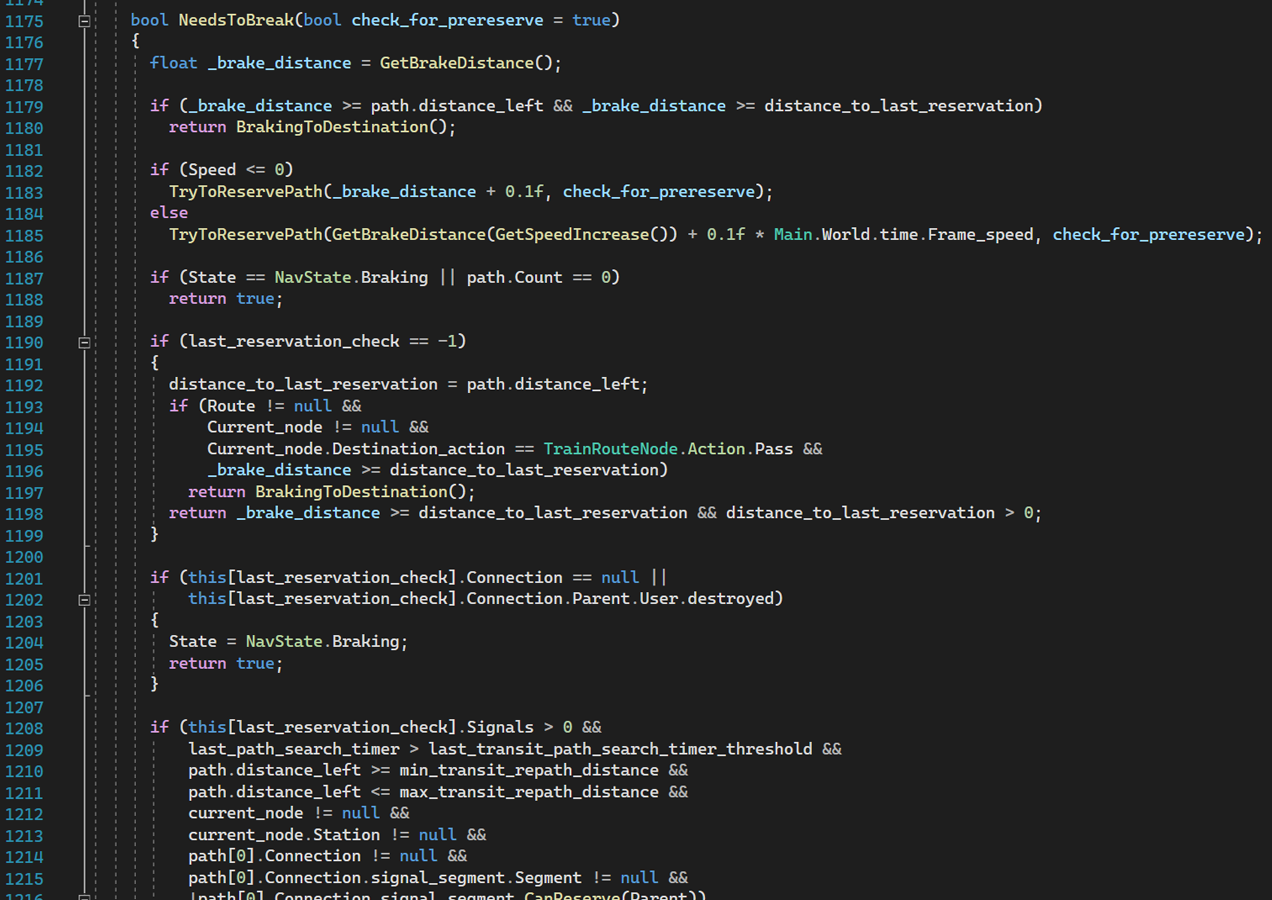
Sweet Transit is made using my custom game engine with Monogame as a base. There is no good way to measure code, but using Visual Studio DPack Solution Statistics tool shows 206k lines of code and 1k files throughout 9 separate projects. The main project is the game, which contains 170k of those lines, and the other ones are server, custom tools, reusable libraries and testing. Work is mostly evenly divided between new features, UI, refactoring and bug fixing. These days I do not spend time on optimization as it is not really needed thanks to refactoring and efforts to have clean code all around. But to be fair, there are some classes that are scary to approach such as train movement calculations and I only have myself to blame.
Graphics are mainly done using Blender->Substance->After Effects->Photoshop stack with some custom tools in between to make it more straightforward. Currently, the graphics only folder has 190k different files and is 185GB. There are many different files, such as sprites, textures, references, project files and so on. There are also other smaller folders regarding UI, icons and design, all housed inside my PC and personal Dropbox as a backup. In the end, the Sweet Transit project folder has data worth of 250GB with only a build size of 2GB to show for it. Now imagine how many terabytes of backup AAA games have. Good advice here is to never do your maximum and forget being a perfectionist. Graphics take the longest to do and usually they are tied to the content. Make and optimize your pipeline with the visual goal of "good enough". As an example, my hourly limit to make a locomotive with its wagon is 30h and that includes going from an idea in my head to an iterated in-game sprite with all relevant data set. It is a lot knowing how many different kinds of content are needed to make a game. There are tiles, trees, decorations, villages, industries, people, goods, and it all adds up.
The biggest thing I learned during the past two years is just how many things I do not know. "Finish a game" advice is a golden one. Just don't start with your multi-year dream project if you value your sanity. Now let's talk about new features.
Undo and Redo
The long awaited undo feature is being worked on. A standard undo with CTRL+Z will remove or rebuild your last build step with a moddable history of 50 actions. Together with this will come a redo with CTRL+Shift+Z allowing you to go through build history both ways. It was less complex than expected. However, I believe that bugs and side cases will be all over the place. The QA team should have their hands full checking this one.
Blueprint Library
Blueprint Library should also be a welcome addition. Factorio and Dyson Sphere Program were the main inspirations. This panel will allow you to share blueprints, folders and rearrange them seamlessly using the game or windows explorer. Preview is interactable allowing you to zoom in, out and navigate.
I am not yet sure what to do regarding icons. Other game blueprints are more varied allowing industry specific icons to be used. But in Sweet Transit it is only rails and stations. Rendering a preview is an option, but if the blueprint is large then only noise will be visible. Feel free to share ideas as I will tackle this after the new year.
Steel Bridge
Bridges are still straight except for the steel one. Steel bridges will have corners now, allowing you to drag multiple shapes. Can't wait to see the new intersection designs!
Scenarios
There will be a new game mode! Newcomers are having a hard time learning how to properly use signals which is understandable. Experienced players need a place to test their solutions. Scenarios will solve both of these problems, allowing players to solve ever-increasing difficulty challenges and measure their throughput. And best of all, it is compatible with mods.
Build Mode
Finally, build mode will allow you to go to the map view for a general overview of where you can or can not build. There is still no ability to build in map view, but at least you will be able to zoom out.
Until the next week!
Sweet Transit | Hotfix 10
Hi passengers,
Another hotfix has arrived and we hope it makes your journey with Sweet Transit even smoother! Details of this patch are below.
Bug fixes
Fixed Cracker description typo
Fixed a crash when building trains
Fixed being able to delete a rail under a train when there are multiple trains in a single signal block
Fixed a rare crash when destroying multiple stations at once
Changes
Updated credits
Safe journeys everyone!
Sweet Transit | Hotfix 9
Hi passengers,
Hotfix 9 is now boarding! Thank you for continuing to provide us with your feedback and thoughts on Sweet Transit. We'll keep you informed about future updates. Details of this patch are below.
Bug fixes:
Fixed Craftsmen Stoneworks not refunding bricks when destroyed
Fixed a crash when trying to remove a rail signal on a bridge with a road below
Fixed stats UI disappearing when clicking on the hidden scroll button
Fixed in-game problem tooltips not being shown
Fixed signals tutorial taking too short to validate completion
Changes:
Made trains force their reservations on rails when multiple trains are using them