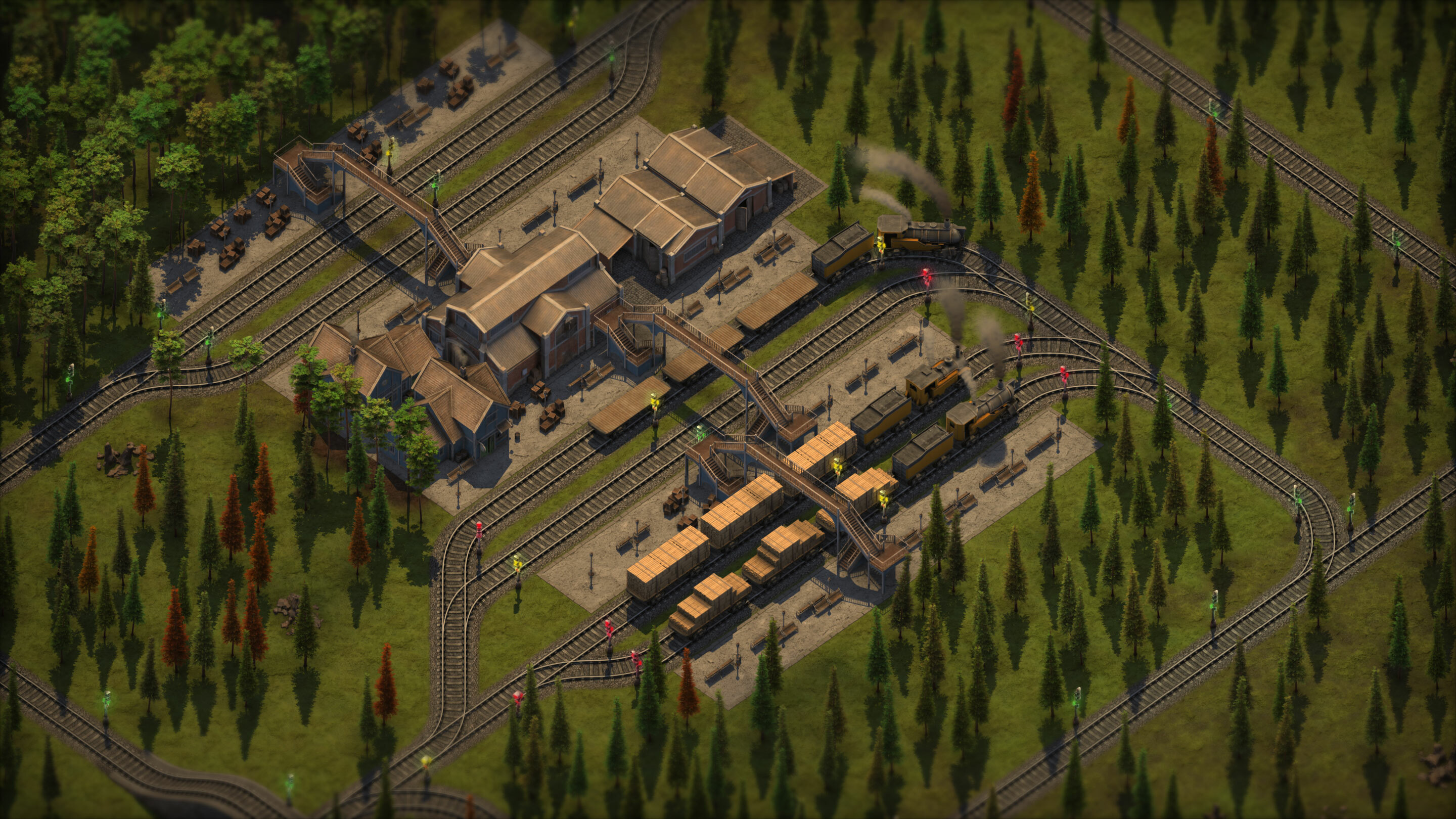
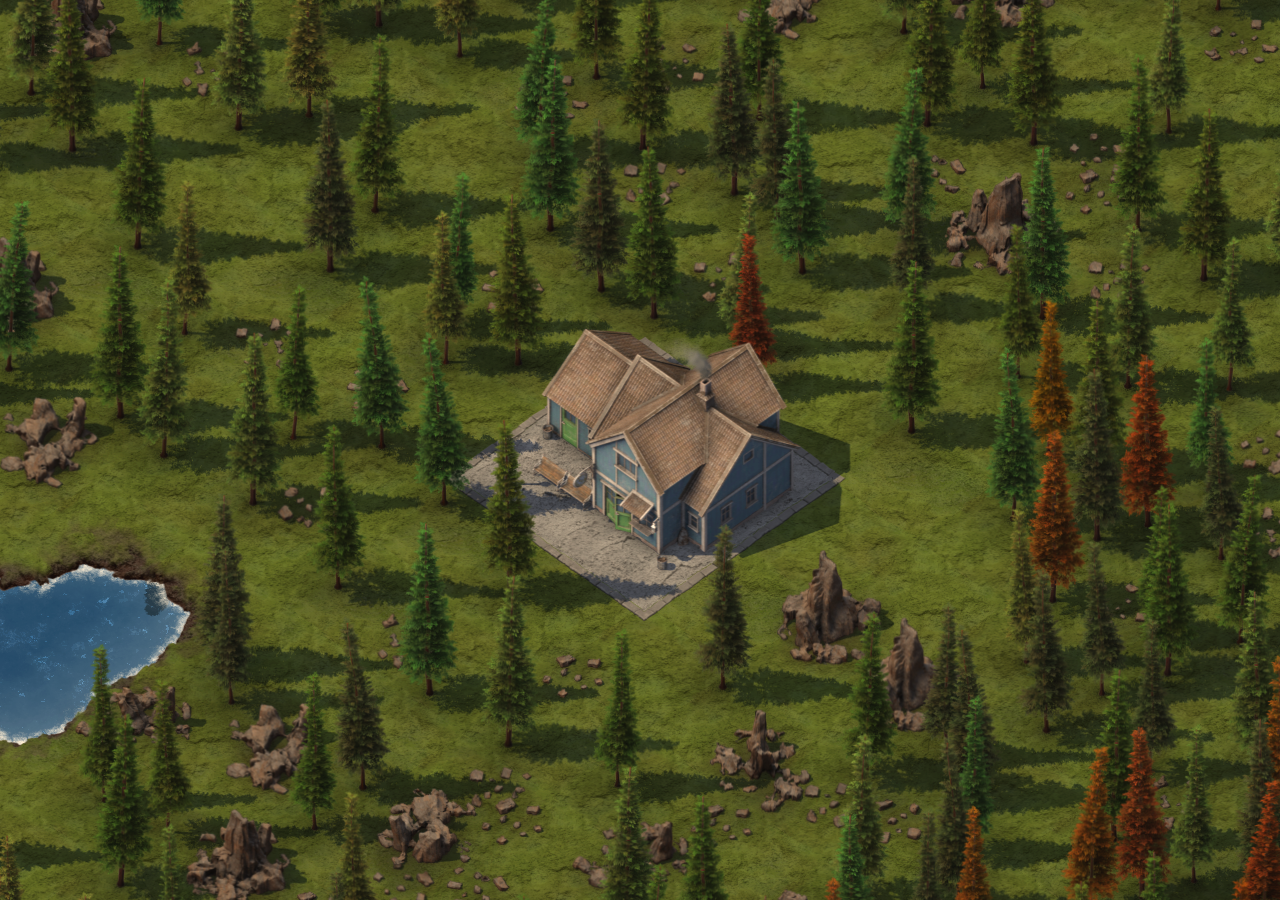
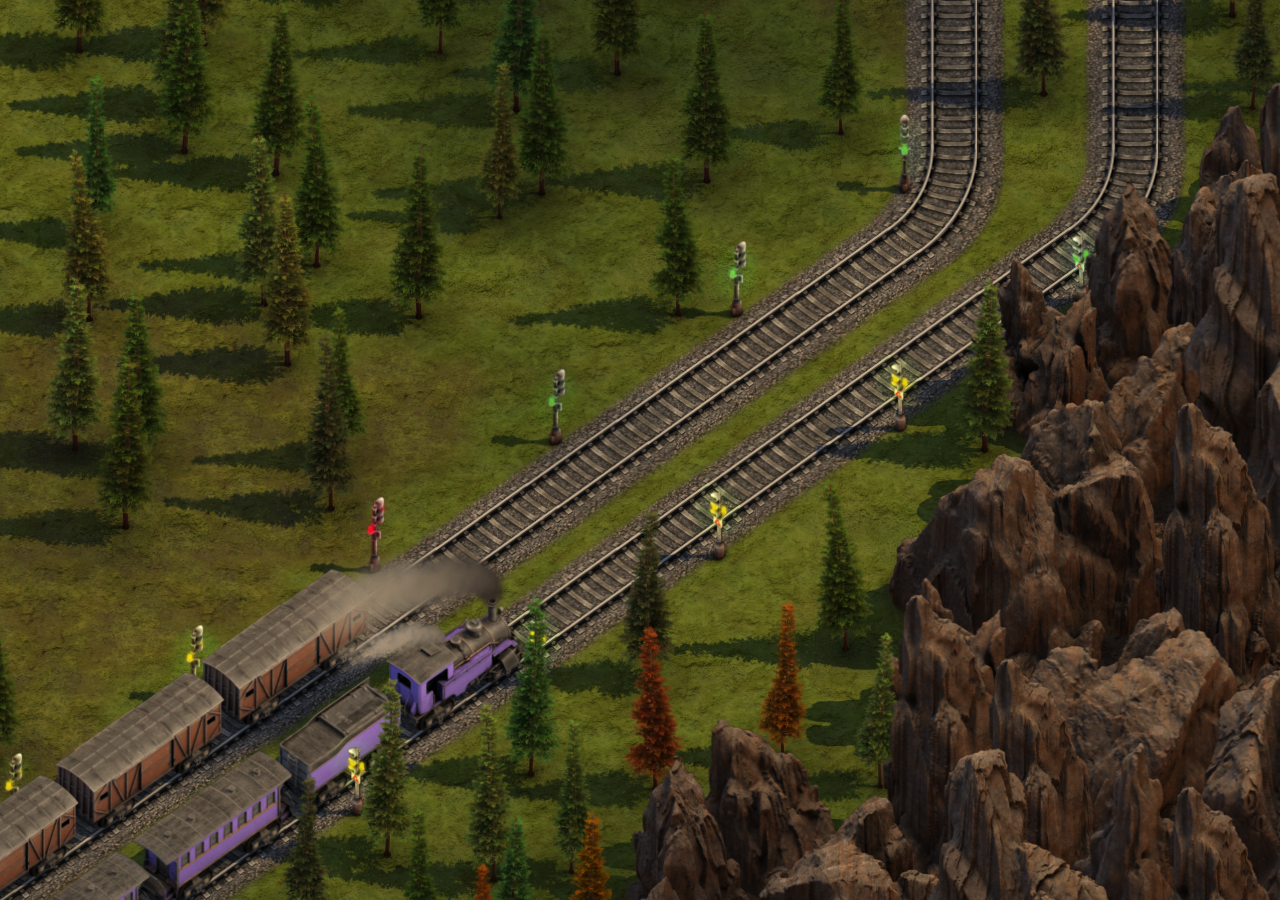
First of all, I wanted to thank you all for the support and positive comments. I am reading all of them even if I am not replying. It gives me great joy seeing your expectations and hype for Sweet Transit.
2D in games is usually seen as an easier choice and most commonly trivialized by people. My goal with this post is to show what I have been working on in the past week and shed some light on the reality of working in 2D.
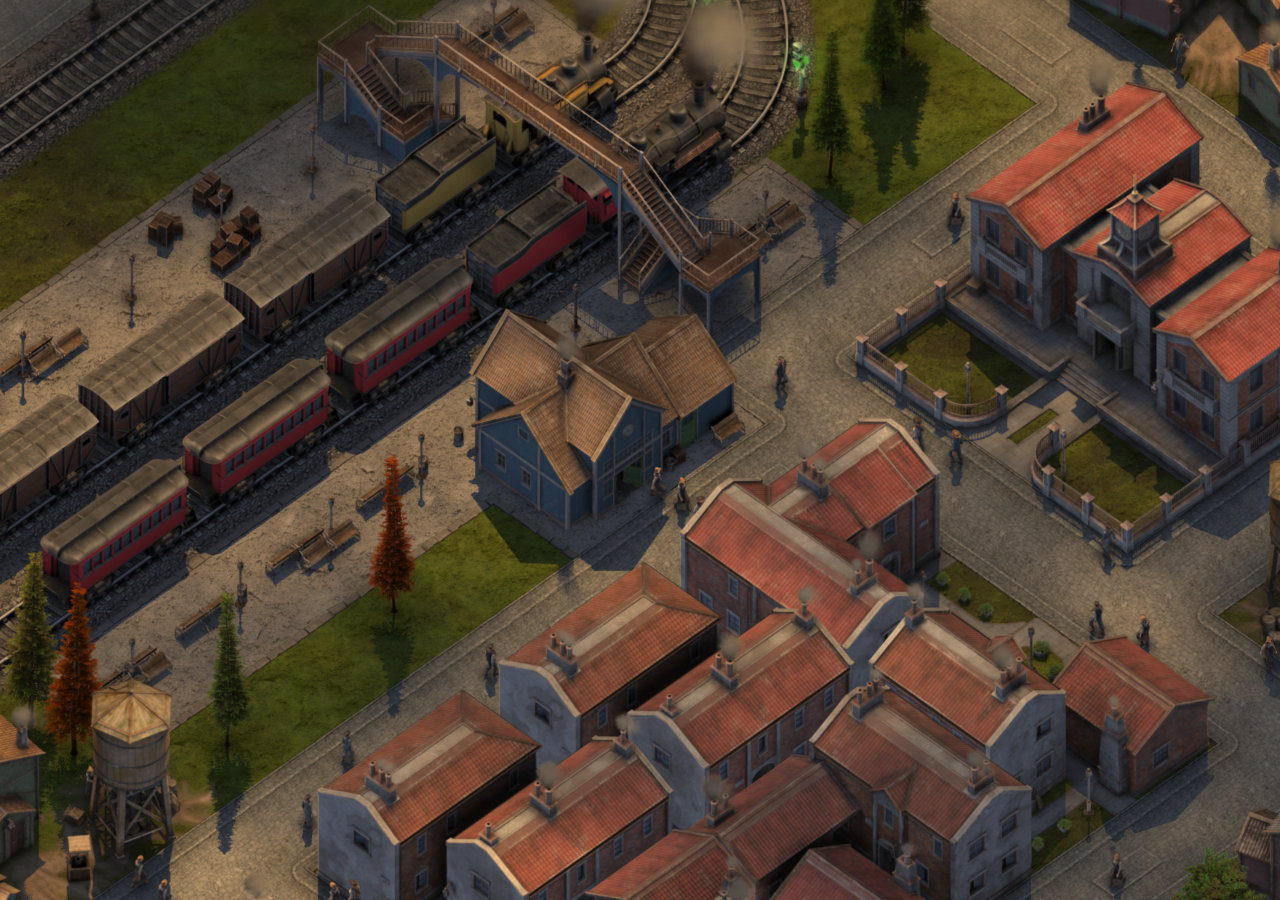
In 3D games sorting is done by pixels depth in the GPU, seeing which point is closer to the camera. Sometimes CPU needs to sort some transparent objects or for optimization. It is a very powerful and convenient way to do it like that. In 2D games all sprites are transparent and the sorting needs to happen manually in the CPU. This sometimes gives unexpected issues that you would never have in 3D.

Sorting in 2D is done not by pixel, but by image or sprite. This leaves a lot less space to work around. Still, it is done using depth. It is easiest to see in a side-scrolling game where you have the foreground always on top of the background. Isometric games like Sweet Transit uses screen position to determine what is on top. Objects on top of the screen are behind objects that are on the bottom.

In 3D games graphics most often are limited by the graphics card. There is a limit of how many polys you can pass through a GPU and still have 60 frames per second. At the moment Unreal Engine is pushing this to the limit with its Nanite Virtualized Geometry. However, in 2D PC games, your graphics card is rarely an issue. There are cases with overdraw and having relatively slow GPU with 4k screen will drop fps. Most often CPU is the limiting factor in how many sprites you can draw on your screen. Before sending everything you want to draw you need to gather objects from the screen and sort them accordingly. This is no easy task even with the modern CPU. Right now in Sweet Transit there are on average 40-60k sprites per frame.

Layering is used to mitigate the workload. Tiles and water are in separate layers than trees, trains and structures. On top of that, the screen is divided into several horizontal strips, that are rendered and sorted in different threads. When merging only the ends of these strips need to be sorted instead of the whole collection. There are other tricks used such as reusing GPU indices, vertices, limiting draw batch prices.

The most common problem an isometric game has is sorting two images at the same height. Or when a lower image needs to be below the higher like the train image below. For a person, it is clear what should be on top of what, but a computer has no idea. There are several solutions online, but the priority was performance and making a solution as cheap as possible.

I decided to slice up the sprite into several parts. At first, I did an automatic system where you define how many slices should happen and the game does the rest. However, that proved not enough because a wagon usually has several layers on top, like a tint mask, lights, cargo. The automatic system calculated sorting offset based on how far the sliced sprite is from the center and none of the layers were the same width.

I have tried calculating offsets based on the parent sprite, so that wagon will always be below its cargo, but that only meant I could not share cargo graphics between wagons. The only reasonable option was to define exact slice positions and offsets. Now when the game slices sprites it calculates slice positions based on the wagon position with defined offsets, rather than the sprite itself.

Working on bridges added another problem, that there is not enough space to sort multiple wagons. In a typical train under bridge scenario we have a bridge behind the train, the train, and a bridge in front of the train. This in itself was not a problem, but when you also have another train on top it adds a lot of layers that need to be sorted in a small position without invading outside objects.

At first, I added the top world layer, which meant that everything above a certain height needs to be cut off and rendered separately. This did the trick, I could sort the bottom train separately from the top one. But it was far from the cleanest solution. Rendering would require ~30% more sprites and modders would have an overhead making sure that taller sprites are sliced correctly, without no real guidelines apart from "Does it work in all cases?". On top of that sorting trains on a ramp proved very problematic, because it was the only transition from the bottom layer to the top. Even when the ramp had ~10 layers it would have some clippings.

The final solution I came up with is using another pass when sorting. First sprites are sorted based on depth and after that based on flags. A sprite with a train flag goes below a sprite with a bridge flag if rectangles intersect. The idea is if the bridge is sorted correctly, then moving a locomotive sprite above a correctly sorted bridge sprite would yield no problems. The only downside is a performance hit, but with drawing fewer sprites it should not feel that much.

After multiple iterations and errors, it worked. But like with everything in game development it is not that easy. It turns out that there are some ugly side cases. For example, a sprite with a train flag will search for sprites with a wheels flag to move them under the train. If the train is moved above or below the bridge then the wheels should come also to sort correctly. The problem was that there would be multiple train sprites intersecting the wheels, and in some cases wheels would go under the wrong train sprite.

I had to play with sorting distances and underline logic of how the second sorting pass works until most of the problems were fixed. For the wheels I had to prioritize the closer train by checking the wheels sprite center intersection, gladly it was the fix, sadly it took me a whole day scratching my head and experimenting to find it. I find that usually, the easiest solutions are the correct ones in programming.

Solving these issues feels like using duct tape for every problem. I would love to add proper locomotive headlights in the night, but it brings me shivers thinking about how I would have to solve it properly. At the end of the day if sorting is done properly, then people won't notice and take it for granted. That is in its own way a compliment.

After all of this, it seems that 3D would be an easier choice for this type of game. However 2D sprites can have much more details while still keeping system requirements relatively low and having many detailed trains on a screen is what I am after. I hope you have learned something interesting today!