Tanks
Game will become Free in next one-two weeks!
Past years show that I have no time to maintain it anyway. And it does not bring any significant income.
It was an interesting experience :)
New version released
- screenshots using F12 key. Resulting files are located at C:\Users\\AppData\Local\Tanks\screenshots
- solved problem with game freeze when there are many user levels
Game controls
Since I'm getting a lot of questions related to game controls, here is a small instruction.
I'm skipping mouse, because it seems intuitive enough :)
As for gamepads. They must support XInput API or in other words must be XBox compatible gamepads.
Menu
Keyboard:
Arrow keys for navigation. Enter for pressing items.
For volume bars and Level editor tanks selection Left and Right arrow keys can be used.
Gamepad:
Left stick, Right stick or D-pad for navigation. A, B, X, Y (XBox gamepad) for pressing items.
For volume bars and Level editor tanks selection Left and Right directions of sticks or D-pad can be used.
Game
Keyboard
Can be used for 1 or 2 players.
Player 1: arrow keys for movement, Space for shooting
Player 2: WASD for movement, left CTRL for shooting.
Press Escape for pause + menu.
Gamepad:
Left stick, Right stick or D-pad for movement. A, B (XBox gamepad) or Right shoulder trigger for shooting.
Start or Back (XBox gamepad) for pause + menu.
Level list
Keyboard:
Arrow keys for navigation or selecting item action. Enter for opening item actions.
Press Escape for menu.
Left stick, Right stick or D-pad for navigation or selecting item action. A, B, X, Y (XBox gamepad) for opening item actions.
Level editor
Keyboard
Arrow keys for cursor movement. Space for placing object or using erase.
PageUp/PageDown for switching current object.
Press Escape for menu.
Gamepad
Left stick, Right stick or D-pad for cursor movement. A (XBox gamepad) for placing object or erasing. X, B (XBox gamepad), Left/Right shoulder button for switching current object.
Start or Back (XBox gamepad) for menu.
New version released
New version of TANKS is released.
There are following small improvements:
- Last session is now stored and it is possible to continue playing from last non-completed level restoring player stats. But beware, starting new game and completing first level will overwrite save data. Let's see if this new feature works good enough
- Friendly fire setting in Options
- Possibility to control Pause and all menus using also second gamepad
- Small change in launching procedure to likely fix a rare issue when game starts without appearing on desktop/screen.
- Hopefully no new bugs added
New version released
Changes:
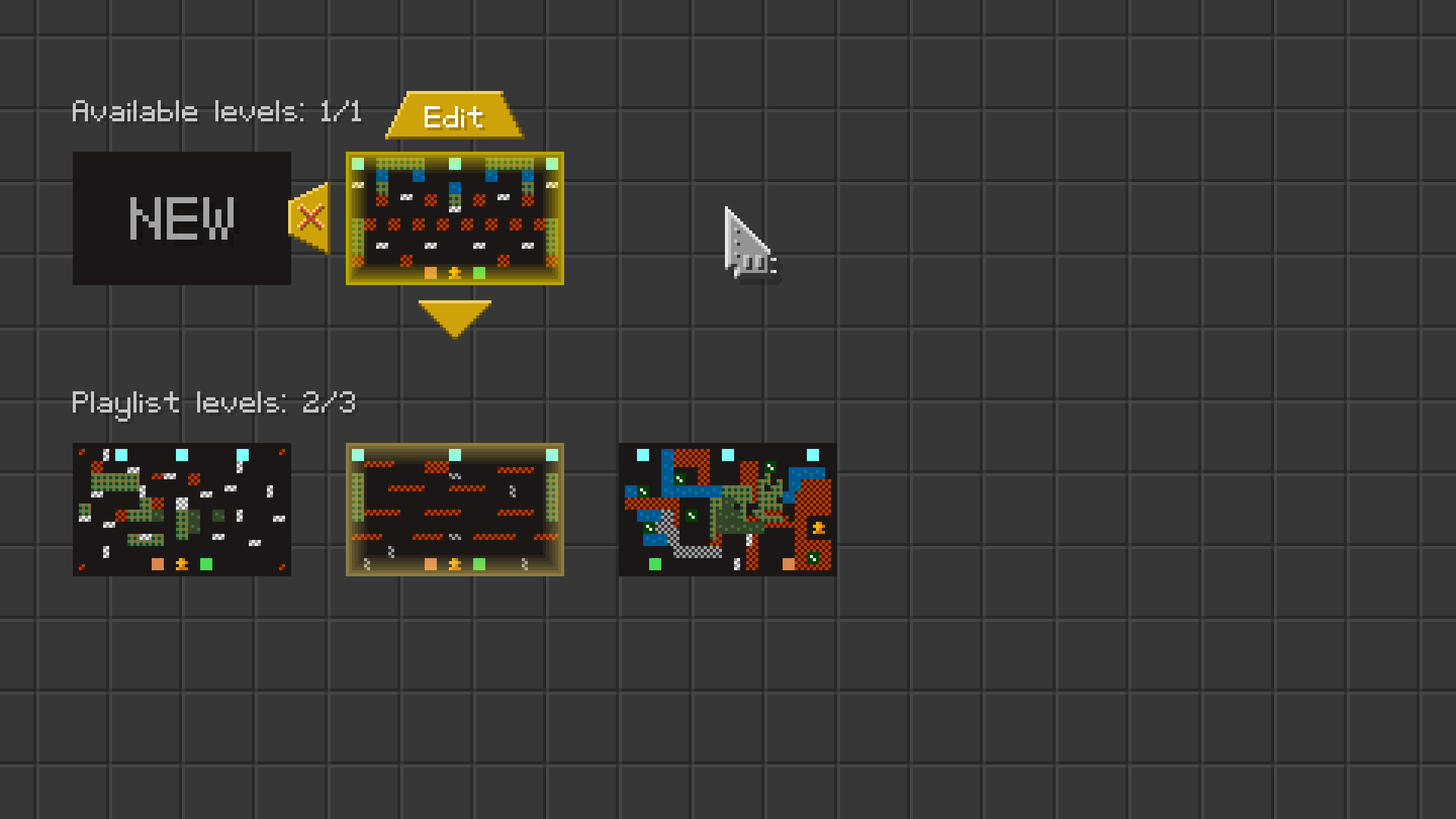
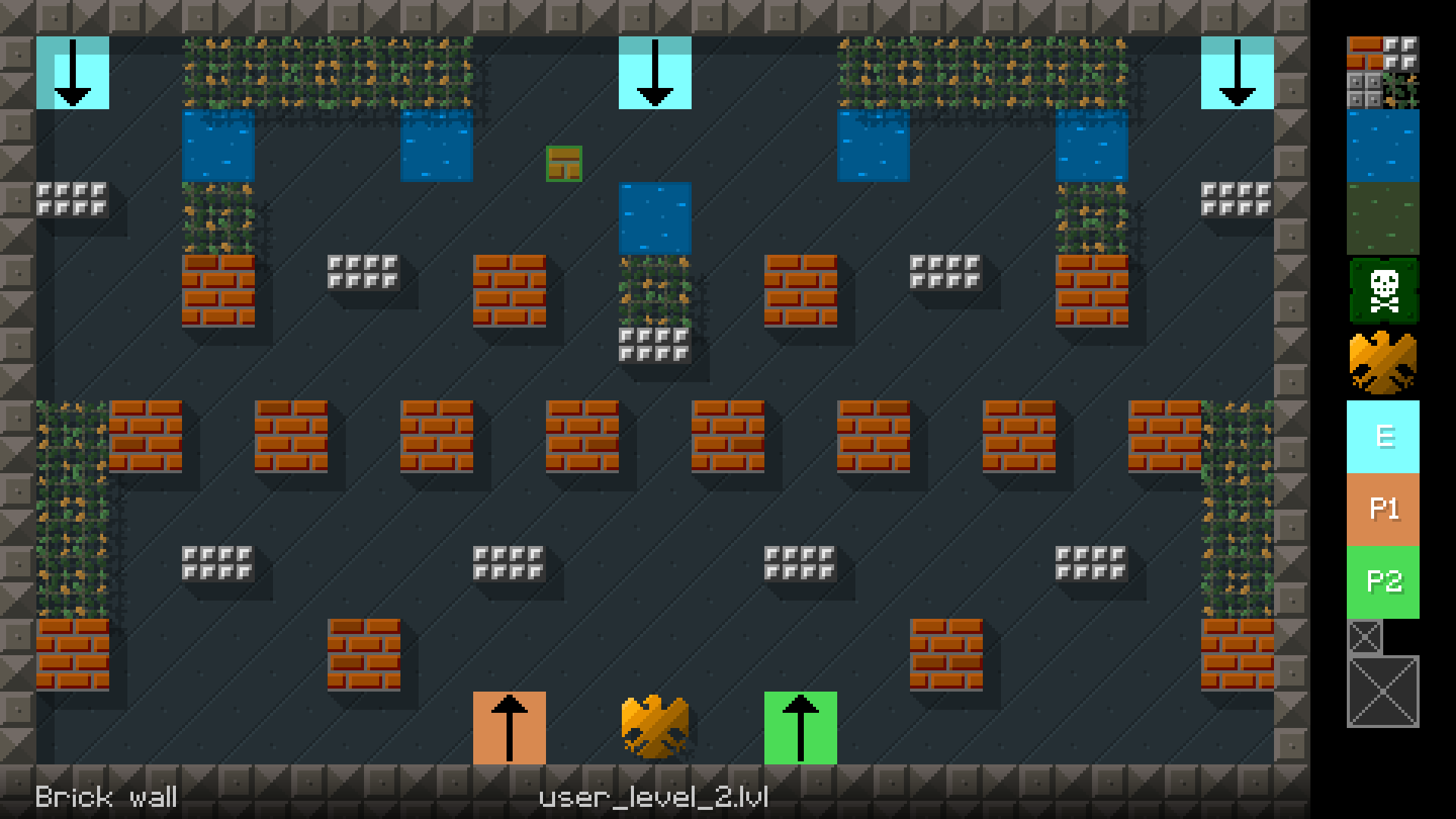
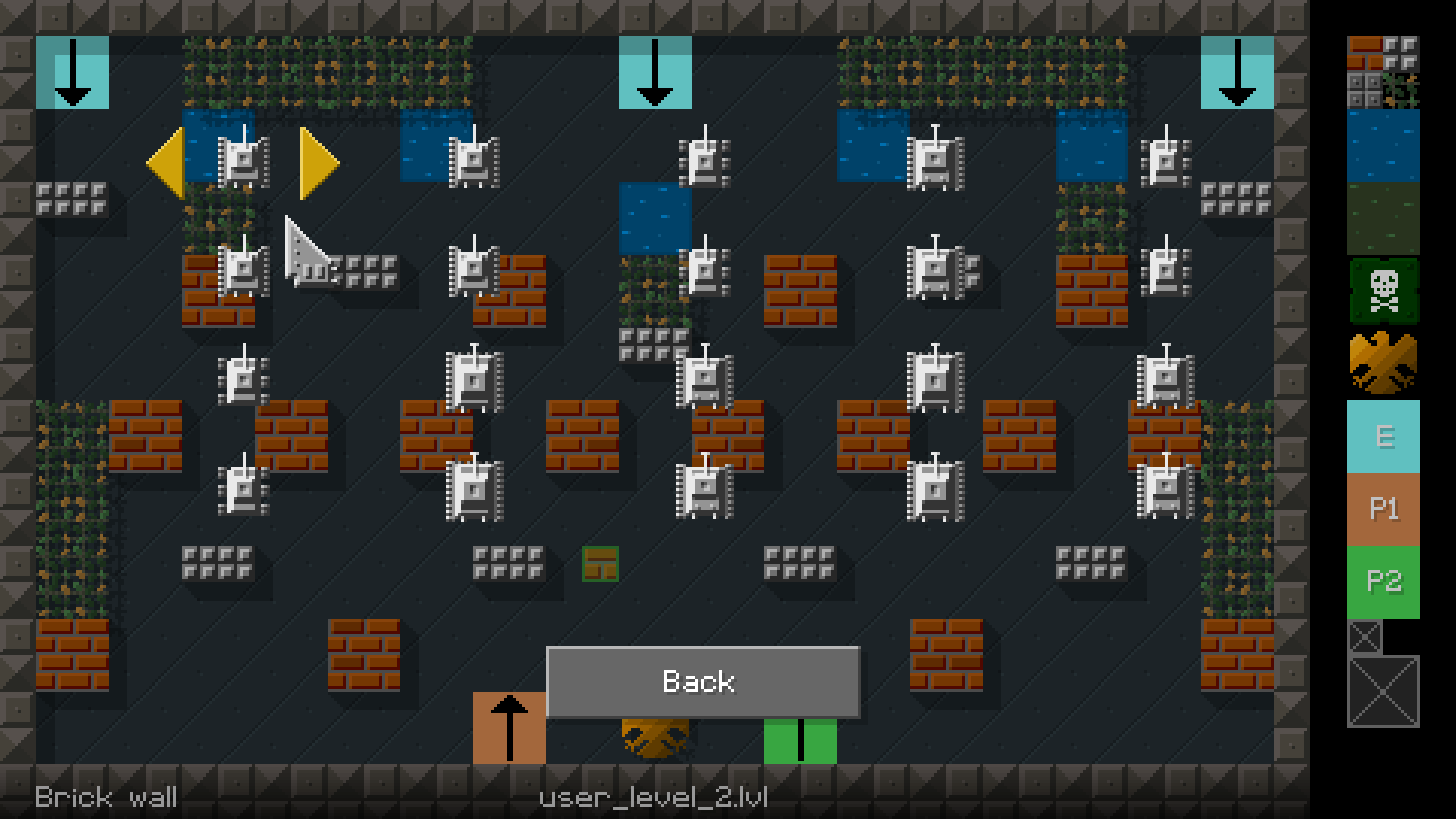
- Level editor is now available
- Small improvements in visual and audio part
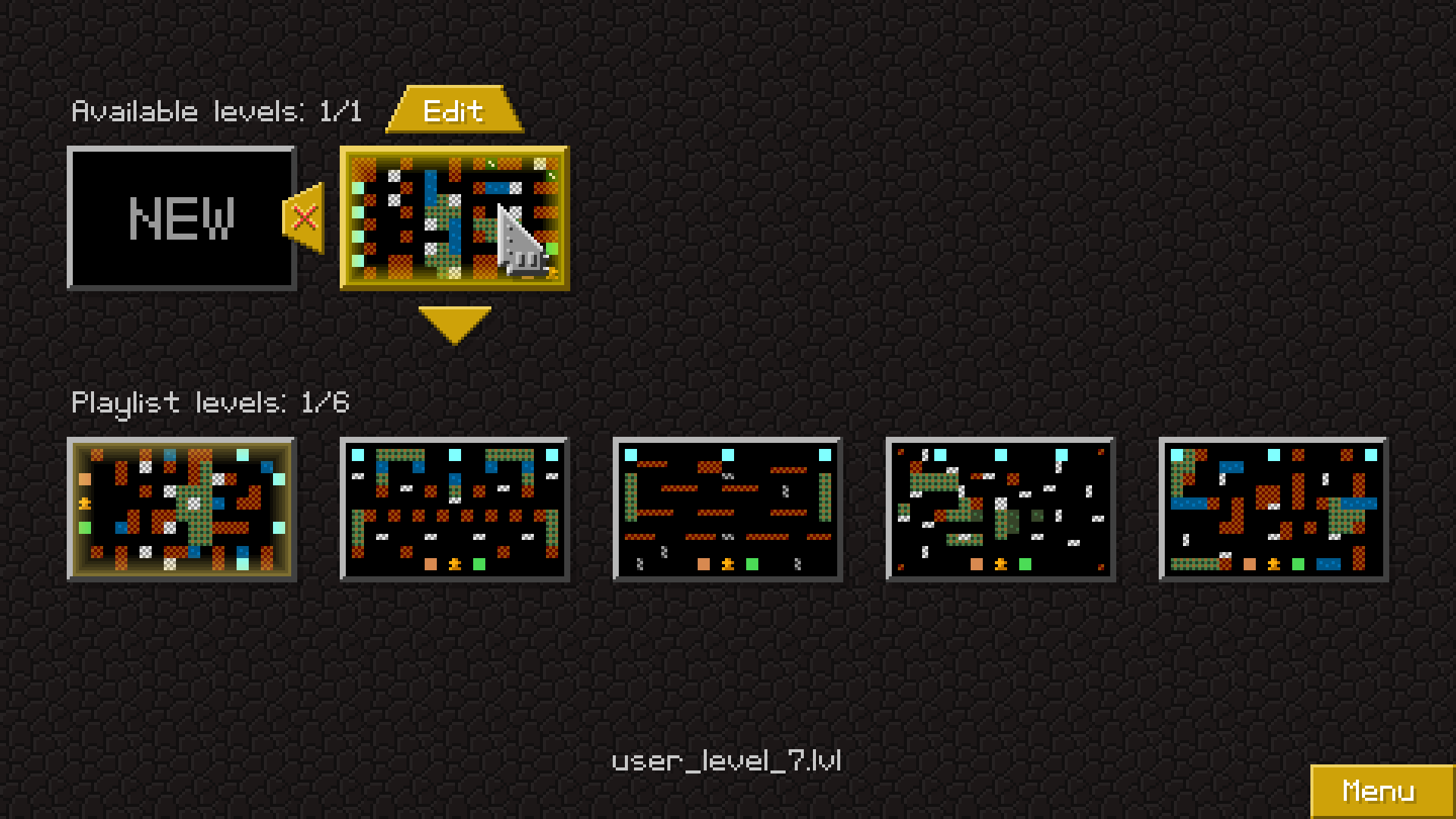
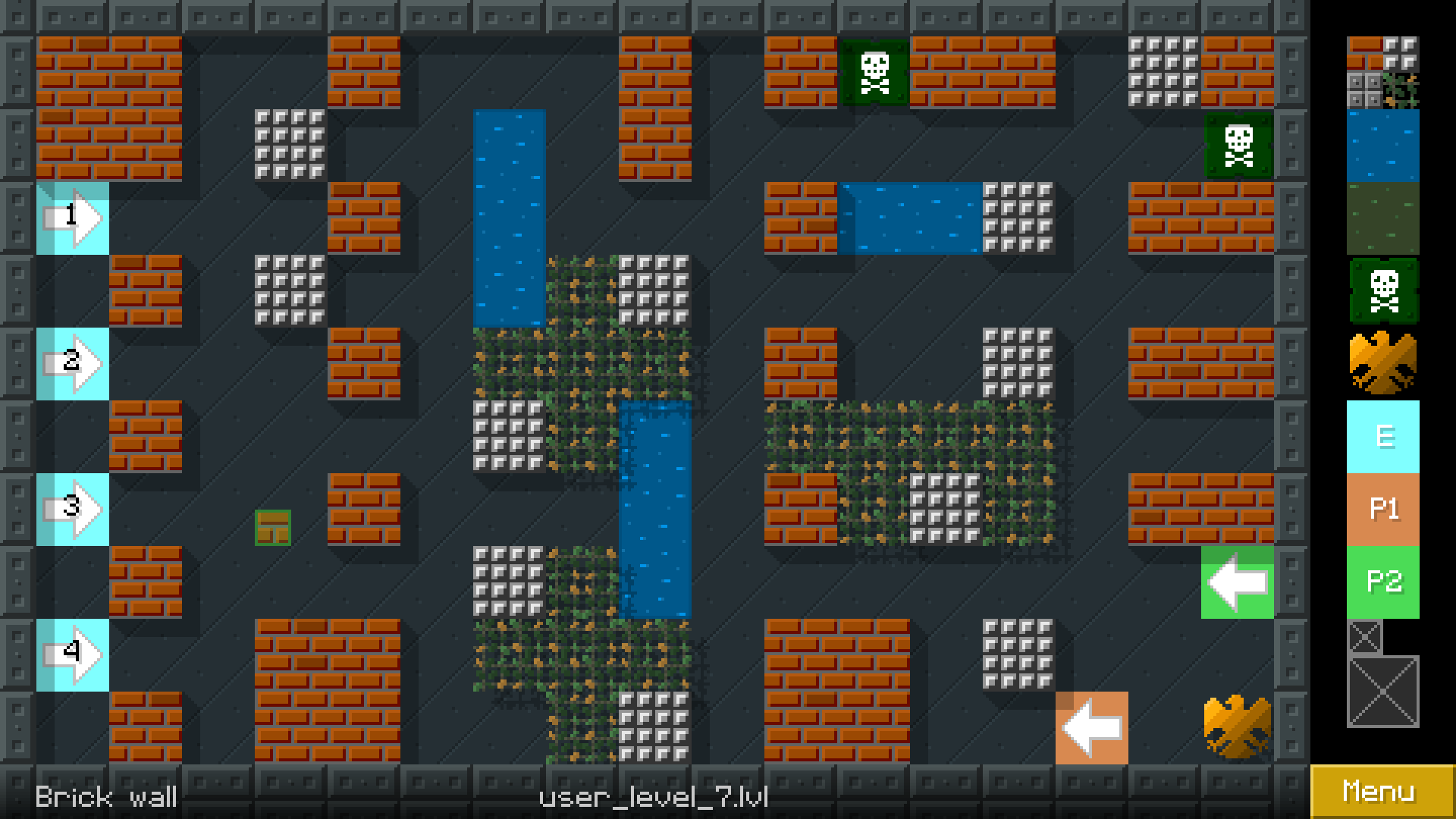
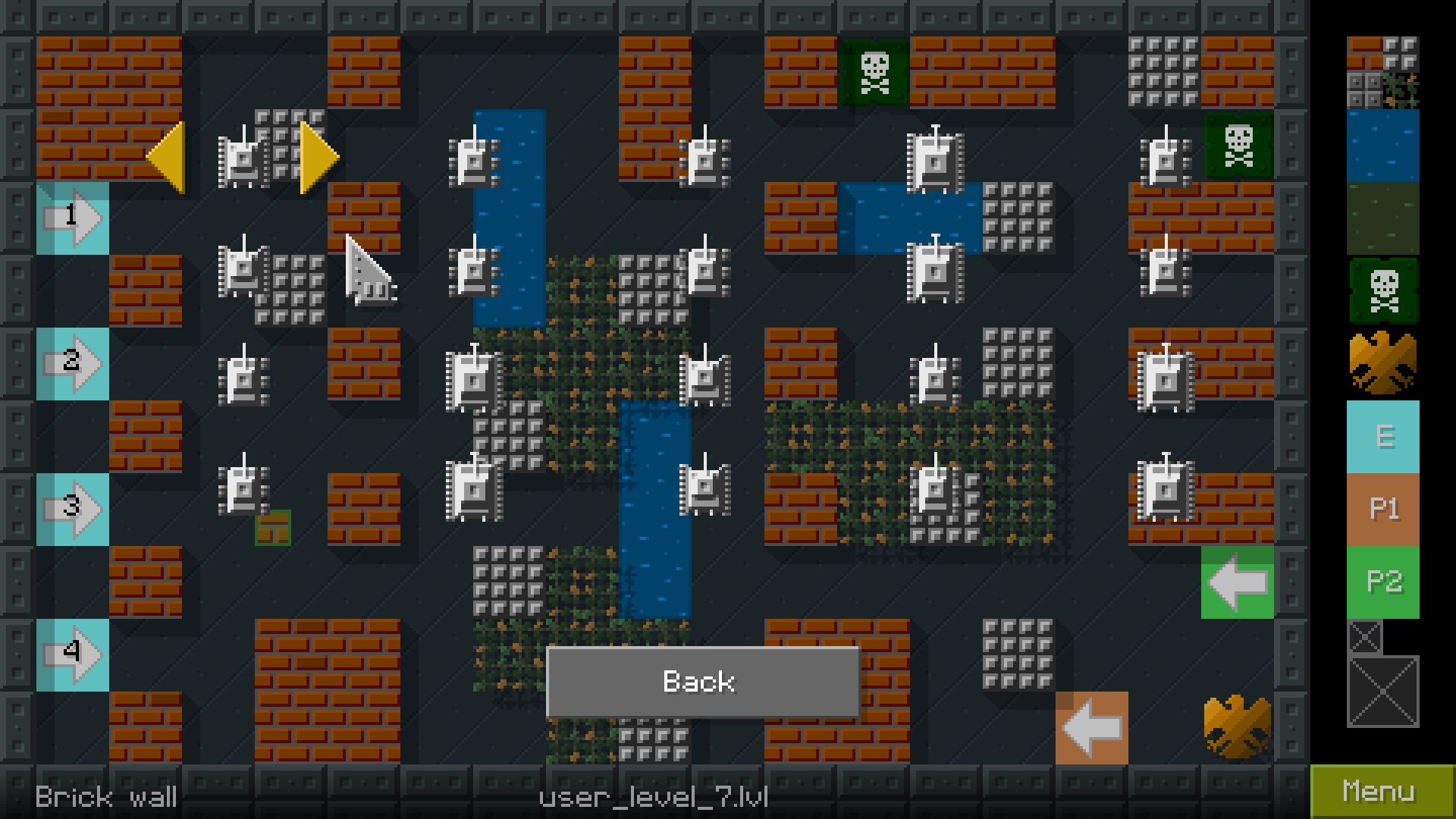
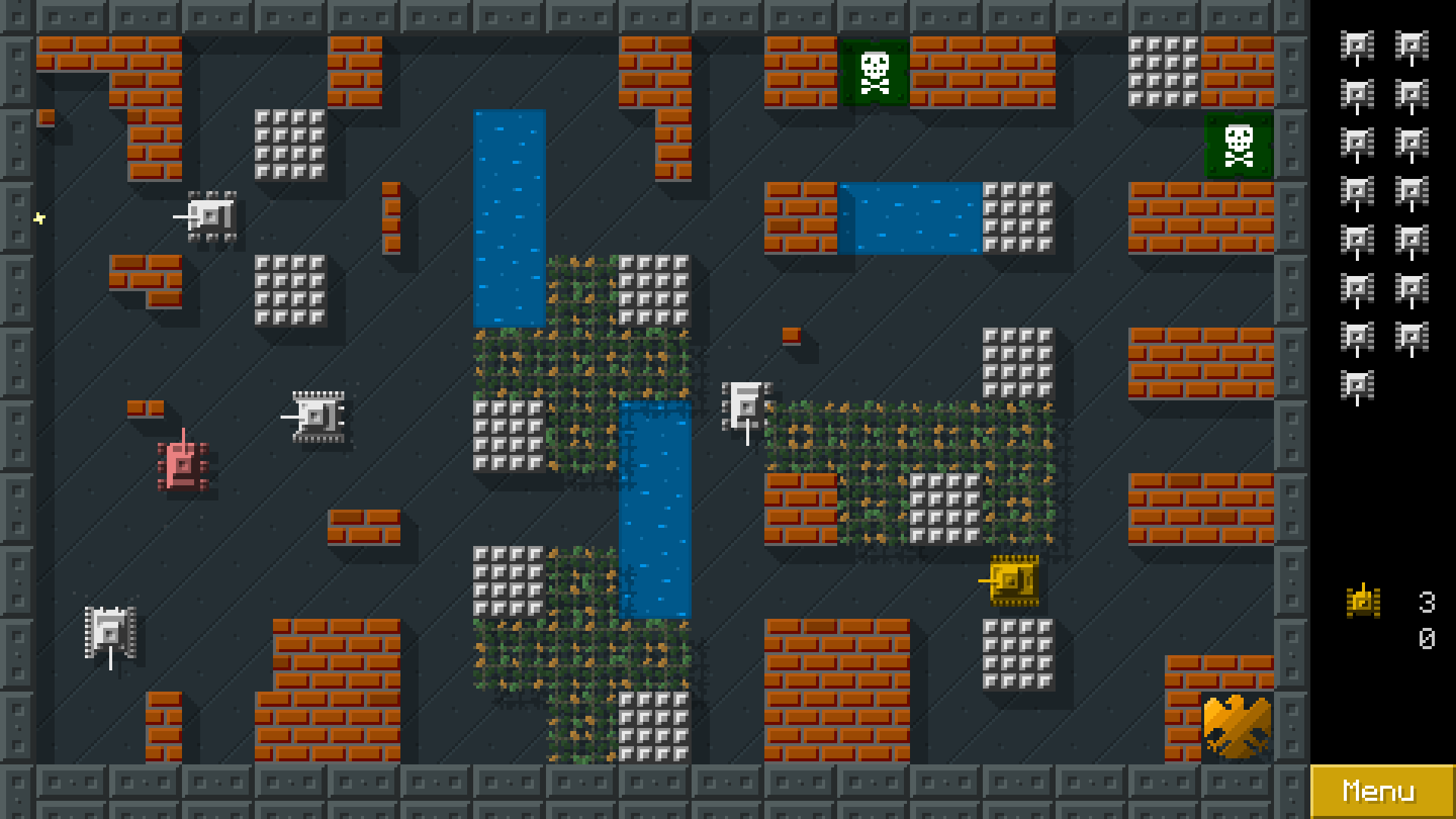
Level editor coming soon!
I'm glad to announce that new version of TANKS with level editor is coming soon.
Planned for release in approximately one week :)