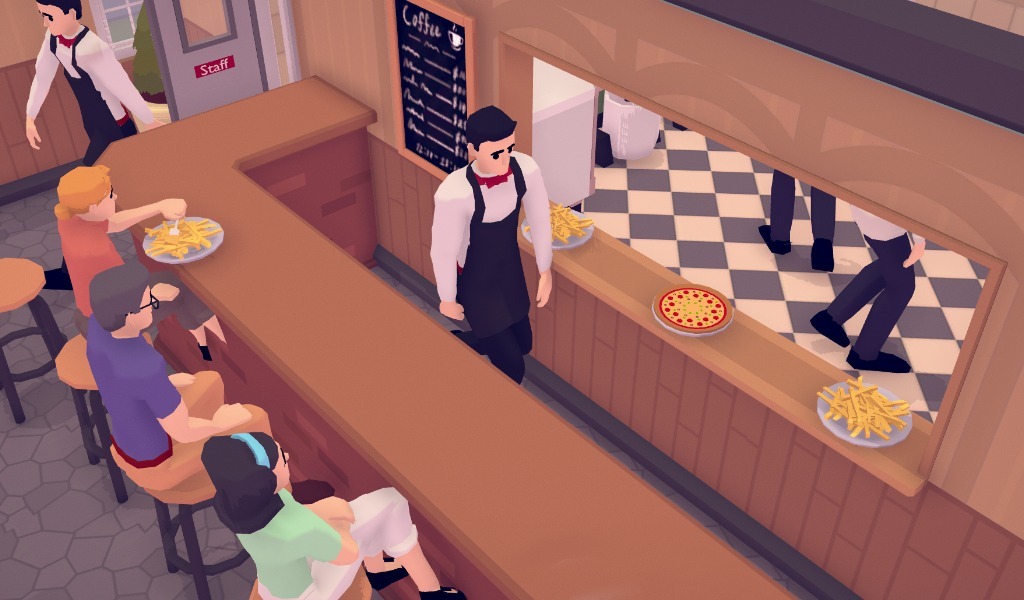
I think that this update contains some changes that will have a significant impact on the gameplay, so I am simultaneously very excited and nervous. Please let me know what you think about the changes on Steam forums or Discord.
Staff salary payment
Paying the salary for all employees at the end of the month often caused players to go into debt, even when they had a well performing restaurant. This meant that you would often spend a lot of time waiting to get out of debt, which is quite boring. I made a change that should prevent this issue.
The payment of your employee’s salary now gets spread throughout the month instead of paying it all at once at the end of the month. This is implemented by dividing the salary by the amount of days in the month, and paying this amount on a daily basis.
Menu system rework
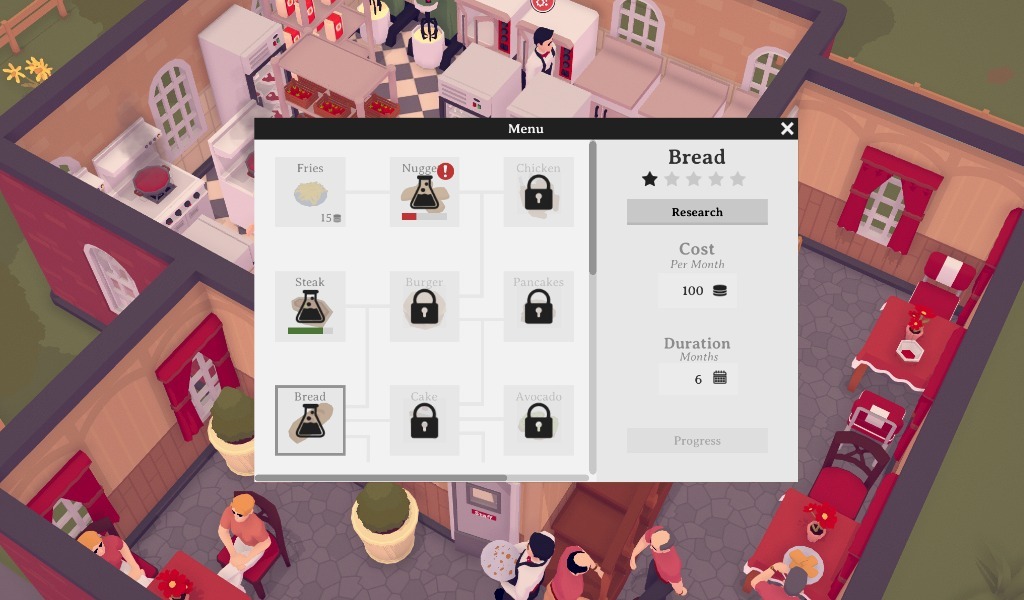
A few months back, I released an update that structured the menu as a tech tree. However, I felt that the way you unlock dishes was a bit uninteresting. Dishes are now unlocked by paying to research them. Each research has a duration and monthly cost. Like employee salaries, the research payments are spread throughout the month. When you go into debt and fail to pay for the research for 5 days in a row, research gets paused automatically. This is mainly to prevent players from going deep into debt by doing too much research.
Another change is that some dishes now have a bigger positive impact on your overall menu rating than others. The stars underneath the dish name reflect the size of this impact.
Reviews
Customer satisfaction used to be communicated by 2 metrics: guest happiness, and reviews. After a lot of testing and thinking, I came to the conclusion that reviews are a more clear and effective way to communicate this. I think that going from 3 stars to 4 feels more impactful than a happiness bar that goes up slightly.
I replaced the individual happiness stats with individual review stats, and in the top left of the screen you can now see your average review score instead of your average happiness. I also added half stars to reflect customer satisfaction a bit more accurately.
Staff zoning changes
When I added the staff zoning option, I was not quite sure how well employees should adhere to their zones. I eventually decided to make them adhere very strictly because I felt that player control was the most important thing. However, I now feel that this was not entirely the right decision.
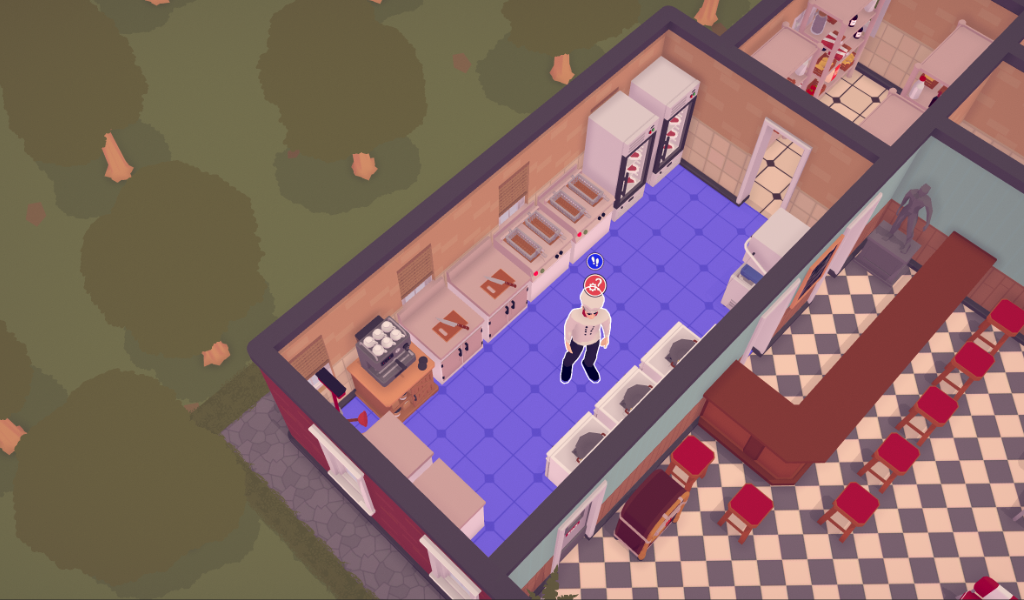
When employees are prevented from doing their work, because certain items they need ( usually ingredients or tableware ) are not available inside their zone, they will now try to get those items outside of their zones. You can recognize employees that are outside of their zone by the red footstep icon above their head. When they are inside their zone this icon is blue.
Small changes
Fixed wall decoration moving bug.
Changed neutral priority with empty box instead of -
Renamed “Storage rack” to “Shelf”
Load button grayed out when there are no saves.
Small patch
Fixed an issue with pan / stove saving
Fixed UI showing thru floors
Devblog 25
Removed ingredient decay
After the last update, I received a lot of feedback pointing out that the new ingredient decay system is flawed at best. After some more testing I have to agree with that. I decided to revert the ingredient system to the way it was before ingredient piles were added. Please let me know if you have any suggestions for the ingredient system.
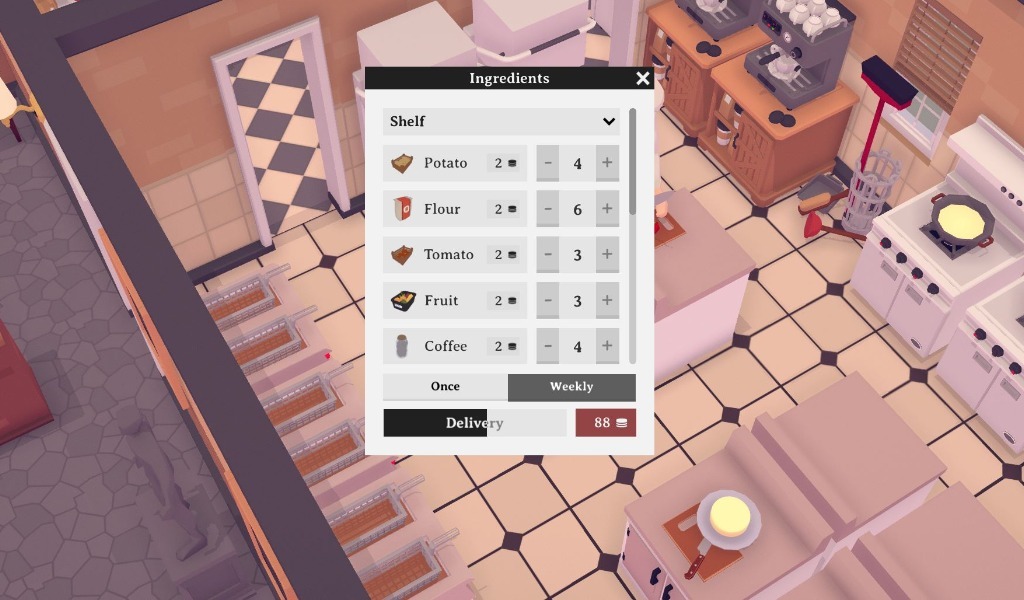
New ingredient window
I reworked the ingredient window. The old window contained a lot of unused space and didn’t make a lot of sense.
Reintroduce rats
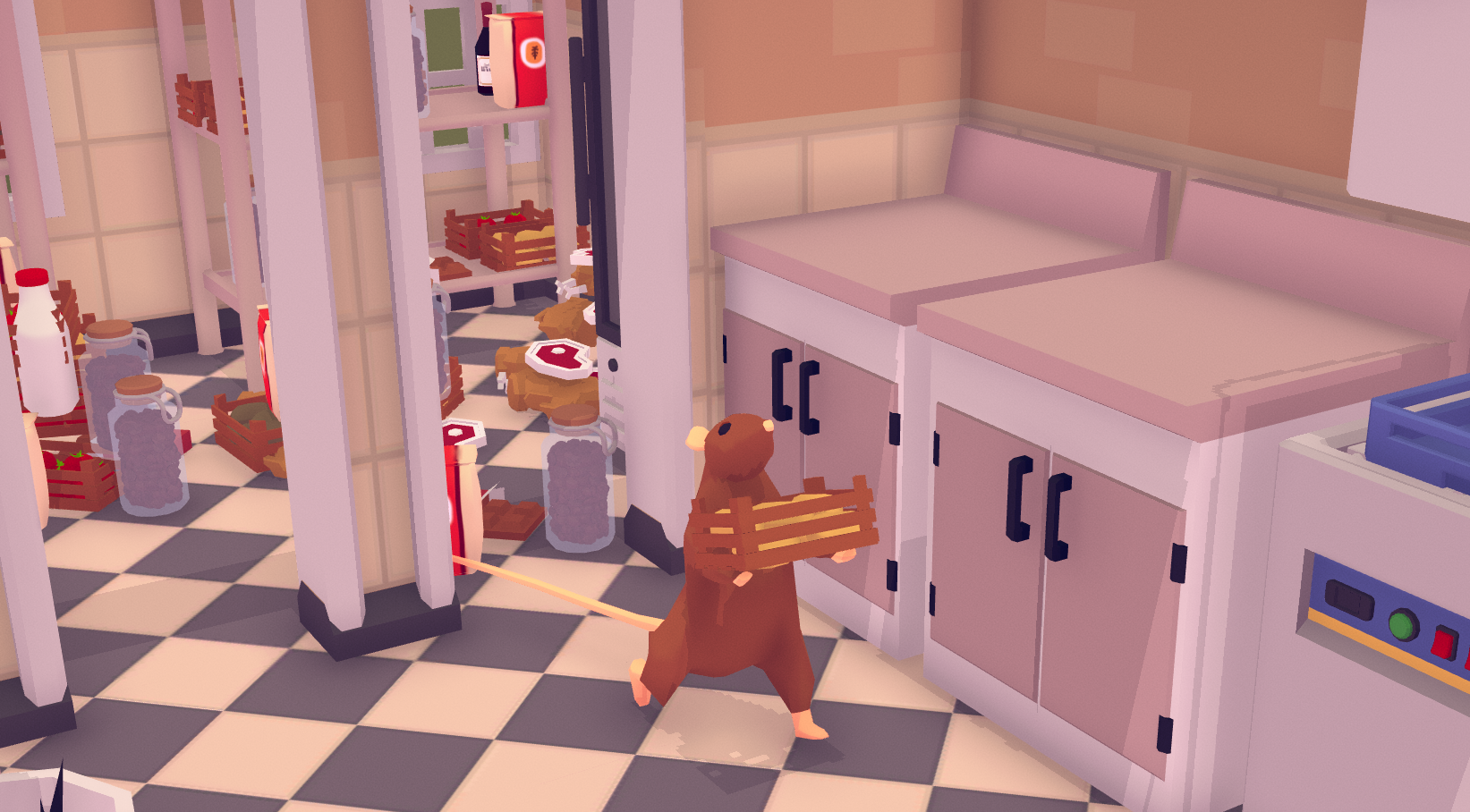
This update reintroduces rats to the game. Now that ingredient piles are no longer a part of the game, they are attracted to a dirty restaurant instead.
Reintroduce waiter priorities
It was already possible to exclude tasks for a waiter. But I felt that setting priorities adds another level of control that can be valuable.
Seat warning
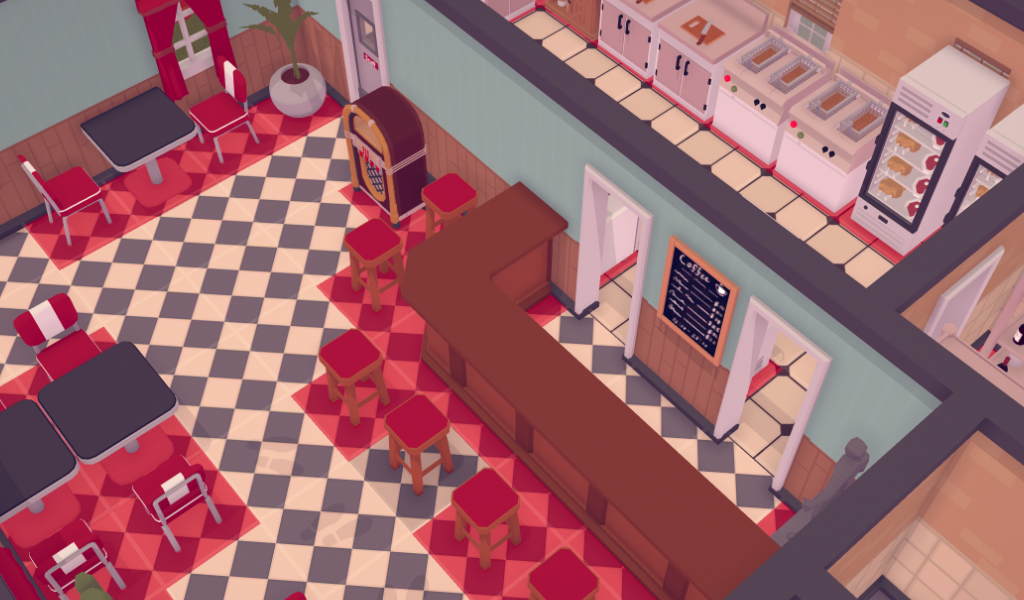
There were multiple occasions where I received the feedback that guests don’t enter the restaurant. After further examining the problem, I discovered that players sometimes try to put normal chairs behind bars. This does not work, but the game doesn’t provide any feedback for this. That’s why I added a warning.
Small patch
Zombie scenario ingredient window not opening fixed
Ingredient quality stat being too low should be fixed
Devblog 24
This update introduces a new ingredient management system. I received a lot of feedback on the old system, and after some testing I concluded that it was not working as intended. The old system worked well enough in the early game, but in the late game it fell apart. Balancing ingredients just became unmanageable.
Ingredient piles removed
Previously, when the storage racks were full, ingredients would be stored on the floor. This attracted rats very quickly. I completely removed this system, because as mentioned in the intro, it turned into an unmanageable mess very quickly.
Deliveries will now fill the storage racks until they are full, and stop after that. I plan to reintroduce rats in a new way in the next update.
Ingrediënt quality and decay
Removing the ingredient pile system left me with one big issue: There was no longer any incentive to not order too many ingredients. The solution I came up with is ingredient quality. On delivery, all ingredients start with 100% quality, but they will very slowly decay. So if you order too many ingredients, and it takes a long time for the ingredients to be used, they will be of very low quality.
New ingredient inventory window
To help get some insight into the current quality of your ingredients, I reworked the inventory window. You can now see the quality of your ingredients. I also made sure that ingredients that are not on the menu, get grayed out. I think that this adds some visual clarity.
What’s next
The new ingredient system is still in its infancy, and needs some testing and refining. This is probably what I will be doing next week. Please let me know if you have any idea’s / feedback for the new system.
Devblog 23
This is the first update since my summer break. I’m very excited to be able to start releasing regular updates again. My aim is to release an update and dev blog every week.
Placement UI
When you place items, you now get a placement overlay, which hopefully makes it more readable where you can place objects without obstructing paths.
Guest order system
In the past, The chefs were not always in sync with what guests ordered. I completely reworked this system so they should now always be in sync.
AI system
The kitchen windows required me to make a lot of changes to the AI system. It should now be more performant. And a lot more dynamic, meaning that I should be able to add AI interactions much faster.
Slightly reworked staff window
The staff window received a slight rework. I think that the new version is more readable.
Other small updates:
Added a move hotkey.
Fixed issue where changing floors would deselect item
Fixed a bug where storage settings would be swapped on load.
Fixed bug where paint mode would be deselected on camera rotation
Renamed “Ingredient pile” to “Ingredients”
Another Quick Update
I wanted to give an update on my progress. I’m not really happy with how things turned out last month.
I spent the last month working on a feature that I thought would be simple to add: Kitchen windows. It turned out to be much more complex than I had anticipated, and I had to rewrite a lot of existing code in order to get the kitchen windows to work.
To make matters worse, when I eventually did get them to work on a technical level, I found out that they were not working on a gameplay level. Using kitchen windows almost never actually made a restaurant more efficient. Which means that they are essentially useless.
I’ve experimented with multiple ways to solve this issue, but none of the experiments really went anywhere. I’m sure that there is a solution that I’m missing, but I already spend much more time on kitchen windows than I intended to. That’s why I decided to set the kitchen window idea aside for now, and focus on more important issues. Hopefully I can return to the idea in the future.
I pushed the latest build with kitchen windows to the experimental branch, so you can still play around with them. Please let me know if you have any suggestions on how to improve them.
The kitchen window idea not working out was a huge disappointment. But it did have some good side effects. It allowed me to rewrite a lot of important code, and reflect on my game design process. I hope that I can prevent this kind of thing from happening in the future by better prioritizing what I work on.
I will be taking a little summer break, and the game still needs some work to be stable enough for the main branch. The next update will be on the 12th of august. After this update, I will go back to regular updates. I’m really looking forward to adding exciting new features, and making TasteMaker a better game.
Quick Update
In this short blog I want to explain why the update is taking so long.
I wanted to add kitchen serving windows to the game. This seemed like something that would be relatively easy to implement. However, it turned out to be much more complex than I anticipated. I ended up having to rewrite a lot of existing code, and this made the game very unstable.
The kitchen window feature is now finished. Rewriting a lot of existing code also gave me the opportunity to fix some other issues. But the game is currently not very well tested and not as stable as I would like it to be. That’s why I decided to release this update on the experimental branch first.
I’m still trying to release updates as frequently as possible. But sometimes unexpected issues show up. I hope that future updates will go a bit smoother.
Small patch
Performance issue fixed
Table settings bug fixed
Employee walkzone bug fixed
Devblog 22
Staff zoning
This update introduces the option to assign an employee to one or more rooms. The employee will stay in the assigned rooms. I did consider making some exceptions to this rule when an employee needs an item that is not available in the assigned rooms, but ultimately decided against this because it would reduce the amount of control that you have over your employee’s. Please let me know if you have any suggestions on how this tool could be further improved.
Table Options
You can now control what dishes are served at a table. This should enable some interesting options when designing your restaurant layout. Especially when you combine it with the staff zoning option.
Cabinet and Storage menu rework
The option menu of all storage items (cabinet, storage, fridge) were in dire need of a rework. The new menu allows you to see exactly what is stored, and remove items from the storage.