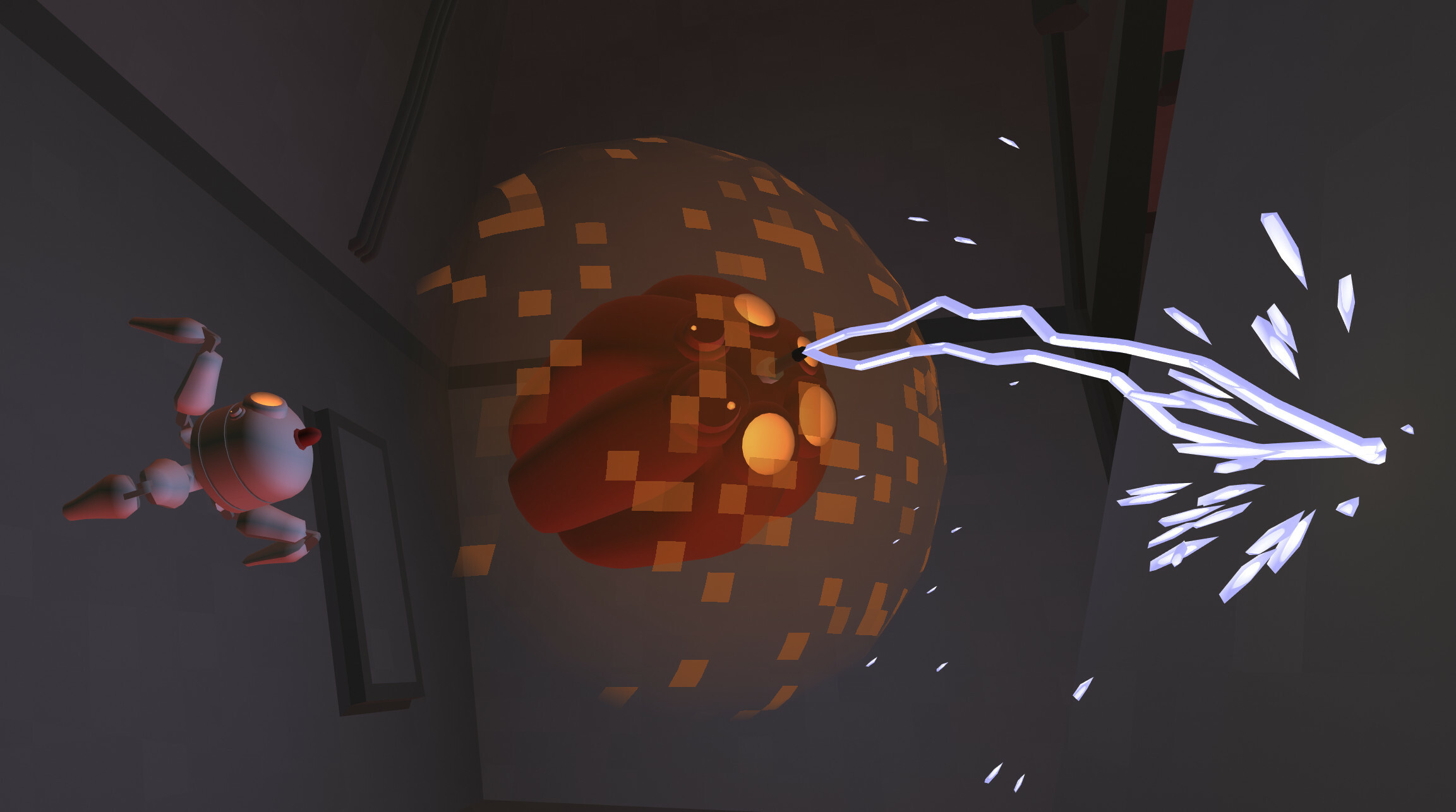
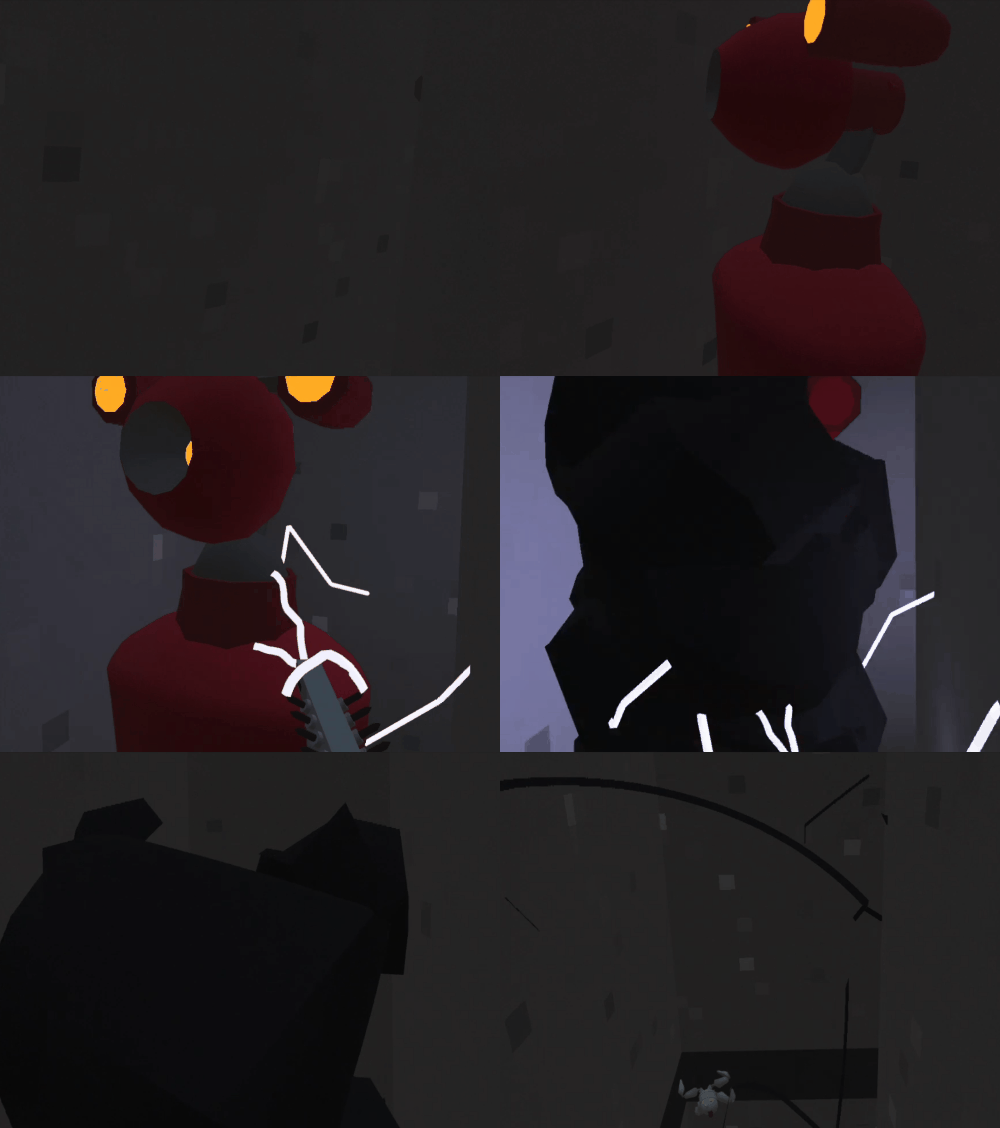
The circumstances for the crash seem to be weird but the nature of the crash was quite straightforward.
The "pre-early ending" was due to an update to the demo version. Decided to end the demo earlier with more of "the journey begins" moment rather than "now you left the turret". And with changes, I was testing both versions. It was working fine but the timing could be better. Tweaked it and tested both versions again. And then I added a fail-safe for a very unlikely scenario in Demo. Tested the demo and thought that this scenario is so unlikely that without breaking the game internally, not even intentionally as a player, it may not happen, I haven't tested the full version.
I'm really sorry about that it this is a lesson that even the unlikeliest scenarios may affect other parts of the game.
Update 1.0.1 + roadmap
The time after the release was quite busy and I know that I have lots to do now. With the game and with getting the game to the people.
In the first update, I fixed some of the bugs as well as changed a few things in the game.
About the bugs - there are still plenty of them to fix and they will be my main focus right now with smaller updates coming more often.
The experience mode is no longer available in the full game. It was confusing, there were no explanations. Was ending abruptly and if you tried the actual game, after a few minutes you were going through the same environment. It has been moved to demo which is now shorter to focus on the impossible spaces. I plan to update the demo to show a different part of the game but this will require some bugs to be fixed that have not yet been fixed.
One of the noteworthy changes is the weapon stats related. Before it was quite hard to tell which part of the weapon affected which stat. With 1.0.1 if you take a look at the weapon you will see all nodes lined up at the top with symbols below showing which stat they affect. Also, at the weapon mixer, if you take a look at the full stats of the game, similar symbols will be displayed. They are for the currently selected node.
And now - the roadmap. The plan is to have a short-term set of things to do and update it regularly, each version will be available at the most recent update post with some information about the progress. Note that these are only development-related.
A quick word about the goals. The short-term goals are something that is planned and will be done. The long-term goals are something that I'd like to do but depending on what people will like and what will be needed, this may change.
Short-term goals:
Fixing bugs is a top priority right now. Port to PICO and Vive. The builds are prepared for a while now, they need to be checked for all the features and performance. I expect to encounter some things that will become changes and fixes for all the platforms. Achievements. Add chapters that didn't make it for the 1.0.0. Most of them will be gameplay-related (boss fight, open world, short action sequence) but one will be purely to give some hints about the origins of tentacled entities you encounter in the game. Endless/tasks mode with three different maps and three types of missions.
Long-term goals:
More maps and types of missions for endless mode. Short stories that will be unlocking new stuff for endless mode. Challenges with leaderboards. Multiplayer.
And now, let's fix bugs!
v 1.0.1.333
weapon nodes show what stats do they affect
removed "experience" leaving just main campaing selection, "experience" modified works as demo now
in standard rules, "pick up" tip appears on all objects that can be picked up, this appears only if haven't been done before or for a few minutes
changes for "move to starting position" removed turn/move commands and exposed "move to starting position"
tweaked sizes of play area used by room generators
added missing collision for sliding locomotion on teks in preludium and "tea for god" chapter
proximity mines do not require to be attached to anything to explode, can be used as grenades
other minor fixes
July 19th 2023
With date announcement comes a trailer that shows a bit about the impossible spaces
The game release will be a milestone, not the end of the development. There will be more coming to the game that I will be revealing close to the release date.
VR Anchors and elevators
One of the cornerstones of Tea For God's implementation of impossible spaces is something that I call VR Anchors.
First, let's talk about spaces. For Tea For God I use different reference spaces. I have World Space, Object Space, VR Space.
World Space, also sometimes called Room Space is space that describes a room. The origin point in it is just something arbitrary, completely made up. It is used to tell where everything in a room is.
Object Space tells where everything is in reference to a given object.
VR Space tells where objects are in the real world, in your play area, referred to your real room.
If the game would not have elevators or any moving platforms or vehicles and all rooms would be small, all in-game rooms would match your real-world room. The whole world could actually be generated in a reference to real-world space.
But the game is a bit more complex than that. First, we have elevators that not only go up and down but also to sides and sometimes even rotate. And we have rooms that have multiple doors, although bits of floor that connect doors are separate, ie. it just behaves like there would be separate rooms that see each other.
There was no way to transform from VR Space (real-world) - to World Space (in-game) just like that. That's why I came up with the concept of VR Anchors.
VR Anchors tell where VR Space is placed inside World Space. This is done not per room but per door and also per object. Storing VR Anchor per door makes it easy to place the player in the game's world. But if the player is on a moving platform, VR Anchor for their in-game object should move too. That's why it is (well, might be, as it is only for the player) stored per object.
This means that the player always knows where it is in the real world and where the real world is in the game world and can easily transform between the two.
The idea was that if the player is on a moving platform, VR Anchor should move just like the moving platform. This required some extra stuff, locking the player to the platform etc.
What's more, VR Anchor helps to tell where eyes (headset) and hands are in the game world.
All simple and easy, right? Right.
But there's one thing that complicates this a bit.
The player has to be also represented by a game object that has to have its place in the game world. So the enemies could shoot at it etc. And for elevators to detect that the player is inside them.
One but that was there in the game a long time ago was that the elevators were not working if the player was pushing buttons. After quite a long investigation I noticed that this was happening if something exploded near the player. VR Anchor was forcing the eyes to be at a proper level but the actual object representing the player was high above. It was following the headset horizontally but there was no mechanism to move it vertically other than impulses from explosions. This was fixed by telling the player to move towards the proper location, at VR Anchor level. And by disabling impulses as well.
But then, I added something new. Because I didn't want to force the player to stop when they would hit a wall and deal with the consequences of that, I decided that the object follows the player. I introduced a mechanism that may (or may not if you don't want to) prevent going through walls. If the player would somehow ends up on the other side of the wall, they could not move back, unless it never happened, right? That's why I added an extra check that was always there to trace through the world to see if the current movement would end up bringing the player to the other side of the wall. And... it could still happen.
Enter elevators, with the movement of VR Anchor. There were lots of small bugs that when combined together could lock the player's object outside the world and prevent going through any door. Most of the time this wouldn't happen if the player was walking slowly and confidently, was stopping at the elevator before pressing buttons and would move out only if the elevator stopped. This basically would be happening not so often as if the player is running away from the enemies, trying to get to an energy dispenser quickly or is speedrunning.
In the end, I decided to have a very simple mechanism that was meant to replace all the others. Right now, each elevator has something I call "safe volume". It is used to keep the player's object within an area on a moving platform of any sort. This is an extremely simple solution. Solved all the problems.
That's what I thought.
Because do to an incorrect setup, some elevators were able to push the player below the ground. When I noticed this, my first thought was "you gotta be kidding me". There was this elegant and simple solution that would always work unless it was incorrectly set up. And lo behold, it luckily was.
And now - why did I do all of that?
I didn't want to have a physical player object moving through the world as it could introduce some unwanted vertical movement. Or behaving badly on elevators. Or even worse, being able to leave the elevator mid-way through. What should happen then? Should you fall? Stay in the air?
I wanted to force the player to remain in the elevator to prevent such issues.
Yes, I got some bugs on the way. But now I have a quite easy-to-explain solution and understand (Vr Anchor tells where the real-world space is in the game world, moves with moving platforms, moving platforms lock the player on them, player's game object follows the headset horizontally while keeping an object at VR Anchor's level and if it is possible that something may break, force the object to remain within a safe boundary) that works.
And I hope that this time for good.
A new demo version (0.8.0) - introducing "experience mode"
I uploaded a new demo version (0.8.0)
The biggest introduction is a new "experience/introductory mode" that was created to introduce new people to the game as well as to the impossible spaces concept or to VR in general. The gameplay there is simplified to the minimum (regenerating health and ammo, no story, no upgrades, linear levels).
With the new mode, comes a new difficulty setup. Now you can decide how simple or complex gameplay do you want and what should happen if you fail. This way you can have an ultra simple (gameplay-wise) run-based game. Or quite a forgiving adventure focused on exploration. Add modifiers and other customisation options (among them, switching off your built-in computer's voice as well as narrative voiceover) and you should be able to find something right for you. And remember that there are multiple game slots, just in case you, like me, usually play roguelites, but sometimes you have a taste for a quick action-filled session.
The introduction to the game should be easier as now if someone has no idea how to move, the game recognises such a situation and provides useful tips (tip 1 being: try to move in the real world). There are multiple smaller changes related to the visual side. New fonts, new icons, new decorations on walls, improved shaders, new shield effect.
Then, there is also some new stuff for the gameplay: new EXMs (both passive and active) introducing the first EXM you can use to damage enemies.
If you'd like to experience new levels, head to the discord server, to the preview channel where you can learn how to access preview builds.
Release delay, preview builds and upcoming demo update
I wanted the game to be released by the end of 2022. A lot of things happened that required extra time and I could either go with Early Access soon or move the release date into future.
Planned date is 2023Q2. It is a three month window and while I have the work planned with extra buffer to land on a precise date there, I know that some of the work may take less time, some may require more time. I should announce the release date the closer we will be to the actual release.
One important thing is that the game, as I plan to release it, is going to tell a complete story. But that's not where the game's just going to end. Besides the story I plan to have an endless mode, mission/quest based with full exploration that eventually should be much bigger than the main mode. Consider the main mode a story that stands on its own legs but also is an introduction to something else.
Until then, the game development continues and preview builds (that contain everything added so far to the game) are released quite regularly (unless big changes are introduced). Preview builds are available for free to everyone. For more info, visit discord server, preview channel (https://discord.gg/FFwyf4n).
And expect demo to be updated soon with a mode that should make it easier to introduce people both to the game and to the impossible spaces concept. Without intro, with bare minimum of gameplay mechanics: infinite ammo, regenerating health, no devices, no upgrades, linear levels.
But that's not everything that is going to be added to the demo. While there will be no further story related content, there are still going to be new things added. And lots of other changes.
I don't feel good about the delay. The game is in the development for a long time already but it is now much closer to the end. It just moved a few months.
boss fight and plans
I like boss fights. The ones that are just clever and fun. And these that are frustrating and you have such a huge relief afterwards. There's this huge relief afterwards, the sense of achievement and "I don't want to repeat that". And this is also the reason that I am not a fun of hard boss fights in roguelites.
Because if they are hard, there's no "I don't want to do it again". Sure they could get easier in 20 tries but they could be a blocker and the reason I just give up. Many boss fights are about an idea "how to defeat the boss" but many times it is not enough. You need to be skilled, to make that plan happen. And that's good. Unless the difficulty level is way too high. I mean, hard boss is fine, but not if you get to start all over again and every time you have to fight it. In the same way. Getting that life bar slowly down.
While roguelites are many times about dying and repeating, there's many things going on that you can try in every approach. Bosses usualy have one way to get them down. A few steps that you repeat over and over and try not to make a costy mistake.
This was in my head when I was adding the centipede.
I didn't want that fight to be hard. It is a bit demanding and I may nerf it a bit but right now I am able to kill it without many issues, I consider it easy but I am playing Tea For God for quite a long time now.
I wanted the centipede to be something different from the usual enemies. I wanted it to be a fair fight, that's why most of the projectiles are shot in front of the player. Of course, there's also a distinct sound and visual effect to mark which segment is about to shoot.
I also wanted to add a bit of a strategy there. There are two extremely different paths there and anything inbetween. On one side of the spectrum you can just blast your guns at everything that moves and then deal with multiple smaller centipedes crawling around. On the other side, you can slowly take down the centipede segment by segment starting with the tail and going towards the head.
Depending on your game style, the centipede may take much longer but be much safer and easier fight or could be a chaotic dance where you look around you all the time to dodge the projectile and shoot in different directions.
When the players meet the centipede for the first time, I expect many of them to shoot at anything only to learn that this makes more centipedes. On the next try they should play it safe. After a few tries they could try a bolder approach to make it quicker.
But it should be a manageable experience, something to be handled. It is not the final boss.
Playing it on my own, I think that I did what I wanted to have. But it's up to the players to tell if they actually feel the same and I can't wait to hear what they have to say (try preview builds!).
What are my plans now?
To finish the game, the story mode. I want to add a new game mode, that could be used to showcase impossible spaces to people. It is going to have a simplified game loop and be completely linear. It is also going to be just a subset of the final game.
I will be most likely cutting some segments of the game to finish it in a few months. These parts will be added later, extending the story mode, enhancing the experience, adding some insight into the story.
And while I will be cutting some parts, I am also going to add something else. A mode with a truly open world. Haven't yet decided on the details but they should be filled in upcoming months.
This will be less hand-made than the story mode. Will have fewer cutscenes. They are still coming and there are still going to be unique rooms, but they will be a bit different to what is in the game right now. There should be a greater variety of levels, starting at completely different places (not as it is now, linear story telling where we start and where we're going). Working with a linear story, I have to do all specific bits of it, to make them work with what is going to be told. With such "extended play mode" I am going to work on anything that comes up to my mind or people suggest. As it can fit (almost) anywhere.
Long term, it is going to be a way to tell more stories, expose lore, have varied quests/missions. In the end, the story mode may feel just like a long introduction to that mode.
Welder and shield
The latest level is a dangerous place on its own. While you meet some resistance, the bulk of the danger is the place itself. Not only there are different places full of electrical discharges, all the walls reflect your shots making you consider each shot you take. This can be used to your advantage though as you can try to exterminate an enemy that is right behind the corner.
Speaking of enemies, the biggest addition is Welder. Its primary function is to, well, weld things. It always looks for stuff to fix but whenever it finds something that should not be there, which in most cases means and intruder, it follows it and zaps.
The best protection against the discharges is an energetic shield. Welder has one as a protection during welding. It is also the first robot in the game that is able to create and recall a shield. This makes it a bit harder enemy.
But it was not the case all the time. The shield was partially based on the shield from Another World where you could create it, stick the end of your gun beyond it and shoot at the enemies. The shields in Tea For God worked exactly the same. And they did work so in both directions, which means that you could stick the end of the gun through the enemies shield and disintegrate it with a single shot.
With narrow and short corridors it was extremely easy to do so, as enemies where literally at your arm's length. The bad thing about it is that sometimes you haven't even noticed that the tip of your gun was behind the shield and if you destroyed a robot with a single shot, it looked like a bug.
To counter that, I decided the gun has to be almost fully behind the shield. This might be harder because if you just push it forward, the collisions with the gun will make the enemy move back. But if you put the gun above, below or to the side, it will work. It is harder and riskier. And is extremely unlikely to happen by chance.
But Welders are primarily a flying welding machines. And this is what they prefer to do. If they lose the target from their sight, they may want to check out what happened to it but will soon lose interest and get back to welding. And when they turn their back on you, remember that they only have a shield in front of them.
A bug story
This dev log entry is not really about a particular bug. Although this very bug is a good example of what fixing bugs may look like.
I changed the death effect for a few reasons. One was the performance (which will be covered in a separate log entry) and another was that I didn't really like it that much. The effect was added very early into the development just as something to hide the disappearance of the character.
I can't do ragdoll, I can't turn every robot into many separate pieces (it would make the robot generation longer and the game already is sometimes a bit behind). The existing death effect combined two things: it looked not so great and worked not so great. I needed something that will look good and will also not hog GPU. Maybe they could turn into dust or something? They could glow up and turn into numerous bits. I realised that this is just like the death effect in Another World. I didn't want to have the skeleton (GPU, generation time) although maybe I could have some random parts inside in the future.
I decided to have a unique shader for that. That wasn't even using the normal rendering pipeline to make it as light as possible. Plus I needed something to do billboard rendering (billboards are quads perpendicular to the camera, or in non-vr games, to the camera plane). After a few iterations and tweaking, the death effect looked good enough. It only required some sound to be added (a mix of thunder, sand, tile breaking, steam and electric short). And the performance was much better! Job well done, right?
No. Because I noticed that many times the effect appears somewhat closer than it should be. It was especially weird in VR because you could see that it should be behind objects but it was rendered in front of them. And sometimes does not appear at all.
The first step of fixing a but is to find out when it happens.
My initial idea was that there was something not right with the material setup. Depth mask? Checked that, no.
I thought that maybe it is unique to Quest. It wasn't as I noticed that while testing PC builds.
I added some code to trigger the death effect on demand without killing any character.
After taking a glance at the shader where I couldn't see anything wrong, I decided to take a look into what was going on GPU. Enter RenderDoc, an amazing tool that lets you capture a frame, inspect shaders, meshes, GPU state.
One of the features it has is to have a look at what goes past the vertex shader. And let me quickly explain how rendering works, first.
The game provides information about stuff to render, mesh (what do we render), parameters (like colour, light setup, bones to see the character animated) and shaders (that tell how everything is processed from the input data to actually render it on the display). This goes to GPU. GPU then runs vertex shader to calculate the location of all vertices (to apply bones placement, then model, camera/view and finally project it to coordinates useful for further processing). Then the data goes to fragment shader that does the calculation of what every pixel actually looks like. This is very simplified as some steps might be moved from fragment shader to vertex shader, can be combined together, etc.
I thought, that the fragment shader couldn't be responsible for why the dust appears closer than it should. I focused on the vertex shader then. One of the features that RenderDoc provides is to have a look at the vertex data already processed by the vertex shader. You can have a look at it exactly how it looks in the game or... you can turn the whole thing around. And that's when I noticed that the dust is rendered in front of the character. And that's completely unrelated to the portals.
The white lines tell what the camera sees, with the camera/player's head being on the right here. The lines in the middle should be rendered at where the robot is.
I switched to an empty test level to have only things I need to be rendered there (and to make the iteration much quicker).
But I still couldn't figure out what was going on.
I decided to divide the shader code into smaller blocks that I could disable/change to see what works. I quickly realised that the problem was with orientating the dust to be rendered perpendicularly to the camera/eye. While doing that, I realised that I was mixing coordinate systems (mine is x-right, y-front/away from camera, z-up, opengl is x-right, y-up, z-back/towards camera). I fixed that but as expected, it didn't help much.
I started to check if the orientating is bugged. The thing about orientating billboards is to place the centre properly and then offset the corners using a transform that is based on the relative location of the centre of the billboard and the camera. The centre of the billboards seemed to be fine but when I was adding even non reorientated vertices, it was closer. But when I was adding only two or three components, it was fine. I had something like that in my code:
position += reorientateTransform * cornerOffset; Which looked fine, it was adding orientated corner offset to the position, right? Even taking away reorientateTransform still was giving bad results. I realised then that I am working on vec4, four-component vectors. And the position is described with three components (xyz) and the fourth one set to 1. That fourth component is important as when transforming it with a matrix with setting it to 1 it creates position/location, using also position/location/translation part of the matrix but if that would be set to 0, it would ignore that info. And although reorientateTransform did not have any translation info, I decided to switch the 4th component of cornerOffset to 0.
And that worked. I had no idea what was wrong but that worked and I decided to call it a day.
Only when I got up from my desk, while I was talking to my wife, I had realised what was actually wrong.
With 4th component set to 1, the result of multiplication also had that component set to 1. And the position in the end, as a result of addition, had the 4th component set to 2. Which in the end resulted in the vertices being halfway between the camera and their actual location.
The bug was fixed.
The billboards are rendered at where the robot is.
And the bug happened because my mind was working on a higher level. And also because outside shaders, I use functions and methods that are descriptive (like location_to_world, vector_to_local) instead of using operators. But when I went to shaders, I just assumed that the result is the same, completely ignoring the position being a four-component vector.
It was a very basic error to make. Funny thing is that more complex bugs are sometimes easier to find and fix. This one took me a few hours.
Fixing bugs is a somewhat fun process. First, you have to confirm a bug, then, if it's possible, to separate it and check if it can be done in a controlled environment (so nothing else interferes), then you can take a look into the bug itself and if you have right tools, use them. Finally, if there's nothing obvious, divide it into smaller parts and try to find the cause. The worst comes, experiment by doing seemingly random stuff and have a look at the results.