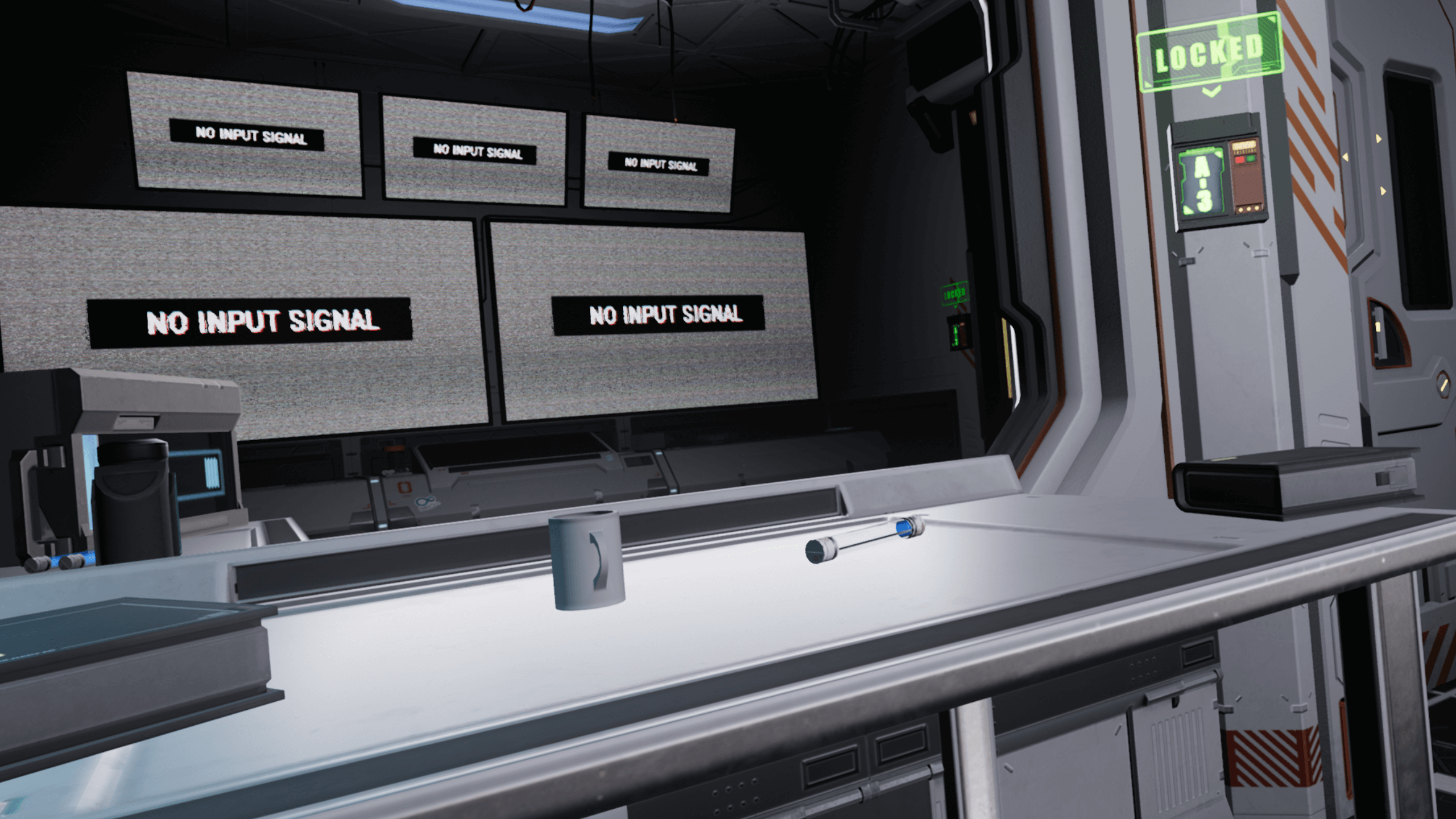
We managed to get the optimization update out. For the past few weeks we've been going through all of the assets and code in the game trying to get the game running at a proper frame rate while trying to maintain the current look and feel. Thanks a lot to those who have pointed out the issue, we wouldn't of noticed it otherwise with the computers we had available at the time.
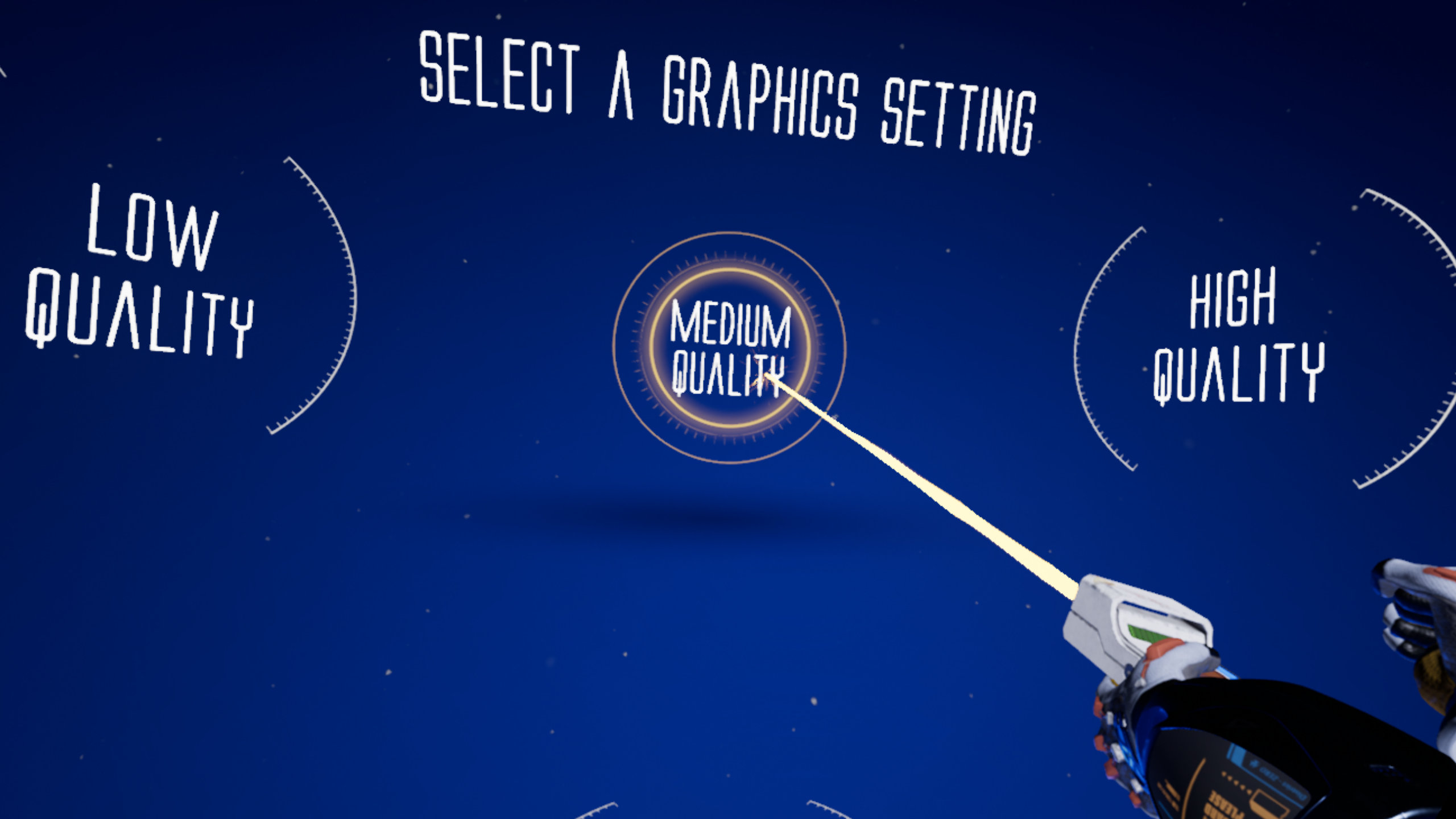
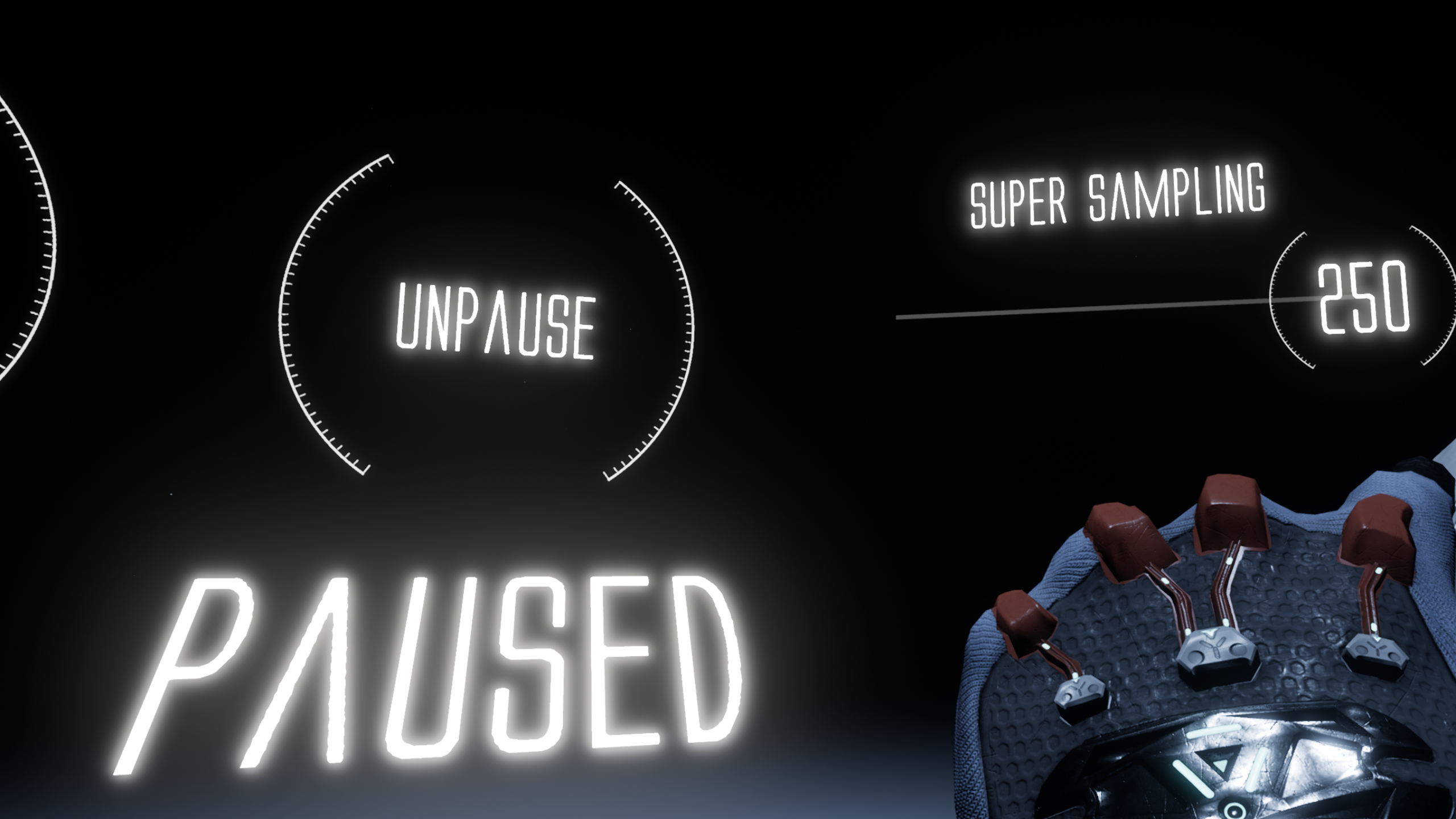
I recommend starting a new game to make sure all the new quality settings are applied. Selecting the Medium quality level should be enough to get a solid frame rate with a normal VR ready computer. If you really want to continue from a save then make sure to set the Shader Quality to medium and Post Processing to 3 from the pause menu. If you're using an Oculus, set the Super Sampling to 100 and if you're on a Vive set it to 150.
On another note, there's an issue I'm trying to fix where the pause menu doesn't work sometimes the first time you open it. If you experience this, close the menu and open it up again to get it to work.
Additions & Changes
Added more options during the initial setup like picking how you want to teleport and some quality presets.
Added a setting for shader quality which lets you toggle stuff like god rays and transparencies.
Fixes
Complete optimization of everything to get things running at 90 fps using a standard VR PC.
Fixed most of the sounds that caused static.
Fixed the blurriness that Vive players were experiencing. If the game seems slow with the Vive then lowering the Super Sampling in-game (not the SteamVR setting) should help. On the other hand, if it still seems blurry try raising the Super Sampling a bit.
Removed the ability to access the dev console.
Performance Fix Progress
I thought I'd make a post to update anyone waiting on the performance update since it's been a while. Since then, we had a computer made with the bare minimum requirements for testing. We're currently waiting to get the computer to get approved for usage so we can connect it to the internet. In the meantime, I bumped up the min required specs on the front page to better reflect the current requirements. Sorry for the delays, I'll see what I can do to speed up the process.
Test Subject 901 1.4.0
A new update is out that includes a replay mode as well as a handful of tweaks to the map. Replay mode is mainly meant for players that want to replay the game or for people who have watched someone else play and already know where all the keycards are.
In replay mode the keycards are randomized based on a set of preset points. Unlike the default mode, the cards aren't as easy to spot so you'll need to really search around the place to find them. Just keep in mind it can get hard, especially when playing replay mode on the hardest difficulty. I already know where all the possible locations are and I still have trouble clearing the game on this mode ːsteamsadː.
Additions & Changes
Added in a replay mode. In this mode key card locations are randomized. The initial tutorial sequence is still there but you can speed through it and ignore any instructions if you already know what to do. I also elevated the first keycard so you won't have to break your back every time to grab it.
Moved around objects to allow for more hiding spots. More objects you could throw were added around potential hiding spots as well.
Added in some more sound effects around the map.
Added in a button to return to the start menu in the pause menu.
Fixes
Fixed the floor height in the last map.
Some collider tweaks so you can hide in more places.
Test Subject 901 1.3.0
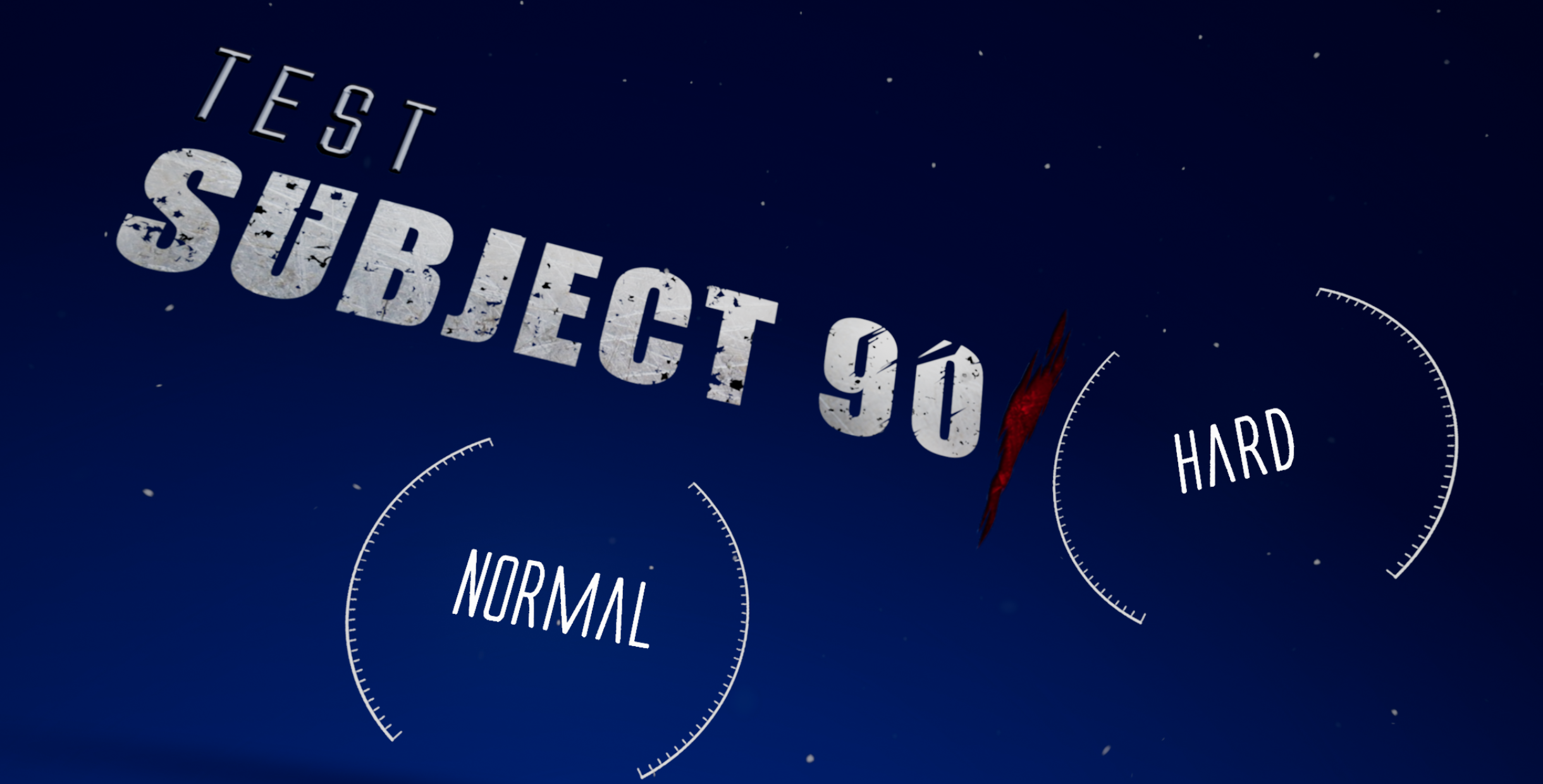
Normal and hard mode are now harder. There's wasn't too much of a difference between them before so I tweaked them to be a bit more challenging. Easy mode is still the same though.
Additions & Changes
Difficulty level tweaks.
Fixes
Small update to the tutorial.
Test Subject 901 1.2.1
A small update including the 360 teleportation setting. Hopefully this makes playing with a front-facing setup a lot easier. If there's any problems feel free to leave a comment.
Additions & Changes
Added a setting for 360 teleporting in the pause menu. To turn around while teleporting, press down on the left stick/trackpad and point/swipe in the direction you want to face.
Fixes
Fixed some triggers and other smaller glitches.
Test Subject 901 1.2.0
I'm working on some more settings/features but I wanted to push out this update as soon as it was ready. It includes a bunch of optimizations as well as a setting for post-processing quality. There's still some areas that have FPS drops but lowing the super sampling or post-processing should help. If you're still experiencing frame rate issues feel free to leave a comment.
Additions & Changes
Added a post-processing quality setting in the pause menu. If you don't want to lower the super sampling to gain some frames, then lowering the post-processing can help a lot.
Fixes
Fixed the screen turning black when setting super sampling to 1.
Applied a bunch of optimizations.
A few other smaller glitch fixes.
Test Subject 901 1.1.0
Added in a few changes based on suggestions from you guys. The new super sampling setting should fix the blurriness issue. Just be careful when raising this setting, it can get really laggy. Optimizations are planned for the next update as well as some more graphics settings.
Additions & Changes
Glow sticks now last longer depending on the difficulty chosen.
Super sampling setting added in the pause menu. To get to the pause menu just press the menu button on the left Touch controller on the Rift. On the Vive press the menu button on either controller.
Credits can be skipped now by pressing X on the Touch or clicking the trackpad on the Vive.