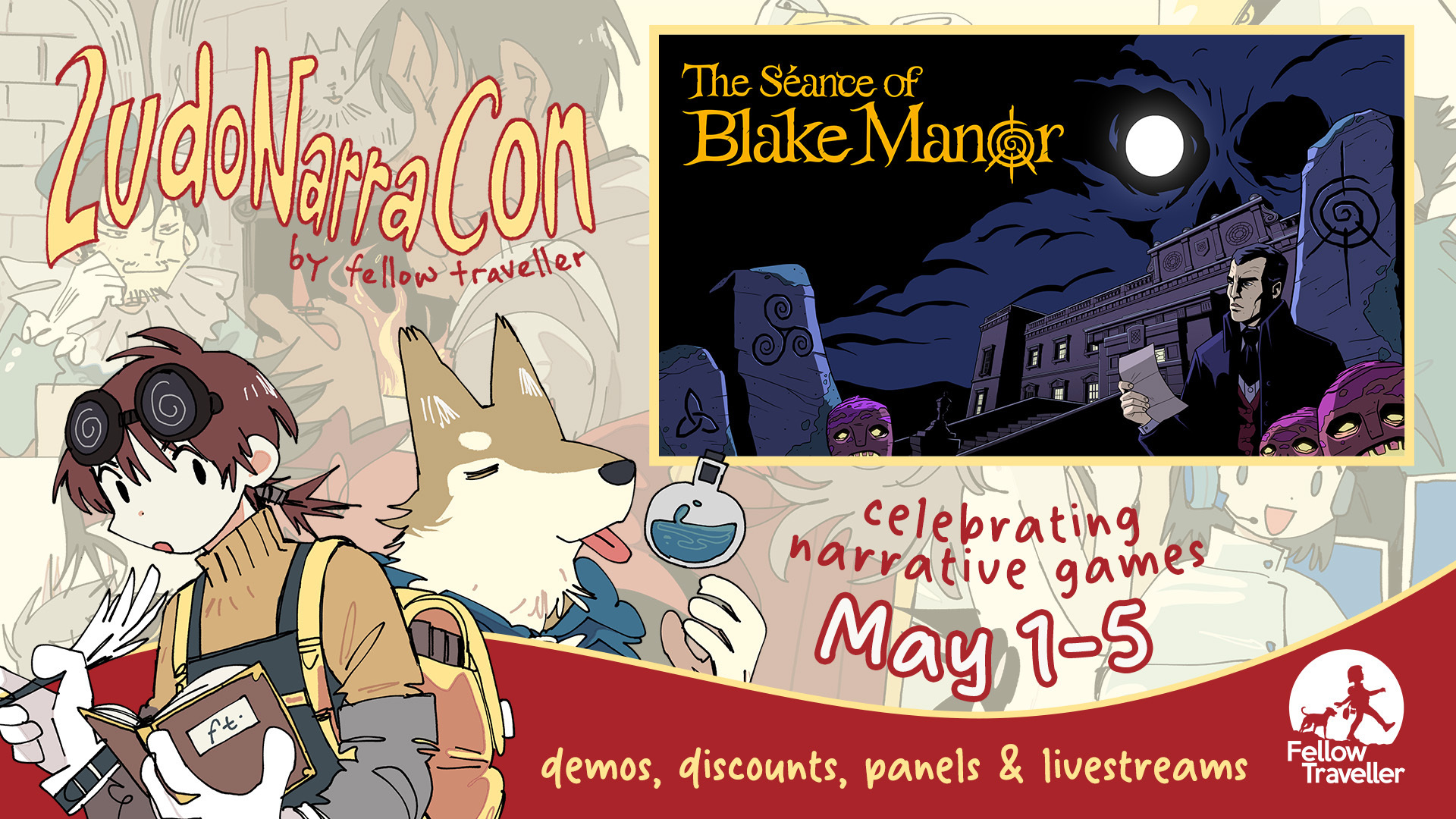
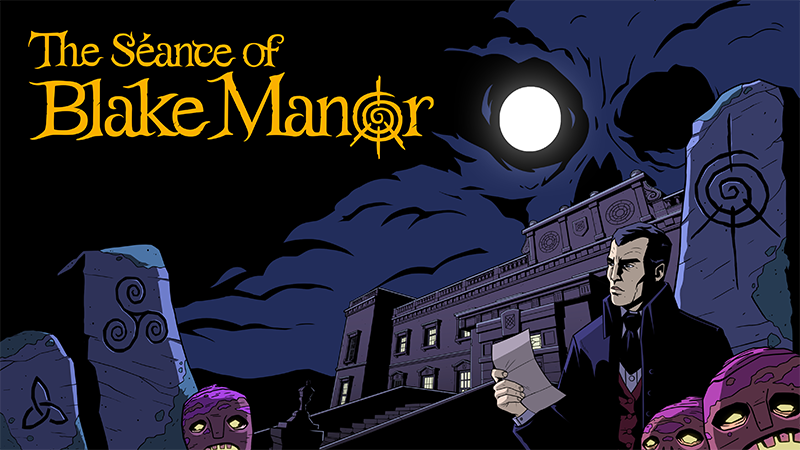
We’re excited to share that The Séance of Blake Manor is an Official Selection of LudoNarraCon and is featured as part of the narrative steam festival from 1st – 5th May 2025.
Alongside the event we have opened the doors to Blake Manor, inviting you to join the guests and staff as our first public demo goes live.
You’ll be able to explore the Manor, learn more about the staff and guests of the mysterious hotel and begin your investigation into the disappearance of Evelyn Deane.
The demo will be available until 5th May, so make sure to check it out while it’s available.
My creators, those lovely losers at Spooky Doorway Games, have just announced The Séance of Blake Manor! It's got a detective (like me) with a spooky mystery (also like me), but it's got faces and three dimensions (unlike me). It doesn't have a Dooley, though. So I'm still winning.
They are working it with publisher Raw Fury and it's looking very spooky indeed.
Akupara Games Celebrates 8 Year with Sales and Livestream
Hey Akuparians! Guess what, it’s our birthday!,
Akupara Games is turning 8 years old and to celebrate, we have put The Darkside Detective on sale for 78% off! Be sure to grab those deals, check out our lovely event page, and check out the sales! Maybe the game you’ve been waiting for is waiting for you here, with a crisp sale to match. https://store.steampowered.com/sale/akuparagames8thanniversarysale
Also, to celebrate, we will be hosting a multi-hour stream with tons of activities, announcements, and more! Stream is starting at 11:45 PM PDT! We really hope to see you there - and here’s to another year of publishing your favorite indie games on the market https://www.twitch.tv/akuparagames
- Riv otter
Duckside Detective Bundle
Hey Detectives !
We have a new detective on the force. They’re a bit small and really really enjoy bread but I’m sure we’ll get along great. I expect you both to get along and use your detective skills to solve those unsolved cases out there.
We have teamed up with the quacking detective over at Happy Broccoli Games to bring you, the Duckside Detective Bundle which includes both The Darkside Detective and Duck Detective: The Secret Salami at a 15% discount!
Help them both solve the mystery in their hometowns and navigate through twisted information told by witnesses and suspects in their own comedic- I mean serious ways!
The Darkside Detective - Bug Fix Update v2.66.1626.10816
The Darkside Detective - Bug Fix Update v2.66.1626.10816
The Case Files will flickering any time you enter the Main Menu
PlayStation Controllers Set up having some of the wrong button images on PC Platforms
Press to Start Screen not detecting PlayStation Controllers until after input on PC Platforms
Click to Start Menu Issue using controllers
The D-Pad occasionally not working in the Main Menus
Case 7: Santa's Coat having no Hotspot Text in most languages
Case 9: A Save/Load or Leaving/Re-Entering the Screen causing the Vent Hotspot to layer over the Rat Hotspot
PS5 Controller not working on most PC Platforms
Case 4: The Gremlin appearing for a brief second on entering the Evidence Room after already being collected
PS4 Controller Image showing when using a PS5 Controller on PC Platforms
Police Car and Loading Screen Text missing on Loading Screens
The Screen getting really dark when opening the Quit Game Menu from the Main Menu
Release notes - The Darkside Detective - 2.66.835.9107
Bugfixes
Issue with Dialogue not being in the correct state after Resetting the game, causing softlocks
Language: How to Play, controller screen layout is inconsistencies between languages
In Windowed Mode the Cursor doesn't Scale and Items don't Scale with everything else except when dragging them
Game won't save after completing the second case
Case 4: Possible to un-light the Nodes in a way you are not meant to
Case 7: Visual issue with Armelia's Portrait
Migration Issue with Save Files
Restarting a Case while Dialogue is on Screen will make Dialogue Choices unable to be interacted with
Item Hotspots can overlap inventory causing the wrong item to be picked up on smaller screens
Case 6: Leaving and re-entering a Screen makes the Tapestry Hotspot layer over the shopkeeper's Hotspot
Darkside Detective - PlayStation 5 Patch Notes (2023/11/30)
Hey detectives,
We have released a patch for Darkside Detective that fixed issues with older save files not being compatible with current DSD1 Builds, fixed issues where saving during a case causes the player to load into an infinite loop, and more. You can read the full patch notes below.
Patch Notes
Fixed issue with older save files not being compatible with current DSD1 Builds
Fixed the very slow cursor speed in Cases 6 and 7
Fixed some hotspot errors in Chinese localisation
Fixed Unity splash screen showing at the start
Fixed issue where saving during a case causes the player to load into an infinite loop.
Fixed issues with being able to interact with minigames and hotspots while the game is paused
Fixed issues where save/loading would cause items to disappear/reappear incorrectly
Fixed various visual and audio glitches on save/loads
Fixed the strange behaviour on the How To Play Menu after completing Case 9
Fixed various hotspot inconsistencies and placements
Improvements and minor bug fixes to the menus
Fixed issue where resetting the game caused the Power Button to show up in the Main Menu on Consoles
General optimisation and improvements to load times
Minor bug fixes
- Riv Otter
Darkside Detective - Patch Notes (20231130)
Hey detectives,
We have released a patch for Darkside Detective that fixed issues with older save files not being compatible with current DSD1 Builds, fixed issues where saving during a case causes the player to load into an infinite loop, and more. You can read the full patch notes below.
Patch Notes
Fixed issue with older save files not being compatible with current DSD1 Builds
Fixed the very slow cursor speed in Cases 6 and 7
Fixed some hotspot errors in Chinese localisation
Fixed Unity splash screen showing at the start
Fixed issue where saving during a case causes the player to load into an infinite loop.
Fixed issues with being able to interact with minigames and hotspots while the game is paused
Fixed issues where save/loading would cause items to disappear/reappear incorrectly
Fixed various visual and audio glitches on save/loads
Fixed the strange behaviour on the How To Play Menu after completing Case 9
Fixed various hotspot inconsistencies and placements
Improvements and minor bug fixes to the menus
Fixed issue where resetting the game caused the Power Button to show up in the Main Menu on Consoles
General optimisation and improvements to load times
Minor bug fixes
- Riv Otter
2.66.0.7484 - Save File Bug Fix Update
Hello everyone! This update fixes an issue that was preventing game progress from saving!
There are couple of steps to complete in order to get your save files to work correctly with the new update. Before playing the latest update, please follow these instructions:
First go into your The Darkside Detective folder at C:\\Users\\\\AppData\\LocalLow\\Spooky Doorway\\The Darkside Detective
Backup your existing save files in another folder of your computer just in case
Delete any save files that don't end in numbers outside of the range '1_0' to '10_0', with the exception of '666_0'. For example, you would delete 'The Darkside Detective_0_0.save'
Delete any 'PreviousSave' files
Wait for the Darkside Detective update to complete on Steam
Right click on The Darkside Detective in your Steam library, and select Properties.
Go to Updates, and check that the Build ID is '12595018'. If it doesn't match, you might need to wait a couple of minutes, or close and restart Steam on your computer.
Click Play - your game progress should work correctly now!
There is a chance that when recovering your Save Files like this, you might find some strange issues appearing, like the Case Music not playing correctly, or starting a case on the wrong Screen, etc. If you do encounter any of these, then resetting the game in the Main Options Menu or restarting the cases individually should permanently fix these issues.
Thanks everyone! Spooky Doorway Team
Patch Notes: The Darkside Detective 2.61.269.6650
Fixes:
Cotton candy in the inventory blocked by giant tree hotspot
Game freezes a little before and after Dialogue Chunks
Controller Issue related to dragging Items
Case 5: The sticky tape that's supposed to be in Nigel's lair is not there, and strange portrait visual issue