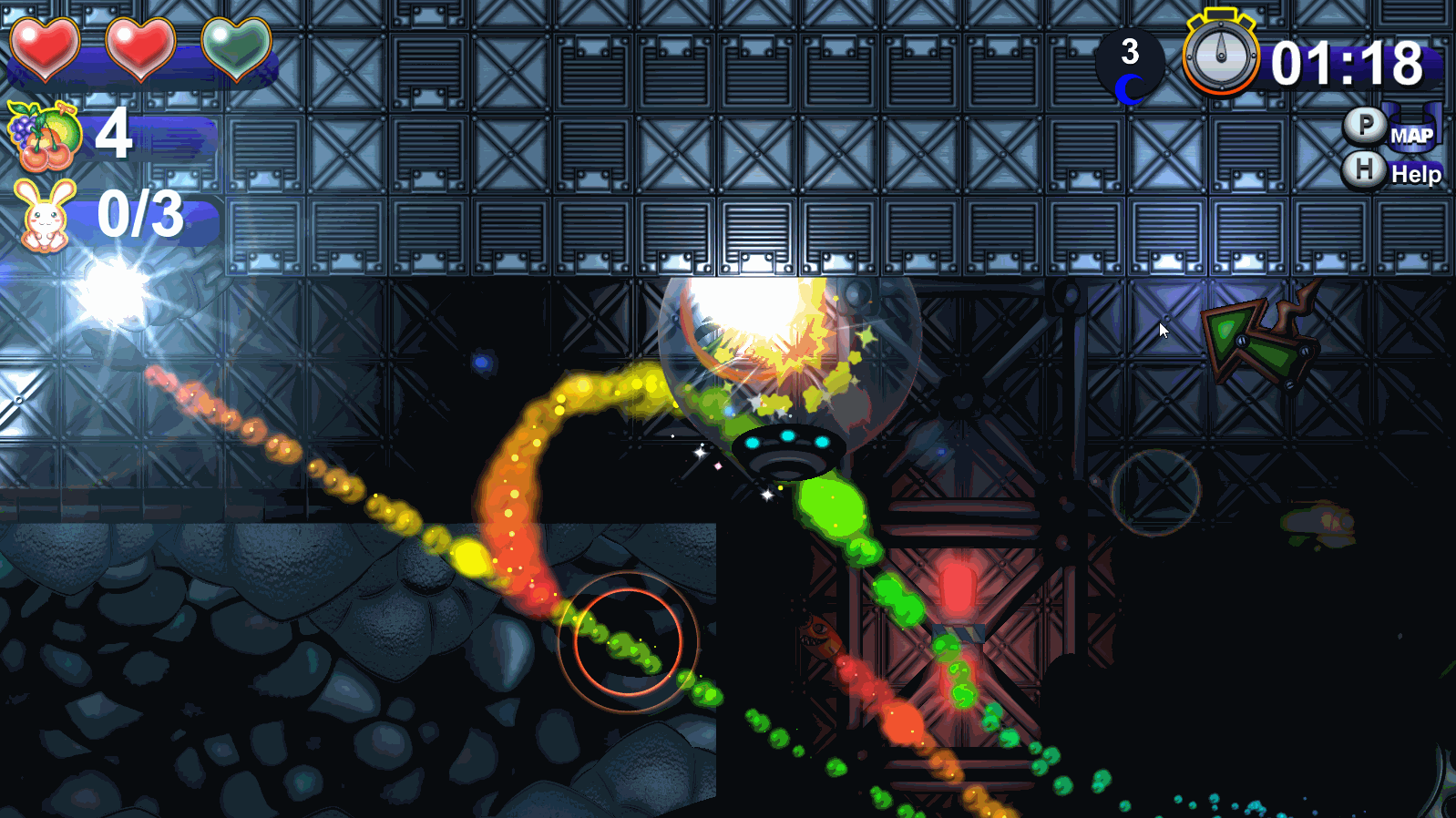
Thanks to all your support and feedbacks for Toricky,
We are pleased to announce that Toricky's v.1.3.0 is here!
List of new features & improvements:!
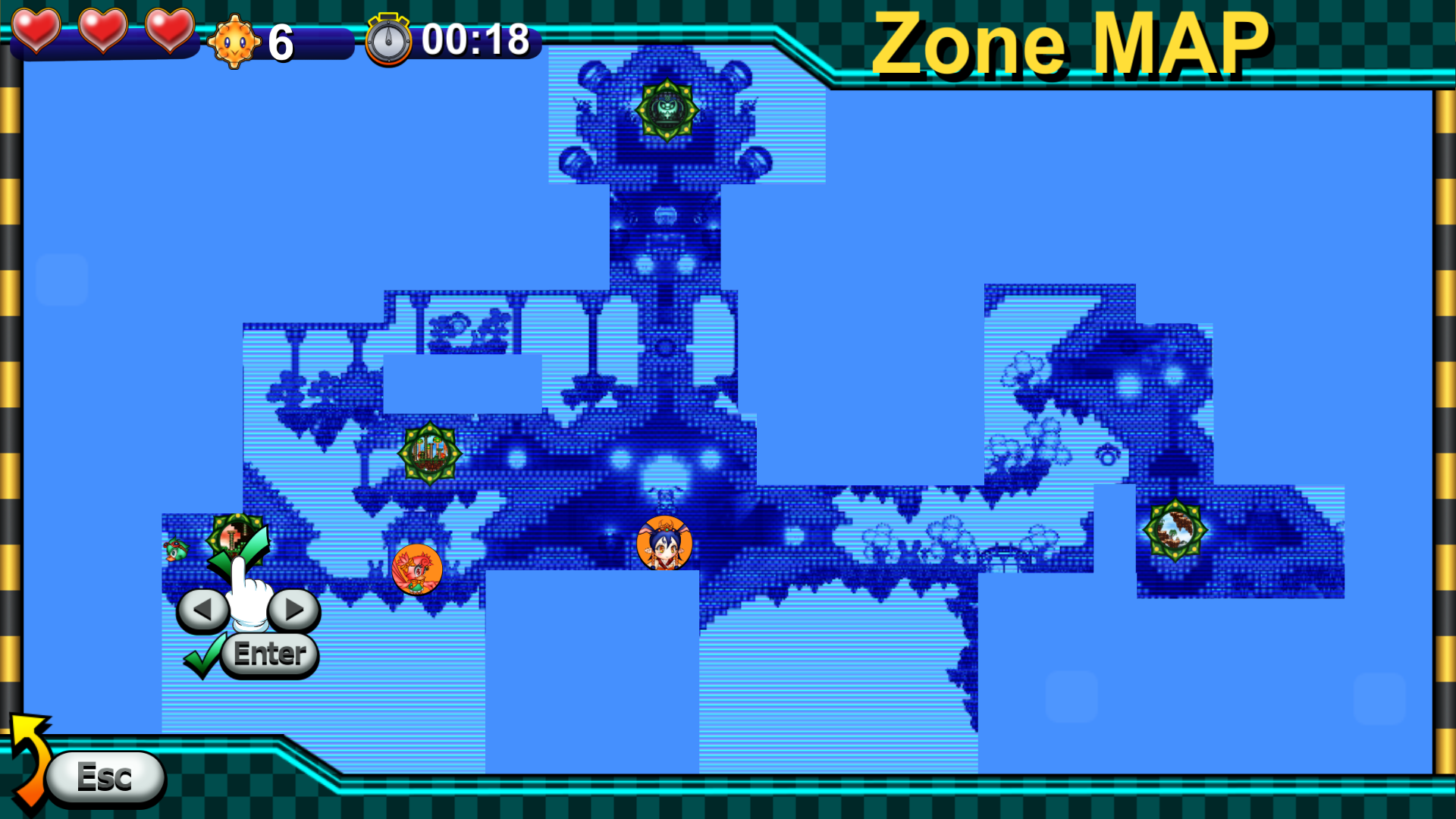
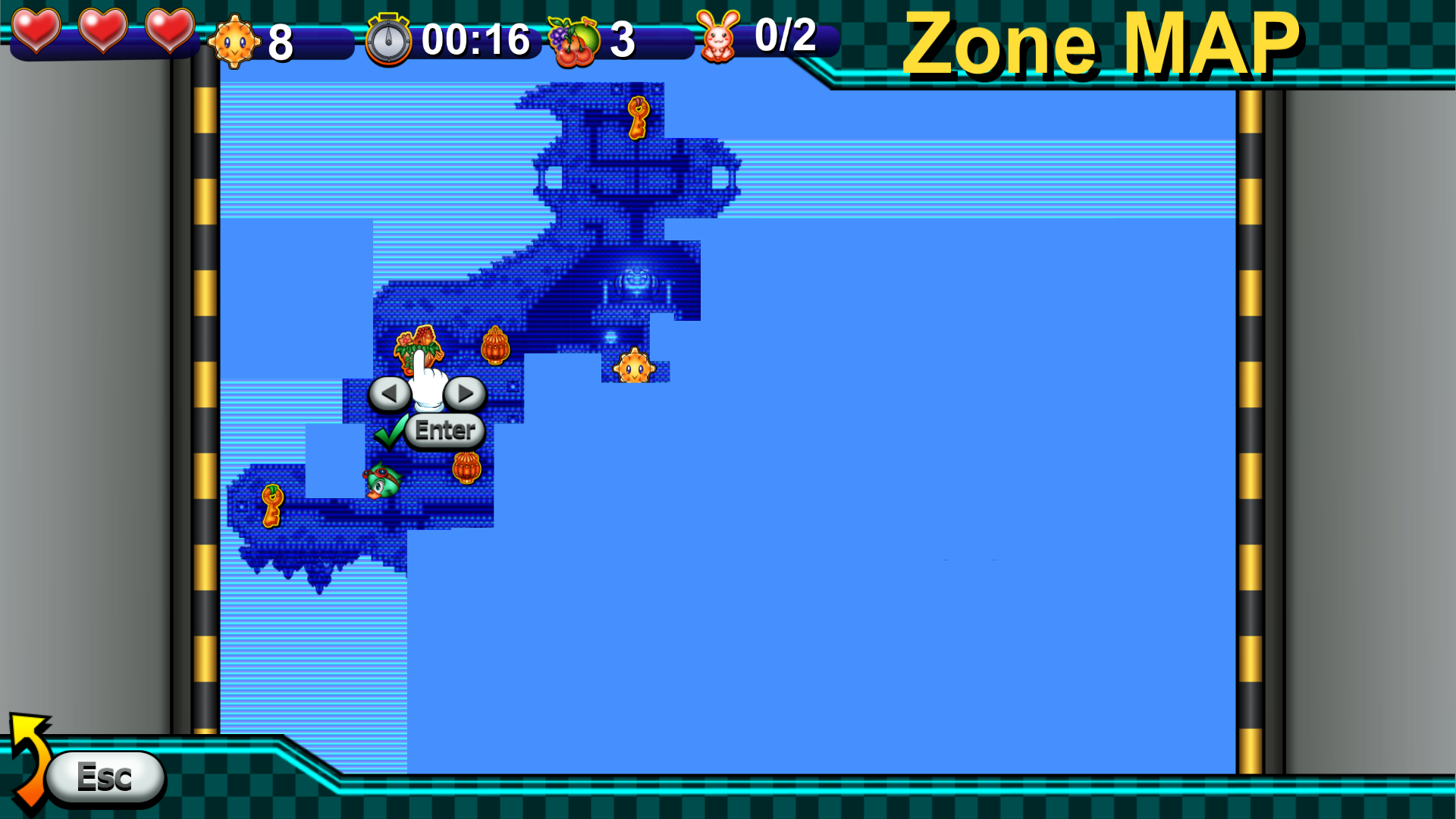
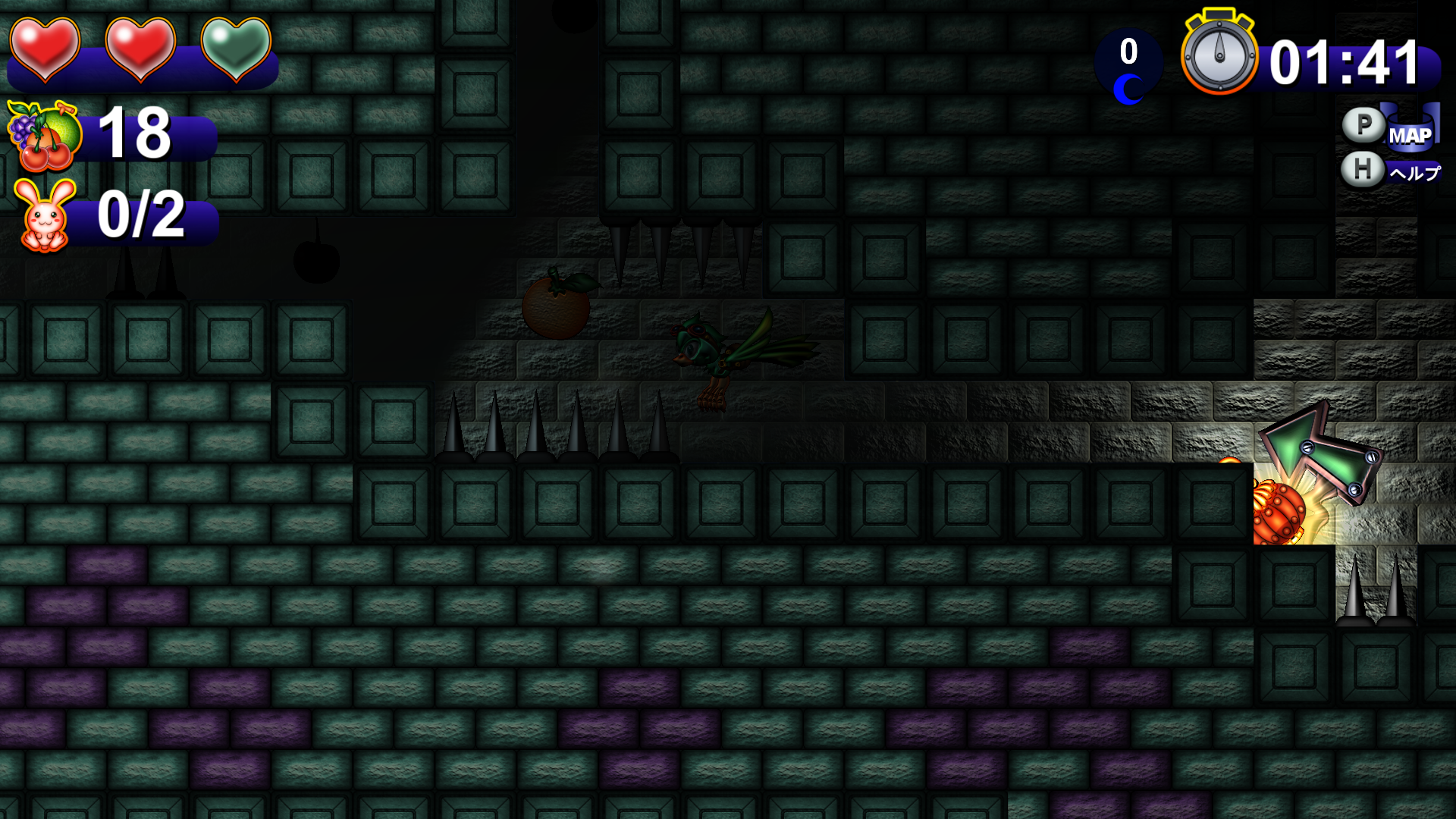
Discovered Items Informations on the Map Menu.
Already discovered important item's (Crystars, Keys, Generators...etc)
position are displayed on the Map Menu.
Hidden Crystars are not dispalyed
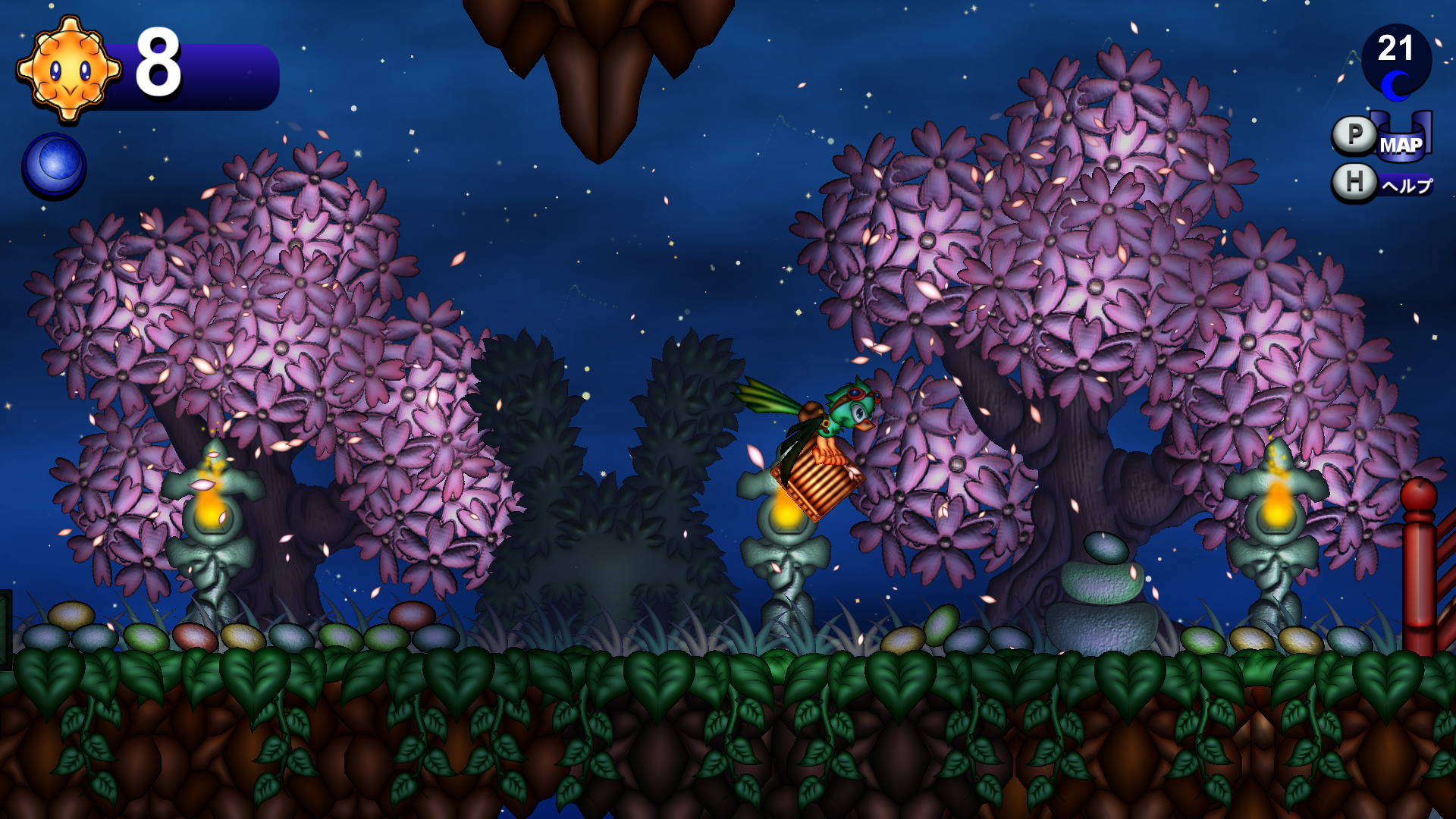
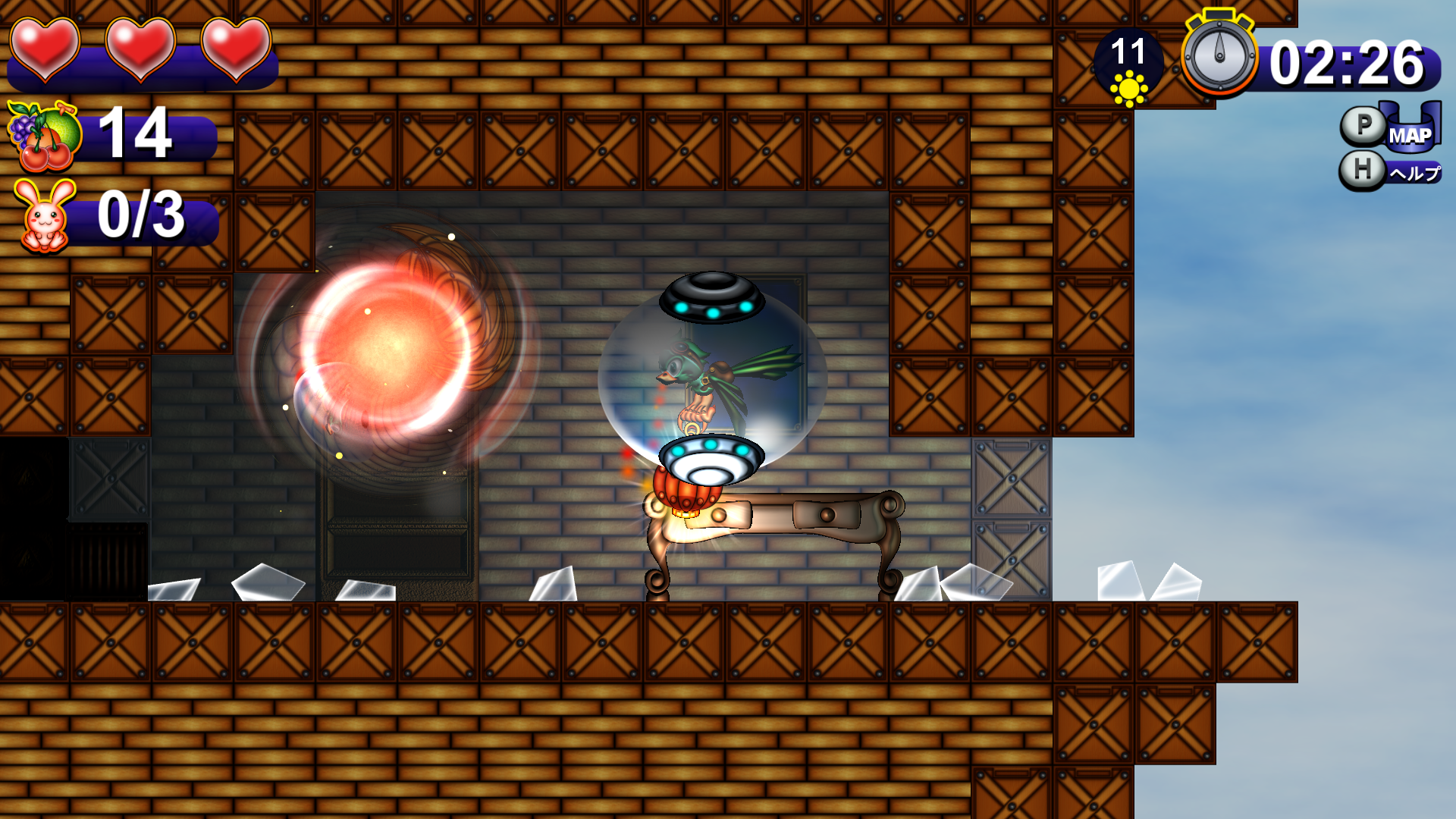
Day/Night Lighting adjustment.
Additional Event Scene.
Dimensional Gates Shortcut System issue fixed.
Difficulty Level Adjustement.
Difficulty level has been adjusted in the following Zones:
"Crystar's Path", "Moon Shrine", and "Saphire Lagoon".
Difficulty level has been adjusted for
Ghost Enemies and the Pigra-Cruza Boss Fights.
Additional Teleportation Vortex.
Additional Teleportation Vortex have been created in the following Zones:
"Crystar's Path", and "Saphire Lagoon".
Waterfall Abyss Crystar's Bug Fix (ver.1.2.2).
Update: Additional Features coming with ver. 1.3.1
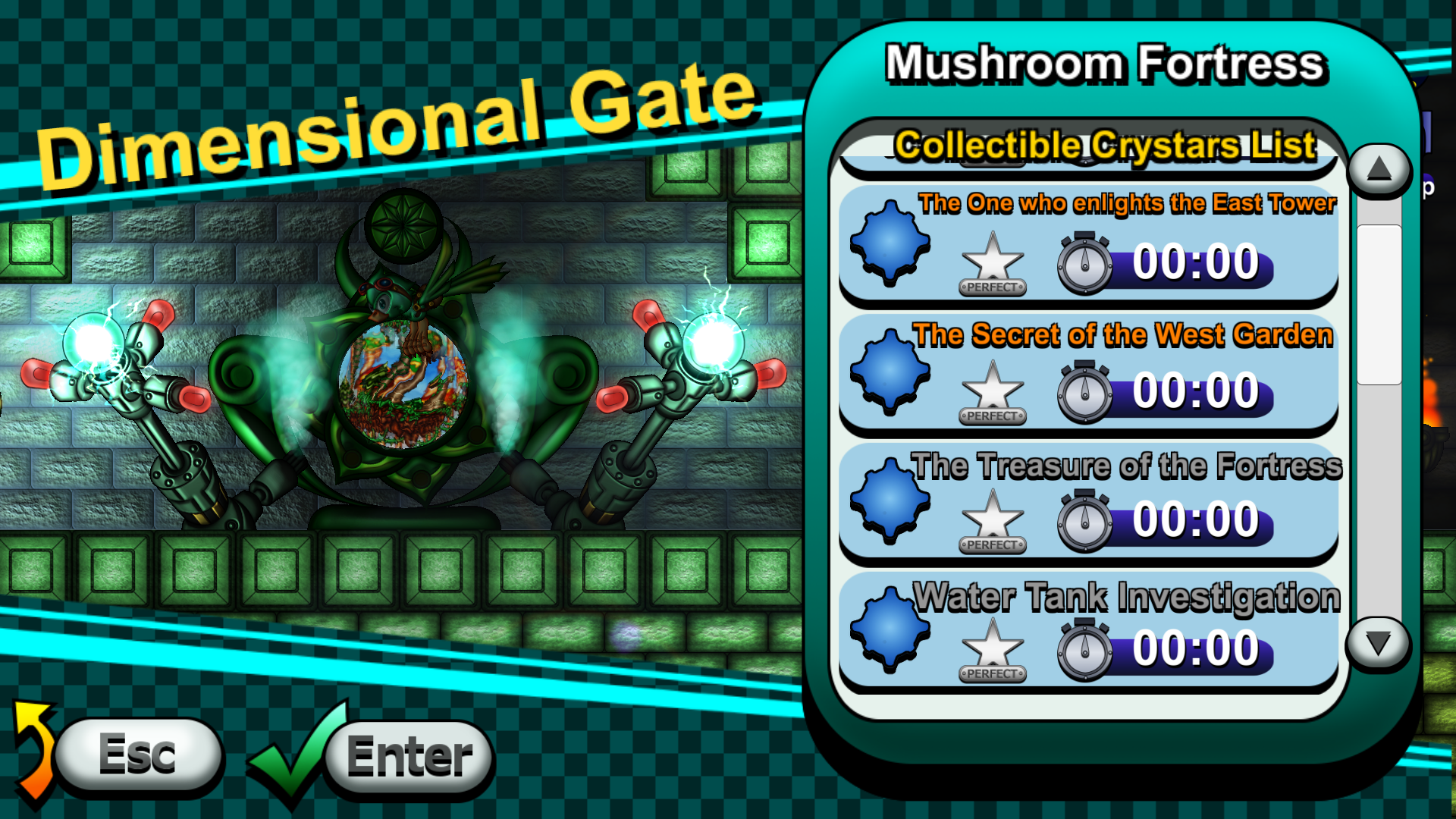
Collectible Crystars Indications Missions which you can't clear before obtaining particualr Power-Up or progressing in the game are now grey-shadowed.
Character&Items Informations on Main Hub's Map
*If your game's version is 1.2.2 or below, please update your version to 1.3.0 1.3.1.
http://store.steampowered.com/app/477720/
We hope you will enjoy our game.
Please don't hesitate to give us your feedback via the comments & reviews!
2 game issues related to the version 1.2.0 update have been fixed.
Graphical Glitch in the Steely Seabed Zone.
Emperoar Boss Battle. Issue making Bom-Taro Generator to not appear during the 2nd Phase of the Emperoar Boss Battle in the Raging Boiler Zone have been fixed.
If you're encountering on of the issues above when playing Toricky, please update the game.
[Major Update] Toricky version 1.2 & Weeklong Deal 20%OFF !
Greetings fellow players,
We are pleased to announce that Toricky's v.1.2 is finally here!
Thanks to all for your support for Toricky.
Let's kick off with an updated version of the Trailer! https://www.youtube.com/watch?v=eRZwGHVTJH8
As promised, the new version is coming with a lot of improvements!
Screen Readability
As the game was praised for its cute and colorful visuals, we also observed that some players are encountering difficulties to distinguish interactive from decorative elements.
That's why we proceed large scale graphical adjustments to improve the screen's readability!
Graphic Enhancements
We also took this opportunity to upgrade many graphical elements of the game including the lighting.
Dimensional Gates Shortcut System
Once you have visited a Zone. You can select the Zone's Gate Icon on the Crystar Palace (Main Hub) 's map to teleport directly to the selected Zone's Dimentional Gate (Entrance).
With this system you can now switch faster between the Zones you want to play!
https://www.youtube.com/watch?v=vaS-eZUVsk4&feature=youtu.be
SmootherTutorial & Dialogues
As Toricky is a game introducing very unique gameplay and controls,
we think that it's important to explain one by one its mechanics.
However if you don't need tutorials, now you can skip most of the dialogues and charge straight ahead to your first Crystar!
Many other dialogues were also adjusted to allow the player to skip them if wanted.
Minor Bug Fix & Level Design Adjustements
Other Surprises...
It seems the entrance of a secret Zone with additional new Crystars has been spotted in the Crystar Palace!
Would you be able to find it?
Also Good things come in pairs,
We're celebrating the new version's release with a Weeklong Deal at 20%OFF on Toricky!
20%OFF Discount on Toricky from 7/31 (10AM PST) to 8/7 (10AM PST)
http://store.steampowered.com/app/477720/
*If your game's version is 1.1.2 or below, please update your version to 1.2.0.
*Toricky's Free Demo is still based on the version 1.1.2, update for the demo is coming soon.
We hope you will enjoy our game.
Please don't hesitate to give us your feedback via the comments & reviews!
A quick news to announce that we're working on Toricky's next Big Update!
With the version 1.1, our goal was to optimize the game to run on small-configs, and help players to master Toricky's aerial gameplay.
Now we go to the next step!
The upcoming ver. 1.2.0 will include:
Screen Readability Improvement
Graphics Enhancements
SmootherTutorial with the possibility to skip some dialogues.
Minor Bug Fix
And maybe some other surprises...
We're hoping to have the update ready until the end of the month!
We are pleased to announce that we're celebrating it with:
30% OFF discount on Toricky
40% OFF discount on all DLC
A total of 49% OFF discount on [Toricky-Deluxe Pack] including:
Toricky (Game)
OST by Hiroki Kikuta & Dale North (DLC)
Strategy Book (DLC)
Thanks to all for your support & feedbacks for Toricky!
We're updating regulary the game, and we will keep you informed on the latest improvements!
Today we have a new Gameplay Video which fits perfectly to the theme of Summer!
https://www.youtube.com/watch?v=rIV-3bTZQxg
This video takes place in the Saphire Lagoon and introduces you the swiming mechanics using the AquaSphere power-up.
We hope you will enjoy our game.
Have an excellent summer everyone!
http://store.steampowered.com/app/477720/
Atelier Melon-Kissa & OtakuMaker.com Studio
Toricky Free Demo Available!
Greetings fellow players,
We are pleased to announce that a Free Demo for Toricky is now available!
Thanks to all for your support for Toricky!
We've recently exhibited a Special-Booth-Demo of Toricky at few Game-Events
and the player's feedback were far beyond our expectations!
That's why we decided to bring it on Steam as a Free Demo introducing some of the game's main mechanics through 5 short and simple stages:
Introduction to Flying
Fighting Enemies
Mini-Dungeon
Swiming
Boss Battle
We hope you'll enjoy your first steps in Toricky's world !
Also Toricky have been updated to version 1.1.2.
This update includes:
Minor bug corrections.
Minor adjustments.
If your game's version is 1.1.0 or below, please update your version to 1.1.2.
Thank you for all of your support and feedbacks.
http://store.steampowered.com/app/477720/
Atelier Melon-Kissa & OtakuMaker.com Studio
[Major Update] Toricky Updated to ver. 1.1.0
Hello everyone,
We are pleased to announce that Toricky have been updated to version 1.1.0.
Thanks to all our community's feedbacks,
this new version is coming with a bunch of new features and improvements !
Large optimization improvement from the ver 1.0.3. (For each Quality Level)
Revamped Quality Levels for greater effects on the game's performance. (Please consult the Online Manual for more details)
Basic Flying Controls adjustment for more accurate 1:1 control of Toricky.
Refined Game Interface.
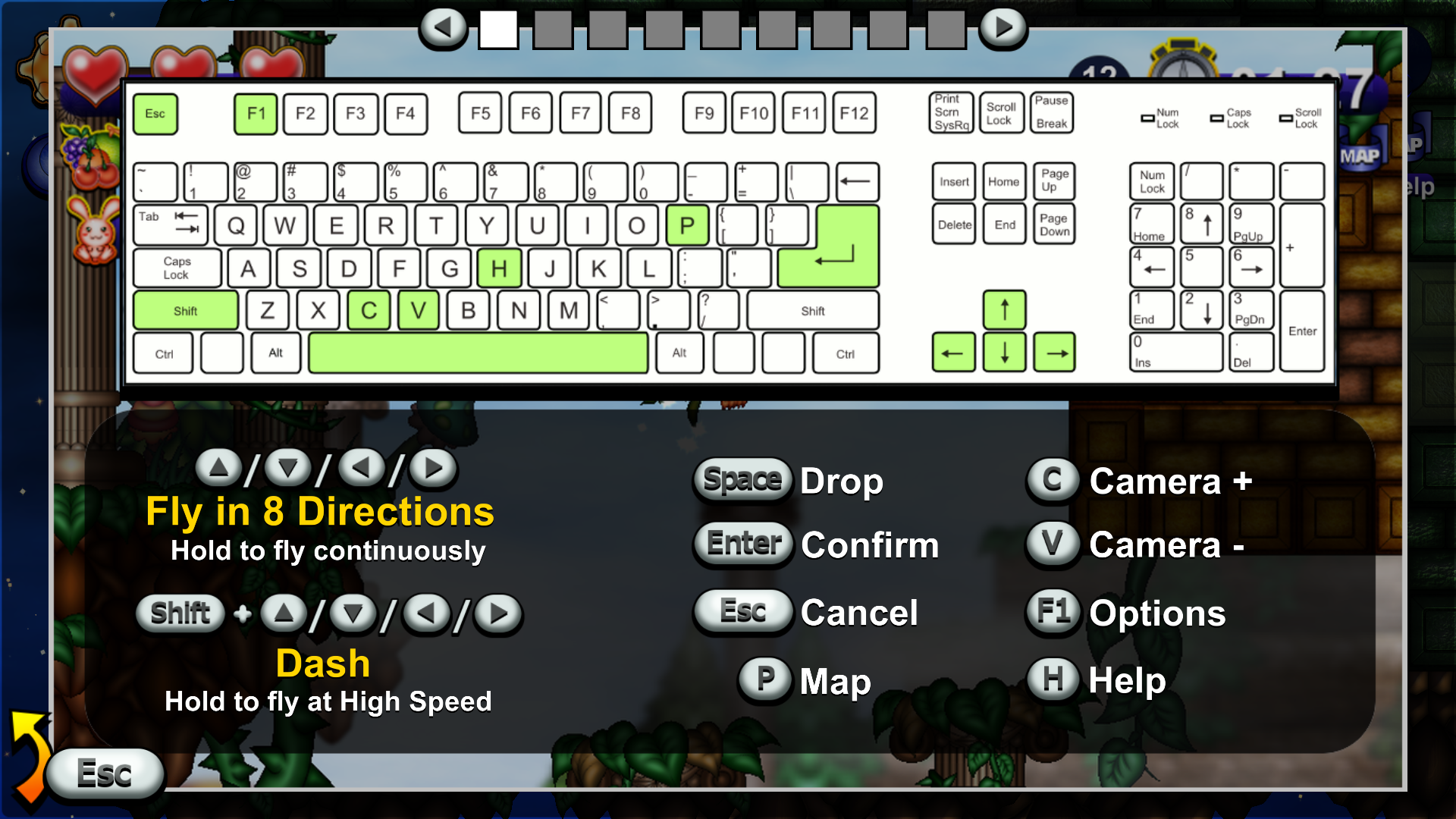
Ingame Help Menu Accessible by pressing [H] Key.
Tutorial Adjustments for better Accessibility.
Game Mechanics Reminders displayed during the Loading Screens.
Additional Visual and Sound Effects.
Minor Bugs corrections.
If your game's version is 1.0.3 or below, please update your version to 1.1.0.
We're also coming today with a new Video introducing Toricky's first minutes Gameplay and a Boss Battle.
(Gameplay is captured from version 1.1.0 update)
https://www.youtube.com/watch?v=yoew20mC8MQ
Thank you for all of your support and feedbacks.
http://store.steampowered.com/app/477720/
Atelier Melon-Kissa & OtakuMaker.com Studio
Toricky Updated to ver. 1.0.3
Hello Everyone,
I am pleased to announce that we have updated the game based on the feedback and recommendations of our community. (version 1.0.3)
I'd like to take this opportunity to thank those who gave feedback and to apologize for any inconveniences caused. We are a small team behind Toricky, but we are doing best to improve your gameplay experience!
Here's what's new:
Further FPS optimization
Inputs updated to be more responsive
New loading system -tips added on level load
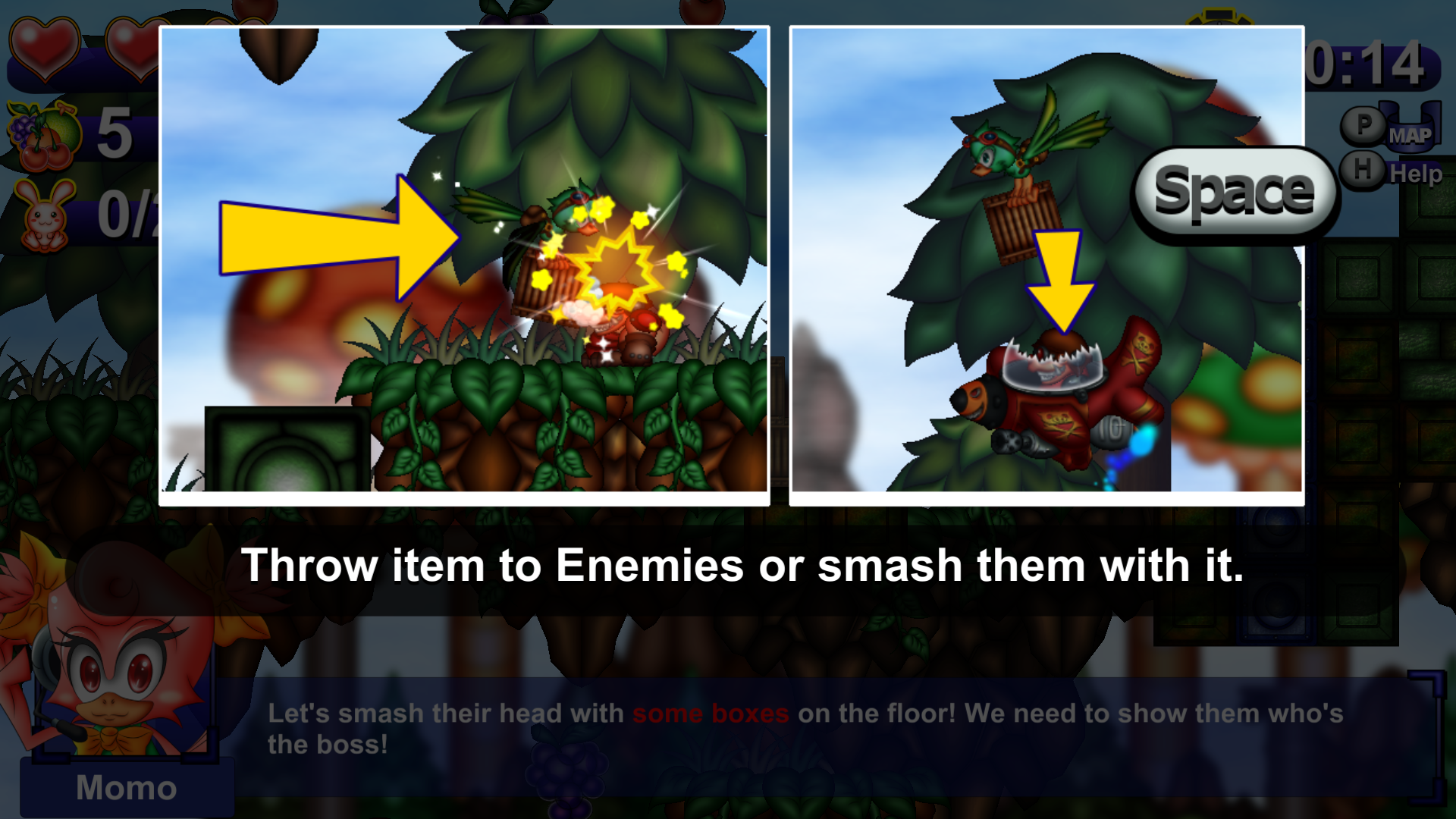
Additional in-game hints added so the player can understand the mechanics(dash is very important!)
Enemies difficulty reduced
Language selection bug fix(version 1.0.3)
Buggy "check point tutorial" fix
Gamepad users Please note:
For the moment we only support the XBox controller.
If you have issues with the XBox controller do not hesitate to contact us and we will look into your issues
Please note that you can re-assign gamepad buttons in the options menu (F1) more information here
We will continue to listen to your feedback, so do not hesitate to leave us some feedback!