

Tourist Bus Simulator
Guide added: How to create custom repaints for your busses
Modding Guide: How to create custom repaints for vehicles
This guide works just as well for Fernbus Simulator. So, you can easily convert your new and old repaint mods for either game.
We hope, you have lots of fun creating new repaints for your favourite vehicle.
DLC Neoplan Skyliner and DLC ComfortClass HD now available!
DLC Neoplan Skyliner and DLC ComfortClass HD are ready for purchase on Fuerteventura to add more variety to your vehicle fleet.
Sounds familiar? Well, for those of you that own Fernbus Simulator may know these vehicles already because we've ported these vehicles from Fernbus Sim to Tourist Bus Sim.
And best of all about this:
These DLC's are compatible with both games! No need two pay more than once.
So, if you have already purchased these DLC's for Fernbus Sim, you'll find them available in Tourist Bus Sim right away. And vice versa: should you buy one of these DLC's for Tourist Bus they'll be waiting for you in Fernbus too.
This is from us, TML Studios, for you as a thank you!
Update 1.2.23630 - Released
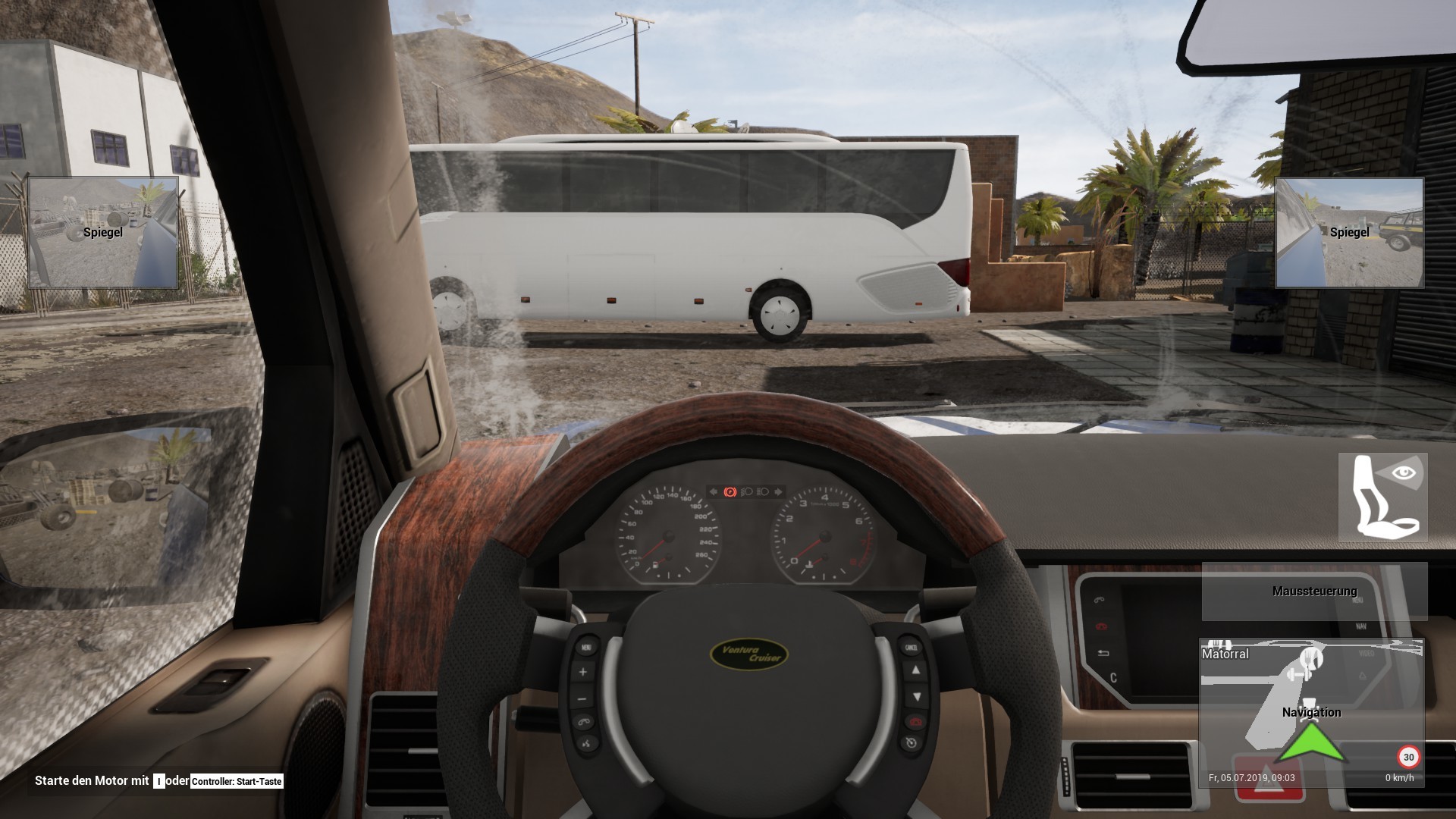
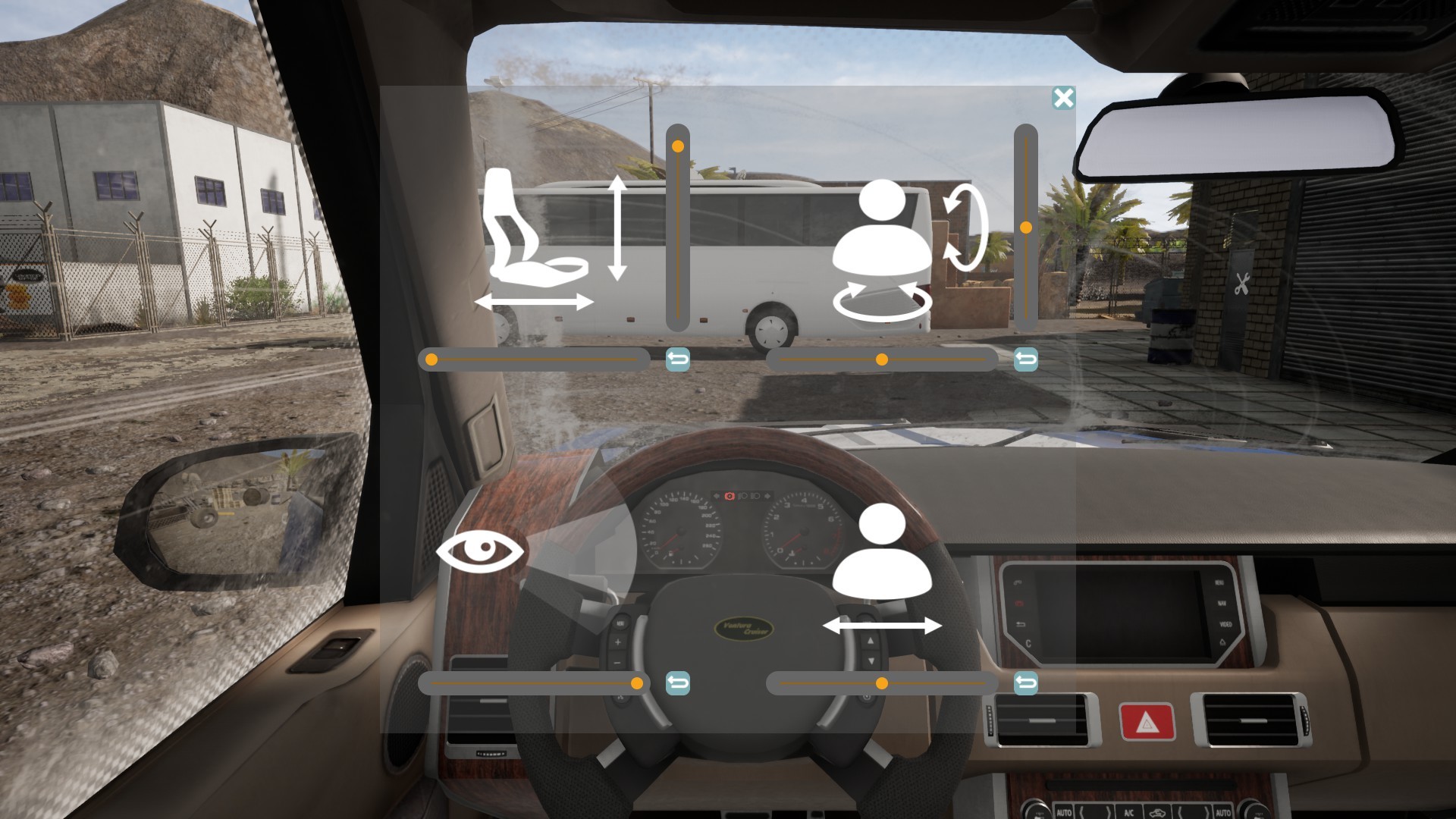
Not only have many bugs been fixed, but also a lot of features have been revised or improved. Just to pick out a few: The driver's camera can now also be adjusted in the SUV, service car and buggy as well, the additional garage halls are now accesible with the vehicles and there are finally audio dialogues for your passengers in 4 languages: English, German, Spanish and French !
Detailed information can be found in the Changelog.
---
Changelog:
Gameplay
- Speed cameras now control the players SUV, service car and dune buggy
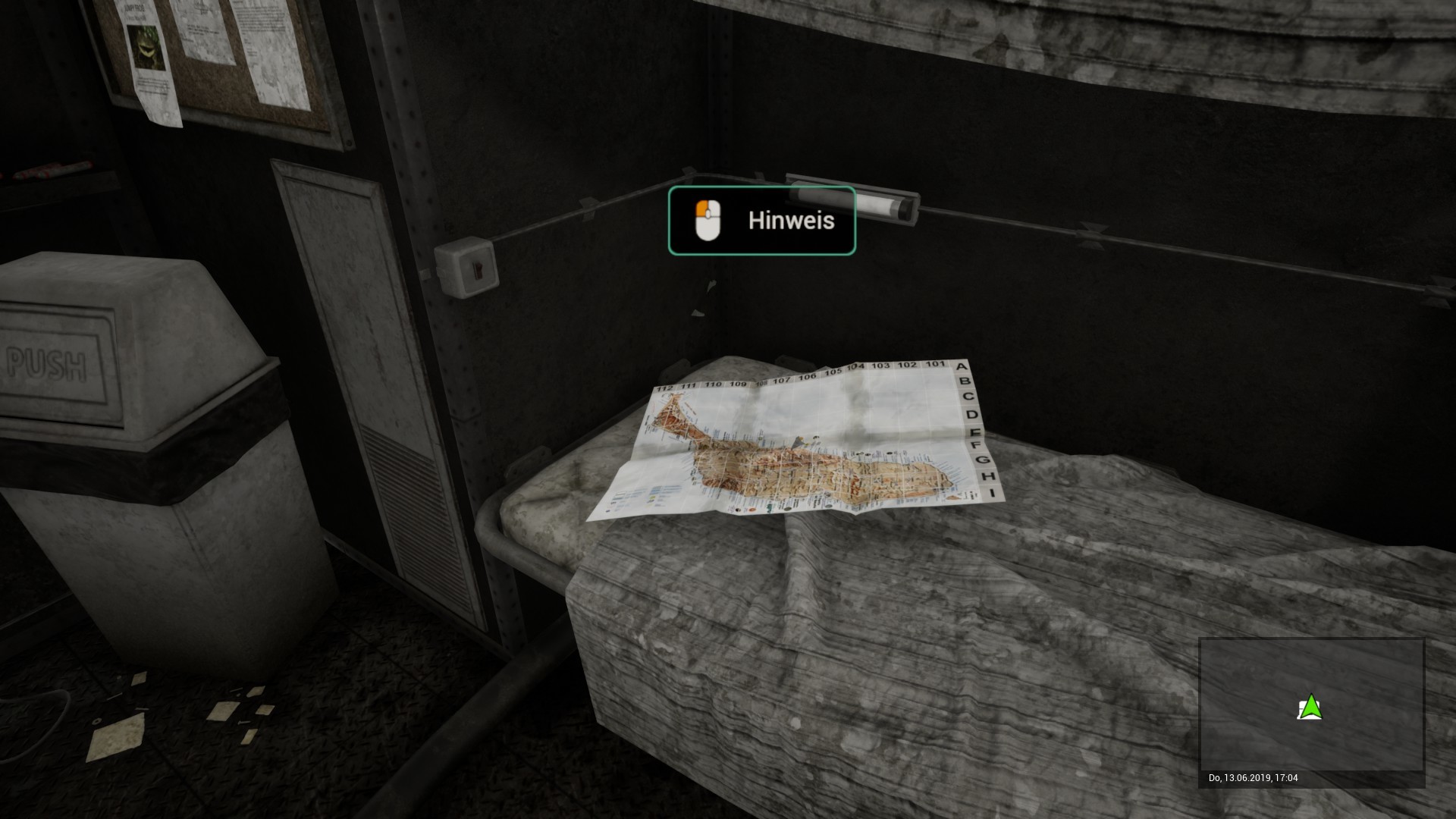
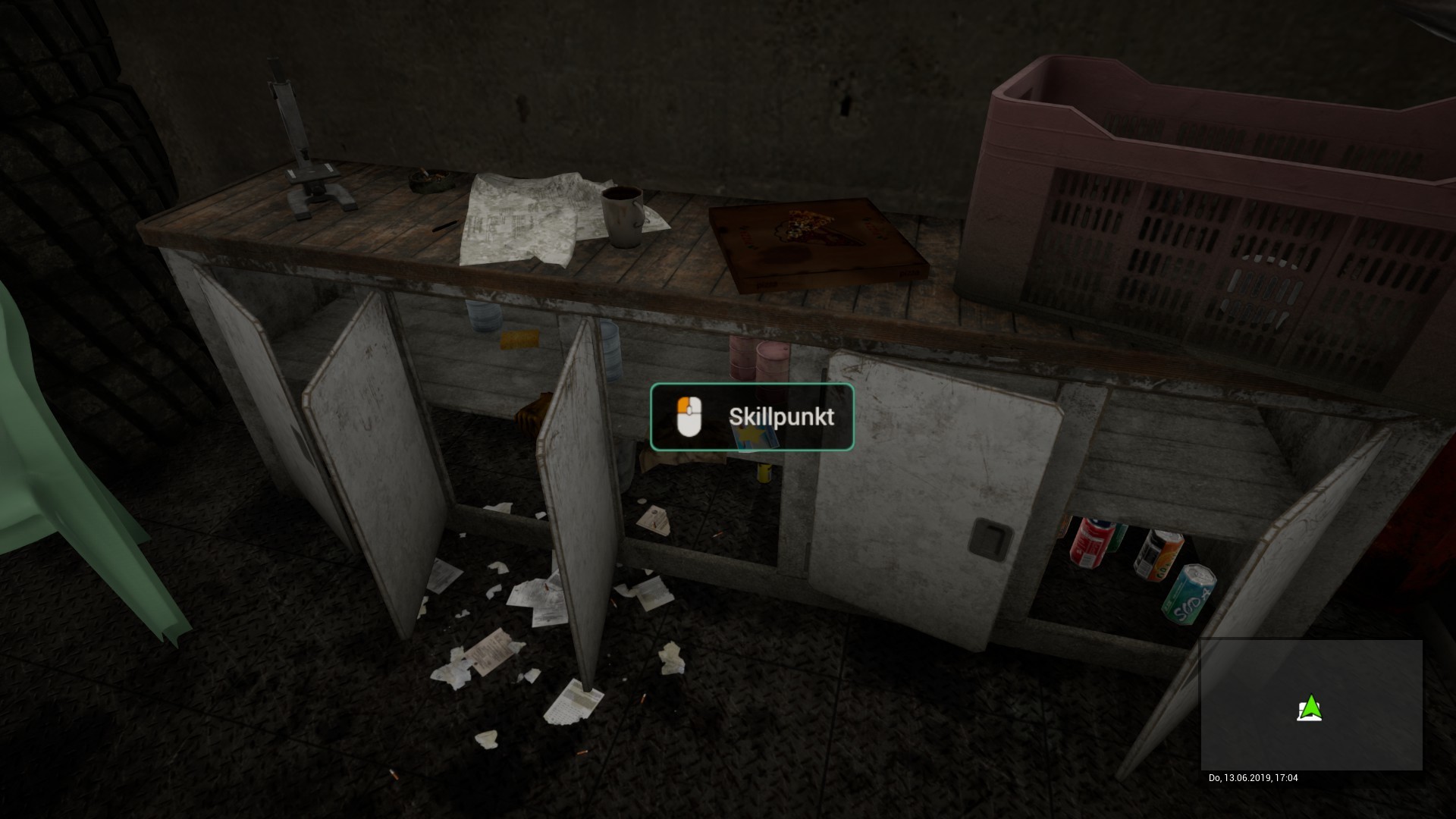
- Added missing items in bunkers 2 and 3


- It is no longer possible get out of the vehicle during the refuelling process
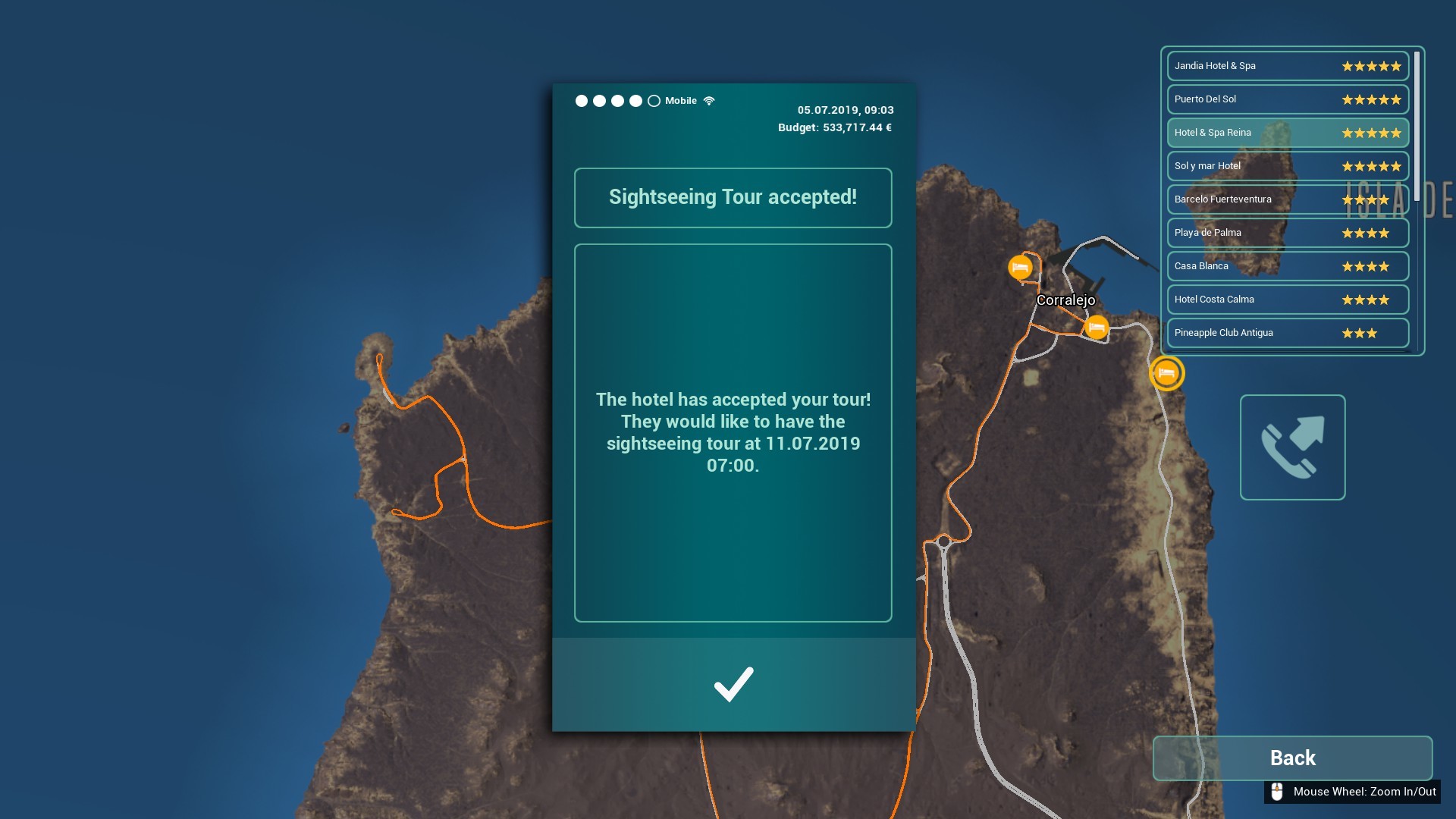
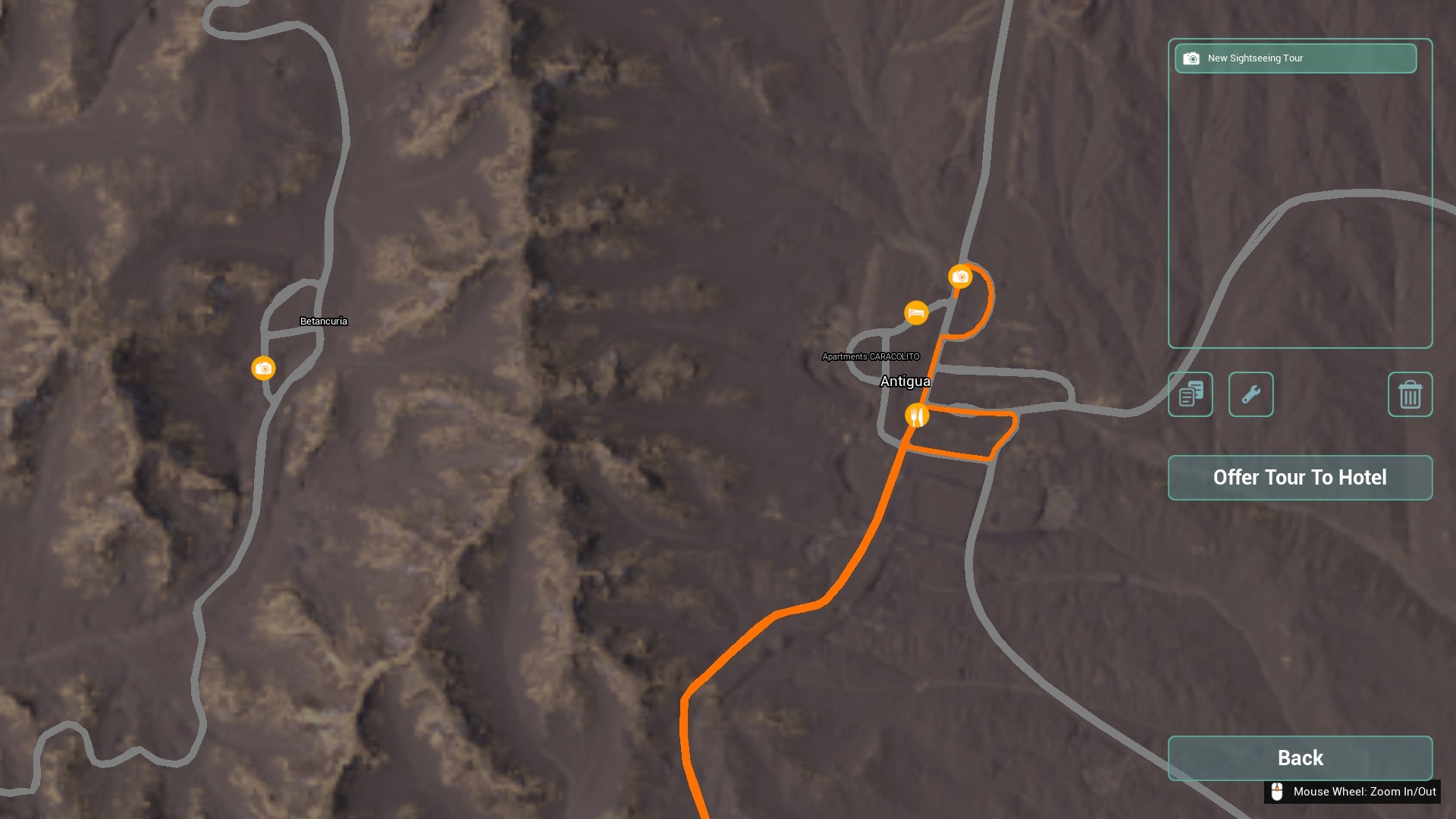
- Sightseeing tour acceptance of hotels has been overhauled

- The player no longer spawns inside the new bus, when choosing an existing bus as the vehicle to pick up the new bus and using fast travel
- additional minor fixes and improvements

Vehicles
- The font size of the destination display has been adjusted

- size of the action camera reduced

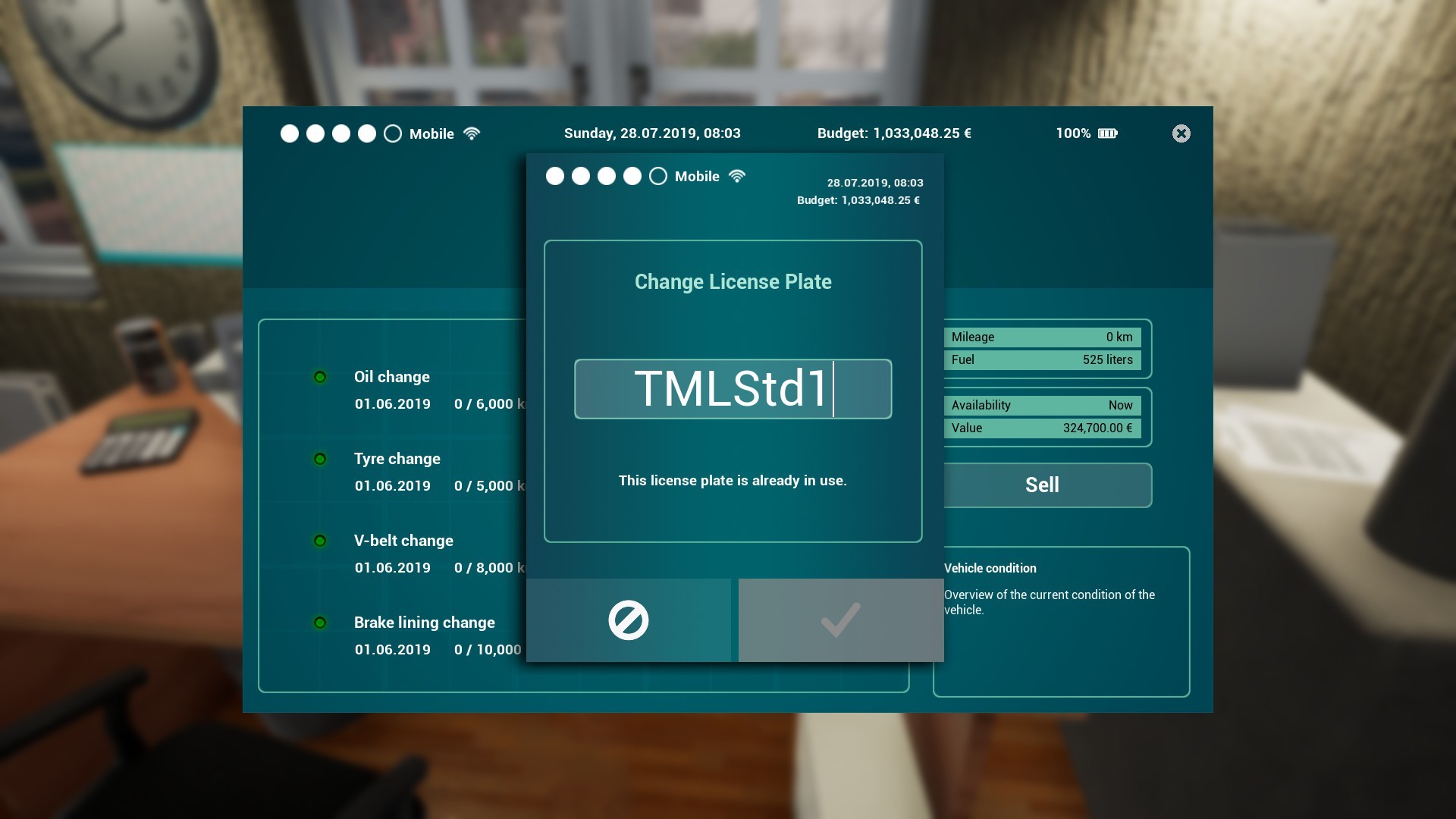
- The amount of characters in the license plate has been limited to 7
- In the control menu the entries "indicator up" and "indicator down" has been renamed to "indicator left" and "indicator right"
- Correct odometer reading corrected on the buses
- Navi display in the SUV and service cars now turns on in arcade mode when you load a score in which one sits in the vehicle
- Mileage is now also taken into account during fast travel in the respective bus
- Garage hall gates now also respond to player vehicles
- additional minor fixes and improvements
GUI
- Manually placed paths for navigation will now be displayed when loading a savegame
- The cost for the buyback of skill points is now displayed on the button
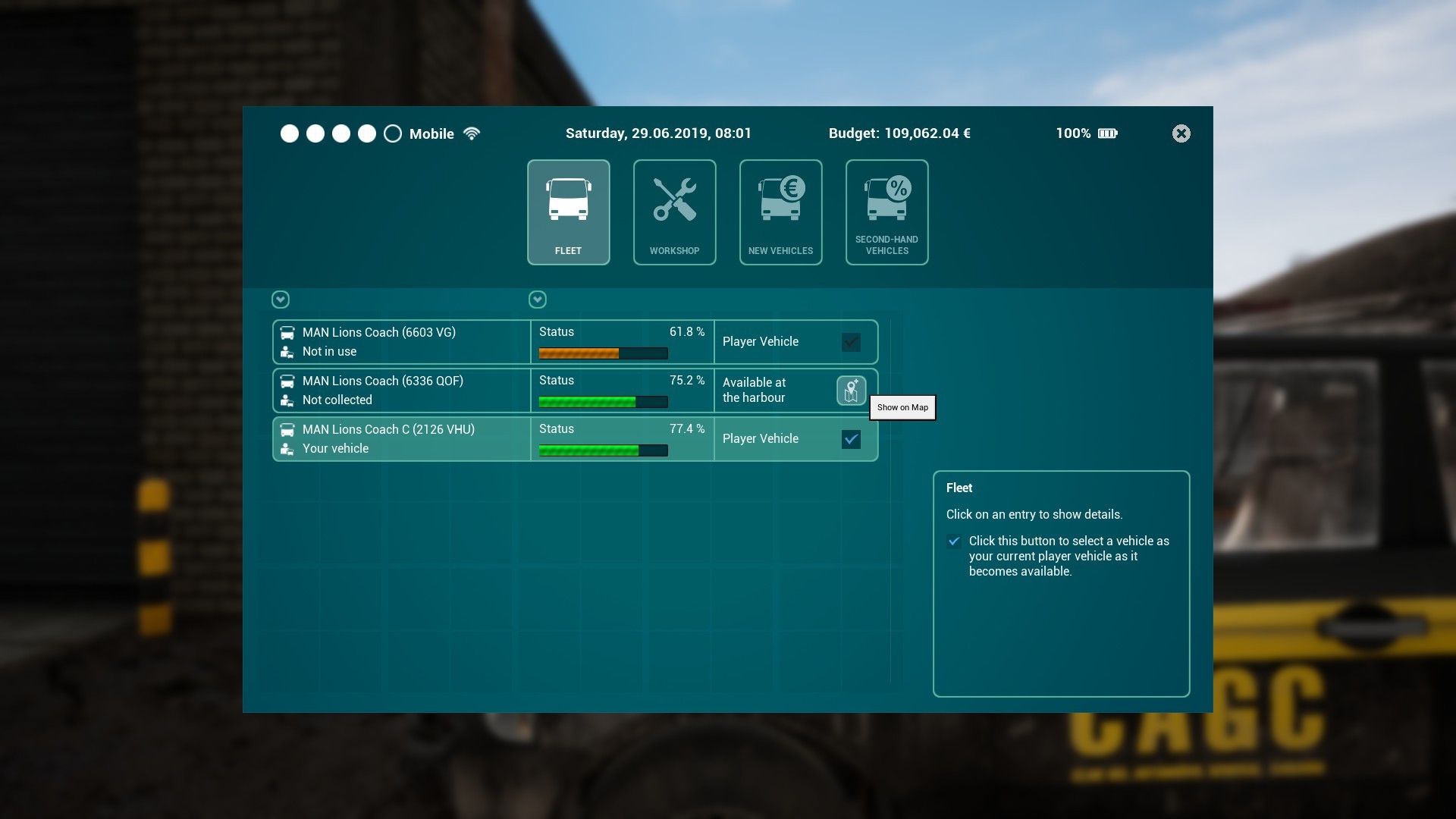
- If you buy a new vehicle, in the vehicle overview the entry "Available at (date)", will now show "Available at the port" as soon as the vehicle is ready for pickup. In addition, at this point in time, there's a button labelled "Show on map" which will refresh the navigation path to the pickup location as well as open the world map.

- The symbol for delivery costs replaced (e.g. see spare parts delivery contracts)

- Hotels are now always visible in the sightseeing planner (and greyed out while creating a route)

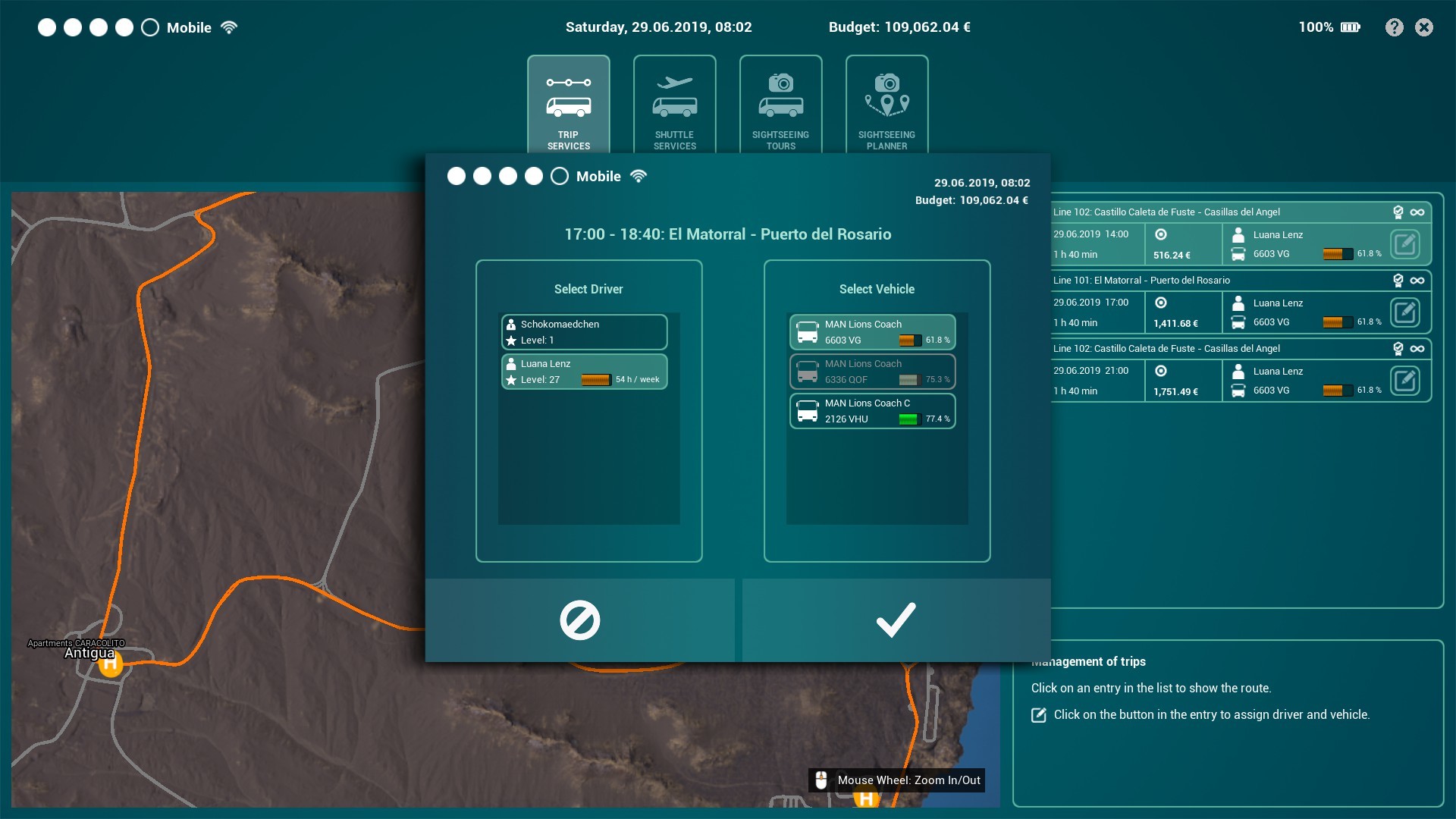
- Player level is now displayed correctly in driver and vehicle selection

- Localisation fixes
- When purchasing a new bus, the license plate entry can no longer be cancelled
- A bug was fixed in which under certain circumstances the date for bus pickup was prematurely deleted
- When purchasing a new bus, a license plate is now automatically generated, which can be changed as desired
- Note added if a license plate ID has already been assigned

- Added driver camera menu to SUV, service car and dune buggy (press TAB and click on the Seat/Eye-Icon to open the menu)


- Fixed an incorrect button in the shift schedule menu
- Fixed incorrect display in the HUD
- Some additional minor UI fixes
- Fixed a wrong message box when completing a shuttle tour ("Passengers left at a stop")
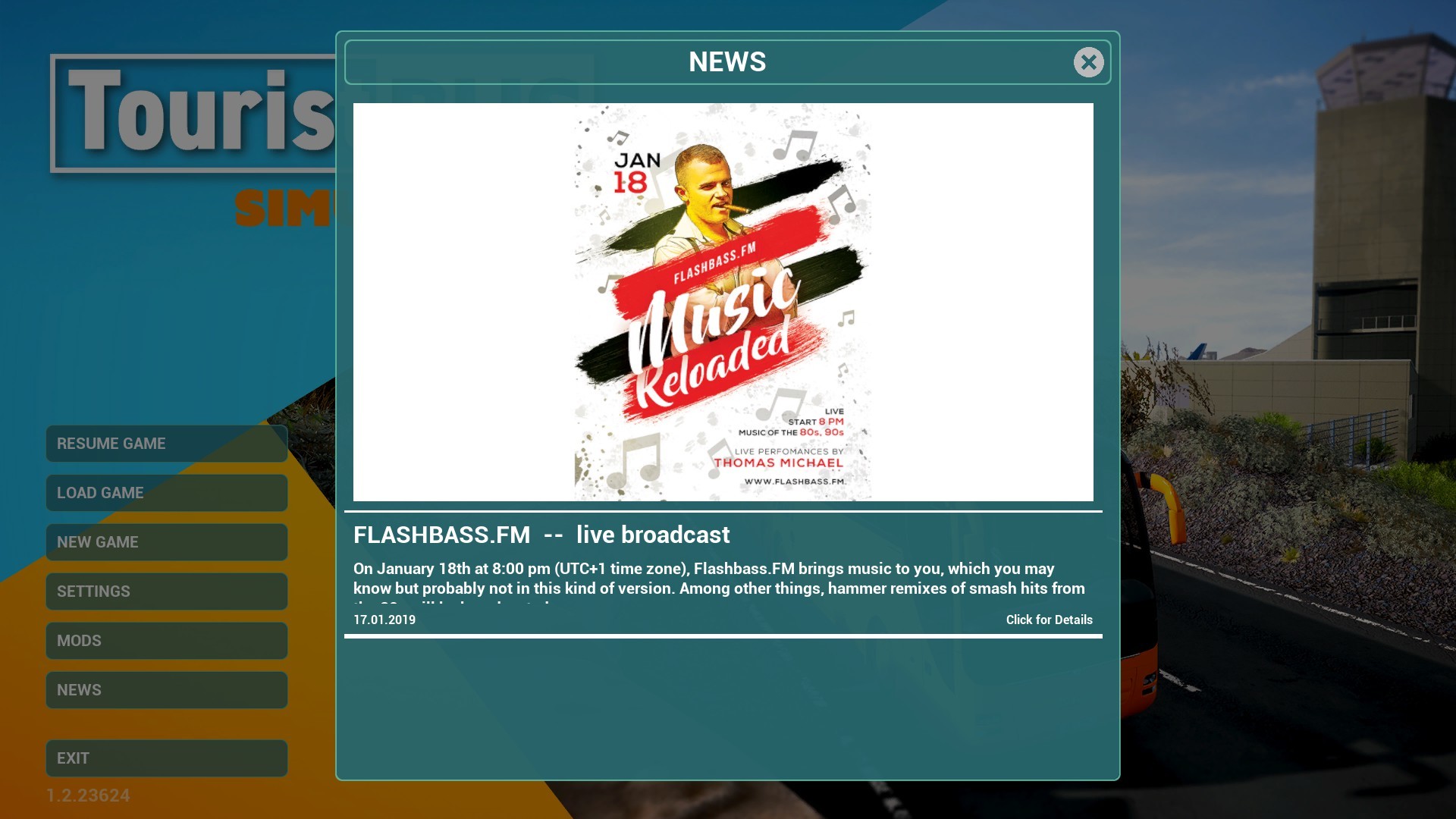
- News button added to the main menu
- Fixed images not loading in News window

- additional minor fixes

Audio
- Added audio dialogues for passengers on all tour types in four different languages: Spanish, English, German and French
- Existing passenger audio dialogues for shuttle services and sightseeing tours exchanged and expanded
- Ambient sound levels adjusted for exterior and interior situations
- additional minor fixes
Miscellaneous
- Fixed AI vehicles driving into the yard of the apartment at the east
- Fixed some graphics bugs in the game world
BETA Update 1.2.23630
Together with you, we want to create a good update, which you can test right now and send us your feedback. Of course, additional fixes and improvements will be added during the beta phase of this update.
Detailed information can be found in the Changelog below.
ATTENTION: This is a BETA Update. Please note that this version can cause technical problems and/or may cause instability of your computer system.
How to install the beta version of the update?
Quite easily:
- In your Library you click with the right mouse button on the entry of the "Tourist Bus Simulator"
- In the drop-menu you click on the entry "Properties"
- In the window "Tourist Bus Simulator - Properties" you select the tab "BETAS"
- In the field "Select the beta you would like to opt into:" select the entry "beta-"
- Now you can close the window and the beta version of the update should download right away
- After downloading the update you can start the Tourist Bus Simulator via the "PLAY" button
- In the main menu should now be the corresponding version number of the beta version of the update and you can test the update
-
---
---
Changelog:
Gameplay
- Speed cameras now control the players SUV, service car and dune buggy
- Added missing items in bunkers 2 and 3
- It is no longer possible get out of the vehicle during the refueling process
- additonal minor fixes and improvements
Vehicles
- The font size of the destination display has been adjusted
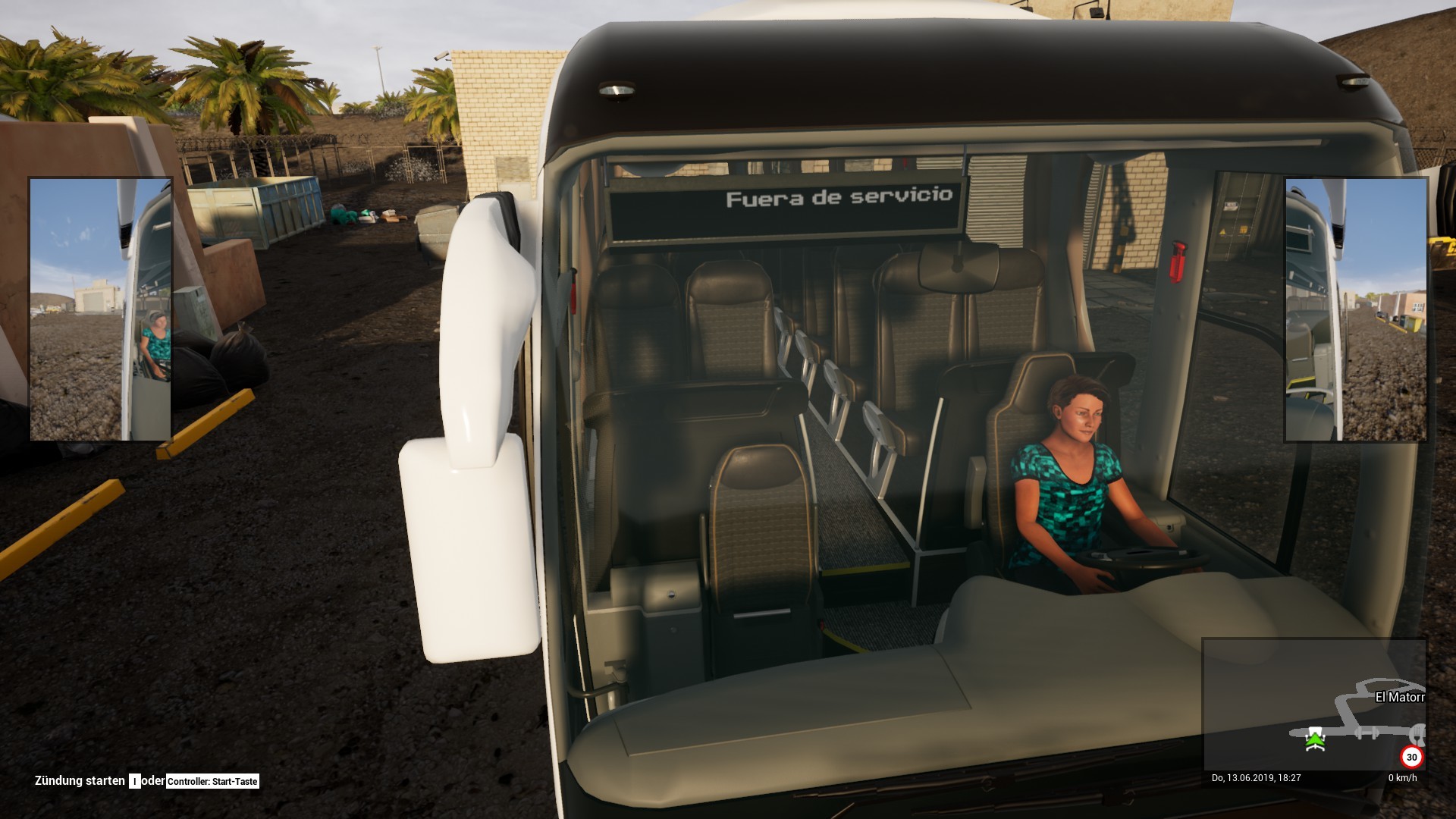
- size of the action camera reduced
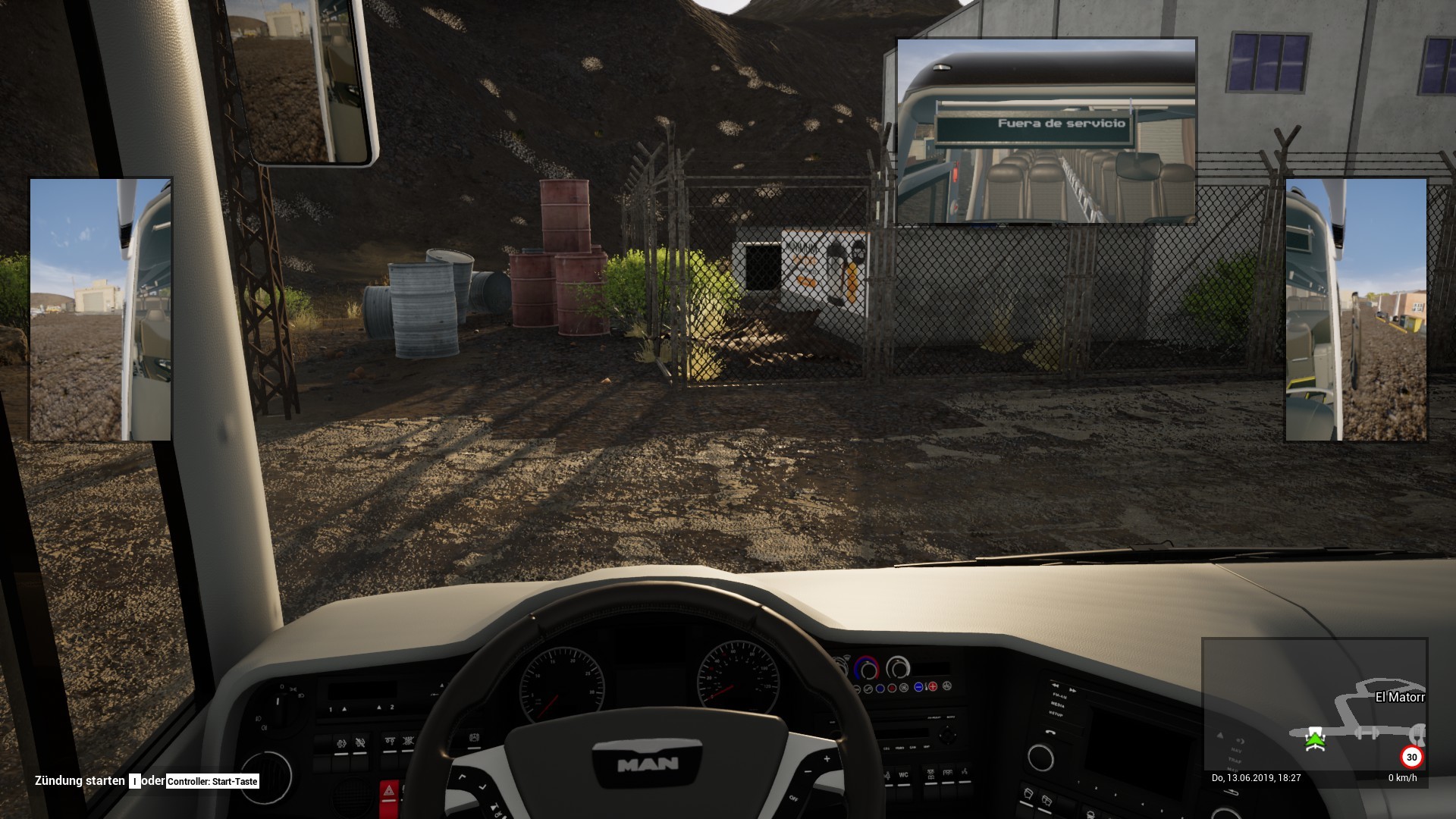
- The amount of characters in the license plate has been limited to 7
- In the control menu the entries "indicator up" and "indicator down" have been renamed to "indicator left" and "indicator right"
- additonal minor fixes and improvements
GUI
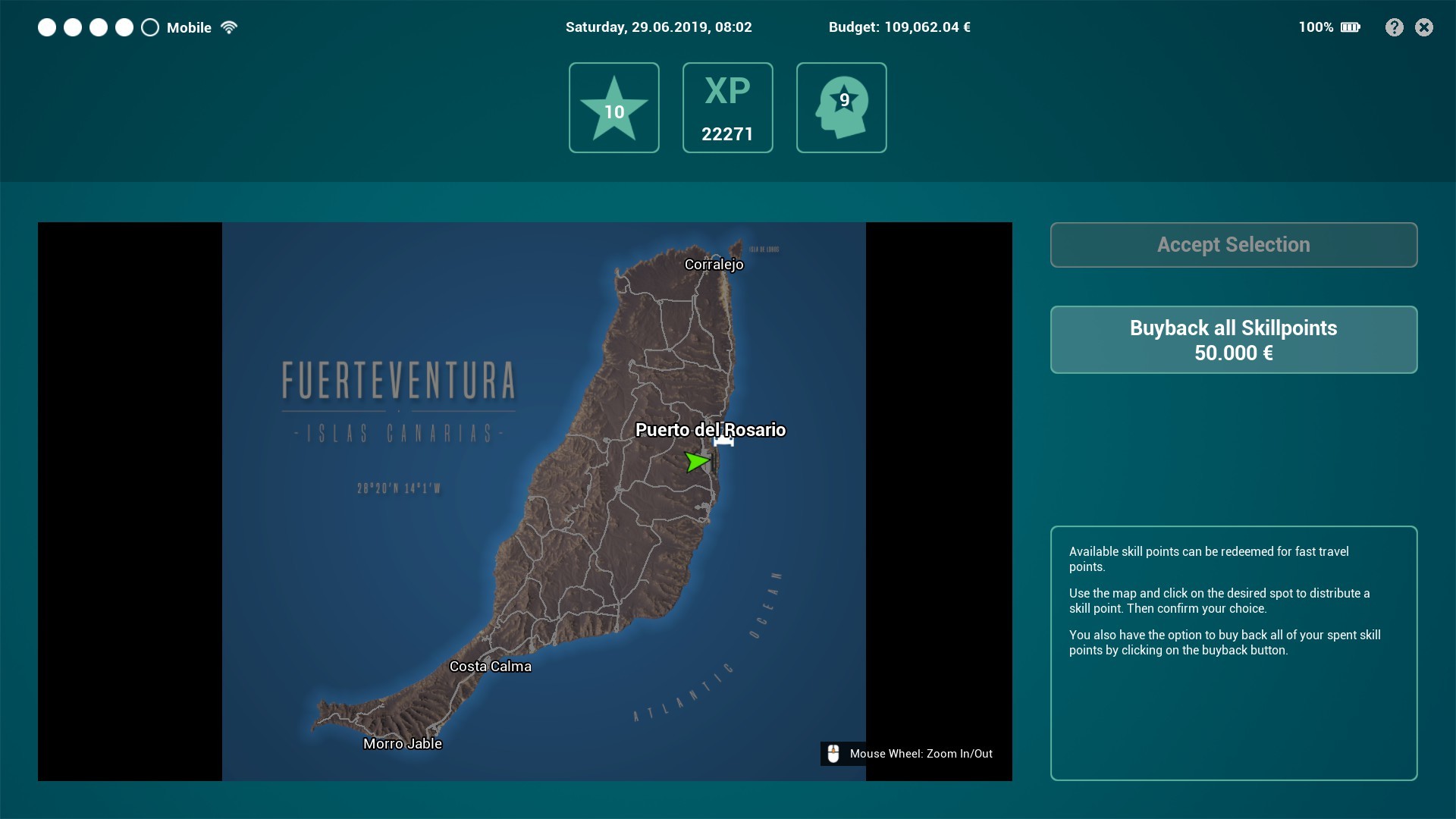
- Manually placed paths for navigation will now be displayed when loading a savegame
- The cost for the buyback of skill points is now displayed on the button

- If you buy a new vehicle, in the vehicle overview the entry "Available at (date)", will now show "Available at the port" as soon as the vehicle is ready for pickup. In addition, at this point of time there's a button labeled "Show on map" which will refresh the navigation path to the pickup location as well as open the world map.
- Symbol for delivery costs replaced (e.g. see spare parts delivery contracts)
- Hotels are now always visible in the sightseeing planner (and grayed out while creating a route)
- Player level is now displayed correctly in driver and vehicle selection
- Localisation fixes
- additonal minor fixes
Audio
- Ambient sound levels adjusted for exterior and interior situations
- additonal minor fixes
---
Additional fixes and improvements in Beta Update Version BETA Update 1.2.23509
- Fixed a bug where under certain circumstances the bus pickup time was prematurely deleted
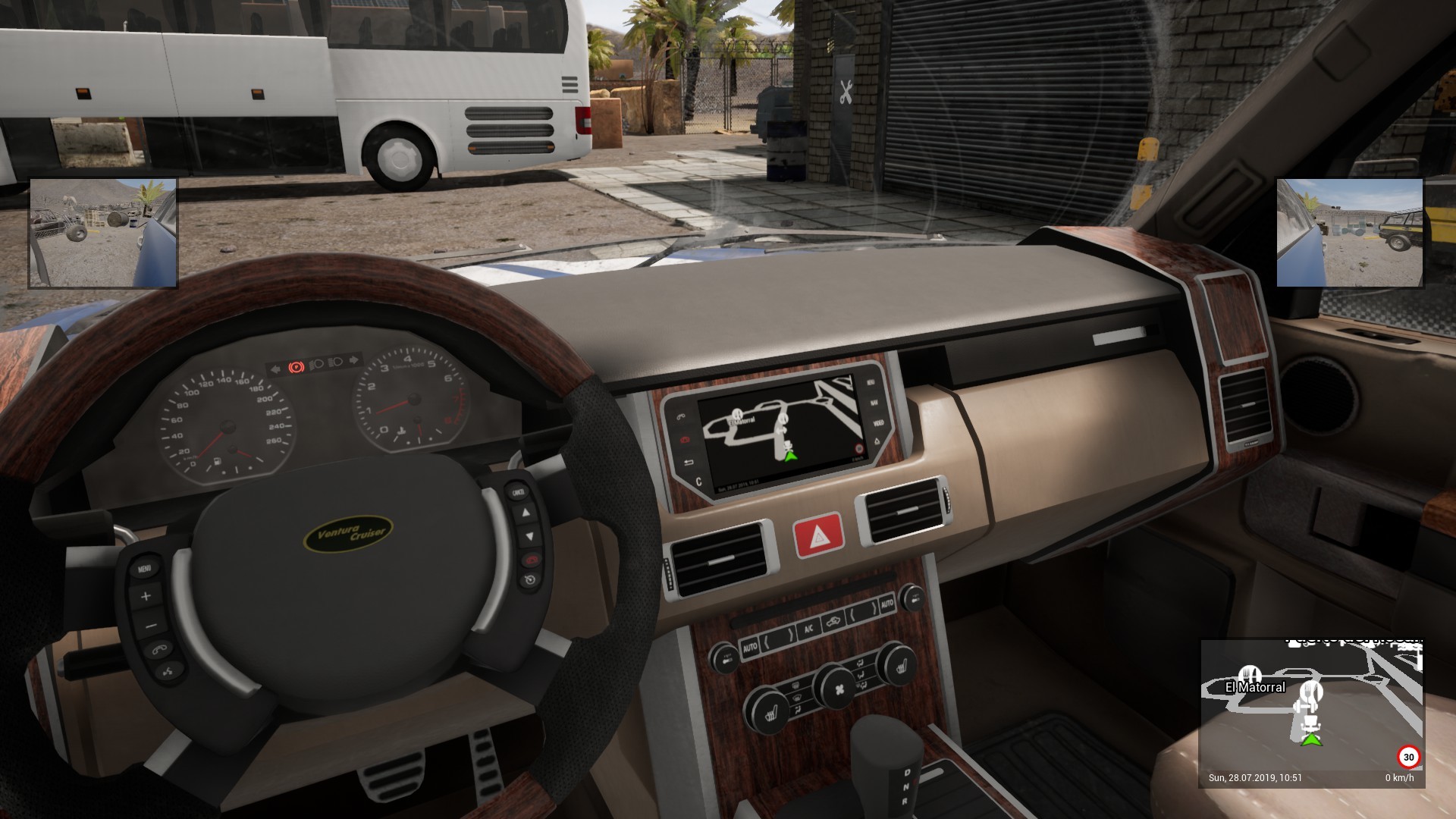
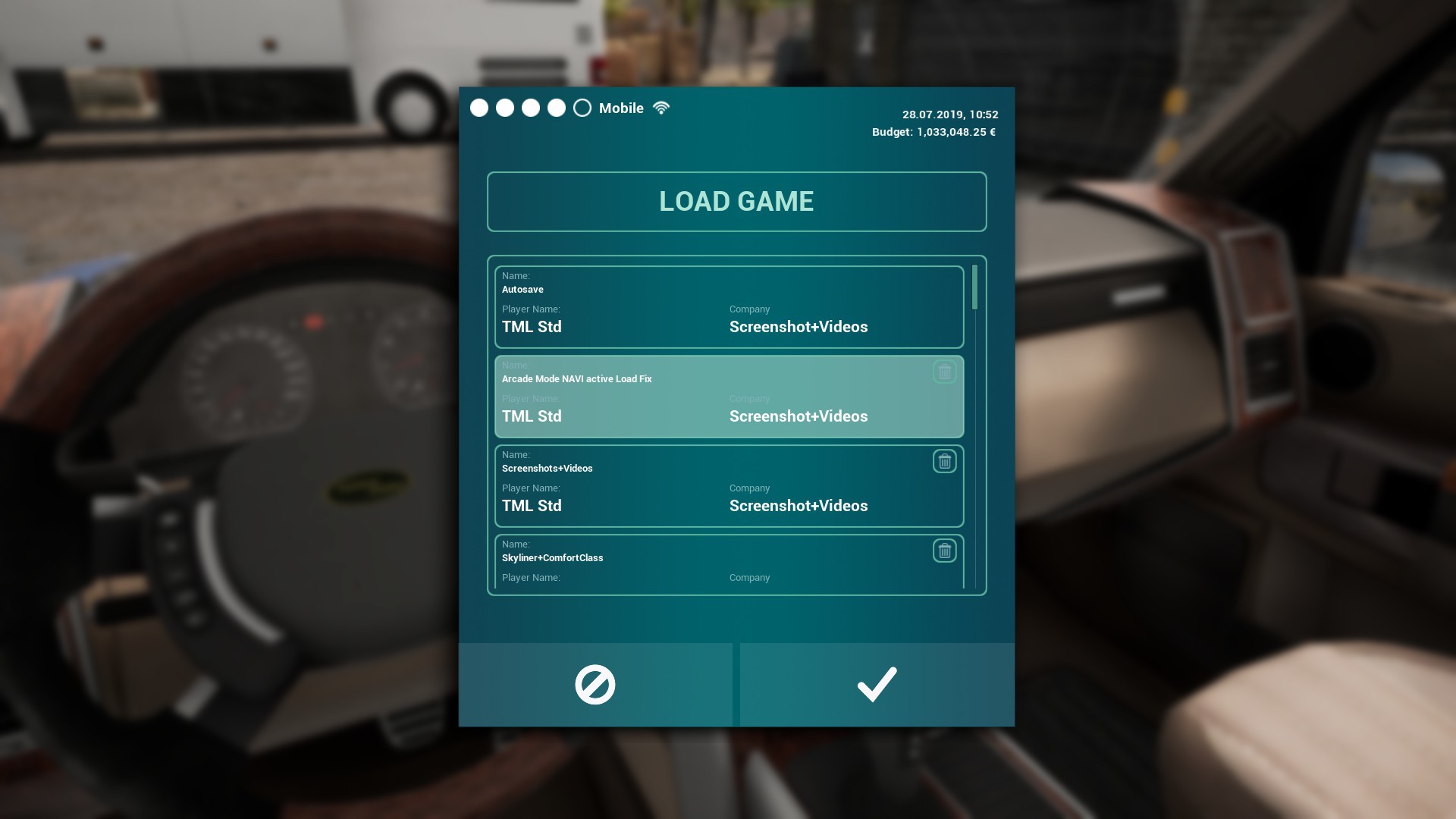
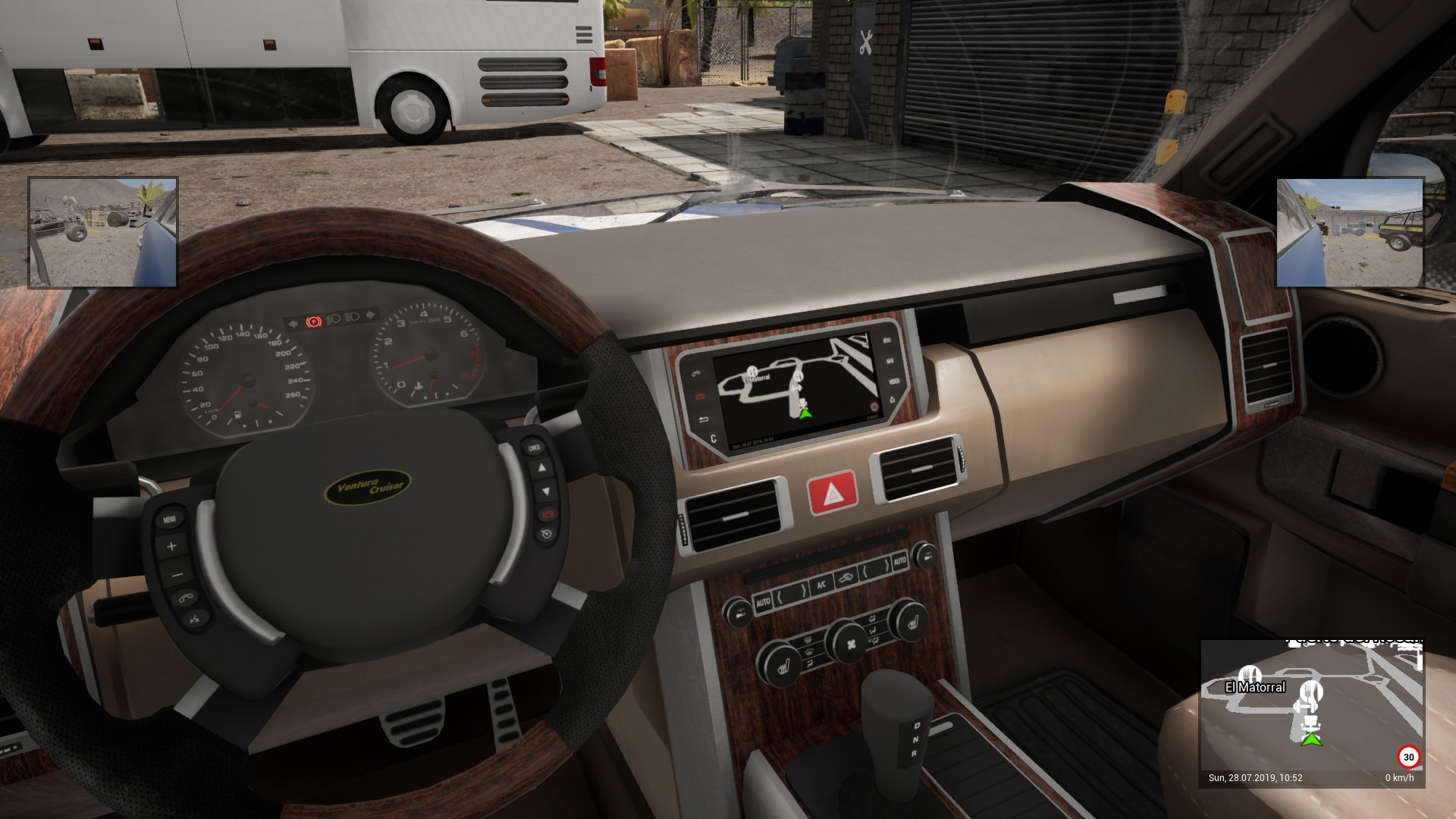
- Navigation display in the SUV and service car now turns on in Arcade Mode when you load a savegame in which one sits inside the vehicle


- Fixed incorrect odometer reading in the buses
- Mileage is now also taken into account during fast travel in the respective bus


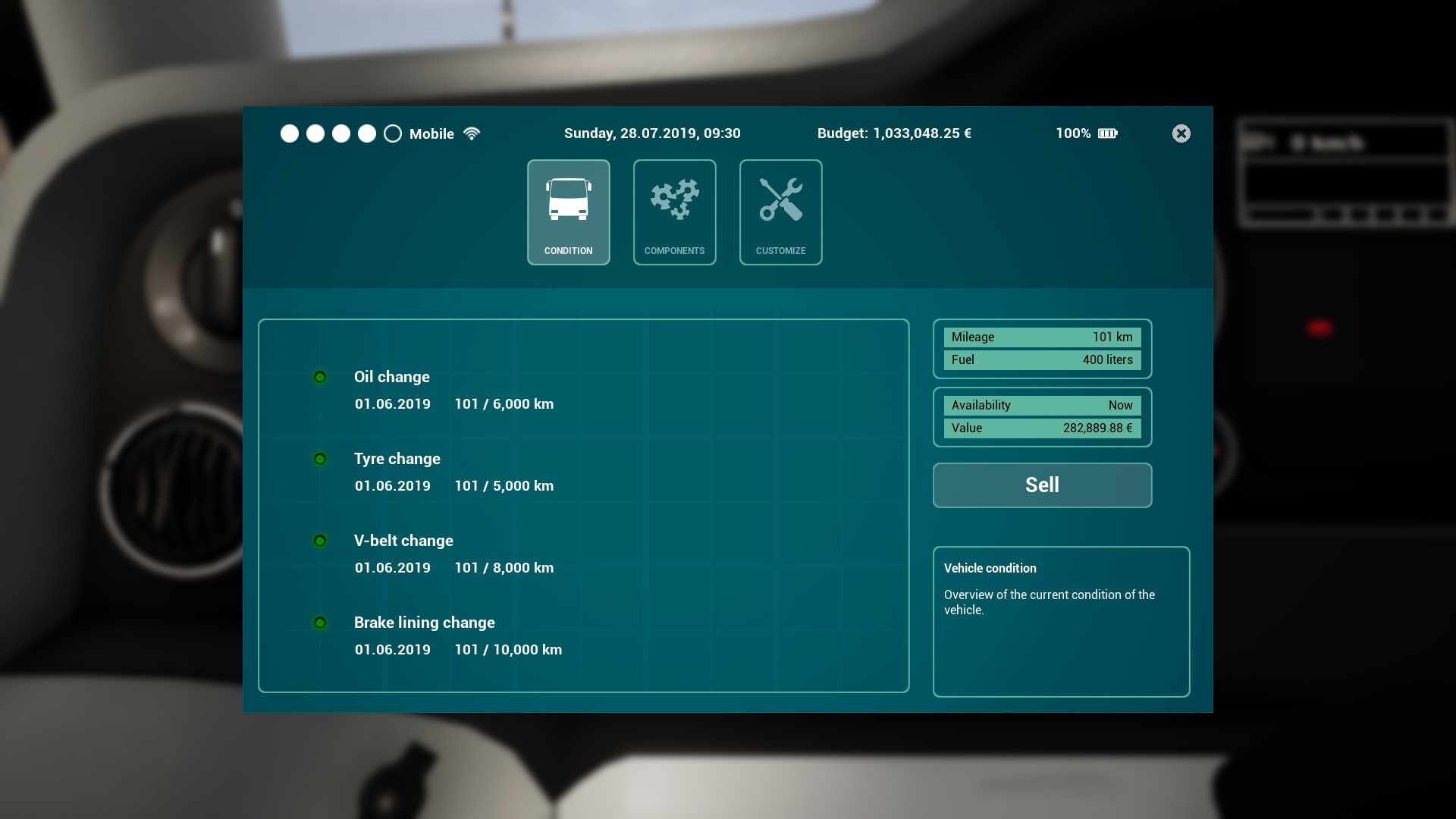
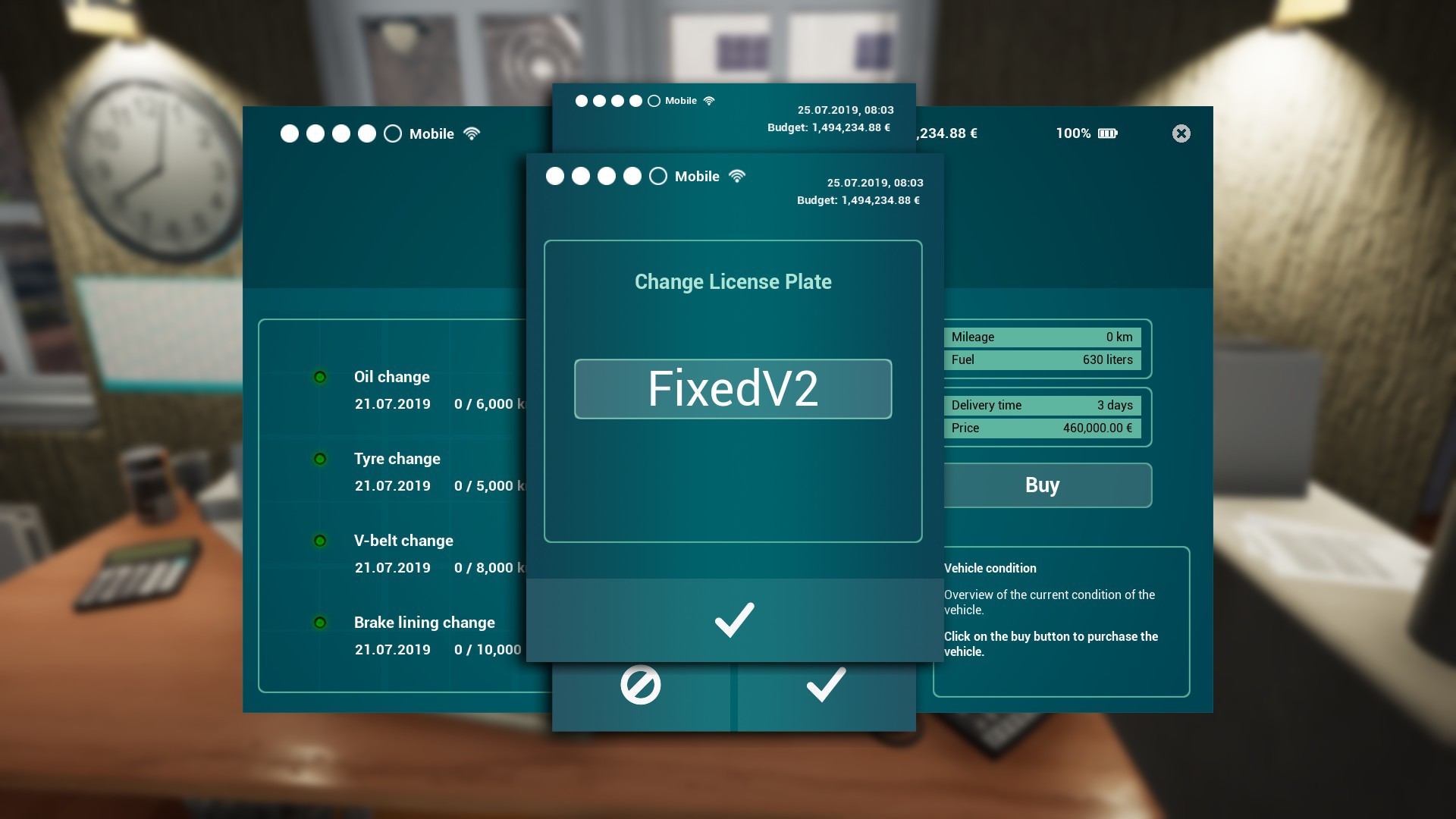
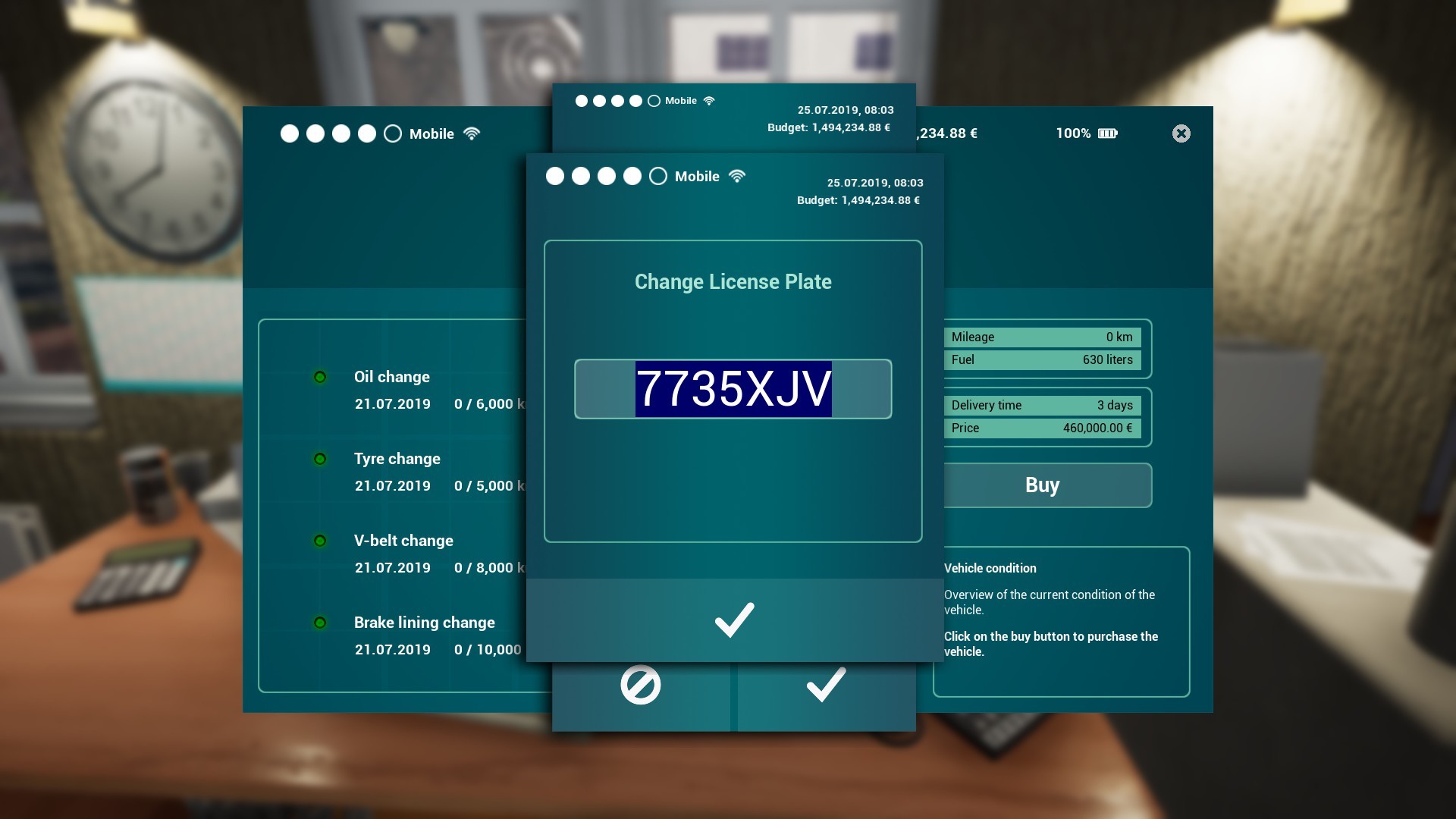
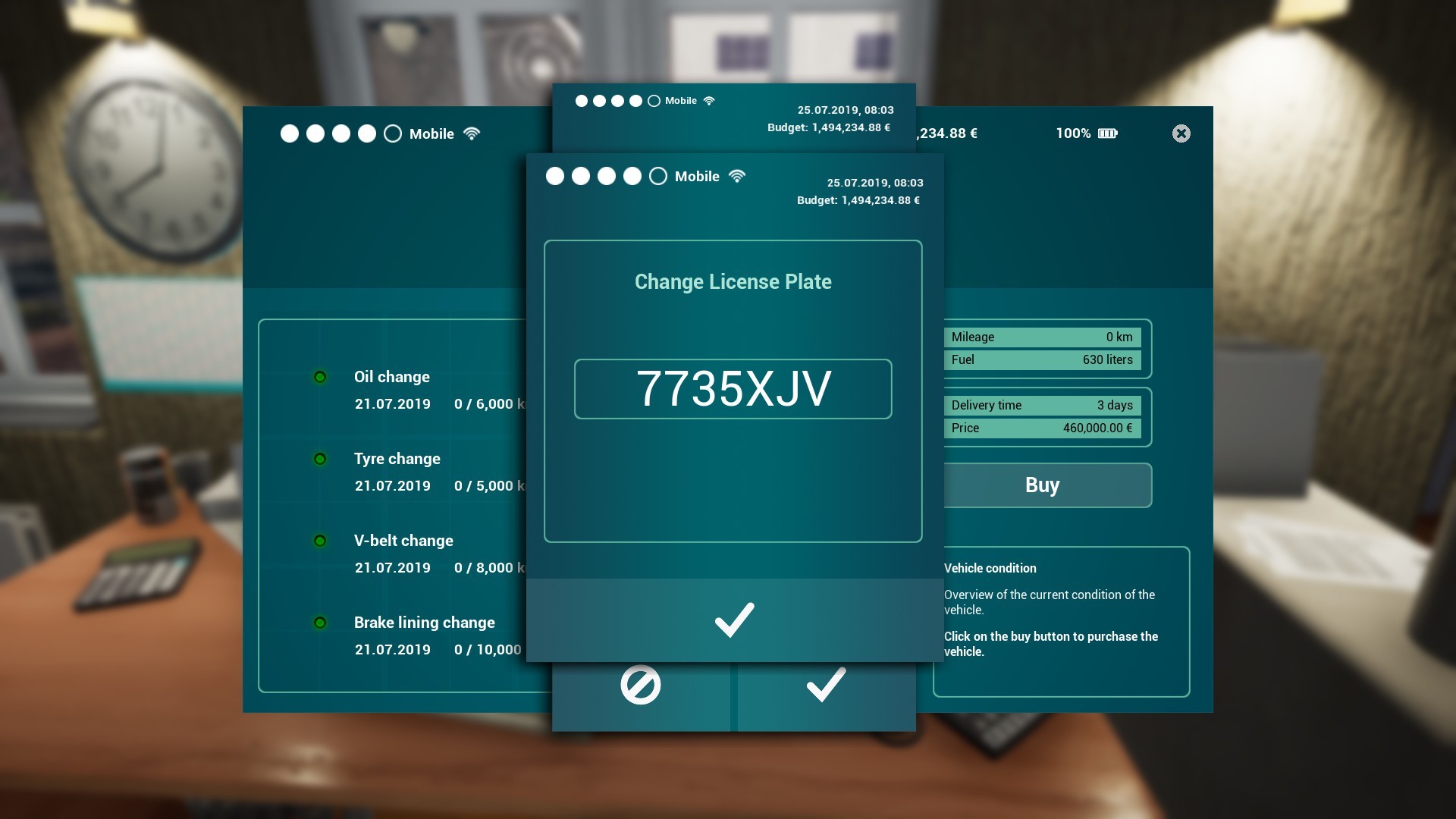
- When you buy a new bus, the license plate entry can no longer be cancelled.
- When purchasing a new bus, a license plate ID is automatically generated, which can then be changed as you see fit


- Note added if a license plate ID is already assigned


---
Additional fixes and improvements in Beta Update Version BETA Update 1.2.23630
- Added driver camera menu to SUV, service car and dune buggy (press TAB and click on the Seat/Eye-Icon to open the menu)
- Added audio dialogues for passengers on all tour types in four different languages: Spanish, English, German and French
- Existing passenger audio dialogues for shuttle services and sightseeing tours exchanged and expanded
- Fixed some graphic bugs in the game world
- Fixed AI vehicles driving into the yard of the apartment at the east
- Fixed an incorrect button in the shift schedule menu
- Fixed incorrect display in the HUD
- Some additional minor UI fixes
- Sightseeing tour acceptance of hotels has been overhauled
- Fixed a wrong message box when completing a shuttle tour ("Passengers left at a stop")
- Garage hall gates now also respond to player vehicles
- The player no longer spawns inside the new bus, when choosing an existing bus as the vehicle to pickup the new bus and using fast travel
- News button added to the main menu
- Fixed images not loading in news window
BETA Update 1.2.23509
Together with you, we want to create a good update, which you can test right now and send us your feedback. Of course, additional fixes and improvements will be added during the beta phase of this update.
Detailed information can be found in the Changelog below.
ATTENTION: This is a BETA Update. Please note that this version can cause technical problems and/or may cause instability of your computer system.
How to install the beta version of the update?
Quite easily:
- In your Library you click with the right mouse button on the entry of the "Tourist Bus Simulator"
- In the drop-menu you click on the entry "Properties"
- In the window "Tourist Bus Simulator - Properties" you select the tab "BETAS"
- In the field "Select the beta you would like to opt into:" select the entry "beta-"
- Now you can close the window and the beta version of the update should download right away
- After downloading the update you can start the Tourist Bus Simulator via the "PLAY" button
- In the main menu should now be the corresponding version number of the beta version of the update and you can test the update
-
---
---
Changelog:
Gameplay
- Speed cameras now control the players SUV, service car and dune buggy
- Added missing items in bunkers 2 and 3
- It is no longer possible get out of the vehicle during the refueling process
- additonal minor fixes and improvements
Vehicles
- The font size of the destination display has been adjusted
- size of the action camera reduced
- The amount of characters in the license plate has been limited to 7
- In the control menu the entries "indicator up" and "indicator down" have been renamed to "indicator left" and "indicator right"
- additonal minor fixes and improvements
GUI
- Manually placed paths for navigation will now be displayed when loading a savegame
- The cost for the buyback of skill points is now displayed on the button
- If you buy a new vehicle, in the vehicle overview the entry "Available at (date)", will now show "Available at the port" as soon as the vehicle is ready for pickup. In addition, at this point of time there's a button labeled "Show on map" which will refresh the navigation path to the pickup location as well as open the world map.
- Symbol for delivery costs replaced (e.g. see spare parts delivery contracts)
- Hotels are now always visible in the sightseeing planner (and grayed out while creating a route)
- Player level is now displayed correctly in driver and vehicle selection
- Localisation fixes
- additonal minor fixes
Audio
- Ambient sound levels adjusted for exterior and interior situations
- additonal minor fixes
---
Additional fixes and improvements in Beta Update Version BETA Update 1.2.23509
- Fixed a bug where under certain circumstances the bus pickup time was prematurely deleted
- Navigation display in the SUV and service car now turns on in Arcade Mode when you load a savegame in which one sits inside the vehicle
- Fixed incorrect odometer reading in the buses
- Mileage is now also taken into account during fast travel in the respective bus
- When you buy a new bus, the license plate entry can no longer be cancelled.
- When purchasing a new bus, a license plate ID is automatically generated, which can then be changed as you see fit
- Note added if a license plate ID is already assigned
BETA Update 1.2.23434
Together with you, we want to create a good update, which you can test right now and send us your feedback. Of course, additional fixes and improvements will be added during the beta phase of this update.
Detailed information can be found in the Changelog below.
ATTENTION: This is a BETA Update. Please note that this version can cause technical problems and/or may cause instability of your computer system.
How to install the beta version of the update?
Quite easily:
- In your Library you click with the right mouse button on the entry of the "Tourist Bus Simulator"
- In the drop-menu you click on the entry "Properties"
- In the window "Tourist Bus Simulator - Properties" you select the tab "BETAS"
- In the field "Select the beta you would like to opt into:" select the entry "beta-"
- Now you can close the window and the beta version of the update should download right away
- After downloading the update you can start the Tourist Bus Simulator via the "PLAY" button
- In the main menu should now be the corresponding version number of the beta version of the update and you can test the update
-
---
---
Changelog:
Gameplay
- Speed cameras now control the players SUV, service car and dune buggy
- Added missing items in bunkers 2 and 3
- It is no longer possible get out of the vehicle during the refueling process
- additonal minor fixes and improvements
Vehicles
- The font size of the destination display has been adjusted
- size of the action camera reduced
- The amount of characters in the license plate has been limited to 7
- In the control menu the entries "indicator up" and "indicator down" have been renamed to "indicator left" and "indicator right"
- additonal minor fixes and improvements
GUI
- Manually placed paths for navigation will now be displayed when loading a savegame
- The cost for the buyback of skill points is now displayed on the button
- If you buy a new vehicle, in the vehicle overview the entry "Available at (date)", will now show "Available at the port" as soon as the vehicle is ready for pickup. In addition, at this point of time there's a button labeled "Show on map" which will refresh the navigation path to the pickup location as well as open the world map.
- Symbol for delivery costs replaced (e.g. see spare parts delivery contracts)
- Hotels are now always visible in the sightseeing planner (and grayed out while creating a route)
- Player level is now displayed correctly in driver and vehicle selection
- Localisation fixes
- additonal minor fixes
Audio
- Ambient sound levels adjusted for exterior and interior situations
- additonal minor fixes
Update 1.1.23323 is live
We've just released the update 1.1 for Tourist Bus Simulator!
Most important first: Crashes with some AMD graphics cards are now fixed!
In addition to many small to large fixes and improvements, you can now control the SUV, service car and dune buggy with your mouse (press mouse wheel) and apropos dune buggy: All the parts should now be able to be found when using map hints. Have fun cruising with your new vehicle!
Detailed information can be found in Changelog.
For feedback please use our forums at:
https://www.tml-studios.de/forum/index.php?thread/1915-update-1-2-23434-beta/
Thanks to everybody participating and submitting feedback during the beta version of this update.
And a Merry Christmas on Fuerteventura to all of you from the entire team!
---
---
Changelog:
AMD graphics cards
- Fixed crashes with some AMD graphics cards
Tutorial
- Added destination mark for the first bus at the harbour
- Added destination marker for first bus stop of Route 101
- Player character no longer changes during the tutorial inside the SUV
GUI
- GUI has been adjusted for 4:5 resolutions
- Not relevant stop markers are no longer displayed
- A missing symbol on the world map and in the navigation system for the last used vehicle will now be displayed correctly after loading the game
- An icon for sightseeing tours in the planner fixed
- UI of the supermarket updated
- Icons for types of insurance fixed
- and some other minor bugs fixed and impovements
Vehicles
- Mouse control added for SUV, Service car and Buggy (press mouse wheel)
- Service vehicle activation now works even if the vehicle is already visible/loaded
- The fuel tank no longer depletes when using the Num5 key
- Temperature readings in SUV and service vehicle fixed
- Sliders and similar assets located on the dashboard of the buses can now be dragged with the left mouse button
Miscellaneous
- Buggy parts no longer disappear after finding a position hint for the corresponding part
- Some routes, which eg. mistakenly led to Aguas Verdes were corrected
- At petrol stations, you can no longer hear the sound effect of an opening roller shutter
- Fixed some graphics bugs in the game world
- Fixed guide comments during sightseeing tours
- Unnecessary teleporting of passengers has been fixed in some places
- Fixed invalid passengers after fast travelling to shuttle service route stops
- Fixed fast travel to the player apartment
- Added extra destinations for shuttles
- Increased number of AI vehicles
- Some standing pedestrians now have smartphones
- Some corrections to the sound
- City names are now displayed in the skill point menu, in the route and sightseeing planner and in the world map in fast travel mode
- In the Sightseeing Planner under "Hotel Offer" now all hotels are displayed (not unlocked are grayed out)
- After leaving the UI in the external workshop, the bus will not roll any further
- Added license plate for SUV and service vehicle (not for buggy)
- Fixed false display in buggy unlock window
- Tool tips for map elements fixed (buggy parts, beaches, hardware stores, electric shops, apartments, kitchen shops, furniture shops)
- and some other minor bugs fixed
Limited support 22nd December 2018 - 6th January 2019
unfortunately, there will be limited support during the period of 22nd December 2018 until 6th January 2019.
Most of the team will be on holidays with their friends and families and thus we'll be unable to offer full support for our games during this time.
We hope you'll understand that we will return in January and continue our work on Tourist Bus Sim as well as our upcoming and previous titles.
At the 7th of January 2019, you will be able to contact us as usual.
Kind regards and best wishes for the coming holidays!
TML-Studios
[SOLVED] Problems with some types of AMD graphic cards
We have contacted Epic Games to find out why these graphics cards cause these issues exactly.
Right now we're working on finding and fixing the issues that cause these problems, so even owners of these special AMD graphics card types can experience and enjoy Tourist Bus Sim trouble-free in the future.
We hope you will understand and be patient until we have corrected these issues properly.
---
UPDATE: This issue has been solved and owners of these AMD graphics cards can now enjoy Tourist Bus Simulator.
BETA Update 1.1.23180 Beta
Please note that it is not possible for us to fix all the bugs of the entire game in one go with one update. Over the next period, we will release more updates that will fix more bugs and introduce improvements and optimizations.
Detailed information can be found in Changelog.
For feedback please use our forums at:
www.tml-studios.de/forum/Update 1.1.23180 BETA
ATTENTION: This is a BETA Update. Please note that this version can cause technical problems and/or may cause instability of your computer system.
How to install the beta version of the update?
Quite easily:
- In your Library you click with the right mouse button on the entry of the "Tourist Bus Simulator"
- In the drop-menu you click on the entry "Properties"
- In the window "Tourist Bus Simulator - Properties" you select the tab "BETAS"
- In the field "Select the beta you would like to opt into:" select the entry "beta-"
- Now you can close the window and the beta version of the update should download right away
- After downloading the update you can start the Tourist Bus Simulator via the "PLAY" button
- In the main menu should now be the corresponding version number of the beta version of the update and you can test the update
---
Changelog:
Tutorial
- Added destination marker for first bus stop of Route 101
- Player character no longer changes during the tutorial inside the SUV
GUI
- GUI has been adjusted for 4:5 resolutions
- Not relevant stop markers are no longer displayed
- A missing symbol on the world map and in the navigation system for the last used vehicle will now be displayed correctly after loading the game
- An icon for sightseeing tours in the planner fixed
- UI of the supermarket updated
- Icons for types of insurance fixed
Vehicles
- Service vehicle activation now works even if the vehicle is already visible/loaded
- The fuel tank no longer depletes when using the Num5 key
- Temperature readings in SUV and service vehicle fixed
- Sliders and similar assets located on the dashboard of the buses can now be dragged with the left mouse button
Miscellaneous
- Some routes, which eg. mistakenly led to Aguas Verdes were corrected
- At petrol stations, you can no longer hear the sound effect of an opening roller shutter
- Fixed some graphics bugs in the game world
- Fixed guide comments during sightseeing tours
- Unnecessary teleporting of passengers has been fixed in some places
- Fixed invalid passengers after fast travelling to shuttle service route stops
- Fixed fast travel to the player apartment