

URU: Complete Chronicles
The Myst Franchise is on sale!
Cyan Reveals Development of Myst for VR
This has been kept close to our chest for a while now, but now that the cat is officially out of the bag, we can finally talk about it… it’s a brand new version of Myst, built for the first time with VR in mind. Coming soon, Myst will be available to play in both 2D and VR!
Check out our teaser trailer!
[previewyoutube="mtkJkQ3JztY;full"]
This Myst has been fully redesigned and created from the ground up using the Unreal Engine, the same engine we used on Obduction. Many of the puzzles have been reimagined and engineered to include optional puzzle randomization and also keep accessibility in mind.
The pictures speak for themselves, go check them out and wishlist now on Steam
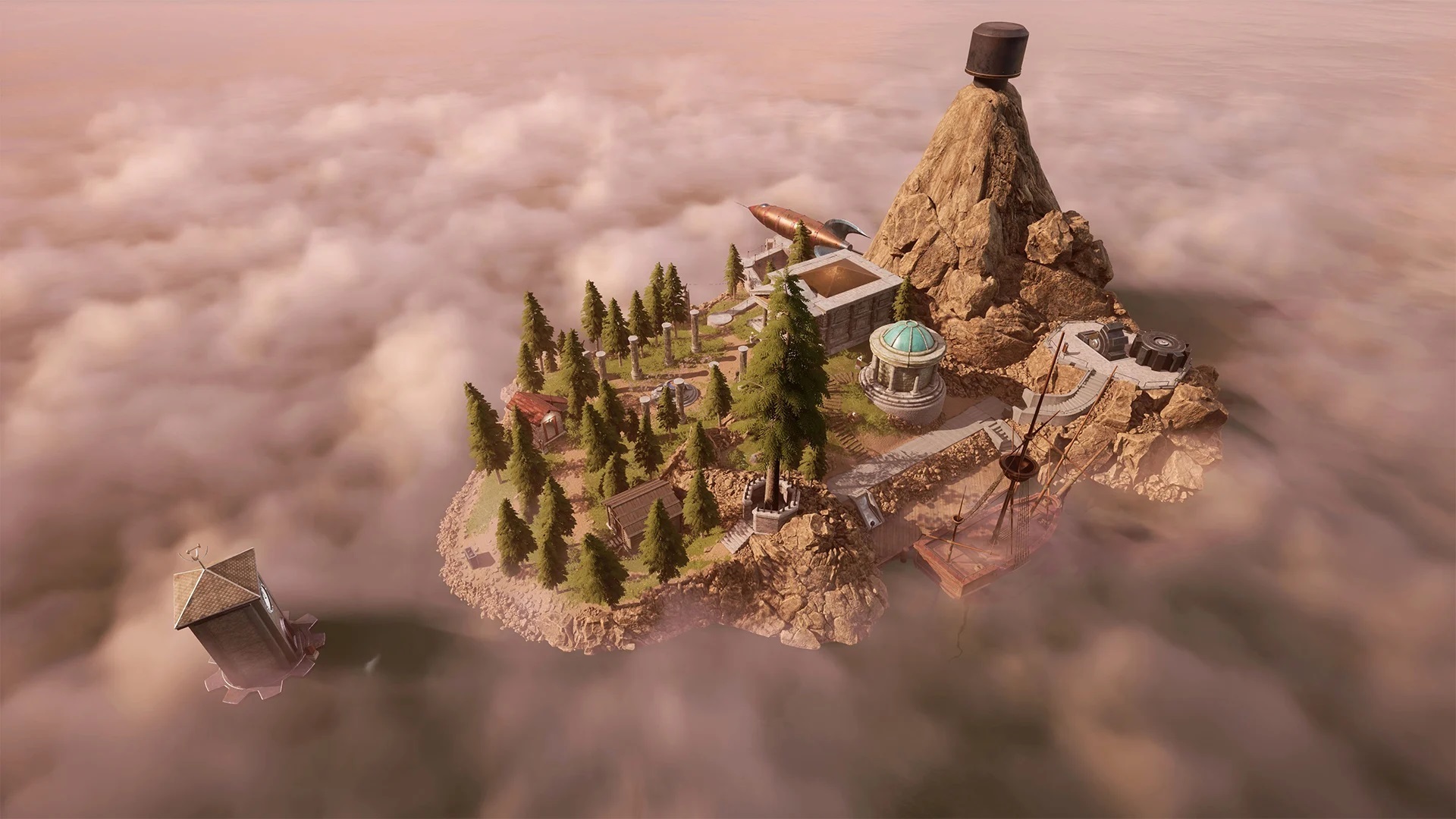
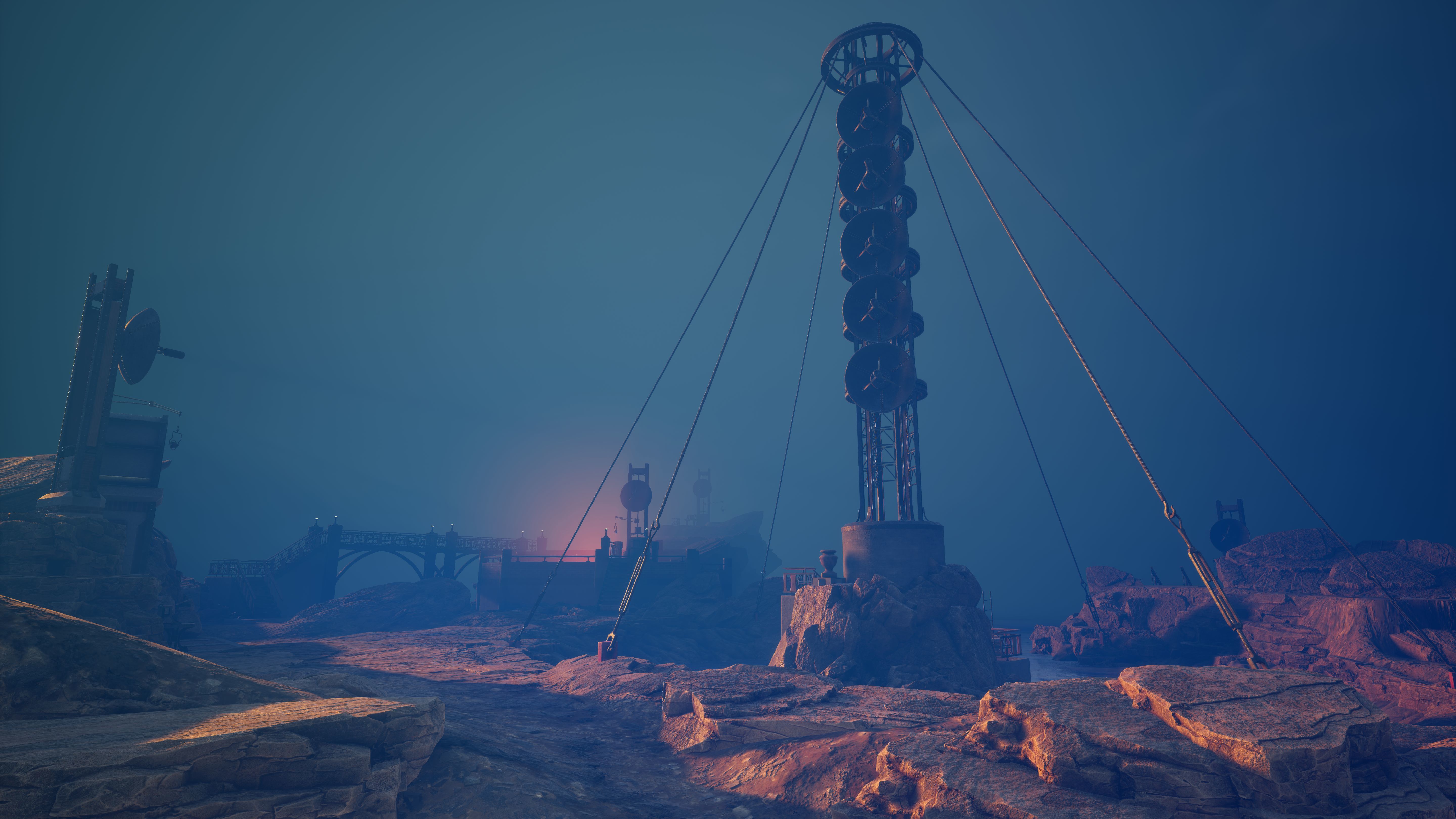

One more thing,
Right now you can get any game from the Myst series for 50% off, and 10% off extra as a part of the Myst 25th anniversary collection if you complete the set. It's a great time to get back into Myst. https://store.steampowered.com/bundle/8699/Myst_25th_Anniversary_Collection/
Thanks,
The Cyan Team
Minor Update Today!
Release Notes:
1) Win10 Cursor fix (from Adam Johnson and Joseph Davies - thank you!)
2) DirectMusic disabled
3) Version displayed in the title of the game window (if in windowed mode)
Myst 25th Anniversary Update
Myst 25th Anniversary Release
Steam Edition
Thank you for your patience while we were getting this update for URU: Complete Chronicles ready for Steam! Thanks too for your support of our games.
We have been working to ready all of the games in the Myst series for the 25th Anniversary of Myst, which happens later this month. Most of the games in the series required compatibility updates, and URU:CC was no exception.
Should you have something you would like to report regarding URU: Complete Chronicles, please contact us directly at support@cyan.com. We would be happy to assist you.
We hope you enjoy your time in URU :)
Thank you!
The Cyan Worlds Team
Release Notes:
Windows 10 compatibility update
Fixed v-sync issues
Fixed mouse issues
Minor graphical fixes
Teledahn crash fixed
URU: Complete Chronicles is now available in 3 languages: English, French, and German! To access language selection, right-click on the game in your Library, select Properties, select the ‘Language tab’, and then select the language option of your choice from the drop-down menu.
Replaced invalid URL links in URU setup window
If your game is not playing properly after the update (e.g. no text appears in the URU setup window), it may be necessary to clear the Download cache. To do this, select Settings from the nav bar Steam menu, select Downloads, and click on ‘Clear Download Cache.’
Known Issues:
The message that appears in the URU setup window is in English only.