

Virtual Race Car Engineer 2018
April Update
- Removed old ad image from the program
- Hardcoded languages for better tablet support
- Increased size of dropdown menus for better tablet support
- Other minor bug fixes and streamlining of code
April Update - Android release
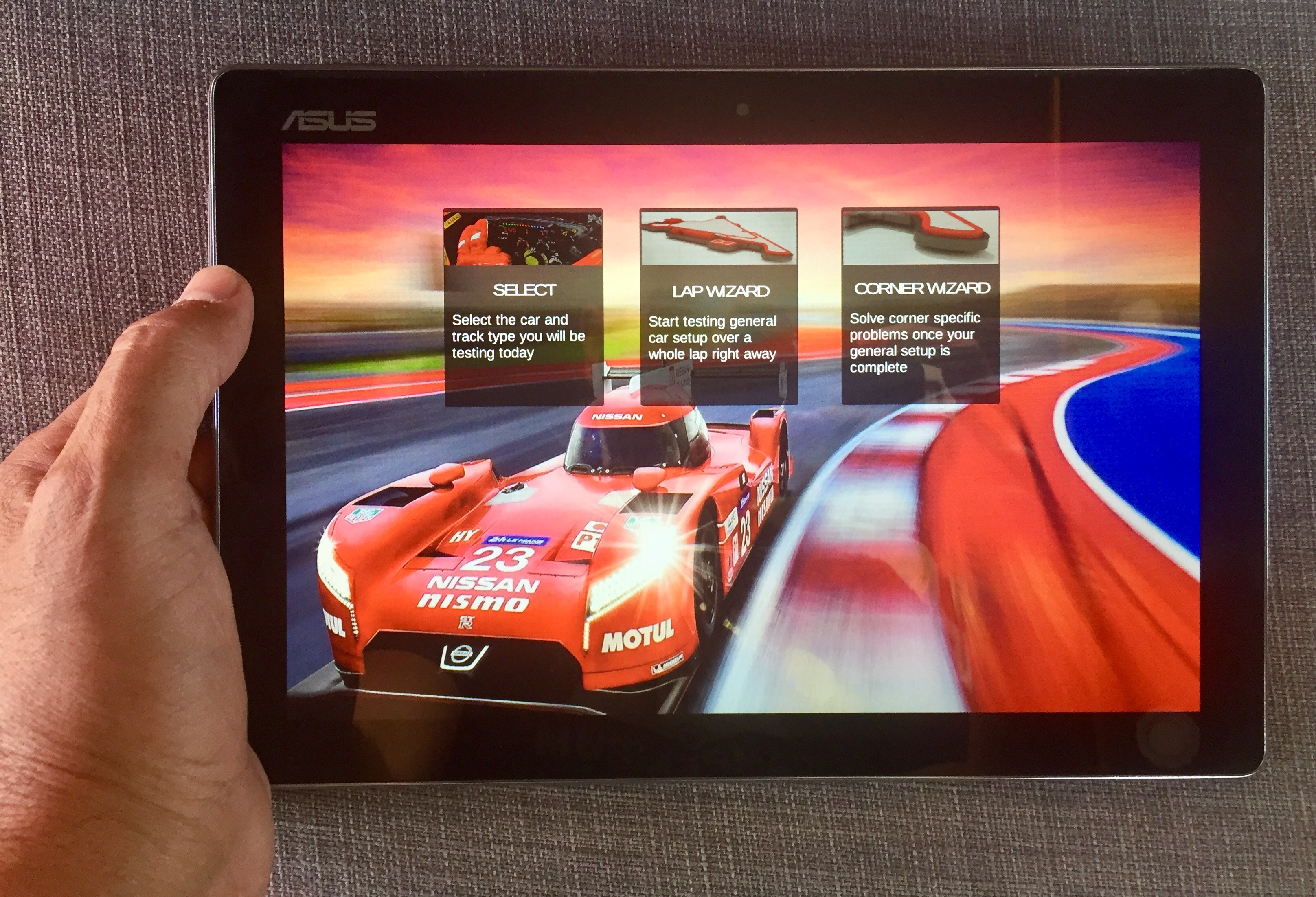
- Android release on Google Play Store
- Language is auto selected based on device language. Can still be manually selected on the Launcher screen
- Removed old ad image from the program
- Hardcoded languages for better tablet support
- Increased size of dropdown menus for better tablet support
- Other minor bug fixes and streamlining of code
March update
– Requested: You can now use TAB key to navigate the tire PSI fields
– Bug fix: Fixed scrolling of interface from joystick/wheel input (from previous hotfix)
March update - Launcher
– Requested: You can now use TAB key to navigate the tire PSI fields
– Bug fix: Fixed scrolling of interface from joystick/wheel input (from previous hotfix)
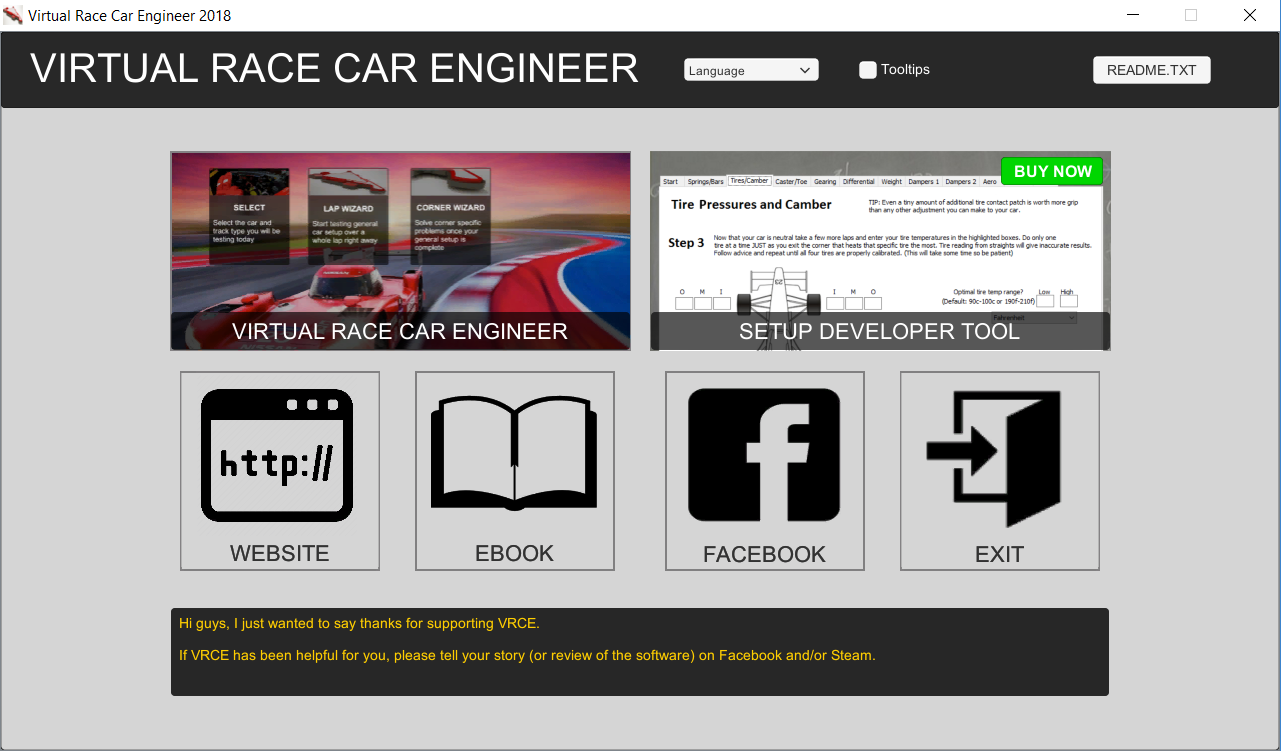
Jan 30 hotfix - scrolling text fix
What’s new in VRCE2018?
- All new program, written from scratch in an all new language (Unity and C#) effectively eliminating the problems with Antivirus software and Windows security settings from previous versions.
- Code is much more refined, to the point of a 90% less CPU draw. You will no longer lose FPS while driving with VRCE running in the background.
More driver feedback options to choose from, which means more advice provided - Added advice for trackbar*, wedge*, differential, and third spring (* Oval only)
- All new user interface for easy use with a Windows tablet
- Touch screen capable
- Removed the car, track, and setup saving to streamline the program so users can get straight to the on-track testing and going faster