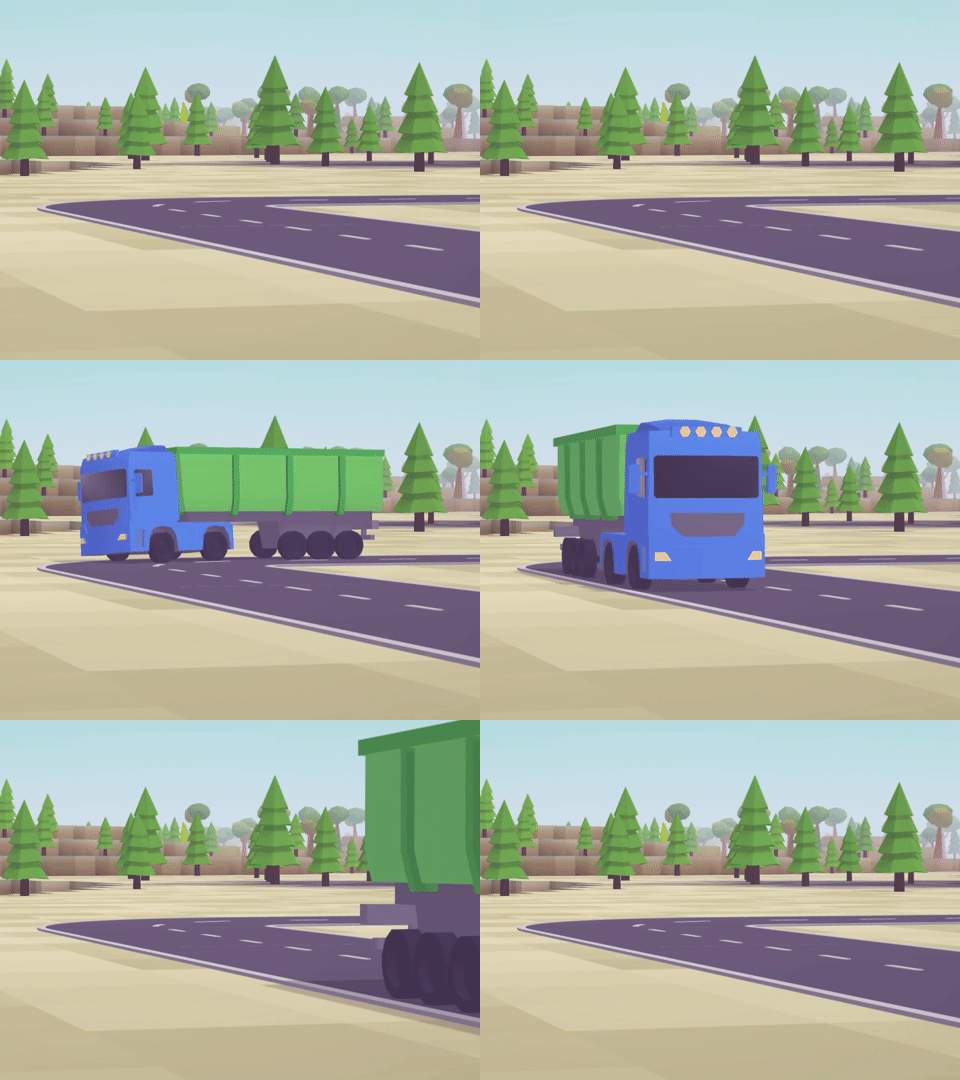
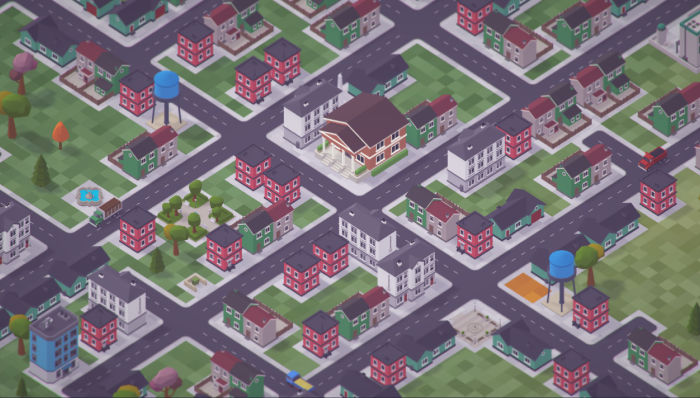
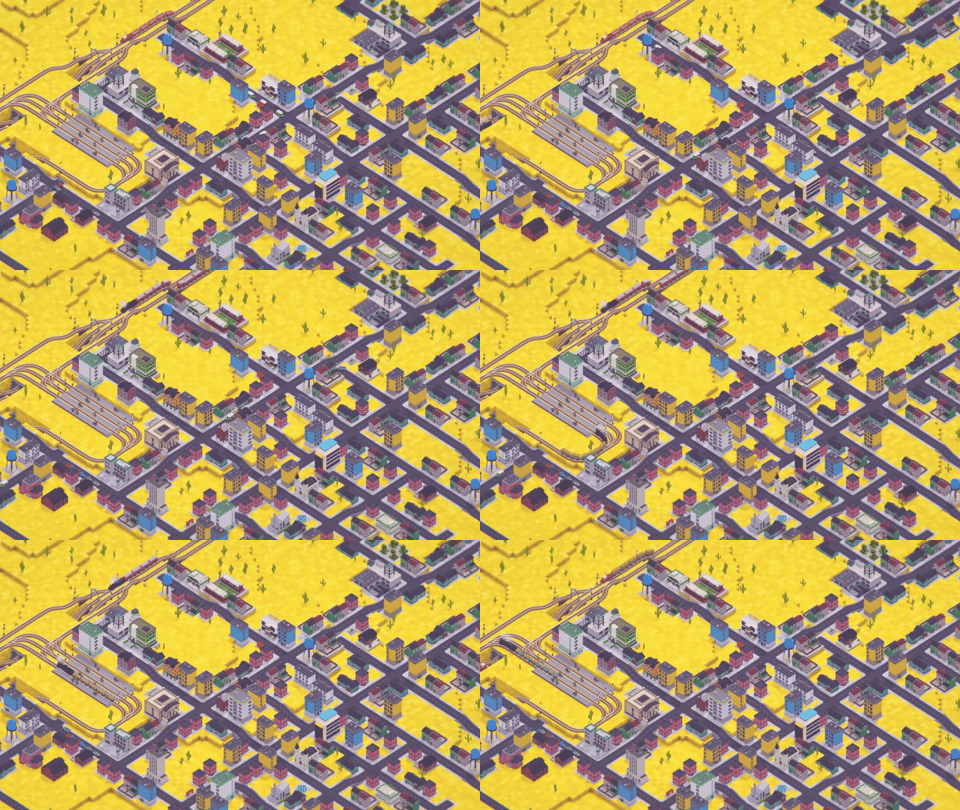
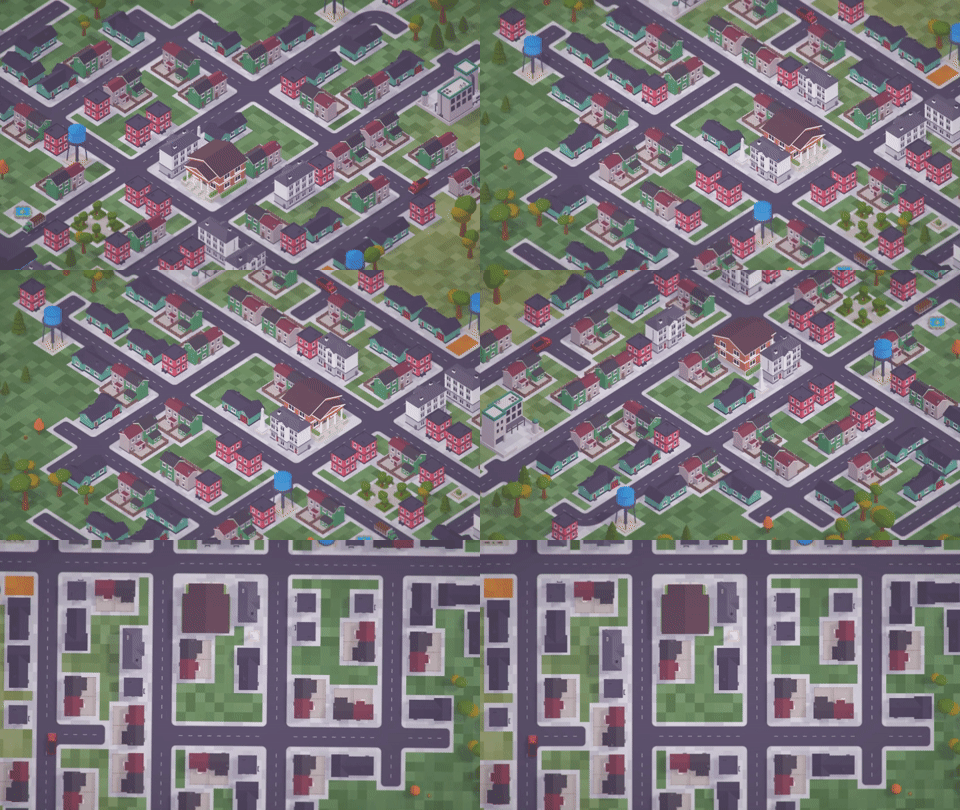
Jump between vehicles by clicking on them without leaving the mode.
Made third-person view the default.
Improved rotation sensitivity at high zoom levels.
Fixed overhead wires interrupting the third-person view.
MODDING
Added SuspensionSoftnessMultiplier property to control vehicle sway.
Update 0.88.10.2 beta
RIDE YOUR VEHICLE
The Ride Your Vehicle mode now has its own UI.
Replaced the overhead view with a 3rd-person-like view.
Added a special camera view when the vehicle is inside a depot.
Added an interior for the C17 Class loco (thanks, scailman!).
OTHER
Vehicles now tilt.
Fixed Z-fighting of indicators in orthographic mode.
Fixed issue where pressing Esc to show the hidden UI would also close the active window.
Updated Unity to 6000.0.24.
Update 0.88.10.0 beta
This beta update introduces early support for vehicle interiors/cockpits for the Ride Your Vehicle™️ mode. The update is primarily intended for modders so they can start preparing their mods. However, some Tier 1 vehicles already have interiors implemented (thanks to scailman!) that you can play with and use as examples for modding.
Interiors serve only a cosmetic purpose and have no impact on performance during normal gameplay.
Note that having an interior is purely optional and is at the modder's discretion. Additionally, setting an interior will not affect older versions of the game, so you can safely update your mods for the beta branch without fear of breaking the default branch.
Modding guide by scailman: http://docs.voxeltycoon.xyz/guides/content-mods/creating-vehicle-interior
Development Update
Hey there, Voxel Tycoon community!
In today's development update, we'll take a detailed look at the recent QoL updates and discuss what's happening with VT development overall.
Many of the improvements and fixes recently implemented were based on direct feedback from players in the #bug-reports and #suggestions channels on our Discord. We encourage you to join and share your thoughts with us and the community!
UI optimization
It's interesting how UI can significantly impact game performance when it starts to hit its limits. While the Voxel Tycoon UI easily handles the content the vanilla game provides, when you start playing with many mods, you can begin to see its weak spots.
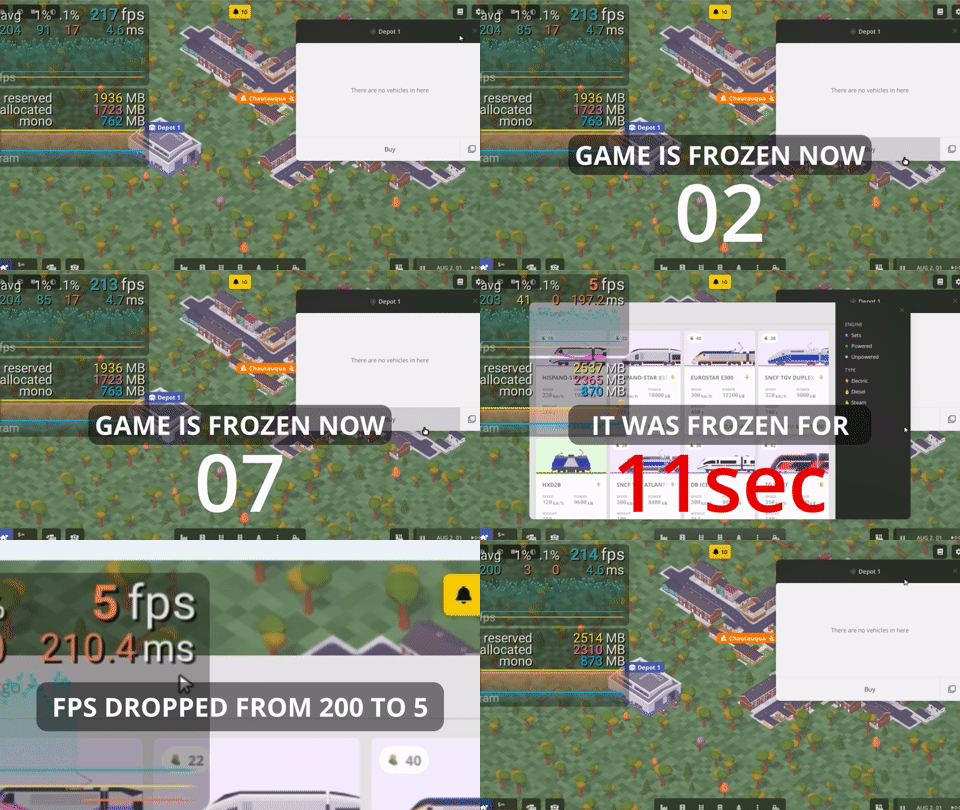
The most obvious one appeared to be the Buy window. If you play with many vehicle mods, it could take up to a several minutes (!) to open it the first time, and then cause insane FPS drops while it is open (from 200 to 5 FPS in the case below).
This was captured on a developer PC which has enough RAM, GPU, and CPU power to spare.
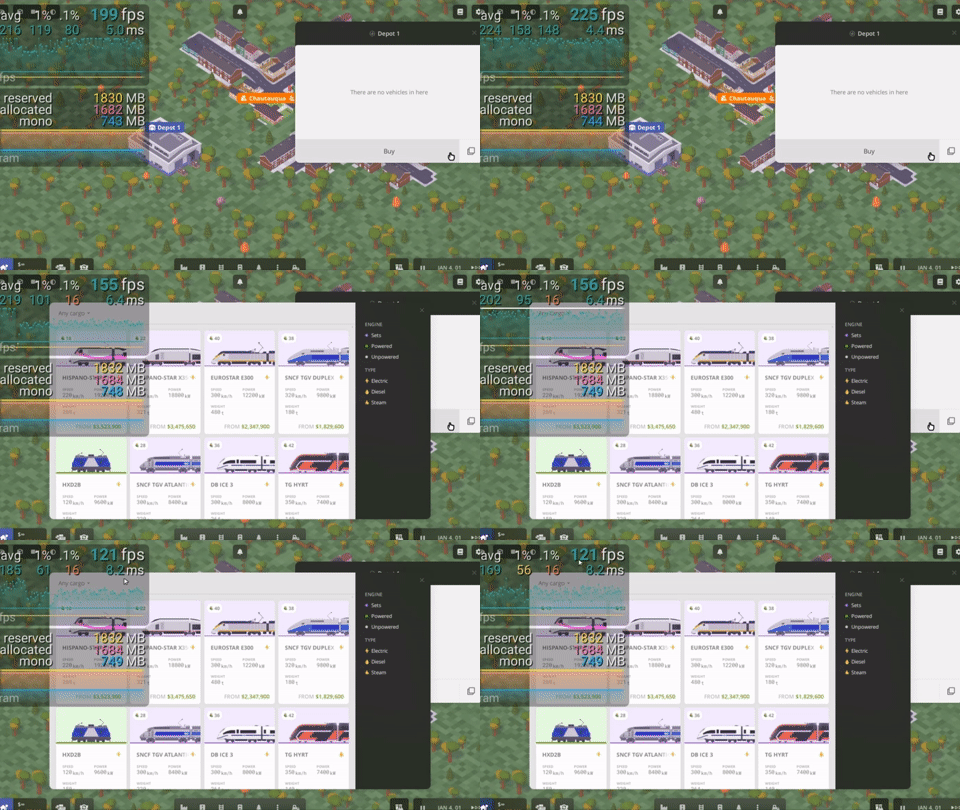
So, we did some optimizations, and here's what we got. You can have as many vehicle mods as you want — the Buy vehicle window now opens immediately regardless and consumes a much smaller portion of frame time while it is open.
There were a few other places where playing mod-heavy games caused huge lag spikes and FPS drops: the New game window (specifically the Mods tab) and storage picker popups. Those were optimized as well and now open immediately.
One more place where we applied optimization wasn't affected by mod count, but rather by the size of your empire. It's the Fleet window. Now, you can monitor hundreds of vehicles on your company's balance without significant performance drops.
As a bonus, after all the optimizations, the game can use up to ~500MB less memory in mod-heavy games.
If you want to know more details on what caused such drastic performance drops and how we optimized them out, let us know! We'll do a separate post on this (this one is already quite big).
Optimizing performance is an ongoing effort, and there are still many areas where it can be greatly improved. But for now, we want to focus on gameplay features in the next updates.
Camera Bookmarks
You can now set specific camera positions as bookmarks using Ctrl+Shift+0-9 and quickly return to those spots with Shift+0-9. This is incredibly useful for managing your empire, allowing you to jump between key locations with ease, while there's no mini-map (which is planned).
We're also going to add dedicated UI for the bookmarks in future updates.
Orthographic (aka isometric) camera received some 💜
Some of you may not even be aware that this camera mode has been in the game from the very beginning! And now it's finally officially fully supported.
It now locks to 45-degree angles and top-down views, and remains consistent between sessions. There's a new HUD button to toggle this mode, though the F9 hotkey is still available for those who prefer keyboard shortcuts.
While making these improvements, we also fixed a few camera-related bugs, like conveyors not being correctly picked in isometric view (699).
Hotkeys to toggle windows
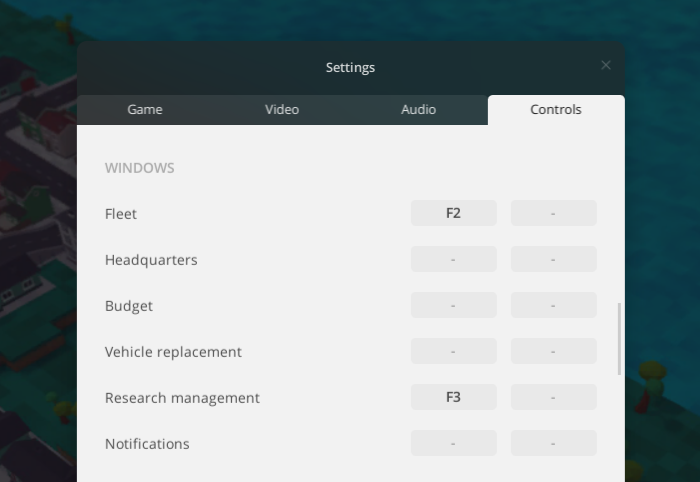
We added hotkeys to toggle some essential windows: F2 for Fleet, F3 for Research; others are not bound by default and can be set to your preferences.
Other minor changes
Vehicle replacement changes
After some time playing with vehicle replacement, it became clear that in most cases, players want to replace only existing vehicles and not the ones bought after a replacement order is issued. If a player decides to buy a vehicle they've set up to be replaced, they probably intend to keep it.
So, we made vehicle replacements affect only vehicles that were present at the moment of replacement creation. This also allowed for auto-removal of completed replacements, eliminating the need to manually clean up completed vehicle replacement orders.
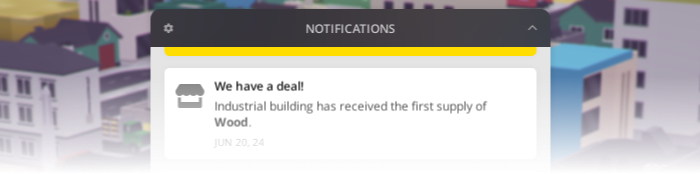
Fixing notification log flaws
We noticed that many players (including ourselves) instinctively move the cursor to the top right corner of the notification log to hide it. However, instead of a close button typically found in this location, there is a notification settings button.
The notification log can be hidden by clicking on its entire header. This was designed so that when you click on the notification counter to bring up the log, you can hide it again without moving the cursor. As a result, a separate hide button wasn't deemed necessary, and when we needed to add a settings button, we placed it in the corner. However, we didn't account for the power of habit.
To address this, we have placed the collapse button where it is expected to be and moved the settings button to the left. You can still hide the log by clicking on its header.
Also, one might expect that hitting Esc while the notification log is expanded will close only it, but instead, a random window (usually the one on top) was closed as well. Now only the notification log will hide on Esc.
What's next?
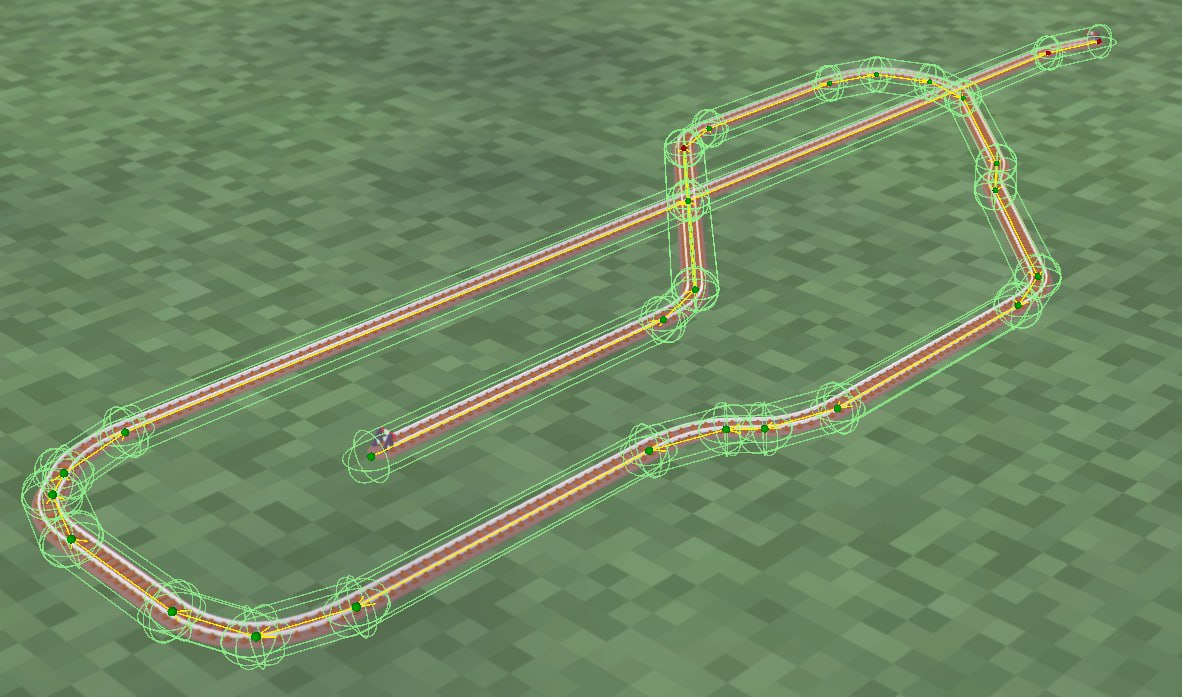
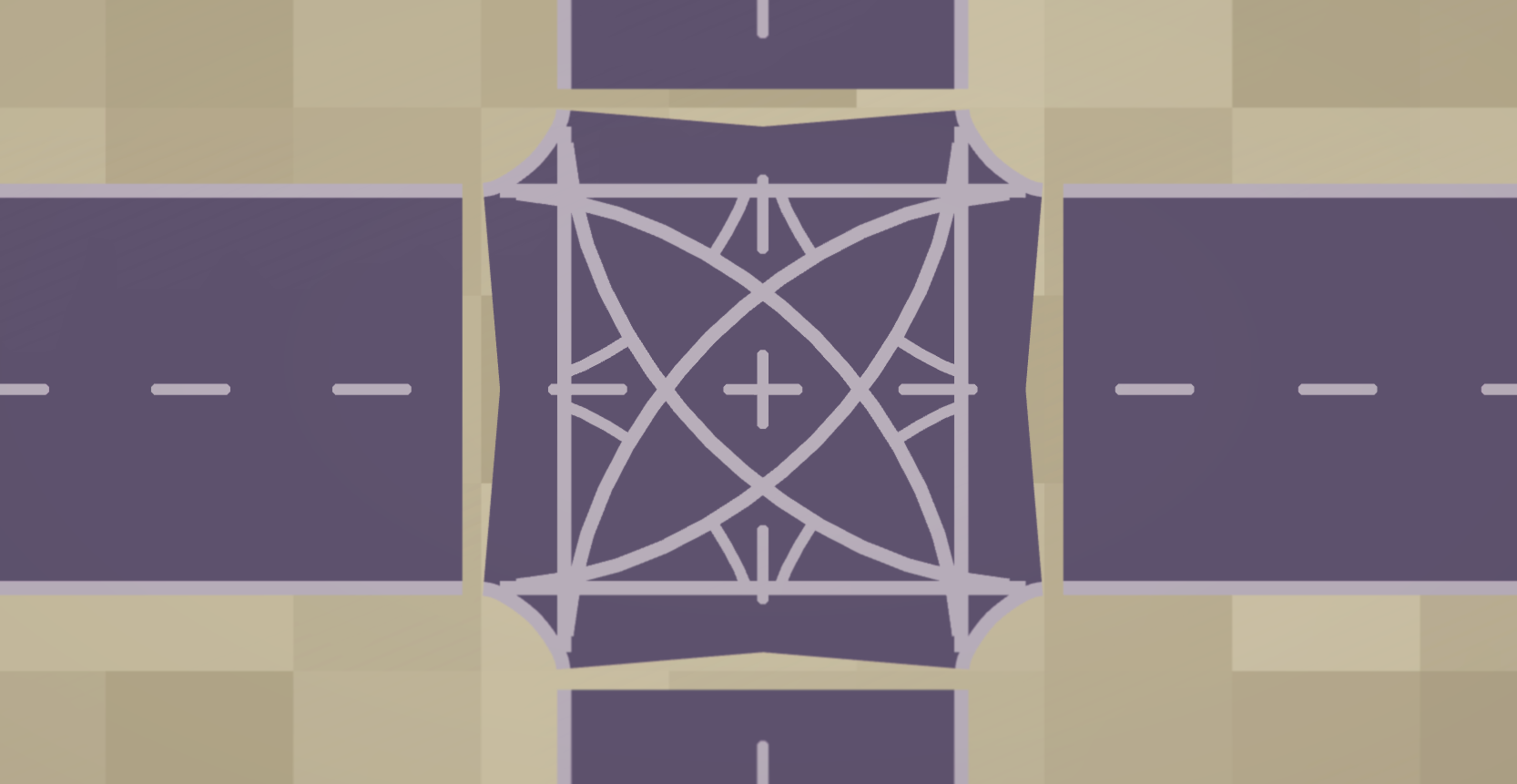
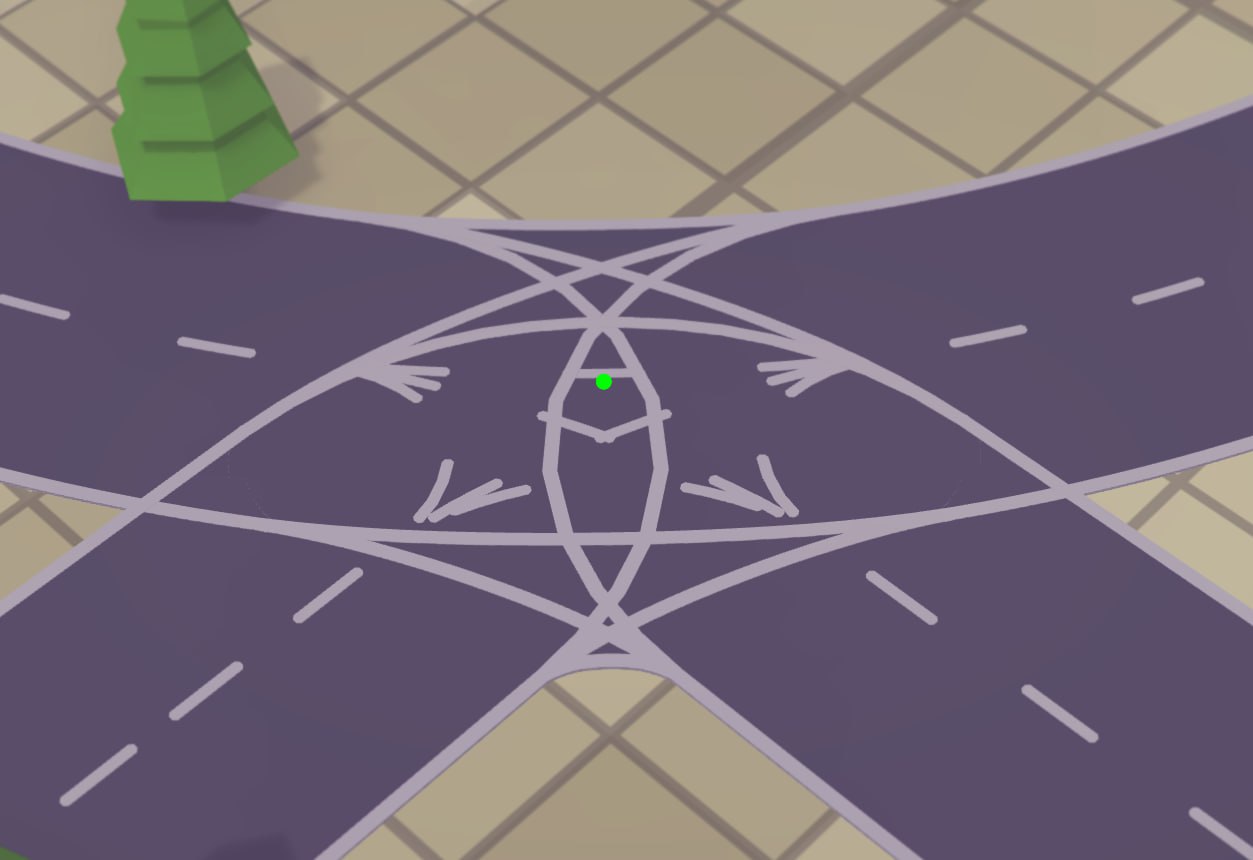
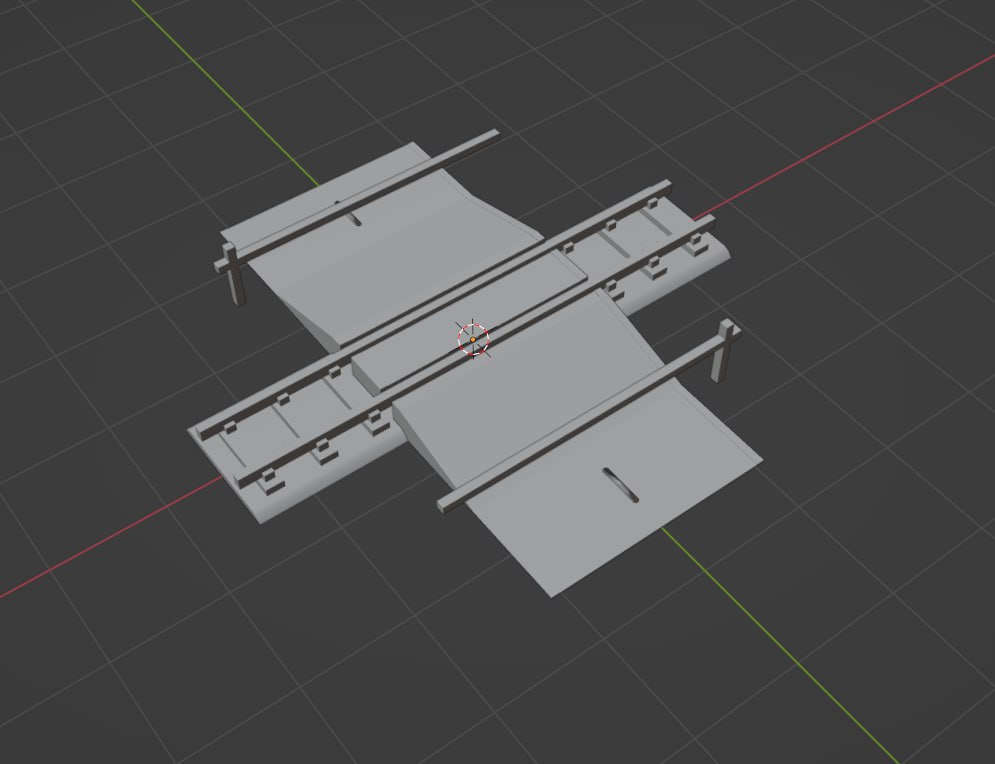
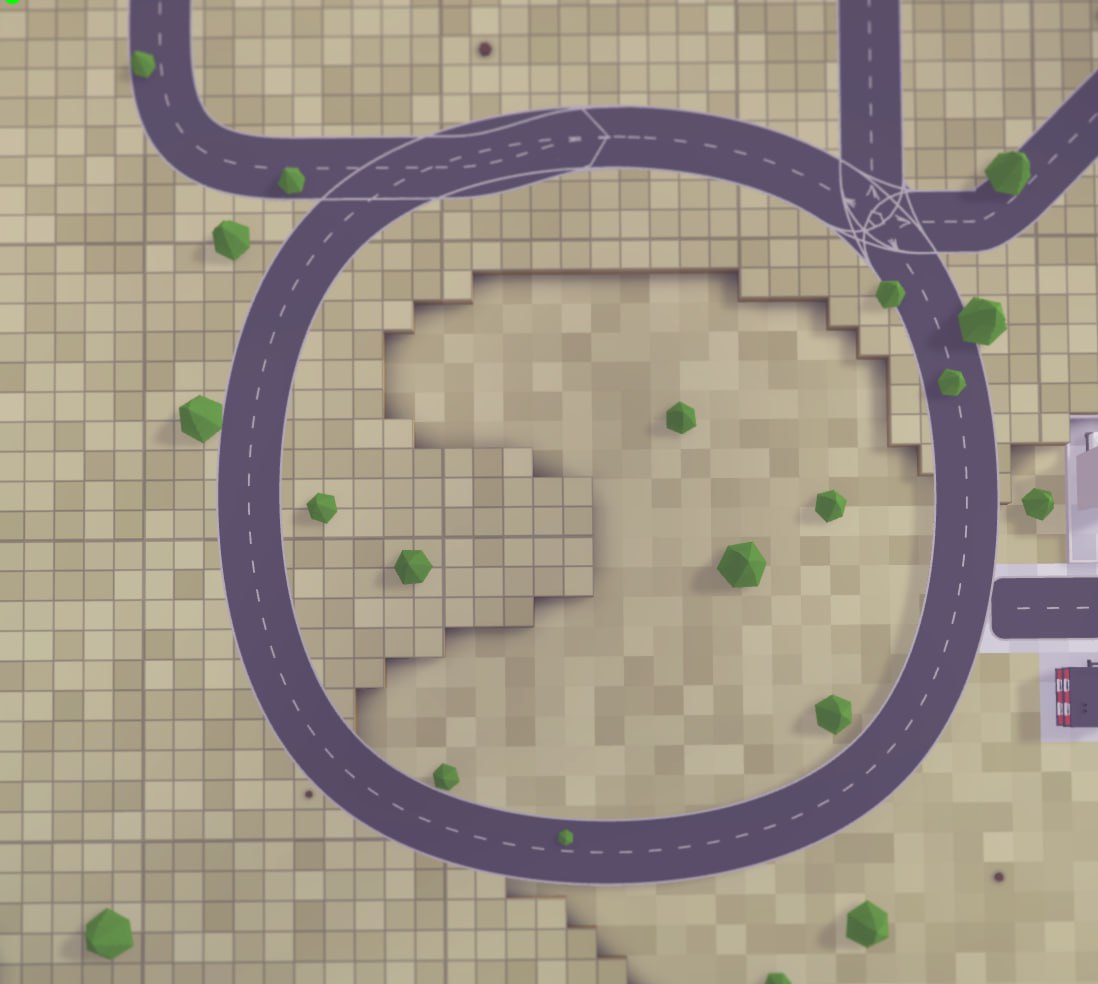
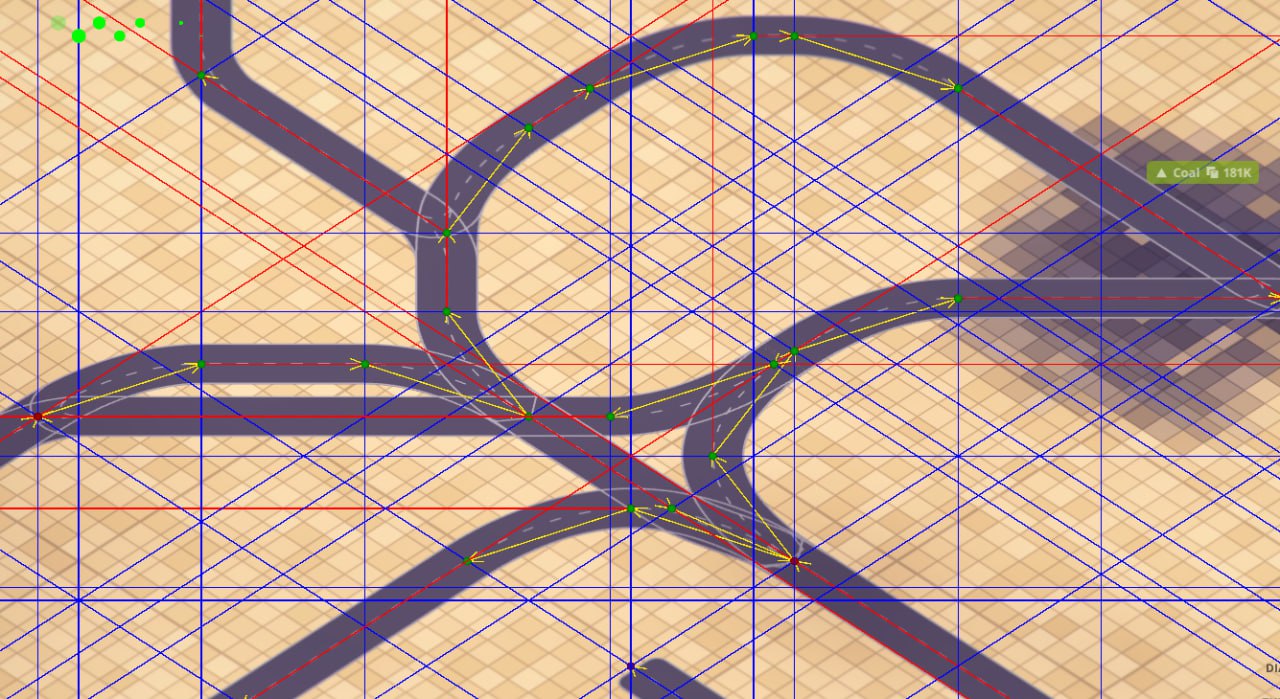
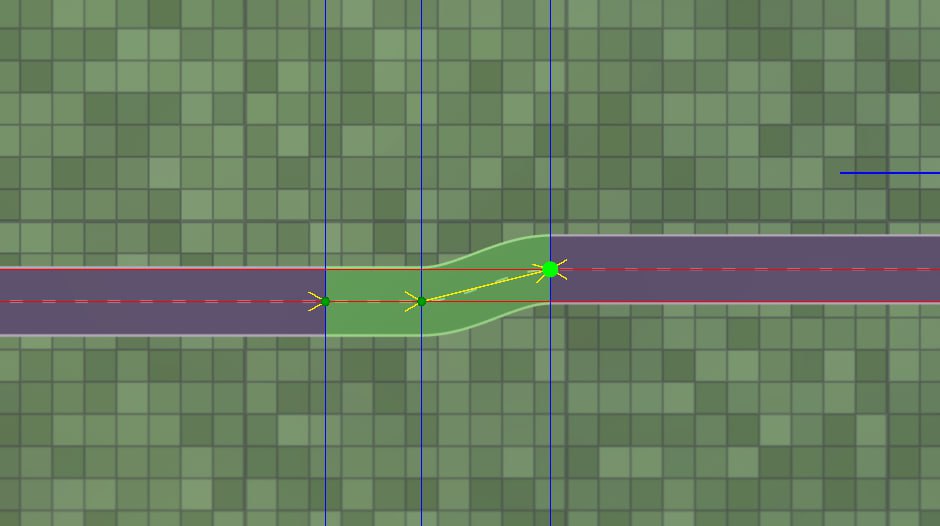
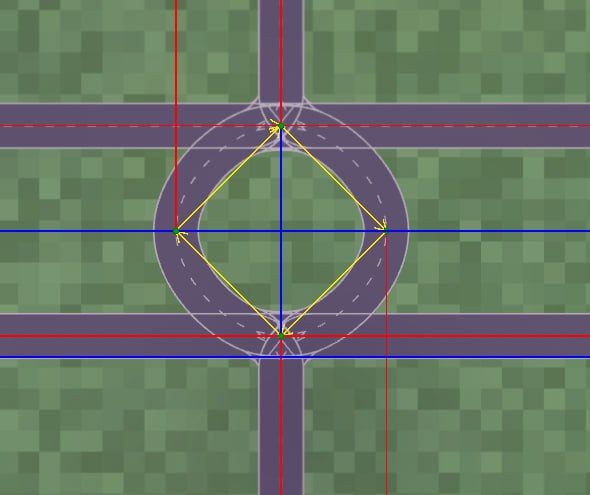
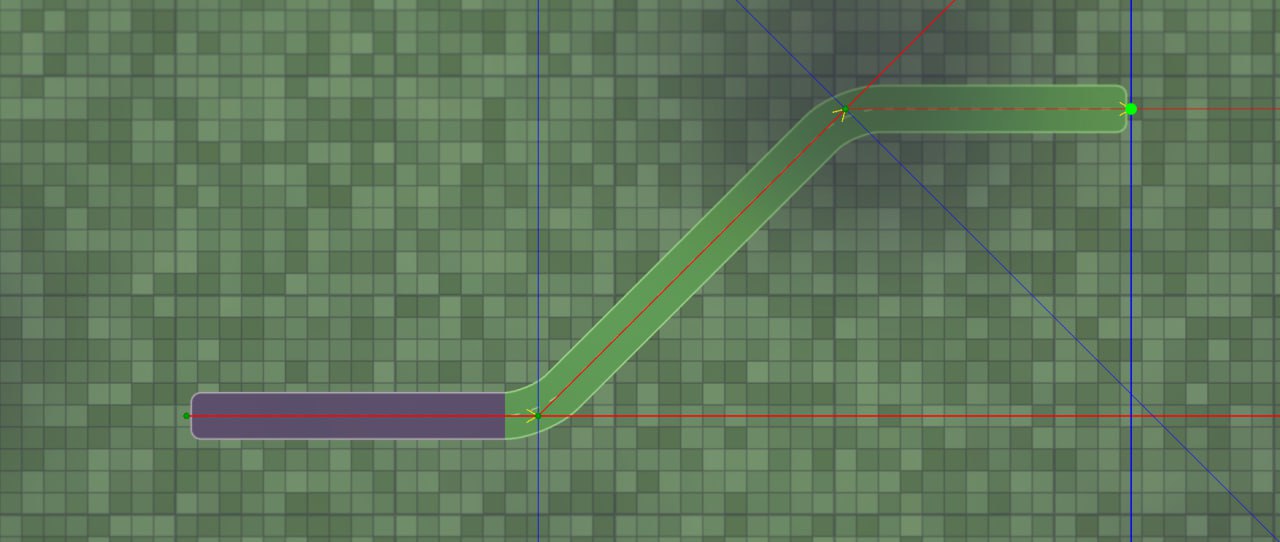
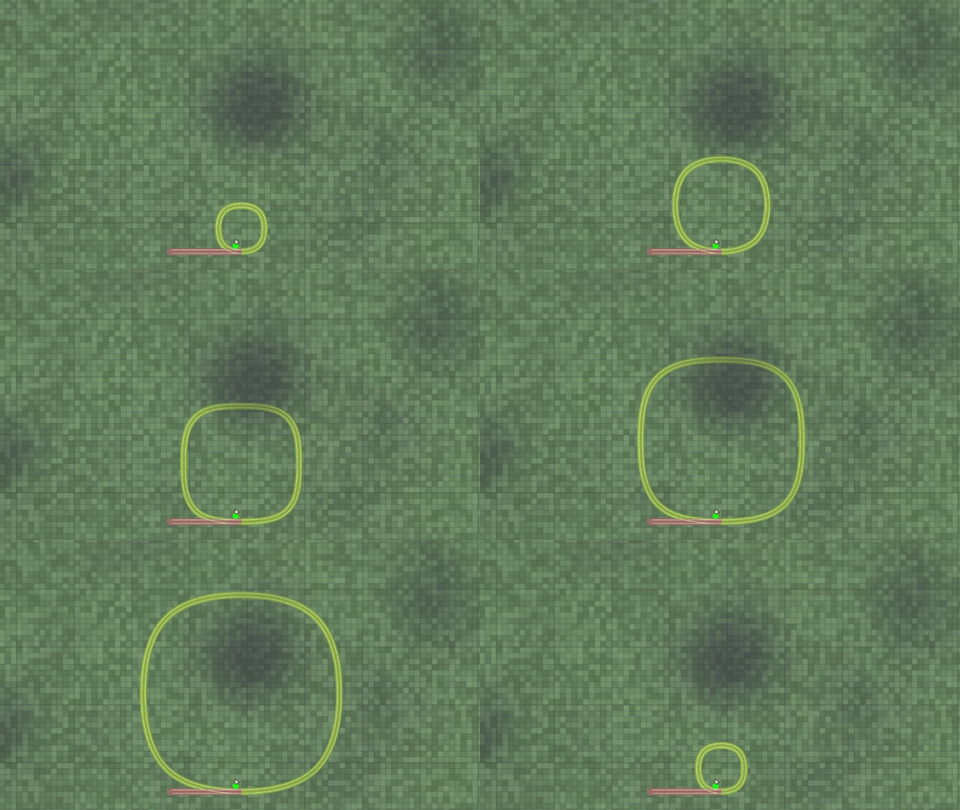
As many of you know, we are currently working on the Rails and Roads Rework (aka RRR): a new rail and road laying system that will replace the current one and allow for:
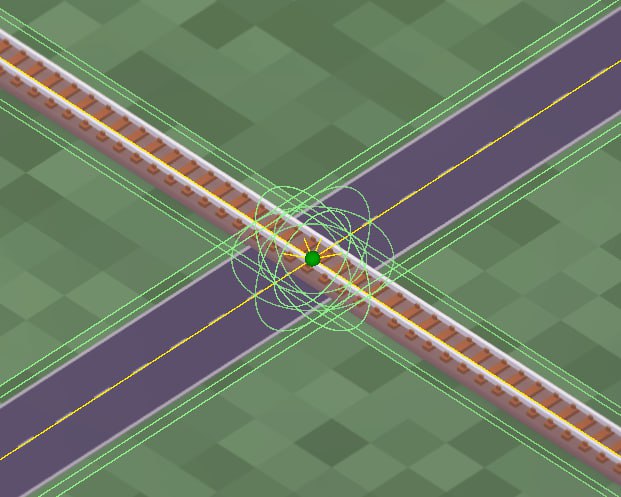
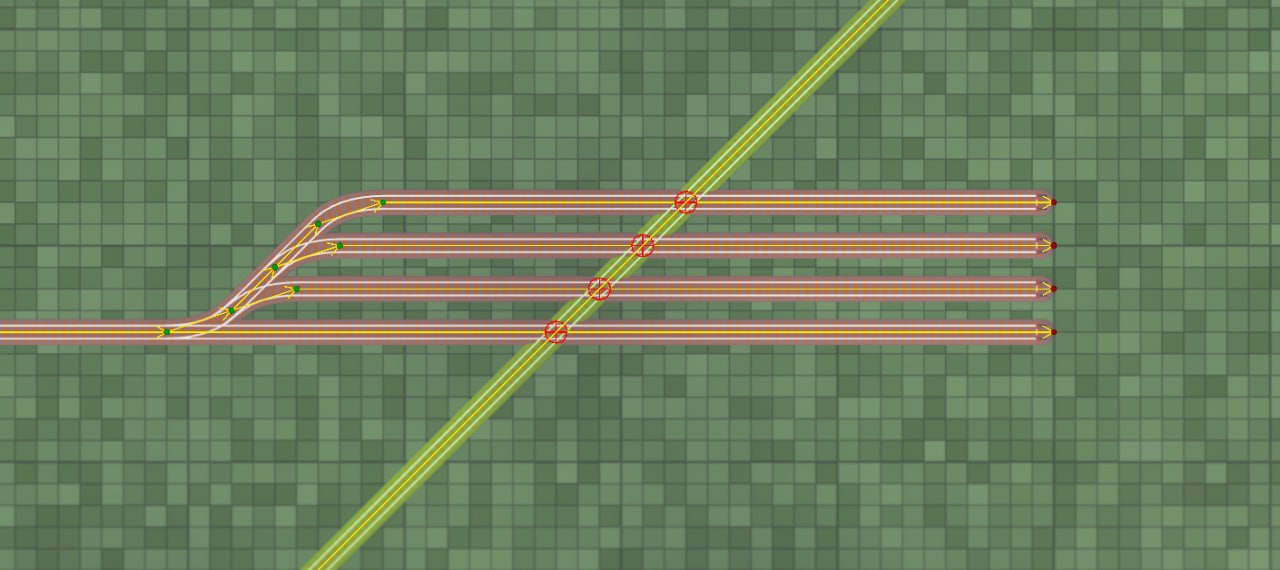
* Level crossings * Customizable curvature of tracks * Left-hand traffic * Diagonal roads * One-way roads * Horizontally curved bridges and tunnels * Planning mode * Support for blueprints * Support for path signals * Better support for modding and interconnection of different types of tracks * Support for liquids/pipes * Performance optimizations
It turned out to be much more complex than we initially anticipated. But it's necessary to complete before adding new content to the game, so we've been dedicating a lot of time to it. As a result, other major updates were, if not put on hold, at least slowed down. As you can imagine, this may create the appearance that no more major updates are coming for the game, and, quote, the game is dead.
Some of our most devoted community members may remember that the game was initially supposed to be out in Early Access by the end of 2017. But it came out in 2019 as pre-alpha, and only in 2021 did it hit Steam EA.
So, the game isn't dead; this is just how we develop it. And it has always been the case; there's nothing new. We prioritize quality over speed of development, and this isn't going to change. Sometimes updates come one after another; sometimes there's complete radio silence because we're just not ready to show anything. We release new updates only when we feel they're up to the bar we've set. And keep in mind that there are just two of us (we tried to hire more people in the past, but it didn't work out for us, both financially and organization-wise).
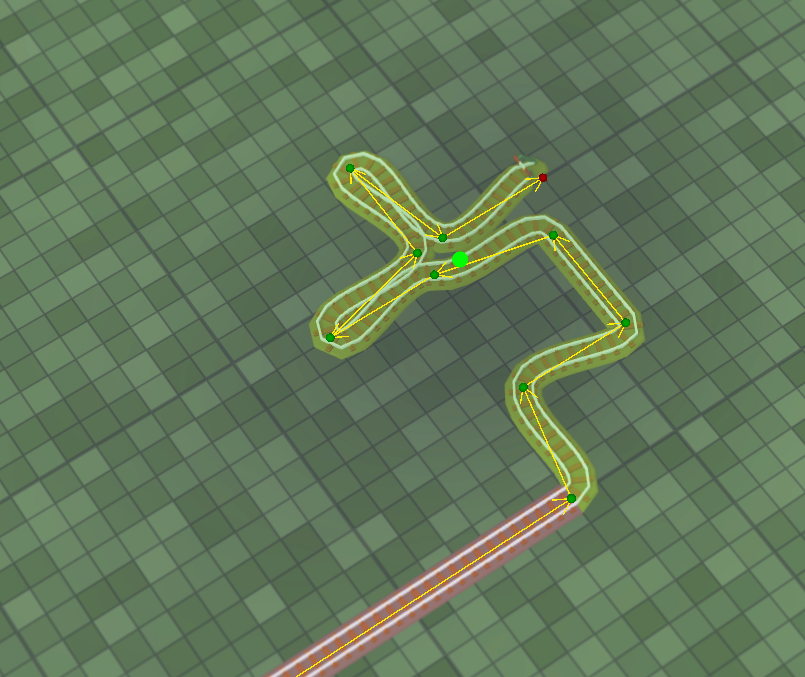
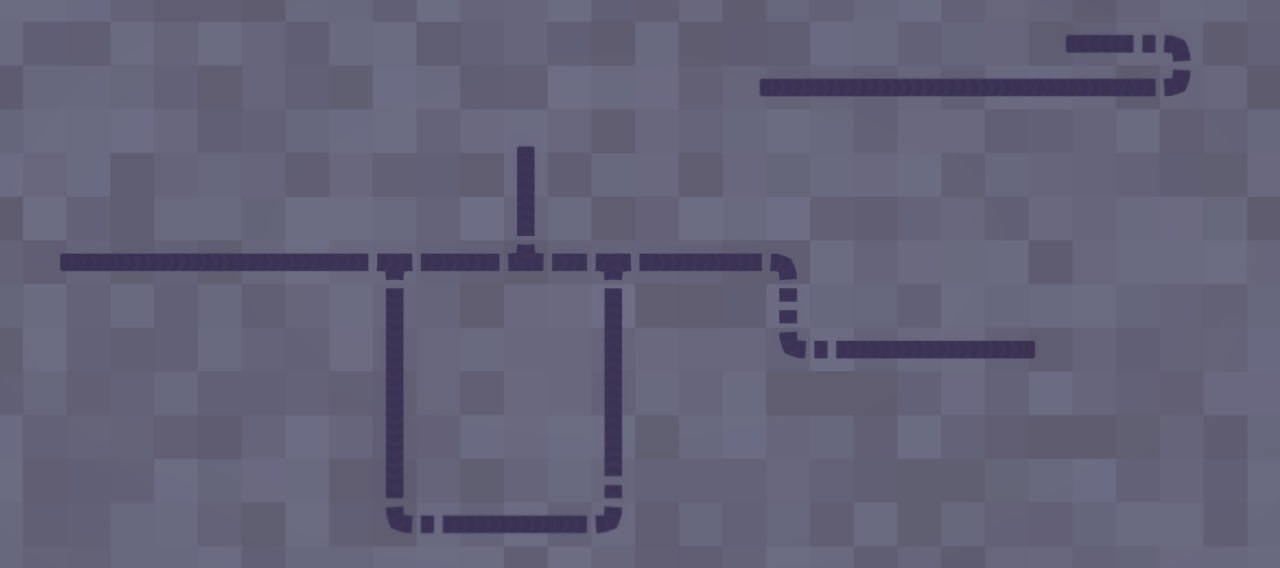
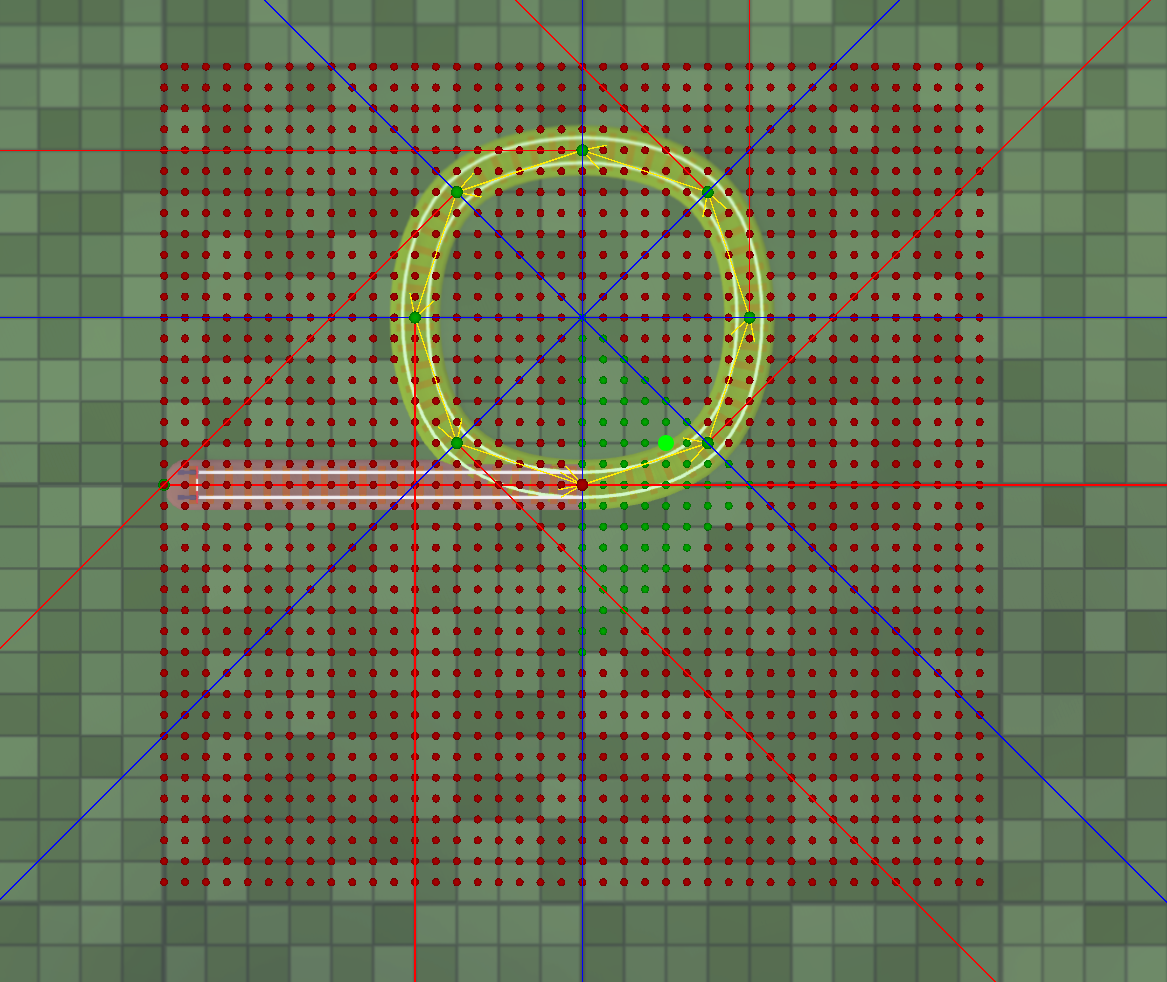
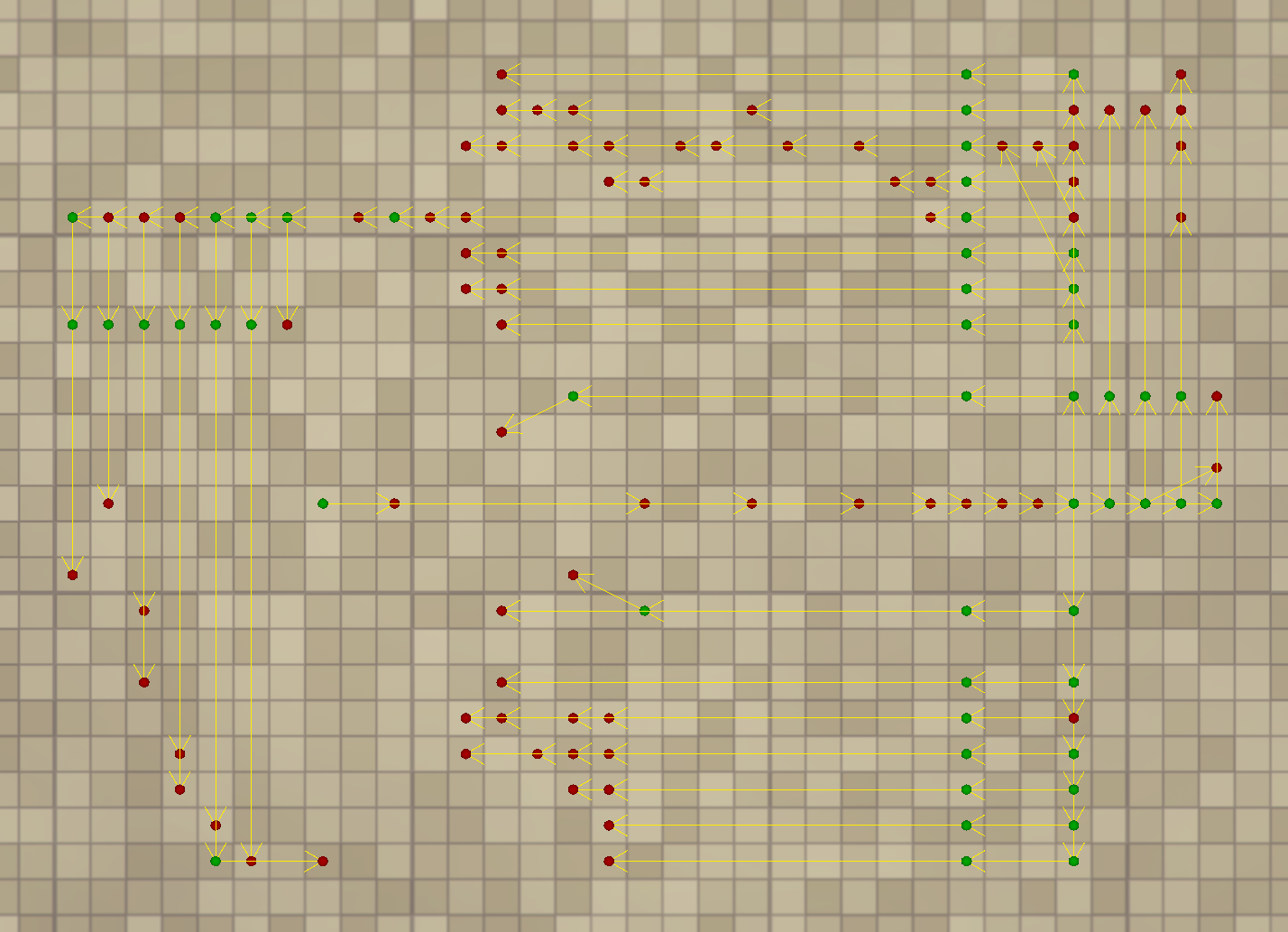
The good news is, RRR is progressing, and we can see the light at the end of the tunnel. We'll post more on this progress when we're ready. For now, enjoy some of the development artifacts. We occasionally post these in the #dump channel on our #dump channel on our Discord server. If you're interested in early sneak peeks, please join us there!
Updated roadmap
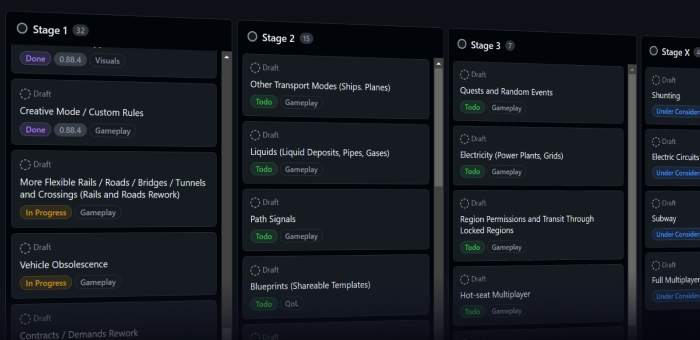
We've moved our roadmap to GitHub, aligning it more closely with our development process. Here you can see what we're working on right now and what will be worked on in the future. We will keep it up to date with our current direction.
The roadmap has two views: Board (like it was before) and Table for a better overview. Notice that you can filter and slice data to your liking.
On modding docs
The final issue we need to address is modding documentation. It's clearly lagging behind, and unfortunately, it's challenging to keep it current while the game is in active development. Don't worry, we'll update it eventually. In the meantime, we encourage you to join the #modding channel on Discord to get assistance and discuss your ideas with our fantastic modding community.
Thank you!
We really appreciate your patience and support. Thank you for being part of the Voxel Tycoon community, and stay tuned for more exciting updates!
Update 0.88.9.1 beta
While we're still working on the next major update, we wanted to share a little QoL patch with you all to help pass the time.
As you will notice, many of these changes are performance optimizations for those who play with a lot of mods. Optimizing performance is an ongoing effort, and there are still many places where it can be greatly improved. In the meantime, for the next update, we want to focus on gameplay features.
Thank you, and stay tuned for more!
PERFORMANCE
Buy vehicle window optimized to support as many vehicles as you want. Previously, it could take up to several minutes (!) to open the first time with many mods installed and cause insane frame drops while opened.
Eliminated huge lag when opening the storage picker for the first time in a mod-heavy game.
Eliminated huge lag and performance drop when opening the New game window with many mods installed.
Fleet window optimized to support hundreds of vehicles without performance drop.
In mod-heavy games, the game could use up to ~500MB less memory.
IMPROVEMENTS
Sorting by earnings and costs in the Fleet window is now dynamic and properly reorders rows as values change.
Added hotkeys to toggle windows: F2 for Fleet, F3 for Research Management; others are not bound by default and can be set to your preferences. Hide UI is now F11, and toggle orthographic view is F9.
Settings window now resizes with resolution and UI scale changes.
If Notifications log is open, no other windows will be closed on Esc.
FIXES
Fixed various vehicle icon rendering issues where wagons can appear separated, not render some parts (submeshes), overlay one over another, or completely vanish.
Fixed an issue where, when you followed a vehicle and unfollowed it by toggling in the vehicle UI, using WASD keys, or edge scrolling, the camera jumped back to where following started.
Fixed Vehicle replacement window often spawning with the Add replacement button hidden below the toolbar.
Fixed bulldoze hotkey conflicting with Free camera hotkeys.
MODDING
Unity updated to 2022.3.37
Update 0.88.8
IMPROVEMENTS
Orthographic (aka isometric) mode received some love: now locks to 45-degree angles and top-down view, remains consistent between sessions, and features its own HUD button (F3 hotkey is still there)
Lakes now produce sound
Depot window: Made the configure and sell buttons more visible
Added CAD currency
FIXES
Fixed renaming vehicle in the reconfigure window had no effect
MODDING
Unity updated to 2022.3.20
Update 0.88.7
GAMEPLAY
Holiday cheer removed
Vehicle replacement no longer affect new vehicles
Complete replacement will be automatically removed
IMPROVEMENTS
Camera bookmarks: Set bookmark: Ctrl + Shift + 0-9, go to bookmark: Shift + 0-9
Added explicit close/hide button to notification history popup
FIXES
Fixed available money got trimmed in the lab window
Fixed Info tool worked through UI
Fixed infinite loop of vehicle replacement can be created
Fixed error when vehicle was replaced while picking destination
Fixed wrong speed is reported when vehicle window is just opened
MODDING
Unity updated to 2022.3.19
Update 0.88.7.1 beta
GAMEPLAY - Holiday cheer removed - Vehicle replacement no longer affect new vehicles - Complete replacement will be automatically removed
FIXES - Fixed infinite loop of vehicle replacement can be created - Fixed error when vehicle was replaced while picking destination - Fixed wrong speed is reported when vehicle window is just opened
How to get on beta branch: https://voxeltycoon.xyz/devlog/beta-branch/
Update 0.88.7.0 beta
IMPROVEMENTS - Camera bookmarks: Set bookmark: Ctrl + Shift + 0-9, go to bookmark: Shift + 0-9 - Added explicit close/hide button to notification history popup
FIXES - Fixed available money got trimmed in the lab window - Fixed Info tool worked through UI
How to get on beta branch: https://voxeltycoon.xyz/devlog/beta-branch/
Happy Holidays 🎁
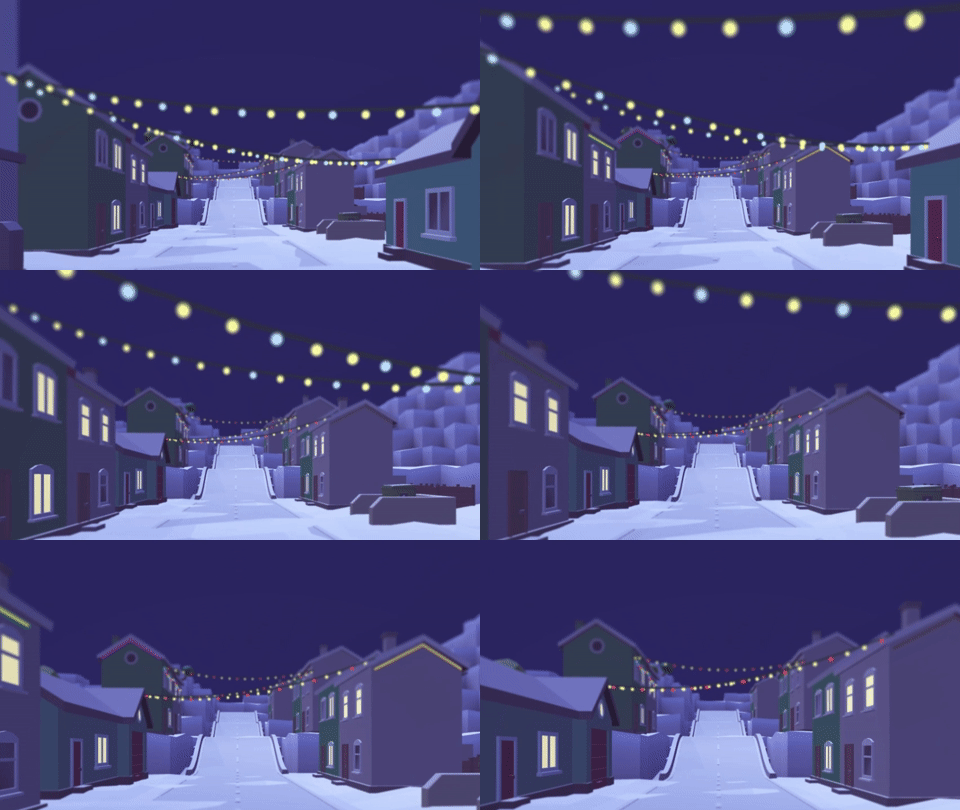
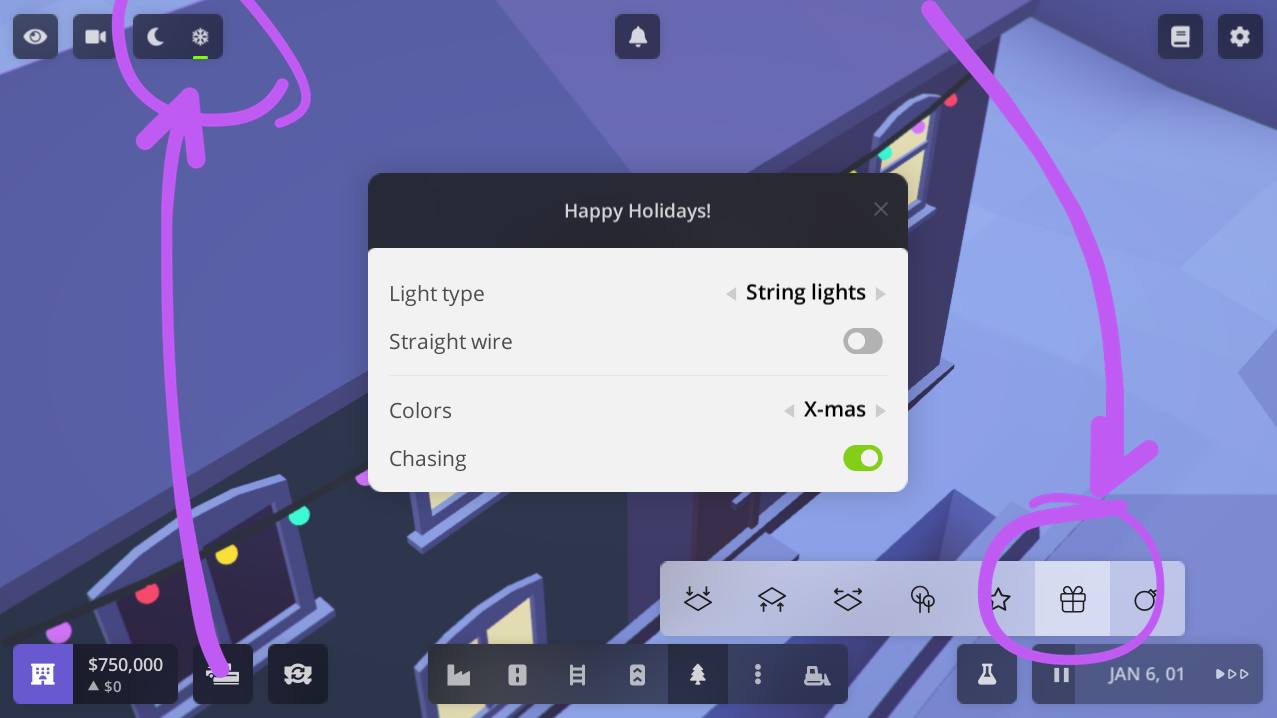
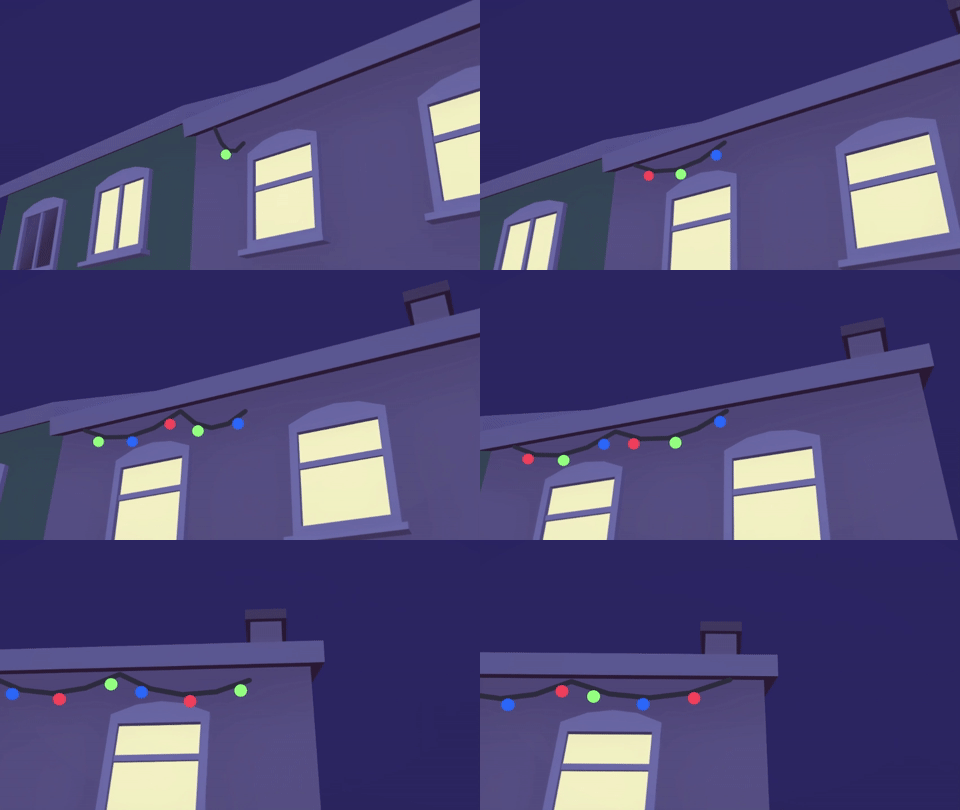
Get ready to sparkle 🌟 We've added a tool that lets you decorate your buildings with colorful string lights and vibrant neon tubes. Let's brighten up those short winter days!
Bring holiday cheer to your world! Check the top left of your screen for new controls to toggle night and bring in a festive holiday ambiance. It's the perfect way to showcase your holiday decorations!
Share screenshots with the community! We're super excited to see how you bring the holiday spirit into your tycoon empire. Join us on Discord and be a part of our vibrant community!
Happy building and decorating, tycoons! Let's make this season shine bright! 🚂✨🎊