

Wolfpack
Dev update September 13
Version 0.18
This version contains major updates to the map tools. We’re taking a break during July, but we’ll be back to work on the bots in August.
Patch notes:
Right mouse button now closes recognition manual.
Fixed bug where the the notes section closes when typing c.
Torpedo gyro is now activated after 200 meters.
Fixed bug in tutorial level where torpedoes would pass through ships.
Added compass to conning tower.
Added compass to attack periscope.
Overlapping map text is now hidden.
Map keypad entries now support decimal numbers.
Map keypad entries now support addition, subtraction, multiplication and division.
Holding left ctrl button now lets you quickly zoom in on the map.
Added more map symbols.
Added line styles.
Added line copy tool.
Added more snapping options (none, point, line, all).
Lines drawn on the map now snap to the u-boat.
Eraser now works on any part of a line or circle.
Time stamps are now a property that all lines, circles and symbols can have, rather than something specific to the time stamp tool.
Removed time stamp tool.
Added hotkeys for map tools.
Version 0.16
The training mission gives you the option to observe the calculated torpedo trajectory, as well as the distance, speed and angle on bow of the target.
The targets are represented by blue triangles. The semi-transparent triangle in front of each target represent the targets position on the calculated impact.
Ship types are also represented, allowing you to practice identifying the ships using the recognition manual.
Version 0.15 beta
The old and new verisons are not backwards compatible, so you won't be able to see servers hosting another version of the game.
Version 0.15 patch notes:
Optimized flag shader.
Removed “invisible” lobby option.
Added distance filter for lobby searches. Be aware that latency increases with geographic distance.
Added support for all aspect ratios.
Added keybindings to center dive planes.
Updated displacement on passenger liner type 8.
Darkened map view when using night light.
Fixed odometer bug.
Optimized ship colliders.
Added hotkey to reset odometer while in navigation view.
Fixed flashlights shining through walls.
Added input blocking when using TDC and chatting.
Fixed fog rendering bug.
Disabled use state when binoculars are active.
Fixed flooding animation bug.
Fixed sounds not updating while using periscope bug.
Added the ability to kick players when hosting.
Added passwords for lobbies.
Added friendly fire option to lobby settings.
Added the ability to kick players if you are the U-boat owner.
Added passwords for individual U-boats.
Added time settings to lobby.
Added weather settings to lobby.
Fixed ladder bug.
Ballast tanks now contain 50 m3 of water instead of 75.
Pressurized air now follow Boyle’s law.
Fixed race condition when two people try to use the same station at the same time.
Radio can now send numbers as well as letters.
Fixed unlit characters bug.
Changed binocular and UZO zoom to x7 and x8 respectively.
Wolfpack is now available on Steam!
Wolfpack is now available on Steam!
Thank you all for supporting the project! We appreciate all the help we can get spreading the word, so please tell your friends!
Best regards,
Oscar and Einar, Wolfpack Dev Team
Website/presskit: http://www.wolfpackgame.com/
Wolfpack Discord Server: https://discord.gg/SH2Rg42
Wolfpack manual: https://steamcdn-a.akamaihd.net/steam/apps/490920/manuals/Wolfpack_Manual.pdf?t=1552603349
Wolfpack on Subsim: http://www.subsim.com/radioroom/forumdisplay.php?f=277
Wolfpack on Facebook: https://www.facebook.com/WolfpackGameOfficial/
Wolfpack Roadmap and Tutorial Videos!
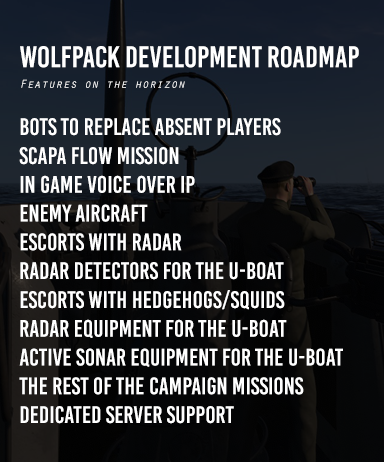
Hello everyone, Wolfpack will be released on Friday!
We put this roadmap together to give you an idea of what's next in the development.
We also published a series of video tutorials on our YouTube channel. More videos will be added to the playlist as development progresses.
We really recommend you joining our Discord Server. It's a great community for finding crew members and discuss various aspects of the game!
Video Tutorials: https://www.youtube.com/playlist?list=PLuAm9FOeKPghvMFdlKSYdySw-9OsLYtyH
Wolfpack Discord Server: https://discord.gg/SH2Rg42
Wolfpack Release Date!
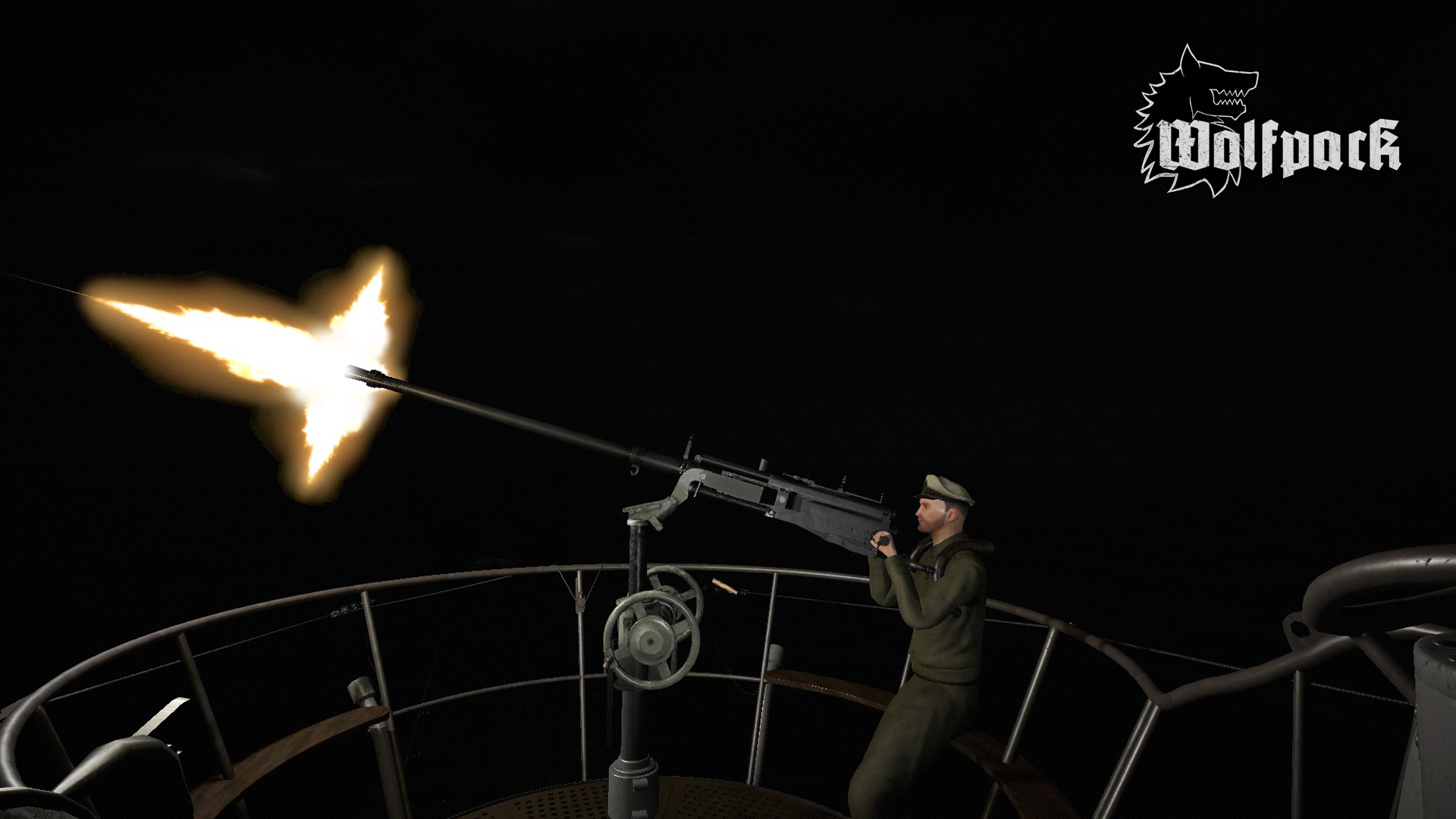
Good evening everyone! We are happy to announce that Wolfpack will be released on Steam Early Access March 15 2019. We are also revoking the non disclosure agreement for our testers, so feel free to stream the game and publish screenshots and videos as much as you like!
Best regards
Oscar and Einar
Official Wolfpack Discord server: https://discord.gg/sBSevvJ
Wolfpack Update!
Oscar has been fixing some unexpected bugs the past couple of weeks, hence the delay. Thank you for your patience. Now we finally have some proper news for you. The latest version of the game will be available to the testers tonight, and if nothing unexpected happens we'll be able to set a release date some time this week.
There are still a few formalities left to take care of, but we are doing our utmost to release the game as soon as possible.
/Einar
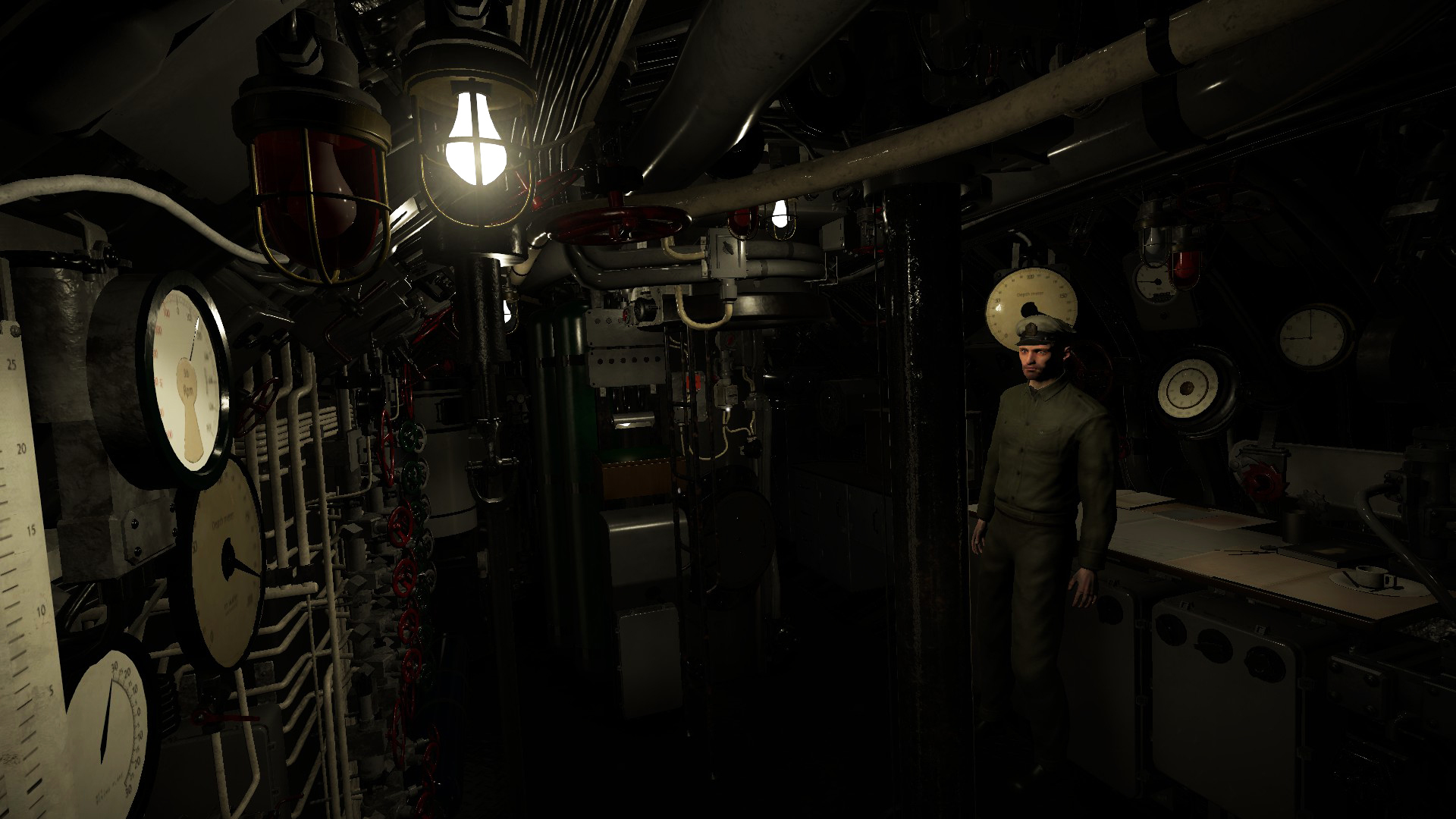
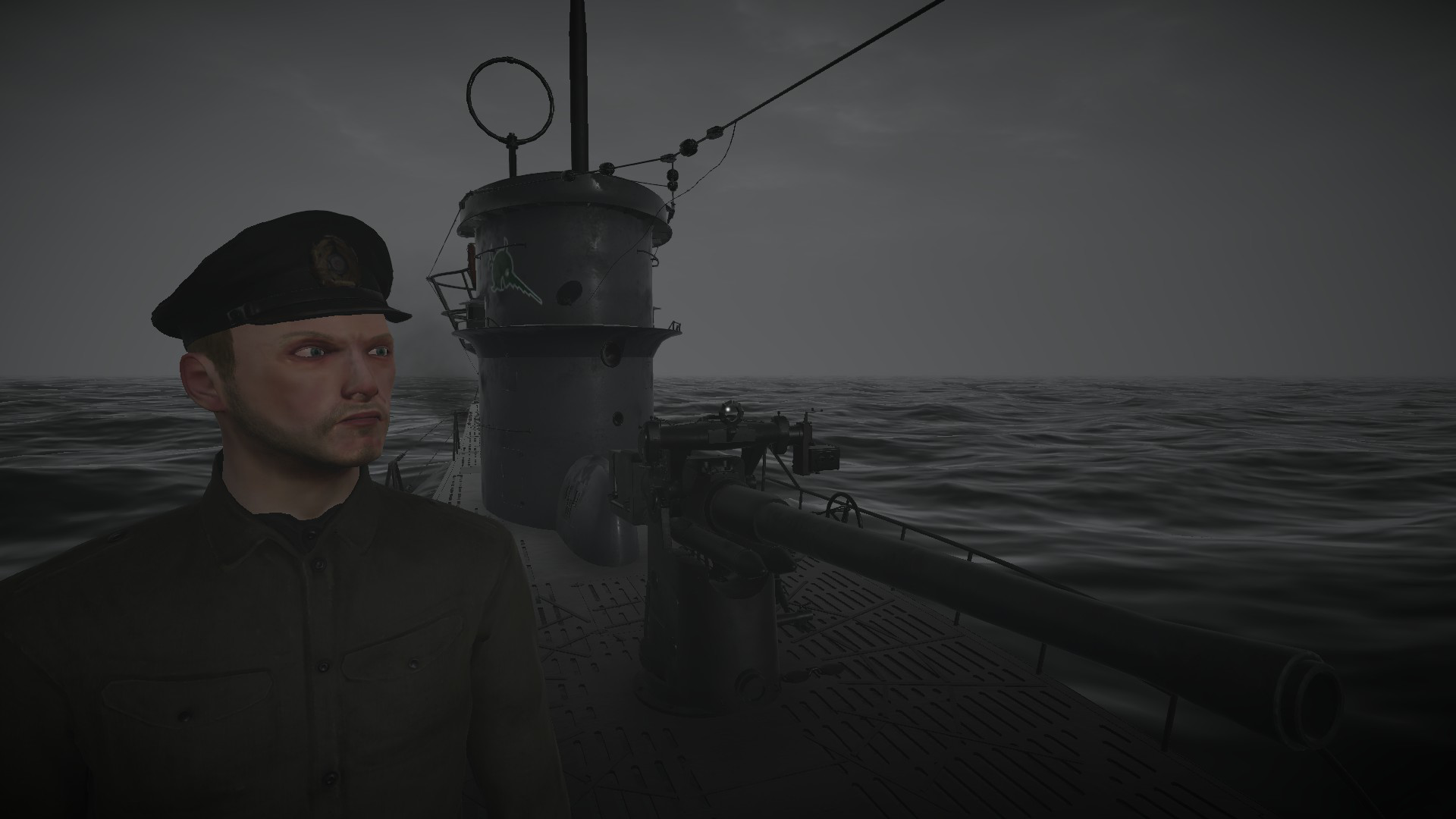
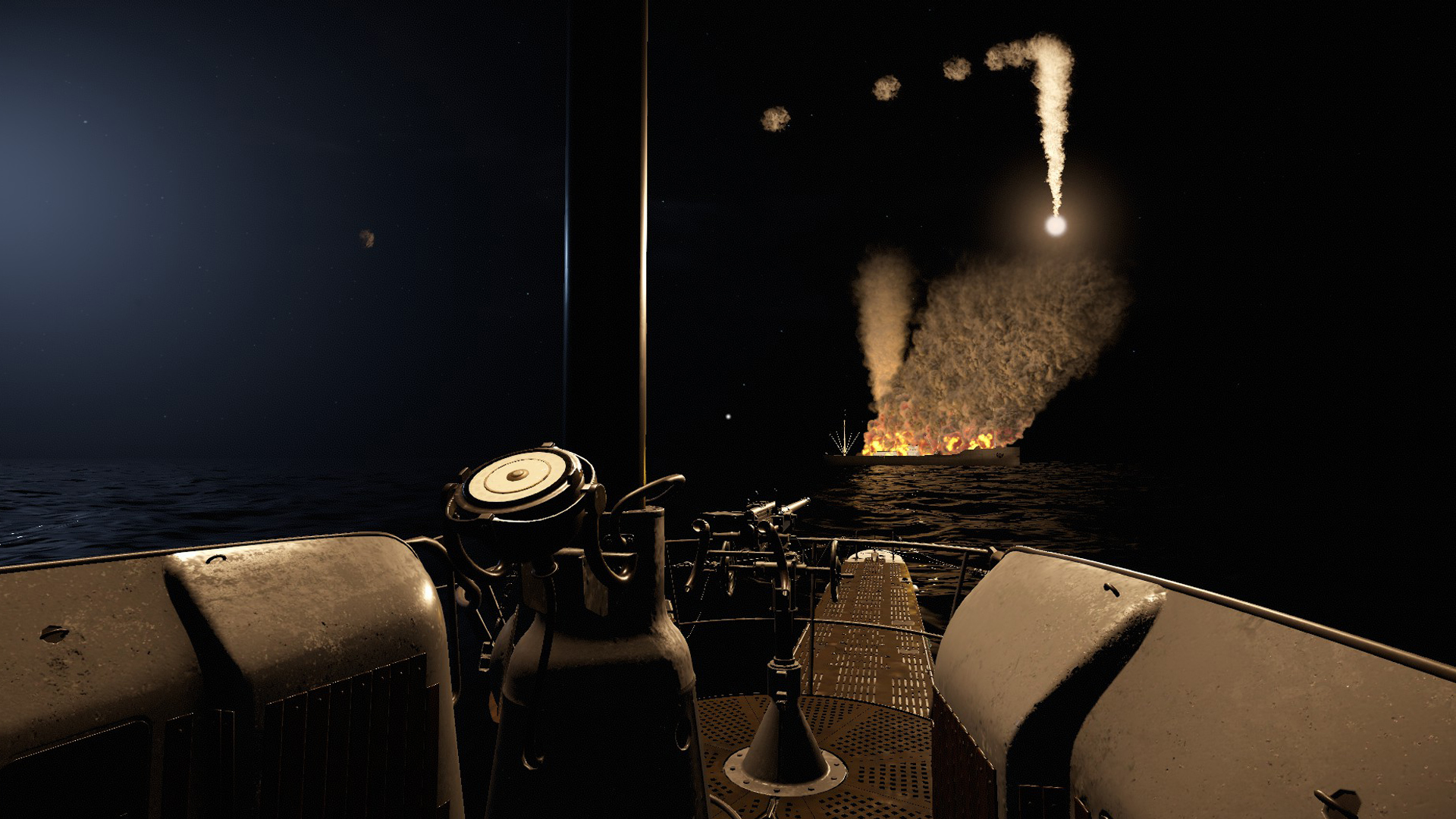
Update!
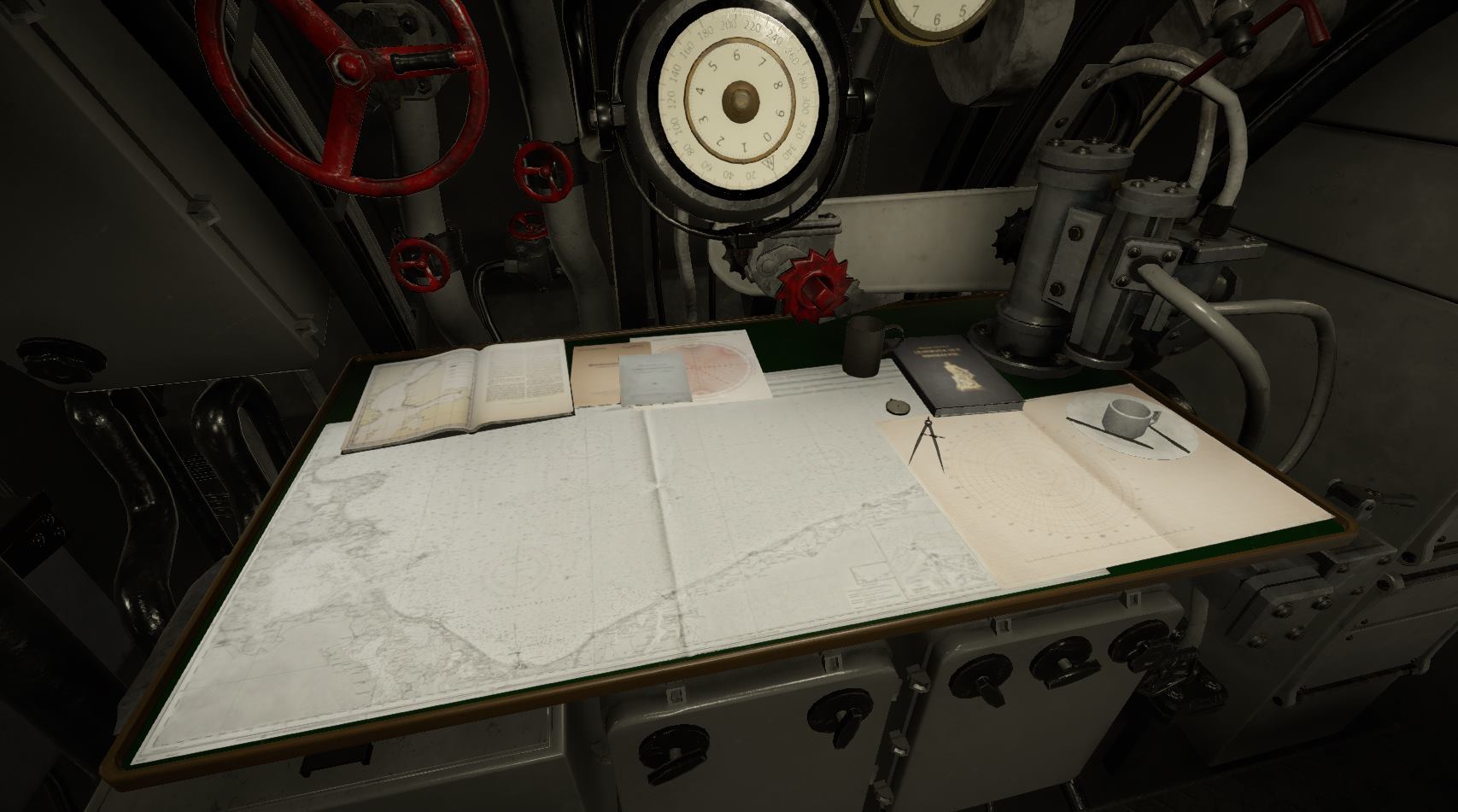
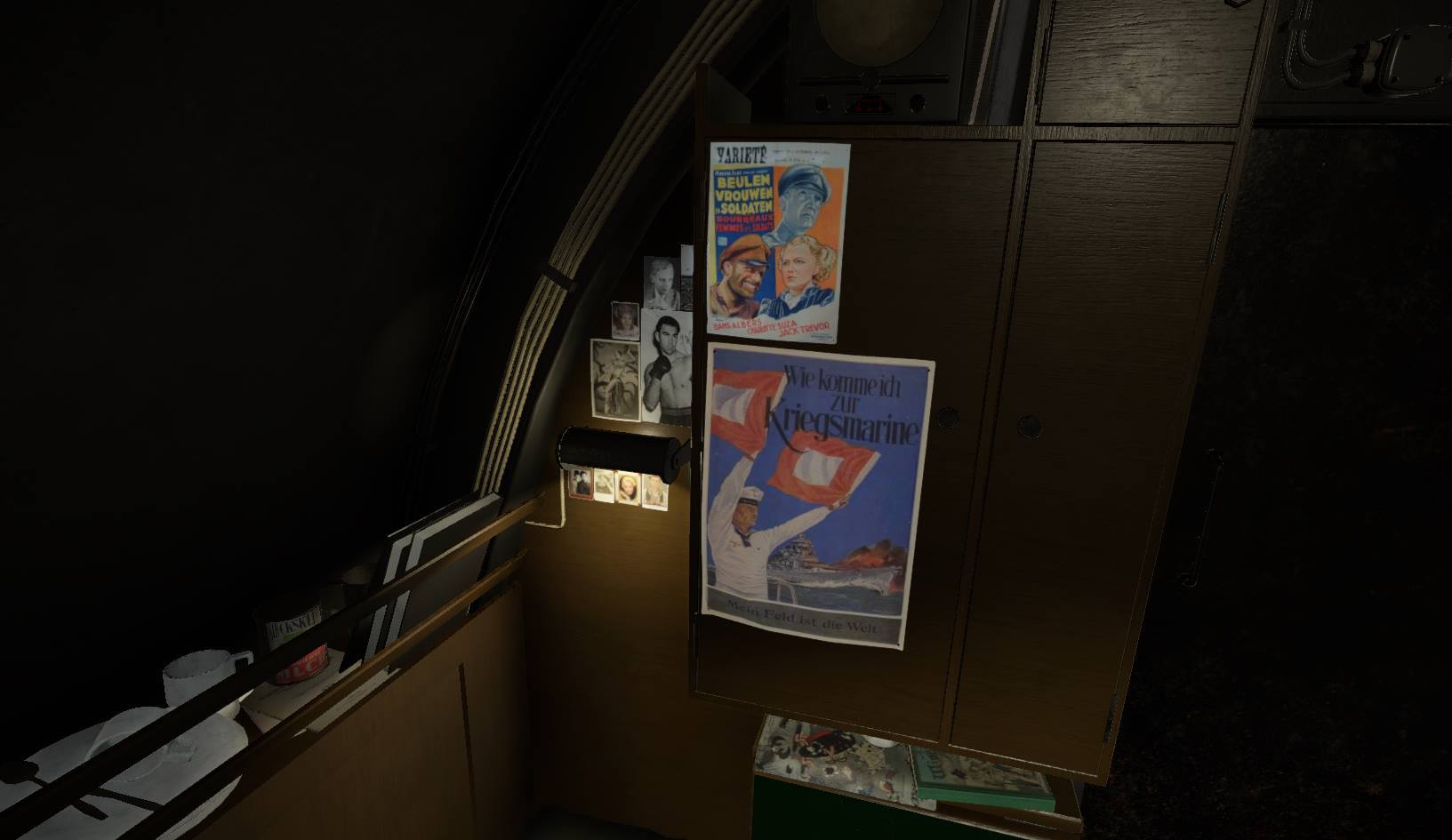
Hello everyone! I am sorry about the radio silence this last month, I have been trying my best to push the last build out the door before the end of january, but alas, I have not managed to do so in time. Some of my time has been taken up by legal stuff regarding the release that I just didn’t plan for, and some of my time has been taken up by me adding (unnecessary but cool) bells and whistles to the game. The final build will be out next week, and after a brief testing period we will start selling the game on Steam.
We also started a discord channel, so if you want to talk to me, Einar, or each other, you can do that here: https://discord.gg/zkcPVQm
/Oscar
Navigation tools
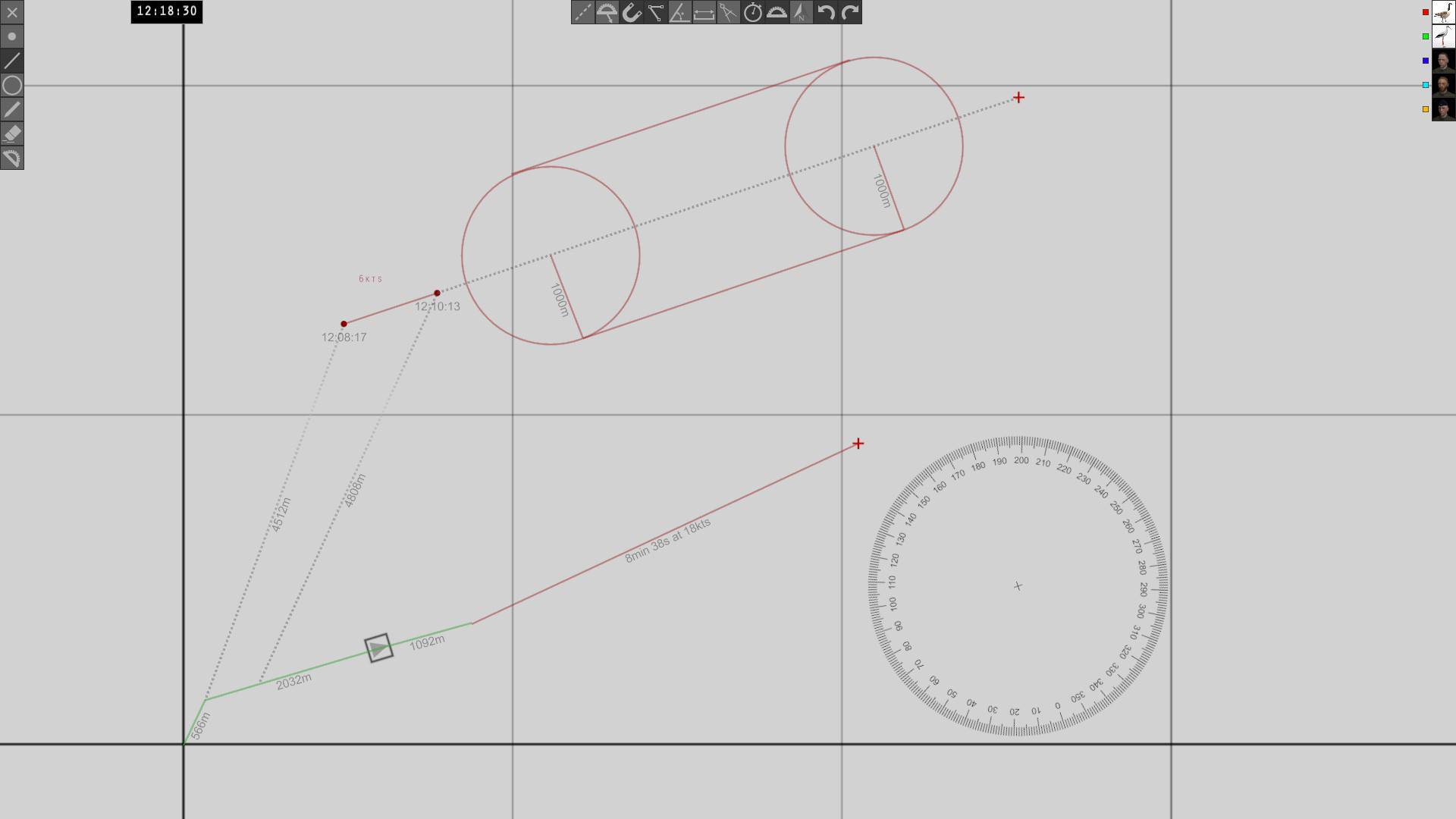
Hello everyone! Here is a quick summary of the navigation tools.
Everything you draw on the map can be seen by the other players. Each player has a map layer, with a corresponding color. You can only draw and erase on your own layer. The layers can be toggled on and off with the portrait buttons to the right in the image. In the image, two players are playing, the goose and stork are their Steam profile images. The dotted lines are sketch lines, that are not shared with the other players.
The u-boats position is visible on the map until you dive, at which point the symbol turns gray, and the position is no longer updated. Other ships, torpedoes, etc, are not visible on the map.
The toolbar to the left has all the draw tools. You can draw crosses, timestamps, lines, circles, write text, erase, and rotate the protractor.
The tools in the top toolbar are toggle buttons that affect the behaviour of each draw tool. They are, from left to right: Toggle sketch mode, toggle protractor follow, snap to point, show angle, show distance, reverse compass, show travel time, show protractor, reset protractor rotation, undo, redo.
In sketch mode, lines and circles are dotted, and are not seen by the other players. If protractor follow is on, the protractor always follows the mouse cursor. If it is off, the protractor stays when you start drawing the line. Snap mode snaps the cursor to nearby lines or points.
Show angle displays the angle of a drawn line. This does not affect lines that are already drawn, it only affects lines you draw after this is turned on. This information is shared with the other players. This is also true of the show distance, and travel time toggles. The point of this is that lines can mean different things in different contexts. For example the point of drawing a line might be to plot a course, in which case showing travel time and angles is a good idea. A line drawn by the sonar operator can mean the angle of a sonar observation. In this case, not showing the distance (because it is an unknown factor) is good practice. I decided to make these options toggles, instead of having 10 different line tools for different situations.
Reverse compass means that circles are drawn starting with the edge instead of the center (as if you started drawing the circle by placing the pen side of the compass first, instead of the needle side). This is useful if you want to draw a circle that is tangent to a line, for example if you want to draw the turn radius of the u-boat.
The show travel time tool shows the time it would take to travel the length of a line at a certain speed. The speed can be changed with a slider, or by pressing the + and - keys on the keypad. This is useful for planning intercepts, plotting courses etc.
Show protractor toggles showing the protractor when drawing lines. Sometimes the protractor might be in the way, and then it is a good option to have.
The reset protractor button resets the protractor rotation to compass north.
The undo and redo buttons work as you might expect them to. The game uses a dynamically growing undo stack, so you can undo/redo as many times as you want.
All buttons have hotkeys. If you disconnect and reconnect to a session, all lines are saved. Lines and circles can be drawn to an exact length and angle by inputting the desired value on the keypad while drawing.
This explains the basics. We will make tutorial videos about this, and how to do manual navigation/dead reckoning later.