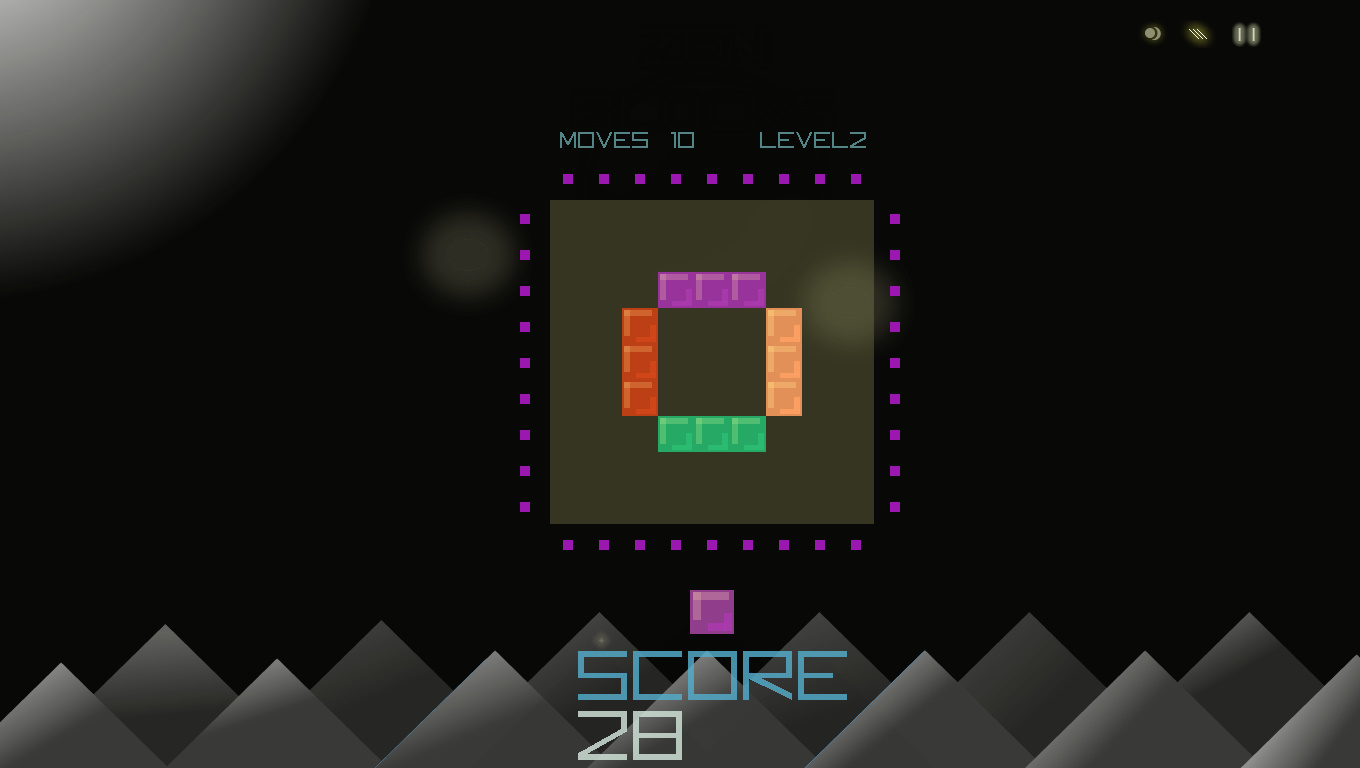
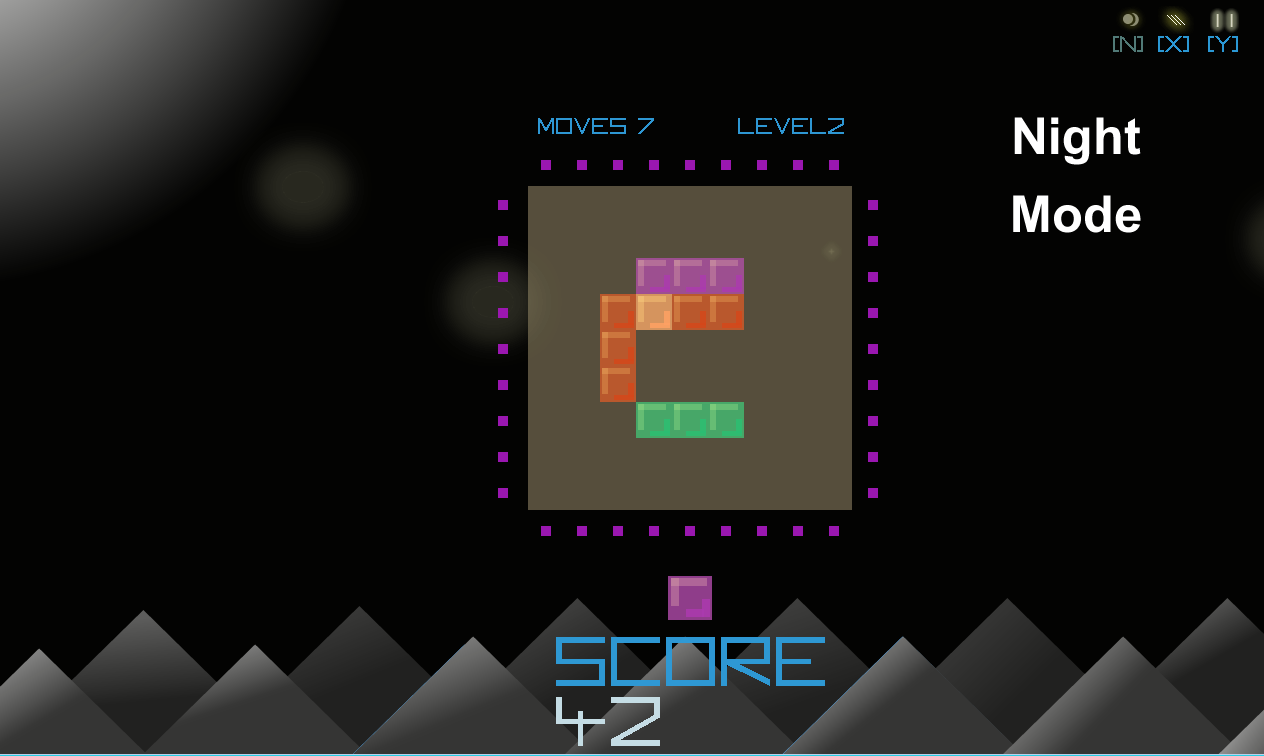
We have updated and increased the frame rate settings, plus some other changes listed below.
Added 64-bit Build for Windows
Small UI Bug fixes
Along with FULL SCREEN mode, Multiple 16:9 Window Modes: (F3) 1024x576, (F4) 1152x648, (F5) 1280x720
Pressing "N" toggles "night mode"
New WASD keyboard option!
We've just added a neat new control feature for keyboard players that don't like the WASD and ARROWs setup.
You can now use WASD to move around the activators and then hold down SHIFT and press a WASD key to release!
Yay! One-handed play without using the mouse!
New Night Time Mode added!
New update to allow for Night Time Mode. Press 'N' or click the in game GUI symbol O)
This allows for people that prefer dark backgrounds for playing in low-lighting conditions.
Another benefit of which is that the colours of the board stand out more for the player.
Enjoy and Happy Puzzling!
Gazzapper Games
Amazing Sale Price! Try Zen Blocks today!
Features
- Relaxing Puzzle Based Fun
- Brain Training Exercises
- 3 Game Play Modes
- Easy to Follow Original Mechanics
- Full screen mode or Window Mode
Buy or Gift today
Play to wind-down or to challenge your mind.
Dual Stick Controller / Steam Controller
Hi There
Welcome to Zen Blocks!
Your Steam Controller and XBox controllers should work with ZEN BLOCKS.
Dual Stick control is the best control method and allows for satisfying speed to deploy your blocks to the the board.
Stick 1 is movement around the board
Stick 2 is directional release from the last active position using Stick 1
Enjoy!
Don't forget to play 'Arcade' mode too! It's fun and allows you to zone out - it's slightly more intense so for relaxing mode - go with the normal level progression mode,
LEVEL mode: relaxing and solving the solution by clearing the board with the moves.
ARCADE mode: slightly more intense as blocks drop into the board area over time. You need to clear the pieces.
TIMER mode: The most intense of the game modes. See how far your can get before the clock runs out. Speed and quick thinking are what's needed here. So controller mode is recommended.
That's all for now, thanks to all who recently purchased our little game!
Enjoy!!!
Gaz
Gazzapper Games
Updated
Hi,
Based on some feedback we updated Keyboard Controls along with the default Controller options.
W, A, S, D for movement around the board
Arrow Keys (< ^ >) for releasing blocks
The new UPDATE is now live.
So now Keyboard, Controller (dual stick) and Mouse are all supported.
Gazzapper Games
Finally We Are Live!!
Start off your Christmas with a smile - positive, relaxing gameplay for all!
Play various modes:
- Level progression
- Against the Clock
- Arcade mode