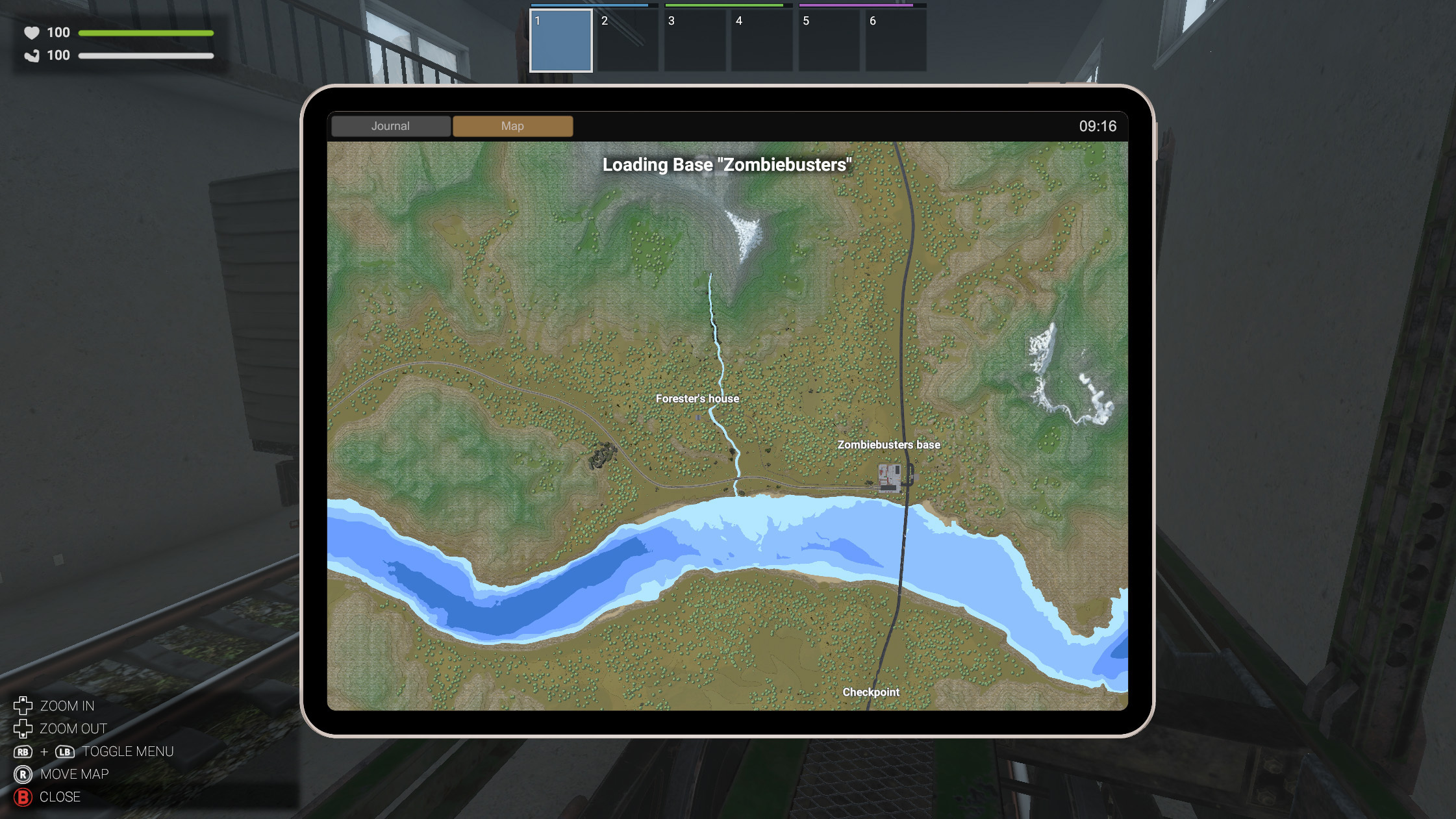
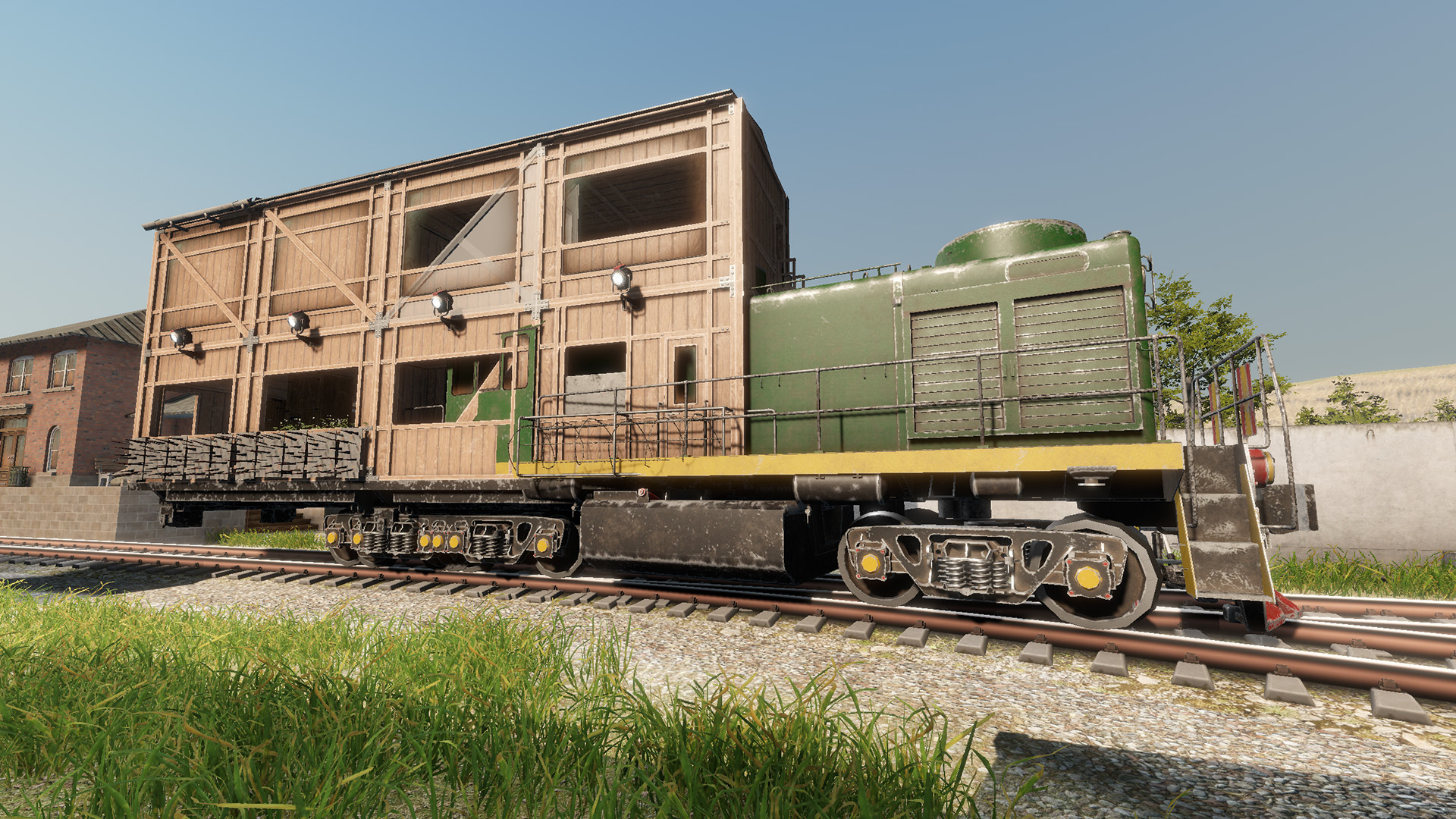
Hey, engineers! I’m excited to present update 20 dedicated to controller support. Initially, I thought it would be simple — just plug in and play, a 20-minute adventure. But the old control system turned out to be completely unsuitable for adaptation, so I had to redo it entirely. Since I had no experience playing 3D action and survival games with a controller, I started studying the configs of the most popular games in this genre — and how wrong I was about the simplicity of the setup. But I won’t bore you with details. In the end, a lot of work was done, and the controls were carefully refined to provide players with the best possible experience playing with controllers. Still, I’m sure we’ll improve some aspects after the official release when many players share their experiences and suggest better solutions for various control issues.
Here are more details about this update. Currently, the game supports only Xbox and classic PS controllers. Full support for Steam Deck and PS DualSense is planned immediately after this update’s release. The reason is that the game was originally developed on a rather outdated version of Unity, and supporting Steam Deck and DualSense requires upgrading to the latest Unity version. Besides supporting new technologies, the new version should significantly optimize the game and provide more opportunities in the future. Nevertheless, I have already tested the game on Steam Deck, and with standard controller support selected, the game controls very well even now.
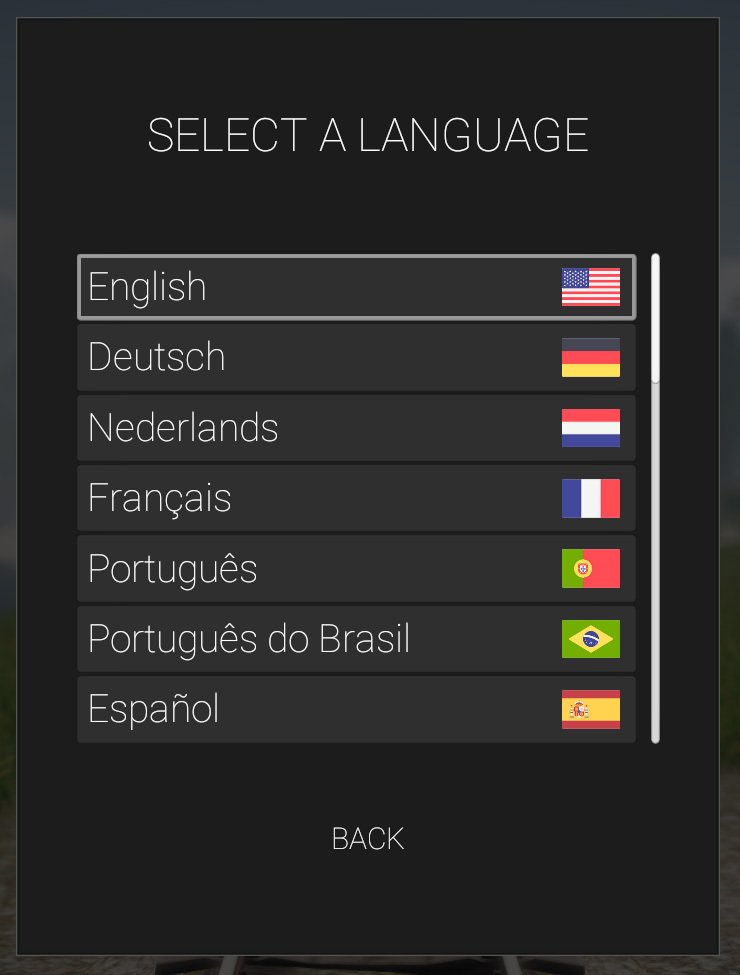
Improved language selection menu, flags added next to the text.
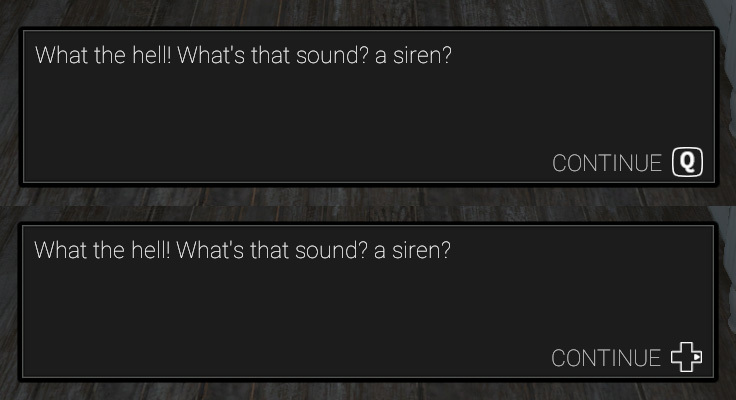
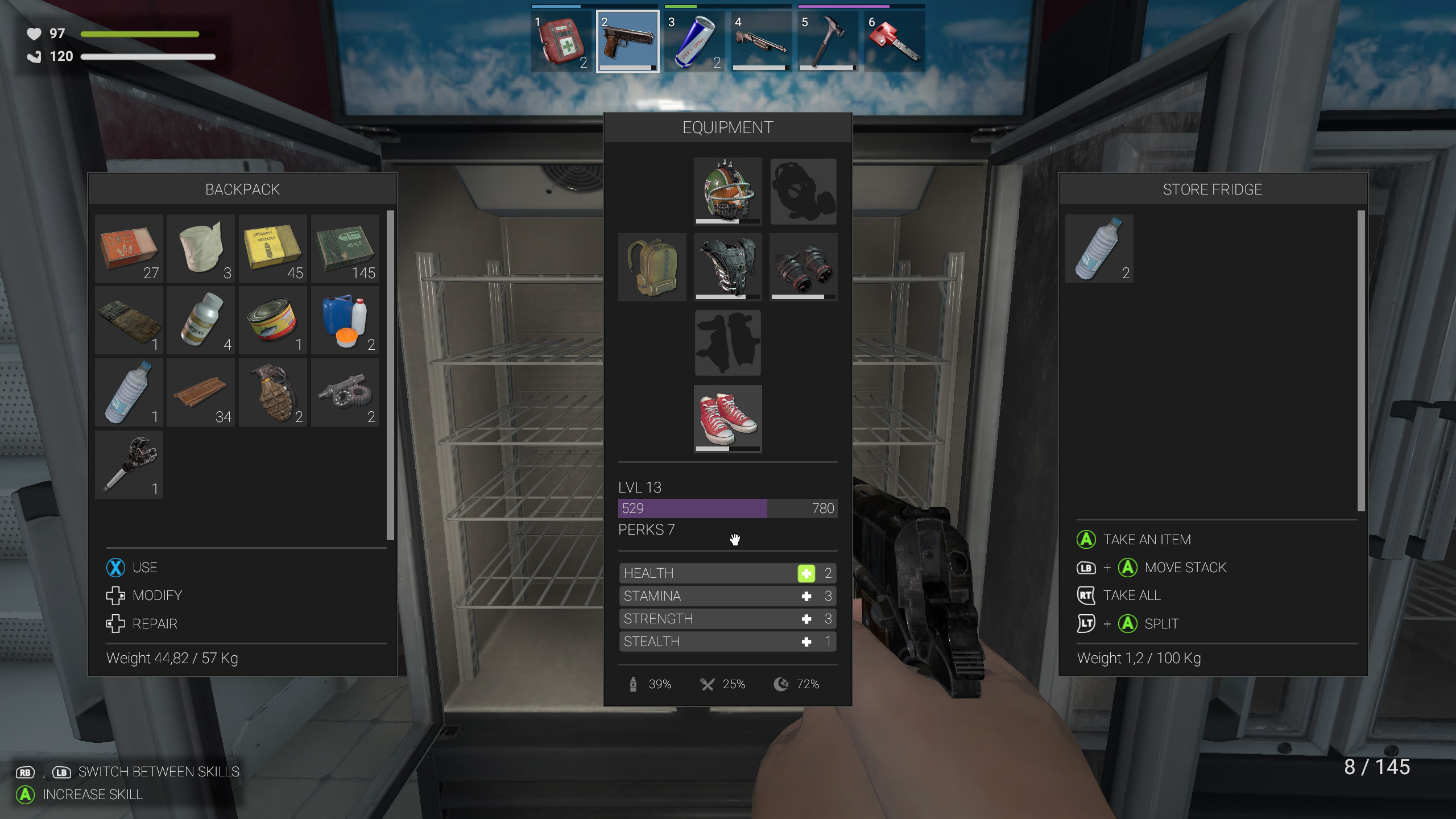
Adaptive key prompts change depending on the controller used.
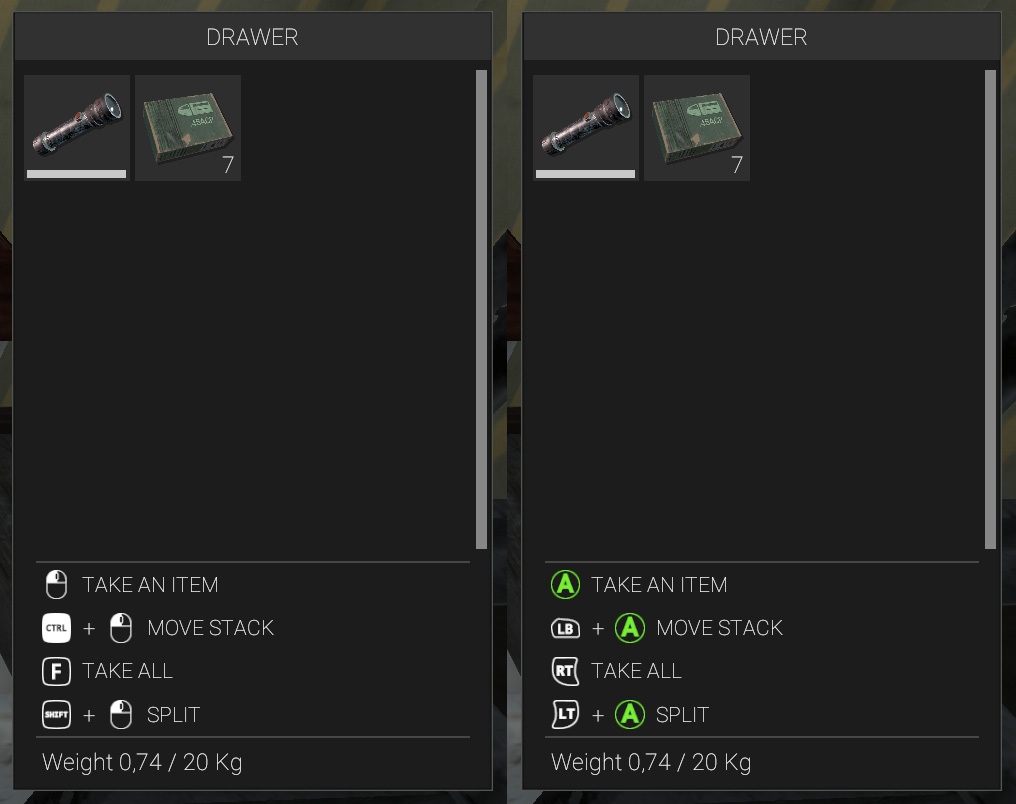
Quick key prompts for inventories have been restored.
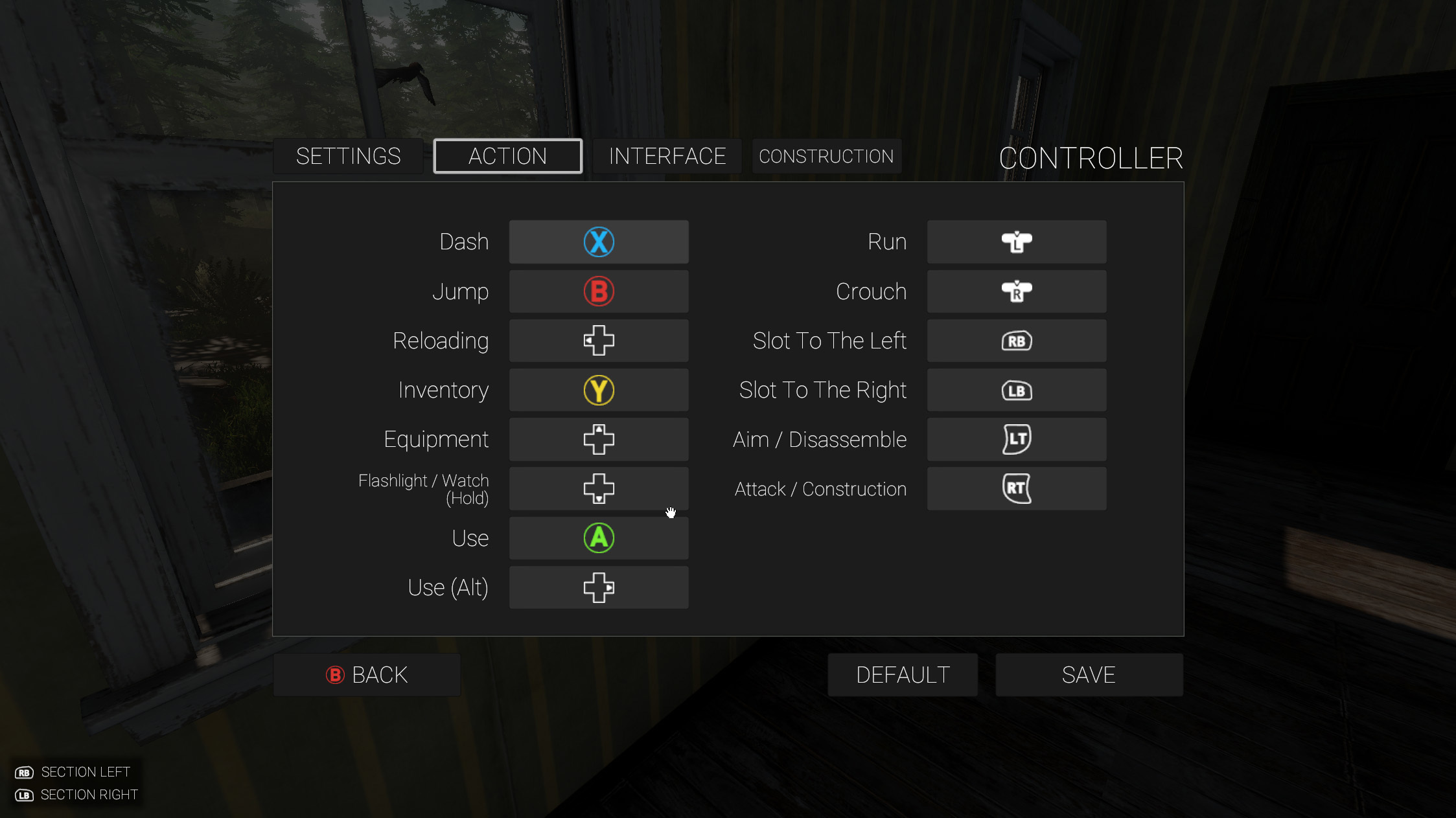
A new convenient controller settings menu has been implemented.
Numerous prompts in the lower-left corner have been added for all types of player activities.
CHANGELOG
Improvements
Added support for Xbox and PS controllers.
Implemented a convenient controller settings menu.
Added the maximum number of key/button prompts.
Key/button prompts are interactive and display the current active controller.
Adaptive control button prompts added to inventory windows.
Expanded information panel in the crafting window.
Added full localization for Traditional Chinese.
For convenience, the localization menu is now part of the main menu and flags have been added next to language names.
Game language is automatically set based on the operating system at first launch.
Optimal screen resolution is automatically set at first launch.
Reduced audible range of NPC tool usage.
Implemented LOD support for some interior objects.
Fixed Bugs
Music is now inaudible at 0% volume.
Fixed a bug with the turbine fan rotation axis offset.
Plans for Future Updates
The next update 21 will focus on a comprehensive farming and cooking system. The food spawn system will also be changed. The further the player progresses, the fewer food and water items will be found, forcing the player to spend more time farming and cooking to survive.
Update 22 will focus on hunting. Players will be able to obtain meat and hides, expanding the food list and adding the ability to process hides. Most animals will be predators and pose a danger to the player.
Open Test of Game Version 20
CHANGELOG
Zombie Wiki has been adapted for controller controls.
Fixed a bug with weapon tilt when the player is crouched.
Fixed the system for saving new button settings.
Added the ability to press important buttons via the start button on the controller for quick activation of frequently used buttons. For example, the crafting button, save and load the game, and start a new game from the difficulty settings menu. These buttons are marked with the corresponding icon.
Added a hint that many menus and inventories can be closed with the B button on the controller.
Added a start button to the controller settings menu.
Open Test of Game Version 20
Delete the following files from your game's saves folder: Bindings.hotkeys SettingsController.json
CHANGELOG
Fixed the button binding sequence in the controller setup menu.
Fixed a bug where after firing a bow, the camera would slow down as if aiming.
Fixed an arrow offset when the player crouched.
Removed duplicate control button prompts in the character's inventory.
When swinging a grenade, a prompt now appears in the lower left corner indicating two options for throwing the grenade.
Fixed a bug where workbenches would not immediately be placed after the workbench plan was canceled before construction.
Added more prompts when placing workbenches.
Fixed exiting the game difficulty selection menu when starting a new game.
Fixed the Y button icon color from black and white to yellow.
Fixed grid snapping when placing furniture and workbenches on the train.
Added prompts for switching between sections of the controller setup menu.
Fixed a bug where player movement was blocked when placing workbenches and furniture. The installation controls were also changed.
Updated the design of farm crates, as new content for Update 21 is already being added to the game.
Fixed a bug where individual controller button settings were not saved.
Implemented a protection system against duplicate button settings.
Open Test of Game Version 20
CHANGELOG
Added support for Xbox and PS controllers.
Implemented a convenient controller settings menu.
Added the maximum number of key/button prompts.
Key/button prompts are interactive and display the current active controller.
Adaptive control button prompts added to the inventory window.
Expanded information panel in the crafting window.
Added full localization for Traditional Chinese.
For convenience, the localization menu is now part of the main menu, and flags have been added next to language names.
The game language is automatically set based on the operating system at first launch.
The optimal screen resolution is automatically set at first launch.
Open Test of Game Version 20
Hey, train engineers! I’m excited to announce the start of the open testing phase for version 20 of the game. Since this update focuses primarily on controller support, the testing will be especially interesting for players who, for one reason or another, prefer to play using controllers. During the closed testing period, most bugs and issues were fixed, so I welcome player suggestions on how to further improve the player’s interaction with controllers. Players may still encounter rare bugs that have not yet been discovered, so please report them. However, players who prefer to play with mouse and keyboard should not overlook this update. Since the entire control system has been completely redesigned, errors and issues may also occur with these input devices, so please report those as well.
You can report bugs in the comments of this post or by emailing the game at: zompiercer@gmail.com
Be sure to back up your current saves before switching to the test version! Test access code: RQNElNUMmCP0Bm.
CHANGELOG
Added support for Xbox and PS controllers.
Implemented a convenient controller settings menu.
Added the maximum number of key/button prompts.
Key/button prompts are interactive and display the current active controller.
Adaptive control button prompts added to the inventory window.
Expanded information panel in the crafting window.
Added full localization for Traditional Chinese.
For convenience, the localization menu is now part of the main menu, and flags have been added next to language names.
The game language is automatically set based on the operating system at first launch.
The optimal screen resolution is automatically set at first launch.
Christmas decor elements
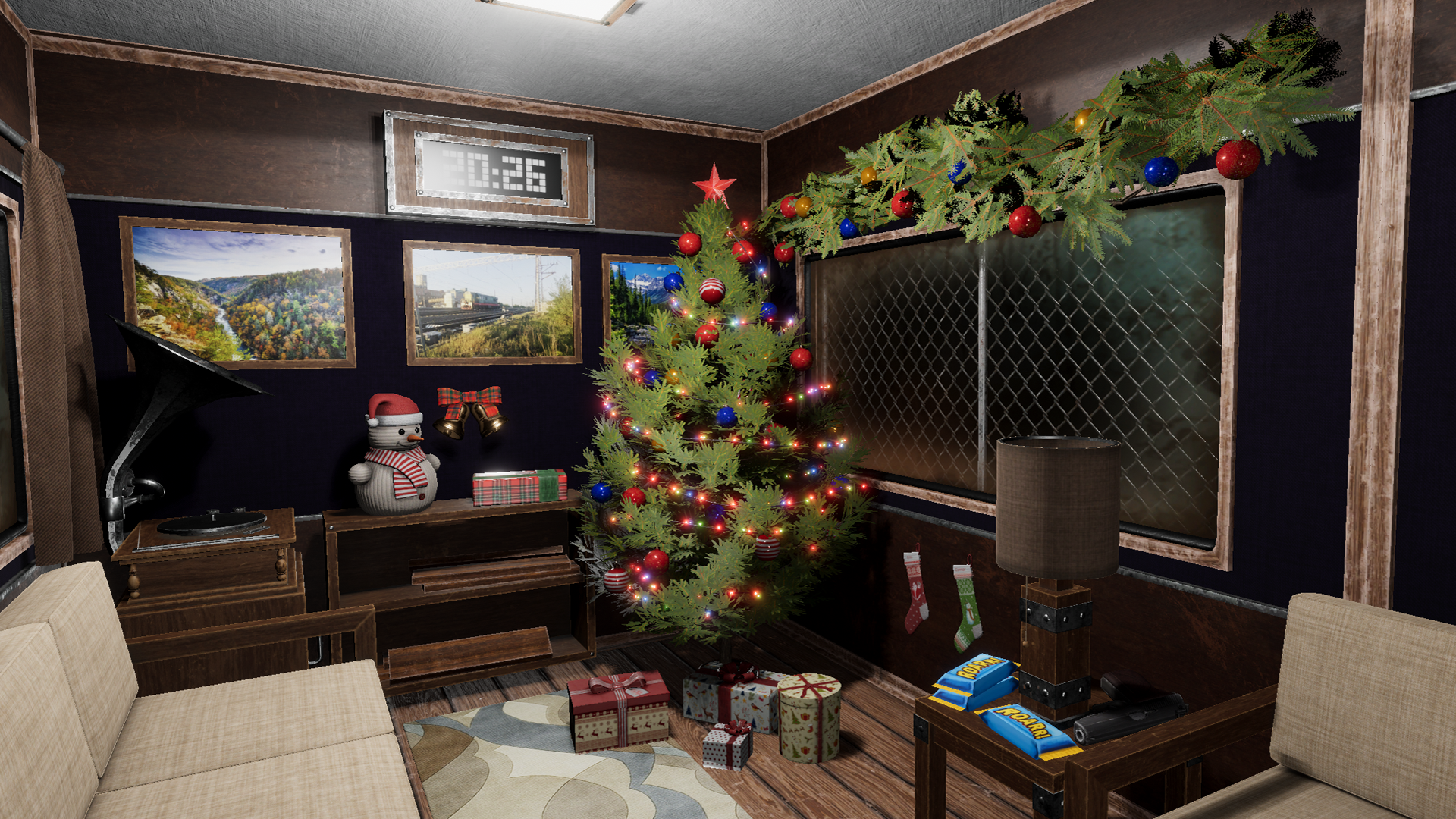
Hey, drivers! Happy Christmas to all and good luck next year! During these Christmas days, until the end of the sale, themed decorations and decor items will be available to create a festive mood on your train.
Help with controller settings.
Hey, machinists! I'm starting work on implementing controller support in the game. I know there are players who already play the game with controllers using third-party programs. I ask you to share your controller button settings with me, as well as screenshots of the third-party interface used for typing when interacting with cabinets, as well as methods for conveniently transferring items between inventories and placing items on surfaces. In general, I welcome any useful information that will help me make the game as convenient as possible with a controller. If you play on Steam Deck, I would also appreciate your configurations, as I plan to fully support this platform.
You can leave your configurations as comments on this news item or email me directly at: zompiercer@gmail.com
Update 19.0 Alpha
Hello, engineers! As I mentioned in the previous update, I am currently actively looking for a programmer and a 3D artist to expand the team and speed up development. So in this update I decided to experiment a bit with topics I previously lacked time or courage for. These topics include optimization and randomization of zombie appearances up to the point of preparing for upgrades to newer Unity engine versions. Unfortunately not all experiments succeeded, but I will definitely return to the most important ones once I find an experienced programmer. Now let’s move on to the main improvements and changes in this update:
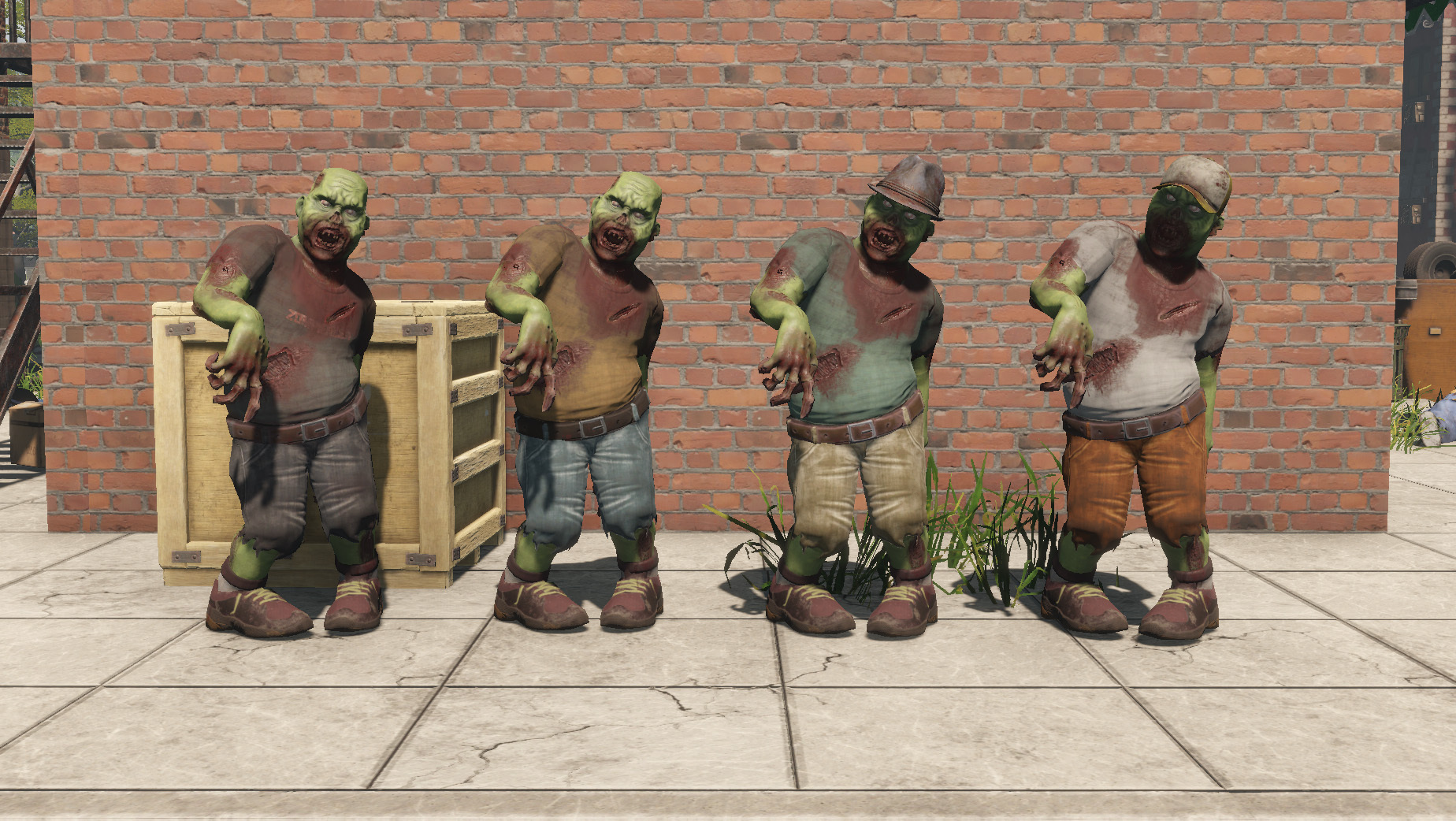
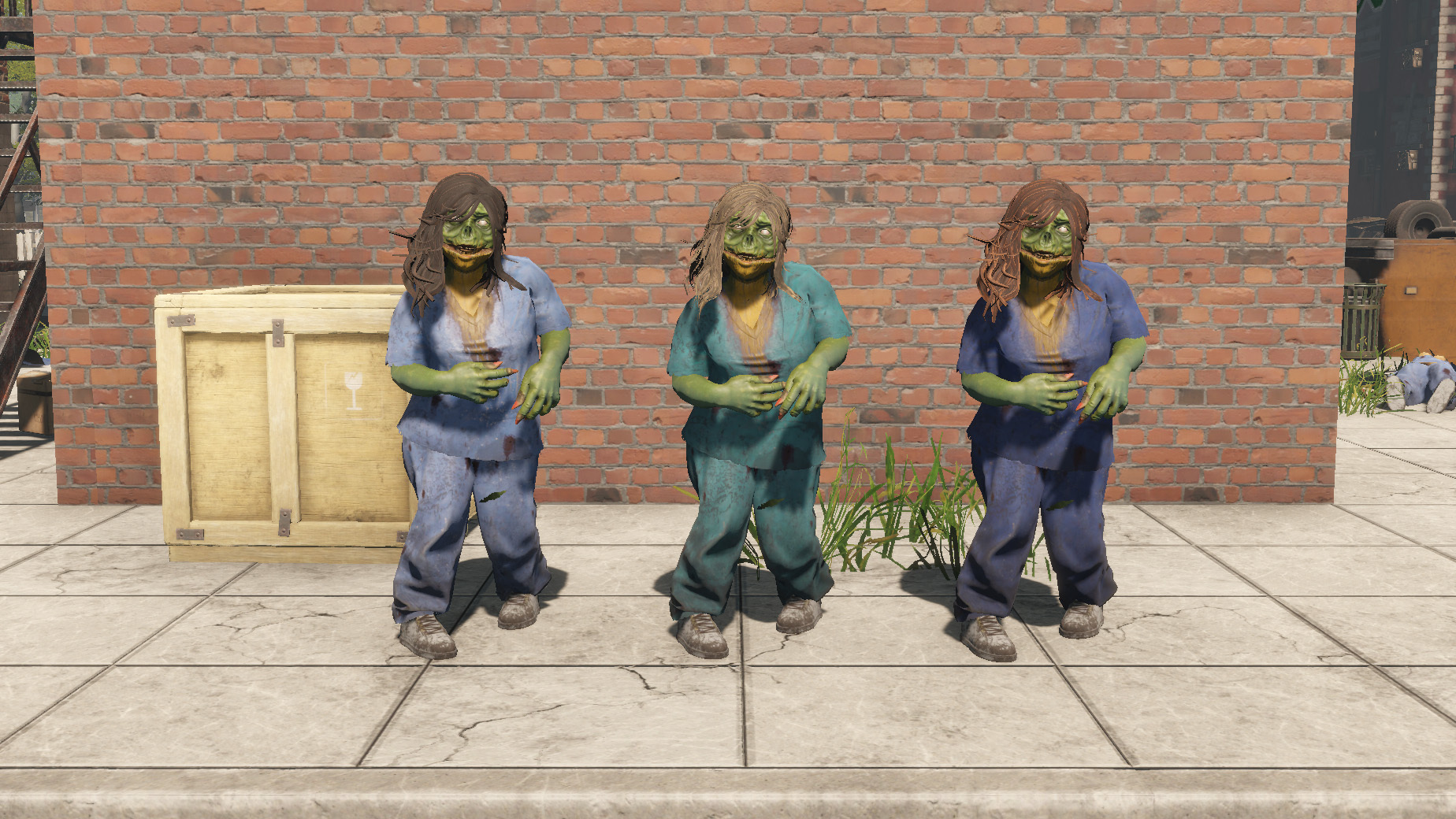
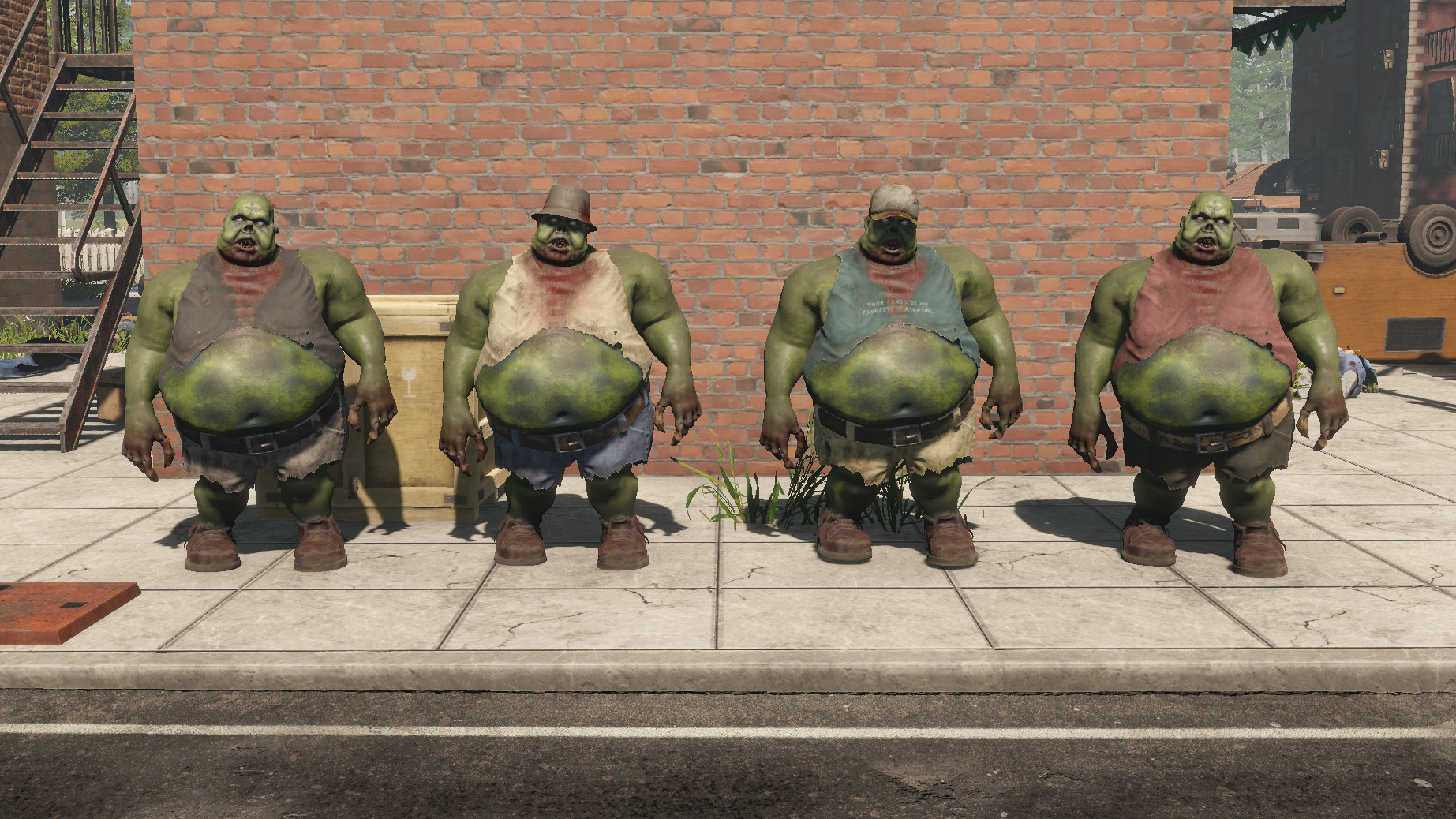
Since the number of unique zombies is small at the moment, large groups of identical zombies were very noticeable, especially the standard zombies. As a consequence, I’ve long planned to implement an appearance-randomization system for all zombies not wearing professional uniforms, with the exception of nurses. The mechanic is implemented by randomly choosing between 3–4 color variants of clothing for most zombies. I also implemented a mechanic that outfits a certain percentage of zombies with a specific set of hats, which also come in color variants. All of this should help break up zombie monotony a bit, especially when many zombies of the same type spawn on screen.
Regular zombies. Nurse zombies. Fat zombies.
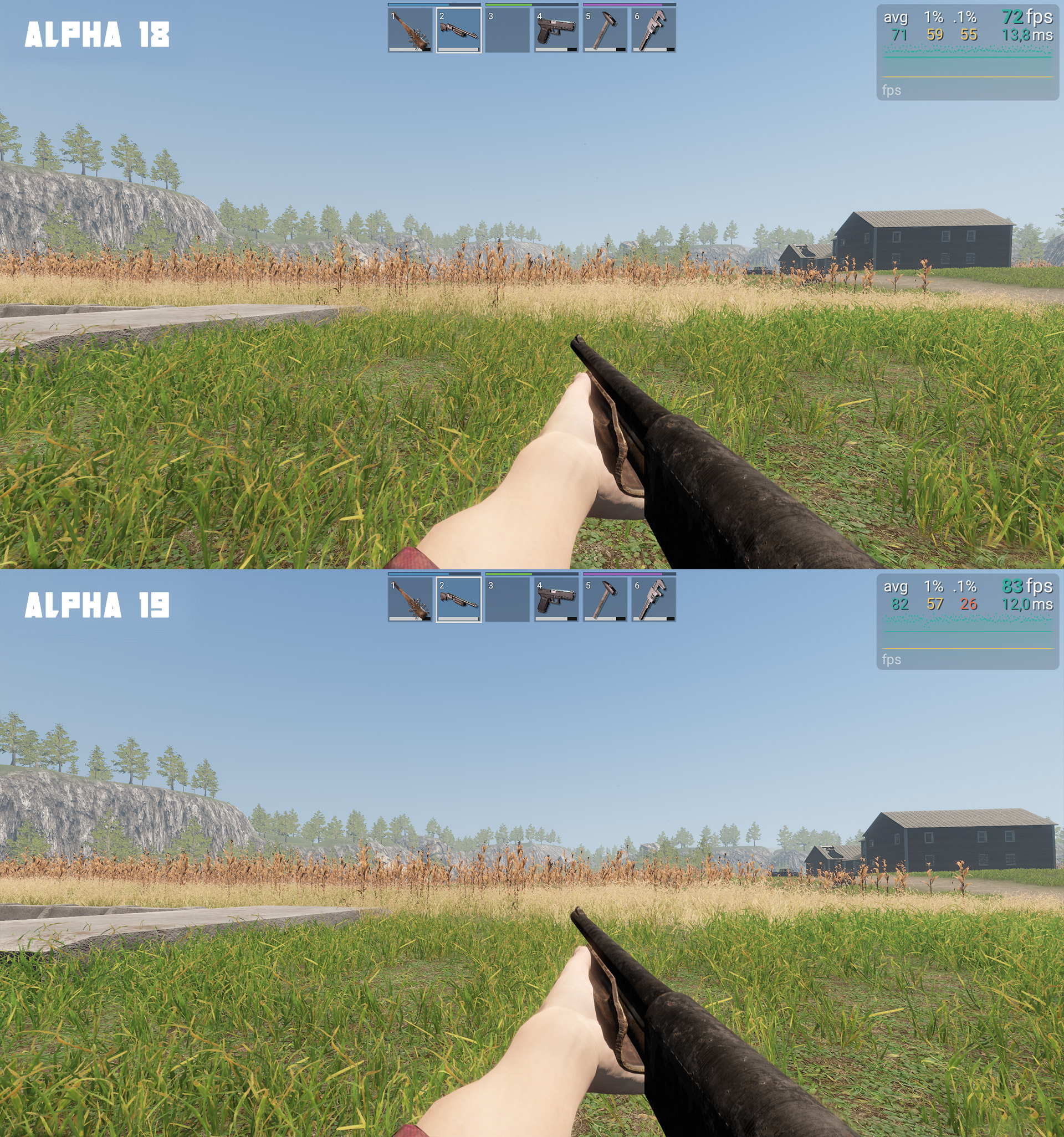
The second most important topic of this update is game optimization. Thanks to neural networks, I started to study various optimization directions in depth and apply this knowledge to the game. In this update I studied batching thoroughly. As a result, in some parts of locations the frame rate increased by 10–20%. I should clarify that this work does not globally optimize the game — optimizations usually take effect in places with a high concentration of objects, for example a city with a boss, farmland, or a desert location.
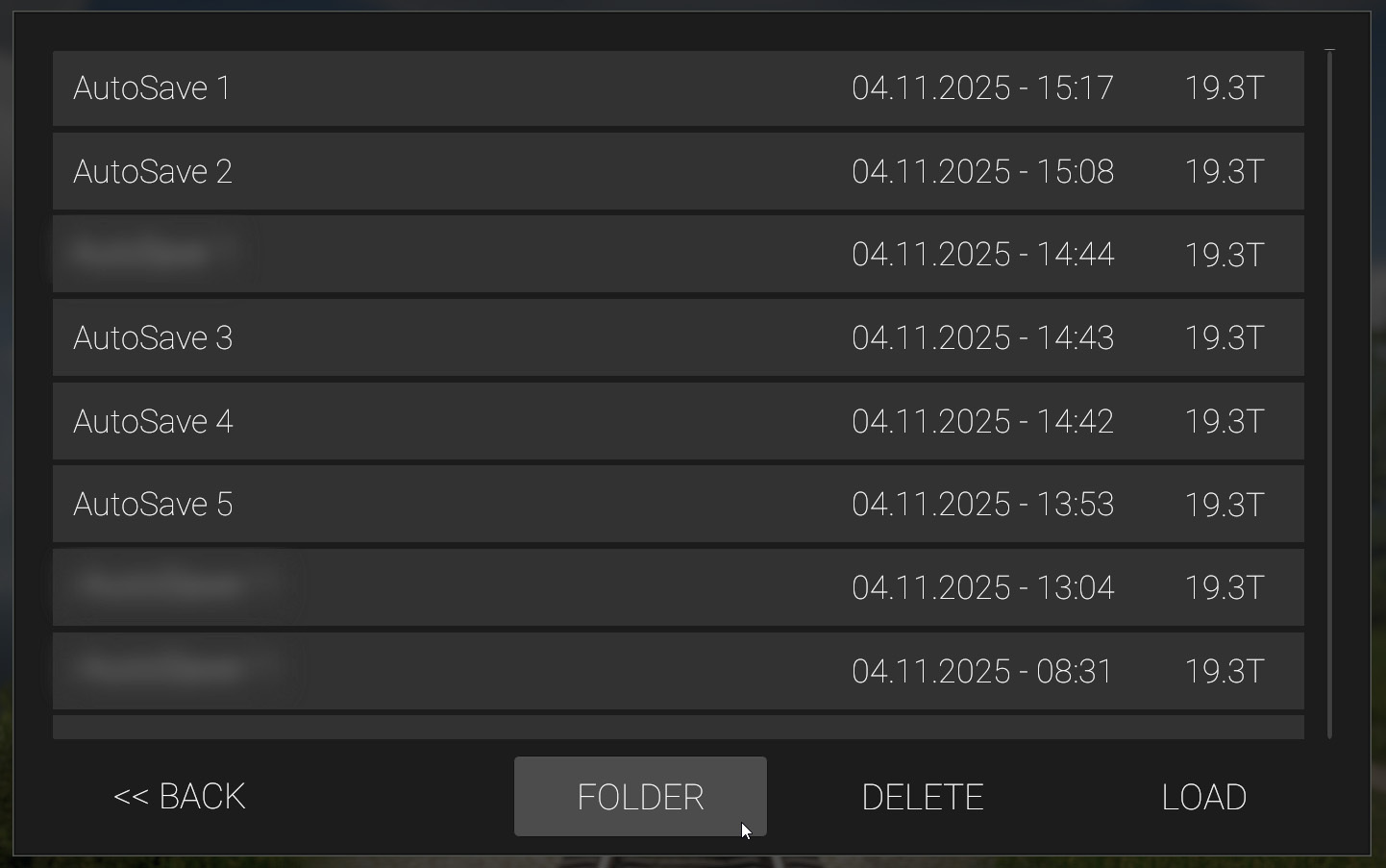
For quick access to saves, a button to open the saves folder was added to the load menu. This feature will be especially useful for testers or if a player encounters a serious bug and needs to send me their save files.
The Nurse zombie attack mechanic was refined: now this zombie spits a gas projectile only if the player is in the zombie’s field of view. This should prevent attacks based solely on sound, especially in situations when a zombie used to spit through a wall.
The number of zombies at the base starting location has been significantly reduced; this should make it easier for players to adapt during the first steps in the game.
CHANGELOG
Improvements
Implemented a system for variation of zombie appearance.
Completed another stage of optimization.
Refined the Nurse zombie attack.
Significantly reduced the number of zombies at the base starting location.
Full localization to Brazilian Portuguese.
Added a button in the load window that opens the path to the game’s save files directly.
The locomotive window now opens from both sides.
The iron sink can now be installed flush against a wall.
Increased storage capacity of car hoods, because sometimes items exceeded capacity — up to 800% of loot weight.
Changes
Increased the firefighter-zombie’s flamethrower damage by 50%.
The game logo no longer scales up in the main menu.
Fixed Bugs
Fixed a bug where turbine blades changed their rotation axis on sections with steep railway slopes.
Fixed an issue with the display of the area behind the grated window of the police station in the city.
Fixed a bug that allowed running while sitting.
Fixed an imbalance in the price of sofas for the train.
Plans for future updates
I want to gradually return to larger, more significant updates even though the team expansion is still in progress. One likely theme for the next update may be the appearance of animals and hunting them, as well as expanded farming and cooking.
Update 17.7 Alpha
Hey, train drivers! This is an important update that fixes an old critical bug causing the entire train to collapse into the locomotive, after which players were unable to enter the train. If you encountered this bug and put the game aside due to being unable to enter the locomotive, you can now load this save and continue playing.
CHANGELOG
Improvements
A text indicator for the recently implemented gas station in the latest location has been added.
Bug Fixes
Fixed the bug causing the entire train to collapse into the locomotive.
Update 17.6 Alpha
CHANGELOG
Improvements
Disabled collisions for helmets and shields of dead zombies, as players were getting stuck in these elements during critical moments of the game.
Bug Fixes
Fixed a bug where robots and zombies couldn't pass certain areas in the tunnel under the church in the new location.
Fixed the ability to jump in water.
Fixed the ability to combine sprint and jump, which resulted in a high jump.
Fixed the ability to double jump.
Fixed a bug where the limbs of some dead zombies disappeared in front of the player.