

4X Space Time Shipyard
Started over. Version 0.1 Redesigned hull designer
Hull Designer in main menu is the only option available for the game. New Game and Load Game are not active. Currently 4XST Shipyard is only a hull designer.
Now will proceed with developing space sim aspect of game.
Check back :)
Rebooted game and development moving forward
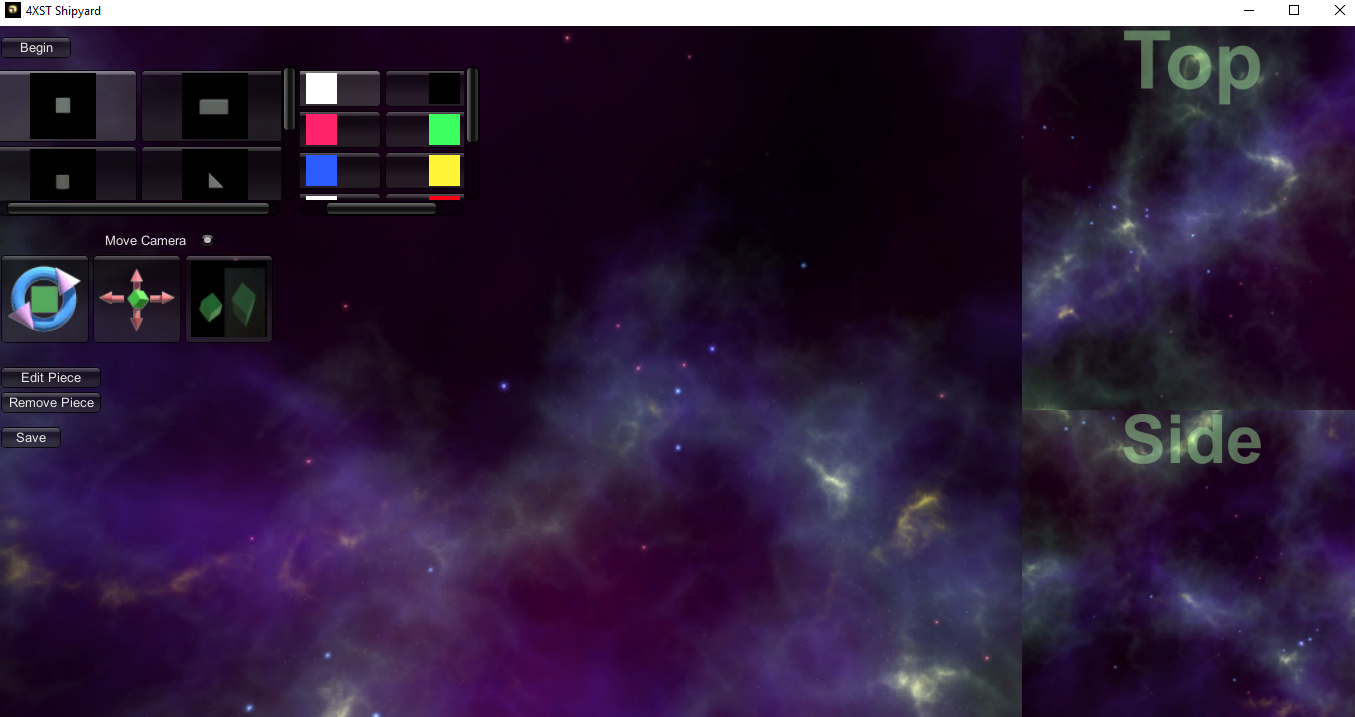
4XST Shipyard has been rebooted to version .09 and the new version is ready.
See the trailer/instructional video on how to use the new setup here: https://youtu.be/ipQhnh01rgg
Several changes:
-currently just have English language for interface. More languages will be added as development continues
-Removed connection nodes and added a few more pieces.
-Now place pieces directly without using connection nodes.
-Added mirror/symmetrical placement of pieces on X,Y, and Z axis.
-New GUI
-Bug fixes
What is 4XST Shipyard? Currently just a hull designer.
What are the plans for 4XST Shipyard? Development is moving forward. CWDI GAMES plans to develop 4XST Shipyard into a space sim. More details as that update approaches. For now, however, 4XST Shipyard is just a hull designer. If that's not your cup of tea then keep watching for more features to be added before purchasing.
Version .761 - Cleaned up controls

German language added
Version .74
Another update and controls explained
Controls
Left mouse button --- select controls and place pieces by clicking on red connection nodes
Right mouse button --- hold down to rotate camera around ship being built
MIddle mouse button --- hold down and drag to move ship model to position desired
Mouse Scroll Wheel --- roll forward and back to zoom in and out
After saving a design the 3d OBJ model and textures are saved to the directory Documents/My Games/4X Space Time Shipyard/
:)
Press escape key to exit application.
Importing OBJ models created by 4XST Shipyard into other 3d modelers
Update- Pieces placed correclty and red engine texture fixed
It has been confirmed ship hull designs are correctly saved to disk as OBJ files with associated textures on Windows 7 - 10
It is confirmed 4XST Shipyard works as expected on Windows 7 - 10.
Posted FAQ section in 4X Space Time Shipyard Forum
http://steamcommunity.com/app/752240/discussions/0/2425614361136340502/