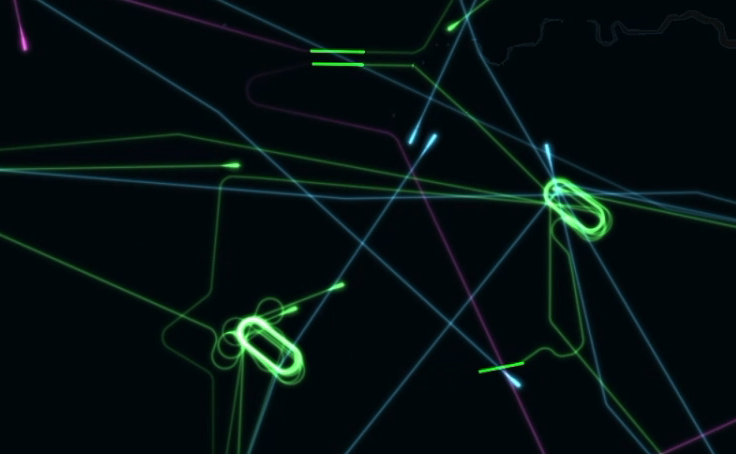
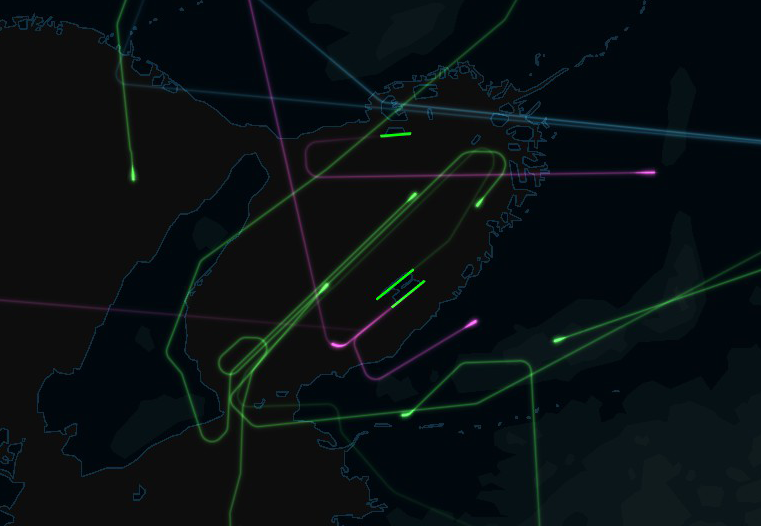
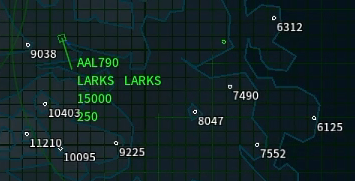
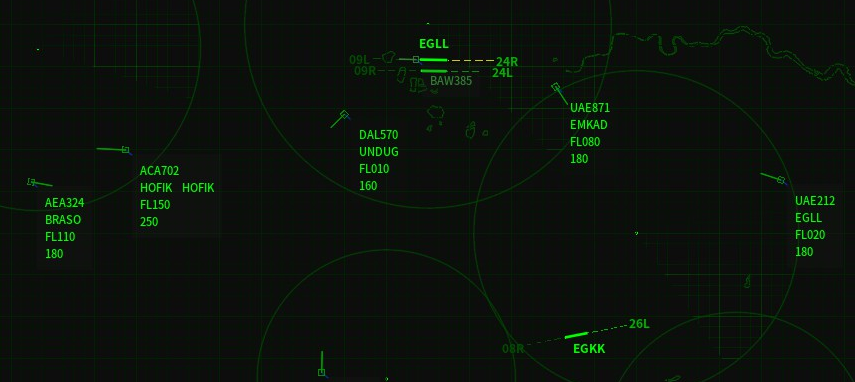
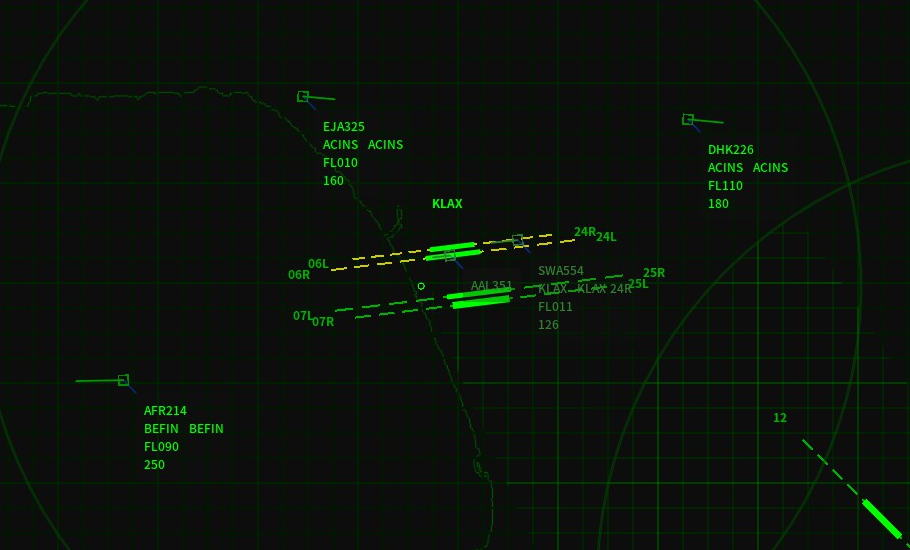
The Holding Pattern Update includes new features, map, airlines, aircraft types and achievements. Thank you all for your support, bug reports and feedback.
Holding Pattern
You can now create holding patterns by deploying holding fixes.
Istanbul
18 new airlines. New aircraft types: B733 and SU95.
2.01 Changelog
You can deselect the aircraft by left-click outside of the label.
You can move the aircraft label to the default position by shift + middle-click.
The flight strip list will be refreshed automatically when you open the flight strip window.
UI tweaks.
Fixed - Collision and crashed flights still on the flight strip list after load game.
Fixed - When use alt to view the landing conditions, it will be blocked by other flights.
Realism Update Released
Hello controllers!
This update has taken much longer since the change is fairly huge. Thank you all for your support, bug reports and feedback. Since the overhaul of aircraft maneuvers now done, I will start working on the holding pattern. I hope you like all new features!
Time Scale and Aircraft Maneuver
The time scale was changed. Speed, altitude and maneuver of aircraft are more realistic. Turning speed is now rate one turn - 180 degrees in 1 minute. The trade-off of changing the time scale is one day in the game takes much longer which emasculate the day-night and season circle in previous version indirectly. To keep the difference of wind conditions between different season, month is scaled down to 8 hours per month.
Aircraft Type
109 aircraft types, related features include takeoff distance, landing distance, approach speed, maximum speed and Same Runway Separation. The runways that can be used for takeoff or landing will be limited by takeoff and landing distance. Some runway will be too short for large plane. Different speed limit also gives planning the route and pattern more challenging.
Fuel Emergency
When an aircraft was held in the air too long, it will run out of fuel and falling from the sky. Sure, the fuel emergency will be declared before that happened. In previous version, some airports were not really playing any role since their operations proportion is relatively low and diversion just doesn't make any sense for players. Since fuel is now one of the factors must be considered, sometimes divert some flights to another airport will be better than put them into holding pattern.
Replay
Another problem bothered me was there doesn't have any good way to see what has been achieved, only statistics and flight list, obviously they are not enough. You could never know there was a flight sneaked out if they didn't hit anything. Now you can watch and share the replay of your game which include the path of all flights.
2.0 Changelog
Realistic time scale
Realistic speed and turning speed (Standard rate turn) of aircraft.
109 Aircraft Type
Fuel emergency
Replay feature
91 new airlines
You can hide airport name, runway icon, runway name, waypoint icon, waypoint name, glide path and border on the map
You can color the selected aircraft icon and label by Ctrl + 0-5
You can choose any color you like, not only the default colors
The number of speed shortcut buttons on the UI increased to 5
The number of altitude shortcut buttons on the UI increased to 4
You can edit altitude and speed shortcut buttons on the UI by RMB
You can change the layout of aircraft label
Game speed options increased to 5
Move map layer buttons from the main interface to the Layers window
Shortcut teak: Remove some layer shortcut
Glide path length tweak
Same runway separation is now based on wind conditions and the wake turbulence category of the lead aircraft
The layers you choose will be stored.
Other UI tweaks
Game difficulty tweak
Change the formula of reputation
Frankfurt Update Released
Hello controllers!
The Frankfurt Update includes a new map, new airlines, new achievements. You can now change the initial and missed approach heading and altitude for each runway. Communication logs with time label. Runway status HUD. Thank you all for your support, bug reports and feedback.
Added: Runway status HUD. (Hold Ctrl then click airport label)
Fixed: 3 types of aircraft will be added in day 1 disregard the game setting.
You can now move and resize window and change text size in the window.
You can now ban landings and takeoffs in certain runway.
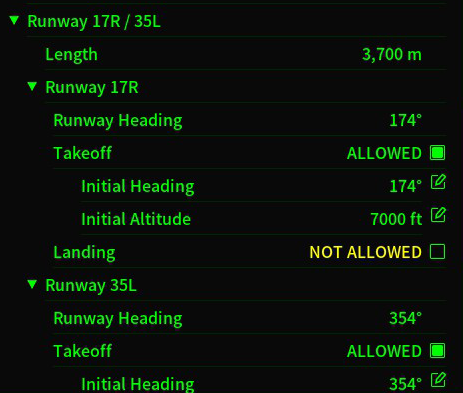
You can now change the initial heading and altitude for each runway. This should solve parallel runways collision problems.
You can now change the missed approach heading and altitude for each runway.
Difficulty tweak. You can now give instruction when game paused.
v1.1 Patch 2 Note
You can disable or change the number of certain types of flights.
You can change the number of auto-saves to keep.
You can change the color of aircraft icon and label by their type.
Change turning speed.
Change Load screen and Flights screen.
Fixed: Landing message incorrect.
v1.1 Patch 1 Note
Fixed: Difficulty preset incorrect.
Added direction snap option.
Terrain Update Released
Hello controllers! The first major update of Air Traffic is live now! Terrain Update Includes new mechanics and new map Denver. Thank you all for your support, bug reports and feedback.
Elevation
Real-world elevation data added to all 6 maps. Now aircraft will crash on the terrain. This new mechanic could limit your available airspace indirectly in some maps, like Los Angeles and Kansai. Vertical separation is reduced from 2,000ft to 1,000ft.
Denver
Denver International Airport is situated 5,433ft above sea level and close proximity to The Rocky Mountains. The maximum altitude is increased from 15,000ft to 18,000ft.
1.1 Changelog
Added elevation mechanic.
Added difficulty setting.
Added Denver International Airport (KDEN).
Fixed: Airlines data in Kansai are incorrect.
Fixed - Sometimes the game will crash when loading the save game.
Fixed - Statistics is not fully saved.
Fixed - The color of slope not always updated after takeoff.
London Update Released
Hello controllers!
The London Update includes a new map, new airlines, new achievements, Flights screen and Flight-Strips screen. If you feel there's something missing or annoying, feel free to reply or start a discussion. I'd love to hear all your feedback. Thank you all for your support, bug reports and feedback.
1.04 Changelog
New Map: London
Added London Heathrow Airport (EGLL).
Added London Gatwick Airport (EGKK).
Added 48 airlines.
Other
Change the new-game screen.
Added auto-save interval option.
Added Flight Strips screen.
Added Flights screen.
Now the flight time is based on the distance.
Added 2 achievements.
Fixed - Some airline ICAO is incorrect.
Los Angeles Update Released
Hello controllers!
The Los Angeles Update includes a new map, new airlines and new achievements. I would like to thank you all for your support, bug reports and feedback.
1.03b Changelog
New Map: Los Angeles
Added Los Angeles International Airport (KLAX).
Added Long Beach Airport (KLGB).
Added Ontario International Airport (KONT).
Added 48 airlines.
Other
Change the border and landmass texture.
Change the color of the grid.
Added 12 achievements.
Fixed - The aircraft label sometimes can't be selected.
Fixed - The waypoint button is blocked by tooltips.
1.03 Update Released
1.03 Changelog
Tutorial
Add tutorials.
Update the instructions.
UI
You can now change the size of the aircraft icon in the option menu.
You can now change the size of aircraft labels in the option menu or using hotkey.
You can now use hotkeys to change the game speed.
You can now change pan speed and zoom speed.
You can now choose to use FL on the aircraft labels.
Tweaks to improve the readability of aircraft label.
Add visual cues of destination on the map.
Add visual cues of current time in Forecast screen.
Fixed - The position of collisions is not always visible.
Gameplay
Increase the maximum altitude to 15,000ft.
Now flights will enter at different altitudes.
Add minimum altitude for waypoints.
Wind direction changes will not force flights to go-around in the final approach.
Now flights will go-around when a landing cannot be accomplished.
Reduce the range of collision warning system.
Add autosave function.
Adjust the maximum and average numbers of flights.
Fixed - The wind will be regenerated when loading a game on day 1.
Fixed - Can't change the heading with compass when the autopilot is activated.
Air Traffic is released
Hello Controllers,
I am Gyrox, the developer of Air Traffic. Today I am excited to announce that Air Traffic is released! I will keep you posted but feel free to start a discussion here.