The game crashes when removing an obstruction icon
V2.11 Patch 1 Note
Display the number of flights on the toolbar
Added Steam rich presence
Delays caused by changes on the Managements screen
When assigning an aircraft from one holding pattern to another, it was not removed from the earlier holding pattern status window
A custom label doesn't change its size when zooming
The runway display on the departure options is always 06L when the runway is not available
The Traffic Flow Update Released
Hello controllers!
This update intends to adjust the game's difficulty, including game speed changes. New maps will be added in the next update.
Traffic Flow This new game setting determines the average number of flights spawned per hour.
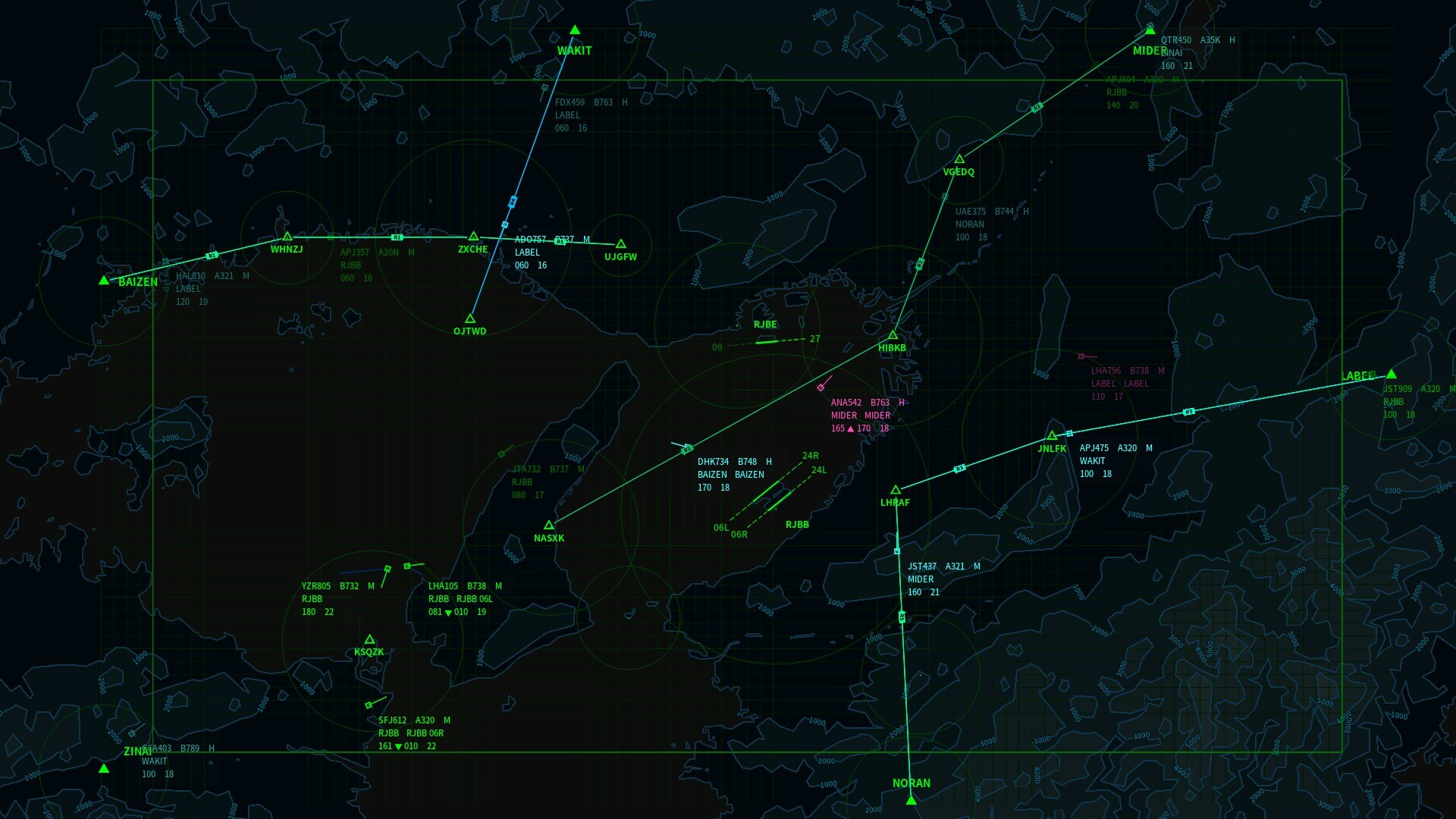
Route+
An altitude and speed can be assigned to a nav point in a route. An aircraft will automatically fly assigned altitude and speed after passing the nav point.
Game Speed
Reduce the slowest game speed closer to real-time and adjust other game speeds. The new game speed options are 1x, 2x, 10x, 20, and 100x.
The maximum speed in the shortcut editor is 250kts.
Nav point buttons are not updated when selecting another aircraft.
Some functions are not working after the second time loading a game in one session.
Add a traffic flow game setting
An altitude and speed can be assigned to a nav point in a route.
Tweak the maximum number of flights and default traffic flow settings.
A route and procedure cells can be collapsed on the management screen.
Change elements and tooltips in the new game setting screen.
A nav point will be highlighted on the map when clicking it on the Management screen.
Change the background color of the save-replay screen and the load-replay screen.
Change the save game screen and the save replay screen.
Other UI tweaks.
Improve performance.
Thank you all for your support, feedback, and bug report. If you have questions, suggestions, or bug reports, join the Discord server, or start a new discussion in the steam community.
V2.1 Patch 1 Note
Added sounds for alerts (CA, LA, EA).
Added additional alert visual cues on the toolbar. You can disable this feature from the Menu-Options-Interface screen.
The game speed will slow to 1x automatically when an alert has been triggered.
Fixed: Custom waypoints and holding fixes can be created unlimitedly.
Fixed: In some circumstances, a new radar can be deployed offshore.
Fixed: Incorrect tooltips.
Fixed: Not enough descriptions about the limitations of radar deployment.
The Routes Update Released
Hello controllers!
The Routes Update includes new features, a map, 3 airports, 17 airlines, 4 aircraft types, and achievements.
The New York metropolitan area has one of the busiest airport systems in the world. This update includes its three major commercial airports, John F. Kennedy International Airport, Newark Liberty International Airport, and LaGuardia Airport.
Routes
A route can link nav points to channel the flow of traffic. So you don't need to manually direct every flight from one nav point to another.
Departure Procedures
A departure procedure is a procedure that flights will follow after takeoff. When flights are frequently instructed to fly a certain route just after departure, setting a departure procedure can reduce repetitions.
Holding Pattern Status Window
A holding pattern status window shows all flights assigned to join the holding pattern.
Mark
Obstruction icons can be modified, whether you want to add more information or simplify the view. You can also draw circles, lines, or texts on the map.
Map Scale
The map scale has been adjusted to fix the aircraft offsets in the replay, along with other tweaks like radar range and game speed.
Speed Limit
The maximum speed of aircraft operating at or above 10,000ft increased from 250kts to 350kts. However, flights still can't overreach their performance limitation.
Requested Altitude
Flights now tend to request a higher altitude, both entering and exiting. This also leads it to enter the map at a higher speed.
Difficulty
Since the changes and new features in v2.1 can largely increase the capacity and reduce flight time, the flight will be scheduled more frequently, while the average number of flights will stay the same. Also, two new difficulty levels have been added for players looking for more challenges.
Final Approach Fix
The position of the final approach fix is now at 1,000ft or 2,000ft above ground level and rounds up to the multiple of thousands to prevent an aircraft initiate an approach at too low or getting a low-altitude alert while approaching.
Added New map: New York
Added John F. Kennedy International Airport
Added Newark Liberty International Airport
Added LaGuardia Airport
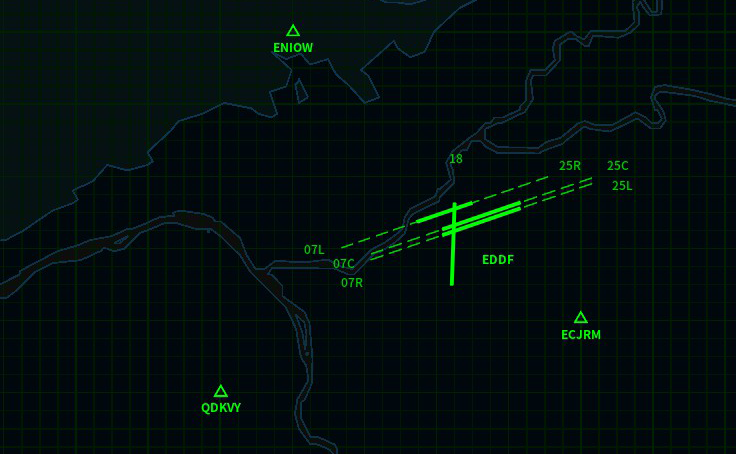
Added Farnborough Airport
Added Runway 08L in London Gatwick Airport.
Added new aircraft types: C402, FA10, C560, and GL5T
Added routes and departure procedures.
Obstruction icons on the map can be modified.
Added a map tool - Ruler.
You can draw circles, lines, and labels on the map.
Add a holding pattern status window that displays flights in the holding pattern.
The initial RP of the game can be changed once your highest RP reaches a specific value.
Added more features in the Sandbox Mode.
Increased the maximum speed of some aircraft types, up to 350kts.
Changed the game speed and map scale.
Flights tend to fly higher and faster.
Decrease the reputation requirement of deploying a new radar, holding fix, and custom waypoint.
Change the max number of the holding fixes and custom waypoints.
Some airports can be closed by the player.
Radars can only be deployed on land. Custom waypoints and holding fixes can't be deployed outside of the map.
Separate tutorials from the map list.
Update all tutorials.
Added a Reset menu in the options screen.
Change the position of the final approach fix.
Added two difficulty levels.
Reduce the time interval between the aircraft spawning.
Remove the "Maximum flights" option from the new game setting screen.
UI: Navigation buttons (custom waypoints, holding fixes, and routes now) share one list.
UI: Change columns of the default waypoint buttons from 3 to 2.
UI: Change the size of map grids to 2NM x 2NM.
UI: Change the term "aircraft label" to "data block" to reduce confusion.
UI: Reduce scrolling speed in drop menus.
UI: A custom waypoint button or a holding fix button in the NAV list can be hidden.
UI: The holding fix icon on the map can be hidden individually.
UI: Change the new game screen layout.
Tweaks: Position of default obstruction icons.
Tweaks: Position of some runways and airports.
Tweaks: Some aircraft type performance.
Fixed: The game crashed when loading the game save.
Fixed: In some circumstances, loading a save file would damage the file.
Fixed: Radar sweep animation won't be displayed over the water when the grid is off.
Fixed: The game crashed when changing some video options.
Fixed: Incorrect magnetic declination and runway heading in the map London.
Fixed: Heading to a default waypoint is not logged and causes aircraft offsets in the replay.
Fixed: Other factors cause aircraft offsets and teleport in the replay.
Improve performance.
Thank you all for your support, feedback, and bug report. If you have questions, suggestions, or bug reports, join the Discord server, or start a new discussion in the steam community. I hope you enjoy the game!
Devlog July 2022
Devlog July 2022
Discord Server
Air Traffic: Greenlight now has an official Discord server! I will post some information and screenshots about new features from time to time. If you have any questions or suggestions, I will love to see you there.
Changes in the next update v2.1
Routes
You can add routes, aircraft will follow assigned waypoints.
Departure Procedures
Before departure, you can select a departure procedure. Departure procedure will be linked to a route, flights will fly this route after takeoff. One procedure can be assigned to multiple runways, and a runway can have multiple departure procedures.
Map Overhaul
In the current version, some small defects accumulated during previous updates which could lead aircraft teleporting in the replay. To fix this problem and balance the game experience after adding routes, overhaul all maps probably is the best option. The changes include map size, waypoints and radars. Some runways that was being excluded for various reasons will be added, like EGKK 08L.
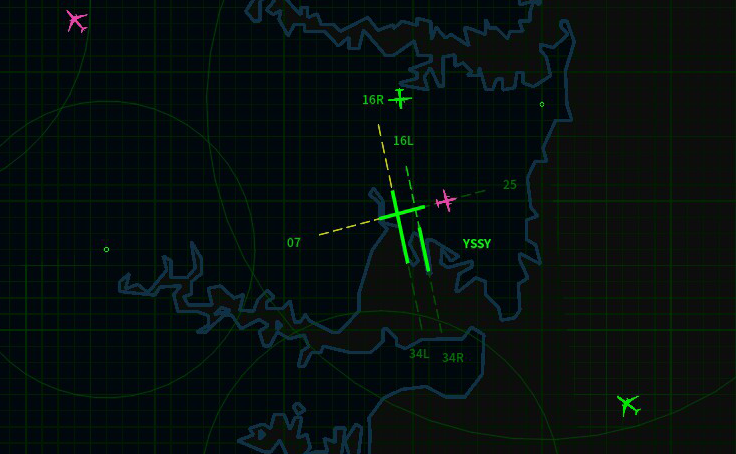
Sydney Update Released
Hello controllers!
The Sydney Update includes a new map, 8 new airlines and 2 new aircraft types.
Also, the same runway separation has two changes:
The same runway separation no longer considers wind conditions as a factor, since it's seems too unpredictable and caused too much confusion. Thus, it's now only determined by the wake turbulence category.
Largely reduce the time of same runway separation of arrivals.
As always, thank you all for your support and feedback. If you have any questions, suggestions or you want to see specific airport, feel free to start a new discussion or contact me. I hope you enjoy the new content!
2.02a Changelog
Added Sydney Airport (YSSY).
Added 8 airlines.
Added Boeing 717-200 and Bombardier Dash 8 Q300.
The Same Runway Separation no longer considers wind conditions as a factor.
Reduce the same runway separation of arrivals.
Fixed: Aircraft type window potentially causing the game crash.
Fixed: Some minor UI bugs.
Custom Waypoint Update Released
Hello controllers!
The major objective of this update is improve the accessibility. Includes new methods to direct the aircraft and new warning system.
Custom Waypoint
You can add custom waypoints. The aircraft will heading to the custom waypoint, just like default waypoints on the airspace border.
Alarms
Alarms(CA, LA, EM) have been divided into two parts by the urgency, and now based on the look ahead time instead of distance. When a potential collision will happen in 60 seconds, the aircraft position will be highlighted with a yellow circle on the map. This type of alarm is optional, you can change the look ahead time or even turn it off. When the collision is imminent and it will happen in 20 seconds, the aircraft position will be highlighted with a red circle and you won't gain RP from this aircraft after this type of alarm.
Conflict detection also improved, cross conflicts can be picked-up better. Since the performance of conflict detection is really depend on the coverage and scan rate of radars, the difference of conflict pickup time between map are huge. When you feel the warning system is overreacting, you can decrease the value of look ahead time to reduce the warnings.
Direct the aircraft
You can now direct the aircraft to waypoint by right click the waypoint icon on the map. SPACE + right click on the waypoint icon or right click on the waypoint button can direct the aircraft to the waypoint at the requested altitude. No need to click two buttons anymore.
Landing instruction can be sent by right click the edge of the slope. Max speed instruction can be sent by pressing E.
Last Known Position
The aircraft label will turn gray instead of disappear when the aircraft is out of radar range. This change can help you to track flights, though you still can't send instructions by mouse.
Airport / Runway
You can save the airport configuration (e.g. initial/missed approach heading), no need to change every single option when you start a new game anymore. The Same Runway Separation has been further reduced.
Thank you all for your support and feedback. If you have any questions or suggestions, feel free to start a new discussion or contact me. I hoped you like the new changes!
2.02 Changelog
Reduce the collision distance.
You can change the sequence of holding fix.
You can move the camera by holding MMB and drag.
Decrease the rate of climb at takeoff.
Added alarm options and alarm visual cues.
Added sound FX when clicking the aircraft label.
Change the audio of the phonetic alphabet, numbers and airlines.
Deploy window will be closed automatically after deploying a holding fix or custom waypoint.
You can direct the aircraft to waypoint by right click the waypoint icon on the map.
You can direct the aircraft to waypoint at the requested altitude by holding space and right click the waypoint icon on the map or right click the waypoint button.
Landing instruction can be sent by right click the edge of the slope.
You can save the airport configuration.
Increase the minimum enters altitude.
SPACE key no longer for speed up.
Speed text on the aircraft label can displayed in tens of knot.
Click and close no longer use same sound FX.
Fixed - Aircraft label position incorrect.
Fixed - When deploying the holding fix, pressed ESC causes Deploy window closed.
Fixed - Some buttons don't have clicking sound FX.
Fixed - Last modified time of files displayed isn't local time.
Fixed - Now holding fix name can only use A-Z.
UI tweaks.
V2.01 Patch 5 Note
Added runway separation timer in the airport status window.
Runway separation interval decreased slightly.
Add the airport status window tutorial.
Update the content in the help window.
V2.01 Patch 4 Note
Patch 4
Fixed: Holding patterns not removed correctly in GUI.
Fixed: The text size of the aircraft label and obstructions will be reset to the previous value when open the Option Menu.
Fixed: The save replay window and load replay window could shown at the same time.
Tweak: Ctrl, Shift and Alt will be released when you are switching the game window.
Tweak: The help window won't be opened automatically when starting a game anymore.
Tweak: Press ESC won't close the menu window entirely anymore.
Tweak: Some GUI details.
Patch 3
Fixed: Holding patterns not loaded correctly.
Patch 2
Fixed: Aircraft won't crash when the terrain is off.
Patch 1
Fixed: Aircraft only do one lap at the holding fix.