- Fix issue when using hotkey to move stackable buildings sometimes that would leave game in bad state
- Fix Master Volume not working until SFX and Music volume are changed
- Fix lift limit not being correct in rare cases
- Fix some worker movement and animation being incorrect for some buildings

 Genre: Role-playing (RPG), Simulator, Strategy, Adventure, Indie
Airborne Kingdom
Patch Notes v1.7.1
Airborne Summer
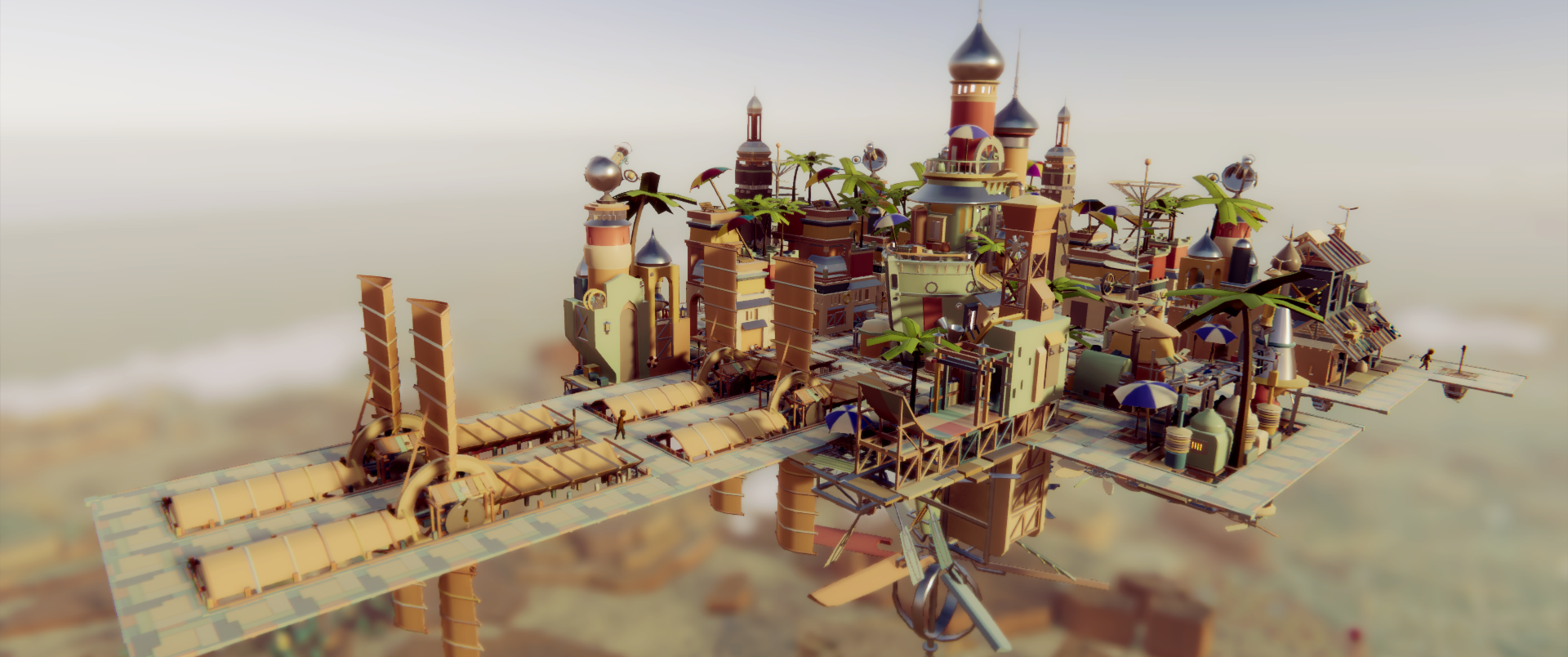
You can now select designs much more easily with an improved UI that makes swapping models a breeze, including rotating and changing designs on any building in any stack configuration. And what are your inhabitants wearing, and what are they carrying? They won't be left out of the summer fun either! Take a snapshot with a couple new Photo Mode options to save the memories!

Also included in this update, a few key features that have long been requested: Windowed Mode, Brightness/Contrast Settings, Master Volume, Invert Pan Direction, and a better Buoy Icon for the map. But perhaps the biggest update is the ability to re-assign keyboard keys. Now you can play with whatever configuration fits you best! Hopefully these updates will make the summer content more accessible to more folks!
Enjoy the warm breeze atop your Airborne Kingdom! More updates coming soon!
Full patch notes:
• ADD: Summer themes
• ADD: Summer workers
• ADD: Summer photo border and logo
• ADD: Ability to swap designs, roofs, and rotate without moving
• ADD: Keyboard key customization
• ADD: Windowed Mode
• ADD: Brightness and Contrast settings
• ADD: Master Volume settings
• ADD: Wobble Intensity settings
• FIX: Buoy hard to see on map
• FIX: Balloon only selectable on base of building
• FIX: Workers disappear in rare cases when moving storage
Patch Notes v1.6.1
- Fix issue with cloud shadow movement
- Fix workers always in walking animation
- Fix Escape not working correctly when in Tutorial Menu
- Make buoy icon more visible
- Fix italian and spanish string being in the wrong language
Performance Update
We've heard you, so here's what we've done to get you the most Fs out of every S:
Volumetric, Fluffier, and Way Faster Clouds
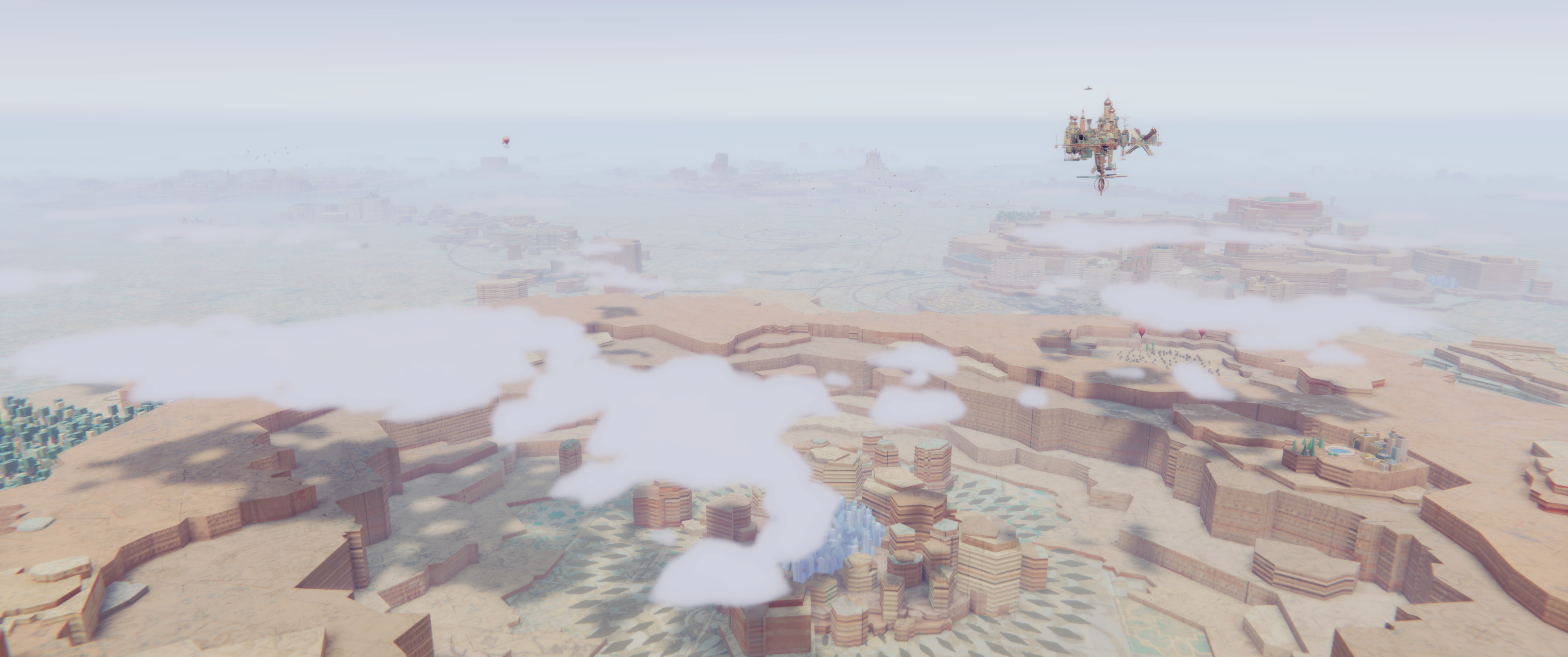
We're using a new technique to render our clouds, tracing paths to make them fully volumetric in the game. This sounds more complicated, but it's actually a lot faster! As a bonus, the clouds look fluffier and cast better shadows too!
Major Shader Optimization
There isn't a nice screenshot for this one, but we've gone back through our shader code -- and even some Unity default shaders -- to optimize everything for your GPUs. Atmospheric Scattering and Screenspace Ambient Occlusion should run much better now, and all our shaders can run in parallel much more easily.
Very Low Quality Setting

Everyone should benefit from the above changes, but for those who even struggle to run the game at all, we've created a Very Low quality setting. This reduces the number of animations playing and replaces the Worker models with cheaper Pawns. Hopefully this should allow most people to enjoy their time in the skies!
Unrelated but...
We've fixed some issues that you pointed out as well (and some you didn't but came up when fixing others!). We've also added Tutorials to the Pause Menu, so you can review (or read ahead!) as much as you like.
See the full patch notes below. We're still working hard on updates, and we're very excited to share even more in the future!
• PERF: Fluffier clouds, now volumetric, which both look and perform way better
• PERF: Optimize Atmospheric Scattering
• PERF: Optimize Screen-space Ambient Occlusion
• PERF: Optimize background shader logic
• PERF: Optimize all shaders so most can run in parallel
• PERF: Add a Very Low performance setting
• PERF: Add setting to swap Worker model with simpler Pawn
• PERF: Add setting to disable some animations
• ADD: All Tutorials can now be accessed via the Pause Menu
• FIX: Housing block roof models change after save/load
• FIX: Town Center preview does not changing when hovering buttons in Creative Mode
• FIX: Paths don't always highlight when being placed in range of a Street Lamp
• FIX: Buoy icon disappears on map when loading
• FIX: Cloud colors sometimes incorrect when transitioning between biomes
Patch Notes 1.5.9
Patch Notes v1.5.8
Patch Notes v1.5.7
- Fix second/third floor buildings not being in range of expected need providers (minarets, etc.) when rotated before being placed
- Fix small offset being present on some buildings which rarely causes Navmesh bugs
Patch Notes v1.5.6
- Give normal return the tapestry achievement when finishing a hard game
- Fix small error in spanish
- Fix error sometimes when showing blueprints in City UI
Patch Notes v1.5.5
- Fix loading very old save files not working
- Don't allow moving of buildings that are needed to support other buildings
- Update Lift UI when lift upgrade finishes
- Correctly hide UI when escaping Forge/Waters UI
- Fix bad characters in Satisfaction UI in some languages
- Always show Open Research Tree button when research or upgrade finishes and not in research menu