How realistic is AirportSim? This question certainly troubles many of our players, because let's face it: not all simulators are a realistic experience - but the problem is that not all games need to be.
What is a video game really? What do we want to achieve when we reach for it as gamers? There will be many answers, but there is one - strongly universal: experience. In most cases, we want to feel what it's like to be someone else and do something different. Living a different life. However, we are not able to feel this fully, because being someone else involves... well, a completely different set of experiences. However, we want to simulate it, we want to ask ourselves: "what if" I were a mage, a knight, an elf warrior, a Celtic warrior with schizophrenia, an airplane pilot... a member of an airport ground crew.
The video game, through its mechanics, is meant to enable us to have this experience: what would it be like if you lived in a world where magic exists and you were a powerful magician? What would you see as a pilot while flying an airplane? What would you do as a man associated with ground handling at an airport? The key word, however, remains "experience," not actually being that person because that is physically impossible. You won't learn to be an airplane pilot, the game simply facilitates it for you in such a way that you can feel similar to a pilot.
In this context, realism is not preserved - it is just an illusion due to the specifics of the medium. But after all, it is precisely this illusion that we as players want to experience: we want it to be as perfect as it can be.
How, then, is it in the case of AirportSim? If we want to answer this question, we need to break down our production into three evaluation factors: the visual aspect, the gameplay scheme, and the mechanics.
Graphics
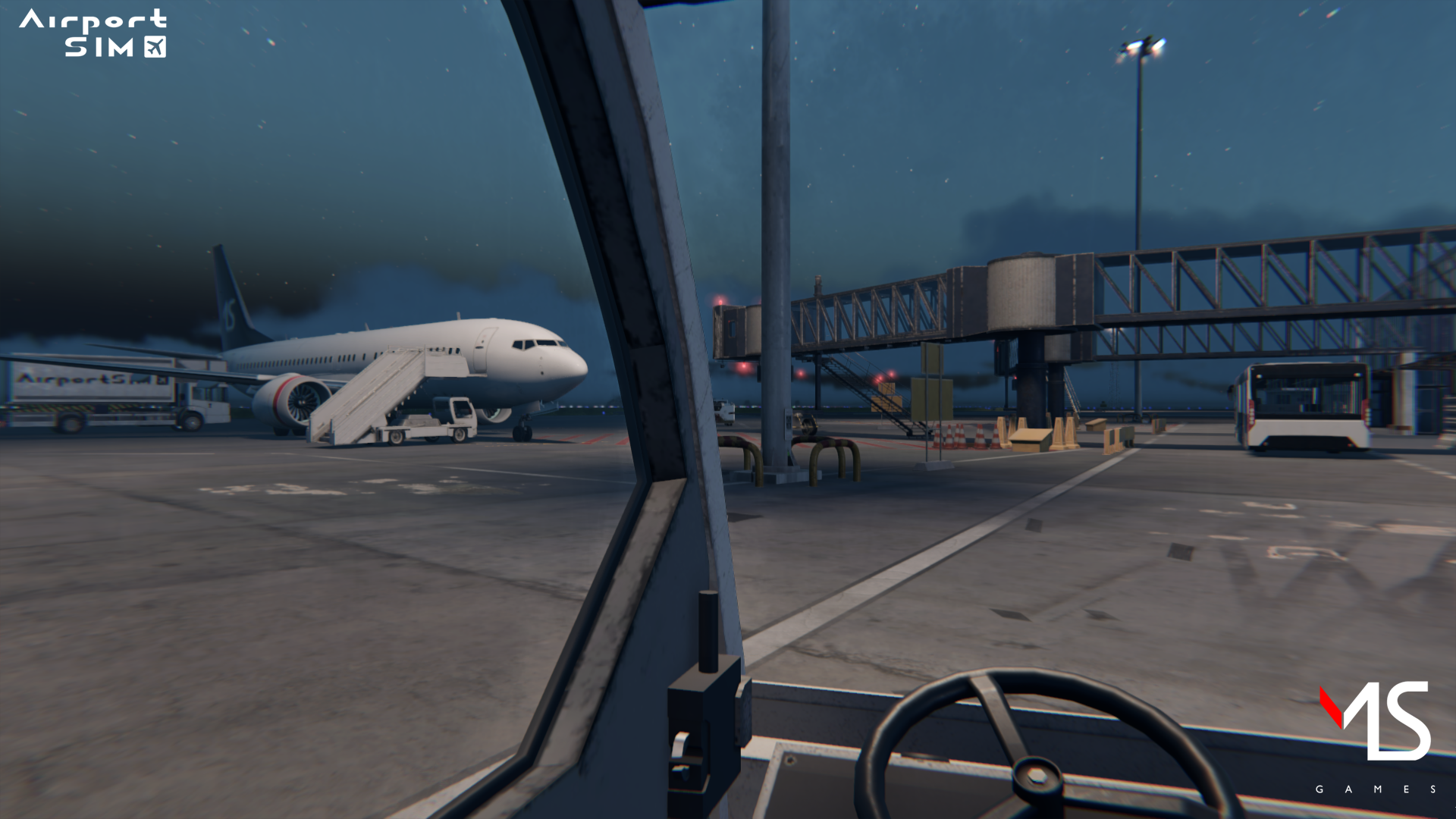
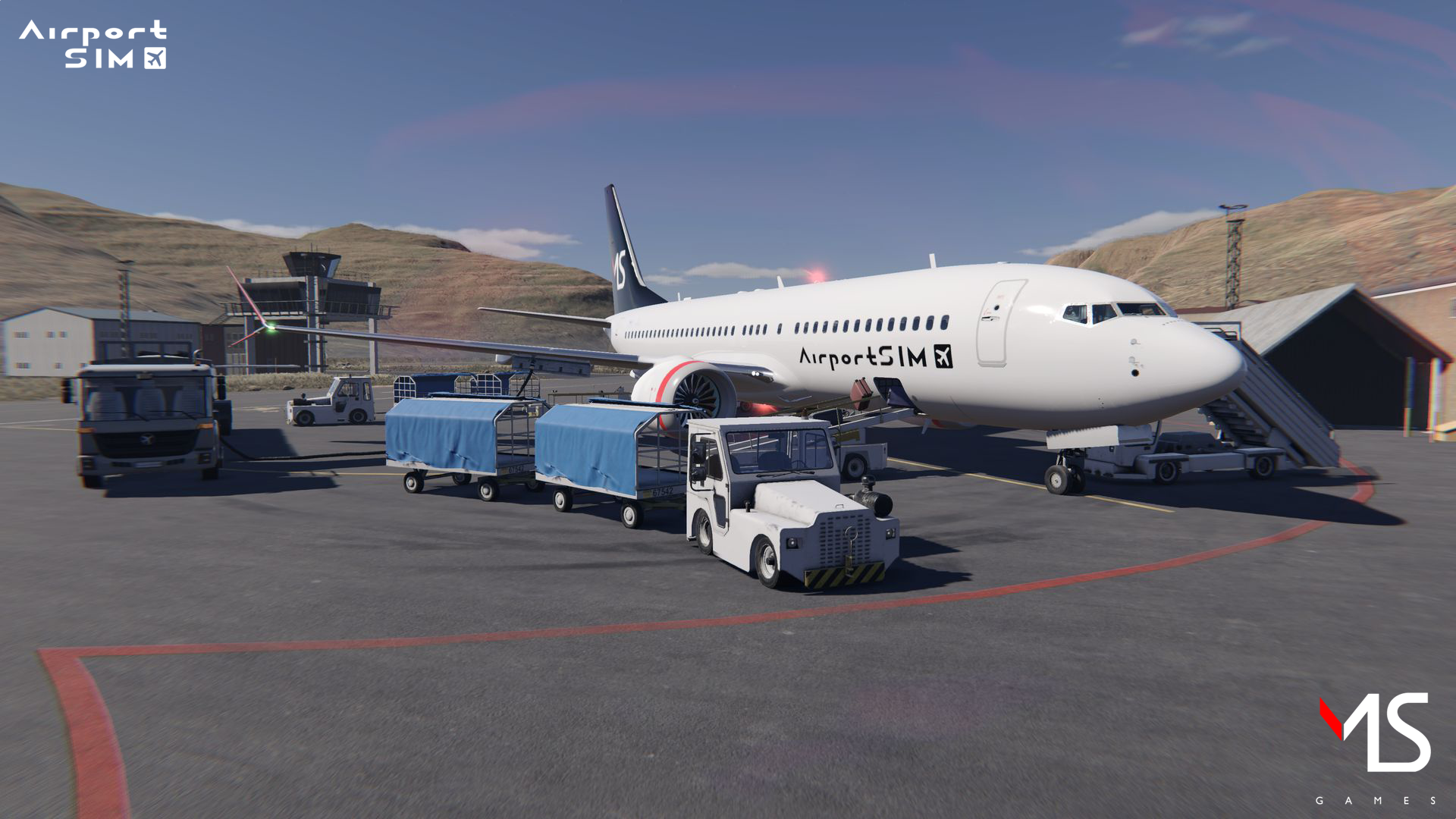
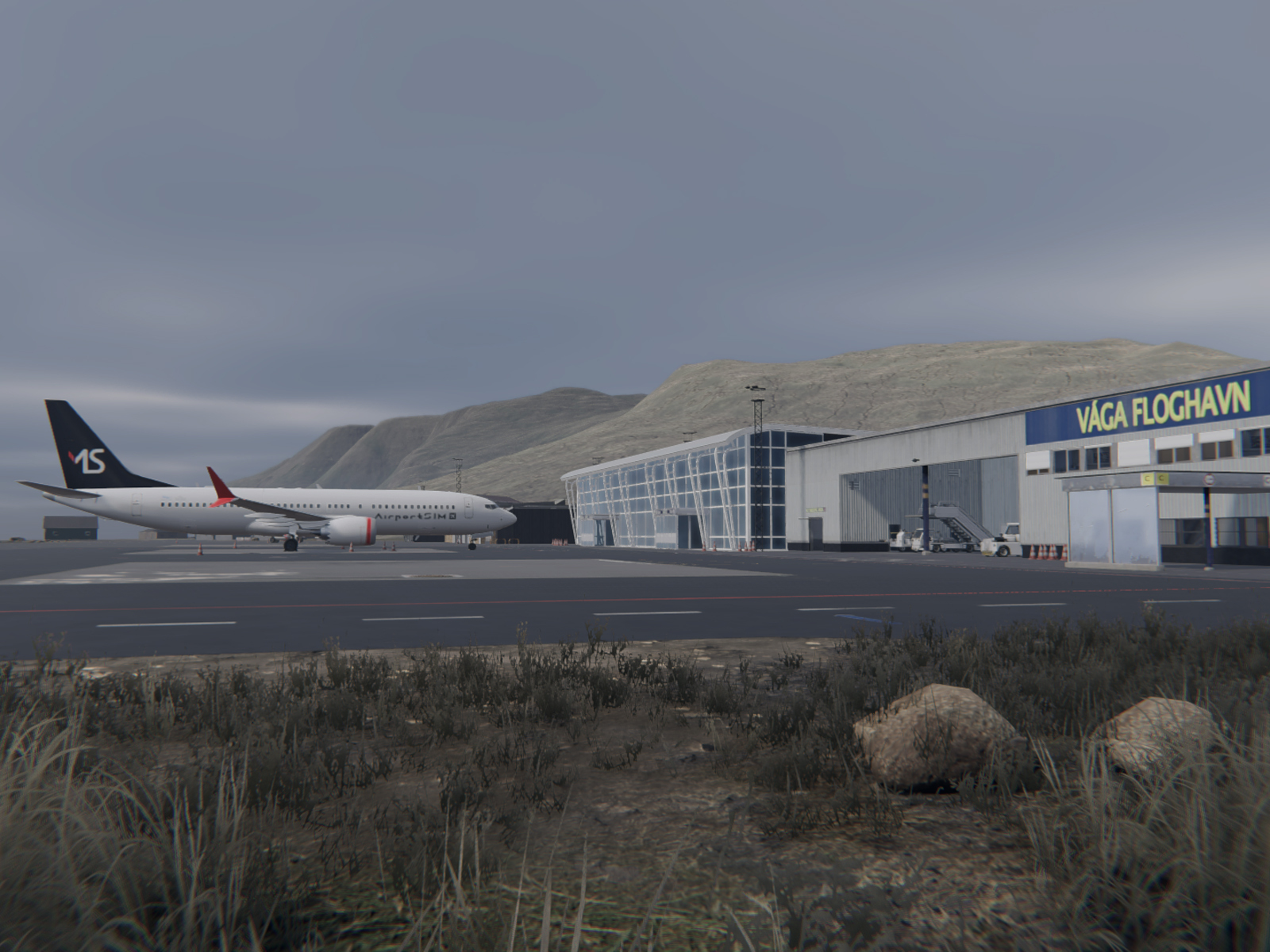
Vagar airport, Chopin airport, licensed vehicles such as Bison - our team works in the sweat of their brow to transfer every planned location, and every distinctive vehicle to the virtual world.
Gameplay
AirportSim offers a couple of different game modes, planned in such a way that different players can get the most out of the gameplay. So, if you're a player who likes challenges, you'll be interested in the challenge mode, during which you'll test your skills during... well, a challenge: for example, to see how well you'll manage to refuel two different planes, or at what time you'll manage to deal with passengers' luggage, carrying them from the airport under the plane's baggage hold.
How to play AirportSim - Scenario
AirportSim has four different game modes: free roam, challenge scenario, and multiplayer - today we'll take a look at the latter, describing what a scenario actually is and what your game will look like when you opt for this type of gameplay.
AirportSim also offers other game modes, planned in such a way that different players can get the most out of the gameplay. So, if you're a player who likes challenges, you'll be interested in the challenge mode, during which you'll test your skills during... well, a challenge. For example, checking how well you'll manage to refuel two different planes, or at what time you'll manage to deal with passengers' luggage, carrying them from the airport under the plane's baggage hold.
On the other hand, a player who appreciates playing with friends will appreciate the fact that AirportSim will have multiplayer. Free roam, on the other hand, will be for those who want to experience gameplay with more freedom of choice - for example, being able to choose the airport they would like to visit, or have an impact on weather conditions: would you like the weather to be read directly from the METAR system ("live" option), or would you prefer to set your own conditions?
So the question remains: what is a scenario?
What does a scenario look like?
In the simplest terms, scenario is a mode of gameplay in which events have been planned in advance - and by "events" we mean not only the schedule of landings and takeoffs of aircraft such as Airbus A320 Neo or Boeing 737 MAX, but also weather events - sudden changes in weather and the weather conditions in which you will be working at the airport (for example, the strength of the wind or slippery pavement).
In addition to what we mentioned above, in the game's scenario mode, you will struggle with a number of tasks set by the experience of working as a ground handling specialist. In one scenario you'll deal with only some of the tasks, in others - with more of them, until finally you'll go through a very intensive (in terms of te number of tasks) experience, which in addition will also depend on which airport you'll be at; in AirportSim you'll find airports such as Vagar, Warsaw Chopin Airport or Keflavik.
How the gameplay look like
When you decide to choose a scenario as a game mode you want to explore, you will be left with two questions: first - how experienced you are. Second - what kind of airport you would like to visit.
Since AirportSim offers gameplay at a couple of different airports, their choice matters more than just what size the place is. Each airport - Vagar, Keflavik or Chopin - is located at a different geographic latitude. And that means different length of day, different weather conditions and a different climate. The choice you face as a player will therefore be relevant in these terms.
If you are not yet an experienced player, a special scenario mode for you will be a tutorial - here you will get acquainted with each task separately.
But what are tasks? In the simplest terms: these are activities that you, as a ground handling specialist, must be able to perform, such as: GPU during which you will connecting electricity to the aircraft, Marshall where you will help the pilots go to the right parking place, Fuel (during this task you will refuel the aircraft), or pushback - here you will push the machine out of the gate to taxiway.
You won't do the latter, however, if you haven't previously removed safety features such as bollards that tell ground crew drivers the proper distance from the plane... which you'll also have to arrange yourself in another task. Also, the plane won't take off if you don't deliver catering or passengers to it beforehand. All these events are interconnected, and whether and how many tasks you will have to perform will be determined precisely in the scenario, which in this respect will vary according to the length of the game, and its complexity.
Infinite possibilities
That's not all, however, as each player will have the ability to construct his own scenarios using a special editor that will be made available with the game. Such scenarios will then be downloadable from the Steam Workshop - so you're in for a lot of possibilities and entertainment related to the upcoming release of AirportSim!
Developer Diary #1 Game and 3D Design
In the first Developer Diary, AirportSim’s creators are broadening our horizons by sharing more details about their creative process, some stages of making simulation games, and their approach to development focused on creating a sim game as realistic as possible.
As we all know, game development is a complicated and challenging process, so it’s always great to have a little sneak peek behind the scenes and gain a better understanding of what the whole ordeal is all about. MS Games studio gives you this chance in their newest video, where you’ll learn, among other things, where the idea for their game came from, as well as the process of creating individual 3D models, so they are the best representation of those from reality.
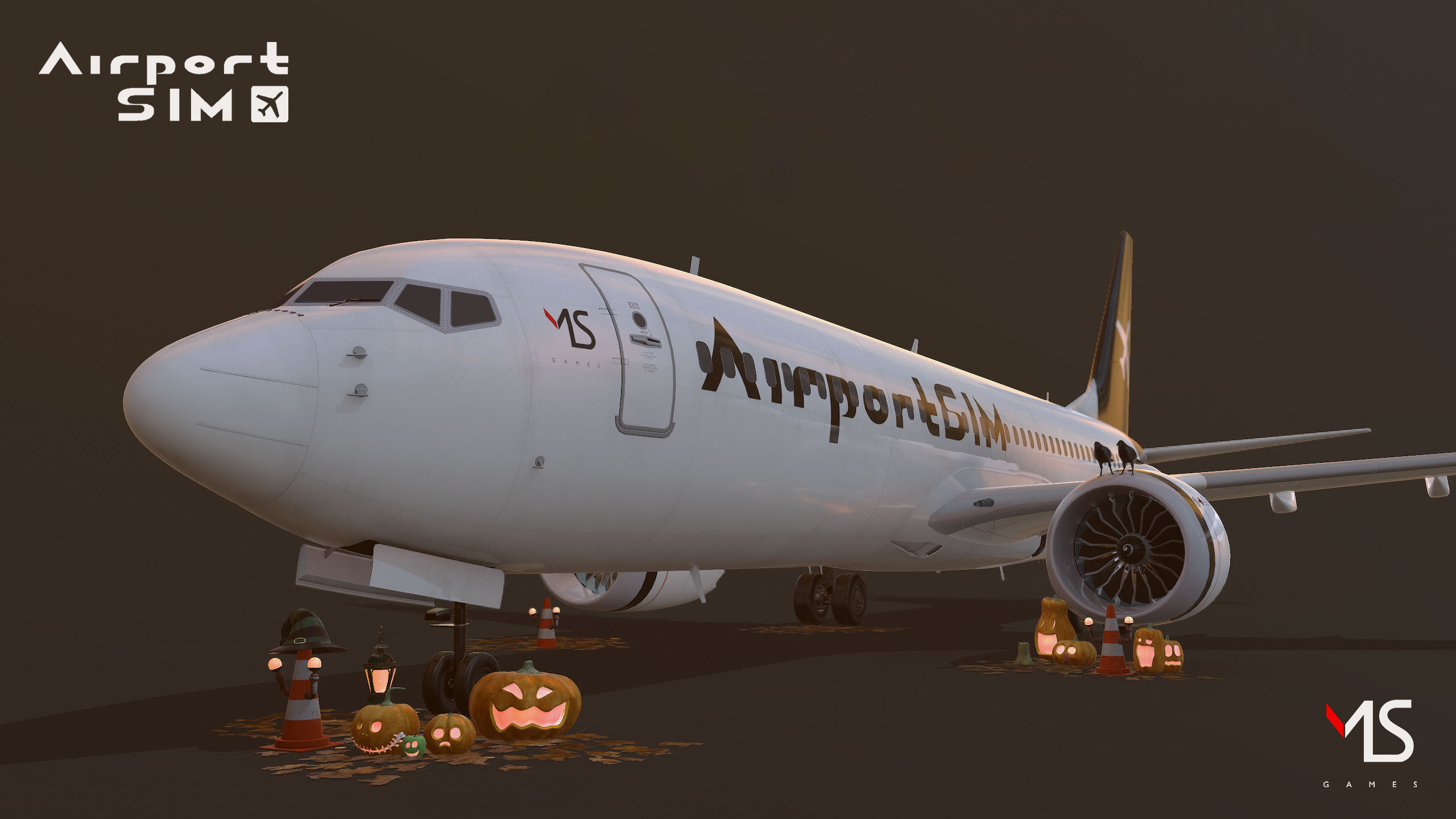
Happy Halloween!
Because of Halloween, we decided to bring our planes into a bit of unusual scenery.
Ready to push! 1/2
A commercial aircraft is a powerful machine, but sometimes, it needs a little push... 💨
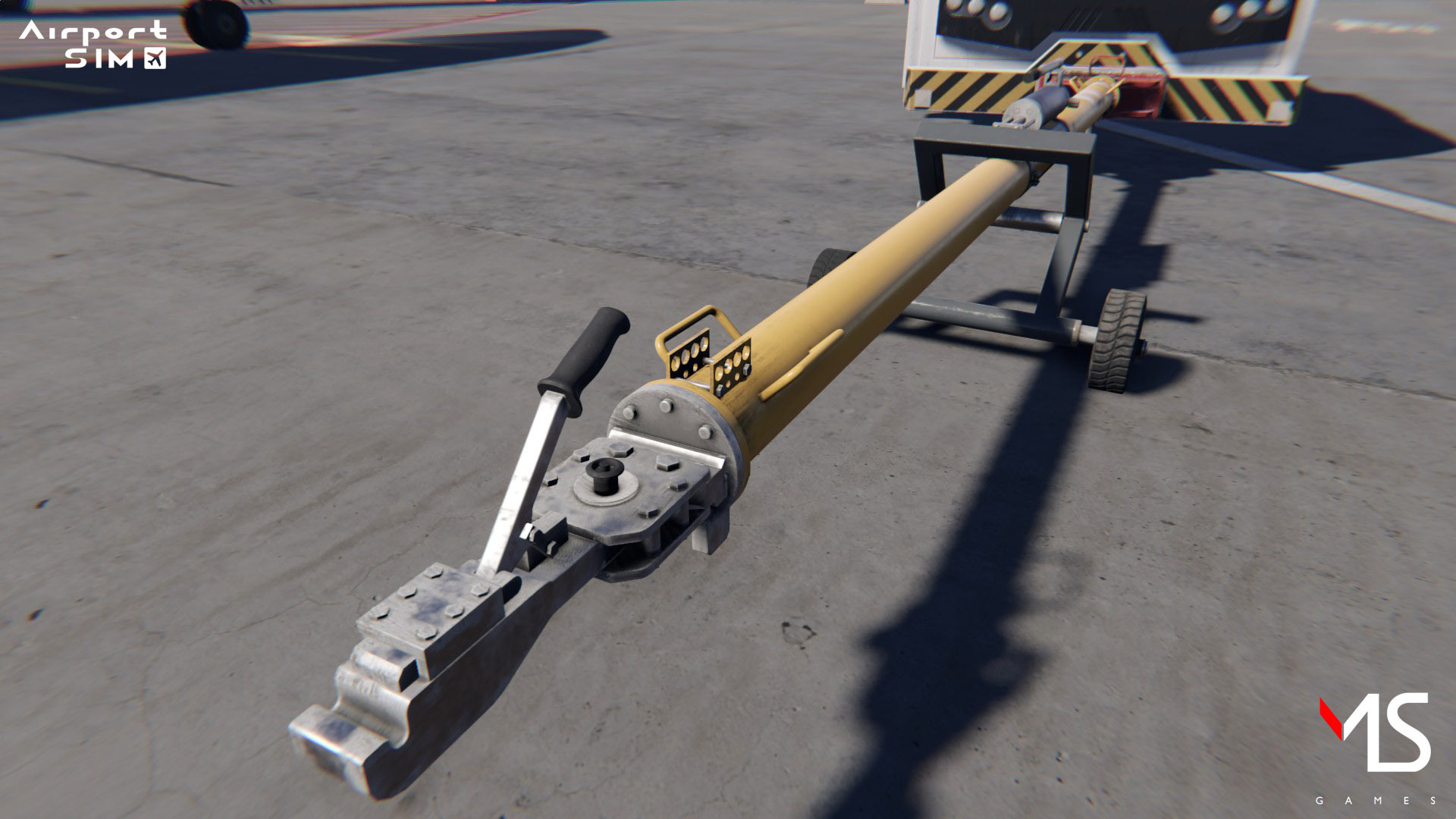
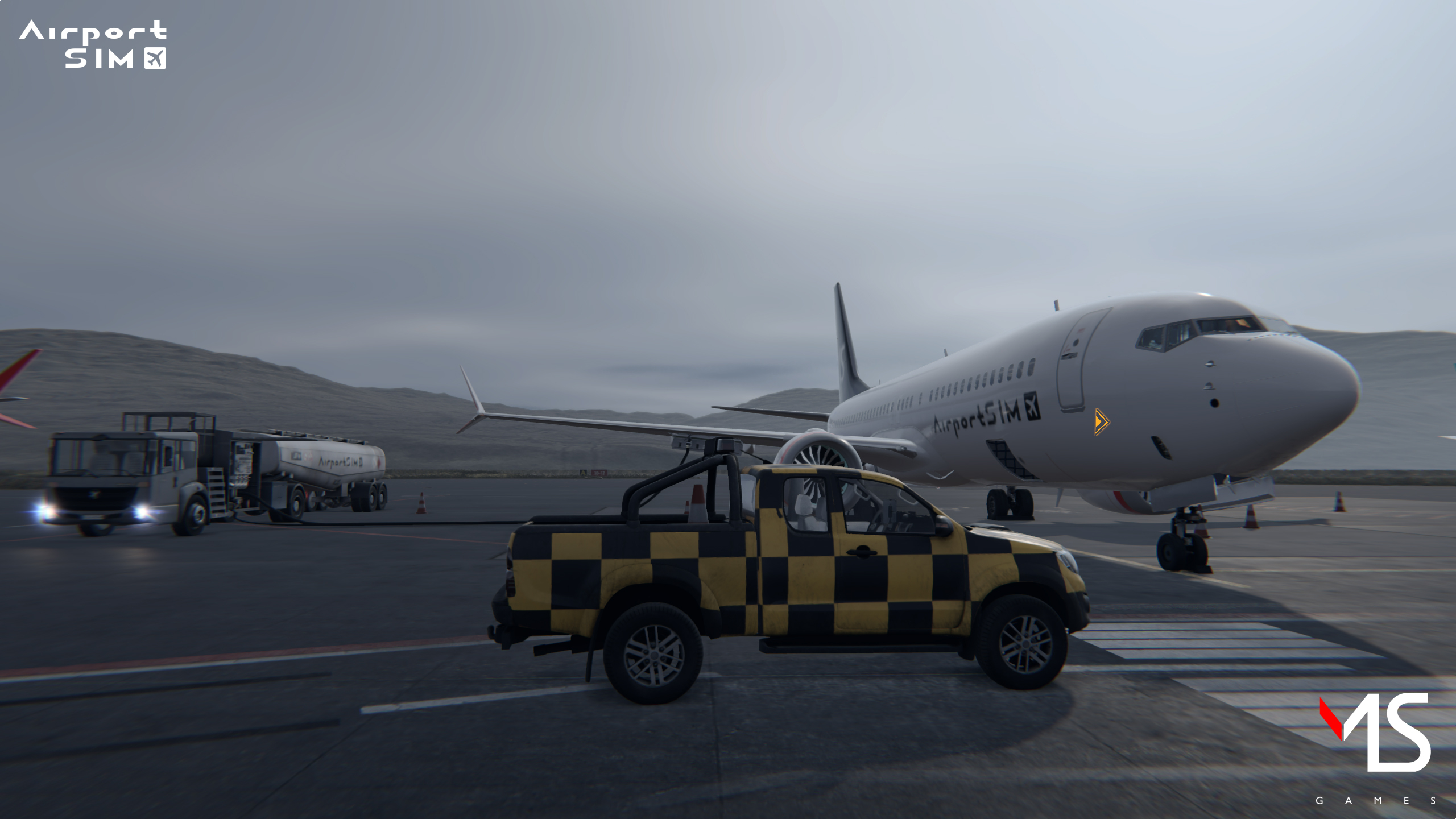
An airport's apron is limited in space and is tight to maneuver in places. In most cases, an aircraft is parked facing the airport terminal without the ability to reverse or safely turn out of its parking space. That's when a pushback tug comes into action!
With its help, an aircraft can be safely pushed off of a parking gate and onto the apron's taxiway so it can begin its route to the runway for take-off ✅
Baggage handling area previews.
✨We reveal to you a hidden place that only your luggage has seen before! ✨
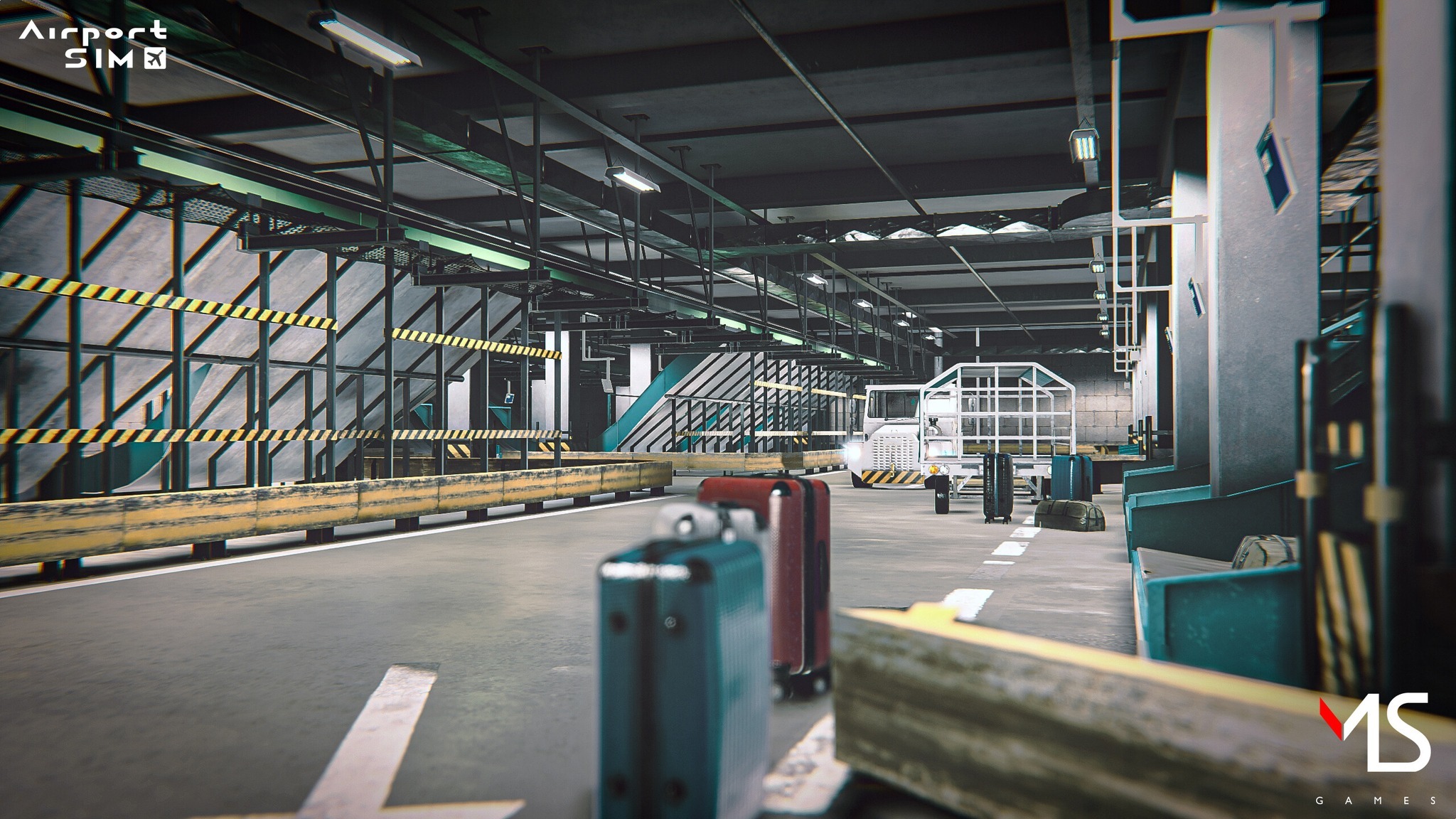
The baggage sorting room is a secret place where unauthorized individuals cannot enter. Thanks to AirportSim, you will be able to take a look at this mysterious place. But remember, with great power, comes great responsibility! 😉
How to refuel an aircraft?
While small aircraft can be refueled by pilots at the airport, directly from the dispenser, refueling a large aircraft is no small feat. Today you'll learn how it's done.
FIRST: FUEL
Fuel (aviation kerosene, or aviation gasoline) is delivered from refineries to giant tanks, where it’s poured into tankers and checked for quality. Of course, already at the refinery, aviation fuel undergoes very stringent tests. However, it is important to check its quality at every step: there must be no impurities in the fuel. Besides, imagine what would happen if some kind of sludge got into the engine and caused it to malfunction in flight.
Then the refueled tanker takes off for the airport,and here, in AirportSim, you take over, sitting behind the wheel.
SECOND: TRANSPORTATION
As you go about your business in AirportSim, you will have the opportunity to refuel different types of aircraft, such as a Boeing 737 MAX and an Airbus A320 NEO. These planes differ in detail in terms of the procedure of refueling itself, but the scheme remains the same.
Once you’ve boarded the tanker, you will have to drive to the right place. What do we mean here? Well, each aircraft has three fuel tank sections: one located in the center of the fuselage (the smallest) and two main ones - in the wings. It is in their vicinity - in a well-defined place - that you will have to park the tanker in such a way that you can proceed with the next refueling operations.
REMEMBER THE BALANCE
Since your task is to refuel the aircraft in such a way as to comply with safety procedures (and we're not talking about the obvious, like not smoking cigarettes in the vicinity of a tanker containing tens of thousands of liters of fuel), you need to remember a couple of things:
Firstly, you need to locate the fuel line socket panel. In each type of aircraft they are located in slightly different places on the underside of the wing (but we won't spoil the fun - you have to discover where by yourself). Then simply create the panel, connect the cable to it, and start the fueling operation...
Wait a minute! Did you seriously think it was that easy? Before you start refueling, for example, you need to remember to connect the ground. What would happen if suddenly there was a spark?
You also need to keep a close eye on the flow of fuel during refueling. Remember: you're refueling it to a section on one of the wings - and that means you need to make sure that the other wing is properly refueled as well. Otherwise the aircraft will not maintain proper balance.
Remember also not to run over the fuel line while the aircraft is being refueled. You should also not unplug the fuel line in any way during refueling - you can only do this after you have stopped the pump.
The fate of the equipment you’re entrusted with depends on you at this point. We'll see you on the apron in AirportSim!
Vagar: Europe's loneliest airport in AirportSim
From here, it is almost 370 kilometers to the nearest airport (Scatsta in Shetland). In contrast, the nearest airport with a long runway and ILS system is more than 430 kilometers away. That's Vagar, the airport you'll find in our game, AirportSim - the loneliest airport in Europe.
As we traveled to replicate the airport as accurately as possible, it became apparent that in order to reflect the nature of the Faroe Islands, we couldn't just focus on the buildings - the key is the weather.
Did you know that the Faroe Islands lie at the same latitude as the ice-covered Greenland? Why are they so green? It's thanks to the Gulf Stream: two air masses - a warm one and an icy one - clash just above the archipelago, making the locals call their home the "Islands of maybes".
When playing Vagar in AirportSim, you have to be constantly aware of rapidly changing weather conditions: a sunny day can turn into a rainy one, this one into a foggy one, or a windy one into a sunny one again. It is this "unchanging variability" of weather that makes this airport such a challenging and interesting place to visit.
During our trip, we learned that Vagar is an intriguing place, not only for aviation enthusiasts but also for anyone who loves World War II history. Construction was initiated by the British during the war in 1940. Why? Because they were an important strategic point in case Hitler wanted to attack the Allies from Norway.
Vagar Airport has three more unique features, the first being that the main carrier here is the aircraft of "Atlantic Airways," the national airline of the Faroe Islands, and the second is the rapidly changing weather, which diversifies the experience of working as an airport ground handling specialist.
The third unique feature of Vagar will undoubtedly be that you will soon be able to look around here on your own, as the entire airport will be transferred to the AirportSim game, where as a member of the ground handling team you will be able to operate many vehicles at the airport under the weather conditions prevailing at the airport at the very moment you are playing.
But you can read about our special weather system in a previous article to which I warmly invite you.
The tree gameplay modes in AirportSim are now revealed!
Three different game modes – Free Roam, Scenario, and Challenge – are guaranteed soft landing for all civil aviation enthusiasts, whether they're pros or only beginning their adventure.
ABOUT AIRPORTSIM
AirportSim is a contemporary and realistic simulator that gives you the chance to take your first step into the world of civil aviation as an airport ground handler. Whether you're a beginner in this genre or a pro that knows the ins and outs, AirportSim, with its realistic graphics, real-life models of airports, licensed machines, dynamic weather conditions, three different gameplay modes, and a team of experts supporting its development, will deliver you the fun, challenge, and setting of a genuine airport apron.
AIRPORTSIM – GAMEPLAY
AirportSim starts where Microsoft Flight Simulator ends. While the aircraft's arrival at the gate is the end of its journey, it's also the beginning of the ground crew's duties. Welcoming passengers, offloading baggage, refueling large planes, pushing them back for departure – all that and more await those willing to start their career in ground operations.
You have to remember that in this line of work, efficiency, time, and precision all matter equally. Whether it's a tug, tanker, air bridge, or even a luggage belt, they are all handled differently and are affected by various weather conditions.
This especially applies if you perform real-life tasks on licensed airports and aircraft since AirportSim is being developed with multiple civil aviation industry companies, ensuring it's as realistic as possible.
That's also why dynamic weather conditions were implemented in the game. On open tarmac, with gale-force winds blowing or a violent thunderstorm sweeping by, you'll be forced to change the dynamic of your operations.
Combined with online and local co-op and the Free Roam, Scenario, and Challenge modes to meet your skills and needs, AirportSim will be a game like no other.
When Weather Impacts Gameplay – AirportSim
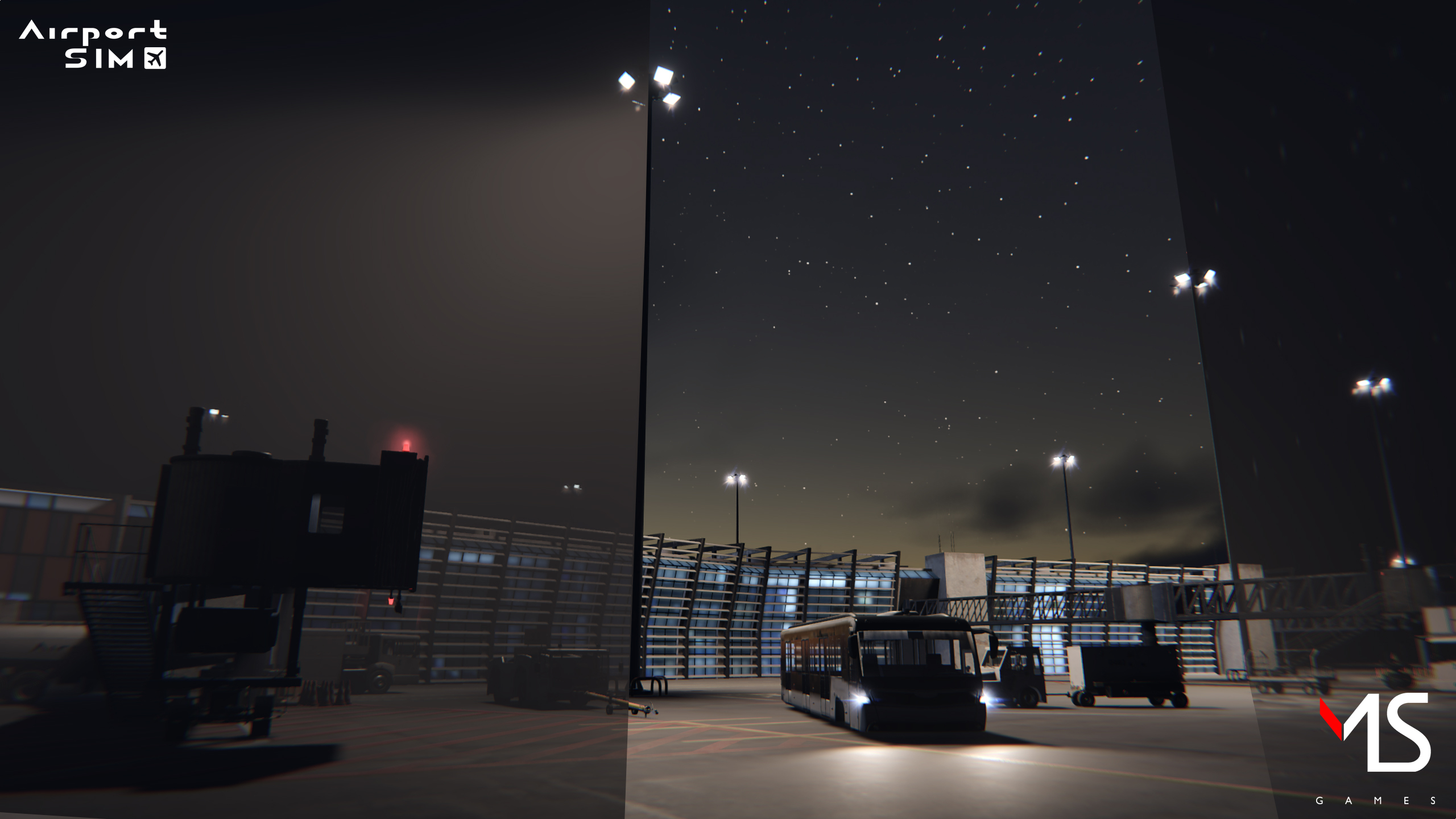
Handling airliners in thunderstorms, snow and torrential gusts in various parts of the world. Does this sound like something you’d like to take head-on? The change in weather conditions and time of day is an integral part of the gameplay in almost any virtual world. And while these features are nothing new, we’ve decided to reproduce them in exceptionally high quality in AirportSim.
There are quite a few reasons why the weather change system in many productions was (and still often is) a purely decorative element, ranging from technological limitations to design assumptions. In most games, the fact that NPCs perform certain actions as the hours pass is simply enough to provide an immersive simulation. Game worlds also react to changes in weather - for example, when it's raining heavily, NPCs may flee under a roof for shelter. In a racing game, conditions are simulated to cause the slipperiness of a road and a car's reaction to different types of surfaces consider not only the material they’re made of, but also the wetness or even the temperature.
In AirportSim, the player undertakes the various roles of an airport ground worker. In a production that simulates an airplane flight, weather conditions would be considered of great importance - after all, temperature, air density at different altitudes, wind speed, and direction could significantly affect the flight. Here the player does not take over the controls of the aircraft; they see and interfere with the planes between they land and takeoff.
Whilst the aircraft is in the hands of the ground crew, there are a multitude of factors to consider. Will the aircraft be protected from elements such as wind gusts, heavy rain, snow or ice? Is the aircraft safe and secure for ground crew to interact and perform their various tasks? How will delays impact the schedule? The cycle never ends.
To properly depict the specifics of airport work, we had to ensure that this particular aspect of gameplay was worked out to the smallest detail - and could even simulate the actual conditions prevailing at this exact moment at a specific airport... Let’s get to the point!
HOW DOES THE WEATHER SYSTEM WORK IN AIRPORTSIM?
Since our product has different game modes, the ability to control the weather is adapted to each of them; for example, in free-play mode, the player can - with the help of the in-game tablet - adjust each weather element in real-time. Thus, for example, the player can control the height and extent of volumetric clouds, the time of day the current scenario, the intensity of the rain, the thickness of the snow cover, or the intensity of the fog.
The player can also freely switch between weather conditions such as storm, rain, snowstorm, or a perfect sunny day. Any such change has consequences. In addition to purely visual ones, such as the color scheme, the changing gradient of the cloud base, and interactions with objects (for example, splashing water from puddles, traces of lights in volumetric fog), the player will have to remember to use the wipers, turn the heater on/off, or increase their vigilance when driving. For example, guiding an aircraft to the ramp during a "marshalling" task, a car may behave differently on a dry or wet surface. Mistakes such as driving off the runway (or entering it without permission) will be severely punished.
COMPLEXITY IS NOT EVERYTHING - LIVE MODE
While the complex system of weather changes may be interesting in free-play mode, it is during the execution of a scenario that the player will be able to appreciate it: the scenario has predetermined weather conditions, and a series of tasks that the player should perform while handling the aircraft on the ground. They are performed differently when the sun is shining and there is a light breeze, and even more so when a storm has just appeared over the airport while impatient passengers want to disembark.
How about a tiny surprise? In addition to the ability to control the weather yourself, a "live" option will also be available in free-play mode - this is based on simulating the weather from each airport implemented in AirportSim at the exact moment the player is playing the game. This means that if a storm is currently in progress at a given airport - it will also appear in AirportSim.
This is made possible by the integration of the METAR system, or, as you can name it - Meteorological Aerodrome Report - a coded weather report format used in aviation meteorology. The same temperature, pressure, wind strength, cloud cover, cloud height, or visibility data sent between airports will have a significant impact on what the weather and time of day look like at each airport in AirportSim.
All this is done to simulate airport ground handling conditions as accurately as possible and provide players with the most comprehensive gameplay.