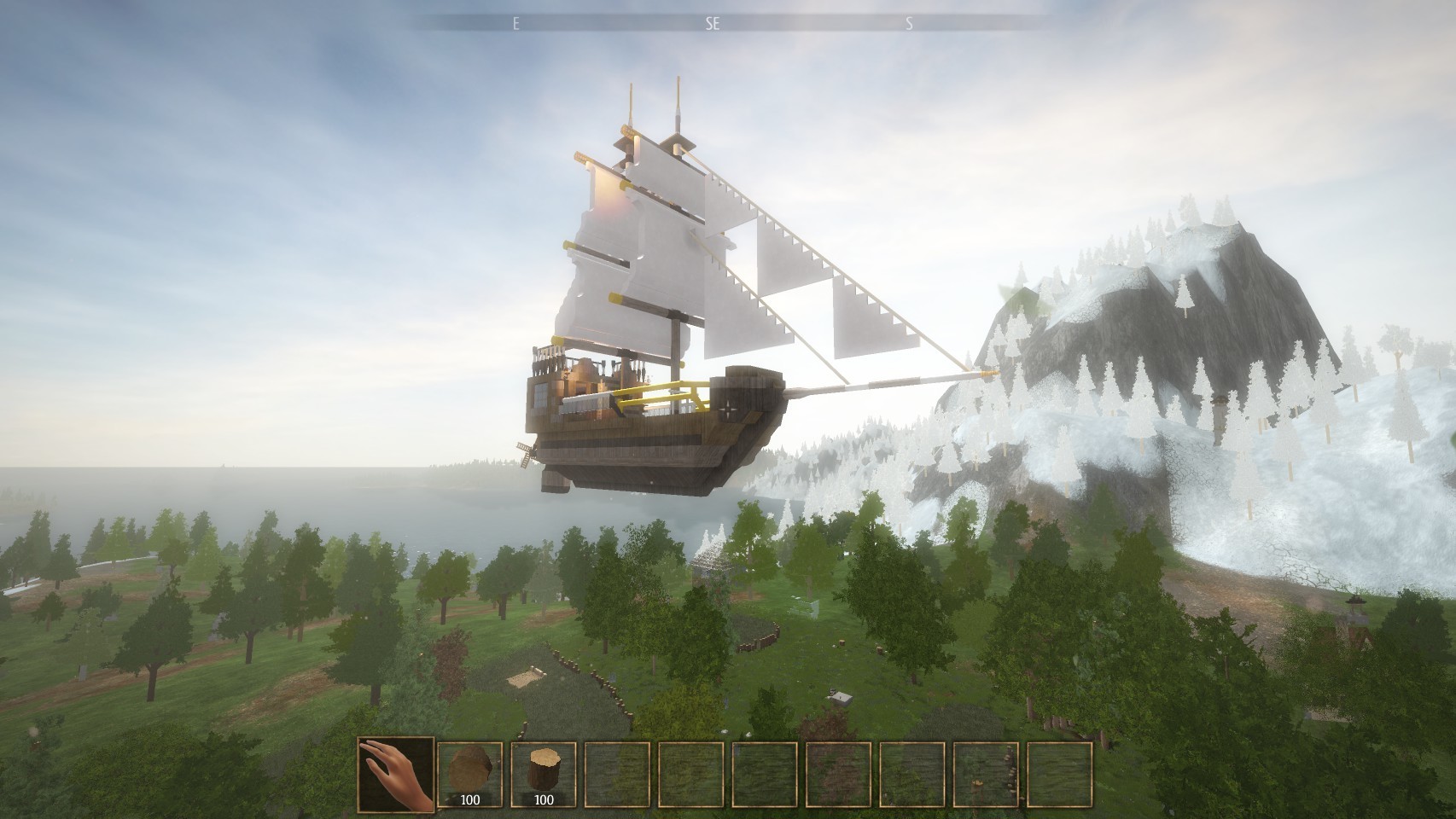
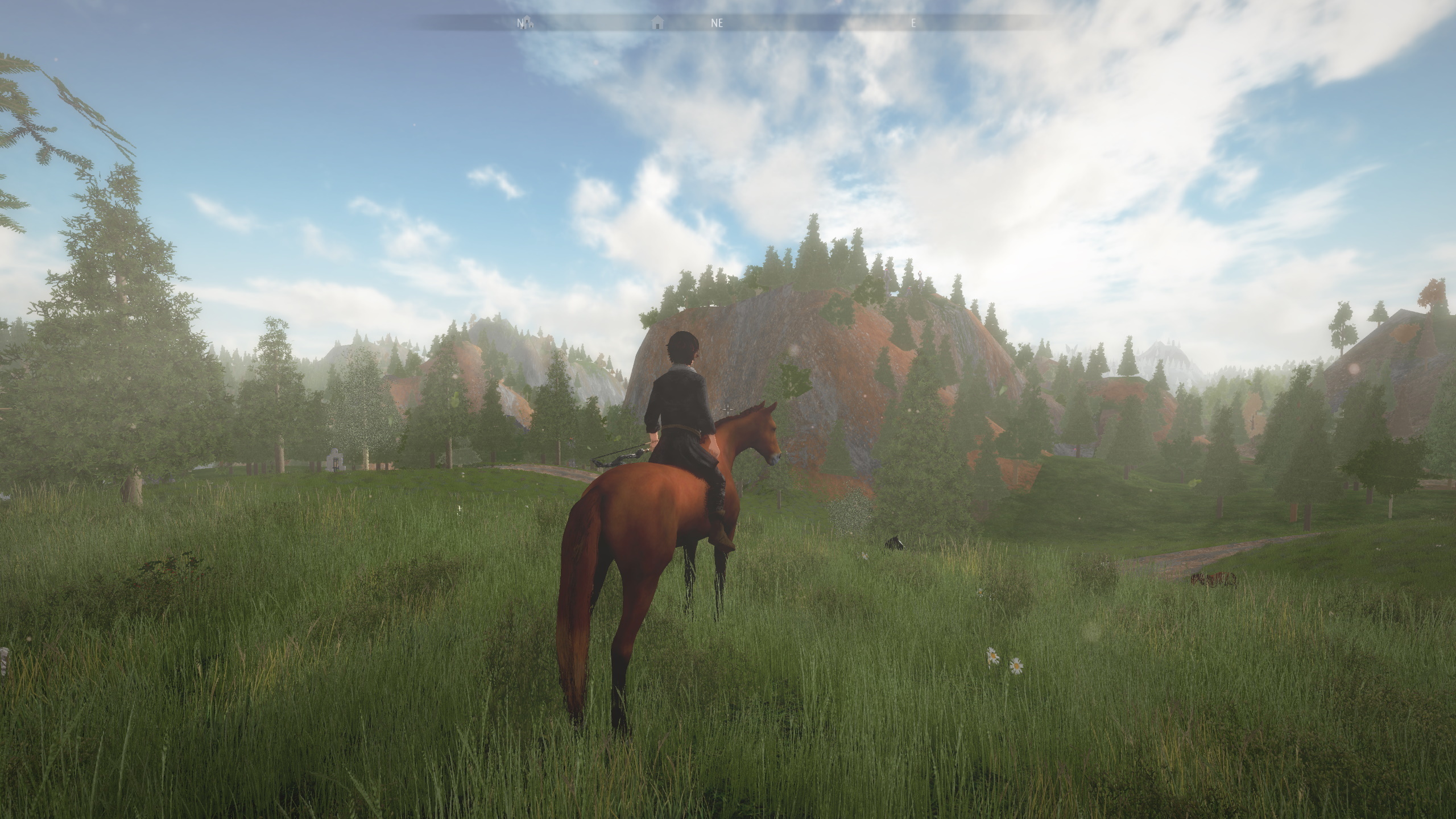
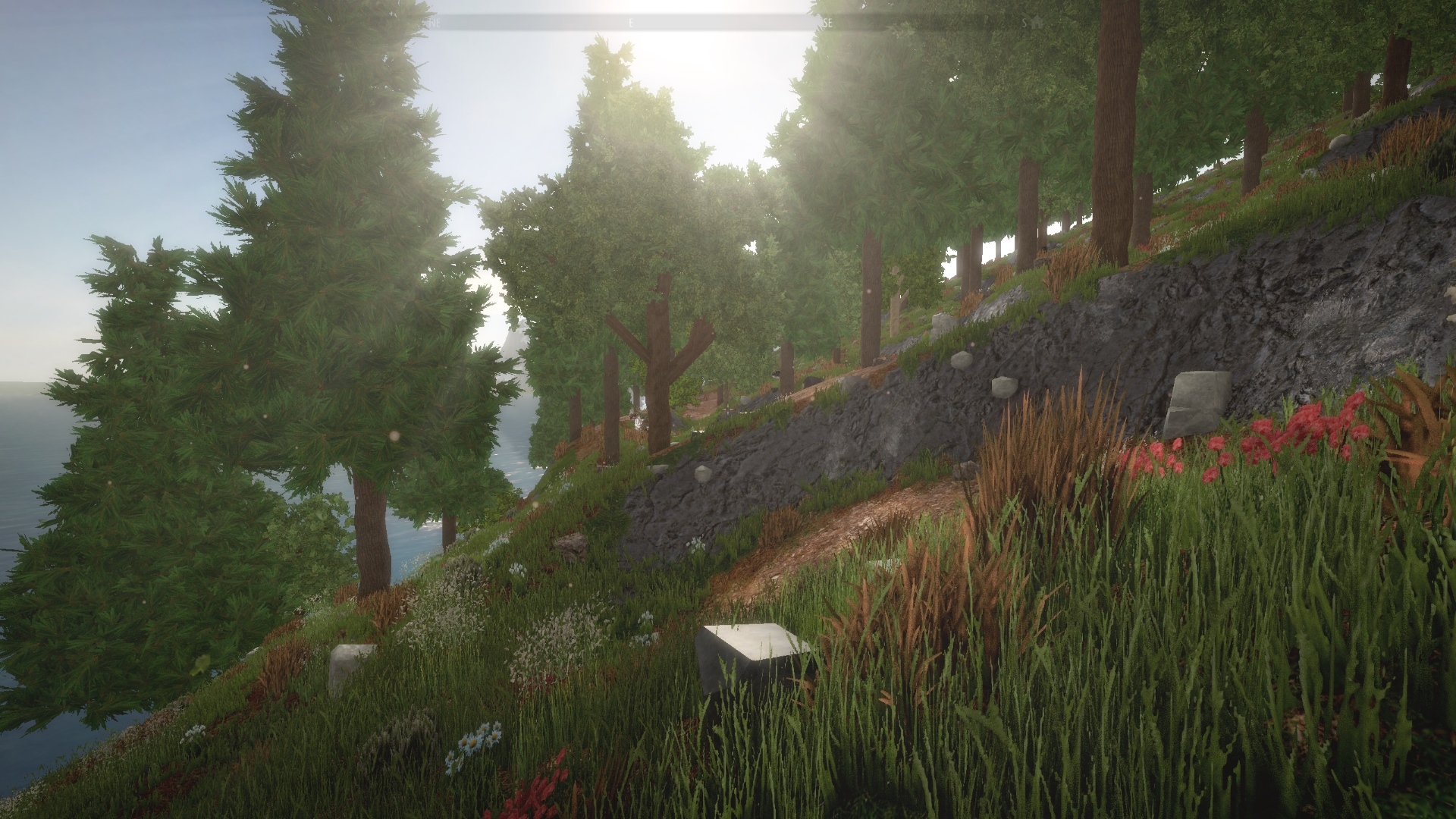
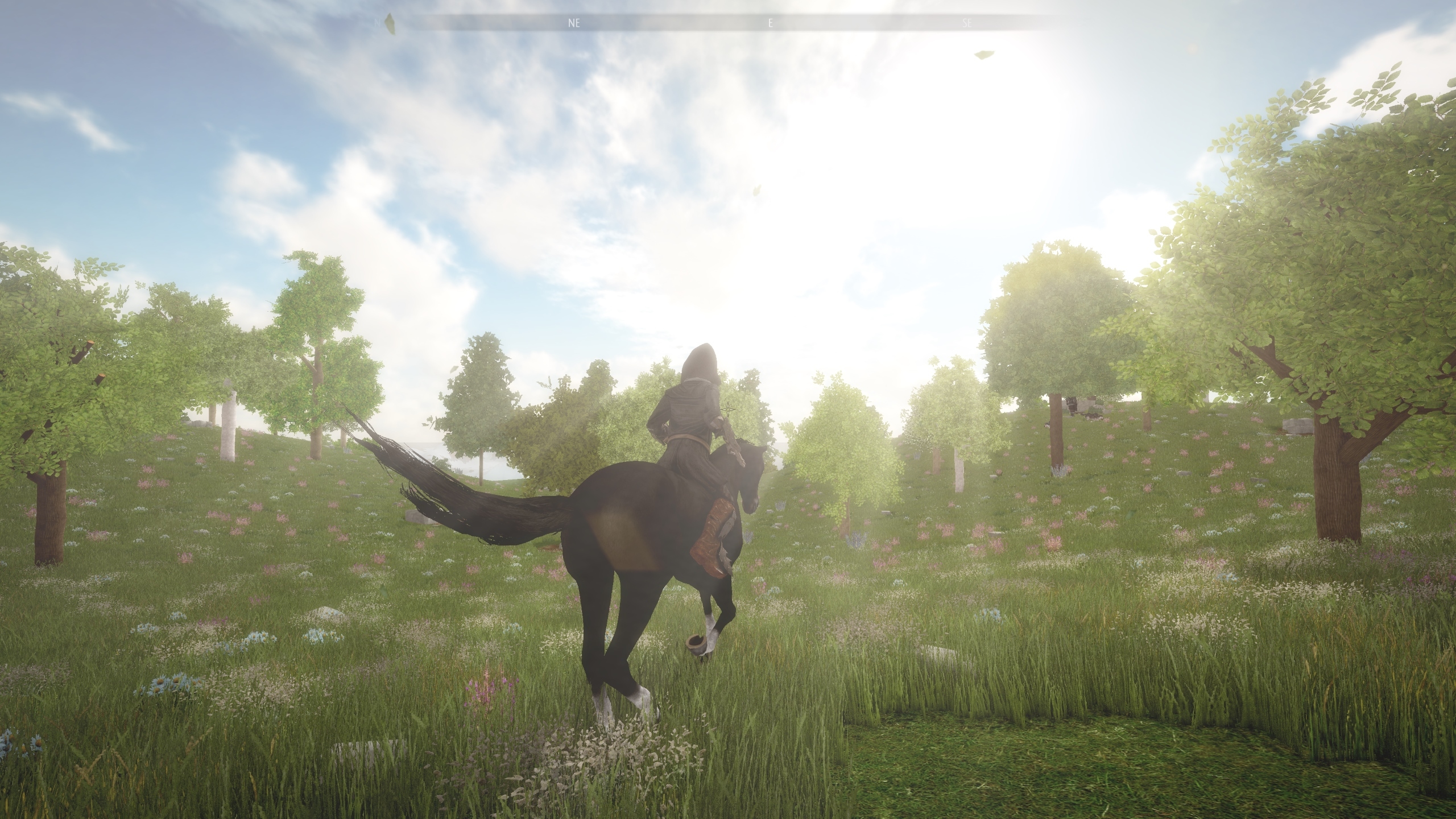
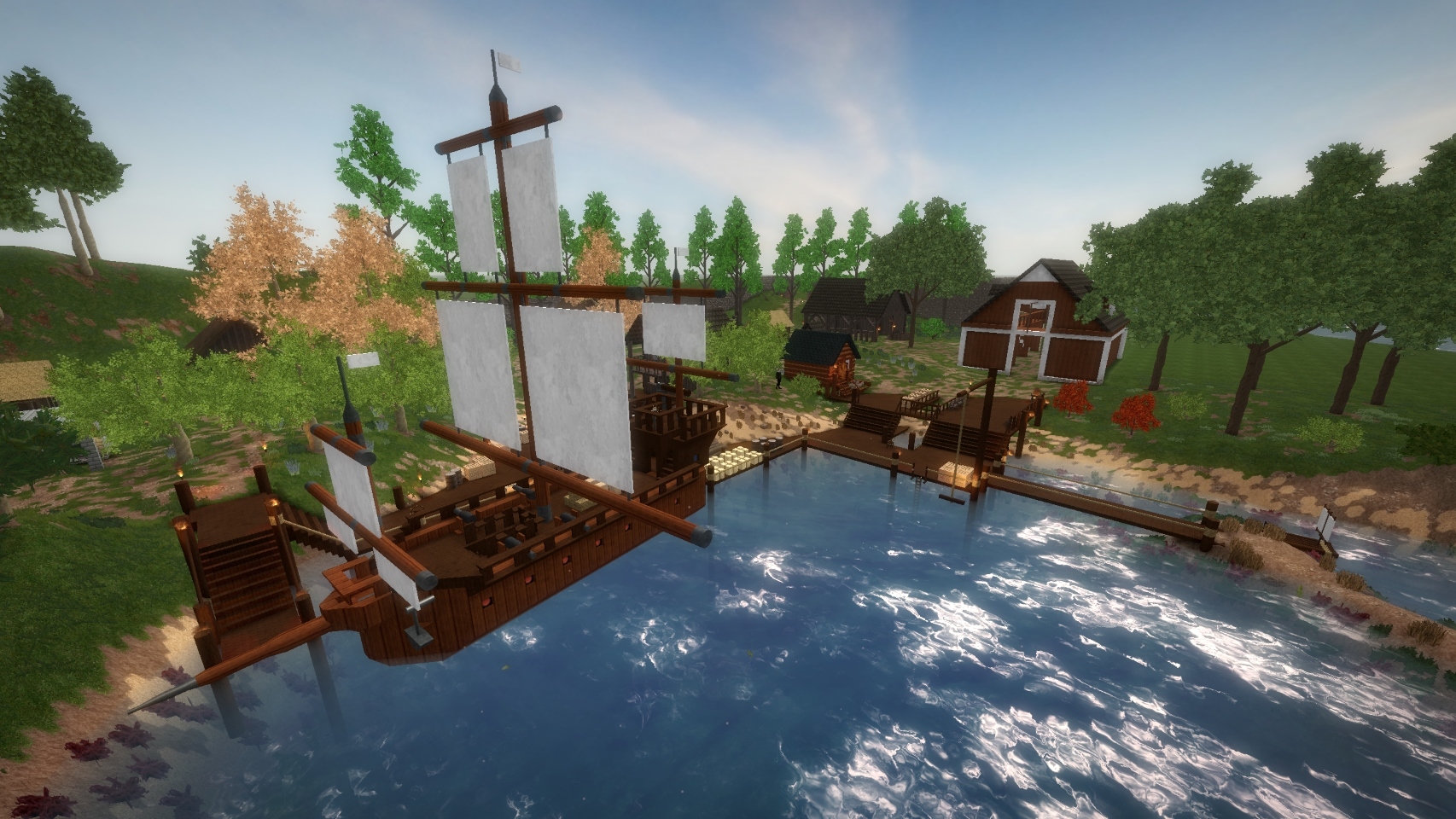
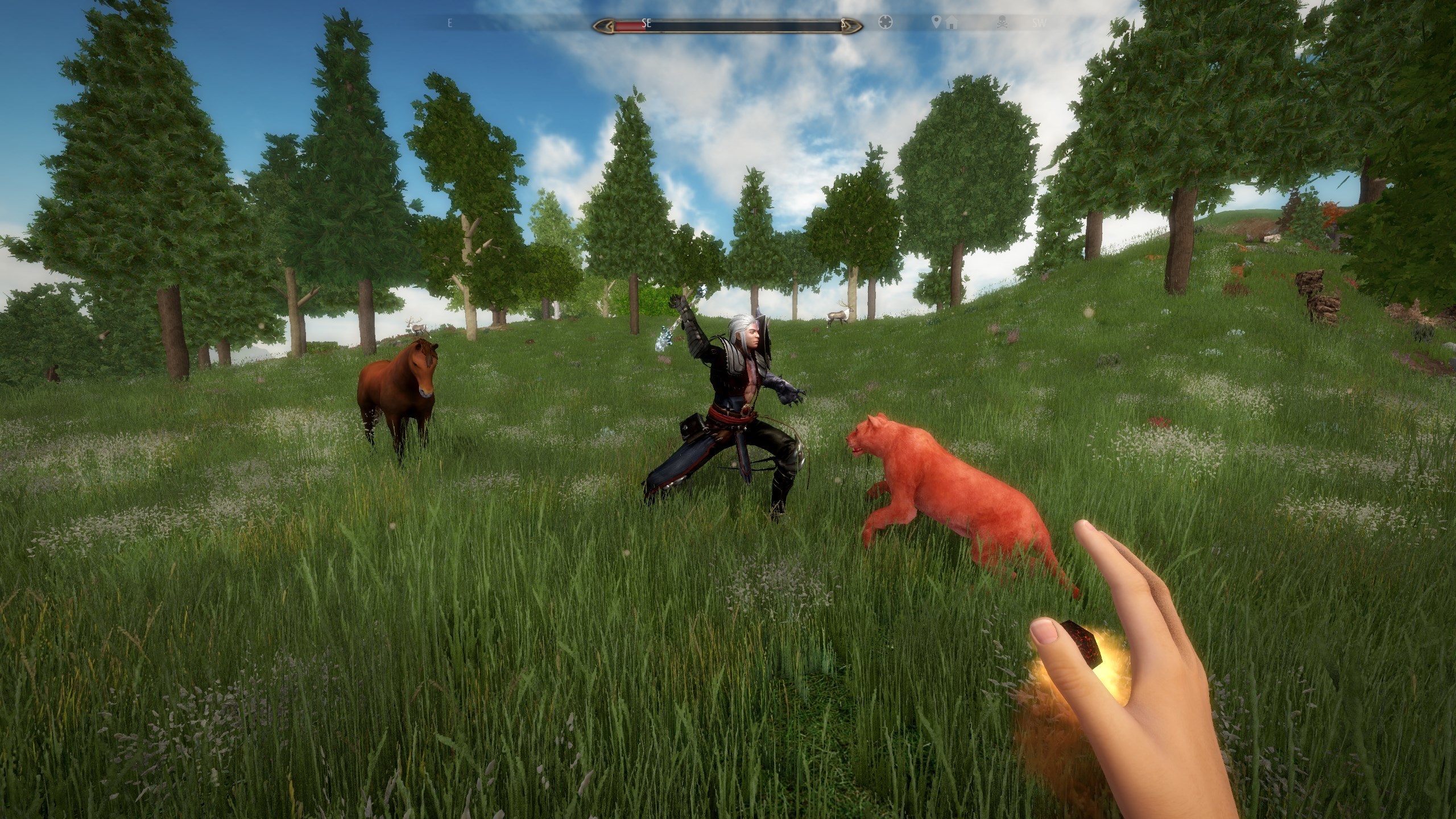
Technicity is a first-person city-building game with powerful tools that allow you to build faster and bigger. Design your own construction blocks and furniture in factories, terraform the open world, build roads and use vehicles to travel to different cities that you or your friends create in solo or coop mode.
We hope you enjoy this game, it was necessary for Osaris Games to work on a new project and we hope we can continue to create amazing things for you to enjoy!
Our new game, Technicity is now available!
Hello!
We would like to give you some news about what we have been doing lately.
Our new game, Technicity is finally available! You can get your copy of the game right now with a 20% launch discount!
I would like to thank every one of you who played the early demos, sent some great ideas and feedback and helped make this game come alive.
Technicity is a first-person city-building game with powerful tools that allow you to build faster and bigger. Design your own construction blocks and furniture in factories, terraform the open world, build roads and use vehicles to travel to different cities that you or your friends create in solo or coop mode.
We hope you enjoy this game, it was necessary for Osaris Games to work on a new project and we hope we can continue to create amazing things for you to enjoy!
1.20c Patch Information
Hello,
A new update was released today, bringing some new features suggested by the community:
- Server password protection You can now password protect your server by using the /password command or editing the server.properties config file. - Italian translation (thanks to KillerNoName) - bug fixes
Regards, Marc
Update 1.20 : improved graphics
Hello,
A new update was released today, with a lot of changes in the graphics!
More detail
Every block has been reworked with more detailed, less repeating textures.
Higher render distance
In "High Quality" setting, you'll now have an overview of what's very far in the world: you can see trees and points of interest from a high distance.
This also reduce the way trees and structures were popping from nowhere when you move.
Better quality
With an improved SSAO and new edge smoothing system, the "High Quality" setting is now even more different from "Normal Quality" than before.
This is the same scene, first in "Normal Quality":
Then in "High Quality":
Other changes
- bug fixes - new option to have a strictly fixed FOV (normally it zooms out a bit when moving) - you can now spawn every tree species easily from the Creative Inventory
Because the graphical engine was updated a lot for this version, if you experience any problem, crash or performance issue with this new version, please let me know in the Steam discussions.
Thank you again for your support!
Update 1.11 : XP system and more
Hello,
A new update was released today, bringing some new features suggested by the community.
New XP and Level system
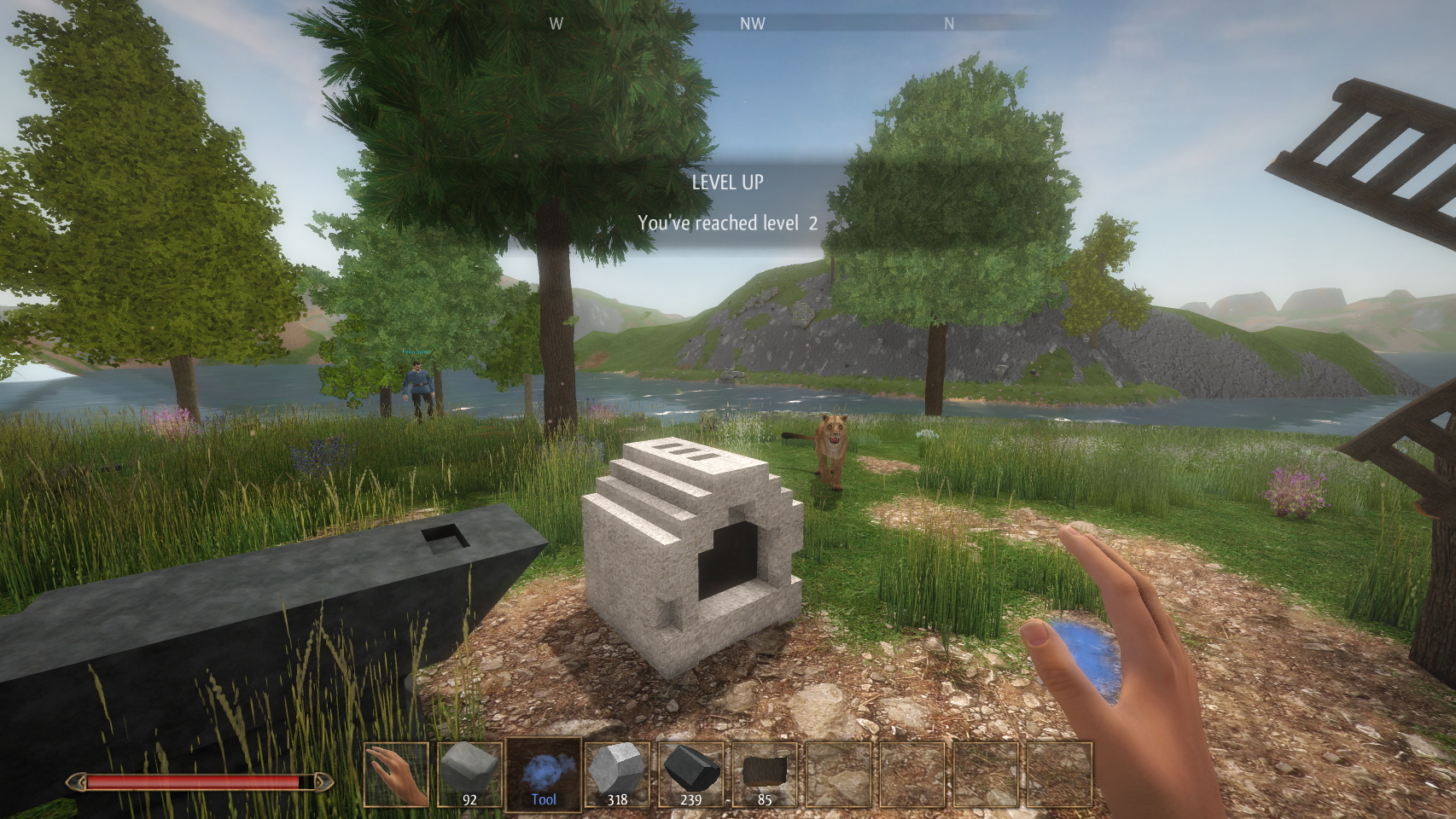
When you beat a monster, discover a new place or complete a quest, you'll now gain some XP. If you get enough XP you'll level up, and each new level gives you 10% more health and 10% more stamina.
Keep inventory on death
This was suggested by several players through the community hub. When you die, you'll no longer have to go back to the place you died to pick up your inventory items. Now, the only thing you drop is 20% of your Metal and 10% of your Crystal. You keep everything else in your inventory.
Running no longer uses stamina
You can now keep running without using your stamina. This should prevent you from running out of stamina when you need it to cast a fireball... Because of this, the key bind which was used previously to run is now use to walk slowly, and default is now to run.
Misc
Other changes include some bug fixes and Improved 3rd person view.
All these changes aim at making the game more fun to play according to user suggestions through the community forums. Please keep giving ideas and suggestions to make the game even better!
Thank you again for your support!
Update 1.1 - Implementing ideas from the community
Hello,
A new version was released today, focusing on suggestions from players in the Steam discussions.
Houses and loot
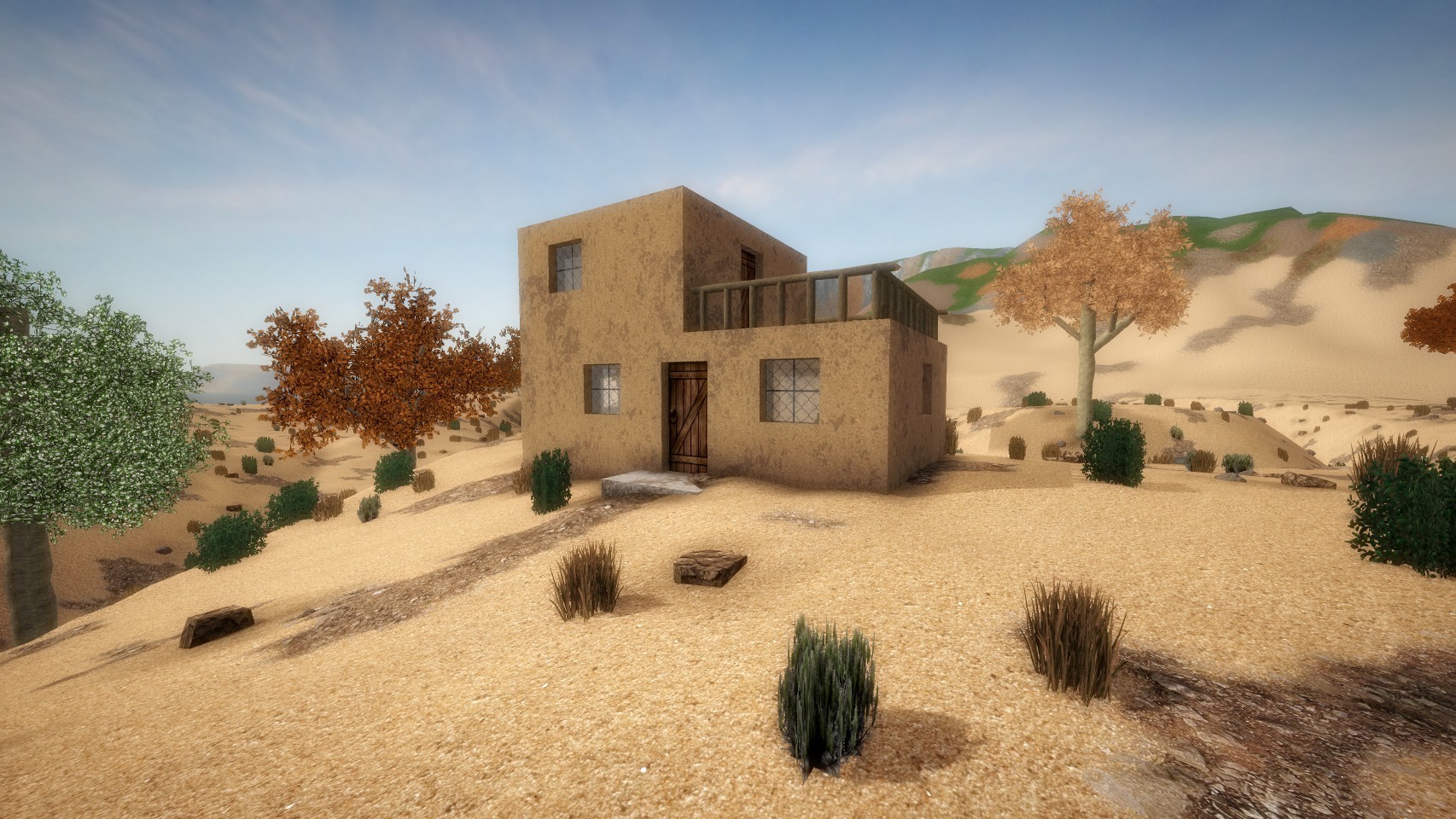
A wider variety of house can now be encountered in the world and villages, and they now contain chests with randomized loot.
Note: only regions you didn't visit already before can contain the new varied loot and houses.
Portals
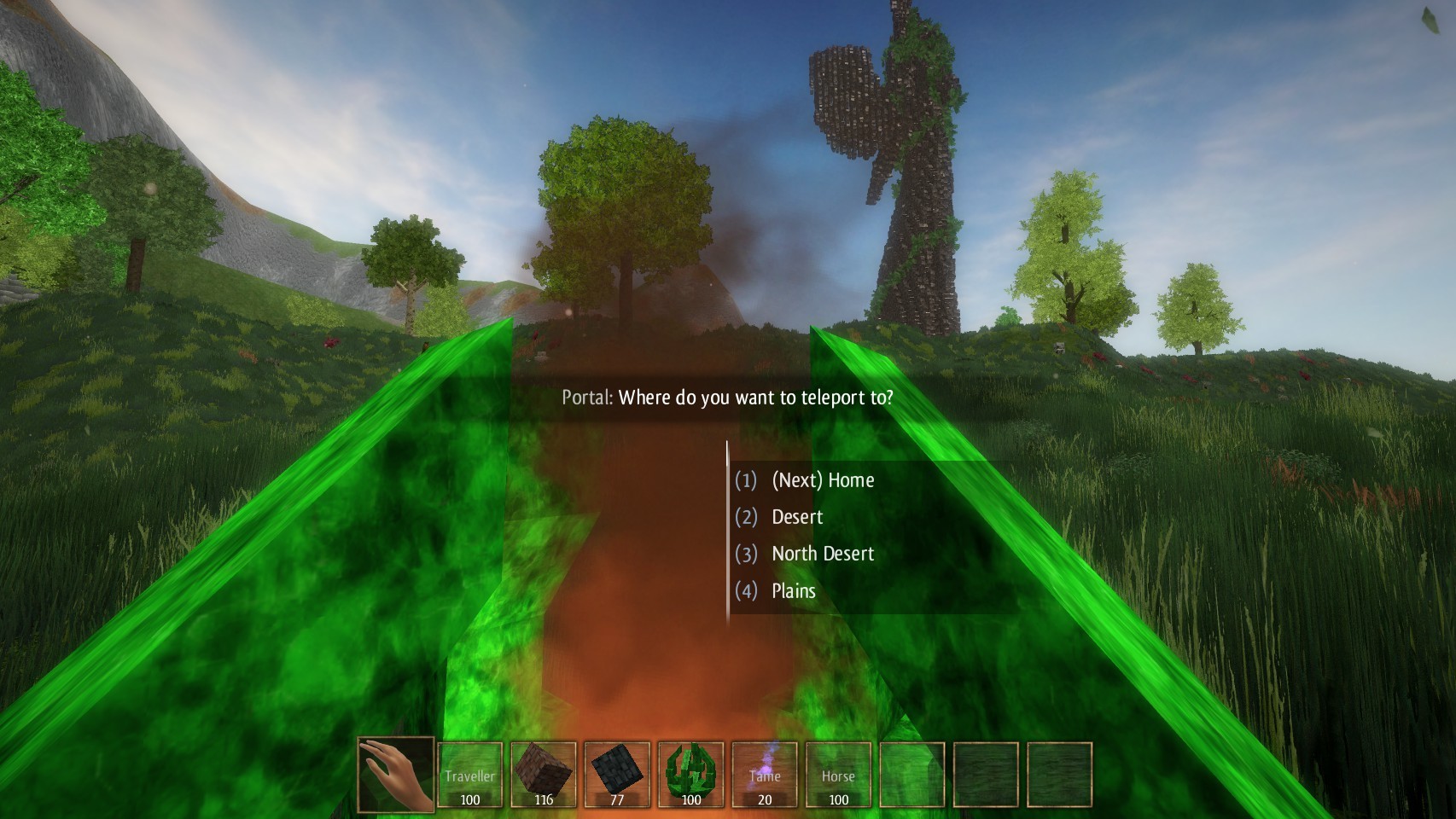
If you have created more than 2 portals, going through a portal will ask you which portal you want to teleport to.
Use the rename option of the portal to know where you are heading!
Note: this only works in singleplayer right now.
Inventory
- when you add an item/craft to your hotbar which was already full, it will replace the last one instead of shifting all the elements of your hotbar
- dropping an item to the ground with right click is now made clear by a message
Misc
- to toggle the Flying Wind to Creative Wind, you now need to hit space twice or use the key bind you chose in Controls. This is to reduce the accidental toggle to Creative Wind.
- when you invite a friend to your world, he now shares permissions with you by default, use Tab to remove permissions
- the compass now shows markers more or less transparently in relation to the distance, while the custom marker is always shown clearly.
- beds now display a short transition to toggle day time
- it's no longer possible to /ban yourself accidently
- increased the size of Golems hitbox
- fixed a bug which leaded to see fireballs stuck in the air
- various bug fixes
Thank again for your feedback in the Steam discussions!
Update 1.0d: new use for Wind and more
Hello,
A patch was released today, focusing on suggestions from players in the Steam discussions.
Wind
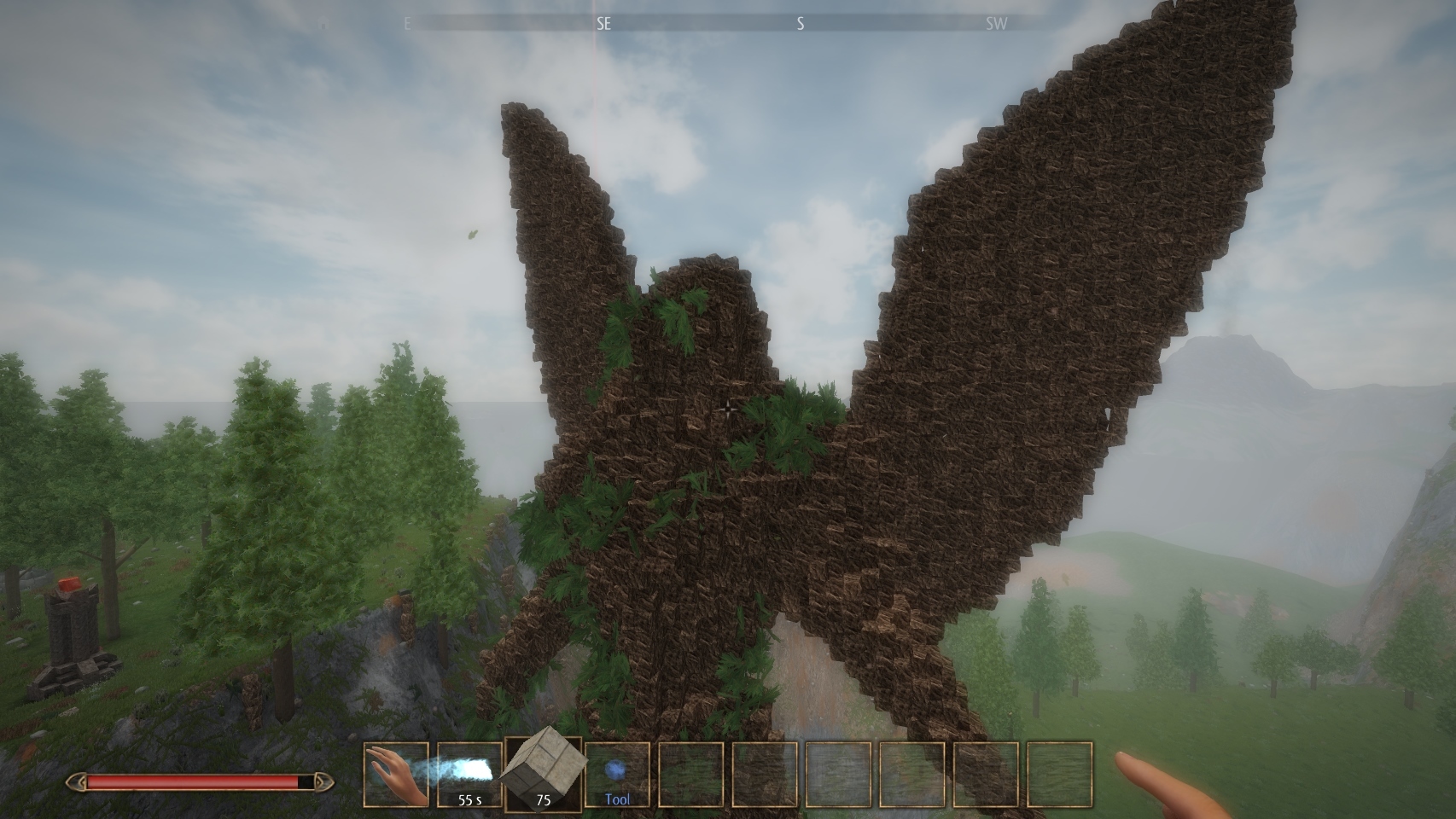
When you have the Flying Wind element in hand, press space to slowly levitate in the middle of the air, while being able to change the block in your hand to build something high or big.
Press Space to go up or Shift to go down.
To disable this type of flight, press space twice or take the wind element in hand and left click.
Note: you can't use attacks while levitating.
This type of flight uses less wind resources when you don't move.
Items on display
You can now break item frames or altar containing a sword or an orb and the item won't get destroyed as before, instead it will fall and you are able to pick it up.
New video settings options
The sun now is less glaring when you look in its direction.
In addition to that, two new videos settings options can be changed when you are in High quality:
- sun-shafts
- SSAO
Misc.
- when you break a chest, a oven or anything created with the "Transform into Object" tool, you can pick up some of the material you used to build it.
- these objects are now a bit quicker to break without a tool
- fixed a bug which made that when you give life to several creatures, their armor and strength could be the same (and abnormally weak) instead of depending on the material you use to build the creature.
- fixed a bug when you give life to creatures the close and reopen the game later, their armor and strength could be abnormally weak.
- fixed some bugs with AI
- various bug fixes
Thank again for your feedback in the Steam discussions!
v1.0c Patch information
Hello,
A small patch was released today, here is the changelog:
- fixed a bug where the altars where you must place Orbs could be accidentally destroyed. If for some reason, you can't complete the main quest because of issues with the six orbs, please report it on the forum.
- small quantities of metal blocks can now be found on the ground in every biomes. For greater quantities, visit Desert or Mesa biomes. Note: the new metal blocks only spawn in new worlds or areas you didn't already visited.
- completed French translation
- improved German translation (thanks to Seelenschwarz)
- told the lion to give you a little more space when mining or building
- windmill and rod produces more wind and electricity
- the hotbar is no longer masked so frequently
- anvil can now be built with any type of metal block
- fullscreen mode is replaced by "windowed fullscreen" by default
- rotors can now be destroyed with tools
- various bug fixes
Thank again for your support.
Version 1.0 Release Information
Version 1.0 of Alchemist's Awekening is now available!
We appreciate your support and love for Alchemist's Awekening since the first alpha versions.
After a few months of development, Version 1.0 is here today and it comes with a lot of exciting features!
If you already tried an older version of the game, please create a new world to experience all the new features. Also, because of some changes in the world generation with 1.0 release, the official server map was reset.
Play with your friends
Playing in survival or creative co-op mode is easier than ever, simply use the "Invite friends" button while in a world or the "Join you friends" button to play with your Steam friends: online servers are no longer the only way to play with other people, you can invite your friends to every world you create.
This also fully support worlds with custom items found on the Workshop or created by you.
Online servers still offer a way to create bigger communities, with a world which is always online and persisted in a dedicated server.
New map options
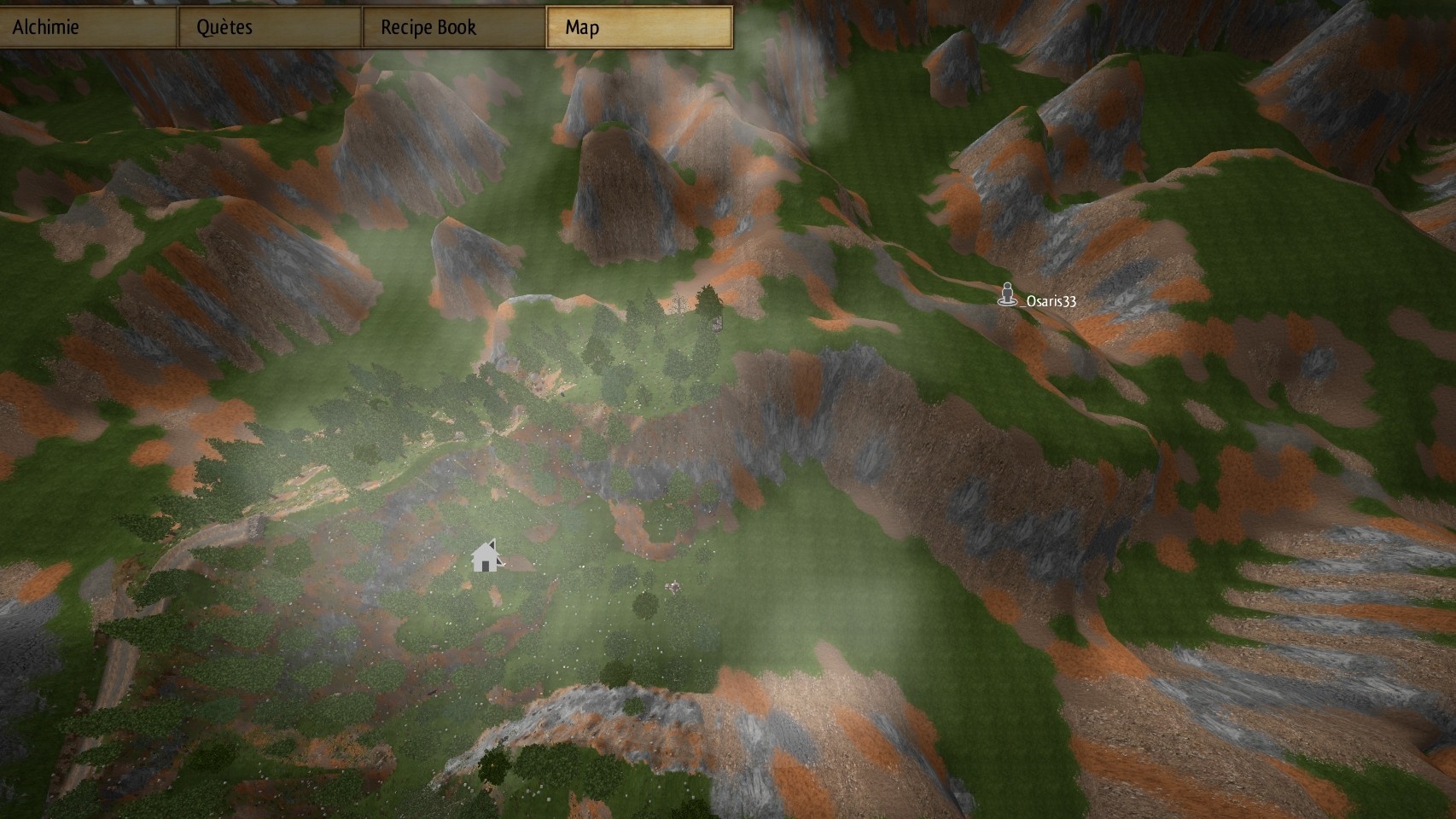
It's now possible to add a marker in your map by right-clicking. This marker can be seen in the map, the compass, and by your friends in co-op mode.
Your friends can also see your position on the map if you choose the "Share permissions" with them. Use the Tab key to see the list of connected players and share permissions.
New creatures
Beware of some new hostiles and powerful creatures…
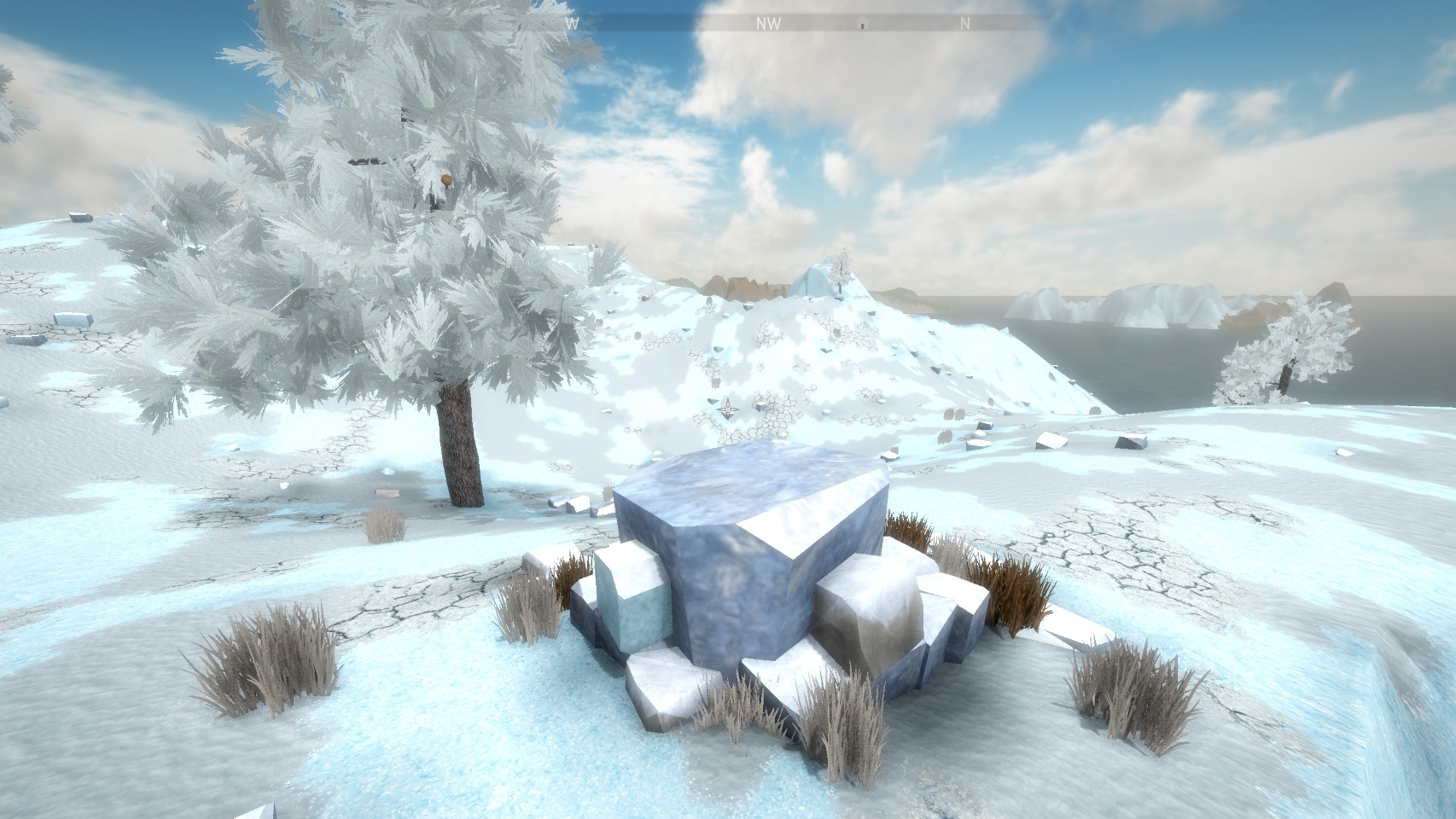
Big Sand block and big Ice block
Some Big Sand blocks and big Ice blocks can now be found in the world. Give life to a creature and it will be able to continuously mine Sand and Ice for you if you bring it near a Big Sand block or a big Ice block. This is also possible with Stone and Metal.
This allow for the automation of production of every base element with the exception of Crystal.
Unveil some mysteries
There is more to discover. Create a new world in survival mode and explore the world alone of with friends in co-op. Ask villagers for interesting places to visit.
Finally, a huge amount of bug was fixed and a lot of optimization work done on the game. But if you encounter any bug, please report it using the Steam discussion forums.
We will continue to bring more content to Alchemist's Awekening for you to enjoy!
0.99 - New mobs, spell and other changes
Hello,
A new update was released today, introducing some new content.
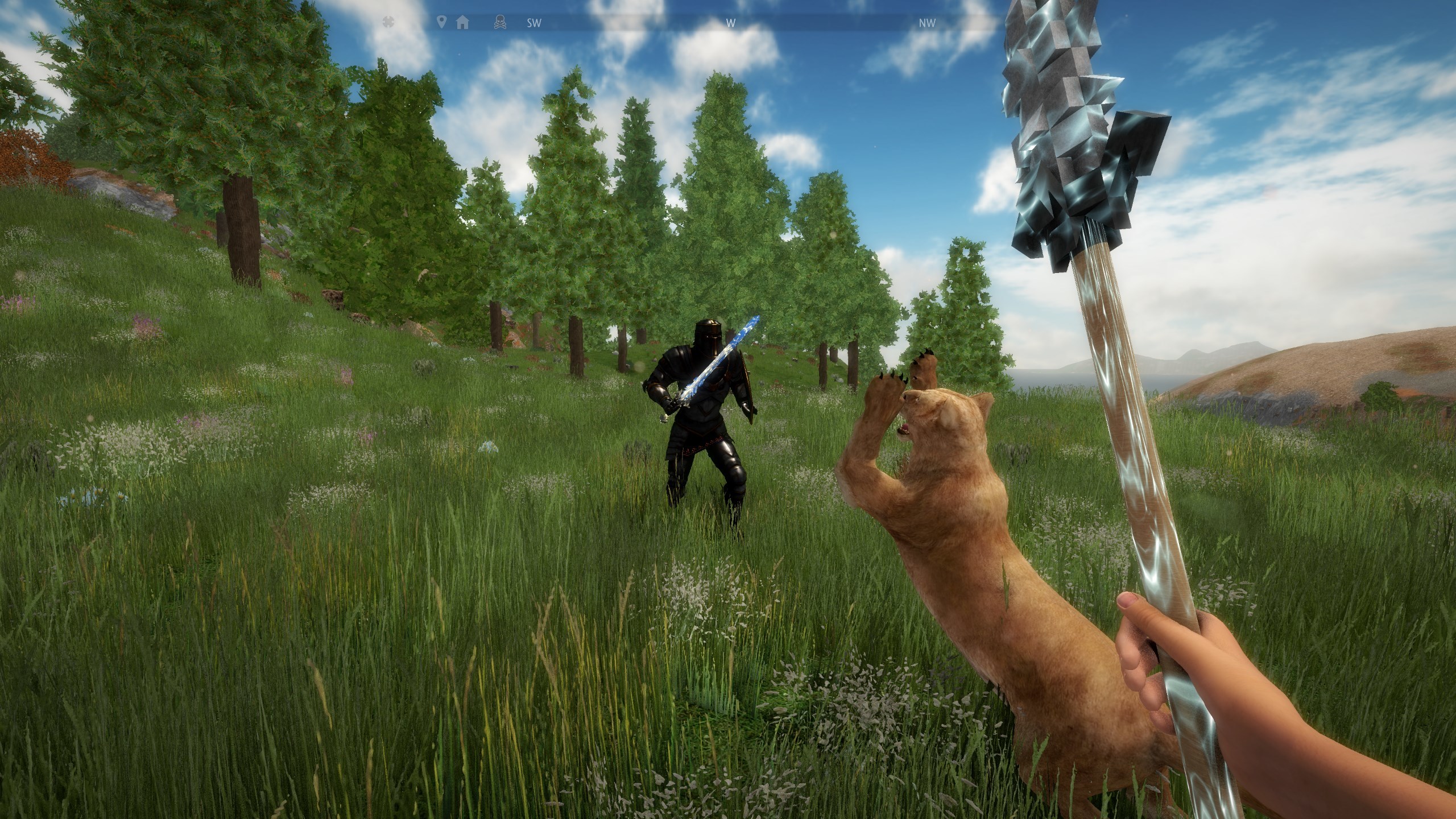
New mobs
Two new types of enemies can now be encountered in the world. They are still being tweaked and appear rarely.
Both can come with various weapons, including some enchanted weapons and bows. When you defeat them, you can pick up their weapon.
New spell
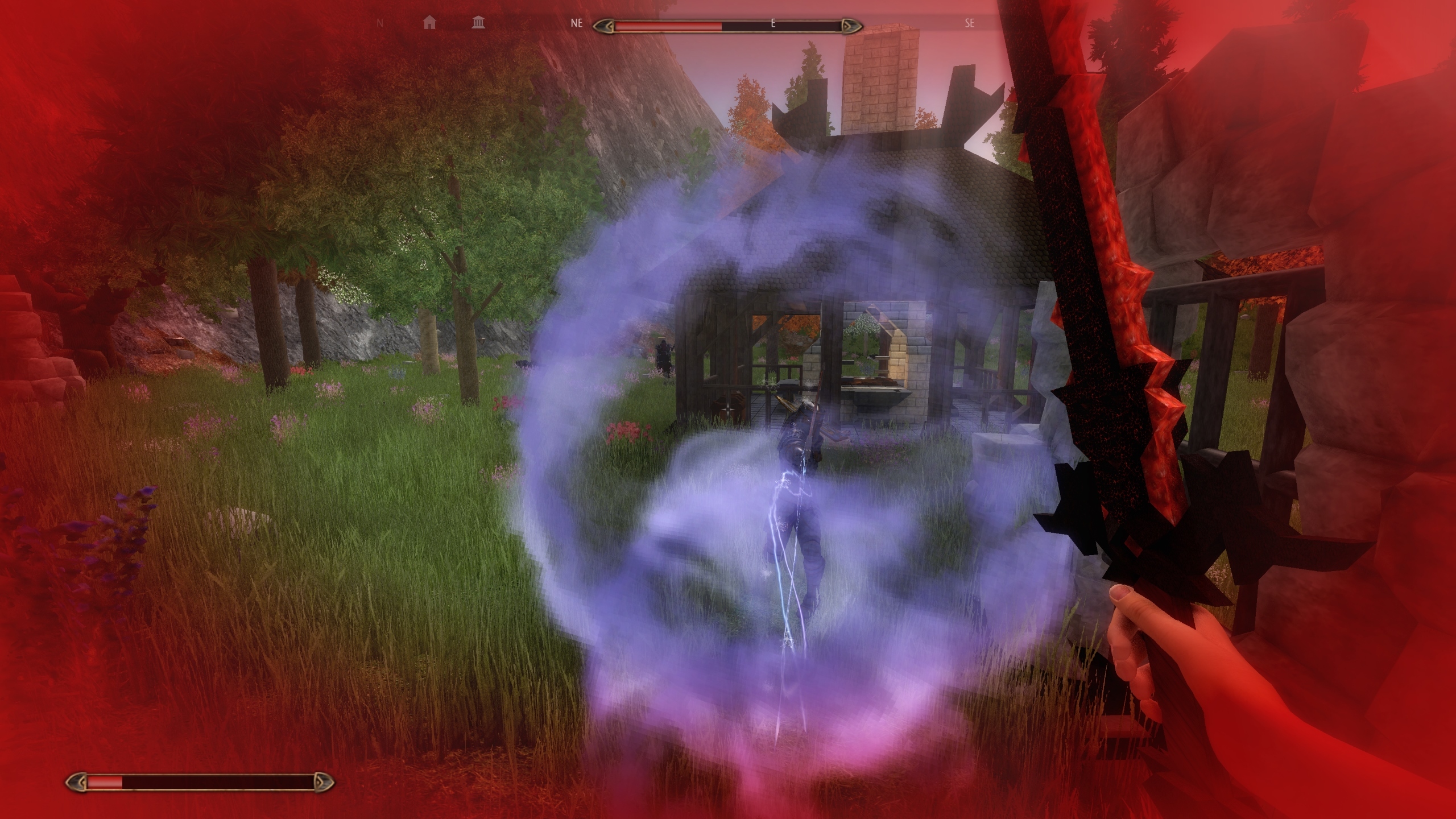
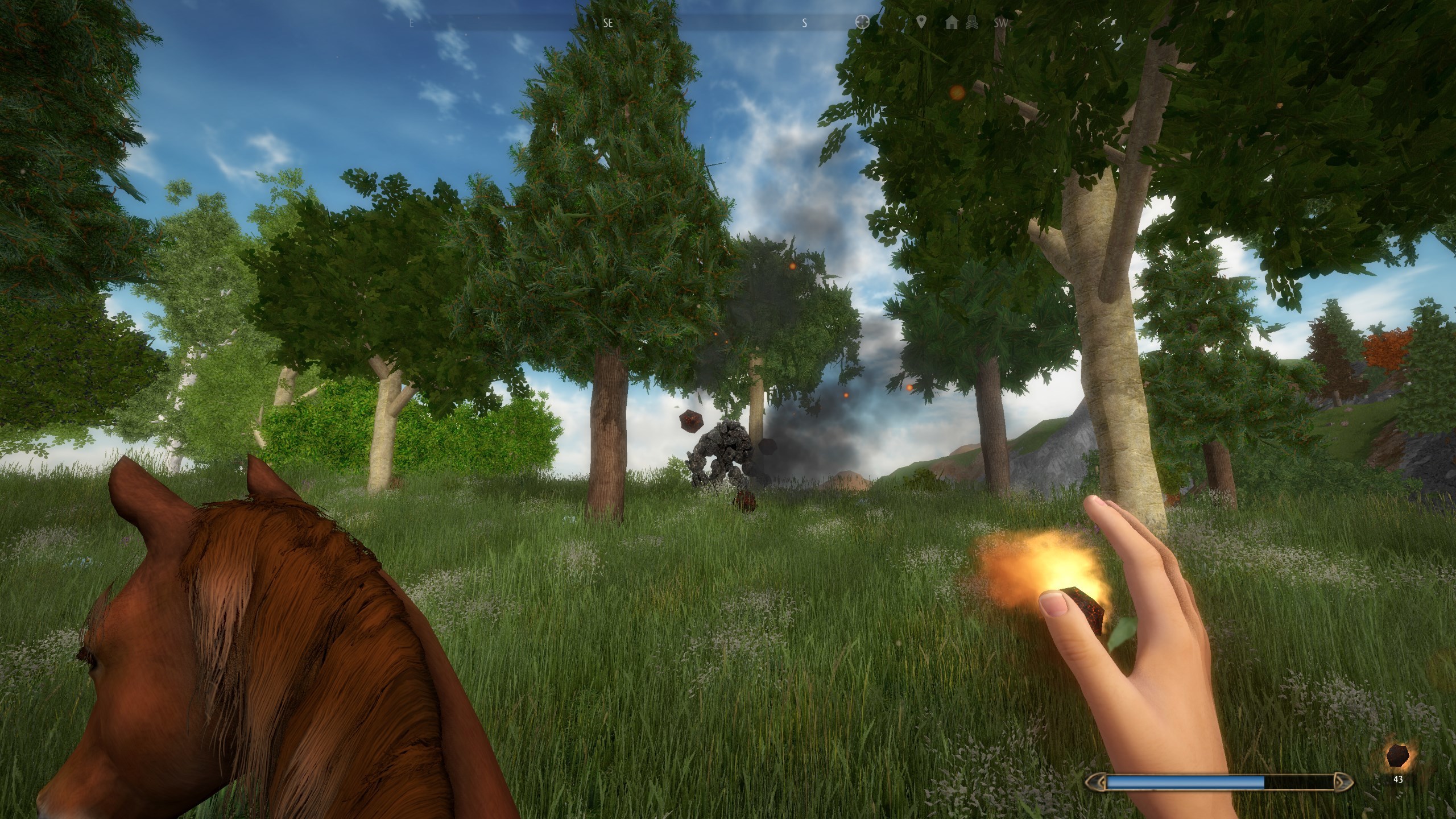
A new spell can now be casted: the Lava Stone Tempest. Combine Fire, Wind and Stone to launch some incandescent lava stone on enemies.
Changes in the Recipe Book
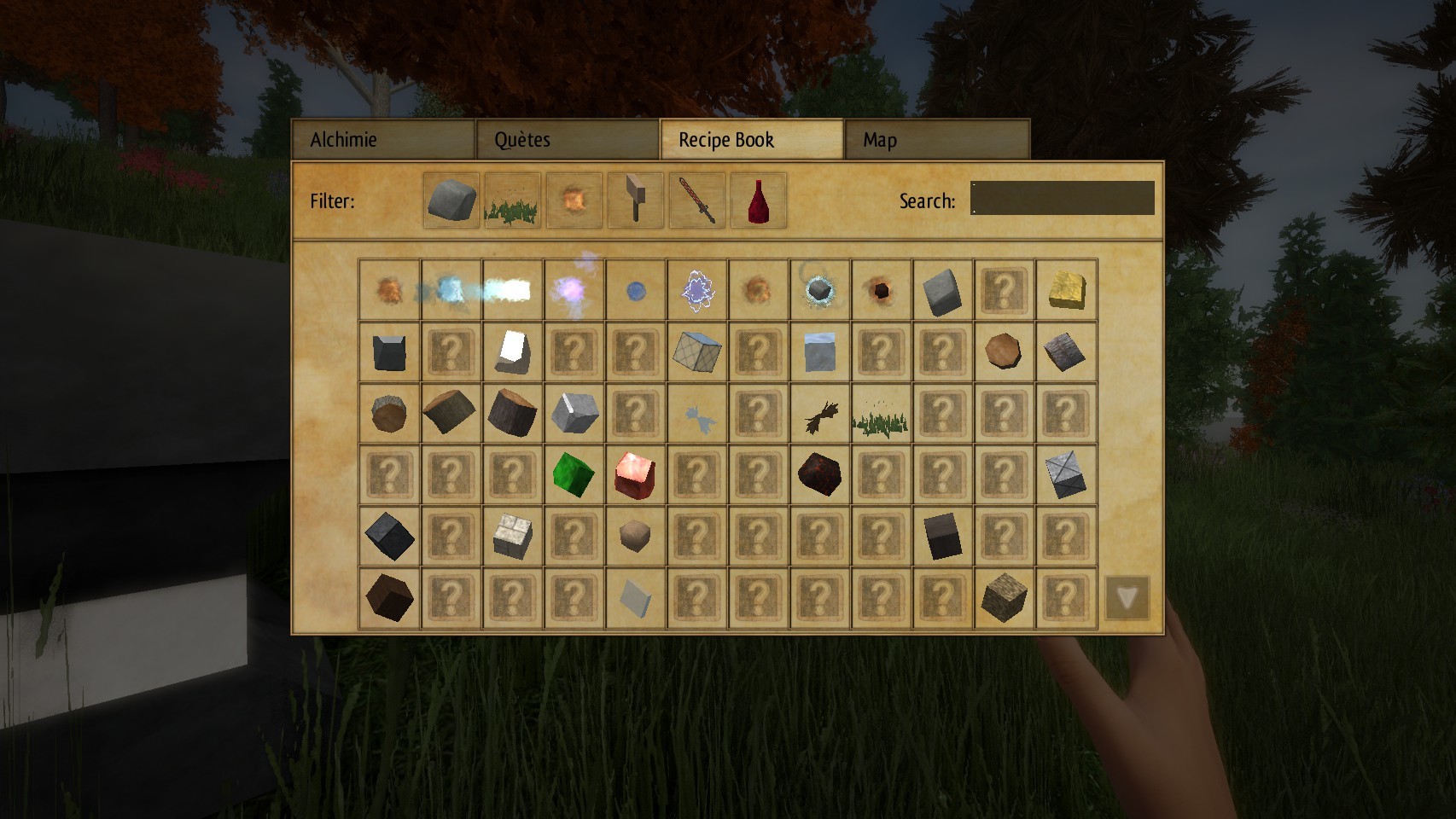
From now on, the Recipe Book only display the recipes of block and item that you already crafted or destroyed at least once. Other items are shown as "unknown" and you need to discover them in the world or find manually their recipe.
Misc.
- the map and compass now display the location of your latest death. This is useful to retrieve lost resources
- you can now spawn mobs in creative mode using the inventory
- several bug fixes
Thanks again for your support! Please use the Steam discussion forums to report any bugs you might encounter.