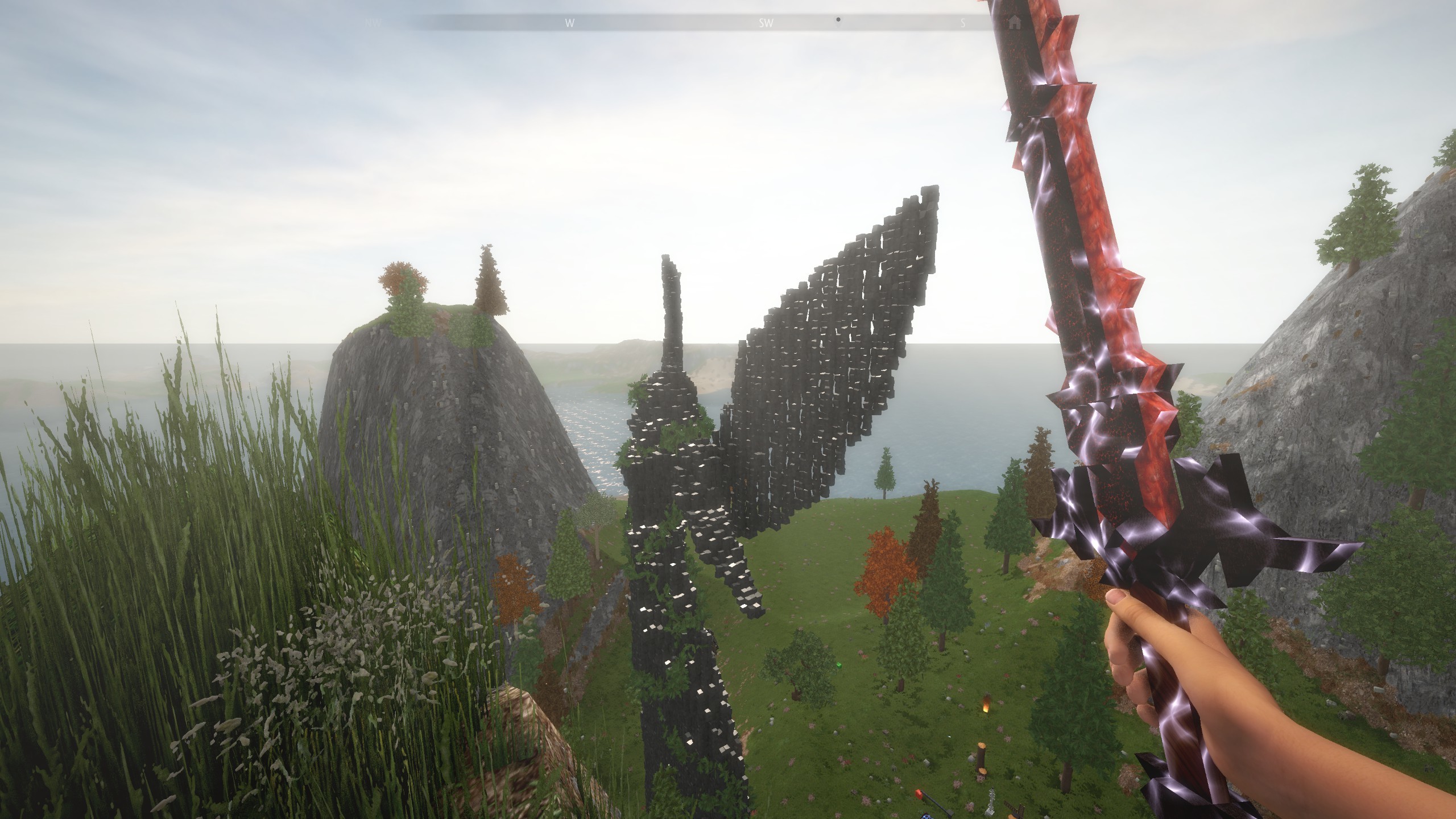
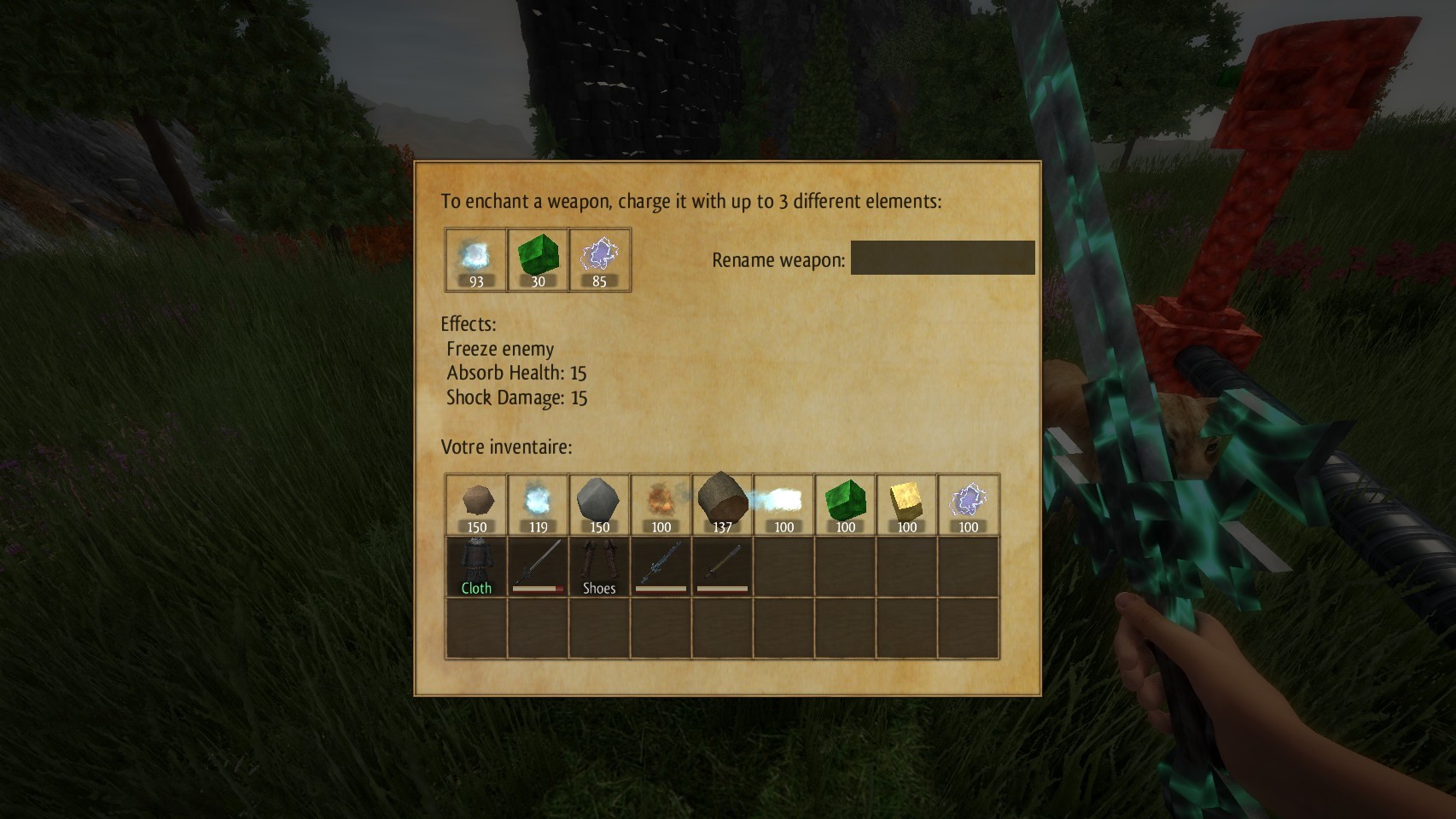
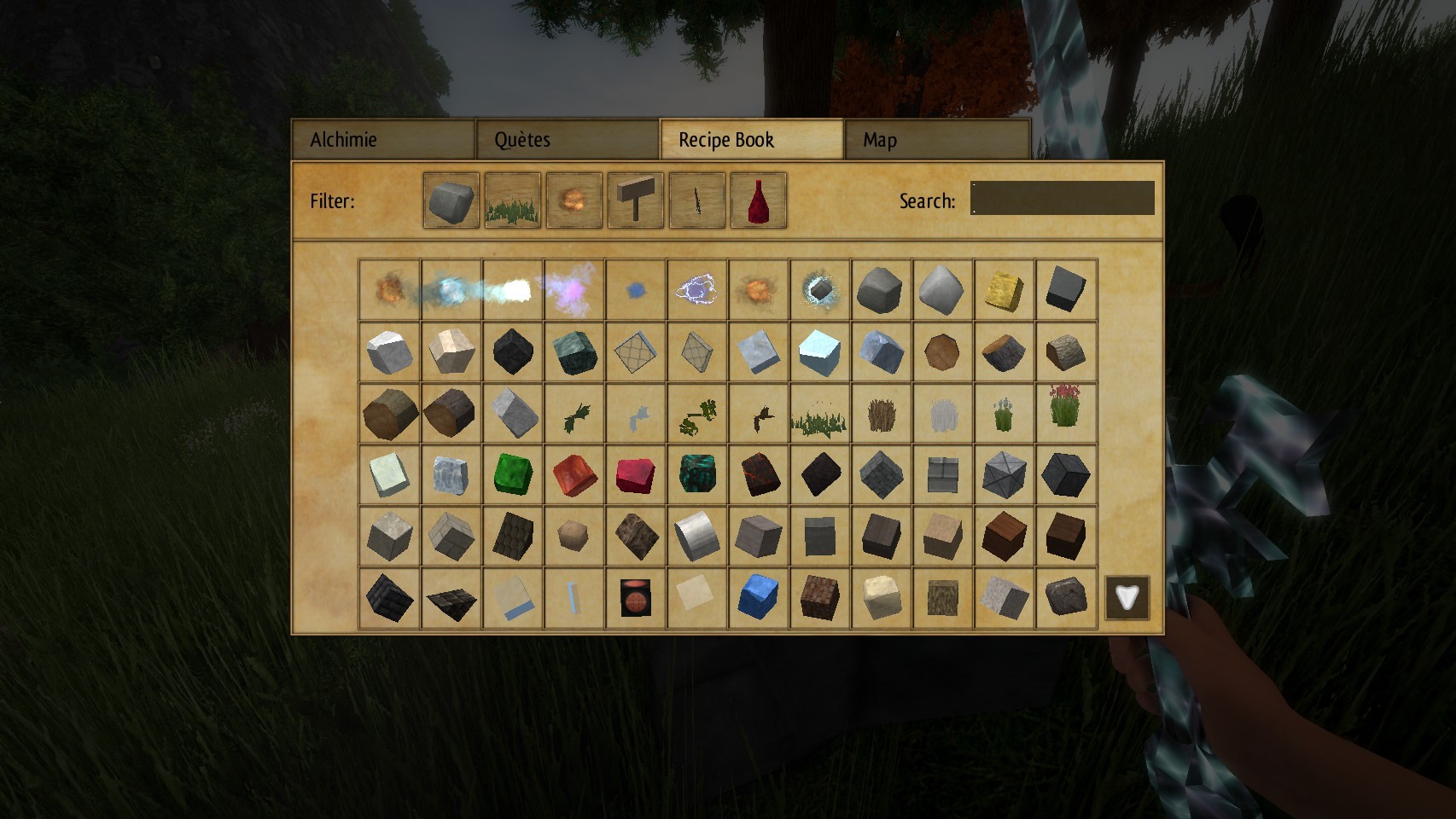
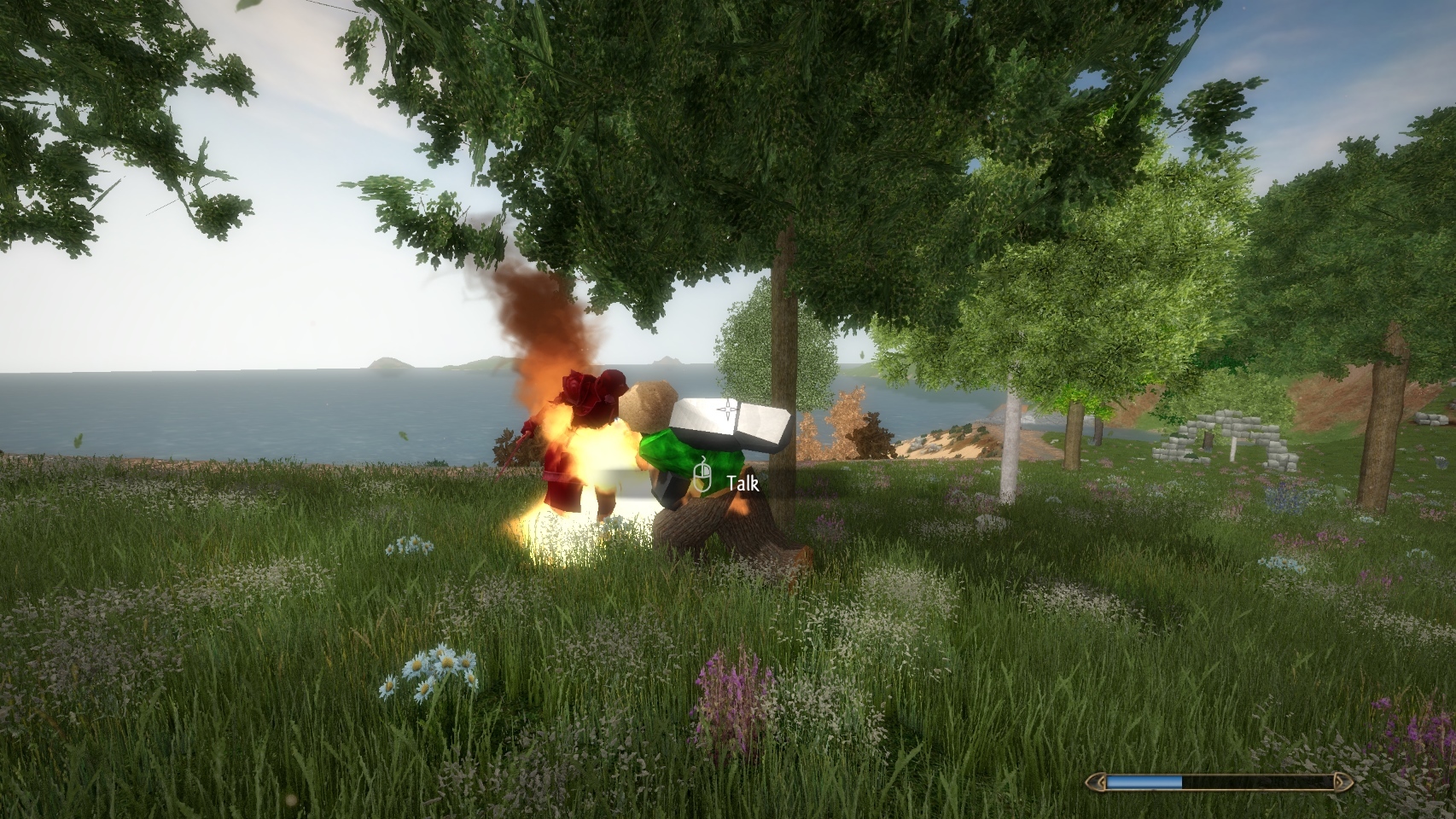
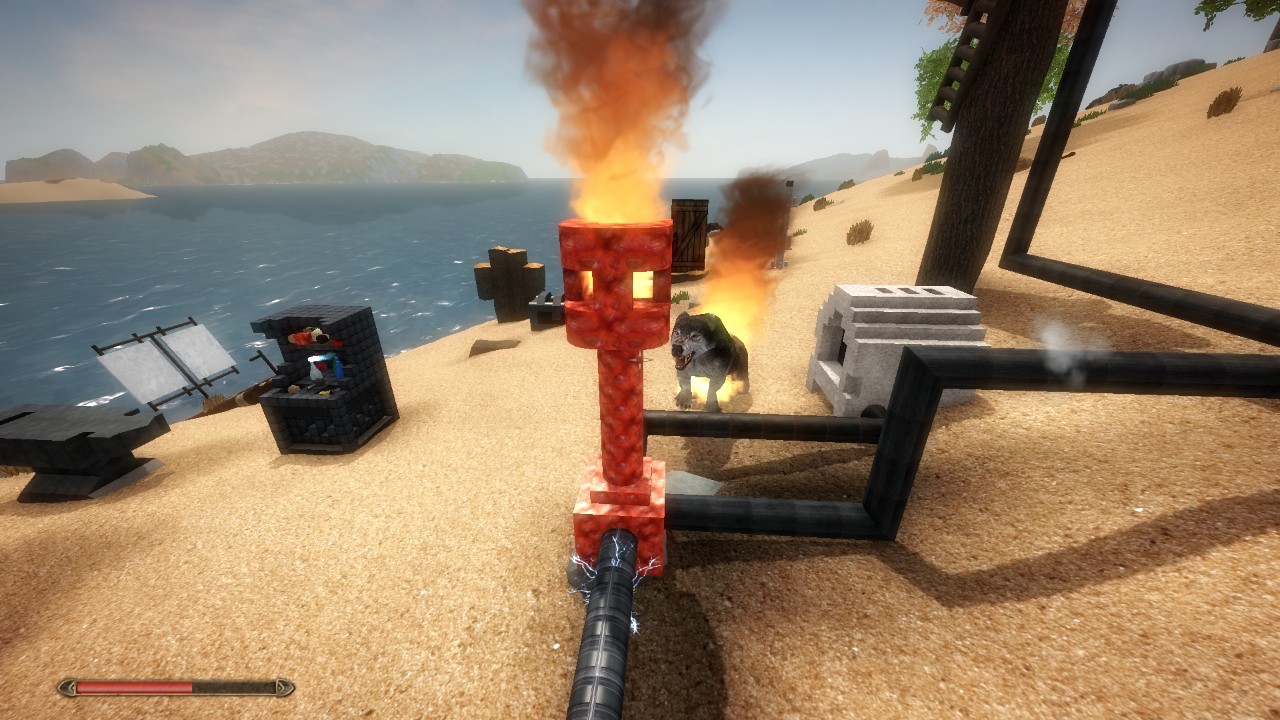
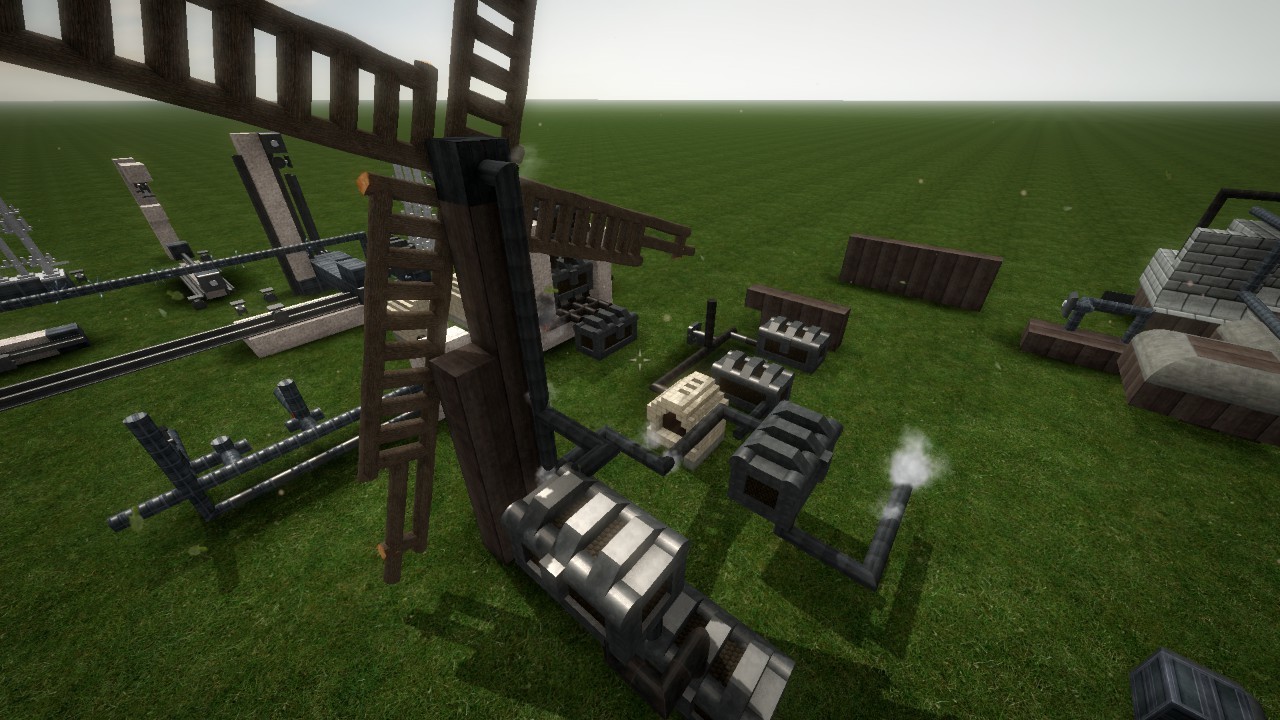
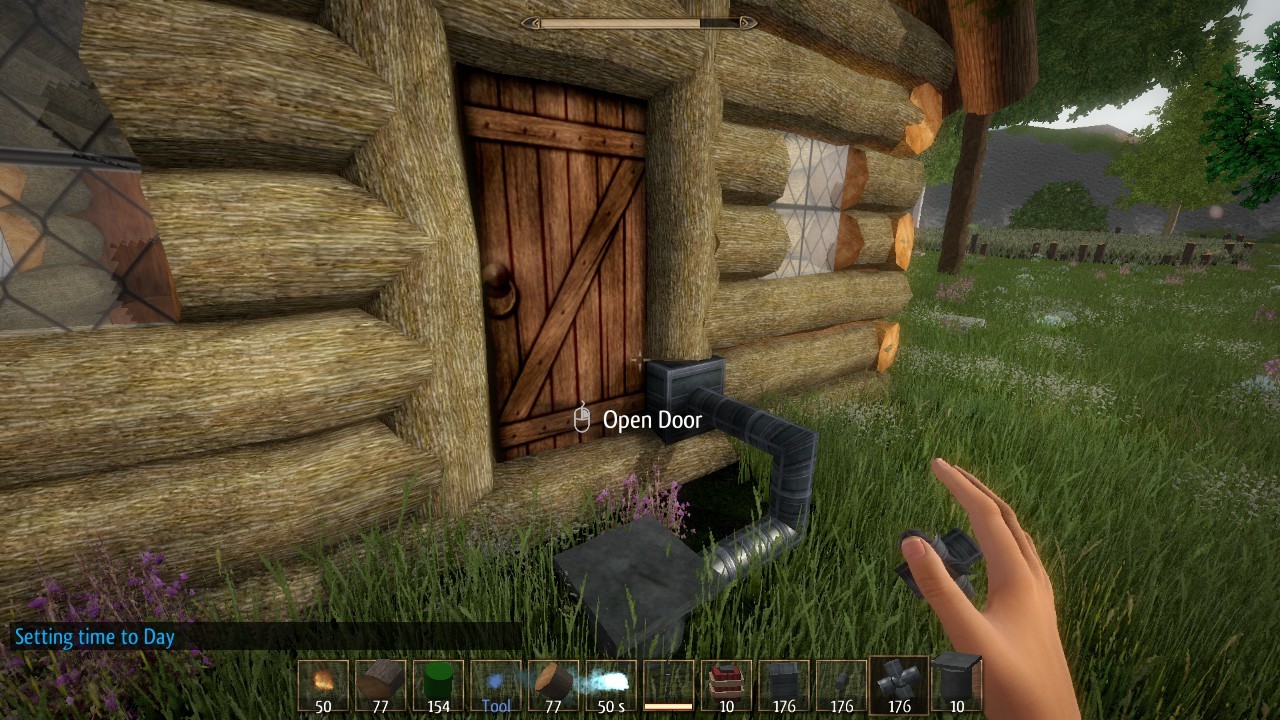
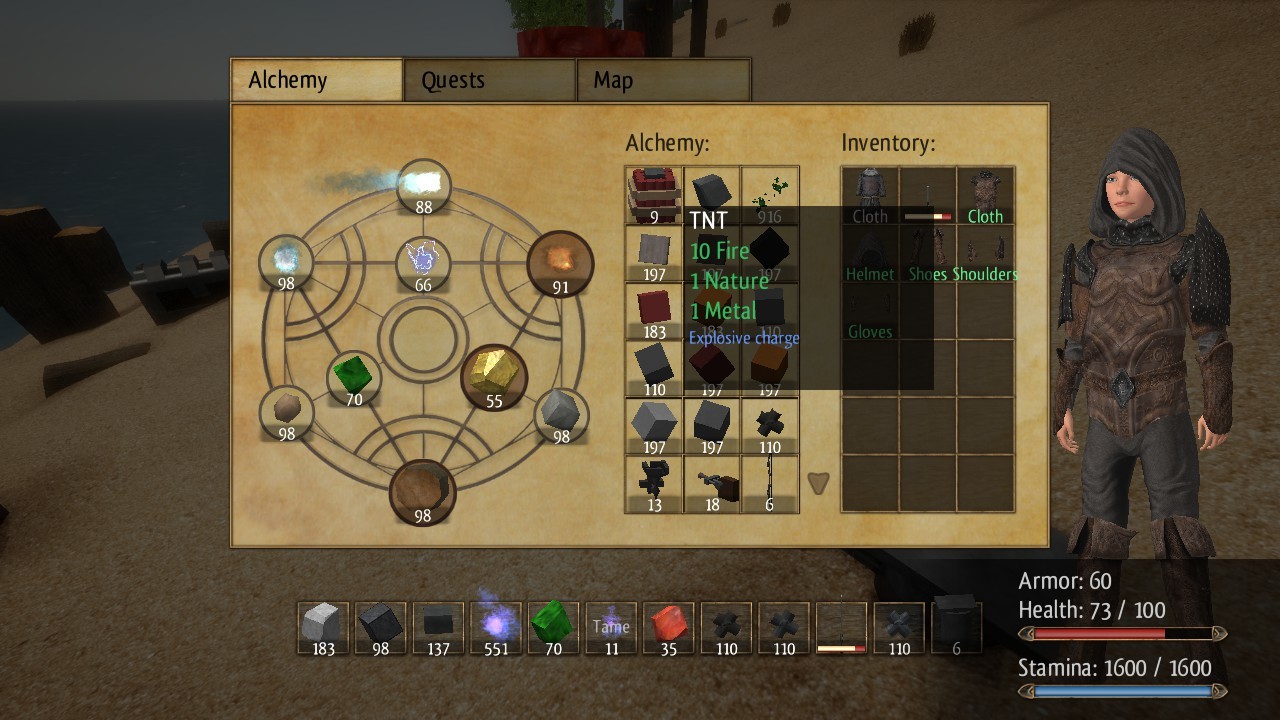
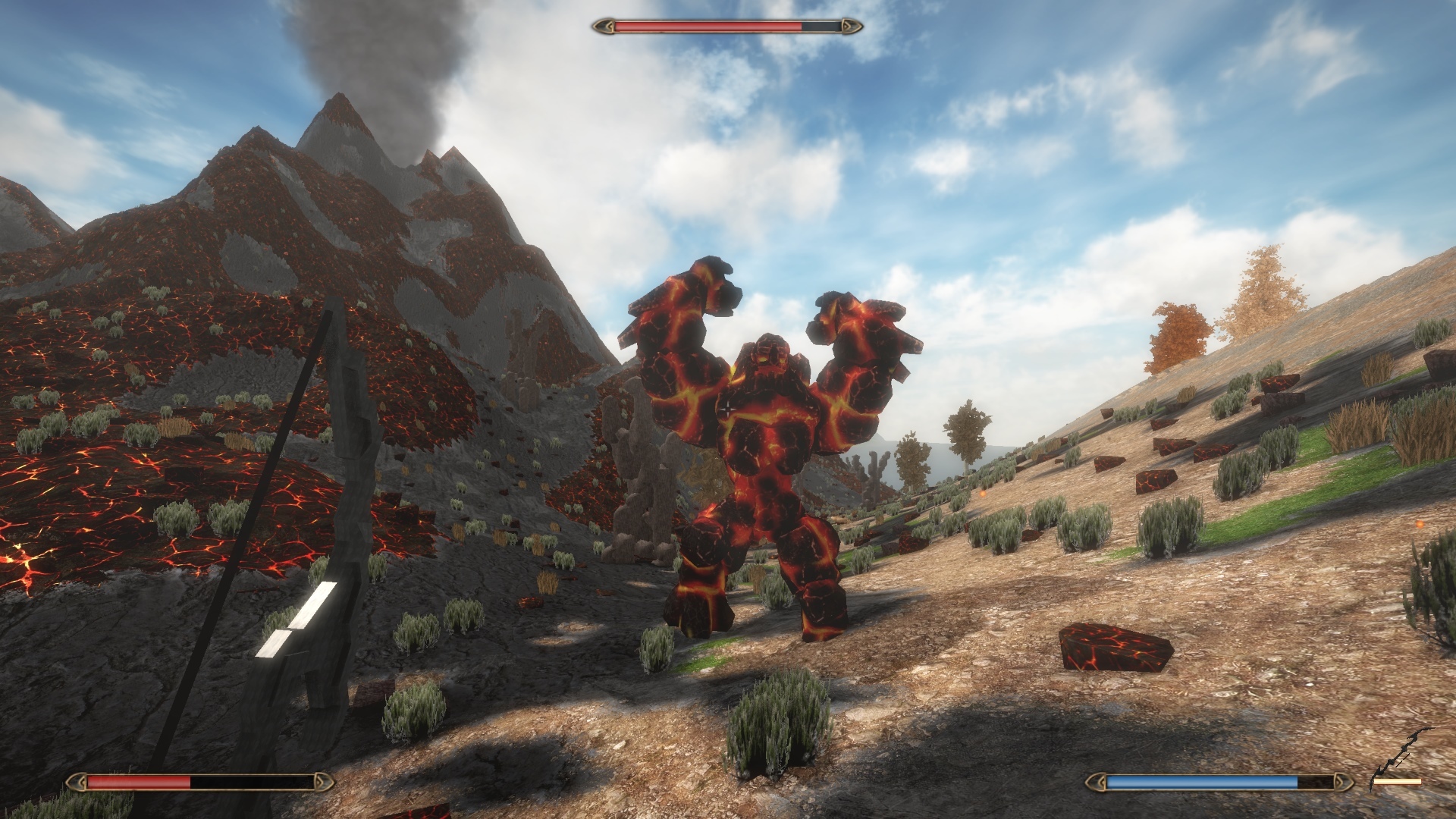
A new update was released today, introducing the Altar of Enchantment and the Recipe Book.
Enchantments
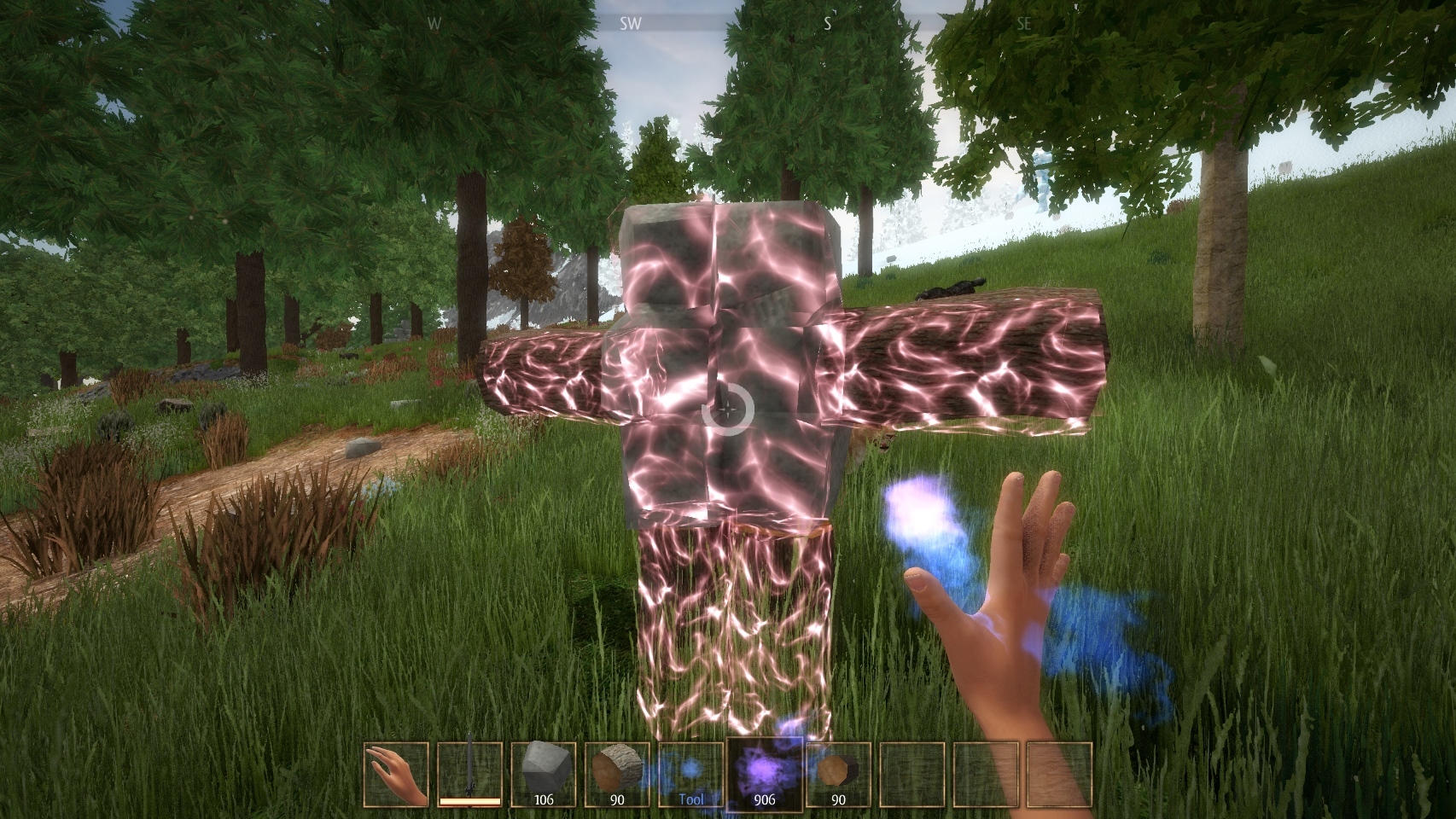
Using the Altar of Enchantment, you can add up to 3 enchantment effects to a weapon: each element has a different effect, and the amount of each element you put in the enchant is the amount of charges the effect will have.
Additionally, you can rename your weapon.
Please note that the Anvil is now the only way to create a weapon. Previously, the Anvil was used to repair weapons, which can now be done using a repair enchantment.
Recipe Book
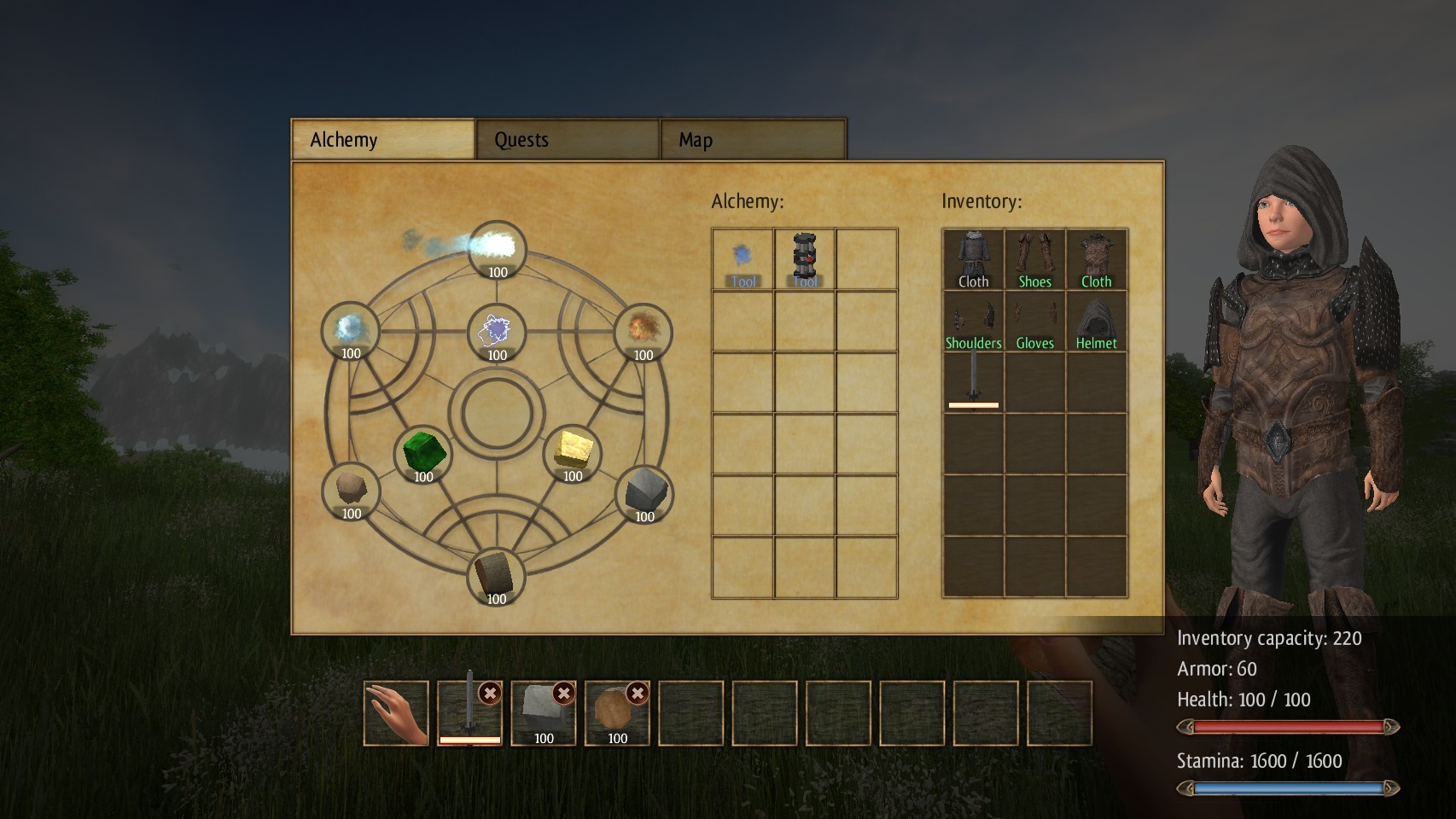
The Inventory now has a "Recipe Book" tab which helps you learn how to craft blocks, weapons, potions and other items.
Misc.
- several bug fixes
- you can now sneak to approach a mob or animal from behind without being detected. It's useful to tame a horse for example.
Thanks again for your support! Please use the Steam discussion forums to report any bugs you might encounter.
0.97 - Changes in UI and controls
Hello,
A new update was released today, improving the UI and controls, for a more intuitive gameplay.
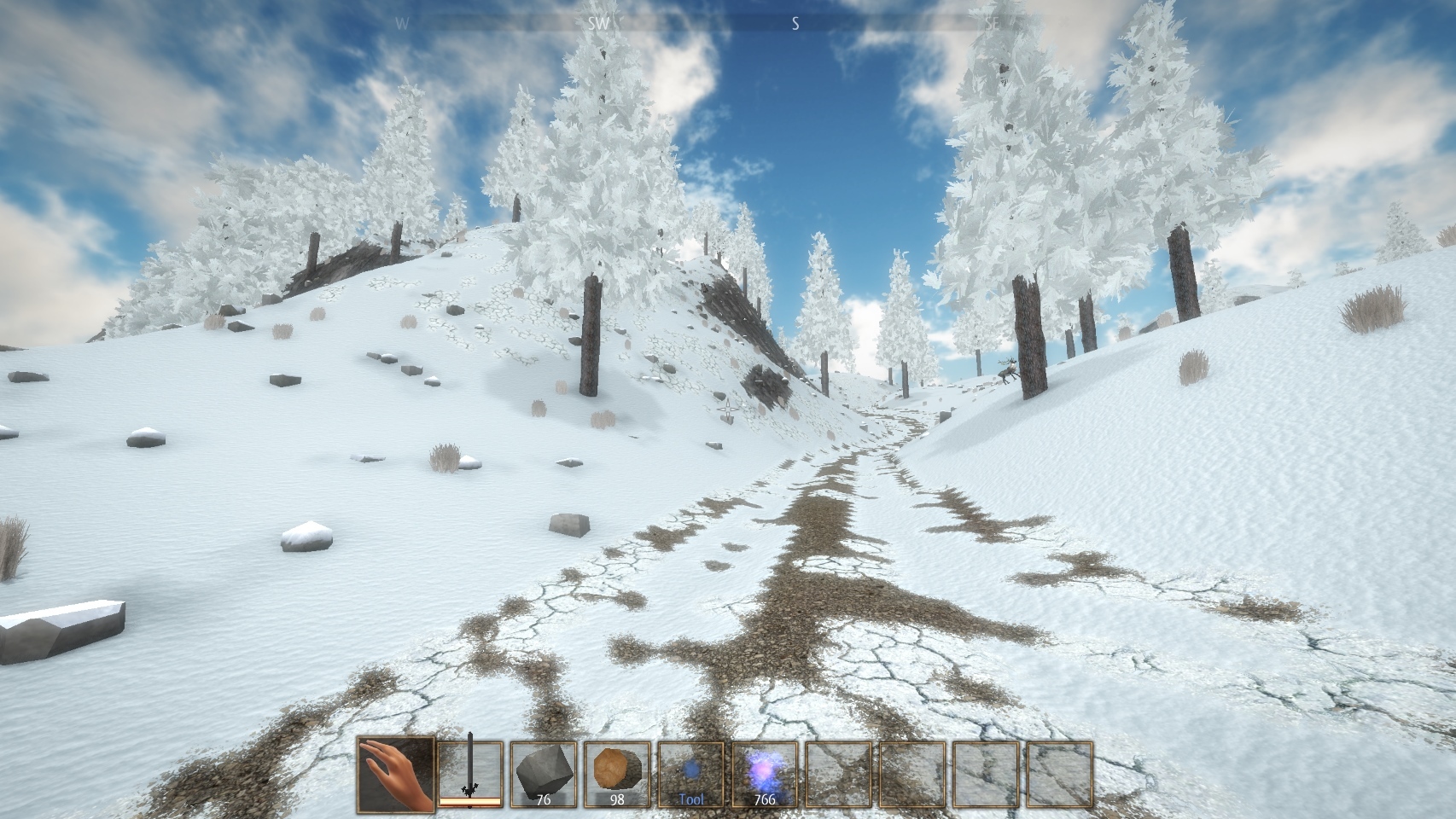
Compass
On top of the screen, you'll see some indication on the direction you're looking at, and points of interest which are also in your map.
Break and place blocks and items
The new default controls for breaking and placing blocks have been changed:
- the first slot of the hotbar is now your empty hand. When it is selected, you can break blocks using Left or Right Click.
- when you have a block or item in your hand, press Left Click to place it, and Right Click to remove and collect a block.
- you can go back to the previous controls in the Controls menu where there is a "Mouse button to place a block" setting: if you change this, you'll need to press Right Click to place it, and Left Click to remove it just like before this update.
"Transform into object" tool
The "Make useful" tool is renamed "Transform into object" and now offers a preview of the result. You'll need to hold Left click for one second to transform a shape into an object. During this one second, you'll see a preview and will be able to cancel the action if the preview does not match your expected result.
"Gife life" power
The "Gife life" power now has a preview of the blocks affected. You'll need to hold Left click for one second to give life to a shape. During this one second, you'll see which blocks will be part of the creature, and you will be able to cancel the action if you realise you're giving life to your entire house and not just a few blocks ;)
Inventory
The hotbar as been improved in the inventory, with icons making it clear that you remove a item from the hotbar, and the possibility to swap item places in the hotbar.
Misc.
- fixed a bug causing random teleportations, sharks flying in villages and other stange things
- several other bug fixes
- added more plains to the world generation
- you can now press Space twice in quick succession to toggle fly mode in creative mode
More to come!
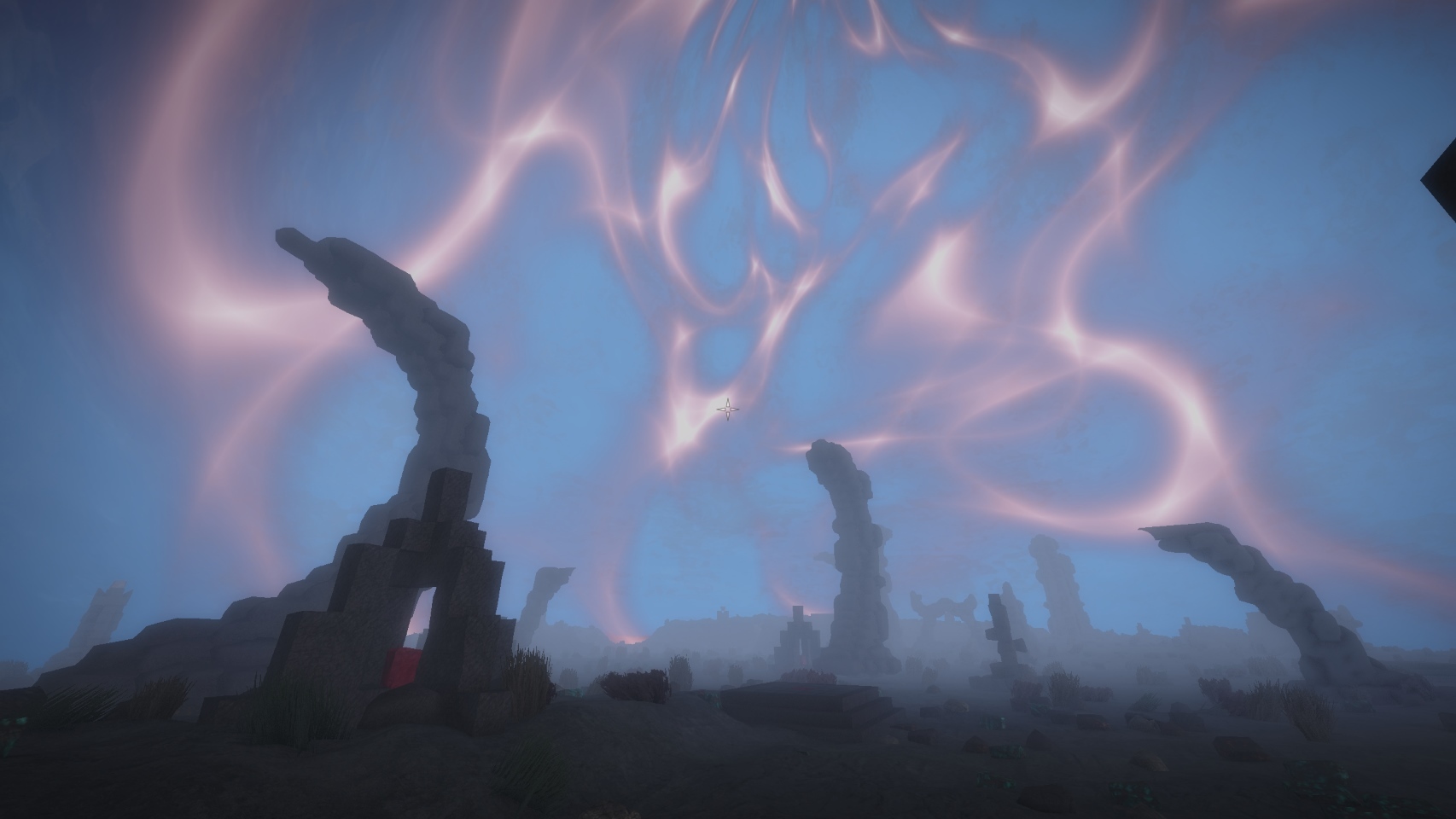
More content is being added to the game, and couldn't be included in this update yet, but here is a spoiler screenshot.
Thanks again for your support! Please use the Steam discussion forums to report any bugs you might encounter.
0.96 - Horses and other news
Hello,
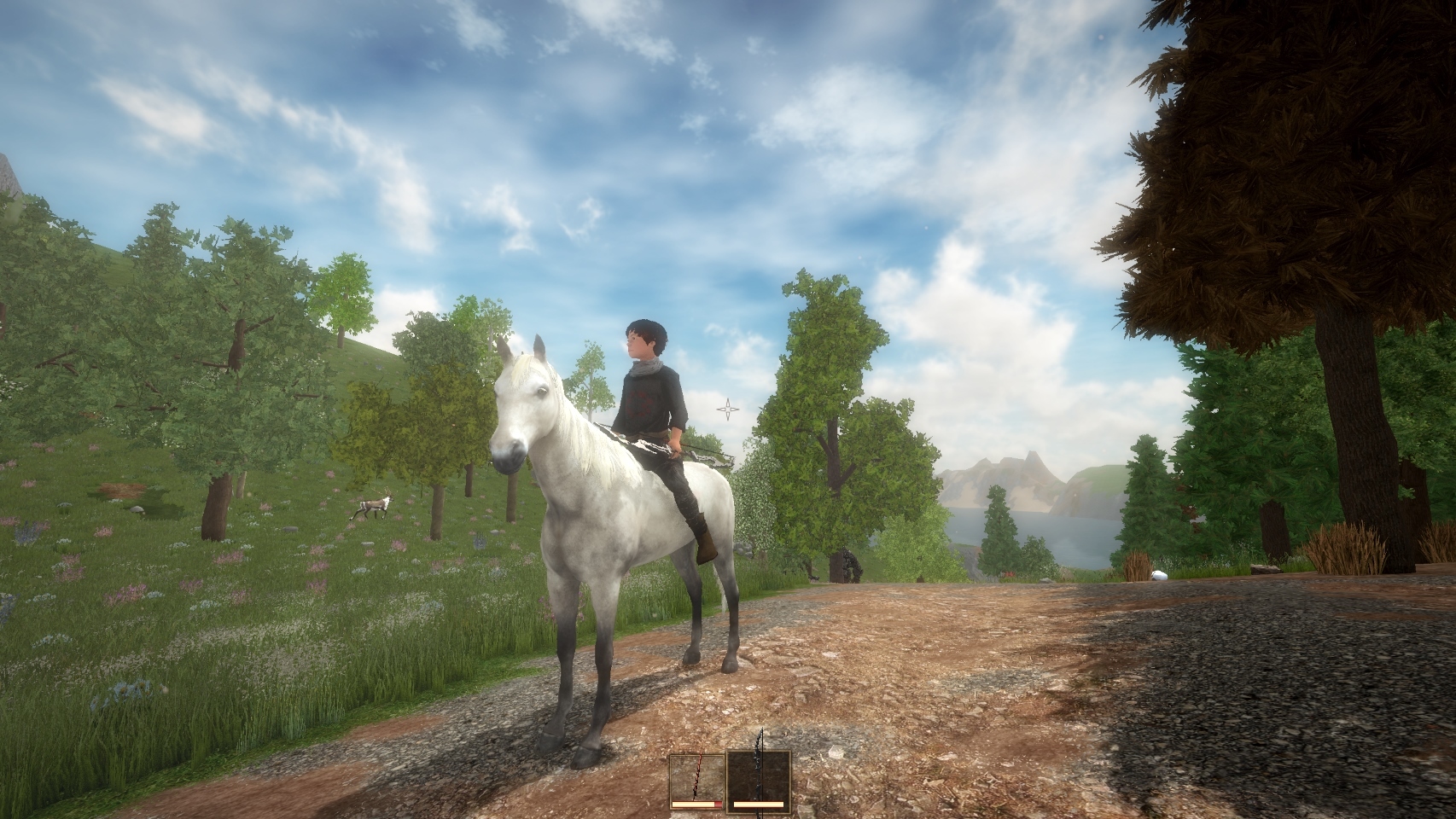
After a slow period for a few months, the development of Alchemist's Awakening is now going fast again, and a new update was released today, introducing some horses.
Horses must be tamed using the power you get by combining the Electricity, Crystal and Metal elements.
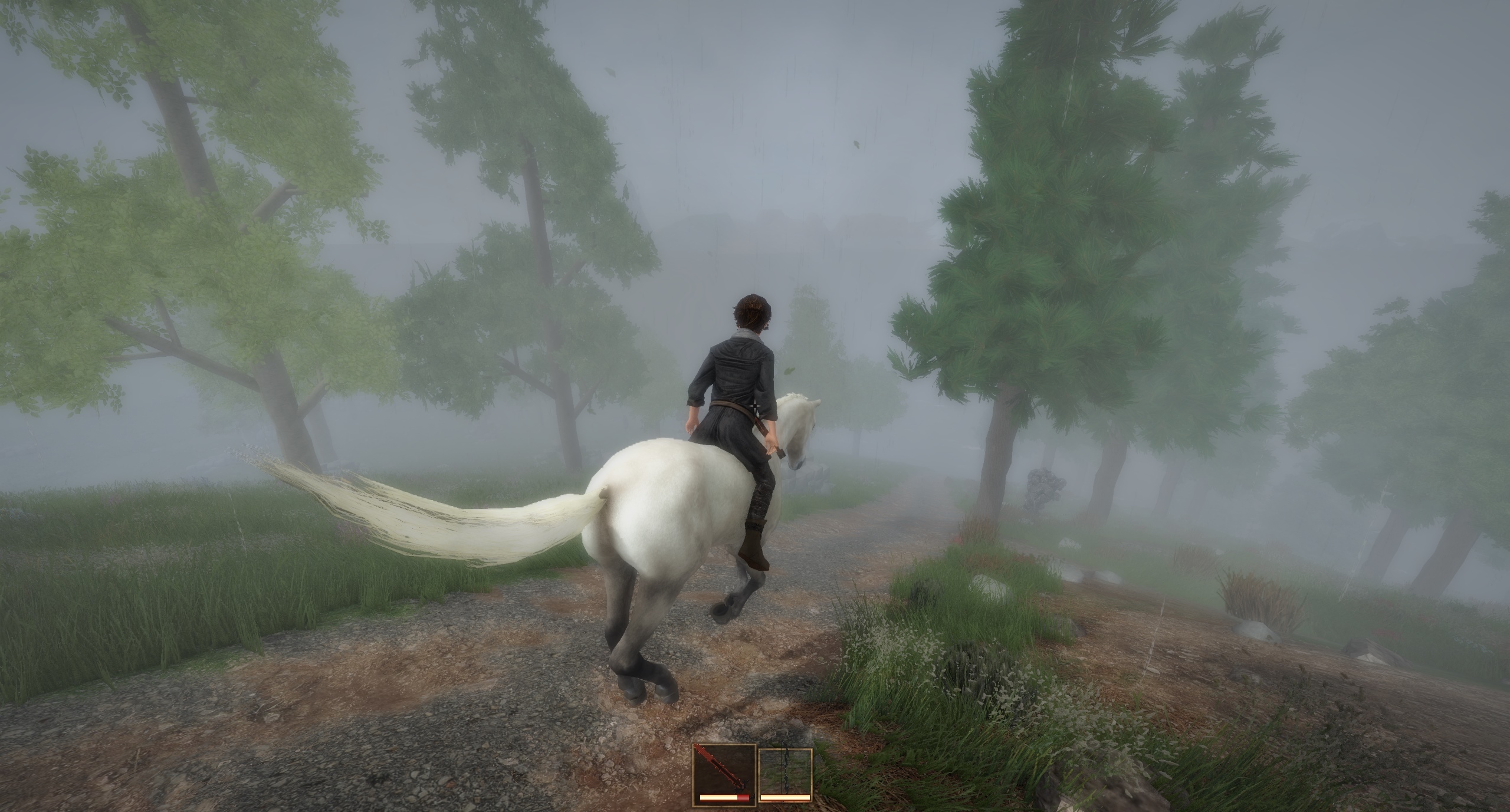
Once on a horse, you might prefer to use the Third Person view: remember that at any moment in the game, you can switch from First Person to Third Person using the F5 key.
Horse are a quick way to travel and you can use a weapon or power while the horse is moving.
Other changes include:
- changes in the menu UI
- changes in the Third Person view
- mobs can now swim
- mobs will no longer follow you forever when you try to avoid combat
- mobs can climb on small obstacles more smoothly
- some bug fixes
Thanks again for your support!
Regards,
Marc
0.95i - Give life to more powerful creatures
Hello,
A new update was released today, changing creatures strength and how they can fight for you.
When you give life to a creature, its strength and armor will now depend on the materials you used to build it. For example, a creature with parts made of crystal will be much stronger than a creature made of wood or stone.
It is now possible to put a sword in a creature's inventory and the creature will use it against mobs.
Creatures can also cast spells if they have the necessary elements, for example give a creature some Fire and Wind to let it cast fireballs.
This update also introduces Steam Trading Cards.
Thanks again for your support!
Regards,
Marc
0.95g - Wind powered rotors
Hello,
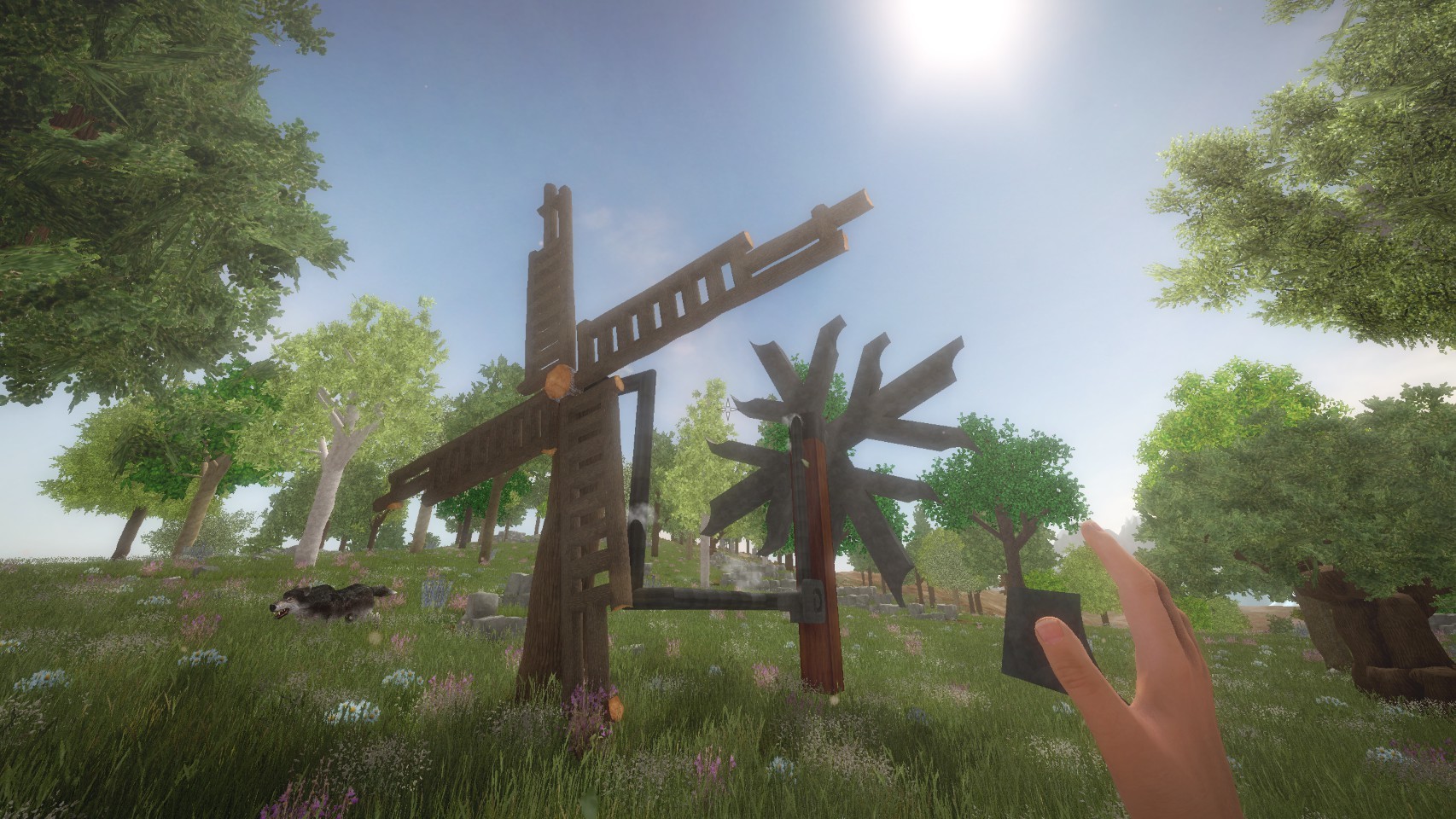
Wirth today's new update it is possible to create custom rotating structures, using a new Rotor block powered by the Wind element.
The Rotor is built using Metal + Wind.
The blocks next to the Rotor with start rotating when the Rotor is powered with Wind. You can use a Valve to stop it.
Other changes includes:
- several bug fixes
- performance optimizations
Thanks again for your support!
Regards,
Marc
0.95f - Rails and Wheels
Hello,
A new update was released today, introducing some new blocks: rails!
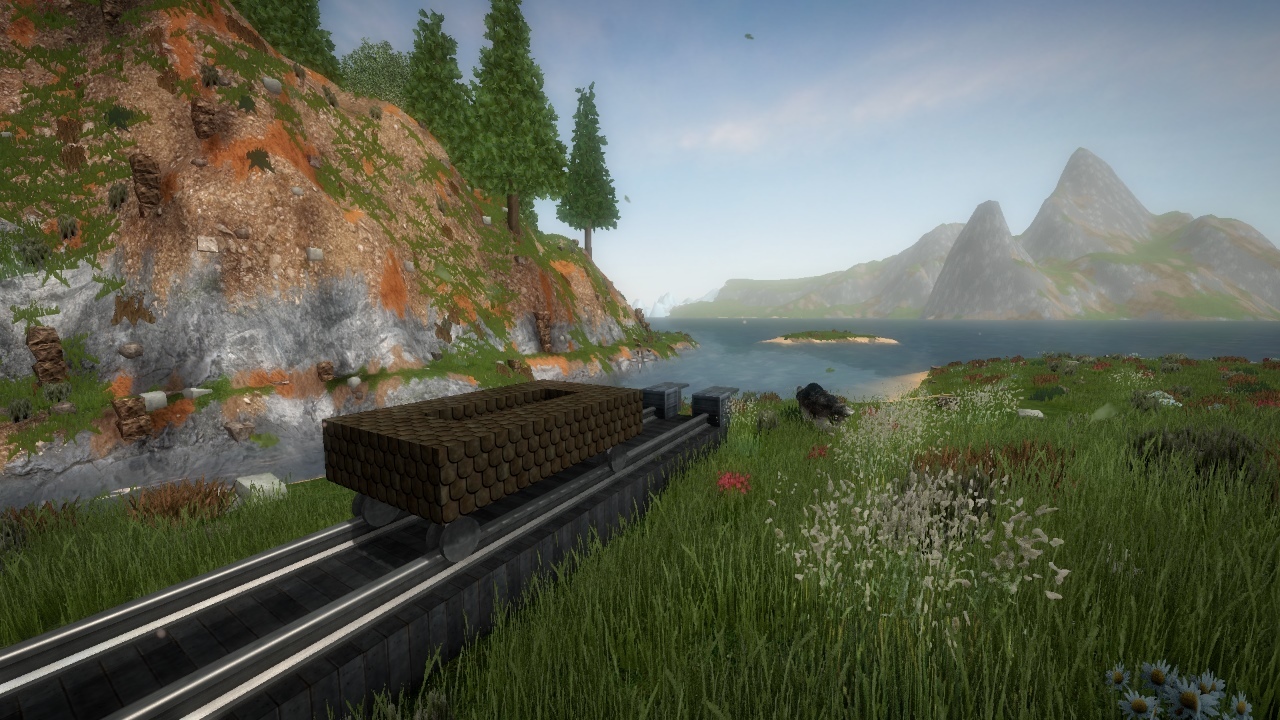
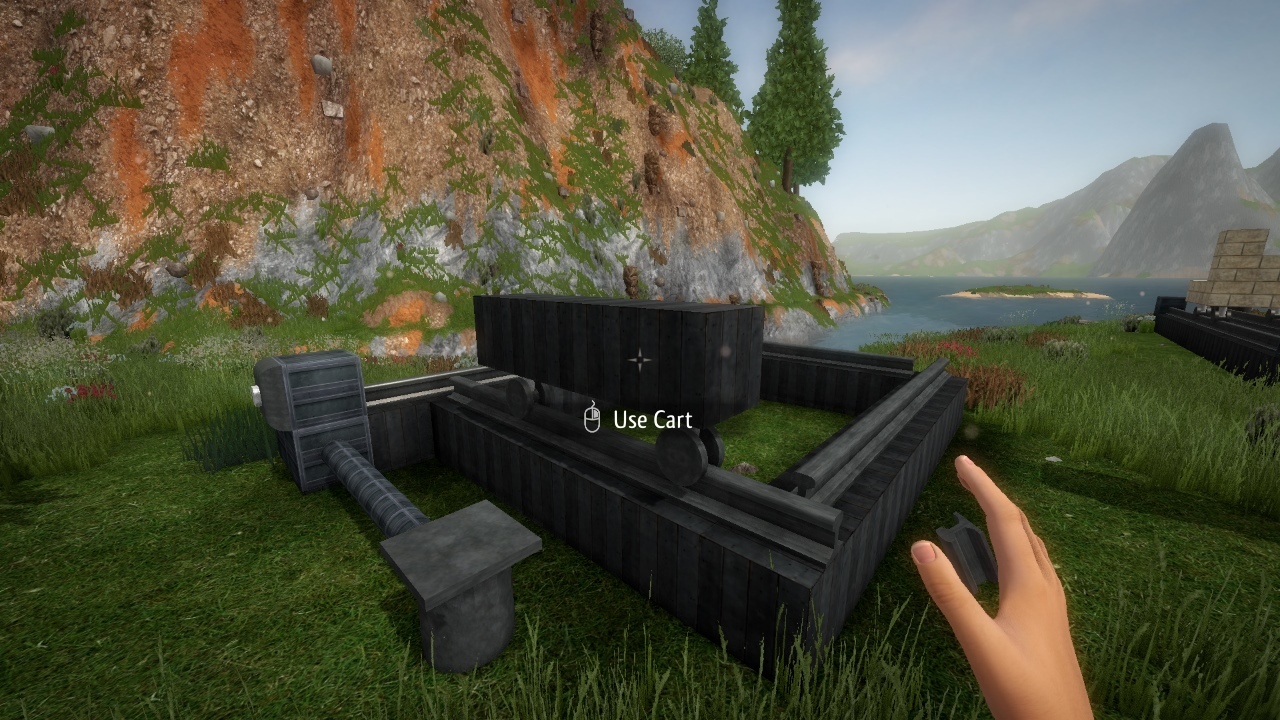
Rails can be crafted using Metal + Electricity. Then place some wheels on the rails, and build on top of the wheels to create a cart, which will move when the rails receive Electricity.
Any shape can be used to build the cart, and this let you create some new mechanisms, here is an example of door which moves up and down when you go over a pressure plate:
http://steamcommunity.com/sharedfiles/filedetails/?id=1193997840&searchtext=
There are still some bugs with the rails, but you can try to build your own mechanisms!
Other changes includes:
- several bug fixes
- changed the animation when you grab elements
- made the pet lion less aggressive towards mobs
Thanks again for your support!
Regards,
Marc
0.95d - Increase your inventory size, give friend permissions
Hello,
A new update was released today, introducing some ways to increase your inventory capacity.
Here is how you can do that:
- some clothes (Alchemy Tunic, Leather clothes) will increase the capacity when you are wearing them.
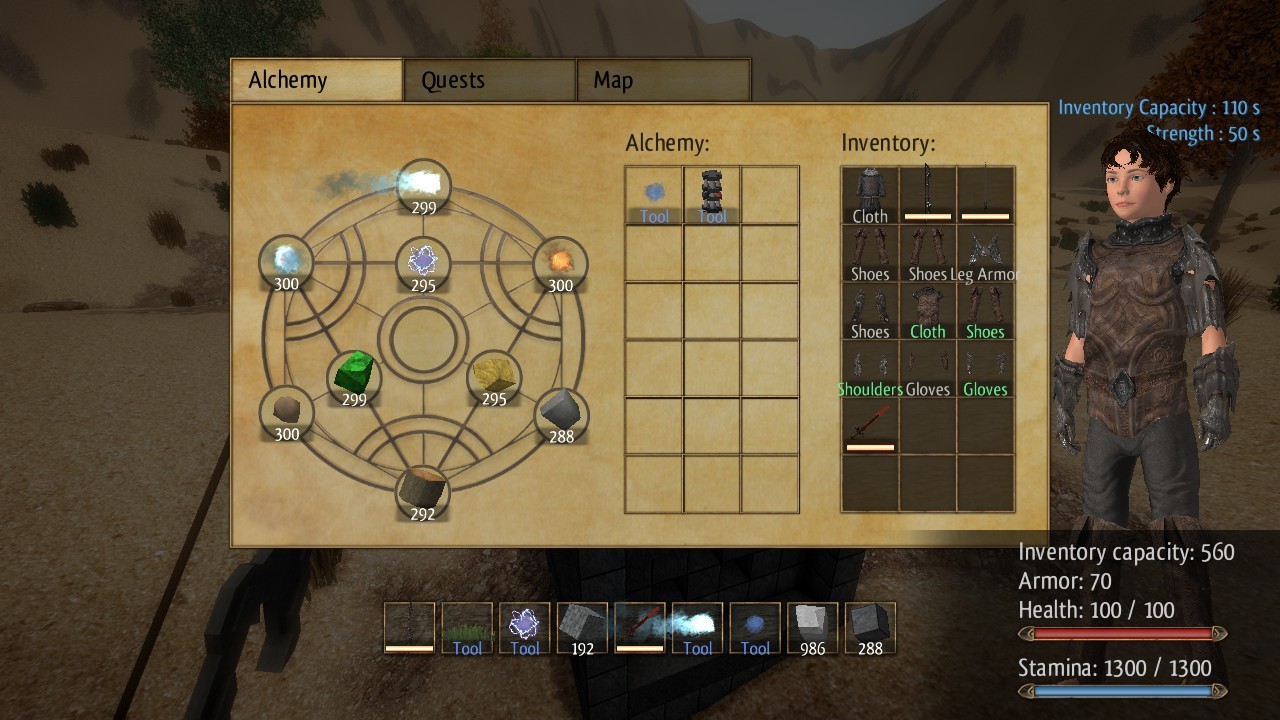
- the Strength Potion which you can craft on an Alchemy Bench using Metal, Crystal and Electricity gives you a temporary capacity boost
- when activated, the Storage Crystal also gives you a temporary capacity boost
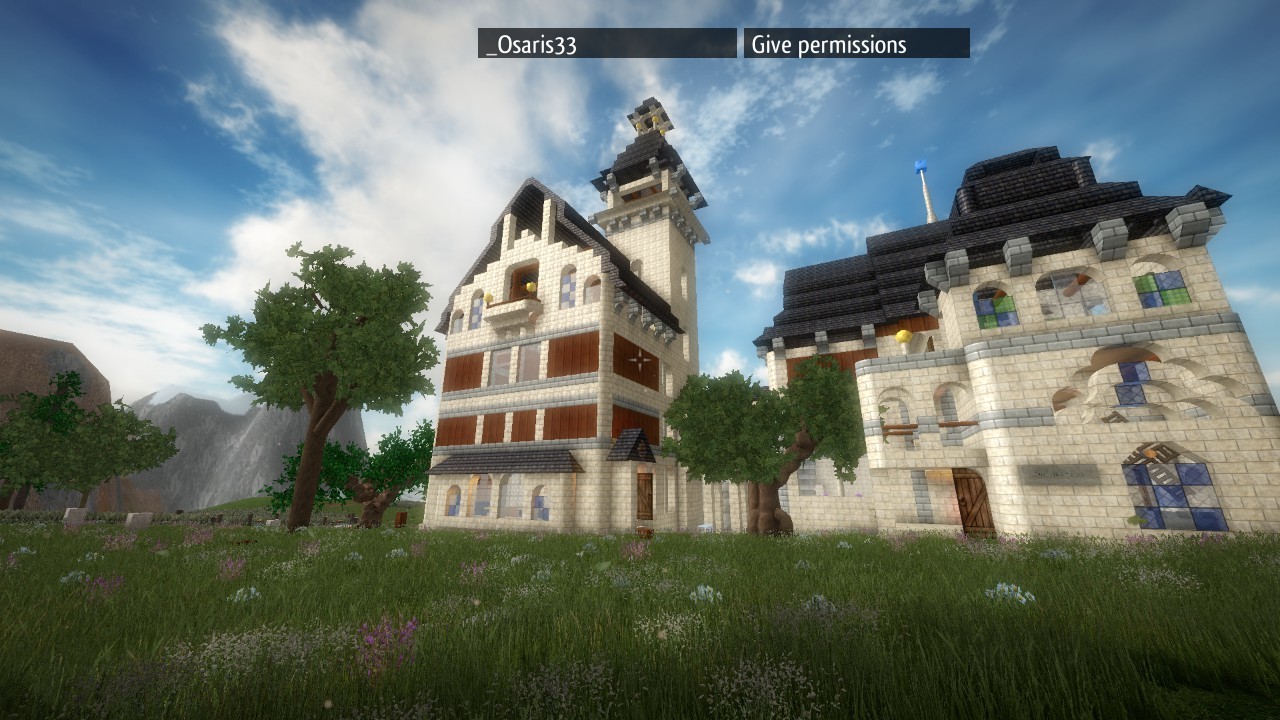
This update also makes it possible to give permissions to players you trust in a server. To do that, hold Tab to see the player list and click "Give permissions". They will need to do the same for you, and then you'll both be able to use each other chests, portals, and to build on your friend protected areas.
Thanks again for your support!
Regards,
Marc
0.95b - Invite your Steam friends
Hello,
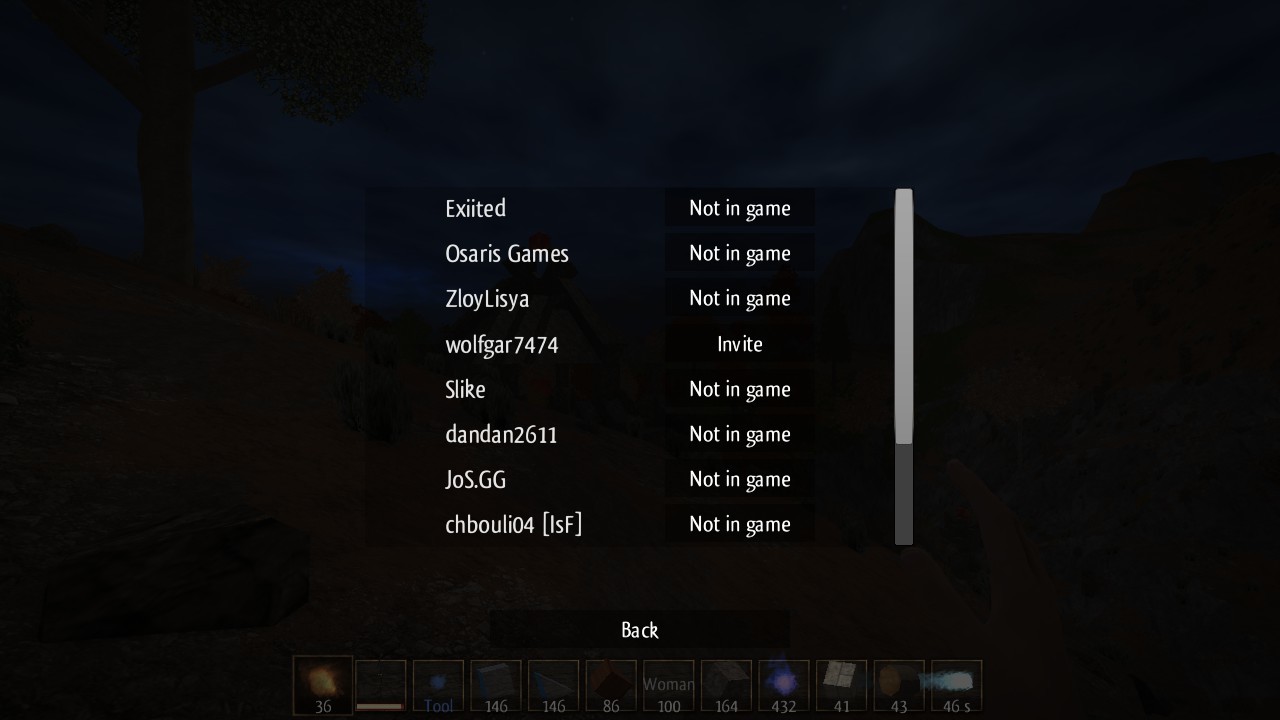
A new update was released today, and it is now possible to send Steam invites to your friend to let them join your world easier than before.
At anytime while in game, simply use the "Invite friends" menu and your friend will receive an invite.
Using this feature requires a good internet connection speed because you host the game for your friend and your world needs to be streamed to him.
This update also fix a lot of bugs in multiplayer servers. Because a lot of internal changes have been made, it might also create new bugs, if so please report them!
Thanks again for your support!
Regards,
Marc
0.95 - Pipes, Electric Systems, TNT and more
Hello,
A new update was released today, introducing a lot of new blocks!
Pipes
Pipes are used to transfer some elements from a source device, such as a windmill, to a receiver such as a chest.
3 type of pipes can be crafted:
- Fire pipes, using Metal and Fire
- Wind pipes, using Metal and Wind
- Electricity pipes, using Metal and Electricity
You can use them on ovens, windmills, thunder rods, chests and some other items.
Valves and Switches
Valves can be put on Fire and Wind pipes to close the pipe. They can be activated by an electrical signal coming from an Electricity Pipe.
Switches can be put on Electricity pipes to close the pipe.
Buttons and Pressure Plates
Buttons and pressure plates can be connected to Electricity Pipes and will produce some electrical impulses when used.
Craft them using electricity + metal.
Electrical circuits
You can use the 'And' pipe, 'Xor pipe' and 'Switch' pipe to get a signal only if some conditions are met.
Craft them using crystal + electricity + metal.
TNT
TNT is an exploding block which will break surroundings blocks when activated, by hand or by an Electricity Pipe.
Electric Lamp
This new lamp must be powered by an Electricity Pipe.
Craft it using Fire, Sand, Electricity and Metal.
Fireball Launcher
The Fireball Launcher must be fueled using Fire Pipes and Wind Pipes, then activated using Electricity Pipes, to attack nearby mobs.
More new blocks using the new pipe system will come soon!
Thanks again for your support.
Regards,
Marc
0.94b - Server listing, Mobs size
Hello,
A small update was released today, here is the changelog:
- added a full server listing on the Multiplayer menu. If you create a dedicated server, it'll be listed here.
- added some particles effects
- mobs size can now vary and their strength varies accordingly. You can set the mob size in scripts using entity.size
- several bug fixes