

All Quiet Roads 4743
Version 2.29 - Extra Warnings for New Neighborhoods
If a neighborhood is on the map but it doesn't have any roads connected to it then periodically it will display a conspicuous warning from your current camera position to the direction of the new neighborhood. This should help a lot in finding new neighborhoods that spawned without being noticed.
Version 2.28
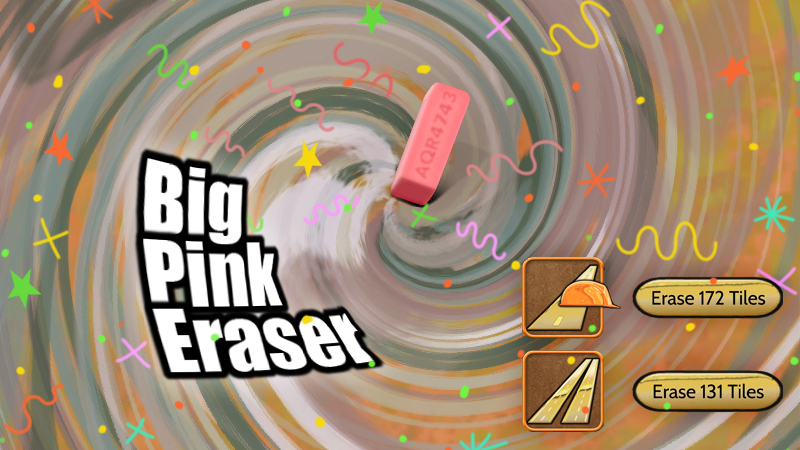 Sometimes you start erasing roads and wonder why they cannot all be erased with the click of a button. Now, they can. To use the "Big Pink Eraser" do the following:
- pause the game.
- start erasing normally for a couple of seconds.
- buttons will appear next to the road inventory.
- click the buttons to erase roads in bulk.
You still will have to wait for any roads that vehicles are expecting to complete their current trips, but the roads will instantly turn grey as though you had run the eraser over all of them. Any roads that are not currently expecting vehicles will instantly be removed.
Version 2.27 - Fast Forward
 Fast forward is offered until the raw score reaches 500 vehicles. With fast forward you can move swiftly beyond the early part of the game and get to the real challenge of traffic management. Fast Forward is fantastic! Thanks to everyone who suggested this feature.
 Version 2.26 - Game Saving Bug Fix
Version 2.25 - New York Background Artwork
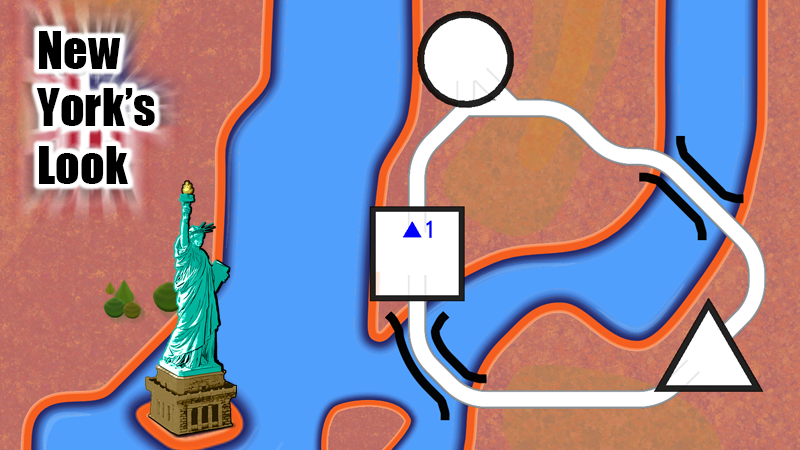 The new look for London seemed pretty solid. This update reinterprets the decisions for London into a color palette for New York. This art feels like more solid than the original version of New York.
 Version 2.24 - London Background Artwork
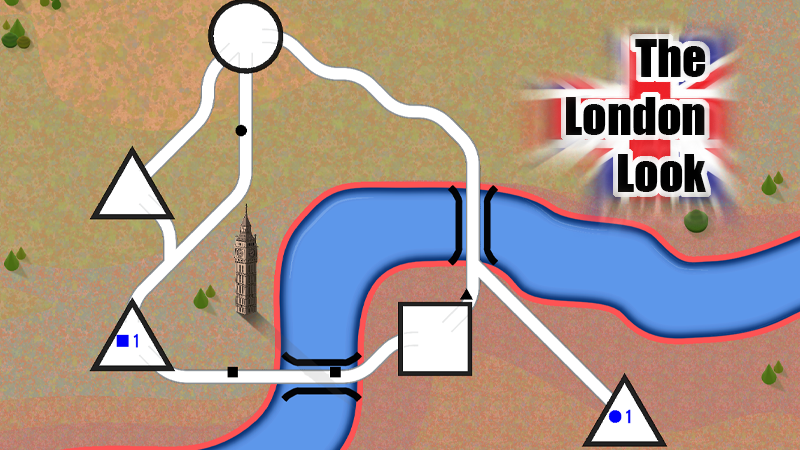 This experiment changes out the background artwork in the London map. The shapes roughly approximate the topography of London.
Is it a better look? Probably.
Is it the final look? Maybe not.
Version 2.23 - Bridge Price Adjustment
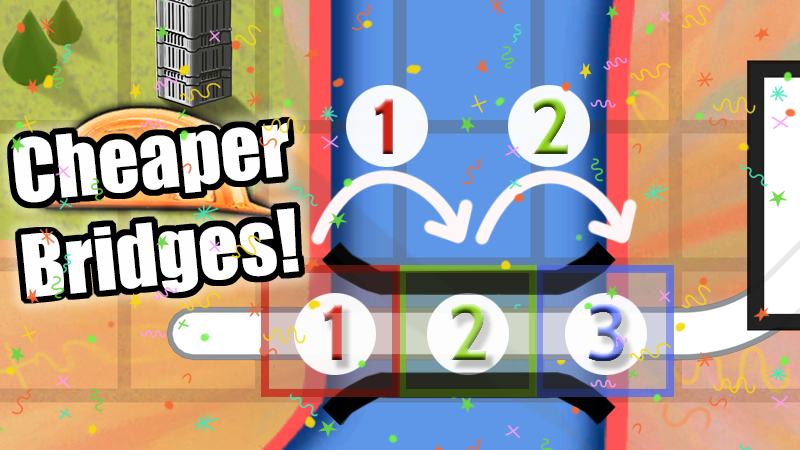
Bridge pricing has changed. Previously, a bridge that would cost 3 now only costs 2. This was to correct a bug demonstrated by Drawing Dead's YouTube channel.
Bridges had been priced based on the number of tiles the bridge touched. Now they are priced by the number of steps, which is one less than the number of tiles. Previously, having one bridge unit left over was essentially useless, as the minimum cost for any bridge was 2. Now, the minimum cost for a bridge is 1.
This pricing change also solves a bug where bridges disappeared, never to be seen again. When a player tried to build a bridge but only had one bridge unit remaining in their inventory that single bridge was permanently discarded. If you ever had the feeling that you had lost bridge tiles, this was probably the reason.
Version 2.21 - The Full Leaderboard
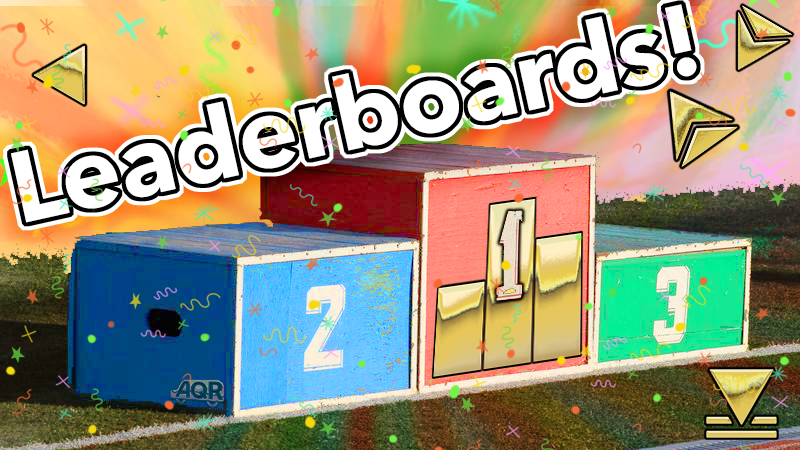
The full leaderboard is available by pressing the leaderboard button at the bottom of the selective leaderboard on the city page. There isn't a lot of functionality to the leaderboard just yet, but it does let you see all of the leaders! How far are you from first place?
All Quiet Roads 4743 is maturing!
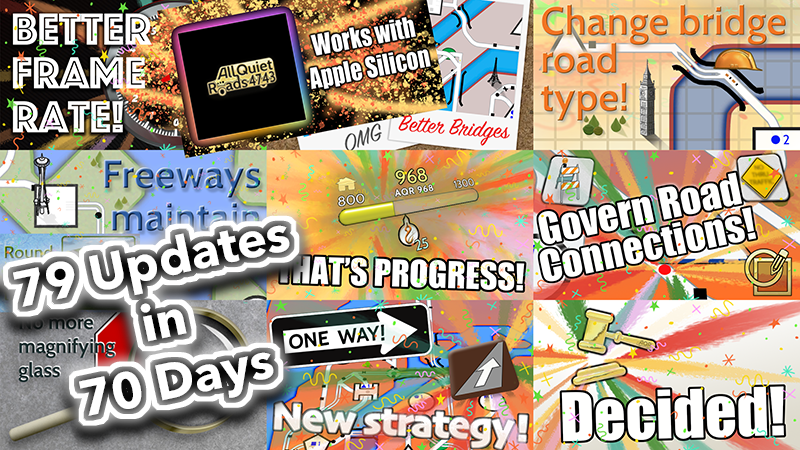
A lot of good things have happened with All Quiet Roads 4743! In the past 70 days there have been 79 updates to the game. Some of the changes have been major!
- One Way roads
- Roundabouts
- Better looking roads and scenery
- Better tutorial
- A glossary
- Overpasses
- Quick controls for the Tow Truck fleet
- Music and sound effects
- More deeply saturated colors
- Performance improvements
- Bug fixes (there were bugs?)
- Governance controls for neighborhoods
- Better item exchange
- More gamer friendly zooming
A ton of changes are still on the way. But, it is currently VERY PLAYABLE, and VERY FUN. (in my opinion)
Join in now and see how the game grows and matures into some people's favorite game.
Version 2.20 - Smaller Inventory Icons
Also, added item exchange options in New York to get trade in of all the overpasses and one way roads for things more useful to the city. Enjoy!