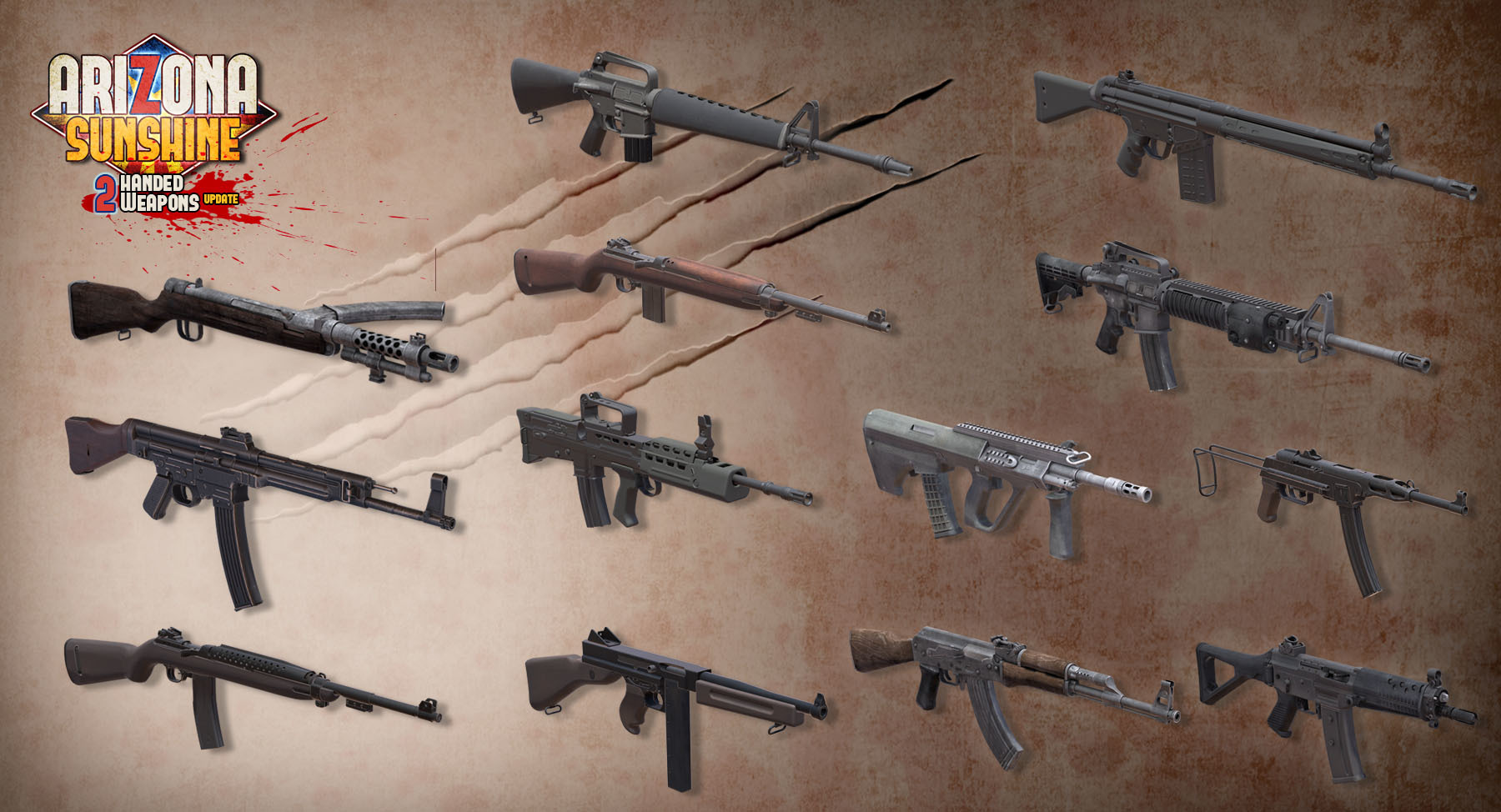
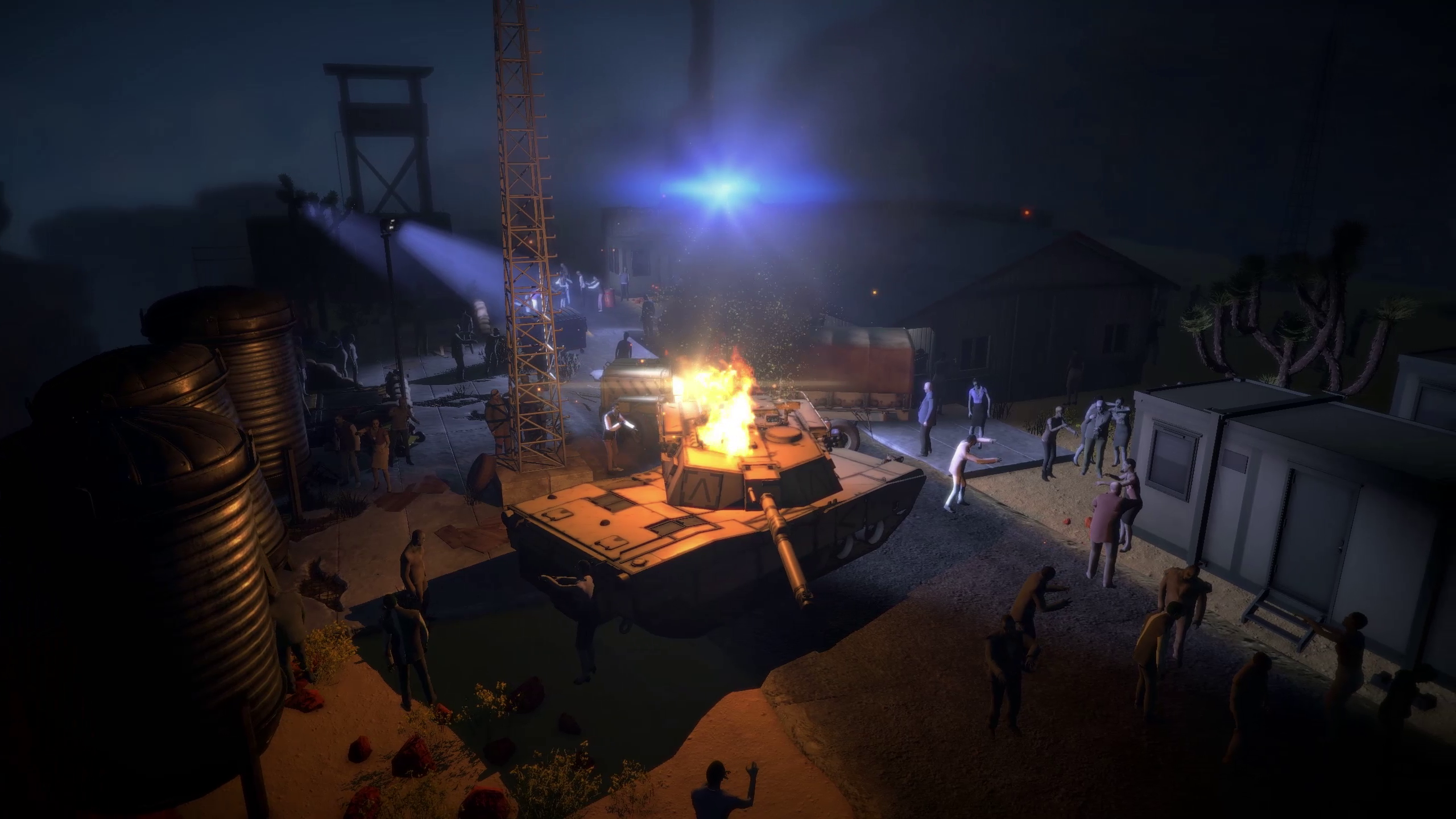
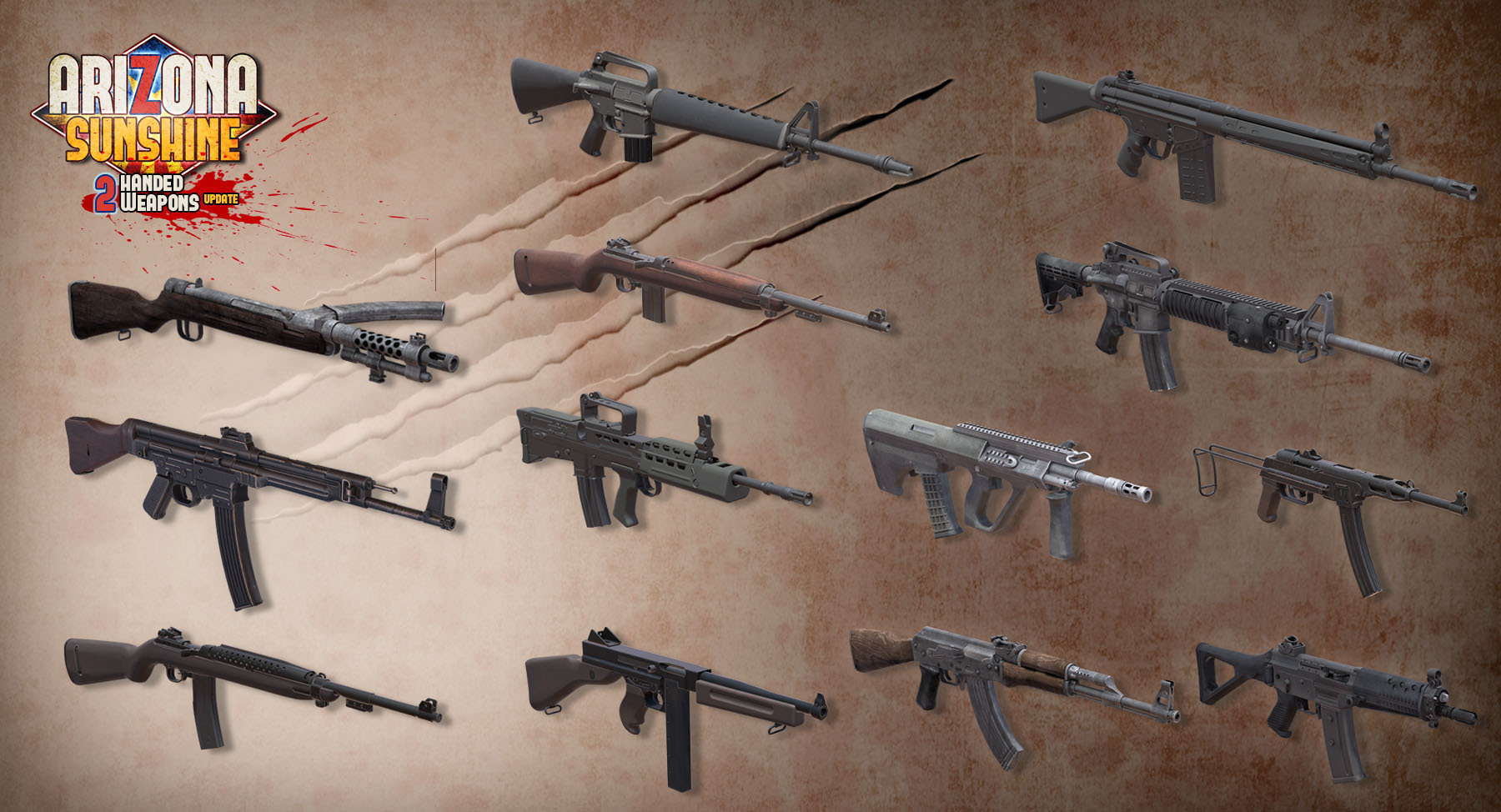
Simultaneously with the launch of Arizona Sunshine - Dead Man DLC today, the free Two-Handed Weapons Update is now available for all Arizona Sunshine players!
Jump back into the zombie apocalypse armed with 13 new two-handed weapons in Two-Handed Mode, which supports play with regular VR motion controllers as well as VR peripherals including the PP Gun and the yet to be launched Arena Infinity™ LITE.
The update also includes a networking overhaul, improving multiplayer stability and adding a custom-built cross-platform matchmaking system that now also allows the matchmaking between Steam and Oculus Home players.
Additionally, the patch adds Windows Mixed Reality controller support, adds Hyperkin Blaster support, and includes a variety of fixes for issues related to graphics, physics and gameplay.
Enjoy playing and let us know what you think below!
[BETA LIVE] Multiplayer Stress Test on 5/21
Hey all,
Come Thursday Arizona Sunshine receives a major networking overhaul as part of the Two-Handed Update, which will launch as a free update to the base game just in time for the Dead Man DLC.
Help us ensure the networking overhaul is ready to go live to everyone and join the multiplayer stress test today at 5 - 10PM PT (time-slot extended to allow more players to join).
To join the stress test, you'll need to participate in a beta version of the game that has the Two-Handed Update. That means you can check out its contents early while you’re at it.
The beta can now be accessed by following the steps below:
Select Arizona Sunshine from your library, right click and select properties.
Go to the “BETAS” tab by clicking on it.
Fill out the password “mpstresstest” and press Check Code.
Select the beta branche “mp_stresstest” from the dropdown menu.
Wait for the beta game version to download to your computer.
Run Arizona Sunshine.
Please share your feedback with us using this feedback form.
If you want to return to the default version of the game, you can do so by following these steps:
<*>Select Arizona Sunshine from your library, right click and select properties.
<*>Go to the “BETAS” tab by clicking on it.
<*>Select “NONE – Opt out of all beta programs” from the dropdown menu.
<*>Wait for the default game version to download to your computer.
<*>Run Arizona Sunshine.
We will be taking down the beta version sometime tomorrow, reverting remaining beta players to the default version of the game.
Skyworld Free Weekend
Hey all!
Want to try something new while you wait for Arizona Sunshine's two-handed update and Dead Man DLC to launch in the coming week? Play our VR strategy game Skyworld and its Lost Worlds DLC for free this entire weekend.
More info on the Skyworld Steam community hub - check it out here:
On May 24th, the first campaign DLC for Arizona Sunshine will be coming to Oculus Rift, Vive and Windows Mixed Reality HMDs! We've just launched its Steam page, so make sure to go add it to your wishlists.
Dead Man DLC adds a prequel mission set in a completely new environment that plays out in the final days before the events of Arizona Sunshine. In this mission, which is for the most part set in a missile silo, you head a frantic attempt by US Army Special Forces to launch a nuclear-warhead loaded missile vital to stopping the spread of zombies in the American Southwest.
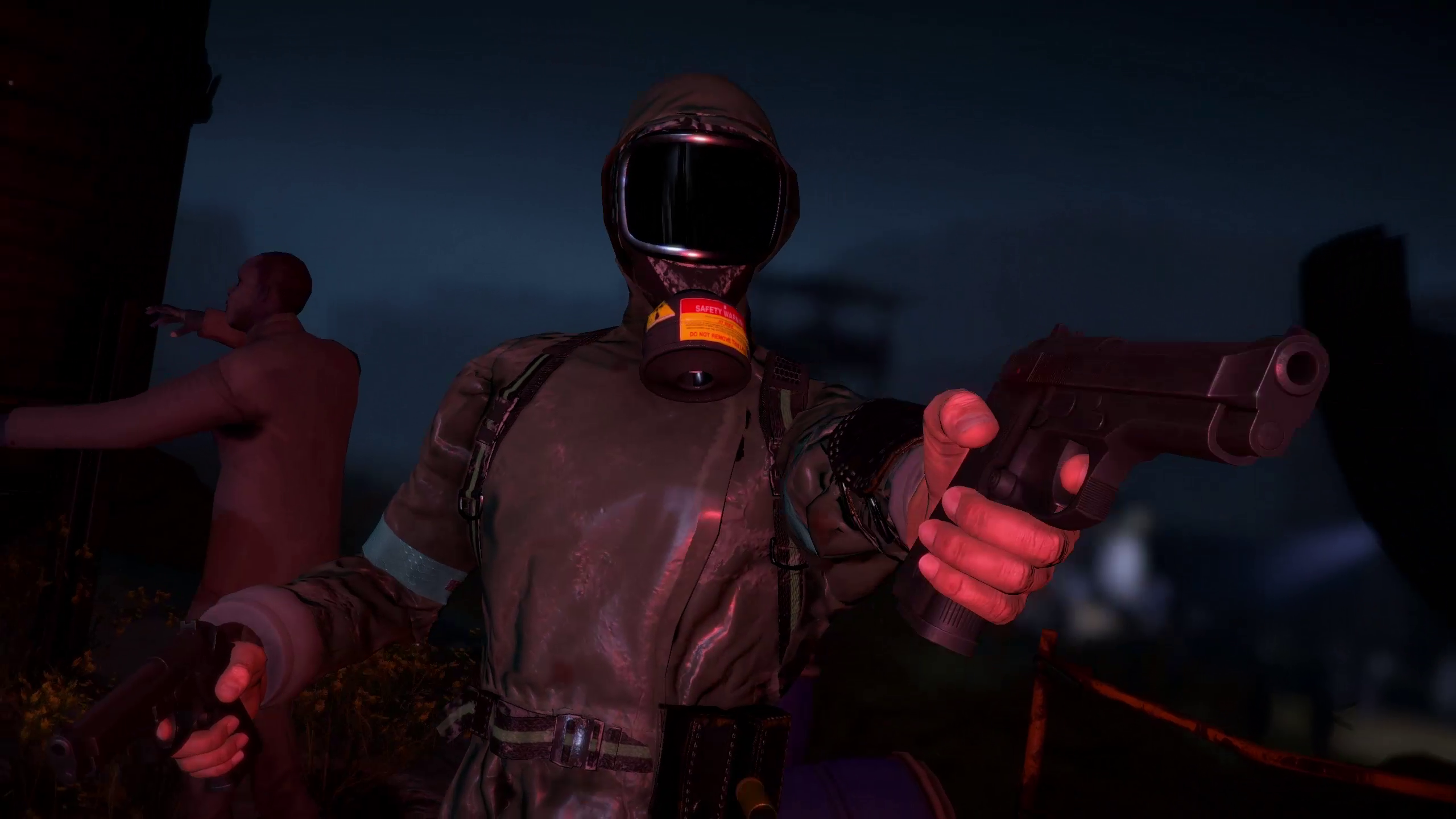
This is desperate mission that will keep the most seasoned of Arizona Sunshine survivors on their toes! So, we're arming you with three new weapons: a fully automatic submachine gun, a two-handed shotgun and a tactical handgun.
Similarly to the main campaign, Dead Man DLC supports 2 player co-op play and various difficulty levels including the much-dreaded Apocalyptic Mode.
Also included are new masks matching the setting and we're introducing a couple of light customization options as well. Last but not least, new achievements! There's six of them for you to unlock.
Arizona Sunshine: Dead Man DLC will be available for $2.49. Wishlist it now on the Dead Man DLC Steam page & leave your thoughts in the comments below.
Dead Man DLC
While the team working on the free Two-Handed Weapon update puts the final touches on that, we wanted to share our plans for the first campaign DLC, Dead Man, for Arizona Sunshine.
Taking place in the final days before the apocalypse, Arizona Sunshine – Dead Man DLC will drop you in an infested US missile base where you will lead a desperate attempt by US Army Special Forces to contain the expanding zombie outbreak. It’s up to your squad to clear the base and launch a missile vital to stopping the spread of zombies in the southern US states.
Arizona Sunshine - Dead Man DLC includes:
An all-new campaign mission, telling a prequel story to Arizona Sunshine
6 new achievements spread across an infected missile base
A new fully automatic submachine gun
A new two-handed shotgun
A new tactical handgun
3 new masks: the military gas mask, the skull mask, and the Dead Man mask
Character customization options
Arizona Sunshine – Dead Man DLC is expected for Oculus Rift, Vive and Windows MR at $2,49 / €2,49 in Spring 2018.
Stay tuned or subscribe to the newsletter to get updates.
Two-Handed Update lumbering towards PC
Hey all, another batch of free downloadable content is coming soon to your favorite VR zombie shooter, and with it support for various peripherals including the PP Gun and Omni, as well as a complete networking overhaul!
Read on to get the lowdown…
Two-handed mode
We are excited to announce we have partnered with the folks over at Shenzhen Simeng Technology to support the PP Gun, their two-handed gun-shaped VR controller for HTC Vive. With it, we will finally be able to bring two-handed mode to PC!
Originally developed with the PS VR Aim Controller (Sony’s two-handed VR gun) in mind, two-handed mode has you survive with 13 new two-handed weapons. Arizona Sunshine is all about shooting, so we wanted to provide the best experience when it comes to two-handed weapon support – with the PP Gun, we were able to get it exactly right. Of course, we realize not everyone will have a PP Gun at their disposal, nor play on HTC Vive. Therefore, two-handed mode will also be playable with regular motion controllers on both Oculus and HTC Vive – just be aware that it was designed with a two-handed gun peripheral in mind.
Omni support
Giving new meaning to walking dead, Omni support is expected to arrive with the next big update as well.
Networking overhaul
In the mean time, we are also working on a huge overhaul of the matchmaking system on PC. With our latest VR game, Skyworld, we invested in a custom-built cross-platform matchmaking back-end built from the ground up, which we always intended to bring over to Arizona Sunshine once finalized. This new system will allow you to directly match and play with users from the leading PC store platforms, including Steam and Oculus. We also expect this will make network connections between players more robust.
At the moment, we cannot comment on an ETA for the update other than 'soon' yet as we do not want to set expectations that we are not 100% sure we can meet. Such is the nature of game development! Stay tuned or subscribe to the newsletter to be the first to get updates.
Connection issues
Hi all, multiple players have reported they are experiencing connection issues on PC since yesterday. We are trying to identify the cause, which is likely external to the game as Arizona Sunshine has not been patched or updated recently, and will keep you posted here.
[EDIT: These issues seemed to stem from a temporary issue with our server which has since been solved.]
If you are still experiencing theseissues, please fill out our support request form and provide "Connection issues" as message title.
Long Live the '80s in Arizona Sunshine
Hyper Blaster support now live
In a throwback to the 8-bit shooter era, Arizona Sunshine from today supports the newly released retro-style Hyper Blaster! Arm yourself with the Hyper Blaster or dual-wield your way through our zombie romp handling two Hyper Blasters to enjoy lifelike haptic feedback that simulates recoil.
You will be able to play Arizona Sunshine with the Hyper Blaster by following these steps:
Select Arizona Sunshine from your library, right click and select properties.
Go to the “BETAS” tab by clicking on it.
Select “hyperblaster” from the dropdown menu.
Wait for the game version to download to your computer.
Run Arizona Sunshine.
Once in the caravan, open the Settings menu by inserting the cassette, then switch to the Input page. Here you can assign the Vive tracker attached to your Hyper Blaster to one of your hands.
If you want to return to the default version of the game, you can do so by following these steps:
Select Arizona Sunshine from your library, right click and select properties.
Go to the “BETAS” tab by clicking on it.
Select “NONE – Opt out of all beta programs” from the dropdown menu.
Wait for the default game version to download to your computer.
Run Arizona Sunshine.
More info on the Hyper Blaster and where to order it here.
Patch 1.4.9225 is here
Hey everyone, we are happy to announce that patch 1.4.9225 is now live on Steam.
It includes the following:
Loading time fixes
Multiplayer matchmaking fixes
Multiplayer stability fixes
Achievement fixes
As you may have read on the Steam forums, for a number of common game crashes we are unfortunately dependent on 3rd party fixes. As we did not want to make you wait any longer for the fixes mentioned above, we will follow up with dedicated patch that addresses game crashes as soon as we hear from our partners.
Additionally, the current patch includes support for a range of in-game languages, including:
German
French
Italian
Spanish
Russian
Japanese
Korean
Chinese
Thank you for your patience and support!
Patch incoming: Loading times, multiplayer stability, more
Hey all,
A short post from our side to let you know that we are hearing your feedback and working on a patch that addresses the following:
Recent loading time issues
Multiplayer stability
Game crashes
Achievement issues
Additionally, it will include a range of extra languages, including: