BallisticNG: Outer Reaches Expansion is now in development
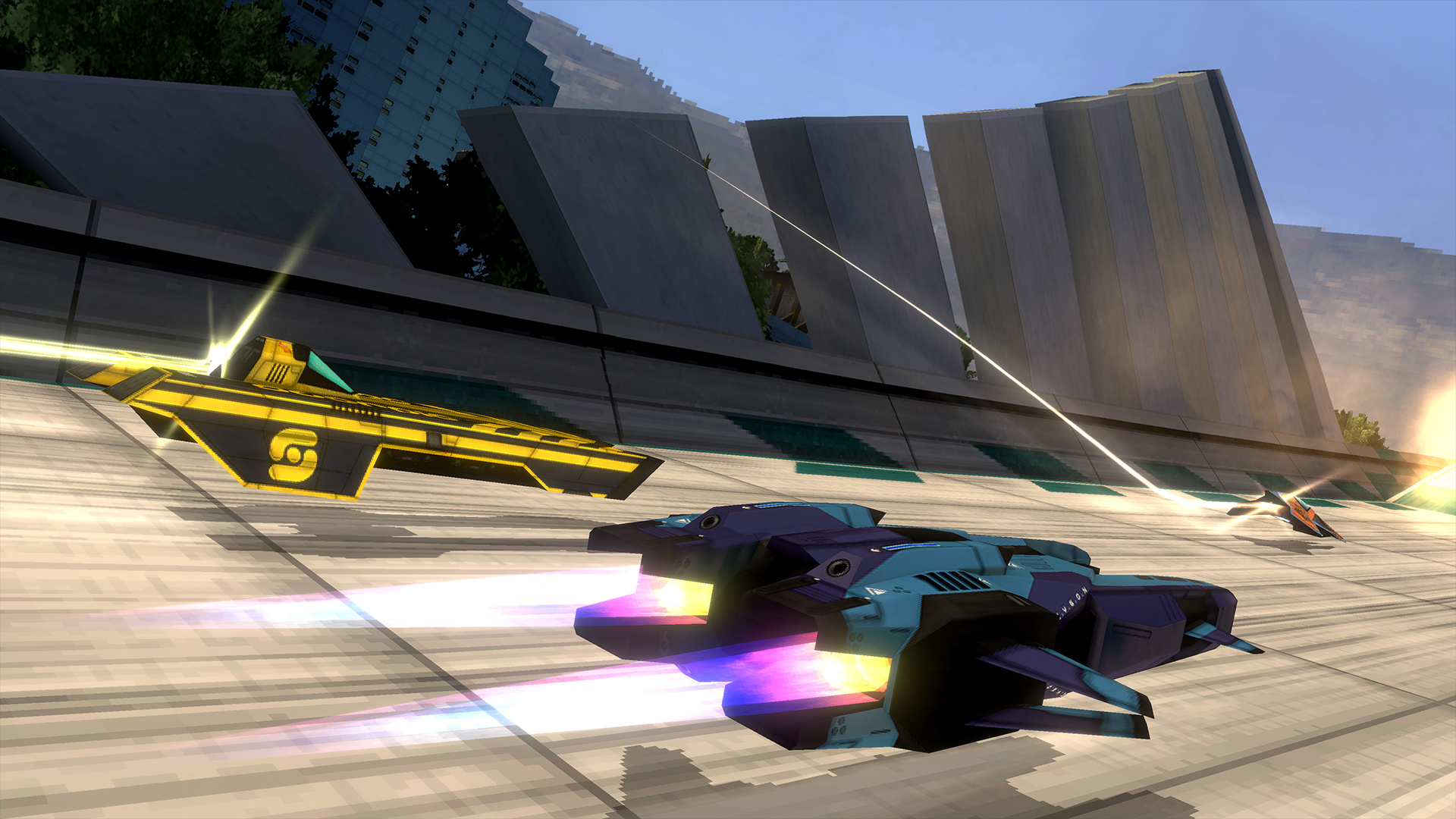
We're excited to announce that BallisticNG's 2nd expansion is now in development!
With G-Tek's latest improvements to AG technology, the AGL is now geared up to take the races to the solar system and let the most daring of pilots race in the harshest conditions the sport has seen yet.
Outer Reaches will be available for $2.99 or your regional equivalent. As with Neon Nights there isn't a release target at this time and we'll be releasing it when it's ready.
Content
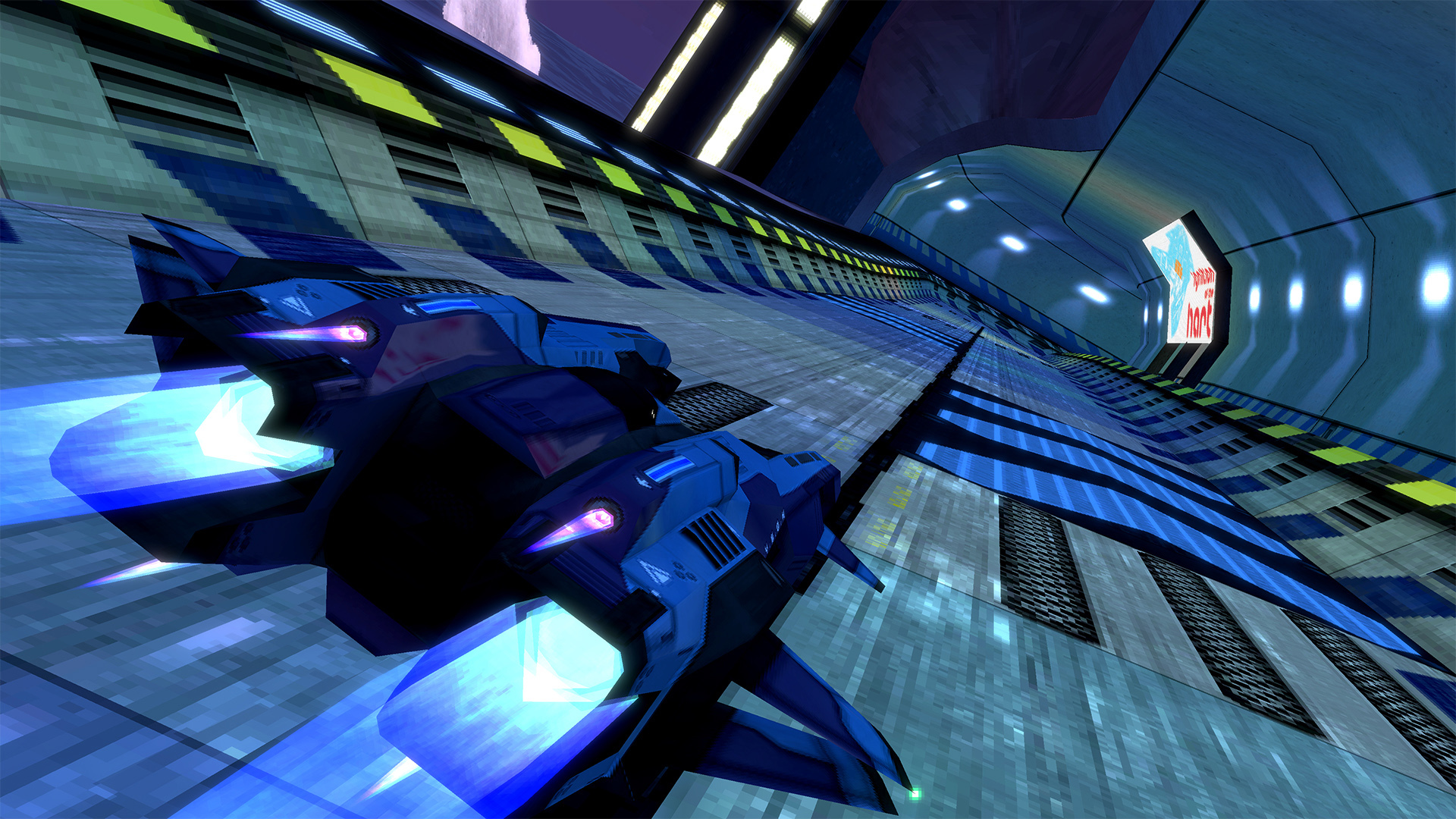
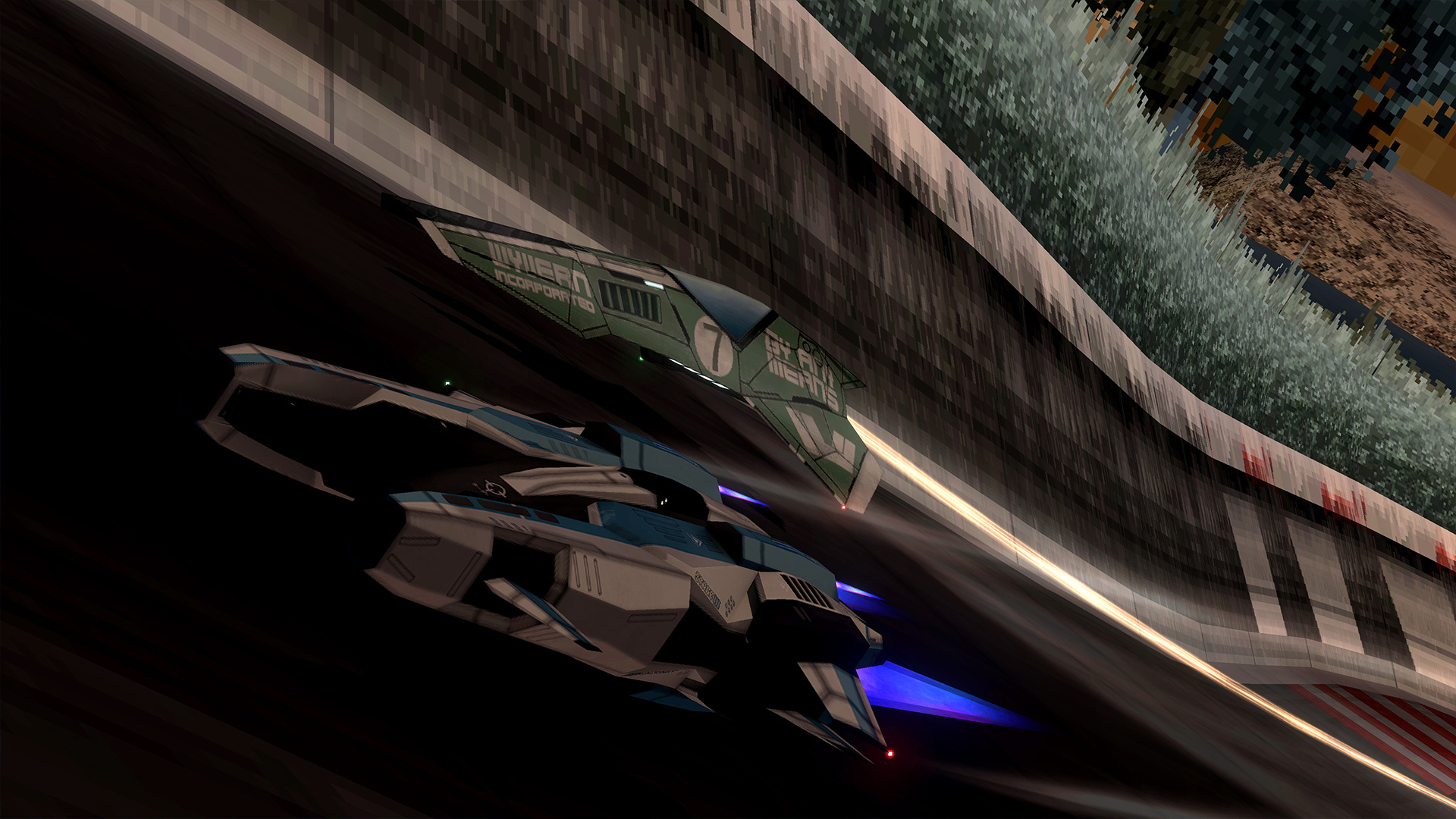
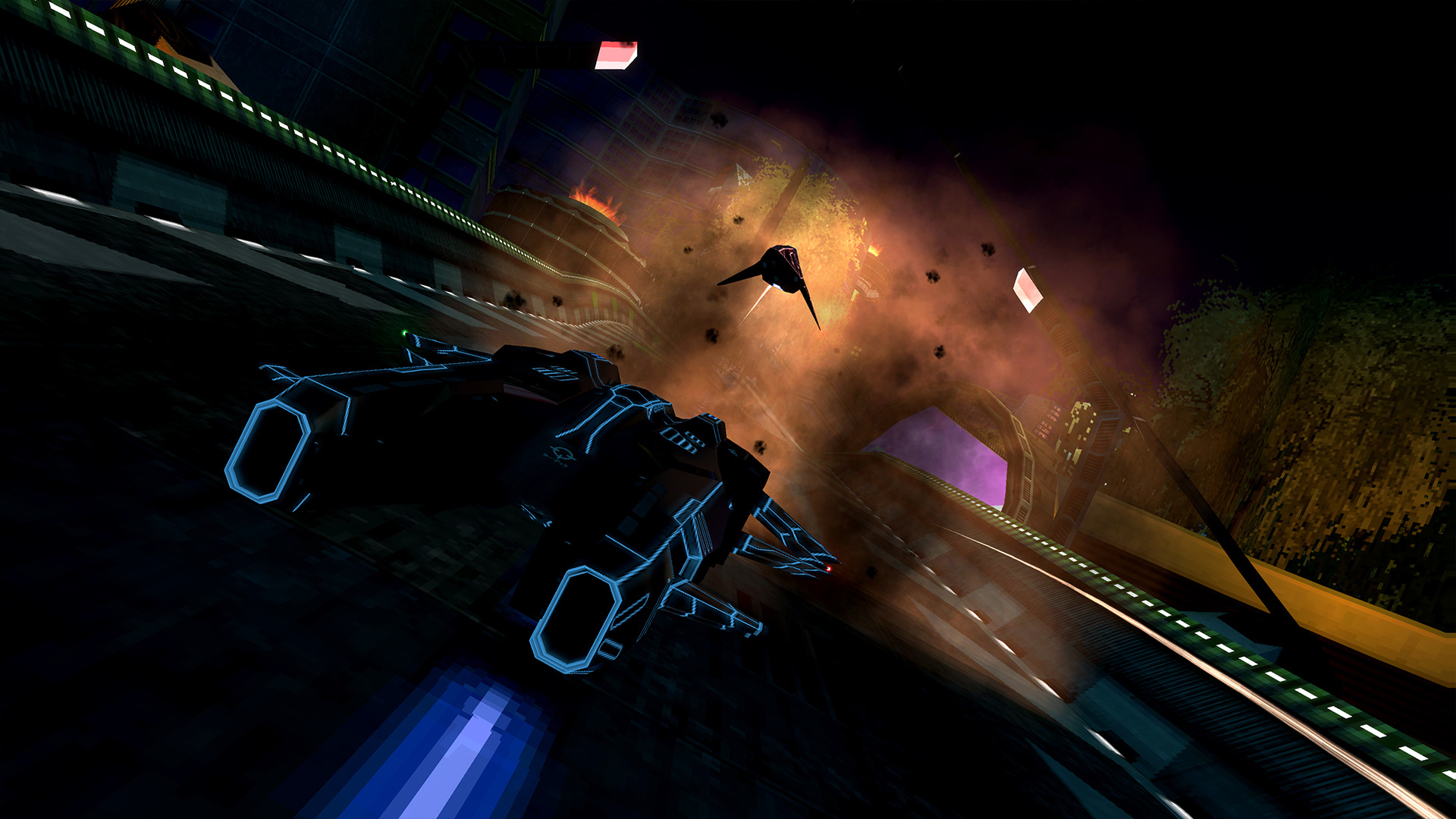
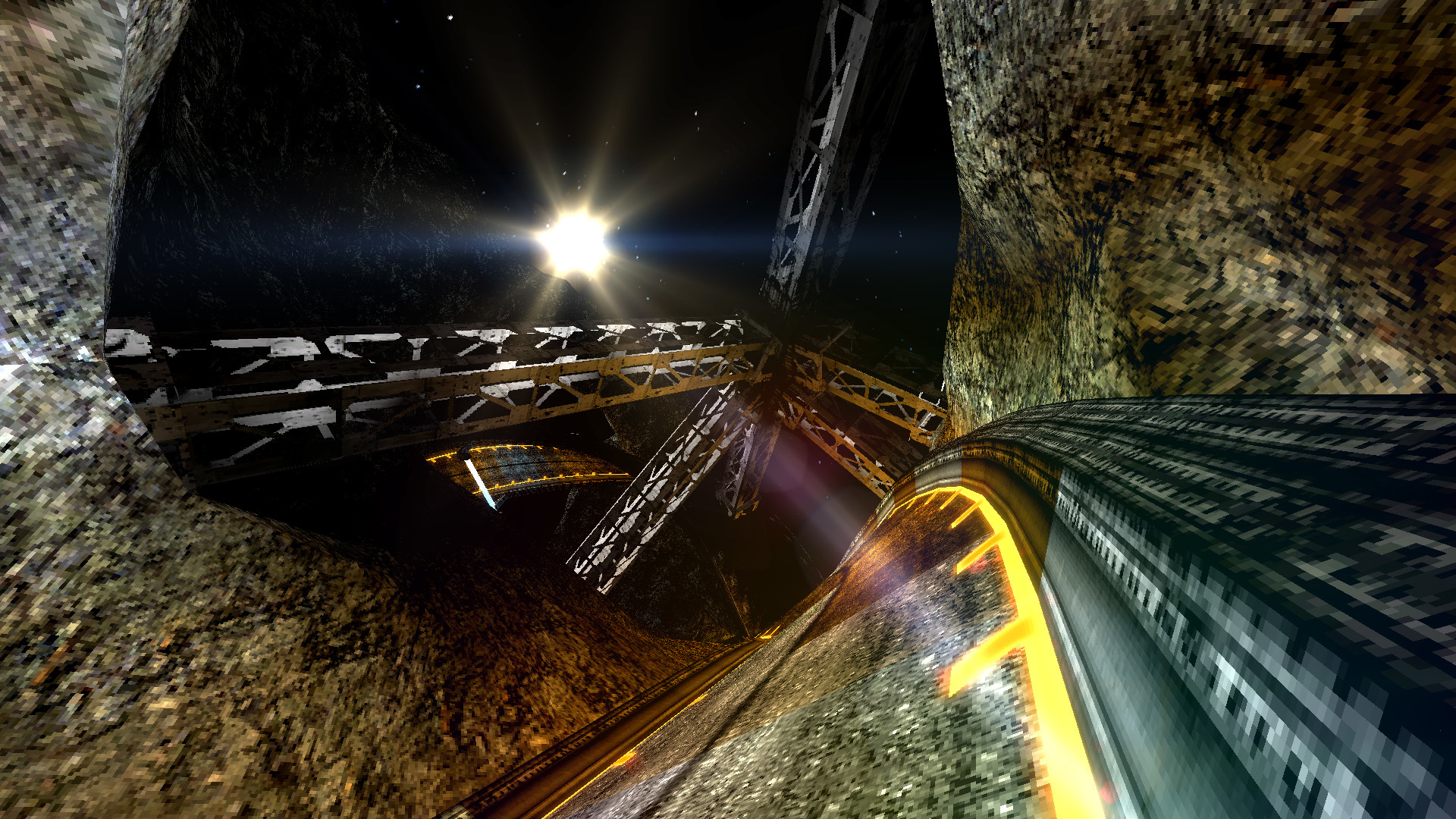
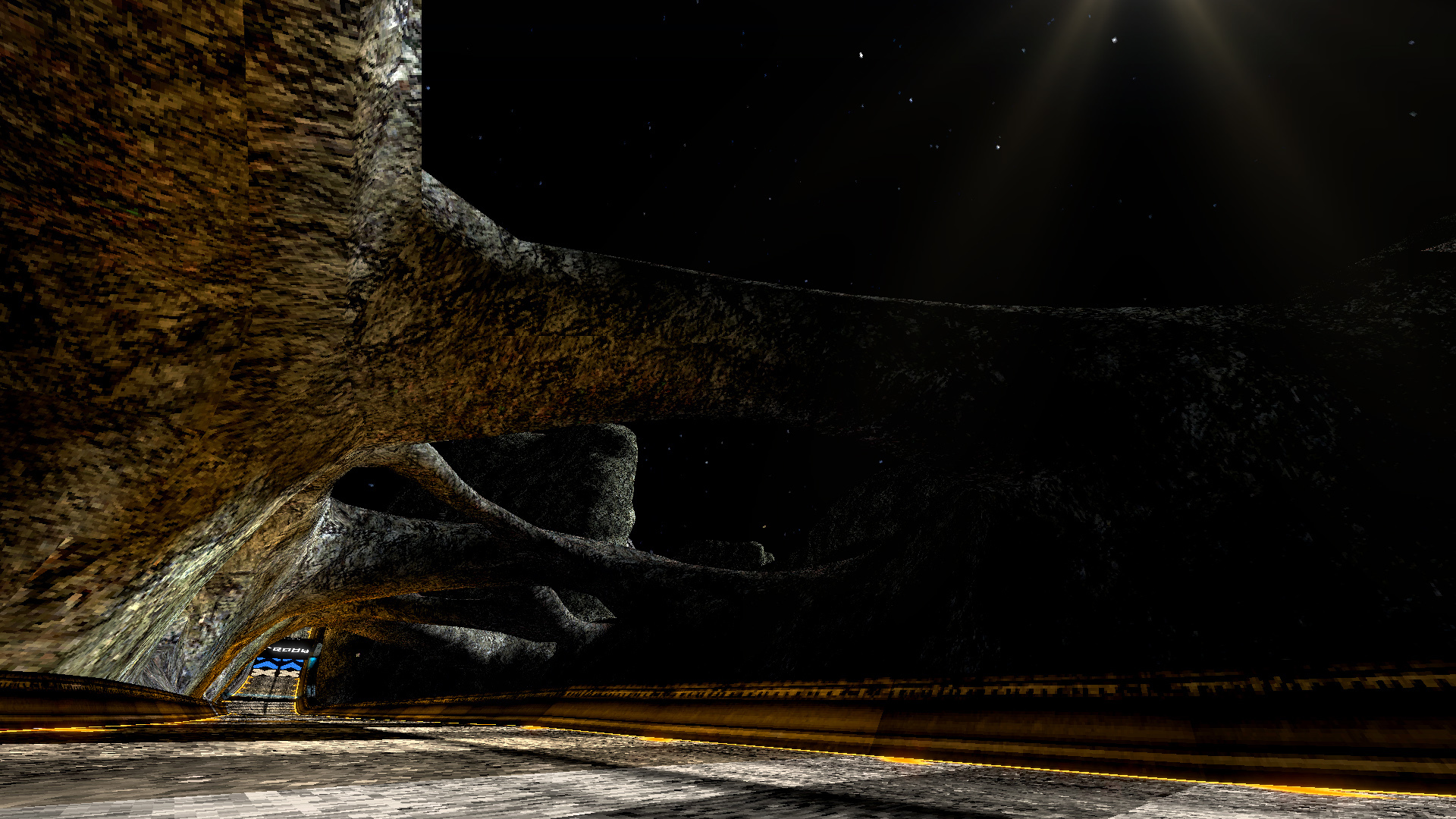
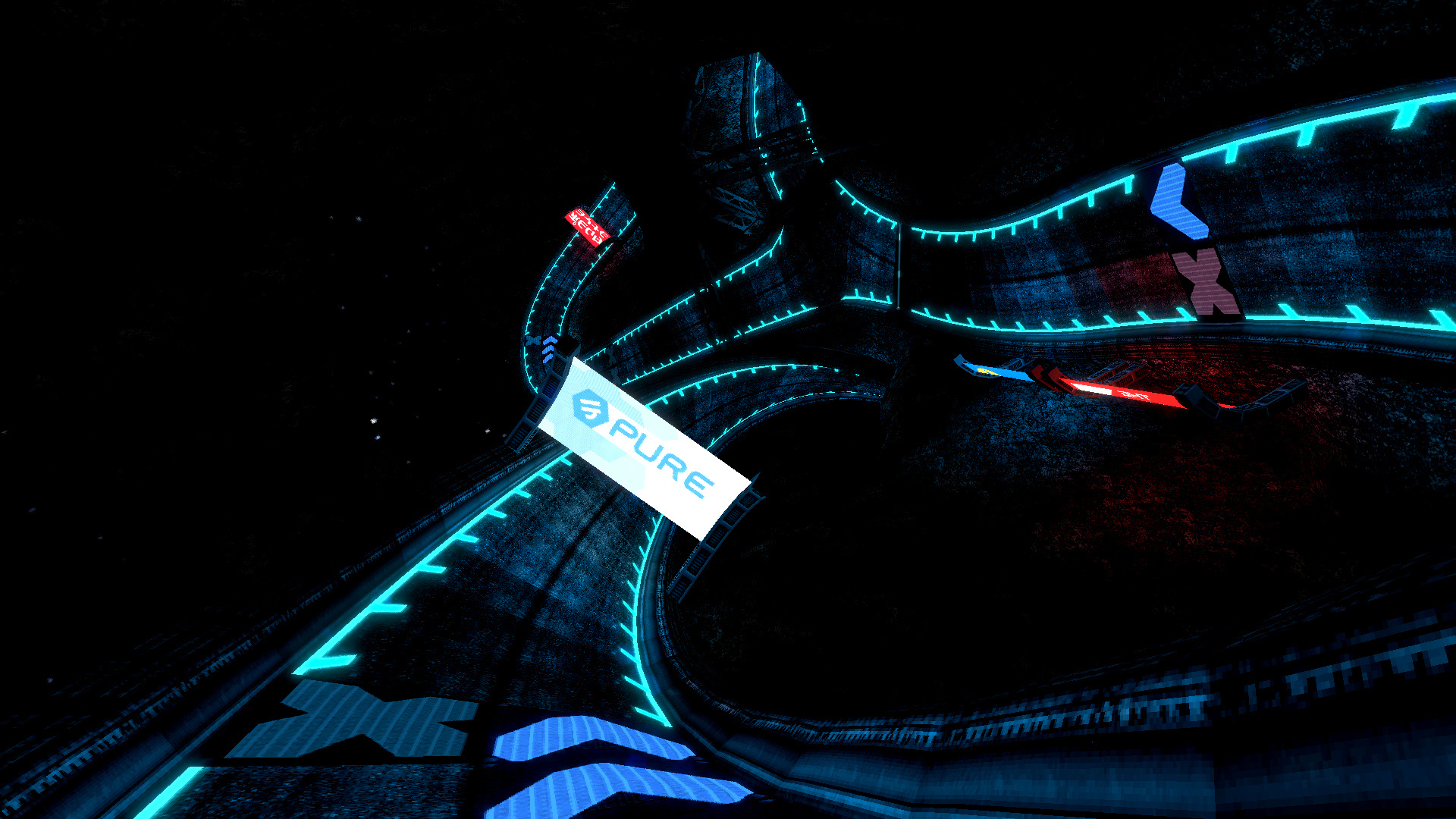
We're going to be revealing the tracks as they come. We've got 6 in the lineup and are showing you one of them today! Each track in Outer Reaches will bring a twist to ship handling, ranging from a bit more gravity to... well, it's a secret for now ;)
Like with Neon Nights there will also be a new set of liveries and a campaign included! All 6 tracks will be playable in both forward and reverse.
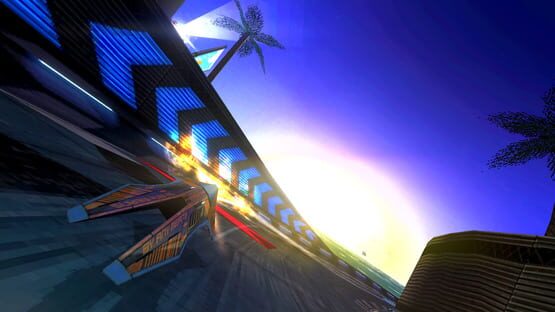
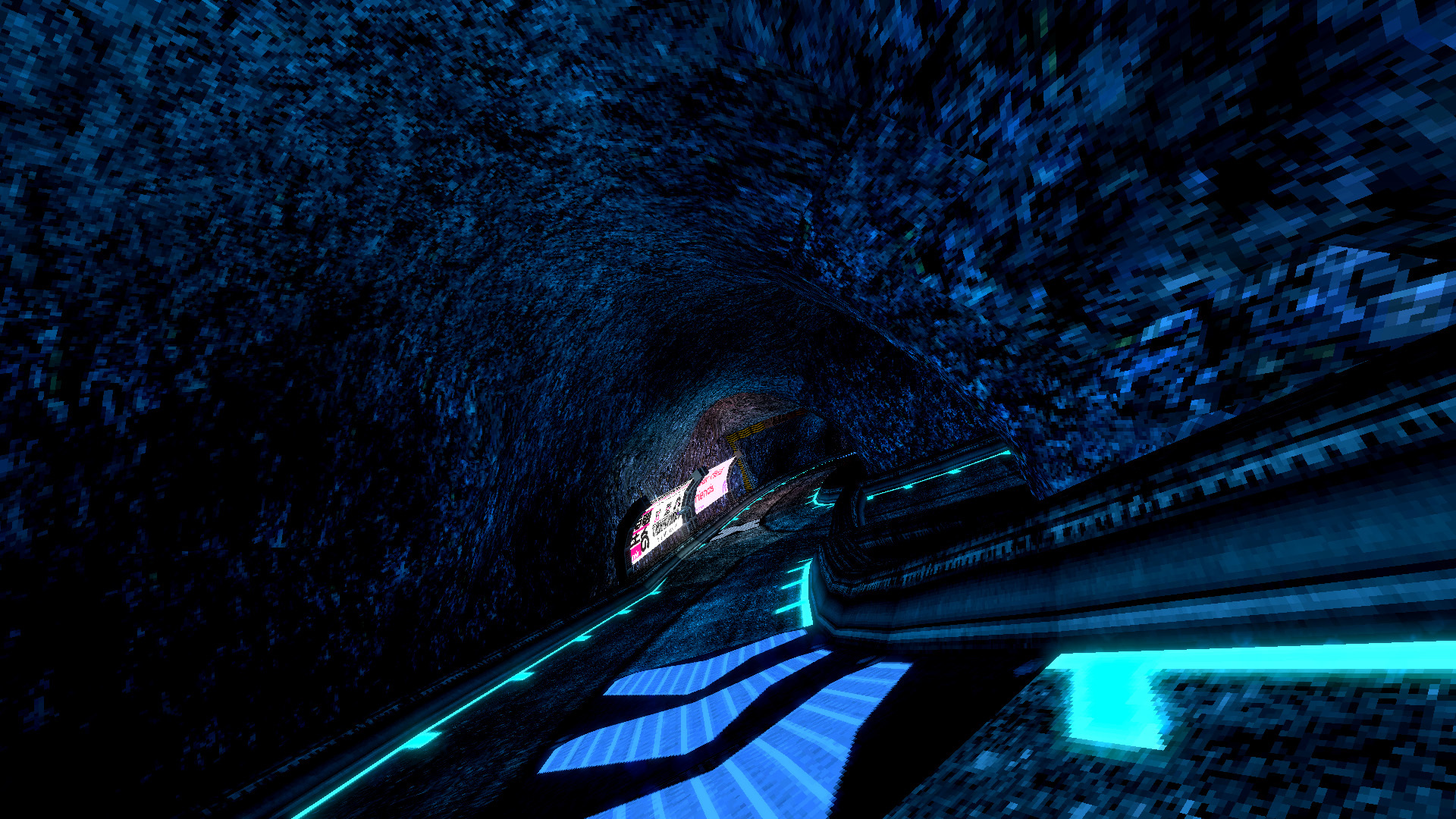
Caldera Location: Mars
The plans to make mars habitable are well underway with the martian habitat project. This giant biodome offers a breathable living space and sets the standard for the first generation of extraterrestrial colonization.
https://www.youtube.com/watch?v=geZVw0Oj7LI
1.1.5 is now available!
We've just released 1.1.5!
With this update we bring you Steam multiplayer, the C.Y.G.O.N Tempest from GRIP and brand new engine customization options for custom ships!
Steam Multiplayer
Steam multiplayer has been long coming and with recent changes to our multiplayer backend it's now been possible. You'll find two new options in the online menu for hosting and joining games via Steam. Support for public, friends only and private (invite only) lobbies are implemented, which of course also means Steam friend invites and a lobby browser!
For those who might be concerned, this does not replace Direct IP and is only an alternative option to it. If you run the game without Steam you'll only have the option to host and join via Direct IP available.
Notes
The game still uses peer to peer when using Steam networking, making whoever starts the lobby the host of the game. When this person quits, the lobby will be closed and you'll be booted back to the menu
Because the game has to relay data through Steam, increased network lag in comparison to direct IP should be expected
C.Y.G.O.N Tempest
With great help of community member Kabelsalat and in collaboration with GRIP we are excited to bring you the C.Y.G.O.N Tempest to BNG! We had shown you screenshots on Monday's announcement, so here's some gameplay:
https://www.youtube.com/watch?v=Lgftpzj-Y_U
If you haven't already, be sure to check out the BallisticNG skin community member Meg.A.Byte made for GRIP's Mirage!
Modding Improvements
With the latest version of the Unity Tools we have added in a lot of options that you can now play about with to customize your ships engine effects. For more details on this see the changelog below.
We've also changed how custom tracks are loaded so settings from the custom track scenes are now retained. This allows track creators to now make use of Unity's baked occlusion culling!
Changelog
Engine
Missing types in assemblies can now be handled, allowing code mods that are dependant on other code mods to be loaded and used
Added the option to turn off environment reflections
The default floor hugger camera view and field of view are now their own options
Custom tracks are now loaded as the main scene. This allows custom track creators to now make use of specific Unity features like baked occlusion culling.
Custom tracks are now loaded asynchronously and report the loading progress.
User Interface
The kick menu navigation is now manually assigned when the UI is generated, preventing you from selecting other UI elements outside of it while it's open
Fixed not having any sound packs installed softlocking the audio options menu when attempting to save settings
Multiplayer
Implemented Steamworks networking
[Config] is now shown next to players in the lobby that are selecting ships or in the options menu.
The lobby menu now only reloads ships for players that have changed instead of reloading every ship.
Fixed various soft locks caused by the ship selection overlay and options menu
The lobby countdown is now cancelled when leaving a lobby
Collisions are now disabled by default
The donator liveries now display for people who don't have them
Weapons
Remade the autopilot disengage from scratch. The autopilot will now continue to run and fade out the AI steering, giving you time to gradually adjust steering as it hands control back over to you.
Ships
Added the C.Y.G.O.N Tempest
Updated all drag ships with new engine effects
Added 2 internal custom ship modules (these can be assigned using the Custom Ship Module setting in custom ships):
INTERNAL_DRAG
Manages the engine colors (orange when no power, white when at max power, blue when boosting). This is designed for use with a pre-colored texture such as the Tempest flame texture
Manages mini turbo exhausts for any engine with a reference name of turbo
INTERNAL_TEMPEST
Same as INTERNAL_DRAG but plays the new flameboost sound when hitting speed pads in 2159/floor hugger
Unity Tools
Added the assets used for the Tempest engines (BallisticNGTools/BallisticNG Assets/Ships/Default Effects)
Added engine sounds for the Tempest and Barracuda Model 0 (BallisticNGTools/BallisticNG Assets/Ships/Default Engine Sounds)
Added new engine customization options (see the wiki linked below for more details):
Reference Name
Always Use Player Trail
Ai Trail Width Curve
Use Engine Colors
Afterburner Boosts Intensity
Turbo Boosts Itensity
Pads Boost Intensity
Flare and Trail Alpha Ranges
Scale Fluttering (with engine power amount of speed curves)
Steam multiplayer and a new contender coming Friday!
BallisticNG 1.1.5 is coming this Friday on the 20th!
In 1.1.5 we're introducing three new major additions:
Steam multiplayer support
The option to host and join games through Steam is being added! The options will be available alongside the Direct IP hosting and joining a game through Steam is done through a lobby browser. Steam invites are also implemented so you can invite your friends or have them join you at the click of a button.
On top of these updates we also have various improvements coming!
C.Y.G.O.N Tempest
In collaboration with GRIP we've added the airblade version of the C.Y.G.O.N Tempest! The Tempest is a combat orientated ship with a lot of firepower, good shielding and high acceleration. A little while back GRIP also added a BallisticNG skin to the Mirage, so be sure to check that out if you haven't!
Overhauled and highly configurable ship engine effects
To support the Tempest the backend for the ship engine effects has been rewritten from scratch and designed to allow a lot of customization. Ship creators will have control over existing effects and brand new settings, some of which include:
Addition of two internal custom ship modules (more information on these will be available on Friday)
Setting whether the players trail is always used
Controlling the width of AI trails
Controlling what boosts the engine colors intensity
Various settings for controlling the scale of trails
Controlling UV scrolling for trails
1.1.4 is now available!
1.1.4 focuses on introducing new mechanics for modders and implements our own frame limiter to work around how imprecise Unity's internal one is.
Changelog
Soundtrack
Added Vonsnake - Challenge Every Extreme
Engine
Replaced Unity's frame limiter with a our own to eliminate micro stuttering caused by Unity's
Added no tilt lock flag to sections (see below for more details)
Fixed weather vortex particles not emitting
Section data can now be interpolated which allows for smoother rotations when ships are airbourne
Implemented physics modification zones (see below for more details)
Gamemodes
Fixed invalidated speed laps still being eligible for leaderboard uploads
VR
Moved the main menu further away to a more comfortable viewing distance
Multiplayer
Fixed client lobby's not refreshing when a peer disconnects
Fixed the spawn rotation being tilted with the track in 2159
Fixed the server not sending weapon pad deactivation triggers to clients
Weapons
Potentially fixed steering exploding occasionally when the autopilot disengages. This has been a tough one to find the exact cause for and in our testing the issue hasn't returned yet.
User Interfaces
Fixed the tournament eliminated screen not showing platinum medals when they're awarded in campaign events
Ships
Fixed 2280 sideshifts being reversed when using mirror mode
Revamped how the track chase/2159 rear chase track height offset is calculated to improve how it reacts on maglocks, in floor hugger and to improve it's feel on jumps
Tracks
The water caustic animations on Hydrome Bed are no longer framerate dependant
Layout Creator 2.0
Added a toggle for no tilt lock (press o to toggle)
Added a toggle for allow out of bounds (press / to toggle)
Added a toggle for the track floor. This allows you to disable it for use with zero gravity with no track floor.
Added a physics mod zone editor
Added an option to export physics mod zones to an XML
The open file dialogue window can now open physics mod zone XML files
Unity Tools
Added survival ignores track option to the scene references object. This currently does not do anything and is just a preemptive implementation for later.
Added Europa's tile set to the tiles folder and tile database
Added the Europa terrain shader [BallisticNG/Terrain/Terrain (4 Blend)]
Added physics modification zones. These can be added from the add component menu [ BallisticNG -> Triggers -> Physics Mod Zone ] or imported from an XML using [ BallisticNG -> Track Configuration -> Import Mod Zones From XML]
Added no tilt lock section flags. The option can be found in the track editor's section metadata tab.
Added select all sections button under the metadata tab
Added a vertex editing mode to the TRM editor
Section metadata changes are now undoable
Tweaked the track editor section rendering:
Selected and highlighted sections now have a slightly larger and solid position cube
Tile overlays are now drawn for every selected section
Section tag labels are now much easier to see and scale/fade over distances.
Section tag labels are now drawn for the following:
Rotation multiplier when it's not set to 1
No tilt lock flag
Junction and pitlane entrances
Route start, route end and junction labels now display section indicies. Start/end show their end, junctions show the route start section index
Physics Modification Zones Physics modification zones are a new modding feature that allow you to manipulate the physics of any ship inside of them. These support:
Changing gravity or disabling it with the zero gravity mode
Zero gravity mode which completely removes gravity and disables some other ship behaviours that react to gravity
Control over grip and drag
Track spring mode, a highly configurable spring mechanic that is designed to be used in conjunction with zero gravity mode
1.1.3 is now available!
In this update we've made some tweaks to vanilla campaign time trial targets and made some improvements to the layout creator.
Changelog
Vanilla Campaign
The separation between bronze, silver and gold medals has been increased to 6 seconds from 4 seconds. This means silver medals are now awarded for being 6 seconds slower then gold and bronze medals are awarded for being 12 seconds slower.
We hope this helps with some of the difficulty problems people have been reporting. We'll be keeping an eye on the threads to continue making any tweaks to these times if needed.
Layout Creator 2.0
Added the reference image plane feature from the legacy creator. You can find more information about this feature on the wiki:
https://ballisticng.gamepedia.com/Layout_Creator_2.0#Reference_Image_Plane
Added tangent pitching (Ctrl + F)
Added UI controls for manipulating tangents in the node tools window
The speed class and physics mode options are now remembered when loading a CTL file
First free standalone track - Europa is now available!
As BallisticNG 1.1 introduced a new physics mode we thought it deserved a track that is designed around it.
Introducing Europa! Available now in forwards and reverse for free as part of the new free tracks expansion. You'll find it under the new extras category in the track selection screen!
About
Europa is set on the moon of the same name and serves as the initial testing grounds for G-Tek's latest development in AG engine technology, built for use in extremely low or zero gravity racing environments.
https://youtu.be/eYakI89bz2I
1.1.2 is now available!
We've just released BallisticNG 1.1.2. This update addresses some of the issues we've seen pop up over the past couple of days.
Mac/Linux Specific
These were addressed in some quick patches released before this so they're being mentioned here just to clarify:
Fixed in-race music not working
Fixed gamepads not working after the first race
Fixed vibration not working
VR
Fixed precipitation not being occluded by environment meshes when in VR
Mirror mode is now disabled when playing in VR. The new method of handling the mode is not compatible with VR so we'll be looking for a work around in a future update.
User Interface
Made the Survival campaign awards overlay wider so it can fit triple digit targets
Campaign
<*> Fixed the Marina Rush Survival event in the Reflex block not starting (forced ship was enabled but a ship name wasn't given).
Future Plans - Continued 1.1 and 1.2
Hey everyone! In this I'm going to be briefly explaining what's in store for 1.2 and plans for 1.1.
1.2
1.2 is going to be a huge update to the game's code to better organise everything and update older parts to make it more versatile. If you've been around since the early days, this is going to be similar to what 0.8 set as a foundation for 0.9, 1.0 and 1.1.
Part of this update is going to be a total rewrite of the game's UI so everything can be generated on the fly instead of being hand made. This is going to open up the interface for more consistent styling, code mod support, customization like custom color settings and allows us to start implementing multiple languages!
A lot of other under the hood changes catered primarily for modding are also going to be made. To list a few of them:
Search and filtering options in content turntables for easier management of huge mod installs
An on screen keyboard for entering text with controllers
Less restrictive ship configuration requirements. Allowing for multiple models, custom survival explosions and finer control over engine effects on an individual engine basis.
In-game custom campaign editor tool
Controller support for Layout Creator 2.0 with customizable input bindings
Track tile tags for implementing custom behaviours and effects
Support for spectators and bots in multiplayer
A huge update to the game's internals has been long coming but is only possible now due to our recent development workflow changes and how we no longer have to work on the game linearly.
Continued 1.1
As 1.2 will take a lot of time and work to finish we will continue to support and develop 1.1 in the foreseeable future. While this does mean no new major feature updates will be coming soon it does mean we can continue pushing out bug fixes and minor features in the mean time, and of course extra content!
Legacy Ship Importer Depreciation
For 1.2 the in-game ship importer is finally going to be depreciated. The tool is now considered end of life and will be removed in favour of transitioning everybody over to the newer Unity based importer tool in the future.
Note that the game will still be able to load ships exported with the legacy importer. If you have ships made with the legacy importer you can also import them into Unity to automatically convert them into the newer format, this keeps all of the workshop metadata so you can update existing workshop entries.
1.2 is going to bring a lot more exciting possibilities to the game and we can't wait to share what we're working on in the coming months!
1.1.1 Hotfix
Hey everyone, just a small hotfix to address some issues that were ran into on a community multiplayer session yesterday.
A huge thanks to those who identified the issues and helped test these changes!
Changelog
Gamemodes
Fixed being awarded no medal in Time Trial and Survival events if hard mode is disabled when earning a platinum
Multiplayer
Fixed the name tag positions not adjusting for mirror mode
Fixed a start grid softlock if somebody disconnects when the track is loading
Fixed the track fade in overlay remaining a solid black at random when intensive custom ships are used
Fixed the chat box text input not refocusing if sending a message with the return key
Fixed the player list being offset in 4:3 resolutions
Moved the player list in the lobby up so a fully 16 player lobby doesn't have the list overlap the bottom of the screen
BallisticNG 1.1 / Neon Nights is now available!
https://www.youtube.com/watch?v=gvSkNAoCsu4&feature=youtu.be
Suprise! BallisticNG 1.1 and Neon Nights have just been released early in time for the weekend. We hope you enjoy the new tracks and large amount of new game features and fixes!
You'll find Neon Nights is automatically added to your library and will begin downloading as part of the 1.1 download.
DirectX9 Support Dropped
As mentioned in a previous development log we've updated BallisticNG to run on Unity 2018.3. This gives us numerous engine improvements but unfortunately means having to drop support for DirectX9 as Unity themselves are no longer supporting it.
DirectX9 has been replaced with OpenGL so graphics chips not compatible with DirectX11 will still be able to run the game.
Custom Tracks - Upgrade Guide
If you're making custom tracks then you can find the short guide for updating your project here: https://ballisticng.gamepedia.com/Ballistic_Unity_Tools#ballisticNG_1.0.3_-_ballisticNG_1.1_upgrade_guide
We're also happy to announce that work has started on in-editor documentation. Head over to Help -> BallisticNG Unity Tools Documentation on Unity's toolbar to get reading. Right now only the basics of track configuration is covered but it'll be expanded as updates roll out.
Future Updates
With the new DLC system game updates can now be separated from new content releases which gives us a lot more flexibility. The plan is to continue working with major versions but now instead break them up into sub-releases that focus on more specific features to provide a more steady and frequent update schedule.
We've also made changes to our source repository so it's now possible to backport changes to public releases while knee deep in development for the next version!
Because of BallisticNG's modding support it's our goal to keep evolving it to support more creative possibilities and these changes play a big role in that.
Future Content
There are plans to develop and release both free and paid content in the future. The goal for the paid content is to introduce an additional campaigns worth of tracks for each release, allowing us to continue supporting the game in the long-term while adding heaps of content.
We're only going to charge for tracks and any livery unlocks that are associated with campaigns for those tracks. Any other content, including entirely new ships, will be free.
Free Tracks Free tracks will be single track releases and be released whenever they're made. There's no set goals for these and will serve as a way of making one off tracks.
The game's development history has given us a very large amount of track layouts to work with so you can expect to see a lot of them be remixed, reimagined or fully realised for these releases.
Themed Track Pack Themed track packs will be larger, more focused track packs. Each pack will contain 6 new tracks and a campaign with new liveries to unlock. As these take a lot more resources to make they will be much less frequent then free track releases. A price is yet to be decided!
Soundtrack
The soundtrack DLC has been updated with all of the new songs. You'll find them in the OST folder once 1.1 has downloaded!
1.1 Changelog
Soundtrack
Remastered the original and the variants of the original menu theme
Added:
Xpand - Future Past
Vonsnake - Near Field Friends
Xpand - Code Within
Shiftdelete - The Only Way Is Up
Vonsnake - Neon Nights
Vonsnake - Chills
Xpand - Experience
Mac/Linux Specific
Fixed crashes with custom music on Linux
All persistent settings are now stored in an ini file instead of using Unity's playerprefs system. (this will also be coming to Windows builds in the first stages of the 1.2 life cycle)
Engine
Updated to Unity 2018.3.8f1, removing support for DirectX9 and replacing it with OpenGL. DirectX11 will still be used on Windows machines when supported.
Added support for exclusive fullscreen to the options menu. When using exclusive fullscreen the game will currently use your desktops refresh rate, support for a selectable refresh rate will be coming in a later update.
Added an option for analogue steer curves (defaults to sine)
Added an option to control weather details
Added an option for motion blur
Added arcade mode, see the cheats/secrets menu to activate it
Added an option for smooth cockpit lighting (enabled by default)
Added -nodlc and -nougc launch arguments, disabling dlc and custom ship/track loading respectively (useful for testing code mods)
The game now checks to make sure workshop folders exist before considering a workshop item discovered
Fixed a cubemap projection issue causing reflective scenery shaders to have incorrect and distorted reflections
Fixed some edge cases where two tracks having the same substring of characters in their name will prevent caches being generated for all instances of files that have that substring
Removed CUE RGB support
Moved the controller vibration option in the settings ini file. This will reset current vibration settings
Switched over to a different lens flares library
All videos are now encoded to VP8 to unify the codec across all three release platforms
The draw distance option is now a toggle, switching between a hard set 60 and 1500 units.
A second non collidable track floor is now generated from the original and has its vertices welded. This allows raycast operations to retrieve a smooth normal for very fast ship rotations like on magnetic track sections
Rewrote the F1 debug overlay to provide a more accurate and simplified FPS counter as well as a newly updated in-depth ship debug screen
The custom ship loading process now has a progress UI like custom tracks
UGC loading now only happens on the game's launch. Returning to the menu with loads of mods installed should now be near instant
When loading custom track caches the game now references the content database to determine if a track file that exists has already been discovered. If the file hasn't been discovered then the cache file will now be deleted, allowing the game to ignore workshop files that Steam has cached in the Workshop folder but is no longer subscribed to
Remade photo mode from scratch, providing a more controller friendly interface and integrating new effects now possible thanks to the game's shaders writing to the depth buffer
Mirror mode is now handled by flipping the screen pixels horizontally and reversing the players input
Renamed the VR section in the settings ini file to Cockpit. This will reset all cockpit settings to their defaults for this update.
Tracks
Added collision meshes around Zephyr Climb's first jump
Fixed SFX not being muted when custom tracks are loading
Reworked Aciknovae's, Dover Reverse's and Nova Split Reverse's lighting
Reworked Dover Reverse's weather effects
Removed the old unused 2280 wall colliders
Baked reflection probes are now re-rendered on track setup when the survival environment is active
Optimized Zephyr Climb's weather particles
Reworked Lunas sky with a higher resolution star map and a 3D moon, sun and earth.
Ships
Added the Barracuda Model 0
Added glide physics. These are a new addition to 2159 physics, pitch up to begin gliding!
Added Floor Hugger physics. This can be forced on the track by the track author or can be enabled globally from the cheats/secrets or lobby settings menu
Added Neon Nights liveries, unlocked by obtaining golds for every event in the new Neon Nights campaign
Fixed liveries not being applied to v3 custom ships in survival mode
Fixed damage that brings a ship below 0% shield energy subtracting the remainder from the energy restored upon respawn
Fixed various pause related issues with afterburner inputs
Fixed the track chase camera always being a frame behind where it should be
Fixed the Barracuda Model S's trail and flare being positioned wrongly
Fixed v2 custom ships not having livery data generated
Fixed an exploit where you could pass a tracks mid line backwards and then turn around to complete a lap by only using the last half of a track. This allowed you to achieve shorter lap times on some tracks where the mid line is closer to the start line from behind
Fixed the draw canopies option being disabled by default outside of VR
Made improvements to the track chase camera
Overhauled the 2159 rear chase camera
Overhauled magnetic track physics
Nose dive and hover force rotation behaviours are now disabled when on magnetic track sections
Updated the navigation light texture
Toxic and Apex now use slightly lower grip stats
Drag ships can now be used on any track outside of the campaign and will write to their own leaderboard and save files
Drift ships will now write to their own leaderboard and save files
Updated Scorpio's stealth and neon liveries to remove the yellow cockpit
Ships now inherit the full rotation of their spawn tile in 2280/Floor Hugger and on magnetic track sections
Using a prototype ship now spawns the AI using the standard ship roster
Updated Scorpio and Omnicom's cockpit textures to reduce the opacity of the canopy glass
Weapons
Fixed the autopilot disengage steer transfer exploding when flying over magnetic track sections not aligned with world up
Fixed projectiles being able to fly off on sharp pitch changes like on magnetic track sections
Removed the velocity build-up on rockets, they will now fire at maximum velocity
The hunter and hellstorm no longer spin
The hunter now uses a spring simulation for maintaining its target height above the track
The cannon fire rate and sound is now determined by the owners firepower stat
Projectiles now simulate collisions instead of triggers, ensuring that they will always explode on impact
Multiplayer
Added support for up to 16 players. Hosts can decide on the max players before hosting a lobby
Added the option for drag mode, mirror mode and forcing the virtual environment
Added a player list to the lobby menu which also details the ships that everybody is using
Fixed liveries not being correctly applied to all players when in a multiplayer race
Fixed server-client handshake error kicks not working (version mismatch, fully lobby)
Fixed the game softlocking in situations where there are more players connected then there are spawn tiles
Fixed softlocks caused by a peer selecting a livery on a custom ship that you don't have
Fixed the C# string interpolation symbol being included in the peer disconnect message
Fixed the ship selection being limited to the Barracuda Model S if joining a lobby directly after finishing a Survival event
Removed the player tags from ships in the lobby (replaced by the player list)
Improved the formatting of the lobby settings display
Weapon pad deactivation is now handled by the server
Gamemodes
Added Upsurge
The leaderboard overlay is now refreshed every lap in Speed Lap
User Interface
Added a records menu for viewing all of your offline records in a single location
Added headers above different campaign types in the campaigns list
Added a dedicated HUD element for the wrong way notification
Added an option to disable ship collisions in custom races
Added a content pack logo section at the bottom of the main menu. Any expansions you have installed will show their logo here
Added a pitlane indicator. This will trigger 80 units before any pitlane entrances in gamemodes that have them enabled
Fixed transparency on the campaign videos
Fixed the change track/ship option being available in the precision runs
Fixed ships eliminated during a tournament still having a score differential listed next to them on the results screen.
Fixed sliders still updating their values if you click, drag and then release the mouse button outside of the sliders interaction area
Fixed the campaign event list not auto-scrolling to the previous event when returning to the menu
Removed the RGB options menu
Renamed the VR options menu to Cockpit
Updated the score based gamemode results screen so it can display 8 ships properly
Reorganised the input mapping screen to make functionality clearer
Spaces are now inserted into option names that are converted from enumeration values
The in-game ship turntable is no longer presented when changing track in splitscreen
The mod tool file browser now continues to block editor inputs when the mouse is not hovering over it
The firepower and shield stats for the vanilla ships are now accurate
The leaderboards button under Extras no longer shows up if the game isn't able to load Steamworks
Updated the network race complete UI so it can fit up to 16 players in the list
The audio sliders in the options menu are now rounded to the first decimal place only
Locked ships and liveries replace their descriptions with the unlock criteria
Locked liveries are no longer hidden
The ship tracker HUD now determines the section count by manually traversing the track until it reaches the start section or has fallen back to covering the entire track. This fixes the tracker on tracks like Basin where it only covers half of the bar because of the section setup.
VR
Fixed the HUD having a blue discoloration
Fixed the camera not being movable in photomode
Fixed the camera being left in the cockpit location during the survival explosion sequence
Menus now use the VR HUD renderer. This drastically improves global VR performance as Unity no longer needs to constantly repaint the entirety of UI canvases used for menus (something it's quite slow at).
The VR HUD is now always rendered at 1920x1080
Campaigns
Added Aftermath campaign, covering the 1.0 tracks and Relay introduced in 1.1.
Added fallback texture functionality for custom campaigns. Set the FallbackTexture attribute to the local filename of a PNG or JPG image to have it loaded in the absence of an MP4 or WEBM
Added ForcedAiShip which lets you force the ship AIs will use independently of the players forced ship
Added ForcedPlayerLivery and ForcedPlayerScheme which lets you force specific liveries and schemes by numerical index on the player. If the livery you provide doesn't exist then the game will use the default livery. Setting this to -1 will tell the game to not force a livery and just use the previously selected one
Added support for hyperspeed. Add the Hyperspeed=True attribute to the modifiers element in your campaign XML
Fixed the Zen Zeus Omega Harbour Knockout event not being a knockout event
Fixed dying in the last event of a tournament while having enough points to obtain a medal not saving the medal progress to disk
Forced ships are now looked up by display name if the search by in-game enumeration value fails, allowing the use of custom ships
ForceShip is now depreciated. It will continue to work as before for compatability but you should now use ForcedPlayerShip instead.
Updated all Survival events to force the Model S instead of taking you to the turntable where you'd need to select it manually
You no longer need to be in expert mode to earn platinum medals in Time Trial and Survival events
Custom campaigns are no longer prefixed with (custom)
Layout Creator 2.0
Added the ability to use the new Floor Hugger physics mode
Fixed tangents resetting until the next track edit on undos and redos
Fixed the hyperspeed dropdown option not doing anything
Unity Tools
Updated to Unity 2018.3.8f1. Please upgrade your projects, following the guide linked above.
Added support for custom bloom configurations. Documentation for this will be coming in a follow up update.
Added support for custom lens flare configurations. Documentation for this will be coming in a follow up update.
Added step scrolling and a use scaled time toggle to the UV scroller script
Added scripts to let you configure the start and mid line trigger transforms. Documentation for this will be coming in a follow up update.
Added BallisticNG -> Create Scene From TRM to the project view context menu. Using this willl create a new scene with the TRM in and then automatically run the track wizard
Added snowy, street (Neon Nights) and special icy tile sets
Added reflection tile textures for Cassandra and Industrial based textures
Added a tile database tool, see the new in-editor documentation for more information.
Added a no fog version of the skydome shader
Added a new skystrip shader (fog and no fog variants)
Added a new water shader
Added the option to force floor hugger physics. The option that used to force 2280 has been removed and moved into a dropdown. If you've made a 2280 track you'll need to update it to force it using this new option instead.
Added BallisticNG -> Rendering -> Render Target Camera
Added BallisticNG -> Rendering -> Light Sponge
Added BallisticNG -> Behaviour -> Physics Toggler
Removed BallisticNG -> Rendering -> Material'. This script is depreciated and will be removed in a future update
Added GameObject -> Light -> Light Sponge to the menu bar
Added BallisticNG -> Track Configuration -> Scene References to the menu bar. This will attempt to find and select the scene references object
Fixed vertex colors calculated in the light sponge pass having their alpha components interpolated to zero, resulting in objects with transparent shaders being left with holes.
Fixed removing the bottom track texture while a tile is assigned to it breaking the track editor. When a tile is set to a texture that doesn't exist it will now fallback to the first texture until manually changed or a new texture that replaces the deleted one is re-added.
Removed the legacy track build options and removed the obsolete DX9 target platform
Removed the mirror objects list from the scene references object as it is no longer needed
Mesh colliders attached to objects for shadow baking are now marked to not be saved in case the lightmapper is not able to finish
The track wizard now bakes some initial lighting, will now optionally generate a default skydome, sets up the main camera to reflect the game's setup and no longer attaches the Ballistic Material script to track meshes
The track build process now runs through some basic functionality tests to make sure the track you're building will work
The track floor and wall materials are no longer instantiated
Light sponges now have a scene view icon and an improved scene view gizmo
The generated track atlas is now saved as a texture asset alongside the TRM assets, preventing the textures from being destroyed when saving a track scene as part of the track materials now also being on disk assets.