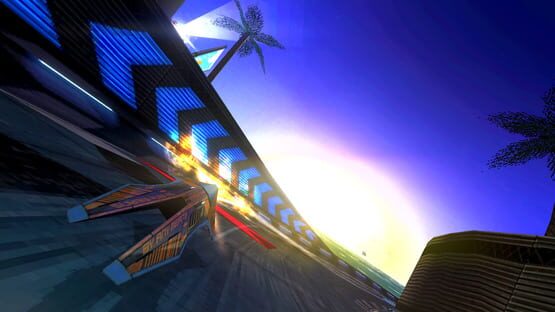
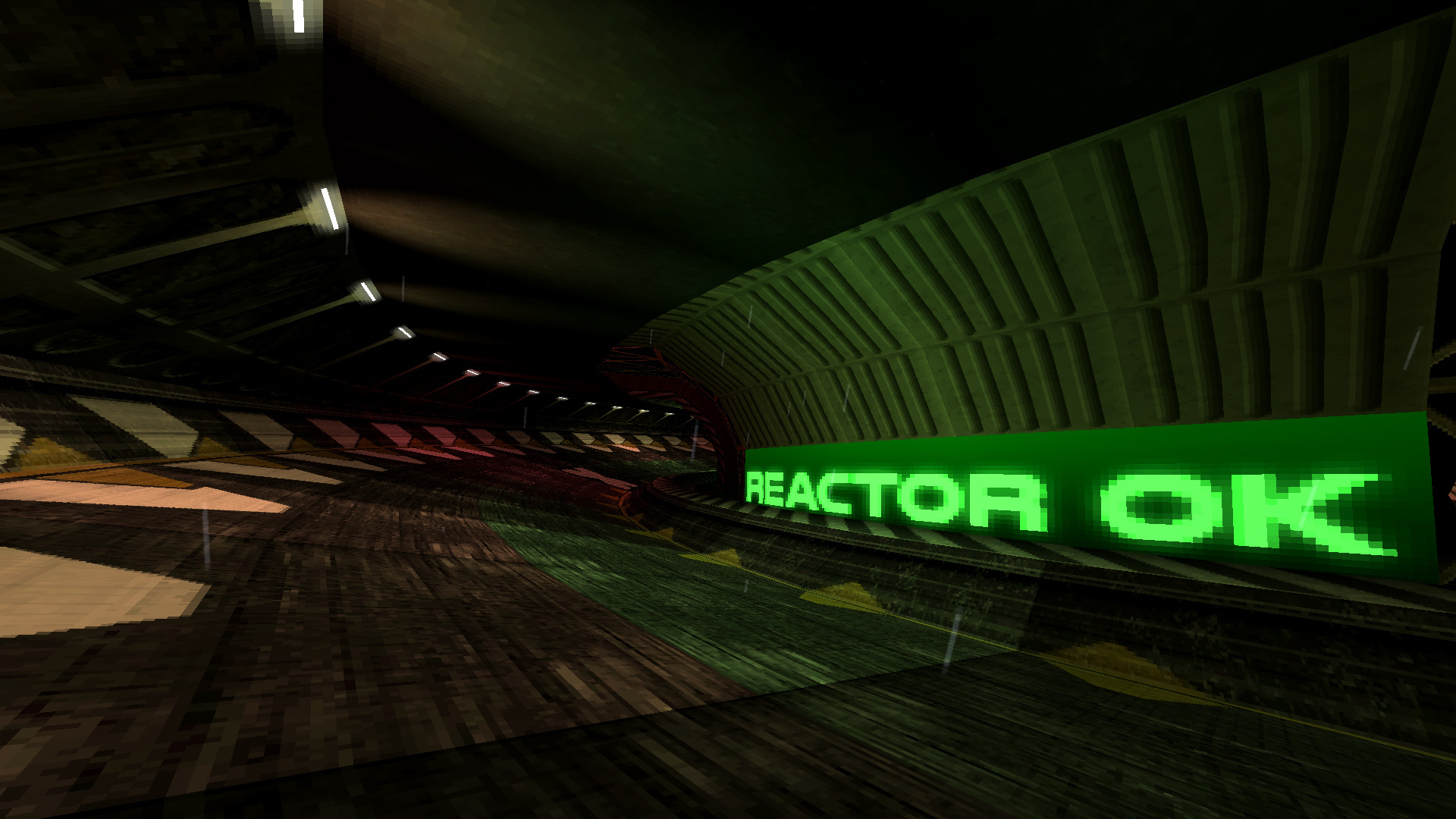
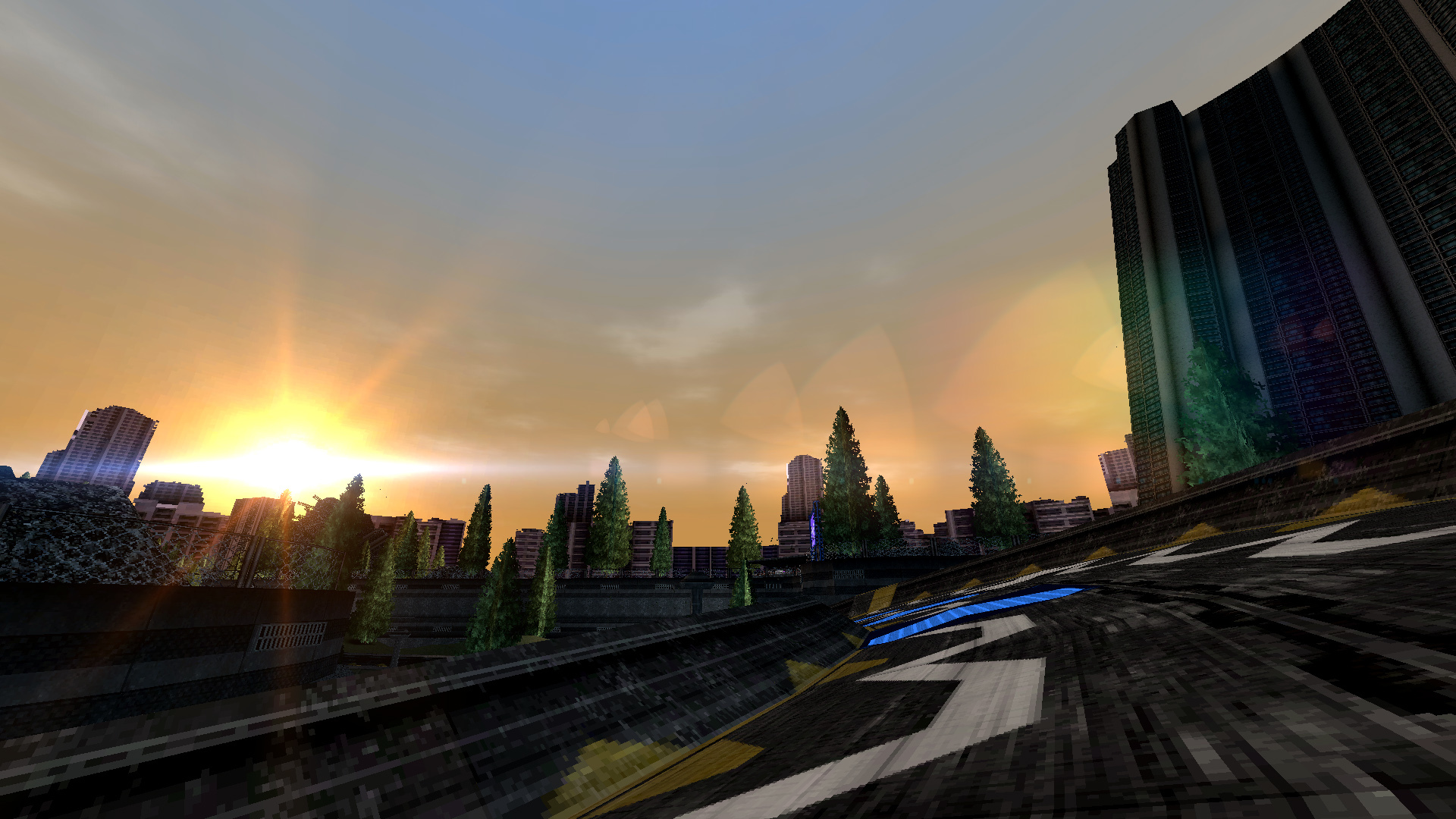
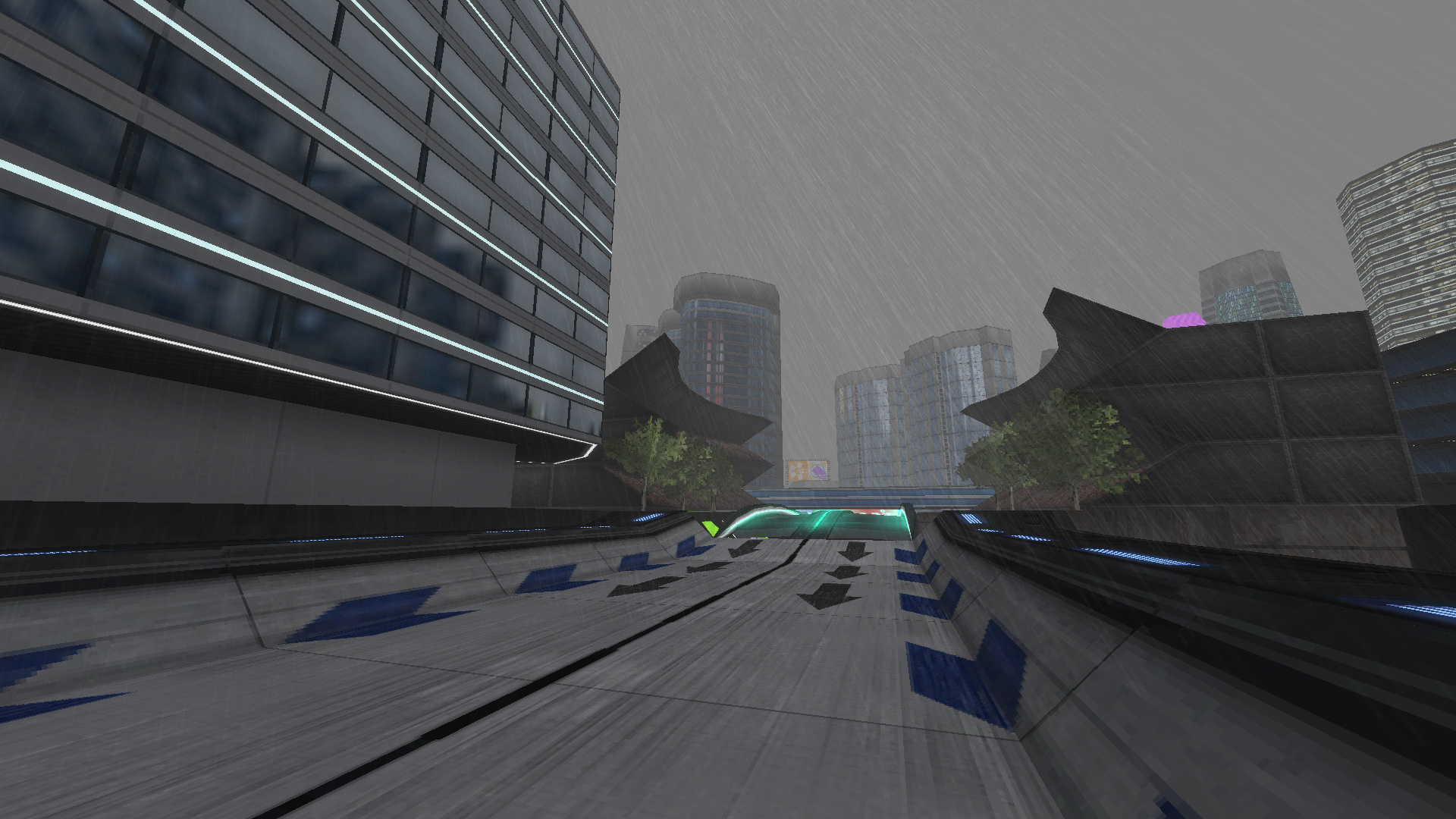
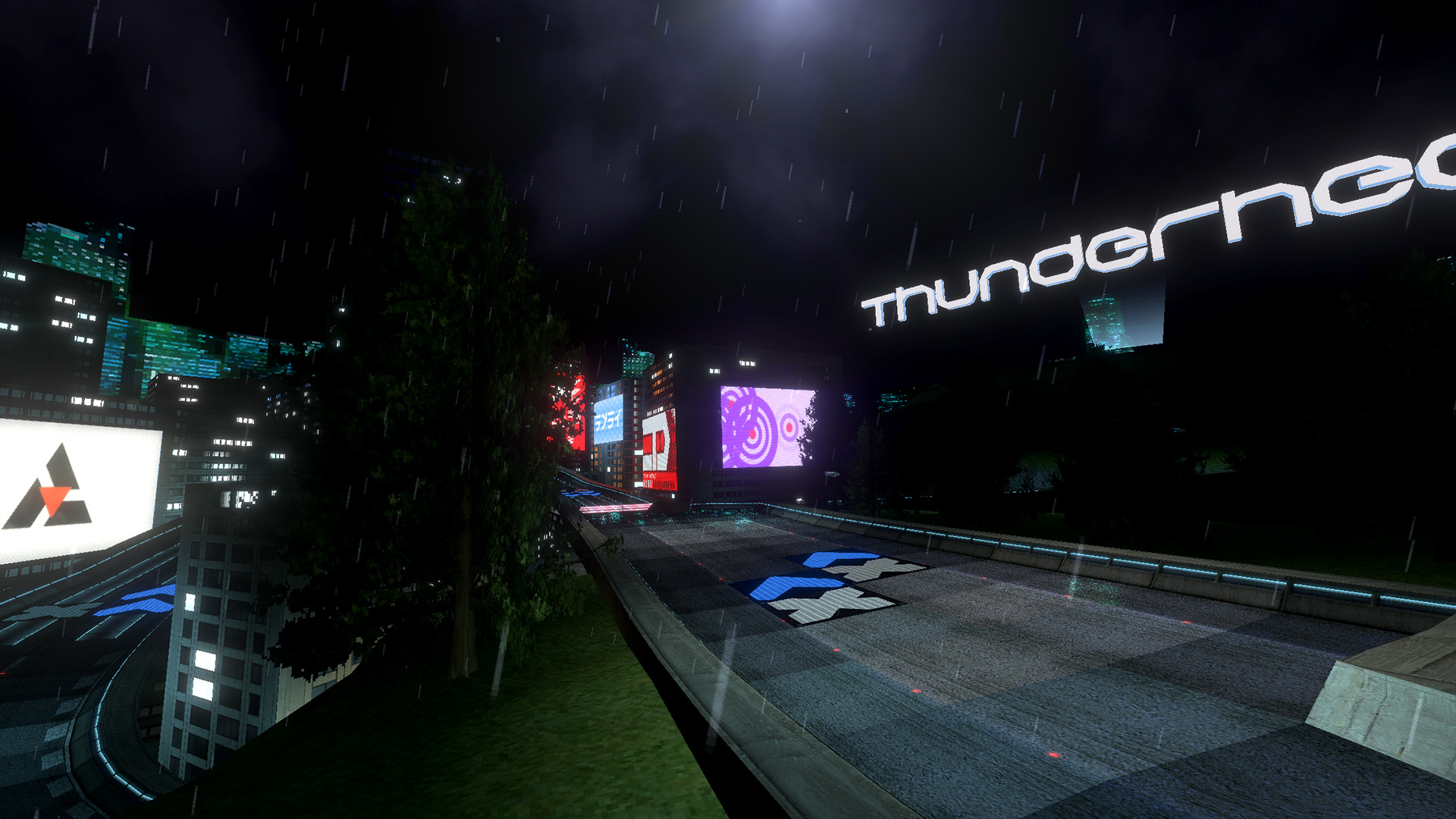
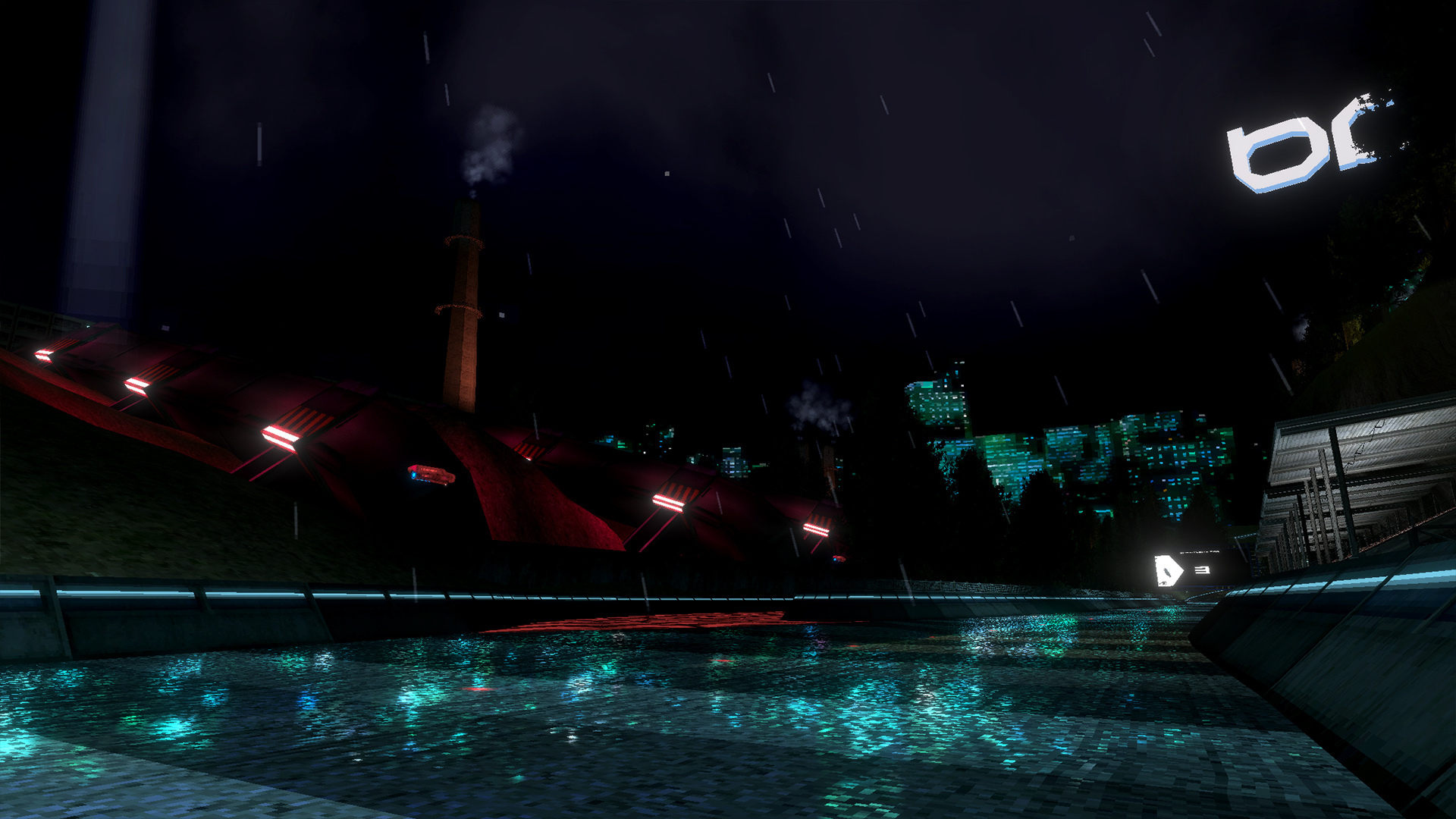
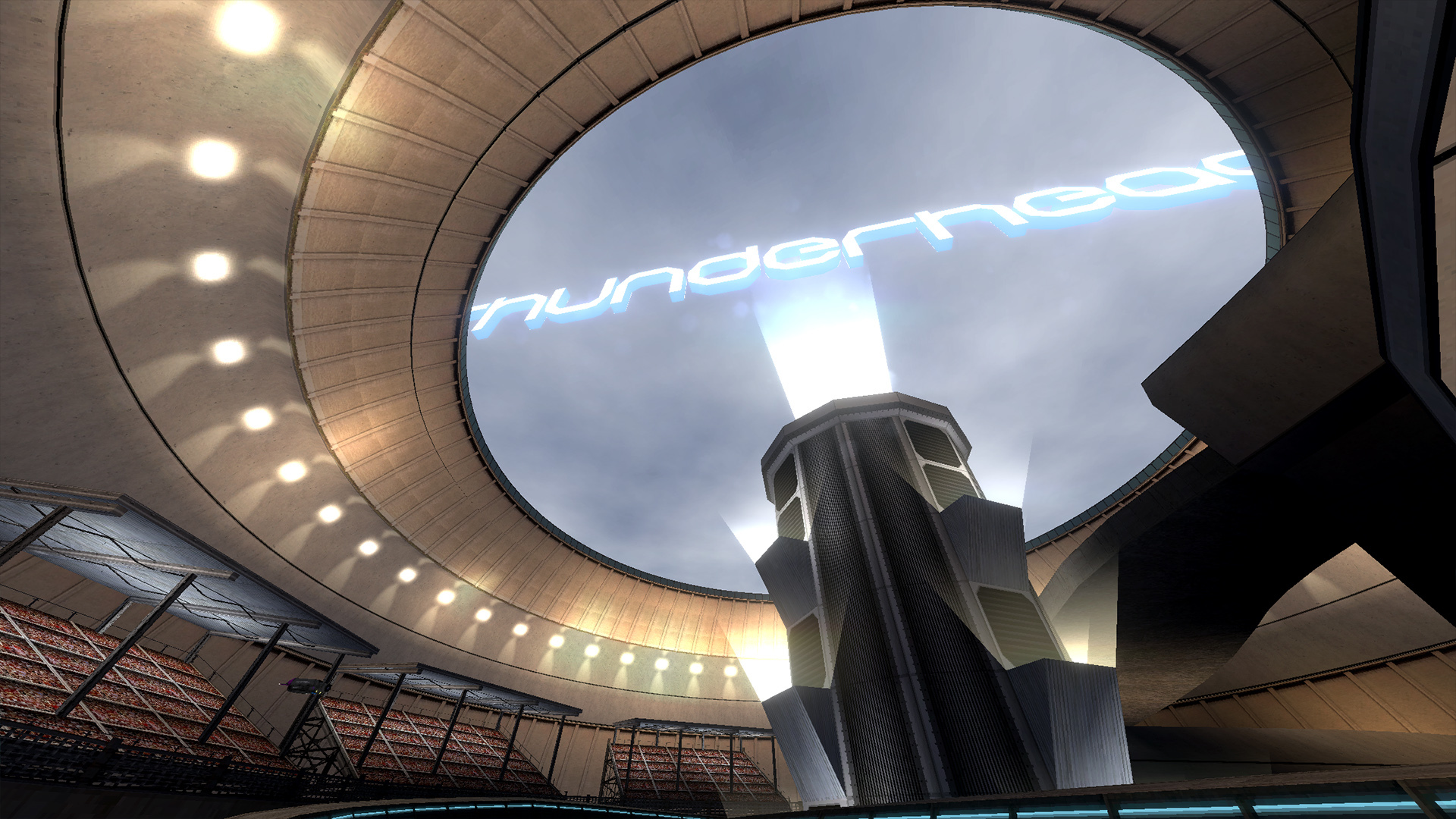
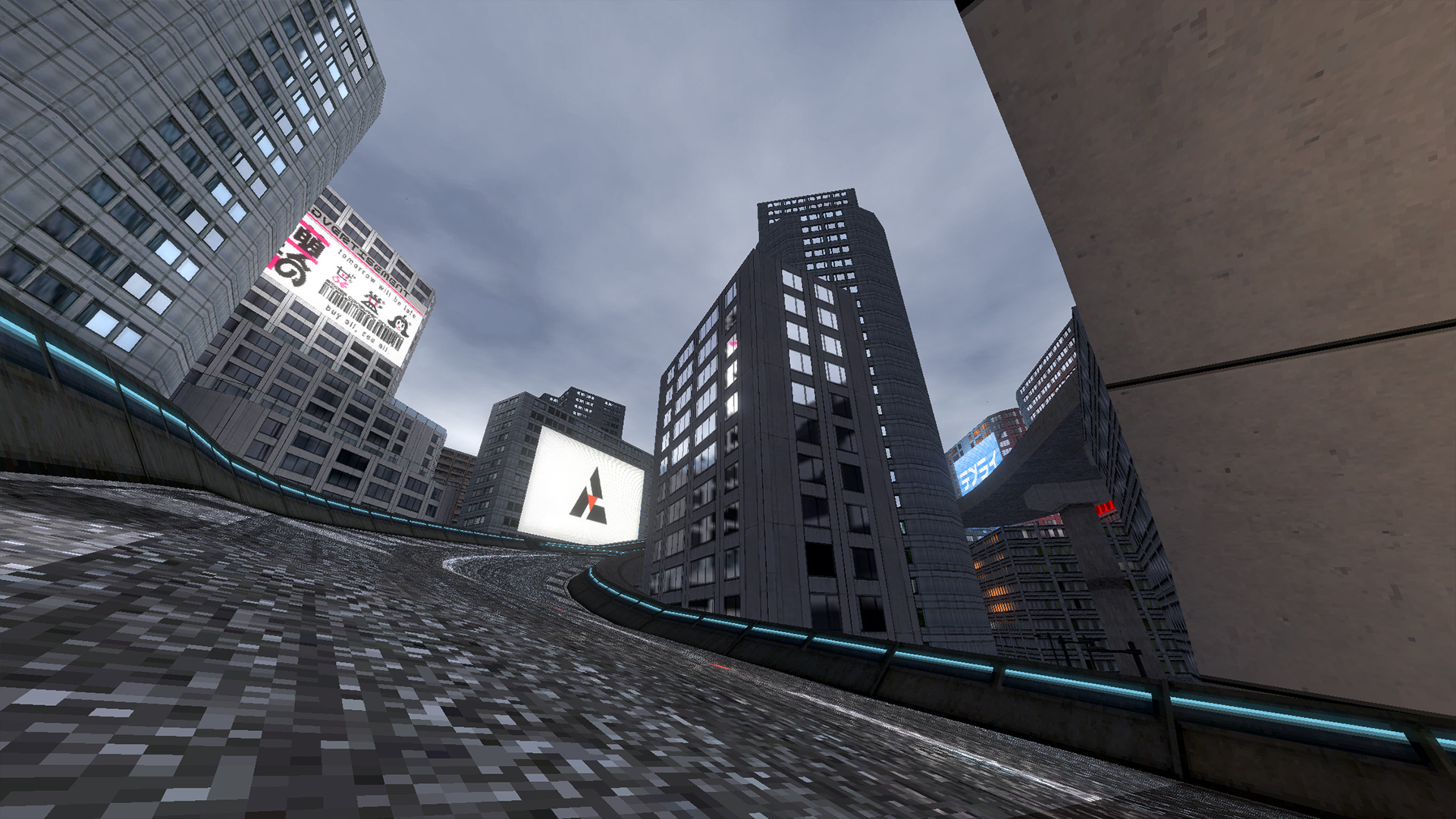
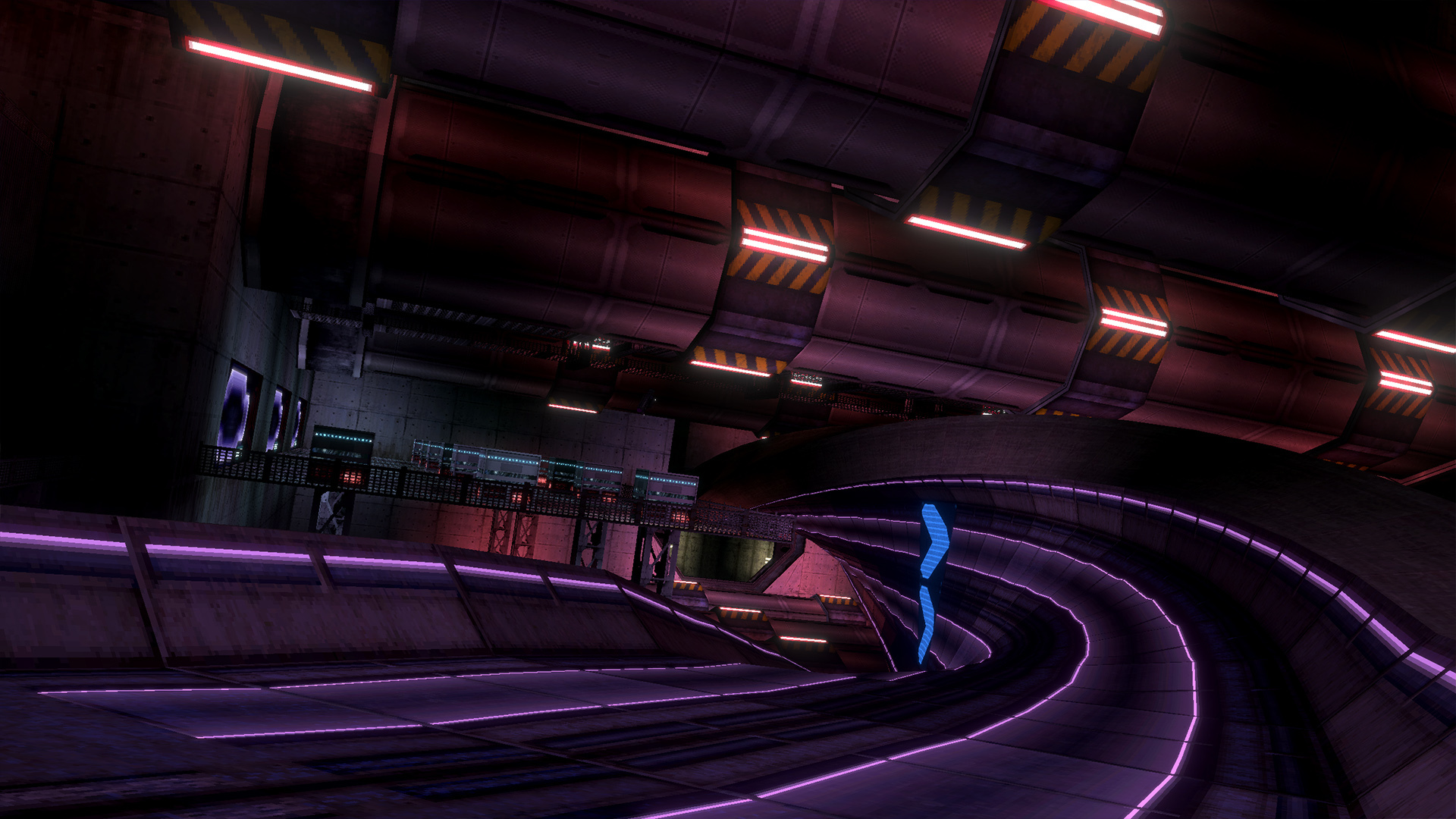
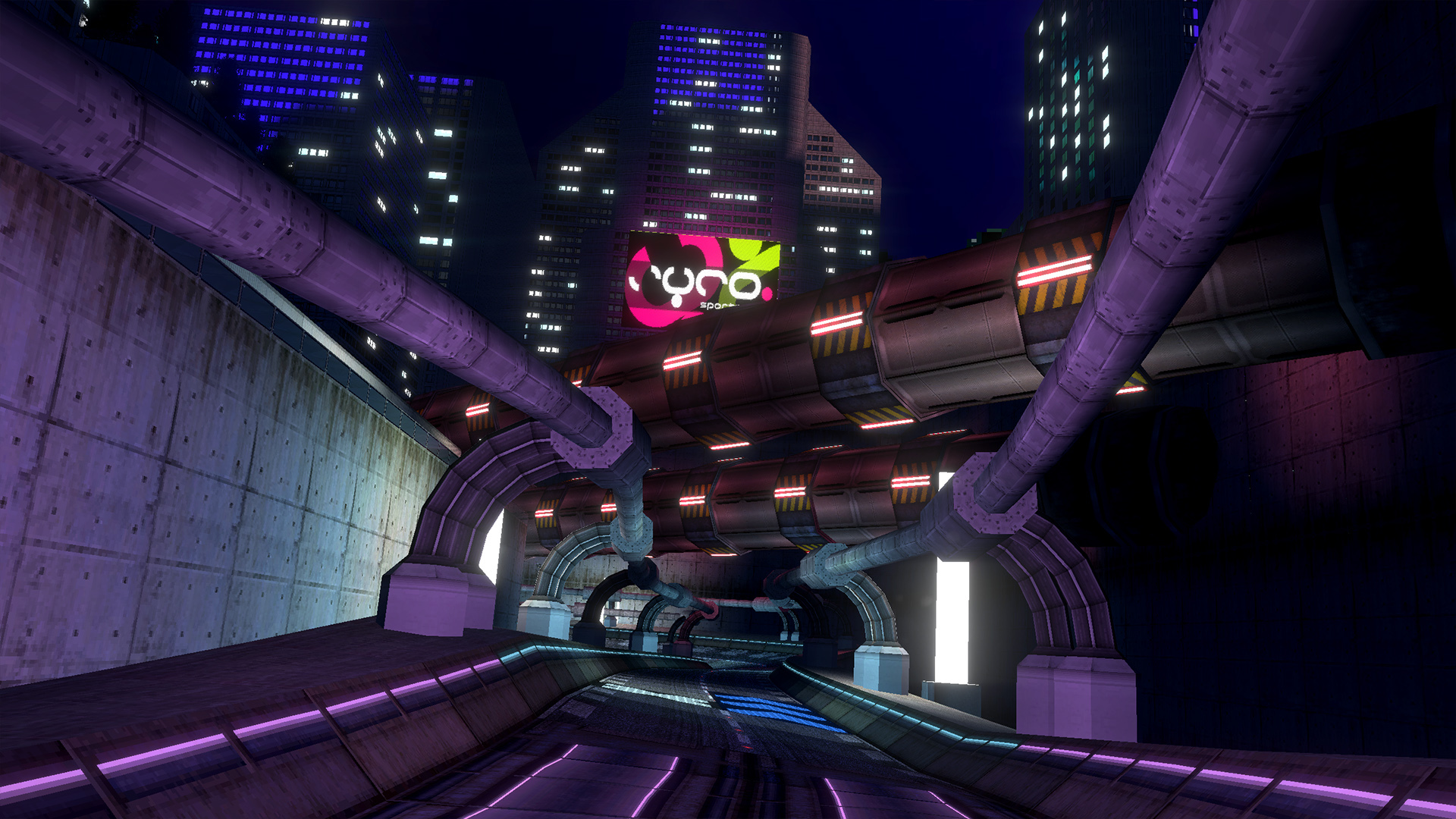
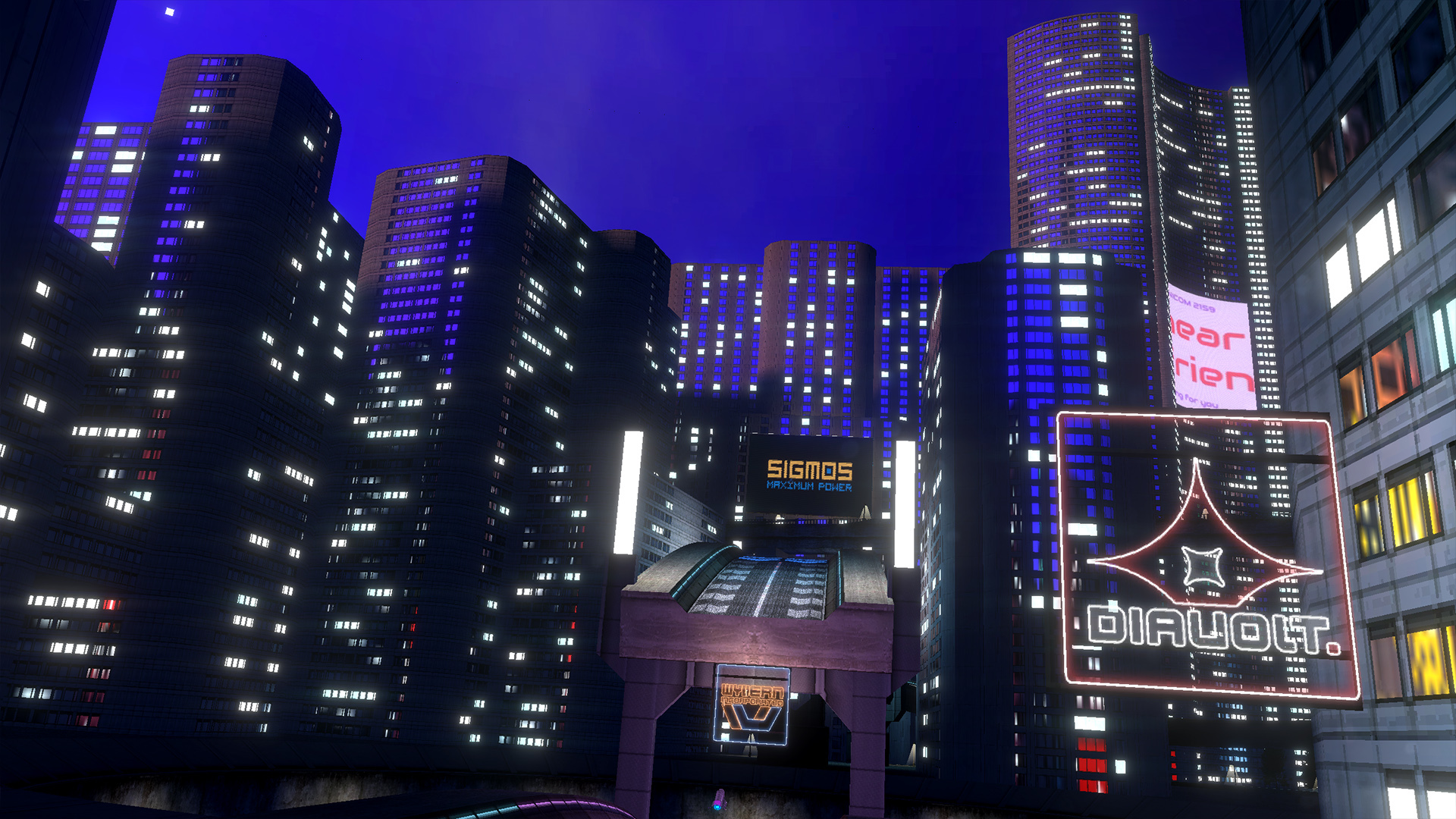
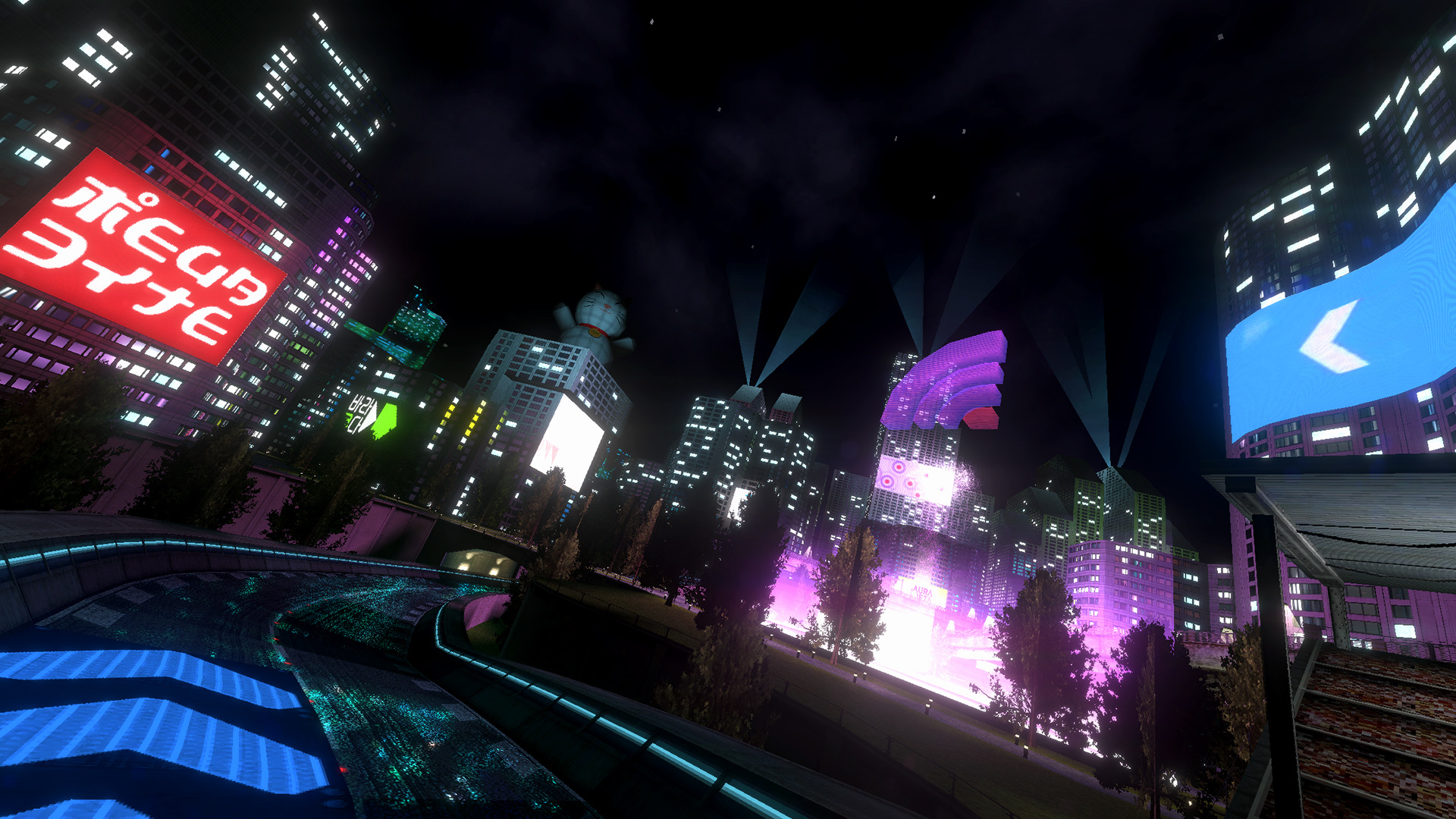
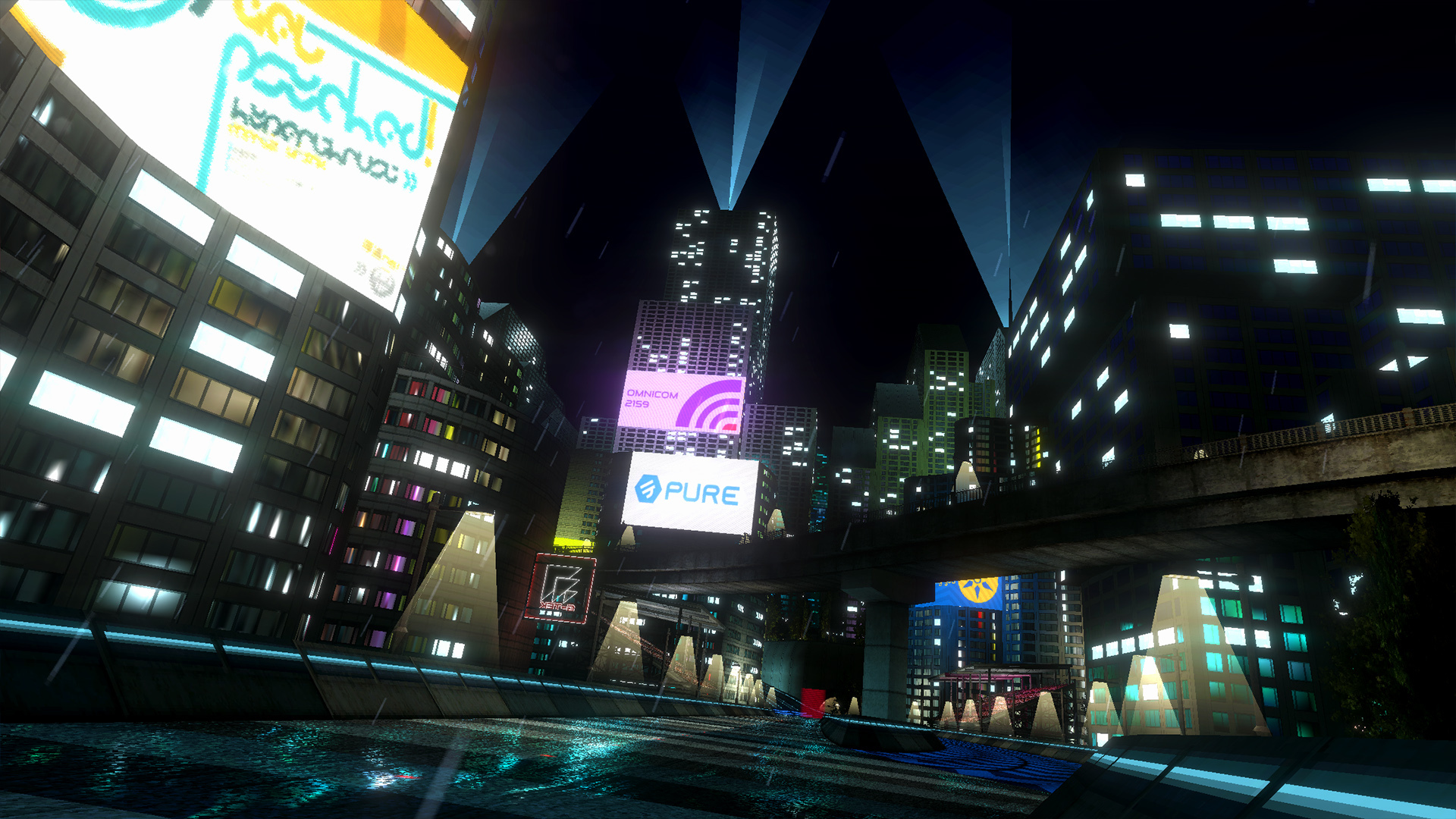
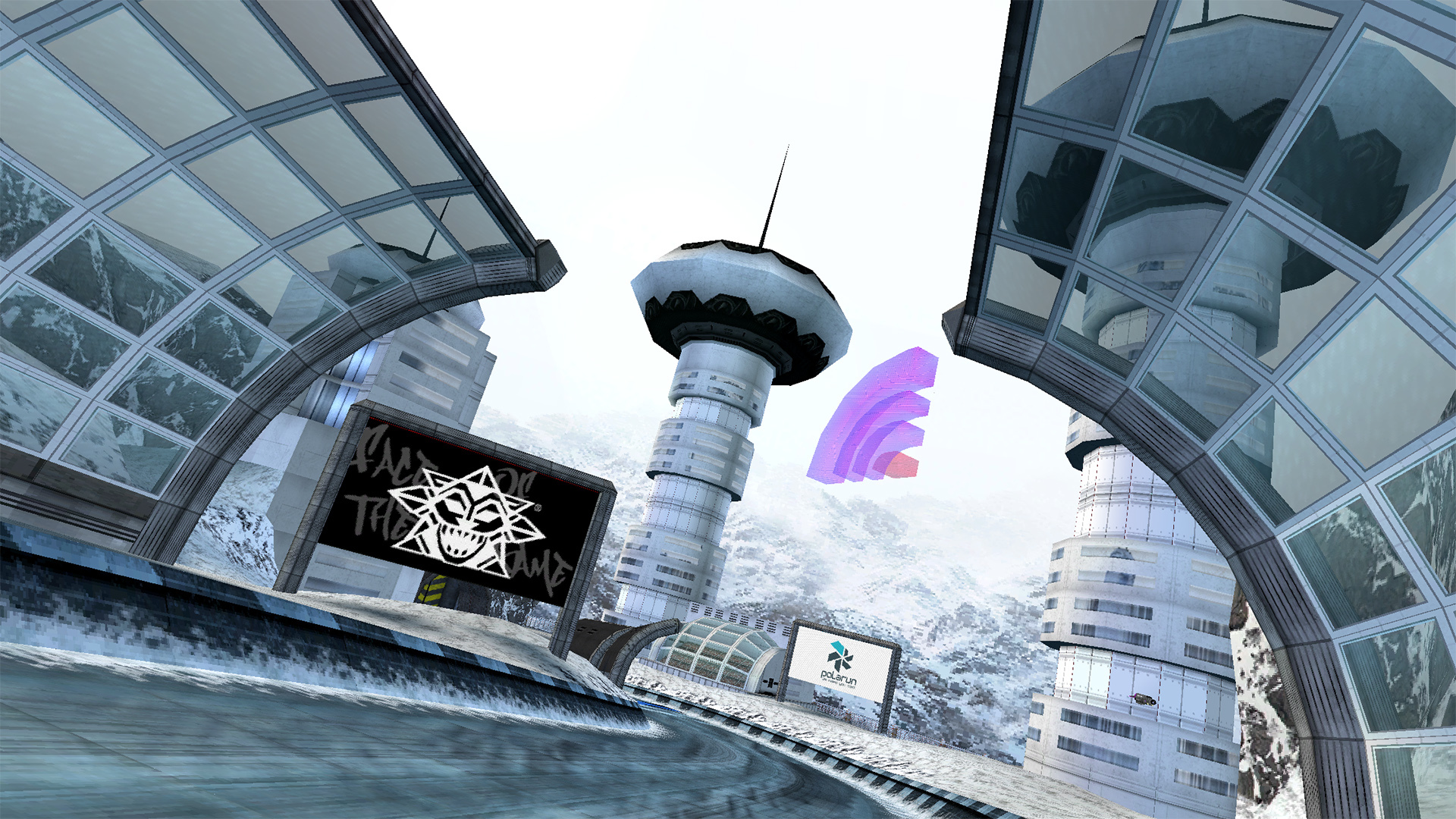
Hey everyone, it's time for the final dev update for 1.1 and Neon Nights. This one is going to be much shorter than normal as we're getting very close to the release! All Neon Nights tracks are now complete and the campaign has been created, all that's left now is play testing.
The Neon Nights campaign introduces 48 new events to introduce you to and test your skills on the new tracks. Getting a gold or platinum on all of these events will earn you the Neon Nights liveries. Upsurge also makes it debut in this campaign so get ready for some close shaves against barriers at high speeds!
BallisticNG 1.1 and Neon Nights both release on July 30th.
Metro
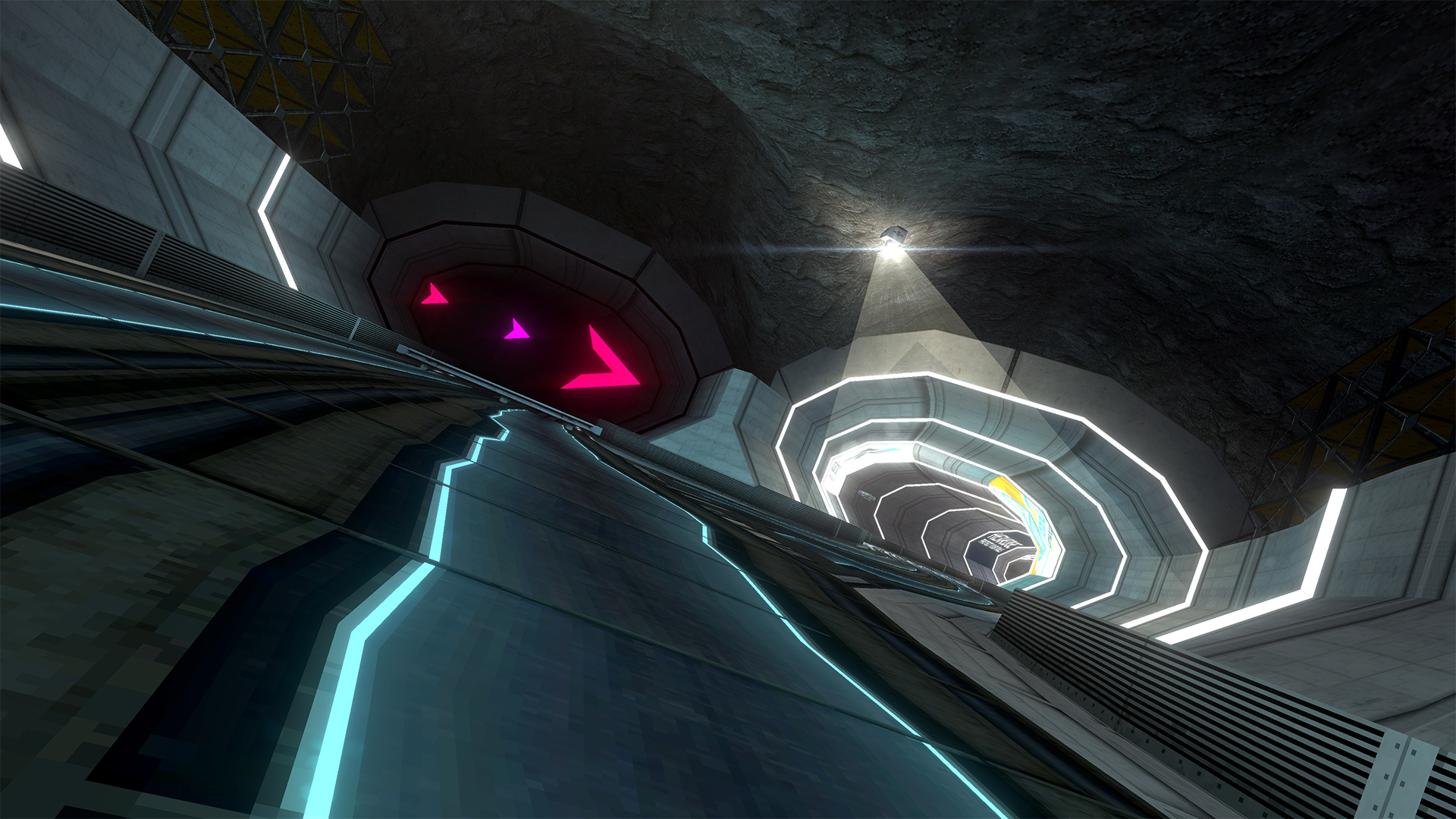
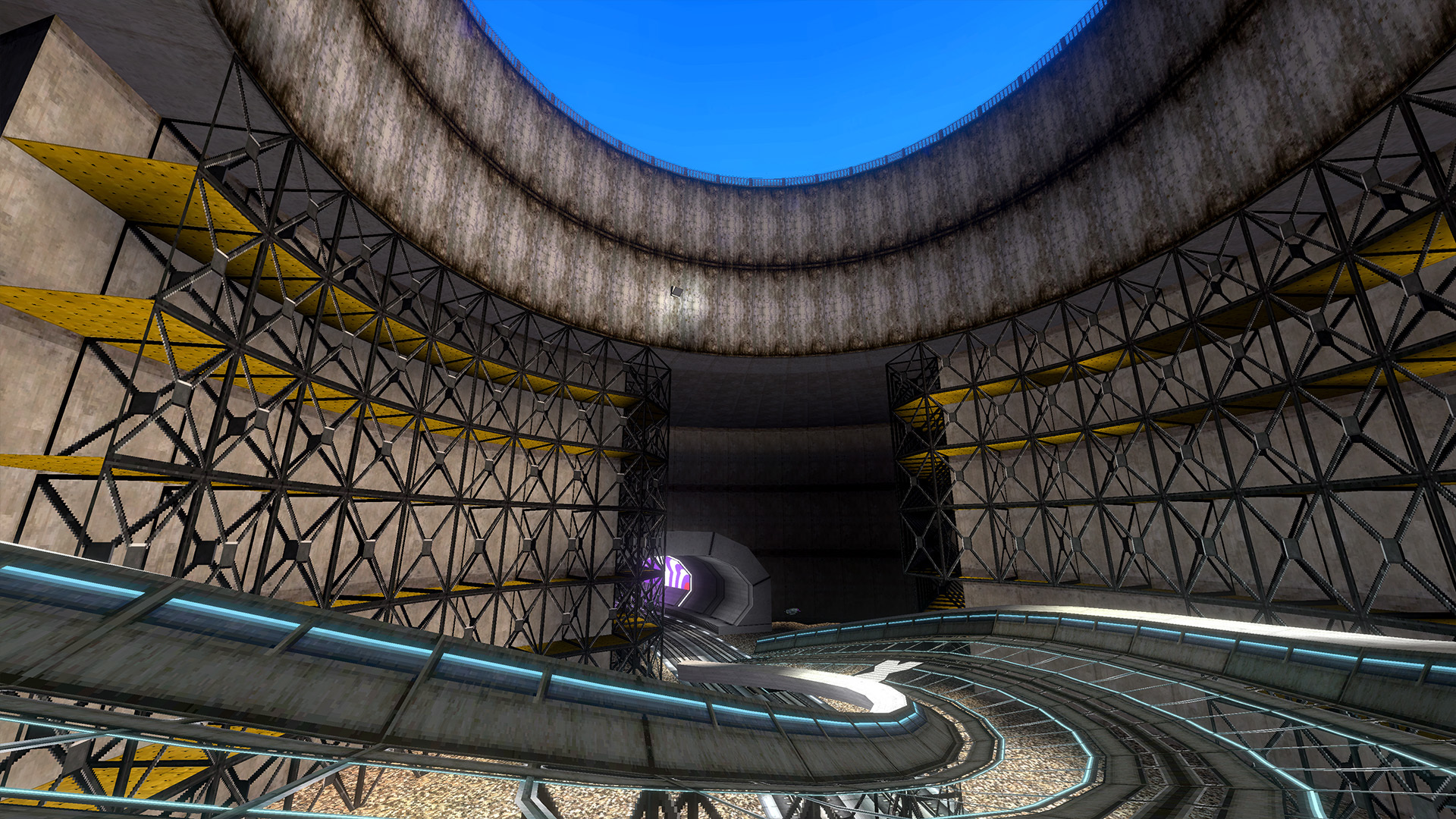
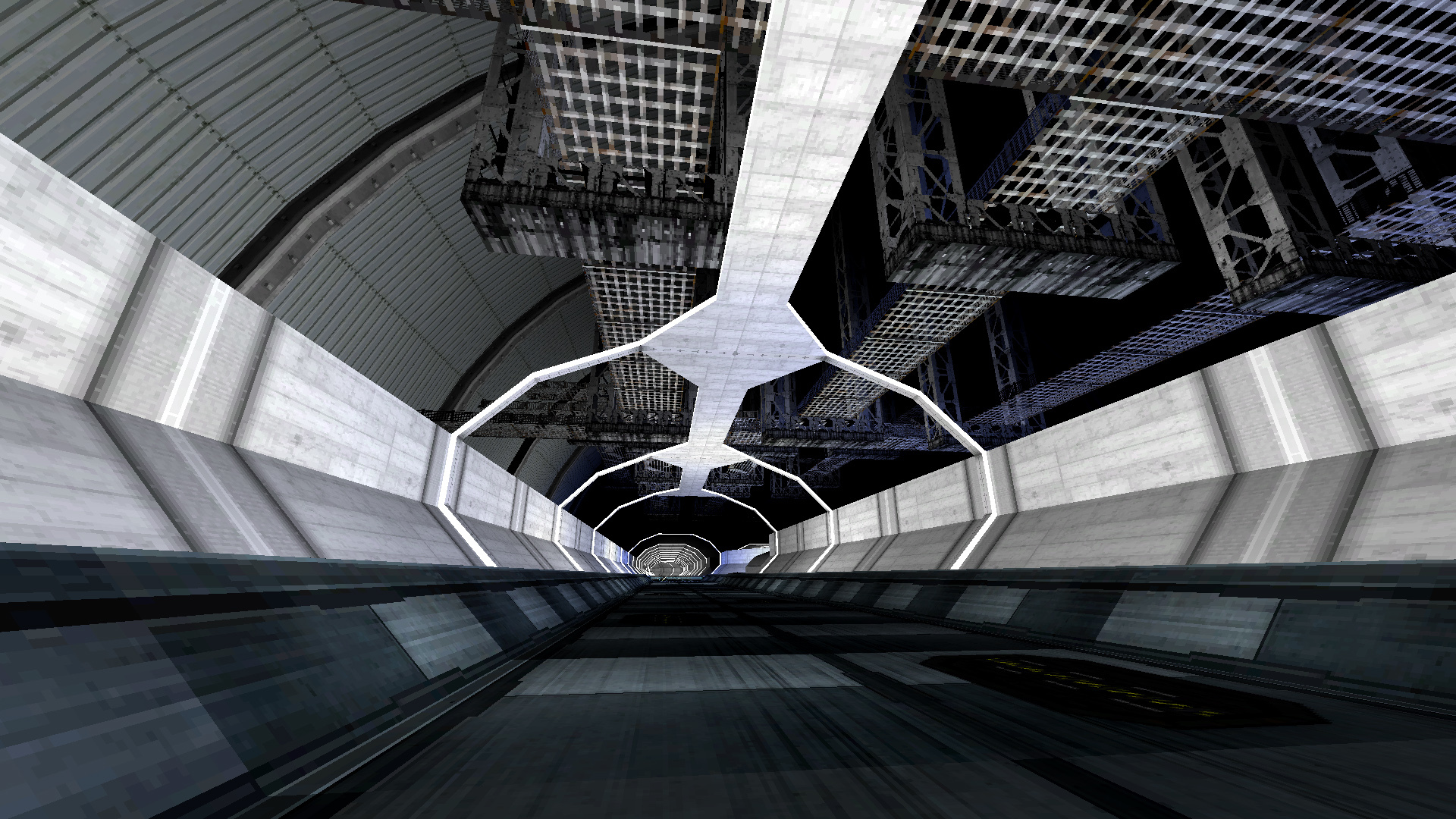
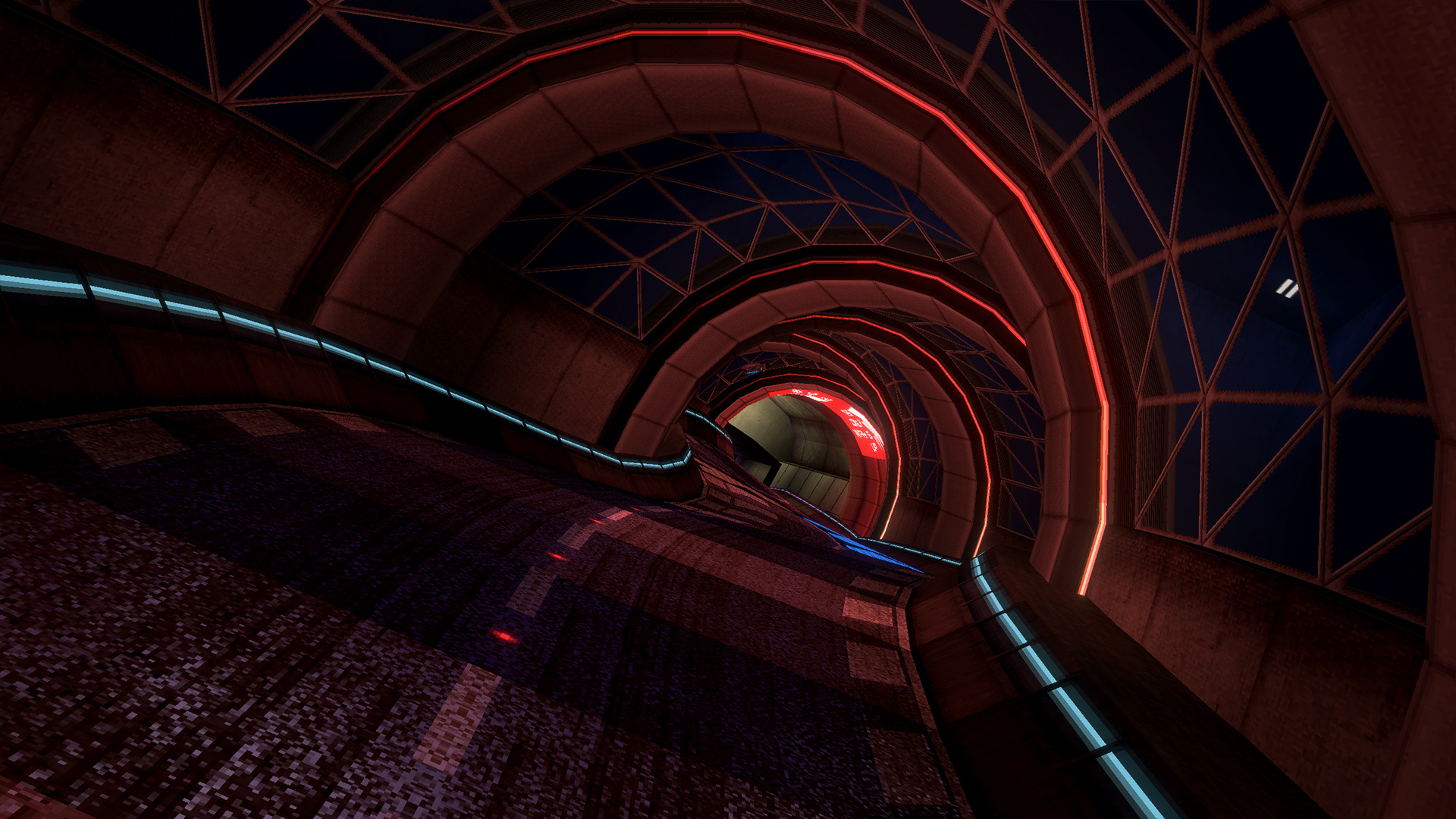
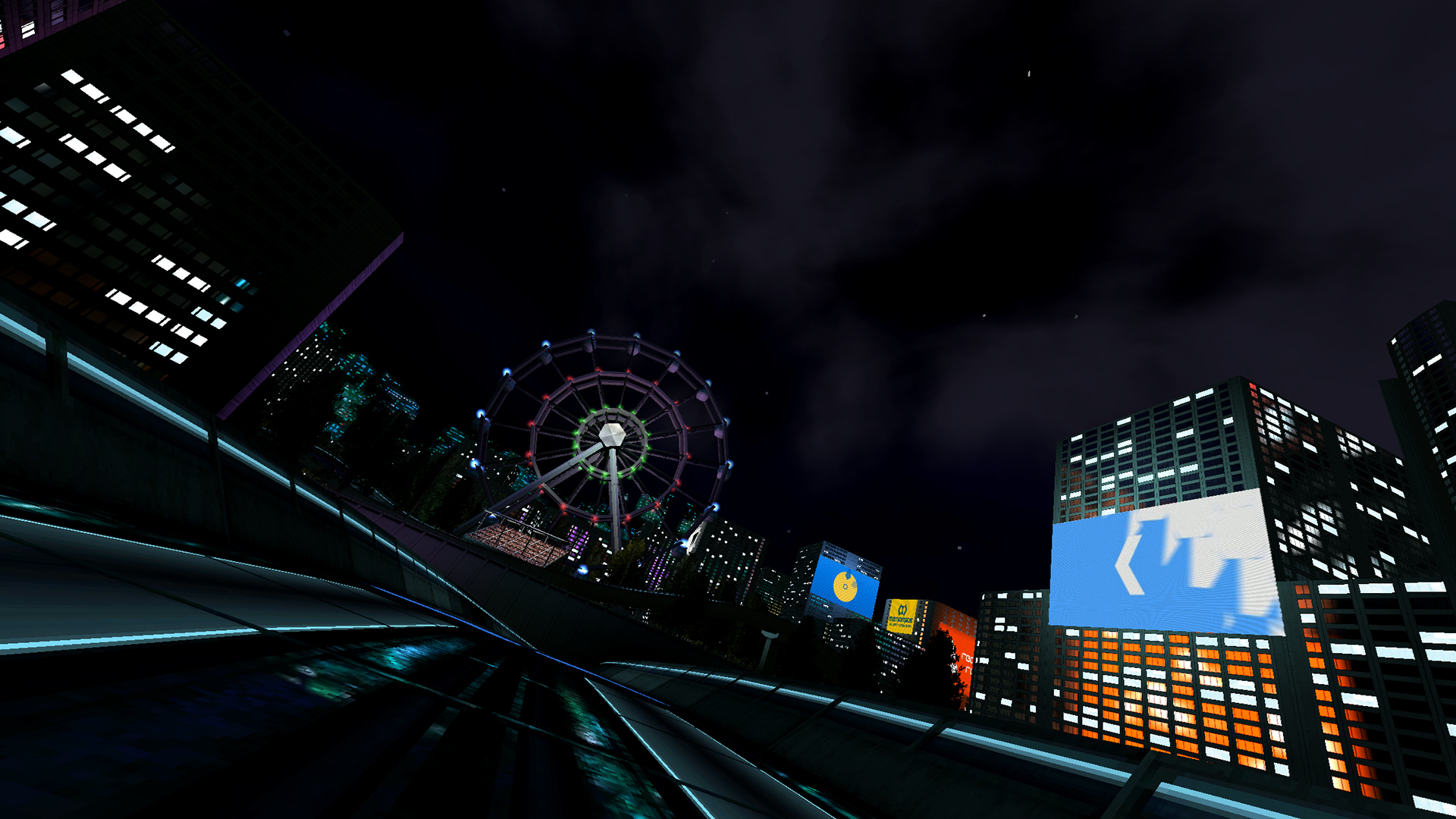
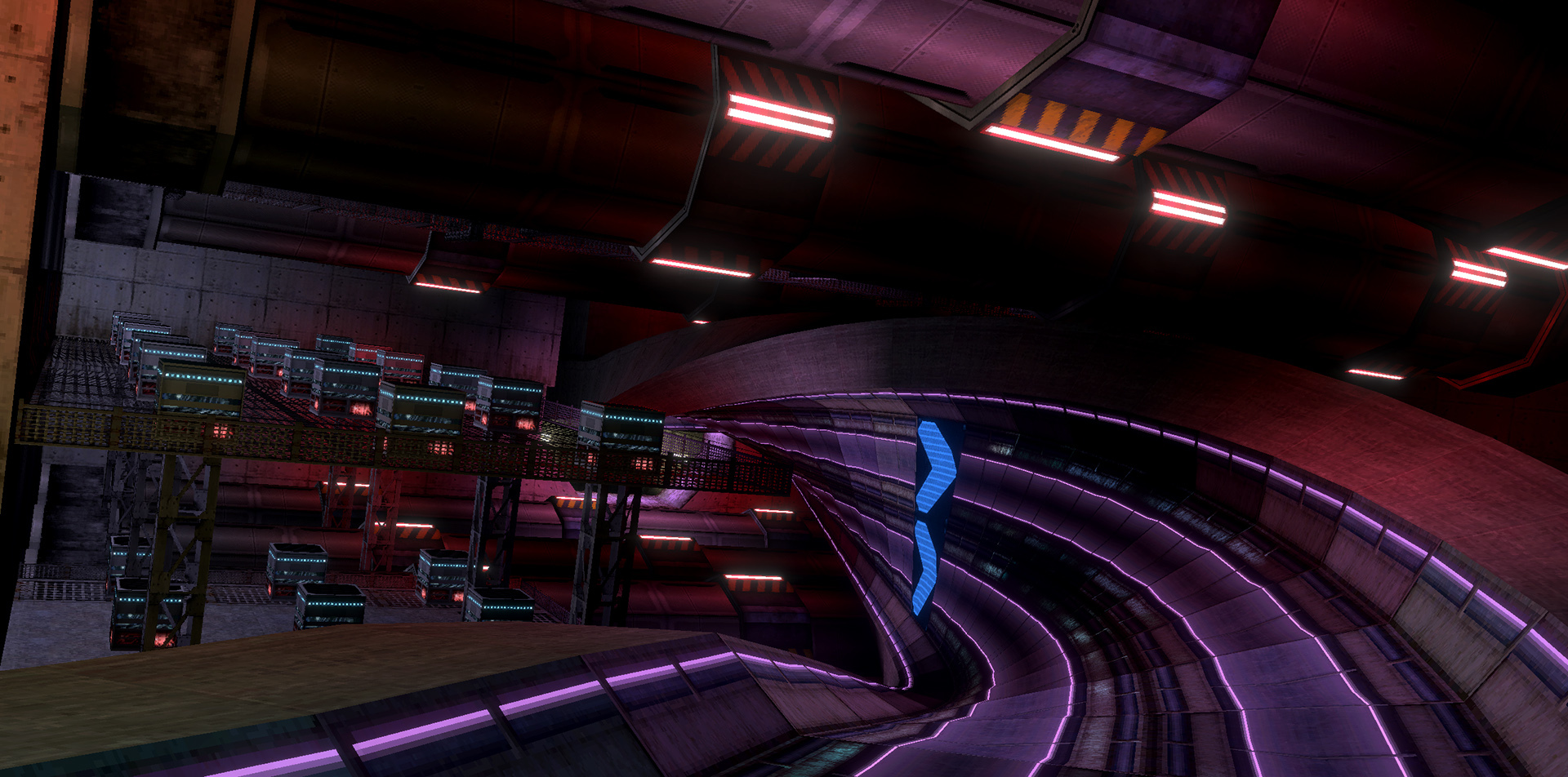
Last time we showed a work in progress shot of Metro, this time we have some finished screenshots and gameplay for you.
As Metro is still under heavy construction you can expect sharp turns, sudden drops and a lot of scaffolding!
https://www.youtube.com/watch?v=uuc0J0axPHE
Soundtrack
The soundtrack update for 1.1 has been finalized! Here's a mix of the new songs if you want to listen early:
https://www.youtube.com/watch?v=qnlzRE0xBY8
Important notice for custom track creators!
Hey everyone! If you've released tracks for BallisticNG then you'll want to read this as it's about compatibility with older custom tracks when 1.1 releases. The purpose of this announcement is to give creators an early heads up so 1.1 doesn't suddenly break your content.
First and foremost, if you've released a track that was:
Built using the BNG 1.0 or 1.0.3 Unity Tools
A 0.9.4 track with a DX11 buiid
Released before 0.9.4 but exclusively uses BNG shaders and doesn't incorporate any stock Unity shaders
then you have nothing to worry about and your tracks will work as they always have when 1.1 releases!
What's going on?
As BallisticNG is moving forward with newer versions of Unity we've unfortunately had to say goodbye to DX9, which impacts compatibility with older custom tracks. Check out the first 1.1/Neon Nights dev update for more info:
Older DX9 only tracks will continue to function and be playable, but any materials that use stock Unity shaders will show up pink. From our testing the vast majority of the to be affected tracks are missing either sky strips or particles - more of an annoyance then something game breaking.
I have an older track, what should I do?
Not much!
If you haven't already, update your Unity Tools to the latest from 1.0.3 (make a backup of your project first, just in case).
When you're setup with the latest version all you need to do is build your track as you normally would and then update your WTRK file if you've published to the workshop.
And that's it, your older track is now future proof! You'll want to test your track after building it for the first time with updated tools. While you shouldn't run into any issues, you can never be too careful.
Why only stock Unity shaders?
When BallisticNG loads a custom track it has a list of shader names that it references to swap out the Unity Tools version with the in-game version. We set this up as a pre-caution to negate the issues that any potential graphics API compatibility issues like this could have
We can't do the same for Unity shaders as only the shaders we use in the game are actually put into the built version, so if somebody is using a more obscure Unity shader (or their own) in their track then BNG doesn't actually have it available and it has to be provided by the track itself instead.
Hopefully this heads up is useful and gives you enough time to update your tracks if need be. 1.1 will be the only update in the foreseeable future that will lower compatibility with older content, apologies for the inconvenience.
Happy modding!
Neon Nights / BNG 1.1 Dev Update 4
Hey everyone, it's that time again!
The final Neon Nights track, Metro, is currently in progress and will be ready for a full showcase in the next dev update.
Neon Nights will be releasing on July 30th, included for free alongside the game's 1.1 update!
Thunderhead
Previously we had shown screenshots of Thunderhead, so here it is in action:
https://www.youtube.com/watch?v=z5d-AxP8iz4
Metro
Metro is set entirely underground in an older, unused section of Vega City's metro system. The area is being revamped to properly house a traditional AG circuit but is currently being used in a rail line/AG track hybrid for the current AGL season.
The screenshot below shows the start grid in early stages. The track is relying heavily on scenery to build the track layout, everything has been blocked out but because there was this extra step the scenery detailing has only just begun.
Soundtrack Additions
New songs are being added to the game! There isn't currently a final count as songs are mostly being added as we go along but here's a couple for you to take a listen to!
Like with the release of 1.0, all new songs being added are being added to the soundtrack DLC for free. You'll find the new MP3s inside the folder when 1.1 releases!
The rear chase camera (the 2nd camera mode) in 2159 used to just piggyback off of the 2280 rear chase camera. While this camera mode works fine for 2280 there is a huge disconnect between the camera and physics when used in 2159. This new camera mode gives 2159 its own unique chase camera movement which reacts much better to the physics.
The track chase camera (2159's default) has also been given some updates to make it react faster to the track as the ship flies through it. This helps with accentuating the ships movement which makes the camera a bit more satisfying.
You can see the new camera in action below!
Barracuda Model 0
Originally an official mod back when the game first implemented custom ships, the Barracuda Model 0 has made it into the game officially!
The Model 0 is the prototype of the Model A. However despite its finished variant, it doesn't share the same performance and is more in line with the other standard teams competing in the AGL.
The ships textures have been re-created from scratch and the ship has been given all of the game's livery sets.
https://www.youtube.com/watch?v=9SDtOD8-7NA
Floor Hugger
Floor Hugger is a new physics model that's being introduced with 1.1. This new physics model is a direct extension of 2159, keeping most of it intact but drastically changing how the gravity and hovering function to have you constantly locked to the track.
The airtime physics in this mode have also been changed. Instead of nose diving you fly straight and need to control your trajectory by pitching.
Here's a video of it in action:
https://www.youtube.com/watch?v=fsOMIB-c_tQ
Updated Tracks
A few tracks have had minor updates to improve their look:
Aciknovae Forward Aciknovae has had a lighting overhaul, keeping its feel but smoothing out the lighting and brightening up the reactor a little bit.
Nova Split Reverse Nova Split Reverse has had it's time of day changed and has had its lighting improved, no longer make it look completely flat.
Dover Reverse Dover Reverse has had a lighting and weather update, making use of the game now writing to Unity's depth texture to implement post processing based fog.
New photo mode
Photo mode has had a massive update, rewriting it from scratch and making use of new engine features to provide more effects and improve existing ones!
The interface now plays a large part in the mode, giving you many options in a controller friendly format that is available straight away (previously you had to use the mouse to open up a window).
When you render a screenshot you are now given a list of resolutions instead of the game using your display resolution. These range from really low resolutions to 4k, and includes various aspect ratios for a variety of uses.
Capturing a screenshot no longer automatically opens the screenshots folder either, there's now a dedicated button for that!
https://www.youtube.com/watch?v=lODQ6Bp7FAI
Drag ships everywhere!
Those of you who have been playing since the very early days might remember that the drag ships were once playable on every track. Those days are back!
With 1.1 you'll be able to play every track in custom race and online with the drag ships, they've been given their own leaderboards and save files too.
Other Changes
DLC System
A means of loading extra official content has been added to the game. Previously Neon Nights was embedded into the game itself but has now been moved out into its own files. This allows the content to be updated independently of the game itself and lets the core game be loaded without any additional content (mostly useful if you're writing code mods and want fast boots for rapid development).
This also future proofs the game for future content and is going to be very important in an upcoming change to the game's update frequency. We'll be talking more about this when 1.1 releases.
New Launch Arguments
-nodlc and -nougc have been added to the game's launch arguments. Expanding on what was mentioned above these provide you with a way of loading the game in a completely clean state, so if you're writing code mods you'll no longer need to keep sitting through custom ship and track loading to test changes.
Weapon Updates
All projectile weapons have been stabilized so they will always stick to the track on sharp pitch changes, like on magnetic track sections.
All weapons now have physical colliders, stopping situations where projectiles could fly through walls if moving fast enough to have its trigger jump through the geometry entirely.
The cannon fire rate is now determined by the ships firepower stat, the weapon now also has 3 different sounds which also change depending on the ships stats.
Motion Blur
An option for in-game motion blur has been added! This will always be off by default but can be turned on in the options menu.
We've been sitting on the option for a very long time now. It's been requested on several occasions but it was important to get its implementation right as to not turn the screen into a blurry mess whenever the camera moves.
Neon Nights / BNG 1.1 Dev Update 3
Hey everyone, it's time for another development update!
5 out of 6 tracks for Neon Nights are now complete. Development of the final track, Metro, will be starting very soon. Once Metro is done the Neon Nights campaign can be created and then it's time for release!
We're currently on track for releasing Neon Nights in July! A more specific release date will be revealed in the next development update.
Basin
Previously we had shown screenshots of Basin, so here it is finally in action:
https://youtu.be/HVyspR9yIcE
Thunderhead
Unlike the other tracks in Neon Nights, Thunderhead has more of a focus on terrain then it does dense buildings. This short track has you flying by the side of Vega City's industry district.
Other Changes
Neon Nights / BNG 1.1 Dev Update 2
Hey everyone! It's time for another development update.
4 out of 6 tracks for Neon Nights are now complete. Thunderhead has its layout finalized with some scenery already done, and Metro's layout is going to be developed very soon!
Route 05
Previously we showed some screenshots of Route 05, now here it is in action!
https://www.youtube.com/watch?v=plnfIXMT_go
Basin
Basin is now complete, here's some screenshots for you. We'll be showing off the track in action next month!
This is the game's biggest track to date and we can't wait to get this one into your hands in the coming months!
Gliding
BallisticNG 1.1 is going to be introducing a gliding mechanic. Whenever you pitch up and are fairly close to the track floor you will begin gliding, giving you greater control over your decent!
You glide less as you gain speed. There's always some amount of glide but around the speed of the Barracuda Model B ships is when you'll find it begins to really cut out. This aids in keeping the mechanic balanced so you don't end up being airbourne for extremely long periods of time.
https://www.youtube.com/watch?v=6GIhwSn2l60
New Liveries
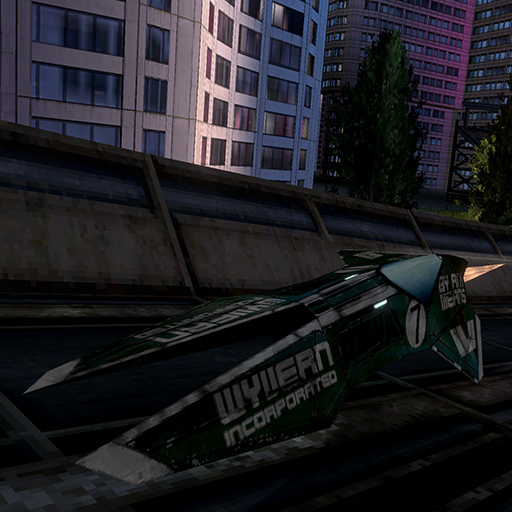
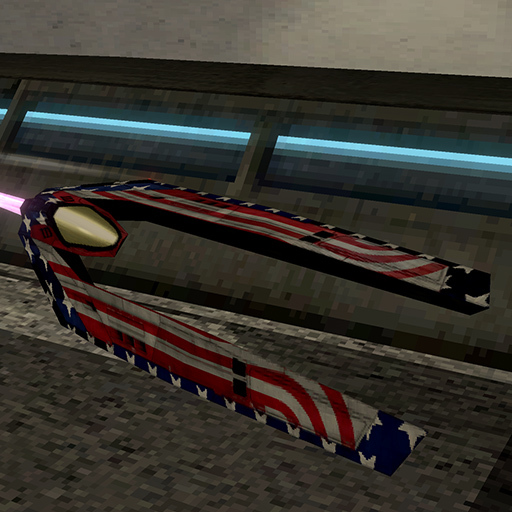
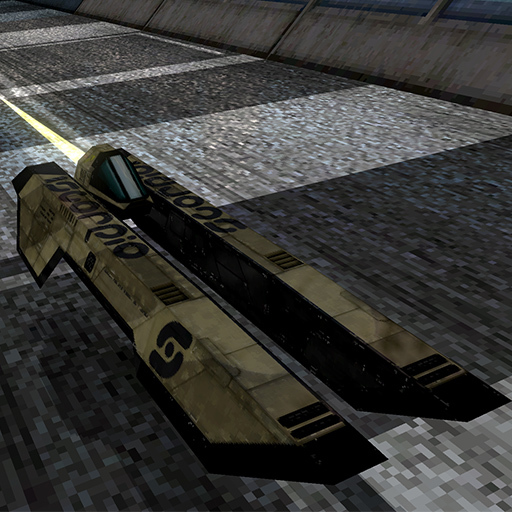
Neon Nights is bringing a new set of liveries to the game! These new liveries will first need be unlocked with a 100% gold or platinum run of the Neon Nights campaign. Here's a look at a few ships showing off their sleek new paint jobs!
Other Changes
Custom Campaigns
Added support for the fallback texture reference. When 1.1 releases you'll be able point your custom campaign to a PNG or JPG file and have that display on the menu instead of an MP4 or WEBM file.
Player and AI ships can now be forced seperatly, you can now also force specific liveries and livery schemes for events.
Lower grip for Toxic and Apex
One problem BNG has always had is the lower speed classes just being a slow Zen. Nothing other then the top speed changes.
1.1 is introducing lower grip for Toxic and Apex, a 20% and 10% reduction in grip respectively. This change makes the two speed classes much more fun as you'll now be able to drift around corners in a similar nature to how you would at Zen. Care has also been taken with the stat modifiers to ensure that the current world records don't become impossible to beat with these changes.
Neon Nights / BNG 1.1 Dev Update 1
Hey everyone! It's been just over a month since we announced Neon Nights so here's an update on progress, plus more.
Currently 3 of the 6 tracks are complete. In the last announcement we showed off Relay and Vega Square, today we're showing you the next two tracks and Vega Square in motion.
Vega Square
Here's a look at Vega Square in motion, next month we'll show off Route 05 in motion too.
https://www.youtube.com/watch?v=x9kty3WKGnc
Route 05
Route 05 is a remake of what was originally the 0x001 prototype track in BallisticNG 0.5. The original track was retraced in the layout creator and given some minor changes to make it flow better.
Basin
Basin weaves through Vega City's central storm drain and all of its underground components. It's the first track in the game to officially use magnetic track sections and is the first to feature two completely separate routes for the forward and reverse variants, effectively making it 2 tracks in 1!
There's going to be a lot to this track. Scenery wise it's the biggest track in the game to date so we're saving more screenshots until next month when it's much more complete.
Upsurge
Upsurge is a new gamemode we're introducing with 1.1. It's a mode that's been requested a lot throughout the game's development and it's now finally here!
https://www.youtube.com/watch?v=xnFGlHC8yic
We've updated to Unity 2018.3
BallisticNG 1.1 will be running on Unity 2018.3, upgrading from 2017.2. There are many improvements the latest version of Unity brings which boosts physics performance and provides many new features that makes future development much more streamlined.
DirectX9 support was removed from Unity starting from 2017.3 so BNGs DX9 support has been dropped and replaced with OpenGL. If you're running on capable hardware the game will still continue to use DirectX11.
Finally this also means that mod creators will need to upgrade their Unity installs to 2018.3 - we're using 2018.3.8f1 specifically. The upgrade process is very straight forward and we'll have a short guide to walk you through what you need to do in order to update projects. Don't upgrade your Unity install prematurely however, the tools will not work if you update without first having the 1.1 Unity Tools!
Other changes
Introducing Neon Nights
We're pleased to unveil BallisticNGs first expansion: Neon Nights!
This first expansion will be free and included inside the game's next major update. There's currently no release date, we want this expansion to be something amazing for you to play through so we're taking our time and will be releasing it when it's ready.
The Tracks
Neon Nights takes place in Vega City, a glowing metropolis that's signed away several of its key locations to the AGL. A move heavily funded by Omnicom that's been met with the praise of AG fans and outrage of the local residents.
6 new tracks are being added with this expansion: 5 standard tracks and a drag track. The standard tracks will be available in both forward and reverse variants with the usual time of day and weather alterations.
Easy Vega Square: A short circuit situated in the bustling heart of Vega City.
Relay: A repurpose of an old circuit that is yet to see action in the AGL, situated at one of Omnicoms communication relays.
Intermediate Route 05: Plans for a circuit that never saw fruition were found and fully realized in this familiar circuit that runs along Vega City's 5km highway.
Basin: A long circuit which drops into Vega City's central storm drain.
Hard Thunderhead: A technical circuit passing through Vega City's industrial district.
Metro: A long circuit interwoven with Vega City's metro system.
New Campaigns
Neon Nights will come with two new campaigns: Aftermath and the Neon Nights campaign itself.
Aftermath is built from base game content and covers the tracks not included in the original campaigns (Surge, Zephyr Climb, Atlantica and Relay from this expansion).
These campaigns do not count towards total campaign completion so it's not a requirement that you beat them in addition to the original campaigns to reach rank 50.
Screenshots
Keep an eye out as more announcements showing off tracks will be coming!
Here's some screenshots to get started:
BallisticNG 1.0.3 is now out!
1.0.3 has just released! We have some fixes and other improvements that we wanted to get out while we're working on 1.1. Stay tuned as we'll be unveiling what's to come in the games first content update soon!
Note to ship creators
If you have uploaded a CSF ship to the workshop you are going to need to update your Unity project with the latest Unity Tools package and re-upload them. Changes to how the game handles CSF ships in this update requires all file names to be unique which originally uploaded workshop CSF files do not have.
If you've downloaded CSF ships from the workshop and they haven't updated then the game won't load them and details will be printed to the game's console.
Apologies for the inconvenience.
Highlights
If you want the quick rundown of what's new, here are the highlights:
Survival now has leaderboard support
Improved collision detection and made bottoming out more consistent
Updated several of the games sounds
Model B ships now have animated airbrakes
Fixed several issues related to CSF format custom ships
Changelog
User Interface
You can no longer select Model B tracks when playing eliminator
Gamemodes
Added support for Survival leaderboards
Removed leaderboard support from race based gamemodes
User Interface
Added a close button to the console
Drastically improved the consoles rendering performance
Ships
Added animated airbrakes to the Model B Ships
Fixed each Model B ship now having a default livery name
Fixed ghost ships using the vertex wobble offset in the energy wall shader
Fixed some inconsistent behaviours with heavy wall impacts
Fixed distorted UVs around Caliburns right airbrake
Ghost ships now use the ships frontend mesh when available
Scenery walls not aligned with a track sections right vector now allow heavy wall impacts
The collision sparks now inherit the ships impact velocity
Bottoming out is now handled upon collision with the track floor instead of being triggered by a hover threshold. This provides more consistent floor bounce behaviour across all ships
Ships now use continuous collision detection, this prevents ships with sharp wings like the NX from clipping through walls
Tracks
Fixed the holograms shader ignoring the clipping distance setting
Weapons
Fixed the plasma bolt spawning in the wrong location for certain CSF format custom ships
The spawn position for the plasma bolt projectile is now determined using the ships mesh length instead of a static offset
Ai
Fixed the pitch input not being reset to zero when an AI takes control of a player ship
Rewrote the ship-ship collision avoidance to make it more effective by letting AI react to the player ahead of time
Audio
Fixed the afterburner sound playing multiple times on some inputs and also playing when pressing the input in the pitlane
There is now a delay threshold between playing track impact sounds, sometimes collisions can happen very close together so this prevents sounds from overlapping each other
Update several sounds:
Wall impacts (now also used for bottoming out)
Wall scraping
Start boost
Start boost fail
Airbrakes
Turbo pickup use
Energy wall bolt fire
Engine
CSF ship bundles are now fully unloaded when navigating the ship turntable and a lock system is now in place which prevents assets currently being used from being unloaded.
Bottoming out on the track now spawns the collision hit particle effect
Achievements
The minesweeper achievement is now achievable if you destroy a mine while the mines destroyed stat is above the achievement target.
Custom achievement unlock statuses are no longer forgotten if you disable the mod they belong too.
Multiplayer
Fixed CSF ships not loading if a player selects a livery that has an index higher then your own local copy of the same ship. The game will now load the default livery if this occurs.
Modding
Fixed the BallisticNG/CustomShipCull shader not being translated to the in-game version upon custom ship loading
If duplicate files are found in the myships/mytracks folders when categorizing root files the game will now replace the already categorized files with the uncategorized version.
Layout Creator
Fixed side snapping to a track route traversing in the opposite direction resulting in vertices connecting to the opposite side of the track
Unity Tools
Updated all video assets to use VP8 encoding, this should fix crashes on Linux once custom tracks have been updated by their authors
When uploading a CSF to the workshop the temp file it generates to upload is now given the workshop ID as a file name
Multi-platform specific
Linux builds now stores all settings in the game's ini file instead of using Unity's PlayerPrefs system. The game now also manually retrieves the desktops resolution to assign on first launch.
Happy piloting!
BallisticNG 1.0.2 is now out!
BallisticNG 1.0.2 has just released and we're pleased to announce new tools for custom ship creators to play with!
Unity Tools - Custom Ships
The Unity tools package originally developed for importing custom tracks is now also a tool for importing custom ships. The old in-game ship importer is being depreciated in favour of these Unity based tools which provide you with more options then ever before and makes future expansion much easier!
The old ship importer is being removed in a future update, make sure you upgrade your ships to the new format to continue updating them in the future.
If you're interested in getting started there is full documentation available here: https://ballisticng.gamepedia.com/Import_Ship_Tutorial
Track Uploader
The track uploader is going to be depreciated in a future update in favour of a tool inside of Unity itself. The new tool functions the same as the standalone program but is just inside of Unity, meaning only a single codebase is required for full multiplatform support.
To access the new track uploader import the Unity tools update and then navigate to BallisticNG -> Track Workshop Manager from the toolbar.
Changelog
Engine
Implemented support for the new custom ship CSF format
The cockpit camera is no longer available if the ship doesn't have a cockpit
The external chase camera fov is now clamped to a maximum of 115 degrees and reacts to velocity changes more slowly
The width and height of track sections are now calculated and referenced to by individual sides. This fixes many potential issues in tracks which don't have symmetrical sections and in other scenarios like route entrances/exits
Ships
Fixed flares on custom ships with more then 1 engine rendering through walls
Greatly reduced the velocity transfer on rear ship bumps
Duplicate ships in races now use alternative liveries
User Interface
The ship importer option on the menu now has a legacy notice
Ship descriptions are no longer forced down to lowercase
Modding
Added a custom ship module system, more information will be coming about this in documentation updates soon.
Layout Creator
Fixed the virtual floor visualizer persisting if virtual mode was used before entering the layout creator
Unity Tools Reimport the BallisticUnityTools.unitypackage file for this update.
Added BallisticNG -> Debugging -> Run Initial Open Wizard
Added BallisticNG -> Track Workshop Manager
Added support for setting up and exporting custom ships
Added the Marina Rush tile textures
Implemented Steamworks for the new workshop functionality
Have fun modding!
BallisticNG 1.0.1 is now out!
We've just released 1.0.1! This small update includes some bug fixes, gameplay tweaks and quality of life changes. Check out the changelog below for the full list of changes.
Enjoy the update and have a great new year!
Changelog
Campaign
Increased the Tenrai Ishtar Citadel Time Trial and Nexus Omega Time Trial targets by 3 seconds
Gamemode
Fixed tournament standings not updating when the player is eliminated on the last race
Fixed the leaderboard overlay being viewable in Survival
Ships
The engine flare and trail now increase in brightness when the turbo pickup is used and when start boosting
Audio
Fixed the event complete line being repeated when finishing a Knockout race
Engine
Fixed the track floor visualizer in virtual environments not being transformed correctly if the track floor is positioned away from the world origin
The video billboards option now works on custom tracks
The game now sets the color of DualShock 4 lights to signify players
Weapons
Reduced the velocity loss from tremors and removed the engine acceleration decrease
Reduced the frequency of tremors pickups
User Interface
Added labels to the livery/livery scheme selection boxes on the ship turntable
Fixed the restart and quit buttons on the splitscreen results screen not doing anything
Fixed the current song being changeable when in the pause menu content turntables
Fixed opening the content turntables when the game is paused preventing you from unpausing the game if you back out of them
The gamemode description is now shown on the campaign event details pane
The knockout results screen no longer lists all of the untracked lap times
Track turntable overlays now use the same wireframe render settings as the main menus track turntable
The scroll wheel can now be used in content selection turntables
The tournament standings list now shows the score increase for each team
AI
Greatly reduced weapon aggression for the higher AI difficulties
Fixed the AI not pitching
The random top speed stat multiplier no longer allows the stat to exceed the ships original top speed
Reduced the rubber banding present in the Elite and Hardcore difficulties
Layout Creator 2.0
Fixed the editor soft locking when you delete every node in a route at once
Fixed the editor soft locking when entering playmode with a separated route
Fixed UVs being flipped on junction walls
Fixed extra sections being generated at 0, 0, 0 when more than 1 route with no connected exit is present
Track shape interpolation now uses a quadratic easing curve
Tracks
Fixed the tile on Omega Harbour that wasn't using the reflective floor variant
Fixed the incorrect wall tiles on Nova Split Reverse
Linux/Mac
Fixed Omega Harbours scenery having the survival windows mesh always enabled using the normal building material
Unity Tools Reimport the BallisticUnityTools.unitypackage file for this update.
If a prefab for an imported TRM already exists then reimporting the TRM will no longer recreate the prefab and just update the meshes without breaking scenes. If a valid BNG scene is open then the track atlas and lighting will automatically be re-applied to the track once the re-import has finished.
Fixed some major track data generation issues where wall tiles are generated using floor tile references and the atlas painter was also referencing wall tiles when painting and updating wall uvs.
The wall fix will only apply to newly generated tracks, if you want to update your tracks to the new UVing system a button has been added to the Track Data object which will let you do a one-way upgrade.