
- I have started working on a new landscape. It will have more interesting terrain to explore. When you start a new game you can select landscape type.
- Did some tests with non-solid tree canopies. I like it when you can see the sky through the leaves. Needs more work.
[previewyoutube="vNVCc2gR5PY;full"] - Switched the whole rendering pipeline to use alpha instead of screendoor transparency. Fire, smoke and clouds are now smooth.
[previewyoutube="dlQ-YurRyU4;full"]
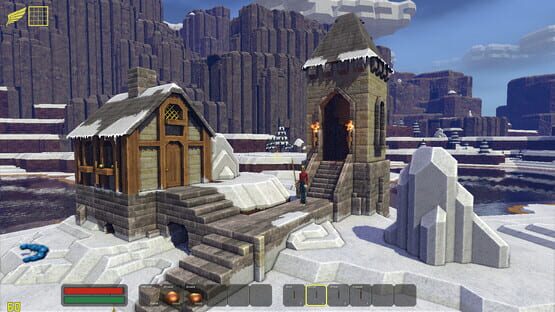
Blockscape
Random thoughts 10 - Happy new year!
Blockscape BSNG v18 released (Christmas 20)
This update is the biggest graphical improvement in the history of Blockscape. I hope you like it!
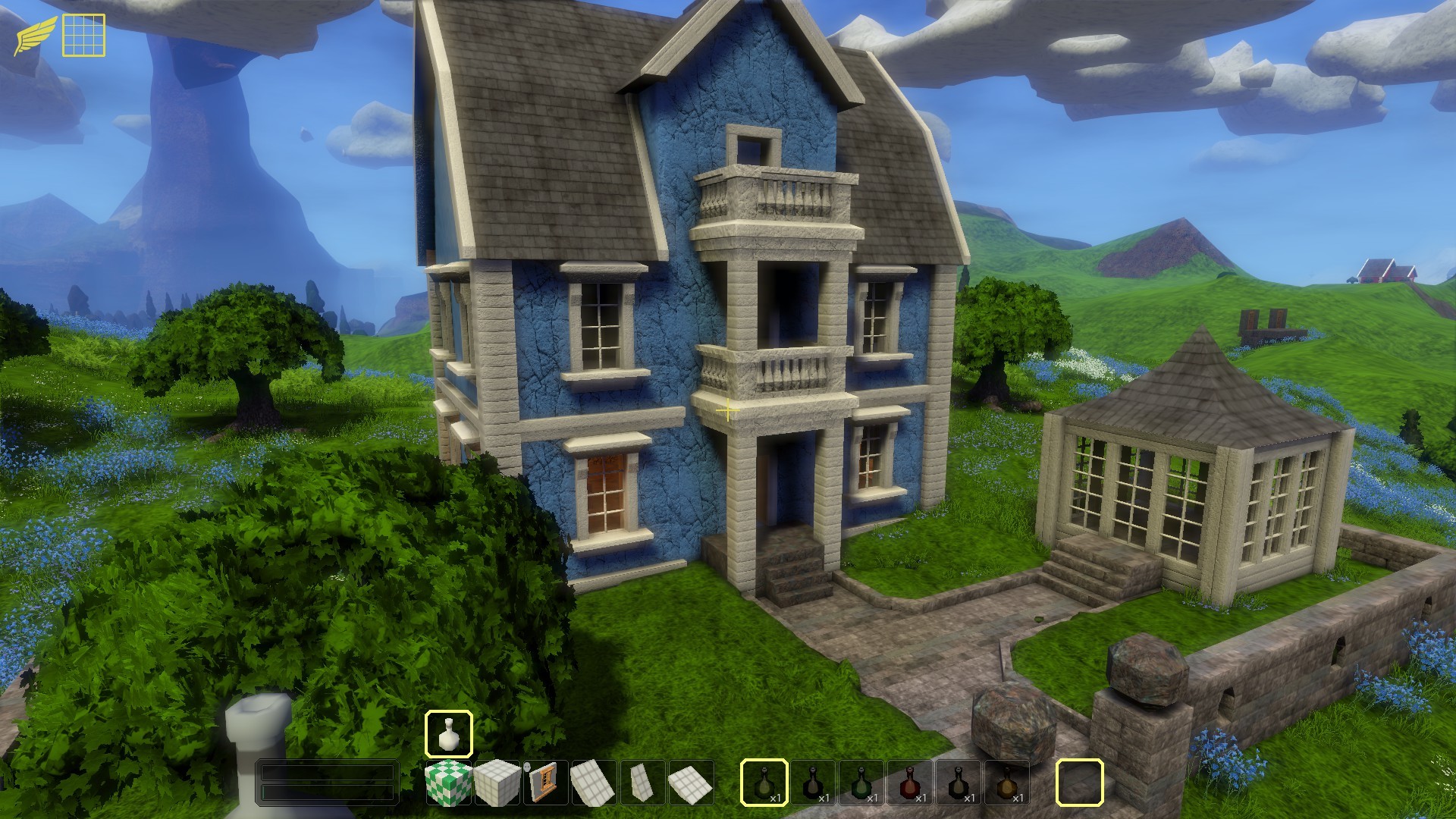
Highlights in this update:
- Higher resolution textures
- Proper texture filtering
- MSAA
- Separate mesh space for blocky and smooth materials.
- Better light probes.
- Lots of optimizations to rendering and chunk generation.
Have fun!
/Jens
Blockscape BSNG v17 released (Halloween 20)
It's finally here!
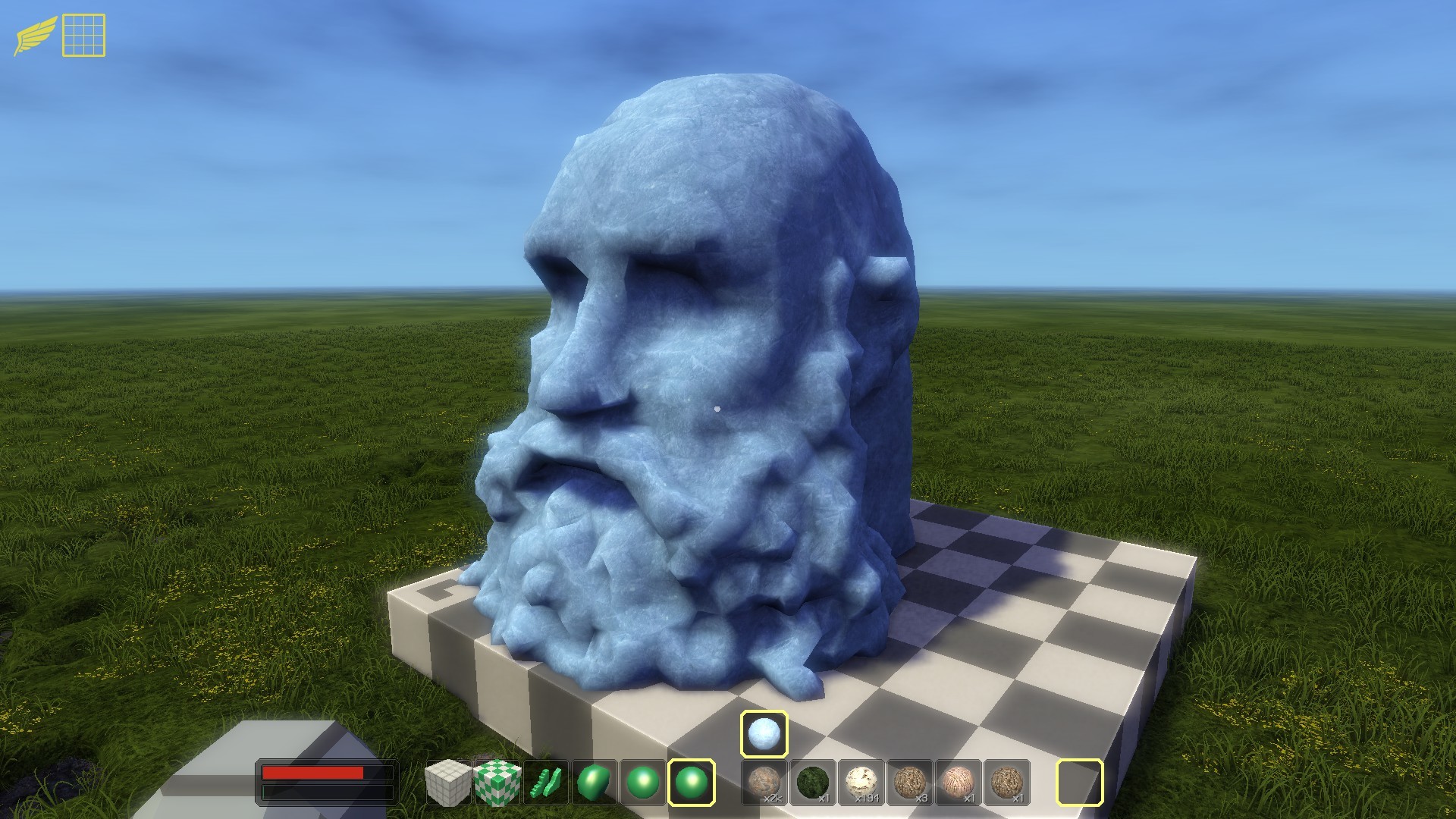
Look how I old I have become trying to make this game.
Highlights in this update:
Steam Multiplayer
[previewyoutube="1Qk9NBQsR4Q;full"]
Start a server by checking "Multiplayer" then click "Create Server" and finally select "Steam Sockets".
Now when you start or load a game your friends will see that you play Blockscape and can right click you in the friends list and select "Join game".
When should I select "Normal Sockets" instead of "Steam Sockets"?
Steam Socket is great for playing with friends on the internet. Your server is hidden and you don't have to worry about ip addressed and opening ports in firewalls. There is one problem however and that is speed. The "Steam Sockets" option will route the network traffic via the Steam servers and that is a bit slow. So if you play with firends or familly members on a local area network you should probably select "Normal Sockets" to maximize network speed.Steam workshop integration
So how do you add something to the Workshop?
Step 1: Create something cool on a building plate:
Step2: Right click on the building plate and select "Save to inventory":
Step 3: Enter a good name, select state 0 (more about states later) and check the Workshop checkbox:
That's it!
After a few seconds Blockscape will give you a hint that the item was uploaded to the Workshop.
So how do I download items that other people have created?
Just click subscribe on the items you want and they should be available the next time you start blockscape. Subscribed items will show the Steam icon in the top left corner.
Can I update workshop items?
Yes! Blockscape will detect if the item was already uploaded and just send an update. This is useful when adding more states to a model.
Keep in mind that subscribed items are probably going to be used in builds so you should not change them too much after you have uploaded them.Export of scalar field (smooth) voxels from building plates.
[previewyoutube="jIvtApiWdLE;full"]New main font set
We can now have lower case letters in menus and save game names.New smooth voxel tools
Cylinder, Capsule, Truncated octahedron and Octaplate.New voxel edge nudge tool
Makes it possible to do really detailed edits. I used the tool a lot when I made the self portrait above and the Easter Island statue below. The tool needs some more love and a proper icon but it works.
Fixes to the player character model.
Knees to connect the legs, a solid neck, solid belly and some other minor adjustments.
Have fun!
/Jens
Steam Multiplayer testing
I will do some Steam multiplayer testing from time to time the following days. The plan is to release a real version this weekend. If you are on the "unstable" beta and have me as a friend on Steam you can right click me in your friends list and select "join game".
Have fun!
Jens
Random thoughts 9
- I'm using the Steamworks.NET library more and more. This is a great wrapper over the c++ library provided by Valve. The latest version includes the Steam Datagram Relay API. Good for us.
- i got the first bits of steam multiplayer working yesterday. I'm going to tap into the Steam Datagram Relay service. This will make the life easier and more secure for the user as it hides the server and there is no need to open up ports in firewalls. Yay!
[previewyoutube="1Qk9NBQsR4Q;full"] - I think I'm going to keep normal multiplayer as an option. So when you create a server you can select "Steam sockets" or "Normal sockets". Why? Because if you play multiplayer on a local network "normal sockets" will be way faster.
- The game needs better texturing. Right now I'm using big atlases for all the textures. On the upside this is very fast (which is the reason I implemented the solution in the first place). Unfortunately this also makes it hard to do certain things like proper texture filtering and mip mapping. I solved the mip mapping part with some (for me) tricky shader code years ago but the ugly filtering is stil there. That is why you see the individual pixels on all the surfaces in Blockscape.
Monogame support texture arrays so I will do some investigation to see if that works and is fast enough to use in Blockscape. - I fixed some parts of the player character model. Knees to connect the legs, a solid neck, solid belly and some other minor adjustments.
Unstable branch updated
Hi!
The unstable branch is updated with the latest changes. Please help me test!
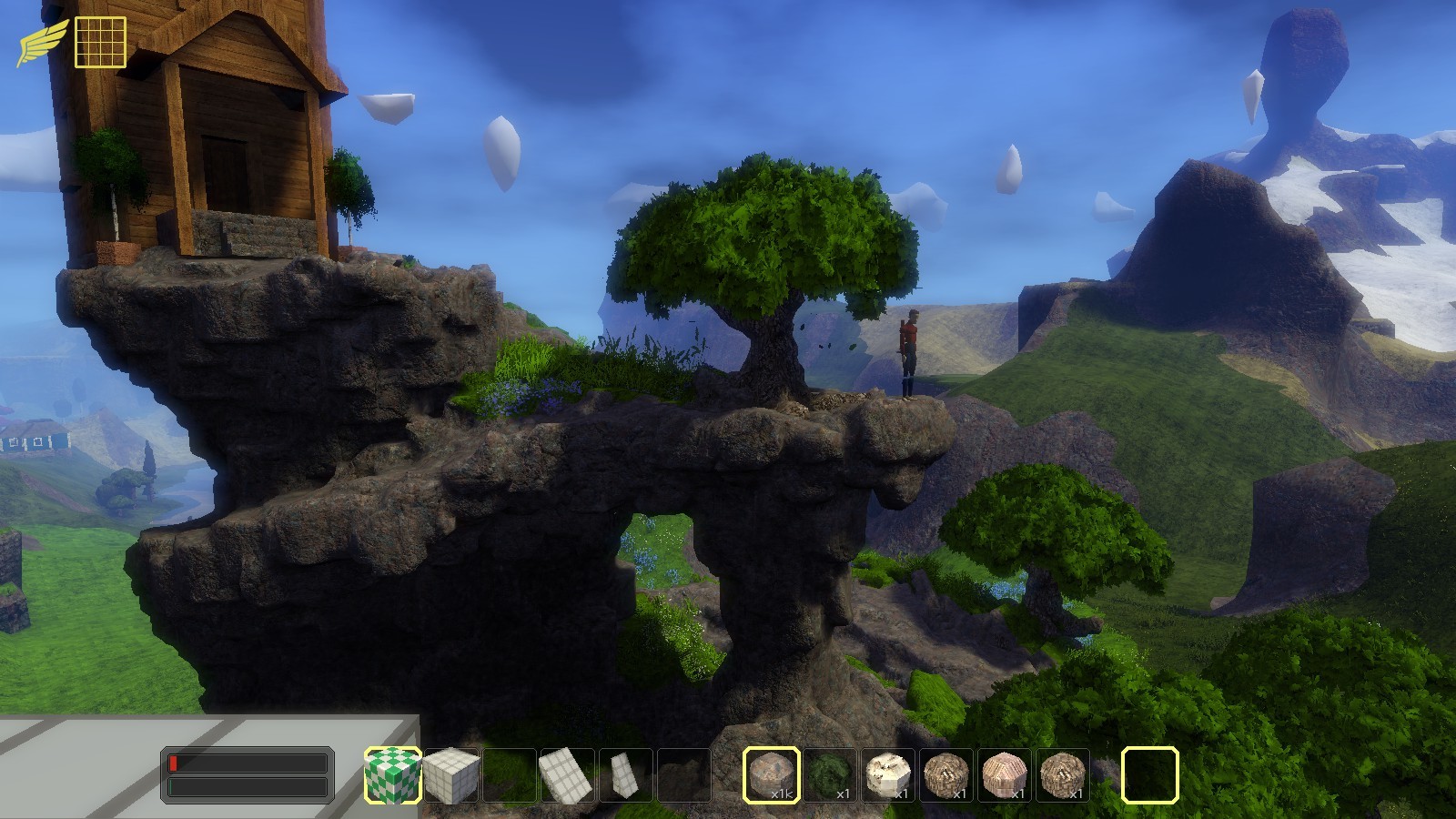
Highlights:
- Multiplayer works again
I rewrote some parts like the prediction code so the players movement should be much smoother. Not all features work but for "Just build" mode it should work fine. I'm going to add Steam multiplayer support next so that it will be easier to setup servers and join your friends game. - New smooth voxel tools
Cylinder, Capsule, Truncated octahedron and Octaplate. - Steam workshop integration
You now have the option to save to workshop when creating inventory items from building plates. Works with smooth voxels as well. Check out and suibscribe to items in the Workshop.
I will add more details about all the new stuff in the next release message.
Have fun!
Jens
Random thoughts 8
- I fixed the export of scalar field (smooth) voxels from building plates. It wasn't as easy as I thought it would be but now it works:
[previewyoutube="jIvtApiWdLE;full"]
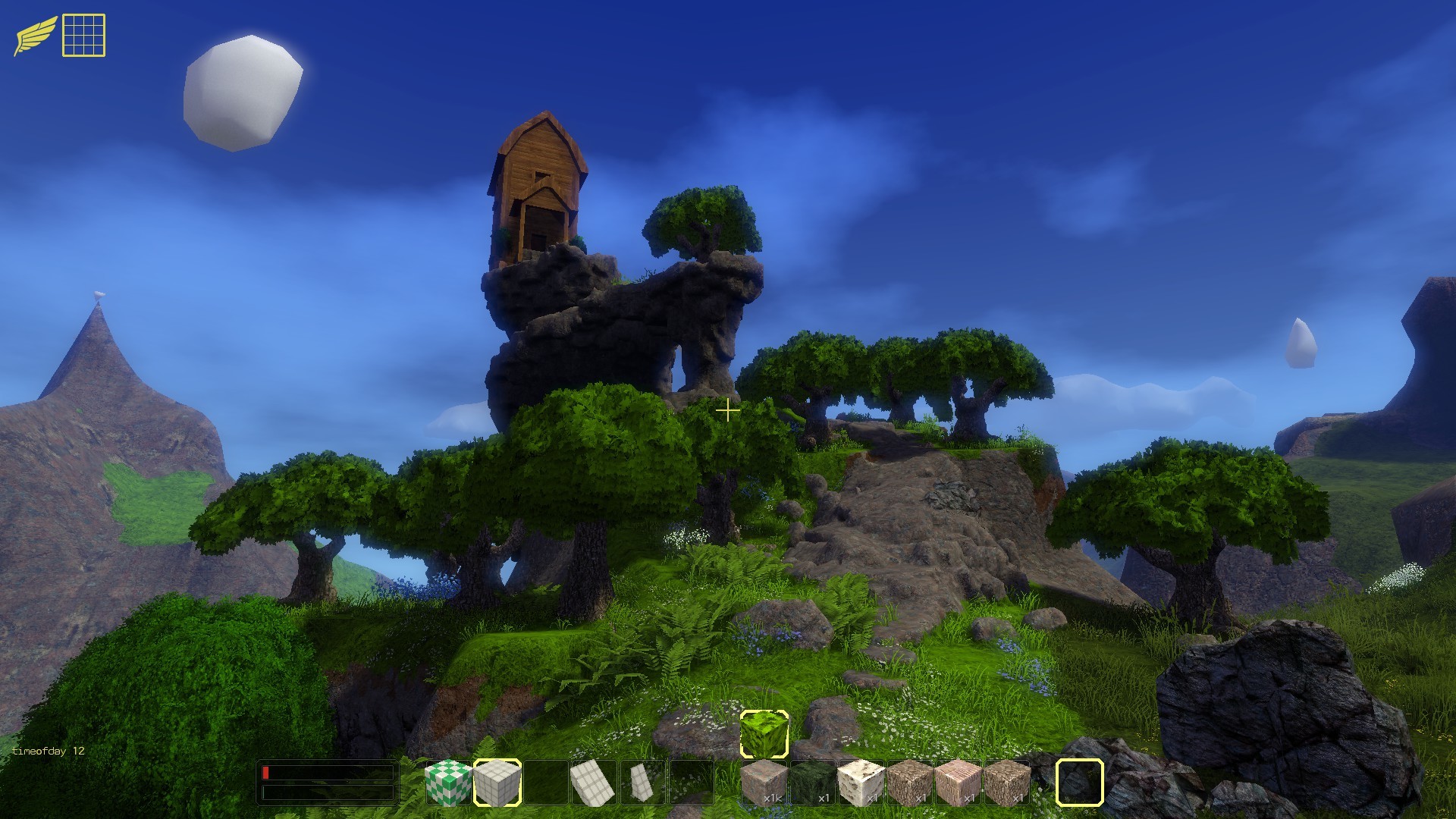
You can now build a forest in a couple of minutes. :) - I like the new Octaplate tool. It is a plate with eight sides that you can place at any angle. Most of the rocks here is built with this tool:
- We need a way to place block models at any angle. Would open up a whole new world of possibilities. This is very complicated but I have a few ideas.
- I did some more prototyping of a solution for adding and consuming mods and savegames to the workshop. I think this will be a great addition.
It would be cool if this solution was ready for Halloween so that I could add a Halloween themed minigame that people can download. - I replaced the main font set with the one I use for symbols. We can now have lower case letters in menus and save game names. It looked kind of strange at first but now I'm getting used to it.
- We should have some kind of Halloween themed building contest. Any ideas?
- Aiming for a new release on thursday.
Random thoughts 7
- I noticed that smooth voxels are not saved correctly from building plates. I tried to build a tree but the workshop item turned out empty. I hope it will be an easy fix :)
- I tried to build a horse statue on my coffee break the other day. It's available in the Workshop if you need it for something. I always feel that Blockscape needs more block types. I have a list in my head and I should probably write it down somewhere.
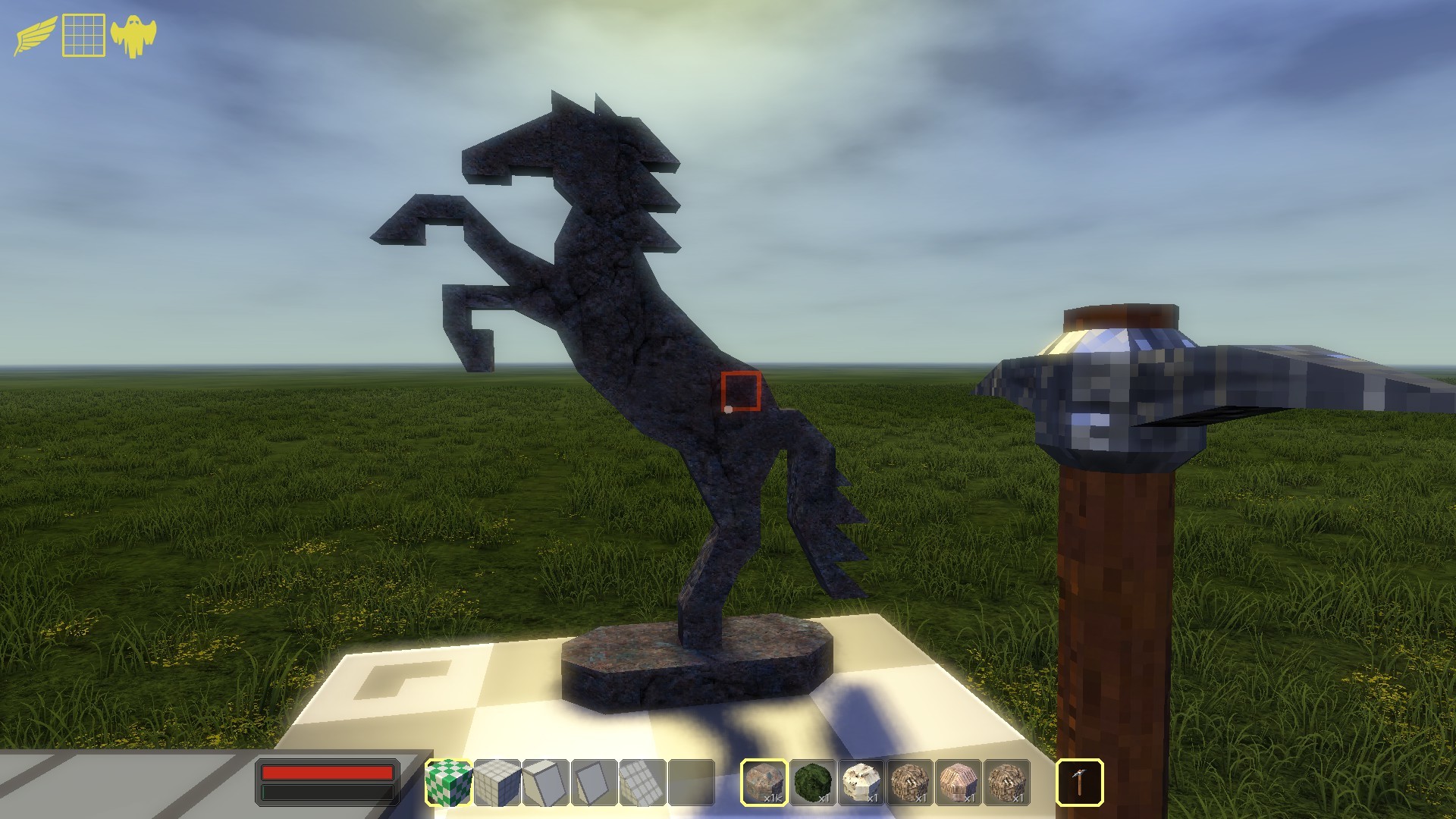
- One of the goals with blockscape is to make it a voxel based game maker. This is what a platform game built with Blockscape could look like:
[previewyoutube="sPA9jxcksq0;full"]
The Steam workshop adds lot of possibilities here. I'm thinking that creating games should be as easy as saving you current world with some settings to the workshop. - It's interesting that I get a bunch of negative reviews everytime I release something.
Random thoughts 6
- I have updated the unstable branch with the new Workshop stuff. Who will upload the first model? :)
- So how do you add something to the Workshop?
Step 1: Create something cool on a building plate: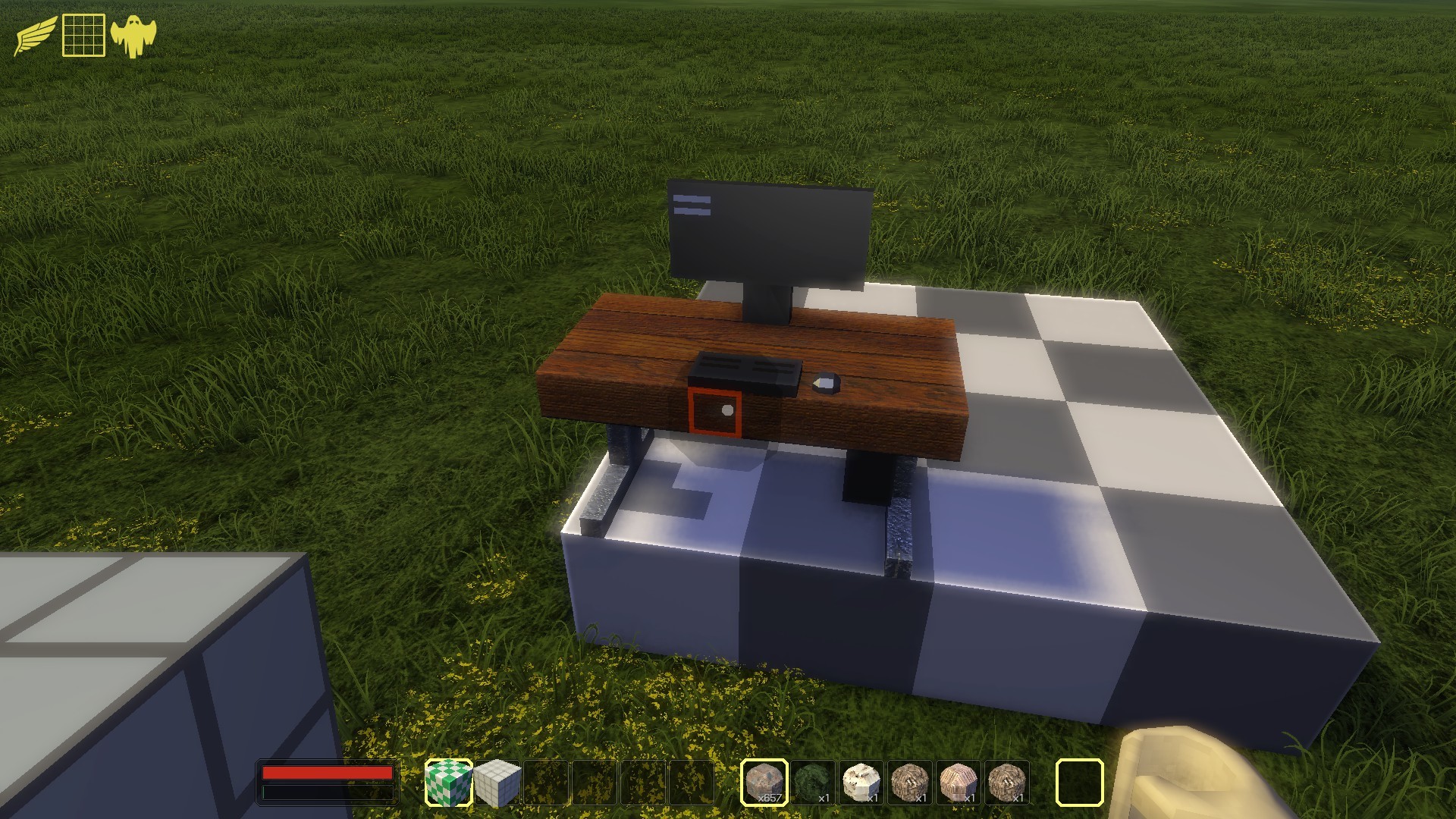
Step2: Right click on the building plate and select "Save to inventory":
Step 3: Enter a good name, select state 0 (more about states later) and check the Workshop checkbox:
That's it!
After a few seconds Blockscape will give you a hint that the item was uploaded to the Workshop. - So how do I download items that other people have created?
Just click subscribe on the items you want and they should be available the next time you start blockscape. - Can I update workshop items?
Yes! Blockscape will detect if the item was already uploaded and just send an update. This is useful when adding more states to a model.
Keep in mind that subscribed items are probably going to be used in builds so you should not change them too much after you have uploaded them. - Mods/Worlds should also be Workshop items. Now that I have the Workshop integration in place it should be easy implement.
- And save games? Why not make it possible to add save games to the workshop so that other people can explore the worlds you build? What do you think?
Random thoughts 5
- Did a lot of work on the Steam workshop integration in the last few days and finally got it working. Phew!
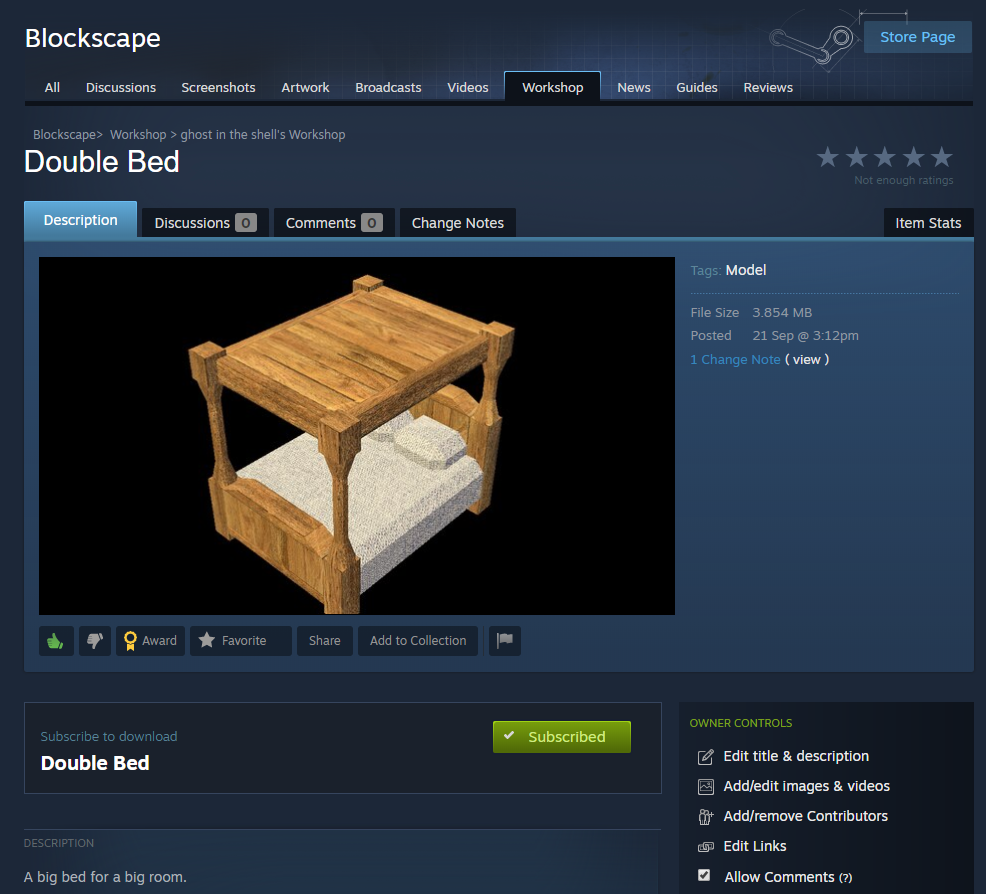
You can now (well, in the next update) upload user created models by typing "savetoworkshop [model name]". Should probably be replaced with a button somewhere?
You can subscribe to items and Steam will download them automatically in the background and Blockscape will import them on load. In the future Blockscape should be able to import items while running but I think that will have to wait until next version.
I made the Workshop visible to anyone so you can browse items already now. - Started building a ship and got a bit carried a away. I like playing Blockscape. :)

Maybe we should have ships that you can explore? - I'm going to fix the multiplayer soon. At the same time I'm looking at the Steam api for multiplayer. Would simplify things for the user.