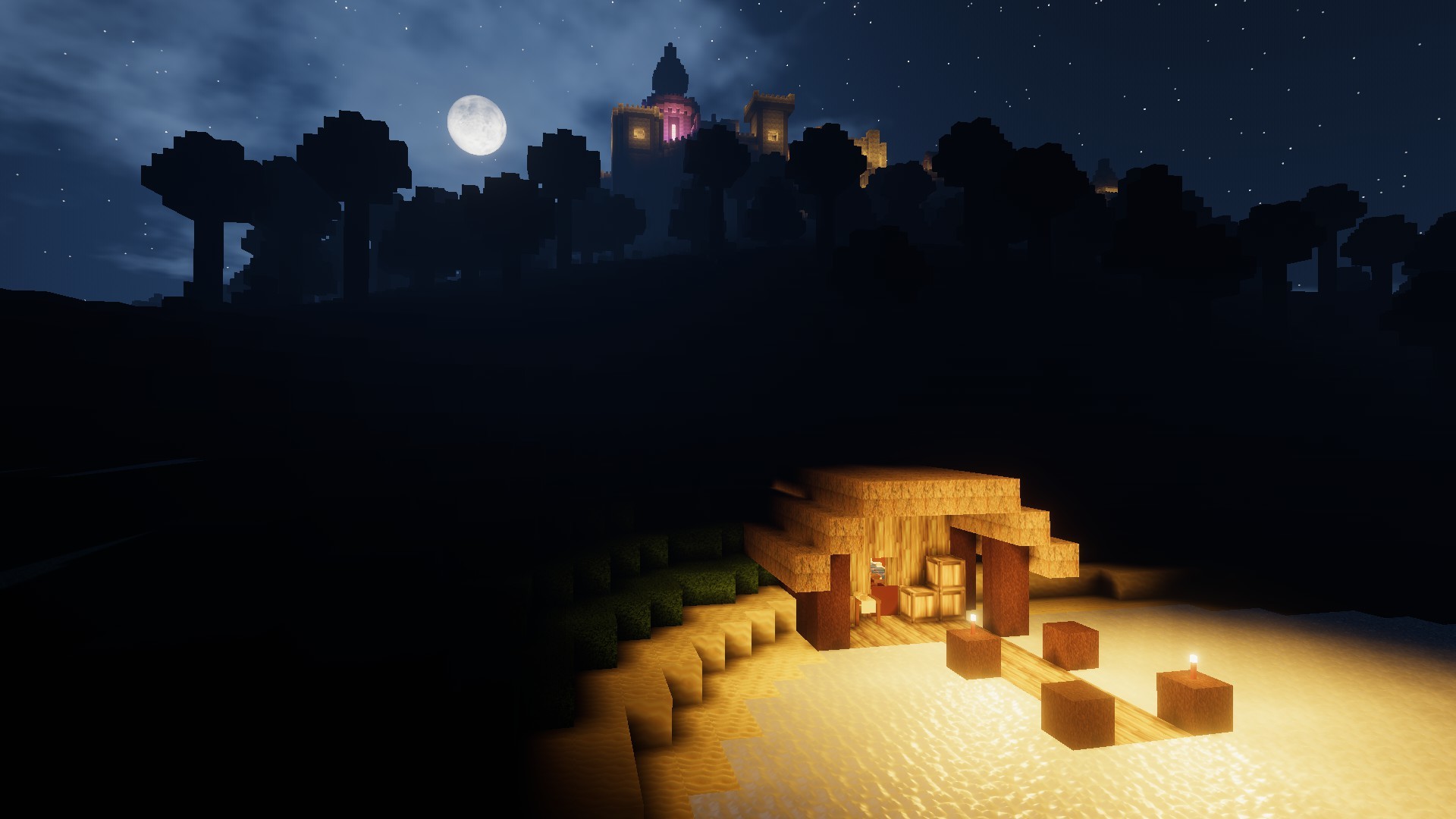
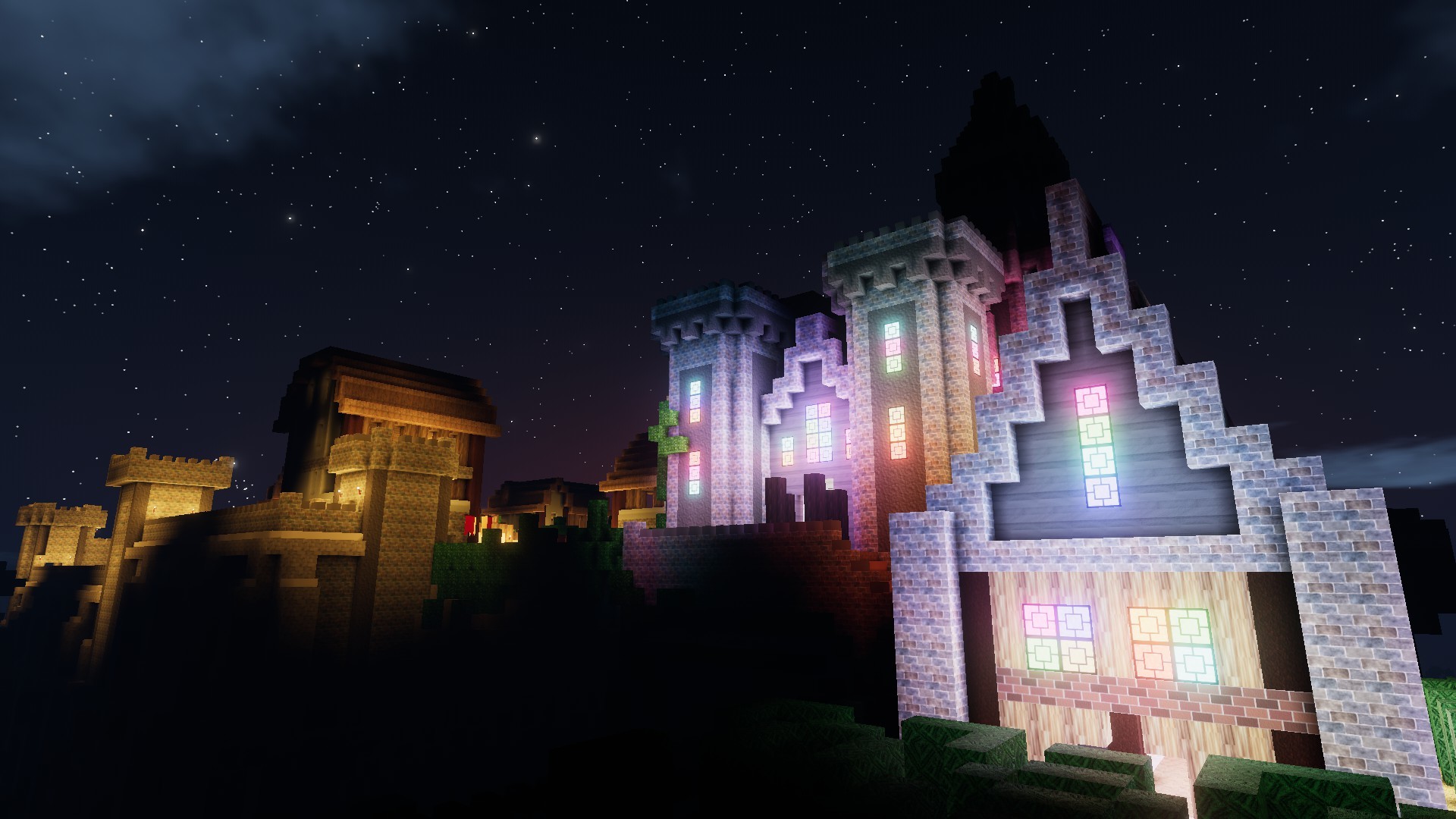
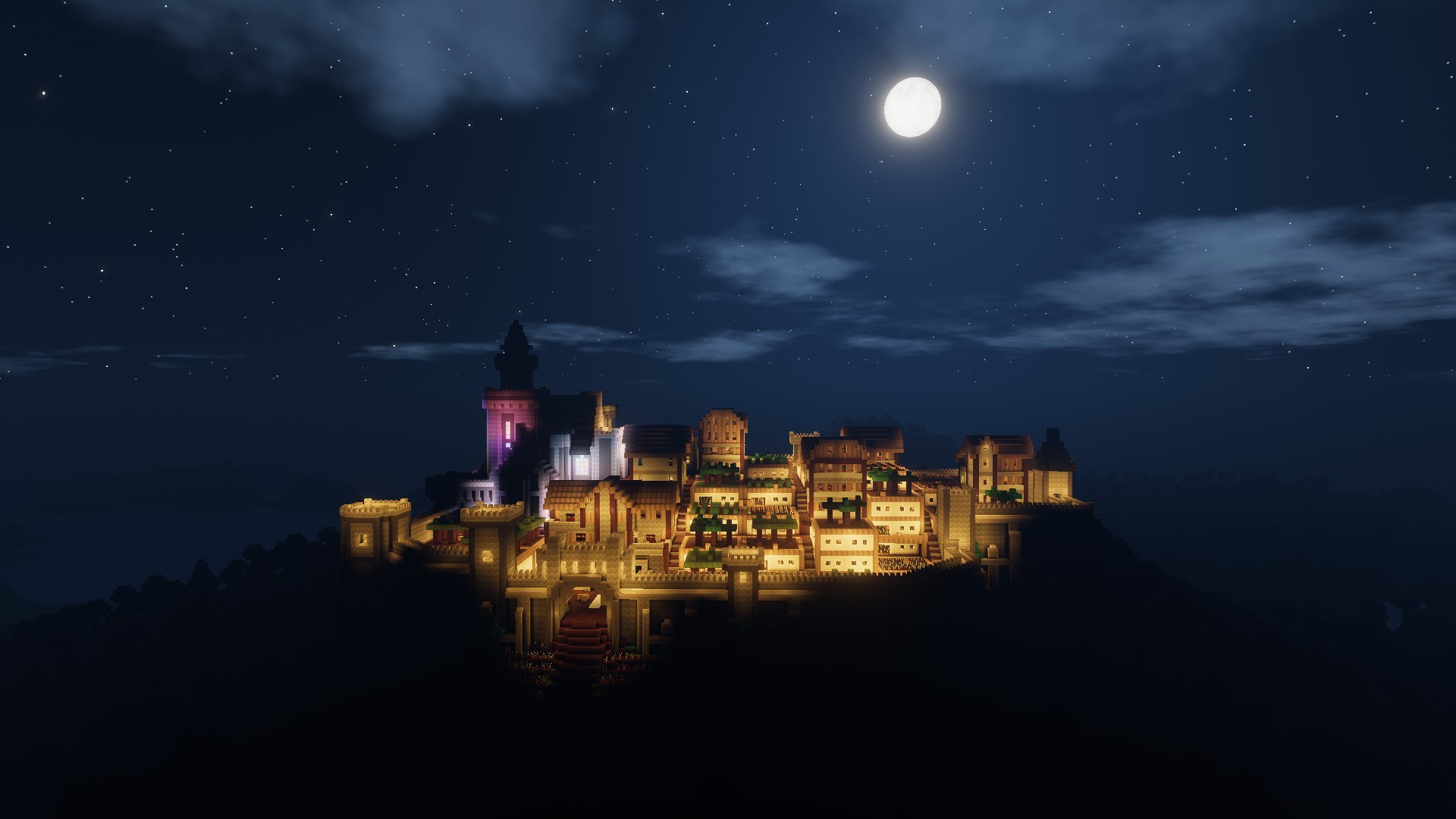
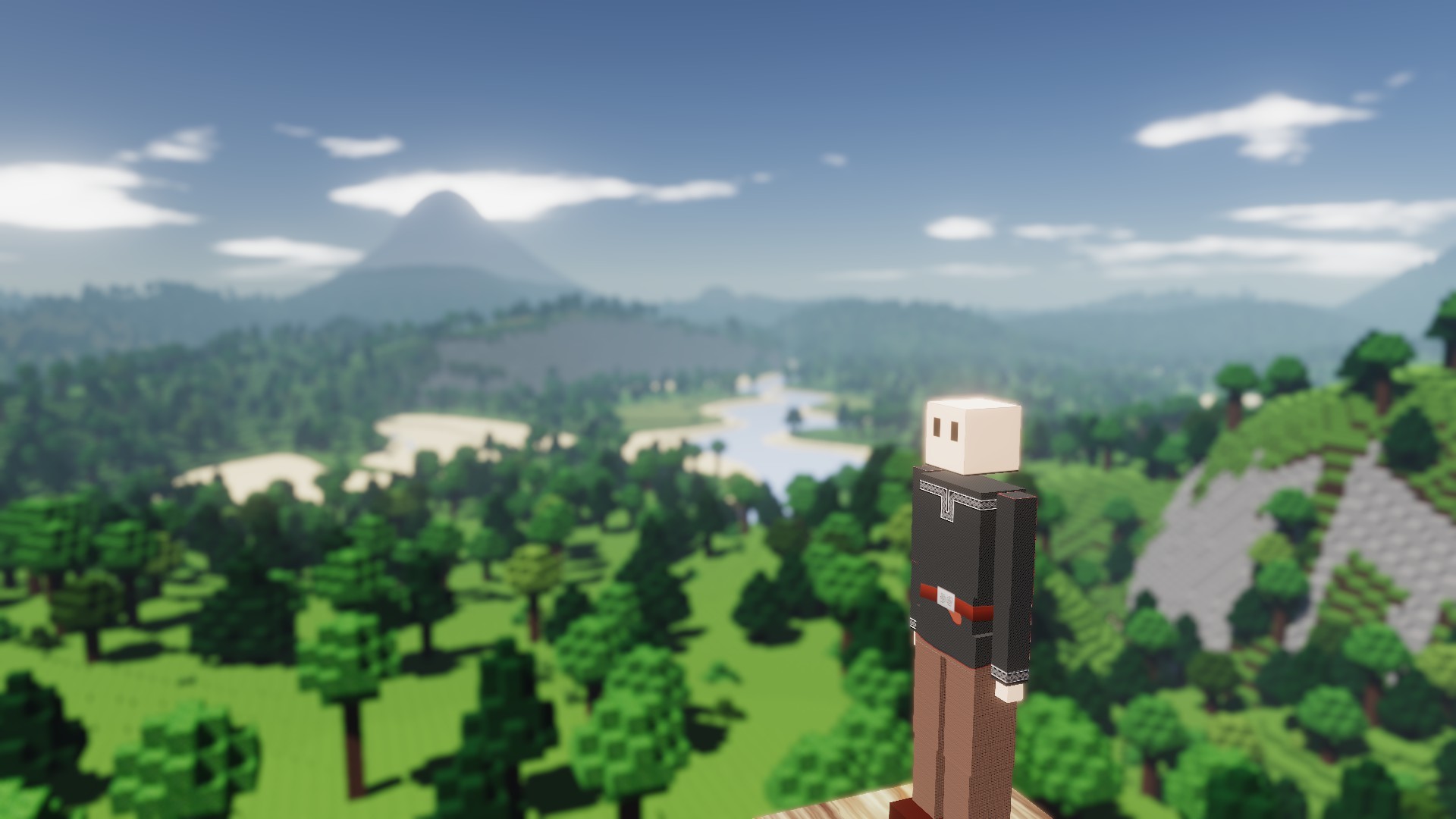
We'd like to start the year with a fresh survey! Answering it really helps us, and "more surveys" was much demanded in the last survey :)
Zun was happy with the look of the new floodfill lighting for torches, so he worked on optimizing the code behind it. He spent most of his time converting the code to Rust. Rust is a programming language that Zun himself will explain here:
[Zun]
Code written in C# in Unity is quick enough for most uses, but it has some trade-offs which limit it from reaching the "maximum" performance similar code can reach when written in a different language. Prime example of this is that C# is compiled to machine code every time you run it and there are strict time limitations on doing so (you don't want the game to take 2 minutes to launch), which limits the possibilities for optimizing. Another "problem" is that the C# environment is not especially aimed at maximum performance, so there are circumstances where the code could be quicker but there is no proper way of expressing what you want to do in C#.
So there are some programming languages more aimed at performance, notably C, C++ and Rust. We're using Rust because the environment around it is much more modern compared to C and C++; building on different platforms is easy with "Cargo", it has built-in systems for testing, it comes with a decent standard library. Unity itself is also developing their own language (Burst compiled C#) to use for this exact use case, but at the time of writing it seems to be somewhat work in progress.
Of course C# has it's merits as well - it is generally easier to write, maintain and distribute. So the usage of Rust will be limited to some small parts of the game that run a disproportional amount of time, like terrain generation and now preparing the data for torch lighting. A relatively straight forward translation of the updated torch lighting turned out to be more than 5 times as fast, which adds up to seconds of processor time saved over many torches.
[Zun out]
Zun is our programmer, and I busy myself with most of the other tasks; writing these blogs, making textures and models, thinking about game/UI design, checking and responding to messages, etcetera. But the current and next updates don’t require new textures/models, so I can focus my energy on other tasks. This week, I’ve returned to learning more about Unity and programming in C#. I’m still not experienced enough to contribute to Colony Survival itself, but I’m getting closer!
I suddenly got inspired to make a simple game about firing a howitzer. Ultimately you’d be firing on distant targets surrounded by targets you explicitly shouldn’t hit. Here’s my progress in five GIFs:
So our hobby, gaming, has become our work. Time to find a new hobby! ;) And of course my new hobby is very relevant to my job as well: I suddenly found myself interested in building and painting miniatures.
You probably know about these plastic building sets for tanks and planes that you’ve got to assemble and paint yourself. For a long time, I didn’t really see the appeal of it. And then, YouTube started recommending videos of experienced model builders. https://youtu.be/9qJ6Q-mSaeQ I was stunned by the results builders could achieve. The plane in the video above doesn’t look like a cheap plastic model, it looks like a true plane with metal parts which has been used thoroughly. And then my eye fell on the next step of the process: building realistic dioramas for the models. https://youtu.be/4P5GSDNpExQ I didn’t know stuff like this was possible. Apparently, they’ve developed all kinds of special paints that can simulate mud, leaked fuels, rust and all the other things that affect objects IRL. Combine these with a realistic model and skill, and you get very impressive results. I’ve ordered a couple of models and different paints plus some tools, and plan to be spending my weekend building and painting :)
As I said before, I am responsible for the textures/models in CS, but I’m not a trained (or talented :P) artist. The things I spent most of my time focusing on was learning the technical details of software like Photoshop and Blender. My experience with photography was very useful - I knew a bit about composition, color and Photoshop. But capturing existing landscapes and objects is very different from creating one from scratch, and that’s my job now. Model builders face the same problem, and learning about their approach has already taught me a lot about why objects IRL look how they do.
I expect and hope that practicing with building and painting models IRL will teach me useful stuff that I can use when making digital objects. If you have got some experience with model building, feel free to give me advice on Discord :D
Friday Blog 133 - The Past and Planned Future Visualized
Happy New Year! In 2019’s last blog, we looked back at the history of Colony Survival. Here, in 2020’s first blog, we’ll discuss our plans for the future. They haven’t changed too much since this blog we posted a couple of months ago, but we’d love to talk more about the underlying reasons, and we think we can properly visualize them in a single image now.
Imagine a graph that plots both ‘complexity’ and ‘time played’ for a game. In a lot of games, more complex features are introduced only after you’ve played the game for a while. Think of a shooter which starts with some simple missions with simple weapons and targets, and introduces a stealth mission or guided missiles later on.
A guided missile is obviously more complex than a basic pistol, but how complex it appears to players also depends on the interface. Does the game explain how to operate this new weapon? Or are you expected to press all kinds of hidden buttons and navigate complex menus? The “complexity” measured in the graph is a combination of the actual depth of the mechanics ánd how difficult it is to figure out for players.
Now imagine plotting Colony Survival 0.1.0, the version we released on Steam in June 2017, on this graph. After one or two hours, you could have seen all the content. There was no science system. But the UI wasn’t very advanced either. If you weren’t experienced in FPS and RTS games, you had a pretty hard time learning the ropes. So I’d visualize 0.1.0 on the graph like this:
We got quite a lot of complaints about the lack of content, and we could see why. The next updates all focused on adding more items and features.
0.7.0 was a big overhaul of the game. It wasn’t merely adding things on top of the pile, the early game was overhauled as well. New features like happiness, co-op and trading have given the game more functionality and depth, but they’ve also added extra menus and buttons that aren’t always explained that well and can confuse new players. This is the result in the graph:
Obviously, our intention is not to make the game more difficult and confusing for new players. A couple of months ago, I watched someone who wasn’t really experienced with first person games try the game, and it was heart-wrenching. It suddenly became very obvious how complex Colony Survival is for people who haven’t extensively played first person and strategy games. Our goal is to make CS accessible for persons like that as well. We’re not going to dumb stuff down and we’re not going to hand-hold experienced players - no worries about that! Our three main strategies are:
Make existing interfaces clearer. For example, the Colony-menu, the one right next to the Happiness menu, is a mess and truly work-in-progress.
Make game mechanics more easily visible. A statistics menu that allows you to track your stockpile, workers and guards. A happiness menu that displays relevant info way better. A top-down menu that allows you to click on job-blocks, colonists and monsters for extra info.
A mission system that gives players a framework for setting up a colony and developing it to its maximum potential. For new players, there would be basic missions like “plant a banner”, “recruit a colonist” and “recruit a berry farmer”, and each would have a description with detailed explanations on how to do that. For more experienced players, there could be missions like “start a colony in the New World” and “recruit 1000 colonists”.
We don’t want to do all of this in one update, we don’t want to make you wait that long again. So expect 0.7.3, 0.7.4, 0.7.5 and maybe more 0.7.X updates with interface updates. All these changes should have a big impact in regards to reducing complexity for new players!
“End complexity” in the graph is slightly lower for 0.7.X than it is for 0.7.0. The sole reason for that should be more intuitive interfaces, we’re not removing features or mechanics!
When the current content is in optimal form, we’d like to start adding new content again. The theme will probably be the industrial era. It should add to the depth of the game with new mechanics like electricity, pipes and multiple-block/multiple-colonist jobs. Here’s what 0.8.0 should look like on the graph:
We think this is the best strategy for the future of Colony Survival. It should make the game accessible for a bigger group of gamers, while simultaneously giving veterans more tools to play with and expanding how long the game can be played for. But of course, we’re imperfect and we might be making a big mistake. So let us know your opinion about these plans!
This Week
It was a bit of a weird week, stretched over two decades. We did take some time off, but Zun still managed some very productive days. He's still working on the lighting. For now, only light sources like torches, lanterns and furnaces have changed. I can't wait to see what happens when the sun and moon get floodfill lighting!
Friday Blog 132 - Last Blog of the Decade: A Short CS History
Today is Zun's birthday! He is now 25 years old. He's the one who started the project; he's our programmer and Unity-expert. Without him, Colony Survival would not exist! Feel free to join our Discord, to tag him by using @Zun and to congratulate him :D
Two years ago, we released a video showcasing the progress from the first test versions in 2013 to the Early Access release in 2017. Since then, a lot has happened. We’d love to do a short look back at our own history before we start the new decade.
https://youtu.be/gtRRsLLMXHc At the start of 2017, we weren’t full-time, “professional” developers - just two guys who had been working on a hobby project. Despite that project reaching its fourth birthday that year, we hadn’t earned a single penny with the game.
But all of that was going to change dramatically. We were nearing the Early Access release, and were looking for testers. A couple of big YouTubers, starting with GrayStillPlays and shortly later Draegast, decided to showcase the game on their channels. Within no time at all, they racked up more than a million views. Suddenly, thousands of people applied to become testers for the game!
Strike while the iron is hot - we decided to release the game as soon as possible. We were very lucky - the game became an instant hit. We were one of the top sellers on Steam. We found a loyal playerbase, who helped us and are still helping us with all kinds of support: finding bugs, making translations, sharing suggestions, developing mods and of course fun and serious conversations about all kinds of subjects.
The game at the release was very shallow. You could unlock all the content within an hour of playing. Buying flax seeds in the shop was the most complex thing you could do. There was no tech tree or other progression system.
The first, primitive iteration of the science system
In the first six months, we released a flurry of updates, picking as much low-hanging fruit as we could. New items, new resources, new guard types, new monster types and the science system. I’m still a big fan of this trailer for the “Christmas Update” at the end of the year:
https://www.youtube.com/watch?v=n-YF948Wrns
2018
Most of the updates in 2017 added new content in the form of renamed and retextured old content. Copper ore was very similar to iron ore, crossbow guards function pretty much just like bow guards, and the tailor is just a reskinned workbench. To a degree, this is healthy game development. But you can’t do it indefinitely. In the first half of 2018, we started focussing on new kinds of content. In January, 0.5.2 added stair blocks. At the end of March, 0.6.0 added builders and diggers. And in June, 0.6.3 improved the UI with for example a search bar in the stockpile and a decent loading screen.
After 0.6.3, we embarked on the long(er than expected) road to 0.7.0. We had very ambitious ideals where we wanted to give players the tools to utilize the entire world, instead of only the small area surrounding their first banner. But that’s a huge overhaul which requires a lot of new features. This problem is explained pretty decently in Friday Blog 66 - "Roundness" in Game of Thrones. Still, we managed to hit some major goals that year, as the video below from October 2018 demonstrates. We already had multiple colonies per player, updated world generation and vertical farms in there.
https://www.youtube.com/watch?v=2t07K9_QuBs
2019
During the first half of 2019, we had to finish, test and polish 0.7.0. The beta slowly grew from small and closed to big and wide open. Many features that were in popular demand made it into the game back then: trading between colonies (even if they’re owned by different players), co-op sharing of the ownership of a single colony, quality-of-life improvements like auto-recruitment, etcetera.
At the end of July, we finally released 0.7.0. It resulted in a big spike of returning players, new attention and new sales. The Yogscast kept playing the game for many months. The overall response seems to be very positive!
We kept patching small problems and adding small improvements until the middle of September. Then, Zun travelled to Japan for his first big holiday in years. He returned to the Netherlands in the middle of October. He spent six weeks refactoring things behind the scenes, extending mod support and adding the Steam Workshop, allowing us to release that at the start of this month.
We’re very happy with how things are going. Our community is still active and positive, the Steam Reviews are doing better than ever, and sales have been very decent in 2019. But that doesn’t mean we believe the game itself is perfect at the moment. 0.7.0 added all kinds of new complex mechanics and features that aren’t always explained very well. Some of them rely on vague, unclear and ugly interfaces. We definitely want to fix that in 2020!
Young or Old?
In some aspects, 2019 felt like a contradictory mix of young and old. In 2017, we really lived in “Emergency Mode”; we didn’t want to disappoint all of the new players and wanted to add as much as possible as soon as possible. Inevitably, things have cooled down a bit; emergencies can’t last forever.
On one hand, Colony Survival feels pretty ‘old’. Since the Early Access release, three full Call of Duty titles and two full Assassin’s Creed games have been released. On the other hand, things feel brand new. Our LLC turned two only a couple of months ago. We’re still only 24 25 and 26 years old, we didn’t study game development or how to run a business, so we’re having to figure that out on the fly. We’re rapidly learning new things about game design, programming and development.
In a couple of days, a new year and a new decade will start. We can’t predict exactly what the future will hold, but we’re planning to keep working on Colony Survival for multiple years. We’ve got many plans to make the game more fun, more beautiful, more complex ánd simultaneously more accessible. When we leave Early Access, we want the game to be as good as we possibly can make it! We hope to be able to look back at this moment in a decade and see it as an awesome starting point - not a high point :D
Lots of Thanks
We couldn’t have done this without you! We’re very grateful for all the support we’ve received. We’re going to forget people in this list but we’re going to try anyway. Many, many thanks to everybody:
Vobbert. Our first tester, our Head Admin on Discord, our PR Advisor, and our tiebreaker when Zun and I disagree!
Pandaros, Boneidle, Kenovis, Adrenalynn, ImRock, Nach0 and all of the other modders. You’ve made some very, very impressive mods and a significant part of the community relies on them!
Everybody who has purchased the game. We like roofs over our heads and food in our stomachs, and that stuff is pretty expensive here in the Netherlands. Thanks for making it possible to dedicate ourselves to this project full-time :D
PatateNouille, Aljetab, Bilzander, JoeMan, Tjohei, Saphrax, Rain_Shadow, Zeta-Primette, Sirdragonov, Malicious, GLaDOS, Karkess, Semegod, Bog and all the others who provide us with beautiful worlds and a lot of fun and support on Discord!
All the countless other people who’ve supported us in other ways: those who recommended the game to friends or who wrote a Steam Review, those who participated in the 0.7.0 Open Beta, those who voted in surveys, those who left comments - they’re often small acts, but when done by thousands they’ve got a huge impact!
Steam/Valve, for making all of this possible by providing us with lots of tools and solving lots of administrative tasks for us with minimum hassle. We've heard many complaints from professional YouTubers about YouTube's seemingly arbitrary demonetizations and other punishments. We don't have such fears on this platform. It could have easily been otherwise, so we do appreciate what we've got!
You! You must be pretty dedicated to this game if you’ve made it this far into the blog so thanks a lot for that :D
Last Week
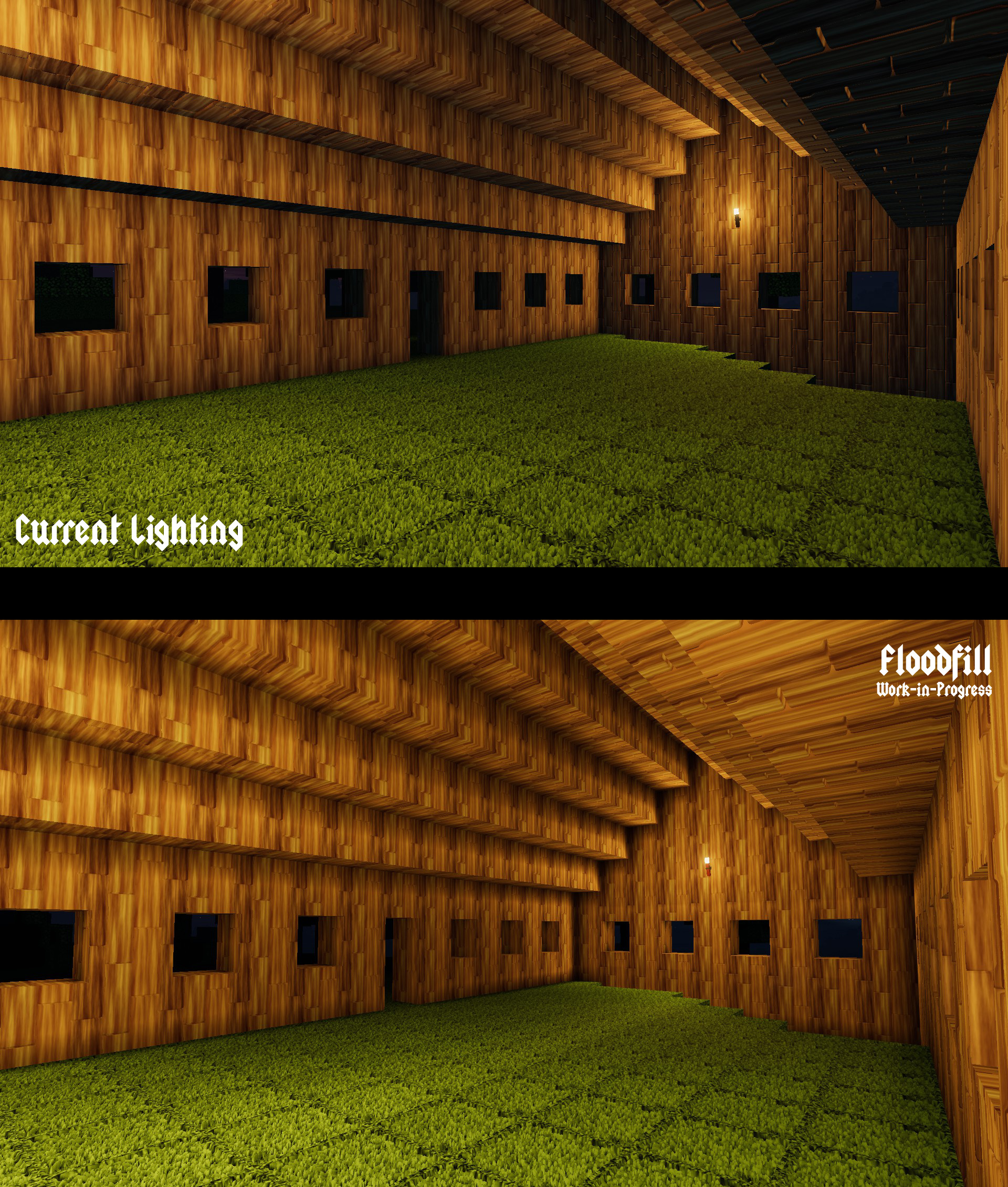
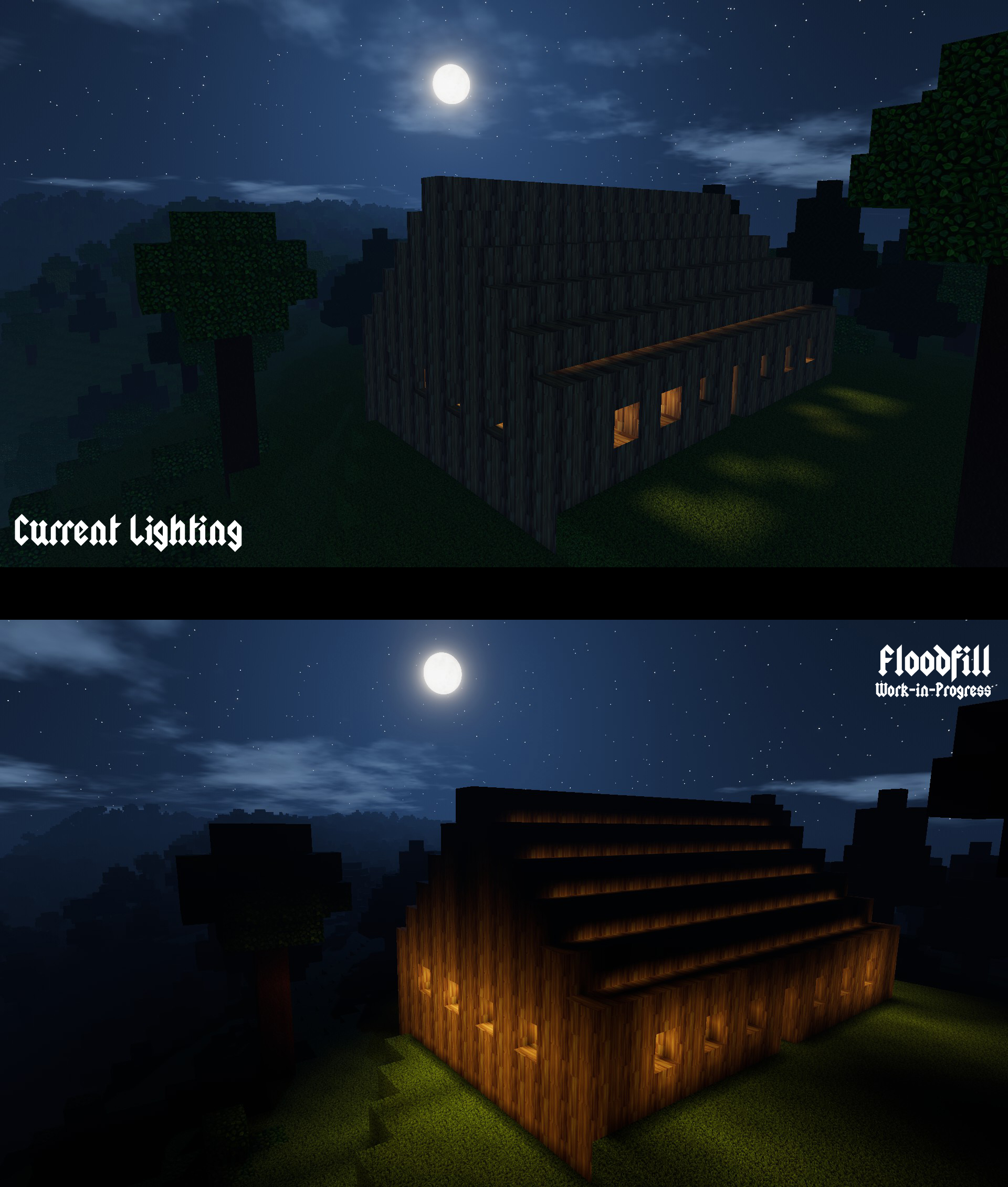
Zun has kept working on the floodfill lighting described in last week’s blog. The system doesn’t work for sunlight/moonlight yet, but it does for torches and lanterns! We’ve got some Work-in-Progress pictures we can share. Ambient lighting is turned off here, making for example the outside look a lot more dark than it's supposed to be. Here’s the first example:
The overall look hasn’t changed dramatically. Some surfaces are significantly brighter in the floodfill example, and we think that’s an improvement - we complained about the harsh shadows in the last blog. To get this to work, things like normal mapping also had to be reconfigured. If you open the image fullscreen and look at the details, you can spot some noticeable differences. In general, things feel smoother and better to us, but we’d love to have your opinion!
Changes are way more dramatic here. There’s way more light leaving the house. It makes sense for light to get out of the windows and door, but the light bleeding through the roof is a bit strange. In general, we like the change, but we’re still tweaking things, and once the sun and moon use floodfill as well it should look very different again! This system should give us more control over light and everything that interacts with it - making things like better water shaders and transparency easier to do.
Sadly, it’s going to take until the next decade before any of this is realized. Luckily, the next decade is in a couple of days :D
Thanks for reading these blogs, we hope you had a Merry Christmas and we wish you an amazing 2020!
This week, Zun started working on an option to change the texture quality settings. All blocks in Colony Survival have relatively high-resolution textures of 256 by 256 pixel textures, and each surface uses multiple textures: albedo maps, normal maps, height maps, specularity maps, etcetera. Players currently don't have a way to downscale these textures, making the game quite difficult to run on very low-end hardware.
Zun’s solution not only supports textures with lower resolutions, but also textures with higher resolutions than we currently have. Of course, I wanted to test this immediately. I added some 2048x2048 pixel textures. We were torn by the results.
Very, very low texture settings
Of course, the high-res textures look very fancy, detailed and realistic. But simultaneously, they do lead to problems. The world of Colony Survival is fundamentally not detailed and realistic - it consists of blocks the size of a cubic meter. Our lighting isn’t realistic either. Is superrealistic textures where you can see every grain of sand combined with unrealistic big blocks and primitive lighting really the look we want?
To quote Jurassic Park: “[they] were so preoccupied with whether or not they could, they didn’t stop to think if they should”. We don’t want to be like that, so we stopped and thought if we really should upgrade to the highest possible resolution textures. It makes it harder to add new textures. Not all players have hardware that can run them properly. Superrealistic textures downscaled from 2048x2048px to 256x256px look worse than textures designed specifically for that resolution. And last but not least, superrealism is probably not the best style for Colony Survival.
One problem with realistic textures is that they highlight how unrealistic the lighting system is. It basically consists out of two values: -Direct lighting, for the surfaces of the game that are ‘hit’ by the sun -Ambient lighting, a darker shade for other surfaces (shadows)
It’s a pretty sensible system, but it ignores a lot of real life complexities. IRL, there is no magical “ambient lighting” that equally lights all surfaces in the shadow. Particles of light bounce across surfaces and the atmosphere, ultimately providing nearly all surfaces with a variable degree of light.
When you’re outside in an open field on a sunny day, most of what you’ll see is hit directly by bright sunlight, and shadows all appear to have roughly the same darkness. This is something that Colony Survival can simulate relatively well, and that’s where the game looks best.
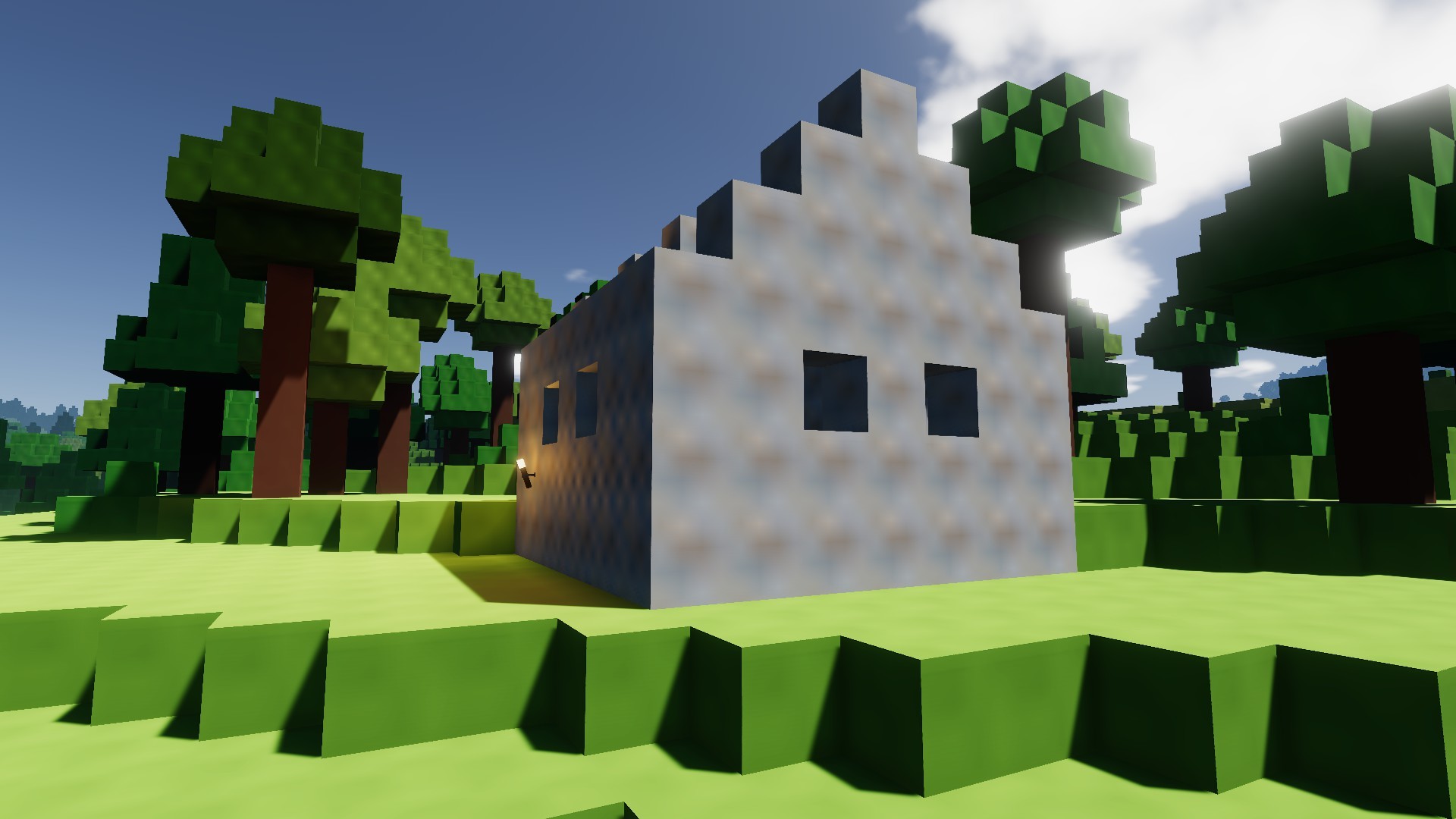
But currently, IRL, I’m not in a sunny open field. I’m sitting indoors on an overcast day. The sunlight is scattered by the clouds, and a diffuse light hits my window. Shadows are vague. Items closer to the window are brighter than objects ‘deeper’ into the room. This is way, way harder to simulate in real time. For those of us who don’t have IRL lighting available nearby, I made a render with some realistic lighting on very primitive shapes:
As you can see, there is no clean divide between “brightly lit surface” and “deep dark shadow”. Both lit surfaces and shadows are a lot brighter on the right than on the left. The entire scene looks pretty realistic, despite the complete lack of textures and the very primitive shapes.
Now, compare this to two screenshots from Colony Survival.
This is a sand dune with pretty big height differences. In real life, the lower parts of the dune would get less sunlight than the highest parts, making them a bit darker and accentuating the height differences. None of that happens in Colony Survival. Everything gets an equal amount of sunlight, which makes this screenshot look flat, boring and unrealistic.
Here's another problem. Once the sun gets to a certain angle, a large part of the world is suddenly thrown into the shadows. Because there's only one value for ambient lighting, it's hard to fix this. If we make the ambient lighting brighter, shadows where you'd realistically expect them would be bright and boring. But if you make shadows properly dark, you'll also have to accept the effect in the screenshot.
Some of these problems are specific to voxel worlds. Luckily, the solution might also be possible solely because we're using a voxel world. Calculating more realistic lighting in a detailed, realistic world is very difficult, because the world is complex: you've got to keep track of millions of light particles bouncing through and around small holes, cracks and crevices. But because our voxel world mainly consists out of pretty large boxes, it's possible to write some clever algorithms that keep track of the surroundings when calculating how bright a surface should be. One of these methods is called floodfill lighting, and Zun is currently experimenting with that.
A complaint we’ve often received is the fact that deep, underground mines are so bright. That’s caused by the fact that we’ve got only one value for ambient lighting. Floodfill lighting should completely fix that issue.
The support for high resolution textures will be added in the next update, so modders will be able to experiment with them. For the 'official' version of the game, we believe better lighting is more important and practical than 2K/4K textures. We hope to be able to share the results of our experiments soon!
The Colony Survival Steam Workshop has been available for one full week now! It has already proven highly useful. The most popular mod is Pandaros’ Settlers Mod, which has received over two thousand subscribers. In total, there are now more than two dozen different mods available.
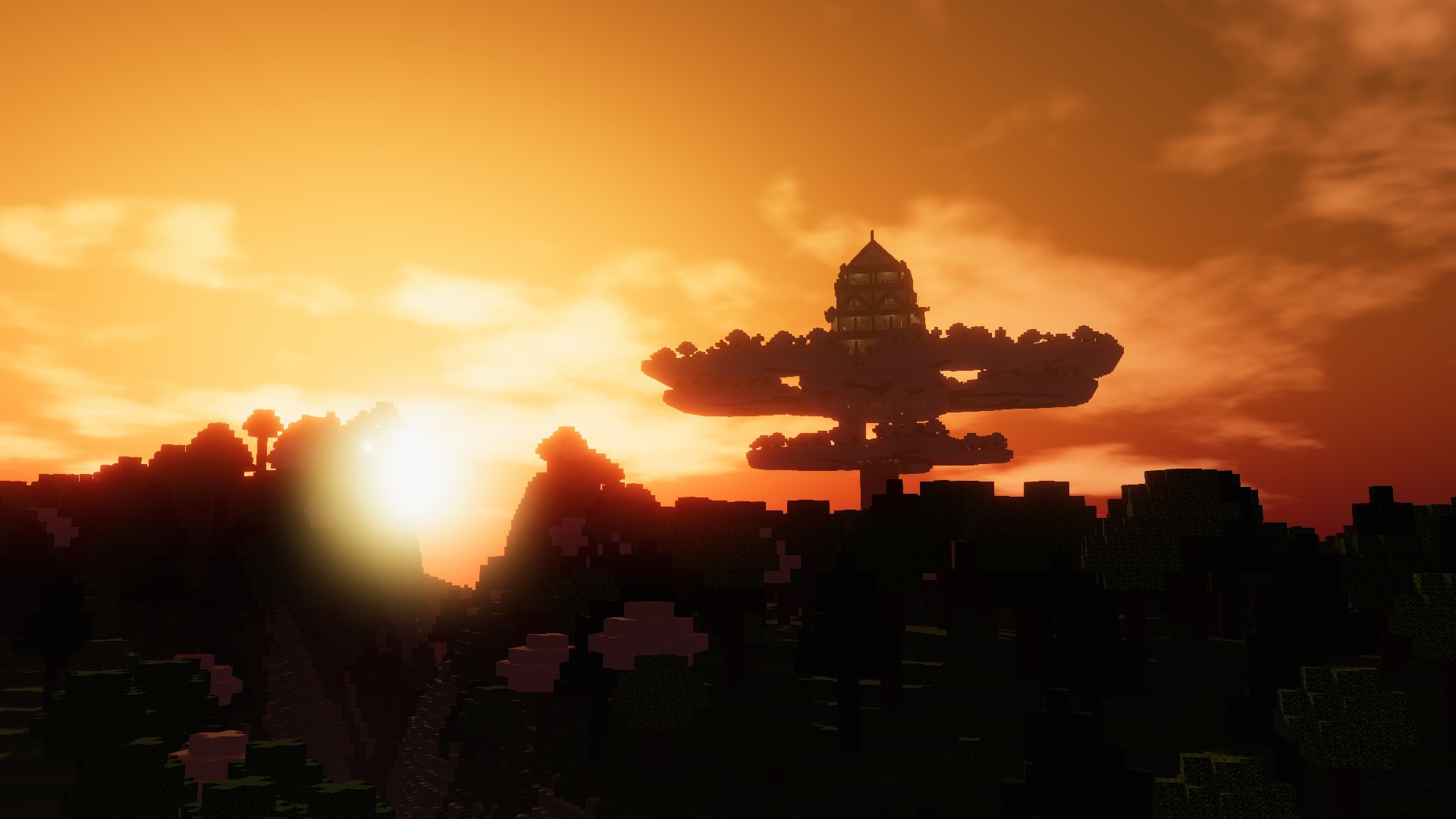
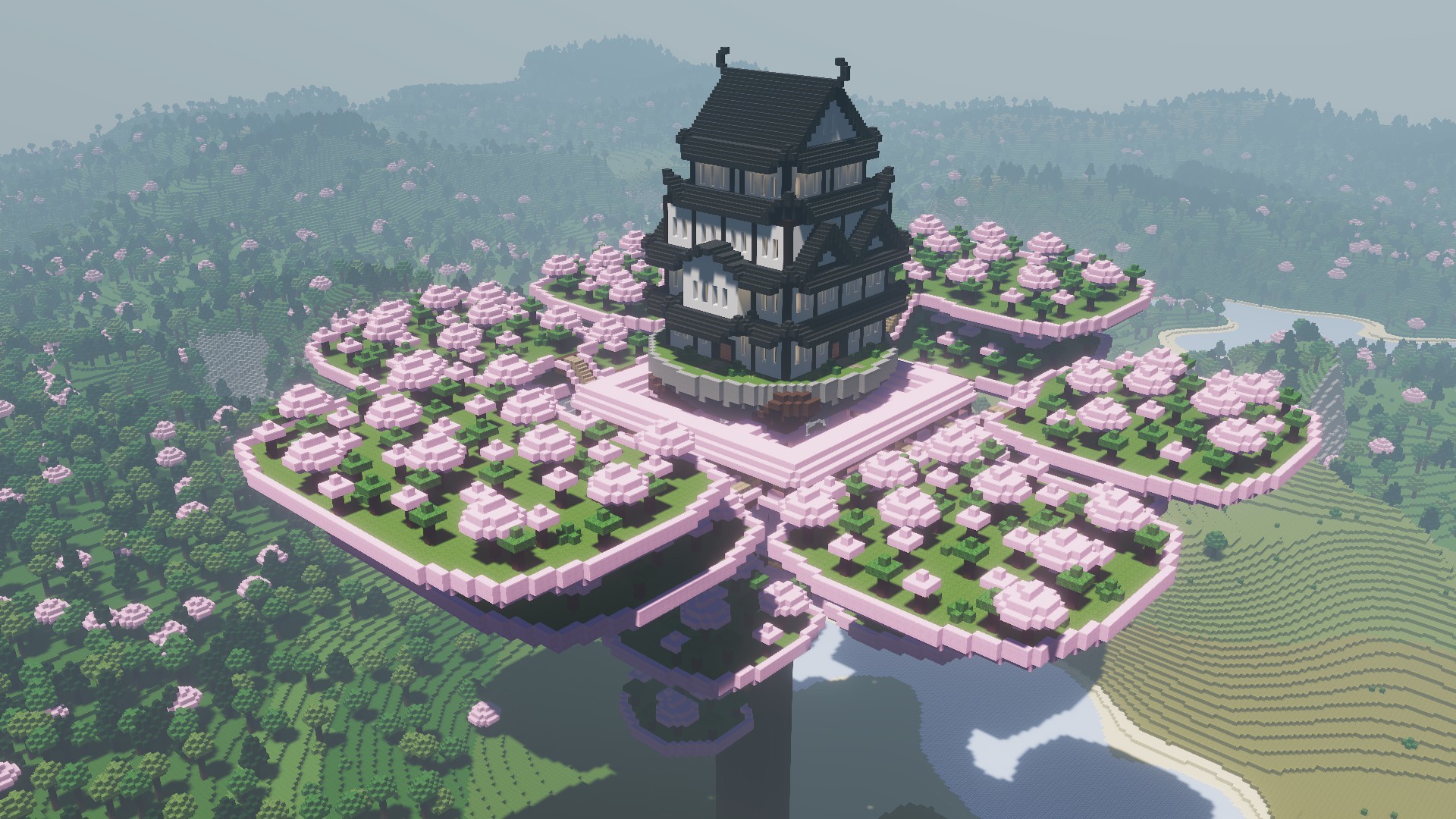
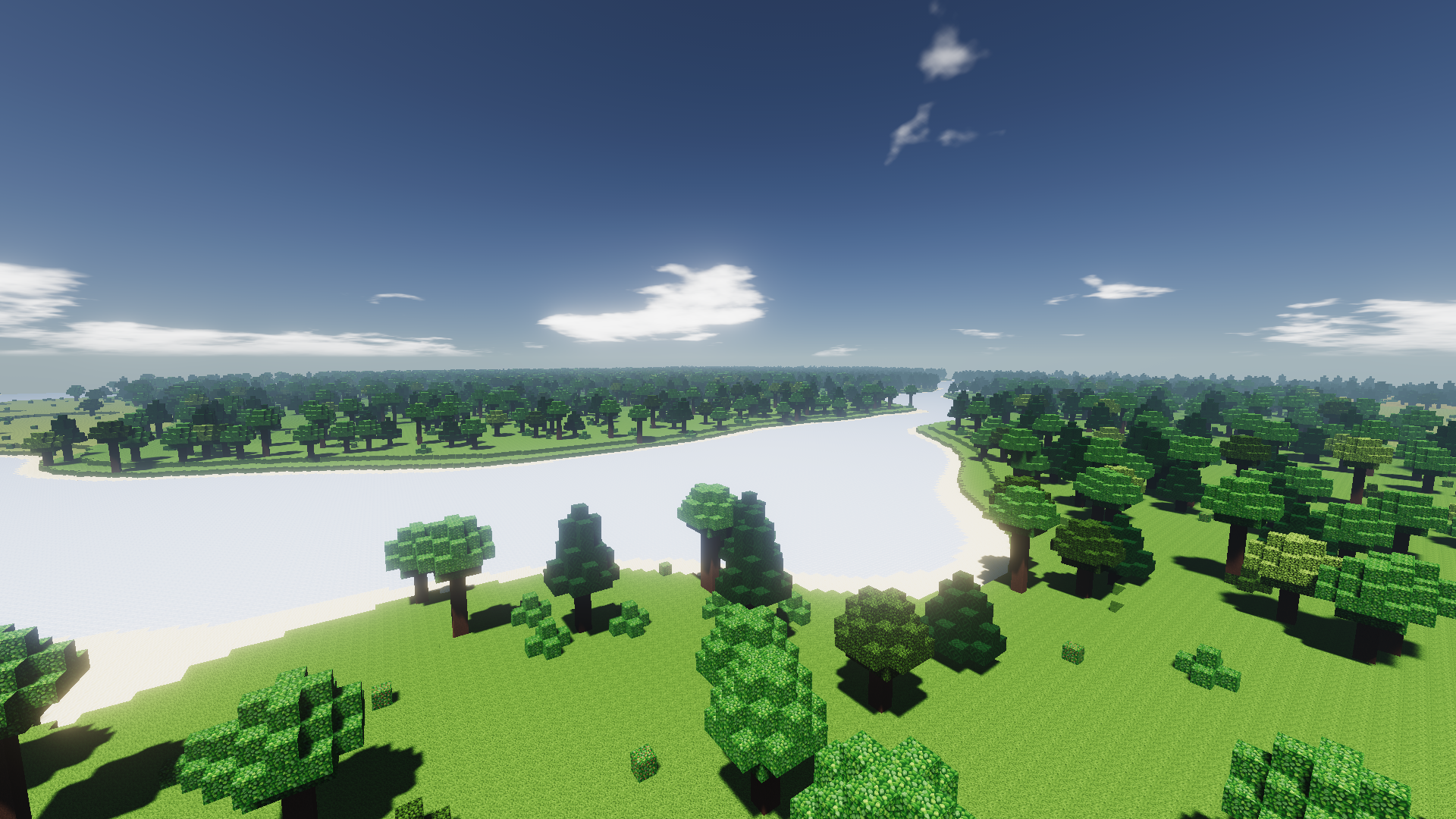
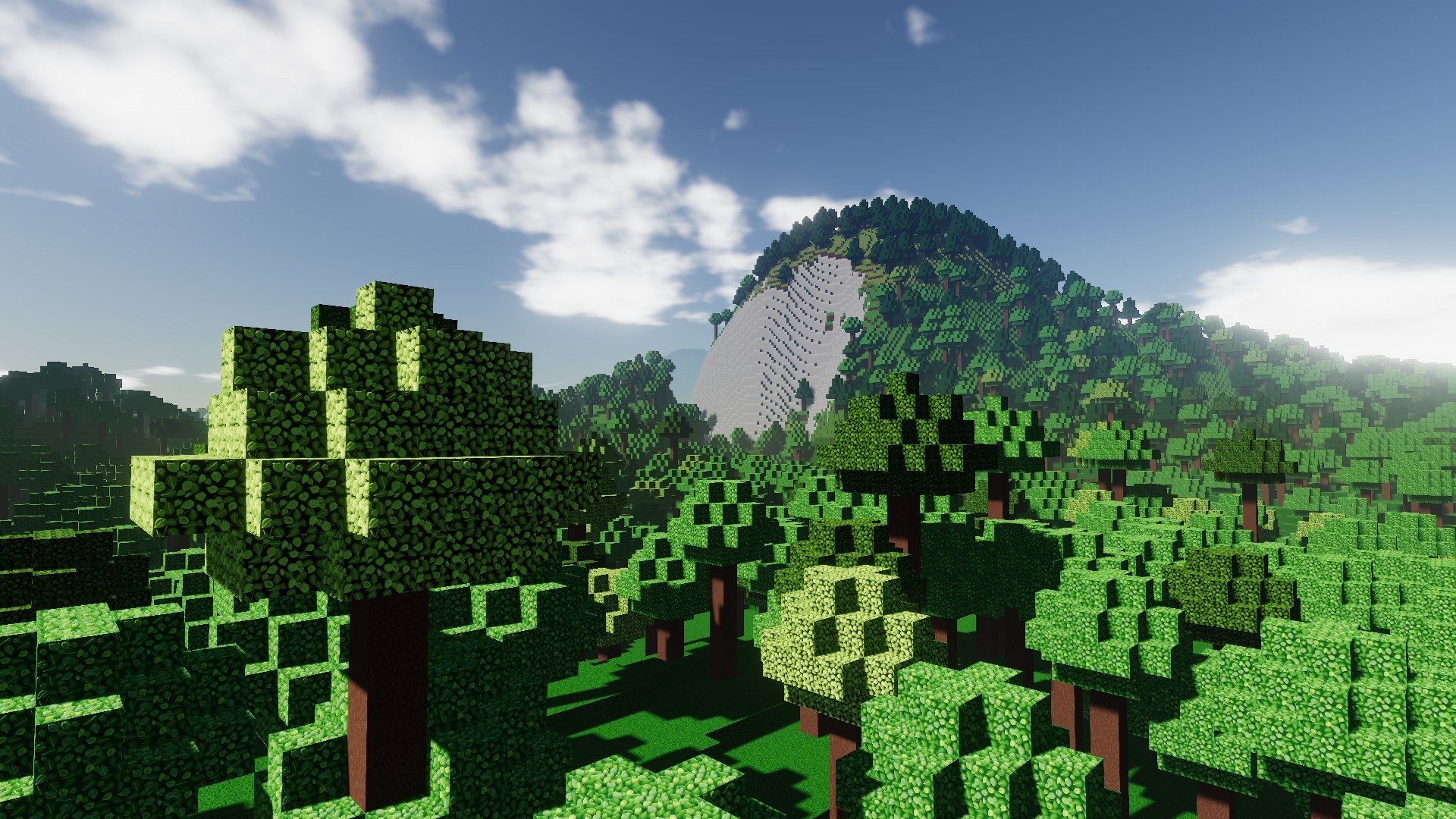
Apart from the mods, it’s also possible to share worlds via the Workshop. Only 7 have been uploaded yet, but they’re very impressive. This blog uses screenshots from JoeMan’s Weltenbäume savegame, which contains three huge custom trees that contain all the requirements for starting a colony, like ores and water. But the Workshop also contains Pathros by PatateNouille, the castle visible in the background of the main menu. Last but not least, there is an insane world uploaded by Bog, which contains a colony with 50,000 colonists. Zun has regularly used that world to test performance optimizations :)
Technically, the release of 0.7.1 was the release of 0.7.1.7. We’re now at 0.7.1.10. In the weekend, we were on standby and continuously monitoring reactions to see if there were any significant problems that required a hotfix. There were, so Zun released 0.7.1.8 on Sunday.
To compensate for the busy weekend, we mostly took Monday off. Wednesday we released a bigger patch with a bunch of small changes. Co-op worlds started from a workshop were marked wrong, and that’s fixed now. Translations were updated, a problem that caused freezing was solved, just like another problem that caused some glitching terrain.
Yesterday, 0.7.1.10 was released, which should fix a problem with mods on Ubuntu, and which refactors torch lighting a bit. It shouldn’t make a visible difference, but if it does, please notify us!
0.7.1 did exactly what the plan published a couple of months ago promised. We've discussed our future plans some more, but our 'mental roadmap' hasn't changed significantly, so the linked blog is still accurate and relevant. The plans can still change though, so if you really like/dislike a certain feature in the list, let us know your opinion! And if you want your world to be featured in a future Friday Blog, upload it to the Steam Workshop :)
Friday Blog 129 - 0.7.1, the Steam Workshop Update, is now live!
New items in mods made by Boneidle
The update should be available for everybody right now! The biggest new change is Steam Workshop support. This should make it a lot easier to find, install and update mods and texture packs. It's also possible to upload your savegames to the Workshop!
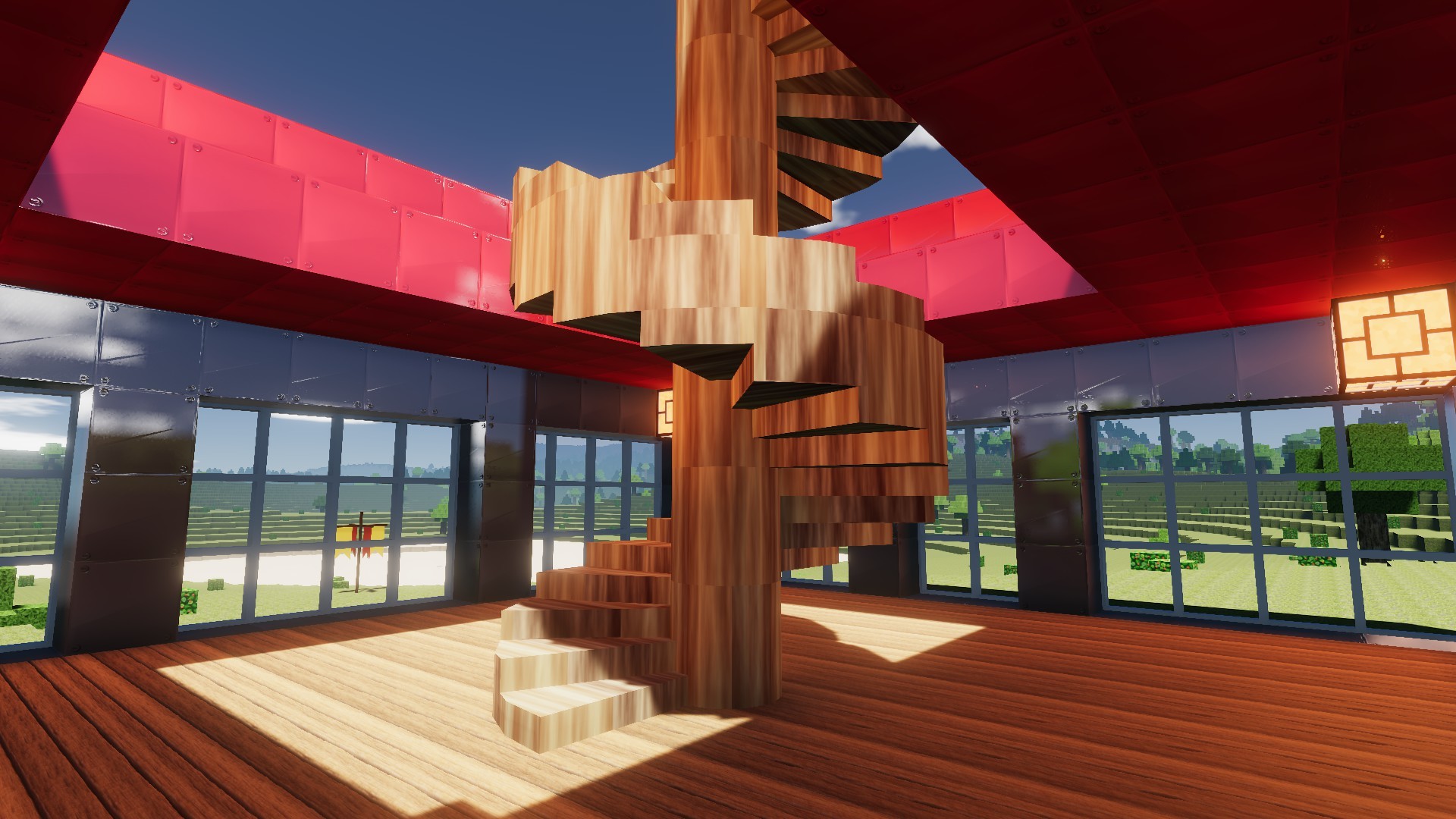
Modders have had access to the Workshop for a week now, and they've rapidly filled it with all kinds of new features and items. Some of these mods have literally been worked on for multiple years, like for example the Settlers Mod. There are many mods that add collections of new items. They add things like doors, windows, spiral stairs, new lights, furniture and a long list of other stuff to the game. There's a "Schematic Builder" available, which allows your colonists to build custom blueprints like cathedrals and castles. There are also mods with grief protection and other new multiplayer features. There's plenty of other stuff available, and the list is constantly growing!
Functional monorail and manapipes in the Settlers Mod by Pandaros
For reasons explained in last week's blog, Workshop-savegames work a bit different than regular ones. Instead of appearing in your regular list of savegames, they're available to choose from when you start a new world. This feature was added literally today, so there's not much choice on the Steam Workshop yet. We hope you'll help us change that! We'll regularly check the worlds on the Workshop, and feature them in Friday Blogs and trailers.
More from the Settlers Mod
But Workshop support is not the only change - it's part of a larger overhaul of our mod support. In the past, mods affected the entire game. You had to make sure you did not have conflicting mods, and if you wanted to switch to another mod or vanilla, you had to go to the game files and manually adjust them. It wasn't very user friendly.
In 0.7.1, mods don't affect your worlds until you explicitly tell them to. This means you can switch from a vanilla-world to a world with mods by Boneidle to a world with mods by Pandaros to a world with mods by Kenovis, without ever having to exit the game or fiddle around with folders. That should make it a lot easier to experiment with mods!
In the coming weeks and months, more mods should appear on the Workshop, and we can't wait to see all the worlds you've been working on appear there. We're going to see how the Workshop gets used in the coming period, and finetune things based on that. We're planning to add customizable settings to the mod selection menu, which we want to use for a standard terrain generation settings mod, allowing people to easily change the scale and shape of the world.
When you've tried the Workshop and the new features, please let us know your opinion! What's working well, what isn't? Which mods are your favorite? Nearly all modders have joined Colony Survival's Discord, so that's a way to reach them if you want to praise their mods and give feedback :)
Friday Blog 128 - Time for Modders, Linux Problems and Custom Scenarios
We were planning to release 0.7.1 today, but at the last moment, decided not to. Mod creators have now had ~24 hours to upload their mods to Colony Survival's Steam Workshop, but that didn't give them a lot of time. More mods are expected to be added in the weekend.
Another problem is the fact that the Linux version of the game seems to be broken. Non-Latin fonts cause some issues and are in need of an alternative, and there's a big problem with loading .ogg audio files.
There's also a last feature Zun wants to add before releasing 0.7.1: savegames/scenarios. We'd love to allow people to easily promote and share their most beautiful colonies. We've seen a lot of highly impressive ones. But doing that via the Steam Workshop is slightly problematic.
The Workshop allows creators to update their assets even after they've been downloaded. That makes sense for texture packs, new items and other utilities. But imagine using a world from the Workshop, working on it for dozens of hours, and then losing your progress completely because the creator updated his savegame. That's obviously not ideal.
So we've got to make some kind of system where you can choose "scenarios", custom maps, when you start a new world. If the creator of the savegame decides to update it, it only affects new maps.
We've already seen players make maps that are meant to be played as "scenarios" / challenge maps, with for example a huge tree that contains ores and all the necessities to run a relatively large colony high in the sky. So that's the solution we've chosen, and Zun is working on it now. He expects to have it finished in a couple of days, and that's when we want to release 0.7.1 - combined with a Steam Workshop filled with a lot more content than it currently has!
Friday Blog 127 - Steam Workshop Live but still Private
The flat world, created by a testmod that will probably be available as a default
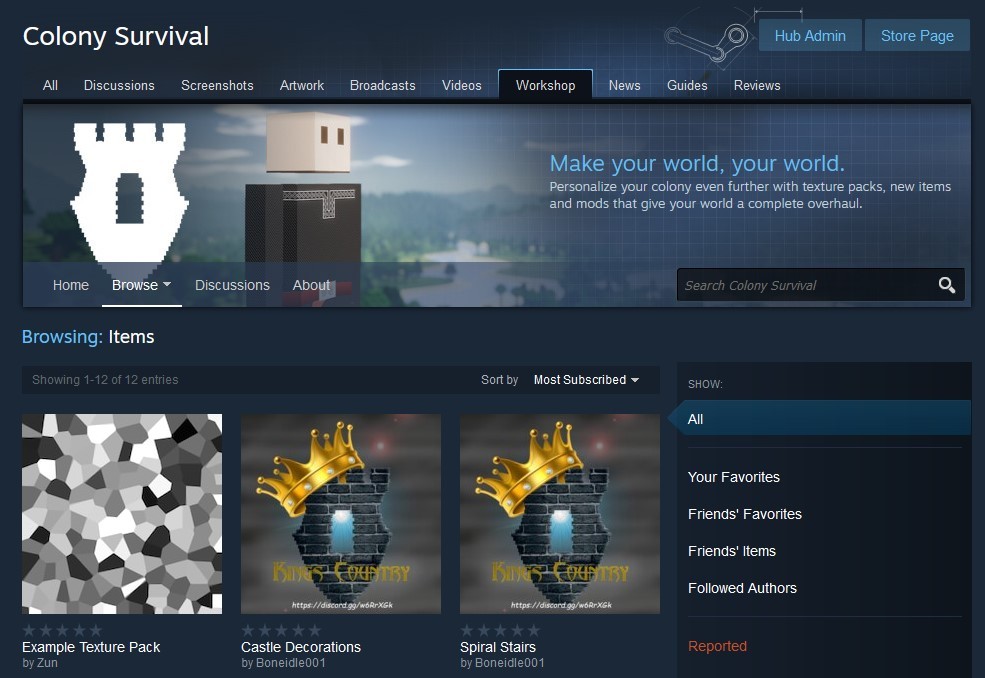
This week, we created our very own Steam Workshop page! Screenshot available below. It's only available internally, but it's relatively functional. Integration of the Workshop was slightly easier than expected. A lot of the required settings can be adjusted in default Steam Workshop menus, so we don't need to develop our own UI for them. In our private testbuild, it's now possible to upload mods to Steam Workshop from Colony Survival, and we can also download them into the game again. And of course, another important new functionality is the fact that it's now possible to select only specific mods to use in a world, making it a lot easier to regularly play both modded and unmodded worlds, and to experiment with combining multiple mods.
We've received multiple reports of people who missed the flatness of 0.6.3 worlds. As a result, Zun's testmod is an adjustment of the world generation, resulting in a nearly entirely flat world. We might make this option available as a default mod. For 0.7.2, we'd like to make extra settings available to modders, which will allow us to upgrade the flat-world mod into a full terrain generation customizer.
A release date of Friday next week is a definitive possibility. The Monday afterwards is another option (December 1) or the following Friday. This will give modders the possibility to configure their Workshop pages in time for Christmas :)
To make myself more useful for updates that rely mainly on programming/Unity skills instead of new textures and objects, I've continued to 'level' these skills and I really do feel like I'm making progress. I got quite a lot of encouragement as a result of last week's blog so thanks a lot :D
My little project is far from perfect or complete but I'd like to share some GIFs again:
I did run into some persistent shadow issues that we haven't been able to figure out this week. They're most obvious in the last GIF. If anybody knows a solution, I'd love to know!
Finally, the Half-Life Alyx trailer released this week! Here is the video:
https://www.youtube.com/watch?v=O2W0N3uKXmo It looks like a revolutionairy and impressive experience. The way you can use your hands to grab and manipulate objects and to shoot looks very intuitive. There's one problem that makes us hesitant in regards to VR.
In VR, you can do some limited moving around by physically walking through your room. But my room is a bit smaller than for example Los Santos in GTAV, or the pretty much infinite world of Colony Survival. Which would require you to still use buttons/joysticks to move around, but that might be jarring in VR.
Nearly all of the gameplay scenes in the trailer are stationairy, or at least confined to an area of a couple of square meters. There is no walking through long streets, no climbing stairs, no running through corridors. And in most games, such activities are essential. That might be a coincedence, but it might also indicate that movement is still problematic.
So that makes us feel uncertain about the future of VR. Perhaps the issue is fixed, and VR becomes as essential to gaming as the mouse, or as color is for movies. Perhaps VR will create entirely new genres of games, causing regular gaming and VR gaming to coexist for a long time, like flight simulator games that require flightsticks. Or last and least, VR is mostly a gimmick that will decline in the future, like 3D movies or the Kinect. We'll see! We'd love to have your opinion.
Friday Blog 126 - New Mod Menu, CubeWars & Megascans
Our internal unreleased testbuild now has a nice in-game menu that allows you to select and deselect specific mods for individual savegames! There is a screenshot below. The same options appear in both the 'new world menu' and the 'load savegame menu'.
While working on the UI, Zun decided to refactor, optimize and improve some underlying systems. The main menu should work smoother in 0.7.1, and fonts should be rendered more clearly. This work should pay off in the next couple of updates, because we're planning quite a big overhaul for all UI systems.
There are a couple of things we still want to do before we release the update. In the mod settings menu, modders should be able to give a couple of options to players. An example of this would be a mod that allows players to customize terrain generation, to for example change the size of the world or the amount of hills. It would require a couple of sliders that players can use to provide custom input. More mods would benefit from such functionality.
Another thing we've still got to deal with is edge cases. What if someone installs a mod, starts a world with it, and then removes the mod? We'd think a warning would be appropriate.
Last but not least, we need a visual UI to connect the game to the Steam Workshop. We hope to be able to finish that in 2-3 weeks. We can't wait to see how the Workshop will be used! Plenty of mods and texture packs have been developed for CS in the last 2+ years, and many of them add useful functionality or impressive new content and features. Nowadays, they are spread between different GitHub pages and Discord servers and relatively hard to install and manage. 0.7.1 should make that a lot better!
For the reasons explained in last week's blog, I've continued to increase my programming/Unity skills last week. Last week I was working on a simulated ecosystem, but this week I've decided to focus on a more game-like project, with opposing teams of cubes fighting each other. On one hand, working on it felt very smooth some days. I'm starting to understand the combination of Unity and C# a lot better. On the other hand, there were plenty of weird behaviors and bugs I had to deal with and the GIFs I made throughout the week reflect that:
GIF 1: The cubes track and fight each other properly, but the projectiles are off
GIF 2: Trying to fix the projectiles made them even wonkier
GIF 3: Things start to work more as intended, with the player being able to smoothly place opposing cubes on both sides
After some fruitful hours, I even got the projectile enemies to work! But trying to add a fancy explosion effect ruined the entire project. I tried to redo it in standard Unity instead of the High Definition Render Pipeline, but it looked and worked a lot worse.
GIF 4: The ugly version with broken explosion effects at the end
There's another exciting thing we learned this week, that should hopefully boost our development output in the future. A company called Quixel has created Megascans, a library of detailed textures that can be easily used in both games and renderers. They've also got related software that helps customize, mix and apply these textures. Here's a video with details:
https://youtu.be/BfbNlk-QCfs In the past, using this library was pretty expensive, and we were afraid that it might not be as useful in our specific case as we hoped. This week, they released the news that they were acquired by Epic Games. The tools for customizing and applying textures will become free for everybody, and the Megascans library will be free for use with the Unreal Engine. I'm planning to experiment with that in the near future, and if the tools are as useful as they look we might be able to use them to improve the textures in Colony Survival!
Friday Blog 125 - From Input to Output & the DoD vs RTS effect
Last week's Friday Blog was written right before the new Steam Library UI dropped. I'm pretty sure we haven't added all the new assets yet, but we did quickly make a design for the new 'card' in the library. The new UI looks pretty good! A change with major impact is the new 'review-request' in the Steam Library. Players get more encouragement to write a review now. This was very noticeable in our review rate. Normally, we hover somewhere between 25-50 reviews per month, with 80-90% of them positive. We're now at 95 reviews in the last 30 days, with a 95% positive review rate! We're very grateful.
Since Zun's return from Japan, he has mostly focused on the "input" part of mods - for example, the ability to select which mods you want to use per savegame, instead of mods affecting the entire game. This week, he has switched to the "output" part. How can players put mods on the Steam Workshop? How can worlds be saved on the Steam Cloud automatically? Apparently, mods can't just be uploaded to the Steam Workshop directly, we've got to make an in-game menu.
The things Zun is correctly working on don't require new models or textures - my specialization. So I've been working on improving my skills with Unity and programming, allowing me to eventually support Colony Survival in more ways. Two weeks ago I wrote something about my own little project, a simple simulated ecosystem with growing grass and cube-rabbits that eat it.
The basics functioned pretty well, but there was a big problem. After ~5 minutes, all of the cube-rabbits started dying rapidly. I struggled for a while to solve the problem and could not find it. Even Zun could not identify the bug. I pondered about it some more (while lying in bed at 1:30AM) and thought of a solution that could help identify the bug.
It did help to find bugs - we discovered that the NavMeshAgent failed right before the cube-rabbits started dying. So we fixed that - and the cube-rabbits still died. We thought the female rabbits might be inheriting the age of their mother - making them incapable of having long lives. We changed the procreation-code, but the same issue kept happening.
Eventually, Zun spotted a very very simple and silly mistake in the code. The only thing I had to do solve the problem, was change this: if (thisgrass.isProtected == false) ...to... if (thatgrass.isProtected == false)
That simple error meant the cube-rabbits failed to check properly whether grass still had "foodvalue" left. After fixing that, the simulation (sped up 2000%) looks like this!
The three blue spots on the ground are meant to be infinite sources of water. The grass is their food source. Over time, it grows, but it shrinks when rabbits eat it.
The cube-rabbits are divided into two genders. They both have increasing hunger, thirst and age. When hunger and/or thirst exceed a certain limit, their HP starts dropping. Eating increases the scale of the rabbit to a certain degree, and it restores damaged HP.
When rabbits reach maturity, they get the ability to procreate. Female rabbits can get pregnant and after a couple of moments they give birth to a male or female rabbit. Above a certain age, their HP starts dropping. The color of the 'main cube' is determined by gender+HP, and the color of the tail-cube is determined by age.
It results in a pretty interesting simulation, and it has teached me a lot abouty programming and Unity! It's not relevant to Colony Survival at the moment, but that should change in the future.
A word of our own creation that Zun and I throw around pretty often is "the Day of Defeat - effect". Day of Defeat: Source was the first Steam-game Zun and I owned and we played it quite a lot. Here's some random footage from YouTube. In contrast to many modern shooters with pretty round, open maps and fluctuating spawn points, DoD's maps were pretty lineair and static. While these words often denote something that's negative, it actually had a pretty positive effect.
If your team was doing well, the battle started happening at a larger distance from your spawn. But if you were on the losing side, the reverse happened of course: the battle got closer to your spawn. Which made it easier for you to get there, and harder for the enemy - lessening the consequences of your death, and increasing the consequences of your enemy's death.
This made the battles in the game pretty balanced, even if the teams were not. But it didn't feel like a 'fake' mechanic, some artificial limit like increasing the HP of the losing team. It was a very natural and organic balance. If your team was on a succesful offensive, your weapons were still equally powerful, the stakes were just a bit higher.
The reverse is true in quite a lot of RTS-games, like for example Supreme Commander (a brilliant game that we played again very recently). A player that is marginally better than another player, let's say 5%, sees that same boost everywhere. 5% more resources, 5% quicker development, 5% less losses in battles. These improvements stack on top of each other, and can of course be used to destroy for example the resource gathering units of the other player, completely hamstringing them.
Marginal differences in skill cause exponential differences in base growth, amount of resources and amount of units. Of course, that is fun in some ways, but it also causes massive balance issues.
Of course, Colony Survival is not a competitive multiplayer game. But we believe the same effects are still very relevant. On one hand, players need to see that their choices have impact, and it's fun when things stack and increase and cause massive advantages. On the other hand, players also want a challenge - when they have 10 colonists, when they have 100 colonists, and also when they have 1000 colonists. To continuously keep providing overcomeable challenges, for new players and for experts, for small colonies and for large colonies; that's pretty difficult.
We often had this discussion in regards to the happiness system. Of course, players need to be 'punished' when they fail to keep their colonists happy. But a failure to provide enough happiness items is probably also proof that the colony isn't doing too well. We could easily make it so that colonists start crafting less and less when they're unhappy, but that would result in even less ammo/food/happiness items, causing an inevitable collapse. That's why we decided to mainly penalize progress: make science slower and the recruitment of new colonists more expensive.
To us, "the Day of Defeat - effect" means a game should become a bit easier when you're on the brink of collapse, and it should become more difficult when you're doing very well, without giving players the impression that their choices don't matter (your weapon does more damage? Nice, we're going to add an equal amount of extra HP to enemies). It's a difficult balance to strike, but a highly important one!