

Combat Air Patrol 2
v0.821.0
- Added an In-Game Radial UI
- Used to select actions while a mission is active such as radio commands, vehicle options
- Radial Items include
- Radio Comms
- Vehicle Options
- If an aircraft, vehicle or ship has any specific options they'll be included here
- IE
- the carrier has elevators, welldeck doors. It will get options to deploy A/C, Helicopters and landing craft
- the air tanker will get drogue deployment options
- Player Roles
- For multi-role vehicles (ie a tank may have driver, gunner, commander)
- will allow you to control different aspects of each vehicle
- Strategic View
- Camera Views
- Roads & Rail
- Improved vehicle generation and route following in preparation for adding mission convoys
- included speed & lane following
- Trains added
- Auto generated currently, to be used for mission targets soon
- Rendering Updates
- Terrain Shadows Improved
- larger area with improved resolution, stability and performance (that's a win, win, win :o) )
- Terrain Texture Filtering Improved
- reduction in aliasing artifacts
- VR Updates
- Added MSAA setting from standard rendering path
- Added standard 3D rendering path post processing
- HMD view matches standard rendering
- Bloom may be added later, SSAO unlikely
- VR specific gamma, brightness, contrast & saturation are removed, uses standard settings now
- Added VR Controllers Input
- Enable in VR Settings
- Allows play without requiring a gamepad or joystick
- Map VR controller buttons, joysticks, trackpads and triggers to VR specific inputs
- Current VR Inputs include:
- Trigger
- FlightStick
- Brake
- Currently toggles brakes or airbrake on/off. Will be updated to an analogue input for braking level.
- TDC
- TDC Select
- Next Target
- Weapon Sub-Mode (implemented soon)
- Camera View Change (long press = switch to pilot view)
- Radial Menu Toggle
- Defaults for common controller types coming in next update
- Allows interaction with cockpit & menu's
- Menu's
- Use either controller to point at menu items & press trigger to select
- Cockpit Controls
- Hand positions currently drawn as markers, will transition to hands/IK pilot in future update
- Reach out to adjust buttons, toggles and rotary controls
- You'll receive haptic feedback
- FlightStick
- Reach out to control directly with either hand
- Disengage by moving hand away
- Also map the VR Flightstick input to the right (in AV8B) thumbstick
- This works concurrently with reaching out to the stick
- Use input modes in mapping to adjust the stick response curves
- Best experience may be using a standard (physical) flight stick together with a VR controller in your left hand for cockpit interaction.
- Throttle Lever
- Reach out to control directly with either hand
- Nozzle lever
- Reach out to control directly with either hand
- Water VR rendering transparency issue fixed
- VR rendering performance improvements
- Misc
- Control the mouse position with GamePad or Joystick
- Uses existing inputs:
- View L/R & View U/D
- View L, R, U, D
- And new inputs:
- Misc-> Menus Primary Click
- Misc-> Menus Secondary Click
- Added mappable input 'Toggle Radial Menu'
- Updated Western UK satellite imagery to match upcoming complete UK DLC
- Several crash bugfixes
v0.820 Preview
The focus of this update is ground attack and CAS (Close Air Support) missions.
Preview Video #1 shows terrain rendering updates required for the low altitude environment of these missions. It also showcases updated airbases, roads, railways, lakes, rivers and environment objects.
Preview Video #2 will show clips from the new missions.
v0.820 will be released October '20
[previewyoutube="KxLMMe-GdgQ;full"]
v0.815.2 Release
This release addresses several CTD's present in v0.815.1 related to objectives and also updates weapon training missions.
v0.815.2 Release Notes:
- Fixed an objectives related CTD which occurred mostly in training missions
- Updated weapons training missions
- Updated AV-8B engine logic, RPM vs throttle, HUD VTOL RPM display
- Fixed an issue with ingame marker toggling
- Vertical flight aids improved
- Gamepad vibrations are disabled when a menu is shown
We recently updated the CAP2 title video, enjoy :)
https://youtu.be/rPRA8p8eoU8
CAP2 v0.815.1 Update Preview
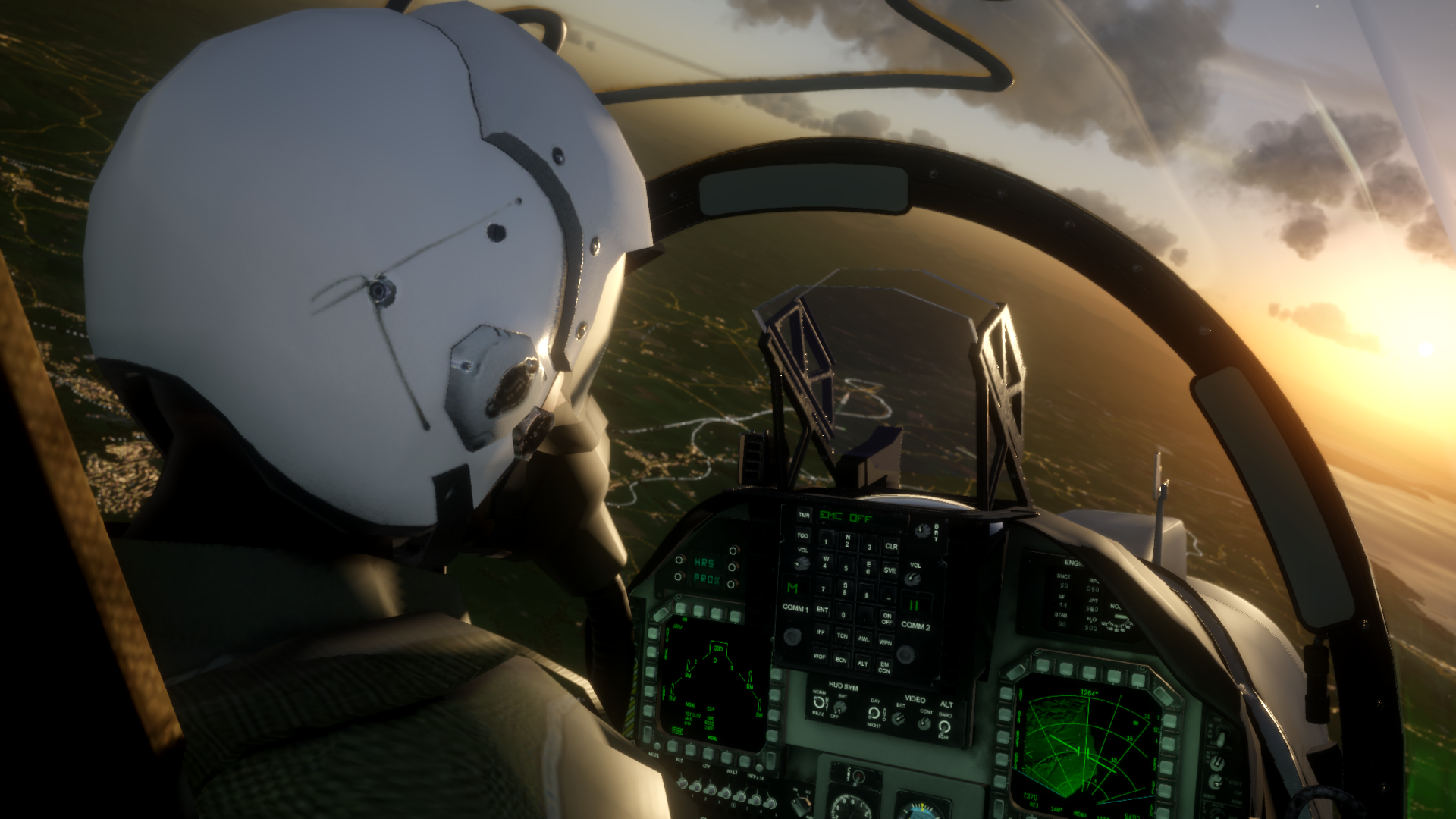
One of the features of the soon to be released v0.815.1 is an overhaul of the ground radar displays including ground mapped radar modes. These modes will allow you to detect, select and attack ground targets day or night.
Check out these screenshots showing Hawaii and Liverpool's river Mersey mapped within the display.


CAP2 Dev Catch-Up
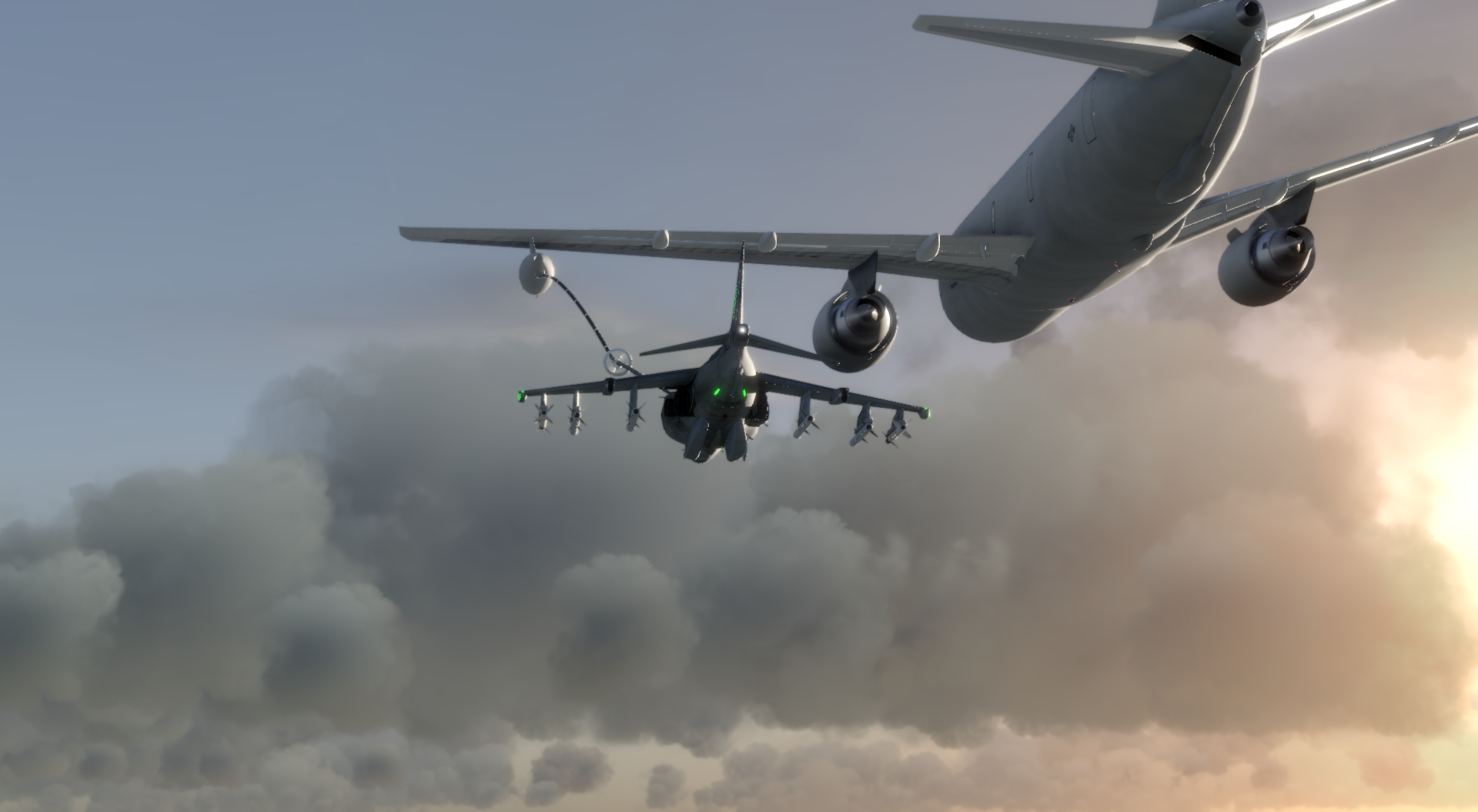


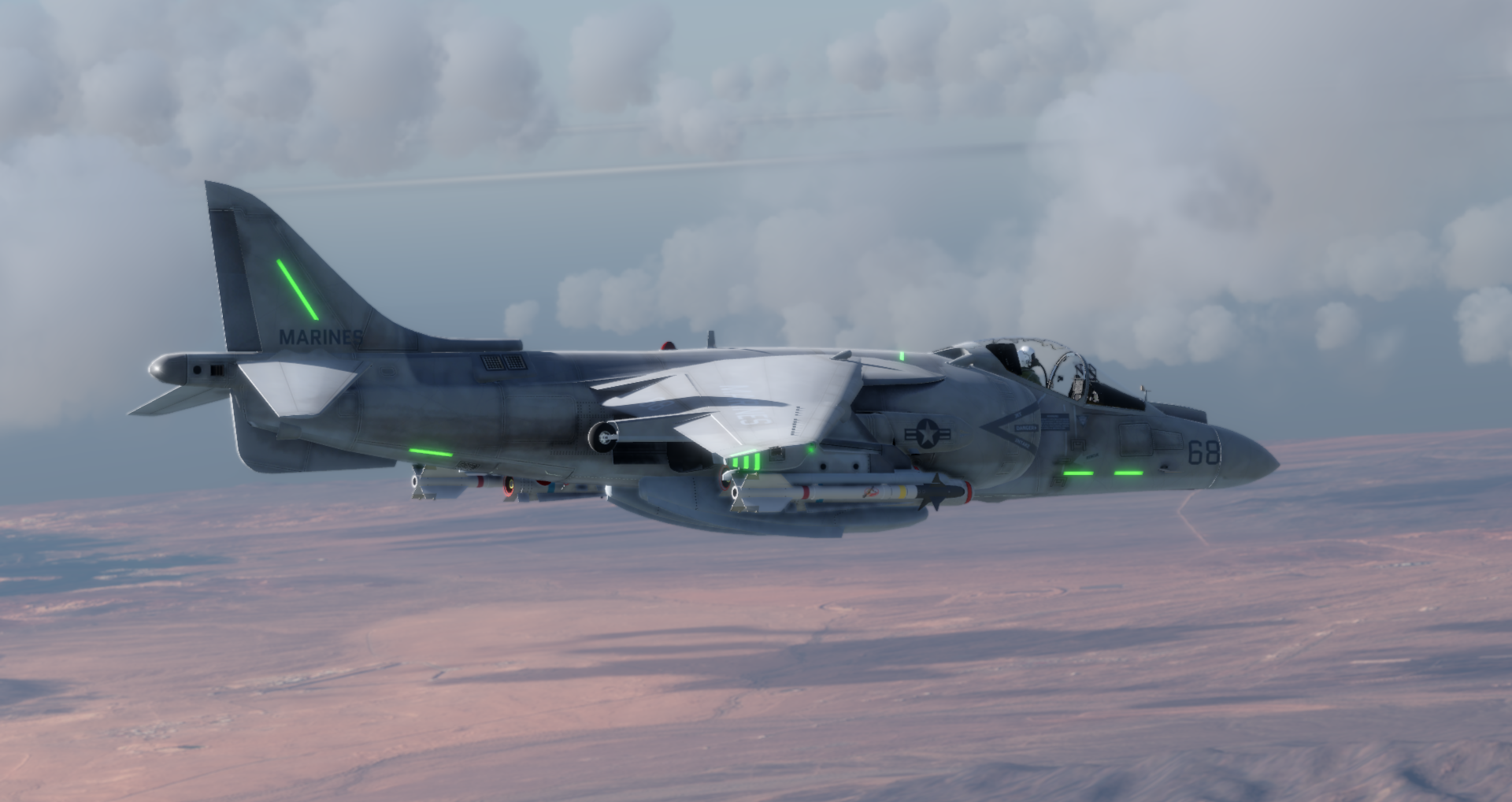


Here we are with details of the latest CAP2 updates. We’re on the road to implementing a bunch of playable missions in the v815 series. If you haven’t checked CAP2 out for a while then please do!
Release Notes from the last few updates
v0.815.x series of updates will include in-game missions, 'Steam Workshop' user generated missionsv0.815.0
- AGM-88 HARM
MFD displays
Flight model - AGM-84 Harpoon
Flight model - SA-2 Smoke effects improved
- TrackIR, enabled Z rotation
- Star rendering brightness issue fixed, constellations are now recogniseable :)
- Mission Editor
Fixed parsing issue when loading a user mission
Added Satellite Imagery view
Pan view uses mousewheel button
Objectives displays include vehicle or location names if relevant - Cameras
Weapon Camera (F8) updated, travels with weapon till impact
Impact & Launch Camera modes added (Enabled in Game Settings) - Added 'interaction' with road vehicles - they can be blown up :)
- Improved terrain loader performance
- Fixed an issue with eject sequence
- Fixed a threading issue, reduced CPU use
- Fixed an issue with weapon water vs land impacts
- Fixed an issue with land vehicles not visible in VR non-pilot cameras
- Several Crash bugs fixed
v0.814.6
- Added MFD BIT display
- Reduced AV-8B damage effects
- Fixed MouseLook issue
- Fixed issue when toggling menus during control mapping
- Fixed TER rack issues:
LGB release points
Selecting next pylon
Selecting A/A or A/G mode from selected weapon - Fixed CTD when restarting mission with AGM-65 payload
- TDC issues:
Calibrated slew rates in HUD INS, TPOD, Radar, IRMAV
Fixed TPOD slew orientation
Added TDC select to lock TPOD - Fixed RWR vehicle labels
- Fixed RWR critical threat ranges
- Fixed released weapon shadow issue
- Added EMCON display to HUD
- Fixed TDC Select in radar MFD display
- Added notifications for TDC assignment
- Editor:
Improved labeling for objectives
fixed objective related CTD when deleting locations or units - Fixed issues with IRMAV operation
v0.814.5
- Added AV8B specific section to manual
- Added manual to Steam Overlay
- Added release notes display to main menu
- Added rendering Bloom toggle
- Added items to Realism menu for later implementation
- Fixed rendering artifacts when using MSAA affecting clouds, trails, cannons
- Fixed issue with Gamma, range is 1.0 to 3.0 with default of 2.2
- Fixed intermittent CTD when switching regions at mission start or end
- Fixed Non Display of HUD weapon displays when using payload with TER's (Triple Ejection Racks)
v0.814.4
- Added SpoonRest & FlatFace radar trucks
- SA-2 and Hawk missiles are controlled by the nearest radar
- Added Silkworm anti shipping missile
- Oculus VR native API screen mirror enabled
- VR Option to use headset audio device
- VR Saturation control
- Added 'User Missions' path to save & load missions from a non-game directory
- Added control to change atmospheric conditions mid mission ( Controls->Misc->CycleAtmosphere )
v0.814.3
- Added latest OSM (Open Street Map) data sets
- Updated Mission Editor
- added Carrier attach points
- reset on region change
- unit faction change
- Added Type 45 Destroyer
- Added DDG1000 Zumwalt Destroyer
- Added SH60 Helicopter
- improve terrain lights rendering
- Added in mission Strategic View control
Manual Update
As well as the following updates we’ve also made some pretty big changes to the manual which you can check out here.As always - thanks for your patience - we’re getting to the exciting stuff now!
Happy Flying!
v813.10 is here!
Build v813.10 was recently posted to all channels. This should be the last in the v813.x series of updates provided there are no showstopping issues.
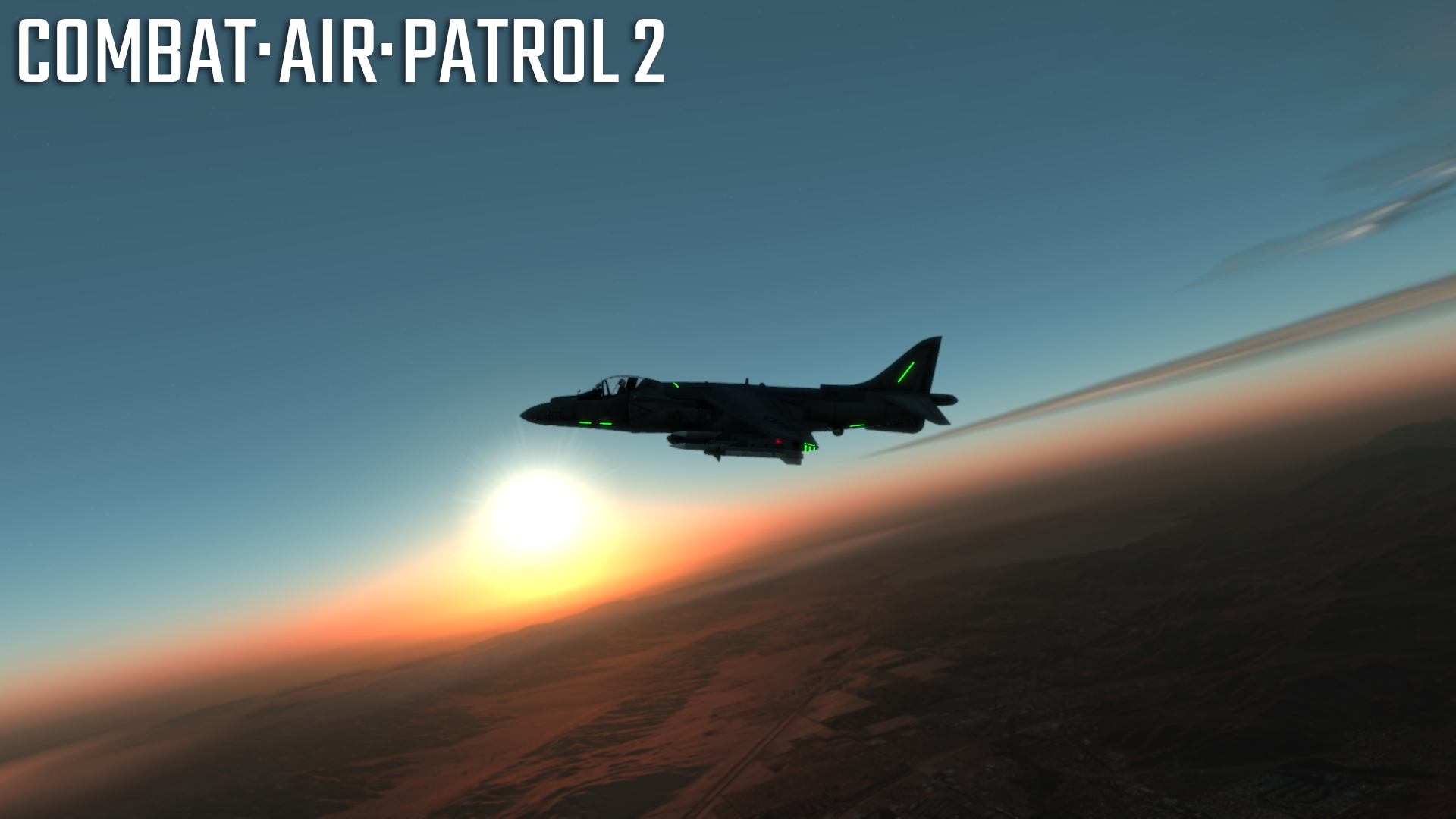
This update includes:
- Update to atmosphere rendering
'Multiple Scattering' and Ozone contribution added to atmospheric lookup tables
This adds atmospheric haze, improves sunrise, sunset - Mission weather options include 'Light Haze', 'Light Haze - High' & 'Strong Haze'
- AV8B skin updates
Navigation lights - Bug Fixes
- Several minor bugs fixed including:
fixed issue where a class of memory buffer was not set to 'canGrow' - accessing all regions in one session could lead to a crash.
- Several minor bugs fixed including:
I'm currently working on the v814.x series of updates. These will comprise:
- Mission editor - You're able to:
- Select region
- Select time of day, weather
- Place Aircraft, ships, weapon systems
- Add routes, armament, ROE
- Assign mission targets
- Set completion & failure criteria
- Select region
- Mission Browser
- Select from local mission files and Steam Workshop missions
- Select from local mission files and Steam Workshop missions
- In-mission tactical view
- UI Update
- Initially to facilitate mission editor, browser etc.
- Initially to facilitate mission editor, browser etc.
- Steam Workshop Browser
- Initially for mission files, later for AC skins
- Initially for mission files, later for AC skins
Here are some screenshots from v813.10


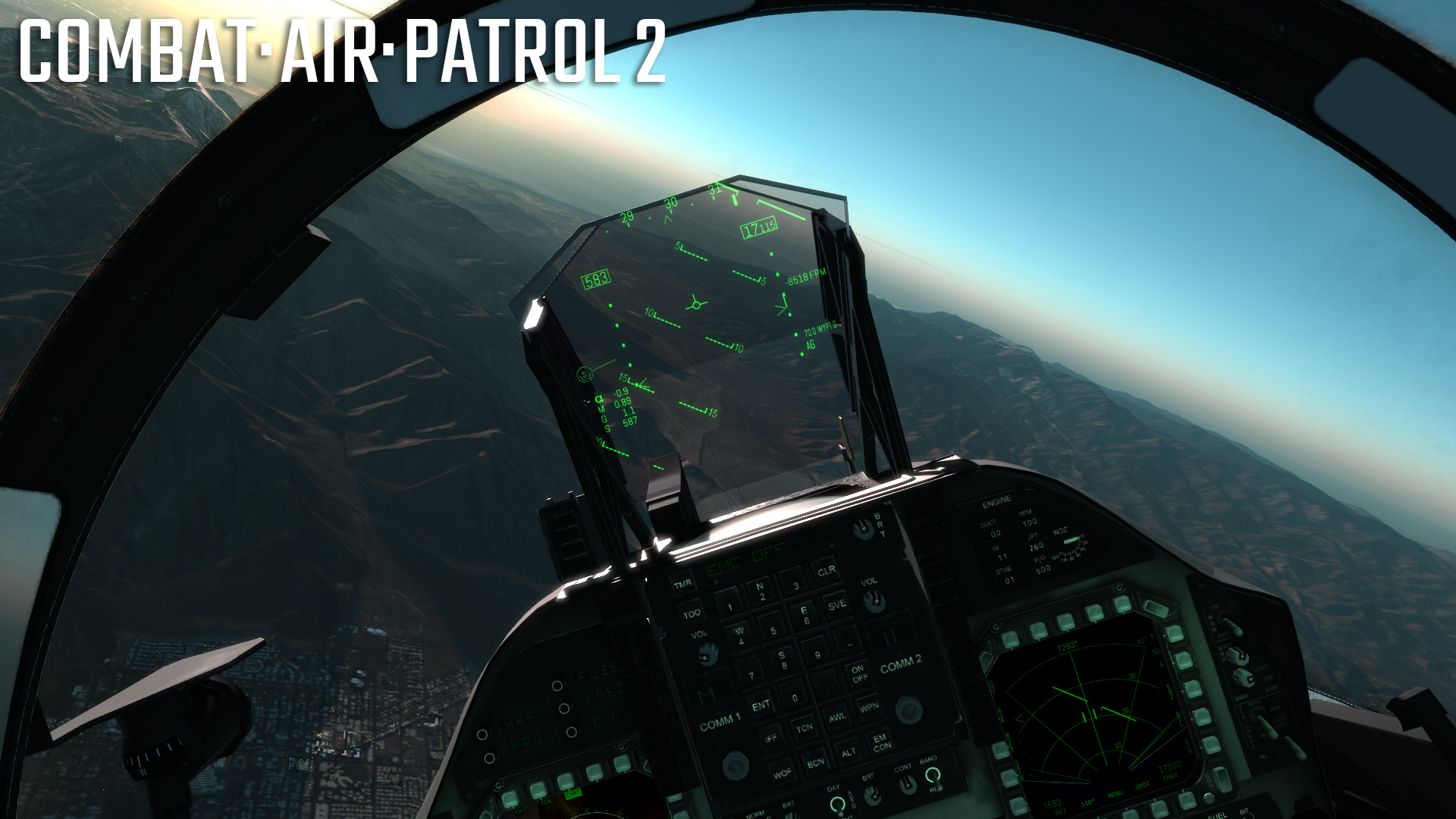

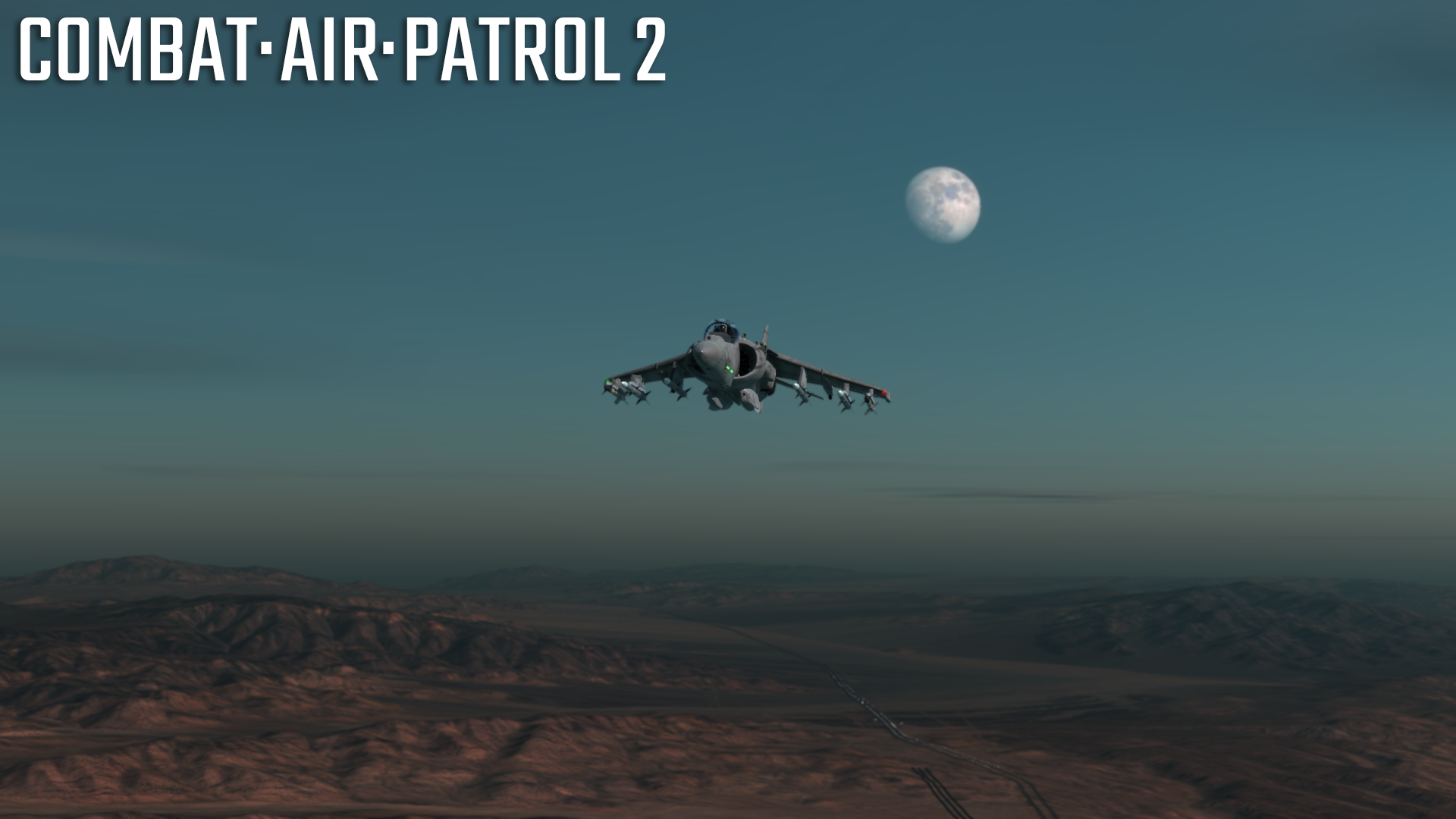
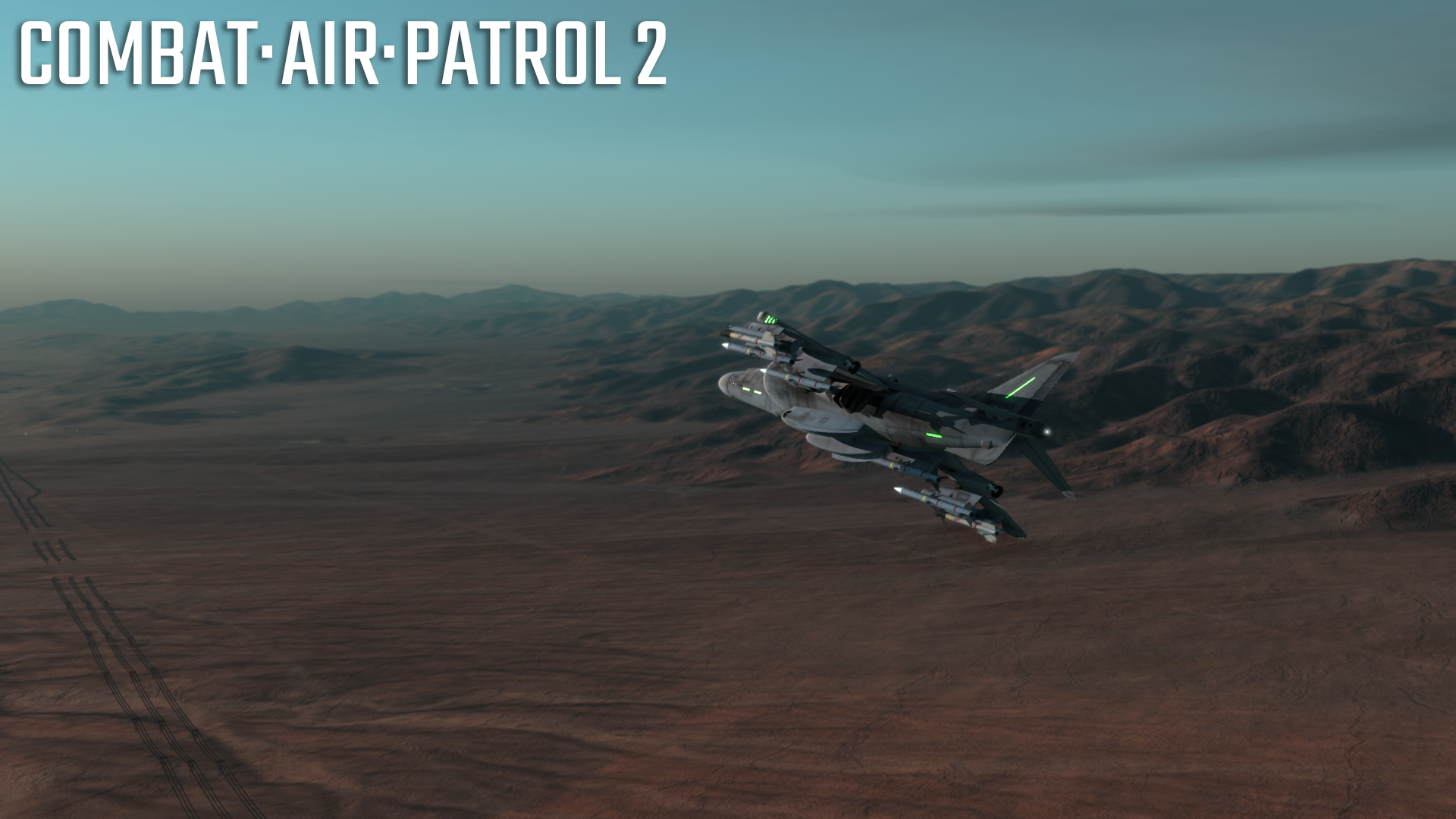


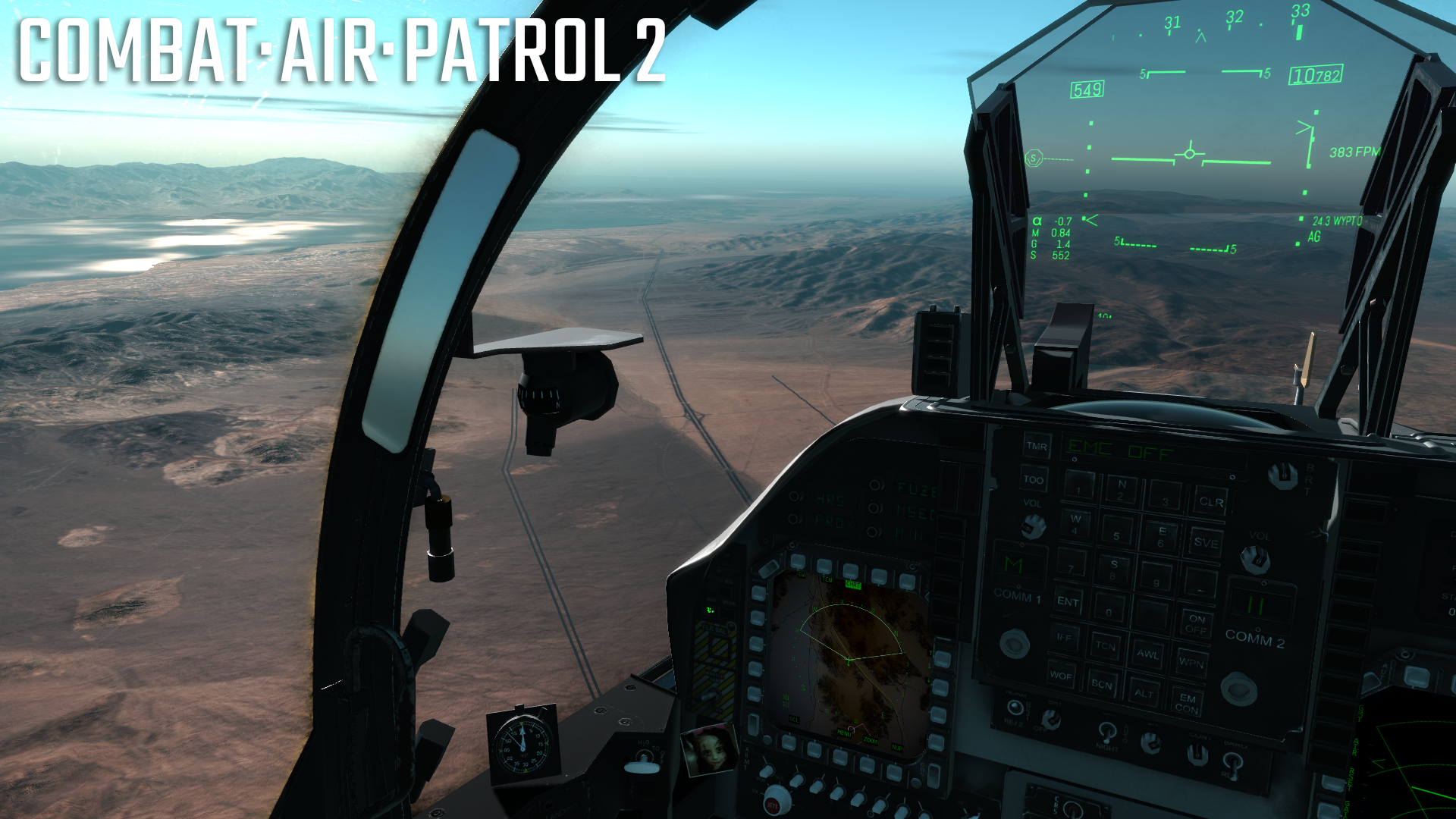


Happy Flying! ːsteamhappyː

2 recent updates - v813.4 & 5
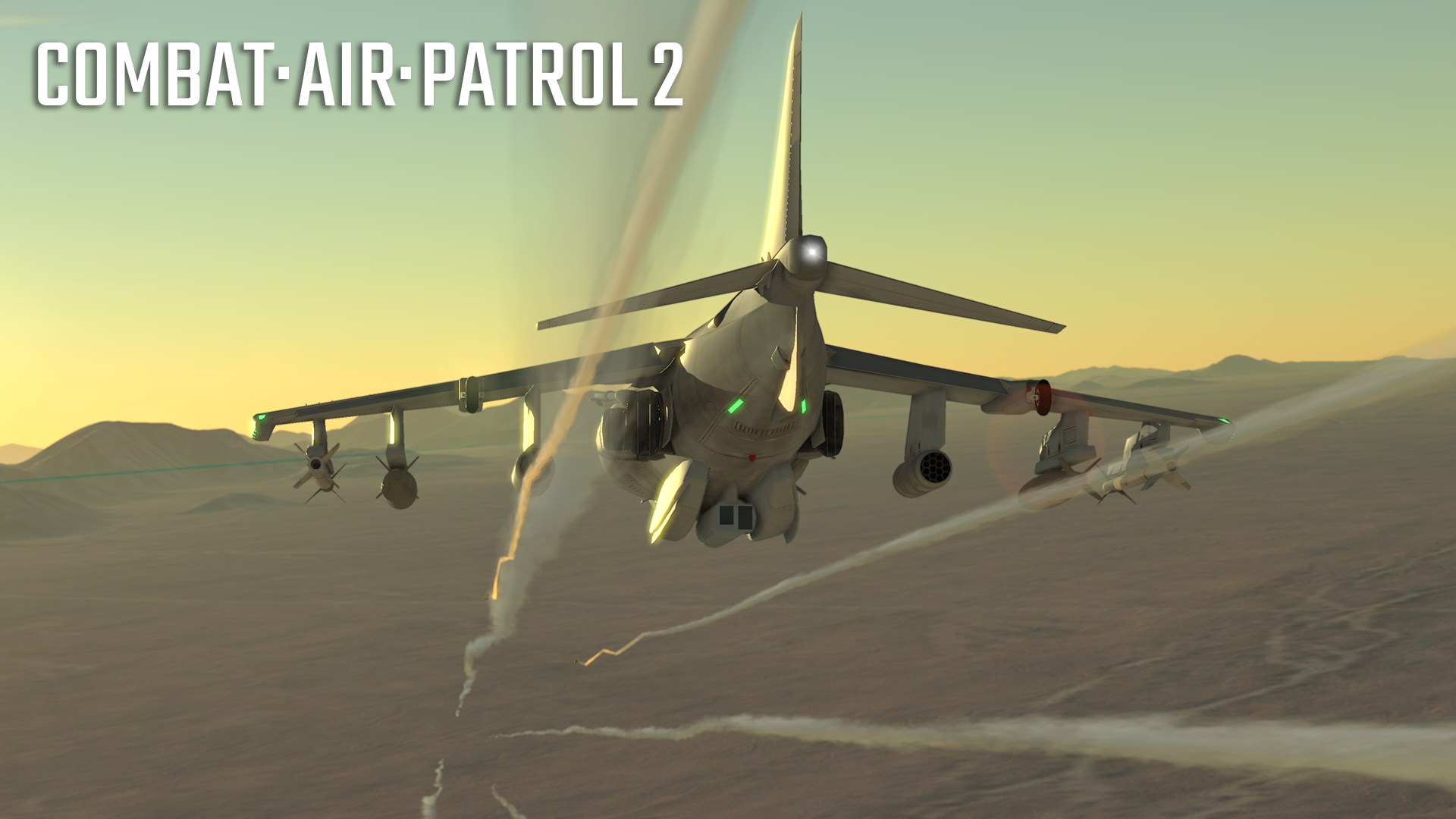
v813.4 & 5 were uploaded to the BETA and VR BETA channels recently. Work was focused on A/G weaponry. Updates included:
AGM65 IR Maverick
IRMAV MFD Display
Target Lock
Flight routine
Launch FX
STRS MFD Display
HUD Displays
IRMAV
Cage/Uncage display
A/G Guns & Rockets
CCIP display
Bombs
CCIP offscreen indication, reflected cue
Graphical 'tweaks'
Cockpit mirror improvements
Bug fixes included:
VR Pilot view black screen when using OpenVR/SteamVR
Glitching cockpit shadows
Flicker when using MFD containing a 3D Display
The next couple couple of minor updates (v813.6/7) will continue with A/G work. These will include:
FLIR
Heat based rendering rather than the current gray scale (which gets dark at night :) )
HUD FLIR display
with the 24hr rendering FLIR display becomes much more useful
HARM
HARM display of detected emitters/threats
updated HARM flight code
TDC (Target Designator Control)
finalising TDC use and assignment between Radar MFD/ HUD/ IRMAV/ TPOD
removal of target pod slew controls
uses TDC when it is assigned to TPOD
Weapon release tone
enabled via TONE option in STRS
volume set via rotary control on ACNIP panel
Improved cockpit illumination
AV8B cockpit updates
After the final A/G weapons/Avionics updates are released we'll move on to the v814 series updates which will add the in-mission tactical display. After that we're on to single missions.
Here are some screenshots of v813.4/5

Updated STRS (Stores) MFD display:

IRMAV FLIR MFD display:

IRMAV locked:

Cockpit mirror reflection:

Cockpit glass reflection:
Miscellaneous shots from v813.5 build:

Gratuitous Shot of cockpit glass and helmet visor reflection:

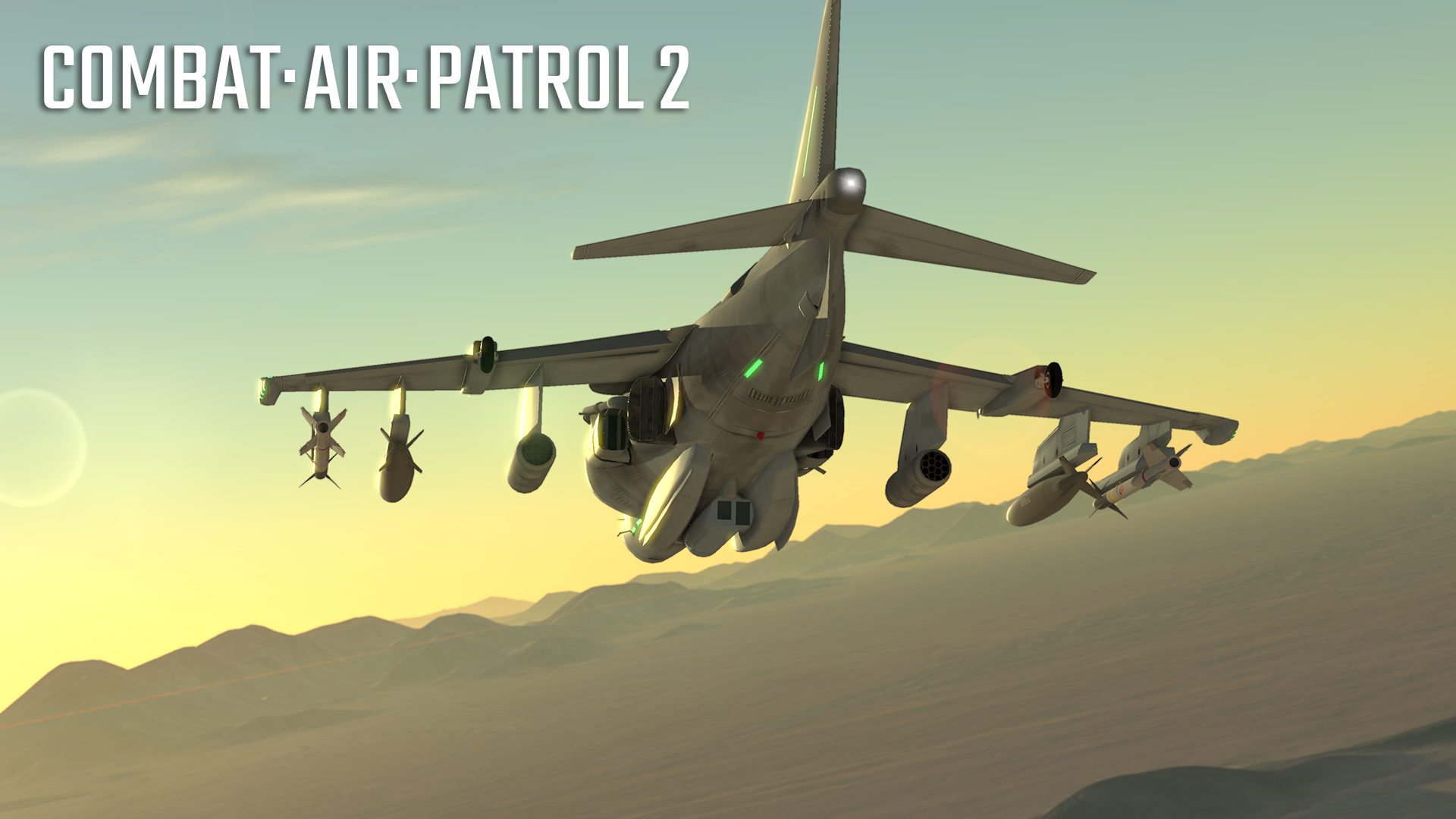


Stay tuned for loads more updates over the next few weeks! Happy flying ːsteamhappyː
Full Day/Night Cycle Is Here! A Campaign Pre-Requisite
v813.0 has been published to the BETA channel. This update has the full day/night sequence implemented. This is needed for the upcoming campaign mode as that runs minute by minute throughout the full 24 hour day. You'll be flying missions at various TOD and through transitions from light to darkness.
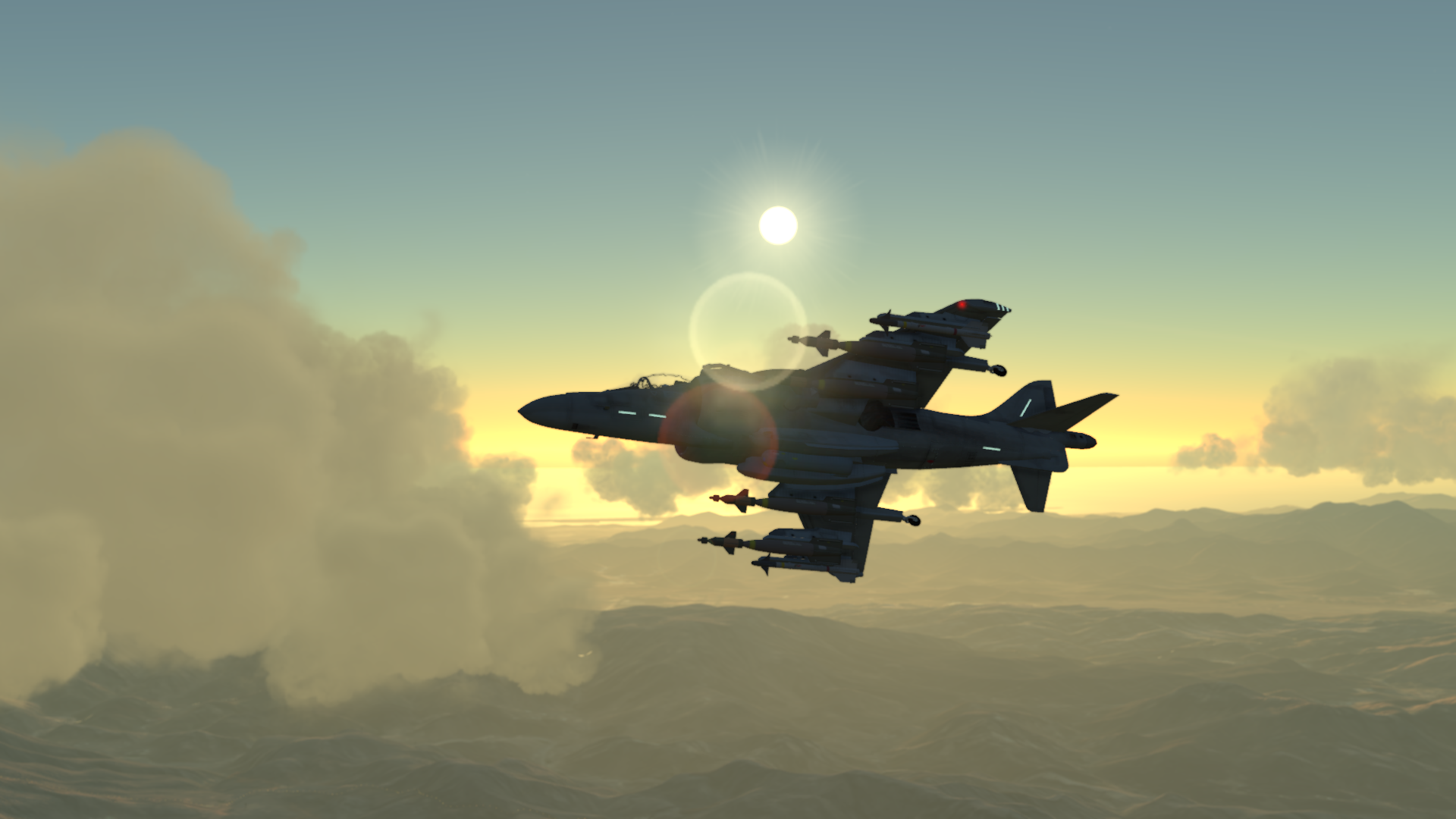
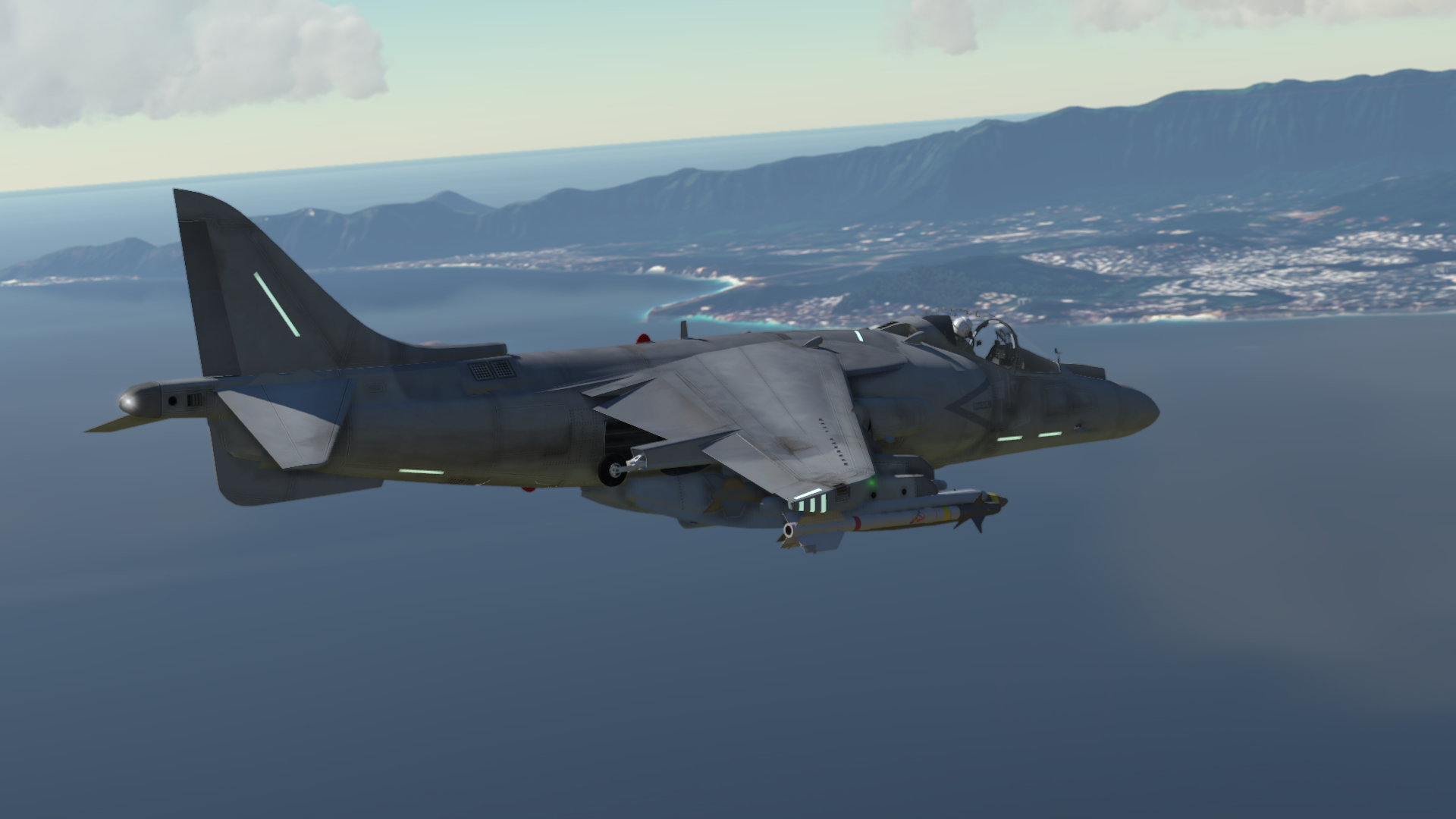
To model the day/night transition the atmospheric rendering has been massively improved. The pictures below show features such as:
Accurate sky rendering due to atmosphere modelling
Moon Display
- Accurate rendering
- Atmospheric fx during 'moon rise' & 'moon set' (red tinge)
- Moon phases
- Accurate orbital motion, speed
Stars
- Accurate rendering through atmosphere
- Accurate motion
Sun Display;
- Atmospheric attenuation
Terrain/Objects
- Generally improved environmental lighting from Sky rendering
- Improved aerial perspective (eg distant terrain and objects lighting,
- Attenuation and in-scatter)
You can dynamically change the TOD during free flight & training missions so give that a go to see the update in action.
They say a picture is worth a thousand words so here are ~15,000 words!:




Happy Flying ːsteamhappyː
v812.1 Available now!
v812.1 is available now. We are enabling some more artistic camera modes and grabbing some new eye candy over the next few days which we will add to this article so check back regularly. There's some campaign news towards the end of this article so be sure to scroll down if that's what interests you :)
As well as hundreds of bug fixes and any previously reported crash fixes, here's the bulk of the feature improvements we've made:
- Animated cockpit controls
- Full control of interior & exterior lighting
- Ability to set Bingo fuel level, select displayed fuel value
- HUD reject level switch implemented to declutter HUD displays
- HUD brightness rotary
- Upfront Display brightness rotary
- RWR Volume rotary
- Seat adjust switch (left side of cockpit) actually moves the seat forwards & backwards, adjusting your cockpit viewpoint
- Autopilot switches work as per AV8B manual. There are now three modes: off, AFC on & AFC with altitude hold. If the autopilot is engaged with the aircraft outside of ~5deg of pitch or roll it is held at that pitch or roll, otherwise it'll settle at wings or nose level
- As per the AV8B manual there are now four HUD modes, VSTOL, NAV, AG & AA. Select by clicking the Master Mode buttons to the left of the main panel. For inflight refueling click the AAR switch on the lower left panel to extend the probe and trigger refueling help
- Updates to targeting pod displays and operation
- LGB's added and functioning
- Internal updates to weapon collision code
- Added targets to Chocolate Mountain Range
- Updated Harrier cockpit and fuselage
- Added V-22 Osprey and P-3 Orion
- Added static deck crew
- Depth of Field option added to renderer
VR updates include:
- Updates to latest API versions
- VR specific gamma control
- VR specific optimisations
- Mirror screen improvements (OpenVR only)
- MSAA changes applied immediately (OpenVR & standard renderer)
- Mission planner drawn in VR (renderer is not yet optimised, may show hourglass in VR)
The next few small updates will include:
- Re-enable Gulf civilian traffic
- Re-enable Fleet defenses
- Updates to HUD & radar display as per AV8B references. These include updates to Gun and sidewinder displays, auto acquisition modes, boresight, AIM9 SEAM modes etc.
- Enable 'Single Missions' in the Gulf
- Display 'In Mission' tactical view
- Updates to aircraft AI
Campaign News
After those updates it's time to work on the campaign mode. There'll be multiple campaigns. First to be implemented will be smaller campaigns/operations with objectives such as neutralizing Island bases and threats. Think this: Operation Praying Mantis[en.wikipedia.org]. The wider scale campaigns will follow.
From a technical standpoint the campaigns are simulated minute by minute with acceleration as required for times such as lulls in combat. You'll set which events will disable acceleration such as new radar contacts, enemy proximity to assets, distress calls etc.
From the main campaign screen you'll be able to switch to a 3D view of any of your assets (carrier/aircraft/ships/drones) at any time. During flight you'll be able to switch to the Tactical view & your AC will enable autopilot with Alt hold till you return. You'll have a limited no. of airframes; return to the ship with damage and that airframe will be unavailable for a length of time based on damage level.
We've had (and answered) some interesting questions on the campaign since releasing this news. This is great and its helping shape the game, you can get involved here: https://steamcommunity.com/app/347170/discussions/0/154642447927175939/?ctp=33
Development is changing to more gameplay based elements now, heck we might even start publicizing it soon!
Stay tuned ːsteamhappyː
v11.1 - Available now in the beta branch!
Fix for the video mode selection. Also correct frequency should be selected, previously it defaulted to 60hz
You can now land on the QE (or any other ship but that's not recommended)
You can takeoff from the QE using the ski-jump. It's surprising how much this helps you get airborne with a heavy load. There's a UK free flight mission starting from the QE deck.
The MFD map display has been updated. It now uses a generated map of the area. It shows terrain, road, rail, locations, waypoints etc. Very handy for knowing where you are, or going. Just like a map...
The target pod display has been updated. The next update should see it fully functional.
LGB's are added and available via a preset loadout. They will be fully function in the next update in tandem with the target pod display.
In control settings you have an option to disable the hardwired cursor key mappings if you'd rather map them differently.
In graphics options you can adjust the display saturation (all the way to black & white if you're feeling 'arty')
3d models for runway & taxiway edge lights added.
OSM building generation fixes & improvements.
General scene lighting improvements using a PBR approach.
The next update should be relatively minor, completing pod displays, fixing bugs etc so I'd expect it within the week.