

Contraption Maker
High Res Monitor Fixes (and a few other things)
Added a new part (Ultra Marble) and also a new state to the Egg part.
Found what could have caused a crash deep down in the code of one of the libraries CM is using. Fixed it.
Fixed "Snow Computation" puzzle. The official solution for it wasn't solving.
GUI Improvements (Build 1.4.31)
- When open a puzzle pack ("Easy Does It", "Piece of Cake", etc.) it'll take you to the first unsolved puzzle in the pack.
- Level numbers are now shown along with the puzzle names.
- Once completely solving all the puzzles in a pack it'll let you know instead of just moving on to the next puzzle pack.
- Added a Locked button that'll toggle showing which parts are locked. This was already in the using the "L" key, but now there is button.
- Right clicking on a part in the part bin will bring up the help window for it.
- You can now quit from the settings window.
- A few other changes here and there to make GUI flow a little smoother
That's it for now. Back to work for me.
A Few Number Blocks Fixes
Also fixed a bug where '9' key was being treated like the '8' key in mods.
Number Blocks Release
The New Parts
I just released an update (build 1.4.29) that contains the Number Blocks type parts. They all interact with the current Contraption Maker parts. Here they are:
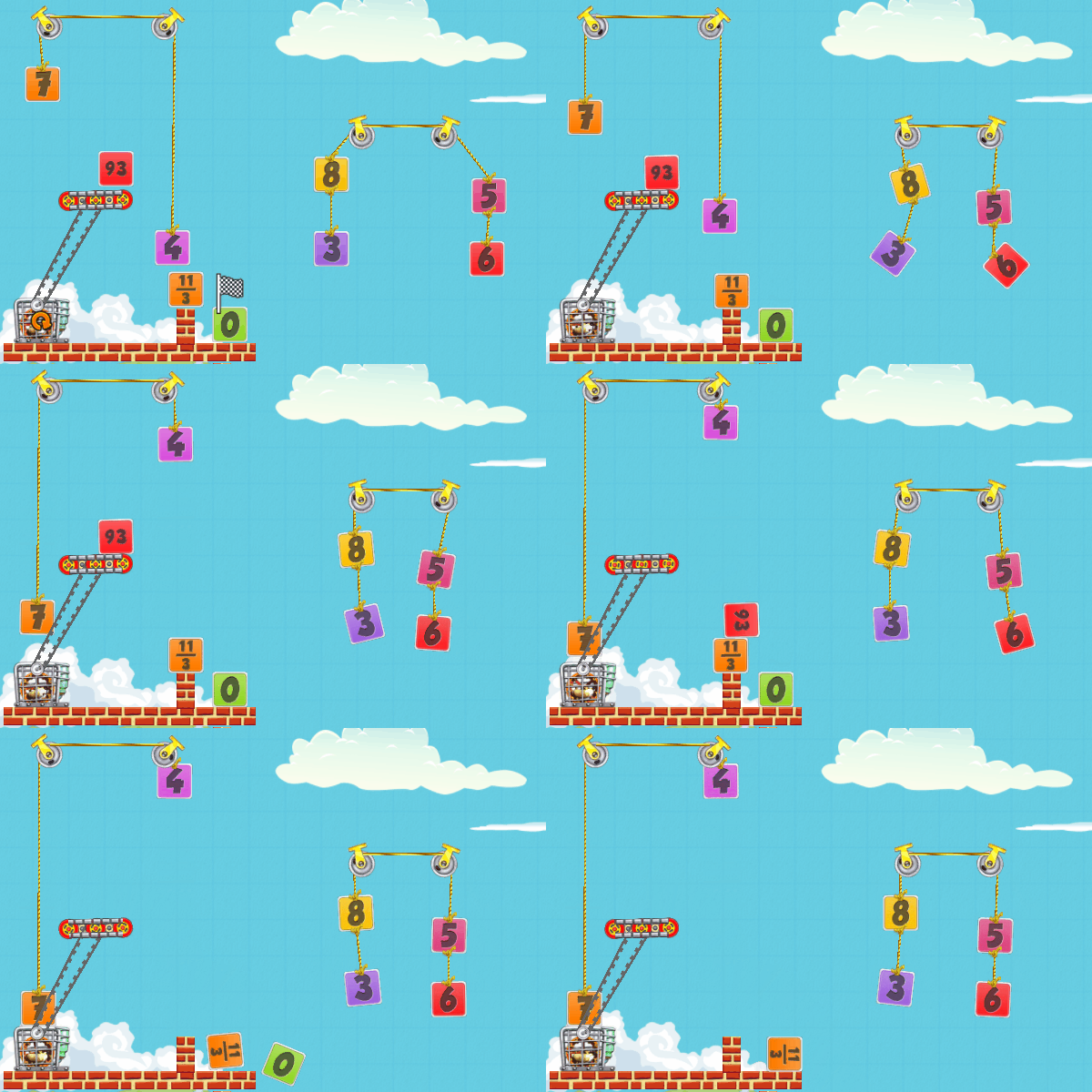
- Number Blocks -- built in 0 through 100 -- they can go higher/negative using the other parts below
- Fractional Blocks
- Arithmetic Machine
- Evaluator Outlet
- Equation Outlet
- Number Line Outlet
How they Work


New Puzzles
There are two collections of new puzzles.
The Number Blocks puzzles are the standard type of puzzles starting with a few tutorial ones and then some more difficult ones. Right now there are 14 of them. More will be added over time.
There are only 2 Math Learning puzzles right now. My plan is to fill these out with very simple math problems for youngsters (like my granddaughters) to play and learn some math. The puzzles that I create will advance through various math concepts - starting with addition and working forward -- and hopefully be fun.
More puzzles will be added in the next couple of months, but I really needed to take a break from these before starting in again on puzzles with a fresh eye.
It gets tough to come up with new puzzle concepts. When I was working on The Incredible Machine and I set about ordering the puzzles for a logical easy to harder progression I realized that I had written most of them. And it was hard at the end to come up with fresh concepts.
Here are my notes from when I was figuring out TIM puzzle order:

Number Blocks aren't a DLC
Initially this was going to be a DLC, but I decided to just include in the base game for everyone that has already bought Contraption Maker as a thanks. I'll most likely increase CM price sometime in the next few weeks. The Number Blocks will always be in the base game.
Going Forward
I'm going to switch gears for a while and do some work on other things and swing back and add more puzzles. One of the "other things" I need to do is stain my deck before winter.
Working on New Set of Parts

Aiming to release these in the first half of June.
Here are some of the new parts that'll be in this update:

Storms and Numbers
Also dealing with some weather today. Looks like we'll have tornado watch or warning in next couple of days. I'm in Cherokee County.

Gravity Bomb GUI Update
Made it easier to select the default directions and also to reset gravity to the default amount.
Also has a bug fix where there were times when parts that had hit the Gravity Bomblet wouldn't later be affected when the Gravity Bomb was hit.
New Build - Gravity Bomb and Bomblet
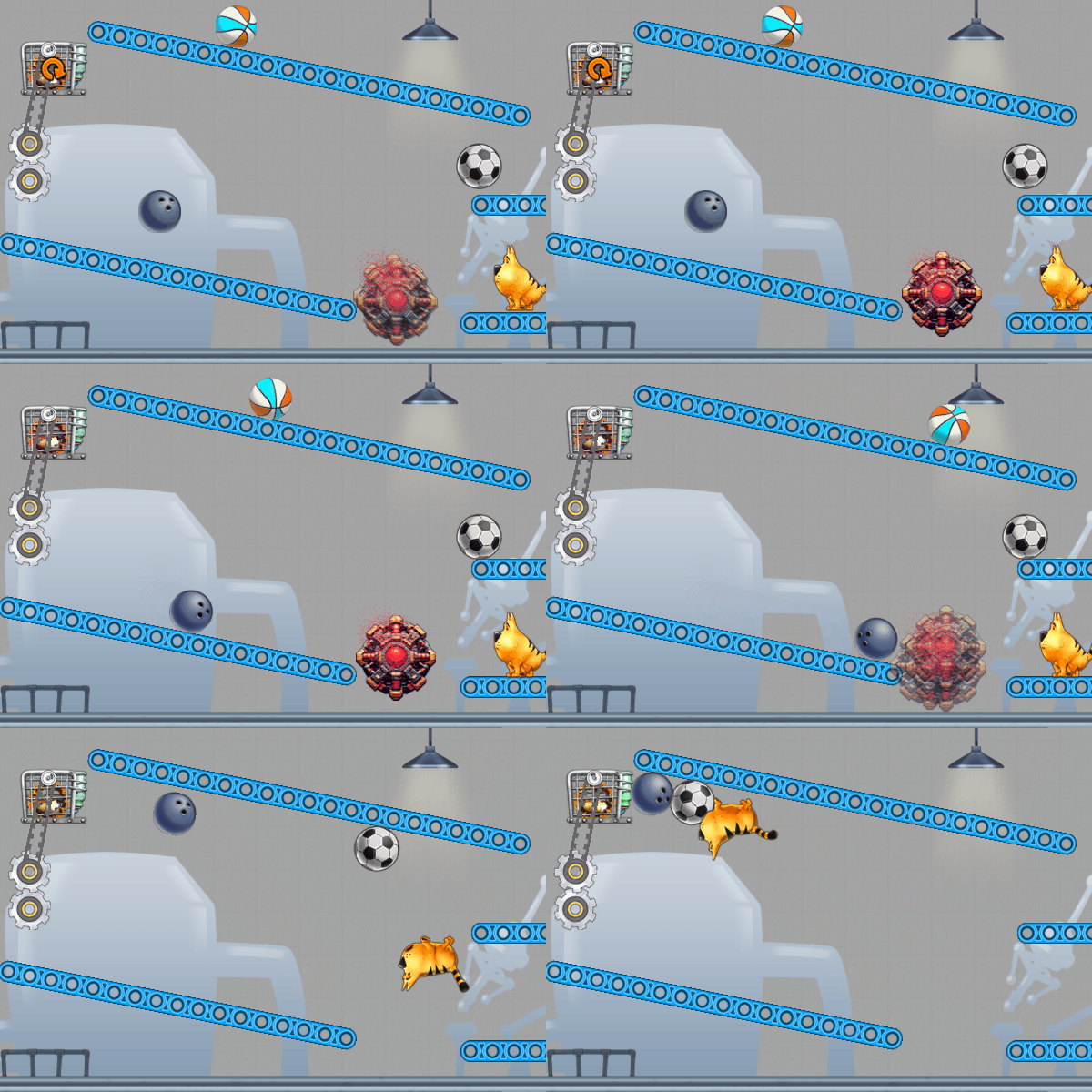
Gravity Bomb - When hit it'll change the gravity of the whole level.

Gravity Bomblet - Only changes the gravity of the part that hit it.

The direction and force of gravity can be set for each bomb and bomblet.
Next up will be working on the Number Blocks that have been close to complete for a few years now. I still need to create a set of puzzles that use them. I'm also working on another new unannounced game. I streamed some work on it to my Twitch channel a week or so ago.
Got some big weather here last night with lightning and heavy rain and tornado warnings 50 miles northwest of here. Nice here now, but bad weather east of here today/tonight. Hope everyone is safe.
Kevin
Gravity Bomb
You'll be able to set both the direction and the amount of gravity.
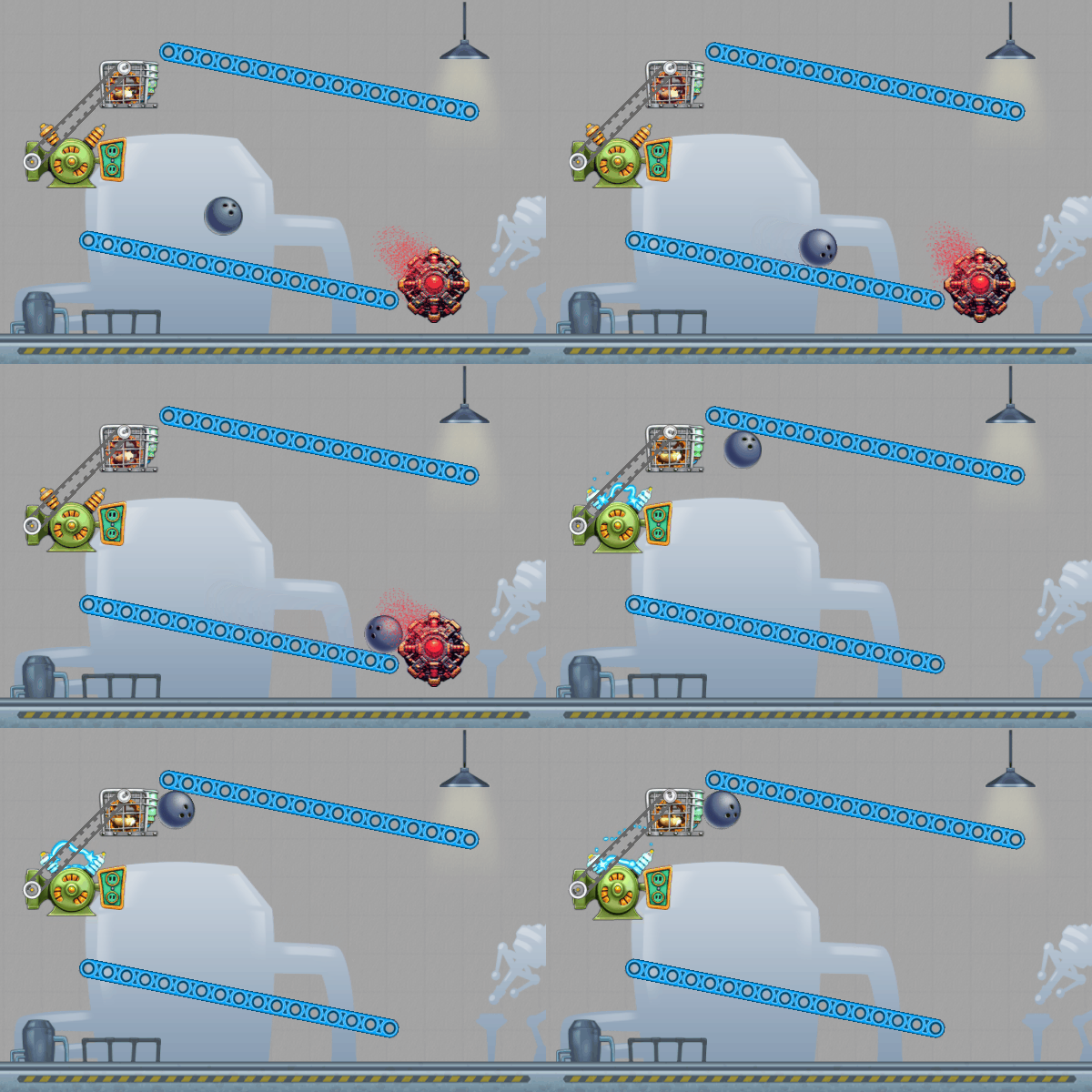
I may stream myself working on finishing it in the next week or two.
Build 1.4.25: Remote Play Together and Puzzle adjustments
Made changes to Incredible Puzzles Pack:
- Puzzles #39 - Trap Waldo the Cat
- Puzzles #115 - Hole in the Floor
Changes to puzzles were just to block off simple solutions.