Welcoming our new friend, Karrotfish, with a Free Bundle!
Have you heard, Creators?
The Next Wave update is now live!
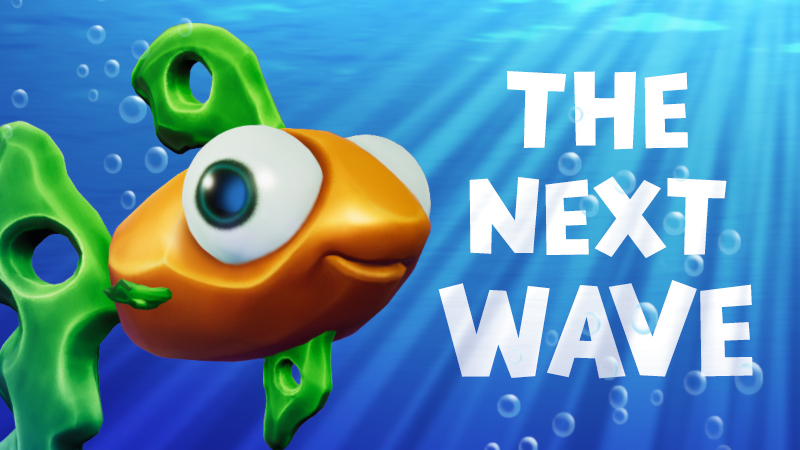
And it seems a cute little Karrotfish rode the wave along with it.
A proper welcome seems in order. So, in honor of our new friend, the Karrotfish Welcome Bundle, is now yours to claim in store.
Redeem in store with code, “WAVE”
Available until April 10th.
The Next Wave Update
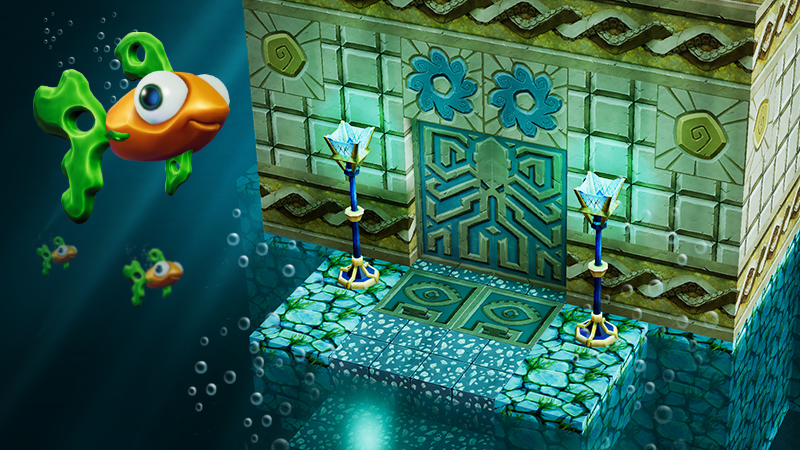
Legend has it…long ago a brave Creator set off to investigate the underwater world of Creativerse. Somewhere, deep under the surface, they found a mysterious set of blocks called ATLANTIS. They appeared to be the remnants of a civilization long forgotten. Even stranger was the discovery of a small creature hiding within the ruins. Almost carrot-like in color, the Creator named it Karrotfish. The fish swam away but not before dropping a magical potion.
Go forth, find the Karrotfish, and discover the creative potential that awaits in the deep!
— The Playful Team
Patch Notes 3/19/2020
NEW FEATURES
A new creature draws near: Karrotfish!
Found in larger bodies of water
New exploration tool: Ocean Potion
Swim faster and breathe longer underwater
The Atlantis Block Set Free for everyone! Loot some Karrotfish to get started Includes 13 new items
Atlantis Wall
Atlantis Trim Wall
Atlantis Sunken Wall
Atlantis Tile Wall
Atlantis Door
Atlantis Lamp
Atlantis Chest
Atlantis Roof (plus inner & outer corners)
Atlantis Stairs (plus inner & outer corners)
Atlantis Bonus Bundle Unlock TEN additional Atlantis recipes!
Atlantis Symbol Trim Wall
Atlantis Accent Wall
Atlantis Trident Accent Wall
Atlantis Wave Wall
Atlantis Vase
Atlantis Goblet
Atlantis Table
Atlantis Chair
Atlantis Altar
Atlantis Trap Door
Atlantis Bonus Bundle available for FREE to all Creativerse Pro members! Claim the store bundle to add them to your crafting menu These gilder costumes will sweep you off your feet - NEW in the store!
Angel Wings
Hot Rod Gilder
Bat Wings
Slay in style with these new weapon costumes
Miru's Hammer
Rockstar Claw (sword)
IMPROVEMENTS
Mob Summons: all summons can now be placed into containers
Try adding a Pigsy to a placemat…
Updated UI for a slicker and more intuitive look and feel
Main Menu
Store
Character Customization
In-game UI panels
BUGFIXES
Block Phaser Sprite fixed
Hidden Temple Torch now follows correct placement orientation
Fixed cornerstones going into inventory instead of hotbar when captured in Creative Mode
Sensor ranges no longer show without Wiring Tool
“Disable Spawning” option in world settings occuring inconsistently, fixed
Holiday Lights turning all white fixed
Category fixes for the Creator Mode menu
Iron bars now have a full hitbox
r.2.64.1
Update 2.63.15
Patch Notes 3/12/2020
NEW FEATURES
Mob summoners added to Creator Mode
Add any mob to your quickbar and spawn them into existence. Make yourself some new friends!
The #1 most requested Creator Mode feature on our recent survey. Thank you for your feedback!
BUGFIXES & IMPROVEMENTS
Jingle Juice and Love Potion have been removed from Creative Mode inventory
Fallen Leaves removed from Armor category in Creative Mode inventory
Cornerstone Info message missing colors fixed
Spawns enabled option on claims
Corruption spreading on claim overriding world fixed
Mob spawning in wrong areas fixed
Mud available in crafting
User created screenshots for non-Pro member players fixed
Magic Snow Globe overt brightness in full darkness fixed
Typo in Non-Pro menu overlay fixed
Snow Blower now uses both primary and secondary colors when painted
Masked Fix:
Industrial Switch
Gingerbread Set
Various grass with dirt variants
Primary/Secondary mismatch in painted lights fixed
r.63.15
Update 2.63.11
Hello Creators!
In the spirit of more transparency, we will be posting more regular patch notes for when they are available. ICYMI, we are combining this week and lasts below.
Patch Notes 2/19/2020
Enable Sensors in Creative Mode
Glider appears when it shouldnt.
Various dirt / grass variants masking inconsistencies
The per-player "creator" permission doesn't work / doesn't override world settings
Snowy the Blockman has part of the texture borked / black
Provide proper explanations about the new graphics settings and better ways to deal with them
Users can get authentication errors and be unable to join game
Slow/Stalled Chunk Building
Missing options in the Template Selector on world creation in rare circumstances, a cornerstone entity can be removed but the cornerstone info remains, resulting in a baked blueprint with no cornerstone
items missing from the normal crafting interface
Prefabs on racks and shelves flicker
Pulling ore nodes in CM doesn't really get rid of them, they come back
Candy Skull Statue / Candy Skull Banner / Galactic LED don't apply LED-like coloring properly (or at all)
Extractors are not working
Allow touchstone menu to be opened even if you don't have one placed, so even if you dig it up in Creator Mode you can always get it back!
The player list in claims interface doesn't react to clicking (prevents changing privileges of players in a claim)
Non-Pro players do not have proper creative mode inventory
Patch Notes 2/27/2020
Hidden Temple Torch flame and color use (only used one color) fixed
Primary/Secondary light mismatch changed for Paintable blocks
Wood slab and Bungalow door no longer loose saturation when painted
Ore nodes that come back once pulled in Creative Mode fixed
Holiday Masks fixed for:
Holiday Window masks
Cabernatious cabinets
Snow Globes masks
Industrial chimney masks
Industrial Door masks
Industrial fan masks
Iron Gate masks
Elderwood masks
Medieval Fireplace mask
Medieval Chest mask
Wood Table mask
Iron Table mask
Wood planter mask
Medieval Switch Mask
Wildflower mask
Incorrect currencies no longer showing up in store
Option to toggle paint mode added
Stamina consumption loss increase (while gilding) fixed
Transparent paint feature fixed
Teleporter codes breaking in Creative Mode, fixed
Year of the Pigsy, New Year of the Rat, and Year of the Dog lantern lighting inconsistency, fixed
Year of the Pigsy, Year of the Rat, and Year of the Dog lantern rotation, fixed
Toggling mode affecting hover state of nearby players in CM, fixed
Crops reverting to seed/spore state once painted, fixed
Odd graphics peeking thru Main Menu (World), fixed
Forbidden Red Wood Wall not processing into slab, fixed
Claims disappearing, fixed
Transparent Paint feature preserved
Colors no longer missing from Cornerstone Message
Industrial Air Vent now shows painted color in air effect
Pressure plate ignore presence of Creator, fixed
All throwables can now be used in Creative Worlds
Added separate "Copy" action that applies to both CM Mode blocks and Copy and Paint Color Copy.
Coal Nodes removed from CM inventory (or fix cornerstone conflict and add all the other ones)
We look forward to sharing more with you. Thank you for all of your support!
cheers, your Lady of Community Playful B
Creativity: Evolved — Creativerse R63
This is a big one. And it’s long overdue. But it’s finally here!
In keeping with our tradition of making a game for the community, this update contains some of our all-time most requested features, all geared toward unlocking the game’s full creative potential.
Creative Worlds — A new kind of world where you can fly, hover, and get an infinite supply of every item in the game.
Paintable Blocks — You can now customize the color of any block or item and create swatches to quickly change the look of your builds.
Creative Camera — A full suite of filters and visual tools, including a detachable drone camera for getting epic shots of your builds.
Another popular request has come from players near and dear to our heart: Creativerse Pro members. They’ve repeatedly asked us to add more features to the Pro version. In this update we are increasing the value of Pro in two ways: 1) While anyone can join a Creative World, only Pro members can create and customize them. 2) Pro members now get discounts on everything in the store. In fact, many of the premium recipe blocks are currently FREE for Pro members.
The future is bright for Creativerse. This update is just the start. We have exciting plans and a ton of content in the pipeline. Thank you for being on this journey with us!
<3 The Playful Team
New Features and Content
Creative Worlds
Unlimited items! The sky is literally the limit
Hover Ability! Double tap the jump button to toggle hover mode
Flat worlds! At world creation, choose “Flat Grass” or “Flat Sand” in the template drop down for a blank canvas experience
Turn on Creator Mode while in a Creative World by pressing “ESC” and selecting “Enable Creator Mode” just above Game Settings (and repeat the process to toggle back to “adventure” mode)
While in Creator Mode...
Your inventory and “adventure” quickbar are replaced by an all-item selection menu and a “creative” quickbar
You cannot equip a weapon; however mobs will ignore you regardless of world settings
Toggle back to “adventure” mode to do things like moving your touchstone or attacking mobs
World owners can decide whether to grant Creator Mode to all players, specific players, or tie its access to a permissions level (e.g. admins only)
Creating and customizing Creative Worlds is an exclusive Creativerse Pro feature
Not a Pro member? You can still access the Creator Mode features by playing in someone else’s Creative World
Paintable Blocks
Change the color of every block and item that can be placed in the world, including lights and even smoke
Build customized swatches, with the option to designate a primary and secondary color (press “.” to open swatch builder)
Add your swatches to a paint quickbar to quickly switch between colors while playing (hold “Ctrl” to open quickbar)
With a swatch selected, blocks will be painted as you place them; or you can hold “Ctrl” and left mouse click to paint already placed or found blocks
Blueprint capture blocks will retain your custom paint settings
Creative Camera
Capture epic screenshots with new visual tools and filters (press “~” to toggle)
Color settings (brightness, contrast, saturation)
Fog control
Bloom sliders
Tilt shift
Vignette effects
And much more!
Player movement is possible in camera mode (press left “Alt” to toggle)
Detachable drone camera (press “O” while in camera mode to toggle)
Separate from your player character to get at impossible angles, clip through terrain, and channel your inner Roger Deakins
Keyframe animation! While in drone mode, toggle back to Creative Camera (press left “Alt”) to access keyframe animation buttons
New Costumes
Monkey King Costume - Full Set
Unicorn Costume - Full Set
Unicorn Sword (a cosmetic version of the elusive Rainbownator 5000)
Emperor's Blade
All existing costumes now have helmets!
First Fantasy Helmet
Master Creator Helmet
Metal MK1 Helmet
Electro Cycle Helmet
Fury Warrior Helmet
Improvements
World Management and Search Menu expanded
Post processing filters and block art retouches
Bug Fixes
Canvas Flower Icon fixed
Trailer stuttering during first world intro fixed
Friendzilla quest spawn instruction fixed
Glowing and Brown mushrooms texture changes in Planters fixed
Dustevils and Troggington can now drown (yikes). Pebbles, being crab-like animals, are immune. WEEE.
Ritzy Pigsy Hotel Couch corner misalignment fixed
Grass color is lighter throughout worlds
Player no longer floats on Halloween Spooky Bench
Block phasers deleting blocks when player walks too far away resolved
Framerate drops when returning to previously built world fixed
You may have noticed that the team has put out a steady stream of patches up until now, ironing out the wrinkles and swatting bugs left and right. Today's update is similar but on a bigger scale, with particular focus on optimizing the game's performance. This included an engine upgrade (Unity 2018), rebuilding old code, lots of tinkering and elbow grease, and extensive testing on the worst, most min-spec PCs we could find. As a result, the Under the Hood Update offers a smoother, more optimized experience, along with a bunch of smaller improvements and bugfixes. It’s certainly not the end of performance fixes, but it's a pretty good foundation for more.
Patch Notes
Updates, Additions, and Tweaks:
Major Engine upgrade to Unity 2018
Assorted bug fixes related to engine upgrade
New graphics quality settings
Mud is now craftable using Water and Dirt
Water no longer requires any mining cell to be pulled
Max view radius has been increased
Lava and Corrupted Water can now be pulled by Diamond mining cell
Hidden Temple and Medieval Chests no longer require Stone mining cell to pull
Selection highlight in Action Bar is a little wider and easier to see
Gift Boxes are rotatable in any direction
Pet information window is simultaneously dismissed with its associated pet
Lilly pads can now be put in containers
Automatic text censoring logic has been improved to try and help reduce the number of false positives, i.e “Grass”
Bug Fixes:
Pet bubbles render on top of water correctly
Glowing mushrooms are glowing again
Pets are properly dirty after harvesting (get the soap ready!)
New adventures show up under the New category
Fixed a few issues with Pets disappearing (i.e in some instances, pets that were told to “Stay” would either disappear or wind up clumped together)
Fixed a few issues related to player names (such as when a user is banned)
Decogorgeous Door disappears at the same distance as other doors
Blocky the Snowman is visible when placed in a container
Fixed snow caps spreading and showing up inconsistently (how rude!)
Fixed issues related to recipes not carrying over between worlds properly
Magic Snow Globe should no longer create snow when placed in displays
Fixed an issue that prevented purchase of block kits for a moss block-customized blueprint
All firework types give off sound effects
Sleeping in a bed for the first time no longer triggers a “New Area Discovered” message/ reveals a grid on the map
Mobs can now be attacked while they are in a teleporter
Customizing Curtains no longer create error blocks around them
Frozen Container no longer mysteriously hides itself after leaving and returning to an area
/setspawn should work again
@ and other symbols can now be correctly used in text fields regardless of the keyboard layout
Safe walk now prevents players from walking off slopes
Player preferences are now tied to your Steam account instead of the client
From Jeremy: "Small easter egg, when you save your costume customization in the menu, a high res screen of your character is saved to C:\Users\your user\AppData\LocalLow\PlayfulCorp\Creativerse\avatar
r62
The Creatiscapes of Destiny Contest! [Winners Announced]
Take Your Best Shot 2:The Creatiscapes of Destiny Contest
Update: Destiny has spoken, and the winners have been announced here
Hello there, Creators!
A lot has happened in Creativerse since our last screenshot contests: from new avatar costumes to a ton of blocks to new mobs, or as we call them- DrEvilB’s pets... There is quite a lot of new stuff to show off. That got us thinking: what better way than to raise the bar than with some stylish screenshots?
The challenge: We want amazing, thrilling, fantastical, horrific, and just plain awesome screenshots to welcome you, our players, because you deserve nice things. We are going big for 2019 – 15 of your screenshots will be added to Creativerse as loading screens!
Prizes
Grand Prize (15): Fifteen grand prize winners will each receive:
$20 Steam Gift Card
Ultra-Rare Trophy Gauntlet Skin
Your Choice: Gold, Silver, Bronze
Have your work and name immortalized in the halls of Creativerse fame!
How to Enter
Take your best shot in Creativerse, upload it, and post the link down below.
OR if you are tweet-savvy, tweet us your screenshot using the hashtag #CreativerseContest
If you go down this route, make sure you are following us @creativersegame or allow public DMs so we can contact the winner.
How to Win!
Think to yourself: what would YOU like to see before you enter your world? What excites, amazes, and inspires. Perhaps there is an epic town you want to showcase, or you capture that perfect Creativerse sunset. Team photos, fancy Miru dance shots… if it delights, it is right!
Rules & Restrictions
The deadline for the entries is 11:59 AM CST Monday, March 25th
Important: screenshots should be 1920X1080 resolution, to transfer their awesomeness into game
Screenshots must be in PNG or JPEG formats
No UI: use the /hud command to hide interface and get a beautiful shot
No copyrighted stuff.
Limit one entry per person: look at this as a photography contest and blow our socks off!
Double check your email is registered in Creativerse so we can contact you if you win.
P.S Creativerse’s camera drops PNG screenshots straight into a folder on your desktop, so that is all taken care of!
Q: Do I need to do anything fancy, like add the Creativerse logo to my photo?
QB: No photoshop skills needed. In fact, we want raw screenshots. You know, full of ART. We will take care of the logo adding for you.
Q: Do I have to build everything in the screenshot?
QB: Imagine this contest is a photography contest. We are looking for angles and new perspectives. (However, it’s good manners to ask before, I always say!)
Q: Neato. Any more tips?
QB: Unleash your inner creator! By the way, you smell nice!
My Ritzy Pigsy Valentine!
Hello there, Creators!
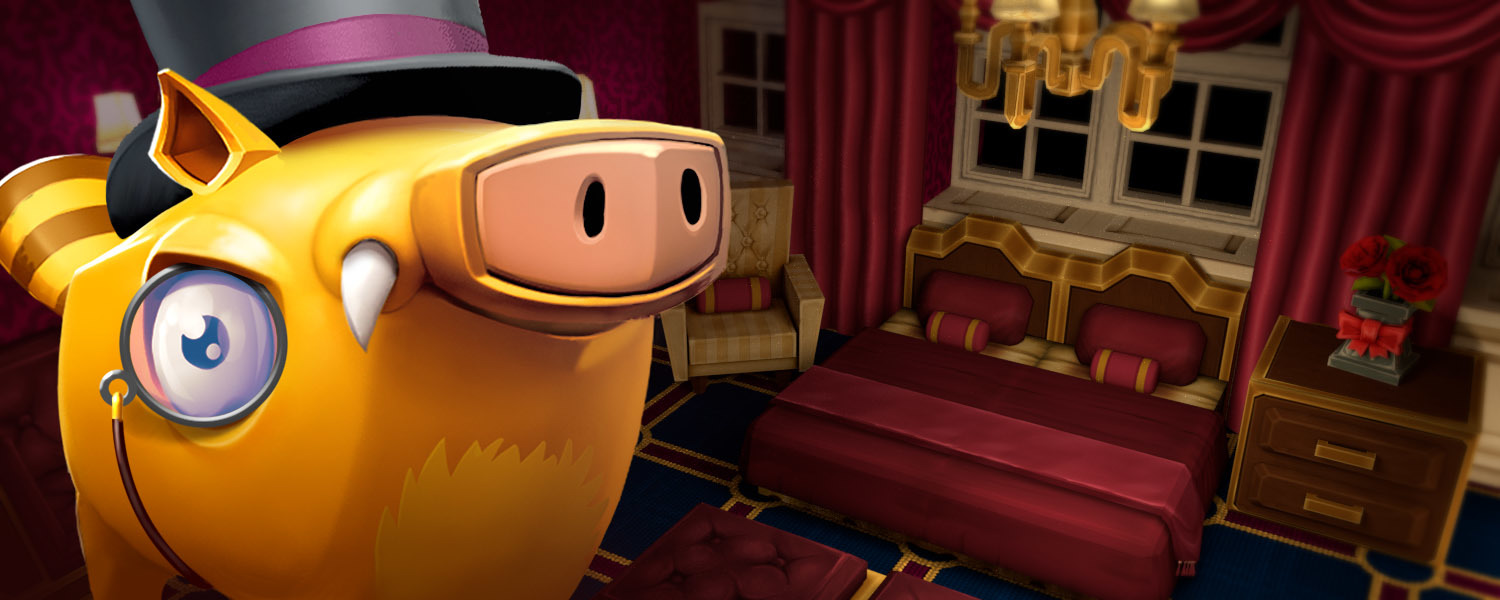
You may have wondered what’s with the hullabaloo surrounding Pigsy. Well, it just so happens that this is the Year of the Pig! In commemoration, we have gone all out with some luxurious creature comforts. From Luxurousity Lamps to Deluxrative Dressers, you can create your own lovely, cozy, or decadent builds with the [I]Ritzy Pigsy Hotel Super Bundle[/I]. They've left us crushing pretty hard and we hope you'll like them!
Features and Content
The Ritzy Pigsy Hotel Super Bundle (available in the store)
18 Lovely new recipes to help you build your pet pigsies the most fabulous hotel, [I]dahling![/I] Including...
Deluxrative Dressers
Cabernatious Cabinets
Cherishizing Chairs
Charmacious Chandeliers
Cushceptional Couches
...and MORE!
Year of the Pigsy
This update is all about Pigsy! All pigsy and pigsy-like mobs (e.g. Boss Hog) have a chance to give the plum blossom and pig lantern recipes.
There is a small chance from drops, a better chance if you feed and harvest your pets, and an even better chance if you feed them their favorites!
New Forbidden Red Wood variations
Forbidden Red Wood Slab
Forbidden Red Wood Eighth
Forbidden Red Wood Stairs
Forbidden Red Wood Stairs Inner Corner
Forbidden Red Wood Stairs Outer Corner
Bug Fixes
Fixed harvesting mushrooms to give more than 1
Fixed lighting issue with lumite slabs
Improved world filter
Happy Valentina Day from the team!
;)
r.61
Elfi's Wonderland
Greetings, Creators!
Twas the weeks before the holidays, when all through Creativerse–*record scratch*
Troggington the Abominable Snow Trog stole all Elfi’s toys! Creators, we need your help to take back those presents and save Elfi’s Wonderland.
Things aren’t all cloudy and gray. We’ve added a smorgasbord of festive items to brighten up your world. In fact, this may be our largest content update ever. The simple task of writing these patch notes took forever because the team just kept adding more stuff. They may working on even more blocks right now. Who knows?
But the best part about this update isn’t a matter of what, but how. For the first time in Playful’s history, we are donating a portion of proceeds from the event’s duration to charity, specifically The Make-A-Wish Foundation. That essentially makes this update a fundraiser to support making kids’ life-changing wishes come true. There are two ways you can contribute....
Purchase our any of our new Elfi's Wonderland bundles from the Creativerse store. Each one comes with the same festive gift wrap block recipes, plus a ton of bonus toys and crafted blocks. Buy one or buy a bunch! 100% of the funds we receive from these bundles will go to Make-A-Wish!
Donate directly to our Make-A-Wish campaign. And to make things interesting, we’re reserving a portion of this update’s new goodies for specific donation goals. Once we reach each goal, all items in that tier unlock for everyone. You can make a donation right now on our fundraising page.
This update has been a labor of love for us. We helped make a wish come true earlier this year when a child wished to see how video games were made. Ever since, we’ve wanted to do more with Make-A-Wish. The entire studio contributed time and effort on this update, and we hope you enjoy it.
Love,
–The Playful Team
New Features and Content
2018 Holiday Event — Elfi’s Wonderland!
Elfi has a smorgasbord of new gifts to give away in return for the safe journey back of his stolen toys! Use Trog Traps (found in snowy biomes and login reward chests) to earn toys, and trade the toys to Elfi for new holiday goodies
Red Snowflake Glass
Blue Snowflake Glass
Leafi Snow Globe
Pigsy Snow Globe
Trog Snow Globe
Reaudolph Snow Globe
Holiday Wreath
Poinsettia
Holiday Garland
Red Ornament
Magic Snow Globe
Trade your toys for over 20 festive holiday recipes from years past!
Elfi's Wonderland and prior years' recipes are also available for purchase in the Creativerse store
Make-a-Wish Charity Donation Bundles
These recipe and costumes unlock for the whole community at different donation milestones. You can make a donation right now on the Playful / Make-a-Wish fundraising page.
Tier 1 (First milestone)
White Wood Table
White Wood Chair
Grey Holiday Carpet
Dark Grey Holiday Carpet
Beige Holiday Carpet
Dark Beige Holiday Carpet
Plaid Holiday Bed
Ugly Leafi Sweater Costume
Tier 2 (Second milestone)
Holiday Mantle
White Snowflake Glass
Green Snowflake Glass
Red Brick Fireplace
Red Brick Wall
Candycane Bed
Mitten (Gauntlet Costume)
Reaudolph Head (Costume)
Tier 3 (Third milestone)
White Wood Door
Holiday Window
Giftwrapped Bed
White Brick Fireplace
White Brick Wall
LED Tree Block
Reinbeau Antlers (Costume)
Reaudolph Flashlight (Creativerse Pro Costume)
Purchase our any of our new Elfi's Wonderland bundles from the Creativerse store. Each one comes with the same festive gift wrap block recipes, plus a ton of bonus toys and crafted blocks. Buy one or buy a bunch! 100% of the funds we receive from these bundles will go to Make-A-Wish!
Red Giftwrap Block
Blue Giftwrap Block
Green Giftwrap Block
Candycane Giftwrap Block
New holiday creature: Reinbeau!
Rumors tell of a rare Reinbeau with a bright red nose...
New ranching quest line. Don't be tame. Get out there and grab some pets!
Unlock the new Rancher badge, greatly increasing taming speed
Full set of shape variants added for Gingerbread Wall
Full set of shape variants added for Green, Purple, and Orange Blocks of Goo
#TeamGoo was a valiant runner-up in the recent Battle of the Block Sets community contest!
Death Statues can now be crafted
Improvements:
Pets now give THREE times the amount of loot from harvesting.
(Pro tip: Better feed them their favorite foods!)
Interface changes: UI changes to main screen and costume screen
Compass and Weather HUD elements updated
Questing and crafting trackers HUD elements updated
Time and weather added to the Map
Removed full screen tutorial pop-ups
Loading screen updated for holiday event
Bugfixes:
Fix for water and other blocks randomly freezing in warm areas.
QB’s audio has currently been disabled while we discuss QB's most fitting role