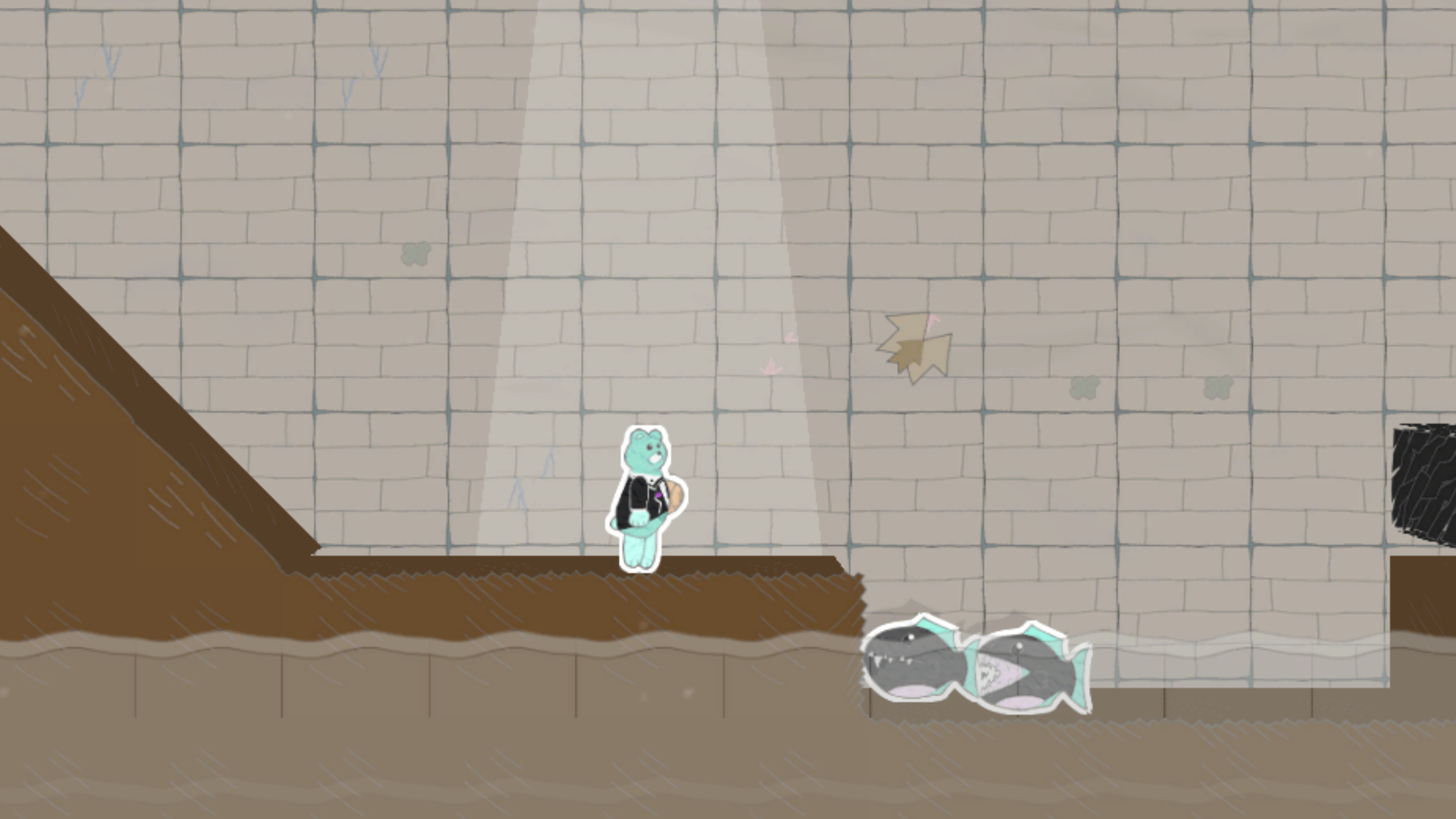
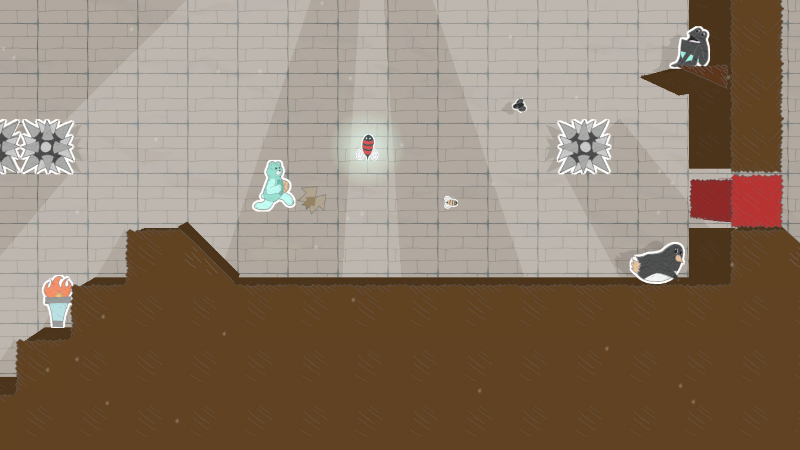
Creator's Asteroid cover
Creator's Asteroid screenshot
Genre: Adventure, Indie

Creator's Asteroid

The Road Ahead

We're approaching the final stretch!

I haven't done one of these announcement posts before (outside of technical patch notes), but I thought it would only be fair to keep everyone in the loop on future plans, considering the circumstances (more on that later).

As of the latest major update (Beta Version 0.21), Creator's Asteroid is nearing its final form. But before flipping the magic switch to leave Early Access and enter full release, I have a few main areas left to focus on:

  • Testing and bug fixes
  • Marketing materials (Demo version, digital manual, more trailers, etc)
  • "Pro Version" DLC (exporting Worlds as standalone exe packages)


Testing and fixes are no surprise; I'd like Creator's Asteroid to be as bug-free as possible before labeling it a fully released game. This is where you can help out the most, just by continuing to play the game! If you come across an issue in the game, please post in the Bug Reporting Thread in the Discussion forum. The more information you can provide about the issue, the better!

As for marketing materials, I've started putting together a digital manual and a Demo version of Creator's Asteroid. There's still plenty of work to do on both, but the frameworks are there, and they just need more time to finish up. The game will also have a Release trailer to accompany its full release, and along with that I have plans for auxiliary gameplay trailers to highlight the different abilities and other features available in the game.

Then there's the plans for a "Pro Version" upgrade path. The ability to export a generated World as its own dedicated exe package has been a hot ticket item for several players (easily the most requested feature during development), and after more planning and digging, I think there's a path forward to make it possible. But, I won't know for sure until I'm there! That said, please don't take this as a guarantee that the feature can be implemented, but as a promise that I'll do my best to put one together. If implemented, this will be a one-time-payment model in the form of a DLC purchase, likely involving a higher price tag (the exact amount to be determined) due to its potential for commercial use.


And now, onto the main reason for this post.

I'd like to be as transparent as possible. On top of Creator's Asteroid being a project that I work on in my spare time (outside of my full-time job), my firstborn will be making his debut into the world soon! Because of this life-changing event, I will be taking a momentary hiatus from active development, followed by a more leisurely pace of work than before. Even though progress on Creator's Asteroid will undoubtedly slow down moving forward, it will still move forward.

To assure that the game won't fall into complete development limbo right before the finish line, my plan is to return to (part-time) work in April 2025, and provide developer updates and/or patch releases related to the above milestones every 4 months following that. At my currently planned pace, Creator's Asteroid should be able to see a polished full release by mid-2026, and the DLC should be able to wrap up by the end of 2026 (assuming the implementation is viable). My hope is that I'm severely overestimating these self-imposed deadlines, and that I can finish each milestone ahead of schedule. But only time will tell!


Looking back, it's hard to believe that Creator's Asteroid began as a hobby project in 2020 to see if I could teach myself game development, and it's been rewarding to see this game grow and evolve over the years. Thank you to everyone who has given earnest feedback, provided amazing suggestions, and has simply been enjoying the game! It wouldn't have gotten this far without all of you!

-Robert

Wrapping Update

Newly Added Maker Tiles:


Player Upgrades:

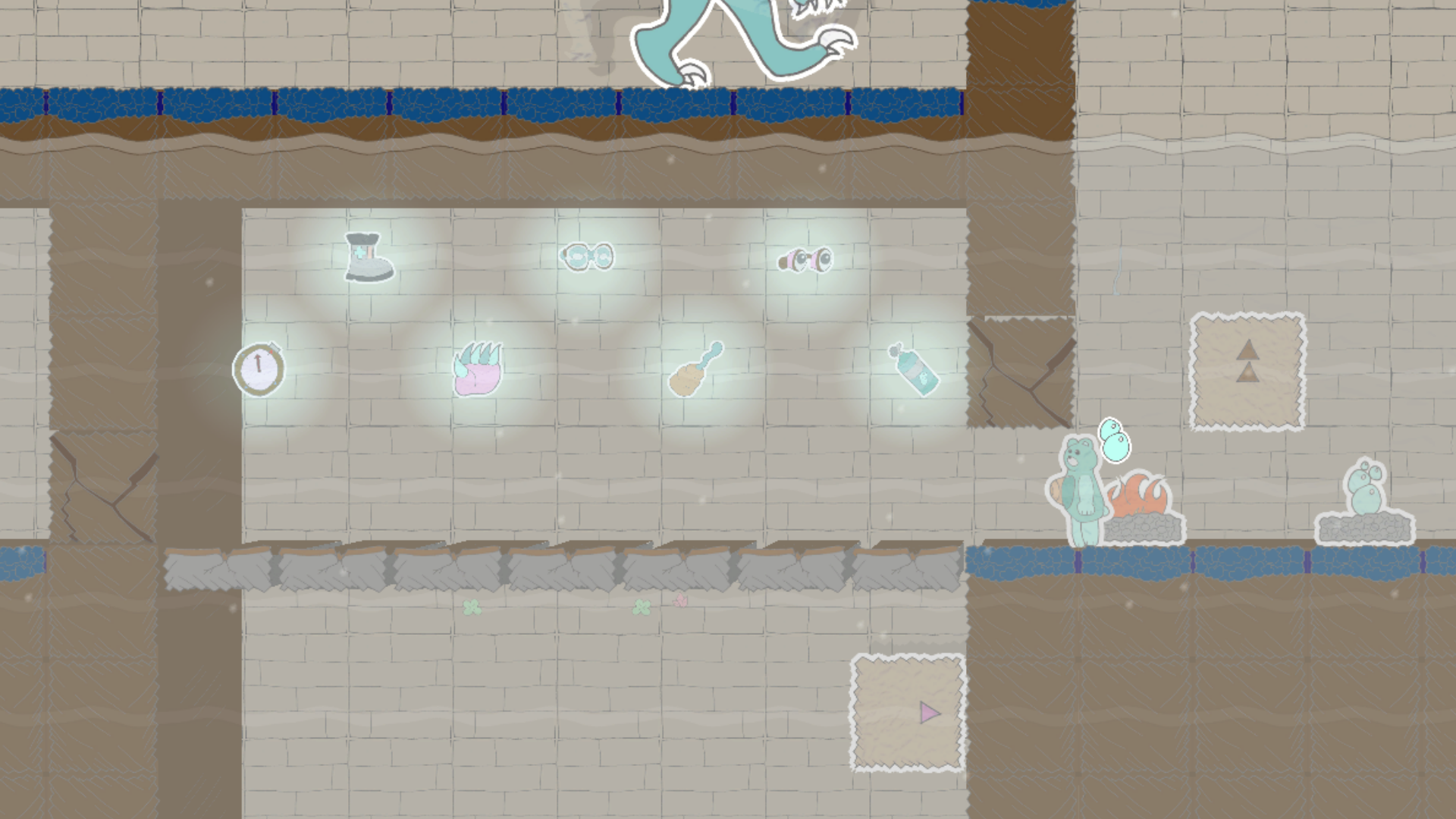
  • Air Tank - Basic upgrade that enables breathing underwater without a KO countdown timer.
  • X-Ray Goggles - Upgrade that uncovers all Ghost Block and Ghost Wall tiles.
  • Magnifier Goggles - Upgrade that uncovers all Secret Block tiles.
  • Polar-Shift Boots - Upgrade that toggles the world polarity without a Polarity Switch.
  • Slashing Wave - Upgrade that fires short-range wall-piercing wave projectiles.
  • Super Grapple - Upgrade that increases the speed and reach of Honey Grapple shots.
  • Boss Compass - Upgrade that locates undefeated Bosses on the Pause Map.

Additional Tiles:

  • Fire Pit - Gradually recovers health while standing in front of this spot.
  • Air Pocket - Instantly recovers air underwater while standing in front of this spot.
  • Secret Block - Block that appears as a standard Solid Block but behaves like a Respawning Block.
  • Auto Elevating Blocks (2) - Blocks that move up and down, automatically changing directions.
  • Oscillating Blocks (4) - Variations of Elevating Blocks that travel horizontally.
  • Delayed Crumble Blocks (2) - Variations of Crumble Blocks that break after a short delay.
  • Topper Generators (5) - Puts decorative stones, clay, sand, flowers, or vines on standard block tiles.
  • Leveled Boss (10) - Bosses with increased health and increased contact-damage output.
  • Flipped Bosses (12) - Bosses that initialize facing the opposite direction.
  • Air Tank Ability Disabler - Generator that sets Air Tank as unavailable at the start by default.

Fixes and Improvements:


New Features:

  • Starting Items in Maker Mode are now split into World and Room lists.
  • Clicking on a tile during gameplay now displays a popup with information about that tile.
  • Added a Tile Search button in Maker Mode that shows room coordinates of the currently held tile.
  • Added options in Maker Mode to copy and move existing rooms to different grid coordinates.
  • Added a Display Option to toggle symbols on color-based tiles to assist with color differentiation.
  • Added option to share Steam Workshop worlds with "Friends Only" visibility.
  • Added a bonus Training Stage 16 covering this update's new Tiles (Player Mode > Field Training).
  • Added an external tool to generate full-world images (\Assets\StreamingAssets\world-snaps\).

Text Changes:

  • Renamed standard Crumbling Blocks to Instant Crumble Blocks.
  • Renamed Sweatband to Cooling Sweatband for consistency with Bodysuit counterparts.
  • Renamed Earmuffs to Heating Earmuffs for consistency with Bodysuit counterparts.
  • Updated Boss descriptions to account for the new variations.
  • Updated Drago description to include damage information for its projectiles.
  • Updated the Hyperfocus upgrade description to better match the format of other upgrades.
  • Updated the Checkpoint description to clarify that an upgrade is needed to teleport.
  • Updated the Slashing Claw upgrade description to mention its ability to reach through narrow walls.
  • Updated Elevating Block, Ghost Block, Spike Wall, and Super-Dash Boots descriptions for clarity.
  • Fixed typos in the Frog enemy and Proximity Warp upgrade descriptions.
  • Fixed the Cave tile category name and description in Maker Mode.
  • In Display Settings, clarified that Tile Toppers are disabled when Block-Merging is disabled.
  • On Pause Options menu, updated "Return to" text for Title, Game, and Maker accordingly.

Additional Sprite Adjustments:

  • Updated Elevating Block sprites to improve visibility of directional arrows.
  • Updated Proximity Warp and Point Warp sprites to improve visibility.
  • Half-blocks and half-ramps now support partial block-merging among themselves.

Additional Gameplay Adjustments:

  • Added an air meter for KO countdown when underwater without the Air Tank basic ability.
  • Jumping during Uppercut Glove or Divekick Boots ability effects now interrupt those effects.
  • Increased hitbox of all Box and Grapple Box tiles to better match size of Solid Block tiles.
  • Increased Rapto boss's contact-damage output from 30 to 40.
  • Plesio and Ptero bosses now move forward when spawning, instead of immediately turning around.
  • Randomized whether Plesio initially moves upward or downward after spawning if underwater.
  • Removed all Box, Grapple Box, and Elevating Block tiles from displaying on room maps.
  • Any Pickaxe indicators on Caves now immediately disable after collecting a Cave Pickaxe upgrade.
  • Added keyboard and gamepad shortcuts to access each Pause menu tab.
  • The gamepad Start button now opens the Options Pause menu (instead of the last-opened tab).

Additional Maker Mode Adjustments:

  • Added hovering information text to all buttons in the Maker UI.
  • Updated formatting for the Starting Items menu and the map preview window.
  • Updated formatting for the room coordinates display and the buttons across the right-side UI.
  • Updated gamepad positioning to center on the room screen instead of the cursor position.
  • Improved ability to switch between gamepad and mouse controls for maker tile placement.
  • Separated the stacked Boss tile selection into Rapto, Ptero, Stego, and Plesio selections.
  • Adjusted Tile Variation menu for Elevating Blocks to accommodate the new variations.
  • Adjusted number of tiles per row in filtered tile selections.
  • Background Generators no longer activate in Maker Mode, for better visibility and consistency.

Additional UI Adjustments:

  • Reformatted the Display Settings pause sub-menu to group the checkboxes by category.
  • The Options Pause menu now displays the current gameplay stats during Play or Playtest modes.
  • Added Pause menu transition effects when cycling between Options, Map, and Loadout menus.
  • Added scroll shortcuts for Player Mode checkboxes on title screen (-/+ keyboard, LT/RT gamepad).
  • Added a notebook paper effect and border to the Pause Loadout upgrade selection.
  • Updated Pause screen background color.
  • Updated screen-wipe effect edges.
  • Tweaked the order of Climb, Claw, Sidestep, and Vision upgrades in the Play HUD.
  • Sneak Boots now list a Sidestep upgrade as a prerequisite in the play HUD and loadout menu.

Additional Assorted Adjustments:

  • The Player Name can no longer be modified during gameplay (Pause Options > Display Settings).
  • Maker Mode now generates screenshots of each room under 'UserFiles\makermaps\room-snaps'.

Bug Fixes: "Fixed a bug where..."

  • ...the in-game timer in Maker Playtest mode would reset to zero after a KO.
  • ...the in-game timer in Maker Playtest mode did not always begin at zero.
  • ...enemies and other physics-based tiles could misbehave after unpausing.
  • ...Hyperfocus could remain active while Sidestepping or after Slashing.
  • ...the hovering info box would sometimes not display correctly when using a gamepad.
  • ...the Maker Mode map preview did not update after deleting a room.
  • ...the outline effect did not squash along with Player and Drago sprites when landing.
  • ...falling into some rooms created a splash effect without water.
  • ...KO's under certain conditions in Playtest mode would remove Starting Items upgrades.
  • ...the Pause menu could be toggled while a Popup Box is active.
  • ...the Pause menu could display an incorrect screen when paused during certain transitions.
  • ...wraparound tile selection in Maker Mode would not work when using a gamepad.
  • ...the Hyperfocus upgrade was represented with an incorrect color on the map.
  • ...the placeholder image on the Pause Loadout menu would linger as a white box when turned off.
  • ...the Title Screen background tile effects misbehaved at lower screen resolutions.


Beta Update

Newly Added Maker Tiles:


Player Upgrades:

  • Super Bomb - Upgrade that increases blast radius and damage of Honey Bombs in Hyperfocus.
  • Uppercut Glove - Upgrade that breaks through blocks while rising at high speeds.
  • Divekick Boots - Upgrade that breaks through blocks while falling at high speeds.
  • Poison Bottle - Downgrade that cuts maximum health in half.
  • Antidote Bottle - Upgrade that eliminates the effects of Poison Bottles.

Additional Tiles:

  • Ceiling Climbing Surface - Overhead surface that can be climbed horizontally with Climbing Gloves.
  • Ability Jammers (4) - Devices that disable collected upgrades while in the same room.
  • Ability Gates (2) - Fields that completely remove or restore all collected upgrades when touched.
  • Sticky Surfaces (2) - Surfaces that have properties of both Climbing and Grappling Surfaces.
  • Basic Ability Disablers (3) - Generators that set basic abilities as unavailable at the start by default.
  • Balls (3) - New variations that are indestructible and/or can float in water.
  • Boxes (3) - New variations that are indestructible and/or can float in water.
  • Dispensers (2) - New variations that dispense Floating Ball and Floating Box tiles.
  • Topper Generators (3) - Places decorative moss, snow, or mud on standard block tiles in the room.

Fixes and Improvements:


New Features:

  • Added Steam Achievements.
  • Added Training Mode to the title screen: 15 Stages that introduce various gameplay elements.
  • Added ability to flood-place and flood-erase tiles in Maker Mode, including undo/redo support.
  • Maker Mode's Tile Selection can toggle between showing all tiles or categories of tiles.
  • Goal screen shows badge based on clear-time* and item-collection rates.

New Animations:

  • Added recoil animation to player character's hive when firing Beehive Shots and Honey Grapples.
  • Added squish animation to player character's hive when dropping or throwing any form of Bomb.

Text Changes:

  • Renamed the original "Climbing Surface" tile to "Climbing Surface (Wall)", and adjusted description.
  • Renamed standard color "Blocks" to "Respawning Blocks".
  • Updated description texts for the Environment Generators.

Additional Sprite Adjustments:

  • The Starting Point tile in Maker Mode now uses its lit sprite to better stand out.
  • Tweaked colors on Starting Point sprites to better differentiate from standard Checkpoints.
  • Tweaked colors on floating Grapple Blocks to better differentiate from the non-floating blocks.

Additional Gameplay Adjustments:

  • One-Way Platform tiles can now be used as Room entry points.
  • Now able to use the map-based Warp upgrades while in Maker Mode Playtests.
  • Now able to use Hyperfocus and Super Jumps while in Honey Hive form.
  • Hyperfocus is now interrupted when using Honey Grapple or Honey Bomb.
  • Dashing is now interrupted when the player character comes to a stop from hitting obstacles.
  • Player's Bombs now deal 20 points of splash damage to enemies.
  • Player's Bombs now explode when coming into contact with Ball and Box tiles.
  • Splash damage from player character's Bombs now deals minor knockback to enemies.
  • Splash damage from player character's Bombs now also affects Grapple Boxes.
  • Super Dash now affects destructible Grapple Box, Box, and Ball tiles.
  • Explosions from Pillbug Bombs (both from Lizards and Dispensers) no longer affect Enemies.

Additional Maker Mode Adjustments:

  • Updated Maker Mode UI with bigger sprites in all tile-selection menus.
  • Added outlines and blur effects to tile menus to improve visibility of tile selections.
  • Tweaked the tile menu background colors to improve visibility of tile selections.
  • The Starting Items menu now displays its All/None buttons above its header.
  • Increased text size of Starting Items menu's All and None buttons.
  • Increased text field size for the Tile Selection menu's description box.
  • Reassigned Save and Delete shortcuts on controllers to X+RB and X+LB respectively.
  • The world name now resizes based on its name length.
  • Added sound effects for Undo and Redo.
  • The default selection for Ball and Box tiles are now their indestructible variations.
  • Adjusted the order of tiles in the Tile Selection and Starting Items menus.
  • Hovering info boxes now dismiss when clicking a tile from any tile-selection menus.
  • Hovering info boxes now display information about the various tile-selection menus.
  • Tile Variation menu now better centers its available options.
  • The All and None buttons in the Starting Items menu now request confirmation.
  • Clearing a World Playtest returns to Maker Mode by default, with a separate option for title screen.
  • Cleaned up some overflowing description text for the Frog and Lizard tile variations.
  • Updated text formatting and wording on some popup-box dialogs for better readability and clarity.
  • The default Tile selection (Solid Block) is now highlighted when entering Maker Mode.

Additional UI Adjustments:

  • Updated UI for the Title screen's Play Mode sub-categories.
  • The world name now displays on the Play Mode HUD.
  • Updated references to the "main menu" to use "title screen" wording for consistent verbiage.
  • Added firework effects when clearing a world in Play Mode or in Maker Mode's World Playtest.
  • Added gamepad support for selecting rooms on the Pause menu map.
  • The player character now appears in the Pause menu's Options and Loadout screens.
  • If Steam is offline when clicking "Upload to Workshop", a notification displays instead of the UI.
  • Clarified "Steam not connected" notification text.
  • Tweaked text related to Warping between rooms on the Pause Map.

Additional Assorted Adjustments:

  • The "Asteroid World Demo" stage is now an unlockable stage when clearing all Training Stages.
  • Adjusted camera to settle more quickly when entering or transitioning into Maker Mode.
  • Moved the custom sprite references into the "custom\Tools" subdirectory.
  • Improved screen wipe performance.
  • Added screen wipe when returning to the title screen from Maker and Play modes.
  • Clearing a World Playtest in Maker Mode now also saves the maker's clear-time**.
  • Updated default gamepad controls to better accommodate Hyperfocus-based abilities.
  • Improved handling of Steam client processes when offline, and updated related notifications.
  • Made adjustments to better handle corrupted data files and game crashes.

Bug Fixes: "Fixed a bug where..."

  • ...the player could infinitely jump when pushing against walls in Honey Hive form.
  • ...the player could initiate a ground-jump when slightly above ground in Honey Hive form.
  • ...the Bear sprite briefly displayed when moving between rooms in Honey Hive form.
  • ...entering a Sidestep while moving allowed continued movement without Sneak Boots.
  • ...the player character skipped when moving on standard Block and Room floor surfaces.
  • ...the player character skipped when moving on Gel Blocks, and on horizontal Gap and Half Blocks.
  • ...the player character skipped when moving on Grapple and Climb surfaces.
  • ...the player spawned above ground level onto checkpoints and caves.
  • ...outline effects lingered after upgrades are collected.
  • ...outline effects lingered after some projectiles are destroyed.
  • ...outline effects lingered after Ball and Box tiles are destroyed.
  • ...outline effects lingered after Maker Tile is destroyed in Maker Mode.
  • ...Maker Mode sign effects from the cursor selection lingered after switching to Playtest Mode.
  • ...the Sidestep category in Maker Mode's Tile Selection only referenced the Hazard Sidestep.
  • ...the Point Warp category in Maker Mode's Tile Selection only referenced the Starting Point Warp.
  • ...the Tile Variations menu in Maker Mode only showed generic descriptions.
  • ...upgrades in Picture Frame tiles were still counted as upgrades in the goal totals*.
  • ...entering Honey Hive mid-dash allowed Honey Dashing without having the upgrade.
  • ...flipped Spike Platforms sometimes would not spawn when reentering a room.
  • ...lingering enemy projectiles could prevent Gray blocks from unlocking.
  • ...the outlines of upgrades were visible from within Bubble Containers.
  • ...Starting Items menu navigation on Steam Deck and controllers was misaligned.
  • ...a corner-case could launch a new game in Play Mode with the Maker Mode UI.
  • ...a corner-case could launch a continued game in Play Mode with the Pause menu open.
  • ...Undo/Redo in Maker Mode did not properly handle relocating Cave tiles.
  • ...the "Return to Checkpoint" Pause menu option did not perform a screen wipe while loading.
  • ...loading a New Game in Play Mode did not initialize the camera to the player position.
  • ...reloading from checkpoint and exiting caves did not initialize the camera to the player position.
  • ...the player character's turning animation would sometimes play when entering a room.
  • ...on KO, player character did not remain in its KO animation leading into the screen wipe.
  • ...the actions and inputs could misalign on the Controls menu.
  • ...loading in a new game was prevented if the old save file mismatched the world ID.
  • ...environmental damage could still be taken briefly during a respawn.
  • ...Water Level Generators would briefly not activate when entering the room.
  • ...Background Generators would not refresh properly when moving between rooms.
  • ...enemy damage recoil could be dependent on player character damage recoil state.
  • ...the Display Settings could not be toggled when using a gamepad.
  • ...the item collection rate displayed invalid values in Playtest instead of an "unknown".
  • ...some tile variations did not properly highlight the Tile Selection menu when copied.
  • ...the Custom Files Validation tool would crash if a sprite directory was missing.

*Only supported in worlds generated in this version or later.
**The maker clear-time is used to determine player clear-time rankings.


Expansive Update

Newly Added Maker Tiles:


Player Upgrades:

  • Atmospheric Helmet - Reduces damage in Pressure environments.
  • Atmospheric Bodysuit - Eliminates damage in Pressure environments.
  • Space Helmet - Reduces damage in Vacuum environments.
  • Space Bodysuit - Eliminates damage in Vacuum environments.

Additional Tiles:

  • Environment Generators (2) - Creates high- and low-pressure areas that deal extreme damage.
  • One-Way Platforms (4) - Platform that allows the Player to travel in the shown direction.
  • Offset Spike Walls (4) - Spike Walls that are offset within their tile space.
  • Super Spike Walls (8) - Spike Walls whose spikes deal increased damage.
  • Fatal Spike Walls (8) - Spike Walls whose spikes cause instant knock-outs.
  • Picture Frame - Interface that transforms most other Maker tiles into signs.
  • Glass Background Generator - Sets the Room's background to a transparent glass material.
  • Glass Background Block - Adds a transparent block of glass to the background.
  • Glass Foreground Block - Adds a transparent Block of glass to the foreground.
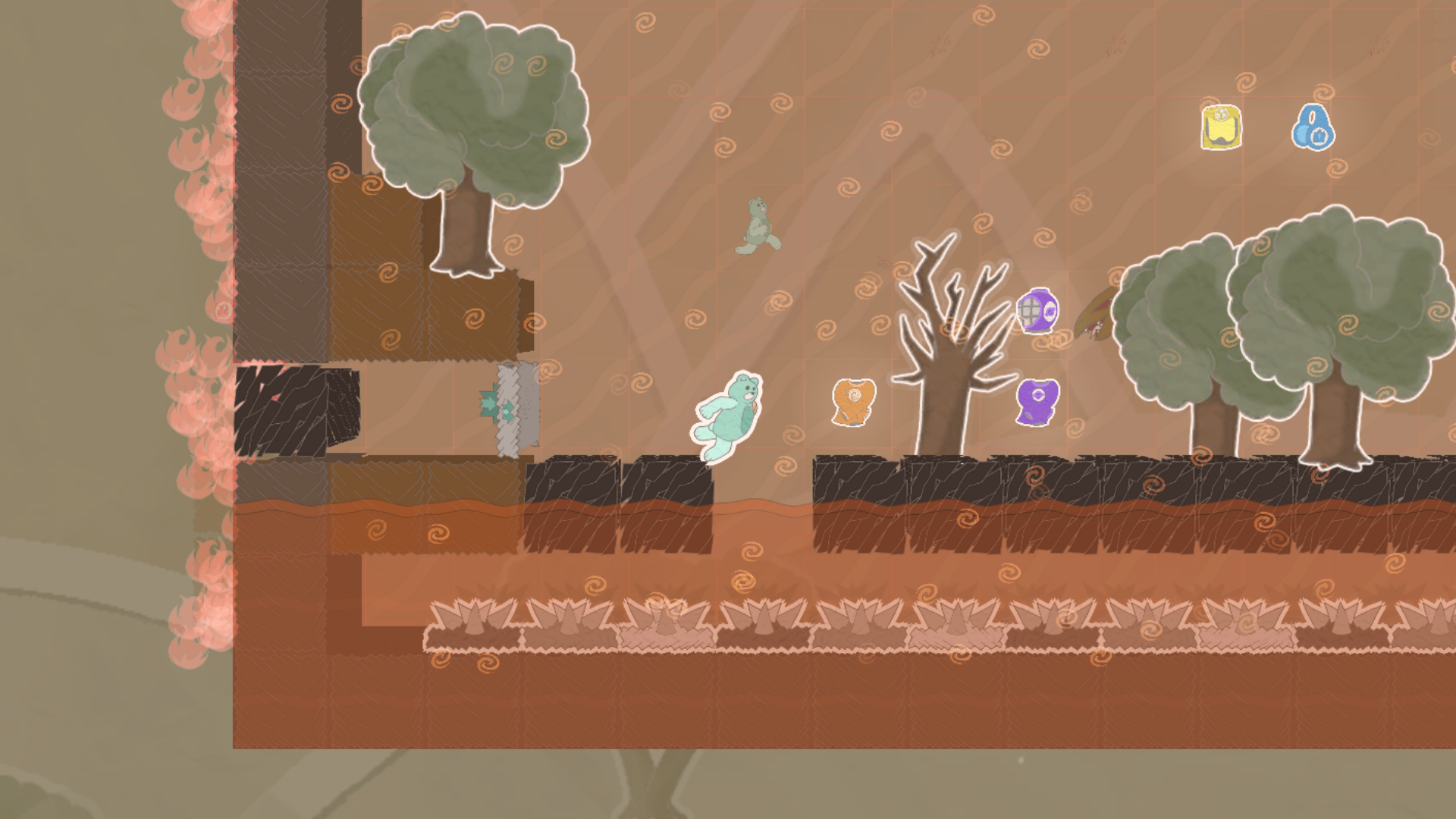
  • Background Trees (7) - An assortment of trees that sit in the background.
  • Foreground Trees (7) - An assortment of trees that sit in the foreground.
  • Environment Signs (2) - Signs utilizing the Pressure and Vacuum symbols.
  • Boss Signs (6) - Signs representing various Boss characters.
  • Player Signs (8) - Signs representing the player character.
  • Cave Signs (5) - Signs representing Caves and movement through them.
  • Checkpoint Signs (3) - Signs representing various checkpoint types.

Fixes and Improvements:


New Features:

  • Added icons to title screen indicating exported, started, and finished Worlds.
  • Added logs to keep track of personal-record times for each finished Play World (via trophy icons).
  • Added ambient audio for Underwater, Pressure, and Vacuum environments.
  • Background and Foreground Block tile sprites now randomize similarly to room background sprites.
  • Added button icons to Settings and Exit on the Title screen, and to Ok and Cancel in popup boxes.
  • Added background images behind the Rooms in Play modes, with variations per environment.
  • Added alternate sprites for all background tiles, including updated sprites for default background.
  • Bosses now drop markers when defeated, as non-interactable but destructible skulls.
  • Added tools to the "custom" directory to help identify potential issues with custom sprites.
  • Updated the Readme file in the "custom" directory with notes on the new custom sprites tool.

New Animations:

  • Added animations to Player character when standing at the very edge of a platform.
  • Added animations to the Honey Grapple shot.
  • Added animation effects to Play HUD when a new or stacked upgrade is collected.

Text Changes:

  • Renamed "Cooling Shirt" to "Sweatband".
  • Renamed "Heating Shirt" to "Earmuffs".
  • Updated descriptions of environment-related upgrades.
  • Updated descriptions of Honey Hive upgrade.
  • Updated descriptions of Super Shot upgrade.
  • Updated descriptions for Brick Foreground Blocks and Brick Background Blocks.

Additional Sprite Adjustments:

  • Increased all sprites' image resolution. (Note that this affects custom sprites.)
  • Updated sprites for Honey Hive, Honey Dash, and Honey Jump to better match the Hive form.
  • Updated Proximity Warp upgrade sprite to better differentiate from room-warping upgrades.
  • Updated environmental-upgrade sprites for easier differentiation.
  • Updated Arrow Sign sprites for better visibility.
  • Updated Hyperfocus upgrade's sprite for better visibility.
  • Updated sprites related to Dark and Bright environments.
  • Added an overlay in Maker Mode to clearly indicate Sign tiles in Rooms.
  • Harmful environments now use their environment symbols as particles (instead of generic dust).
  • Renamed files for Spike Wall sprites. (Note that this affects custom sprites.)

Additional Gameplay Adjustments:

  • Horizontal and vertical Bee shots no longer lag behind player when moving at fast speeds.
  • Starting Points and Checkpoints no longer make sound effects when respawning onto them.
  • Removed Background and Foreground Block tiles from being visible through neighboring rooms.
  • Added particle effects for neighboring Dark and Bright rooms if missing the related upgrades.
  • Tweaked ambient water volume to better scale with environmental ambient volume.
  • Added paper and shadow effects to the Honey Grapple shot.

Additional Maker Mode Adjustments:

  • Certain Tile subset "Properties" are now labeled "Rotations", which are now left-right selectable.
  • Moved Offset Half Ramp and Raised Half Ramp tiles as sub-selections of Half Ramp tiles.
  • Reorganized Gap Block and Spike Platform tile sub-selections.
  • Updated the selection order for Background Generators to match those of the Background Blocks.

Additional UI Adjustments:

  • Updated title screen, including new logo design and tweaked splash screen.
  • Title screen's Delete button on the Continue Game sub-menu now deletes personal-record times.
  • The Enter keys and mouse left-click instantly dismiss upgrade notification boxes.
  • Adjusted transparency on the upgrades' notification box.

Bug Fixes:

  • Collecting a Honeycomb Health upgrade now increases and recovers HP instantly.
  • Fixed a pop-up bug that could appear when canceling out of the title screen's Customize prompt.
  • Fixed a pop-up bug that could appear when canceling out of Maker Mode's Cave-overwrite prompt.
  • Fixed a bug that prevented the Lockpick upgrade text from displaying properly in the Play HUD.
  • Fixed a bug where ambient audio would not properly refresh when going from Maker Mode to Play.
  • Fixed a bug that can occur on the title screen if the Steam Workshop directory is unavailable.
  • Fixed a bug where the outline effect would outlast the Slash attack's swipe effect.
  • Fixed a typo in Spike Walls' descriptions.
  • Fixed an issue where some projectiles were missing shadow effects.
  • The preview description for the Background/Foreground Block category now mentions Foregrounds.
  • Assorted bug fixes related to how Background/Foreground Blocks appear in Maker and Play modes.
  • Fixed a bug where upgrades "collected" after the KO screen would glitch the play HUD.
  • Fixed a bug where the play HUD's KO counter would reset back to 0 after respawning in Play Mode.
  • Fixed a bug where the play HUD's KO counter would persist between playtests in Maker Mode.
  • Fixed a bug where the play HUD's stat counters would show as 0 when first loading a save file.
  • Fixed a bug that interfered with the Honey Hive morph animations.
  • Goal Points no longer show the "Goal Reached" info box when respawning onto them.
  • Removed the Customize button from displaying on Steam Deck.


Super Update

Newly Added Maker Tiles:


Player Upgrades:

  • Hyperfocus - Charges energy to use other abilities and to reduce damage taken.
  • Super Shot - Shoot piercing shots with increased damage when Hyperfocused.
  • Super-Dash Boots - Break through certain blocks when Dashing at high speeds.
  • Attack Gray - Allows attacks to break Gray Blocks without clearing out enemies first.
  • Air-Jump Boot Bundles (2) - Air-Jump upgrades in bundles of 2 and 4.
  • Dash Boot Bundles (2) - Dash upgrades in bundles of 2 and 4.
  • Honeycomb Health Bundles (2) - Health upgrades in bundles of 2 and 4.
  • Lockpick Bundles (2) - Lockpick upgrades in bundles of 5 and 10.

Additional Tiles:

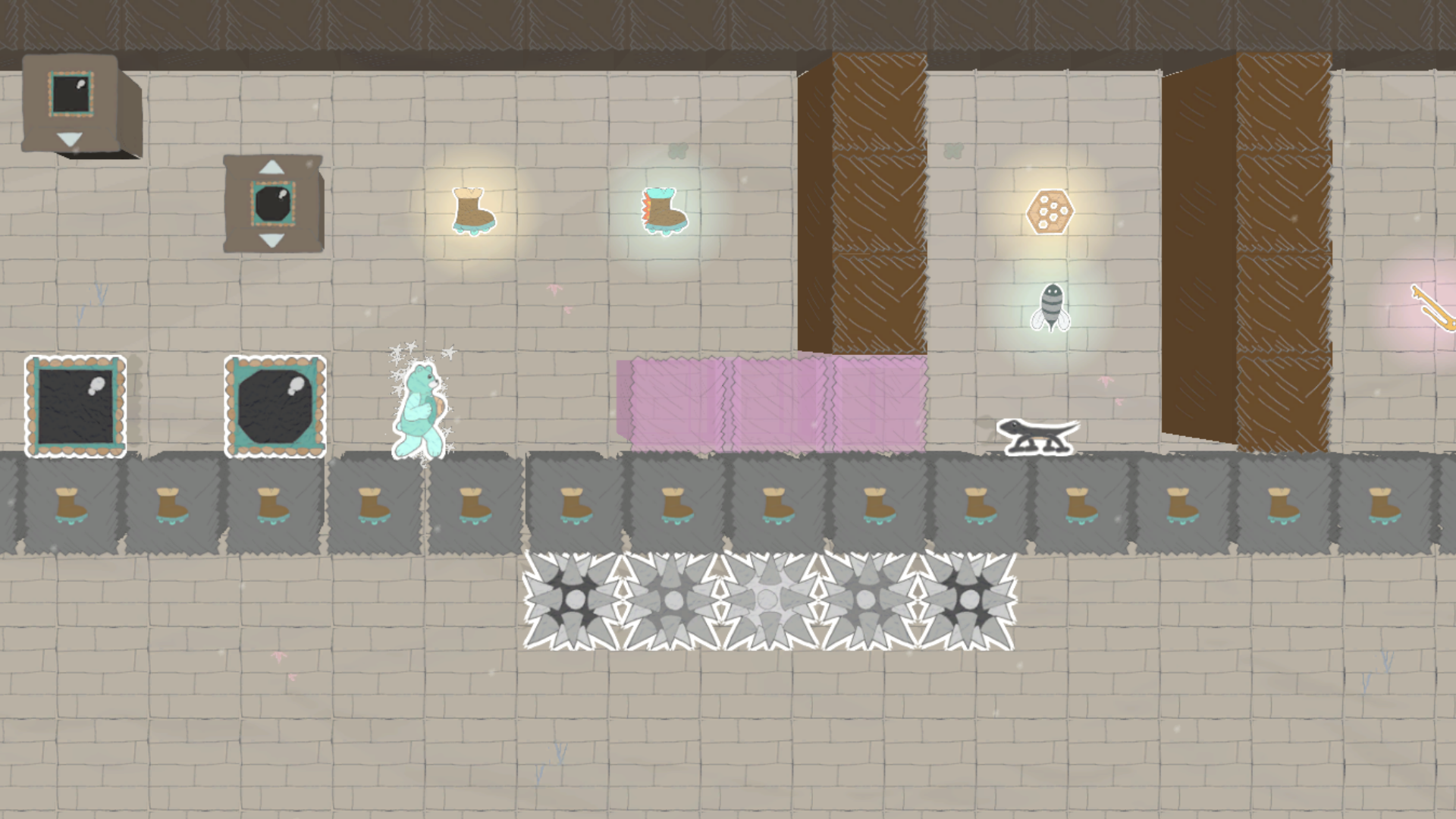
  • Lizard (16) - Enemies that run around spitting up Pillbug bombs.
  • Dash Blocks (9) - Blocks that can only be broken by a Super Dash.
  • Gel Block - Bouncy block that can be pierced by Super Shots, and grants extra jumping distance.
  • Super Spike - Stronger spike that deals extra damage when touched.
  • Fatal Spike - Powerful spike that causes an instant KO when touched.
  • Breakable Grapple Boxes (2) - Grapple Box variations that can be destroyed by attacks.
  • Grapple Box Dispensers (2) - Dispenses breakable Grapple Boxes.

Fixes and Improvements:


New Features:

  • Added a Maker Mode interface that displays all Tile Variations of the selected Tile.
  • Hovering over the map grid in Maker Mode shows a preview image of each Room.
  • Added a Loadout page on the Play pause menu that shows all collected upgrades and their info.
  • All collected upgrades' help-text on the Play HUD include any missing upgrade prerequisites.
  • Maximum available Health Points appear on the Play HUD beneath the current HP.
  • Save notifications appear when gameplay progress, Maker Rooms, or control settings are saved.

New Animations:

  • Player animations for fast Dash speeds, high jumps, and long falls.
  • Player animations for aiming up and aiming down while holding Focus.
  • Honey-Hive Player animations for flinching, aiming up, aiming down, and fast Dash speeds.
  • Turning animations for all Bosses and Enemies.
  • Turning animations for projectiles that can change direction (Fishbones, Wasps, Fireballs).
  • Minor flapping animations for winged projectiles (Bees, Flies, and Wasps).
  • Flashing animations for Pillbugs and Honey Bombs.
  • Movement animations for the Plesio boss's Fishbones.

Text Changes:

  • Renamed "Shot Upgrades" to "Attack Colors".
  • Renamed "Basic Jump" to "Jumping Boots".
  • Renamed "Basic Shot" to "Beehive Shot".
  • Clarified descriptions for color-based blocks and upgrades.
  • Clarified descriptions for Basic Upgrades (Jumping Boots, Beehive Shot, and Hyperfocus).
  • Updated Swimsuit and Attack Color upgrade descriptions to reflect them being passive upgrades.
  • Tweaked the text of other assorted Tile descriptions for better clarity.

Ability Adjustments:

  • Super Jump now needs the user to activate Hyperfocus before it can be used.
  • Proximity Warp is now activated when quickly tapping up/down, and not by holding up/down.
  • Dash speed now is tapered when running into an obstacle (rather than preserved).
  • Updated collisions between objects spawned from Dispensers and their Dispensers.
  • Added unique sound effect for Super Jump.

General Adjustments:

  • Reduced player character skipping while dashing across multiple flat tiles.
  • Deleting a Bubble in Maker Mode now only deletes its contained Upgrade if the button is held.
  • Rearranged some of the Maker Mode GUI buttons to make room for the Tile Variation GUI.
  • Updated Play HUD icon for Health Points to better match the Health Upgrade sprite.
  • Updated Play HUD icons for Basic Shot, Night Glasses, and Sun Glasses to match upgrade sprites.
  • Updated Play HUD icons for Lockpicks and Lock Key to occupy the same space.
  • Added Display Settings option to disable showing Save notifications.
  • Added "Focus" controls to the Pause screen's Controls menu (uses same input as Dash).
  • Player character now faces the opposite direction by default after performing a wall jump.
  • Updated sprite for the Floating Grapple Box.

Bug Fixes:

  • Fixed an issue that could cause the player to respawn at the wrong checkpoint in Maker Playtest.
  • Fixed paper and outline effects not displaying properly on the player character during KO.
  • Fixed the Cave Pickaxe and Free Warp upgrade controls not displaying properly when collected.
  • Fixed Tile Selections in Maker Mode not lining up properly when using a controller input.
  • Fixed the Floating Grapple Box description's missing text in Maker Mode.


Brawler Update

Newly Added Maker Tiles:


  • Slashing Range Upgrade - Increases the range and hitbox of Slash attacks.
  • Slashing Deflect Upgrade - Deflect certain projectiles using Slash attacks.
  • Slashing Jump Upgrade - Bounce upwards when slashing down on enemies and hazards.
  • Honey Bomb Toss Upgrade - Toss Honey Hive bombs upward.
  • Honey Bomb Roll Upgrade - Roll Honey Hive bombs forward.
  • Super-Jump Boots Upgrade - Jump extra high from the ground when holding Dash.
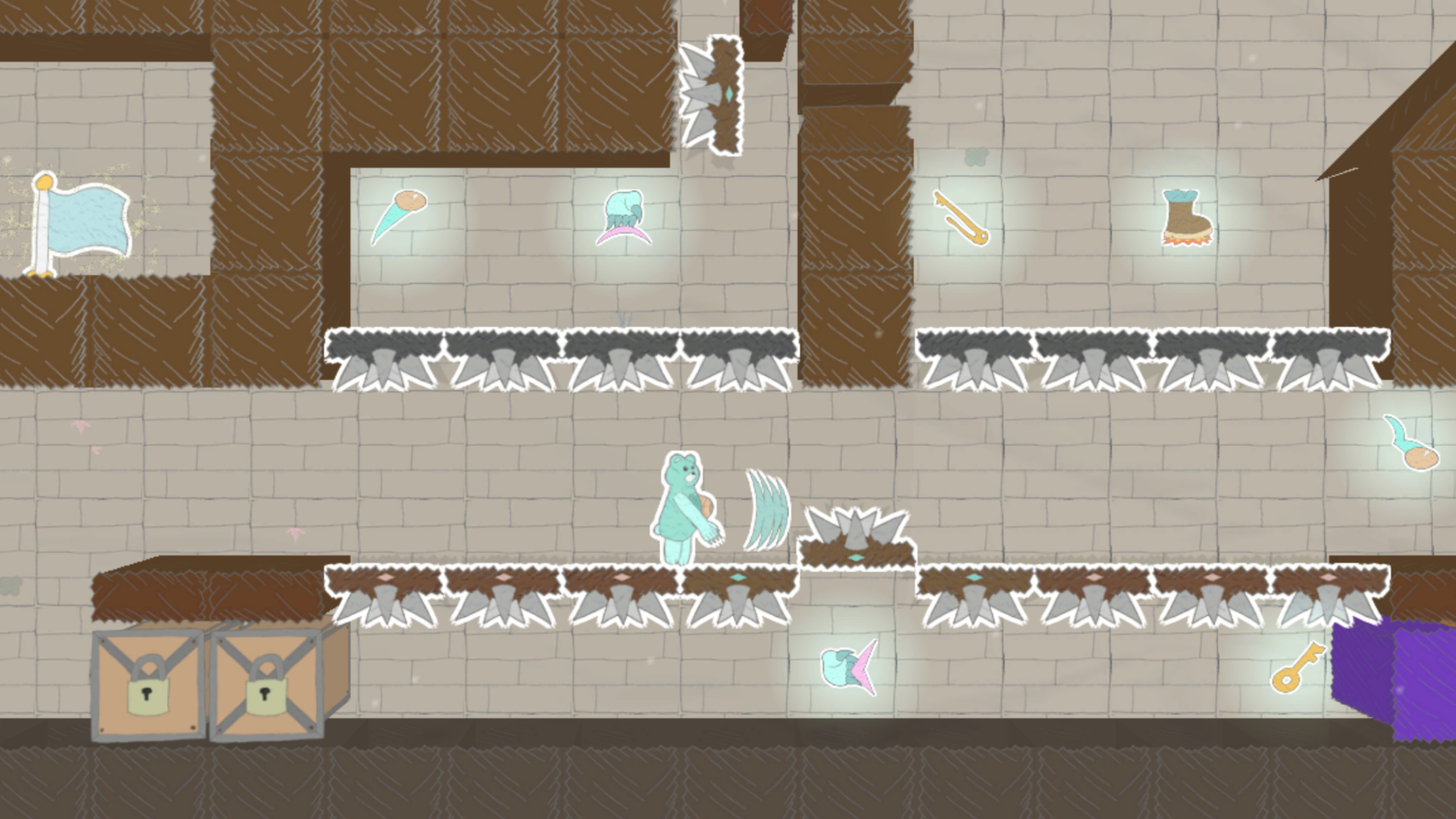
  • Spike Platforms (8) - Flat on one side, spikes on the other, and flips when flat side is shot.
  • Spike Walls (4) - Flat on one side, spikes on the other, and does not flip.
  • Padlock Block V - Padlock Block variation that requires a Key or 5 Lockpicks to unlock.
  • Padlock Block X - Padlock Block variation that requires a Key or 10 Lockpicks to unlock.

Fixes and Improvements:


Adjustments:

  • Dash ability now ramps up in speed instead of going full speed from the start.
  • Dash ability can now also be activated when holding Dash before moving.
  • Significantly reduced knockback when Player character is hit.
  • Added animation frame for Player character when holding Dash and standing still.
  • Rearranged the gameplay HUD.
  • Added icons next to the main buttons of the title screen.
  • Updated Goal Points sprite, and added animation and particle effect.
  • Updated Upgrade collection particle effect.
  • Proximity Warp ability now only works while in Bear form (not in Hive form).
  • Drago fireball projectiles now burst after touching any kind of spikes.
  • Sound effect now plays when trying to unlock a Padlock Block without enough resources.
  • Updated sprite colors for Lock Key and Lockpick collectables for visibility.
  • Removed transparency effect from Sidestep animation.

General Bug Fixes:

  • Fixed UI navigation issues related to World lists on the title screen.
  • Fixed Undo and Redo not properly handling deleted Upgrade-and-Container combinations.
  • Fixed the HUD displaying Shot Upgrade information when the upgrades were not collected.
  • Fixed Lockpick and Lock Key upgrades displaying incorrect information in the gameplay HUD.


Explorer Update

Newly Added Maker Tiles:


  • Caves (14) - Tunnels that can connect various locations in the World.
  • Cave Pickaxe Upgrade - Enables Player to travel through Caves.
  • Compass Upgrade - Reveals the locations of undiscovered Rooms on the Map.
  • Padlock Block - Blocks that can be destroyed by using a Key or Lockpick.
  • Lock Key - Unlocks an unlimited number of Padlock Blocks.
  • Lockpick - Unlocks one Padlock Block per Lockpick.
  • Ghost Blocks (2) - Looks like a standard Block or Wall, but anything can pass through it.
  • Background Blocks (8) - Sets a single background tile design pattern.
  • Foreground Blocks (8) - Sets a single foreground tile design pattern.
  • Background Generators (7) - Sets a default background type for its entire Room.
  • Level 2-8 Enemies (98) - Stronger, tougher variants of all existing basic Enemies.

Fixes and Improvements:


Adjustments:

  • Custom sprites reference folder is now stored in a zip file.
  • Updated the Pause Map in Maker Playtest to more closely reflect the Play Mode map.
  • Tilting a control stick or pressing the DPad now switches from keyboard to controller.
  • Renamed the "Attack" button to "Slash" in the submenu for remapping controls.
  • Added "Interact" controls to the Pause screen's Controls menu (same input as "Slash").
  • Updated block-merging visuals and processing (note that this affects custom sprites).
  • Climbing Surfaces and Grapple Surfaces now support block-merging.
  • Renamed "Locked Blocks" to "Cracked Blocks".
  • Removed "one per room" restriction from Cracked Blocks.
  • Clarified Maker Mode description of Cracked Blocks.
  • Updated Gap Block depth visuals and processing.
  • Added limits to how long Player shots can exist before exploding.
  • Made some minor tweaks to some enemy sprites.

General Bug Fixes:

  • Fixed an issue where outlines could persist momentarily after their sprites vanish.
  • Fixed an issue where the player's jump animation might play while standing on the ground.
  • Fixed an issue where an unlocked block or collected upgrade might still appear on the map.
  • Fixed an issue where a tile from a neighboring room might appear when it doesn't actually exist.
  • Fixed an issue where some gameplay sounds might play while transitioning into Maker Mode.
  • Container tiles no longer turn red while hovering over Upgrade tiles in Maker Mode.


Customize Update

Newly Added Maker Tiles:


  • Audio Disablers (2) - Prevents music or ambient audio from playing in the given Room.

Fixes and Improvements:


Key Features:

  • Custom sprites, custom music, and custom sound effects can be added as local mods.
  • A readme file for basic information on adding custom audio and images is available.
  • Title screen now includes a "Customize" shortcut button to the 'custom' folder and readme file.

Adjustments:

  • Tweaked animation speeds for animated sprites.
  • Tweaked animations for Player character.
  • Added new animations for Player character, including idle and claw-attack animations.
  • Changed Shark enemy to Piranha enemy, with updated hitbox and sprites but identical behavior.
  • Added swim animations to Fish and Piranha enemies.
  • Split the Half Ramp selections between "Offset" and "Raised" categories in Maker Mode.

General Bug Fixes:

  • Bosses now register as defeated when they fall out-of-bounds of their Room.
  • Fixed an issue where some outlines would be trimmed short.
  • Fixed an issue where some outlines lagged behind their sprites during faster animations.
  • Copying a tile in Maker Mode no longer preselects the wrong Tile Selection.
  • The selected hovering tile in Maker Mode no longer appears in World preview images.


Sprucing Update

Newly Added Maker Tiles:


  • Sidestep Upgrade - Enables Player to sidestep enemies and hazards.
  • Sneak Boots Upgrade - Enables Player to walk while sidestepping.

Fixes and Improvements:


Key Features:

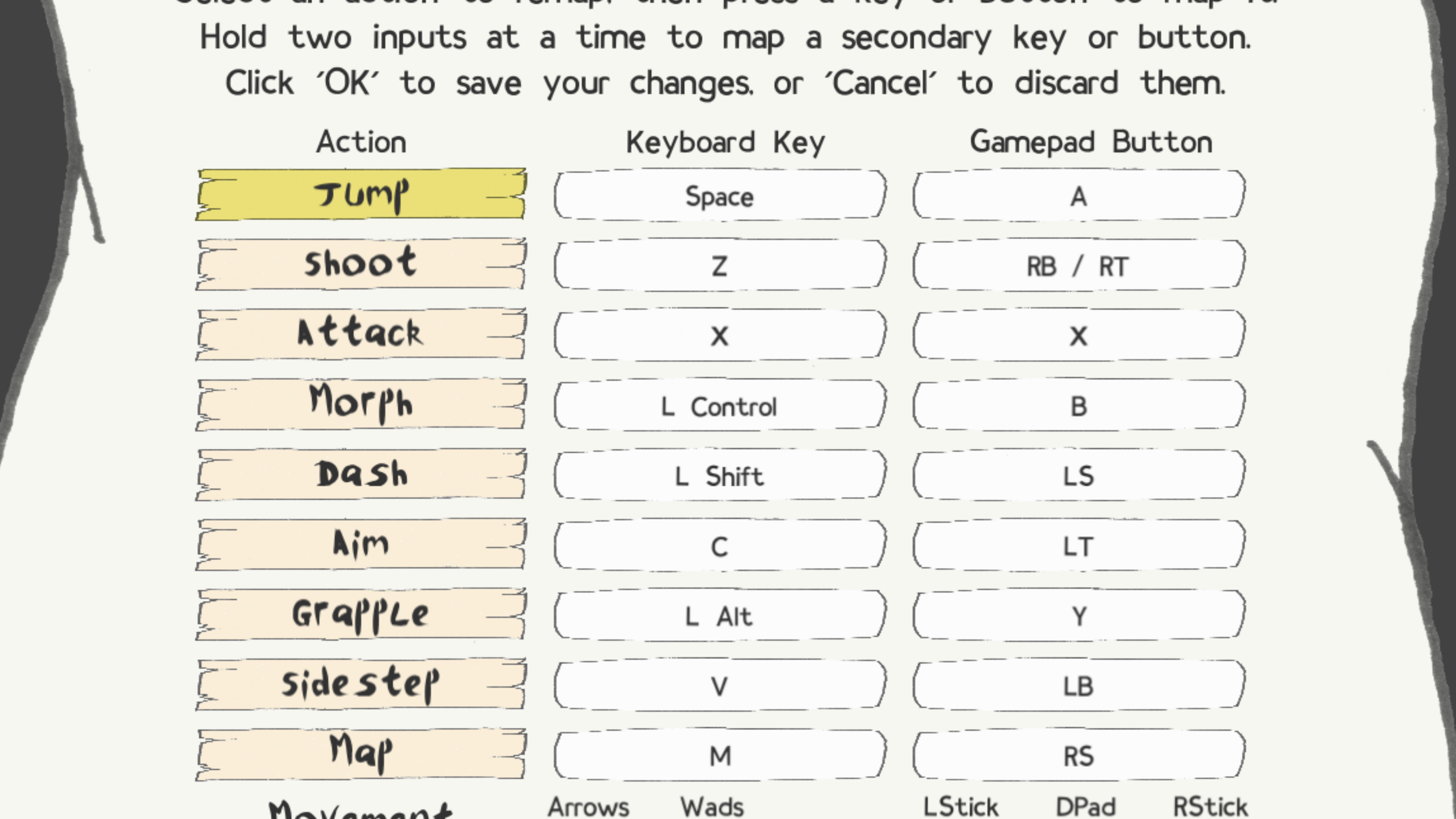
  • Play controls can be remapped to 1-2 keyboard inputs and 1-2 gamepad inputs.
  • Keyboard and gamepad inputs can navigate through Pause, Map, and Popup menus.
  • Ambient sound effects added, with its own volume slider option in settings.
  • Screen shake effects added, with option to disable in settings.
  • Settings option available to display Maker Mode controls on the Maker screen.
  • Info boxes appear when hovering over Maker selections and Play HUD elements.

More Features:

  • Title screen background is updated to be more dynamic.
  • Top-level title screen has shortcuts for Exit (F1 / LB+RB+B) and Settings (F2 / LB+RB+A).
  • Pause menus have listed shortcuts for switching between the Pause and Map screens.
  • Pause Map screen has listed shortcuts for toggling environment and water map visuals.
  • Enemies have added sound effects and landing effects.
  • Player, Enemies, and blocks have splash effects when entering or leaving water.
  • Hit-stop effect takes place when the Player is defeated.
  • Explosion effects take place when Bosses are defeated.
  • Screen shakes during explosions and when Player or Boss is defeated.
  • Screen shakes when a large Enemy takes a step or falls from a height.
  • Visual and sound effects take place when switching between Maker and Play Modes.
  • Enemy movement randomizations are improved.

Adjustments:

  • Adjusted camera to better follow the Player, namely when dashing or falling.
  • Stackable upgrades increment from 0-8 (instead of 1-9) in the Play HUD.
  • The default gamepad LB button is reassigned from an Aim option to Sidestep.
  • Slash attack range increased, and its movement better follows the Player character.
  • Dashing carries over when running between rooms.
  • Dashing in Playtest mode is momentarily disabled when first entering Playtest.
  • Updated colors and contrast in environmental rooms.
  • Separated the Glasses upgrades from the Shirt upgrades as their own button in Maker Mode.
  • Renamed the 'Swimming Bodysuit' upgrade to 'Swimsuit'.
  • Renamed the 'Swimming Fins' upgrade to 'Swim Fins'.
  • Tweaked the naming convention of Dispenser tiles.
  • Game exits if the detected screen resolution is not supported.
  • A message shows the screen resolution requirements for full-screen mode if unmet.
  • Tweaked the Play Mode HUD layout.
  • Increased the width of Drago's body hitbox.

General Bug Fixes:

  • Tweaked Player's shots to no longer push back Enemies and Bosses when hit.
  • Adjusted Honey Hive form to enter rooms at ground level relative to the entry point.
  • Prevented the Honey Hive form from persisting between Play sessions and respawns.
  • Fixed an issue where some enemies were still active while the game was paused.
  • Fixed the Pause shortcut buttons not registering when in Maker Mode.
  • Fixed a save issue that could happen when rapidly toggling Maker and Play modes.
  • Fixed an issue related to the Fullscreen toggle in the pause menu.
  • Adjusted world preview thumbnails to take more accurate screen captures.
  • Adjusted environmental air particles to no longer pulse on/off at the same time.
  • Fixed the Notification Box from sometimes staying on screen perpetually.
  • Prevented left-click from switching the Controls menu from gamepad to keyboard.
  • Prevented splash sounds from happening when the Player spawns underwater.
  • Fixed some sprite effects lagging behind their respective sprites.
  • Fixed getting KO'd by Polar Blocks causing redundant death sequences.
  • Fixed Drago visuals not despawning properly when defeated.
  • Added missing depth effects to Water Level Switches.

Steam Deck Bug Fixes:

  • Fixed the pause menu Map visuals not rendering properly.
  • Fixed World preview thumbnail images not being generated properly.
  • Removed unused UI assets that were appearing on the Maker Mode layout.


Papercraft Update

Newly Added Maker Tiles:


  • Room Light - A crack in the background that lets some light and shadows into the room.

Fixes and Improvements:


Added Features and Adjustments:

  • Room background depth in Play Modes (and option to disable).
  • Paper textures and borders on sprites (and option to disable).
  • Background shadows behind sprites in Play Modes.
  • Basic controller support for Maker Mode.
  • Ability to decrement stackable Starting Items in Maker Mode.
  • Dust particles in Play Modes that indicate environmental room states and damage levels.
  • Screen shake effects when hit.
  • Effects when defeating a Boss or when defeated.
  • Jingles when collecting upgrades, reaching the goal, and other major gameplay events.
  • Audio notifications when player character health is 20% or below and damaged.
  • Animations for Penguin enemy and Spikes hazard.
  • Textures on title screen, skyboxes, and background walls.
  • Updated sound effects and music.
  • Smoothed camera transition when switching from Playtest back to Maker.

Bug Fixes:

  • Room Playtest can no longer start from a Goal Point room.
  • Pause screen can no longer be opened when a Popup is active.
  • Player character's movements no longer affect the Player's projectiles after firing.
  • Player character no longer prepares for wall-jump when flung backwards onto a wall.