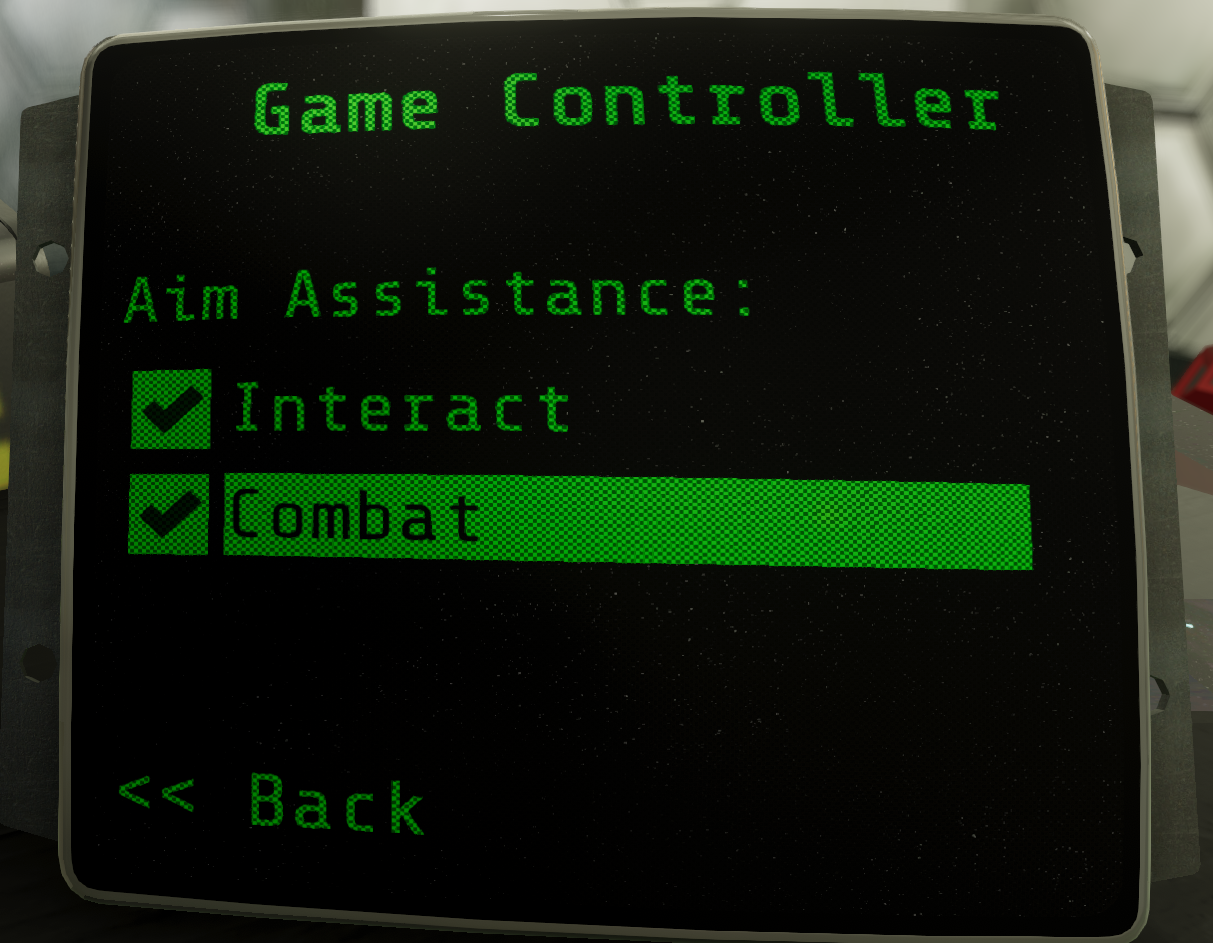
Introducing two new game controller aim assistance options (look under Settings > Controls > Game Controller)
Interact - If enabled, helps make interactions such as collecting juice and selecting small buttons a little easier by making the interactable object slightly 'sticky'
Combat - if enabled, your aim 'locks on' to sentient robots once you've got them in your sights
They're OFF by default i.e. you need to visit this screen and enable the options if you want them.
[Note: These settings apply to game controller input only, mouse/keyboard input not affected.]
'Look acceleration' now applied to game controller RS input so that fine and coarse adjustments should both now feel better. You may need to adjust the stick sensitivity (Settings > Controls > Mouse/Stick) to get the feel that suits you.
More consistent navigation in menus in terms of which elements get the focus
One can now select the Discord button in main menu with game controller
Other Bits
New: You can now collect multiple juice and batteries with a single interaction - hold down the use key and all nearby collectables will suck up.
Grabber rotate - made it more responsive (rotates the object faster)
Improvement: Bug arm is now a bit smarter and tries to get out of the way when collecting from openable crates (only if no tool equipped!)
Fix: A few instances of speech audio were restarting on pause/resume
Patch Notes v1.2.5
Patch Notes v1.2.5
Another day, another hotfix: Downloaded DADs were falling through the floor.
Patch Notes v1.2.4
Patch Notes v1.2.4
The tooltips / explanatory text had stopped showing up when looking at the difficulty settings screen when hovering over the options with the mouse - this is a hotfix for that. The Missions/Choose Gear screen was similarly affected.
At least one Executor deployment was shouting too loudly due to being in the wrong audio mixer group.
Patch Notes v1.2.3
Patch Notes v1.2.3
Game-breaking fix: The transition from Merger -> Bug Free Zone was broken.
Fix: task complete notifications background was oversized for some notifications
Fix: Timing was wrong for one of PAM's speeches in CRS Science
Improvement: Captions now line-wrap so at larger sizes they still fit on screen
Fix: You could download yourself/stuff through the lift shaft wall in CRS Residential
Fix: Eliminate exploit whereby you could download yourself through walls (thanks Dani Filth for explaining how)
Patch download size: 34 MB
Patch Notes v1.2.2
Patch Notes v1.2.2
The Conscious Robot Services floor directory screens were showing up blank since the last patch - this is just a hotfix for that
Patch Notes v1.2.1
Patch Notes v1.2.1
MainMenu (and all other menus) overhauled to be gamepad input friendly - thanks Silverstrings for all the feedback / discussion
Fix: Host camera was zooming in/out when using gamepad DPAD up/down to navigate the TAB UI
Sandbox: Don't allow print things from interior to top of the external wall sections
Sandbox: Ensure music registered correctly for dynamically generated hosts
Sandbox: Add HOP nodes outside windows so that if you fall out you can HOP back in
Missions: Added loading screens for the 2 new missions and for sandbox initial load
Missions Fix: If you selected a mission while playing a mission, restart mission was starting the selected mission rather than restarting the current mission
Fix: Safe/Unsafe info was showing the AI's perspective, should always show form point of view of player. Obviously.
Fix (hope): Added fatter colliders to several vents in the Egonomics area to reduce chance of glitching through them
Fix: Grab/Rotate with game pad was only rotating one direction
Fix occasional ????? showing instead of the intended text.
Fix: Various capitalisation / typos caught by the eagle-eyed SoSlowMan
Slightly reduce volume of hoverboard (prop surf) audio
Patch download size: 49 MB
SANDBOX MODE has arrived: Generate your own immersive sim!
Game Update 1.2: SANDBOX MODE and two new missions
Save yourself some reading, watch this 3 minute video:
https://youtu.be/QlaUc-KjYFQ
Alternatively, read this:
A quick tour of the 1.2 update:
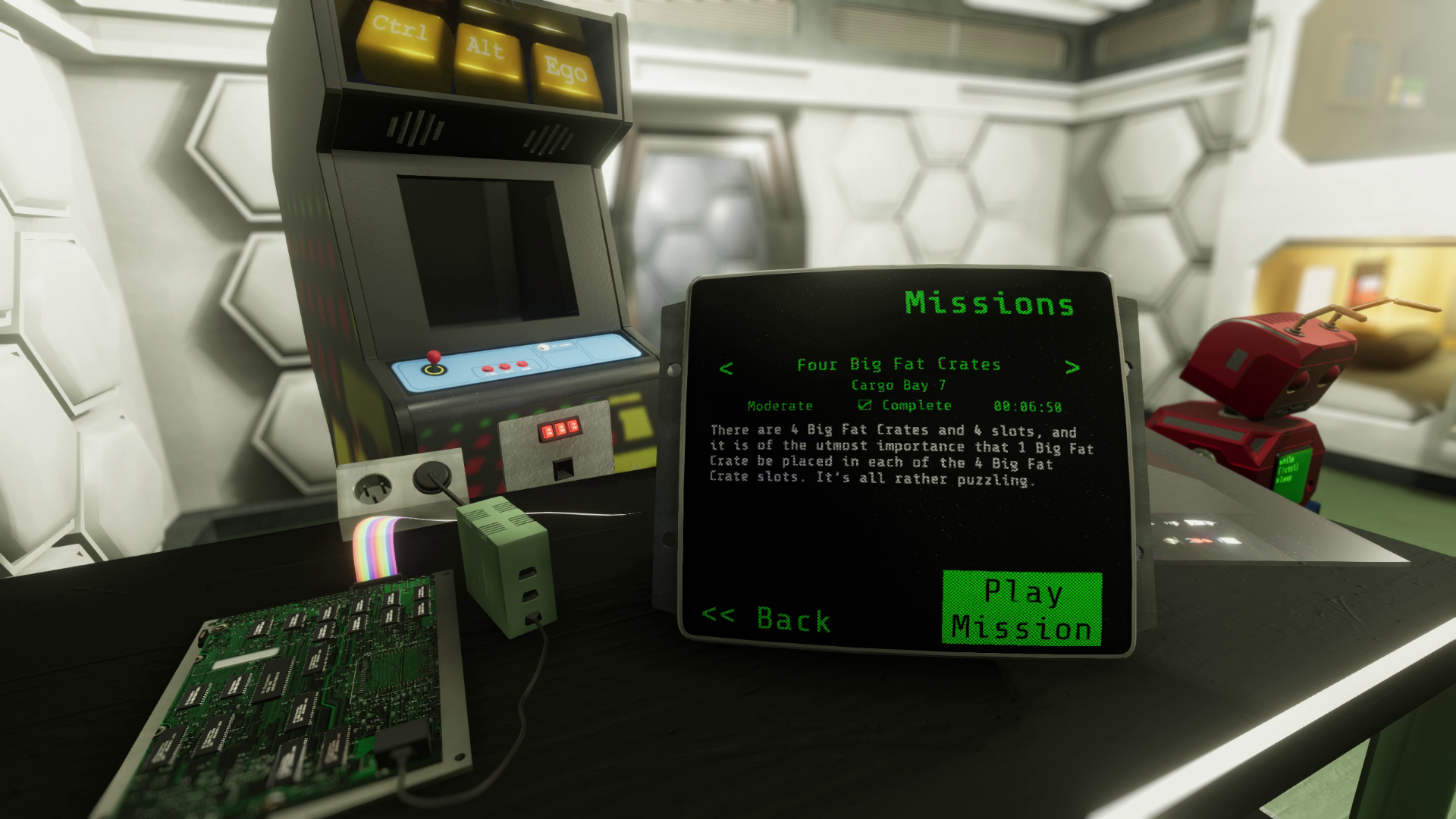
Firstly, there's a new standalone mission, entitled: Four Big Fat Crates. It's a self-contained puzzle. Involving four big fat crates. If you don't like puzzles, skip it. If you do like puzzles, you'll enjoy this one.
Secondly... there's another standalone mission: The Tower. You start at the bottom and you've got to get to the top. Pretty fun diversion, many different ways to do it. There's a new half-hidden Steam achievement to be achieved in The Tower too.
The Tower was generated from... the new SANDBOX mode.
Enter SANDBOX MODE from the New Game screen
Then look at all those settings you can mess around with.
Hit GO to generate your sandbox. If your generated level is too easy or too hard or just not to your liking, you can head back to the settings and tweak them, then hit GO and you're off again.
Once you've generated a level that you find an intriguing challenge, you can share it with friends by getting its share code (it gets copied to the clipboard) and then paste the code into your favourite Discord channel or Steam forum or Twitter or whatever.
Then others can grab that code an USE CODE to load up the exact same settings you have kindly curated for them.
If you come up with a seems-impossible-but-actually-it's-possible level, share it with us! Maybe we'll run a daily or weekly challenge as a way to share your creations with others.
That's about it - hope you enjoy the new stuff!
Patch Notes v1.1.20
Patch Notes v1.1.20
Fix: Ensure physics objects can't get stuck in 'physics disabled' state (e.g. ungrabbable) - rare bug found by a player
Localization: Some new fonts added (hence the large update size, sorry)