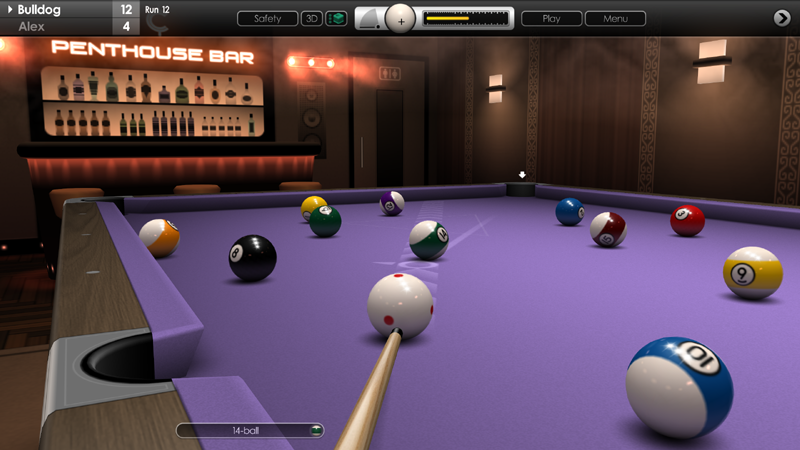
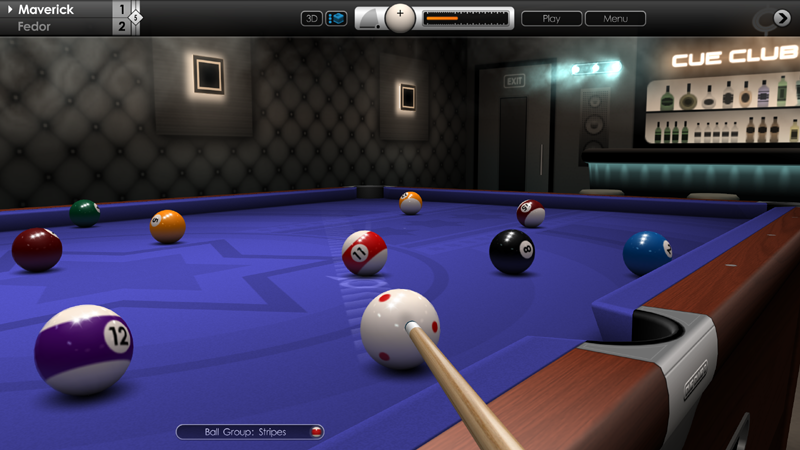
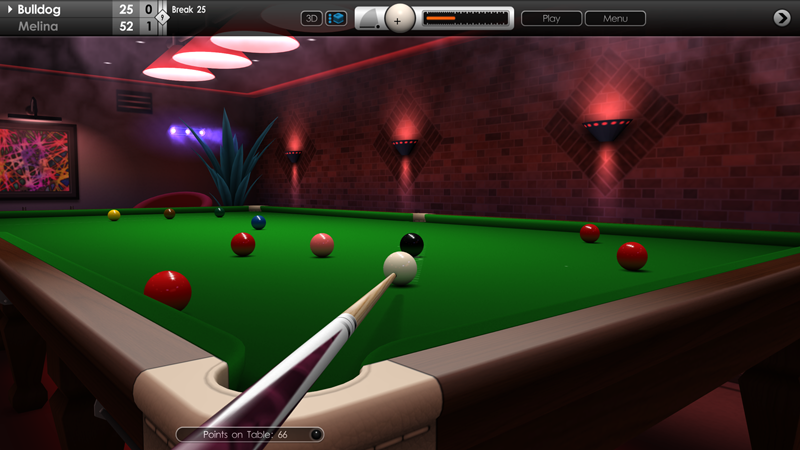
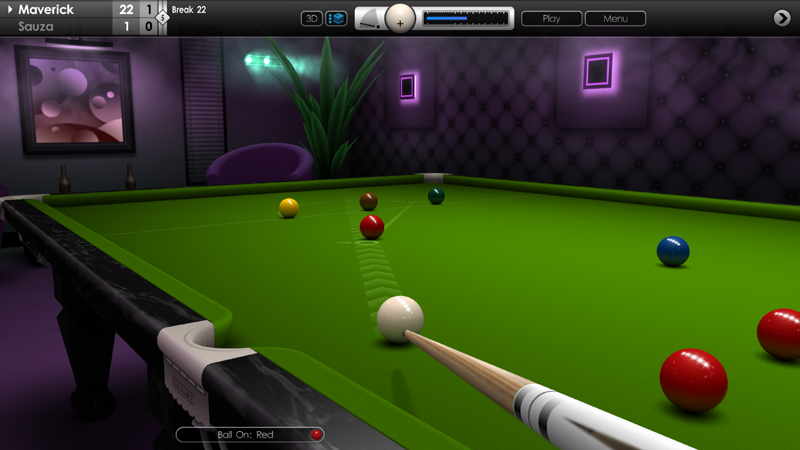
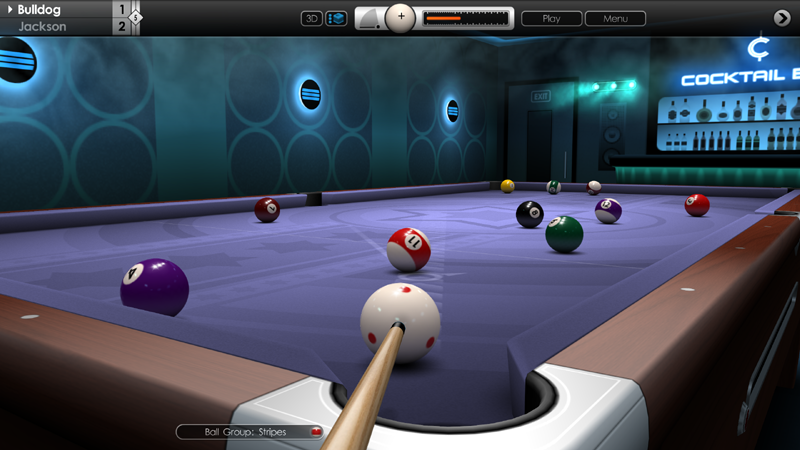
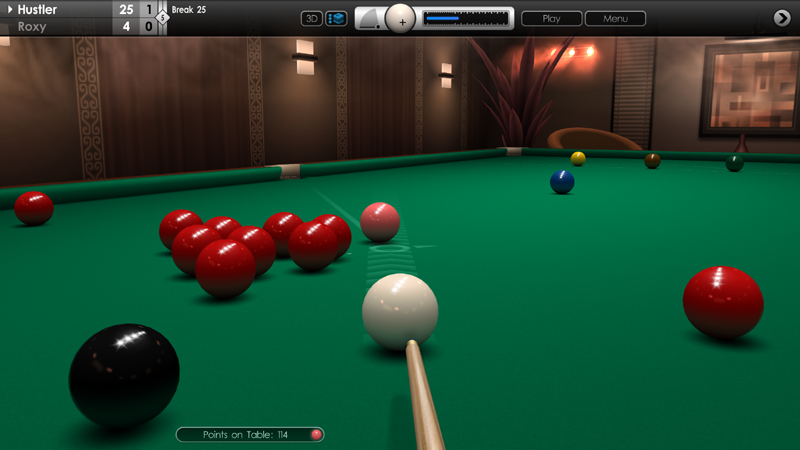
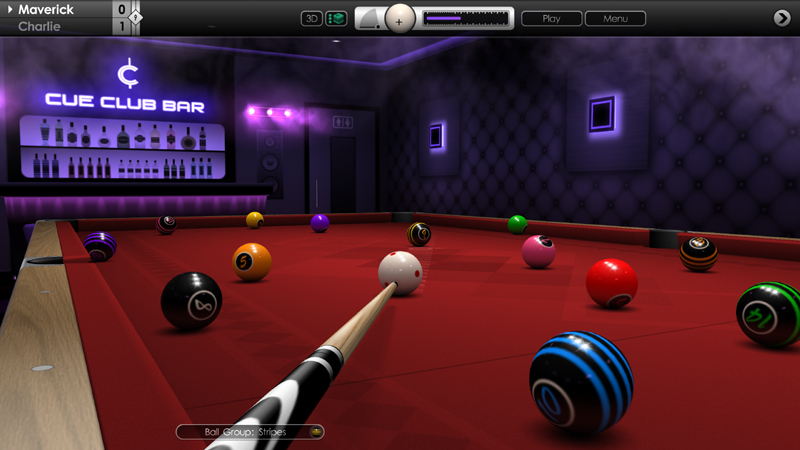
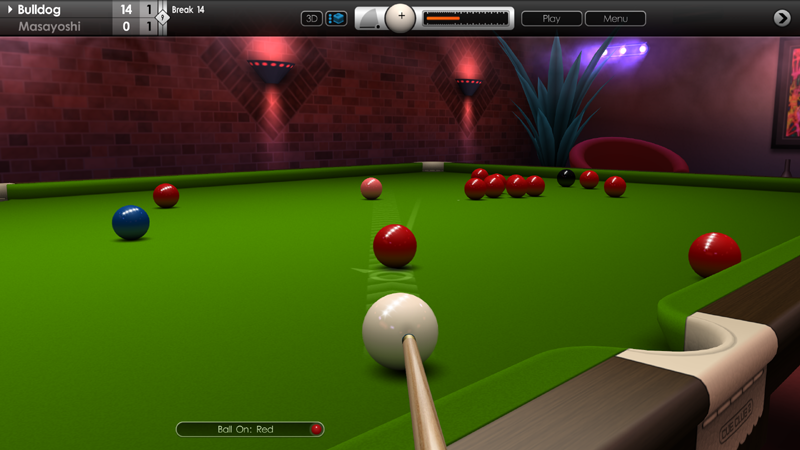
We are pleased to announce the release of 14.1 Straight Pool in today's big update, along with several new achievements to unlock. Also included are graphical improvements to tables, ball sets and venues, plus a collection of various tweaks and fixes to gameplay, AI and menus. Thanks again for your support and we hope you enjoy these latest additions to the game.
GAME MODES
Added 14.1 Straight Pool rules. Can be played against AI or another human player. Supports Quick Match, 2 Player, Tournament, Bar Challenge and Online Multiplayer. New 14.1 tournament trophies for all five difficulty levels, with bronze, silver and gold trophies for making runs of 25, 50 and 100.
Trophies also unlock new Steam achievements (eight in total). Three leaderboards are added for highest runs (Player 1, All Players and Online). Includes overall statistics screen. New 14.1 Global Leaderboard added to Steam.
GRAPHICS
Wooden framing on pool tables now made 20% thicker for improved realism. Pockets have been made deeper too.
Improved design and numbering for 'Spots and Stripes' and 'Vintage' ball sets (also shown on splash screen).
Improved theatre venue ambient lighting in 3D mode.
GAMEPLAY
Improved cue power and cue elevation indicator display when using large control panel setting.
Improved accuracy of pocket nomination capture zone in 3D mode when pointing with mouse.
Fixed issue where in-game chat text would freeze after entering replay menu.
Fixed issue where cue butt would sometimes shoot upwards at high speed when aiming and cue ball was located near to cushion.
Fixed issue in Speed Pool where final ball would not always drop into pocket before the game over screen appears.
Fixed issue where a practice save could sometimes reload with a ball suspended in a pocket opening.
A.I.
Improved AI player aiming on fine cuts into middle pockets.
MENUS
Renamed 'Trophy Collection' menu to 'Trophy Table' and moved link to top of menu list. See 'Achievements > Trophies'. Table has been expanded to accomodate 14.1 achievements, with 70 trophies in total to earn.
Added button to access menu on Speed Pool 'Table Cleared' page, to offer a replay and save option on the last shot.
Fixed issue where 'Resume Previous Game' option would sometimes cause errors, if used after an unexpected exit or using ALT+F4.
Fixed issue where player could enter an empty / blank name in the profile screen.
Fixed issue in controls menu where L-R mouse buttons did not map correctly when buttons were swapped in Windows for left-handed use.
Fixed issue where save slot 7 could not be used when saving a tournament from the fixtures menu.
Other minor fixes and enhancements.
Update 31.7.2024
Hi everyone,
In this latest update we have included some new content to rule variations, improvements to multiplayer, plus a range of further tweaks and fixes. Full release notes are listed below.
RULE VARIATIONS
Added new rule variation to 6, 7, 9 and 10 ball pool, to place either the 1-ball or the money ball on the spot when racking balls. Default setting is 1-ball.
Added new rule variation to 6, 7, 9 and 10 ball pool, to make player break from inside the box (a small rectangle behind the headstring). Default setting is off. Both rules apply to offline and online multiplayer games. See 'Game Rules > Rule Variations'.
MULTIPLAYER
Improved online multiplayer response time for opponent's shots, with less setup time and faster aiming.
GAMEPLAY
Fixed issue that prevented some older saved shots from loading.
Fixed issue that sometimes displayed a 'Game Stopped' message when loading a saved shot replay from a multiplayer game.
Fixed issue where static or mobile replay cameras would not fully reset position after pressing 'Reset' button in replay menu.
Fixed issue where break scoring was shown when playing snooker in detonator mode (bonus game).
A.I.
Fixed issue where AI players would sometimes aim badly on a break shot when playing pool on a table with 'Right-to-Left' orientation in global settings.
REPLAYS
Fixed audio frequency issue after using ALT+TAB during slow motion replay.
Fixed issue in replays where cue design was sometimes different to cue used in original shot when using 3D camera view.
CONTROLS
Using gamepad right stick to move camera after playing a shot now influences target auto-positioning for the next shot.
Fixed issue where pressing 'z' key to lock target in fast aiming mode would have a delayed effect if used when balls are rolling or referee is active. Also, camera zooming in 3D mode is now disabled when target is locked.
Fixed issue in fast aiming mode where target would sometimes become locked at start of a new game.
MENUS
'Save and Exit' option now enabled for practice games at all times.
Practice saves in tournament mode now work correctly. See 'Game > Save as Practice Game'.
Added 'Look around table' text description to controls menu, mapped to middle mouse button and gamepad left shoulder button.
MISCELLANEOUS
Improvements to localised game text.
Other minor fixes and enhancements.
Update 26.6.2024
Hi everyone,
Today's update features a collection of new content, improvements and fixes to Cue Club 2. Thank you for your continued support and feedback, and we hope you enjoy the latest changes.
CONTROLS
Added new feature to lock target in fast aiming mode and access control panel. This prevents having to slide the target off table to make changes via the control panel, such as power adjustment, spin or chalking cue. Press 'Z' key to activate, and once again to return to table and unlock target. On keyboards with a 'QWERTZ' layout the mapped key is 'Y', and on 'AZERTY' keyboards the key is 'W'. To turn on fast aiming go to 'Options > Controls > Basic Settings > Fast Aiming'.
Fixed issue where shot information remained on-screen after cancelling shot when using fast aiming control method.
Fixed issue where control passed to player 1 at end of a game, when there are 2 players using a gamepad each. In this situation control stays with the last player to take a shot, until the next game starts.
Fixed issue where player 2 with gamepad could not cancel a replay.
Fixed issue where pointer arrow would jump when switching from gamepad to mouse control.
Fixed issue where pressing ESC key would sometimes not cancel a replay.
MENUS
Added new mouse pointer option (design 4). See 'Options > Display > Pointer > Pointer Style'. Also added new pink colour option for pointing arrow.
Added 'Reset' button to static and mobile replay camera menus, to restore parameters to default settings.
Controls screen improved with larger text and icons. See 'Options > Controls > Mouse & Keyboard / Game Controller'.
Fixed issue where 'Restore Balls' button on instant replay menu would show incorrect text when using fast aiming control method.
MISCELLANEOUS
Fixed issue where some older saved shots or games would not load correctly.
Various improvements to localised game text.
Other minor fixes and enhancements.
Update 22.5.24
Hi everyone,
We're pleased to release another new update today for Cue Club 2 with several key improvements to game AI, plus a feature addition to practice mode, and more fixes and fine tuning. See below for more details.
A.I.
Rebalanced AI ability to handle snooker escapes. Lower level opponents now have more difficulty escaping from snookers, and top level players will occasionally struggle with a difficult snooker over a longer distance or when playing off several cushions.
Improved AI ability to make an effective 3 cushion break off shot in snooker, across all table sizes from 8ft to 12ft. Lower level players are now more likely to misjudge the break shot and make small mistakes compared to top level players.
Slightly increased cue power of AI shots where the cue angle becomes elevated, due to the cue ball being positioned directly in front of another ball or cushion, causing an obstruction.
GAMEPLAY (PRACTICE MODE)
Added option to quickly reload a saved practice game. From the in-game menu, go to 'Game > Reload Game'. This is particularly useful if you've saved a trick-shot or training drill that you want to practice, and avoids an exit to the main menu to reload.
MISCELLANEOUS
Various improvements to menu layout with better spacing and more room for text.
Fixed gamepad navigation issues and improved landing spot over menu text.
Improvements to stability and reliability of multiplayer game timer.
Other minor fixes and enhancements.
Update 14.5.24
Hi everyone,
In today's update we're have introduced some more new features to Cue Club 2, along with a collection of tweaks and fixes. We hope you enjoy these improvements and thanks again for sharing your suggestions and feedback.
A.I.
Improved AI ability to spot and play cannon shots to pot money ball early during a game of 6, 7, 9 or 10 ball pool, if ball is close to a pocket.
Improved AI tactics when conceding in snooker. AI players are now likely to play on a bit longer if they require snookers and reds are still remaining on the table.
Improved AI striking position on pack when playing angled break shots in games of pool.
Added ability for AI players to select a 'push out' shot in 6, 7, 9 and 10 ball pool, after the break. Typically, they are used if there is no direct hit available for the 'on' ball.
MULTIPLAYER
Added option to use a game timer in multiplayer 'human vs human' matches. Helps encourage matches to run swiftly and complete successfully. Timer is activated when playing at the table and also when using the in-game menu, and resets for active player between each shot. For inactive player, timer resets when turn passes back to them.
Game is stopped if either P1 or P2 timer reaches zero. Player at fault loses deposit points, and player not at fault has deposit returned and gains points for games already won.
There are settings for 60, 75 and 90 second timers, or it can be turned off (default option). To enable, go to the MP lobby and advance to page 3 of the control panel on the right hand side. The timer option can be found at the bottom of the page, underneath aim line settings.
USER INTERFACE
Added new yellow colour option for mouse pointer and power bar. See 'Options > Display > Pointer > Pointer Colour' and 'Options > Display > User Interface > Power Bar (Colour)'.
Added new sub menu 'Options > Match Settings > Practice' to in-game menu. Contains options for the move balls button, and points scoring.
Fixed a scoring display issue in 6, 7, 9, and 10 ball pool, when using large control panel setting.
Nominating a coloured ball in snooker now updates the notification capsule text immediately.
STEAM DECK
Fixed a graphical issue that showed a thin pixel border around the screen.
MISCELLANEOUS
Various improvements to localised game text, and text layout.
Improved word wrapping in general rules menu.
Other minor fixes and enhancements.
Update 12.4.24
Hi everyone,
We're pleased to bring you another Cue Club 2 update today featuring more additions, improvements and fixes. See below for more details.
GRAPHICS / MONITOR SUPPORT
Improved menu layout for ultrawide monitors with 21:9 and 32:9 aspect ratio. Includes changes to ball set and cue selection, game rules, tournament and bar challenge screens, plus other refinements.
EURO 8 BALL POOL
Added option to select numbered balls in Euro 8 Ball Pool. See 'Options > Tables & Equipment > Ball Sets', click the European Pool tab, and edit the option for 'Object Balls'. There are two choices: plain balls and numbered balls, with six designs for each type.
MENUS
Fixed issue where cue selection errors occurred in the menu when setting up a 2-4 player game.
Various improvements to localised game text.
Other minor fixes and enhancements.
Update 2.4.24
Hi everyone,
In today's update we have a number of new additions to Cue Club 2, plus some more tweaks and bug fixes. Thanks again for the feedback on the forums and we hope you enjoy these latest improvements.
EURO 8-BALL
Added rule variation to allow ball in hand anywhere on table following a foul. See 'Game Rules > Rule Variations > Euro 8 Ball Pool'. There are now three settings: ball in hand (baulk line), ball in hand (anywhere), and no ball in hand.
Fixed issue in Euro ball set selection where cue ball patterns were not set correctly.
SNOOKER
Fixed issue where a foul was incorrectly awarded if 2 reds were potted together at the same time into a full pocket.
GAMEPLAY
Potted balls now roll for slightly different times under table depending how close the pocket is to the collection chamber.
Practice saves in Killer and Speed Pool which allow players to re-play the current table configuration in practice mode, now save out as a US 8 Ball game for convenience.
Fixed issue after loading a saved game, where AI player would sometimes play an alternative shot that is not consistent with nominated ball or pocket.
Fixed issue in pool where potted ball errors could occur after switching the 'Potted Balls' display to 'on' mid-game.
Fixed issue where bonus game 'Slam' would not work properly if user selects 'Drop' as default state for 'Move Balls' in practice mode.
Fixed issue in 'Slam' mode where match information screen showed player scores.
Fixed issue where saving a practice game from quick match would cause problems on reload if the bonus game 'Detonator' was played earlier.
Fixed issues where shot information text for cue power and cue elevation would sometimes not clear and remain on-screen.
Fixed issues where key shortcuts would sometimes not work correctly.
Fixed issue where a saved replay would occasionally end early, and not show a potted ball rolling into a pocket.
GRAPHICS
Added new screen transition options to snooker break and speed pool replays. After clicking on the record entry play button, select 'Screen Transitions' from the in-game menu and choose from the fade colours 'Black', 'White' or 'Off'. This is a saved option and does not require resetting. Default is 'Black'.
Screen transitions now complete slightly faster than previously.
Fixed issue in pool where where 'Rack Balls' button would overlap clock display in the control panel.
Fixed issue in 3D mode where object ball value indicator would sometimes flash when closing the in-game menu.
Main menu silhouette image of male and female player now displays at full intensity when returning from in-game to main menu.
AUDIO
Fixed issue where wrong potting ball sample was played for a high power shot in pool.
MENUS
On cue selection menu, clicking the pool / snooker tab now resets the cue page.
Tweaks to trophy 'Summary' layout, and menu now renamed to 'Trophy Collection'.
Fixed menu links on player profile and language selection menus.
Improved word wrapping of text in 'General Rules' section.
MISCELLANEOUS
Improvements and fixes to localised game text.
Improvements to file and memory management.
Other minor fixes and enhancements.
Update 7.2.24
Hi everyone,
Cue Club 2 has a new update today with a range of feature additions, plus improvements to various aspects of the game, and some fixes too. More details below.
MENU OPTIONS
Added option to save table layout at any point during a match, to practice later. See 'Game > Save as Practice Game'.
Added new sub-menu 'Game' to the in-game menu. Contains 'Information', 'Game Rules' and 'Save as Practice Game'.
Added option to set default button state for moving balls in practice mode. See 'Options > Match Settings > Practice > Move Balls (Default Button State)'. Can be set to 'Drag', 'Drop' or 'No Grab'. Default setting is 'Drag'.
Added difficulty level display to in-game menu at 'Options > Match Settings > Difficulty Level'. This cannot be changed during a match, but may serve as a useful reminder for saved games.
Moved menu option to change opponent's pointer colour to 'Options > Display > Pointer > Pointer Colour (Opponent)'.
RULES
Added new rule variation for Killer Pool: Pot the 8-ball to gain an extra life. Can be toggled on / off in rule variations. See 'Game Rules > Rule Variations > Killer Pool'. Default setting is off.
Fixed issue where the number of consecutive fouls was not being reset between racks of pool (6, 7, 9 and 10 ball).
A.I.
Improved AI cue power selection when playing shots where a pot is not on. Softer shots are now played more often, particularly in snooker.
Fixed issue where AI player pointer arrow could occasionally freeze when player 1 is using a gamepad.
GRAPHICS
Improved contrast on cushion shadows for pool and snooker tables.
Fixed issue where random text characters appeared on membership cards screen.
Fixed issue where cue ball table shadow was not always at correct intensity during a shot replay.
AUDIO
Improved audio volume scaling on ball-to-ball collisions for soft and mid-power shots.
MISCELLANEOUS
Fixed issue where pressing another key whilst holding 'Q' or 'F' to change cue elevation or power / force would cancel the shot information text.
Fixed issue where capsule text for a push-out shot would not cancel after selecting and unselecting the option in 6, 7 and 9 ball pool.
Fixed issue where multiplayer points earned were rounded down to the nearest 10 after restarting the game.
Other minor fixes and enhancements.
Update 22.12.23
Hi everyone,
Seasons greetings to all our players :)
We're pleased to release another new update today. It contains a collection of tweaks and refinements to multiplayer, game physics and menus, plus a few fixes too.
MULTIPLAYER
Increased points awarded to winner in multiplayer games when longer matches are played (best of 3 upwards). Also increased points awarded for snooker matches as games take longer to complete. See 'Games > Multiplayer > Info' and use the left and right arrow buttons to view the full points breakdown for pool and snooker.
PHYSICS
Pool and snooker balls packed more tightly in the rack with smaller spaces between balls.
In snooker, there is less disturbance of reds on the break shot after cue ball makes a glancing blow with a corner red.
Cushions are more reactive in pool and snooker. The setting can be tweaked at 'Options > Tables & Equipment > Tables > Global Settings > Cushion Speed'.
MENUS
Fixed issue where player 1 qualification text did not update in aiming menu, if AI player was at the table.
Fixed issue where tertiary aim line setting did not always update in main menu.
Various improvements to localised game text.
Other minor fixes and enhancements.
Update 16.11.23
Hi everyone,
We have a new update today with a range of additions, improvements and fixes to the game. Please see the patch notes below for more details.
MULTIPLAYER
Improved online multiplayer connectivity for all game types. Fixed sync issue which could occur after minimising and returning to game, or using the 2D zoom feature.
Fixed issue where gameplay could halt during a multiplayer match when 'Play Again' was selected after a foul in snooker or during certain games of pool, if player had zoomed out in 3D mode to walk around and examine the table.
Virtual players are now labelled with 'VP' on their lobby icons, with translations for other languages.
CUEING
Improved scaling of cue power when using mouse with 'Manual' cueing method, allowing more precise control over low power shots. See 'Options > Controls > Basic Settings > Cue Control'.
Fixed issue where pressing 'Play' button when using manual cueing mode would cause the cue to jump.
PLAYER HANDICAPS
Added handicap settings for 2-4 player games (local multiplayer). Allows all 3 aiming lines to be customised for each player, either adjusted in length or turned off, which can help with game balancing where players have different skill levels. See 'Games > 2-4 Players > Players > Games Rules > Handicap Settings'.
SNOOKER
Free ball in snooker is now taken into account when calculating number of points on table in match information screen. A free ball will increase the number of points available.
AIMING
Fixed issue where primary cue line would not instantly reset after re-racking balls.
Fixed issue where aiming target was always shown in 2D mode when visibility was set to 'Off' in aiming options.
Fixed issue where secondary and tertiary aim lines would not fade correctly when visibility was set to 'Switchable' in aiming options.
CAMERAS
Improved transitions from 2D overhead view to 3D-TV cameras.
MENUS
Added descriptions to trophy achievement unlock screens for tournament, Bar Challenge, snooker breaks, speed pool times and multiplayer.
MISCELLANEOUS
Fixed issue where holding certain keys down while performing ALT+TAB could cause errors when returning to the game.
Fixed issue where changing power, spin or elevation with mouse while using the 'c' key would automatically apply the same setting to the next shot.