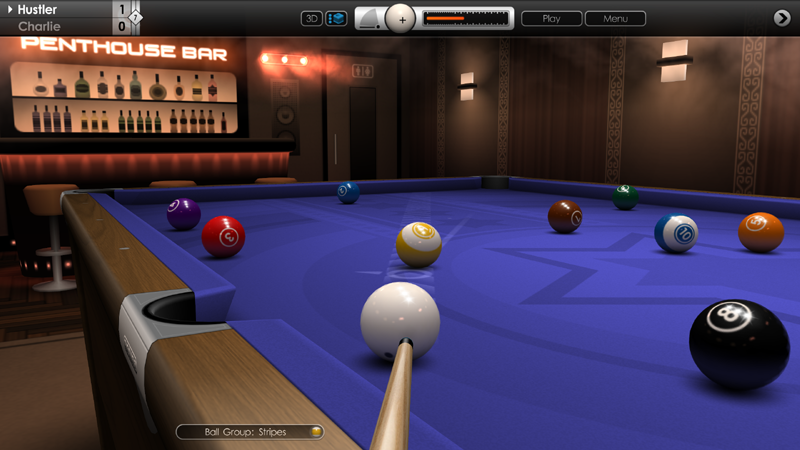
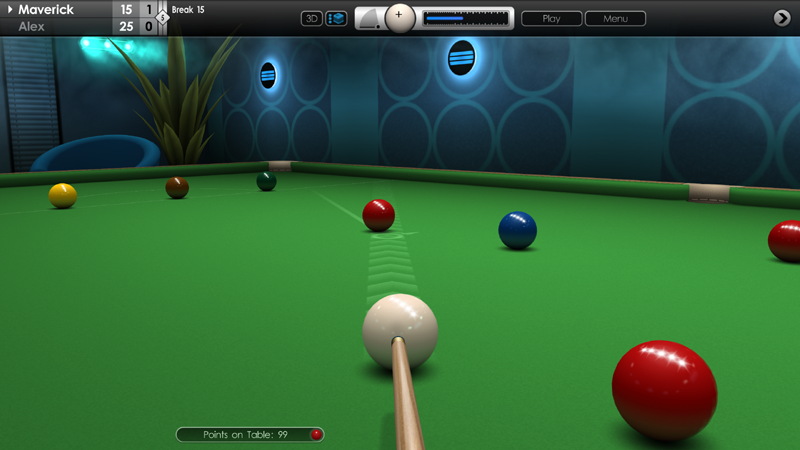
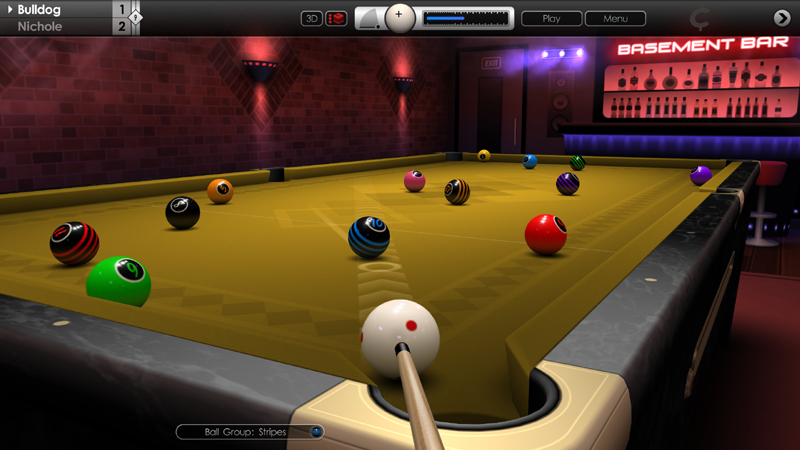
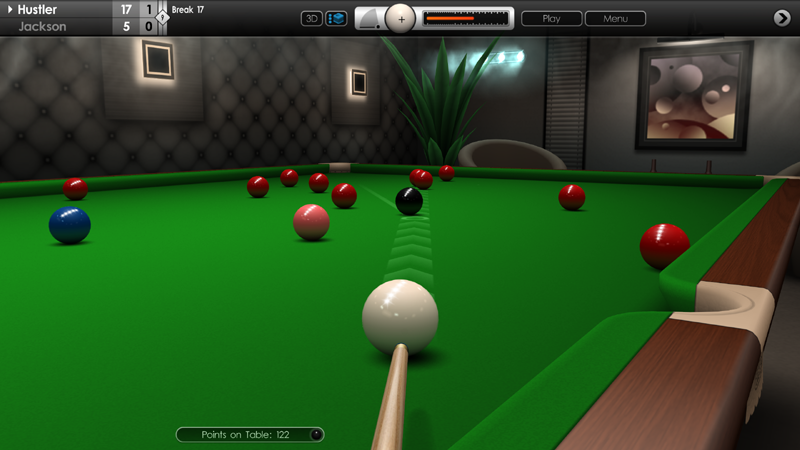
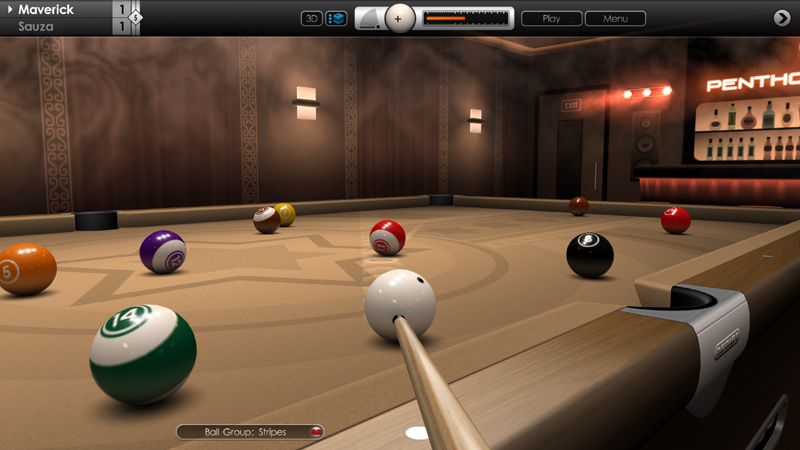
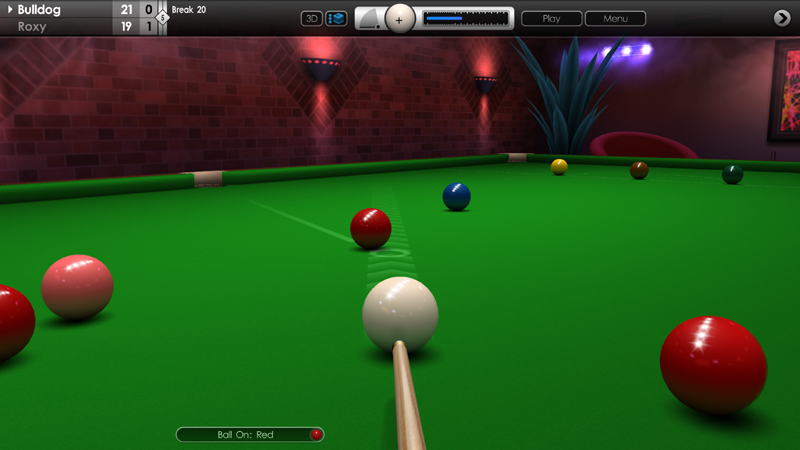
Today's update brings some new additions and refinements to Cue Club 2 as requested by the community, plus a few fixes too.
In games of pool, the 'rack balls' button is now always visible in the potted balls view (practice and slam modes).
Fixed issue where pool balls sometimes rolled out of the ball return tray at different speeds, after pressing the red 'ball-release' button.
Fixed issue where older snooker breaks and speed pool replays might not play correctly due to more recent physics engine modifications.
Doubled the number of saved leaderboards entries from 250 to 500 for snooker breaks and speed pool times.
Other minor fixes and enhancements.
Update 22.09.23
Hi everyone,
We're pleased to release a new update to Cue Club 2, featuring more additions, improvements and fixes to various aspects of the game. Thank you for sharing the ideas and feedback.
Added third aim line to show direction of cue ball after impact with the object ball. There are 3 length settings, or it can be turned off. See 'Options > Aiming > 2D View / 3D View > Tertiary Line (Length)'. Default setting is 'Medium'. Can also be set for multiplayer matches, see 'Line 3' parameter in the MP lobby on page 2 of the options box.
Added further stability improvements to online multiplayer games to help maintain good connectivity during matches.
For improved gameplay flow, instant replays have been disabled during online multiplayer games against other human players. Replay saves are still enabled.
Graphics card info is now accessible from the main menu, showing model name and driver number for the adapter in use. See 'Options > Display > Display Adapter'.
Fixed issue in Euro 8 ball pool where ball-in-hand was given as a toggle option to incoming player if offending player scratched on the break shot. Ball-in-hand is now automatically awarded.
Fixed issue where pressing CRTL + ALT + DEL then clicking the Windows cancel button could cause a crash, if running the game in 'Fullscreen Windowed' mode.
Fixed issue where Windows mouse cursor could sometimes disappear when tabbing out of the game.
Fixed issue where cue would occasionally jump erratically and not settle when playing a shot with high cue elevation.
Fixed issue where cue would sometimes clip into the cushion at certain positions on the table.
Fixed issue where buttons to choose difficultly setting where displayed after the end of a tournament, following a loss or win. Buttons are now not shown here.
2D table zoom feature is no longer active when referee is respotting balls.
Asterix key added to virtual keyboard.
Small visual improvements to snooker break and speed pool time statistics screens.
Other minor fixes and enhancements.
Update 26.08.23
Hi everyone,
We have another new update today for Cue Club 2 featuring a collection of new improvements and fixes. See below for a full breakdown:
Multiplayer points earned are now shown next to the player's avatar in the lobby.
Added ability to recover saved data for trophies, membership cards, points earned and leaderboards, in the event of a file getting accidentally damaged or deleted. If backup data exists then it can be reloaded at 'File Management > Recover Saved Data'.
Fixed issue where cue would sometimes clip the table when playing shots tight into the cushion.
Fixed issue where menu button could not clicked when menu is minimised. This would occur after pausing the game during a shot when balls are rolling.
Fixed issue where ball would jump if 2D zoom feature is activated when referee is respotting the ball.
Fixed issue where an AI player or MP opponent would not locate the menu button if 2D zoom feature is activated while opponent is conceding a frame. Applies to 'Large' control panel setting only.
Snooker 6-colour icon in practice mode now uses correct hue if 'Vintage' ballset is selected.
Other minor fixes and enhancements.
Update 20.07.23
Hi everyone,
Today's update delivers a range of new features, improvements and bug fixes to the game. Thanks again for providing valuable feedback and we hope you enjoy these latest additions. Full patch notes below:
SNOOKER
Added break scoring in practice mode. Player can move balls, but adding / removing balls from the table or using the 'Restore' button will reset the score. Failing to hit or pot a ball or potting an illegal ball or the cue ball will also reset the score. Colours dont need to be nominated, but you must pot the first colour that the cue ball makes contact with. Practice breaks are not listed on the leaderboards.
Fixed issue where an incorrect foul of 8 points in snooker could be awarded after switching between manual and auto ball nomination in the menus.
AI
Fixed issue where AI would not perform an effective 3 cushion break off in snooker when using 'Right-to-Left' table orientation. See 'Options > Tables & Equipment > Tables > Global Settings > Table Orientation'.
CONTROLS
Fixed issue where errors could occur when dragging a ball in practice mode then ESC was pressed to bring up the in-game menu.
Red ball release button and rack balls button are no longer enabled when the in-game menu is active, to prevent potential errors.
AIMING
Aiming target now has a strike through when player is required to nominate a ball or pocket before taking the shot.
Fixed issue where cue would sometimes not rotate to target position if using the 'C' to play a shot.
Fixed issue where clicking outside the table in 2D mode would make the aiming target appear in that position for a brief moment.
GRAPHICS
Improved 2D smoke effect above table and 3D ball rendering.
Fixed issue where arrow over ball could flicker in 3D mode when removing a ball from the table.
Improved frame rate when AI is calculating best respot position for the cue ball.
Other minor fixes and enhancements.
Cue Club 2 Update 20.07.23
Hi everyone,
Today's update delivers a range of new features, improvements and bug fixes to the game. Thanks again for providing valuable feedback and we hope you enjoy these latest additions. Full patch notes below:
SNOOKER
Added break scoring in practice mode. Player can move balls, but adding / removing balls from the table or using the 'Restore' button will reset the score. Failing to hit or pot a ball or potting an illegal ball or the cue ball will also reset the score. Colours dont need to be nominated, but you must pot the first colour that the cue ball makes contact with. Practice breaks are not listed on the leaderboards.
Fixed issue where an incorrect foul of 8 points in snooker could be awarded after switching between manual and auto ball nomination in the menus.
AI
Fixed issue where AI would not perform an effective 3 cushion break off in snooker when using 'Right-to-Left' table orientation. See 'Options > Tables & Equipment > Tables > Global Settings > Table Orientation'.
CONTROLS
Fixed issue where errors could occur when dragging a ball in practice mode then ESC was pressed to bring up the in-game menu.
Red ball release button and rack balls button are no longer enabled when the in-game menu is active, to prevent potential errors.
AIMING
Aiming target now has a strike through when player is required to nominate a ball or pocket before taking the shot.
Fixed issue where cue would sometimes not rotate to target position if using the 'C' to play a shot.
Fixed issue where clicking outside the table in 2D mode would make the aiming target appear in that position for a brief moment.
GRAPHICS
Improved 2D smoke effect above table and 3D ball rendering.
Fixed issue where arrow over ball could flicker in 3D mode when removing a ball from the table.
Improved frame rate when AI is calculating best respot position for the cue ball.
Other minor fixes and enhancements.
Update 16.06.23
Hi everyone,
We're pleased to announce another update to the game with a collection of new features and improvements, along with some fixes too.
PHYSICS
Increased power of swerve shots, allowing cue ball to travel further across the table in an arc.
AIMING
Added 'Extra Short' aim line option for increased difficulty. This can also assist when learning to play without lines.
Aiming target now has a strike through when player is required to nominate a ball or pocket before taking the shot.
USER INTERFACE
Added option in practice mode to select 'No Grab' to disable object ball movement by hand. Click the 'Drag' button twice to select (bypassing the 'Drop' option). The arrow to the left can be pressed to select the previous option and allow fast switching between drag and drop.
STATISTICS
Fixed issue that prevented player 2 (human) recording an entry in the snooker break stats.
GRAPHICS
Fixed rendering issue where balls could occasionally be seen outside the ball return window in 2D mode.
GAMEPLAY (POOL PRACTICE)
Fixed issue where red ball release button sometimes did not work after pressing 'Restore' button to move balls to previous position.
Fixed issue where rack balls button sometimes did not work after pressing 'Restore' button to move balls to previous position.
Fixed issue where '+1' (add ball) button would not work after pressing red ball release button.
Fixed issue where 'Restore' button could produce errors when used immediately after pressing red ball release button.
Fixed issue where red ball release button and rack balls button could appear at the same time.
Fixed issue where using 'Restore' button after pressing red ball release button could create errors.
Fixed issue where using 'Tab' key after pressing red ball release button could create errors.
Red ball release button and rack balls button is no longer enabled when the in-game menu is active, to prevent potential errors.
CONTROLS
Improved cueing action when using gamepad with 'Manual' cue control method. Power adjustment speed for manual control now also applies to gamepad. See 'Options > Controls > Advanced Settings > Power Adjustment (Speed)'.
Fixed issue where player 2 using a gamepad did not have control at the end of a frame if they were the winner.
Fixed issue using gamepad where pointer arrow would remain on-screen when zoomed out and walking around table.
REPLAYS
Fixed issue where cue would jump before striking ball in a saved or instant replay, when cue control method was set to 'Manual'.
MISCELLANEOUS
Various tweaks to localised text.
Cue Club 2 Update 16.06.23
Hi everyone,
We're pleased to announce another update to the game with a collection of new features and improvements, along with some fixes too.
PHYSICS
Increased power of swerve shots, allowing cue ball to travel further across the table in an arc.
AIMING
Added 'Extra Short' aim line option for increased difficulty. This can also assist when learning to play without lines.
USER INTERFACE
Added option in practice mode to select 'No Grab' to disable object ball movement by hand. Click the 'Drag' button twice to select (bypassing the 'Drop' option). The arrow to the left can be pressed to select the previous option and allow fast switching between drag and drop.
STATISTICS
Fixed issue that prevented player 2 (human) recording an entry in the snooker break stats.
GRAPHICS
3D smoke effect has been made stronger and now appears closer to the table.
Screen now re-drawn if game window is inactive but not minimised.
Fixed rendering issue where balls could occasionally be seen outside the ball return window in 2D mode.
GAMEPLAY (POOL PRACTICE)
Fixed issue where red ball release button sometimes did not work after pressing 'Restore' button to move balls to previous position.
Fixed issue where rack balls button sometimes did not work after pressing 'Restore' button to move balls to previous position.
Fixed issue where '+1' (add ball) button would not work after pressing red ball release button.
Fixed issue where 'Restore' button could produce errors when used immediately after pressing red ball release button.
CONTROLS
Improved cueing action when using gamepad with 'Manual' cue control method. Power adjustment speed for manual control now also applies to gamepad. See 'Options > Controls > Advanced Settings > Power Adjustment (Speed)'.
Fixed issue where player 2 using a gamepad did not have control at the end of a frame if they were the winner.
Fixed issue using gamepad where pointer arrow would remain on-screen when zoomed out and walking around table.
REPLAYS
Fixed issue where cue would jump before striking ball in a saved or instant replay, when cue control method was set to 'Manual'.
MISCELLANEOUS
Various tweaks to localised text.
Update 17.05.23
Hi everyone,
In today's update we've brought together a range of new features, improvements and fixes to the game. Once again, many thanks for the continued feedback. Full patch notes are listed below:
ACHIEVEMENTS / STATISTICS
Added statistics for snooker breaks and speed pool times. See 'Achievements > Snooker Breaks > Statistics' and 'Achievements > Speed Pool Times > Statistics'. For snooker, there is a running total of number of half-century (50+), century (100+) and maximum (147) breaks made by players 1-2. For speed pool, there are totals for times under 3 minutes, 2 minutes 30, and 2 minutes for player 1. Initial data is collected from the leaderboards.
MULTIPLAYER
Fixed desync issue during snooker matches when using 'Claim a Win' button from the 'Information' menu. This option appears if player is on the final black and is ahead on points with opponent needing snookers.
Increased error checking on game packets sent to and from server for improved connectivity.
CONTROLS
Fixed issue where it was possible to accidentally control the pivot point for camera rotation using 3/F3 keys when an AI or MP opponent was setting up a shot.
Fixed issue where it was possible to interrupt an AI player by pressing ESC key or LMB after making a foul, when the AI was attempting to close the foul notification screen.
KILLER POOL
When playing a Quick Match game with 3 or 4 players and more than one AI opponent, the randomly selected AIs are now chosen from all available characters and not exclusively picked from the same bar venue as the selected AI.
Fixed issue in Quick Match with 3 or 4 players where only the selected AI opponent was playing at the chosen difficulty level. All AIs now play at the same difficulty level during the match.
Fixed issue where it was not possible for player 1 to save the choice of cue after making changes from the in-game menu. This occurred in Quick Match games of Killer pool with 3 or 4 players, where player 1 was not first in the list of players after names were shuffled.
REPLAYS
Changing 2D/3D camera view in replay menus using the button provided now enables the 'Save Shot and Settings' and 'Reload Settings' options.
PHYSICS
In 'Slam' mode, the grabbed ball will now gradually come to a stop if the mouse is not moving.
MISCELLANEOUS
Fixed issue where language icon in the main menu would appear after the same language was selected twice.
Fixed issue where using ALT+F4 to exit game would prevent the language icon appearing on restart, if language was recently changed.
Fixed issue with 'Resume Previous Game' button where sometimes the saved game would not load correctly.
Fixed issue where text occasionally overlapped edges of the in-game menu.
Various tweaks to localised text.
Cue Club 2 Update 17.05.23
Hi everyone,
In today's update we've brought together a range of new features, improvements and fixes to Cue Club 2. Once again, many thanks for the continued feedback. Full patch notes are listed below:
ACHIEVEMENTS / STATISTICS
Added statistics for snooker breaks and speed pool times. See 'Achievements > Snooker Breaks > Statistics' and 'Achievements > Speed Pool Times > Statistics'. For snooker, there is a running total of number of half-century (50+), century (100+) and maximum (147) breaks made by players 1-2. For speed pool, there are totals for times under 3 minutes, 2 minutes 30, and 2 minutes for player 1. Initial snooker break and speed pool data is drawn from the leaderboards.
PHYSICS
In 'Slam' mode, the grabbed ball will now gradually come to a stop if the mouse is not moving.
MULTIPLAYER
Fixed a desync issue during snooker matches when using 'Claim a Win' button from the 'Information' menu. This option appears if player is on the final black and is ahead on points with opponent needing snookers.
Increased error checking on game packets sent to and from server for improved connectivity.
CONTROLS
Fixed issue where is was possible to accidentally control the pivot point for camera rotation using 3/F3 keys when an AI or MP opponent was setting up a shot.
Fixed issue where it was possible to interrupt an AI player by pressing ESC key or LMB after making a foul, when the AI was attempting to close the foul notification screen.
KILLER POOL
When playing a Quick Match game with 3 or 4 players and more than one AI opponent, the randomly selected AIs are now chosen from all available characters and not exclusively picked from the same bar venue as the selected AI.
Fixed issue in Quick Match with 3 or 4 players where only the selected AI opponent was playing at the chosen difficulty level. All AIs now play at the same difficulty level during the match.
Fixed issue where it was not possible for player 1 to save the choice of cue after making changes from the in-game menu. This occurred in Quick Match games of Killer pool with 3 or 4 players, where player 1 was not first in the list of players after names were shuffled.
REPLAYS
Changing 2D/3D camera view in replay menus using the button provided now enables the 'Save Shot and Settings' and 'Reload Settings' options.
MISCELLANEOUS
Fixed issue where language icon in the main menu would appear after the same language was selected twice.
Fixed issue where using ALT+F4 to exit game would prevent the language icon appearing on restart, if language was recently changed.
Fixed issue with 'Resume Previous Game' button where sometimes the saved game would not load correctly.
Fixed issue where text occasionally overlapped edges of the in-game menu.
Various tweaks to localised text.
Cue Club 2 Update 19.04.23
Hi everyone,
We're pleased to release a good size update today with many new features to Cue Club 2, along with a collection of improvements and bug fixes. Quite a few changes were in response to player feedback, so thank you for sharing your ideas and suggestions and helping us to further refine the game.
CAMERAS
TV camera can now be rotated through 8 positions around the table and tilted to the high/low position using arrow keys, WASD keys, or gamepad right stick. Can be used when watching your opponent play at the table, or during replays, if the TV camera is selected. To change opponent camera see 'Options > Cameras > Default Camera (Opponent)'.
Fixed issue where camera would not always switch to the correct view at the end of an instant replay, if 'Auto Switching (2D to 3D)' was enabled in camera options.
Fixed issue where clicking the 2D/3D button in the replay menu would sometimes select the wrong 3D camera view.
Fixed issue where if 2D overhead view had been disabled in camera options, the camera could stay in 2D mode after a replay or resuming a saved game.
BREAKING PLAYER
Added new option for breaking player (first game). In a 2 player game, the names are drawn from a list of 8 with 4 entries for each player. This produces random results with an equal share of breaks over 8 games, and consecutive breaks for any player no greater than 4. See 'Options > Match Settings > Start Player' and choose 'Random (Select from List of 8 Entries)'.
Default setting for breaking player in pool (later games) is now set to 'Take Turns'. Note that the default option always applies when playing human-vs-human multiplayer matches (either pool and snooker).
LOADING / SAVING GAMES
Added option to delete individual saved games and tournaments. See 'Delete Game' option at the bottom of 'Games' menu, and 'Delete Tournament' option at the bottom of 'Games > Tournament' menu.
'Save and Exit' menu option is now enabled when balls are in motion. Prior to this, it was only available when balls had come to rest. When re-loading a game where balls are still rolling, to preserve game continuity the last shot automatically plays out and cannot be cancelled and re-taken.
When saving an instant replay using the 'Save Shot and Settings' option, the save slot selector is now always available.
When replaying a saved replay from the main menu, the 'Save Shot and Settings option' auto-saves to the same slot.
MULTIPLAYER
Added menu to give player more options after a multiplayer match has ended, or if opponent leaves the match, or the network connection unexpectedly breaks. Options are 'Exit to Main Menu', 'Exit to Multiplayer', and (if applicable) 'Resume Saved Game' which will load the previous game if this was saved out to start the multiplayer match after getting an in-game invitation.
Fixed issue where in-game MP notifications would sometimes not arrive if player had entered the lobby and ticked the 'Receive Alerts' button, then exited the lobby quickly before the active player list had been updated.
Improved checks on network packets to reduce potential errors and maintain connectivity.
CONTROLS
Using left ALT key when dragging the cue ball now gives fine movement control. When pressing ALT the cue ball will not lift up when it approaches another ball, to allow more precise placement.
Spacebar and gamepad view button now toggle 2D/3D camera in replay mode if 2D view has been disabled in camera options, but will not change the view during live gameplay.
To ensure game continuity, it is no longer possible to interrupt your opponent when they are accessing the menus to make a decision, e.g. after certain fouls, or conceding a frame of snooker. To interrupt opponent gameplay at other times and access the in-game menu, press the ESC key or left mouse button.
Fixed issue where pressing the left mouse button to bring up the in-game menu and interrupt your opponent would occasionally freeze activity after the menu had been closed.
Fixed issue where it was possible to play a shot using the 'C' button while simultaneously adjusting ball spin or cue elevation.
Fixed issue where it was possible to play a shot using the 'C' button before nominating ball or pocket (US 8 Ball pool, 10 ball pool and snooker).
GAME SETUP / GAMEPLAY
Playing order sequence has now been shuffled (randomized) for games of Killer pool with 3 or 4 players.
Fullscreen table option (where table fills the screen in overhead view) now supports 17:9 and 3:2 aspect ratio monitors (in addition to 16:9 and 16:10). See 'Options > Tables & Equipment > Tables > Global Settings > Table Dimensions'. For aspect ratios outside of this range, the table defaults to a standard 2:1 ratio.
Fixed issue where cue ball was suspended in mid-air if player with ball-in-hand dragged the cue ball over another ball then used various key shortcuts to open the in-game menu.
Fixed issue where a money ball in pool (e.g. 9 ball) could occasionally start spinning after being respotted by the referee if potted illegally.
Fixed issue where sending a chat message after a game had ended sometimes displayed an incorrect avatar next to the text.
REPLAYS
Fixed issue where replaying a saved shot made by an AI player could freeze the mouse cursor.
Fixed issue where a saved shot made by player 3 or 4 in Killer pool would sometimes not match the original shot when it was replayed.
MENUS
Added option to concede a frame in snooker while the AI is playing, instead of having to wait for your turn. Note that the player requires snookers before the concede option appears in the 'Information' menu.
Fixed issue in Killer pool with 3-4 players where the game over screen did not show correct number of lives remaining for each player.
Fixed issue where menu clock would not immediately update to the current time after minimising the in-game menu, waiting a short while, then maximising the menu.
Fixed issue where control panel buttons sometimes remained highlighted after accessing the in-game menu, immediately after a shot had been played.