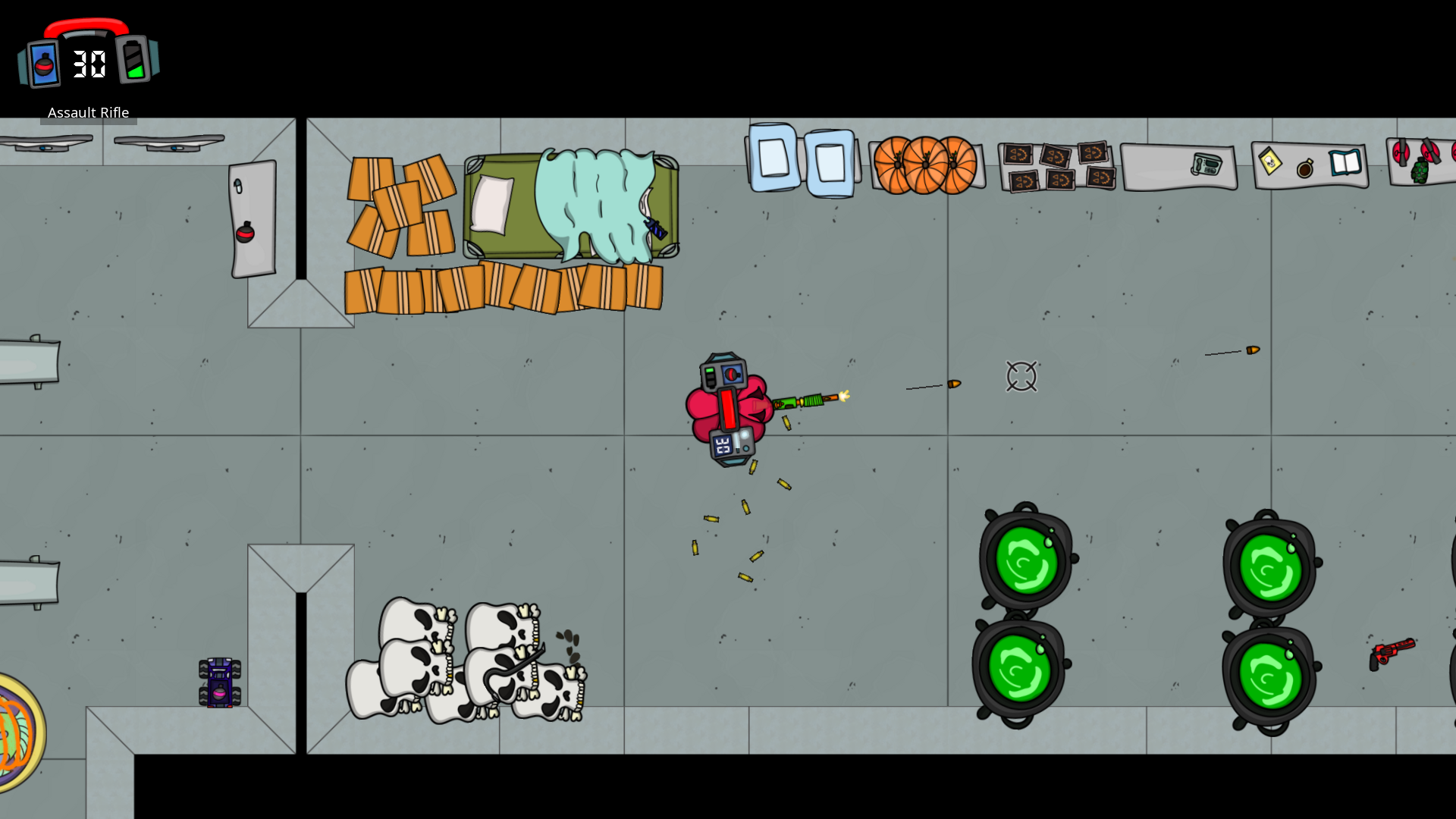
It's a Muffed Halloween Party and you're invited! We're bringing scary back this year with decorated weapons, hair, and levels 👻 Play any game mode between now and November for the spooky season experience👻 Multiplayer modes are supported, so you can bring friends if you've got 'em!
Candy corn bullets, anyone?
Holiday Themes can be set (or turned off) in the Theme menu, but will be on by default for their time periods.
Trick or treat yourself to our large selection of Halloween weaponry!
Check Out Our New Game, Party Words!
Hey Muffed Fans!
Sam & Kelsie here, back at it again with another multiplayer party game, Party Words!
Party Words is a casual word party game with a bunch of different game modes and a ton of words to keep it fresh! Pass and play with a single device or join multiple devices to unlock new possibilities. Who's the fastest guesser? Who has all the ideas? Whose doodles are the best? Find out with Party Words.
In classic Kelsam fashion, it has a bunch of different game modes :)
Party Words is on sale for the Early Access release this week :) If you decide to check it out, please leave us a review!
P.S. It's also available on Google Play so your non-Steam friends can join on their devices.
Someone's halls are getting DECKED!
The Muffed Christmas Theme is live! Swing on your cousins* with candy canes, gingerbread bats, or ice daggers!
*If you don't have cousins readily available, siblings, friends, aunts, uncles, or parents, are also acceptable. Kelsam does not recommend swinging on Grandma, but your mileage may vary.
Christmas theme features Christmas Light, Ornament, or Snowball bullets, and other holiday weapon updates. Terrorize those pesky scientists as Santa, Snowman, or Elf! Muffed Christmases are always white as outdoor levels have been updated to include snow. Christmas Stuff can be found, fought with, or thrown, all around the game.
Remember Themes can be set (or turned off) in the Theme menu, but will be On by default for their time periods.
Happy Holidays!
- Kelsam
The Muffed Autumn Feast is Here!
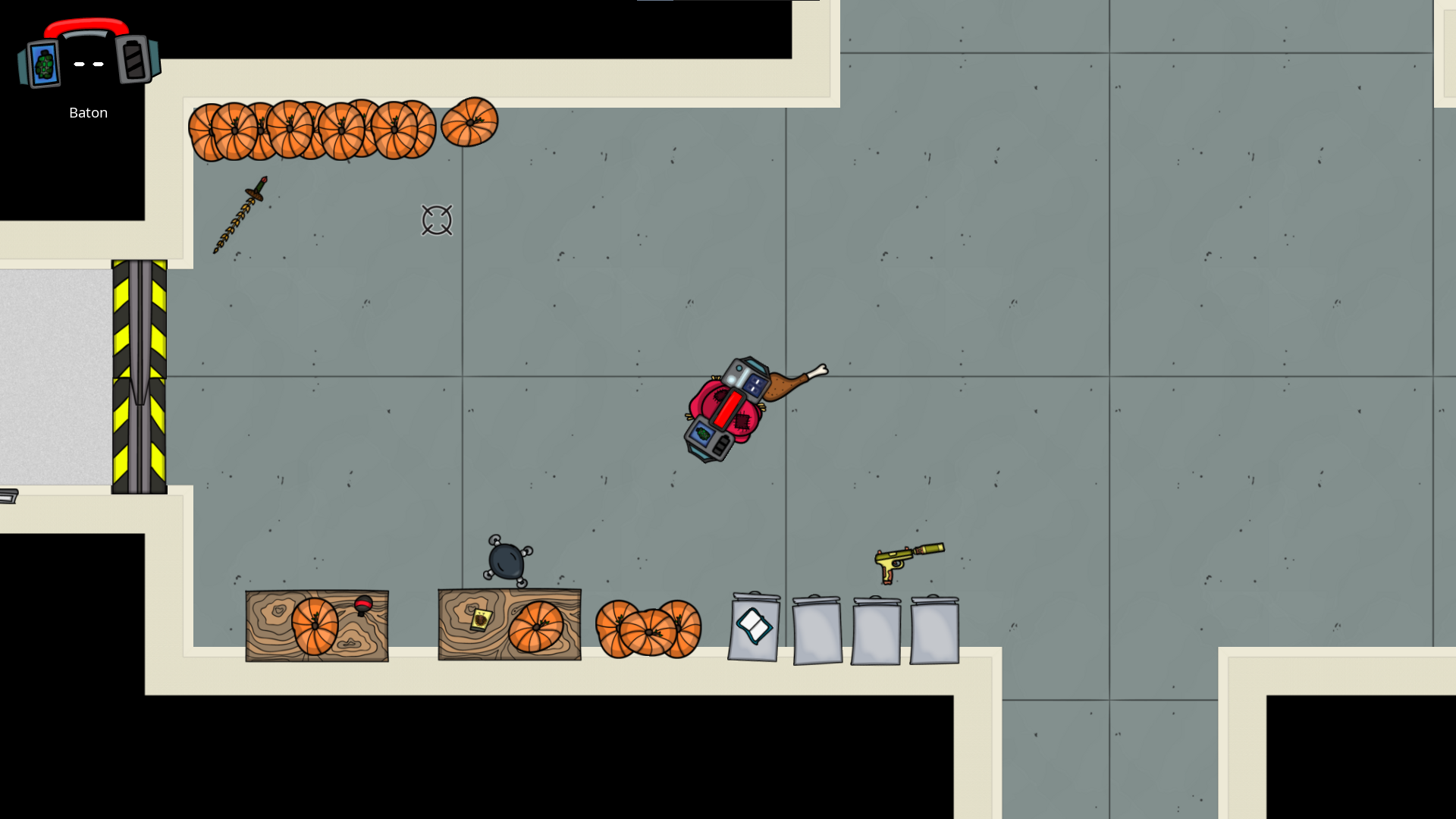
It's holiday time and the Muffed Autumn Theme is active! :) Like Halloween, Autumn Theme weapons have had a full makeover for better immersion. If you've ever felt the urge to beat someone with a turkey leg, now's your chance! Let us know which weapons you like best!
Autumn theme includes new hairstyles, leaf bullets this time around, themed weapons, and other objects around the levels! Yes, that is a sword made of scarf. We didn't get a screenshot, but there is also definitely a rake you can beam your friends with, and that one will hurt.
Themes can be set (or turned off) in the Theme menu, but will be On by default for their time periods. Between sunflower and corn, which do you think would make a more satisfying sound?
The Muffed Halloween Party is Live!
It's that time again and the Muffed Halloween Theme is active! :) Be on the lookout for some new hairstyles, candy corn bullets, themed weapons, and other Halloween objects around the levels! Themes can be set (or turned off) in the Theme menu, but will be On by default for their time periods.
This time around Halloween Theme weapons have a full makeover to better match the other Holiday Themes!
New Maps Available to Download
We've got some stuff in the hopper and it starts with new maps! They are ready right now in the Workshop!
New Free Maps in the Workshop
We have 2 new Survival Maps and 2 new Battle Maps waiting for you! You can preview and download them for free through the in-game Workshop (Workshop ► Browse Community Levels).
Survival Maps are listed under Campaign because they are Co-Op, and both Battle Maps can be found under Deathmatch (although they do support other game modes). Levels we've created will have Kelsam listed as the author. Once you've downloaded the maps, they'll be available through the regular Survival and Battle map selection screens. We're hoping to be able to kick out some more maps in the near future, so keep an eye out for updates!
Also if you haven't already seen it, check out the Shotgun Battle First Ever Map from BockBock921! We are so excited to see what you've made!
What's the Workshop?
Sam created a browser-based level editor for Muffed and it is available for you to use. It's the editor we use to create all the levels in Muffed. The Workshop handles the in-game integration of the Level Editor and can be used to download, update, and rate levels that have been created and published by the community.
You can find the Level Editor here or in-game through the Workshop and use it to create your own levels, test them, and then publish them for the community to play. You can even create your own multi-level Campaigns by linking levels!
NOTE: downloaded levels are accessed through their appropriate level select screens in the Battle, Survival, and Campaign menus so everything's together when you're ready to play and you can still select other settings for them (difficulty, battle modes, etc.).
Helpful Level Editor Tips
If you want an in-depth guide to the Level Editor, you can find tons of information in our Muffed Documentation. If you're just looking to jump in and try it out here are some quick tips that will probably help.
The level editor opens with a test level so you can mess around with some elements that we've put together. Click and drag to move Stuff, right click for more options. For Rooms you can right click to see their actions and Modify for Room Options.
You can start a new level from scratch in Options ► Start New Level.
All levels must include at least one SpawnPoint Stuff, this is where the players enter the level. NOTE: All required Stuff can be found under Add Stuff ► Special.
If you want to Save your level on our server or Publish it, you'll need to Create an Account and name your level in Options. Levels need unique names. You can try your level without saving by Downloading it and then Loading a Level File in-game through the Workshop.
If you want to create a Co-Op map, you'll need to set it to Campaign Mode in Options. Co-op maps have additional settings like which music you would like to play during the level. If your level has a Transition Corridor marked as an Exit (Room Options) you can connect it to a different level that you've created to form a Campaign.
NOTE: Your campaign maps need either an Exit Transition Space (Right Click ► Modify, or set in Room Options), an AI Horde Stuff, or a Survival AI Spawner Stuff to trigger the end of the level. If you don't have one of these, the players will have to manually exit your level (like Training Mode).
If you want to create a Survival Map, you'll need a Campaign Mode map with Survival AI spawn points.
If you're looking to support multiple Battle Modes there are some pieces that you need. These are separate so you can have different starting configurations for different game modes. For Deathmatch, Hunt, and Survival, you use standard SpawnPoint Stuff, but you need spawn points for the other modes in both red and blue to spawn the teams. You also need goals and game mode objects (flag goals and flags, puc goals and pucs, bombsites and bombs) or the levels won't work for that game mode.
Kelsie strongly recommends using the quickbar and room hotkeys (excerpt from docs below) for getting your level framework together quickly
Thanks for reading! - Kelsam
Muffed is now available on Xbox!
We're sure you've been on the edge of your seats, but it's time. Muffed is now available on Xbox! We're actually very excited because this will be our first console release. :)
Will this impact the Steam Edition? No more than it already has, with performance updates and stuff like that (as noted in our previous update posts). If we make updates to Muffed that are applicable for you, you'll get them too!
What's different about the Xbox Edition? The Xbox Edition of Muffed has 3 primary differences:
It does not have the Workshop - the browser-based Workshop plays nicer on PC, and Microsoft has much stricter limits on User Generated Content than we're comfortable monitoring.
It has the Supporter Edition in-game goodies (hair and bonus maps) to help bridge the lack of Workshop
It's limited to 8 maximum players (the Xbox has a maximum controller limit of 8).
This Edition also integrates with Xbox features for things like achievements, cloud saves, etc. instead of the Steam integration for those features.
Why does Xbox show me a "Permission Needed" popup?
The short answer: we don't really know exactly. Muffed does NOT collect any user info.
The long answer: This popup is required by Microsoft for any UWP-packaged app on Xbox. Because Muffed is a UWP app (as opposed to an XDK/GDK app), it is required for some reason. Muffed does not collect any user info at all. The extent of the "user info" that Muffed even has in memory is the current user's gamertag and gamer ID (used by literally every game on Xbox), which is used to integrate with Xbox Achievements, Rich Presence, and other basic Xbox-related integrations. We do not store/send/anything any user info of any kind. Outside of the Xbox API, Muffed doesn't even ping a server at all (because the Xbox version doesn't have the Workshop, and we don't even run analytics).
Thanks for reading! - Kelsam
Major Upgrades: Final Edition
Muffed has been in development for 2.5 years and we're finally in the endgame :D With the release of v1.51 yesterday, the game is in its final state and will soon be coming to Xbox as well. We've made massive improvements to artwork and performance game-wide!
Feel free to reach out with questions/feedback! We'd also love if you'd Leave a Review!
Artwork updates to all Stuffs, Menu Images, HUD, and Comics
Massive performance updates
Updated Escape Prevention Boss Battle and Military Mech behavior
Added Military Mech Boss Battle to the Demo
Updated OST artwork
Cached Map Preview images to reduce initial load time
Updated gameplay cursor for keyboard/mouse input
Updated Themes auto-enable timeframes to ~2 weeks each, the Demo does not have auto-enabled theming
Re-enabled Socialize Menu Option and removed the top-level Leave a Review Option
Updates to Dr. Wolfe's house in the Small Shops Campaign Map
Minor updates to various collision polygons
Updated Menu Backgrounds
Updated Terminal Image
Updated Throwing mechanics
Bug Fixes
Fixed Crossbow Bolts sticking in doorways
Fixed Rocket Launcher rendering glitch
Patch Notes v1.34
While working on our Xbox Release, we've made some performance updates and other small tweaks:
Patch Notes v1.34
Updates
Minor artwork updates to weapons, controllables, and some baddies
Updated weapons in Autumn and Halloween themes to be cooler and generally more awesome
Updated friendly fire rules so your controllables and bullets (including from grenades) don't hit you or your teammates
Performance updates (centering around collision detection and AI drawing)
Updated bullet rendering so they don't render underneath the gun firing them
Updated off-screen player pointers to reduce UI clutter and be more clear
Bug Fixes
Fixed bug causing flags to not fade out correctly when dropped in battle mode
Fixed robust error reporting when loading custom levels from the workshop (or directly from the level editor)
Over the last week we were experimenting with some input handling changes, if you experience any problems with your controller (like it not working, or being recognized as the wrong device), make sure Steam Input is not disabled for Cymatically Muffed, and that your Controller Configuration is set to our Official Recommended Configuration. (If you have not manually changed this, you shouldn't need to worry about it)
Lovers Quarrel & Other Updates
Get ready for a HEART ATTACK, Valentines Theme is now available! Watch out for themed hair, heart bullets, love-inspired weaponry, and general Valentine décor around the levels.
Remember Themes can be set (or turned off) in the Theme menu, but will be On by default for their time periods.
We are happy to announce native support for PS5 and Xbox Series controllers! Steam updates also remove the 4 controller restriction on Xbox controllers. To learn more about this update and get it enabled, follow the instructions in these update notes. For more information on how to connect various devices, please check our documentation.
Patch Notes v1.32
Updates
Added Valentines Theme
Added Xbox Series Controller Native Support
Added PS5 Controller Native Support
Updated loading screen
Updated controller glyphs
Updated artwork details on characters, AIs, and some Stuffs
Increased thickness on laser sights for sniper rifles and turrets