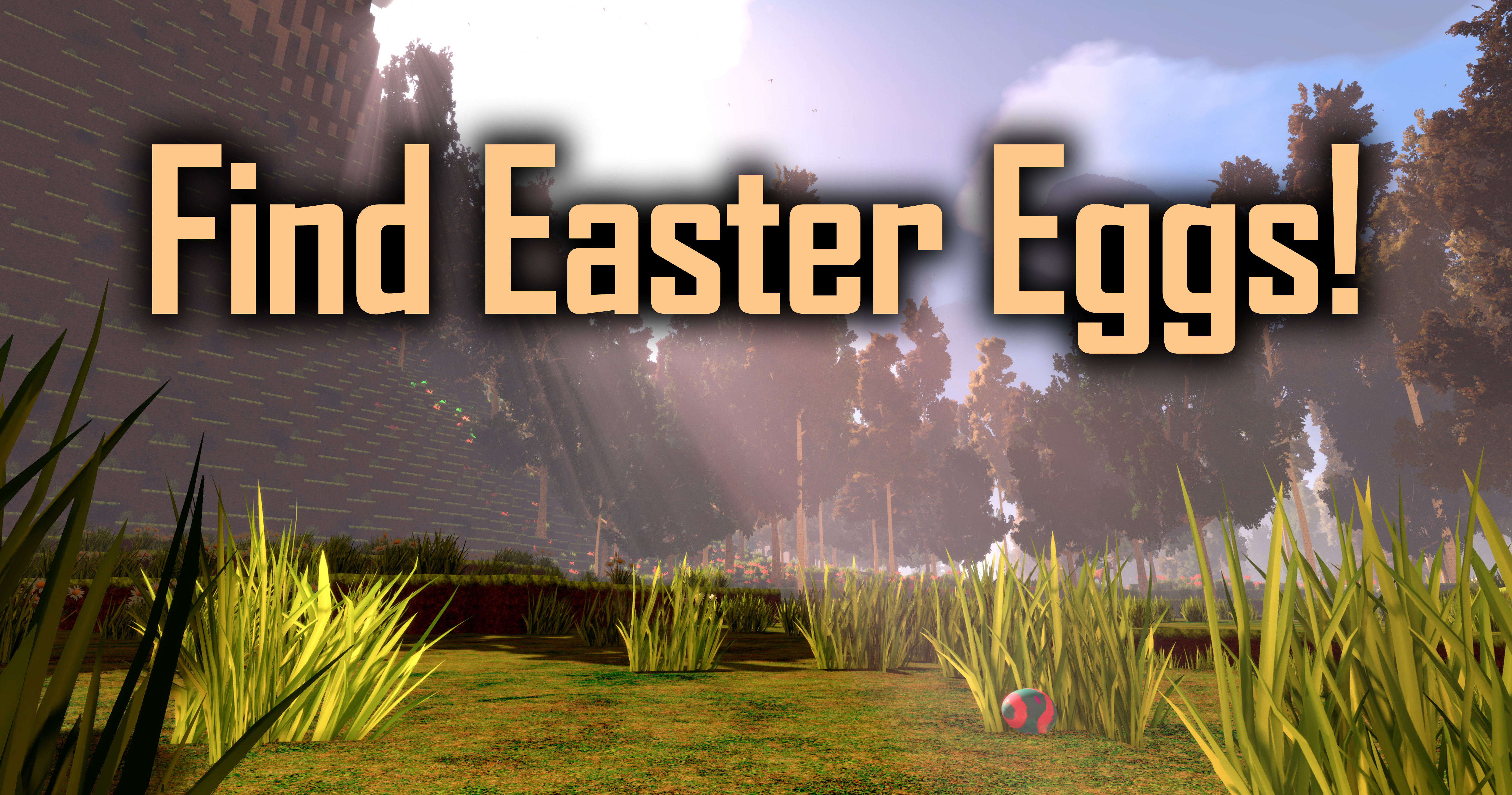
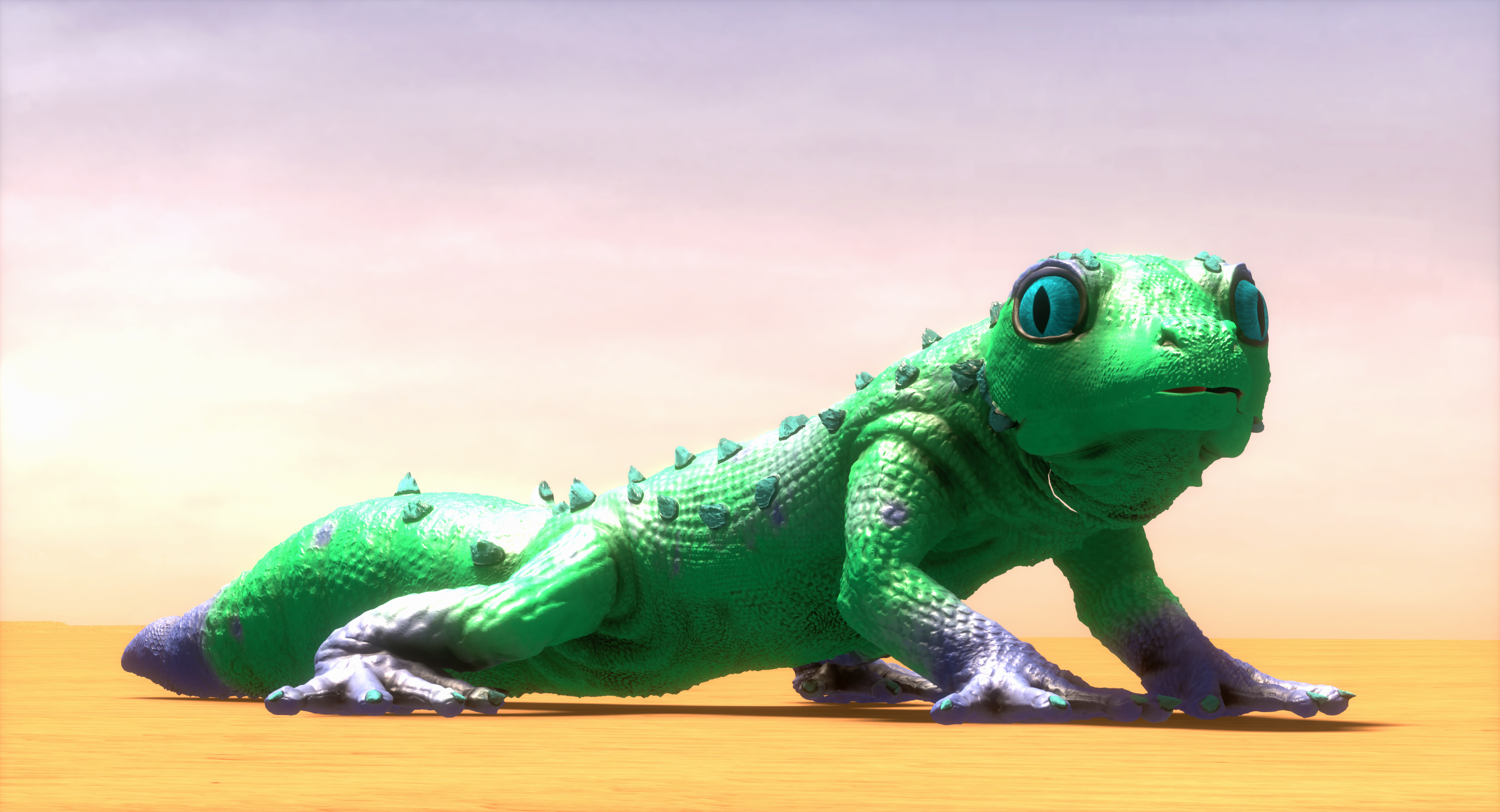
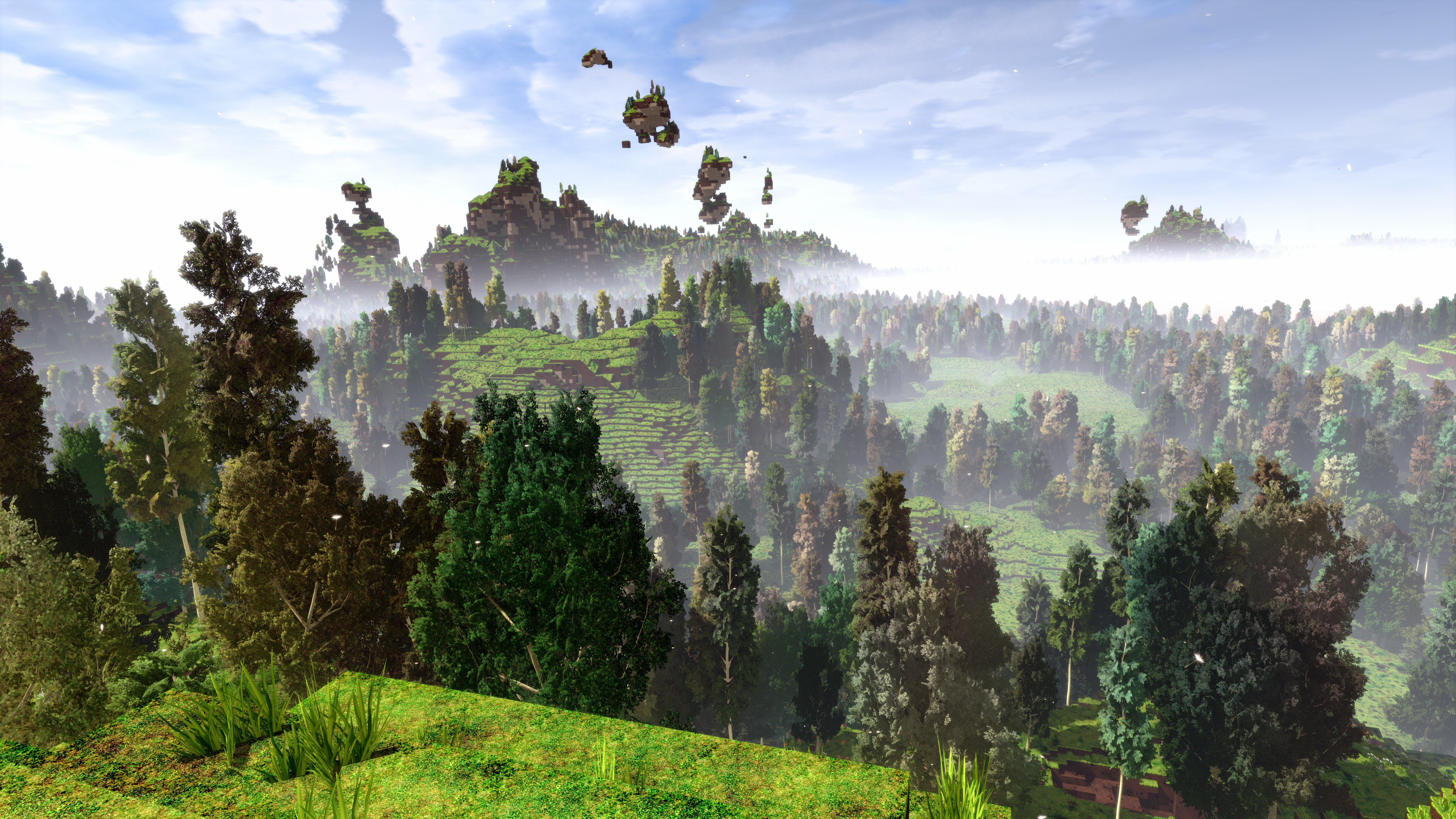
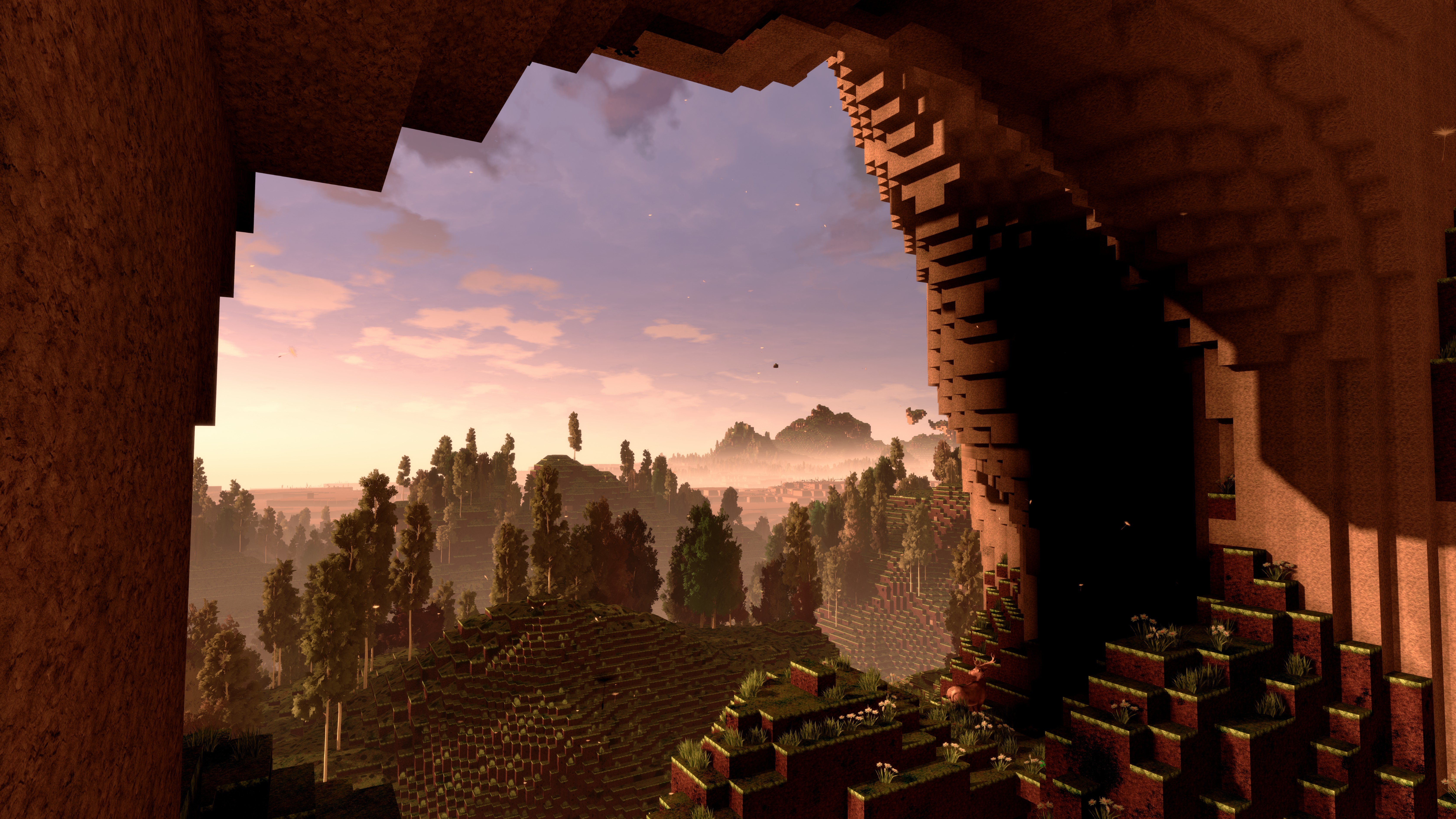
Happy Easter! During Easter, you can find easter eggs in your cyubeVR world!
Happy Easter everyone!
On Easter Sunday, Monday, and Tuesday, you can find Easter eggs in your cyubeVR world!
Since it's Easter, a bunch of easter bunnies have worked hard to hide easter eggs all over your cyubeVR world. If you play the game within the next 2 days, then with a good eye you'll be able to find many easter eggs with different designs hidden between grass in the world. And they're not just useless easter eggs. They contain useful items!
The easter bunnies were very generous this year, and have put many valuable resources into the easter eggs. You might find regular dye, coal or copper, but maybe also gold or rainbow dye. Some bunnies have even hidden easter eggs in your chests, so make sure to also look into those!
Also, sadly, some easter bunnies were not as generous as others, and decided to keep the easter eggs for themselves. They will not give them to you on their own. If you grab and lift up one of those selfish bunnies, they will drop the easter egg that they tried to hide from you. So if you want to be sure, lift up every bunny you find, and you'll find some more easter eggs!
You will also find some colored bunnies riding on the back of deer these days :)
Since it's easter, here are two cool screenshots of builds from the cyubeVR community that make sense to showcase today:
Easter Egg | Built by: Sceptrex
Rabbit | Built by: ChibiArcher
That's all for today! If you like the game, don't forget to tell other people about it and write a review on Steam if you haven't done that already, even if its just a few words. Thanks for caring about the game and as usual, make sure to report all issues you see and give me as much feedback as possible in the official forums or the official discord server, join it before its full ;) We're over 3000 people there already, come and join us! If you don't like something about the game, tell me there and I'll try to improve it! I'm available to chat with anyone in discord :)
Update 50 for cyubeVR is live! Significant optimizations and more!
Hey everyone, Update 50 for cyubeVR is live!
This update adds very significant optimizations like reducing the RAM usage of the game by a whole 4 GB, a new awesome movement option, new helpful hints making the game easier to learn for new players, visual improvements, and many other significant improvements and bugfixes! And if you enjoy to use all your software in dark mode, you'll consider the newly added dark mode for the cyubeVR main menu the most important new feature ;)
Let's take a look at the long list of changes first, and after that, let's get into more detail for the biggest changes!
Significant optimization regarding RAM usage of the game: cyubeVR now uses 4 GB less RAM!
Added a new awesome "Hybrid" option to the "Movement Orientation" setting
Significantly optimized CPU performance when walking around in a world with a lot of torches or chests or picture frames placed
Significant CPU frame time optimizations when having a high view distance (>150) and having generated the terrain for much of it
Significantly optimized world generation speed
Added a dark mode to the main menu
Updated the visuals of the loading screen, it's now much prettier
Made it possible to chop wood logs quicker and more accurately
Reduced the amount of crystal blocks that get generated by 50%
Crystals are now only 1/3 as magically bouncy as before when being mined
Fixed desktop mirror of the game sometimes flickering in the main menu
Fixed it being possible to create a world with an empty name which then caused a lot of issues
Added a new setting "Expert Settings" that is set to "Hidden" by default
Added a "Delete all Free Crystals" button at the bottom of the stats (needs Expert Settings enabled)
Fixed it being possible to walk through placed fences
Renamed Metal Pod to Metal Pot
Made empty slot texture in chests prettier
Fixed the "place torch in torch" bug
Halved the amount of circulating birds in the sky
Made the bow hint text appear sooner, and stay for longer
Added two hint texts explaining that you can put a crystal into the build tool
Added hint text explaining to recharge crystals in sunlight and moonlight when crystal in bucket is empty
Added hint text explaining that a torch can be placed on the ground, wall or ceiling
Added a hint text that explains you can resize objects like chairs, tables etc
Added a hint text that explains you can move blocks
Added a "How to craft something" button in the crafting recipe overview, only visible before the player has successfully crafted anything for the first time
Fixed item quick drop hint text appearing when dragging out many crystals from inventory (it should not appear for crystals)
Renamed "Smooth Loco Speed" setting to "Walking Speed"
Renamed "Locomotion Direction" setting to "Movement Orientation"
Changed the default option for the "Movement Orientation" setting to "Head"
Changed the order of the settings in the "Gameplay" tab to have the most important settings be at the top
Changed default option for turning from Snap 22.5° to Snap 45°
Fixed a possible crash when having a lot of chests
Fixed it being possible to light up items in chest on fire
Fixed birds high up in the sky flickering, especially with DLSS enabled
Fixed chest slots being visible when holding items that are attached together in a hand
Fixed that sometimes when wanting to take a whole stack from chest to inventory only one item is taken
Moved the area for grabbing an arrow a bit further forward, making it easier to hit
Improved snow accumulation on trees, it is now more synchronized with the snow accumulation on the ground, and there's also a bit less snow on the trees, making them less fully white
Made snow accumulation on trees and the landscape in the distance more in sync with snow accumulation on trees and landscape up close
Improved wording on some of the tutorial pages
Fixed the bucket sound being audible for a short while when starting the game
Fixed it being possible to grab a flintstone and attach it to another block with crafting
Fixed the physics of the monitor lizard when shot with an arrow (it was trying to become an astronaut too much)
Adjusted order of the tutorial pages
Fixed the haptic feedback from the shovel always happening in the right hand, even if it's used with the left hand
Fixed duplication bug with the radial menu when using the advanced control scheme on index controllers
Fixed shoulder slot not getting greyed out correctly when placing last of a block from there that's also in a radial menu slot
Fixed tree re-spawning when walking away too far from a tree while it's chopped and falling
Fixed trees often being back after rejoining the world after cutting them down
Added haptic feedback for wiggling the axe out of the tree
Fixed crash after cutting down a lot of trees
When starting a new world, the torches you start with are now automatically in a radial menu slot
Fixed block staying in radial menu slot after manually deleting it from the inventory
When adding a placable item to the inventory, it now automatically gets added to an empty radial menu slot (if one exists)
Made the news in the main menu look better (less bright)
The news in the main menu is now automatically scrolled down a bit further to show more relevant text
Fixed "sometimes after walking for a long time and then modifying the chunk you're standing on, the chunk becomes invisible" bug
Fixed "sometimes after walking for a long time, you get an unwanted teleport" bug
Fixed "sometimes after walking for a long time, you see a green flash" bug
Fixed an invisible axe sometimes being stuck in hand after chopping down a tree
Updated compiler to latest version
Chunk rebuild CPU performance optimizations
Fixed crash when grabbing items while they fall into the bucket
When using stick on tree, the wood pieces now spawn a bit further away when the tree is large
Fixed crash when quickly picking grass
Fixed tree disappearing for a few seconds when walking away from it while looking at it
Made the overlap area of the delete bar in the inventory taller, so it's easier to hit now
Other CPU performance optimizations
Other small bugfixes
A lot of optimizations
This update adds a lot of significant optimizations, reducing the RAM usage of the game by at least 4 GB (even more if you use custom INI settings), making world generation noticeably faster, improving framerate a lot when using very high view-distances, and making the game run much smoother when walking around in worlds that contain a lot of torches, picture frames or chests, making sure there are no framedrops from loading or unloading such objects.
Smooth framerates are super important for getting a perfect immersive experience in a VR game like cyubeVR, so this update helps a lot with that. cyubeVR is one of the most pretty VR games, and that is great, but only if it also goes hand in hand with being one of the most optimized VR games, so a lot of time is spent with optimizing all the code in cyubeVR as much as possible! In case you didn't know yet, cyubeVR is written in highly-optimized C++ and using a modified version of Unreal Engine 4 with various custom optimizations added to the UE4 code.
Before this update, there also was an issue with using the games special high-resolution screenshot feature leading to constantly reduced framerate after taking such a screenshot - this is fixed now, so if you ever encountered it, remember that you can now take nice 8K screenshots all the time without having to worry about performance!
New "Hybrid" movement orientation
You are likely familiar with there usually being two different movement orientatation options in VR games - Either the movement is head-oriented (thumbstick forward moves you in the direction you look at), or the movement is controller-oriented (thumbstick forward moves you into the direction your thumb points to). cyubeVR also had these two options for a long time, but in some cases, neither of them are ideal. Controller-oriented movement for example suffers from the downside of holding your controller upside-down making you move backwards when pushing the thumbstick forward, which usually does not feel right.
Most VR game players consider something like hip-oriented movement ideal, but that is only possible if some kind of hip tracker is used (e.g. Decamove). Normally a game can only know about the location and orientation of your head and hands, and not of the rest of your body.
With this Update, cyubeVR now gets a third movement orientation option, called "Hybrid". This option is basically using a fancy algorithm to estimate your chest orientation, and then use that for movement. It has the same advantages as controller-oriented movement (easily being able to walk in a direction different from where you are looking) while not sharing problems like turning the hand upside down making you move backwards when you actually want to move forwards.
Based on feedback from all the beta testers who tried it, this new "Hybrid" option seems to now be the favorite movement orientation among people who tried it. So you should definitely try it out, you'll like it! :)
Additional Hint Texts and crafting tutorial
As part of every update, I try also to do something that makes "learning" the game easier - it's easy to just focus on the requests of the "hardcore" players who play cyubeVR for hundreds of hours and know everything in the game perfectly, but it's also important to ensure that new players have a good time when they play the game for the first time! For that, the game now has some additional "hint texts" that appear if the game thinks the player might not know something and would benefit from some hint, this time focusing especially on letting a player know about all the cool crystal-related features of the game.
For new players of the game, there now also is a "How to craft something" button next to any crafting recipe. Clicking this button plays a video that shows how crafting in cyubeVR works. That way, it should be 100% clear to everyone how to craft something, even to people who ignore any tutorial in the game. The "How to craft something" button is only visible until you have successfully crafted anything for the first time. After that, the buttons disappears.
Thanks very much to all the Patreon supporters!
A big thanks to everyone for supporting the development of cyubeVR on Patreon! I'm working full-time on cyubeVR, and it's quite hard to make a living purely off the Steam sales of the game, so any Patreon Supporter is really worth a lot for the continued development of the game. Thanks so much to all the Patreon Supporters (list sorted by total lifetime donation, highest first):
ChibiArcher, ErrorNull, @B4nH4mm3r on Discord, Al Raw, SkgBlaze, Shanya / Sabrina, Tom Hörberg, Arados, WillyVR, KroyVR, David O, Tiddlez, Austin Flores, Sceptrex, Lucanes, WarChi1d, Jackerino, David R., Dark Slaughter, MightyDuck, Lucas van Leiden, DiamondHunter_, HeyMika, mazzawoollza, Lynx, Netshaman, gunair, Alphie, Eti the Spirit, Bucket Codes, Lordoldmanrets, Daniel Crawford, texhnobees, TinyMrMan (MB), Curzek, Saltshine, Adrian Sawn, joerkig, Connor A, Algiz, Dave Pearson, VenturePopTV, Yasha, MurphChops, SingingFluffyUK, Talsma
Patreon rewards are being mentioned in the list of Patreon supporters in the main menu, getting a special colored name in the official cyubeVR Discord, and physical items like a sticker, mug, or t-shirt with cyubeVR designs.
More awesome new custom blocks
Recently, more new custom blocks were added to the workshop! Let's mention some of them here:
You can install every one of them with a single button click, and immediately use them for building in the game. Make sure to regularly browse through the Steam Workshop and subscribe to anything you find useful for building in cyubeVR!
If you're interested now in creating your own custom blocks for cyubeVR, here you can find a tutorial about how to create custom blocks for cyubeVR - as long as you are familiar with using any image editing software, it's a really fun and easy process! https://steamcommunity.com/app/619500/discussions/3/1640917625019543783/
As usual, thanks very much to our great beta testers in the official cyubeVR discord who tested this update as part of 24 separate beta builds! That's a lot of beta builds! If you want to test new features earlier when they come out in the beta branch, make sure to join the discord and take a look at the #beta-build-patch-notes and #beta-build-discussion channel!
That's all for today! If you like the game, don't forget to tell other people about it and write a review on Steam if you haven't done that already, even if you just write "good game". Writing a positive review is the easiest way you can support the game because indie devs like me are very dependent on the Steam Algorithm recommending the game to new people to be able to afford to keep working on it!
Thanks for caring about the game and as usual, make sure to report all issues you see and give me as much feedback as possible in the official forums or the official discord server, join it before its full ;) We're over 3400 people there already, come and join us! If you don't like something about the game, please tell me there and I'll try to improve it! I'm available to chat with anyone in discord :)
There's also the official cyubeVR subreddit on Reddit, if you're active on Reddit, make sure to subscribe to it and maybe post some great screenshots there!
Looking forward to hearing what you think about the new update :)
Cheers!
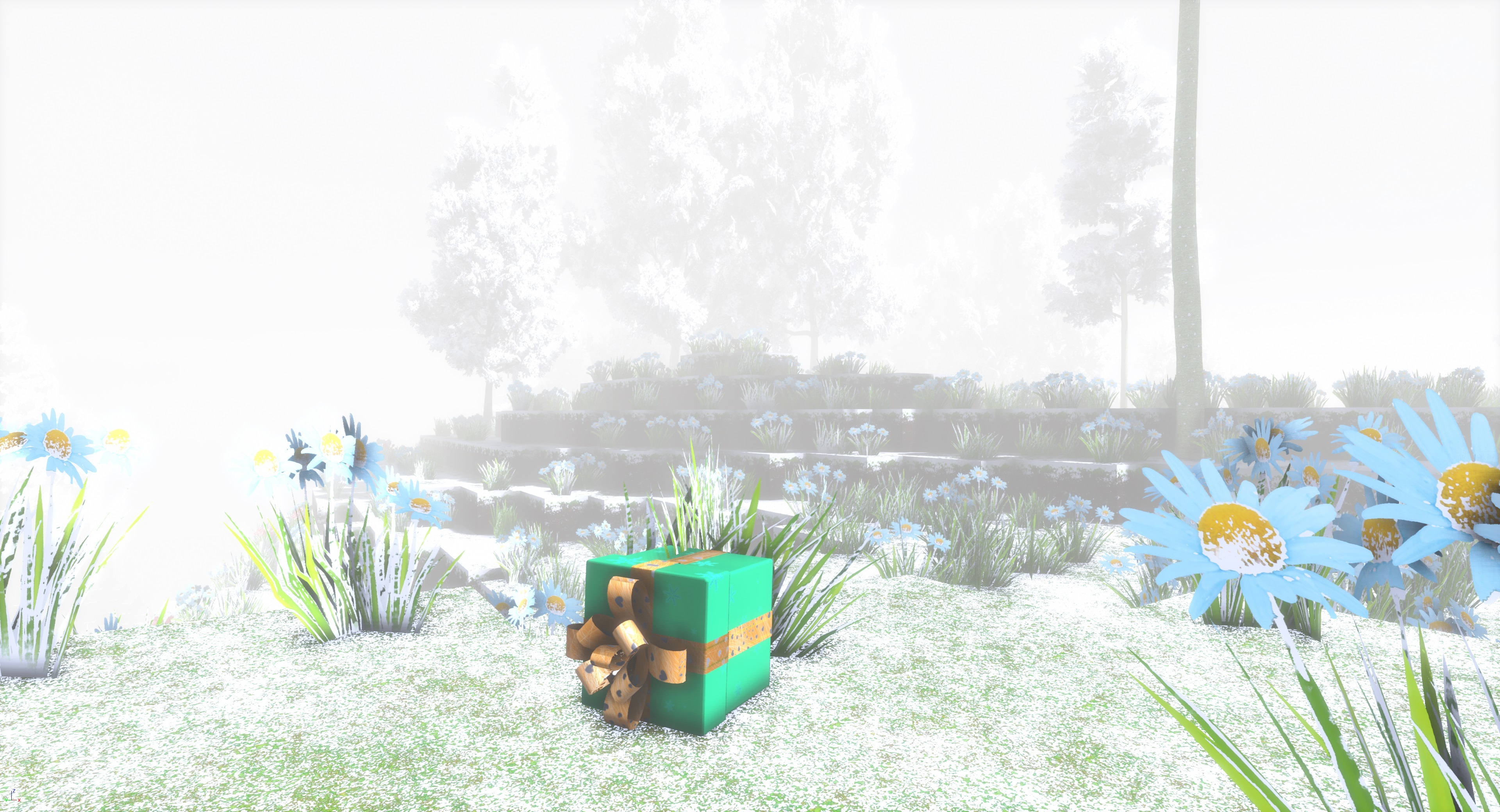
Until December 31, you can find Christmas presents in your cyubeVR world!
Merry Christmas everyone!
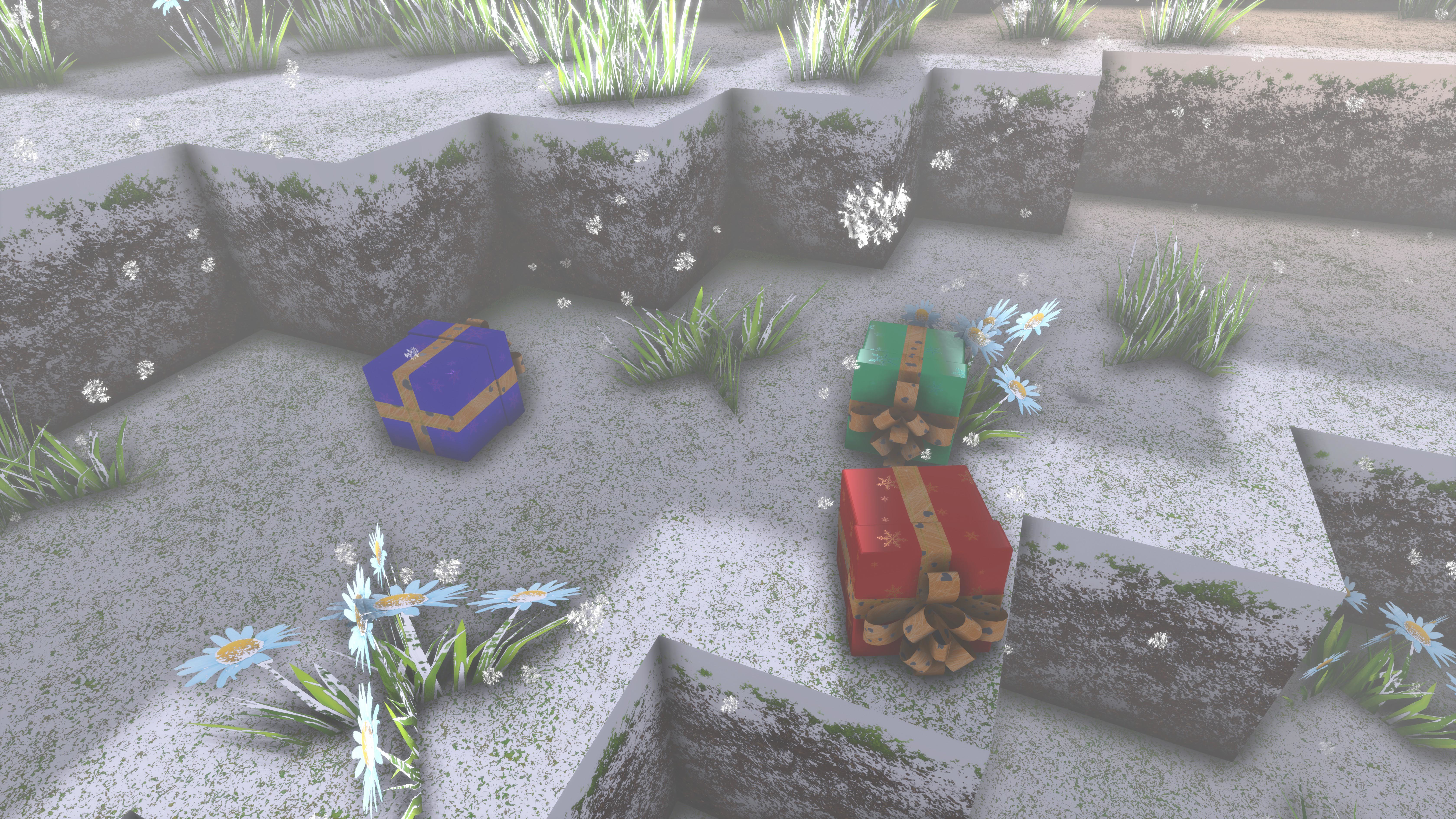
Santa flew over your world, and a bunch of Christmas presents fell off his sleigh! Now there's Christmas presents scattered all across your world, and no one will be there to pick them up, unless you find them!
Until December 31, you can find Christmas presents in your cyubeVR world!
Inside of the christmas presents you find items - could be gold, could be rainbow dye, but might also just be normal dye or some coal.
Someone also managed to hide some presents in some of your chests - you have no idea who would do that, but they are there, and you're happy about that!
Let me also use this opportunity to thank you all for being a great community! Thank you to everyone who supported development of cyubeVR in any way this year - that's everyone who bought and played it, or streamed it, or made videos of it, or gave feedback in the Discord, or tested beta builds, or did any modding like creating custom mod blocks, or told other people about it, or wrote a review on Steam, or supported it through Patreon! 2021 was the best year with the most recognition and community activity for cyubeVR yet. Let's hope that 2022 will be even better!
Let's mention all the awesome Patreon supporters here too (list sorted by total lifetime donation, highest first):
ChibiArcher, Al Raw, ErrorNull, @B4nH4mm3r on Discord, Shanya / Sabrina, SkgBlaze, WillyVR, KroyVR, David O, Tiddlez, Austin Flores, WarChi1d, Jackerino, Sceptrex, David R., Lucanes, mazzawoollza, Tom Hörberg, Arados, Dark Slaughter, Netshaman, Lucas van Leiden, DiamondHunter_, HeyMika, Lordoldmanrets, gunair, texhnobees, MightyDuck, Adrian Sawn, Daniel Crawford, Algiz, Lynx, Bucket Codes, joerkig, Connor A, TinyMrMan (MB), Curzek, Saltshine, Yasha, SingingFluffyUK, Eti the Spirit, MurphChops, Dave Pearson, Talsma, VenturePopTV
Here's two cool screenshots of builds from the cyubeVR community that make sense to showcase here today:
Christmas Tree | Built by: ChibiArcher
A Winter Scene | Built by: Sceptrex
That's all for today, and probably also this year! If you like the game, don't forget to tell other people about it and write a review on Steam if you haven't done that already, even if its just a few words. That's one of the the best christmas presents you can give me :) Thanks for caring about the game and as usual, make sure to report all issues you see and give me as much feedback as possible in the official forums or the official discord server, join it before its full ;) We're over 3000 people there already, come and join us! If you don't like something about the game, tell me there and I'll try to improve it! I'm available to chat with anyone in discord :)
There's also a cyubeVR subreddit available on Reddit, if you're active on Reddit, make sure to subscribe to it and maybe post some great screenshots there!
Update 49 for cyubeVR is live! Adding a great new control scheme, and much more!
Hey everyone, Update 49 for cyubeVR is live!
This update adds an awesome completely new control scheme using a "Half-Life: Alyx"-inspired Radial Menu with fully ambidextrous tool/block selection and additional Shoulder Slots! It also adds DLSS Support, improved bow controls and mechanics, a significant upgrade to "Astronaut Deer", some funny commands for streamers, and many other significant improvements, bugfixes, and optimizations!
Let's take a look at the long list of changes first, and after that, let's get into more detail for the biggest changes!
The game now has a great new control scheme using a Radial Menu on both hands and Shoulder Slots! (Much more info below)
New bow controls, and various improvements to the bow mechanics
Added DLSS support
Big upgrade to "Astronaut Deer"! Launching deer now have flames coming out of their rear end, and they explode!
Added a "hover to pause" button to rotating crafting recipes
Added a visual indicator for where to attach a tool to a wall mount, visible when holding a tool near a wall mount
Added two new options to the "Night Darkness" setting: There's now the options "Dark", "Realistic", "Brighter", "Brightest"
Added some funny commands for streamers
Updated all the controller button mapping overviews for the new control scheme
Updated all the tutorial pages for the new control scheme
Added a message showing up explaining that SteamVR needs to run to play cyubeVR if you attempt to play cyubeVR without SteamVR installed
Significantly improved the visuals of hint texts
Updated all the torch icons to look better
Improved how custom block icons are displayed in the briefcase UI
Adjusted the wallstone recipe, it now gives 24 wallstone instead of 16
Adjusted the glass block recipe, it now gives 32 glass blocks instead of 50
Improved loading screen: The loading screen % now has one decimal digit and there is less of a freeze at 20%
Improved where the wood block items spawn when hitting a tree with the stick, it is now much more predictable, and they won't sometimes fly away
Added a hint text explaining how to use the bow
Added a hint text explaining how to make processed wood
Added a hint text explaining that you can put a crystal into the bucket
Improved the regular stone block texture
Improved the dark processed wood texture
To move the block placement distance slider on a hand, the finger now needs to hover for a minimum of 0.2 seconds over it before it moves in any direction
Made the overlap area between the index fingertip and the block placement distance slider smaller
Unprocessed wood blocks placed with crystal assisted block placement now always drop blocks when destroyed
Sledgehammers on crystal blocks now never drop any crystals
Added two new screenshots to the community screenshot showcase in the main menu
Improved behavior of preview block, when finishing placing a lot of blocks the preview block now immediately is at the new location
Adjusted the "less than 100 MB free space" warning text to make it clear that there is a difference between actual free space and free space that is usable for the game
Added "Chunk you're currently standing on" stat to the "Stats" tab of the settings
Moved the coordinates to the top of the "Stats" tab
Made gravity glove aim more forgiving for items up close
Made aiming at the crafted structure of multiple items easier with gravity glove, and improved the grab position when grabbing them that way
Moved the "drop behind shoulder" area forward a bit, to make it easier to hit even if someone drops it "on" the shoulder instead of "behind" the shoulder
Made it so that successfully crafted structures lose their physics when adding them to the bucket, to not make the physics make them fly away sometimes
Scrolling in the briefcase UI is now also possible with the right thumbstick on Index controllers, and not just with the right touchpad
Cleaned up all old SteamVR input actions
Made sure that the UI in the main menu is fully rendered in front of the white lines, not behind, on the desktop mirror too
Reduced brightness difference in torchlight between damaged and undamaged blocks
Made the "Brighter" Night Darkness setting a bit darker than before ("Brightest" is now identical to what "Brighter" was before)
Leaning over an elevated chest will no longer "move you up"
It's now no longer possible to use gravity gloves on wall-mounted tools (to prevent accidentally removing tools from a wall mount)
Improved smoothing of briefcase (anti-shaky-hands)
When having the Astronaut Deer setting at "Off (Boring)", the physics of the deer are now even more boring than before
Arrows shot from the bow now have a certain minimum speed, so even when not drawing the bow much they won't just "shoot at your feet"
Updated compiler to the latest version
Enabled more aggressive compiler optimizations
Added a sanity-check that makes the game crash when it detects a chunk would incorrectly get regenerated
Fixed game music sometimes restarting for some people before the track was done playing
Fixed a duplication issue with chests and item quick drop feature
Fixed flickering when damaged blocks finished healing
Fixed a possible issue with the bindings setup
Fixed there being a blue glowing dot in the left hand in the main menu
Fixed ground mesh objects staying placable at last valid location while placing when first pointing at the ground and then pointing into the air
Fixed the first block preview visually moving a bit when placing blocks with crystal assisted block placement while walking at the same time
Fixed it being possible to move the block distance slider while it's invisible
Fixed the shot arrow projectile looking smaller than the arrow in your hand
Fixed stick sometimes being greyed out after dying
Fixed the iron sledgehammer being set to drop more items from blocks than the copper sledgehammer
Fixed inbuilt thumbstick deadzone not being applied everywhere where thumbstick values are read
Fixed the "can't mine this" hint text sometimes incorrectly coming up when hitting stone with the stick
Fixed the hand not always visually keeping its grip closed when holding a tool
Fixed the item quick drop hint text incorrectly mentioning "touchpad" on Oculus controllers
Fixed swapping a tool with a tool in the stick slot incorrectly deleting the tool
Fixed the sliders on the hands being visible in the main menu
Fixed opposite hand staying in placing mode when placing the last one of a mesh object type
Fixed there sometimes being a few floating pieces of melting iron/sand in the furnace
Fixed wall mounted colored torches having incorrect color on their wall holder mesh
Fixed there being a black "Death Star" above the player when using a very high view distance
Fixed spawning of Christmas presents, it now works again the way it was intended to work
Fixed Christmas presents sometimes containing "Buggy Stone"
Fixed one very rare, long-existing rare crash
Fixed crash when successfully gravity-glove grabbing an item while it's getting sucked into the bucket
Fixed crash when holding a burning block item in the hand until it's fully burned out
Fixed that deer were still sometimes headbanging
Fixed the game sometimes not playing audio when it's not in focus
Various small optimizations
New control scheme with Radial Menu and Shoulder Slots!
This update adds a completely new control scheme to cyubeVR, using a "Half-Life: Alyx"-inspired Radial Menu as the main way of selecting tools and blocks, with two additional "Shoulder Slots" for even more convenience!
This new control scheme makes the controls way easier to learn for new players, and it also just feels better.
All the tool and block selection controls are now fully ambidextrous and symmetric, meaning you are no longer limited to only being able to select tools or blocks on the right hand quickly - it's now all available on both the left and right hand, making the game way more convenient to play especially for left-handed people, but also for everyone else due to way quicker tool selection on the left hand, and the additional benefit of now being able to place blocks with the left and right hand simultaneously! Dual-wielded block placement! It means twice the possible building speed if you can coordinate your two hands well enough! Placing blocks, placing torches, placing decorative items, using crystal assisted block placement, it all works the same with the left and right hand now.
A lot of effort was put into making the radial menu feel super polished regarding its visuals, animations, sound effects, and haptics. Every beta tester so far loved it, so most likely, you will too!
An important change accompanying the move to a Radial Menu is that instead of previously having separate 4 "Tool Slots" and 4 "Block Slots" to use, there are now simply a total of 8 "Radial Menu Slots" which you can freely use for both blocks and tools, plus additionally 2 "Shoulder Slots" which can also freely be used for anything.
The Shoulder Slots allow you to equip tools or blocks by simply grabbing behind your shoulder with either hand. So you can put your most-used tools/blocks there for super quick and convenient access.
IMPORTANT: If you did any manual changes to the SteamVR Input Bindings of cyubeVR in the SteamVR Bindings UI, you will have to reset your bindings back to the default. The new control scheme uses many completely new input actions.
Improved bow controls and mechanics
For the new ambidextrous tool/block selection using the radial menu, one more button was needed on the left controller - so this was a great opportunity to much improve the handling of the bow in cyubeVR. Instead of being bound to a special button that was doing nothing else than enabling/disabling the bow, the bow is now a tool like any other in cyubeVR. So the bow is now getting selected through the Radial Menu, the same as any other tool.
The second radial menu slot is now the "Bow Slot", just like the first radial menu slot is the "Stick Slot". You can override the bow with another tool if you want to, and you can always get it back if you remove the other tool/block from that slot again, same as the stick. So you can never lose the bow. But you can loose the bow! ;)
Another big improvement of this is, the bow can now be selected on both hands, using the radial menu. So the bow is no longer only available on the left hand, it's fully ambidextrous now! Having left-handed bow controls has been a request for a long time from left-handed players, as especially with a bow, it's hard not to use it with your correct hand. So now, everyone should be fully happy in this regard!
The way how you draw another arrow and shoot was also adjusted to be easier and more convenient: When you hold a bow in either hand, moving your other hand behind your head and then pressing and holding trigger now grabs a new arrow. Releasing the trigger at any point drops the arrow. Moving the hand to the bow while keeping the trigger pressed, nocking the arrow, drawing back the bow, and then releasing the trigger is how to shoot the bow now.
A lot of small details of the bow mechanics have also been adjusted: The hand now grips the bow at a more realistic position (higher up), the arrow now rests on a more realistic position (higher up) and the arrow now more realistically points "a bit towards the inside".
It's also now possible to have the bow active in one hand, and a tool or block placement active in the other hand. Only once you draw an arrow, your arrow hand drops what it was holding before and grabs the arrow.
DLSS Support
Not much needs to be said about this - you probably all know what DLSS is by now, and cyubeVR now supports it! So if you use an Nvidia RTX GPU, you can now enable DLSS in the options for either better visuals or improved GPU performance. Depending on your VR Headset, SteamVR render resolution, and your GPU, the exact impact it has will vary.
Astronaut Deer Upgrade
Astronaut Deer got a big upgrade! Launching deer now have flames coming out of their rear end, and there's an explosion when they are at their apogee. Hopefully, this will now make it 100% clear to everyone that cyubeVR's "Astronaut Deer" are an intended feature, and not a bug, and will even further increase the laughter people experience when first shooting a deer in cyubeVR ;)
And of course, you can still disable this with the "Astronaut Deer Off" option in the game if you prefer realistic deer over astronaut deer.
Funny commands for streamers
There was an interesting suggestion from streamers a while ago, what if viewers of a cyubeVR stream could trigger some fun events to happen for the streamer in the game? It was easy to implement some commands as an experiment, so these commands now exist:
- Pressing Ctrl+Alt+Shift+Q now teleports a deer to the current player location
- Pressing Ctrl+Alt+Shift+W now makes all chests within 10 meters around the player open and close their lids
- Pressing Ctrl+Alt+Shift+E now makes a (placed) dirt block appear randomly in an area in front of the player
- Pressing Ctrl+Alt-Shift-T now randomly knocks one wall-mounted torch close to the player off the wall
They have been in the beta build for a while now and tested by various streamers, and yes, indeed, it's very funny to make blocks or deer appear in front of streamers while they play cyubeVR ;) If you want to make use of these commands for your stream, you will have to set up some software that converts chat commands to local key presses, there are various free tools available to do that which you probably know if you're a streamer, this one, for example, seems to work well with cyubeVR for this purpose: https://streamer.bot/.
Additional Hint Texts
As part of every update, I try also to do something that makes "learning" the game easier - it's easy to just focus on the requests of the "hardcore" players who play cyubeVR for hundreds of hours and know everything in the game perfectly, but it's also important to ensure that new players have a good time when they play the game for the first time! For that, the game now has some additional "hint texts" that appear if the game thinks the player might not know something and would benefit from some hint.
Added screenshots to community screenshot showcase
In the main menu of the game, cool screenshots of builds from the cyubeVR community get showcased. This update adds two new screenshots:
A Winter Scene | Built by: Sceptrex
Mountain Home | Built by: Talsma
If you also have also built something cool that's worthy to be showcased there, simply post it in the #screenshots channel in the cyubeVR Discord, and it will be considered for the showcase in the main menu.
Thanks very much to all the Patreon supporters!
A big thanks to everyone for supporting the development of cyubeVR on Patreon! I'm working full-time on cyubeVR, and it's quite hard to make a living purely off the Steam sales of the game, so any Patreon Supporter is really worth a lot for the continued development of the game. Thanks so much to all the Patreon Supporters (list sorted by total lifetime donation, highest first):
ChibiArcher, Al Raw, ErrorNull, @B4nH4mm3r on Discord, Shanya / Sabrina, SkgBlaze, WillyVR, KroyVR, David O, Tiddlez, Austin Flores, WarChi1d, Jackerino, Sceptrex, David R., Lucanes, mazzawoollza, Tom Hörberg, Arados, Dark Slaughter, Netshaman, Lucas van Leiden, DiamondHunter_, HeyMika, Lordoldmanrets, gunair, texhnobees, MightyDuck, Adrian Sawn, Daniel Crawford, Algiz, Lynx, Bucket Codes, joerkig, Connor A, TinyMrMan (MB), Curzek, Saltshine, Yasha, SingingFluffyUK, MurphChops, Dave Pearson, Talsma, VenturePopTV
Patreon rewards are being mentioned in the list of Patreon supporters in the main menu, getting a special colored name in the official cyubeVR Discord, and physical items like a sticker, mug, or t-shirt with cyubeVR designs.
More awesome new custom blocks
Recently, more new custom blocks were added to the workshop! Let's mention some of them here:
You can install every one of them with a single button click, and immediately use them for building in the game. Make sure to regularly browse through the Steam Workshop and subscribe to anything you find useful for building in cyubeVR!
If you're interested now in creating your own custom blocks for cyubeVR, here you can find a tutorial about how to create custom blocks for cyubeVR - as long as you are familiar with using any image editing software, it's a really fun and easy process! https://steamcommunity.com/app/619500/discussions/3/1640917625019543783/
You can find Christmas presents in the game!
Until December 31st, you can find Christmas presents in the game! Santa flew over your world and lost some presents on the way, containing various useful items, including gold and rainbow dye! You can also find Christmas presents in some of your chests.
As usual, thanks very much to our great beta testers in the official cyubeVR discord who tested this update as part of 46 separate beta builds! That's a lot of beta builds! If you want to test new features earlier when they come out in the beta branch, make sure to join the discord and take a look at the #beta-build-patch-notes and #beta-build-discussion channel!
That's all for today! If you like the game, don't forget to tell other people about it and write a review on Steam if you haven't done that already, even if you just write "good game". Writing a positive review is the easiest way you can support the game because indie devs like me are very dependent on the Steam Algorithm recommending the game to new people to be able to afford to keep working on it!
Thanks for caring about the game and as usual, make sure to report all issues you see and give me as much feedback as possible in the official forums or the official discord server, join it before its full ;) We're over 3000 people there already, come and join us! If you don't like something about the game, please tell me there and I'll try to improve it! I'm available to chat with anyone in discord :)
There's also a cyubeVR subreddit available on Reddit, if you're active on Reddit, make sure to subscribe to it and maybe post some great screenshots there!
Looking forward to hearing what you think about the new update :)
Cheers!
Update 48 for cyubeVR is live! Better torch lighting, and a lot of improvements!
Hey everyone, Update 48 for cyubeVR is live!
This updates adds better looking and more optimized torch lighting, a better looking night sky, a lot of new hint texts to make it easier to learn various mechanics of the game, and a lot of general improvements, optimizations and bugfixes.
Because the VR-YouTuber habie147 recently make an awesome cyubeVR video on YouTube that got over 550k views, over the past month, noticeably more people than usually have played cyubeVR! That also means, noticeably more people than usually have given good feedback and reported bugs that were previously not known. So a lot of the additions and fixes in this update are thanks to all that feedback from new players, especially related to how to make things easier to understand for new players, and making sure that the game is 100% bug-free!
Let's take a look at the long list of changes first, and after that, let's get into more detail for the biggest changes!
Improved torch lighting, making it look better and run much faster when having placed thousands of torches
Significant optimizations to chunk update code
Adjusted color scheme of the game to now be more warm at day, and more cold at night
Added a progress indicator (%) to the loading screen
Made radius of the sun and moon in the sky smaller (more realistic)
The moon now has different, much more realistic movement
Improved visuals of the night sky. Stars are now smaller and have a higher resolution, so overall more realistic
A stone pickaxe is no longer doing any damage on iron ore and crystal blocks now. For getting iron tools, a new player now has to build at least a copper pickaxe first
Changed the texture of copper ore, it's now much easier to see
Added 16K screenshot option
Changed the texture of up/down side of light unprocessed wood, it looks better now
Adjusted furnace mechanics to no longer have any leftover iron/sand when smelting exactly 20 items
Improved visuals of hand torch lighting, it now looks much "smoother", less "blocky"
Putting your head into a wall now makes the screen become dark-green instead of black
Deer are now sometimes looking specifically at the player when they idle
Improved shadow resolution and distance on high-res screenshots
Added additional screenshots to the community screenshot showcase in main menu
Increased resolution of tree bark textures
Adjusted the min spec warning text in the main menu a bit
Improved text and visuals of the "Can't modify world here yet" warning
Increased "time between dropping an item from a chest before it needs to enter the bucket to move the whole stack" from 1 second to 1.2 seconds
Disabling the bow on the left hand now always makes the left hand go back to "hand" mode, instead of previous selected mode
Added an ingame setting for the focus warning and adjusted text and improved visuals of it
Made it so that it's possible to place blocks even while the inventory is opened, as long as you're not pointing at the inventory
Made backward and forward buttons in community screenshot showcase in main menu larger and brighter
Moved "INI" setting of view distance and terrain LOD quality to the left instead of the right
Fixed a lot of typos in the tutorial
Improved visuals of high-res screenshot
High-res screenshots are now saved as lossless compressed PNG instead of uncompressed TGA
The high-res screenshot handling (compression, writing to file, submitting to Steam) is now multi-threaded
Fixed it being possible to accidentally take more than 2 screenshots at once
Renamed screenshot setting from "Screenshot Resolution" to "Screenshots".
Added "Off" option to "Screenshots" setting, and added an info text explaining how they work
Made it so that torches no longer glow after removing them from a wall
Improved positioning of the compass in the hand so that the thumb isn't clipping through it a lot
Improved how the "Exit Game" button in the main menu exits the game
Moved the crystal slot on the head slightly further back and up
The hint text telling you to put what you crafted into bucket/shoulder now stays for 7 instead of 6 seconds
Added hint text when dragging out a lot of items (more than 6 items in 22 seconds) from the inventory without using the item quick drop feature, explaining how to use the item quick drop feature
Added hint text when hitting a block the stick can't mine with the stick, explaining that you need a better tool
Added hint text when trying to destroy a chest that is not empty, explaining that it needs to be empty to be destroyed
Added hint text when trying to destroy a furnace while it's burning, explaining that it can't be destroyed while it's burning
Added hint text when chopping a tree with an axe: If you need more than 10 hits, a hint text tells you that 3 hits parallel to the ground in the same spot is what's needed
Added hint text when grabbing more than 7 items in 30 seconds from a chest and dropping them into the world, explaining how to move a whole stack from a chest into the inventory
Fixed "teleport boots" having collision and pushing around blocks on the ground
Fixed the bucket not being lit by torches when it's dark
Fixed torch you hold in your hand not being lit by it's own light
Fixed gravity glove on right hand not working when the inventory is opened on left hand
Fixed it sometimes not being possible to grab grass/flowers with the right hand
Fixed result of crafting not always being updated correctly with custom blocks
Fixed red inventory laser pointer not being visible when in picture frame picture selection mode
Fixed default pictures for the picture frames not working
Fixed item held by right hand not dropping when enabling tool/place mode on right hand
Fixed "Builder" achievements on Steam not counting and unlocking correctly
Fixed it being possible to damage or move the block below a respawn torch
Fixed crash when being at world height limit of 800
Fixed red health effect being visible on high res screenshots
Fixed health regeneration not working when invincibility is enabled
Fixed loading screen often getting stuck when leaving a world and entering it again
Fixed it sometimes being possible to place a block item inside of another block item when crafting
Fixed it being possible to place blocks in the center of the furnace
Fixed it being possible to place torches inside of objects like chests/furnaces etc
Fixed "Crafting recipe list thinking you hover over incorrect item" bug
Fixed the upper/lower part of the desktop mirror flickering when loading screen is visible
Fixed wall-mounted torches not being lit themselves by their own light
Fixed it being possible to drag out the tool from the slot you currently have active in your right hand, and thus temporarily duplicating the tool
Fixed crash sometimes happening when destroying a furnace
Fixed loading screen sometimes going away already before the trees around the player have been spawned
Fixed gravity glove "glow indicator" not looking correct on "free" torches that have been removed from a wall
Fixed moon being "behind the stars"
Fixed "Dual Wield Copper Sledgehammers" achievement not unlocking correctly when physically grabbing copper sledgehammers in both hands
Fixed iron turning to glass when leaving the game exactly while the iron was flowing out of the furnace
Fixed possible duplication issue with iron/sand in furnace
Fixed some other potential bugs in the code that might never have been noticeable anyways
Fixed a possible crash
Better looking and better optimized torch lighting
This update brings way more optimized, and also better looking torch lighting!
This change was sparked by one player (roehrensockel) spending hundreds of hours building a very impressive giant tower in cyubeVR (he posted some nice screenshots in the cyubeVR Discord!), so huge that updating the main chunk of that tower became noticeably slower for him. A chunk in cyubeVR is very tall vertically (800 blocks), so the case of building something relatively thin and very tall is what taxes it the most. So something needed to be optimized there!
The main slowness was the torch lighting code, so the best solution there was just rewriting that in a way more performant way. This also was a great opportunity to fix some long-existing bugs with the torch lighting, like that sometimes there were some unnatural lighting borders between chunks, or that rainbow torches sometimes had not-very-smooth light transitions.
The new torch lighting code works quite differently than before, it's not just way faster, but it also looks noticeably different. Especially regular torches look more "realistic" now, less "just yellow everywhere". You will immediately see the visual difference if you have a lot of torches placed!
Here's some screenshots:
It's not trivial to update all the chunks from the old lighting system to the new lighting system, so there can sometimes be some incorrect torch lighting transitions between chunks as part of this move to the new lighting code - if you see something like that, just damage or place a block near incorrect lighting and that will automatically fix it.
There's also some other significant optimizations to chunk update code in this update, so it's generally faster, with the most noticeable improvements in the case of building a giant vertical tower that goes all the way up to the building height limit of 800 blocks.
16K screenshots and general screenshot improvements
cyubeVR is a game primarily about building, and a lot of people love to take great looking screenshots of what they've built! So for a long time, cyubeVR had an 8K screenshot feature that you can trigger by holding both teleport buttons for 2 seconds. That was now improved, and now it supports 16K screenshots too! The setting for this has been renamed from "Screenshot Resolution" to "Screenshots" and allows you to pick between "Off", "4K", "8K" and "16K" now.
16 Ks! That's KKKKKKKKKKKKKKKK! Steam only supports a maximum of roughly 7K, so if you take an 8K or 16K screenshot, it get's downsampled by the game to 7K for the submission to Steam. In your Steam library, you see the "small" 7K JPG version of the screenshot, while the full resolution lossless version of the screenshot can always be found in %localappdata%/cyubeVR/Saved/Screenshots.
Here is an example of how such a 16K screenshot looks like, this is a 16K screenshot taken by KroyVR, of a great bridge he's building in cyubeVR:
Here's how a 16K screenshot looks like after being downscaled to 7K and compressed by Steam, this is a village built by ChibiArcher in cyubeVR:
One important thing to note is that these 16K screenshots can only be taken quickly with a very good GPU, because such a huge image needs a lot of VRAM to be generated. On GPUs with 8 GB or less VRAM, it's much better to keep the setting at 8K. But if you have a RTX 3090, you finally have one game now that can benefit from the 24 GB VRAM it has!
Other improvements to the high-res screenshot feature are that they are now saved as lossless compressed PNG instead of uncompressed TGA, so they take less space than before. The screenshot handling (compression, writing to file, submitting to Steam) is also now multi-threaded! So no matter if you take 4K, 8K or 16K screenshots, you will see a big improvement in how long it takes to take a screenshot with this update.
Improved night sky and colors
The time of day in cyubeVR is constantly changing, so night is an important part of the game. With this new update, the colors during night are generally much colder now than before. That makes night feel more realistic! The stars have also been updated and are higher-res now and also looking more "realistic" (more stars, smaller stars). The movement of the moon was a bit crazy before, now it has been changed to a speed according to the real moon on Earth, and the moon size has also be adjusted to make it look more like Earths moon.
Here are some screenshots of night now in cyubeVR, taken at the "Realistic" night darkness setting:
Additional Hint Texts
As part of every update, I try to also do something that makes "learning" the game easier - it's easy to just focus on the the requests of the "hardcore" players who play cyubeVR for hundreds of hours and know everything in the game perfectly, but it's also important to make sure that new players have a good time when they play the game for the first time! For that, the game now has a lot of additional "hint texts" that appear if the game thinks the player might not know something and would benefit from some hint.
Changed mining progression mechanics
Previously, it was possible to directly mine iron ore with a stone pickaxe, and thus completely skip over the second (copper) tier of tools. That now changed! A stone pickaxe is no longer doing any damage on iron ore and crystal blocks now. For getting iron tools, a new player now has to build at least a copper pickaxe first. When trying to mine iron ore or crystals with a stone pickaxe, a hint text now pops up that explains that a copper pickaxe is needed to mine those blocks.
Since it now became more important to find copper, the copper texture has also been changed to be a lot easier to see.
Thanks very much to all the Patreon supporters!
A big thanks to everyone supporting the development of cyubeVR on Patreon! I'm working fulltime on cyubeVR, and it's quite hard to make a living purely off of the Steam sales of the game, so any Patreon Supporter is really worth a lot for the continued development of the game. Thanks so much to all the Patreon Supporters (list sorted by total lifetime donation, highest first):
ChibiArcher, Al Raw, Shanya / Sabrina, ErrorNull, @B4nH4mm3r on Discord, WillyVR, SkgBlaze, David O, KroyVR, Jackerino, mazzawoollza, WarChi1d, Lucas van Leiden, DiamondHunter_, HeyMika, David R., Netshaman, texhnobees, Dark Slaughter, Sceptrex, Adrian Sawn, gunair, Algiz, Lucanes, Lordoldmanrets, SingingFluffyUK, Daniel Crawford, joerkig, Connor A
Patreon rewards are being mentioned in the list of patreon supporters in the main menu, getting a special colored name in the official cyubeVR Discord, and physical items like a sticker, mug, or t-shirt with cyubeVR designs.
More awesome new custom blocks
Recently, more new custom blocks were added to the workshop! Let's mention some of them here:
You can install every one of them with a single button click, and immediately use them for building in the game. Make sure to regularly browse through the Steam Workshop and subscribe to anything you find useful for building in cyubeVR!
If you're interested now in creating your own custom blocks for cyubeVR, here you can find a tutorial about how to create custom blocks for cyubeVR - as long as you are familiar with using any image editing software, it's a really fun and easy process! https://steamcommunity.com/app/619500/discussions/3/1640917625019543783/
As usual, thanks very much to our great beta testers in the official cyubeVR discord who tested this update as part of 21 separate beta builds! If you want to test new features earlier when they come out in the beta branch, make sure to join the discord and take a look at the #beta-build-patch-notes and #beta-build-discussion channel!
That's all for today! If you like the game, don't forget to tell other people about it and write a review on Steam if you haven't done that already, even if its just "good game". Writing a positive review is the easiest way you can support the game, because indie devs like me are very dependent on the Steam Algorithm recommending the game to new people to be able to afford to keep working on it!
Thanks for caring about the game and as usual, make sure to report all issues you see and give me as much feedback as possible in the official forums or the official discord server, join it before its full ;) We're over 2600 people there already, come and join us! If you don't like something about the game, tell me there and I'll try to improve it! I'm available to chat with anyone in discord :)
There's also a cyubeVR subreddit available on Reddit, if you're active on Reddit, make sure to subscribe to it and maybe post some great screenshots there!
Looking forward to hearing what you think about the new update :)
Cheers!
Update 47 for cyubeVR is live! The First Survival Update!
Hey everyone, Update 47 for cyubeVR is live!
This is the first "Survival Update" for cyubeVR, adding the health, death, respawn and fall damage mechanics, plus many more great new things, and of course also additional performance optimizations and bugfixes.
Let's take a look at the list of changes first, and after that, let's get into more detail for the biggest changes!
Added Health System, Death, and Respawn System
Added Respawn Torches
Added Fall Damage
Improved how the inventory works with regards to the right hand
Gave the Inventory Briefcase a new design, much better looking than before
Added "Crystal Mining Light" that you can put on your head to give off constant light for 10 minutes
Added new setting: "Invincibility"
Added new setting: "Terrain LOD Quality"
Added new setting: "Save AA Performance"
Added new setting: "Night Darkness"
Added new setting: "Image Brightness"
Added two new settings sliders in the settings (gameplay tab) that allow adjusting the bucket angle
Removed "Small Scale Shadows" setting, because they don't cost any performance
Improved handling of loading settings with regards to newly introduced settings
Adjusted how exactly the hand has to grip the controller for the "natural grip" to be detected with index controllers
Added a "Please kill me half" button in the "Stats" tab of the settings
Added additional screenshot (sky castle by alan61333) to the community screenshot showcase in the main menu
Made grass (foliage) generally a bit darker
Increased the amount of smoothing on the inventory "laser pointer" a bit
When hovering over a crystal icon in the crafting recipes overview, it now says "Magic Crystal (any color)"
Added hint text when holding a valid crafted green glowing item in your hand for more than 10 seconds
Added hint text appearing if you try to add an item to your inventory while it's full
Changed the color of the main menu background
Unified font of the text in the main menu
Made sound of torches in hand a bit quieter
Slightly adjusted visuals of the teleport indicator
Improved wording of some tutorial pages
Significant CPU-side performance optimizations, with the most noticeable improvement when very quickly mining a lot of blocks
Significant GPU performance optimizations
Fixed sides of some blocks sometimes looking fully black for a short while when mining with area damage tools
Fixed using gravity gloves on a block item and then not catching it breaking grabbing the item until you did another successful gravity glove grab
Fixed it being possible to enable tool mode or block place mode on right hand while bow is active
Fixed the long-existing bug that wall-mounted torches would sometimes not want to be wall-mounted any more
Fixed deletion of world in main menu sometimes not working correctly
Fixed "progress bars" sometimes being visible below custom blocks in the inventory
Fixed it being possible to "draw another arrow" and trigger the "Quiver" achievement while not having the bow active
Fixed it not being possible to reset "Locomotion Direction" setting to default
Fixed bug that molten pieces of iron/sand sometimes fell through the upper chamber of the furnace
Fixed inventory not opening on left hand if left index finger was detected as fully straight with index controllers
Fixed deleting tool directly from tool quick bar incorrectly deleting different item from the regular item list
Fixed multiple possible crashes
Health, Death, Respawn
If you've played cyubeVR previously, you know that cyubeVR is a very chill and peaceful game, ideal for everyone who enjoys immersing themselves in a beautiful infinite world in VR and being creative. But one of the biggest feature requests from many players has always been to also add "Survival Gameplay" to cyubeVR, to make it possible to play the game in a less peaceful way. So now, the time has come for survival features!
One important note first: If you prefer to play the game without any fear of death, just enable “Invincibility” in the “Gameplay” tab of the settings. Then cyubeVR is same chill and peaceful as always, and you can keep building without having to pay any attention to your health. But by default, "Invincibility" is disabled, so let's talk about what this now means!
On both of your hands, you now see a green "wristband" that indicates your health. With full health, the wristband is fully visible, with less health, it's a less complete circle. Additionally to the wristband on the hands, if you are low on health, you also see a red effect on the edges of your vision that becomes stronger the lower your health is, and you also see blood on your hands. If you are hurt, automatic health regeneration slowly heals you over time.
An important part of survival gameplay is of course "respawn". Every game with health needs some mechanic for that, and cyubeVR now also has one, making use of "Respawn Torches"!
You now start the game with one respawn torch in your inventory. If you load a world you previously played in, you will also see a respawn torch appear in your inventory the next time you load the game (if you have a full inventory, it will appear once you make some free space for it). Respawn torches look very cool, different than all other torches in the game. They're very "magical", and give off a bit of purple light.
If you place a respawn torch in the world, that position will be where you respawn when you die. Without having a respawn torch placed, you will respawn where you originally started the game, which might be far away from where you currently are - so once you found a place where you want to stay, make sure to place a respawn torch there!
You can also craft and place additional respawn torches, using a new recipe you can find now, but placing additional respawn torches deactivates the respawn torches you previously placed. Only one respawn torch can be active at any time. You can activate inactive respawn torches by putting a crystal into them, but that consumes the crystal, so you don't want to switch your respawn point too often. You can also collect a respawn torch again and place it somewhere else, but only if it's either the only respawn torch in the world, or currently not active. If you have multiple respawn torches in the world, and you want to collect the currently active respawn torch, you need to first activate one of the other inactive respawn torches again.
So, what happens when you die? First, you see a very nice looking death animation. All items from your inventory stay where you died, and a blue floating orb appears where you died, with your inventory "floating above it". A very tall death beacon will be visible at your death position, which you can see from very far away, even far outside of your view distance. This death beacon marks your death position, to allow you to easily find your way back to where you died, because nothing would be more frustrating than dying and not finding your way back to get your inventory back. The death beacon will slowly fade away over time, until it disappears after 60 minutes. So don't wait too long if you want to get your inventory back! If you die multiple times in 60 minutes, then multiple death beacons can be visible, and you can identify the most recent one by which one looks the most "powerful" and least "faded away". The items from your inventory stay forever where you died, only the death beacons have a limited lifetime.
Once you walked back to your death position, you can either collect your full inventory by sucking up the blue orb with your bucket, or selectively collecting individual items from your old inventory by dragging and dropping them into your main inventory. If you collect all the items from your old inventory, the blue orb disappears, and the death beacon also disappears.
Fall Damage
There's now fall damage! You can take damage, or die, from fall damage. The damage is linearly proportional to the height.
The exact amount of fall damage you take depends on the type of block you fall on. Falling on hard ground like stone is significantly more damaging than falling on soft ground like grass or dirt. The exact values used are these: Falling on hard ground like stone starts causing damage at 4 blocks height, and max damage (death) is reached at 26 blocks height. Falling on soft ground like grass or dirt or sand starts causing damage at 8 blocks height, and max damage is reached at 60 blocks height. Falling on any other blocks starts causing damage at 6 blocks height, and max damage is reached at 40 blocks height.
Improvements to how the inventory works with regards to the right hand
Previously, opening the inventory would always move the right hand into "laser pointer" mode. This was sometimes a bit confusing for people to understand at first, especially if someone had the inventory opened, looking at the tutorial explaining how to do something with the right hand, but it wouldn't work while looking at the inventory.
Now, the right hand stays in the mode it was in before, even while the inventory is opened, and it's also possible now to select a different mode on the right hand, like the tool mode or block placement mode, while the inventory is opened. The only thing that remains not possible is placing blocks while the inventory is opened, to not accidentally place blocks when using the trigger in the UI.
New settings
There's a lot of useful new settings with this update, to allow everyone to customize the game to their liking as much as possible. Here's a list of the new settings and what they do:
"Terrain LOD Quality": Allowing you to adjust how detailed the terrain is further away from you. To save performance, the detail gets reduces after a certain distance. This setting now allows you to increase the visual fidelity of this, at some extra performance cost. There's three options: "Normal", "Ultra", and "INI". Previously, it was possible to adjust this setting in the INI file, using the "ViewDistanceLOD" settings, and there was no way to dynamically adjust it while the game is running. Now, if you set "Terrain LOD Quality" to "INI", your value from the INI will be used, "Normal" is the same default as always (4, 8, 12), and "Ultra" is a higher quality setting for people with good hardware (8, 12, 16).
"Invincibility": Allowing you to choose if you want to have the whole health/death/respawn system enabled, or just play fully peacefully with infinite health.
"Night Darkness": Allowing you to make night more realistically dark if you want to. By default, night is quite bright in cyubeVR. There are two settings now, "Realistic" and "Brighter". The default is still "Brighter", but if you want to, you can now make it "Realistic", which is more immersive, but also more difficult regarding gameplay, as you see less, so it's a lot easier to e.g. accidentally fall into a cave while walking around.
"Image Brightness": Allowing you to affect the overall brightness of the game. You can choose between "Normal", which is the default, and "Darker". This affects very bright blocks the most (e.g. a white block hit by sun light).
"Save AA Performance": This has three options: "Automatic", "Force On", and "Force Off". What this setting does if its enabled is disabling antialiasing (AA) on the edges of the view, so a bit like fixed foveated rendering. This saves some significant GPU performance, and should be unnoticeable in VR, due to the most outside area of the view being outside of sweet spot anyways. It is slightly noticeable on the edges of the desktop mirror window though, so if you record videos or stream the game, you should disable it. Having it enabled saves around 5% GPU performance. This is still a bit experimental, so for now, if you set it to "Default", it's only enabled on Valve Index, and disabled on all other headsets. "Force On" enables it no matter which headset you use, and "Force Off" is doing the opposite.
"Bucket Angle (Roll)" and "Bucket Angle (Pitch)": Allowing you to freely adjust the rotation of the bucket between -180° and +180° on two axis.
Crystal mining light
You can now put a "mining light" crystal on your head that gives off constant light! This is meant primarily for making the "Blocks mined in 10 minutes" world record in the game more interesting. Did you know recently a new record for this was set? "KroyVR" managed to mine 40822 blocks in cyubeVR in 10 minutes!
If you put a crystal on your head, it will now give off light (matching the color of the crystal) for 10 minutes and 30 seconds. So, exactly the time it probably takes to grab the tools you need, and then do 10 minutes of mining. And then you can mine without having to be in darkness for 10 minutes! After the time is over, the light stops and the crystal disappears, it's not re-usable in this case. But you'll probably accidentally find at least 50 new crystals if you spend 10 minutes mining with dual wielding iron sledgehammers.
Hint Texts
As part of every update, I try to also do something that makes "learning" the game easier - it's easy to just focus on the the requests of the "hardcore" players who play cyubeVR for hundreds of hours and know everything in the game perfectly, but it's also important to make sure that new players have a good time when they play the game for the first time! For that, the game now has some "hint texts" that appear if the game thinks the player might not know something and needs some hint. Currently, just in these 3 places:
- If you try to collect an active respawn torch while having multiple respawn torches placed in the world, a hint text will appear telling you to first re-activate one of the other inactive respawn torches
- If you try to add something to your inventory while your inventory is full, a hint text will appear that tells you that your inventory is full
- If you hold a green glowing crafted structure in your hand, or have it lie on the ground, and wait for over 10 seconds without collecting it, a hint text will appear (once), telling you that to finish crafting it, you need to put it into the bucket or drop it behind your shoulder.
With future updates, more of these hint texts will probably be added - if you know anything that you think wasn't clear when you played the game for the first time where you think the game should show some hint text to help, please let me know!
Thanks very much to all the Patreon supporters!
A big thanks to everyone supporting the development of cyubeVR on Patreon! I'm working fulltime on cyubeVR, and it's quite hard to make a living purely off of the Steam sales of the game, so any Patreon Supporter is really worth a lot for the continued development of the game. Thanks so much to all the Patreon Supporters (list sorted by total lifetime donation, highest first):
ChibiArcher, Al Raw, Shanya / Sabrina, ErrorNull, @B4nH4mm3r on Discord, David O, SkgBlaze, WillyVR, KroyVR, Jackerino, texhnobees, WarChi1d, Netshaman, Lucas van Leiden, DiamondHunter_, HeyMika, Adrian Sawn, David R., gunair, Algiz, Dark Slaughter, SingingFluffyUK, Sceptrex
Patreon rewards are being mentioned in the list of patreon supporters in the main menu, getting a special colored name in the official cyubeVR Discord, and physical items like a sticker, mug, or t-shirt with cyubeVR designs.
More awesome new custom blocks
Recently, more new custom blocks were added to the workshop! Let's mention some of them here:
You can install every one of them with a single button click, and immediately use them for building in the game. Make sure to regularly browse through the Steam Workshop and subscribe to anything you find useful for building in cyubeVR!
If you're interested now in creating your own custom blocks for cyubeVR, here you can find a tutorial about how to create custom blocks for cyubeVR - as long as you are familiar with using any image editing software, it's a really fun and easy process! https://steamcommunity.com/app/619500/discussions/3/1640917625019543783/
As usual, thanks very much to our great beta testers in the official cyubeVR discord who tested this update as part of 24 separate beta builds! If you want to test new features earlier when they come out in the beta branch, make sure to join the discord and take a look at the #beta-build-patch-notes and #beta-build-discussion channel!
That's all for today! If you like the game, don't forget to tell other people about it and write a review on Steam if you haven't done that already, even if its just a few words. Writing a positive review and spreading the word is the easiest way you can support the game! Thanks for caring about the game and as usual, make sure to report all issues you see and give me as much feedback as possible in the official forums or the official discord server, join it before its full ;) We're over 1600 people there already, come and join us! If you don't like something about the game, tell me there and I'll try to improve it! I'm available to chat with anyone in discord :)
There's also a cyubeVR subreddit available on Reddit, if you're active on Reddit, make sure to subscribe to it and maybe post some great screenshots there!
Looking forward to hearing what you think about the new update :)
Cheers!
Update 46 for cyubeVR is live! New achievements, features, bugfixes, and more!
Hey everyone, Update 46 for cyubeVR is live!
This update adds new achievements, a new additional way of adding things to your inventory, new haptic feedback on crafting, new useful settings, LIV support, plus many more smaller additions, bugfixes and improvements.
Let's take a look at the list of changes first, and after that, let's get into more detail for some of the changes!
Added 7 new achievements to the game
Added "Community Screenshot Showcase" in main menu
Added new, additional way of adding things to the inventory, by dropping them behind your shoulder (Alyx-Style)
Added feature to install some custom blocks directly from the main menu
The teleport indicator now has a new, better design
Added a new graphics setting: "Sharpness"
Added haptic feedback for crafting
Added LIV support back into the game
Improved anti-aliasing on grass and flowers
Updated UE4 to latest version (minor update)
Made monitor lizard play "look up" animation more often while idle
Added a new setting: "Location fade on teleport"
Various CPU-side optimizations, primarily for when quickly mining a lot of blocks with area damage tools
Fixed min spec warning in main menu being rendered behind regular main menu UI
Fixed main menu sometimes flickering for some people on desktop mirror of the game
Fixed iron shovel sometimes leaving behind "dirt" blocks that should really be "grass" blocks
Fixed non-placable items like coal ending up in the block place quick bar when adding them to the inventory
Fixed progress-based achievements not working correctly (Miner, Builder, Crafter)
Added hardcoded 10% thumbstick deadzone for left thumbstick to make sure the game always works correctly even with controllers with thumbstick drift
Fixed it being possible to get stuck "above" the world when using the bucket-fly trick
Fixed hover-text on crafting recipe ingredient incorrectly saying "Wood (any, same type)" for custom blocks
Adjusted the initial greetings text in the main menu
Fixed bug with area damage causing blocks to sometimes incorrectly disappear after they've healed
Added some smoothing to the teleport location pointer
7 new achievements
There have been some cool features in the game which never got an achievement associated with them yet. Because you surely want to be able to show off a cool achievement after you unlocked some of the cool things in the game, now some of these features got their own achievements! Here's a list of the 7 new achievements:
A Huge Furnace! - Placed a furnace Smelter - Smelted Iron Ore to Iron in the Furnace Gecko Grabber - Grabbed a Gecko Very Heavy Tool - Crafted an Iron Sledgehammer Transparent - Placed a Glass Block Building With Magic - Placed multiple blocks at once using crystal assisted block placement Gravity Glove - Grabbed something using gravity gloves
If you have any fun ideas for what kind of achievements you'd like to see be added to the game in the future, be sure to post them in the Discord of the Forums!
Community Screenshot Showcase in Main Menu
In the main menu of the game, to the right of the main UI, there's a new "Community Screenshot Showcase" slideshow now, showing everyone the coolest builds created by people playing the game! So, a slideshow of the most amazing builds ever posted to the #screenshots in the official cyubeVR discord. It automatically switches images every 6 seconds, but it also has a "back" and "forward" button allowing you to manually switch between the images if you want to spend a bit more time looking at one specific image. For every screenshot, it mentions below what's shown on the screenshot (e.g. "House") and who has built it ("Built by: Name").
The slideshow always moves chronologically through those screenshots, but it starts at a random index every time the game is launched, so all screenshots are same likely to be seen.
These are the screenshots currently featured in that Community Screenshot Showcase:
Windmill | Built by: ChibiArcher
Dwarf Pub | Built by: gunair
Dwarf Library | Built by: gunair
Dwarf Library | Built by: gunair
Dwarf Pub | Built by: gunair
Interior | Built by: alan.raw
Interior | Built by: alan.raw
Interior | Built by: alan.raw
Huge Castle | Built by: Aelgiz
Huge Castle | Built by: Aelgiz
Floating Palace | Built by: Buchman
Unfinished Bridge | Built by: KroyVR
Shroom | Built by: KroyVR
Scrabble | Built by: Tino
Modern House | Built by: Maika
House | Built by: GARRthePIRATE
Aqueduct | Built by: Floater
Christmas Tree | Built by: ChibiArcher
Pixel Art | Built by: ChibiArcher
Crafting Nook | Built by: Floater
House | Built by: Wilroc
Glass Tower | Built by: Raven Seldon
If you have also built something similarly cool that you'd like everyone to see in that "Community Screenshot Showcase", it can definitely be added there, just post it into the #screenshots channel in the official cyubeVR discord :)
Added new, additional way of adding things to the inventory
It's now possible to add items, tools, torches, or anything else to the inventory by dropping them behind your shoulder. This mean you can now use "Gravity Glove + Drop behind shoulder" to add something to your inventory in 100% Half-Life Alyx style! This is a second, optional way of adding things to the inventory, and you can of course still also just use the bucket, which stays the main way of adding things to your inventory.
The bucket is definitely faster for picking up a lot of items at once, but for adding that one individual torch or tool you grabbed using gravity gloves to your inventory, this "behind-shoulder-add" makes a lot of sense, and it is what some people naturally expect they're able to do when they play around with gravity gloves.
Added haptic feedback for crafting
Previously, there was no haptic feedback when crafting. So you visually had to make sure that both block items you want to attach to each other are having the green outline to make sure that if you release one item, it get's attached to the other item. I've often seen that even people who have played hundreds of hours of cyubeVR still sometimes accidentally release an item in a slightly incorrect position, causing it to drop to the ground instead of being attached to the other item correctly. Now, with haptic feedback, you feel the controller vibrate only if you hold the new block item you want to attach in the exact correct spot for it to be attached to the other block items correctly. This means you can now, in theory, craft a simple recipe even if you're completely blind and deaf! That hopefully feels like a nice improvement to everyone!
Steam Workshop custom block install from main menu
Steam Workshop support for custom blocks is one of the greatest features of cyubeVR, as it means there's a huge and constantly growing amount of blocks, made by the community, available to install with one single click from the workshop! These blocks are super easy to use, same easy as all of the default blocks of the game. But some people might not be super familiar with the Steam Workshop and find it a bit hard to learn how exactly that works.
So to make it easier for those to get some really cool community-made blocks installed, there now is a new convenience feature: If someone starts the game for the first time without having any workshop blocks installed, the game shows a prompt in the main menu offering to install a developer-selection of some of the most useful blocks from the workshop, with one click. The player can choose yes, or no. If you already have any workshop blocks installed, you will never see this prompt, as it's just meant to help people who are not very familiar with the Steam Workshop to easily get access to some of the coolest community-made blocks in there. If you already have custom blocks installed, the game assumes you are familiar enough with the workshop to be able to pick yourself which blocks you find useful or not.
LIV support
LIV support is now back in the game, using the new UE4 LIV plugin the LIV devs released just a few days ago! So you can now take great Mixed-Reality videos or streams in cyubeVR again!
cyubeVR has usually been supporting LIV for a long time, but after the engine update to the newest Unreal Engine version 4.26 (done with cyubeVR Update 44), LIV was not working any more, because LIV was not supporting that quite new UE4 version yet. Now they released a new version that supports UE4 4.26, and also features includes other improvements, so now LIV in cyubeVR should work better than ever before!
Thanks very much to all the Patreon supporters!
A big thanks to everyone supporting the development of cyubeVR on Patreon! I'm working fulltime on cyubeVR, and it's quite hard to make a living purely off of the Steam sales of the game, so any Patreon Supporter is really worth a lot for the continued development of the game. Thanks so much to all the Patreon Supporters (list sorted by total lifetime donation, highest first):
Al Raw, ChibiArcher, Shanya / Sabrina, ErrorNull, @B4nH4mm3r on Discord, David O, SkgBlaze, KroyVR, Jackerino, texhnobees, WillyVR, Adrian Sawn, Netshaman, Lucas van Leiden, DiamondHunter_, HeyMika, Algiz, WarChi1d, gunair, David R., SingingFluffyUK, Dark Slaughter
Patreon rewards are being mentioned in the list of patreon supporters in the main menu, getting a special colored name in the official cyubeVR Discord, and physical items like a sticker, mug, or t-shirt with cyubeVR designs.
More awesome new custom blocks
Recently, more new custom blocks were added to the workshop! Let's mention some of them here:
Make sure to regularly browse through the Steam Workshop and subscribe to anything you find useful for building in cyubeVR!
If you're also interested now in creating custom mod blocks for cyubeVR, here you can find a tutorial about how to create custom blocks for cyubeVR - as long as you are familiar with using any image editing software, it's a really easy process! https://steamcommunity.com/app/619500/discussions/3/1640917625019543783/
As usual, thanks very much to our great beta testers in the official cyubeVR discord who tested this update as part of 11 separate beta builds! If you want to test new features earlier when they come out in the beta branch, make sure to join the discord and take a look at the #beta-build-patch-notes and #beta-build-discussion channel!
That's all for today! If you like the game, don't forget to tell other people about it and write a review on Steam if you haven't done that already, even if its just a few words. Writing a positive review and spreading the word is the easiest way you can support the game! Thanks for caring about the game and as usual, make sure to report all issues you see and give me as much feedback as possible in the official forums or the official discord server, join it before its full ;) We're over 1500 people there already, come and join us! If you don't like something about the game, tell me there and I'll try to improve it! I'm available to chat with anyone in discord :)
There's also a cyubeVR subreddit available on Reddit, if you're active on Reddit, make sure to subscribe to it and maybe post some great screenshots there!
Looking forward to hearing what you think about the new update :)
Cheers!
Update 45 for cyubeVR is live! Geckos, Monitor Lizards, new tools, and more!
Hey everyone, Update 45 for cyubeVR is live!
This update adds two amazing new animals to the game, a gecko and a monitor lizard, and also adds two new iron tools, an iron pickaxe and and iron axe! Plus many more smaller additions and improvements.
Let's take a look at the list of changes first, and after that, let's get into more detail for some of the changes, with some more nice screenshots!
Added a new animal in the desert: Geckos
Added a new animal in the desert: Monitor Lizards
Added a new tool: Iron Pickaxe
Added a new tool: Iron Axe
Added a completely new, better algorithm for the wind animation on trees
Added a new "Bester" quality option for the "Tree Distance Quality"
Increased damage of pickaxes and stick on stone
Added a slider in the settings for adjusting the smooth locomotion speed. Maximum is 50% more than before.
Added ingame setting "Tool Hit Item Smoke"
Reduced chance of rain (it was raining too often)
Added ability for animals to save/load their color variation
Added INI setting HapticFeedback=1, affecting haptic feedback on the controllers
Increased the range before the lowest quality LOD of some trees is visible
Adjusted how the antialiasing treats the flying dandelion particles, and how they're rendered
One significant GPU performance optimization
Improved parameters for the dynamic resolution algorithm
Significantly improved CPU rendering performance in worlds with a lot of active block items and/or open chests
Even more CPU optimizations to the chunk visibility system
Told the game the dates for easter 2021 and 2022
The first screenshot of the 8K screenshot now uses "Best" bloom instead of way stronger bloom
Fixed spawn rotation of animals not being correctly randomized
Fixed animals not walking around any more if you walked around a bit after joining the world
Fixed animals sometimes not saving/loading correctly
Fixed copper axe recipe video looking too bright
Fixed block quickbar fully being filled with torches when starting a new world
Fixed block items potentially being able to start burning when they should not
Fixed performance drop when placing a lot of blocks at once with crystal assisted block placement
Updated engine to latest UE4 version (minor changes)
Updated compiler (MSVC) to latest version
Various other optimizations
Two new animals! Geckos, and Monitor Lizards!
This update adds two new animals to the game, both roaming around in the desert! Suddenly you're not alone any more in the desert!
Both the Gecko and the Monitor Lizard were made by a community member: Xweert123. Thanks very much to him for that! Both animals were his idea, and he modeled, textured and animated them. Check out his Instagram, Youtube Channel, Sketchfab, Steam and Patreon!
Integrating community-made additions into the game is always possible if they are fitting into the game and are of high enough quality to satisfy the high visual standard of everything in cyubeVR. These two new animals are definitely fitting, and also of very high quality! They look really cool, thanks to both a high detail base mesh, and additional tessellation to make every small detail stand out, like the scales on the lizard and gecko. And, of course, as usual in cyubeVR, very nice high-res 8K textures.
The gecko is a relatively small animal, while the lizard is a relatively large animal. They are both extremely detailed, the gecko is likely the most detailed animal in the game yet.
And did I mention yet that the geckos lick their eyes? If you want to see how they lick their eye, check out this clip from KroyVR on Twitch where he ways playing the beta build of cyubeVR with geckos: https://clips.twitch.tv/ClearAgreeableNarwhalBudBlast-3mo0NNq3OvbJlciC
The monitor lizard also has a nicely animated tongue. If you're close enough that your nose touches it, where you can really admire the 8K textures, maybe the lizard will sniff you back.
One really cool thing about the geckos is that they appear in billions of different color combinations. They all look completely different, even the eye color of every gecko is different! You'll never find two geckos that look the same.
For example, here's a screenshot of different color combinations of geckos @Tino posted in the cyubeVR Discord:
The gecko is small enough that you can carry it around with you in one hand, same like a rabbit. I know you always wanted to have a pet gecko in the game! With the amount of color variations it has, you'll have a lot of fun trying to find the perfect pet gecko to take home with you.
If you have some luck, you actually might even find a gecko that has scales and eyes which glow in the dark!
Two new Iron Tools: Iron Pickaxe and Iron Axe
Previously, only an iron shovel and iron sledgehammer existed. With this update, the whole set of tools is now also available as iron tools.
Same like the iron shovel and sledgehammer, these new iron tools are very, very strong. If you like to build big, you'll love them!
The iron pickaxe is very quick at destroying stone. Quick enough that one hit of it destroys stone. It's still a precision tool though, so it does not make area damage like the sledgehammer does. The iron sledgehammer is the tool to use for quickly clearing big areas, while the iron pickaxe is the tool to use for quickly gathering resources and precision work on builds.
The new iron axe is an axe made out of... wait for it... iron. Now that was a huge surprise, right? Want to hear another surprising thing? The axe is quick at destroying wood! Yes! One hit is enough to destroy a block of wood and convert it to processed wood. And additionally, you even get 5 pieces of processed wood from any wood block when you use the iron axe to process it. So much wood! The iron axe is also still a precision tool, so no area damage.
New wind algorithm on trees
Trees now use a completely different algorithm for the wind animation on them. This fixes trees doing the visually unpleasing "jumping / flickering" while trees were loading / unloading, and it also slightly improves performance as this new wind algorithm is cheaper to calculate.
Thanks very much to all the Patreon supporters!
A big thanks to everyone supporting the development of cyubeVR on Patreon! I'm working fulltime on cyubeVR, and it's quite hard to make a living purely off of the Steam sales of the game, so any Patreon Supporter is really worth a lot for the continued development of the game. Thanks so much to all the Patreon Supporters (list sorted by total lifetime donation):
Al Raw, Shanya / Sabrina, ChibiArcher, ErrorNull, @B4nH4mm3r on Discord, David O, texhnobees, KroyVR, SkgBlaze, Adrian Sawn, Algiz, Lucas van Leiden, Netshaman, DiamondHunter_, HeyMika, Jackerino, SingingFluffyUK, gunair, WarChi1d
Patreon rewards are being mentioned in the list of patreon supporters in the main menu, getting a special colored name in the official cyubeVR Discord, and physical items like a sticker, mug, or t-shirt with cyubeVR designs.
As usual, thanks very much to our great beta testers in the official cyubeVR discord who tested this update as part of 10 separate beta builds! If you want to test new features earlier when they come out in the beta branch, make sure to join the discord and take a look at the #beta-build-patch-notes and #beta-build-discussion channel!
That's all for today! If you like the game, don't forget to tell other people about it and write a review on Steam if you haven't done that already, even if its just a few words. Writing a positive review and spreading the word is the easiest way you can support the game! Thanks for caring about the game and as usual, make sure to report all issues you see and give me as much feedback as possible in the official forums or the official discord server, join it before its full ;) We're over 1500 people there already, come and join us! If you don't like something about the game, tell me there and I'll try to improve it! I'm available to chat with anyone in discord :)
There's also a cyubeVR subreddit available on Reddit, if you're active on Reddit, make sure to subscribe to it and maybe post some great screenshots there!
Looking forward to hearing what you think about the new update :)
Cheers!
Update 44 for cyubeVR is live! Engine update, improved settings, and more!
Hey everyone, Update 44 for cyubeVR is live!
This update brings an update to the latest Unreal Engine version, a lot of internal code refactoring, some new convenience features regarding inventory management, new graphics options and more!
Let's take a look at the list of changes first, and after that, let's get into more detail for some of the changes!
Engine Update to latest Unreal Engine version (4.26.1)
Some big internal refactoring of some code, fixing possible crashes and improving performance
Added new "View Distance" setting in the ingame-settings of the game
Added Free C Disk Space check and warning
Added a new bloom setting, called "Best"
Added some small new convenience features for inventory management
Added a new graphics setting "Shadow Quality"
Improved tree visuals in 8K screenshots
Fixed LOD chunk not being visible if it contained invalid blocks
Fixed custom blocks of different types directly next to each other being incorrectly displayed as only one type in LOD chunks
Renamed "Default" bloom setting to "Crazy"
Improved visuals of the particles of the torch you see in your hand
Renamed "Medium" bloom setting to "High"
Renamed "Distance Shadows" graphics setting to "Distant Tree Shadows"
Optimized performance of "Distant Tree Shadows" a bit
Fixed "Blocks Mined in 10 Minutes" stat not always working correctly
If the view distance is set to be higher than 50, the game now automatically disables "Distant Tree Shadows"
Various Optimizations
Engine Update to Unreal Engine 4.26.1
An engine update again! This is roughly half a year worth of changes from the hundreds of programmers working on UE4!
Engine updates always mean millions of lines of code changed under the hood, and hopefully lead to improved performance and better compatibility with new hardware and new features like DX12. DX12 works significantly better with cyubeVR now than before, DX11 is still the default though. If you want to run the game with DX12, simply add "-dx12" as a launch option in the properties of the game in your steam library.
This is also one step closer to raytracing support, DLSS support, Linux support, and OpenXR support!
New "View Distance" setting in the ingame-settings of the game
With the last update, Update 43, a super awesome new view distance system was added to the game, making it possible to use near real-world view distances:
To enable those, it was necessary to edit an INI file though. Now, there is a new "View Distance" setting in the ingame-settings of the game, allowing you to adjust the view distance directly on the fly in the game, instead of having to change values in the INI file and having to restart the game to apply them!
The new "View Distance" setting in the ingame-settings has 5 options:
20, 50, 100, 200, INI
The default value is 20. If you set it to "INI", it will use the ChunkViewDistance value from the Game.ini. Otherwise, the setting from the ingame settings will overwrite the value you set in your Game.ini.
There also is an "info" icon next to the name of this new setting, which displays a big "tooltip text" when hovered, explaining how the view distance system of the game works, and where to find the INI to enter custom values, if needed.
If you previously had a higher view distance in your INI set, you now have to make sure to set this new setting to "INI", otherwise your view distance will always just be the default of 20.
New convenience features for inventory management
When adding a block to the inventory, while there's a fully empty block quick slot, the block is now automatically selected in that quick slot.
Also, when adding a tool to the inventory, while there's an empty tool quick slot, the tool is automatically moved to that quick slot.
These changes mean that, especially at the start of the game, you can collect blocks/tools and directly place/use them without ever having to open the briefcase.
Changes to bloom settings
Bloom is an interesting topic where the opinions of people hugely differ! So the only way to make everyone happy is to offer as many options as possible, so that everyone can pick the ideal option for themselves.
This update improves the names of the bloom settings, renaming "Default" to "Crazy", because "Default" has not actually been the default any more for years, so the name was just incorrect. It also renames "Medium" to "High", as "Medium" really was quite high already.
And most importantly, this update adds a new bloom option, called "Best". The existing bloom settings were all not perfect before. "High" and "Crazy" both are too strong for most people, as they made the image appear significantly less sharp, and you also noticed the low resolution they internally use for their calculation when you turned your head. "Low" was also not perfect, as it only introduced very low-scale bloom, less than what physically accurate bloom would be, it still had too strong contrasts between dark and very-bright areas. What was missing was a very high quality, closer-to-physically-accurate bloom between "Low" and "Medium", and that is what "Best" now is! It's the most performance intensive option out of all, as it's internally using a higher resolution to render than all the other options, but it's also, hopefully, what most people would consider "the best looking" one.
New "Shadow Quality" setting
A new setting has been added for adjusting the shadow quality! You can choose between "High" and "Ultra". The default is "High".
This new setting allows you to significantly increase the shadow quality at medium distances, if you have performance to spare. This is especially useful if you use a high view distance and you want to have good looking shadows on trees at a medium distance. The "Tree Distant Shadows" become more expensive with a higher view distance, and quite slow once you try to use a view distance higher than ~50. The "Shadow Quality" at "Ultra" has the same cost no matter if you have a View Distance of 50, or 500, and additionally looks better than "Distant Tree Shadows" at a medium distance. So if you have a fast GPU, and use a high view distance, disable "Distant Tree Shadows" and put "Shadow Quality" at "Ultra" for the best experience.
Also, if the view distance is set to be higher than 50, the game now automatically disables "Distant Tree Shadows" and hides the setting for it, as it would not be worth the performance cost any more. In that case, the new "Ultra" shadow quality should be used instead.
C:/ Drive Space Warning
It happened multiple times that people wondered why cyubeVR crashes after a few seconds, when the simple explanation was that there was 0 MB free space left on their C:/ drive, causing the game to crash when trying to save the world.
Now, the game automatically checks once every second how much free space you have on your C:/ drive, and displays a big red warning message if it detects there's less than 100 MB free space, as the game will likely soon crash then when trying to save the world. The game needs some free space on your C:/ drive, as your world data is stored in the AppData folder, which is on your C:/ drive.
Thanks very much to all the Patreon supporters!
A big thanks to everyone supporting the development of cyubeVR on Patreon! I'm working fulltime on cyubeVR, and it's quite hard to make a living purely off of the Steam sales of the game, so any Patreon Supporter is really worth a lot for the continued development of the game. Thanks so much to all the Patreon Supporters (list sorted by total lifetime donation):
Al Raw, Shanya / Sabrina, ChibiArcher, ErrorNull, @B4nH4mm3r on Discord, David O, texhnobees, Adrian Sawn, KroyVR, Algiz, SkgBlaze, Lucas van Leiden, Netshaman, DiamondHunter_, HeyMika, SingingFluffyUK, Jackerino, gunair, WarChi1d
Patreon rewards are being mentioned in the list of patreon supporters in the main menu, getting a special colored name in the official cyubeVR Discord, and physical items like a sticker, mug, or t-shirt with cyubeVR designs.
As usual, thanks very much to our great beta testers in the official cyubeVR discord who tested this update as part of 22 separate beta builds! If you want to test new features earlier when they come out in the beta branch, make sure to join the discord and take a look at the #beta-build-patch-notes and #beta-build-discussion channel!
That's all for today! If you like the game, don't forget to tell other people about it and write a review on Steam if you haven't done that already, even if its just a few words. Writing a positive review and spreading the word is the easiest way you can support the game! Thanks for caring about the game and as usual, make sure to report all issues you see and give me as much feedback as possible in the official forums or the official discord server, join it before its full ;) We're over 1450 people there already, come and join us! If you don't like something about the game, tell me there and I'll try to improve it! I'm available to chat with anyone in discord :)
There's also a cyubeVR subreddit available on Reddit, if you're active on Reddit, make sure to subscribe to it and maybe post some great screenshots there!
Looking forward to hearing what you think about the new update :)
Cheers!
Update 43 for cyubeVR is live! Near real-world view distance system, and more!
Hey everyone, Update 43 for cyubeVR is live!
This update introduces a complete rewrite of the internal chunk visibility system, which means the game now supports crazy high view distances! Plus the usual smaller improvements, bugfixes, and performance optimizations.
Let's take a look at the list of changes first, and after that, let's get into more detail for some of the changes!
New chunk visibility system, allowing for crazy high view distances (for more info, and screenshots, read below)
The view distance settings in the INI file now work differently than before
Adding or removing custom blocks from the workshop no longer requires the instant loading files to be reset
Sand in further away LOD chunks now looks better
Further improved the look of grass blocks on LOD chunks in some edge-cases
Increased resolution of tree textures, and adjusted the color variation
Added two new stats, one showing you the global rank of your "Blocks Mined in 10 Minutes" score, and another one displaying the name of the current world record holder
Adjusted "can't modify the world here" warning message
Added new "Ultra" setting for "Distance Shadows"
When starting a new world, the first "block" quick slot now automatically already has "Torch" selected
Updated compression library to latest version
Enabled LTCG (Compiler Optimization)
Fixed that you were able to put a block of any type into the crystal slot in the bucket
Fixed "Local Record" for the "Blocks Mined in 10 Minutes" not always showing the correct value
Fixed custom mod blocks sometimes changing their color in weird ways when far away or looking at them in a steep angle
Fixed controllers of an Oculus Quest or Quest 2 being incorrectly detected as Index Controllers
Fixed "reset to default" button for "Light Shaft Quality" graphics setting not working
Fixed crash related to chest block items
Fixed a small bug in navigation code
Optimizations
Near real-world view distance system allowing for massive view distances
TLDR: cyubeVR now supports crazy high view distances!
Here are some screenshots beta testers took with this new system:
The bridge you see in the distance here is around 2.5 km (1.6 miles) away:
cyubeVR is a voxel game with an amazing looking terrain generation, and an infinite world for you to explore and build in. People have always enjoyed playing around with high view distances in cyubeVR, as a very high view distance just makes the world feel even more immersive and real. So with this Update, there comes a big change in how the game internally manages what's visible and what isn't. The old system for that was too complex, fragile, and had some rare hard to fix bugs, and it was not designed for very high view distances. The new system is way simpler, way easier to maintain and improve, and way more performant in what it's doing, and it allows for very high view distances with significantly less RAM usage and CPU usage.
This is basically a complete rewrite of many thousands of lines of code, but the results are really worth it :)
Same as previously, this is the file where you can adjust settings like the view distance:
With this new system, the settings in there now work differently than before:
Previously, there was the one setting ViewDistance=X. This setting has been removed now, and replaced with two new settings, ChunkLoadDistance=X and ChunkViewDistance=X. ChunkLoadDistance defines until how far away chunks are fully loaded (meaning, you could place a block there immediately), while ChunkViewDistance defines until how far away chunks are visible.
Having these two settings separately allows you to use a very high view distance, while keeping a moderate load distance, which will need way less RAM and improve CPU performance compared to fully loading every visible chunk. In most cases, keeping the load distance at the default (20) will be good, while increasing only the view distance to values your CPU and GPU can handle.
What's important to understand is that only a chunk that was at least once loaded (with this new Update) can ever be visible. So if you start a new world with a load distance of 20 and a view distance of 40, while not walking around at all, your view distance will still appear to just be 20, because chunks further away were never loaded yet. Only once you've walked around a bit, to load more chunks, you will benefit from a view distance higher than your load distance.
For fun, here is some interesting math I did, because I wanted to know how close to "real" the possible view distances in cyubeVR now can be, considering that real-world view distance is limited by the curvature of the earth:
On earth, for an observer at a height of 2 meters (human), the horizon is away ~5 km. In cyubeVR view distance, that would be 315. The game can definitely handle that now, 315 is totally possible while still having good CPU and GPU performance! So if you're standing at "sea level", you can have a fully real-world-like view distance in cyubeVR! Isn't that quite amazing?
For an observer at a height of 250 meters, which is roughly the max height in cyubeVR on top of a mountain, the horizon would be away ~50 km. In cyubeVR view distance, that would be 3150. I think that's not quite possible with perfectly good performance in cyubeVR (yet), but it's really getting impressively close!
If you want to see some of the great view distance "in motion", here is a stream ChibiArcher did a few days ago where he explored the world around him, and at the end you can see all the great view distance around him (timestamped link):
https://youtu.be/OWwgeLpIfME?t=12419
ChibiArcher has actually been doing a lot of cool cyubeVR videos on YouTube, here is one of the recent Let's Play episodes from him where he also showed some great view distance at the beginning:
https://youtu.be/78AZ8VTSraQ?t=153
And the end:
https://youtu.be/78AZ8VTSraQ?t=2777
Fixed Oculus Quest and Quest 2 controller detection
cyubeVR has 4 different control schemes, and 4 different tutorials, to make sure that the game feels perfect to play on all major 4 controller designs (Vive Controller, Index Controller, Oculus Touch Controller, WMR Controller). Oculus Quest and Quest 2 controllers were previously not detected as Oculus Touch controllers though, the game thought they would be Index Controllers, and so the game also showed you the tutorial for Index Controllers, which was not ideal. This has been fixed now, and both Quest 1 and Quest 2 controllers should be correctly detected as what they are.
Improved stats display for "Mined Blocks in 10 Minutes"
WIth Update 41, the "Blocks Mined in 10 Minutes" stat counter was added to cyubeVR, allowing all cyubeVR players to compete against each other regarding who can manage to mine the most blocks in 10 minutes! There have been some great and fun to watch world record attempts. Currently, the world record for that is held by Doughber, at 38766 blocks mined in 10 minutes.
Previously, you could see your own record, and the world record in the "Stats" tab of the briefcase. Now, it also displays you the name of the current world record holder, and it tells you what your global rank is:
The above is a screenshot from this recent stream from KroyVR, where he tried to beat Doughbers Record, but didn't quite manage to do it:
https://www.twitch.tv/videos/865718925?t=0h4m54s
Thanks very much to all the Patreon supporters!
A big thanks to everyone supporting the development of cyubeVR on Patreon! I'm working fulltime on cyubeVR, and it's quite hard to make a living purely off of the Steam sales of the game, so any Patreon Supporter is really worth a lot for the continued development of the game. Thanks so much to all the Patreon Supporters (list sorted by total lifetime donation):
Al Raw, Shanya / Sabrina, ChibiArcher, @B4nH4mm3r on Discord, ErrorNull, David O, texhnobees, Adrian Sawn, Algiz, KroyVR, Lucas van Leiden, Netshaman, DiamondHunter_, HeyMika, SingingFluffyUK, SkgBlaze, gunair
Patreon rewards are being mentioned in the list of patreon supporters in the main menu, getting a special colored name in the official cyubeVR Discord, and physical items like a sticker, mug, or t-shirt with cyubeVR designs.
As usual, thanks very much to our great beta testers in the official cyubeVR discord who tested this update as part of 32 separate beta builds! If you want to test new features earlier when they come out in the beta branch, make sure to join the discord and take a look at the #beta-build-patch-notes and #beta-build-discussion channel!
That's all for today! If you like the game, don't forget to tell other people about it and write a review on Steam if you haven't done that already, even if its just a few words. Writing a positive review and spreading the word is the easiest way you can support the game! Thanks for caring about the game and as usual, make sure to report all issues you see and give me as much feedback as possible in the official forums or the official discord server, join it before its full ;) We're over 1400 people there already, come and join us! If you don't like something about the game, tell me there and I'll try to improve it! I'm available to chat with anyone in discord :)
There's also a cyubeVR subreddit available on Reddit, if you're active on Reddit, make sure to subscribe to it and maybe post some great screenshots there!