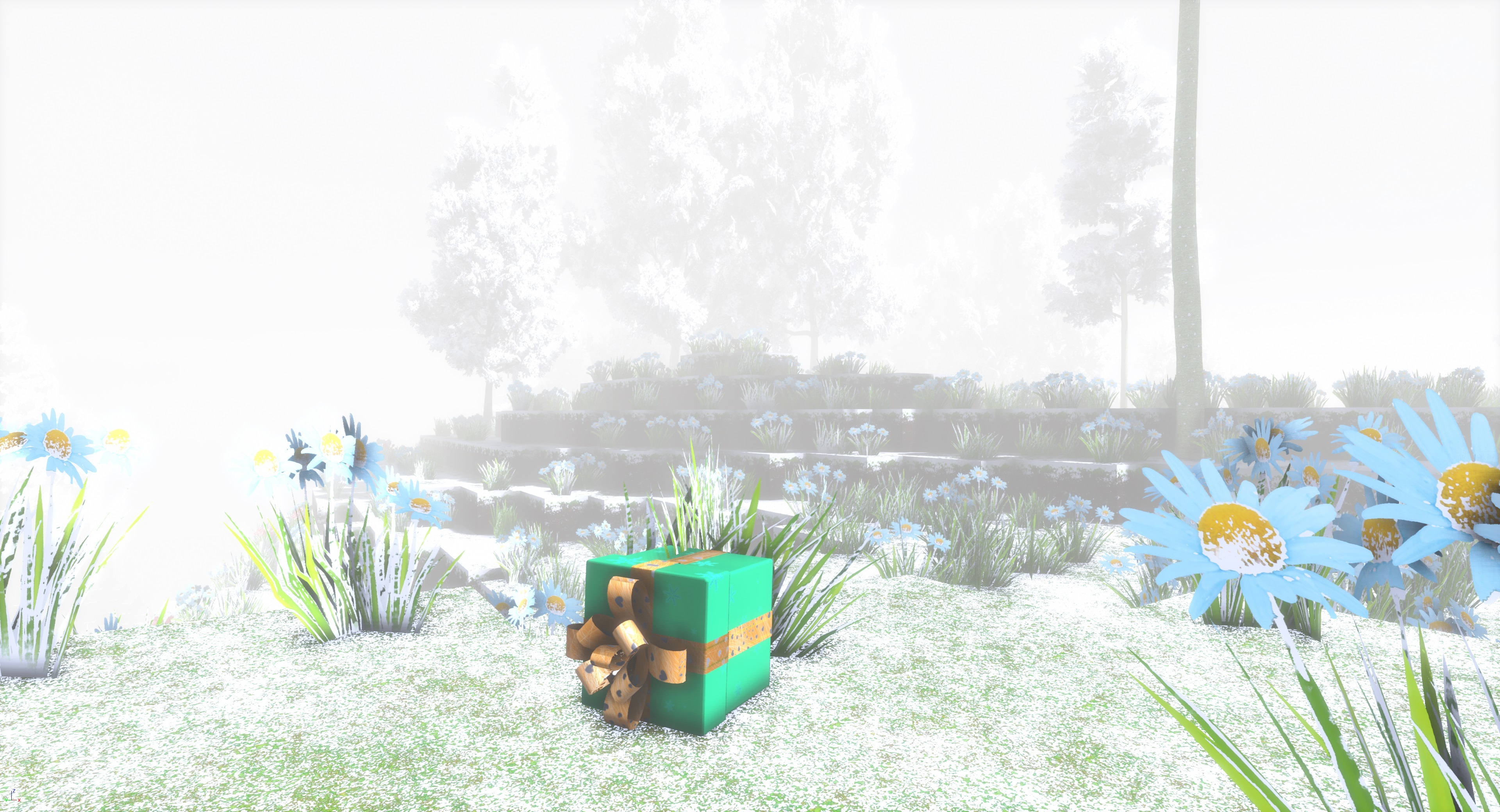
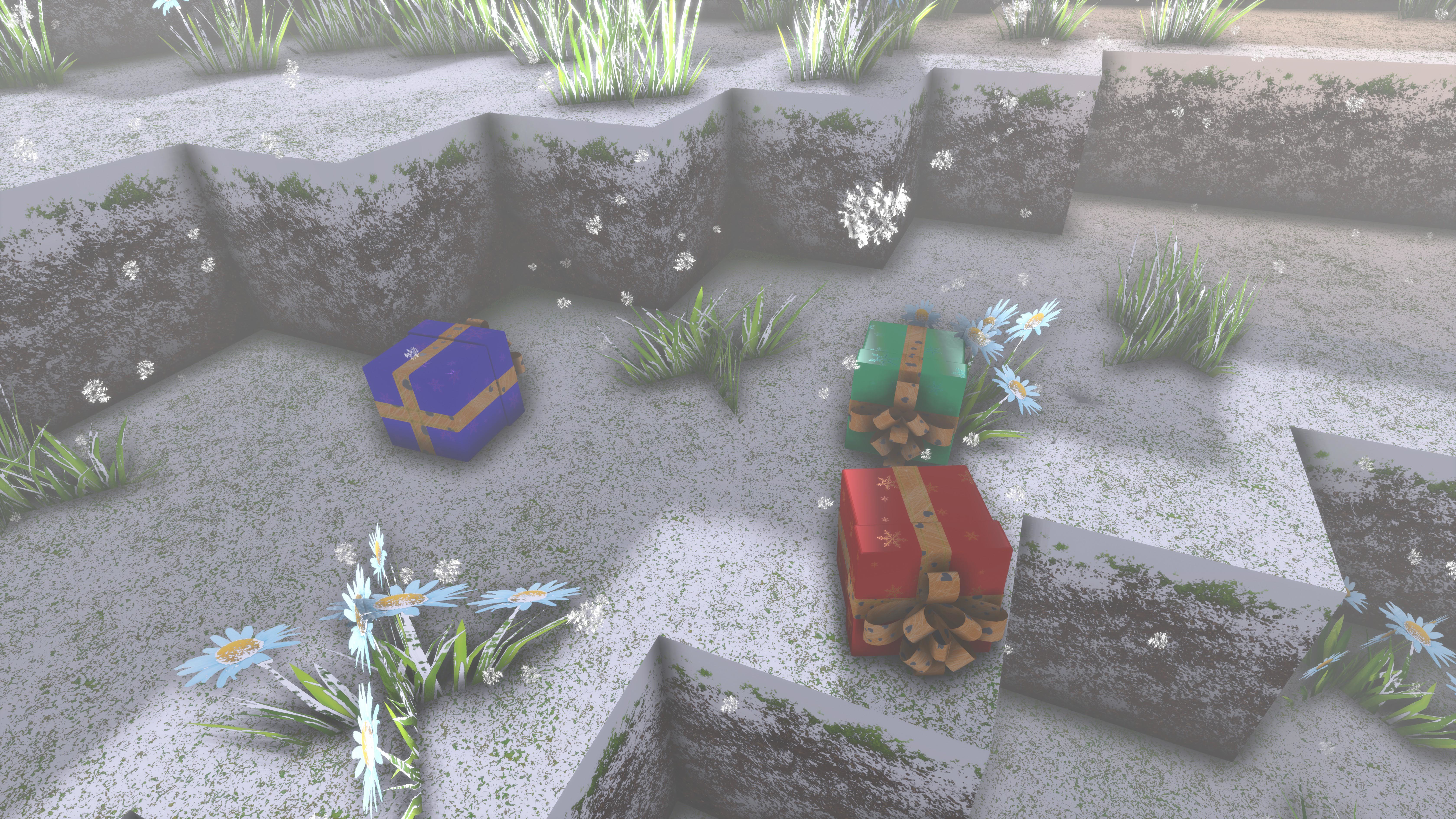
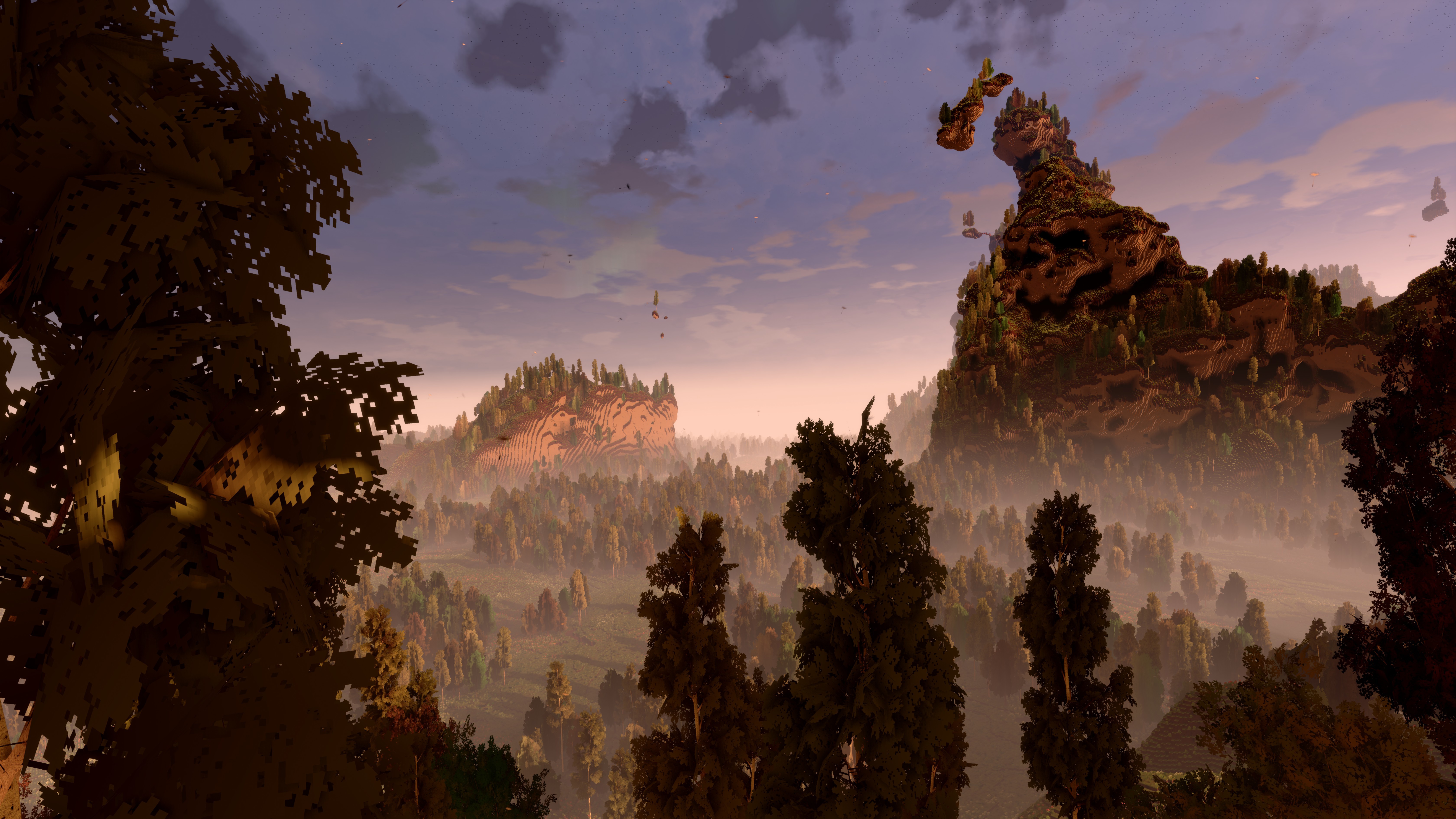
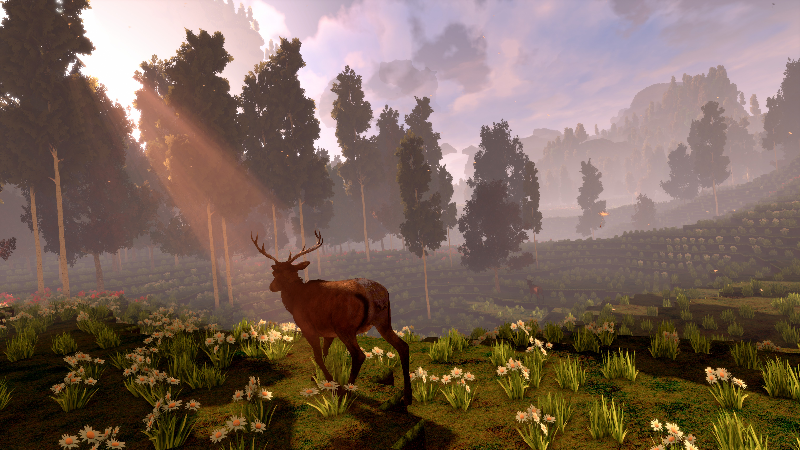
Until December 31, you can find christmas presents in the game!
Merry Christmas everyone!
Santa flew over your world, and a bunch of Christmas presents fell off his sleigh! Now there's Christmas presents scattered all across your world, and no one will be there to pick them up, unless you find them!
Between December 18 and December 31, you can find christmas presents in your cyubeVR world!
Inside of the christmas presents you find items - could be gold, could be rainbow dye, but might also just be normal dye or some coal.
Someone also managed to hide some presents in some of your chests - you have no idea who would do that, but they are there, and you're happy about that!
-
That's all for today, and probably also this year! If you like the game, don't forget to tell other people about it and write a review on Steam if you haven't done that already, even if its just a few words. That's the best christmas present you can give me :) Thanks for caring about the game and as usual, make sure to report all issues you see and give me as much feedback as possible in the official forums or the official discord server, join it before its full ;) We're over 1400 people there already, come and join us! If you don't like something about the game, tell me there and I'll try to improve it! I'm available to chat with anyone in discord :)
There's also a cyubeVR subreddit available on Reddit, if you're active on Reddit, make sure to subscribe to it and maybe post some great screenshots there!
This update makes it possible to produce glass, makes the game nicely playable on HP Reverb G2 controllers and Vive Cosmos controllers, adds performance optimizations, bugfixes, and more!
Let's take a look at the list of changes first, and after that, let's get into more detail for some of the changes!
Added Glass! You can now melt sand in the furnace and produce glass
Added a list showing the names of all the Patreon Donators in the main menu
Made game work correctly with HP Reverb G2 controllers
Significantly improved how LOD chunks in the distance look like
Performance optimizations
Improved reliability of VR keyboard in main menu, and changed position of it
Added Vive Cosmos Controller bindings made by Lightpyro as default Vive Cosmos bindings
Added additional debug code
Fixed bug with adding items of amount 1 from chest to inventory
Fixed block having incorrect rotation on preview block
Made it so that the number showing the amount of an item in a chest can only be read from in front of the item, and not from behind it
Fixed sounds on block place sometimes not being audible when placing a block too far away
Fixed last recipe you collect not changing its "?" to the actual type you unlocked
Made dust/smoke particles be more consistent in their color
In the main menu, the "Official cyubeVR Discord" button now always shows you how many members currently are in the cyubeVR discord
Glass
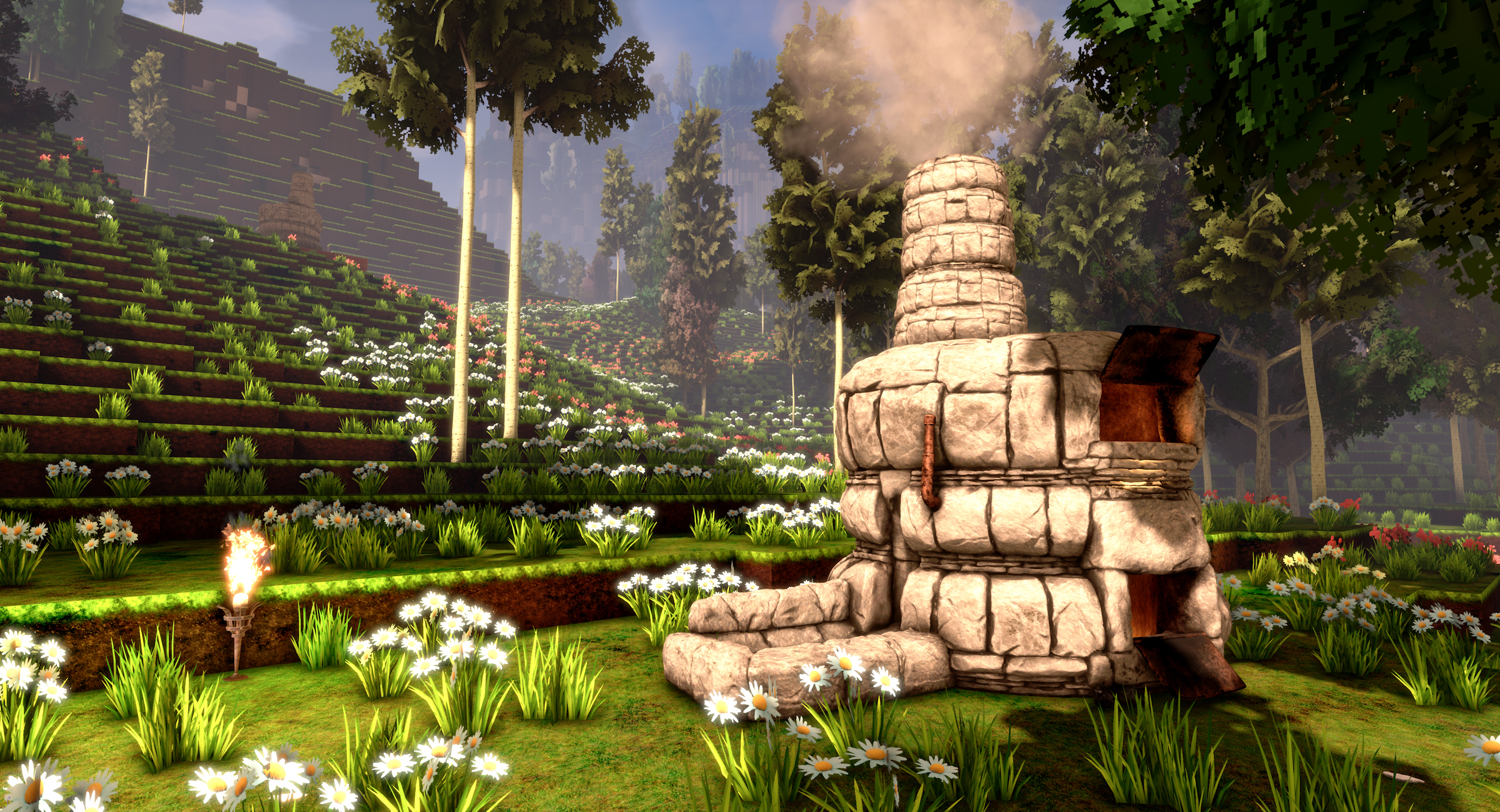
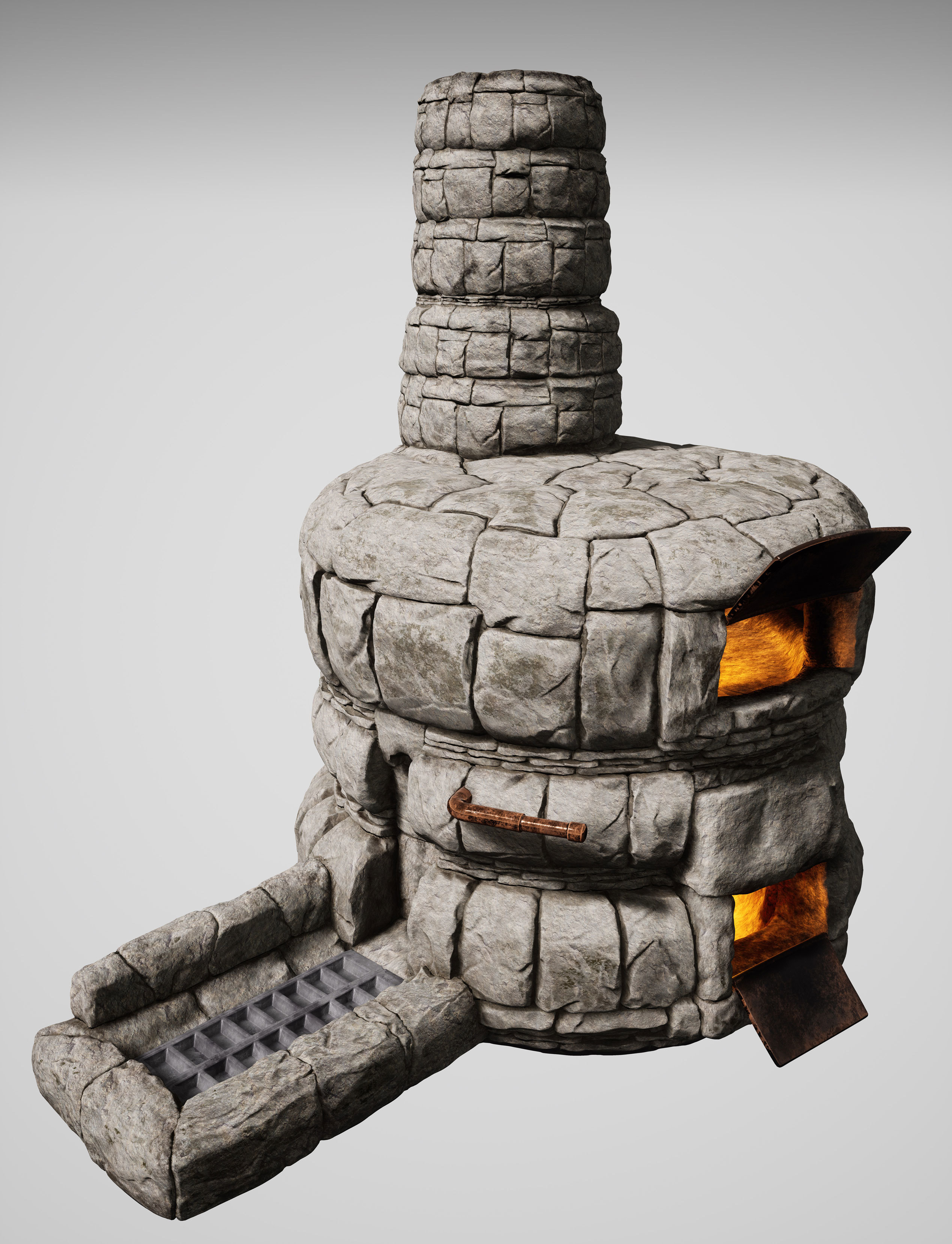
There's now glass in the game! The furnace now accepts either iron ore, or sand in its upper chamber. If you melt sand, the furnace produces glass ingots, which you can use for crafting glass blocks, a new recipe you have to find.
The nice thing about glass is that it's transparent, so you can look through it! Who would have expected that!
Here's some screenshots of the glass that beta testers of the game shared in the #screenshots channel in the cyubeVR discord:
While its raining, the rain is nicely flowing down the sides of the glass, and rain splashes on top of the glass are also looking very nice:
Patreon donator list in main menu
On the left side of the main menu of the game, there now is a daily updated list of all the Patreon Donators of cyubeVR, sorted by the lifetime donation:
A big thanks to everyone who supports the development of cyubeVR on Patreon! I'm working fulltime on cyubeVR, and it's quite hard to make a living purely off of the Steam sales of the game, so any Patreon Supporter is really worth a lot for the continued development of the game. Thanks so much to all the Patreon Supporters!
In case you have not seen it yet, here is the link to the Patreon Page for the game: https://www.patreon.com/stonebrickstudios
Patreon rewards are being mentioned in that list in the main menu, getting a special colored name in the official cyubeVR Discord, and physical items like a sticker, mug, or t-shirt with cyubeVR designs.
HP Reverb G2 Support
A lot of people will (hopefully) soon receive their HP Reverb G2. Starting with this update, the controller bindings and tutorial of cyubeVR have been setup to fully work with HP Reverb G2 controllers out of the box, to make playing the game as convenient as possible.
Significantly improved how LOD chunks in the distance look like
For good performance, cyubeVR has a Level Of Detail (LOD) system that renders the world with lower and lower detail the further away a point from the camera is. Previously, the transitions between the different LODs were quite visible if you were standing on top of a mountain, looking down at the landscape. Now, with this Update, the lower-LODs look a lot more similar to the high-res version of world, and the transitions are way less noticeable.
Here are two screenshots, comparing the before / after of this change. The screenshots were taken in the UE4 Editor, with very reduced settings of the game, so shadows are disabled on both screenshots, and the view distance is set way lower than in the actual game, so the game looks worse than it normally would. These screenshots were taken purely to show off the difference in the landscape as best as possible.
This is how it looked like with Update 41:
and this is how it looks like now, with Update 42:
The first load with this Update will be slower than usual, as the game deletes and regenerates some cached world data to update all the LODs.
More awesome new custom mod blocks
Recently, more new custom mod blocks were added to the workshop! Let's mention some of them here:
Make sure to regularly browse through the Steam Workshop and subscribe to anything you find useful for building in cyubeVR!
If you're also interested now in creating custom mod blocks for cyubeVR, here you can find a tutorial about how to create custom mod blocks for cyubeVR - as long as you are familiar with using any image editing software, it's a really easy process! https://steamcommunity.com/app/619500/discussions/3/1640917625019543783/
As usual, thanks very much to our great beta testers in the official cyubeVR discord who tested this update as part of 20 separate beta builds! If you want to test new features earlier when they come out in the beta branch, make sure to join the discord and take a look at the #beta-build-patch-notes and #beta-build-discussion channel!
That's all for today! If you like the game, don't forget to tell other people about it and write a review on Steam if you haven't done that already, even if its just a few words. Writing a positive review and spreading the word is the easiest way you can support the game! Thanks for caring about the game and as usual, make sure to report all issues you see and give me as much feedback as possible in the official forums or the official discord server, join it before its full ;) We're over 1300 people there already, come and join us! If you don't like something about the game, tell me there and I'll try to improve it! I'm available to chat with anyone in discord :)
There's also a cyubeVR subreddit available on Reddit, if you're active on Reddit, make sure to subscribe to it and maybe post some great screenshots there!
Looking forward to hearing what you think about the new update :)
Cheers!
Update 41 for cyubeVR is live! Crystal Assisted Block Placement, and more!
Hey everyone, Update 41 for cyubeVR is live!
This update adds a new "Crystal Assisted Block Placement" feature, significant performance optimizations, visual improvements, bugfixes, and more!
Let's take a look at the list of changes first, and after that, let's get into more detail for some of the changes!
Added Crystal Assisted Block Placement (allowing you to place multiple blocks at once)
Added new shadow feature, "Small Scale Shadows", enabled by default
Added "Blocks Mined in Last 10 Minutes" stat, with score submission and world record counter
Improved look of torches when bloom is off
Significantly optimized chunk update speed
Changed default bloom setting to "Low"
Made snow and rain weather less often occurring
Increased time until first weather change when creating a new world
Optimized memory usage of some textures (the game has become ~1.7 GB smaller on disk)
Fixed "turn on teleport arrow" not being modifiable on left controller
Fixed sky sphere not following player when you've walked veeeeery faaaar
GPU performance optimizations
Improved design of initial greetings text you see when launching the game for the first time
Fixed a possible issue with too big .important files
Added check to prevent worlds with newer world format from being loaded (and potentially corrupted) by older game versions
Fixed a stack of 100 scaffolding blocks not being reduced in inventory when a block is placed
Fixed outdated information in smooth locomotion tutorial page
Made stat/score submission more reliable and more in-line with the rate limits from Steam
Added local storage for the scores/stats
Made world loading code better detect potentially corrupted chunk and still allow successful loading of world
Fixed not being able to grab flowers/grass with right hand after bucket was used
Fixed leaves incorrectly disappearing and reappearing when falling a tree
Improved performance in main menu
Crystal Assisted Block Placement
The block placement tool now has a new design. Without a crystal attached, the functionality is exactly same as before. But you now have the option to attach a crystal to the block placement tool. If you do that, then the maximum possible length is extended further, and it uses up crystal charge to allow you to place multiple blocks at once, and only half the blocks you place are taken from the inventory! The other half of the blocks you get for "free"!
Crystal assisted block placement allows you to place up to 9 blocks at once, in any direction you want. So it could be 1x1x9, or 3x3, or 1x2x4, or anything else, as long as the maximum amount of blocks is less than 9. If you place 8 blocks using this mode, only 4 blocks are taken from your inventory! If you place 9 blocks, the game is generous and rounds down, so that also takes 4 blocks from the inventory.
The game remembers which blocks were placed using this mode, and if you break one of those blocks, there is only a 50% chance that it spawns any items. So this can not be used to get "infinite" blocks, if you destroy all the blocks again, you'll end up with the same amount of blocks in your inventory as before.
The new "Small Scale Shadows" add small-scale shadows to objects that would normally not cast shadows to save performance, like grass or block items. They also greatly improve the look of trees in the distance if the quite expensive "Distance Shadows" setting is not used. These "Small Scale Shadows" are basically free regarding performance, so they offer a great subtle improvement in visuals without any real disadvantages.
"Blocks Mined in last 10 Minutes" Stat/Score
There's a new, small, fun feature! In the "Stats" tab of the settings, you now see 3 new stats:
Total Mined Blocks Last 10 Minutes: Total Mined Blocks In 10 Minutes (Your Record): Total Mined Blocks In 10 Minutes (World Record):
So, the game now automatically counts how many blocks you have mined (destroyed) in the last 10 minutes, and keeps record of what the highest value was that you ever achieved there. Your best value is automatically uploaded to Steam, and the game will show you the highest value achieved there by anyone on Steam.
This could probably be called "Competitive Mining" :) After this was added to the beta build of the game, the beta testers had a lot of fun with this already, and kept beating each others world records. The current world record as the time of writing this announcement was achieved by Kroy, who also streamed his attempt live on his Twitch channel! He is streaming cyubeVR every wednesday on his Twitch channel, so if you're interesting in watching him build impressive things, definitely give him a follow there! You can see the recording of his world record attempt here: https://www.twitch.tv/videos/787572690 He achieved a record of 29655 blocks mined in 10 minutes. That's for you to beat now :)
So get out your dual wielding iron sledgehammers, and try to beat the world record!
More awesome new custom mod blocks
Recently, more awesome new custom mod blocks were added to the workshop! Let's mention some of them here:
Make sure to regularly browse through the Steam Workshop and subscribe to anything you find useful for building in cyubeVR!
If you're also interested now in creating custom mod blocks for cyubeVR, here you can find a tutorial about how to create custom mod blocks for cyubeVR - as long as you are familiar with using any image editing software, it's a really easy process! https://steamcommunity.com/app/619500/discussions/3/1640917625019543783/
Patreon page for the game
In case you have not seen it yet, you can now support development of the game through Patreon! Patreon rewards are being mentioned in the credits of the game, getting a special colored name in the official cyubeVR Discord, and physical items like a sticker, mug, or t-shirt with cyubeVR designs.
As usual, thanks very much to our great beta testers in the official cyubeVR discord who tested this update as part of 20 separate beta builds! If you want to test new features earlier when they come out in the beta branch, make sure to join the discord and take a look at the #beta-build-patch-notes and #beta-build-discussion channel!
That's all for today! If you like the game, don't forget to tell other people about it and write a review on Steam if you haven't done that already, even if its just a few words. Writing a positive review and spreading the word is the easiest way you can support the game! Thanks for caring about the game and as usual, make sure to report all issues you see and give me as much feedback as possible in the official forums or the official discord server, join it before its full ;) We're over 1300 people there already, come and join us! If you don't like something about the game, tell me there and I'll try to improve it! I'm available to chat with anyone in discord :)
There's also a cyubeVR subreddit available on Reddit, if you're active on Reddit, make sure to subscribe to it and maybe post some great screenshots there!
Looking forward to hearing what you think about the new update :)
Cheers!
Update 40 for cyubeVR is live! Engine Update to latest Unreal Engine, and more!
Hey everyone, Update 40 for cyubeVR is live!
This update brings an engine update to the latest Unreal Engine version (4.25.3), significantly improved performance, visual improvements, bugfixes and more!
Let's take a look at the list of changes first, and after that, let's get into more detail for some of the changes!
Updated the engine version to Unreal Engine 4.25.3
The dark wood texture has been replaced with a better looking texture
New design for 6 spheres around block item
Improved the bow. The bow now is larger, and the bow also has twice the power, so the arrows fly twice as fast and twice as far.
Better looking, more gradual snow/rain occlusion on the ground
Made it easier to move the full stack of an item from a chest to the inventory
Added buttons for roadmap and patreon to main menu
Significant GPU performance optimizations
Significant CPU performance optimizations
Increased distance at which trees switch to lowest detail LOD
Added INI setting for using different control scheme on Vive Controllers
Added the new Nvidia GPUs to list of GPUs for high default graphics settings
Added more delay to first weather change after world load
Fixed low flying birds all flying in straight line above player (they're more spread out now across the whole view distance)
Fixed game crashing when run with Vulkan
Fixed not being able to destroy wood scaffolding with an arrow
Fixed multiple crashes
Engine Update to Unreal Engine 4.25
The last engine update of cyubeVR was roughly a year ago, and once a year is a good schedule to update the engine version, so it became time for another engine update! cyubeVR now runs on Unreal Engine 4.25.3. This will likely the last engine update before moving to Unreal Engine 5 at the end of next year.
An engine update always is a big change, with many millions of lines of code changed. It usually brings very significant performance optimizations, as UE4 constantly is getting optimized further. It also leads to better DX12/Vulkan support. You can run UE4 with DX12 or Vulkan by adding -dx12 or -vulkan as a launch argument.
The engine update was also required to allow support for raytracing in a future update.
Additionally to the performance optimizations by the engine update, the cyubeVR code has been optimized even further. In general, you should see significantly better performance with Update 40 compared to Update 39!
New dark processed wood texture
Everything in cyubeVR is super high-res and detailed, and that's what cyubeVR is known for! The old dark wood texture did not fit those requirements though, it was relatively low res, and didn't fit the rest of the game too well. There now is a new wood texture, made by the awesome community member Tino, who you might know from all the awesome blocks he has published on the cyubeVR Steam Workshop!
Added INI setting for using different control scheme on Vive Controllers
A new INI setting has been added called UseKnucklesControlSchemeOnViveControllers. cyubeVR has 4 different control schemes, individually adapted to work best with the 4 different popular controller designs (Oculus Touch, Vive, Index, WMR). The Vive Controller control scheme is quite different from the control scheme of the other controllers, as Vive controllers have quite a different button layout than all the other controllers. By default, the game detects which controller you use, and changes some control logic based on that. That means it's not possible to just use the SteamVR input system to use button actions designed for Index/Touch/WMR controllers and apply them to Vive controller buttons.
Someone wished for that to be possible, so that he could build a completely different Vive Controller control scheme for the game, that's why this new INI setting has been added. If you set UseKnucklesControlSchemeOnViveControllers=1 in the INI, then the game will treat Vive Controllers more similar to Index/Touch/WMR controllers, and the buttons actions designed for those new controllers will also work on Vive Controllers.
More awesome new custom mod blocks
Recently, more awesome new custom mod blocks were added to the workshop! Let's mention some of them here:
Make sure to regularly browse through the Steam Workshop and subscribe to anything you find useful for building in cyubeVR!
If you're also interested now in creating custom mod blocks for cyubeVR, here you can find a tutorial about how to create custom mod blocks for cyubeVR - as long as you are familiar with using any image editing software, it's a really easy process! https://steamcommunity.com/app/619500/discussions/3/1640917625019543783/
Patreon page for the game
In case you have not seen it yet, you can now support development of the game through Patreon! Patreon rewards are being mentioned in the credits of the game, getting a special colored name in the official cyubeVR Discord, and physical items like a sticker, mug, or t-shirt with cyubeVR designs.
As usual, thanks very much to our great beta testers in the official cyubeVR discord who tested this update as part of 13 separate beta builds! If you want to test new features earlier when they come out in the beta branch, make sure to join the discord and take a look at the #beta-build-patch-notes and #beta-build-discussion channel!
That's all for today! If you like the game, don't forget to tell other people about it and write a review on Steam if you haven't done that already, even if its just a few words. Writing a positive review and spreading the word is the easiest way you can support the game! Thanks for caring about the game and as usual, make sure to report all issues you see and give me as much feedback as possible in the official forums or the official discord server, join it before its full ;) We're over 1200 people there already, come and join us! If you don't like something about the game, tell me there and I'll try to improve it! I'm available to chat with anyone in discord :)
There's also a cyubeVR subreddit available on Reddit, if you're active on Reddit, make sure to subscribe to it and maybe post some great screenshots there!
Looking forward to hearing what you think about the new update :)
Cheers!
You can now support and accelerate the development of cyubeVR through Patreon!
Hey everyone!
You now have the option to support and accelerate development of the game through Patreon!
https://www.patreon.com/stonebrickstudios
I have been working full-time on this game for over 4.5 years now, and the game is available on Steam since the end of January 2018. I think everyone knows by now that cyubeVR is always in very active development. Patreon should be another step toward making the development of this game sustainable, meaning I can live from the money and continue working on this game until this is the most played VR game, and then even further. I'm not satisfied with anything less, and I am quite optimistic that cyubeVR can claim that spot when there's great survival and multiplayer with massive servers!
There is a great cyubeVR discord (open to everyone) with over 1100 members where you see me talking about all the things that I'm currently working on, planning to work on, helping others who have issues with the game, taking ideas and suggestions for new features, and other things. I'm really happy to have that great community!
The community is so great, that recently a few people told me they'd like to support me on Patreon, and I'm really happy to see that people are actively asking for being able to support me that way :) So as you see, now I've set up a Patreon! I don't have much experience with Patreon, so I'm not sure what to expect from this, but it certainly can't hurt. I have followed Patreon's recommendations for the available tiers of support as closely as possible. The rewards you can get are:
Being mentioned in the credits of the game
Getting a special colored name in the official cyubeVR Discord
Physical items like a sticker, mug, or t-shirt with cyubeVR designs
There are no in-game-rewards for supporting me through Patreon. Patreon should also not be seen as a merch shop - the physical merch is purely meant as a nice-to-have reward for the biggest Patreon supporters. No one should support me here just to get a cyubeVR mug or cyubeVR t-shirt.
Now, why should you want to support me? I have been working full-time on cyubeVR for a long time, and I want to be able to continue doing so for as long as possible. I am generally a very optimistic person, and I always like to think big, so, as mentioned above, my goal has always been to work on cyubeVR, and continue to improve it, until it is the most popular VR game. cyubeVR is not yet the most played VR game, so there is still some work to do! There is a big roadmap ahead, including all the survival and multiplayer aspects of the game. I still dream of the game making enough money at some point to allow a bigger team to work on it than just me, which would speed up development a lot, and maybe this Patreon page can help get there sooner! But for now, the first important goal is to make the development of cyubeVR sustainable enough that at least one person can make a living off it (me) so that I can keep working on it for a long time to come.
Making development of a VR game sustainable is hard - most VR game developers can not make a living off of their game, as the VR market is still quite small, especially the PC VR market. Many developers focus on platforms where it's easier to make money, like PSVR or Quest, but I always wanted to build a game that is not just fun, but also one of the best looking VR games, and generally impressive from a technical perspective.
So, if you want to help me with this, and you can afford it - maybe consider supporting me on Patreon, I would definitely appreciate it a lot :)
https://www.patreon.com/stonebrickstudios
Cheers!
Update 39 for cyubeVR is live! Technical improvements, optimizations and fixes!
Hey everyone, Update 39 for cyubeVR is live!
This update primarily improves a lot of internal technical aspects of the game. A new way of storing data, and big internal rendering changes. Plus a lot of good bugfixes and other small improvements and optimizations!
Let's take a look at the list of changes first, and after that, let's get into more detail for the major changes!
Switch to SQLite database for storing world data
Big internal rendering restructuring
Adjusted smooth locomotion to react more quickly on quick changes of direction
Improved visuals of torch lighting (it's even smoother now)
Made it possible to drag tools out of the inventory directly from the tool quickbar
When holding multiple attached block items in both hands, the overlap spheres around the blocks are now no longer visible, to make it clear that you can't attach subsections of recipes together
Made grass darker, especially at night. It blends in a lot better with the rest of the world now.
Fixed crash that often happened on exiting the game through SteamVR or the Oculus software
Fixed multiple recipe papers sometimes spawning "inside of each other", and fixed possible crash when collecting recipe
Fixed some bugs with torch lighting
Fixed bug that caused tool in left hand to sometimes get stuck to the hand if grabbing a tool simultaneously while opening the inventory
Fixed torch flying into space when activating gravity glove on it
Fixed torch not showing gravity glove indicator when pointing at it with gravity glove
Some more optimizations
Fixed typo in tutorial
New system for storing chunk data, using SQLite
cyubeVR now uses a SQLite database for saving world data!
This is a big change in how the saving/loading of data in cyubeVR works. Previously, every chunk was stored as 2 individual files on your disk. If you had 10000 chunks generated in your world, your world folder would contain 20000 files.
Now, cyubeVR uses 1 SQLite database for storing all the world data. There only is a single chunkdata.sqlite file now that contains all the data from your whole world.
Why the change?
The main reason is that the previous way of dealing with world data was not power safe, meaning if you had a power failure while playing cyubeVR, it could happen that your world would be corrupted and the next time you'd try to load the world, the game would just crash. This new system now is power safe, so no matter how many power failures you have while playing cyubeVR, your world should never be corrupted in any way.
Another advantage of this new system is that sending your world files to another person, or making a backup, becomes a lot faster. Windows is not good with dealing with tens of thousands of files. Copying 20000 individual files from one location to another is a slow operation in windows, while copying 1 big file of the same total size is fast.
In theory, reading and writing the data this new way should also be slightly faster than the old way, but reading/writing of data always was so fast that a speed improvement is kinda irrelevant.
How does the transition from old system to new system work?
There is no big "conversion" of files happening. If you load your world with this new version, it will regularly load the world from the old save files. Once you modify any chunk (e.g by placing or mining a block), the game writes the new data to the SQLite Database. The next time you load the world, the game will load the chunk from the SQLite Database instead of from the old save files then. The game will never automatically delete the old save files - so the game will never ever modify any of the old save files in any way. They're completely "read-only" for the game now.
The first load into your world with this version will be slower than usual though, because the game does delete the old instant loading files. The instant loading files are now also stored in a SQLite Database, named chunkmeshes.sqlite.
Big internal rendering restructuring!
Pretty much everything internally about how meshes are submitted from the CPU to the GPU has changed. So this is a big change! This should improve performance quite a bit, especially reducing stutters when quickly walking around in the world with a high view distance. This change already improves performance quite a bit now, but many more positive impacts from this change will come with the next engine update, as new UE4 versions can make use of this new setup a lot better than the current UE4 version cyubeVR is still on.
This change also is the first big step towards RTX/DXR raytracing support in cyubeVR, as this new setup is needed to allow raytracing with high performance.
New official cyubeVR Trailer
A new, updated version of the official cyubeVR trailer was released a few weeks ago, so if you haven't seen it yet, here's the new trailer:
https://www.youtube.com/watch?v=Us6NMd0U-n0
Ideally, share it with anyone who doesn't know about cyubeVR yet!
More awesome new custom mod blocks
Recently, more awesome new custom mod blocks were added to the workshop! Let's mention some of them here:
Make sure to regularly browse through the Steam Workshop and subscribe to anything you find useful for building in cyubeVR!
If you're also interested now in creating custom mod blocks for cyubeVR, here you can find a tutorial about how to create custom mod blocks for cyubeVR - as long as you are familiar with using any image editing software, it's a really easy process! https://steamcommunity.com/app/619500/discussions/3/1640917625019543783/
As usual, thanks very much to our great beta testers in the official cyubeVR discord who tested this update as part of 7 separate beta builds! If you want to test new features earlier when they come out in the beta branch, make sure to join the discord and take a look at the #beta-build-patch-notes and #beta-build-discussion channel!
That's all for today! If you like the game, don't forget to tell other people about it and write a review on Steam if you haven't done that already, even if its just a few words. Writing a positive review and spreading the word is the easiest way you can support the game! Thanks for caring about the game and as usual, make sure to report all issues you see and give me as much feedback as possible in the official forums or the official discord server, join it before its full ;) We're over 1000 people there already, come and join us! If you don't like something about the game, tell me there and I'll try to improve it! I'm available to chat with anyone in discord :)
There's also a cyubeVR subreddit available on Reddit, if you're active on Reddit, make sure to subscribe to it and maybe post some great screenshots there!
Looking forward to hearing what you think about the new update :)
Cheers!
Update 38 for cyubeVR is live! Smooth Turning, Glowing Blocks, and more!
Hey everyone, Update 38 for cyubeVR is live!
This update adds a smooth turning option, an iron shovel, an easy to use crash reporter, normal map and glow map support for custom mod blocks, and a lot more quality of life improvements and bugfixes!
Let's take a look at the list of changes first, and after that, let's get into more detail for the major changes!
Added smooth turning option for Index/Touch/WMR controllers
Added a crash reporter the the game to easily submit crash reports
Added an Iron Shovel
Custom mod blocks now support normal maps
Custom mod blocks now support "glow map" textures
Added tutorial page for custom mod blocks
When uploading or updating a custom mod block to Steam Workshop, the block is now automatically public and not private
Added display for amount of custom blocks currently available in workshop, and total installed
Allow overriding Stick slot in inventory with another tool
Added "Made by: Name" text in the bottom right corner of a custom block recipe
Pressing Ctrl+Alt+H in the game will now mirror your hands
Optimized saving/loading of data
Made shovels in general more forgiving regarding the angle you have to hit blocks with
Fixed block texture sometimes "shifting around a bit"
Fixed compass recipe never unlocking
Fixed the most often happening crash
Fixed possible crash with recipe
Fixed furnace and chest recipe sometimes not being detected correctly
Destroying any objects where the recipe is made with "any wood" now spawns processed wood items instead of regular wood items
Fixed some seams sometimes being visible on damaged blocks, especially damaged dirt blocks
Significantly optimized VRAM usage of custom mod blocks
Fixed items sometimes randomly spawning in front of you while switching tools
Fixed items sometimes not stacking correctly
Fixed newly spawned block items sometimes not being collectable
Improved chunk loading code to fall back to the backup version of a chunk in more possible failure cases
Smooth Turning Option
Previously, on Index/Touch/WMR controllers, only Snap Turning with options for 22.5° and 45° steps was available. Now, an option for smooth turning has been added! You can enable the smooth turning in the settings, and you can freely adjust the smooth turning speed with a slider, from very slow to very fast.
cyubeVR now supports Snap Turning with different turning speeds, Smooth Turning with different turning speeds, Head-Oriented Smooth Locomotion, Controller-Oriented Smooth Locomotion, and Teleport. If there's still any locomotion setting anyone is missing, please let me know! I absolutely want to make sure that you can play this game the one you want to play it :)
Iron Shovel
There now is a great iron shovel! You craft it using - surprise - iron ingots! It does a lot of area damage on dirt, similar to what a sledgehammer on stone does. It's a lot of fun to use, and allows you to clear bigger areas of dirt or grass way quicker than previously possible, especially if you dual wield it!
Also, shovels mechanics in general have been made more forgiving, so the angle you are allowed to hit a block with a shovel with is bigger now, making it easier to do a correct shovel movement.
Normal map and Glow map for custom mod blocks
Custom mod blocks from the Steam Workshop are a major feature of cyubeVR - there are over 120 custom blocks available in the Steam Workshop for the game now! With this update, major new functionality that modders can make use of has been added: Normal maps and glow maps.
Normal maps add a slight "3D effect" to blocks, while glow maps make it look like a block glows! Let's show some screenshots of recently added custom blocks that make use of these new features!
Here you can nicely see the effect of the normal map on the bricks:
That block is made by HeyMika, you can subscribe to it here: https://steamcommunity.com/sharedfiles/filedetails/?id=2133162414 Here you see the effect of a glow map on a block:
Up close, you see both the normal map and glow map very well:
The darker it is, the different a glowing block looks! Here you see a screenshot of the block used in a corridor without any light sources:
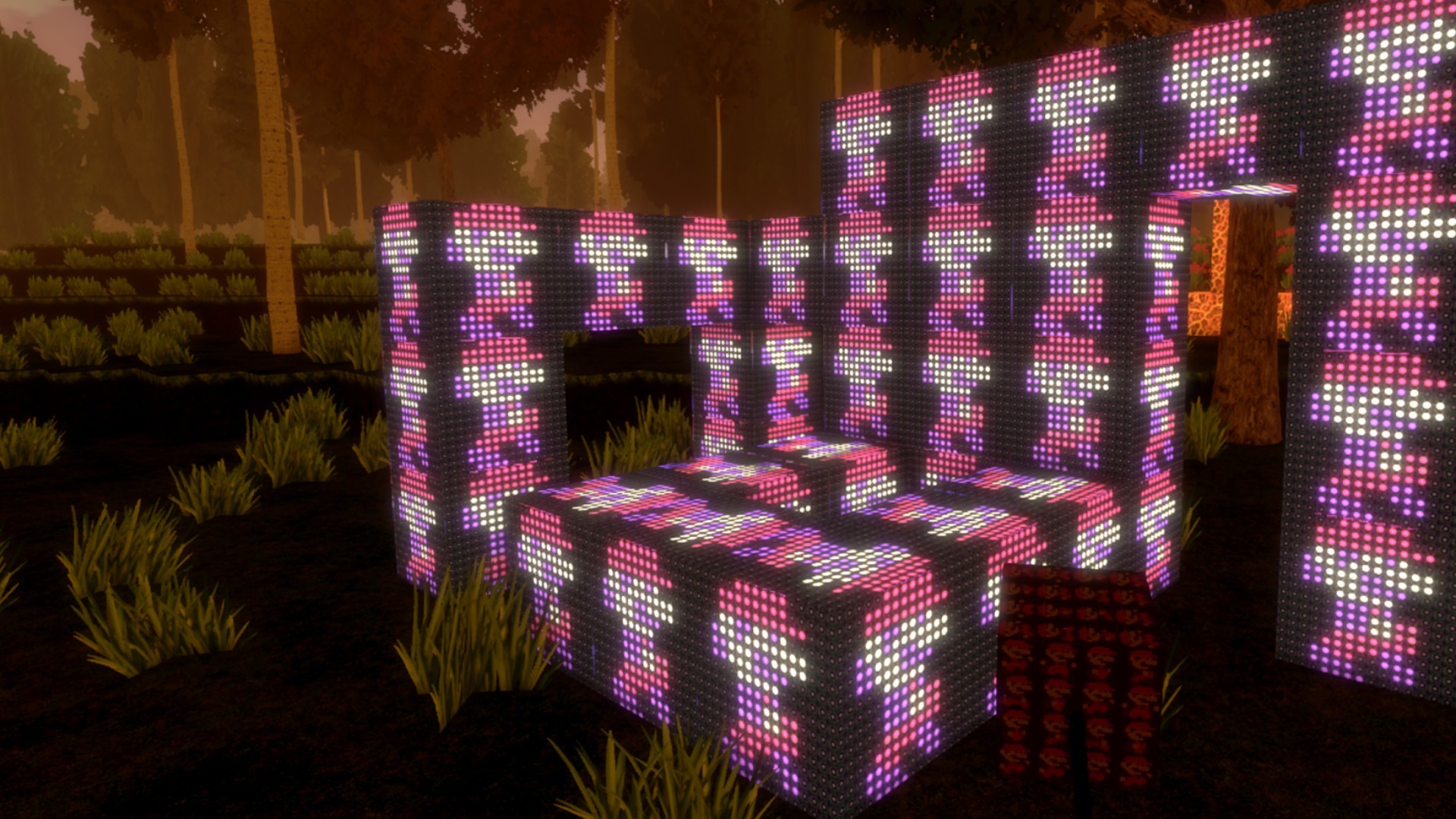
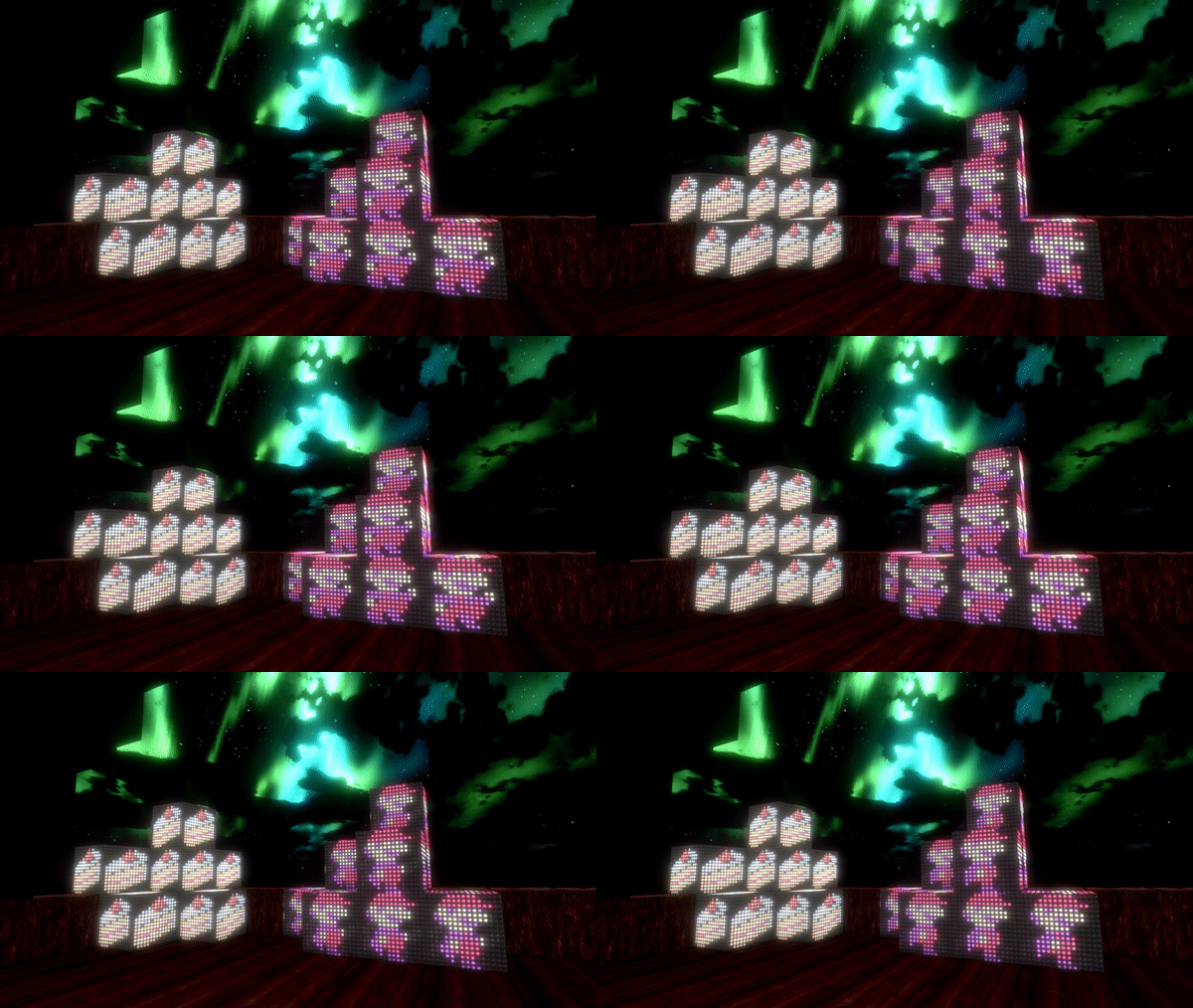
That block is made by Tino, you can subscribe to it here: https://steamcommunity.com/sharedfiles/filedetails/?id=2130869587&searchtext= You can even making glowing, animated blocks, like this glowing and animated "Mario LED" block!
Here you can easily subscribe to the whole collection of glowing blocks made by Tino! Currently the collection contains 18 blocks:
Recently, a lot of awesome new custom mod blocks were added to the workshop! Tino for example also made a full collection of scrabble blocks for cyubeVR!
You can subscribe to that collection of blocks here:
https://steamcommunity.com/sharedfiles/filedetails/?id=2124607173 Buchman created a lot of awesome new colored brick blocks:
https://steamcommunity.com/sharedfiles/filedetails/?id=2124574660 https://steamcommunity.com/sharedfiles/filedetails/?id=2123611827 https://steamcommunity.com/sharedfiles/filedetails/?id=2124575590 https://steamcommunity.com/sharedfiles/filedetails/?id=2124576452 You can find a whole collection of 8 colored bricks here:
There are a lot more awesome blocks that have been added to the Workshop recently, too many to mention all of them here! Make sure to regularly browse through the Steam Workshop and subscribe to anything you find useful for building in cyubeVR!
If you're also interested now in creating custom mod blocks for cyubeVR, here you can find a tutorial about how to create custom mod blocks for cyubeVR - as long as you are familiar with using any image editing software, it's a really easy process! https://steamcommunity.com/app/619500/discussions/3/1640917625019543783/
Crash Reporter
Ideally, a game never crashes, but in the case it does, the quicker I know why it happened, the quicker I can fix the crash! Previously, players of the game had to manually send me generated crash logs through Discord for me to be able to check why a crash happened. That was quite a bit of work, so it wasn't an ideal solution. That's why starting with this Update 38, the game now has a Crash Reporter where you can easily submit the crash report to me by clicking either on the "Send and Restart" or "Send and Close" button. You are also free to close it without sending a crash report by clicking the "Close without Sending" button, it will never automatically send anything. I hope you'll submit any crash you see though, I want to make sure that the game always is as crash-free as possible!
-----------------
As usual, thanks very much to our great beta testers in the official cyubeVR discord who tested this update as part of 13 separate beta builds! If you want to test new features earlier when they come out in the beta branch, make sure to join the discord and take a look at the #beta-build-patch-notes and #beta-build-discussion channel!
That's all for today! If you like the game, don't forget to tell other people about it and write a review on Steam if you haven't done that already, even if its just a few words. Writing a positive review and spreading the word is the easiest way you can support the game! Thanks for caring about the game and as usual, make sure to report all issues you see and give me as much feedback as possible in the official forums or the official discord server, join it before its full ;) We're over 1000 people there already, come and join us! If you don't like something about the game, tell me there and I'll try to improve it! I'm available to chat with anyone in discord :)
There's also a cyubeVR subreddit available on Reddit, if you're active on Reddit, make sure to subscribe to it and maybe post some great screenshots there!
Looking forward to hearing what you think about the new update :)
Cheers!
Update 37 for cyubeVR is live! Furniture/Decoration Update!
Hey everyone, Update 37 for cyubeVR is live!
11 new decorative objects have been added to the game, including 2 tables and 3 benches, along with a new feature that allows free resizing of all decorative objects in the game!
Let's take a look at the list of changes first, and after that, let's get into more detail for the newly added objects and the new resize feature!
Added 11 new decorative objects
Added new resize feature for decorative objects
Fixed bug that made it impossible to pick flowers with the left hand while holding an item in the right hand
Added new tutorial pages for the furnace and the item quick drop feature
Fixed recipes sometimes duplicating and causing crash when collecting
Added red slider on the right hand for controlling block place distance and object resize
11 new decorative objects!
There have been no additions to decorative objects you can place for quite a while now, so it's definitely time for some more! Here's a list of what's added with this update:
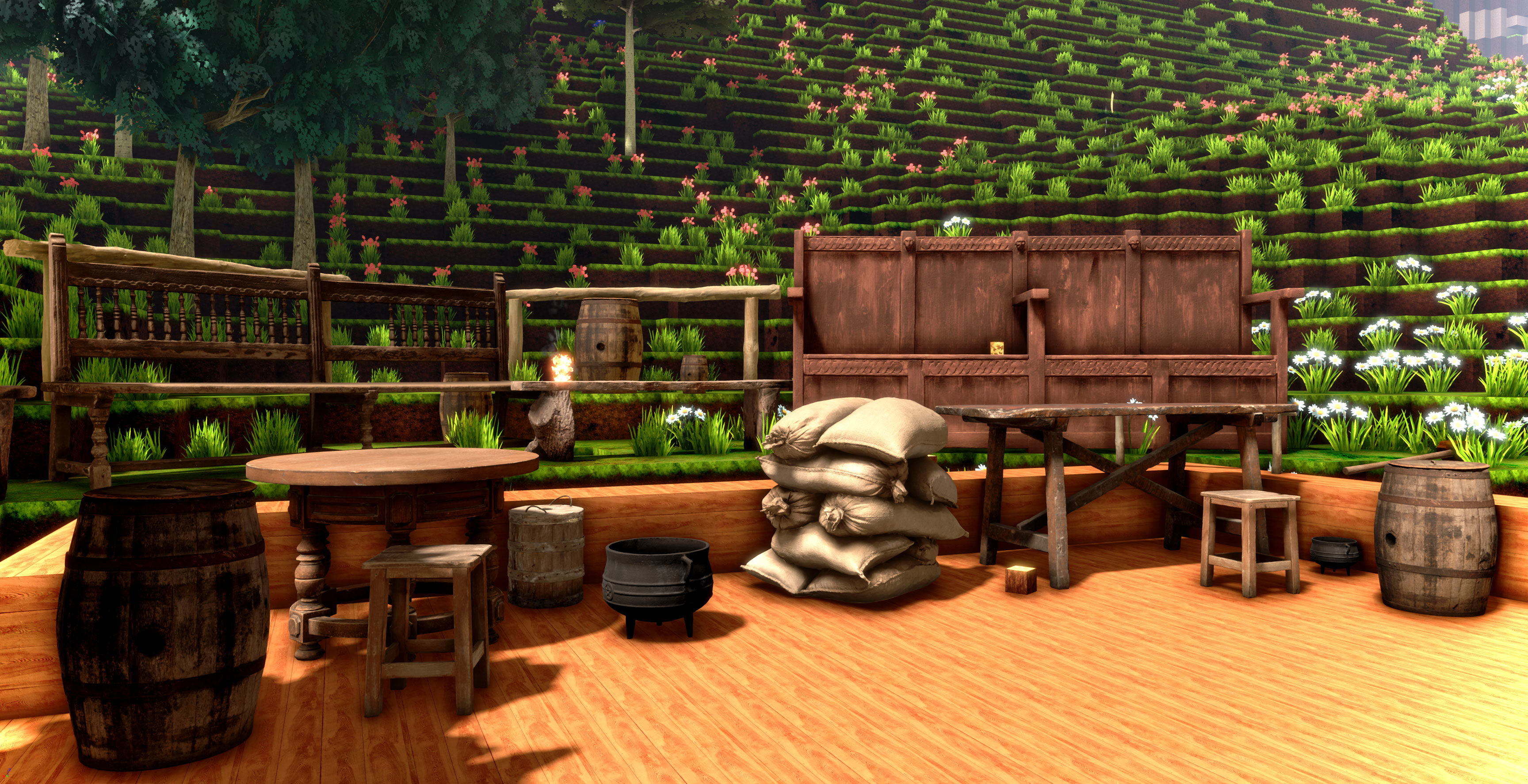
- A wooden post/fence, likely the most useful thing for decorating the area around your house - A wooden stool - A dirty, old looking wooden table - An ornated, fancy looking wooden table - A simple wooden bench - An ornated, fancy looking wooden bench - A very solid wooden bench - A wooden firkin - A wooden barrel - A metal pod - A pile of sandbags. Could also be dirt bags or flour bags or anything else of course, it's just decoration.
All these objects are super realistic looking photogrammetry assets, scanned from real world objects, with 8K textures. As usual in cyubeVR, everything should have so much detail that even if your virtual nose touches it, it still looks amazing :)
All these objects also use the system for fully free placement and movement, same as chairs/chests. You can grab and freely move around all these objects after they are placed, independent of the voxel grid.
My person favorite is the wooden fence - you can make the outside area around your house look so much more interesting with these!
Object resize feature
It's now possible to resize decorative mesh objects during placement! Sliding up or down on the touchpad now resizes the objects while placing them, same how you can adjust the block placement distance when placing blocks. Not every controller has a touchpad, so alternatively to using the touchpad, there also is a red slider visible next to your right hand now while you are in the building mode, and by touching that slider with your left index finger, you can control the slider and change the object size that way.
This gif shows placing a wooden barrel multiple times with different sizes:
You can freely resize the meshes between 50% and 200%. This works with all decorative objects, like chairs, tables, benches, barrels, fences etc. It does not work with functional objects like chests or furnaces. It allows for a ton more freedom while building, I'm looking forward a lot to what everyone builds with this!
-----------------
As usual, thanks very much to our great beta testers in the official cyubeVR discord who tested this update as part of 6 separate beta builds! If you want to test new features earlier when they come out in the beta branch, make sure to join the discord and take a look at the #beta-build-patch-notes and #beta-build-discussion channel!
That's all for today! If you like the game, don't forget to tell other people about it and write a review on Steam if you haven't done that already, even if its just a few words. Writing a positive review and spreading the word is the easiest way you can support the game! Thanks for caring about the game and as usual, make sure to report all issues you see and give me as much feedback as possible in the official forums or the official discord server, join it before its full ;) We're almost 1000 people there already, come and join us! If you don't like something about the game, tell me there and I'll try to improve it! I'm available to chat with anyone in discord :)
There's also a cyubeVR subreddit available on Reddit, if you're active on Reddit, make sure to subscribe to it and maybe post some great screenshots there!
Looking forward to hearing what you think about the new update :)
Cheers!
Update 36 for cyubeVR is live! Furnace, gravity gloves, and much more!
Hey everyone, Update 36 for cyubeVR is live!
This update has been in the workings for a long time! There now is a great furnace with awesome VR mechanics in the game, and you have gravity gloves in the same style as you know them from Half-Life: Alyx! There's also an incredibly powerful iron sledgehammer now that can destroy up to 30 blocks with a single hit, a much better new recipe system, many new settings like head-oriented smooth locomotion, significant performance improvements, and much more!
There are a ton more new features and a lot of bugfixes, so let's take a look at the whole list (it's huge!) and after that let's get into more detail for the furnace, the gravity gloves and the other major things!
Added awesome furnace, ingot mold, and flintstones
Added dried grass items and iron ingots
Added iron sledgehammer
Added gravity gloves
New hugely improved recipe system
Improved system for placing big objects like chest and chairs
Added item quick drop feature to easily drag out many items from the inventory
Updated LIV plugin to a new version, many performance and feature improvements
Increased default stack size in inventory and chests from 32 to 50
Added tabs to settings
Significantly optimized chunk rebuild performance, it's around ~30% faster now. It might not seem like much, but since it was already very optimized, getting another 30% speedup is huuge!
You now get back all blocks from the recipe when destroying a chest, chair or wall mount
Added option to choose between controller-oriented and head-oriented smooth locomotion
Renamed "Head Based Smooth Loco" setting to "Locomotion Origin"
Added setting for enabling/disabling torch light flickering
Rebalanced stick and pickaxes, making stick and stone tools significantly more powerful
Added new setting for adjusting sun lightshaft brightness
When grabbing block items and tools, they are now smoothly faded to the final grab location in the hand
Significantly reduced AO strength
Hugely improved bucket sucking on wood logs, was very buggy before, now it should work just as well as with block items
Reduced size of hand overlap area for index controllers, makes it way less likely to accidentally grab something you didn't want to grab
Improved tiling of stone texture
Added sound effect when grabbing objects
Improved block preview that is generated for the Steam Workshop when uploading a custom mod block
It's now possible to break "Missing Texture" custom mod blocks with a pickaxe
Fixed the bug that you cannot correctly select items or tools out of your quick bar if there's an empty slot in one of your quick bars
Fixed possible crash while crafting
Fixed smooth locomotion and teleport not working correctly while a lot of damaged blocks are around
Fixed bug that could cause chunks around the player to suddenly unload and reload
Fixed bug that could sometimes cause items from chests to suddenly appear in your inventory when collecting other items
Fixed block items sometimes having attachment points for crafting visible when spawning while mining blocks
Fixed incorrect rotation on preview image, block items and during movement of custom mod blocks
Fixed sides of blocks sometimes appearing black when block is damaged
Fixed incorrect textures being shown on block preview sometimes
Fixed issue with block animation when more than 100 block textures exist
Fixed bug that made it impossible to place blocks or torches next to damaged blocks
Fixed slight discrepancy of light intensity on damaged vs undamaged blocks
Added an efficient logging system
Fixed visible seams between some blocks (especially grass/dirt)
Fixed "Tool sometimes gets stuck on pointer when trying to drag out of inventory" bug
Fixed block item attachment sometimes happening too close to another block
Fixed tool in hand lagging when using smooth loco
Fixed grabbing items from chest or grabbing crystal from bucket not looking fully correct
Fixed crash when picking up the last recipe
Grabbing objects now not only works with "grip", but alternatively also works using the trigger button on both index controllers and rift controllers
Fixed hardware min-spec warning in main menu not detecting newer i5 correctly
Fixed alternative move/turn not working correctly on Vive controllers
Added tutorial page for gravity gloves
Added smoothing to the location and rotation of the briefcase UI on the left hand and "laser pointer" in the right hand
Improved lighting on the block place tool
Reduced delay between super-high-res overlay version of the UI and regular game version
Changed UI laser pointer color from blue to dark red
Changed color of the lower part of the inventory briefcase from white to black
Fixed significant performance issue during movement
Fixed news UI in main menu sometimes being visible twice in main menu with a small offset
Fixed UI flickering in main menu when clicking the button for starting or loading a world
Added mention of Intel i3 10th Gen CPUs to be above min spec in the min spec warning message in main menu
Fixed hands being offset incorrectly for some people with WMR controllers
Fixed multiple other bugs and crashes
Furnace
Finally, it's there! A big, stoney furnace. You can now process iron ore to iron! The furnace looks great and has a ton of super high res 8K textures. I'm sure it's the greatest furnace you've ever seen in VR!
The furnace is modular, as in that you first have to craft the furnace, and then craft an ingot mold and place it in the mold container of the furnace. Later, different molds (like for glass) will be added. Placing the furnace and ingot mold both happens by putting them in the "place" quick bar, selecting them, and placing them, just like any other object/blocks. You can not place an ingot mold anywhere else than in a furnace.
In the lower chamber of the furnace, you put in any items that can realistically burn. That's currently either dark wood, light wood, dark processed wood, light processed wood, wood scaffolding or, the most efficient one, coal. Once you finished filling up the furnace with flammable material, you need to light it on fire!
Since lighting a piece of wood or coal on fire is hard you need to use dried grass as a starter! That's a new item. Just as you can collect dye from flowers, you can now also collect a "Dried Grass" when picking grass. Put one or multiple of those dried grass items next to the other flammable material, and then light the grass on fire! Now you wonder, how can you light it on fire? For that, another item has been added, flintstones! You currently can't find them in the world, but if you placed a furnace, there are always automatically two flintstones lying on the ground in front of the furnace. Grab one of them in either hand and hit them against each other, just as you'd do realistically to start a fire. That will produce sparks, and now you just have to aim correctly and make the sparks hit the dried grass. Once a spark hits the dried grass, it lights on fire, and after a few seconds, the fire will spread to any other flammable materials.
This fire system works outside of the furnace too, it's independent of the furnace. If you make a big pile of wood items outside of the furnace, you can also same light it on fire using dried grass and flintstones.
After you have a nice fire burning in the lower chamber of the furnace, put iron ore into the upper chamber of the furnace. It will first start glowing hotter and hotter, and after a while, it starts to melt (and that melting looks quite realistic!). Even though everything that happens is fully "animated" and visible to you by just looking at it, it feels good to know exact percentages of what's happening, so for that, the furnace has a small UI floating in the upper chamber that tells you exactly how many items you need to add, how much % of melting progress you are at, and how much heat % the furnace currently operates on.
Once the melting progress reached 100%, you can open the lever on the side of the furnace. After you do that, the molten metal flows out on the side of the furnace, into the ingot mold. It takes a while to cool down, and after it cooled down, you have 16 iron ingots that you can collect either manually with your hand, or just suck them up directly out of the mold using the vacuum bucket. Iron ingots are regular items that you can use for crafting.
Item quick drop feature
For more easily filling up both the chambers of the furnace with items, a new feature has been added to drag out multiple items at once from the inventory. Depending on which controllers exactly you're using, drag an item out of the inventory, and then press and hold the touchpad or the A button on the right controller. This makes multiple items drop from the one item that's attached to your pointer in your hand. If you use index controllers, the touchpad is force sensitive, so the harder you press on the touchpad, the quicker items will drop out of your inventory. With this feature, you can very quickly fill up the furnace with items.
Gravity Gloves
Just a little flick of the wrist! Not much explanation needed, it's exactly like in Half-Life: Alyx, and it's awesome! It's working very well there, and it's working just as well in cyubeVR! I've spent a lot of time with looking very closely individually at the graphics, physics, haptics, and sounds of the mechanic in Half-Life: Alyx, and I tried to make it feel exactly same in cyubeVR because I know Valve likely spent many months of QA on perfecting every small detail about it in HLA, and everyone seems to love the way this mechanic feels in HLA.
It works on all controllers, you just have to aim at an object (item or tool) with your hand open, and you see an orange indicator on the aimed at object. Then you press and hold the trigger and grip button (depending on your controller), and do the "just a little flick of the wrist" movement with your hand - the object then flys towards your hand, and you have to grab it at just the right moment. Of course, the gravity glove mechanic is available with both hands. The mechanic has a range of 10 meters. It allows you to easily grab any object without bending down and/or moving.
Iron Sledgehammer
It's a sledgehammer, and it's made out of iron! It's strong. Really strong! And if you use two of these, one in each hand, it's even stronger. Crazy strong. You can probably destroy around 100 stone blocks per second this way, so if you always wanted to hollow out a whole mountain - now is the time for that!
New recipe system
I've wanted to overhaul the recipe system for quite a while, and now that's finally done! The problems with the previous system became bigger with a larger amount of recipes, and by now there are so many recipes in the game that the old system no longer was good.
Previously, recipes were papers laying on the floor, with every paper representing one specific recipe. You'd then have to bend down (not fun), grab it, and that unlocks the recipe. Since the recipes were randomly distributed, a new player in the game might find the recipes for things like a red torch, a blue torch, a chair or a compass, before finding the recipes that are really useful for a new player, like copper tools and the chest. That is no longer the case now.
Recipes are now floating in the world (looking much nicer than before), they are still papers, but they have a question mark on them. Only when you grab the recipe (no longer have to bend down, as it's floating around chest height), the question mark on the recipe fades away and reveals an image of the recipe you just unlocked - and the order you unlock the recipes in is exactly specified now and same for every player. The important recipes are unlocked first, and the more cosmetic recipes are unlocked later.
The floating paper is also easier to see and constantly plays a nice sound effect so that you can notice it even if you don't see it.
Tabs in settings
The settings in the game are now split up into 4 categories: "Performance", "Visuals", "Gameplay" and "Stats". There is now way less scrolling involved to find the setting you're looking for, and especially with the newly added settings, this is super helpful and looks a lot cleaner!
Additional settings
With VR, many people have different preferences regarding different things in the game, so having many settings to choose between is very good!
- This update adds a "Locomotion Direction" option for choosing the locomotion direction, you can now choose between controller-oriented and head-oriented. Some people have requested an option for this to be added. Previously, the direction was always controller oriented. Controller oriented means that you move in exactly the direction you push the thumbstick, no matter which direction your head is facing. Head oriented means that pushing the thumbstick forward will always move you in exactly the direction your head is currently facing.
- This update also adds a setting for enabling and disabling torchlight flickering. Some people can not handle flickering lights in VR well, so this setting hopefully helps in that case.
- The third new setting is a setting for choosing the sun lightshaft intensity. Some people do not like strong lightshafts/god rays, and by default, those are very strong in cyubeVR (And most people think they look amazing, especially how you can block them with your hands etc!). But you can now choose to reduce the strength a lot if you wish to.
- The "Head Based Smooth Loco" setting was renamed to "Locomotion Origin", it should be more clear now what it's about. The three options for it are now called "Origin: Room", "Origin: Head" and "Head + Falling".
If there's any setting you feel is still missing, let me know in the Steam forums or the discord :)
Steam workshop block previews
When uploading an animated mod block to the workshop, the icon that's generated for the workshop now correctly displays the first frame of the animation instead of the "full" 4x4 image, and the icon for the workshop also in the bottom right corner now shows an indicator that the block is an animated block. If you have created an animated mod block, you need to update your workshop item for the icon to be updated. This is an example of how it looks like now:
Rebalanced stick and pickaxes
The stick tool now only needs 10 hits on stone instead of 25 before, and 20 hits on dirt instead of 100 hits before. The stone pickaxe now needs 6 hits on stone instead of 10 hits. Copper pickaxe now needs 4 hits on stone instead of 5 hits. This means if you start a new world in the game, you have to spend less time using the weak stick and stone tools before you gathered enough items to be able to craft copper tools, which are a lot more fun to use.
UI smoothing
The movement of the briefcase in your left hand and the UI laser pointer in your right hand is now smoothed. This means if your hand is slightly shaky, naturally or due to bad tracking on your controllers, it becomes a lot easier to hit all the buttons in the UI, especially hovering over the "delete items" area. Also, the UI laser pointer color was changed from blue to dark red. Blue just looked really out of place, compared to all the other colors of the UI and the world. A dark red is a lot more subtle and fits in better.
Efficient logging system
There now is a very efficient logging system that logs only the most important events and can be enabled without affecting performance in any significant way. The logging is disabled by default, and you can enable it by going into the Game.ini (in %localappdata%/cyubeVR/Saved/Config/WindowsNoEditor/Game.ini) and changing TextLoggingEnabled=0 to TextLoggingEnabled=1. You also need to make sure that OverrideDefaults=1.
If you test beta versions, I do recommend to keep the logging enabled so that you can easily send me the logs once you see some weird bug. The resulting logs are stored in %localappdata%/cyubeVR/Saved/Logs, one .txt file per game session.
Updated LIV plugin
Starting with this Update, LIV mixed reality support is now always included in the regular version of the game, you no longer need to use a special build of the game. Previous, you had to use the special "liv-support" build of the game to be able to use LIV with the game. The "liv-support" build now no longer exists, as all LIV functionality is always in the regular version of the game. The new LIV version allows you to do things like using multiple different LIV camera angles, also LIV performance should be better than before.
-----------------
As usual, thanks very much to our great beta testers in the official cyubeVR discord who tested this update as part of 28 separate beta builds, the highest amount yet with any update! If you also want to test new features earlier when they come out in the beta branch, make sure to join the discord and take a look at the #beta-build-patch-notes and #beta-build-discussion channel!
That's all for today! If you like the game, don't forget to tell other people about it and write a review on Steam if you haven't done that already, even if its just a few words. Writing a positive review and spreading the word is the easiest way you can support the game! Thanks for caring about the game and as usual, make sure to report all issues you see and give me as much feedback as possible in the official forums or the official discord server, join it before its full ;) We're over 950 people there already, come and join us! If you don't like something about the game, tell me there and I'll try to improve it! I'm available to chat with anyone in discord :)
There's also a cyubeVR subreddit available on Reddit, if you're active on Reddit, make sure to subscribe to it and maybe post some great screenshots there!
Looking forward to hearing what you think about the new update :)
Cheers!
Weekly Report #10 - Furnace update coming soon!
Hey everyone,
it's again time for another Weekly™ Report!
Just want to give everyone here who doesn't always read everything in the cyubeVR discord a quick update on when the next update is coming and what other exciting things there are to care about :)
First, the cyubeVR discord is still nicely growing, we're at over 800 people there now! That's great! If you aren't in there yet, come join us and chat about the game or general VR topics. Strong cyubeVR Discord means strong game!
Furnace Update Coming soon!
The furnace with awesome VR mechanics is currently in the beta build of the game, and has been tested a lot by the great beta testers in the cyubeVR community already. Due to the complexity of the furnace, this update took quite a bit longer than updates usually take. There have been 9 different beta builds by now, and a few more beta versions will come out before the update is released as Update 36. As always, the highest priority is to make sure there's 0 known bugs by the time a new feature comes out in the stable build of the game.
Here's a screenshot of the furnace in the game:
The furnace isn't the only major new feature that's is in the beta build currently, there's also a crazy powerful iron sledghammer in there! It makes the copper sledgehammer appear slow in comparison :)
There's a lot more changes in the current beta build, including an increase of the default stack size for items, and many bugfixes and performance improvements too. If you're interested in being notified of updates to the beta build of the game, come into the discord and join the @Beta-Testers group by writing !betatester in the #bot-commands channel.
Recently added custom mod blocks on Steam Workshop
Ever since Update 32, everyone can share custom mod blocks through Steam Workshop, and recently there have been more additions! If you also want to create some blocks like that and share them with others, take a look at the tutorial how to create them here, and if you have any questions, feel free to ask in the #modding channel in the discord :)
There are three great animated custom mod blocks in the workshop now, two made by Buchman:
So, that's all for this weekly report. Thanks for caring about the game! If you like the game, don't forget to tell other people about it and write a review on Steam if you haven't done that already, even if its just a few words. Writing a review and spreading the word is the easiest way you can support the game!