Scenery patch 21 is now live with the following changes:
Editors
Fixed crash when removing a stream or a grid from the side panel in route editor
Fixed node and 3D-gizmo dragging in route editor to work more reliably
Improved mouse hit points for chains and zones in route editor 3D view
Hid chain nodes from hierachy when viewing the properties of a chain in route editor
Fixed map behaviour when adding a new template in timetable editor
Fixed train editor to display vehicle correctly after changing it to be a livery for another vehicle
Added list of recently selected options to the bottom of the editor side panel when selecting from a long list
Added automatic height balancing of hierachy and form views in editor side panel
Miscellaneous
Fixed possible AI pathfinding error
Fixed LOD rendering of some custom models
Fixed wrong material order in some models (Workshop Class 122 in NSE livery)
Added v-sync graphics setting
What's next?
The next major update will be the gameplay update, to be released in 2025, along with smaller patches as required.
Scenery patch 20: Fog
Scenery patch 20 is now live with the following changes:
Visuals
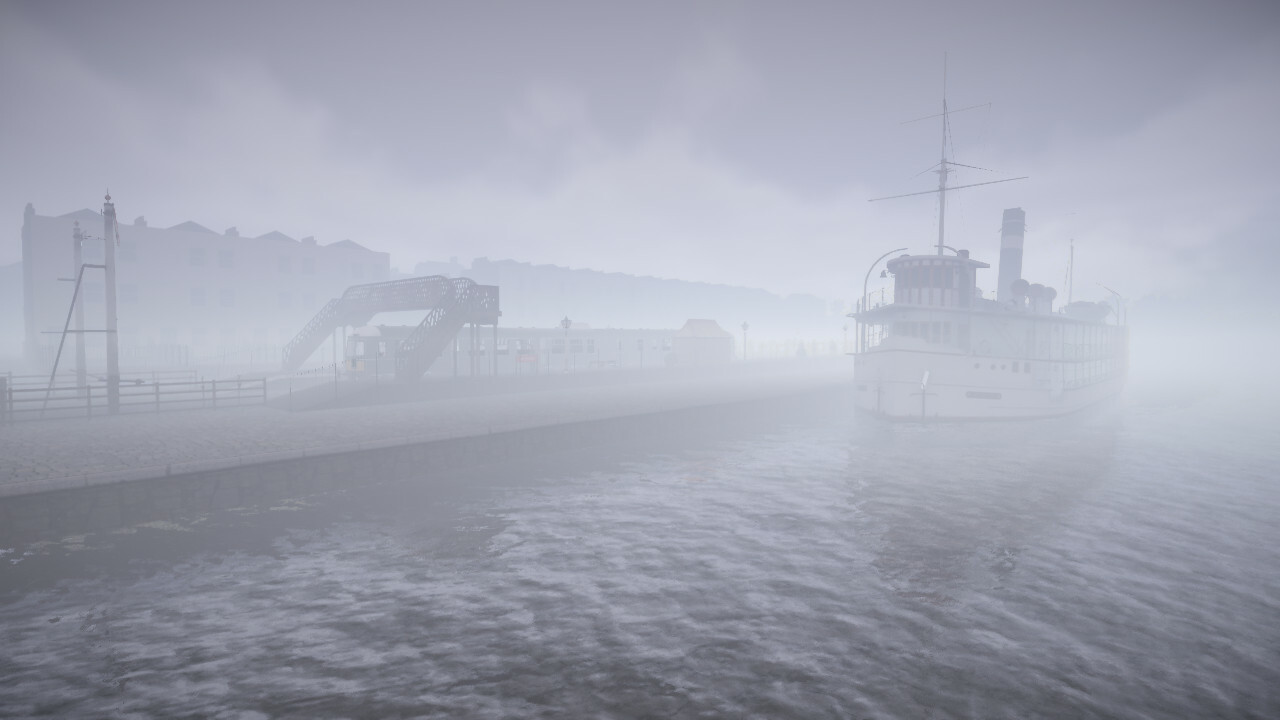
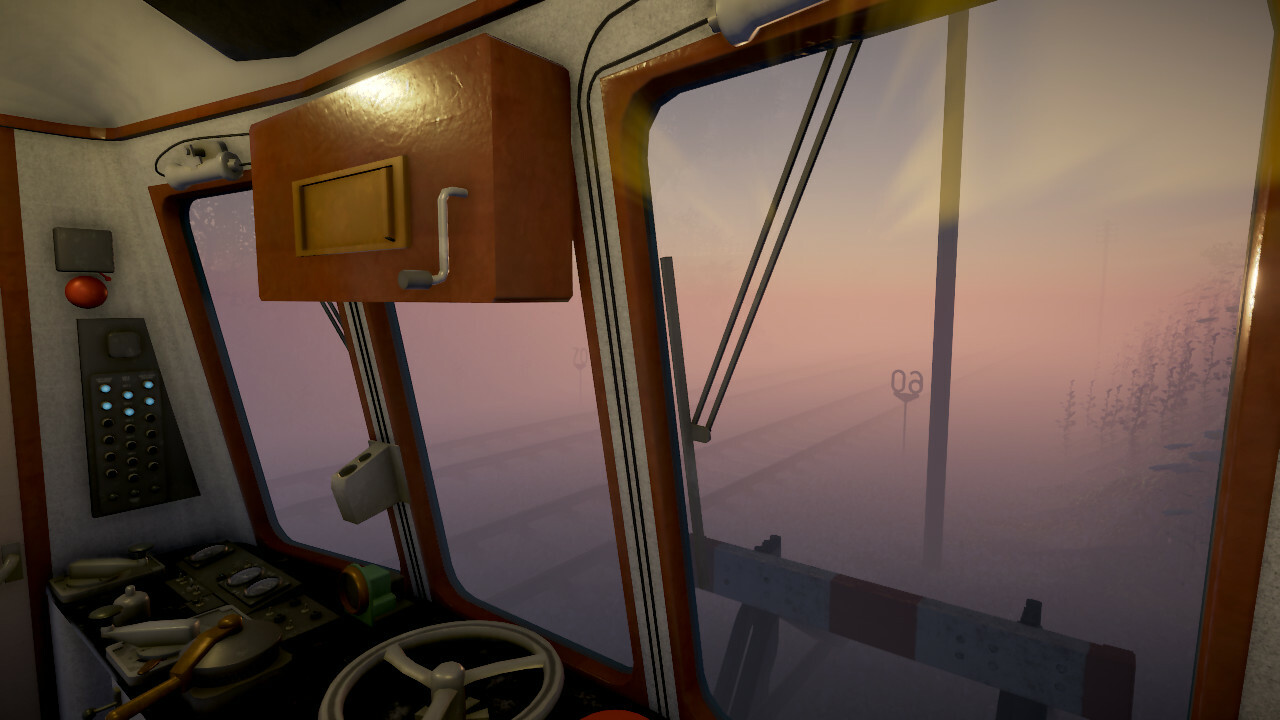
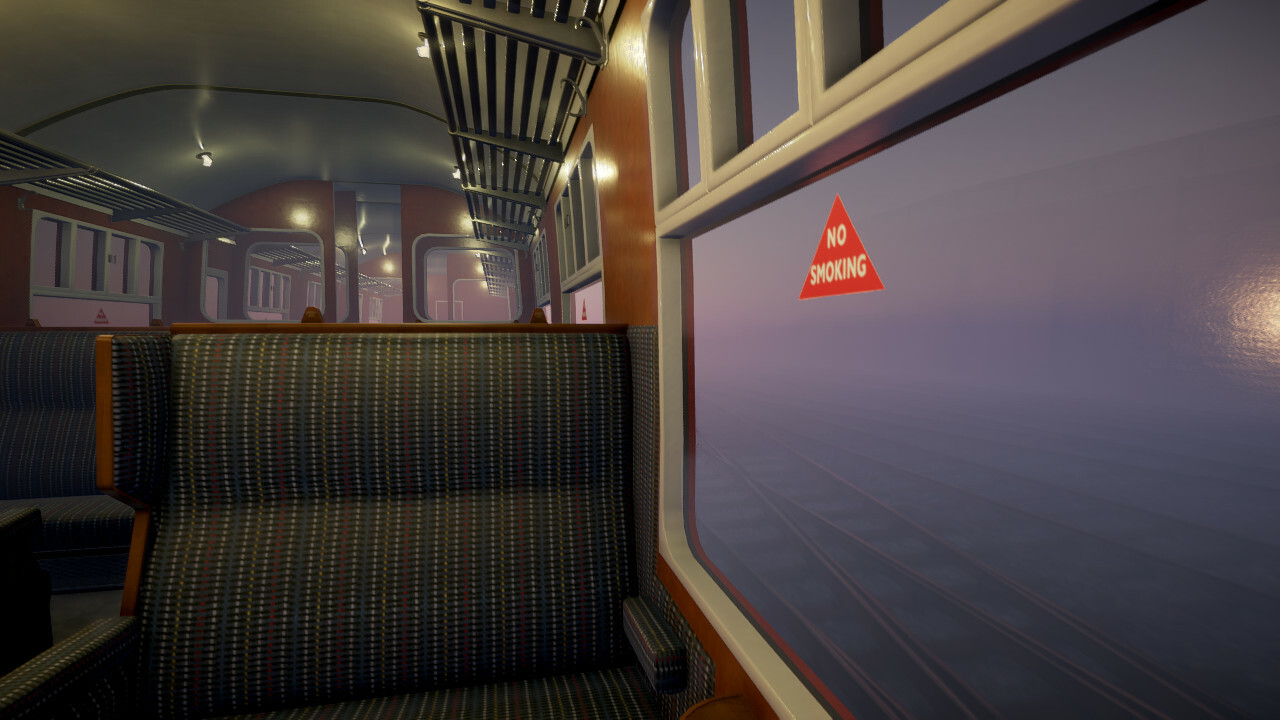
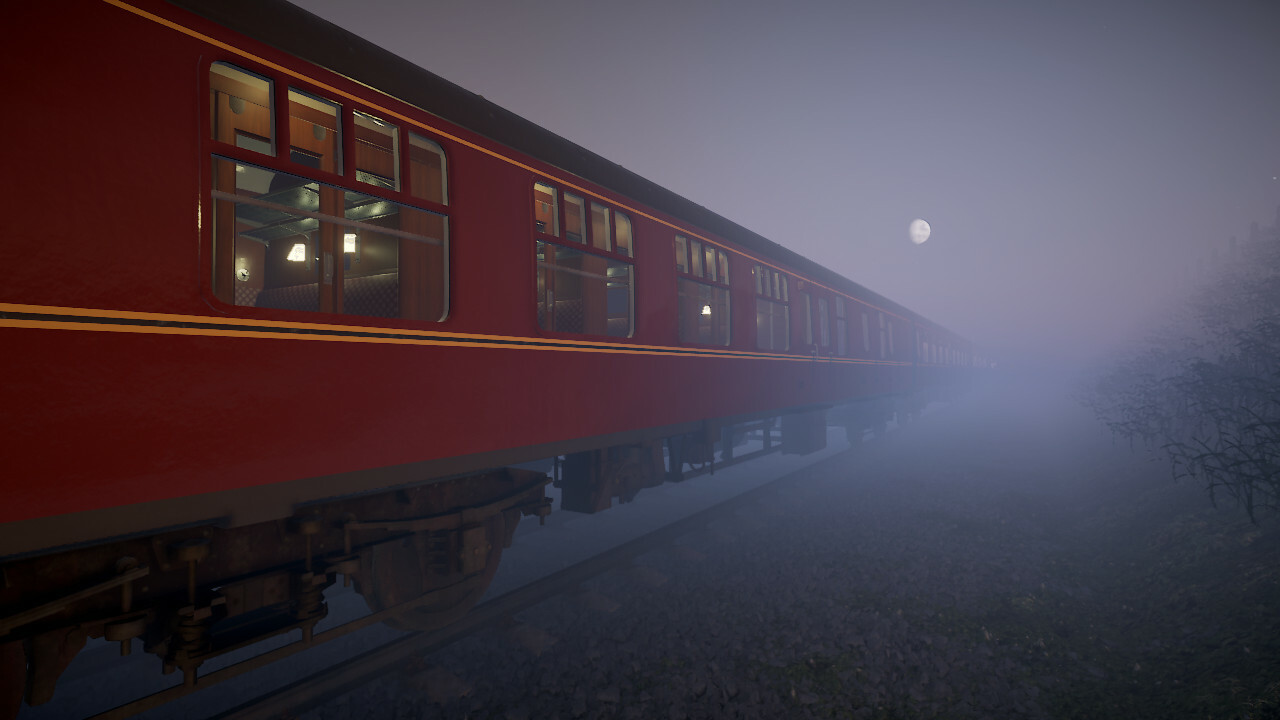
Added an adjustable fogginess setting below the cloud slider next to the Watch and Drive buttons
Permanently enabled haze graphics effect since fog won't work without it
Enabled sky reflections for the highest graphics quality level by default
Adjusted grain graphics effect
Reduced water flickering
Improved clouds
Miscellaneous
Fixed a severe performance problem caused by extremely long shadows during sunrise and sunset
Fixed a possible crash in the controls configuration screen
Fixed minimap to update signal state immediately upon passing a clear AWS magnet
Disabled ability to mess with controls in watch mode because axis-based hardware controllers would prevent AI from doing its job
Removed "accurate tunnel mouths" graphics setting because it would make terrain load too slowly even on high-end systems
Optimised shadow rendering
What's next?
The next major update will be the gameplay update, to be released in 2025, along with smaller patches as required.
Scenery patch 19
Scenery patch 19 is now live with the following changes:
Visuals
Fixed missing train bodyshells when starting multiple runs without restarting the game
Fixed missing textures for "BR Carflat" workshop item
Fixed HUD timetable box to not show departure time for the last stop unless it's a portal exit
Sped up loading of track sleepers and fastenings
Miscellaneous
Fixed a reversing related bug that might cause pathfinding to fail
Fixed a possible bug causing pathfinding to break after loading a saved run, leading to a traffic jam
Fixed scenery chain links becoming unresponsive in route editor after splitting one with a new node
Added 13 CPU optimisations for physics, pathfinding and simulation
Changed screenshot saving path setting to use default value when the entry is blank instead of automatically filling in the default path
What's next?
The next major update will be the gameplay update, to be released in 2025, along with smaller patches as required.
Scenery patch 18
Scenery patch 18 is now live with the following changes:
Visuals
Adjusted TAA sharpness
Adjusted SSAO settings and window glass materials
Improved lighting under overcast sky
Added sky reflections option (disabled by default)
Added performance impact warning to water reflections setting
Fixed default antialiasing setting for "high quality" preset
Miscellaneous
Fixed camera aspect ratio in editors when not using FSR3
Fixed possible crash in service detail screen caused by missing or invalid train material
What's next?
The next major update will be the gameplay update, to be released in 2025, along with smaller patches as required.
Scenery patch 17
Scenery patch 17 is now live with the following changes:
Visuals
Added FSR3 upscaling/anti-aliasing method. You can select this from the anti-aliasing menu on the graphics screen. There's also another drop-down menu below for selecting the rendering resolution when using FSR3. Reducing the rendering resolution should yield higher frame rates with relatively small impact on visual quality
Editors
Fixed crash in train editor when regenerating vehicle guid
Fixed problem with terrain node height being drawn over node information in route editor if they're close to each other
Improved editor side panel form layout
Added chain subdivision tools to route editor
Miscellaneous
Updated the project from Unity 2019 to Unity 2022. This may affect the performance and stability of the game, hopefully in a positive way
Fixed possible crash when starting sim and quickly cancelling it
Fixed possible crash when loading scenery (Rural line)
Enabled physical key layouts. This means that the default keys always correspond to their physical location on a QWERTY keyboard, even when using another layout like QWERTZ or AZERTY
Optimised DDS texture loading during the sim
What's next?
The next major update will be the gameplay update, to be released in 2025, along with smaller patches as required.
Scenery patch 16
Scenery patch 16 is now live with the following changes:
Editors
Renamed "Model files" model source in route editor to "Plain and packed files" for consistency with train editor
Fixed changing the parent of a model node from the editor side panel to automatically update local position/rotation/scale
Fixed model node parent list in editor side panel to correctly remove invalid options that might lead to a crash
Added sane default volume and pitch values for new sound behaviours in train editor
Added simple asset packing progress report on screen
Visuals
Fixed incorrectly oriented rail fastenings in some autogenerated turnouts
Fixed texture distortion on the sides of sleepers in autogenerated turnouts
Fixed some vegetation shadow artifacts
Fixed false positives in material matching (fixes Class 31 roof colours)
Adjusted screen-space ambient occlusion settings
Adjusted brake van interior brightness
Added some contest screenshots to loading and credit screens
Miscellaneous
Replaced third party model loader with a custom one for .obj/.mtl files. The third party loader was unable to load models if there were some special characters in the file path
Changed rail joint sound mixing to normal for trains last saved before April 13 because the sounds over turnouts were too loud
Reduced bass in Class 37/40 engine sounds
Fixed AWS to not cause an emergency braking at start on some vehicles
What's next?
The next major update will be the gameplay update, to be released in 2025, along with smaller patches as required.
Screenshot contest
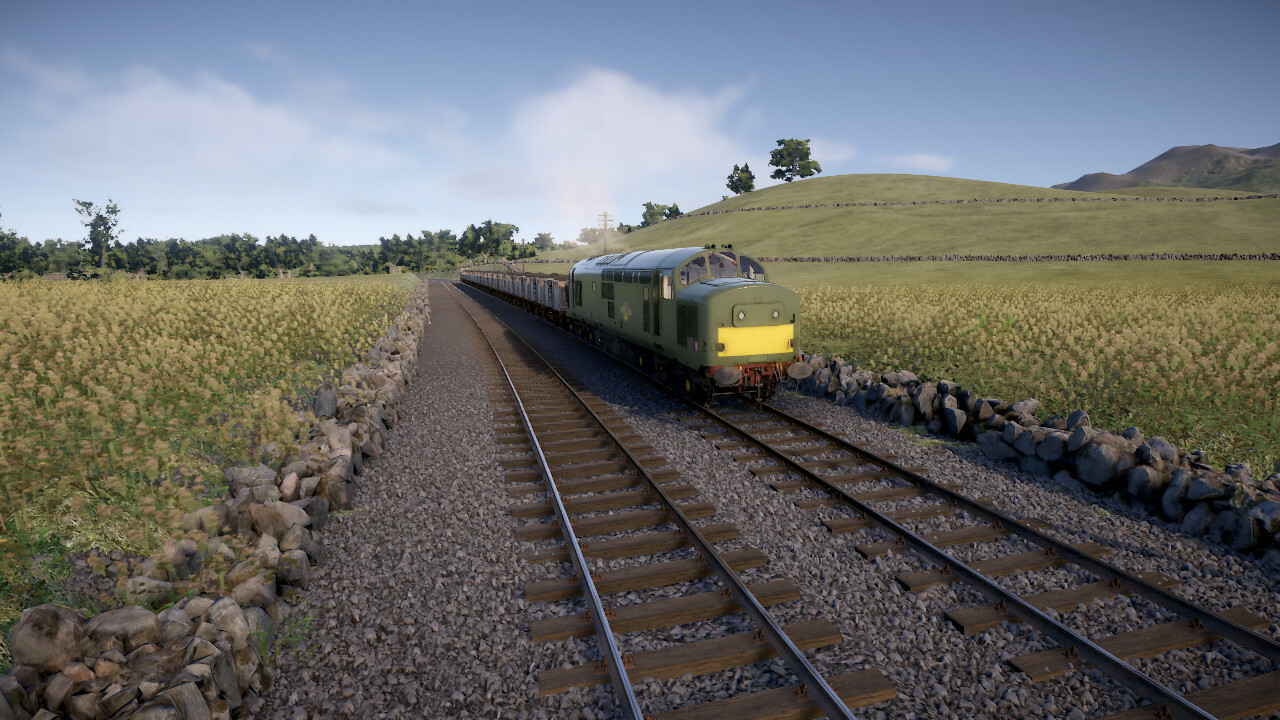
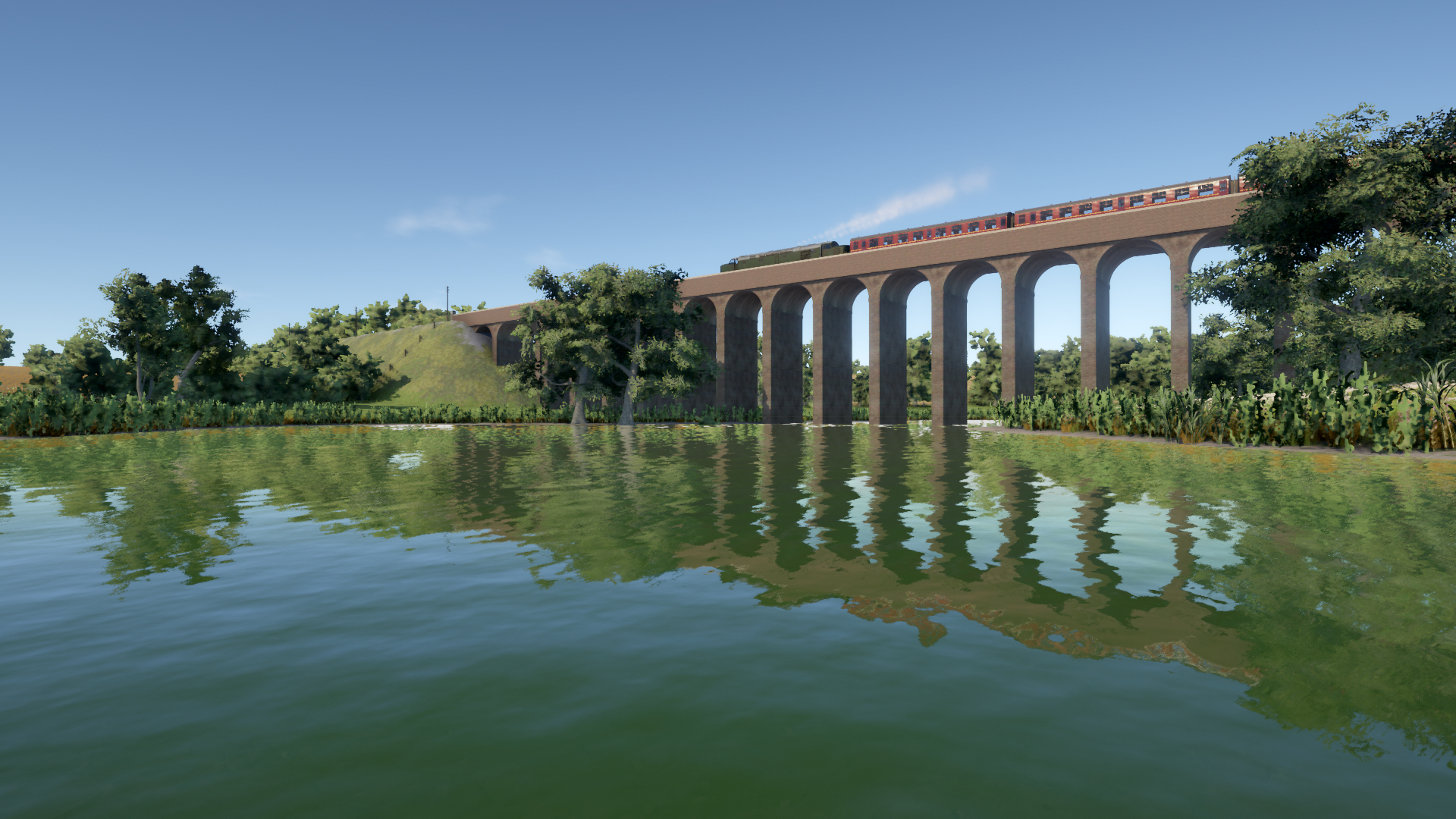
Time for another screenshot contest! This one has no specific theme so feel free to use any routes and trains, even unpublished ones.
Post your screenshot here or on the Discord screenshot channel. Please label your picture as "contest entry" in the description. Some of the best shots (as chosen by Lapioware) will be used as background images for the loading screen with credit in the top-left corner.
Tips
The easiest way to post a screenshot is to use Steam's built-in functionality, usually the F12 key
Use the maximum resolution that your system supports
Hide the timetable by pressing F2 and other parts of the HUD with F3
Choose the highest graphics level from the top of the "Graphics settings" screen
Try enabling the optional "depth of field" graphics setting for a focus effect (works best while zooming in)
Use the free roaming camera mode to position the camera
Use the pause key to stop all trains while finding a good position for the camera. Alternatively, you can try using time acceleration for an exaggerated motion blur effect
Adjust cloudiness from the slider just before starting the run
Try taking screenshots at different times of the day: bright midday lighting is not always the best
Remember that the loading screen has a box that covers the centre of the picture
The contest will run for about one week
Scenery patch 15
Scenery patch 15 is now live with the following changes:
Editors
Fixed timetable editor becoming unresponsive in some cases after deleting a template from the side panel
Fixed advanced service pattern generation in timetable editor to have drop-down lists for choosing preceding or succeeding templates
Made node material name matching more robust against small variances in material names
Fixed sound packing in train editor to use case-insensitive file names similar to unpacked sound files. (Requires repacking)
Added formation cloning option to timetable editor
Visuals
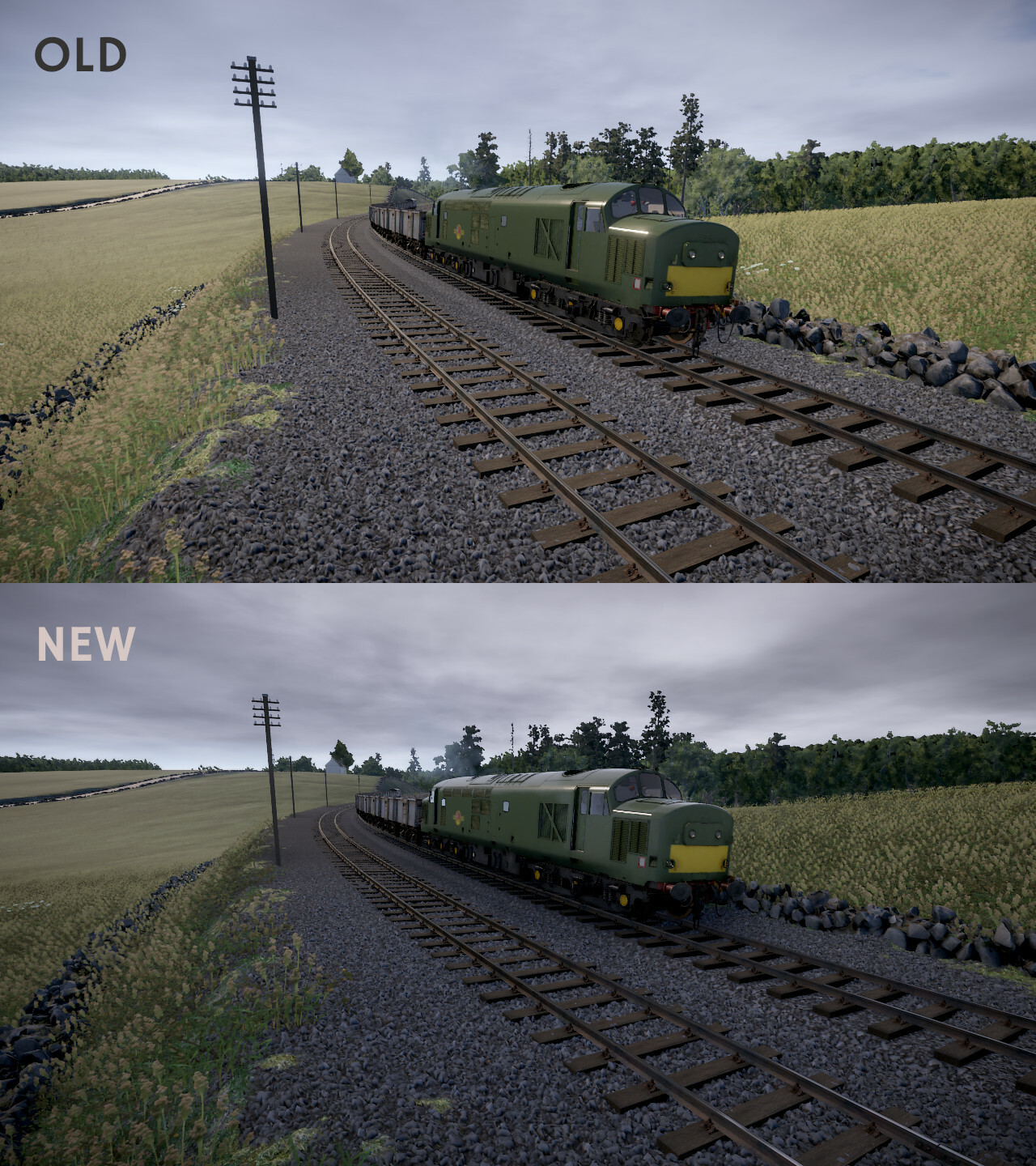
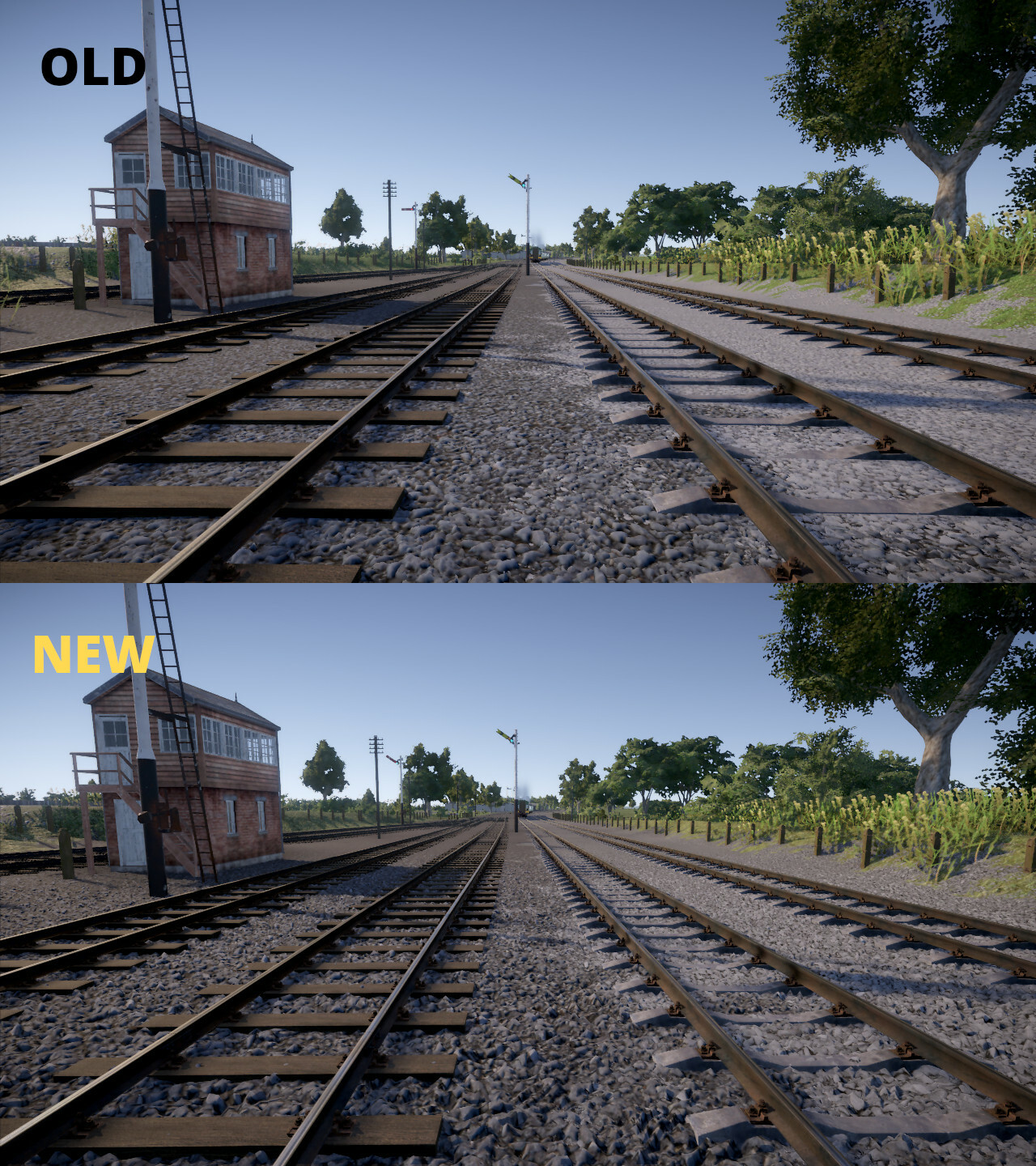
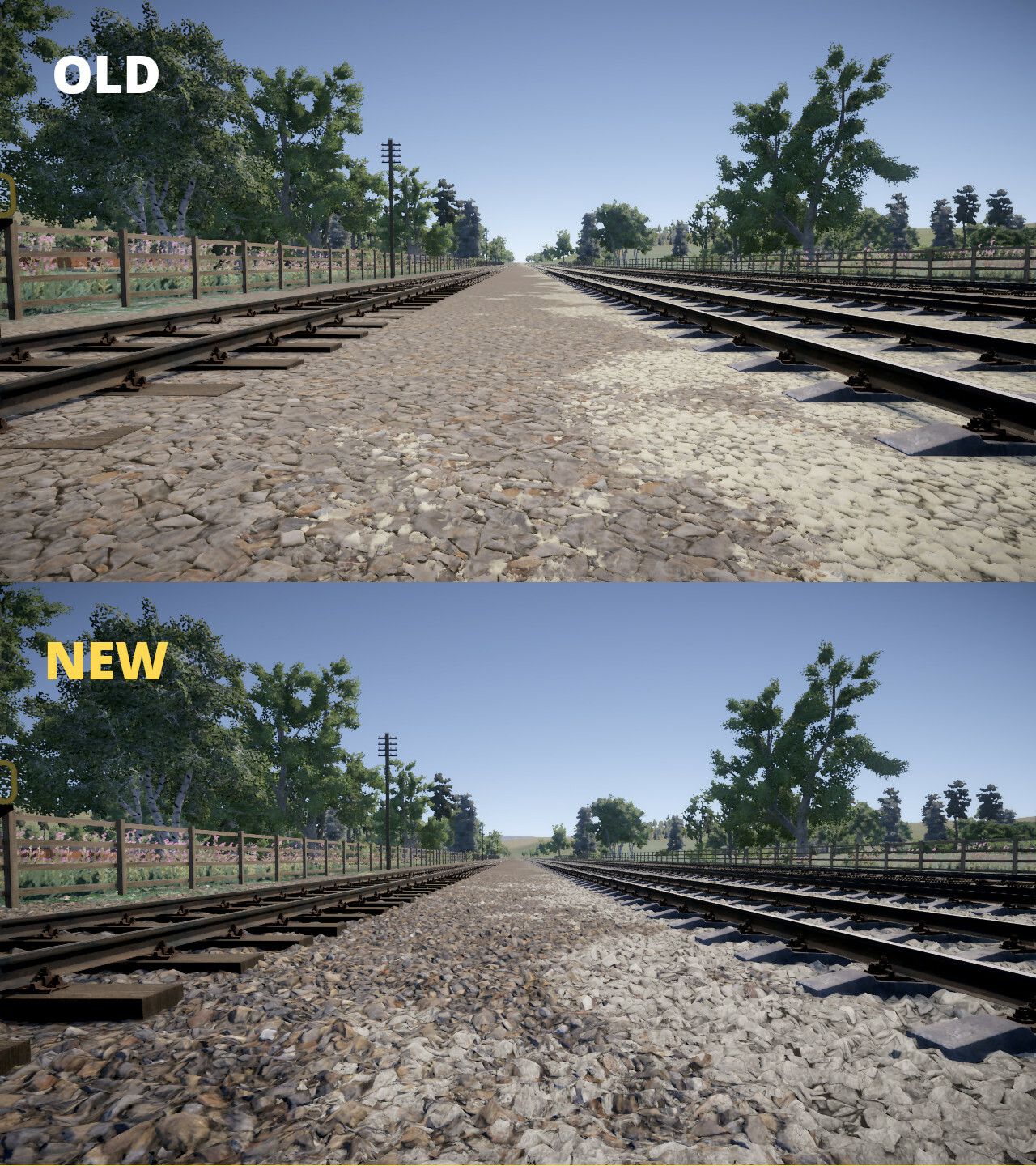
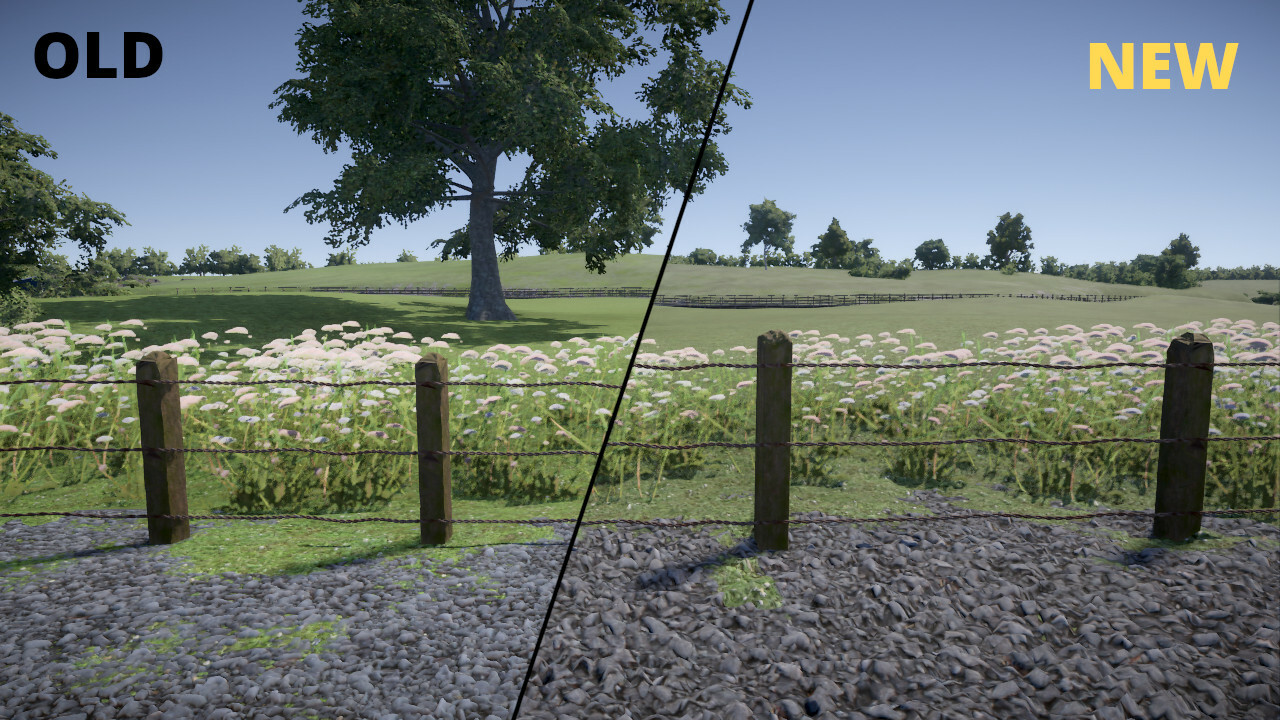
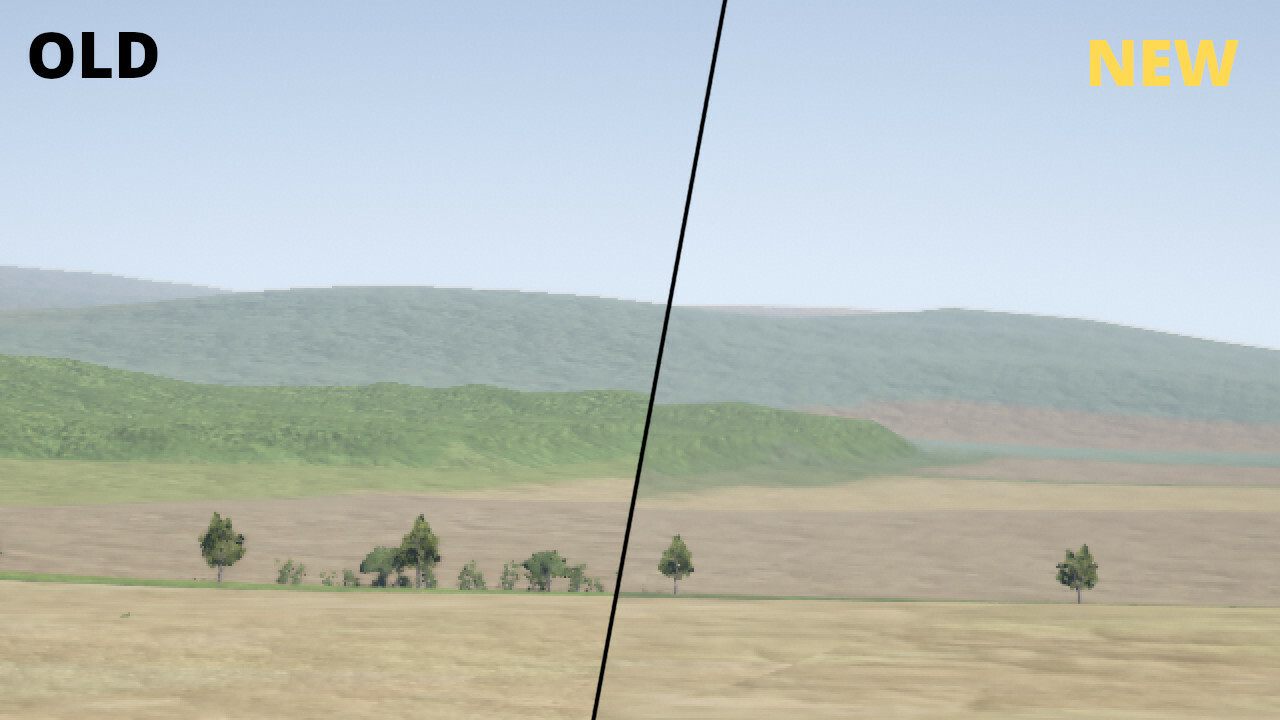
Improved terrain texture detailing with tessellation and noise
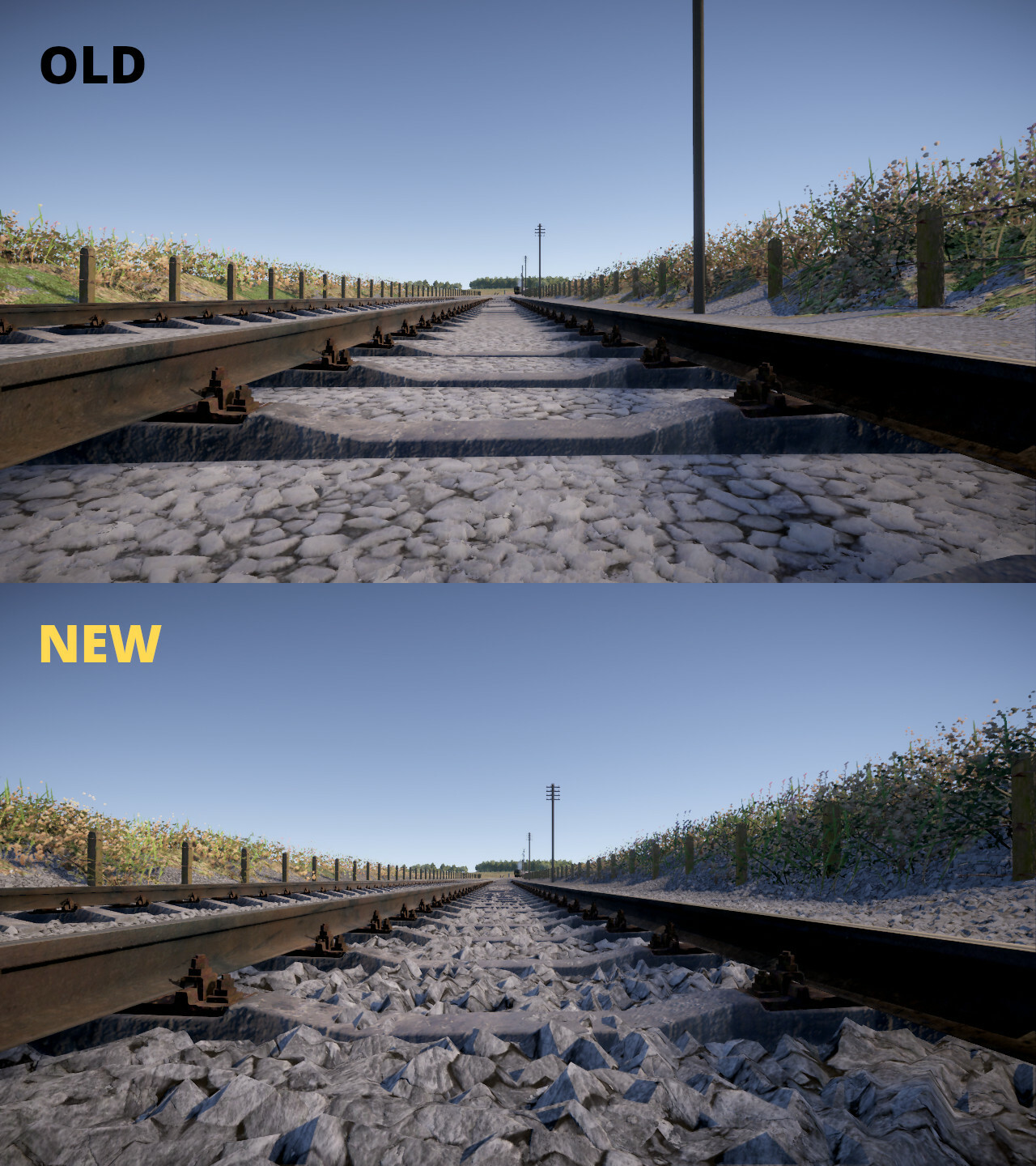
Improved grey and beige ballast textures
Replaced brown ballast texture with a better one
Reduced grass texture colour saturation and made it slightly darker
Reduced vegetation size to more realistic proportions and increased density
Added anti-aliasing to distant terrain
Improved positioning of track sleepers and fastenings to prevent them from being too close to each other at track section ends
Fixed incorrect switch rail animation when a turnout is connected to a 90-degree curve
Fixed terrain loading to prevent a stripe of wrong texture appearing near the edge of some terrain tiles
Disabled min/max ground deviation for default track types to prevent camera from shaking when close to track in helicopter mode. The new improved terrain textures have similar visual irregularity anyway
Miscellaneous
Fixed possible division by zero that caused terrain to become corrupt around truncated track or road sections
Clamped camera pitch angle to prevent the camera from turning upside down
What's next?
The next major update will be the gameplay update, to be released in early 2025, along with smaller patches as required.
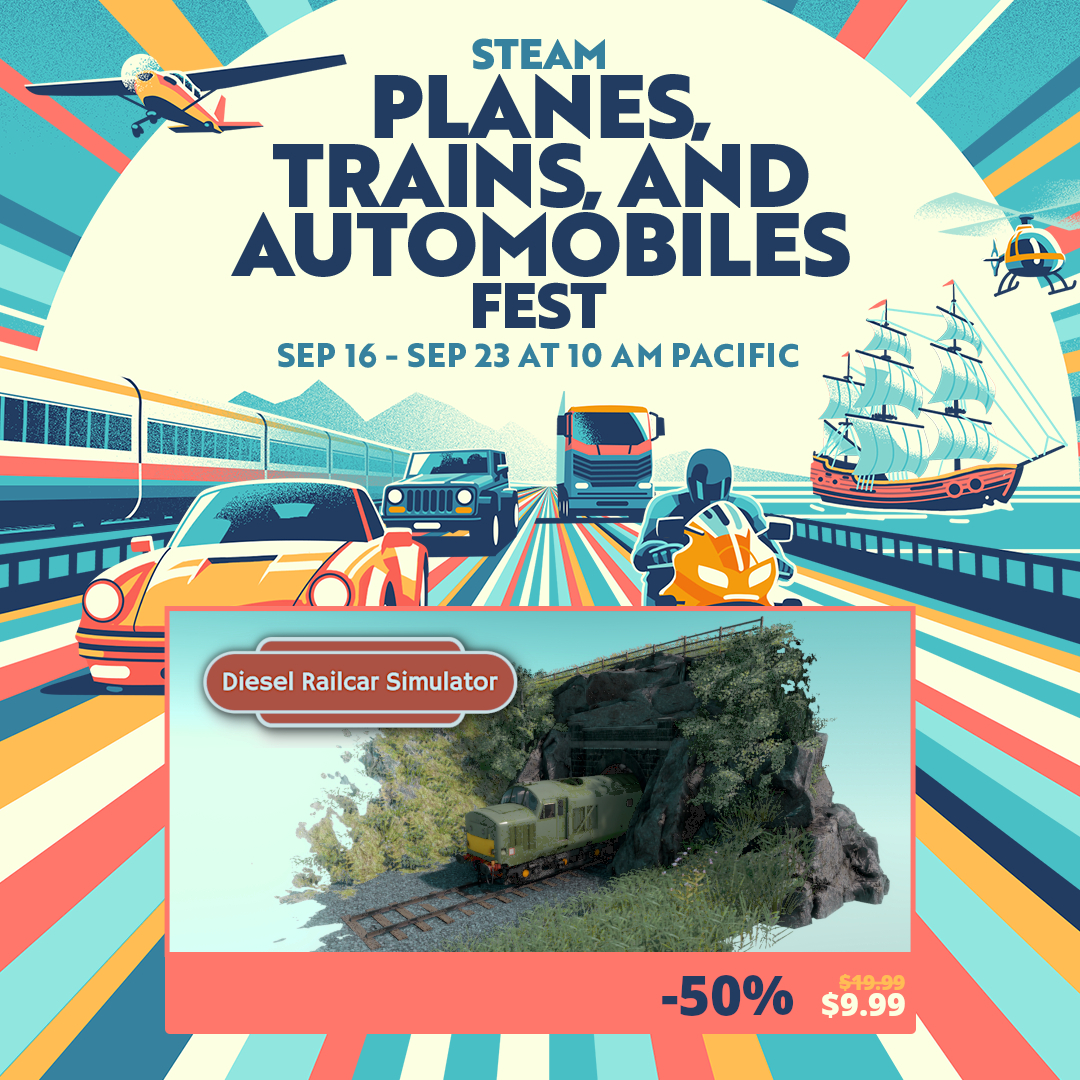
Planes, Trains and Automobiles Fest
Diesel Railcar Simulator at half the price! This is the steepest discount to date and an excellent opportunity to get an affordable copy. The offer won't be repeated any time soon!
Scenery patch 14
Scenery patch 14 is now live with the following changes:
Editors
Fixed train editor rails to reload after making changes
Fixed timetable editor to stop test run when deleting its template during the run
Fixed route editor scenery view to render long chain links correctly
Fixed scenery view in route editor to update automatically after moving a terrain node
Fixed height for single points (like when moving a node that follows terrain) to match the visual terrain outside the area defined by terrain nodes
Prevented node from rotating in route editor when trying to move it by dragging
Added tooltips and changed the user interface for some terrain node/preset properties for convenience
Traffic
Fixed spawning of some static formations (Lambourn RAF Welford shunting)
Fixed AI signaller problem with some reversing moves (RAF Welford Shunting)
Fixed AI driver issue with circular tracks
Fixed AI driver stopping at the wrong place and getting stuck at some stations (Wilanowska Kolej Dojazdowa)
Fixed AI driver trying to move in the wrong direction when trying to correct its wrong stopping position
Fixed some other cases of AI driver getting stuck
Visuals
Fixed culling problem for some custom models when instanced rendering is active (models would disappear too early near the camera)
Fixed height mismatch between terrain and other scenery in some cases when there's a zone that affects terrain height
Disabled exhaust gas shadows because they don't display correctly on Linux
Widened service list in run menu
Miscellaneous
Fixed custom stereo sound distortion
Optimised terrain loading
What's next?
The next major update will be the gameplay update, to be released in early 2025, along with smaller patches as required.