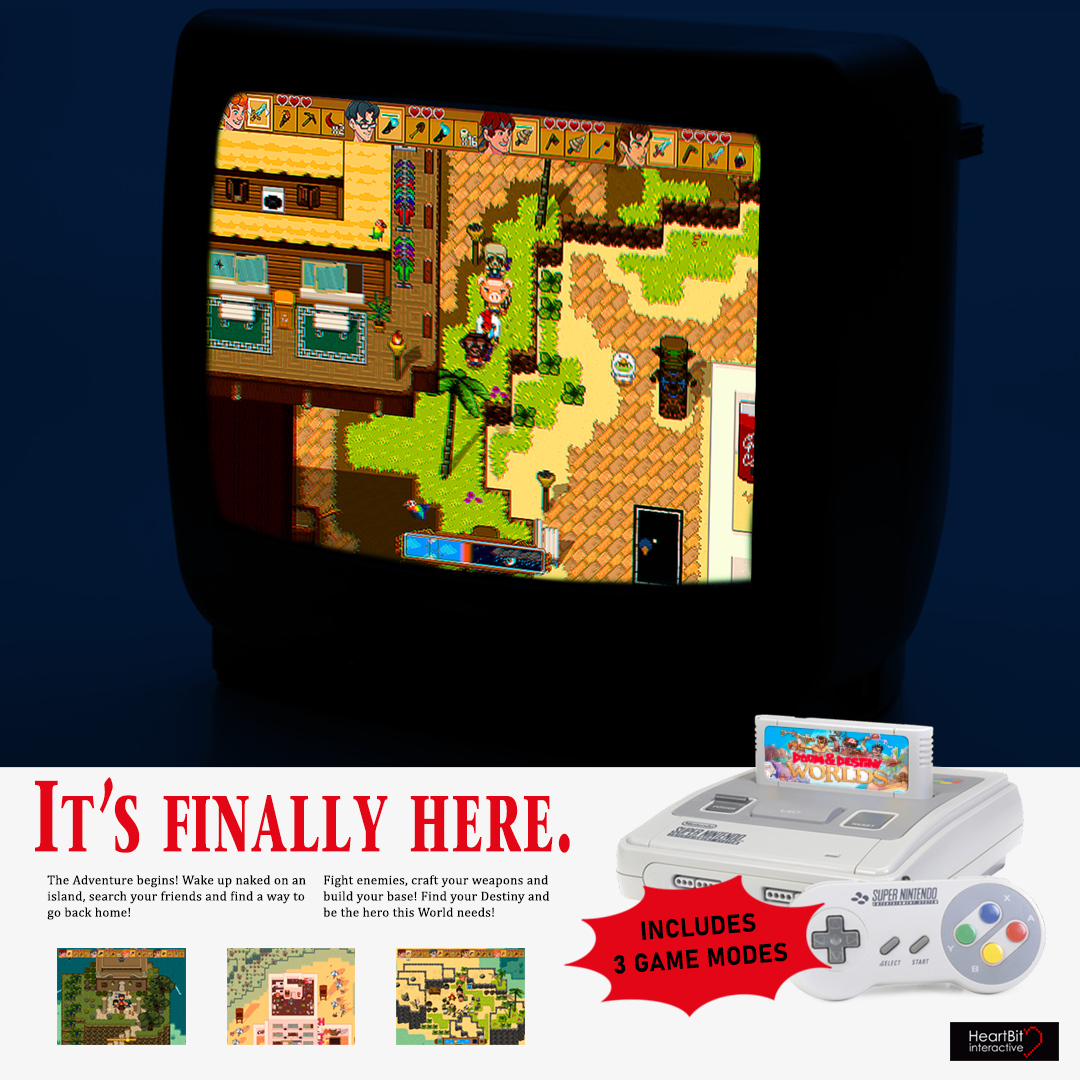
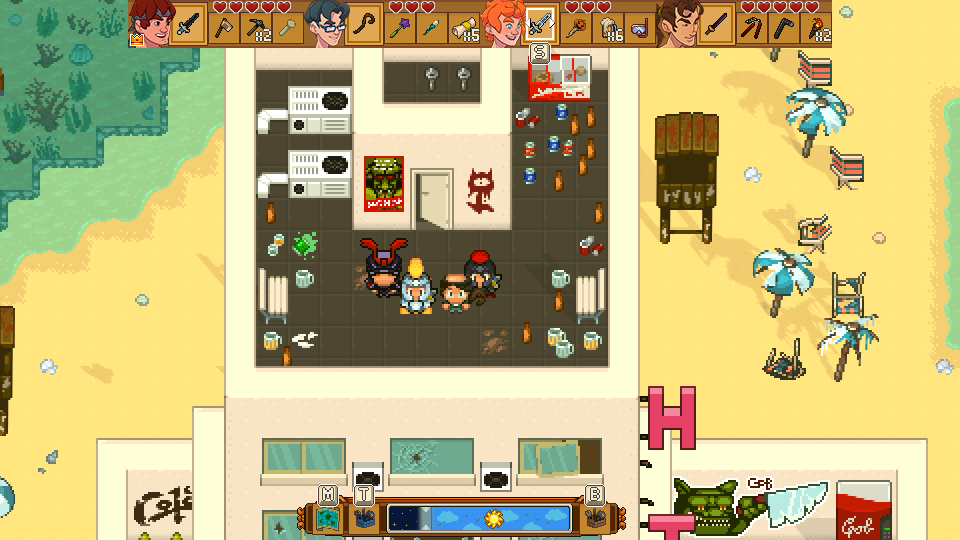
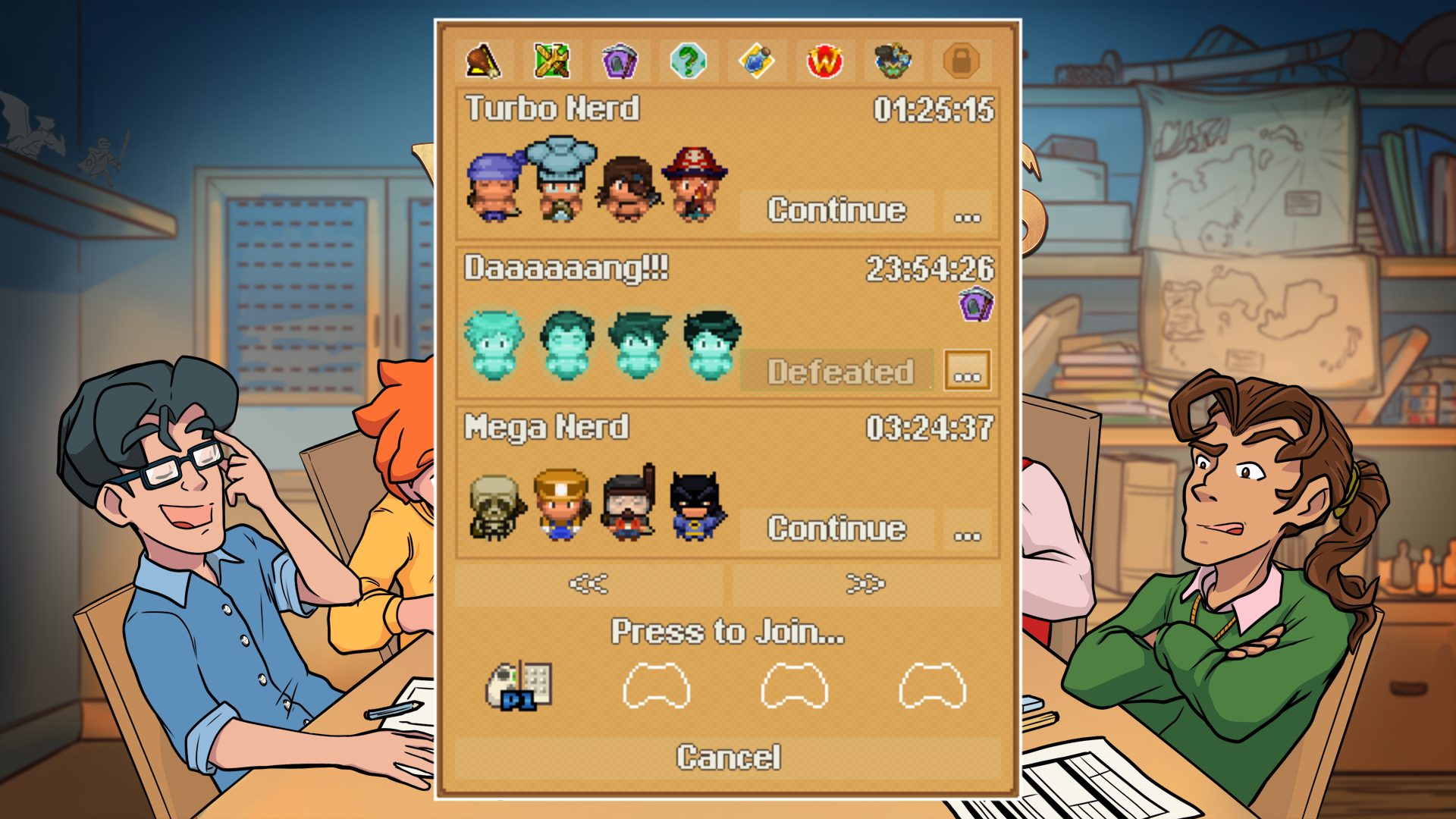
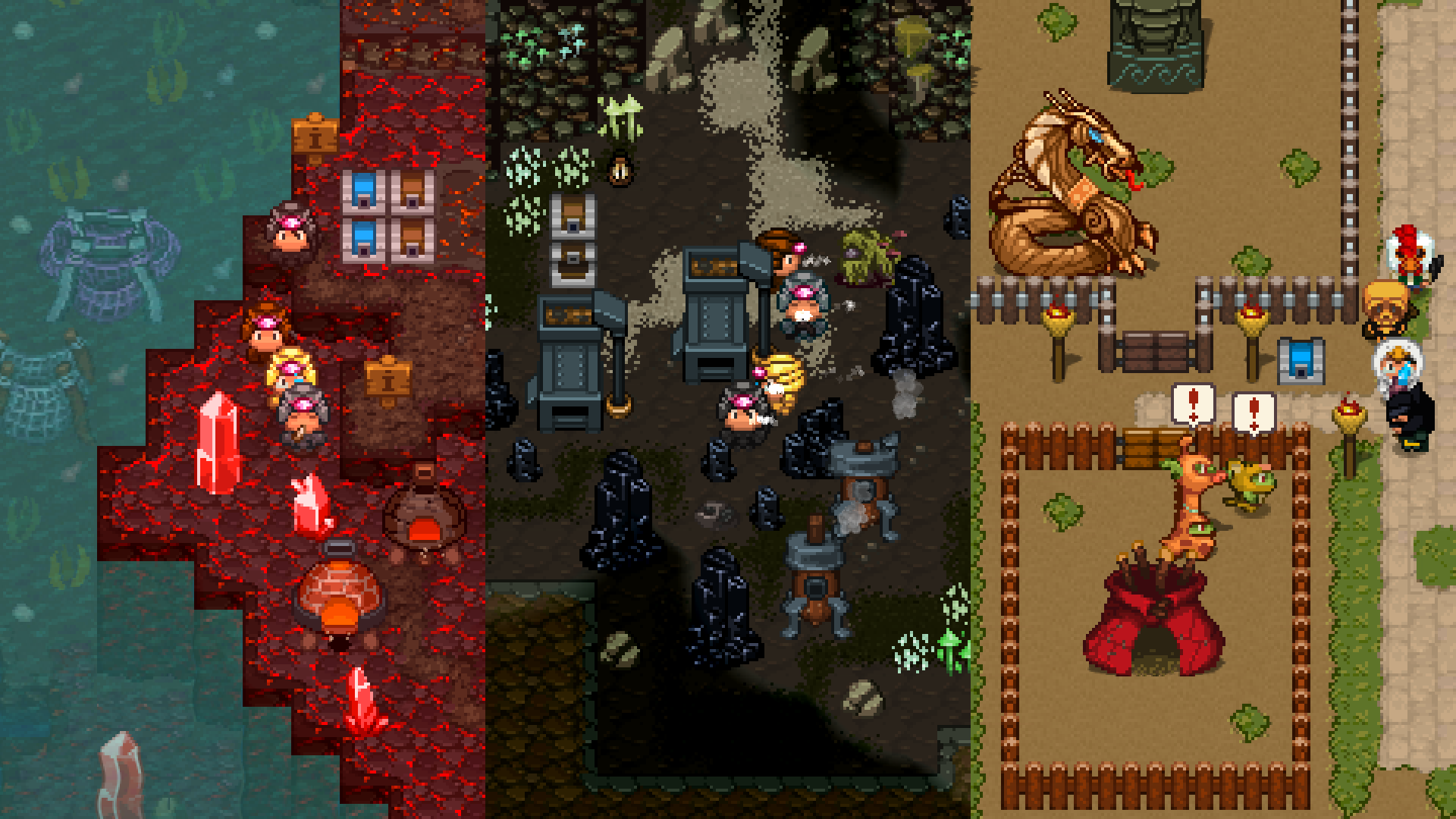
We are back with another HUUUUGE update that probably nobody gonna read except us 'cause we are super proud of it!
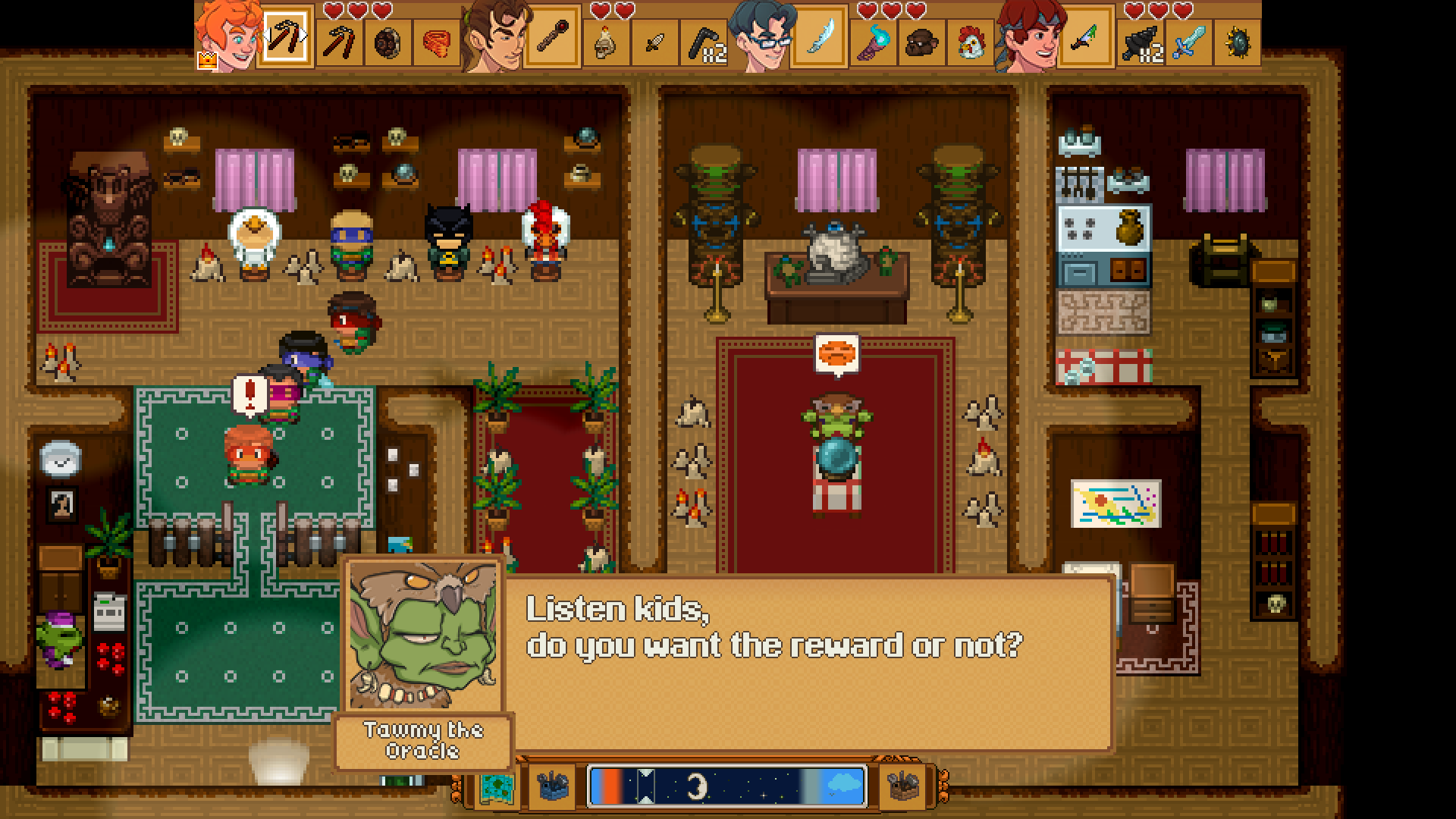
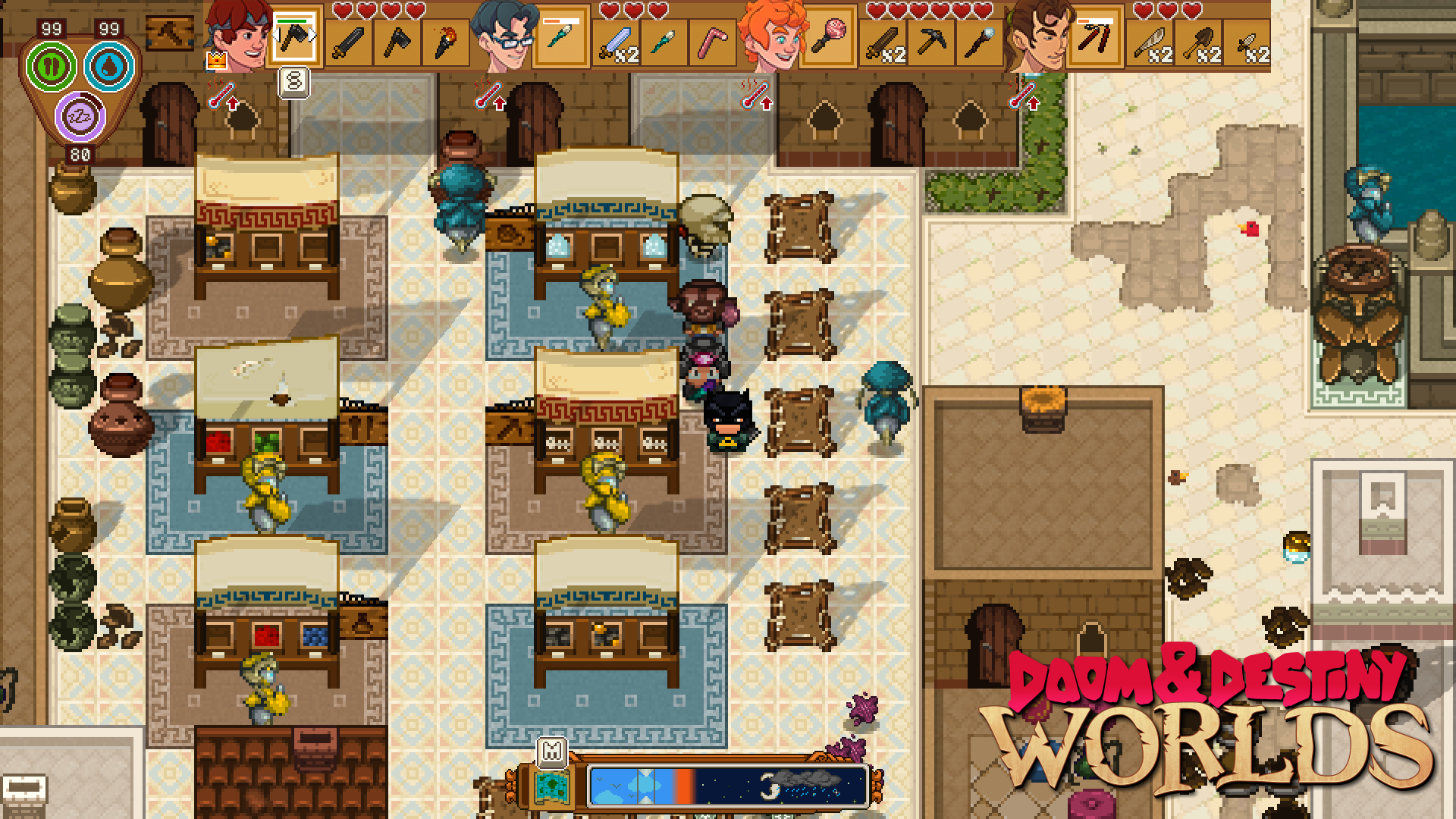
We will add some screenshot to show you what we did and tell you this: we added the RUMBLE feedback, so be sure to play Doom & Destiny WORLDS with your gamepad!
Update 15098changes:
Changes
Shields and Vulnerability STATUS have been made more powerful.
Changed the ICONS of some status effects to show their tier with a quick glance.
[You can now compare the equipment you want to craft with the equipped or favorite one (CTRL+S or RT+Y or Click/Tap the quickbar icon)
Added "Doompedia" to options in inventory window, selecting it you can choose between "Bestiary", "Status Effects", "Blueprints"
Added new Scene for Status Effects
Now status icons keep showing after a pause screen even if you never open the inventory in a game.
After placing last item in a stack, the building window don't refresh immediately to not placing another item mistakenly
Added new icons for inventory items.
Replace "use" option with "place" if I'm using a placeble item from menu.
Added selecting rectangle moving mouse on building items.
Added space inside element info for battle damage.
Using mouse wheel is possible sliding building items.
Added cursor on actor quickbar to show what actor is inspected.
Now the top floor of caves and internals will be dark to improve environment readability.
You can now use hotkeys to perform operations on bags.
[Mobile] Added icons to the battle commands!
Added a buzz sound if you try to unequip when the inventory is full. An error prompt should also appear.
Improved looks of the Options Menu.
Equipment exclamation marks no longer show in Unbrakable Mode.
[Steam]Added vibration effects to the GamePad, you can disable them from the options menu.
When comparing equipment an icon and a small face will help contextualize the comparison window.
Now the Survival UI will animate when moving across the screen or hiding.
Now the Quick Bar and the Time bar will animate smoothly in and outside the screen when requested instead of appearing/disappearing.
[Mobile] Now you can send the game to background from the title menu.
Now you should be able to use backslashes in text without words disappearing.
Fence Gate are now in "blocks" near the Fence blocks.
Fixes
Disassembling farm ranches now works as intended if food is still inside.
[MOBILE] Building window was outside screen in farview.
[MOBILE] Now you can select toolbox after selecting floor tiler. Map closes after clicking on toolbox and floor tiler.
You can now correctly place objects up to 1 block lower from your location, coherently with the placement preview. Now the placement preview won't suggest placements of objects at higher altitudes as valid.
After checking the error report, window options is now selected, the controller is not blocked.
Pressing Y to check a single recipe while inspecting a blueprint now works as expected.
Fixed a crash when inspecting inventory stats while in the inventory or crafting.
Removed double pointer on enemy if using item that has as target all enemies.
Fixed the font in the Alarm Clock description.
[Mobile] Fixed centering of the startup logo.
Solved a problem where selecting "Give To" from a chest and pressing cancel, caused a loss of control for the player.
Solved a crash with unsupported keyboard bindings.
Fixed a rare crash when closing the game.
Fixed an issue with a wrongly scaled font when talking with the statue.
Now the icon inside a character balloon only appears when the balloon is big enough.
[Mobile] You can now correctly click the quick bar mode after clicking the building mode toggles.
Error when cancelling rapidly before confirming an attack or a special power.
[Steam] Now the controller text input should work as expected when entering an error description.
Fixed an issue with blocks not breaking due to close by items.
Fixed an issue when resizing the screen in game, while the options menu was open.
Now the status icons in the quick-bar will correctly update after a battle.
Now the button hint of the map will correctly disappear after dropping the map from the Progress screen.
Fixed the Coin Puzzle in Twilight Imperium.
Update 14891
Hello dudes and dudettes,
After releasing the two DLC, "Fantastic Quests and Where to Find them" and "Iron Nerds" we didn't even take time to rest and continued our mission to improve Doom & Destiny Worlds.
First of all, we upgraded the free DLC "Iron Nerds" adding 3 new hats, 3 new armors and 3 new weapons, inspired by the classic classes like the "Paladin", the "Samurai" and the "Priest".
As some of you might know, we are currently developing the mobile version of Doom & Destiny Worlds. With the help and support of many beta tester, we managed to find and correct many small issue and improve the overall gaming experience, both for handled devices and Steam.
We even improved the STEAM DECK version!!!
Without further ado, here what changed ːfsmː
Update 14891 changes:
Changes
When changing weapons in battle, gear is now sorted and easier to browse.
In Survival Mode, food can now be sold as intended.
Improved the readability of Status in the menu.
Rings do not show up in "Accessory" list at the crafting station.
[GRAPHICS] Reworked a few interior floors and walls to better distinguish floors from walls upper surfaces.
[GRAPHICS] Updated icons to better show the Tier of the items.
[Multiplayer] During crafting the button Request now updates immediately after a change in tracked list.
Added animation when giving a bag to other character.
Added option inspect in shop mode.
[Mobile] In shop holding buttons +- the items to buy/sell increase/descrease faster and buttons are bigger (x2).
[Mobile] In battle back button is now shifted a little more up and on the right.
[Mobile] In shop the option Buy/Sell now is before Inspect.
[Mobile] When you press accept in a shop, while inspect mode is active, the window to buy/sell appear immediately instead of closing inspect mode.
Added: Now you can slide faster the map pressing shift and a direction.
[Mobile] Changed graphic on back button.
Now the character's abilities and equipped weapons correctly blend with the quick-bar when crafting.
When a state description appears at the bottom of the screen, it is now fully displayed, even if requires a partial overlap.
[Mobile] Now the sorting button enters/exits the screen with the crafting windows.
[Mobile] Now when you place a pin the map automatically zooms in to show the added text.
[Mobile] Resized the discord icon in the pause menu.
Improved the appearance of the sorting icon in the crafting menu.
[Mobile] Now the limit to the game name length is also evident in the input window.
[Steam] Now Customize Controls should appear even if navigating the menu exclusively with the Mouse Cursor.
Added a fadeout transition when closing the pause screen.
Improved the looks of the selector.
[Mobile]You can now send the game to the background from the pause menu.
[Mobile] Now when you change input mode the game will try to play a tutorial for the new input mode once for every input mode.
You can now read the Blueprint of an ingredient if you highlight it.
You can no longer change the ingredients when crafting from the favorites category.
You can no longer select the background windows while using Craft & Equip.
[Mobile] Improved positioning of item/equipment and powers in battle.
Improved the detail screen of consumable or throwable items.
You can now sell equipped items.
Fixes
Fixed the Arcane ring giving bonus to SP instead of MP
Fixed some missing localization words.
Fixed some questlog description in ITALIAN.
Fixed a graphic issue for the Checkpoint if placed by the player near the water.
[Mobile] Fixed: In shop when you clicked on equip buy appears instead of sell.
[Mobile] Fixed when you change some tracked items the window shift in a wrong position.
[Mobile] Fixed buttons in track/edit didn't work.
[Mobile] Fixed while tracked window is open you can select windows below.
Fixed: Window inspect on the right didn't close clicking on actor window or equip window.
[Mobile]: In crafting, moving back in a different phase now cursor don't follow the last item selected but the last index selected.
[Mobile] Fixed: Now survival bar always shift in correct position open crafting.
[Mobile] Fixed in option window open from pause the area that allow closing window option is not correct.
Now the Discord icon correctly appears when closing the DLC Description.
Now when you close a sub-menu and you are returned to the inventory , the sub-menu list is still open.
[Survival Mode] Fixed an issue with the Well Rested state being applied twice on the characters that didn't yet join the party.
Fixed overlapping of unlocked powers in the equipment description.
Solved a crash when pressing Y button or S key in the title screen.
[Steam] Fixed a crash when pressing L or R when the DLCs are no longer displayed.
[Steam Deck] Fixed a few textures that were not correctly cleared when being re-used in Proton.
[Mobile] Fixed a crash when saving with a choice window was still open.
[Steam] Removed the big brown window that was appearing on screen when exiting the in-game Command Customization screen with the ESC key.
Fixed the states descriptions to improve separation of different effects and readability.
Fixed a freezing bug when collecting coins.
Fixed the opacity of the Mod icons to make them simpler to understand.
[Mobile] Now the game should correctly restore from deep sleep by creating an auto-save and reloading it when application is resumed.
Fixed a small issue with the window transitions not entering straight from outside the screen.
[Mobile] The achievement screen should now correctly show on all devices.
Fixed the transition from the title screen to the gameplay. It will now correctly fadeout instead of flickering or showing randomness.
[Mobile] Fixed the font size when placing furniture.
Now the loot should no longer drop on unreachable terrain.
The Turbo window should now correctly disappear when pressed on the Party Command window.
Fixed an issue that caused some transparent text to appear lower than the opaque counterpart.
[Mobile] You can now correctly cast powers targeting 'self' from the status window.
Fixed an issue with the deactivation of the background windows while selling an item.
[Mobile] Fixed the translation of the 'application not available' message when checking app license.
Fixed an issue that caused the Turbo window to appear while the Fight! intro was still playing.
[Mobile] Fixed overlapping of the survival GUI with the back button in battle.
Fixed a rare issue where the level would disappear as a consequence of dying or drowning.
Solved issue with the detailed stats screen, when opening it while inspecting an item.
Now the sound effects should correctly start as soon as the loading is completed.
[Mobile] Now the longer power names in battle should appear correctly.
[Mobile] Fixed the transitions from the title screen to the game.
as we did in the past with the "Unbreakable Mode", we decided to release another FREE DLC for Do&De Worlds.
This expansion challenges you to a whole new level: only one chance, the defeat is not an option. You cannot continue in case of defeat. This game mode is only for the bravest nerd.
Along side with the new game mode, this DLC add hidden inside any playthrough 3 new headgears, 3 new armors and 3 shiny new weapons.
Update 14730
Hello dudes and dudettes,
last few months have been super intense: we completed the second premium DLC "Fantastic Quests and Where to Find Them" and the free DLC "Iron Nerds" for both Steam and Nintendo Switch AND we just have launched the BETA on Android for Do&De Worlds.
All this testing and coding led us to this patch, a list of bug fixed (and some new added) and improvements to the game.
Update 14730 changes:
Changes
You can now see the current durability of an object inspecting it from the inventory.
You can now correctly close the options menu with the gamepad even when selecting a volume option.
When un-equipping a Cosplay and your inventory is full, an error SE is played.
When picking up a Blueprint from a chest, the "take" command has been replaced with "LEARN".
The cursor to select the target in battle should now correctly position close to the head of big enemies.
Save time should be considerably shorter now.
Improved windows transition in MULTIPLAYER.
Improved the transition in and out of the Progress page.
Improved the position of text during important dialogues.
If the Request menu is full, a buzz SE is played.
Fixes
You can no longer get stuck when entering a level of a dungeon after modifying the exterior map
When starting the game, the dlc banners are now showing correctly depending on the input.
When leveling up the accept and postpone buttons now are correctly activating/deactivating.
The "Continue Crafting" shortcut buttons are now shown correctly.
Strange text is no longer shown where button hints would be if you start a game using only the mouse.
Solved a crash when placing the last item available.
Solved a crash caused by a monster spawner.
Now the total amount of recipes you can collect remains correct even after expanding the list.
Now the map legend will correctly transition together with its window.
Now the description of accessories will correctly scale and avoid overlapping with other ui elements.
Now going back in the crafting menu will keep the window scroll position correctly.
In the Crafting menu, when pressing the Info buttons, the proper SE is played.
Favorite items now correctly reflect language changes made during gameplay.
Mobile
The small writings in the info page has been increased. Now you can read it!
Long monster names are better displayed in battle.
Fixed the crash when selecting the tool box from the quick bar.
Fixed the crash when planting seeds.
Fixed the crash that happen when using emoji while writing.
Fixed a bug that caused inputs to remain turned off after the timer for the coins puzzle runs out.
Equip window moved to the right to allow players stats to be fully shown.
Dragging items from inventories now works as intended.
Added autosave when the game is sent in background.
Solved an issue causin a crash when inserting special characters in a map label.
Fantastic Quests and Where to Find Them is OUT NOW!
Saving the world is a hassle, especially if you’re doing it for free! Take a break and help random strangers for some epic loot!
Doom & Destiny Worlds: Fantastic Quests and Where to Find Them is the second premium DLC, featured in the season pass, filled with new loots and rewards.
Unlock preposterous costumes, magic-infused rings, loud resource-gathering machinery and monster farms. All you need to do is help four weird strangers.
“FANTASTIC QUESTS AND WHERE TO FIND THEM” FEATURES:
6 new armors,
10 new helms,
5 new utility items,
3 new weapons,
19 new magic rings,
13 new machineries capable to automatically gather resources,
10 monster spawners, to summon and fight monsters whenever you want,
3 brand new islands.
Update 14532
Hello dudes and dudettes,
we are about to launch the second DLC: "Fantastic Quests and Where to Find Them" and this update is laying the ground for the new content and fixing many thing we found during play tests.
The upcoming DLC introduce four new "NPC" with tons of crazy, powerful and preposterous rewards! What is a hero without a wacky costume and magic rings?!?
Update 14532 changes:
Changes
Added to the crafting menu a list of Favorite items, so that you can craft them quickly!
Added transition to the detailed stats window. Added a battle prompt to suggest you have to choose a target for a skill or attack
Bug Fix
Fixed the shop selling the Great Salad in the Survival of the Nerdiest mode.
Fixed the Ectoplasm containers not dropping Ectoplasm as intended.
Fixed in SotN the Basilisk turning into sheep when butchered.
Fixed a bug where a player could "drag and drop" items for free from a store.
Now the last line of the questlog quest list is no longer cut.
You can no longer see the gender postfix [n] after picking up some loot from the ground.
Now the outline of the skip word is no longer cut on the left.
Smaller names should now look correctly centered in the dialogue window.
Solved a crash closing the inspect window while the detailed stats where visible.
Now hats no longer appear floating in mid-air after resizing the game during a battle.
Fixed an issue with the move hotkey when pressed on a chest slot.
Fixed some visualization issues with firecrackers and similar blueprints.
Fixed the map to appear from the bottom if the toolbar was at the bottom of the screen
Fixed some transitioning animations of windows.
Fixed a crash with achievement initialization if steam was in offline mode.
Fixed a crash when crafting firecrakers.
Fixed some visualization issues when the battle window changed size to accomodate 4 playable characters when reinforcing a friend.
Fixed the centering of the description of the skills when reinforcing a friend in battle.
Fixed text to appear transparent instead of grey when inactive.
Removed the header of certain windows when in the title screen.
Solved an issue that caused text outline to appear cut at the right side of some story dialogue windows.
Hotfix 14202
Fixed a few crash added in latest version: -Fixed a crash when in the pause menu -Fixed a crash when clicking on an empty inventory slot -Fixed a crash when using the canned food item
Hotfix (14177)
Small fixes after testing the latest major patch:
Fixed an issue where the dim background of tutorial came out corrupted after a few resize.
Fixed the confirmation window not appearing when trying to close the game during a battle.
Fixed the text in the language selection dropdown overflowing a bit.
Fixed the cursor of the timebar remaining visible when the timebar was hidden
Fixed a crash when using an "all or nothing" food in the inventory in survival mode
Update 14155
Hello dudes and dudettes,
sorry for the long wait, but in the past months, while our studio was engulfed in the fog of the Po valley, we were busy doing the following things: porting Doom & Destiny Worlds to mobile, fixing and improving the game, adding more content and eating panettone.
While we managed to eat a lot of panettone (with raisins and candied fruit), the porting is taking more than we expected and it left us with a messy game code that prevented us from updating too often the game.
Despite the porting not being yet ready, we managed to publish SOME of the many new stuff we have developed and this update mainly focus on a few bug fixes and many QoL improvements for singleplayer & multiplayer, plus a new style for the Lampyridae Worlds cities.
And don't forget FENCES!!!
Update 14155 changes:
Changes
Overall treasure drop rebalance. Added more variety and consistency.
Added to the Bundle 8: Wood, 4 Fences with their Gates. Enjoy trapping monsters and farm animals!
Added a new armor: Warmage Mantle, hidden somewhere in tier 4 Georama island.
Added a new spell to all Spellbooks when crafted with tier 3 and 4 materials.
Added 4 simple "backpack" to easily allow players, in multiplayer mode, to stack and sort resources.
Added many new Walls to the House Bundle, the same used in the Lampyridae world re-styled cities.
Added a new piece of furniture to the Exotic Bundle: a Rolled Carpe
Added a new set of Exotic Windows to the Exotic Bundle. You can preview them by visiting the Lampyridae cities.
Lampyridae Worlds cities and village style revisited.
Added the SCARECROW to the garden bundle blueprint
Updated the aesthetic of the Tunic.
Added particles effects when interacting with Shelfs and Stalls.
Limited the maximum zoom of small objects in the crafting menu.
Made it easier to move the cursor in the bestiary.
Changed the way the survival GUI uses the available space depending on the window size.
Now recipes that are not enabled in current game mode will not show in the recipes progress section.
Turned off Drowning if the character is pushed to water by an invisible wall.
Removed the coloration of stat requirements in the crafting details.
Added a way to move characters between parties in multiplayer games.
Updated the aesthetic of the Tunic.
Bug Fix
The Extract potion now works as intended.
Fixed the name of the Elixir when crafted using various soothing ingredients.
Fixed a crash when in multiplayer one of the players entered in a building while another was in a boat.
Fixed some issues with using the mouse in the inventory.
Fixed an hang up in the crafting window when inspecting a craft details.
Fixed some overlapping of texts while in the inventory and setting a favorite item.
Fixed the positioning of the crafting stats icons.
Fixed the shape of the cursor when moving btw icons in the detailed actor stats.
Fixed the a bug where the chinese font could be cut in the new game window.
Fixed the insulation preview of an item in the crafting menu.
Fixed the display of the XP counter in the inventory when the amount of XP is big.
Fixed an issue where text could be slightly cut at the right side if the length was just right.
Fixed the coloring of the character selection window to match the player color.
Fixed an issue with the icon of the chest not showing when moving an item.