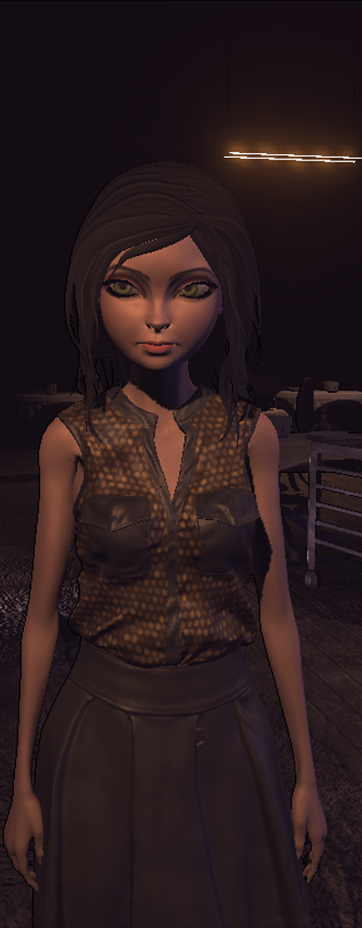
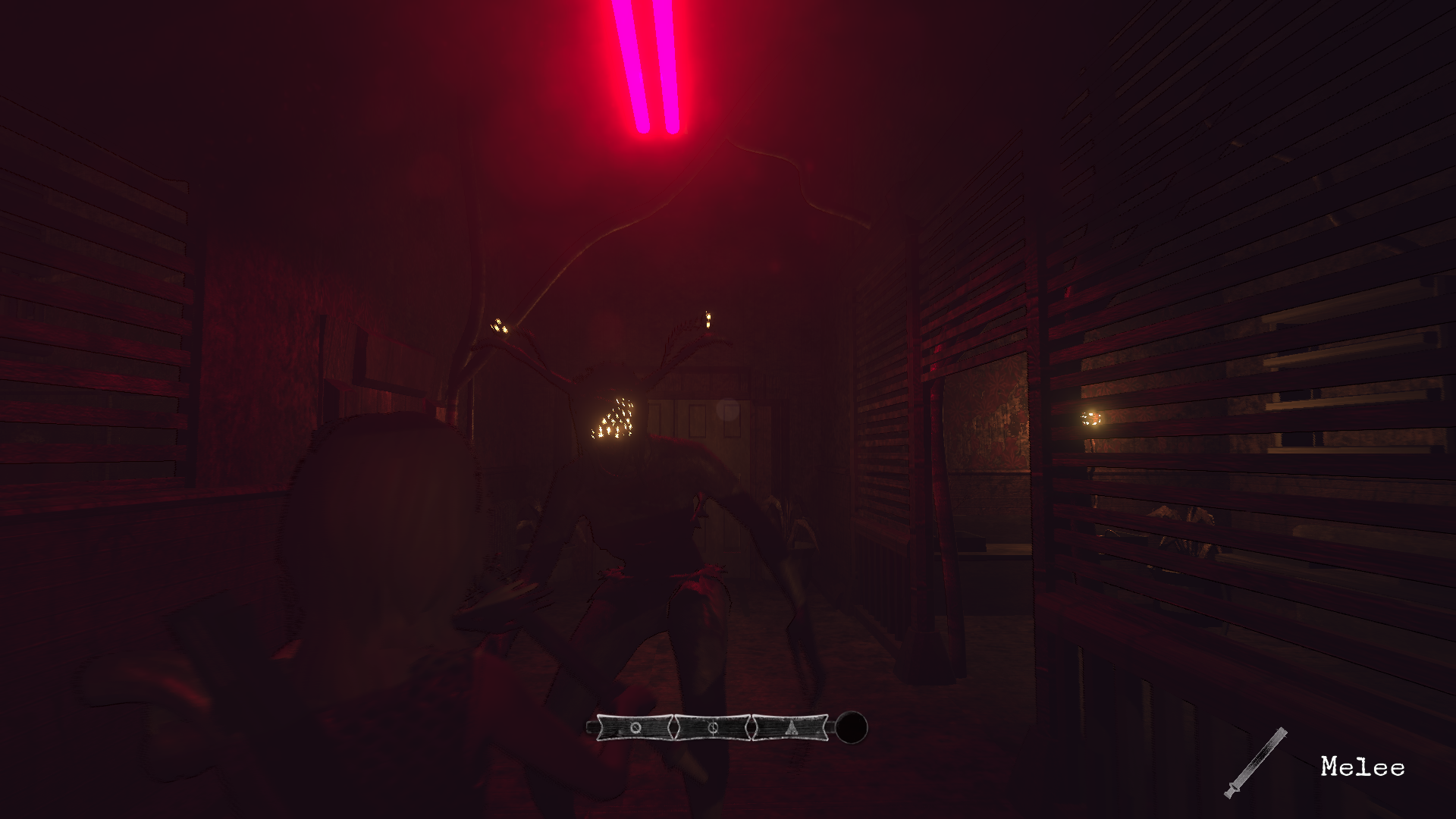
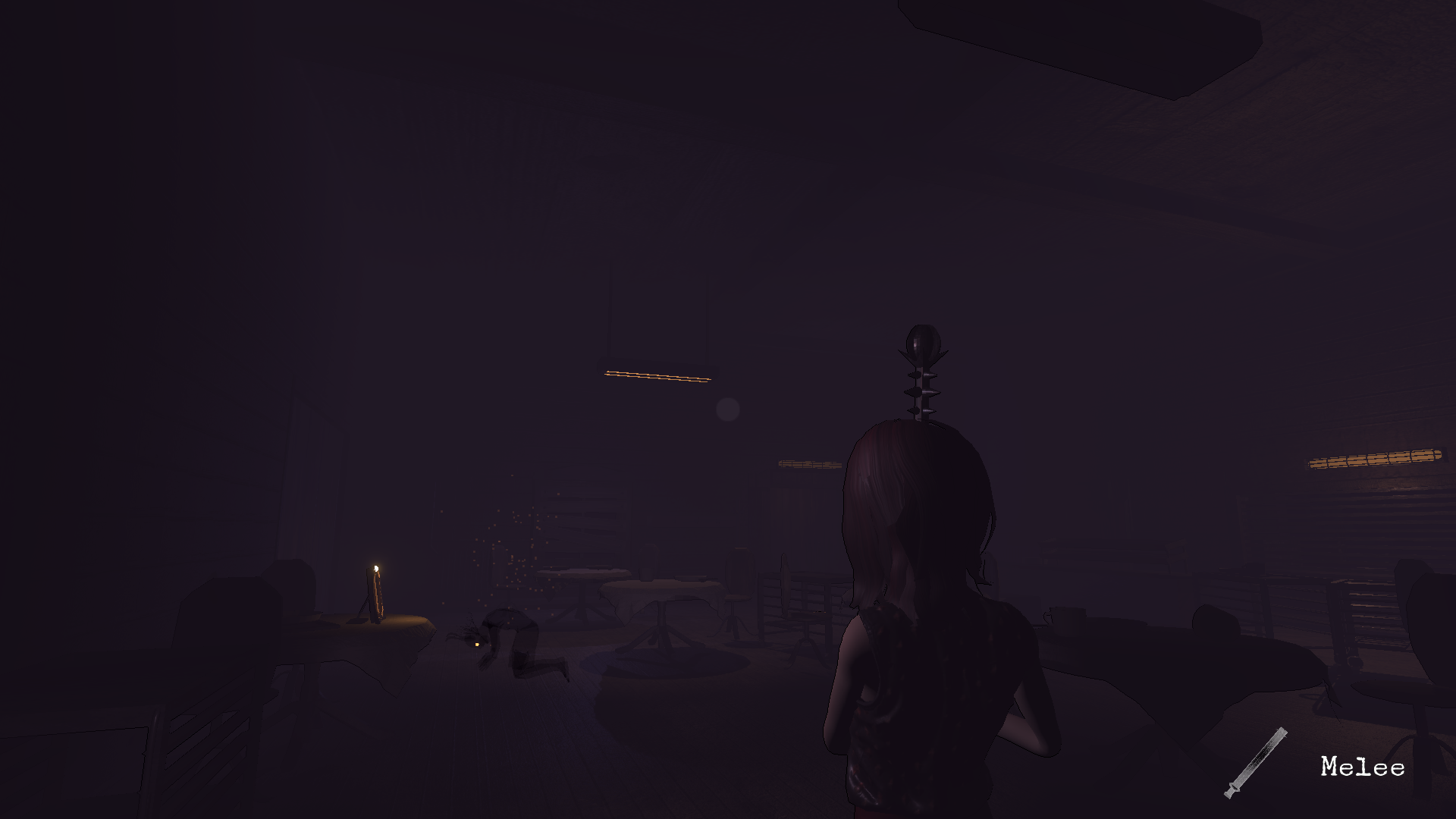
- Enabled launcher for key remapping (Select Input tab). - Added new hairstyle with physics (WIP Preview). - Enemy hit sound added to SFX volume channel. - Mine pillar texture fixed.
Eldervale Translations Released!
I'm happy to announce that French, German and Russian translations are now available!
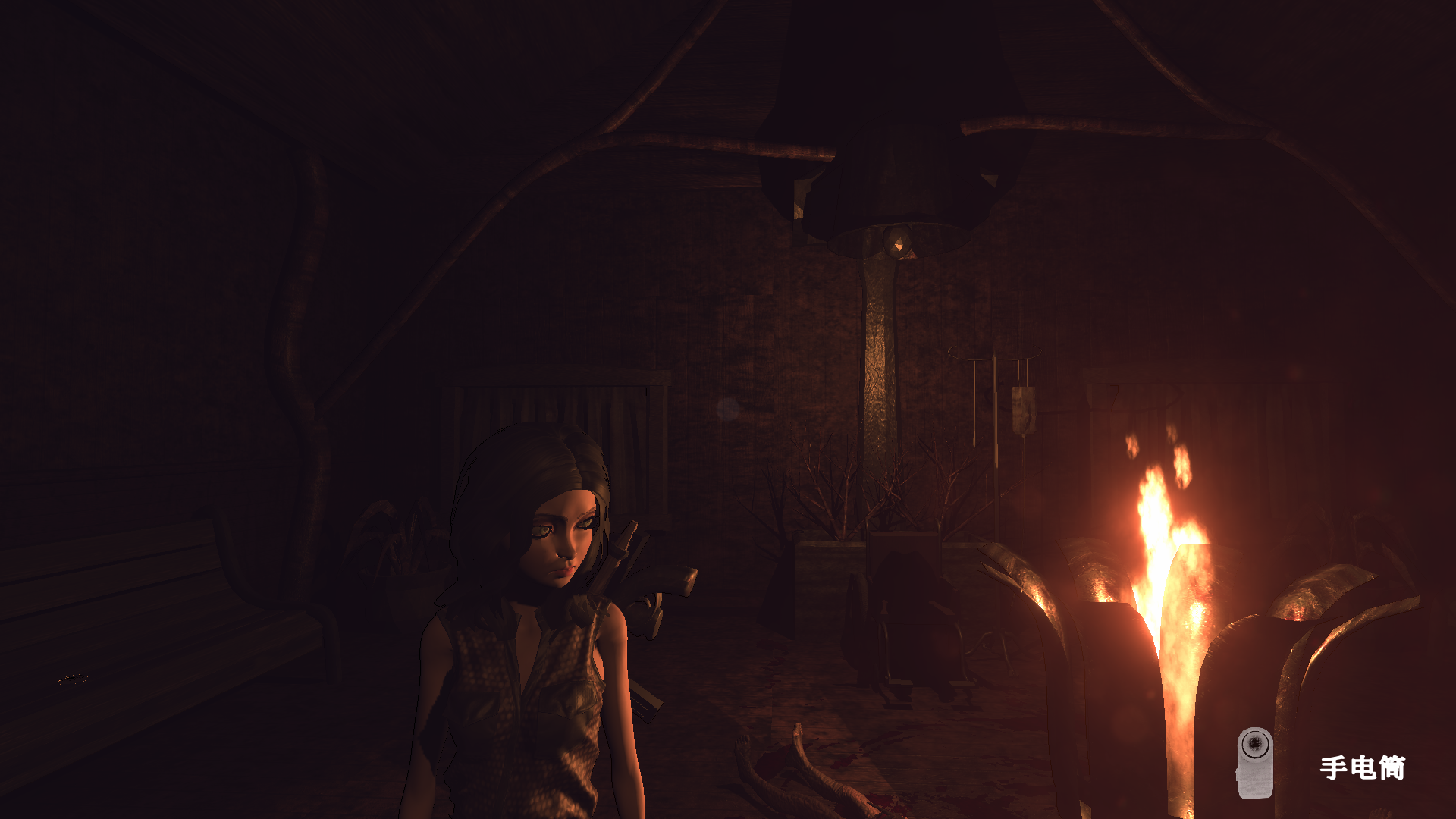
This patch also adds ambient lighting to improve visibility.
Big thanks to the translators, couldn't have done it without you! Find them in the credits!
Please keep in mind that the translations are fan-made and the translators used their free time selflessly to work on them. It did take a lot of work. The game has well over 1000 lines of text, many of which were purposefully written vague and have layers of subtext. We've had a lot of discussions about the meaning and intent behind the lines but it's easy to make a mistake.
If you have any major issue with the translations, let me know and we'll work on making it better.
Look forward to future announcements about Eldervale, this is only the beginning! Have a great day!
Eldervale Difficulty Selection Guide
Eldervale Difficulty Selection Guide
Hi all! Finding the difficulty settings for the experience you're looking for may not be as obvious at times. I hope to help you with that in this guide.
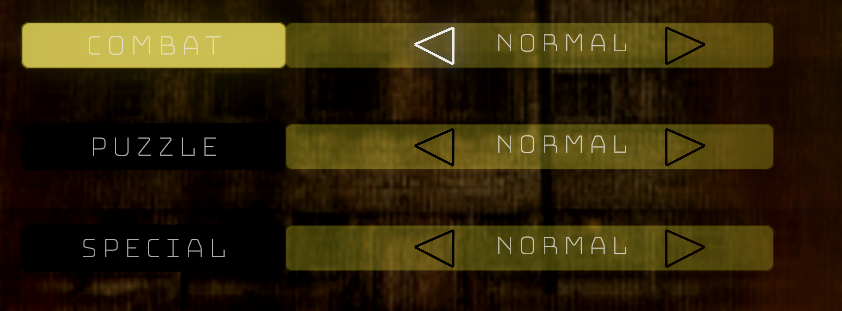
You can change difficulty settings after saving and quitting to the Main Menu at any point during your playthrough. The current difficulty settings are shown in the Pause Menu during gameplay.
Combat
- If you are new at third-person survival horror, like to fight everything you see or want to focus only on puzzles and exploration, consider Combat Easy.
- If you want resource management to play an important part, like picking fights carefully and count those headshots, Combat Hard might be for you.
Puzzle
- If you don't want to spend much time on puzzles and avoid the chance of being stuck while streaming or playing to complete the game quickly, choose Puzzle Easy.
- If you already completed the game on other puzzle difficulties and want to be challenged with new riddles or don't mind potentially spending more time on them, Puzzle Hard got your back.
Special
This setting has the most influence on your playthrough, functioning similarly as a New Game+ feature.
- Leaving the Special Difficulty setting on Normal is the intended experience for first-time players.
- Choosing Special Hard is recommended for players who find the pacing a bit slow, for those that already completed the game, and for streamers.
- Choosing Special Hard will enable a dozen different type of randomly occurring events. These random events range from helpful supplies to deadly traps and everything in between, making the game more challenging and unpredictable.
- If you want a faster paced, more unpredictable and possibly scarier experience but don't mind the potentially uneven difficulty due to random events, Special Hard mode is for you!
Special Update
Hey all, I hope you are doing well!
I'm still working on the Deep Reserves free DLC patch, along with bug fixes and possible localizations. It's taking longer than expected, though I'm also working on improving as many things as possible for the sequel.
Being a one man team doesn't make it easy or quick, but making progress, and I'm sure I'll be able to bring you experiences in the forms of a DLC and sequel that builds upon the first and truly worth your time.
Upcoming Free Content: Eldervale Deep Reserves (1.1.0)
Upcoming Free Content: Eldervale Deep Reserves (1.1.0)
Hey, everyone!
Now that the game's launch has passed and we got some fixes in place, it's time to talk about the game's future.
First of all, as a solo developer without any backing or marketing, I feel lucky and honored to have anyone give the game a chance and buy it to support it's further development. You are awesome and I couldn't continue working on games without you!
Written appreciations are cool and all, but I felt those who purchased the game deserved more than that, so there is substantial free content coming soon, titled Deep Reserves!
Deep Reserves is a new standalone mode and map coming to Eldervale soon. Like in the main game, you can choose between 3 difficulty options, though there won't be separate options for Combat and Puzzle for this mode.
Several elements will be randomized each time you play to keep things unpredictable. Should you manage to survive and defeat the boss at the end of the level, you will receive a rating based on your performance. Achieve a high rank and enjoy the added options and unlockables.
Features:
- A new standalone mode to play. Select it from the Main Menu. - A new map to explore and conquer, designed for multiple playthroughs. - New mechanics and obstacles to overcome. - New enemies and a new boss encounter. - New costumes to unlock.
More information on the new content will be available when it's getting closer, as well as ETA on launch date. In the meantime, feel free to share your thoughts about the update in the comments.
Have a great day!
Eldervale Hotfix Patch Notes #2 (1.0.1)
Eldervale Hotfix Patch Notes #2 (1.0.1)
- Fixed an issue with the translation not being applied to some texts before selecting the language in the settings. - Hard mode clue for the statues puzzle updated. - Added more content to specific areas in Special Hard mode. - Endgame enemy projectile speed slightly decreased.
Eldervale Hotfix Patch Notes (1.0.1)
Eldervale Hotfix Patch Notes (1.0.1)
- Fixed an issue where some joysticks could cause an interruption in sprinting when using mouse and keyboard. - Fixed an issue with the in-game controls image not showing until selecting a language. - Fixed an issue where some tutorials displayed button glyphs for different controllers until selecting an input method. - Adjusted a reset trigger position of the first Special Mode event.
Eldervale 1.0 Released!
Hey all! Eldervale is finally fully released, having added all planned content like extra difficulties, joystick support and translations (more coming soon). It's time to hunt down those unlockable costumes and achievements!
This is not the end of the road for Eldervale though: Now is your time to show your support and tell others if you enjoyed the game!
I will keep listening to feedback and fix any issues as soon as possible. On the other hand, please note that the amount of time I can spend on making new content for the game going forward depends on it's success.
Hope you are having a great day, and see you soon for the next update!
IMPORTANT NOTES:
- You can select the controller glyphs you want to use by switching between the in-game images in Controls.
- Use the X button on the Xbox controllers to confirm UI selection.
- If running in-game gets interrupted, check your joystick thumbstick or disconnect it if it's not in use.
Short recap of changes from the Early Access launch to 1.0 :
- Added tutorials for map and equipment use. - Added a couple new save points. - Improved saving system. - Improved combat balance. - Vending machines now display item tooltips. - Added several new markers to be discovered on the Map. - Currently selected map changes automatically when arriving on a new floor. - Added a low health effect on screen to further indicate critical health status. - Added several lights all around the game to make those areas less frustrating to navigate. - Added lights to puzzle elements so they are harder to miss. - Flashlight light intensity increased slightly. - Killed enemies disappear after a longer period of time.
Eldervale Patch Notes (1.0.0)
- Puzzle Hard Mode added. - Special Hard Mode added. - Joystick support with glyphs. Select your input image in-game to switch glyphs. - Translation: Simplified Chinese. - Tutorial Reworks. - Lighting improved in some areas. - Enemy detection fixed in areas where it was inconsistent. - SMG sounds upgraded. - Melee Weapon Hitbox range increased. - General Level reworks. - 3F Level reworks. - A small extension for the endings. - Much more...
Eldervale Upcoming 1.0 Update #2
Hey all!
Another round of updates are available on the Beta right now for testing, coming to live very soon with 1.0!
Please keep in mind that the game is getting a price increase with full release, so if you still want to get it in it's Early Access price, now is the time!
- Xbox One and PS4 controllers now have their respective mapping image and in-game button glyphs. UI and Tutorials are reworked to accommodate different input devices.
In addition to Puzzle and Special Hard modes, Joystick support, level reworks and bug fixes, the endings are also getting an upgrade.
I hope these new ways to play and improvements to the game overall will make your experience better!
Thanks for your patience and support! Feedback is greatly appreciated, if you have any questions feel free to ask!
Eldervale Upcoming 1.0 Update!
Hello everyone!
Eldervale is near full release! Read on to learn about the major features coming with the update!
Special Hard Mode
If you enjoy random events or looking for a reason to re-play the game, the new special mode may be just for you! In this mode, previously safe areas can become threatening in a blink of an eye, keeping you on your toes even on subsequent playthroughs. This mode can be enabled together with combat and puzzle hard modes for the ultimate "New Game+" experience. It's recommended for players who already completed the game once.
Puzzle Hard Mode
Like the puzzles the game has to offer? Be prepared to be puzzled all over again, as puzzle hard difficulty reinvents all puzzles to be solved in a different way and removes all helpful clues you would have gotten in a normal playthrough.
Joystick Support
The support is built for the Xbox One controller but it is expected to be used with the configuration of your choice through Big Picture mode.
Translation : Simplified Chinese
Thanks to two awesome members of the community and our hard work together, the game is getting a full Simplified Chinese translation! If you'd like to help out and make Eldervale available in your language, please feel free to contact me!
Beta Version
The beta version currently live, available to all owners of the game to try these new features right now!
You can access the beta by right-clicking Eldervale in your Steam Library, selecting properties and the Betas tab.
Discord Community
Join the Eldervale Discord to learn about future plans and updates firsthand, share your experiences and ask me or the community anything!
Thank You
...for all the support, fair reviews and feedback! If you enjoy the game, please let others hear your thoughts about it and share it with people who might be interested so I can keep improving and bring you even better content. Cheers!