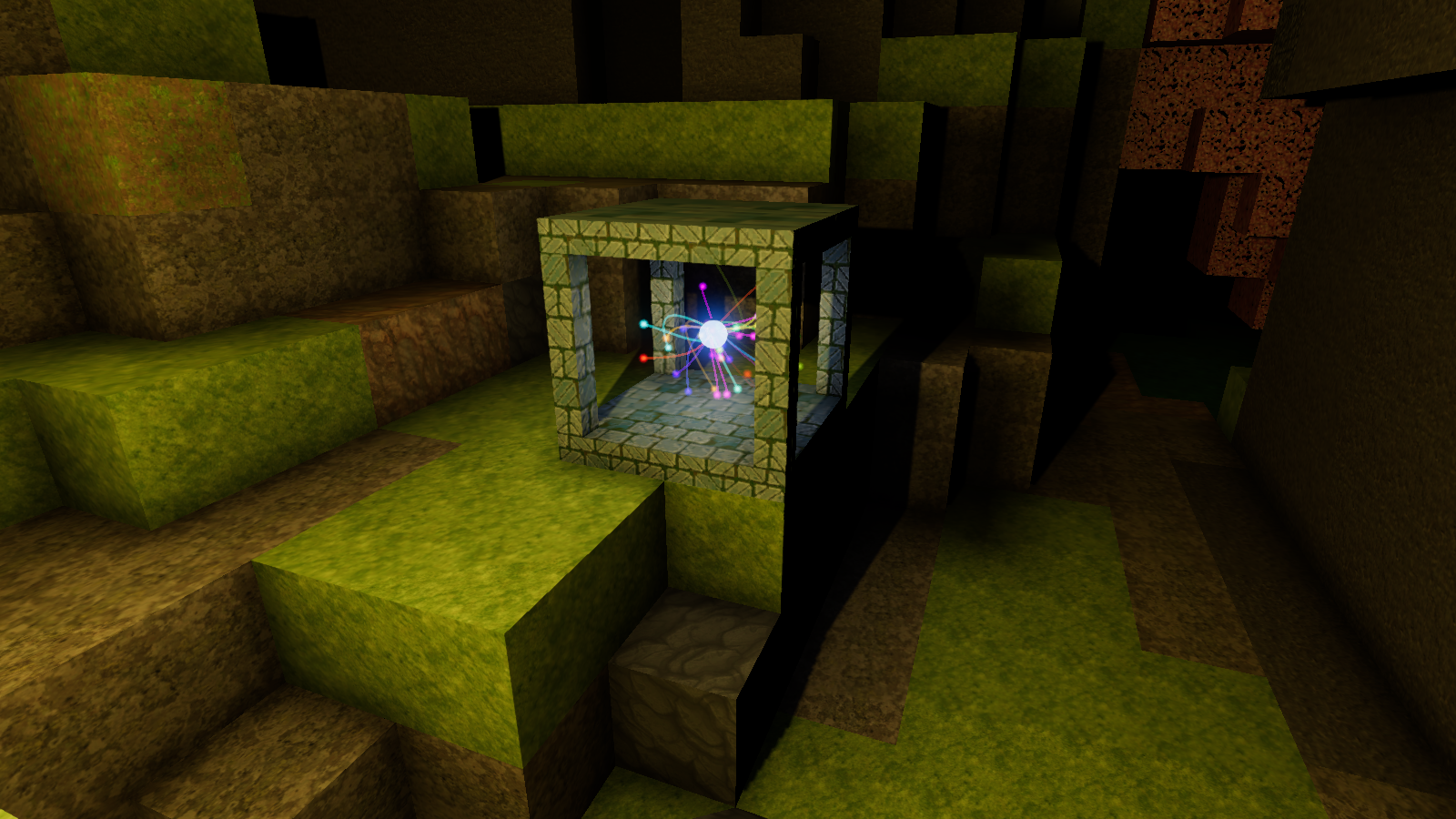
After researching Basic Combat you now unlock the crafting recipe for Mystical Focus, a object that lets you change your equipment
At the Mystical Focus you can:
Upgrade a Rare to an Epic item
Upgrade an Epic to Mythic item
Randomize the Spell on an item
Randomize the Mythic Effect on an item
Randomize which Stats appear on an item
Randomize power of the Stats on an item
Place your equipment and some magic essence in the Mystical Focus' inventory and choose one of the options
Along with this we've added magical essences to the game
You get magical essences by salvaging your gear
The inventory's 'destroy item' changes to 'salvage item' when holding equipment. Salvaging destroys your item and gives you back magical essence based on the rarity of the item
These essences are:
Common Salvage - from Common items
Rare Essence - from Rare items
Epic Shadow - from Epic items
Mythic Soul - from Mythic items
When altering an item, if it fails for any reason (ie wrong rarity, no item, etc.), you get your item and/or essences back
Make sure to pick up all equipment since every magical essence is useful. Common Salvage for instance is required to reroll an items power
Spells Rework
We've reworked the spell system to make it more dynamic, and to allow more spells
Elemental Power system has been deprecated and no longer rolls on gear
Now rare and higher gear comes with a Spell affix
This gives you the spell shown on the gear when you equip it
Each spell has a specific slot on your combat bar: 1,2,3,4, left click, right click
You can only have one spell for each slot. Equipping an item with a different spell for the same slot will use that new spell instead
Spells are independent of the items rarity and level, although their damage still scales with your characters stats
We have added 7 new Spells with this update:
Tornado - Summon a tornado that moves around randomly and damage enemies - Slot 1
Buff - Buff your character, increasing your damage and armor temporarily - Slot 2
Barrier - Surround yourself with a magical barrier that greatly increases your armor for a short time - Slot 2
Slam - Slam the ground around you dealing damage and stunning enemies - Slot 3
Lightning Rain - Continuously strike random areas around you with lightning - Slot 4
Fireball - Shoot a ball of fire where you are aiming - Slot Left Click
Magic Blast - Blast the area in front of you with wild magic - Slot Right Click
The Spells from Elemental Power are now added into the equipment spell pool, and have the same slots as they did before
Try to find/alter your items to get a spell in each slot to form a complete build
Crops
We've added 5 new crops to Ficterra
Potatoes - Common
Onions - Epic
Peanuts - Mythic
Lettuce - Common
Strawberries - Rare
We've also converted Wheat, Cotton, and Mulberries over to the new crop system
Cotton and Wheat still maintain their unique look
Biomes now generate with the new crop versions, but terrain generated before this update will still have the old versions
Seeds now combine in your inventory if they are the same type
You can now scroll between individual types of seeds in the toolbar
Crops now show an effect when harvested, instead of just disappearing
Seed icon on bags of seed now changes with the type of seed you are using
You can now see the remaining time left on crops until you can harvest them, in the inspector at the top of the screen
Hovering over a crop now changed the icon to a hand if you can harvest it and changes it to an wait hand if you can't
Mountainbound
Added New Custom Map - Mountainbound - A land with many biomes surrounded by mountains. Start in the pleasant cherry steps biome and explore the different areas through the gaps in the mountains
Lighting Rework
We've reworked how lighting works for Deferred Rendering - Low
Previously this still took a decent performance hit, and didn't offer much visually
Now we've implemented a completely new system (separate from Medium and High) to provide fast performance and still have decent visual quality
This is now the default setting for lighting, since it has the best performance and decent visuals. You can change this in the settings menu if you want better visuals
UI
Moved the health bar to the left side of the screen instead of the center. It was constantly getting in the way of stuff
Changed the blur shader used in several UI elements for better performance
Reduced the size of the Quest Log
Reduced the size of the hotkeys reminders on the top left of the screen
Added a Quest Log (L) hotkey reminder to the bar in the top left
Other
Added a new Mythic ring: Essence Extractor. This gives you a 25% chance to generate an extra rare essence when salvaging a rare item
Increased player's starting inventory space from 60 to 70. This makes it more manageable in the start of the game when you have no chests to store things in
Added a 'Night Time' music track to several biomes whose daytime music was a little off for the night
Reworked the toolbar internally to allow for better scrolling and to handle complicated items with better
Pumpkins and jack o'lanterns have a new material, so they aren't weirdly dark
Changed the spawn rate of wheat, cotton, and mulberries in changing them over to the new crop system. The are still around the same spawn rate
Lava now glows with hdr color
A Bloom effect has been added to the game to help lava glow and add a softer feel to the environment
Changed the controls for Crate. Right clicking an empty crate puts the current item in it, while right clicking a non-empty crate takes your stuff out. The old controls were weird, and you could only do things 1 at a time, which made it tedious
Crafting Recipes with no output now show a description of the recipe instead of nothing (specifically done for new Mystical Focus recipes)
Fixes
Fixed an issue with crops not saving frequently enough for crops that take a long time to grow
Equipment tooltip no longer says Dreary Feet when no mythic effect is present on an item
Monsters are now correctly getting stunned from effects
The 'You spawned here' marker is now correctly transparent for new worlds
Respawn points now have physical form in the universe again
Wooden elevators, planks and various other wood bases items, now look like wood again
Increased the volume of the music for the Cherry Forest biome; it was unusually low
The Jar of POW no longer looks insane
Flame ring's fire has also regained its sanity
Monster health bars now show when a monster has died correctly
Crafting materials in the crafting screen should now appear all on one line instead of getting stuck in the button below
New Spawn Area!
New Spawn Area!
We've replaced the spawn area with an updated more interesting area
There is a now a tree, some stone and dirt to make the start of the game easier, especially in more hostile starting environments
The new starting area also includes loot chest of each level, separated by the corresponding ore. This gives you a nice reward every time you get a new pickaxe, simply by going back to the spawn area
The spawn area now doubles as a tutorial area. It has helper text to teach new players the basics of the game
The old tutorial level is no longer suggested on first play. It can still be played as a Fiction
A marker now shows where you spawn into the world to make it easier to find. You can turn off the marker in the settings
Summer Delta
Added New Custom Map - Summer Delta - Build your base on the delta and survive the heated biomes
UI
Achievement popup now is easier to see
Quest log is now easier to see
The minimap now no longer appears before researching Cartography. Previously it would just show an empty paper map
The look of Research screen has been improved
The current Research panel now reflects the tier of research it is tied to
Fixes
The texture used while mining now better reflects what you are mining
Fixed an issue with holes in terrain with half cubes and some other variants
Fixed issues with terrain holes caused with multiple variants of the same type being next to eachother
Switching between item types now correctly shows the name of the new item near the bottom of the screen
Fixed a bug where you could place cube when in the Research menu
Fixed a issue with the caret width being too small, causing it to be invisible on lower resolutions
Crops and Fixes
Crops
We're adding a new Crop system to Ficterra to replace the Crop Plot. With this you can plant the new seeds in dirt and watch the crop grow
We'll be releasing this in phases, so expect new crops and for the experience to change over time
After all the phases, we'll remove the Crop Plot from standard play. It will still be available with modding, and for backwards compatibility
Three new crops have been added to Ficterra
Tomatoes - a Rare crop that heals and gives a boost in stamina
Grapes - an Epic crop that heals and increases movement speed an extra amount
Watermelons - a Mythic crop that heals and gives a large boost in stamina
In addition, Carrot and Green Beans also have been added to the new crop system as Common crops
You can find these growing throughout the more green biomes in Ficterra
When you harvest them you get some of the crop as well as the seed to plant some more
Other
Fixed a bug where half corner ramps would have a full square bottom instead of a half triangle bottom
The machine tinker table, machine woodshop and machine anvil have visual representations in the physical plane again
Fixed a bug where games could not start on non-English setups
More Locations!
New Locations!
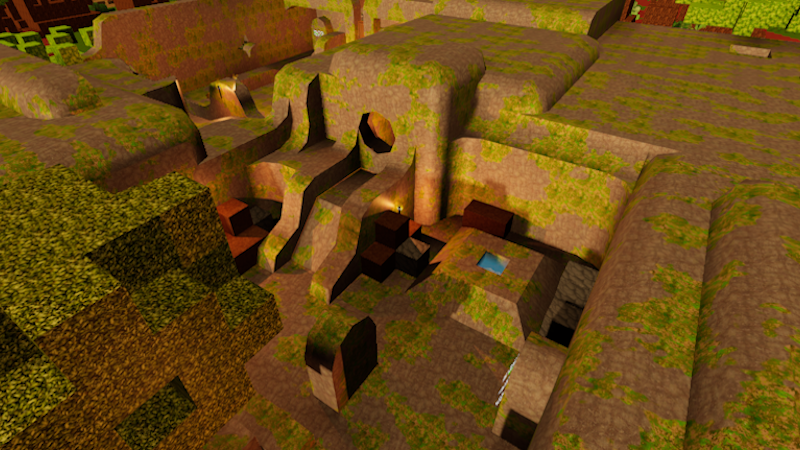
We've added 8 new locations in total to visit in Ficterra. These are spread across several of the biomes that were a little lacking in locations
These locations are:
Buried Tower, a gardener tower buried under the Giant Crystalscape biome. Discover the secrets buried with it
Selenite Obelisk, a large obelisk made of selenite in the Giant Crystalcape biome, what lies at its core?
Mythic Marble, a small chunk of marble with some hidden mythic ore found in the Maquis biome
Prison Tower, raid a dragon whelp prison for riches in the Red Rock Desert biome
Staggering Rock Formation, a larger than normal rock formation that holds a surprise in the Red Rock Desert Biome
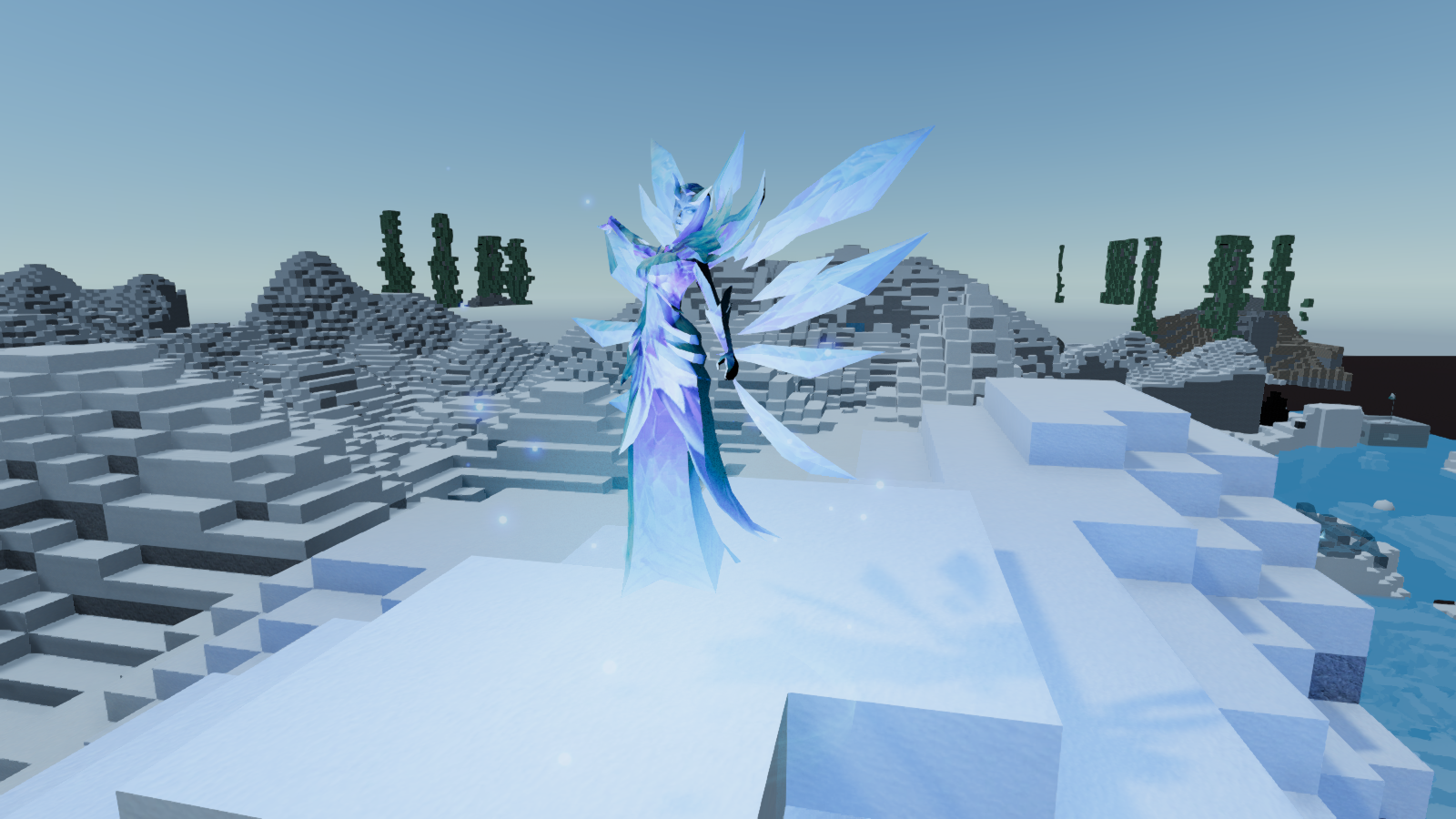
Ice Obelisk, an obelisk made of ice in the Snow Rock Mountains biome
Storage Bunker, a hidden, snowed in and frozen bunker in the Snow Rock Mountains biome
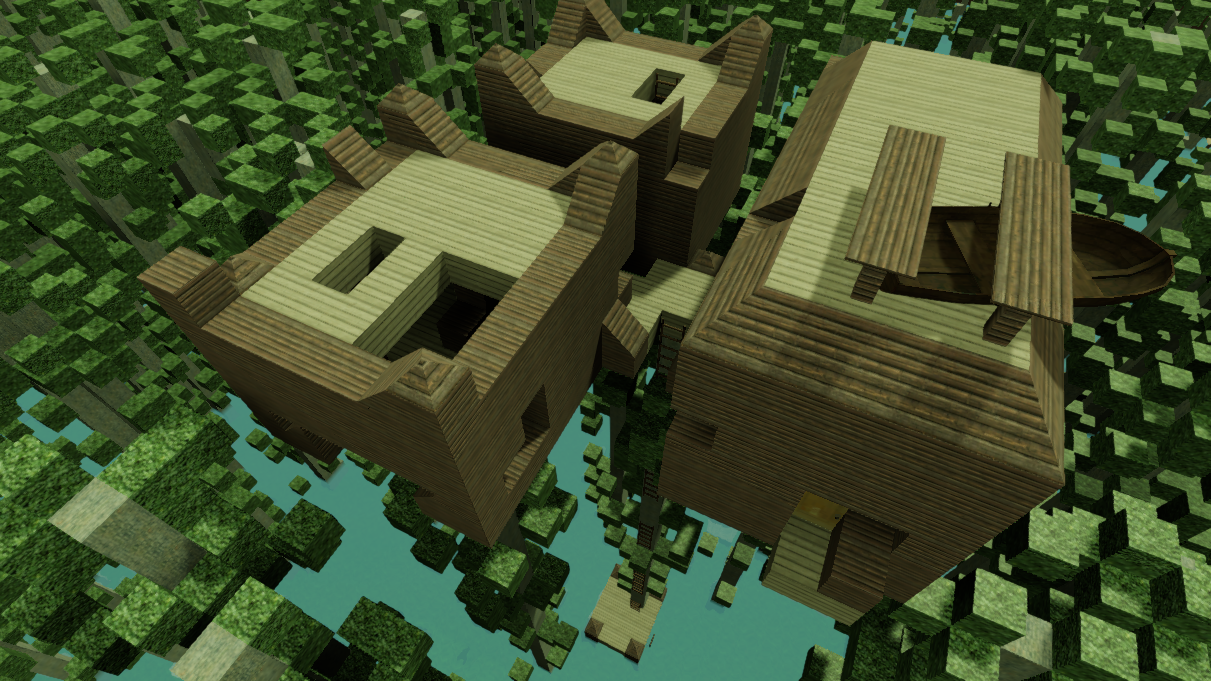
Swamp Treehouse, explore a rundown treehouse high atop the trees in the Swamp Biome
Better Performance
Completely rebuilt the mesh building system
Mesh building now takes advantage of multithreading
Mesh building now uses Unity's burst compiler for better performance
Variant's meshes now have less triangles due to more advanced culling, this reduces load on the gpu
The new system only supports texture arrays; if you have an older system the game should default to the previous mesh building method instead
Other
Added the ability to turn on/off multithreaded mesh building in the options
Fixed a bug causing the game to self identify as Spacewar
Fixed a bug where the game would delete the 'no minimap' texture
Added a shadow on the Research Screen behind the research box at the bottom
Fixed a bug where exiting the settings menu via Esc caused the character to be unable to move
Fixed a bug where pressing Esc when not in controller mode in the main menu would send the game into controller mode
Wintertime!
Wintertime!
Added New Custom Map - Wintertime Isle - Chill out on this frosty isle filled with Taiga, Snow Rock Mountains and Obsidian Snow Plains biomes
Added two new Mythic items to Ficterra
Warmest Coat - Reduces ice damage taken by 50%
Glacial Wisdom - Gain extra Battle Regen and Elemental Power
Added "Ice Mage" a new monster to the game. Ice Mages cast ice bolt to attack, and ice infusion to heal themselves. Ice Mages can be found in the Obsidian Snow Plains and Snow Rock Mountains Biomes
Snowy Village, a new location, has been added to Ficterra. This small village makes a good refuge from the snow, and might contain some treasure from its former inhabitants
Ice Heap, a new location, has been added to the game. Battle your way past Ice Mages to claim the treasure buried in the ice
Controls
Added partial controller support for playing Ficterra. You can navigate the main menu, move around, craft, research, equip items, mine as well as various other things. Mouse and keyboard might still be needed for some in-game actions
Other
Added the ability to change Field of View in the options
Added the ability to change the move and look sensitivity for controllers in the settings
Fixed bugs where you could interact with the world while in menus
Fixed some behind the scenes bugs with Healthbars
Halloween!
Halloween!
Added New Custom Map - Skull Island - Can you survive this skull shaped island filled with Harrowing Woods and Dreary Beaches?
Added two new Mythic items to Ficterra
Dread Path - Turns cubes you walk on to their Dreary counterparts
Red Mask - Massive armor penetration boost, but you lose 80% movement speed
Added "Ghoul" a new monster to the game. Ghouls are faster melee enemies that roam Dreary Beach and Harrowing Woods biomes
Added "Toxic Ghoul" a new monster to the game. Toxic Ghouls creep around Dreary Beach and Harrowing Woods biomes looking to smash you with a powerful toxic area attack
Ghoul Warren, a new location, has been added to Ficterra. This den of evil is filled with ghouls and some say treasure. Will you venture into the darkness found beneath the Dreary Beach biome?
Ghoul Arena, a new location, has been added to the game. Fight off some ghouls for a prize in the Harrowing Woods
Combat
Added a new info panel specifically for monsters. This shows the monster's health, name and icon in a better way than the default info panel used for cubes and placeable objects.
Switching between monsters in combat mode now smoothly turns your character instead of causing whiplash
Monsters now fade in and out instead of appearing and disappearing when they are 'unseen' or too far away. This should prevent the 'popping' that is very visibly noticeable from happening while still having performance benefits
Other
Fixed a visual bug with Half Ramps
Crafting recipes now have a UI priority value. This ensures more important recipes appear first in the crafting UI
Added Bag of Grass Seed to Ficterra. This tool can be used to change dirt into grass and is craftable at the Tailoring Bench
Dreary Beach and Harrowing Woods monster spawning pools have been changed make room for ghouls
Fixed "TITLE HERE" as a sometimes title in the Custom Game panel
Special Map settings that are not currently applicable for your map type are now greyed out
Added 'Location Frequency' setting to Custom Games. Increasing this makes locations that spawn in game spawn more often.
Research and Special Maps
Research Overhaul
There were a few issues we had with how Research played in Ficterra, so we wanted to change things up.
Each research unlocked too many things. This made it hard to keep track of what was unlocked or feel overwhelmed with too many item to craft at once, with no direction. To address this we have added 25 new Researches and spread crafting plan unlock out amount them. This drastically lowers the amount you unlock with each research and gives a focus of what to do with each Research unlocked. The cost of these new Researches is also relatively lower to make them more effortless to unlock
Research and Crafting Plans were too similar. Even though underneath these are very similar, the experience and feel they give should be different. We added a new research screen which can show off all the Researches in the game, and show which are available. It has a UI designed to fit better with Research including a larger vertical progress bar to more easily visualize the longer times that Research takes
No way to see future research. It could be difficult to know if a Research led to other Research or just gave crafting recipes. So you could ignore a research that actually unlocked more things, and not realize it. Also a lookahead lets you plan and get excited for future research. With this in mind you can now see all Research available in your current Tier and below as well as what unlocks them
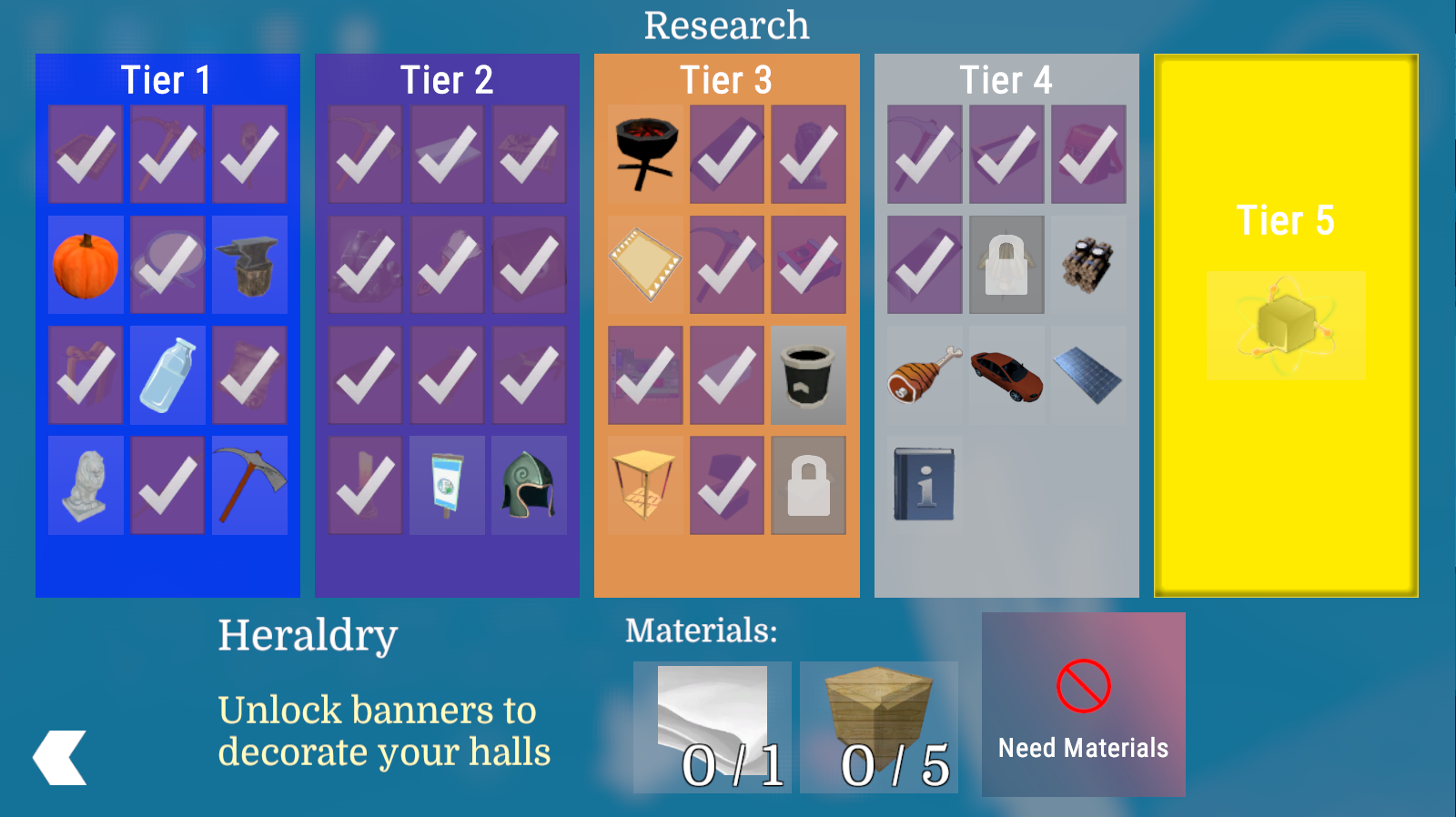
Added a new Research Screen which lays out available researches by tier. This screen is separate from the crafting/inventory screen.
Researches now show the prerequisite needed to unlock them
Researches now show the reason you might be prevented from researching them
Moved crafting recipes that were in "Tier 0" to unlock from new researches. You now research Tier 1 to unlock Crafting.
Removed the cost for researching Tier 1; it is now free. Having the cost of Trunks and Dirt was too restrictive for starts in some biomes
Metal Pressing removed from available research
Fire has been moved from Tier 2 to Tier 1
Interior Decorating has been moved from Tier 2 to Tier 3
Call a Technologist has been moved from Tier 1 to Tier 3
Many Crafting Plans are now unlocked by the newer more relevant Researches
Special Maps
Special maps have been added to Ficterra that can selected when creating a Custom Game
Added two types of special maps: Pangaea and From Image.
Pangaea creates a continent of the specified size, with the rest of the world being ocean/water biomes.
From Image creates a map from special image in the game. There are several maps including Europe and Sanctuary. The world is still randomized based on the seed and biome factors, but is influenced by the image
Added options to control the size and accuracy of worlds created from Special maps
Added Random Spawn Location option for special maps, instead of just starting in the center every time
Other
The Crafting Screen has been updated to have a better appearance
Several cube variants have had their mesh building performance improved
Fixed a visual bug with the Tailoring Bench
Updated the text that appears on screen when you receive an item
Updated the text that appears when you select an item
Fixed a performance issue with the Inspect Info panel at the top of the screen
Optimized performance when mesh building non-variant cubes
Fixed a bug when inspecting variants
Improved mesh building to reduce the number of triangles created
Changed the way we save/load placeable object data from json to binary. This makes saving ~6 times faster and loading ~10 times faster for this data. Worlds created before this patch will continue to use the old method, while new worlds will utilize this method
Placing objects has been disallowed within 3 seconds of entering a world. This is to prevent accidental placement while the loading screen is still active
More Achievements, Less Bugs
Added 11 new in-game achievements to Ficterra
Added 8 new Steam achievements to the game
Paint Chooser window now closes when pressing escape
Icons for some crafting recipes no longer have weird textures
Spiders now move correctly on half cubes
Fixed a bug causing descriptions to not show up from some crafting plans
Marble Tiles, Light Marble Tiles, and Angled Marble tiles now have descriptions
Clicking the exit button in the Cubeopedia now exits
Mining explosives now work on the client in multiplayer
Animals now follow correctly in multiplayer
Fixed a bug where the player would get removed from the game on the client in multiplayer when riding a surfboard too far
Offhand items should now show correctly for other players in multiplayer
Fixed a bug where you could be attacked by invisible enemies in multiplayer
Item instance data should now be correctly sent to the client in multiplayer / clients can now read books
Small Fixes
Crosshair now shows the correct icon for equivalent crafting stations (like the marble furnace)
Trader window now closes when you press escape
Goblins should no longer be seen in t-pose
Goblins should now jump high enough to get over cubes
Quality of Life & Fixes
Fixed bug where spiders could eventually cause monsters to stop spawning
Marble furnaces can now be used to smelt things
Increased the disconnect timeout to 10 seconds up from 2 seconds for multiplayer games
Paraffin Wax can no longer be crafted at Machine Furnaces. It just ate up all the electricity, and turned it straight into wax
Road is now craftable at the Mixer instead of on person
Sidewalk is now craftable at the Mason Station instead of on person
Mechanical Door is now craftable at the Tinker Table instead of on person
The game now tells you when you have successfully completed a trade
Machines now take a second to start when entering the game to allow for crafting lists to populate
Fixed a bug where traders wouldn't face you when following
Fixed a bug where trader's wouldn't jump over cubes when following
Traders now obey gravity when following close to you
Fixed a bug where Particle Decoration's colour wasn't networked