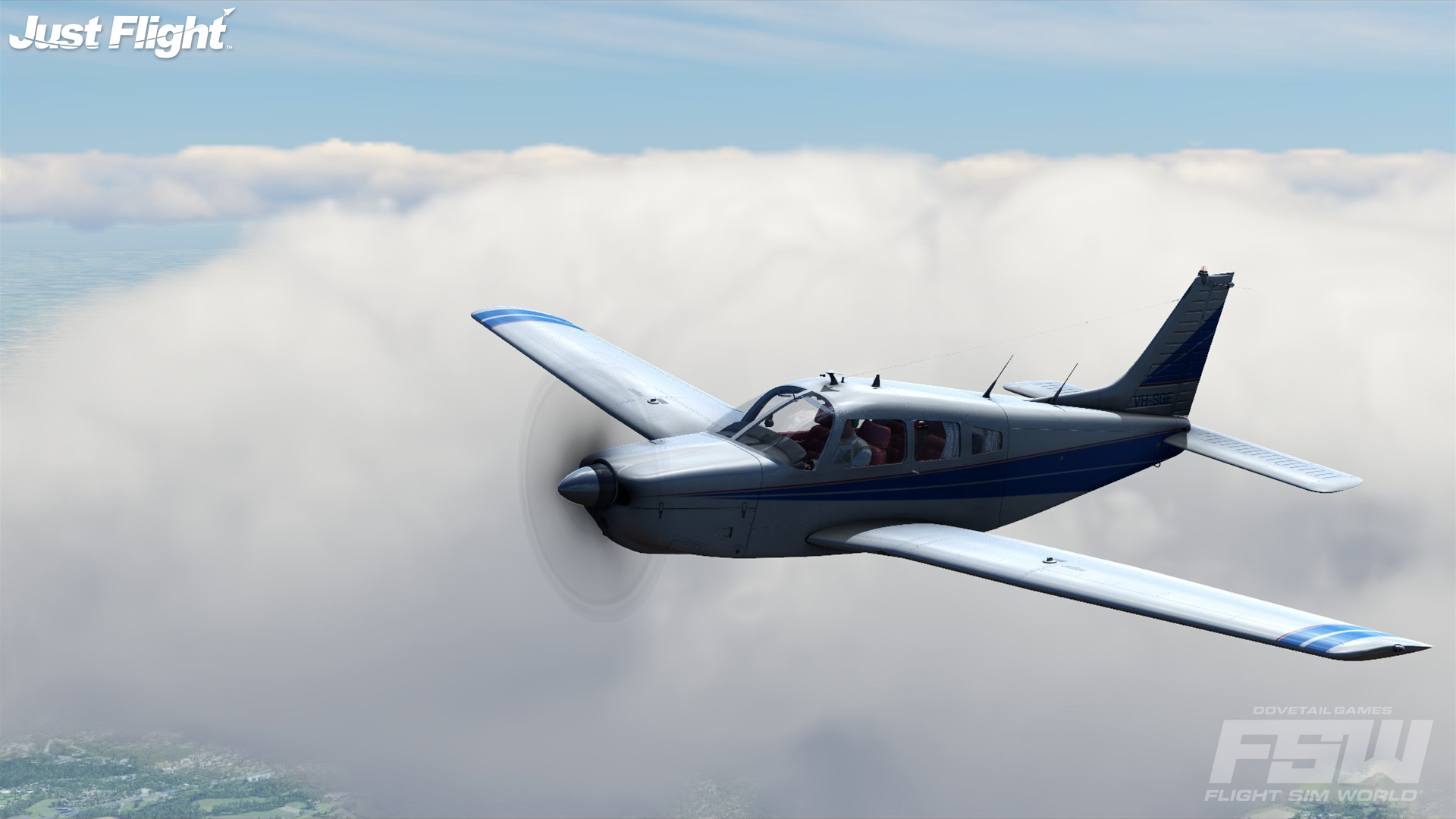
Our latest update is live, with tweaks to advanced weather, aircraft avionics, and lessons. Read on for the full update notes:
Aircraft Avionics GNS430 and G1000
Resolved “Direct to” text overlaps preventing entry of “Airport Ident” and “Facility” information.
PA-34
Corrected COM and NAV units: Com2/Nav2 is now bottom; Com1/Nav1 now top
Advanced weather
Fixed instances of purple and blue skies infrequently seen when starting flights.
Reduced horizon fog banding artefacts seen with high visibility ranges.
Lessons Eagle Pilot School
Lesson 6 - Radio Navigation - Improved outro camera framing
Lesson 8 - Night Flying - Added a waypoint marker to guide the player back to the school on lesson completion
Waltham Flying Club
Lesson 5 - Approach and landing - Made lesson failure conditions more lenient
Engine
Reduced intensity of moon specular reflections
Fixed cockpit shadow gap artefacts seen in certain aircraft
Improved terrain blending of dirt runways
If you haven't already, check out our development focus post to keep up to date with what we're working on.
Moving Map & View + Slew Add-Ons Available For Flight Sim World
Take control with Moving Map, which gives you a better handled on the big picture, following your aircraft regardless of where it is in the sim and providing you with information on the airport layouts, navaids and more.
It’s all hands on deck in the Dovetail office as we keep further developing Flight Sim World. We’re coming up to six months in Early Access and wanted to take this opportunity to update you on our current focal points and the things the dev team are hoping to bring to FSW in the near future.
Important Note: These are things the dev team is currently focusing on: We don’t have any solid delivery dates as of yet, but will have more information as we work through our list.
Dynamic Weather Building upon the foundations laid by Advanced Weather, we are working to fully support the variety of experiences demanded by experienced flight simmers. That means adding the ability to see weather change during your flight.
Bug Fixing We’re working through the bug reporting form, currently trying to iron out a few errant bugs:
Sim Stability
Full screen + multi-monitor issues
Aircraft rolling to the left
Peripherals
Ongoing performance improvements
Thank you to everyone who’s taken the time out to leave feedback on the bug reporting form. We go through each report, so if you’re experiencing issues then please take the time to fill one in.
Improving Aircraft Systems It is our aim to ensure auto-pilot, and GPS avionics are working as expected across all aircraft to ensure a solid foundation for future IFR implementation.
Aircraft Variety We’re committed to bringing the breadth of experiences that simulation fans demand into FSW. Whether you're a fan of general aviation, jets, helicopters or military aircraft, we're working internally and with 3rd party developers to make those experiences available for Flight Sim World.
SDK We’re heavily invested in preparing the first release of the SDK which will allow anyone to create content for Flight Sim World. We couldn’t have done this without the help of Turbulent Designs, Just Flight, BlueSky FS and others who have helped drive the core sim forward.
The SDK will be freely available, so fledgling creators can join established freeware and 3rd party developers in creating content. We’re excited to see what you create!
Update 14 (v1.3.21412.0) Now Live
It's a pretty mixed bag this week, with tweaks to a lot of mission content based on user feedback thus far. We've also got a hefty update to the Pro Mission Editor, with a variety of recipes being added to the sim to make creating missions just that little bit easier.
That's not all, but read on for the full patch notes.
Missions
Low and Slow
Correct airports now listed on the flight planner
Scud Runner
Prevents the aircraft going backward once the mission’s completed.
Burning the Candle at Both Ends
Removed compass on end cinematics.
MEP Lesson 3 - Engine Failure Takeoff
Aircraft can no longer be operated in failure cinematics.
Leaving the runway no longer leaves the plane spinning.
MEP Lesson 4 - Skills Test
ATC text now correctly references runway 24 as the landing target.
LAPL Lesson 5 - Approach and landing
Re-balanced difficulty.
PPL Lesson 8
The lesson now ends if the player misses the runway.
PPL Lesson 9 - CheckRide
Tweaked steep turn checks to rebalance lesson difficulty.
Aircraft All
Reduces windscreen darkening when Advanced Weather is enabled.
RV7
Tweaked cabin light position to improve instrument legibility during night flights.
Frontend
Quitting a C&D flight no longer causes the UI to show C&D as enabled
Engine
Fixed instances of free-flight time not recording when landing whilst accelerating and above stall speeds.
Reset recycled voices where the 3D audio may affect volume and pitch.
Fixed throttle null zones to allow throttles to hit their 100% maximum reach.
Fixes transparent white square artifacts attached to cars and various land vehicles.
Application shuts down addon exes if the game exits unexpectedly
Pro Mission editor
Additional mission creation recipes.
Added basic categories and favourites handling for recipes.
Fix drag/drop of Scenery and Waypoints onto the map.
Added ability to resize area boxes using a mouse.
Fix incorrect model elevation for MobileSceneryObjects, if an attached model is AGL.
Menu items can be unfavourited if in multiple categories.
Realism node now enables collisions.
Block mission publish without a default image.
‘Friendly Names’ switch now operational when using action palette’s ‘Object Type’ list.
Using hardcoded text in Menu Items no longer causes text corruption.
Prevents editor from minimising when clicking the first dialogue box seen when editing.
Fixed instances of model viewer window not being visible on certain configs of O/S and screen resolution.
Fixed instances of the scrollbar not appearing on the attributes dialogue under certain conditions.
Turbulent's Big Bear Airport Now Available
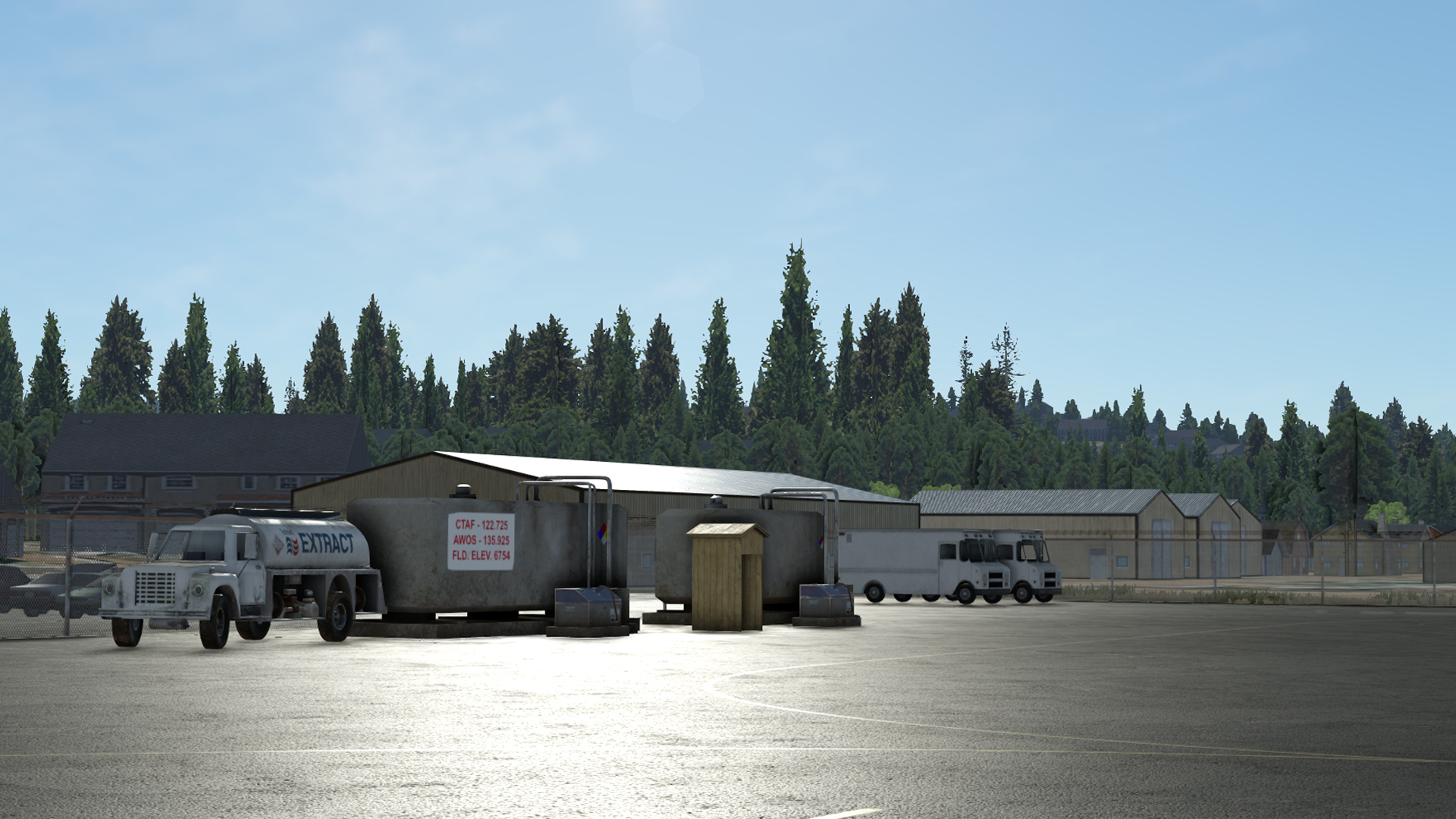
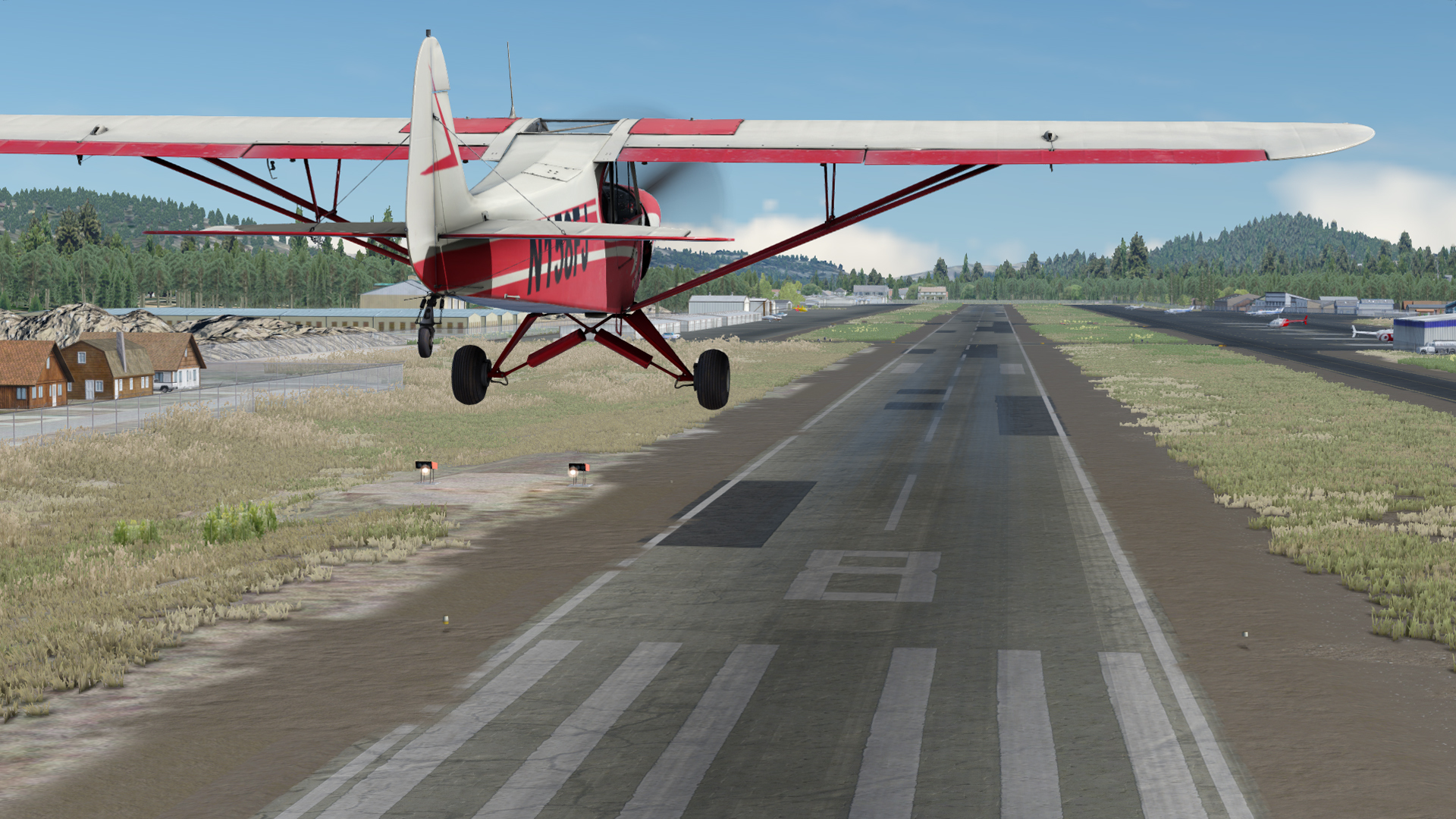
The first add-on scenery is now available for Flight Sim World, Big Bear features highly detailed buildings, an accurate ground poly, and utilizes Turbulent’ s critically acclaimed Real Flora technology, all of which has been built from the ground up to take full advantage of the rendering technology upgrades in Flight Sim World.
With photo-real coverage spread across an area of 65km² with 30cm resolution, you can explore stunning seamless visuals as you take on the challenges presented when attempting to takeoff and land at this high altitude Airport (6,000ft) nestled within the San Bernardino Mountains.
Big Bear Airport Add-on Coming To Flight Sim World
Turbulent Designs are bringing Big Bear Airport to Flight Sim World, taking advantage of the updates to physically-based rendering to realistically map out this high-altitude airport.
You can find Big Bear nestled within the San Bernardino Mountains in the United States, close to 6000 ft above sea level.
If you're looking to replicate real-world flights into Big Bear, there are some specific flight rules for this GA focused airport. Inbound flights fly in over the ski slopes at 9,500 feet and departing traffic flys at or below 8,000 feet.
Who are Turbulent Designs? Turbulent Designs are a third party add-on developer, with a history in creating scenery, airports and mission packs for flight simulators. Their support has been invaluable in helping further develop the scenery components of our upcoming SDK.
We've attached screenshots of Big Bear below, let us know what you think about the first scenery add-on for Flight Sim World. Big Bear Airport will be available for purchase shortly.
Community Update 13 Now Live
Things are getting visual in our update this week, with some long-awaited trueSKY updates coming into Flight Sim World.
That's not all though, with some major revisions to the PBR engine that will overhaul how things look inside the cockpit.
Read on for the full update notes:
Advanced Weather
Introduced ‘Stable cloud motion’ graphics display option to reduce the cloud edge motion artefacts during travel.
Reinstated rain audio effects for the internal cockpit views
Improved stars visibility at night
Please Note: Stable Cloud Motion is currently an ‘opt in’ setting. We encourage players to feedback on any performance of visual issues experienced by their setup. Pending community feedback, this will default to "on" in the sim for the next update.
Aircraft
PBR improvements have now been applied to all core aircraft
User Interface
Flights and flight plans can now be launched by double-clicking them.
Flight planner automatically populates with data from your last flight
“Show log in menu” and “Auto-open” ATC window options added
Adds support for missing French characters
Tick no longer appears on mission pack cards when not all missions have been completed
Engine
PBR lighting model updated to improve representation of real-world material properties
Scenery alpha-test threshold updated to reduce distant autogen pop in
German keyboards now supported
That's it for the update this week, let us know what you think!
PA-28R Patch Live
We've got an update to Just Flight's PA-28R going live today, with a few changes for you to check over.
Corrected missing VC shadow
Rotating beacon and cabin light tooltips now correctly show on/off status
Missing magneto sound when turning counter-clockwise corrected
Let us know what you think and until next time,
Happy Flying!
Saitek Panels Officially Supported In Flight Sim World
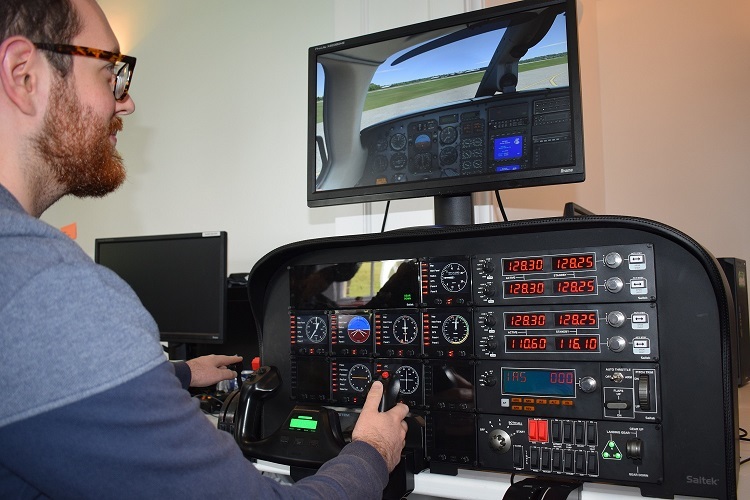
We're happy to announce that Logitech's Seitek Panels are officially supported within Flight Sim World.