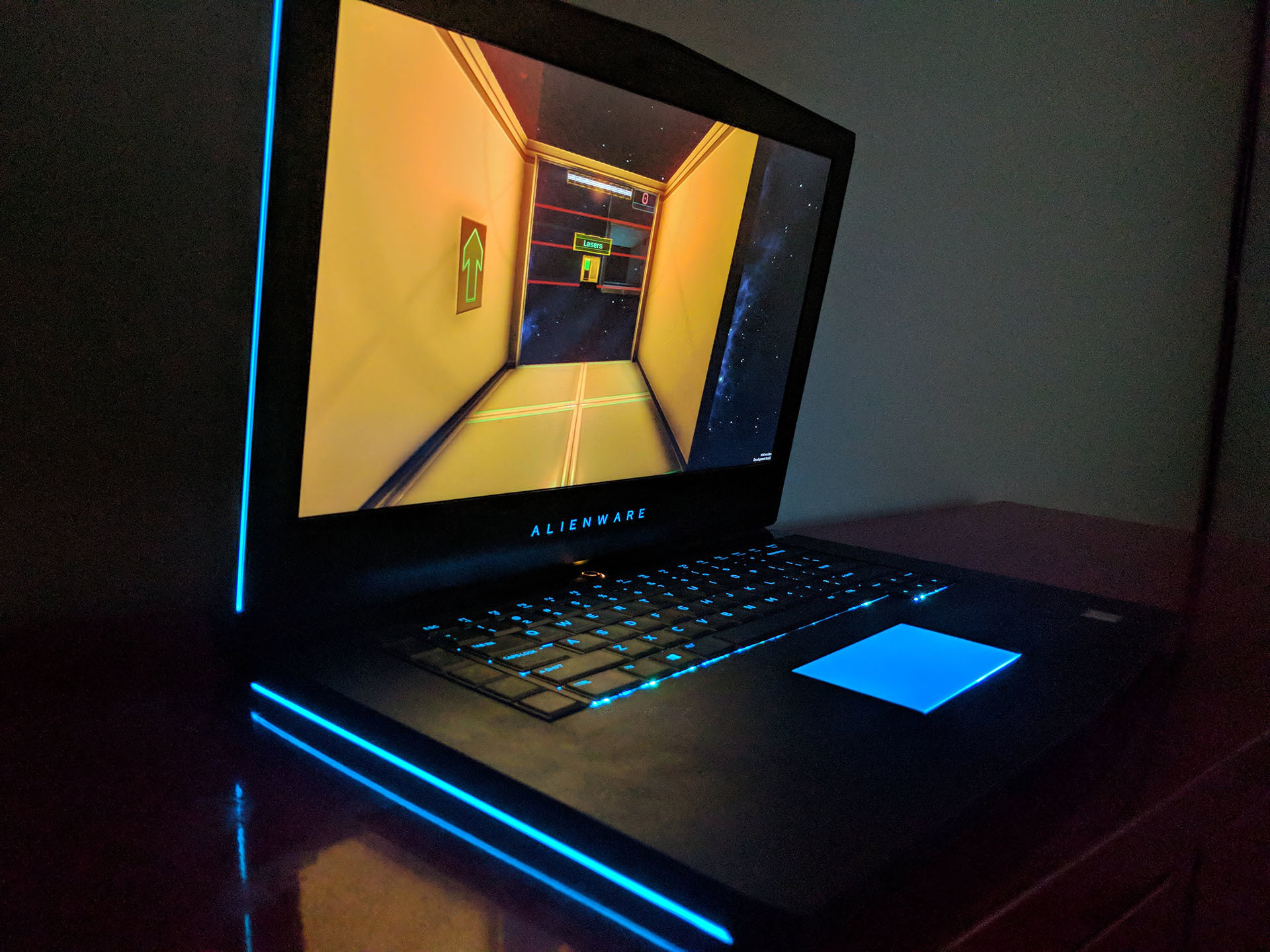
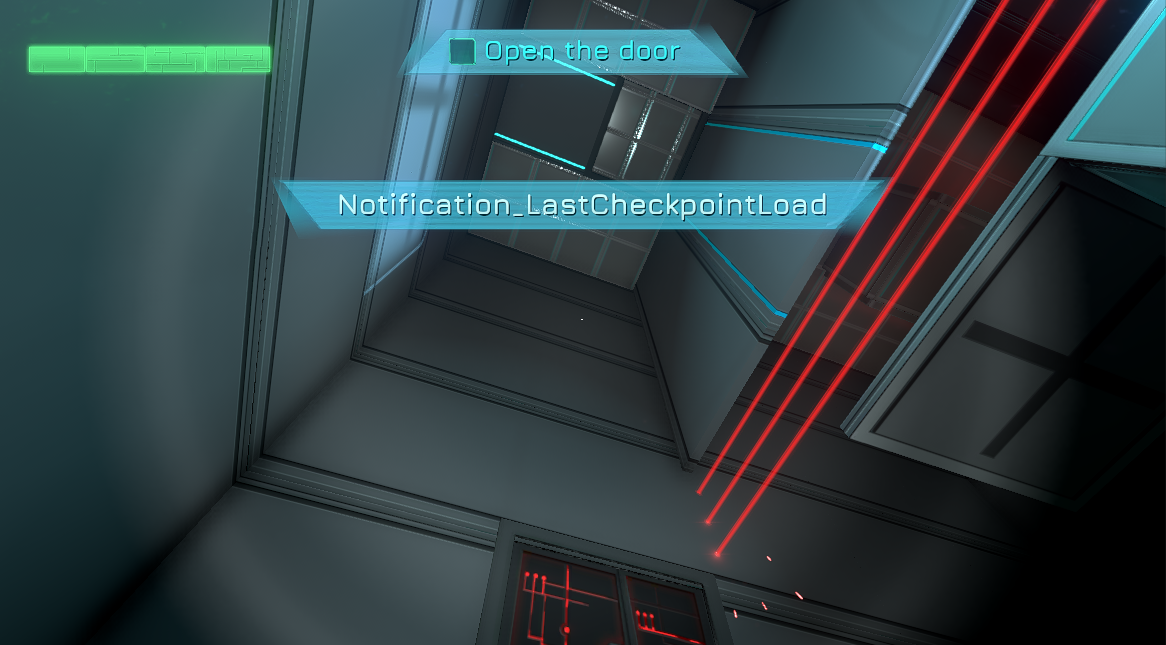
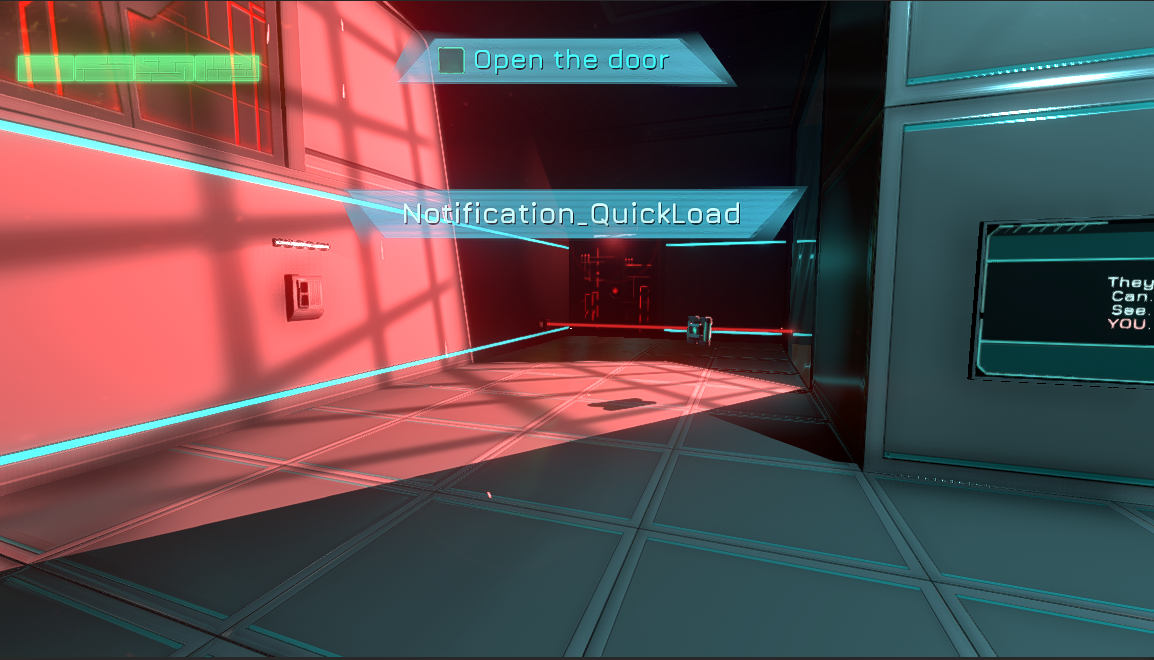
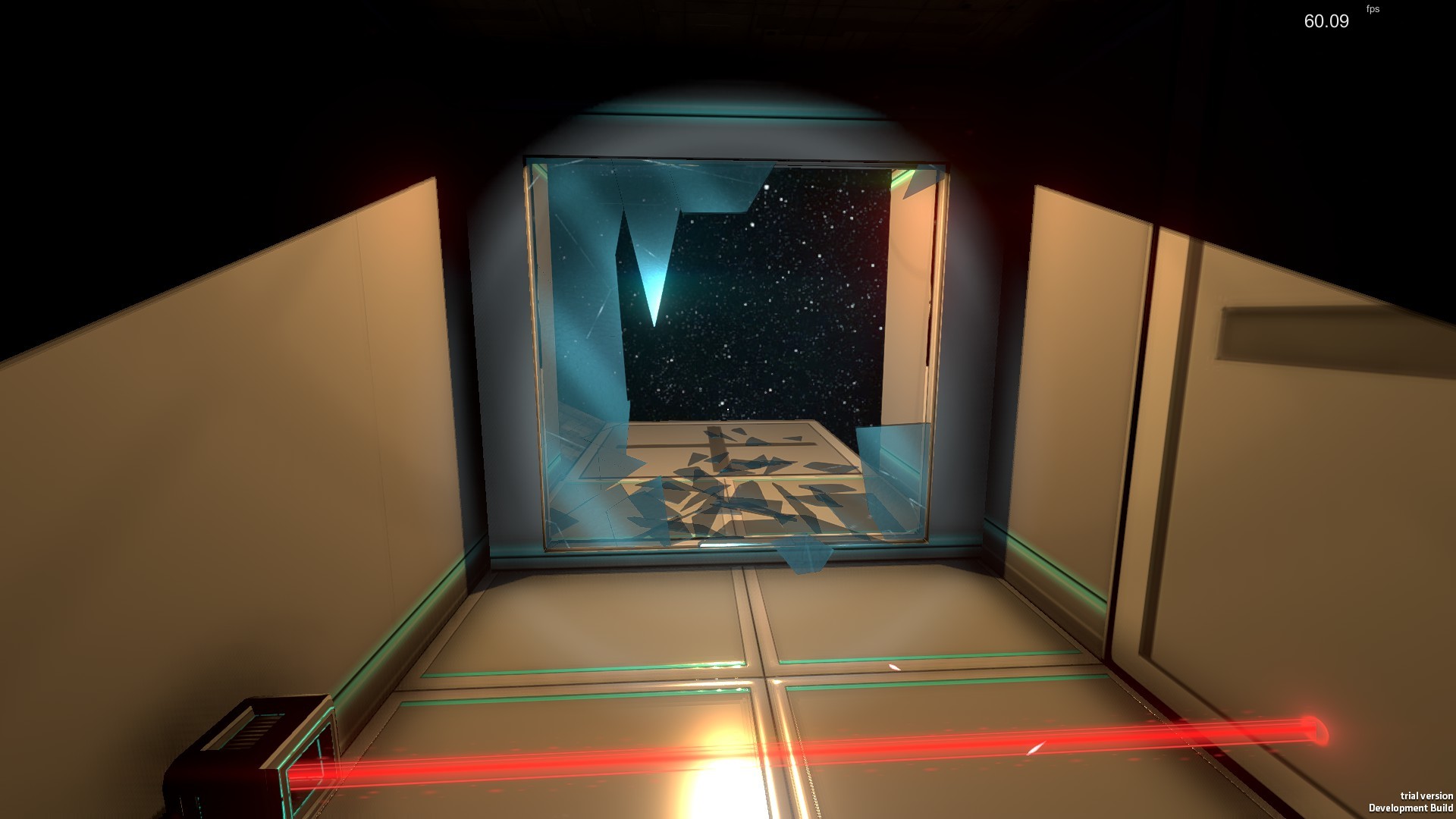
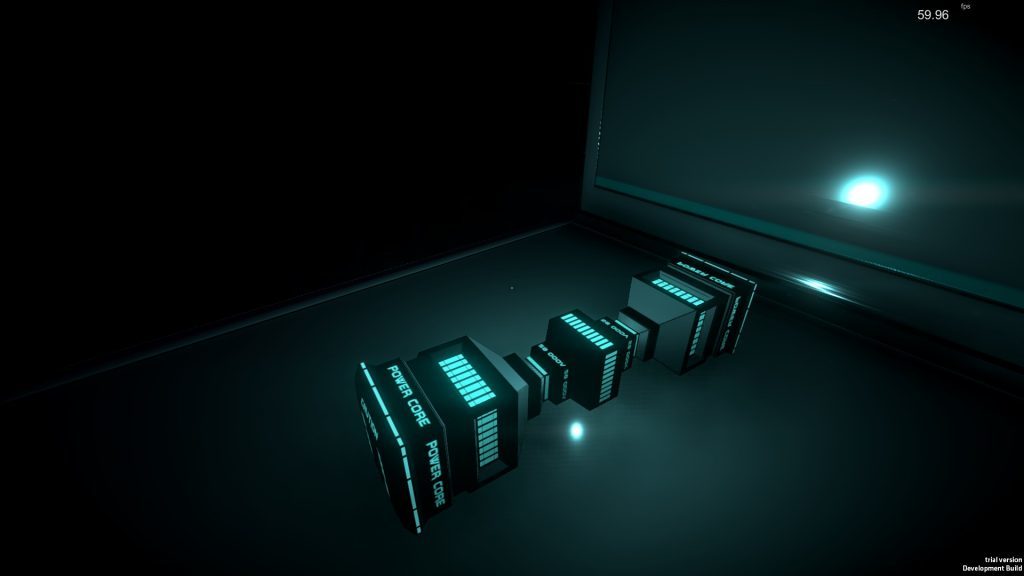
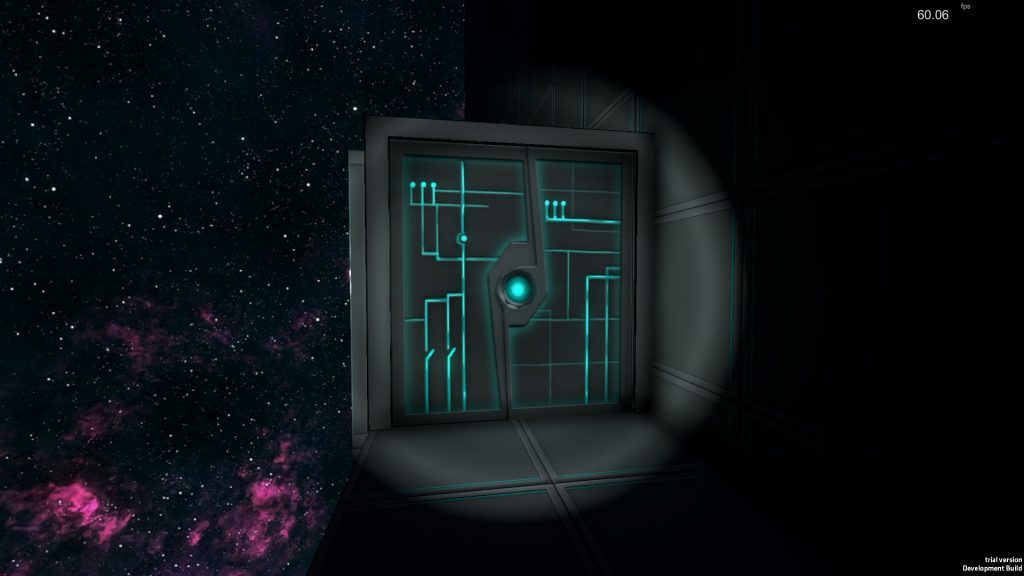
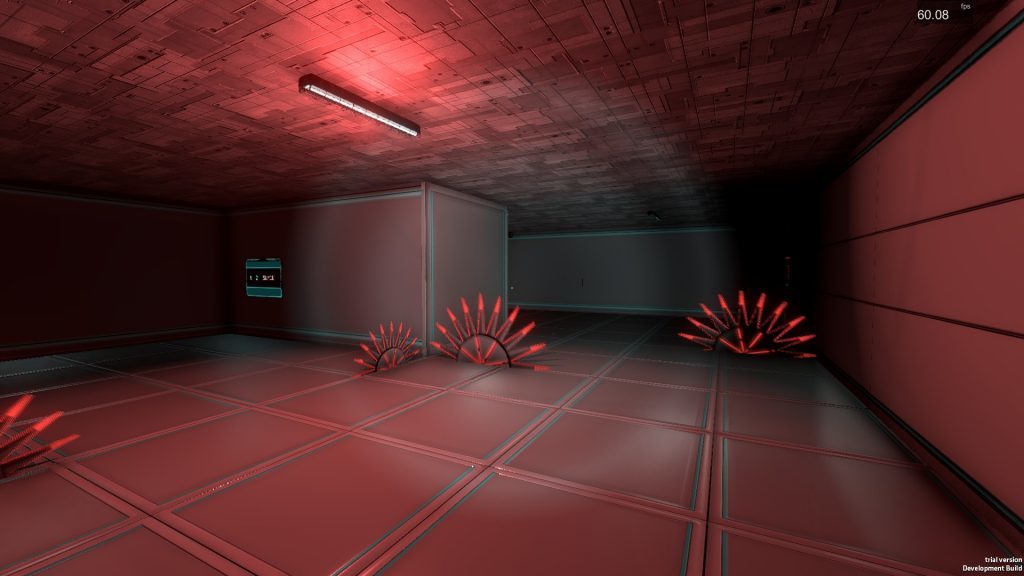
We are happy to announce a partnership with Alienware!Fractal Space supports AlienFXLED lighting technology on Alienware computers! Below is a demo video to show examples of how the lighting reacts in realtime to in-game events: https://youtu.be/PlZFt6yLQF0
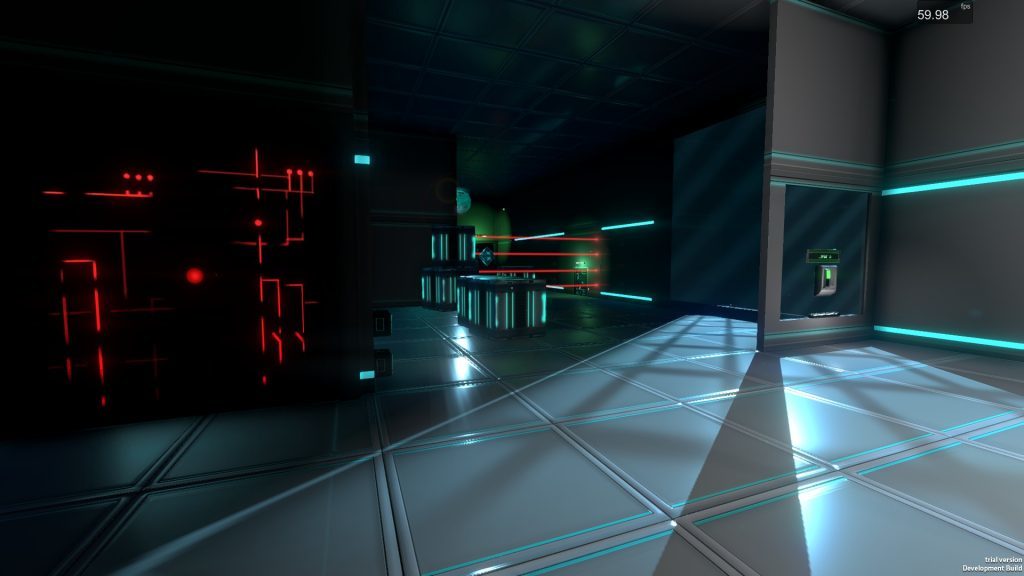
And a few photos of the LED lighting while running the game:
Stable New Save System
A huge task for us the last 4 weeks has been to focus primarily on the PC version's new Save System for Fractal Space. You can read more about how it works and why it was necessaryin our previous news here.
The great news is that the new system is now functional with Chapter 1, 2 and 3! We had testers finding many bugs concerning this feature using Experimental Builds on Steam's Experimental Branch. Thank you again, Adam, Promidiusand Fractal Space Fan for your help!
Thanks to extensive testing and many updates, we now have a new save system which saves the entire level state; if you play the game again, you will notice that there are many additional checkpoints, especially in Chapter 3!
As of today's update on Steam, from v0.3.0, everybody testing the Pre-Alpha is now using the new Save System.
IMPORTANT: Previous builds save files are not compatible with the new update; you will lose all current progress. After the update, you must press TAB on game launch to show the main menu, and select to perform a !RESET SAVE! using the button. If you tested latest Experimental Builds, your save should remain compatible.
Pocket Edition Status
Currently, Fractal Space: Pocket Edition is not available to download on the Google Play Store; This is TEMPORARY; we need fix a couple of important issues with the game before we can upload an update again.
Lately, we have been focusing on the PC version of the game. We will work on the mobile Pocket Editionto provide an update for the end of June, and it will then be back online where it has always been ;)
This means we hope to finally deliver the update v1.7 of the Pocket Editionaround the end of June / beginning of July, in which we'll have many bug fixes, better controls and controls customization, along with a couple of reworked visual 2D and 3D assets to look more like the PC version.
Chapter 4
Initial work has started on the PC version's Chapter 4, in parallel of the new Save System! There's still a lot of work, but we will have more time to work on it now that the new Save System is stable :)
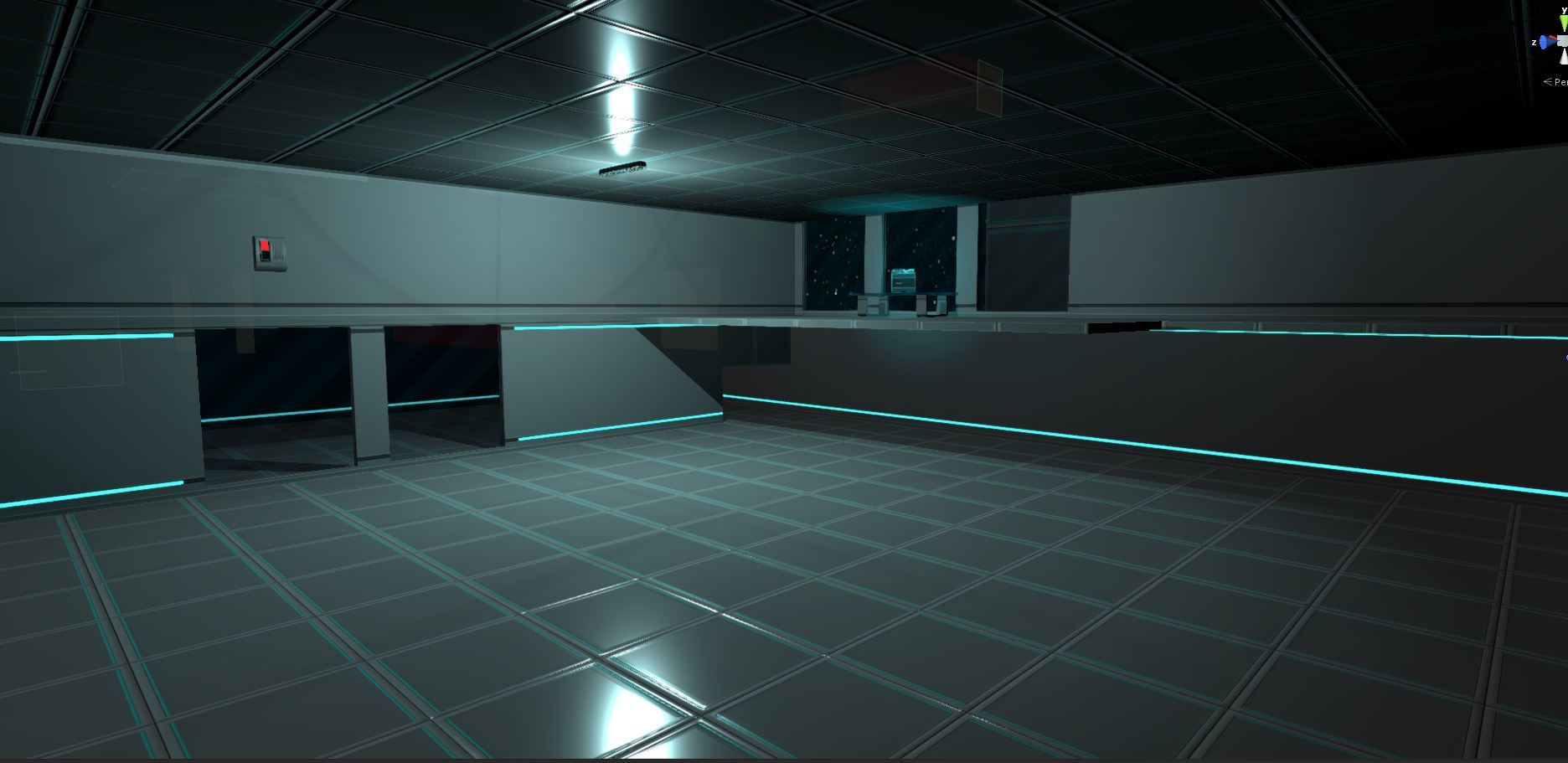
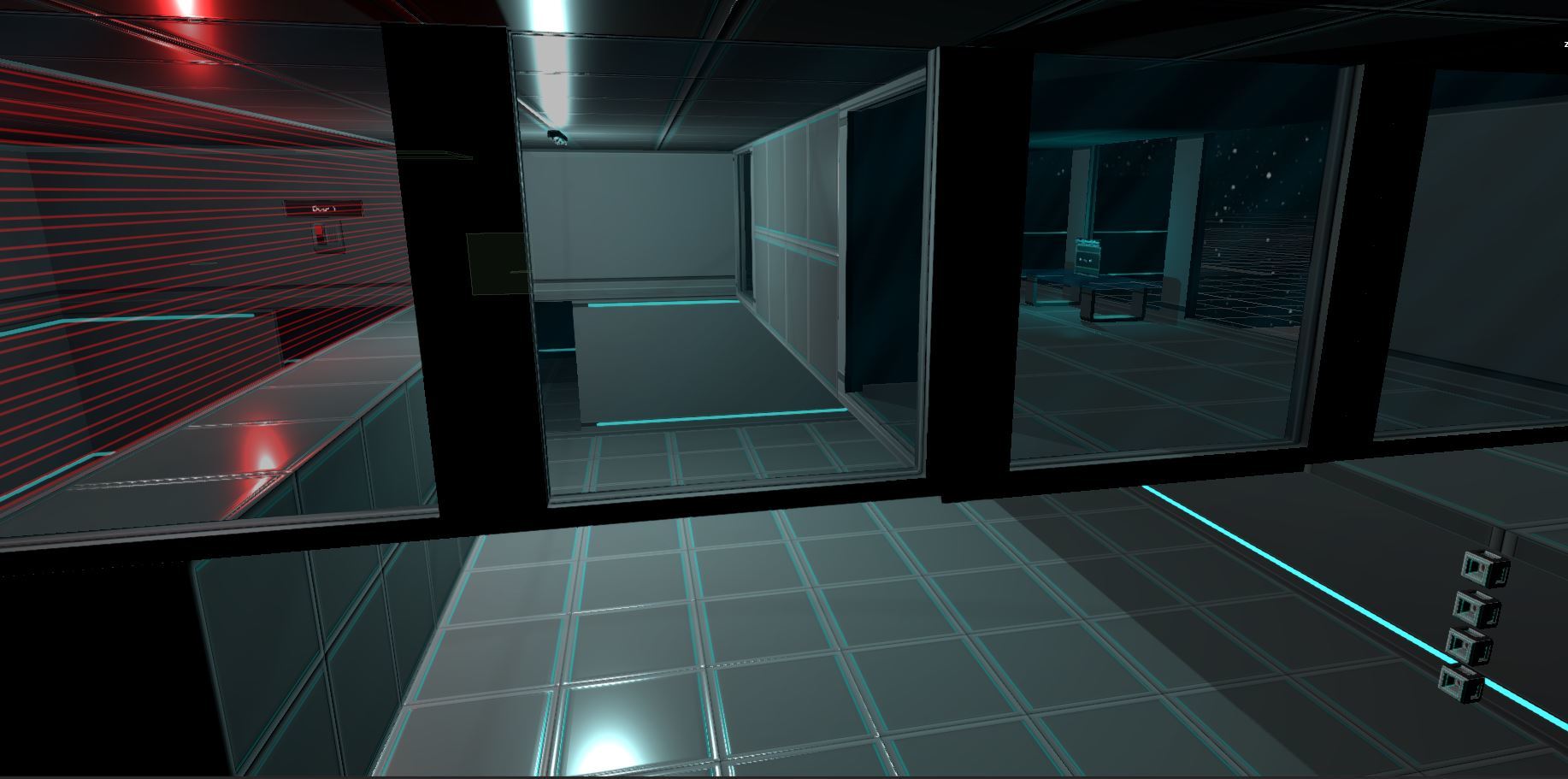
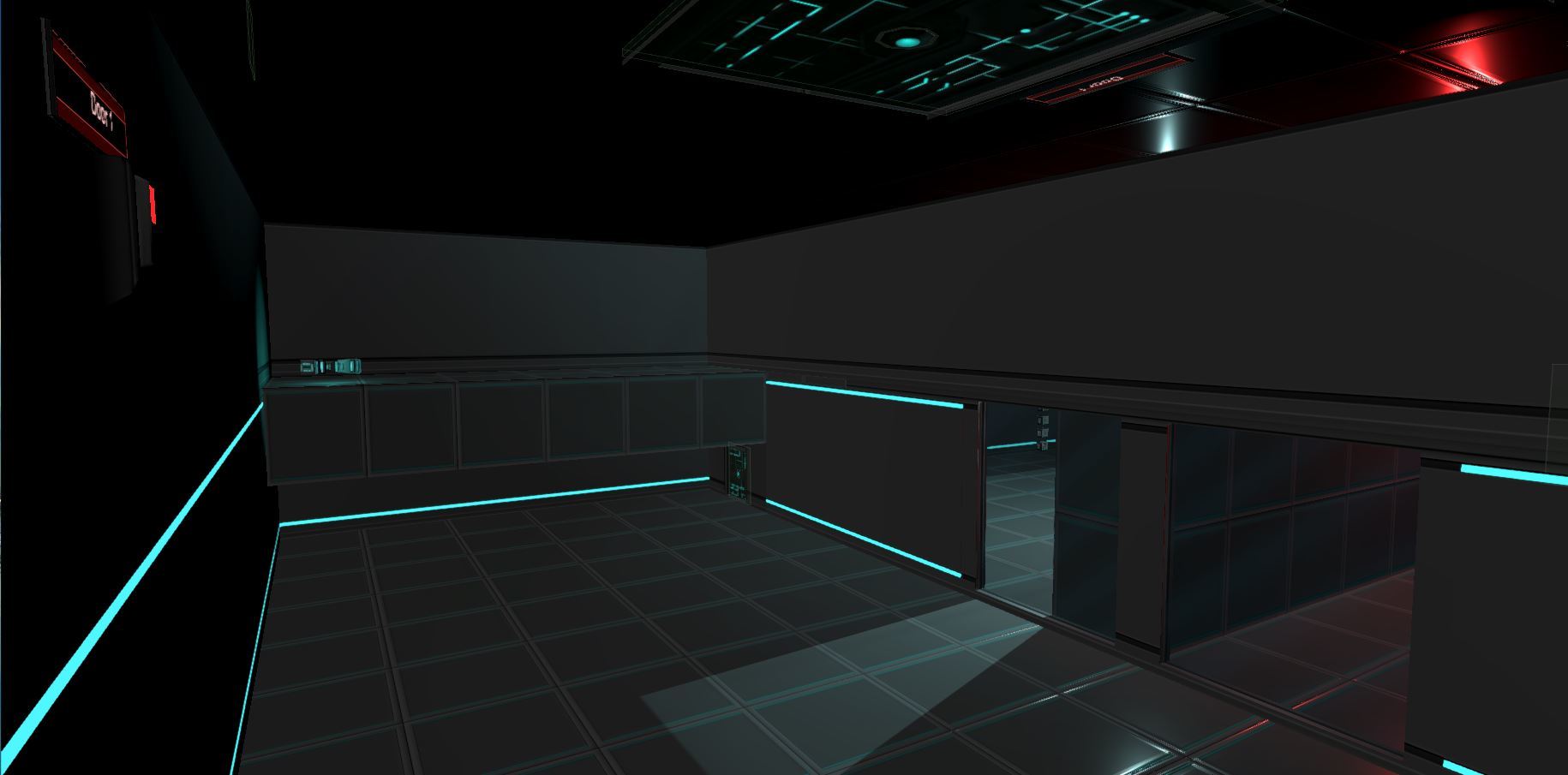
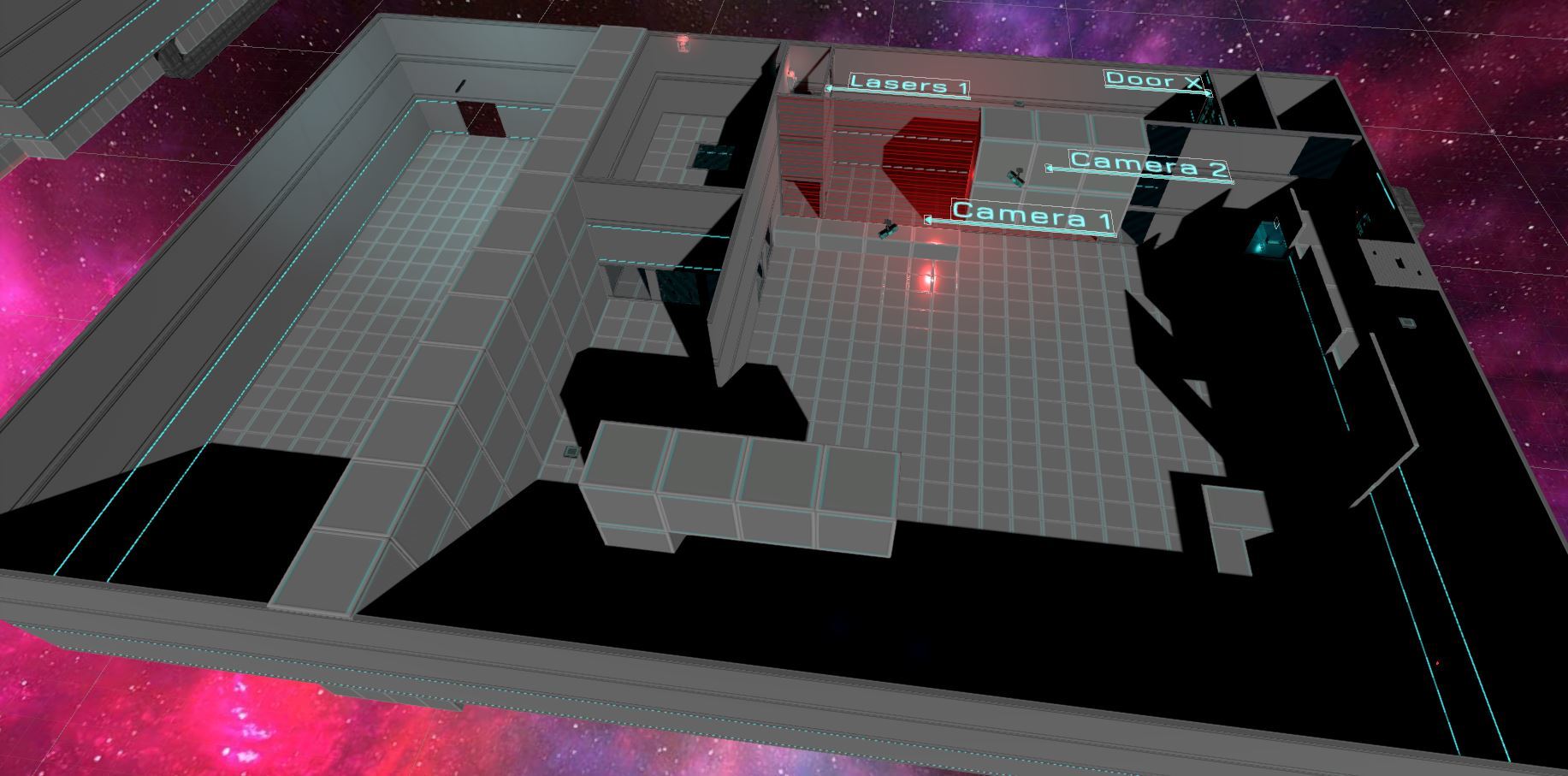
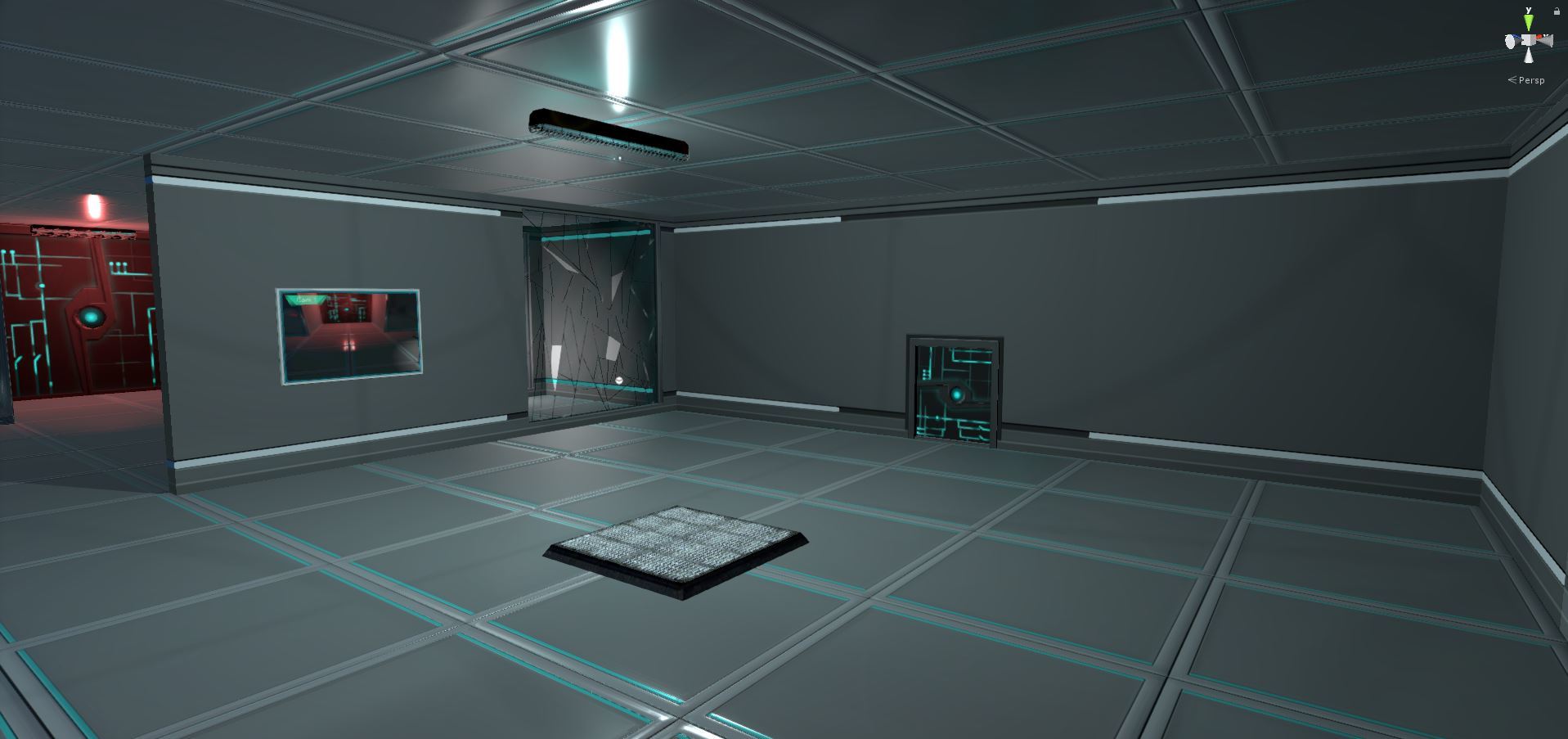
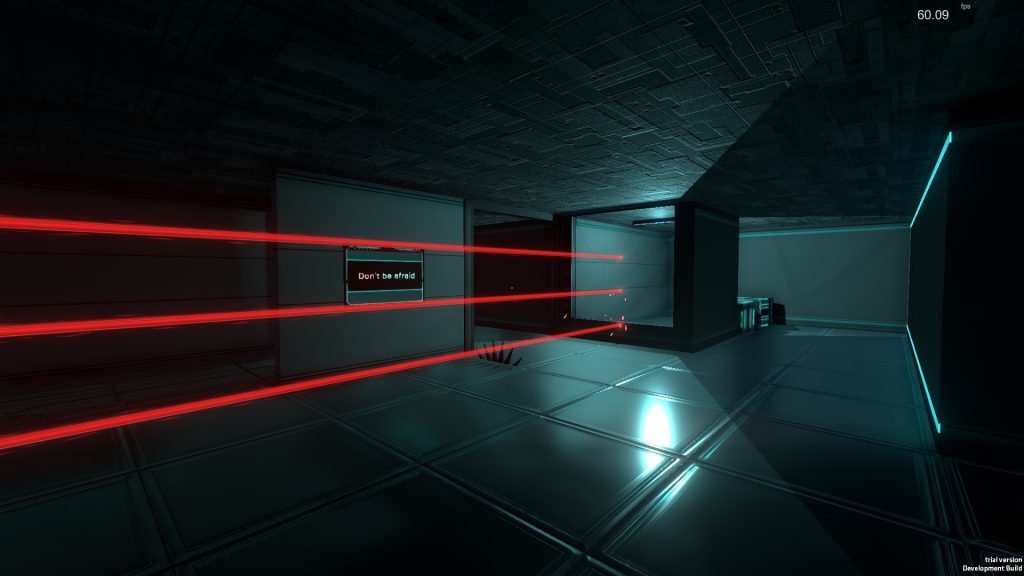
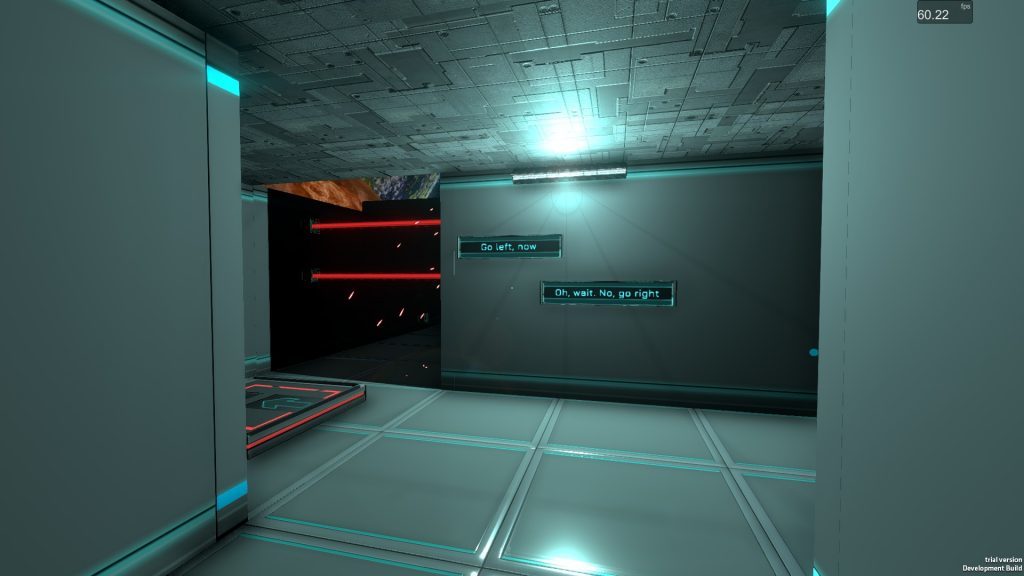
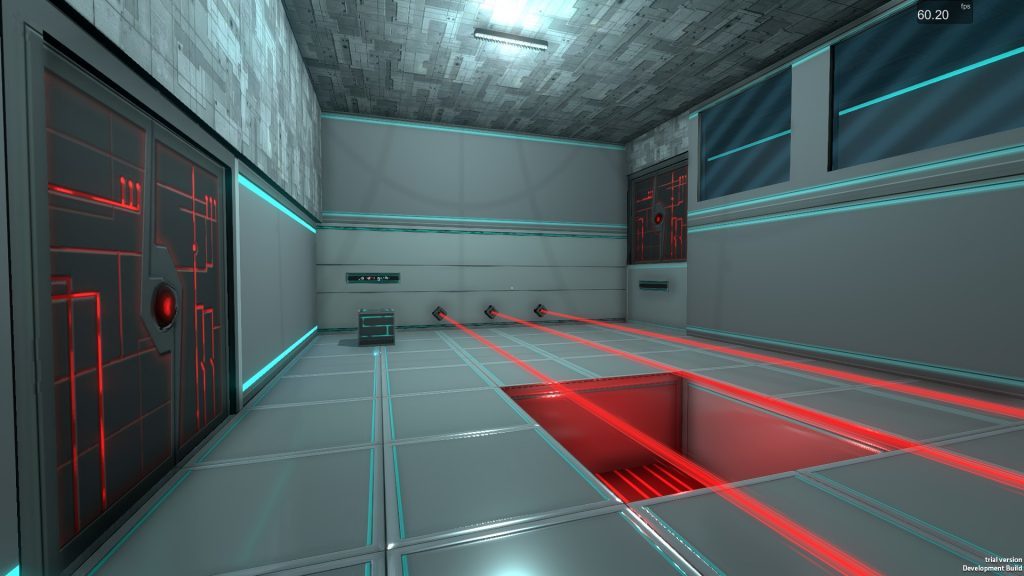
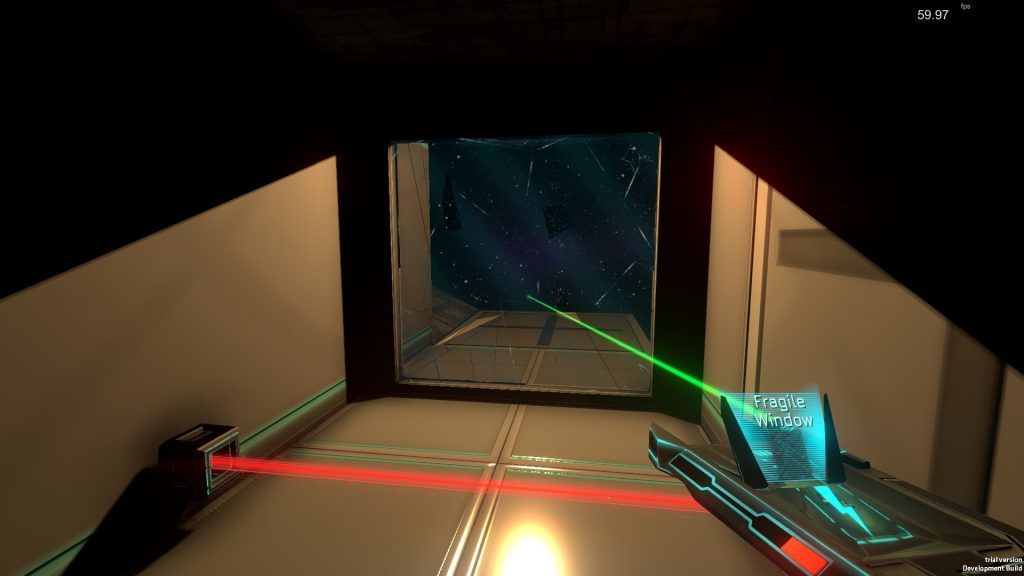
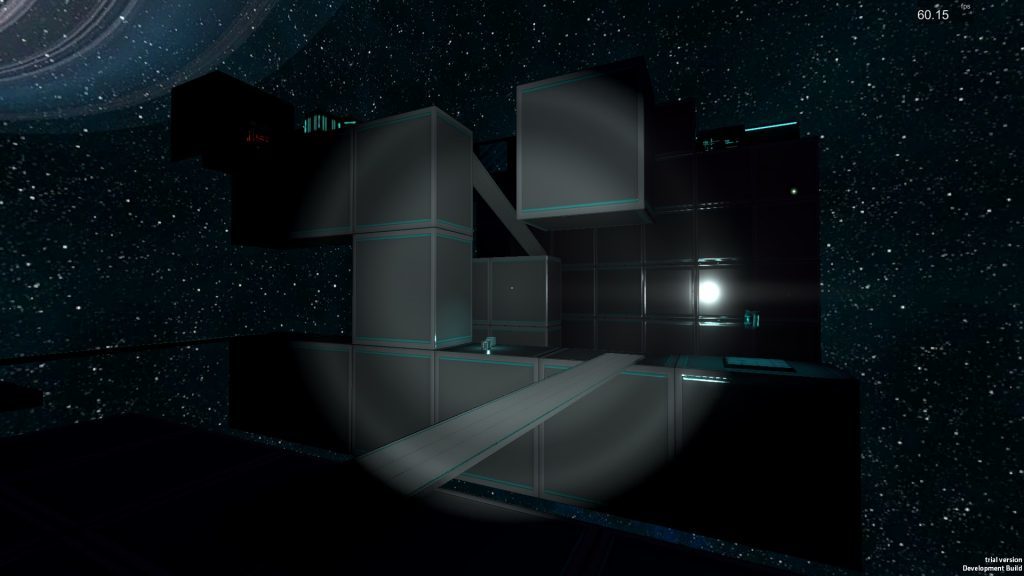
We've created about 25-30% of the contentfor Chapter 4. Below are a couple of screenshots of the work in progress; we won't show you too much, it's best to keep a bit of the surprise :)
We currently have 2 rooms in very early playable stage, and we are prototyping the new gameplay elements that will be introduced during this fourth Chapter:
Update v0.3.0 on Steam
v0.3.0 is available on default Branch! If you are on Experimental Branch, you can switch back to default.
In-game UI Improvements
New Save System
General Visuals
Debug Mode Change
Steam Controller
Known Issues v0.3.0
Below are listed the currently known issues in the build v0.3.0; if you encounter them, there is no need to post a bug report:
If you have a bug or an error that is important, please press F5 to Quick Save, then upload the files FractalSave.dat and Chapter_X_QuickSave.dat in the #general channel of our Discord.
These files are located in: C:\Users\USERNAME\AppData\LocalLow\Haze Games\Fractal Space\
___________________
That's it for today! Join us on our Discord Channel to test the game, post bugs and chat with us!
Charles from Haze Games
Development Update #12
New Save & Load System
There has been no new updates on Steam the past 2 weeks. That's because we have started a new task that's still Work In Progress:reworking the entire game saving / loading system. It is a huge task, and it will still be the current priority for the next three weeks.
Why?
Since the latest Steam update, the game has reached a point in which Chapter 1, 2 and 3 are now stable; only a few bugs are present, and they are not game-breaking. This means that we could start working on Chapter 4... ? Yes, but we have one big issue we've been pushing back and that is... the current save system.
The current save system is very limited and requires a lot of additional level design work to function properly. It also does not allow to save specific elements that are required by the game's new features, like destroying cameras.
You may have noticed already that in some areas, there aren't many checkpoints. This is caused by the current save system; it would require a big amount of time to setup checkpoints in some specific parts of the level.
For example, in Chapter 3, you must remove 2 Power Cores in order to access the button to enable The Cube. You can potentially either remove Power Core A orPower Core B first. Currently, the game cannot save in between both actions and "remember" which one was removed first. This kind of limitation makes some gameplay situations impossible to create, but also becomes frustrating as when you die in these areas, you are forced to re-play the entire room, which can be long and repetitive.
Because of this inefficient save system, it's very dangerous(from a game design perspective) to create hard and skill-based rooms, because there's a good chance the player will be frustrated of starting the entire room again if this challenge requires 2-3 attempts.
Last but not least, some of the future features of the game, and especially one big and exciting one(that we will talk about in a future development update, when there is more progress), will require this new save system in order to work correctly.
What?
As a summary, the new save system will allow:
When?
We are currently in the middle of the implementation for this new save system. After a lot of work, late nights, and extensive testing, it's starting to work correctly (yay!), and we can save most objects of Chapter 1. This is a good start, and theoretically the implementation will be easier for Chapter 2 and 3, as most of the work has been done during Chapter 1 implementation.
I hope to deliver an experimental build (with Chapter 1 only) to players who are interested in helping out finding bugs with this new save system. It will be available through Steam using a special code (easy to setup).
When the first players have tested(and broken!) the new system applied to Chapter 1, we will see how stable it is. I'll then fix all the bugs found. When we reach a point where Chapter 1 is stable with this new save system, I can switch to Chapter 2 and 3's new save system implementation. We'll do an experimental build for each Chapter ;)
When all 3 Chapters are stable with this new system, the Pre-Alpha "public" channel will be updated to use it. I hope that this save system will be stable and finished for the entire game, around mid-May, so about 3 weeks from now.
Experimental Build
I'll soon make an Experimental Buildavailable for testers through Steamwho which to help us find bugs with the new save system. If you're interested in opting in for the Experimental Build, simply notify me in the #generalDiscord Channel.
Please read and follow the steps written in the very last section "New Save System" of this guide to access the build and start testing ;)
In this Experimental Build, you'll be able to Quick Save (F5) and Quick Load (F9) at anytime (only for testing the new system). This way, you can check if everything is restored to correct states after reloading the save game.
However, the game will now be using the new save system for all checkpoints; upon death, the last checkpoint saved is reloaded(normal behavior).
When, the build is available, I will add a section in the SteamGuide to explain the steps for correct testing of the Experimental Build ;)
New Languages
We've updated the localization files and font systems to support the following new languages:
Steam Integration
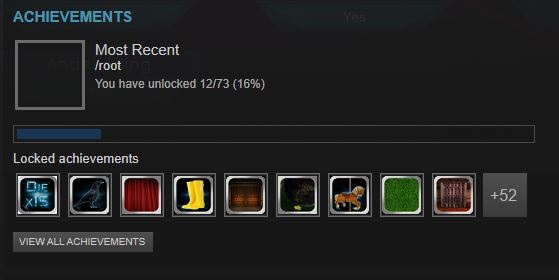
The game now supports Steam Achievements! They are not yet all implemented, thus won't all be unlocked - but there are quite a few already that you should unlock as you play! We also started the work on Steam Leaderboards; for now scores are being gathered, but there is no way to view them currently. We'll add this in a future update ;)
That's it for today! I hope that in the next Development Update, we will have finished the new save system :)
Development Update #11
Hello!
Hi there, dear Fractal Players! We have a small new update v0.2.1!
Steam Controller Support
From any variant of version v0.2.1, the Steam Controllershould now work nicely with Fractal Space. A specific profile has been created with the following specs:
Controls Remapping Fixes
Various bugs were fixed with the controls remapping window and associated tutorials. It should now work better and be more stable :)
Known Issues
We have a couple of issues that will be fixed for the next update:
That's all for this small update! Thanks for reading us. Have a great holiday, and Happy Gaming!
Charles from Haze Games
Development Update #10
Update v0.2.0b on Steam!
Hello! We are now doing the first update - V0.2.0b - since the release of a playable version of Chapter 3 on PC! Here are the various updates, bug fixes and news about the game.
Walls & Texture Alignments
It has been very long, but most of the wall and textures alignements that were present in both Chapter 1 and Chapter 2 should be fixed! Chapter 3 has not been reworked yet.
3D assets have been reworked to ensure a better alignment, and all objects have been checked / moved / resized to avoid the misalignments that were visible. There might still be some present here and there; if you do find some in Chapter 1 or 2, please do take screenshots and notify me! Thanks!
Skip Cutscenes
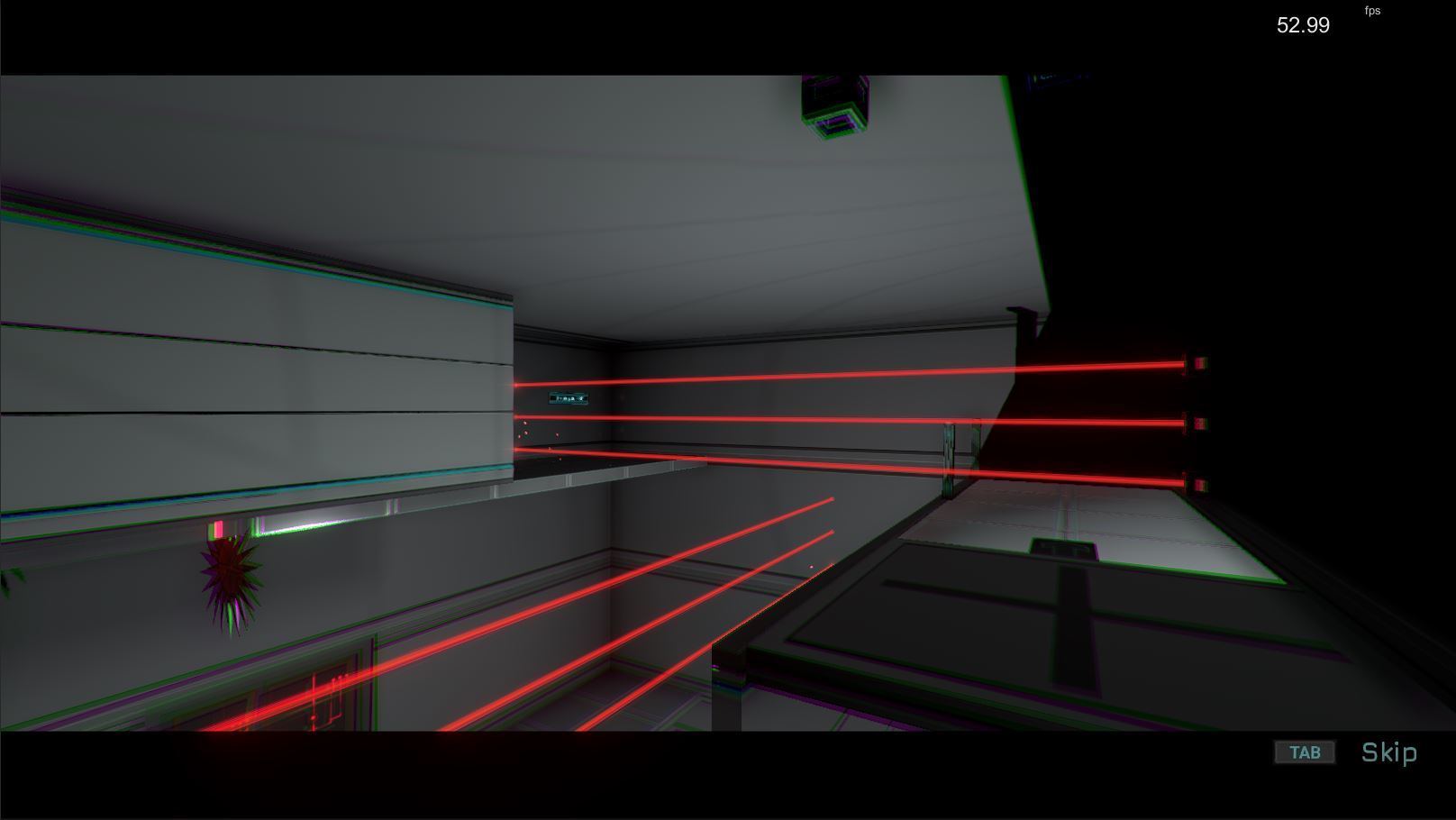
You can now skip cutscenes by pressing the TAB key (or Y on Controller)! That will be very useful to test the game quicker and for multiple runs:
Even though this new addition has been tested, I recommend that as a tester, you try it thouroughly; as skipping a cutscene means that all the events during those cutscenes need to be executed instantly (open a door, turn off a laser, etc); and there is a chance that in some cases, with specific cutscenes, it breaks some puzzles or creates undesired scenarios.
Especially, for example, for a cutscenes that normally requires the player to wait until some parts of the level are being loaded, configured or initialized (ex: Chapter 3 "Initialize Room" button).
For these very few specific cases of complex cutscenes in the game (maybe 3 out of 200), they need to be set as exceptionally not skippable. If you encounter some sort of strange glitch or bug after skipping a cutscene, please write a bug report on the Discord channel or the Steam Discussion :) Thank you!
Faster Zero-G Boost
Zero-G movement itself has not changed; only the boost speed is faster to cover larger distances. We'll be glad to hear if it feels too fast now :)
Concentration --> Hyper-Speed
Concentration has been renamed to Hyper-Speed. I'll be happy to hear as well how this feels and if this ability name makes more sense to you as a player.
Hyper-Speed: Show Threshold + Controls
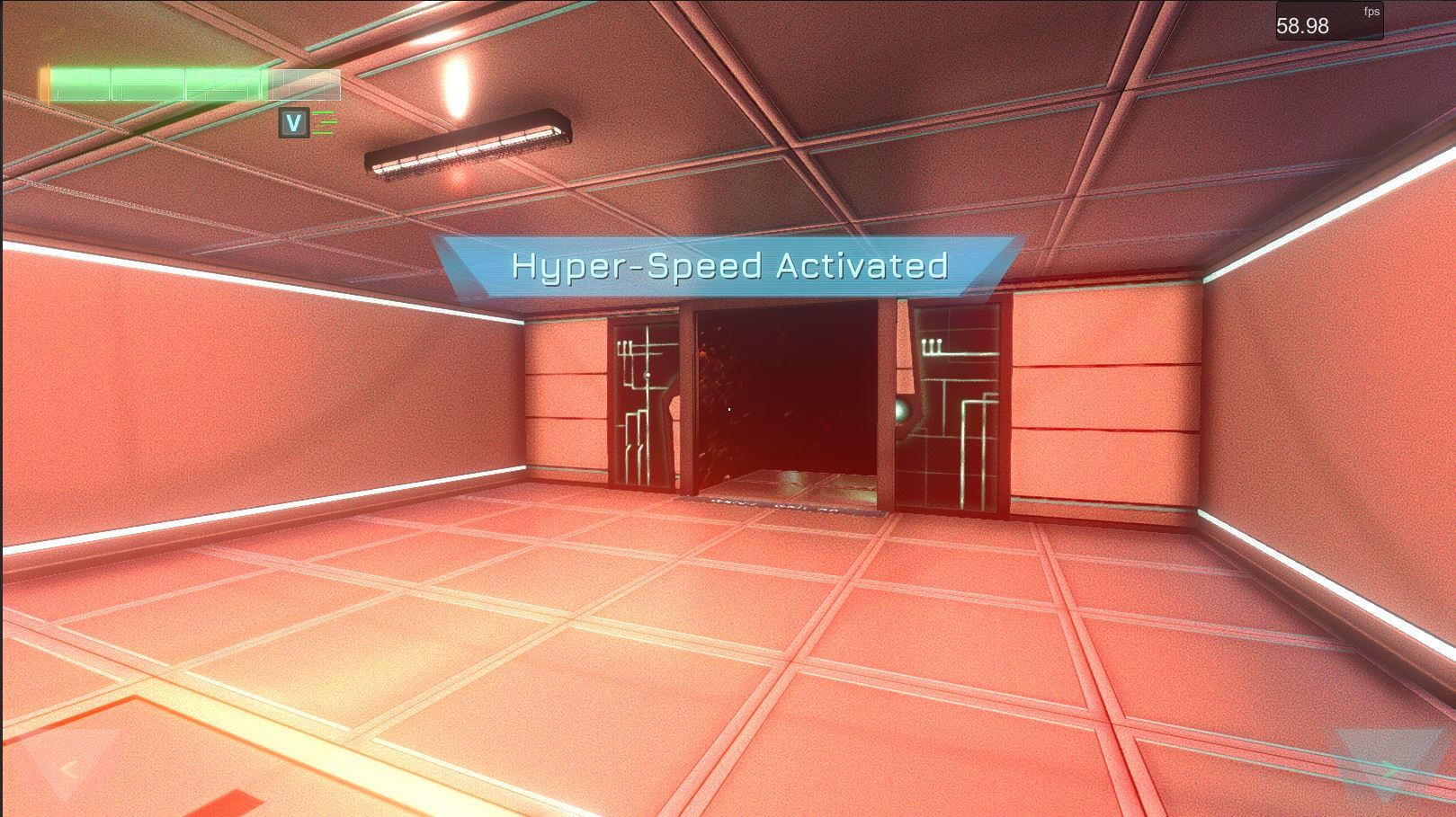
Hyper-Speednow shows an orange threshold of auto-deactivation on the health bar; it's easier to know when it will be forced to be disabled. The associated key icon Vor Y on Gamepad is now displayed next to the health bar as well, and remains displayed until deactivated:
Bug Fixes
Most of the first bugs found in Chapter 3 have theoreticallybeen fixed, including:
I hope you guys will like these changes and bug fixes! Now I'll continue working on wall alignments of Chapter 3, so that the game can be updated some time next week with all 3 Chapters in a more final state :)
Thanks again for your help and support, and Happy Gaming!
Development Update #9
Chapter 3!
We are happy to announce that Chapter 3 is now included from the build v0.2.0 of Fractal Space on Steam! This new chapter is still in early stage of development and will surely contain glitches and bugs that we will need to find and fix together!
Want a Steam Key to test the game? Send an email to contact@haze-games.com or join our Discord Channel (https://discord.gg/NceYxww) and ask for one :)
Please note that currently, there aren't that many checkpoints, and most dialogs for the second half of the level are missing.
We have tested it extensively and is playable entirely - however, using your wonderful imagination, you guys will definitely find new ways to break the level - which is always surprising and interesting. And it makes us happy while adding more work on the to-do list :)
Even though we still have a lot of work ahead of us, we will gradually make it a great experience!
Feel free to join our Official Discord Server with this link: https://discord.gg/NceYxww to keep posted on progress, chat with us and provide feedback for the new third Chapter!
Bug Fixes
For this update, we have fixed a lot of bug reported by our lovely community of players on Steam:
Improvements
In the sections you will find a listing of notable improvements that were made on the game in recent Steam updates.
Flashlight
The flashlight was really just illuminating a small circle on the screen. In addition, it was not lighting the objects surrounding the player:
Squashed Textures
We had a few object's textures that were "squashed" and didn't look good. We have fixed a couple of them. You can see an example in the screen below:
Upgrades Distribution
Upgrades available to the player in Chapter 1, 2 and 3 have been reworked; you will now have different available upgrades per PC, and more variety in the choice. There is also an additional upgrade PC in Chapter 1, in the same room in which you see the very first Cameras:
Thank you for reading, and for your support! See you next month for more news, or directly on our Discord Channel: https://discord.gg/NceYxww
Cheers, Happy New Year and Happy Gaming!
Discord Channel
Hello! Thanks to The Promidius for his great efforts and work to make this happen, we now have an Official Discord Channel for testers to communicate between each other easily, talk directly to us and report suggestions / bugs.
If you prefer to use Discord rather than the Steam community, feel free to join our Official Discord Channel here: https://discord.gg/NceYxww
Thanks, and see you soon on Discord!
Development Update #8
Hello!
Hi again everyone! Here is some news about latest improvements of Fractal Space PC version0.1.5c for November 2017!
Linux and Supported Resolutions
The game was crashing on Linux hardware. This has now been fixed, and the game also supports all resolution types. You can now play the game with any resolution onWindows, Mac and Linux!
Game Auto-Start & Auto-Resume
In addition to improving the general main menuvisuals, if you launch the game for the first time, the game starts automatically a new game. If you launch it with a game to resume, the game is resumed on launch. This avoids to go through the main menu every time you wish to play. You can still come back to the main menu or access options in-game ;)
You can also prevent the game from auto-launching and display the main menu instead by pressing the left CTRL(or Command)key as soon as the auto-save warning is displayed.
Steam Guide Update: Errors
We have added in the Steam Guide here, the section regarding errors "A Wild Error Appears!" and what to do when they happen, as from now on code errors will be displayed in red at the bottom left of the screen.
We also added a few tips regarding performanceOptions in the guide.
Improved Lighting
Lighting is much more optimized:performance should be better in both Chapters. Some areas might seem now darker; please do point them out if you think they are way too dark. We also did this intentionally to encourage the usage of the Flashlight.
Lighting is more realistic: There are now less areas where lights are "very bright on close surfaces", creating a blinding-bright zone on the closest walls of realtime lights. This makes the general feel less colorful, but more realistic.
Destructible Windows
Destructible Walls: They are now replaced by Destructible Windows. Windows can be destroyed with the basic Taser, whereas Destructible Walls require the Taser Firepower Level 2 Upgrade to be destroyed.
Destructible Walls found in Chapter 1 and 2 are Bonus Rooms - you will need to play them again once you have acquired the Taser Upgrade in Chapter 3, as Upgrades are Persistent, and remain even if playing an earlier Chapter!
Bonus rooms are not yet designed; if you do break the wall, you will currently find nothing behind ;)
Visual Improvements
A lot of small improvements and tweaks have been made on most 3D models and textures to look better; the light some objects emit is now more realistic compared to the previous very bright binary "emissive or not" aspect they had.
Screens are now improved and there are more of them for better prediction of the switches usage. The User interface has also been improved for most pages of the game.
New Upgrades: Healthpack & Taser Ammo Backpacks
At first, when you pick up a Healthpackor Taser Ammo pack, it is used automatically on-the-spot to healyou or recharge your TaserEnergy. If you acquire the Taser Backpack or Health Backpack upgrades from Upgrade Terminals, you will then be able to store 1 to 2 of each of those packs.
This will allow you to always keep a Taser Ammopack or Healthpackfor later use in a hard situation ;)
Chapter 3 ?
We have made a lot of progress on Chapter 3, and it's soon ready! We expect to release it before Christmas, as a first playable version!
Talk to you soon, on the next development update :)
Development Update #7
Pocket Edition: Update 1.7 (Work In Progress)
We have switched to the mobile version the last few weeks in order to complete some of the features we've been working on for a while. Details on the Pocket Edition's additions (still Work In Progress) can be found on the dedicated page here.
All these new additions have taken a lot of time, which is why we didn't upload any PCPre-Alpha version update on Steam. We hope to soon complete and release the Pocket Edition Update 1.7 and switch back to working on the PC version!
Chapter 3: Work In Progress
In parallel of improving and adding new features to the Pocket Edition on Android & iOS, we've been working on the PC version's third chapter.
Since Chapter 3 is introducing a few new features, it takes a long time to build. Here's an example of a room (pretty dark one for now) that builds itself in real time:
Here's a sneak peek of a couple of new rooms in Chapter 3:
Power Management in Security Center Interface
We have done a couple of improvements on the Security Center Interfaceon PC. We've added a Power System, which constrains you to enable a limited amount of functions simultaneously:
New Bridges
We have reworked the bridges, which looked very simple as well previously; they now have nicer textures and shapes :)
New Ventilation Shafts
In previous PC builds of the game, the ventilation shafts were very simple, assembled rectlangular-shaped objects. We now have new ventilation shafts which have the appropriate and necessary shapes. We'll improve the 3D models and textures later on during development, but for now it already looks and plays much better:
Thank you very much for reading, we'll keep you posted next month in a new update!
Charles from Haze Games
Development Update #6
Steam Pre-Alpha v0.1.1d
The latest Steam Update of Fractal Space Pre-Alpha preview build has been updated. A few of the changes have been listed in the sections below.
New Visual Effects
The Taser Gun now has more realistic and more immersive visual effect when shooting:
We also have new electrified grounds, which allows us to create large traps without having to create a large number of lasers:
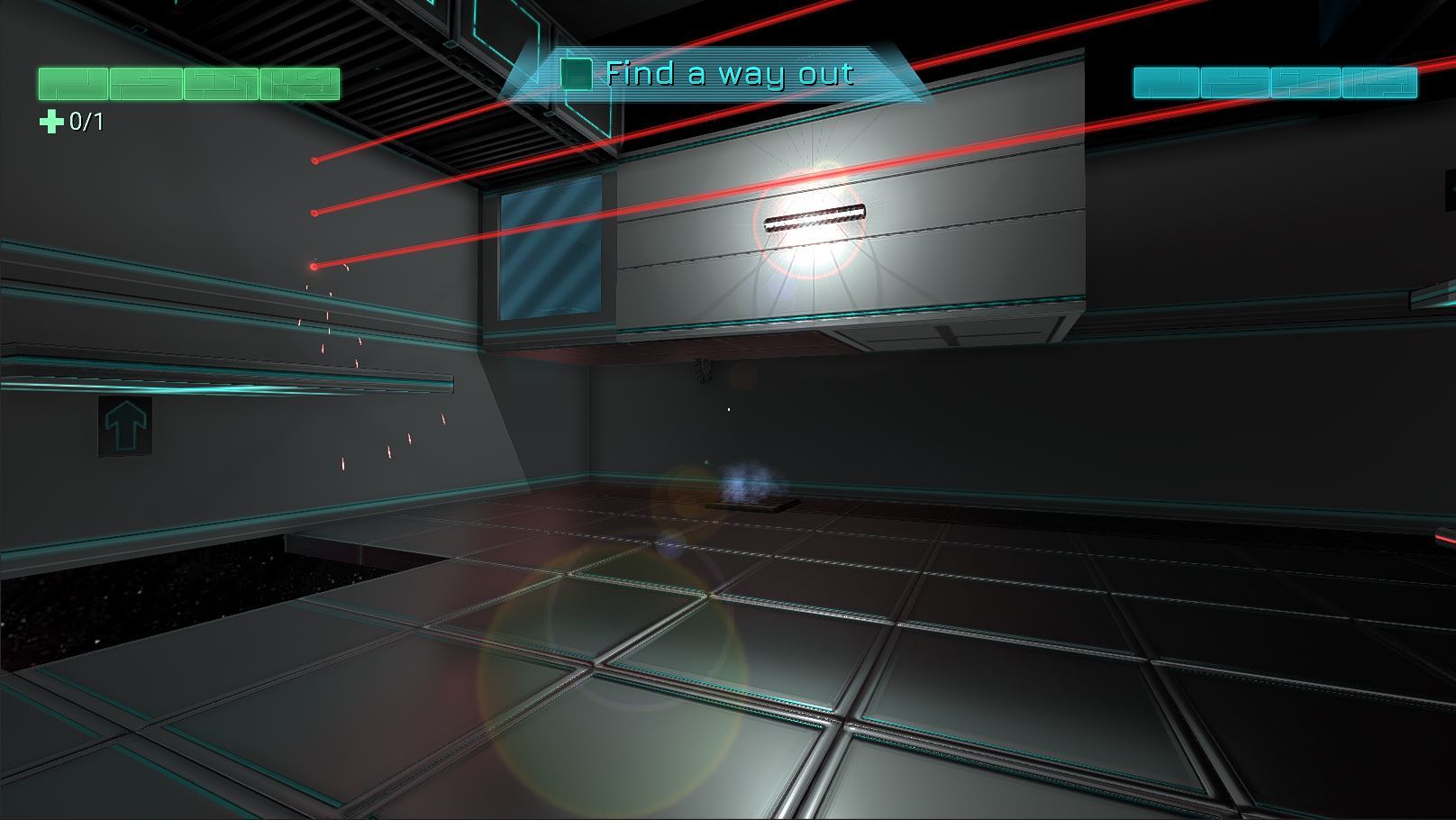
Lasers now have particle effects! Later will come an option to disable for performance purposes:
We have a few additional rooms in Chapter 2, and some modifications in the rooms that were already present. Example screenshots here:
Bug Fixes & Improvements
Reboot Develop 2017
We were at Reboot Develop 2017 Conference at the end of April. It was in Dubrovnik, the real-world King's Landing from the famous Game of Thrones TV Show!
It was a great experience; we had some players try out the game, had some positive and interesting feedback on some of the work in progress game mechanics. We also managed to see a few of the conferences there with great speakers like Renaud Charpentier, Matthew Steinke and Chris Taylor. We also met other interesting people from the games industry.
We have gathered a lot of feedback, and also a few new bugs that were discovered on the spot!
I would like to thank Peter and Kjus for helping so much with the bug reporting and testing prior to the event; this helped getting a build ready for people to test more relevant aspects of the game.
We have been working on the build v0.1.1d for Steam. It will be live within the next hours. It will include a lot of main bug fixes reported on Steam and during the Reboot Develop event.
Back to Pocket Edition
Now that this Steam updated build is released, we need to slow down the work on the PC version and return to improving the Pocket Edition of the game on iOS and Android.
We want to add new languages, fix a few issues that some players reported, but mostly improve the User Interface and some usability issues, like the jump button being too far away for some large screens like the iPad Pro and large-screen Android tablets.
The next major mobile update of Fractal Space: Pocket Edition will allow us then to focus on marketing the mobile version, and return to work 100% on the PC version.
Development Update #5
Hello!
We are happy to write to you again :) We hope you're alright. We're back here to write about the current progress and state of the game :)
Pre-Alpha Testing
As mentioned in the previous development update, we have a PC Pre-Alpha build ready for anybody to play and test, if you are willing to play an early version in order to provide useful feedback and opinion on the game and find out bugs!
Current pre-alpha testers are currently finding a lot of nice glitches, bugs and other issues, but also provide interesting ideas for current and next chapters of the game. If you're interested in helping us improve the game, you can simply request a Steam key for the PC Pre-Alpha build of the game by sending an email to contact@haze-games.com
The Pre-Alpha Steam build is updated about 1-3 times / week to fix all bugs which are encountered by players and test new experimental features.
Special thanks go to Peter and Kjus! They have both found many bugs and created videos for them! Peters also helps with Hungarian localization! Thanks very much to both of you!
We are focusing on fixing all bugs and polishing the first 2 chapters of the game, mostly because we want a good playable build for... Reboot Develop!
Event: Reboot Develop
We are happy to announce that Haze Games is going be present at theindie games event Reboot Develop in Dubrovnik, Croatia!
We are thus working actively on a fully working build of the first 2 Chapters of the game on PC, for the people on-site to play! We are getting some very useful feedback, bug reports and comments from Pre-Alpha players that have requested a Steam Key. Thanks to them, we hope to achieve a bug-free and fully playable demo build :)
This also means we have to work on Posters, Flyers and Business cards for the game; a different, time-consuming type of work, but also very important.
We hope to have a few players at our booth - if you live in the area, please feel free to come and see us, we would be very happy to meet you!
Tutorials & Controls
We have reworked all tutorials to be fully compatible with display of keyboard/mouse icons and Xbox One / Xbox 360 controllers! Now, we're sure everything can be understood easily, and those controllers are now fully supported:
Note: Later on, we'll add support for the Steam Controller and various others.
Using a gamepad, the Jump/Jetpack buttons are now eitherOR . The player can use either of these 2 buttons at anytime to Jump/Activate Jetpack.
In most circumstances, using to jump is fine. However, using button to use the Jetpack forces you to remove your right thumb from the right joystick... This is bad, since you cannot look around or change directionwithout interrupting jetpack thrust.
Instead, you can now use for Jump/Jetpack, and keep both your thumbs on the gamepad's joysticks while using the jetpack. This makes it much easier to control!
Upgrade System
We have been working on an interesting feature for Fractal Space on PC: The Upgrade System from Upgrade Terminals. These Upgrade Terminals allow the player to, for example, improveTaser capacity, movement speed, Jetpack duration, maximum Health, or unlock new abilities:
You can only select one type of upgrade out of 2 to 4 choices every time you encounter an Upgrade Terminal. They are not always easy to find (or reach). Upgrades being persistent from a playthrough to another we hope it improves replay value for a New Game+. As soon as an upgrade has been selected, the Upgrade Terminalis not longer available, you'll need to search for the other ones throughout the station if you want to upgrade more!
Sprint
We will be adding the Sprint Ability to unlock from Upgrade Terminals very soon to the Pre-Alpha for current alpha players to test. This allows you to run much faster. We've been making sure it works nicely, both with and without controller.
Focus
The Focus Abilitiy is not yet ready for testing and will be introduced in Chapter 3, when it is ready for pre-alpha testers to play with. However, further work has been done on this feature to make sure it works well while in Zero-Gravity, and a few new rooms exploiting it have been created.
Chapter 3
We are also working in parallel on the third chapter of the game, which will mainly exploit Zero-Gravity and introduce the Focus Abiltiy described above!
Here are a few screenshots of some of the new rooms of Chapter 2, and Chapter 3 Work In Progress!
We hope you enjoyed reading us today, and we'll be back next month for more news! Have a great day, and happy gaming!