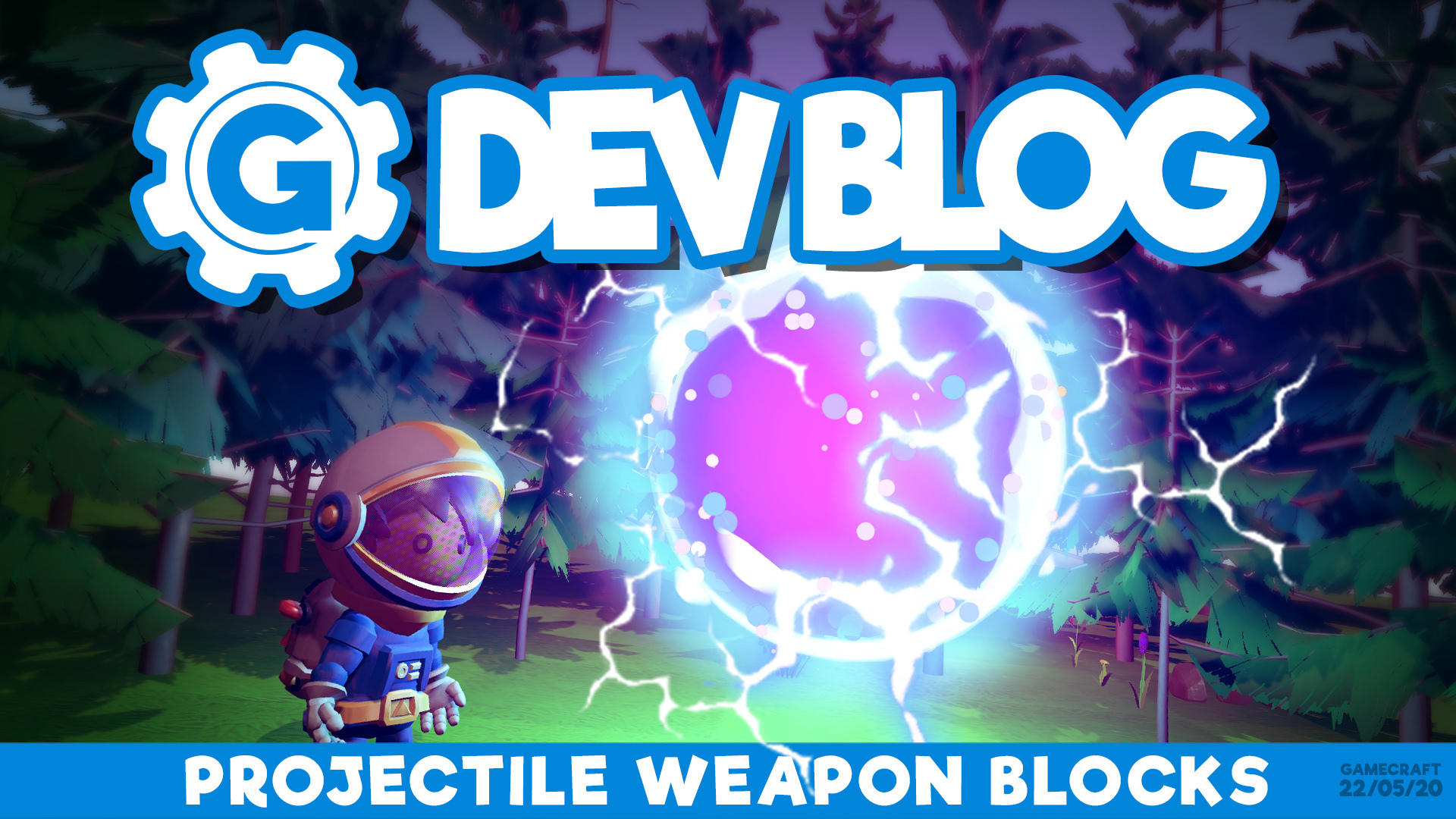
We have something exciting to tease this week. Weapon blocks! Yes, in this coming update we will be adding a mountable Projectile Weapon block to Gamecraft. This is a very early peek so these are likely to change a bit over the next few weeks.
Projectile Weapon Block
The Projectile Weapon block will be a functional block that you can place anywhere in the world. This block will fire projectiles that travel in a straight line, at a constant velocity, until they either hit an object or expire at a set range. The block itself isn’t quite ready to show yet, but here’s a preview of the current state of the projectiles!
This block will contain a few tweakable parameters, such as fire rate, range, velocity and whether the block constantly fires projectiles or acts on input.
‘Fire Type’ is a toggle between Automatic and Semi-automatic. This means if you have a constant signal sent to the block and it’s on automatic, it will shoot at the given ‘Fire Rate’. If it's semi-automatic it will only shoot one bullet when a signal comes though. ‘Fire Rate’ will set the number of projectiles shot per second. ‘Range’ will limit how far the bullet will travel before it expires. Finally, the ‘Velocity’ will determine how fast the bullet will travel.
The block can be uniformly scaled from 1x1x1 all the way up to 27x27x27. If Leo is hit by one of these projectiles, or it collides with a nearby object and Leo gets caught by the explosion, he’ll take damage based on it’s size, or how much of the explosion hits him. The projectile weapon block will only damage Leo when it launches, but in future it will also deal damage to blocks.
Featured Game Competition
We’d also like to remind you that we have a competition on-going. If you build a game and get it featured you can win your very own Gamecraft T-shirt! Be sure to check out the details about this here: https://store.steampowered.com/newshub/app/1078000/view/3759888198475939580
Please follow us on our social spaces and share your creations with us: Twitter- https://twitter.com/Gamecraft_FJ Youtube - https://www.youtube.com/channel/UCkcRFCr9aQxszaYeXcWZjwA Facebook- https://www.facebook.com/GamecraftGame/ Reddit - https://www.reddit.com/r/GamecraftGame/ Discord - https://discord.gg/gamecraft
Thanks for reading!
The Gamecraft Team
Featured Game Competition
Yes, Gamecrafters,
We have another competition for you all, and this time all you need to do is make a game, get it featured, and you get a free Gamecraft t-shirt! You will be some of the first to ever own a Gamecraft t-shirt and this is what they look like:
Rules
The competition will run from now (19th May 2020) to 19th June 2020 23:59(UTC + 1).
Anyone who gets a game Featured during that time will get a free Gamecraft T-shirt as long as they meet the criteria set out below.
Entries must include the text “TSHIRTCOMPO” in the description.
Only the uploader of the game will be eligible to receive the prize of the T-shirt.
How do I get a game Featured?
You must create a game and Publish it from within the game via the Craft Games menu.
The game must have one (and only one) Spawn Point.
The game must have a Game Over screen that appears when you lose, as well as when you win - You must be able to both win and lose the game.
The game should not be super hardcore. You’re trying to make a fun game that many players can enjoy and reach the end of.
Players should not be required to be experts in Gamecraft features to play your game, (so avoid insanely hard to find hidden buttons and things like that), someone who is relatively new to Gamecraft should be able to pick up and play your game and enjoy it.
The game must have at least one Objective that can be completed using the Objectives HUD block.
Any important feedback like ‘deaths’,‘score’ or ‘time remaining’ should be displayed in the HUD using the Game Stats HUD block.
Games that make use of the recently released Health and Damage features as a core part of the gameplay will have a higher chance of being featured, but these are not the only games we will feature.
Games are featured at the discretion of Freejam dev Josh who is often found on the Gamecraft Discord channel to chat with. He will be the judge.
There is no limit to how many games can be Featured. If you make two games and both get featured you will get two t-shirts.
How will I get my T-Shirt?
You will receive a Steam friend request from Freejam shortly after your game has been featured. You must accept this request within 30 days of it being sent or you will forfeit your prize.
Once you have accepted the friend request, Freejam will send you a gift voucher code for RedBubble and a link to the t-shirt. RedBubble is a 3rd party service that we use to manufacture and ship the t-shirts (we use this for Robocraft t-shirts and merch also).
You will need to enter the code and choose your size and enter your shipping address on the RedBubble website. We will not receive any of these details, this is a transaction between yourself and RedBubble but with a gift card that we have purchased for you.
The gift card will not be restricted to just Gamecraft t-shirts, so if you want you can use it to buy something else. We’re fine with that.
Before entering the competition, please make sure you are happy with all the rules below and that you are in a location that can receive the t-shirt from RedBubble by checking here RedBubble Help on Shipping
If you want to purchase a shirt you can buy one here: https://www.redbubble.com/people/robocraft/shop?artistUserName=ROBOCRAFT&collections=1407396&iaCode=all-departments&sortOrder=relevant
We look forward to seeing all your submissions!
-The Gamecraft Team
UPDATE: Life & Death, Plus Character Improvements - LIVE NOW!
Hello Gamecrafters!
We’re pleased to share another exciting update introducing our first ever version of player damage! You can now create amazing gameplay involving life or death situations, making your platformers even more dangerous or even just pelting Leo with cubes for the fun of it. We’ve also made some changes to Leo’s movement and animations. Read the full patch notes below.
Character Vulnerability
Character Vulnerability gives crafters the option of adding health and life based gameplay to their games. When you’re in creative mode, Leo will gain a fixed amount of health and a number of lives when you start time.
From that moment on, any time Leo takes damage, currently by falling a great height or getting hit by a fast moving object, the health bar will decrease based on a few variables, which we’ll cover shortly. You’ll get some visual and audio feedback to go with it too. If you completely run out of health, Leo will lose a life, and if you run out of lives, you’ll get a Game Over!
That covers the basics, but we’ll go into a bit more detail on how all this works and how to fine tune this to fit your game shortly.
First, let’s explain what kinds of damage are available with this update and how to use them. The simplest form of damage is ‘fall damage’. If Leo falls long enough he’ll take some damage on landing. The amount of damage depends mainly on the speed at which Leo was falling at the moment of impact, coupled with the surface hit. So falling a short distance and hitting the edge of a cube would hurt much less than falling 100ft and hitting a flat surface.
The second form of damage comes from other objects hitting Leo. This could be a large block, a car, a Pneumatic Piston or even another Leo! If the object is heavy enough and traveling or rotating fast enough then Leo will take some damage from it. Smaller objects that only graze Leo with a corner will do less damage than a large, fast moving one.
When you take damage you’ll see Leo flash red as a little bit of extra feedback. You’ll also notice some directional HUD elements, depending on the direction the damage came from. Getting hit from above will blur the top edge of the screen and taking fall damage will typically blur the bottom. Smaller damage will trigger a less noticeable blur.
N.B: The damage model is not linear as we felt this didn’t make much sense and didn’t feel right during development. You’ll find that falling 12 blocks instead of 10 won’t give you 2% more damage.
For now, Leo won’t take damage while seated, or if he’s being slowly squished. We’ll be working on adding those, along with introducing lots of other ways to inflict damage in future.
In the unfortunate event of Leo’s demise, you’ll be greeted with a screen that gives you the option of Respawning or Quitting. Clicking ‘Respawn’ will place Leo back at the spawn, but the game will not be reset. In future you’ll be able to easily set up checkpoints to keep track of the players progress and put them further through the level when they run out of health. Quit will take you back to the main menu (with a confirmation popup, just in case).
Losing your final life will instead show a Game Over screen with the option to Replay or Quit, much like the Game Over HUD. The only difference here is that this default Game Over screen cannot be changed, but you can still use your own custom Game Over HUD block. We’ll explain how a bit later.
Spawn Point Changes & Stats
Onto the stats and variables side of this next. If you don’t want damage and lives to feature in your game then you can simply turn them off. Each Spawn Point now has a couple more stats to tweak, mainly the number of lives and whether or not the player can take damage, but we’ll cover them all below.
TeamID remains the same, this simply assigns a team to the player that spawns inside. Teams can be used with Team filters or the ‘Team’ channel on certain parts, like HUD blocks to trigger specific behaviour for players of one team.
If you disable player damage, you won’t see a health bar during simulation and Leo will not take damage from any source, exactly the same as things were before. If you do have damage enabled, you can set how many lives Leo starts with (between 1 and 100 for now). The final stat allows you to toggle whether a standard ‘game over’ screen appears when the player runs out of lives. If this is enabled, losing your last life will cause a default Game Over screen to appear with fixed text. If you want your own custom game over screen then you can use a Game Over HUD block instead. If you use both together, the custom HUD will take priority.
N.B: Lives and current health cannot be increased yet, but we’ll be working on pickups in future to allow this kind of functionality.
Lastly, there are two new output ports, ‘dead’ and ‘life lost’. When the player loses their final life, the ‘dead’ output will become +1. This could be used to trigger your own custom Game Over HUD, stop timers and other various actions. If the player has multiple lives, the ‘life lost’ port will send a short pulse of +1 each time they reach 0 health, which can be useful for tracking the number of attempts taken in a Game Stats HUD block, or even triggering some different pathways for consecutive runs.
Spawn Points & Game Testing
Finally we’ll cover how you, the crafter, can more easily test out your games from the player’s perspective. Previously, you would always be treated as “Player 1” on “Team A” while running through your game in creative mode. With this update we’re making some big changes to that!
Now, you’ll be assigned a player ID based on which Spawn Points are present. As we mentioned at the beginning, with no Spawn Point in the scene you’ll see damage is enabled and you have a default number of lives. If you were building a game that didn’t need damage, well, you’d be a bit stuck without these changes. As long as there is a Spawn Point present you’ll be treated as if you had spawned from it. This means that having a Spawn Point for P1, assigned to Team B, with damage disabled would make you Player 1, on Team B with damage disabled.
This works by grabbing the lowest numbered Spawn Point when the simulation starts. So if you had 4 spawn points numbered from P2 to P5, you’d become Player 2, which is fantastic for testing multiplayer games by yourself. You’ll also be able to trigger outputs from the ports of that Spawn Point too, so you can fully test your game from start to grizzly finish. Removing all Spawn Points will give you the default behaviour again and we’ll be looking into ways of making it easier to switch between multiple spawn points in future.
Character Controller changes
As part of the preparations for introducing weapons and other usable items we’re working on switching Leo over to a new character controller. We don’t need to get into the details but the short version is that these changes put us in a better position to start adding various weapons without needing to spend hours rigging up a unique set of animations in future.
In this update, this only really affects the way Leo moves. Up until now Leo has always been locked to the direction of the cursor. This means that you’d strafe if you walk to the side and would walk backwards as well. That’s all still possible when you’re in what we’re now calling ‘combat mode’. In this mode Leo will face forwards to match the cursor, which is important when interacting with things, placing blocks and eventually aiming weapons. The only notable change in this mode is that Leo can now run in all directions rather than just forwards.
Now, while you’re not actively interacting or building, Leo will switch into ‘adventure mode’. In this mode Leo will rotate to face the direction he’s walking in, even backwards, towards the camera. This gives you more fluid movement while playing games as you’ll constantly walk or run at the same speed.
We’ve got some new animations for walking, running, crouching and flying to go with these changes too, which you can see in the above example.
Price Change
As we mentioned last week, Gamecraft will be increasing in price shortly after this update, from $4.99 to $9.99 (that's £7.19 and 8.19 EUR). Don’t worry, if you already own Gamecraft or have picked it up for free in the past then you’ll never have to pay.
Bug Fixes & Other Changes
We’ve lowered the default percentage of the world that gets synced across the network, from 20% to 5%. A few of you have already been doing this and have reported noticeable improvements with no new issues introduced because of it, so we’ve adopted that change globally. This should make multiplayer a lot more responsive and enjoyable without needing to fiddle with settings yourself while we continue to work on other optimisations and fixes. We’ve also done a few small optimisations again this time so let us know if things feel better.
Fixed a couple of crashes that could happen when loading into certain games/prefabs - Please let us know if this has fixed any particular cases for you, or if you’re still getting consistent crashes
Fixed a bug where Leo could stand up inside other blocks after crouching
Fixed some issues with the changes we made to Leo’s collider in the previous update that caused the character to ‘bump’ on the seams between cubes more often
Fixed a bug where Timers would visually stop counting 1ms early on certain end times
Preview Branch Changes
We’ve been tinkering with a few changes to joint weights and servo power, based on some of your feedback. We’ve quite happy with how these changes feel but we’ve noticed a few cases that drastically alter existing games and builds. For this reason, we’ve decided to put the changes into the preview branch (which is available now) for you to get your hands on and try them out, then let us know what your thoughts are. If the feedback is generally positive we can put these changes live.
We’ve made some changes to the mass of all joints. To bring them more in line with the rest of the cubes, they’re now around 80% lighter. We’ve checked a lot of existing games and prefabs and for the most part we haven’t noticed anything break or stop behaving as intended. A few larger builds (like Blackbird’s AT-AT’s) will definitely behave differently with this change but we believe any issues can be resolved with a little tweaking (in this example, lowering the force of Movers should bring it back in line).
Servos and Pistons that have been scaled should now be around 50% more powerful. We’ve increased their maximum force overall and made some tweaks to the power curve as the scale increases. This change hasn’t affected the majority of existing games that we’ve checked but there’s a chance some games may behave slightly differently after this change. You should find strings of joints (like a giant robot finger) should be a bit more responsive now.
The code for this preview is “JointsFeedback”, which you can access by following the steps below. You’ll be able to access our usual save files this time to make it easier to test out these changes.
To access the Preview Build, follow these steps:
Open the Library tab on Steam
Right-Click on Gamecraft
Click on “Properties”
Click on the “Betas” tab
Enter the code “JointsFeedback” and click on the “Check Code” button
Click on the dropdown and select the “Preview” branch
Give this a minute to download
Make sure the game appears as “Gamecraft [preview]” in the Library
Click Play and get started
As always we’re really looking forward to seeing what new types of game start popping up and seeing all the creative ways you put these new features to use.
The Gamecraft Team
Gamecraft Blog 07/05/2020 - Dumb ways to Die
Hello Gamecrafters!
Last week we revealed we’re going to be adding Character Vulnerability in the next update. This includes character health, character damage and character death, along with a few changes to Leo’s animations which you can read about here: https://store.steampowered.com/newshub/app/1078000/view/2217403954404579484
Dumb ways to die
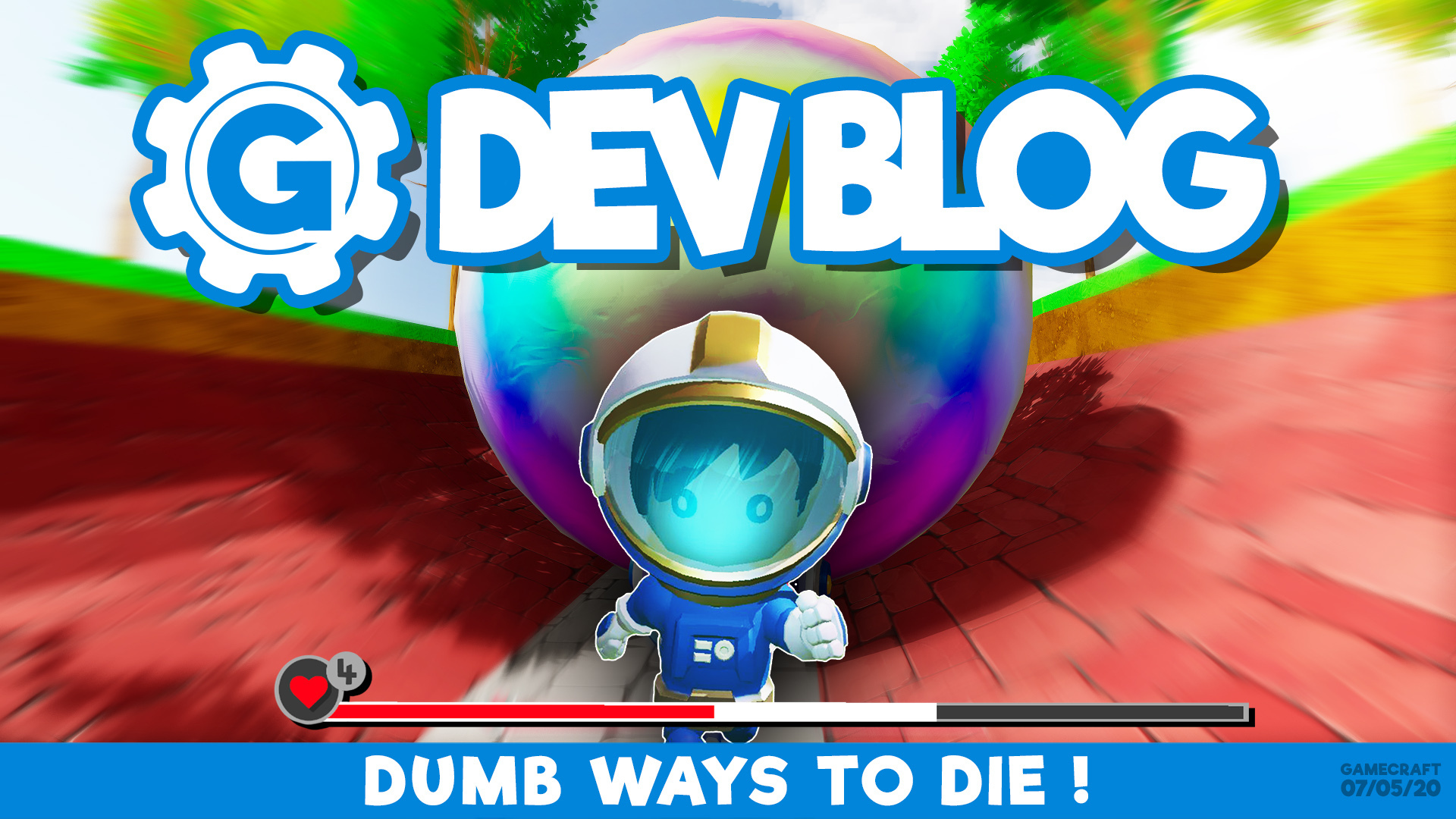
This week we’d like to show you some of the interesting ways in which you can inflict character damage, whilst showcasing the death animation. We’ll be replacing the death animation in future with a physics simulated ragdoll death.
Stampede
Squished
Parkour Fail
Happy Slappy Hand
Splatapult
Featured Gamecrafters
As you may have seen when playing Gamecraft, there is a featured section on the play games screen. This playlist of games showcases some of the best content our users have created. To commemorate these users, we’re giving them their own special role - ‘Featured Gamecrafter’ - in the Discord server. This is a reward and a thank-you from us for creating amazing content for other Gamecrafters to play. We’ll be awarding this role whenever we feature new content, but we will award this role to those currently on the featured playlist. Those users are:
Paprika
ZigZagger
Blank2.0
Kura3000
357.JapeEgg
kirtil5
Steve's Makerspace
Masterofmath
hard1disk
sybee
hesuke12
Markus_McCloud
Price Change
We've got some important news to share with you regarding the price of Gamecraft. As we've said in the past, we're starting out at an extremely low price, which we plan on increasing over time as Gamecraft evolves. We believe we've reached a good opportunity to do this, With that said, when this next update is launched (which again is planned for May 12th) we'll be increasing the price of Gamecraft from $4.99 to $9.99 (that's £7.19 and 8.19 EUR).
We’d also like to remind you that We're working with uk_ie & Keymailer to support GamesForCarers & PlayApartTogether to say thank you to our hardworking NHS Heros. If you work in the NHS and have an NHS email, you can get a free game code from us at https://giveaways.keymailer.co/nhs
Please follow us on our social spaces and share your creations with us: Twitter- https://twitter.com/Gamecraft_FJ Youtube - https://www.youtube.com/channel/UCkcRFCr9aQxszaYeXcWZjwA Facebook- https://www.facebook.com/GamecraftGame/ Reddit - https://www.reddit.com/r/GamecraftGame/ Discord - https://discord.gg/gamecraft
Thanks for reading!
The Gamecraft Team
Gamecraft Blog 01/05/2020 - Character Vulnerability
Hello Gamecrafters!
Earlier this week we released an update that included some more powerful Physics blocks, the Game Over block and a few QoL updates. You can read the patch notes here: https://store.steampowered.com/newshub/app/1078000/view/2216277421433430737
Or watch a brief video covering the new cubes and how they can be used to make a quick and simple game in less than 7 minutes [previewyoutube="aJLbEmzXB8w;full"] Today, we’re going to give you a small peak at one of the massive new features we’ll be adding in the next Gamecraft update - Character Vulnerability!
That’s right, we’ve been working hard on implementing character damage and death, with some improvements to the current character animations and controller as well! We’ll save the full details for the patch notes when this update is released but we’ll give you the short version now to get you as hyped as we are.
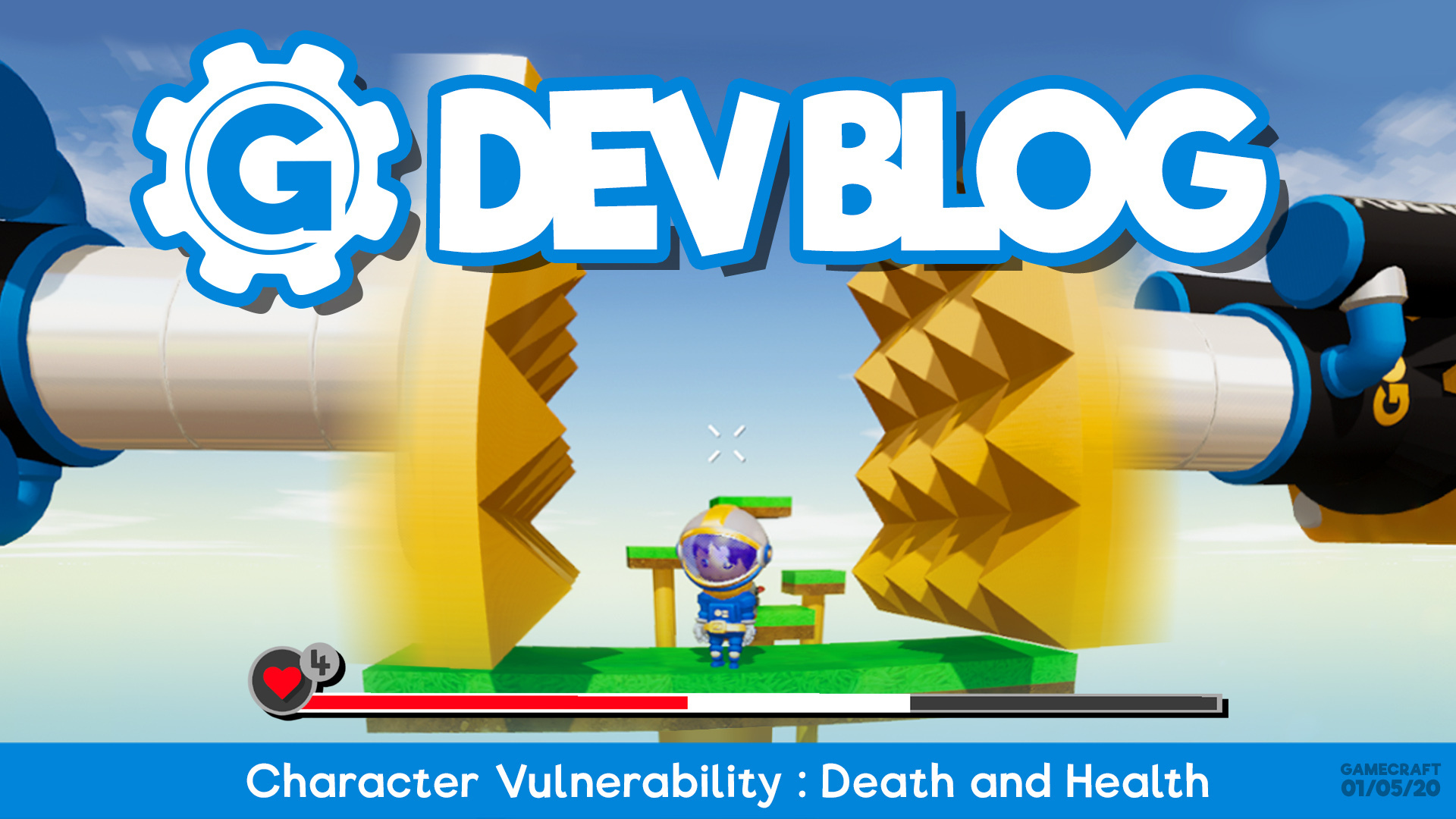
Before we can talk about the ways Leo can be damaged and how all of that works, we’ll start with ‘Character Health & Lives’. When Leo spawns inside a Spawn Point in a Community Game, he will now have a number of lives and a fixed amount of health, with lives being tweakable by the game creator. These will be shown at the bottom of the screen.
Any time Leo takes damage, the health bar will decrease by a certain amount (we’ll cover what can currently inflict damage and how that’s calculated a bit later) and you’ll get some visual and audio feedback. Lose enough health and Leo will eventually lose a life!
If this happens, you’ll see a screen like this, which will let you respawn from the Spawn Point (if you have extra lives remaining), where you’ll be able to carry on with the game in its current state, or a game over screen. Speaking of Game Over screens, we’ll be adding a default “game over” screen that appears when you run out of lives, but this can be completely replaced by your own custom one if you choose.
Of course, creators can turn off damage completely if the game doesn’t require it, so the player will not have to worry about taking damage or losing lives.
We’ll move onto damage next. For the first launch of Character Vulnerability Leo can take damage from the following actions:
Being hit by a fast moving object
Falling from a high platform
N.B: We’ll be adding to this over time with damage from being squashed between slow moving Pistons, hit with weapons and a whole host of damage volumes and surfaces like lava or spikes.
Both types of damage work by calculating the impulse of the collision with a few variables like mass, angular velocity and even which point you collided with, like a corner or the full face of a cube. So, for fall damage this could be the speed you hit the ground coupled with the area of the ground you’ve hit, with larger falls gaining more speed, leading to more damage if you land flat on the ground, or taking less if you just clipped the edge. Being hit by objects will calculate all of this as well, so a faster cube will hit harder than a slow one, as will a larger cube.
Finally, we’ll talk about some of Leo’s new animations and changes! We’re working towards Leo being able to hold weapons and other items and one of the first steps toward this is overhauling some of the animations and different ways of controlling Leo, to make them a bit more flexible later on. For this update we’re making two big changes and we’ll start with the changes to the way Leo moves.
Leo currently always faces the same direction as the camera, so moving to the right will cause him to strafe and moving backwards will cause him to walk backwards. We’re changing that so that he will always walk in the direction you’re pressing. Later on you’ll have the ability to switch back into the ‘old’ mode when holding weapons, as you’ll need to be able to aim with the crosshair still.
Lastly, we’ll quickly cover the new animations. We’ve made the decision to switch to a more general animation set, which will be much easier to share across multiple character rigs in future. This gives us a range of new animations to use. You’ll notice some obvious changes to our existing walking, running, crouching and other animations, but we’ll show those another time.
We’re not going to cover everything planned for the update in this week's blog but we hope you found this teaser as exciting as we did. We’re really looking forward to seeing some amazing new games that put this to use.
We’d also like to remind you that We're working with uk_ie & Keymailer to support GamesForCarers & PlayApartTogether to say thank you to our hardworking NHS Heros. If you work in the NHS and have an NHS email, you can get a free game code from us at https://giveaways.keymailer.co/nhs
Please follow us on our social spaces and share your creations with us: Twitter- https://twitter.com/Gamecraft_FJ Youtube - https://www.youtube.com/channel/UCkcRFCr9aQxszaYeXcWZjwA Facebook- https://www.facebook.com/GamecraftGame/ Reddit - https://www.reddit.com/r/GamecraftGame/ Discord - https://discord.gg/gamecraft
Thanks for reading!
The Gamecraft Team
More Powerful Physics Blocks incoming! Game Over & QoL Hotfix - Now Live
Hi Gamecrafters, We’ve just released a hotfix for the latest update. Below is a list of fixes.
Bug Fixes
Fixed a crash when launching Gamecraft that was affecting certain players - Please do let us know if you’re still having issues after this hotfix
Game over blocks will now activate when simulation starts if they have no input - This matches the behavior of other HUD blocks
Fixed a bug with game over audio clips continuing to play after clicking replay or quit
Tweaked the default size of the game over HUD header and body text and adjusted the color of the screen darkener
Fixed a few more visual issues with Trees and Bushes
Fixed some typos and naming issues with Axles and select game over audio clips
The Gamecraft Team
UPDATE: More Powerful Physics Blocks incoming! Game Over & QoL - LIVE NOW!
Hello Gamecrafters!
We’d like to start by giving a warm welcome to all new crafters that have joined us as part of the Gamecraft free weeklong giveaway and everyone else who picked it up recently! We’re looking forward to seeing all the amazing things you create and share, and we hope you’ll stick with us on this journey through Early Access. With that, we have another update to share with all crafters, new and old! We’ve added another HUD block and a few more incredibly powerful Physics blocks, along with some QoL changes.
We have made a video that quickly covers some of the changes and shows the process of making a quick and easy game, but if you want to read the full patch notes, they are listed below. [previewyoutube="aJLbEmzXB8w;full"]
More Physics Blocks
We’ve seen the first set of the amazing Physics Movers, Rotators and Dampeners from the previous update used in some really awesome builds but we know there were a couple of missing pieces that could really open up their potential, so we’ve added a few more of those in this update! Movement & Rotation Constrainers We’ll start with the Constrainers. These parts are extremely useful at keeping objects exactly where you want them and even creating 2D gameplay!
Constrainers have three stats which can be toggled on and off, one for each axis. By default these are all ’Enabled’. This means that the Constrainer is not affecting that axis, so it can move freely. Setting the stat to ‘Disabled’ will completely lock any movement or rotation along the specified axis. As an example, locking the ‘red’ axis of this Movement Constrainer will completely stop it from moving up or down, no matter what you throw at it.
The same applies to the Rotation Constrainer. Locking a single axis will completely stop any rotation around it. Combining the two together and locking every axis will make everything connected to them completely static, like grass!
These constraints can only be set during build mode, and the blocks work on a ‘time start’ axis reference rather than local. We felt that this would be the most intuitive setup but we’re open to feedback on how this feels and whether it could unlock more gameplay if we allowed them to be toggled during simulation.
Advanced Dampeners While the previous Movement and Rotation Dampeners are extremely useful at limiting the speed and velocity of your creations, we know that you don’t always want to slow down the entire thing. That’s why we've added the Advanced Movement and Rotation Dampeners!
As you can expect, these have the same core functionality as their standard versions and will reduce the speed or angular velocity of the body they are attached to by a given percentage. These have the added bonus of being able to pick and choose the axis you want affected. Let’s say you wanted to add a makeshift brake system for your hover car; you only want to slow down movement in the forward axis, not all three. Sending a positive signal to the green axis, if the block is rotated in a certain way, will only dampen the speed the build moves in that direction, still letting it move sideways at full speed.
Game Over HUD
Next on the list of HUD blocks is the Game Over HUD. This one should be pretty straight forward but we’ll give you some pointers on how it works.
Arguably one of the core parts of a “game” is the ability to end it. While there have been some very creative implementations of this already, from teleporting the player to a special box with “You Win” scrawled on a text block to simply throwing them off the map if they lose, we wanted to give crafters a simpler and more consistent way of setting up end conditions.
The Game Over block has two main text fields for you to fill out; the header and the body. Header test will appear right at the top of the screen, in a massive, pulsating label, which is ideal for short, snappy titles like “You Lose” or “First Place!” Under that is the body text, which can be used to give a little more information, like a bit of story on how Leo was unfortunately crushed by a falling box.
On top of that we’ve added our first block with tweakable sounds! That’s right, after you’ve customized your text, you can choose an appropriate sound effect from our curated list to give your “game over” the proper feel. From serious to silly, you’ll find the right sound to end your game with.
The Game Over HUD also shows any Game Stat HUD panels that were being used, such as a timer showing your final time or a counter showing how many coins you collected along the way.
Under those you’ll see some familiar icons from the details screen of the Play Games and Prefab Workshop screens. You’ll be able to like, subscribe and favorite games from within the game, rather than having to remember after you exit.
Finally, you’ll see a Replay and a Quit button. If you want to have another shot at landing that final jump or trying to find that final hidden coim, just click Replay and you'll be taken back to the start of the game, or you can quit back to the game’s details page.
Pro Tip: These work with our multichannel wiring system too so you have full control over what each player sees and when they see it! Setting this block to the Player channel could let you show a game over screen when one player falls off a platform while the other carries on playing.
Additional Changes
That's not all though! We’ve made some improvements to a few key areas that were highlighted by the recent wave of new crafters. We hope there's something nice in here for everyone.
Character Movement Improvements We’ve seen a lot of complaints about character movement, particularly when it comes to platforming games, so we’ve made a few simple changes that we think should make platforming, and moving around in general, feel a bit nicer.
The first change is to remove the little bit of momentum that Leo carries when you release a key. Now, when you let go of W, Leo will stop instantly. This should make it much easier to stick the landing on tricky platformer games.
The second change is a slight tweak to the collider around Leo’s feet. Previously, Leo had a rounded base, which can make it harder to balance on the edge of platforms. To combat this we’ve flattened the base off a bit to make it a bit more like a smoother out, upside down trapezoid. This still gives you some flexibility to walk up small lips and steps but makes it less prone to slipping off the edge of a platform.
Let us know how these changes feel and we can always consider a few more alternatives to try and make moving around more enjoyable.
Uniform Scaling for Logic Blocks While the Logic and Math blocks are mainly used for their functionality rather than their looks, we know having a giant Counter or Timer in your games can look epic. As the first part of making all of these parts more useful for aesthetic purposes, we’ve given all blocks in the “Logic” category of the Inventory the ability to be uniformly scaled. It’s now possible to stick a giant computer screen in your game if you really want to.
Later on we’ll be reworking these models to remove the remaining baseplates and wires to make them a bit more in line with the State and HUD blocks.
Improvements to Graphics We’ve made a few small adjustments to the visual appeal of Gamecraft, now that we’ve reduced some performance overhead in other areas, that we think will really make things look nicer in general.
The first change is to fix the tiling effect on Grass and Dirt blocks. When these parts first appeared with our triplanar shader, there would be a lovely tile effect, giving the terrain a bit of life. That got a little washed out over time so we’ve gone and brought that back to its old splendor.
Additionally, we’ve made a few big changes to the fog as we know that was something that came up frequently. We’re still planning to give crafters the tools to tweak the fog, lighting and a variety of other settings down the line, after we’ve cleared out some of the bigger core features on our list. The fog has been pushed further back in general, made less dense, and its contrast has been reduced so it should be less intrusive in ‘indoor’ areas and at distance.
Lastly, we’ve made a few minor changes to the lighting; ambient light at the horizon is a touch lighter, contrast in the colour grading is reduced and the foreground colours are much brighter than the background now.
Small Multiplayer Optimizations We know multiplayer is still in an extremely barebones state right now and that it isn’t all that enjoyable due to errors and performance issues, which is why it’s still tucked away behind commands and not overly public right now. We’ve taken some time to identify the biggest problem areas though and made some plans on how to tackle those going forward.
While most of these issues are going to be a lot of work, we’ve taken the chance to make some small adjustments and fix some pesky issues in the short term to make things a bit more enjoyable while we dig into the bigger tasks.
The biggest change we’ve done for this update is to fix some of the memory issues that happen when players first connect to a server. While the issue isn’t completely arrested, we were seeing at up to a 50% reduction in memory usage during the connection phase internally. This should prevent issues from cropping up for a little while longer when playing and make things a bit more stable. We’ve identified a few areas that are causing problems so we’ll be looking into those too.
We’ve also pushed out a few bug fixes for some of the more common errors. Please do let us know if you’re frequently running into anything else and we can try to make sure we’re tackling the most important bugs whenever we do focus on multiplayer.
If a player leaves and rejoins the same server, placing parts should no longer cause an error
Springs would often be seen exploding out of vehicles and extending off into the distance - This isn’t completely resolved but should be less common now
Fixed some rare timing issues that prevented connections
Tutorials We’ve been working on adding some tutorials in the Prefab Workshop to help new players understand some of the fundamentals of Gamecraft. We realise that these were a little out of the way so we’ve shuffled things around a little and added a “Tutorial” button to the main menu.
Clicking this button will take you to a list of games, similar to the Prefab Workshop and Community Games screens, but with the sole purpose of housing games and prefabs aimed at teaching players all about Gamecraft. We’ll keep adding to these over time and we’d love to be able to feature some of your creations in there too.
Changes to the default saves We’ve noticed a huge spike in the “Build Guide” that was previously used as a small intro to Gamecraft being repeatedly uploaded to the Workshop. While we’re all for crafters exploring and sharing, we wanted to try and avoid flooding the workshop with exact copies as much as possible. We’ll be looking into other ways of preventing this but for now we’ve moved the guide out of the default saves given to first installs in favour of the new tutorials mentioned above.
We’ve also made some changes to the “create a save” default to make it a little friendlier to work with. We’ve reduced the size of the Grass and Dirt cubes to be a single 3x3x3 cube each, non uniformly scaled, so this will be quicker to delete and will select a more manageable block size if you MMB over it. We’ve also added a third layer of rocks underneath.
Prefab Workshop Part Restriction Removed When the Prefab Workshop was first introduced it had a slightly different purpose. It started out as a way to simply view creations that other crafters had made, but over time this evolved into a platform for more in depth collaboration and sharing where you could add to, and then eventually edit or deconstruct each other's creations. In line with this we’ve now given crafters full Inventory access while viewing prefabs.
Disabled negative indent tags in HUD We always love seeing the crazy unintended ways you use blocks and really push their limits so we try to avoid making changes that restrict creativity when possible, like text blocks letting text flow outside of the block. We planned on keeping the HUD blocks relatively strict in terms of positioning as we need them to be consistent across all resolutions. Size, colour and a few other Rich Text tags are fine as they still keep the text where it needs to be, but unfortunately we’re making a change to prevent negative tags being used in the Center HUD block going forward. Positive values are always going to be fine. For now we’re leaving untouched, but we’ll be preventing those in a later update too.
We’re still looking into a few errors and crashes that can happen with certain combinations of tags and are hoping to have some fixes by the next update.
Bug Fixes
Fixed a bug with inconsistent processing of loops in circuits that include Timers
Fixed a bug with Physics blocks not having their top speed affected by inputs - This may change some existing builds slightly
Fixed some visual issues with Bushes and Trees
Fixed an error when using RMB to move parts to the hotbar - RMB should never have been used for this so it has been disabled
Fixed some British English spellings of words
Fixed a bug that caused the ‘drag scaling’ audio to be played when placing any block above the default scale
That’s all for this update, we hope you enjoy the QoL changes and as always we can’t wait to see how you put these new blocks to use!
The Gamecraft Team
Gamecraft FREE GIVEAWAY! Between 17th and 24th April
Hello Gamecrafters
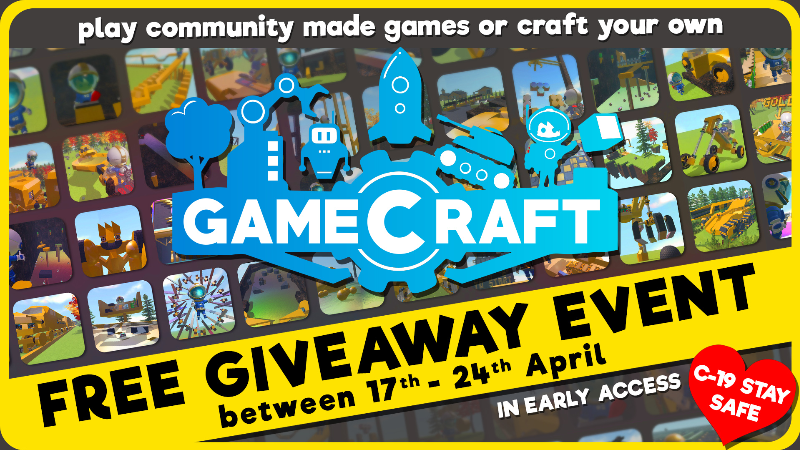
We're all having to stay in and stay safe, so what could be better than a FREE game that can keep you entertained and educated. We feel Gamecraft is a great way to keep entertained and educated whilst at home, and we want to share this with you.
Gamecraft is usually a Pay up-front game, but we are going to have a FREE GIVEAWAY between the 17th April to the 24th April. As long as the game is added to your library during that time, it will stay in your Steam library for FREE, provided it isn't removed from your library.
Powerful Physics Blocks, Plus Counters Timers & Loops Hotfix 2 - Now Live
Hi Gamecrafters, We’ve just released a second hotfix for our latest major update. Below is a list of the fixes.
Bug Fixes
Fixed a crash that could occur when starting (or restarting) simulation in certain games
Fixed a crash caused by HUD blocks using a combination of line break tags with overflowing text - Any overflowing text is now marked with ellipses as part of this fix
Fixed a bug that caused some parts to be included multiple times when processing wires, leading to incorrect calculations and logic
Fixed a bug where the Center HUD would not reset after quitting to the menu while text is still on screen, causing it to appear incorrectly the next time the HUD is shown.
Another little reminder that Gamecraft is going to be FREE from the 17th April to the 24th April. As long as the game is added to your library during that time, it will stay in your Steam library for FREE, provided it isn't removed from your library. If you haven’t tried Gamecraft yet, or know someone who would love it, then this will be the perfect opportunity!
[previewyoutube="hc7GmmfQOeA;full"]
The Gamecraft Team
FREE GIVEAWAY EVENT
Hello Gamecrafters
We're all having to stay in and stay safe, so what could be better than a FREE game that can keep you entertained and educated. We feel Gamecraft is a great way to keep entertained and educated whilst at home, and we want to share this with you.
Gamecraft is usually a Pay up-front game, but we are going to have a FREE GIVEAWAY between the 17th April to the 24th April. As long as the game is added to your library during that time, it will stay in your Steam library for FREE, provided it isn't removed from your library.