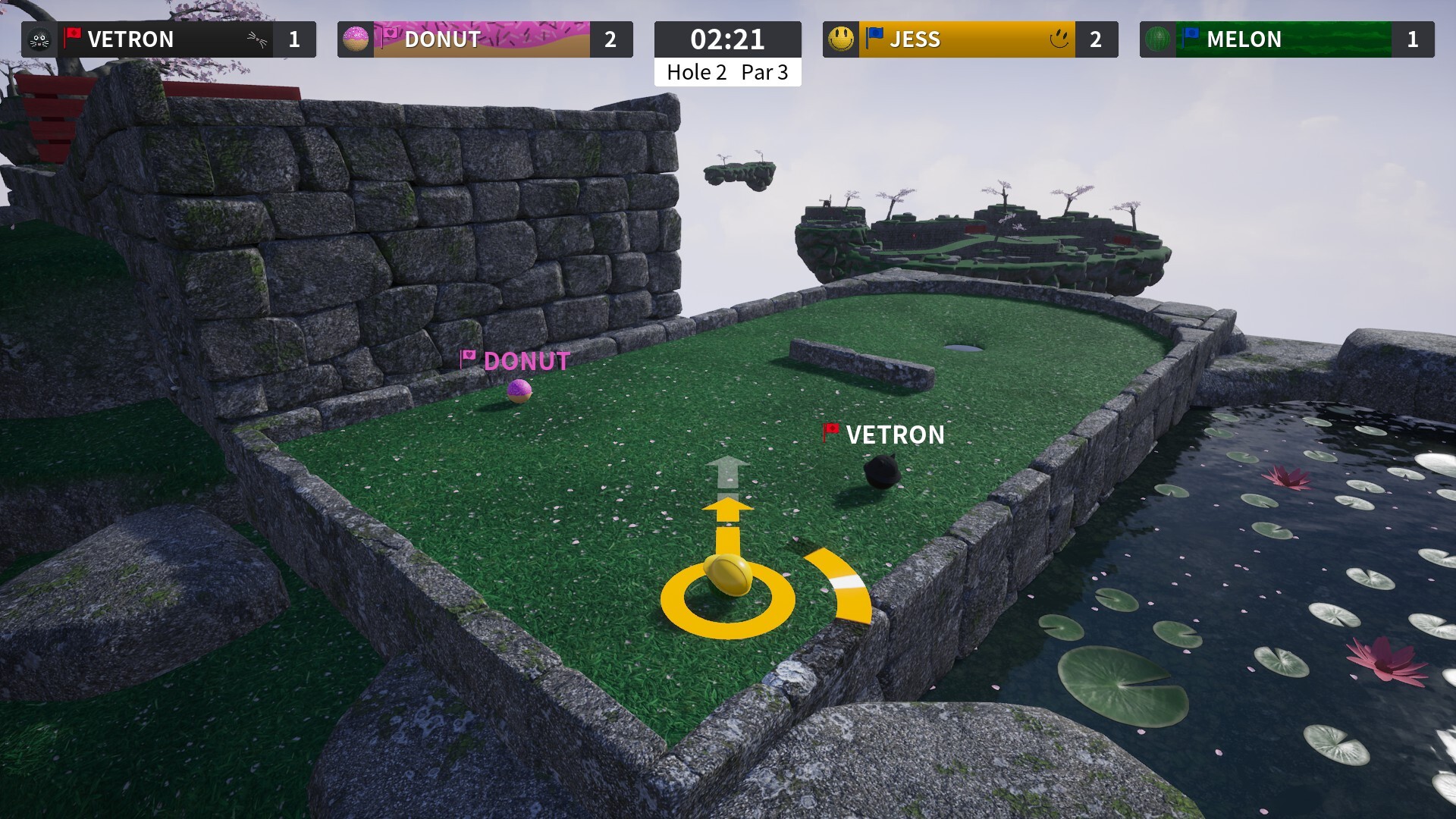
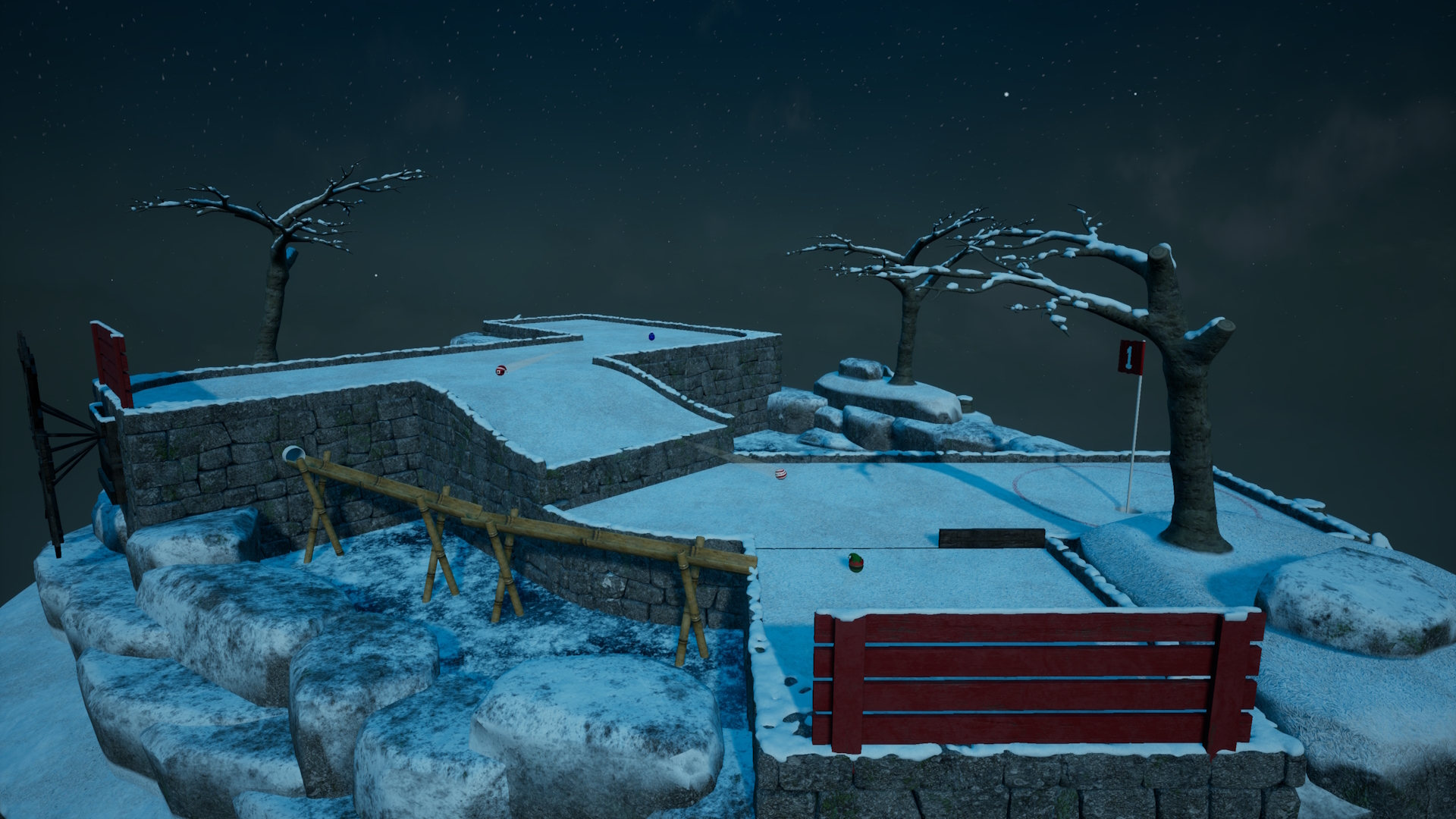
In this update, we’ve introduced team and co-op game options as part of custom sessions. Additionally, we’ve added an extra XP level and new customisation unlocks.
There is also an option for always-on player collisions as well as several other quality-of-life improvements.
Team and Co-op gameplay
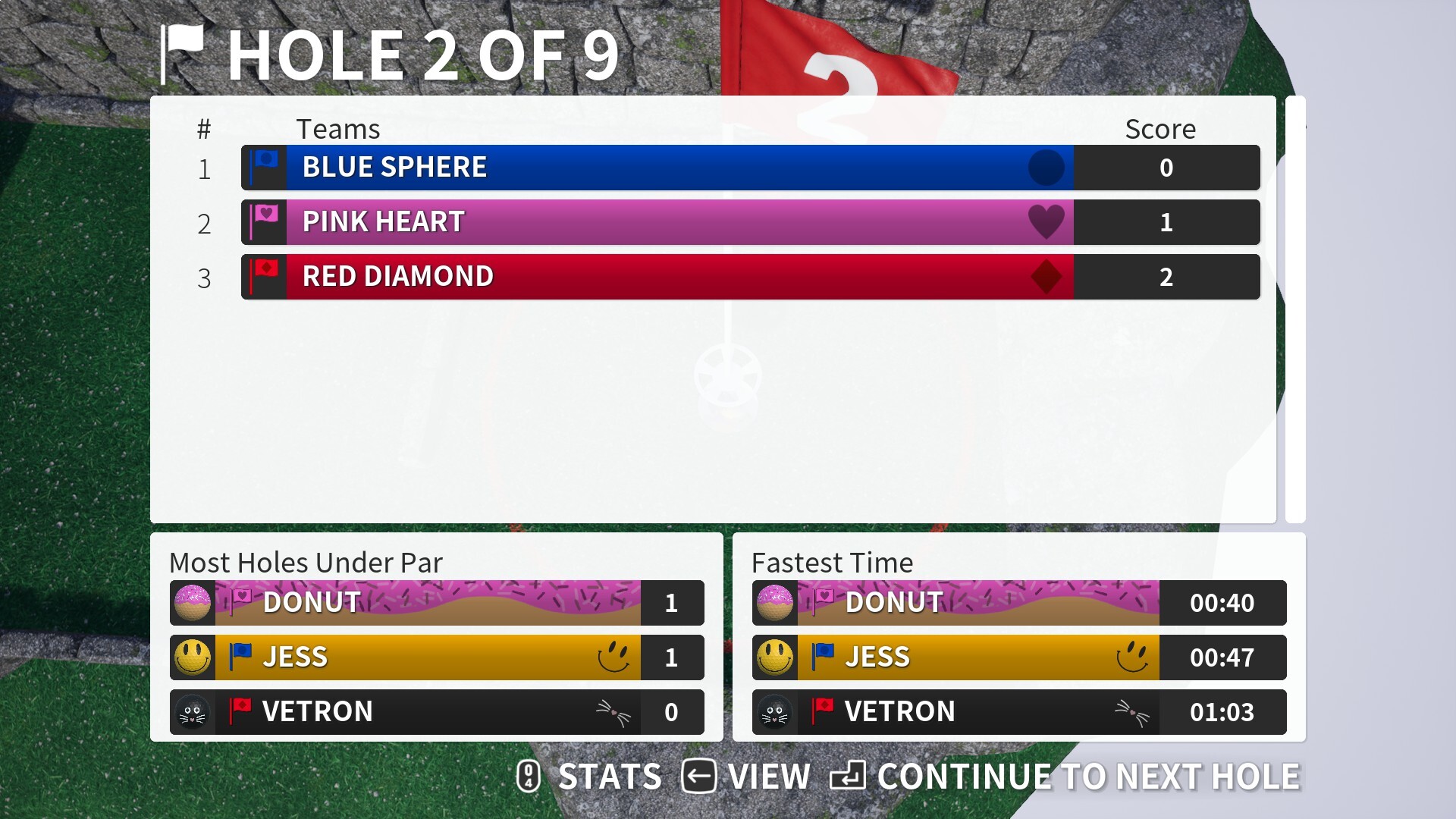
When creating a custom session online or offline, you now have the option to choose team scoring options. In this system, all scores on a team are summed up and divided among the team members, with rounding.
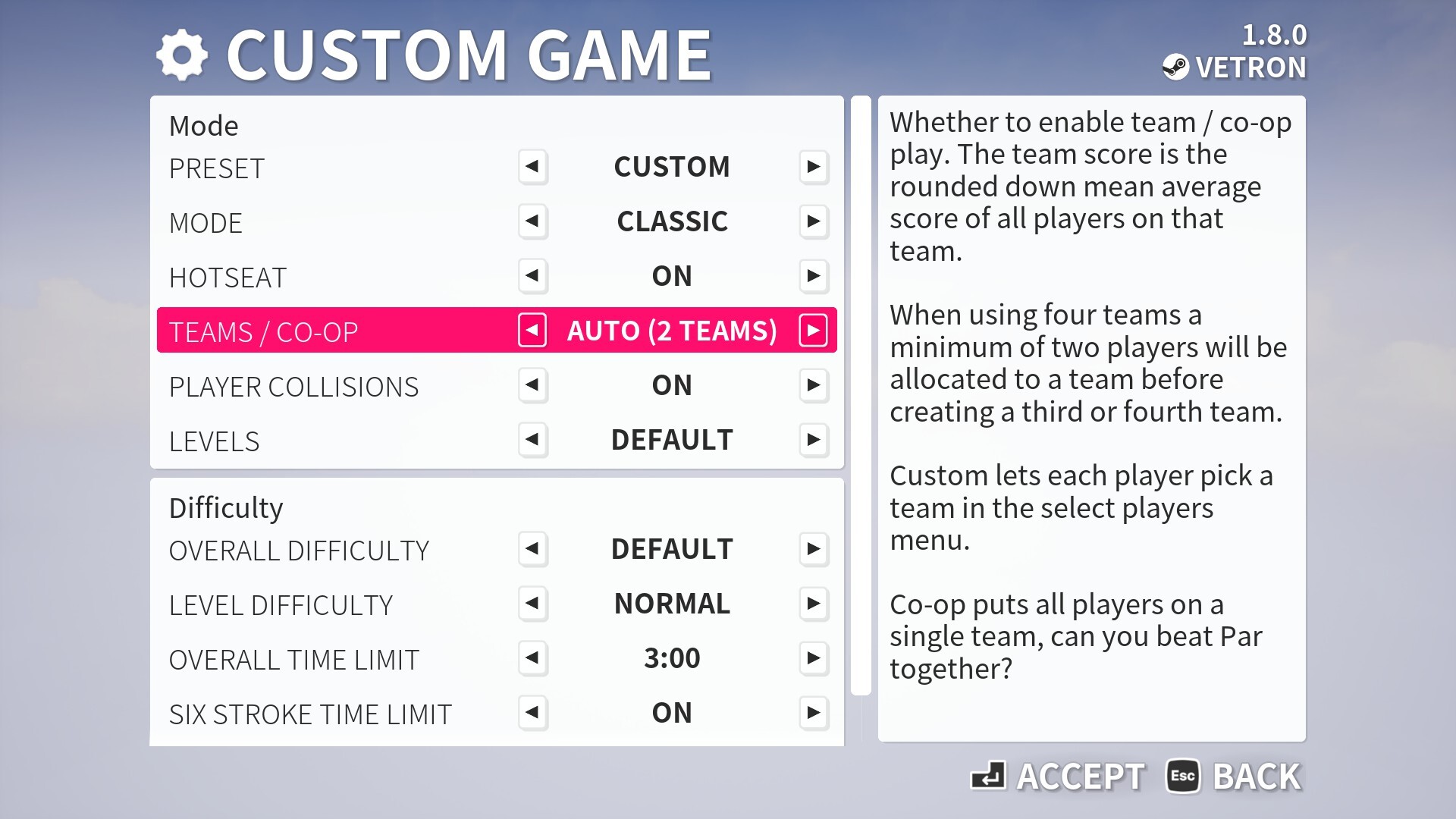
There are several options available. The “auto” option can include two or four teams, while there its a single team option for cooperative play. If you prefer to manually select and assign teams, a custom option is also available.
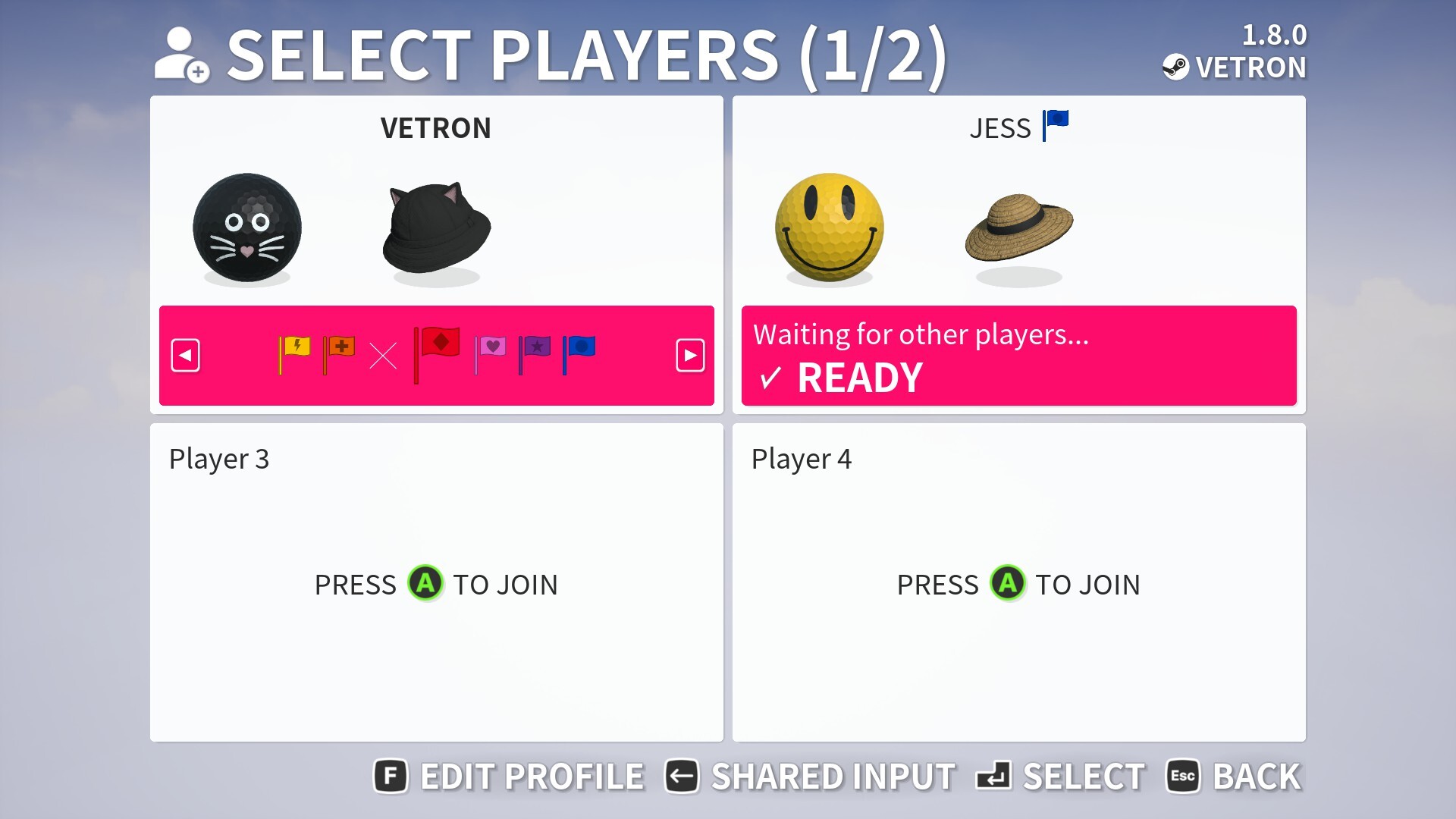
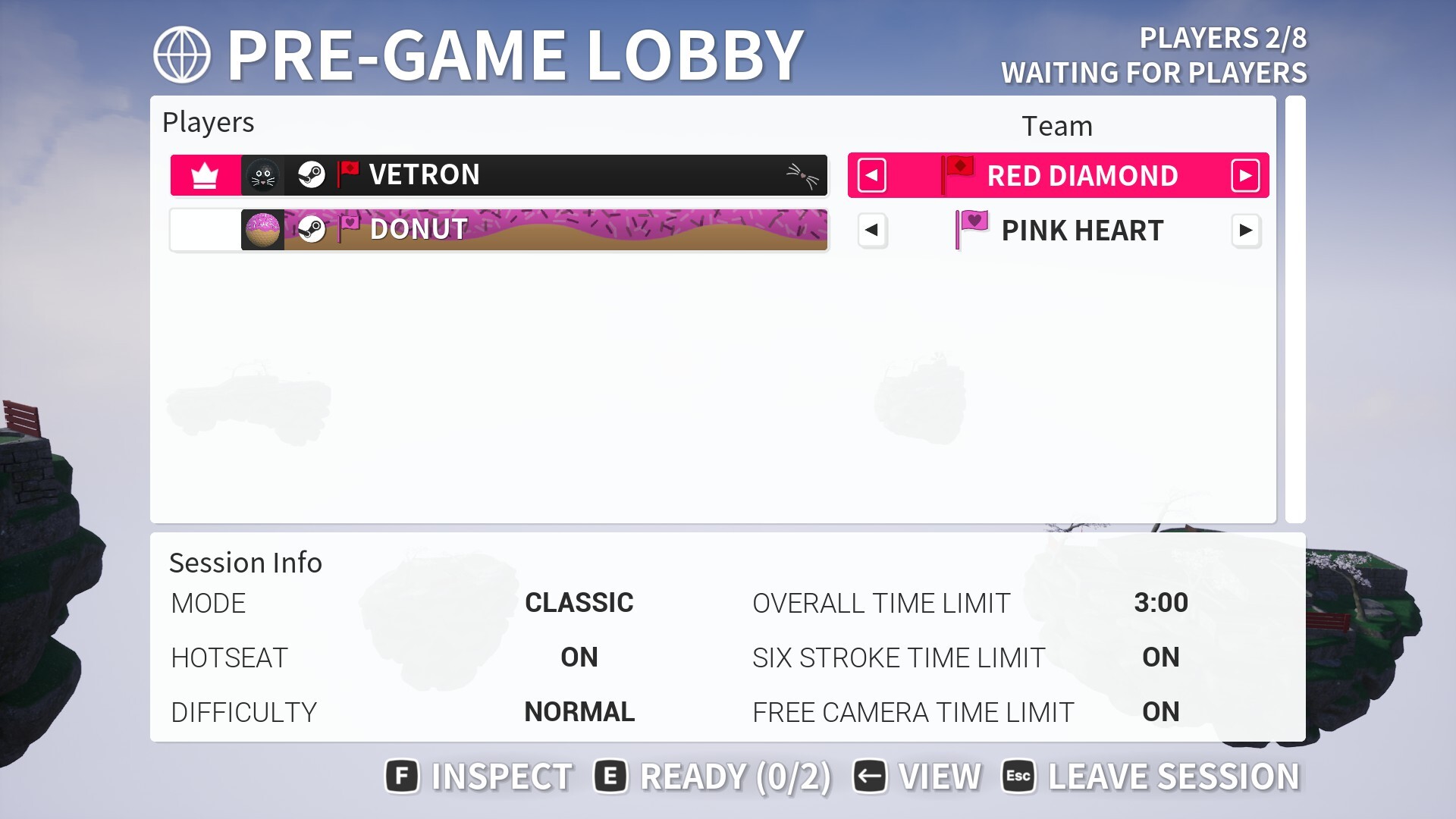
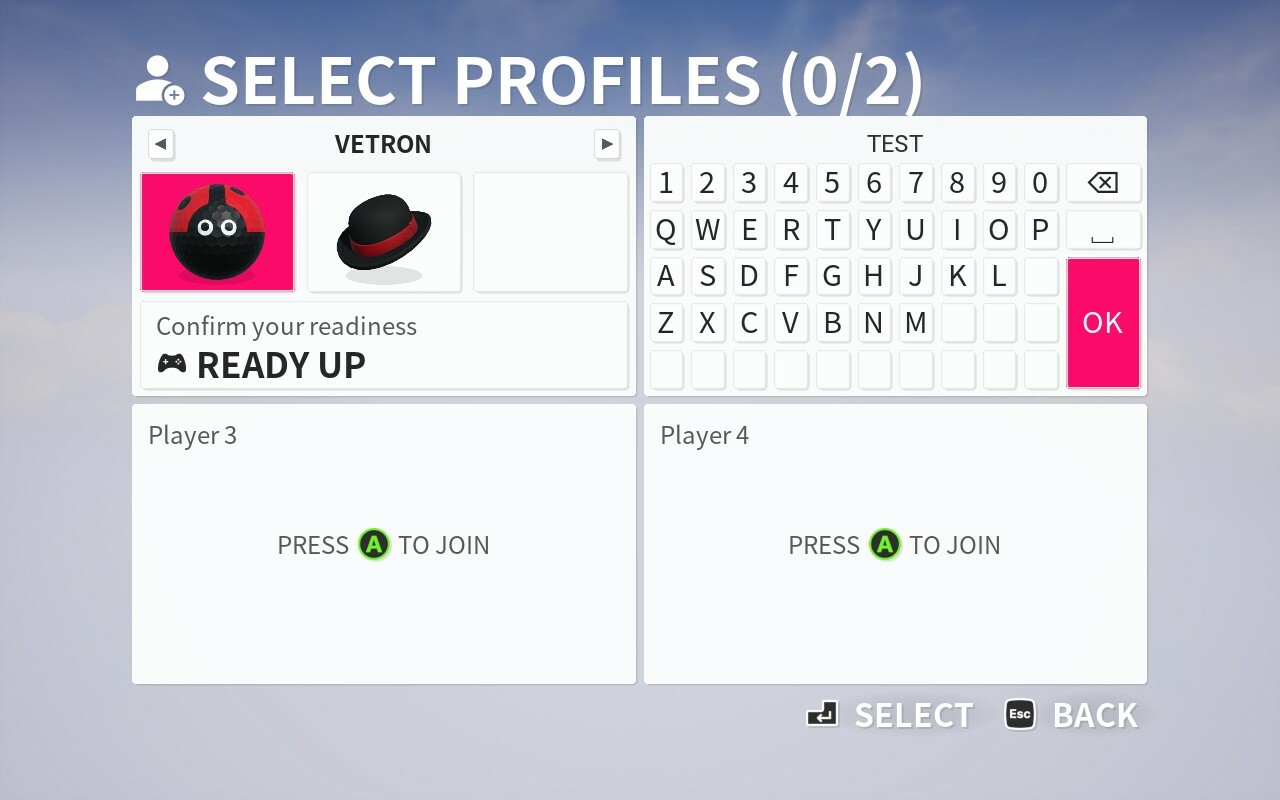
When set to custom, in offline local play you pick a team on the player select screen. For online play teams are assigned in the lobby, to access this select the view button to switch menu pages.
In both online and offline sessions, you can also opt to not assign players to a team, thereby treating them as individual players. This option enables you to play mixed teams against players.
Improved Player collisions and options
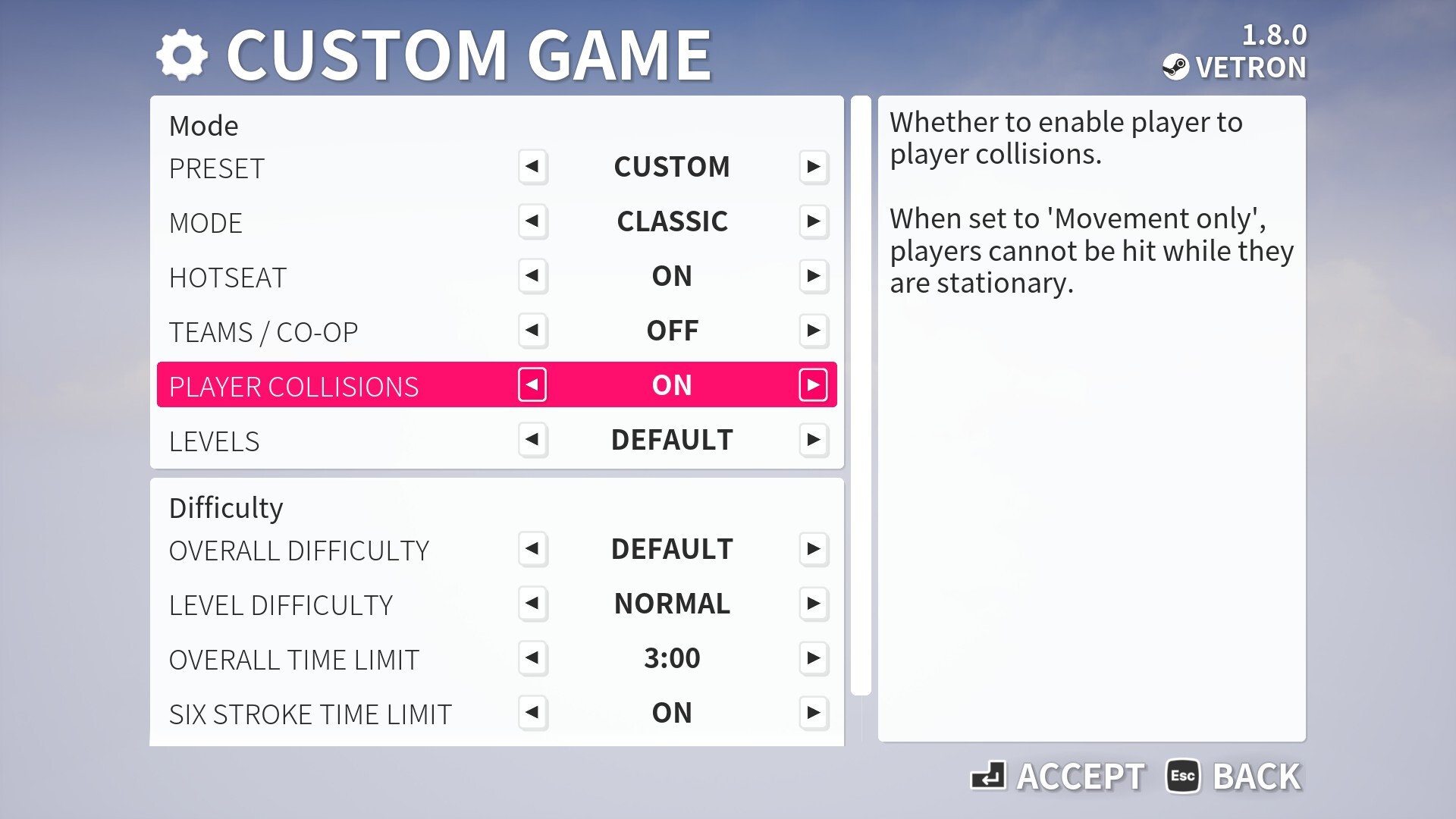
A requested feature was to allow always on collisions, we also found online play needed improvements to be able to accomplish this. A key change was making the collisions server sided (on the p2p host) so that there is a single point of authority rather than a miss-match of ball movements.
We have enabled collisions to be on always as part of the "Race" preset, but you can customise whether to be on or off, as well as only while moving, as part of custom session settings.
New XP Level
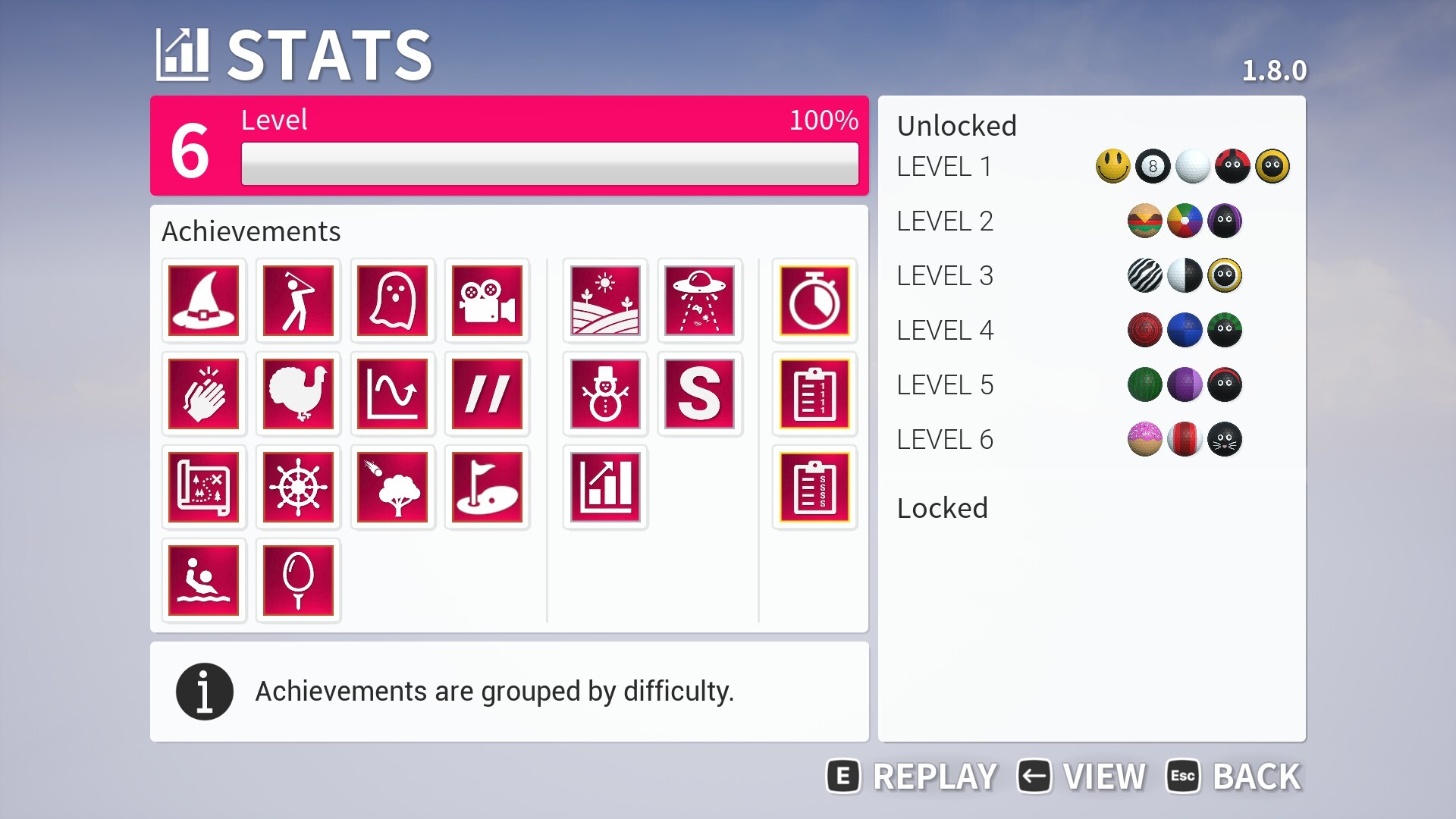
In this update we are introducing XP Level 6 to give something extra for players who have played for a long time to progress towards.
The XP amount to complete this level is the same for each levels 4 and 5. When completed you will receive an additional three ball unlocks.
Spring Customisation Unlocks
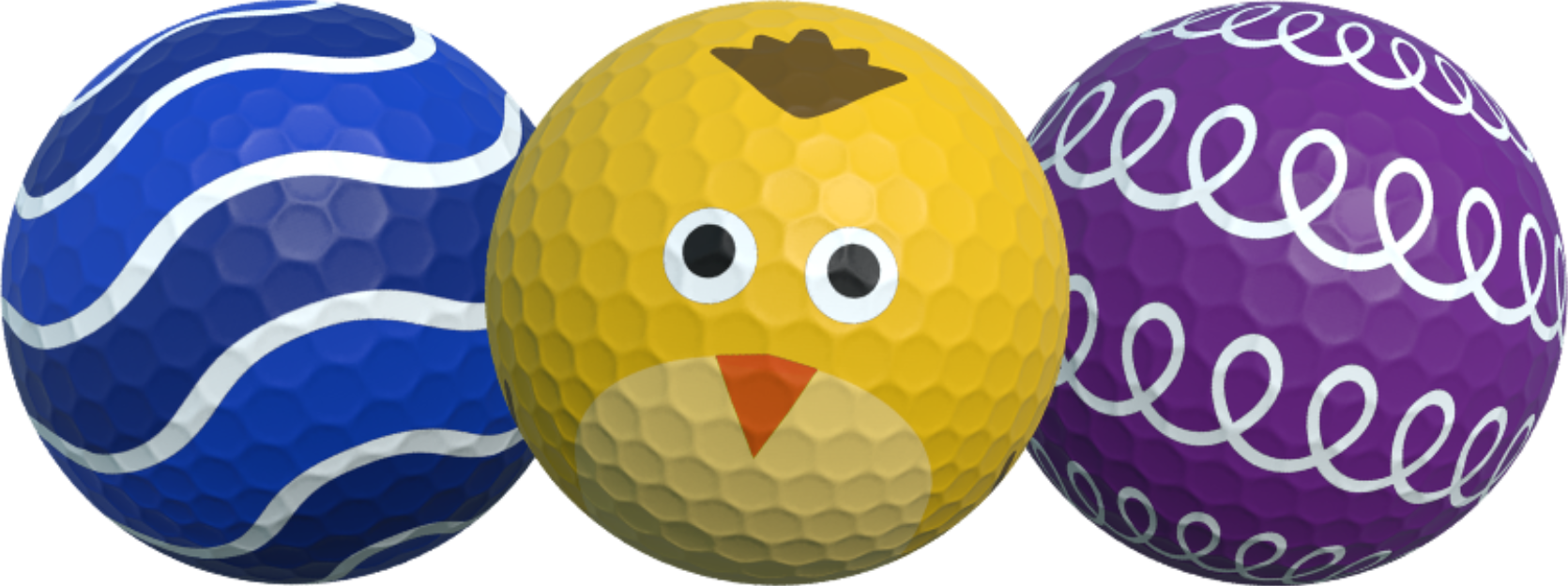
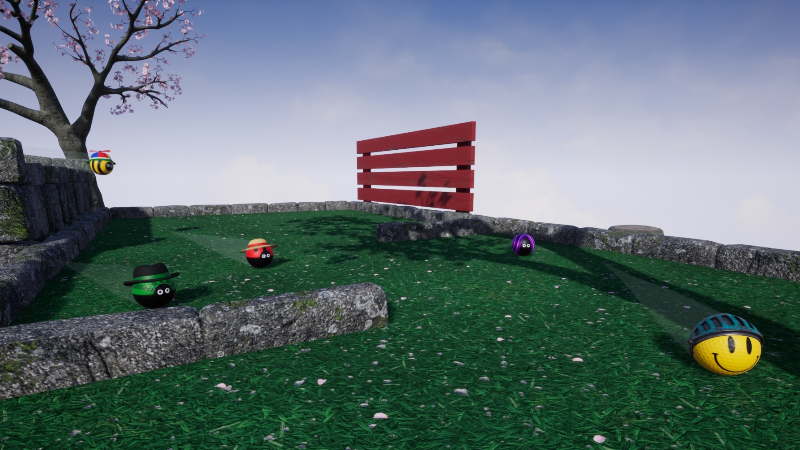
For playing between March and end of May (while running this update) you will unlock the above customisation. Each feature a colour customisable design.
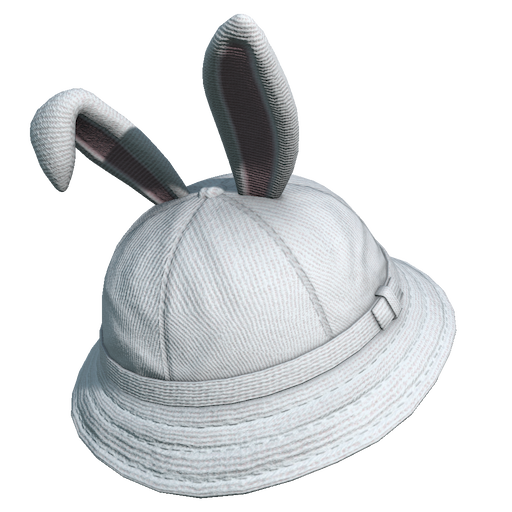
Bunny ears hat
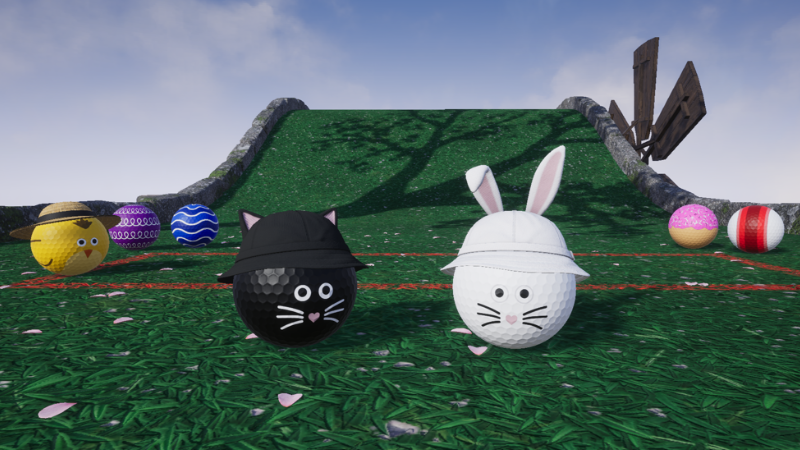
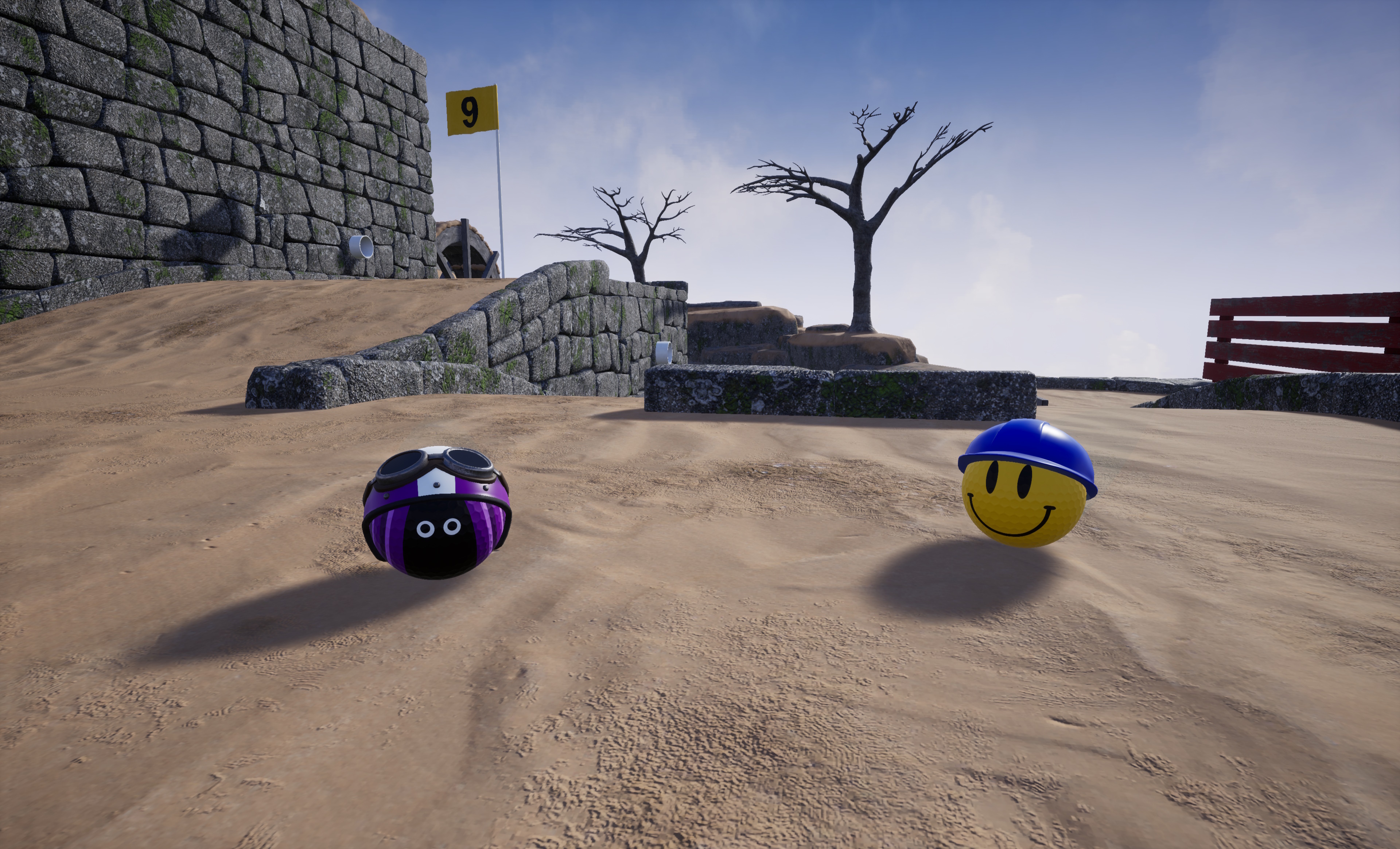
We have added a bunny ears hat to the customisation available at the start of the game. The hat works particularly well with the Whisker ball customisation in the new XP level.
Various other improvements
In this update you will also find a number of other improvements such as tweaks to the camera to be smoother in certain situations when using the no bounce mode. There are also a number of fixes so check the full notes below.
Fixed an issue where leaderboard scores could be reported higher than they should be.
Fixed various instances where master sound settings were not being respected. This included lava, an impact sound, and XP ticker.
Added additional smoothing behaviour when camera is in 'no bounce' mode so it will not track ball as it goes into a sloped hole (and instead will remain at static height).
Added a change to enable collisions between players during practice mode.
Fixed an issue where resetting a replay wouldn't correctly orientate the ghost.
Fixed an instance where you could loose input when skipping a level while in shared input mode.
Fixed a logic problem where if you nudged a player into a hole and used skip level in the process.
Added a sync mechanic for the level sequence playing where a client running faster hardware must wait for the host to complete loading.
Added a tweak to reduce stuttering in level sequences on particually low end hardware by delaying ending the loading screen by a few seconds.
Customization
Added rabbit ears hat.
Added Shelly, Coil, and Waves as part of Spring unlocks.
Added Whisker, Donut, and Streak to XP Level 6 unlocks.
Fixed sun hat clipping at low quality / LOD levels.
Environment
Fixed cup material friction to enable balls to stop quicker.
Fixed a small wall gap on Center Path.
Fixed a small wall gap on Putt Pendulum.
Fixed alignment of some walls on Behind the Tee.
Fixed a raised log on Up the Stairs.
Fixed a wall gap on Speed Bump.
Fixed alignment of a wall on Right Angle.
Fixed placement of a log on Right Angle.
Fixed Don't Fall In has a log raised too high.
Fixed a small wall gap on Don't Fall In.
Fixed some minor material detail on Rock Bottom.
Fixed placement of a stump on Hole in Fun.
Fixed a collision with ramp on Curve It.
Fixed some minor material detail on Rail crossing.
Fixed some minor material details on Cliffhanger.
Fixed LOD quality on wall some wall pieces to ensure no stand-out brick gaps far from camera.
Fixed rock placement on Bridge hole.
Fixed a minor wall gap on Up, Down, and Around.
Fixed flag raise radius on sinkhole being too small.
Added new blocking volumes for camera so when in 'no bounce' smoothing mode the camera will not follow the players ball into out of bound pits e.g. water.
Fixed a small collision issue on the first corner of Cauldron.
Added a tweak to fences to make them fade out a bit further from the camera so your view is obstructed less by then. You can disable this feature in graphics settings by turning off proximity dithering.
Added improvements to rock placement on leapfrog and crazy golf.
Fixed an issue where an out of bounds part of a water wheel wouldn't reset the player.
Fixed rock placement on What goes around.
Fixed an issue where free camera wouldn't work when the game timer was set to none but free camera was still a percentage of the game timer. It will now be 50 seconds in this situation.
Fixed rock placements on Deja vu.
Fixed a small wall gap on Millpond.
Fixed placement of rocks and log on Serpentine.
Fixed some leaves floating, notably on Spin City.
Fixed inconsistent Lilly appearance on Angler.
Fixed appearance of rotators in distance levels.
Added improvements to the replication of movers, these will now be exactly in sync. This is to accommodate for minor network time drift.
Interface
Fixed an instance where returning to the main menu during split screen wouldn't promptly disable split screen while fading to white.
Fixed new game menu having inconsistent icon.
Fixed an issue where when player 2 pauses during split screen, background blur will overlap hole info.
Added a change to hide some developer scores from leaderboard menus where testing was done on multiple different platforms (now only 1 will be shown).
Fixed some rare quality issues with various text on XP screen.
Fixed a potential issue where view button wouldn't work on some menus.
Fixes scroll-bars out of alignment for session replay.
Fixed appearance of some keys for replays.
Added an adjustment to the contrast of some text such as 'its your turn'.
Added various improvements to better support ultra-wide resolutions, e.g. 21:9. This includes tweaking how menus scale at extreme horizontal sizes and correctly highlighting these ratios in resolution settings.
Added team option to custom session settings.
Added a reorganisation of custom settings menus so they follow a consistent layout between online and offline.
Added team selection function to player selection screen when using custom team options. Also added team selection to lobby when using custom and playing an online session.
Fixed a navigation menu in progress saves menu.
Fixed an instance where local settings wouldn't open.
Fixed an issue where local players wouldn't be able to trigger the level name as part of focusing not the flag.
Fixed an instance where the next hole number wouldn't display correctly while a spectator.
Added a few changes to copywrite and credit screens.
Fixed contrast of some faceplates.
Fixed unnecessary countdown when using skip level in Hotseat.
Fixed an issue where ending a turn could occur while in a menu didn't correctly transfer input.
Fixed some instances where player names wouldn't appear in lobby right away.
Fixed button to save progress save being incorrectly visible when watching a replay.
Fixed opening social menu while on the scoreboard for the last hole could display a negative timer remaining for the level.
Fixed instance where if in free camera and the player you were spectating completed the hole you would have 'free camera' displayed on the screen still while focusing on the flag.
Golfing in Aether is now available for mac OS!
The mac OS version of Golfing in Aether is now available, and it’s part of the ever-expanding cross-play support! This means you can play with your friends on Windows, Linux, or mac OS through Steam, as well as on other PC game stores like the Windows Game Store or console platforms like Xbox One, Xbox Series, PlayStation 5, and Nintendo Switch.
This is a free update so if you’ve already bought the game on Steam you can also run it on a Mac should you wish to do so. We are performing a very small Steam specific update on Windows and Linux as part of this release to ensure save games will continue to work across platforms.
What is Golfing in Aether?
We'd like to start off with a short introduction for any new players who are first reading this annoucement. Golfing in Aether is a minigolf game that allows for cross platform online play for up to 16 players, and 4 players local via split screen.
Golfing in Aether stands out from other minigolf games in that it doesn’t revolve around fixed courses. Each time you play a new course, it’s assembled from the pool of 80 currently available levels. This different approach offers increased replayability, ensuring that each playthrough is slightly different.
You can also play with your friends on other platforms, including all the current generation of consoles. We’ve also released a native Linux version before this native mac OS version so it will run great on the Steam Deck.
We keep adding to the game. Since our 2022 release, we’ve released five free expansions, introducing three new themes and 48 levels with new mechanics not present in the original release. Our most recent expansion, Cauldron, added a couple of volcanic levels amonst several other levels and new mechanics also added.
Accessibilty is a priority to us, and you’ll find extensive options in the game to ensure everyone can participate. Check out our website for a full list of supported accessibilty features and settings: https://www.vetron.net/golfinginaether-accessibility/.
More generally, you’ll also find helpful features such as the ability to create local profiles for each player. This way, when you want to play local multiplayer, you don’t have to repeatedly setup each player’s accessibility settings or type in their name. You can play with four gamepads in splitscreen or hotseat, and if playing hotseat mode, you can optionally share the same input device for up to eight players.
You can pick from cute color-pickable designs for your golf ball as well as various accessories such as hats. New ball customizations are unlocked as you complete levels and level up.
mac OS Release & Performance
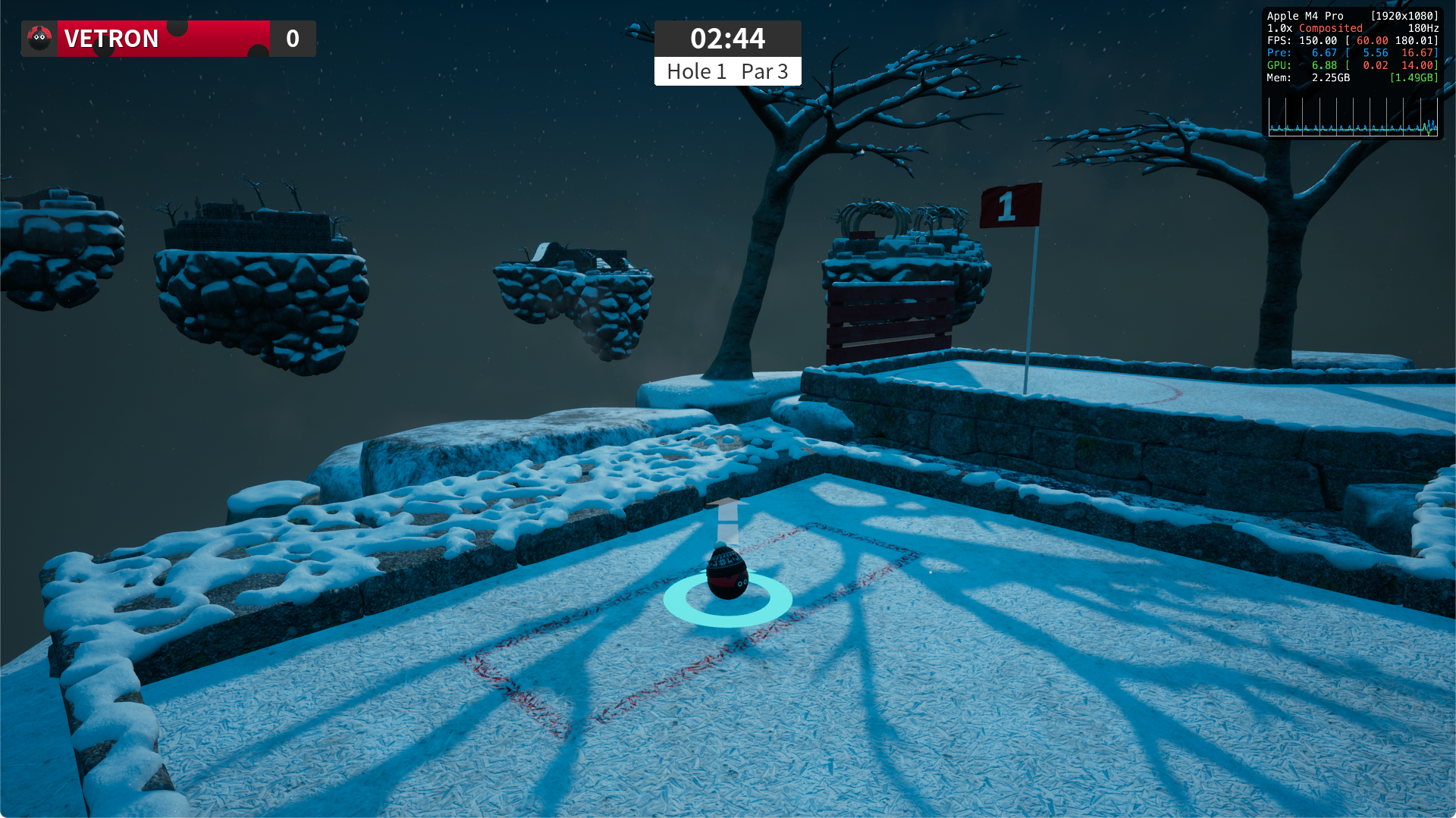
Golfing in Aether doesn’t require much RAM in general, so it will run smoothly under 8GB of RAM, provided you don’t have too many other applications open simultaneously. As shown in the screenshot above, the game’s memory footprint during testing never exceeded 4GB.
Current Mac Mini's should have no problem playing the game at 60+fps but may wish to play at either high settings or just manually disable some expensive graphical features such as the planar reflections on highest settings. For older generation mini's you may wish to lower settings to medium.
Note that this is a universal binary, but we are only testing against the latest version of mac OS. Any hardware that apple defines as obsolete may not work and we aren't supporting that.
Unlock seasonal customization
Each Christmas, we offer some additional customization options as an unlock for playing the game. If you’d like to access these options, make sure to log in between now and January.
Check out the store page above and click the download button to try out the game on your Mac or other platform before buying. This makes it easy to answer any 'will it run' questions. We hope you like the game and will want to purchase the full version!
If you have any questions then don't hesitate to reach out in the discussion forums or our support email and we'll do our best to answer them.
Golfing in Aether Update Released [1.7.3]
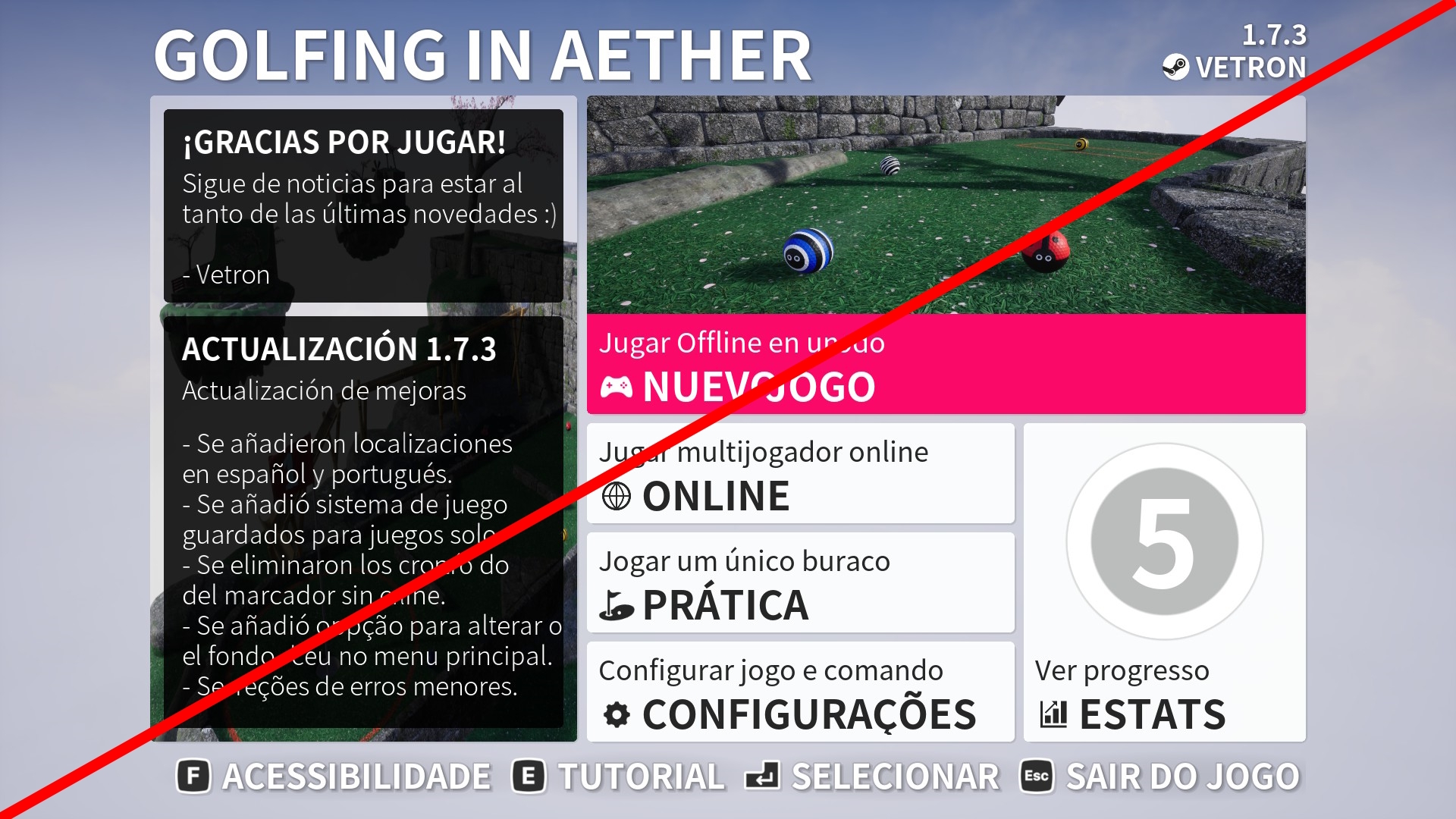
This update brings four new localizations, plus adds additional progress save features for when playing in singleplayer. There are also several other fixes and small improvements.
Progress save system
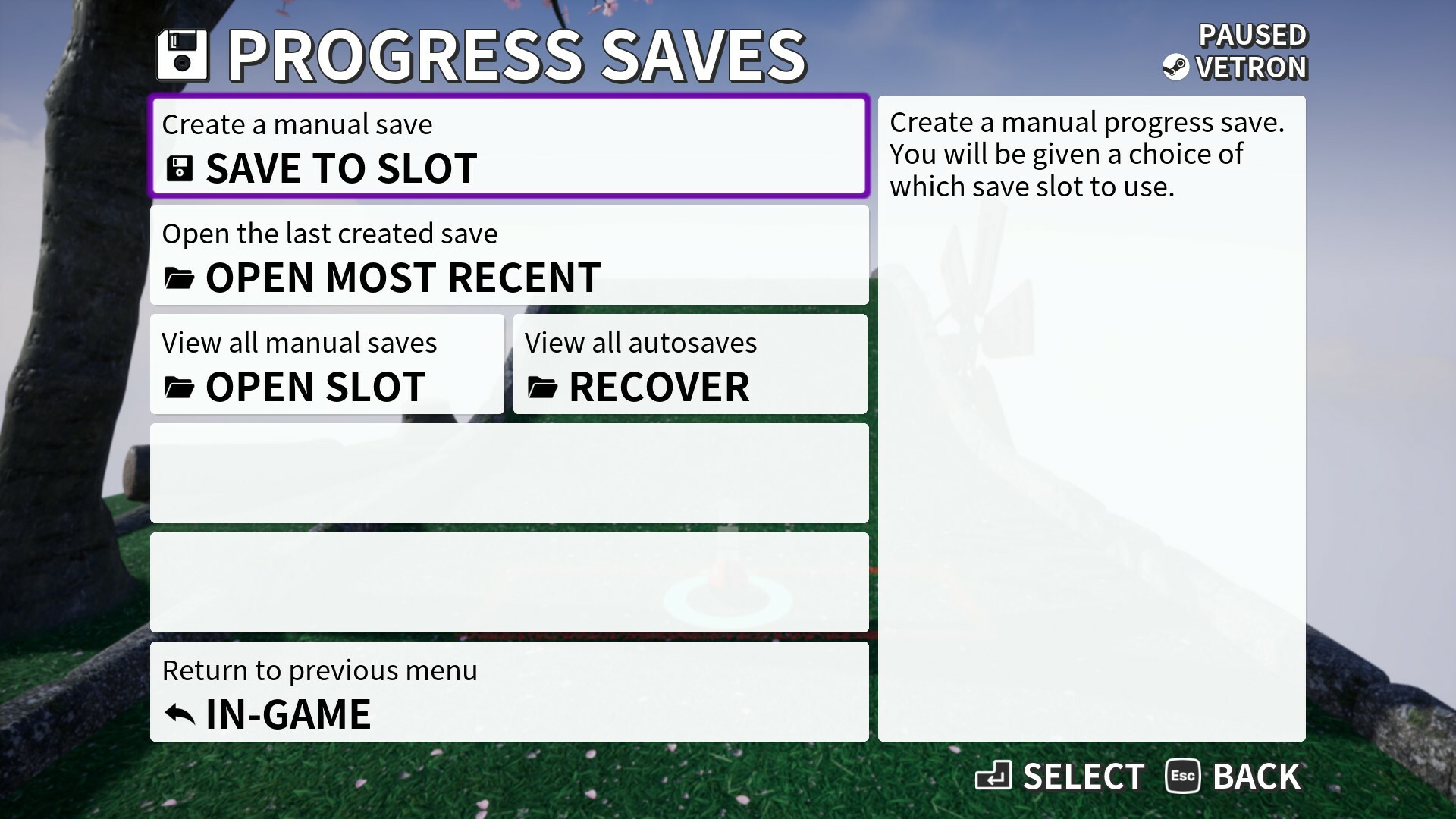
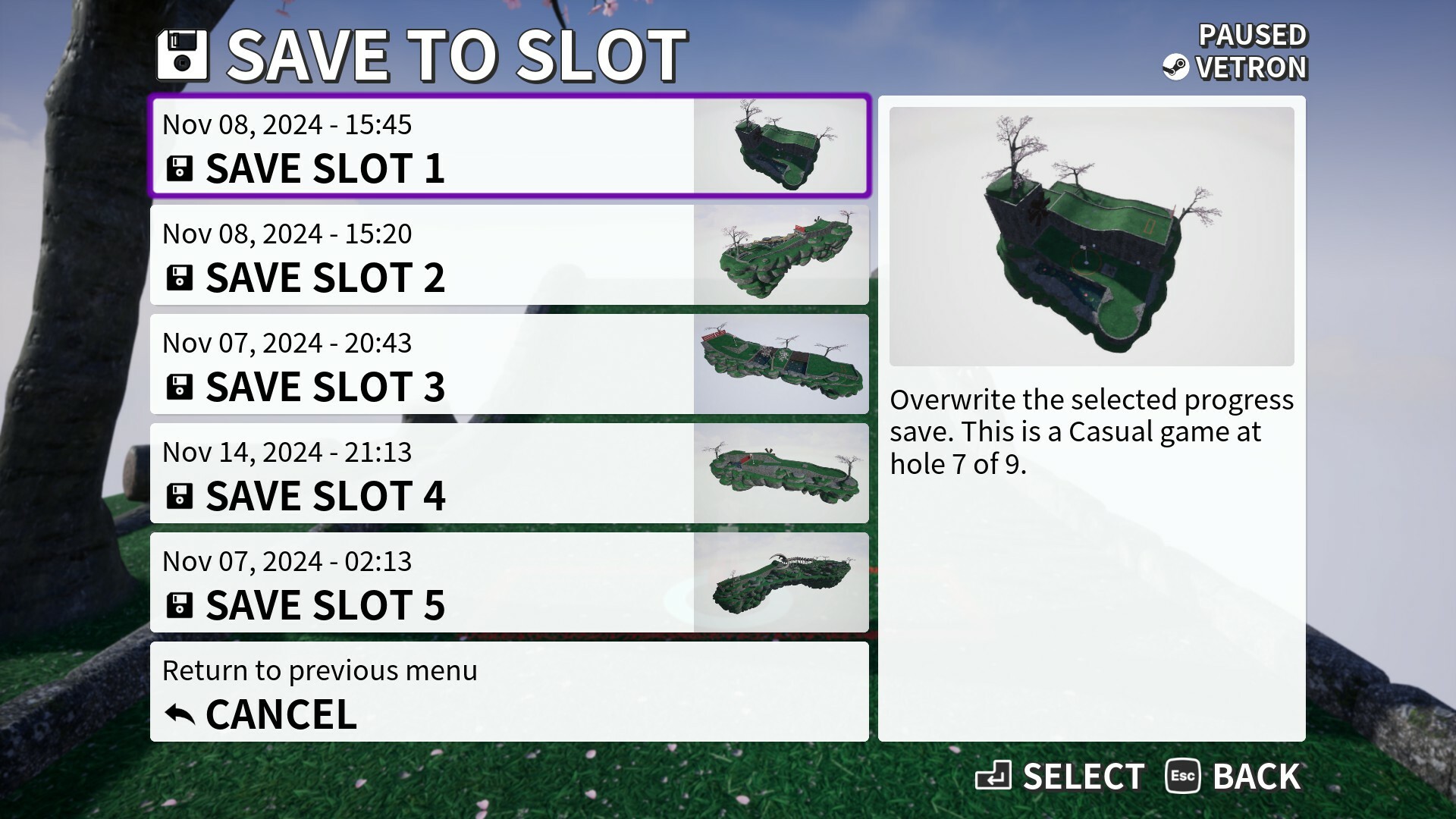
Golfing in Aether now features a progress save system that allows you to make mid-game manual saves and reload them at any point.
When in-game you can find the progress saves menu by opening the ingame/pause menu (esc/start) and then selecting the Progress save button at the bottom. Note that progress saves only work in singleplayer, and not any competitive mulitplayer online or local.
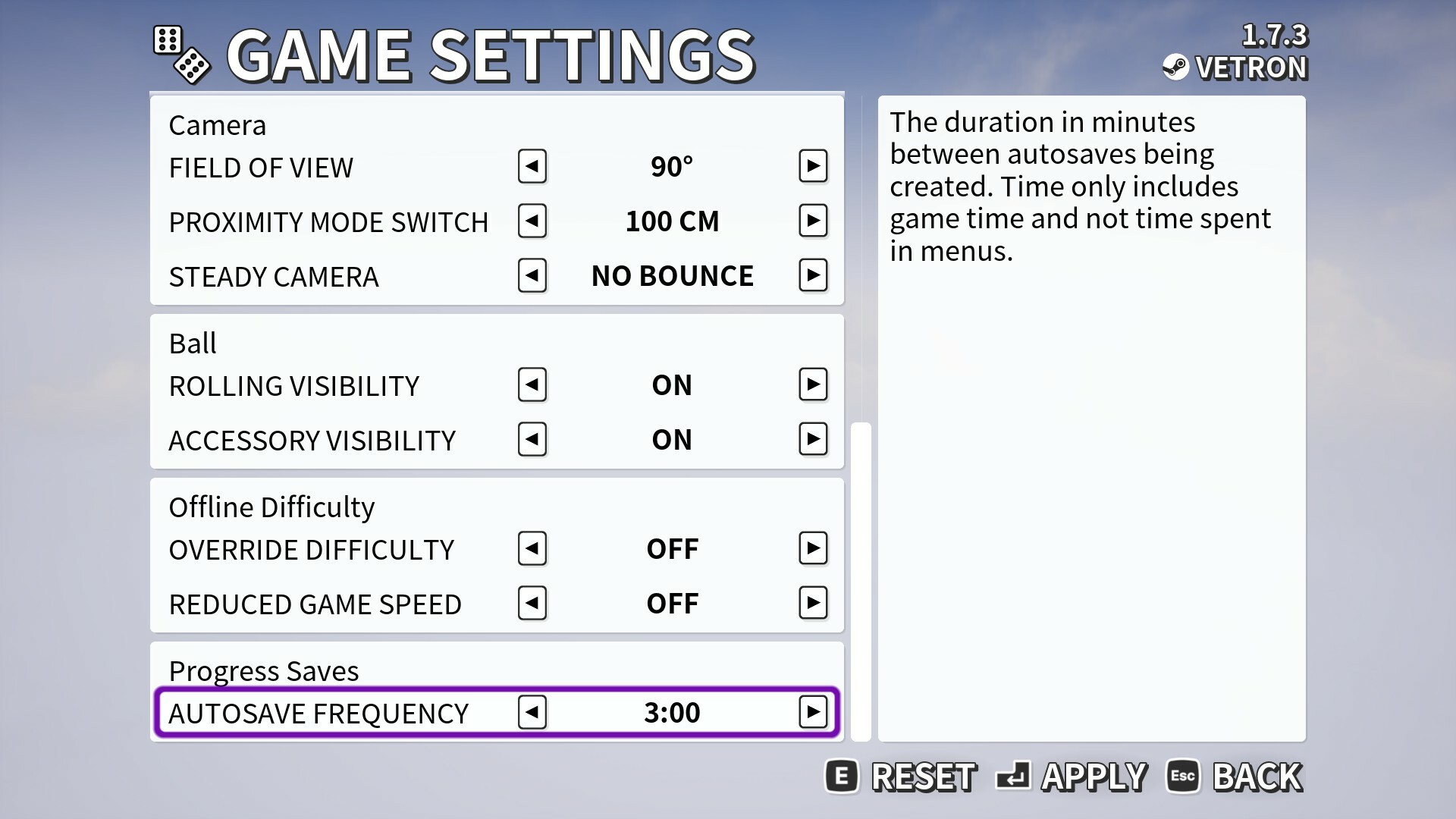
Loading a save involves from the main menu selecting "New game" and you'll find progress saves button at the bottom of the green. There is also autosaves and checkpoint saves automatically created so you can recover most recent game progress and resume playing right away. Autosave frequency can be adjusted in game settings.
Typical and overall game progress is independent of this system and will continue to be saved automatically.
Remove timers and allow manual progression through offline scoreboard
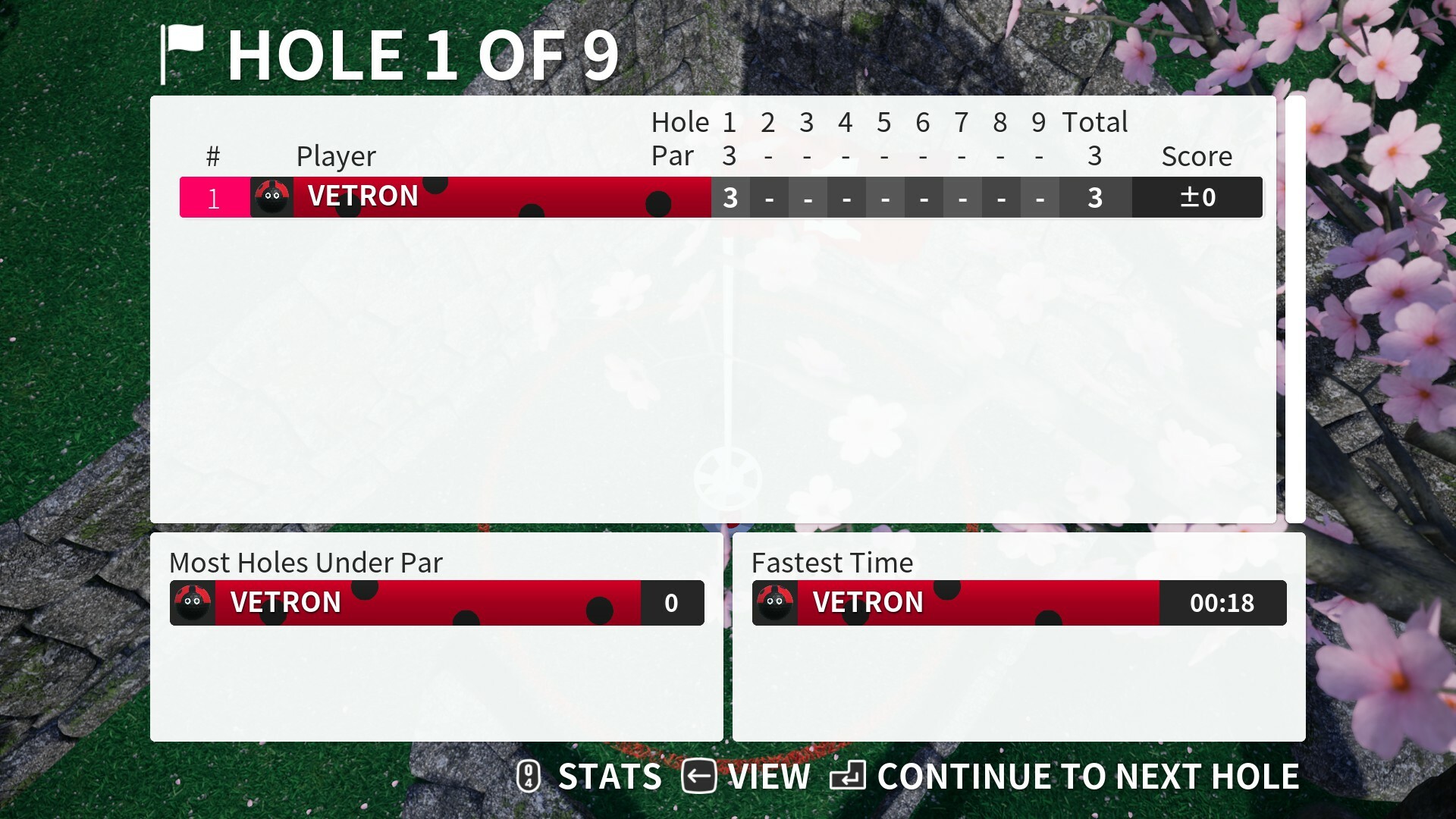
We've done further improvements to the scoreboard during offline play so there are none of the timers that are typically found in multiplayer e.g. "next game in 10 seconds..." you now press a button to advance to the next screen or game as you wish.
This will allow you time to look over scores for longer or jump to the next hole quicker if thats more your thing. Timers will remain in online multiplayer along with the vote system as its required for synchronization.
Português and Español localization
This is the second in a series of updates introducing additional localizations. In this update we have introduced Português with both Brazil and Portugal variations, we have also added Spanish.
It should be noted that even though these additional localizations have gone through QA, that mistakes can still happen, especially as these are not our native language. So please let us know if you have any feedback on these translations as they can be improved in future updates.
As part of this update, we have also performed several updates to previously added localizations French and German to improve the quality of these.
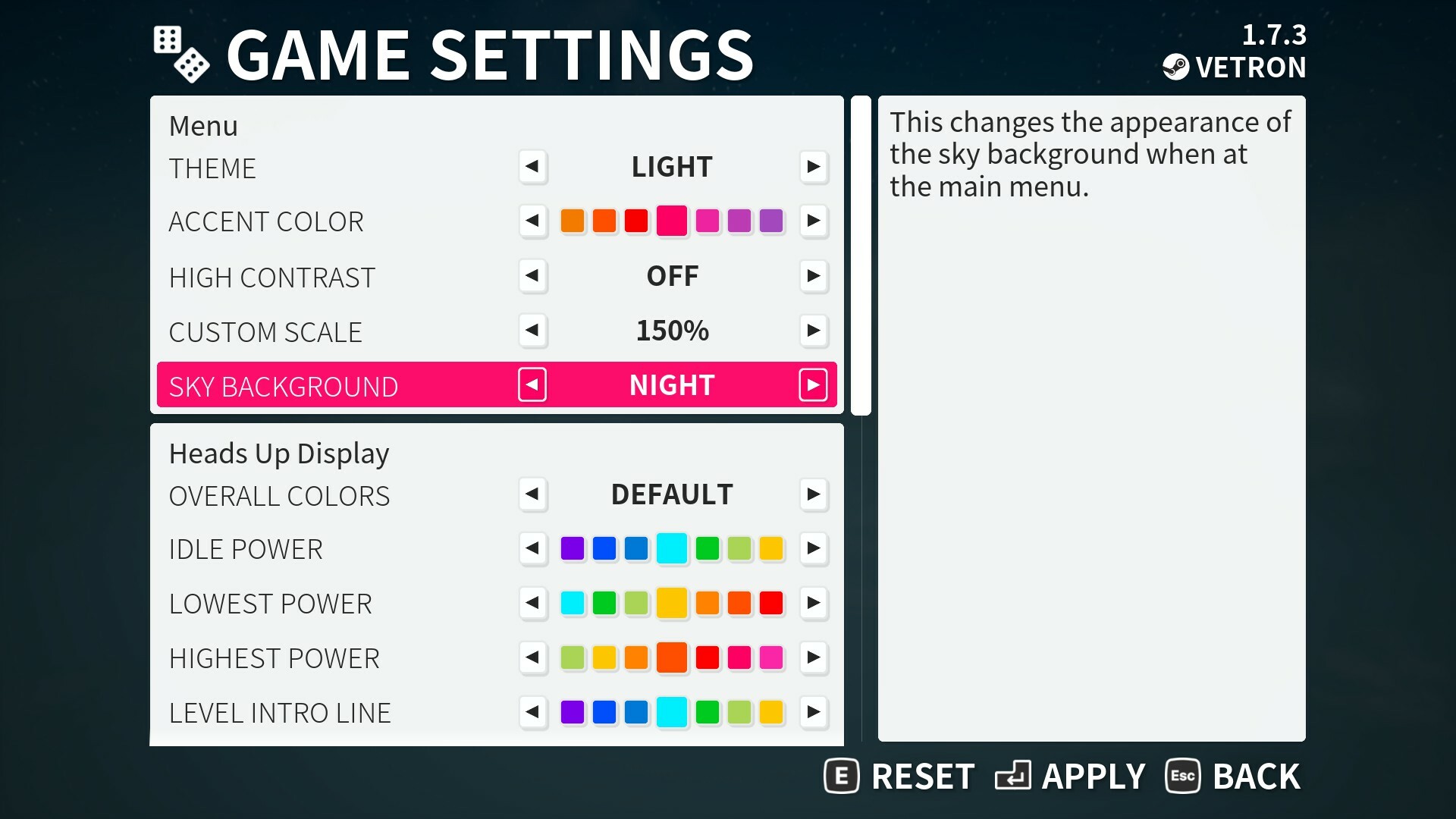
Sky menu background color option
We've added the ability to change the background sky as seen on the main menu between the standard day to 'night' as seen in winter theme.
This is a small cosmetic change that may look good for playing over the winter season, it maybe can help with contrast as well.
Various bug fixes
Check the full notes below for all the changes made, if you are aware of any issues then please let us know so they may be fixed for a future update.
Added Spanish, Latin Spanish, Portuguese, and Brazilian Portuguese localization.
Fixed an issue where it was unable to pause while using Free Camera.
Fixed an issue where if all players open the in-game menu during offline play the game wouldn’t pause.
Fixed the power indicator flickering if you reset the ball and then move on the tee.
Environment
Fixed a rare issue of where the ball could sometimes stop on the very edge of a hole.
Fixed occasions where bamboo could cause camera to jump.
Fixed an issue where on “Rail Crossing” it could be possible to fall off the rail when entering from a particular pipe.
Fixed an issue where a leaderboard ghost may show up in tutorial upon replaying it.
Added rework to the level “Mind the Gap” to make it easier to clear the ledge and achieve a hole in one. Visual quality of the level has also been improved.
Fixed cloud positioning during practice mode.
Interface
Fixed an issue with remapping keyboard controls when not using a mouse.
Fixed some high contrast text issues on the practice, leaderboards and scoreboard.
Added improvements to the scoreboard during offline play where the timers have been replaced with manual button presses. This allows you to skip in seconds or take as long as you want to look through stats.
Fixed an issue where account username is shown on the podium in offline play, instead the player name (i.e. created character) is shown.
Fixed an issue where going to inspect a player, selecting report then pressing back has navigation problems when done via the practice leaderboards menu.
Added additional context when joining via a session invite code as to why the session may not be accessible, such as permissions or full.
Golfing in Aether Update Released [1.7.2]
This update introduces two new localizations, adds new customization, as well as adds a new tutorial system. There are also several other fixes and small improvements.
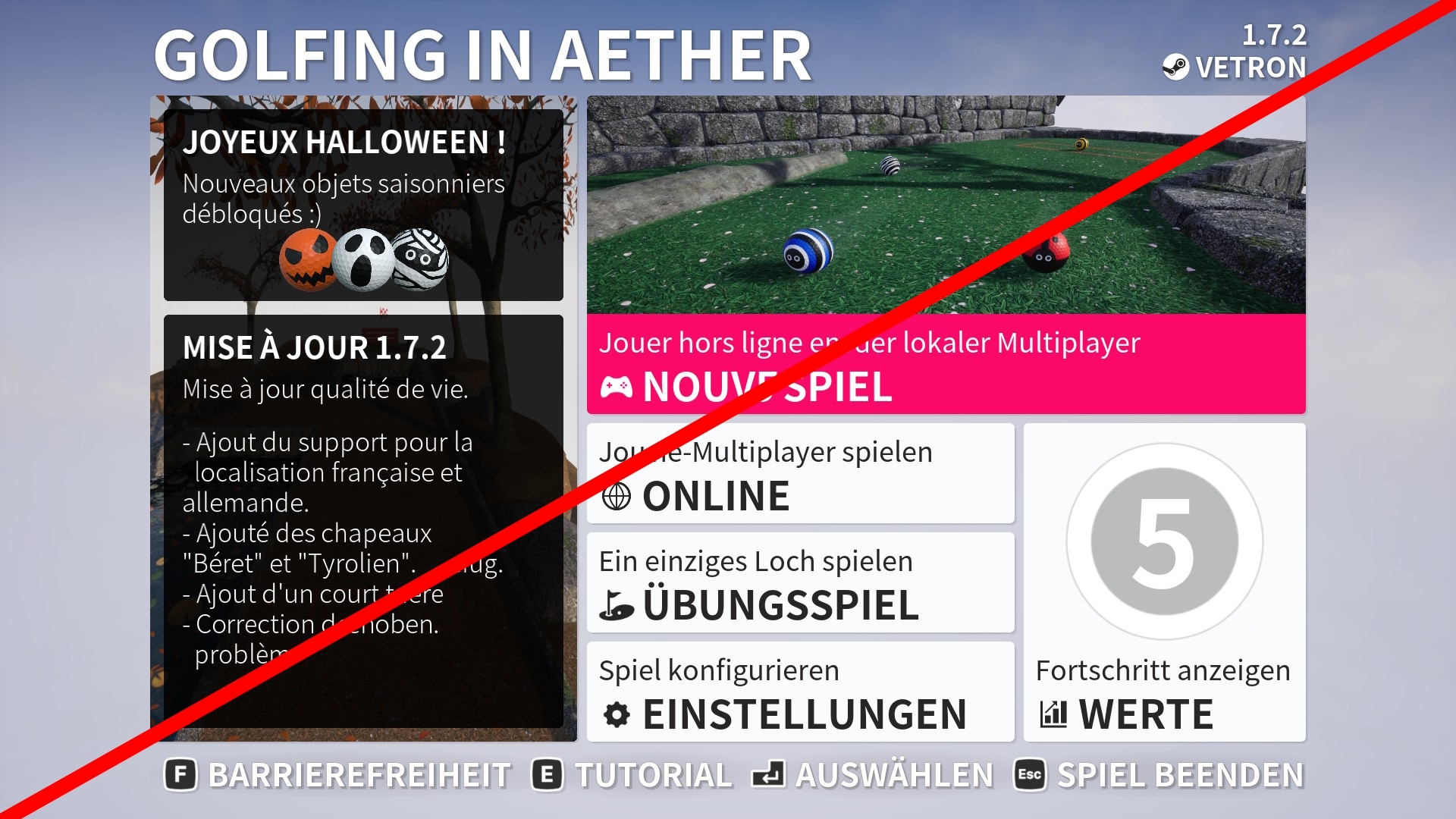
Français and Deutsch localization
We've begun to look at additional localizations to the game and in this first in a series of updates we will start by introducing both French and German. Other languages will be added over the coming months in future updates.
It should be noted that even though these additional localizations have gone through QA, that mistakes can still happen, especially as these are not our native language. So please let us know if you have any feedback on these translations as they can be improved in future updates.
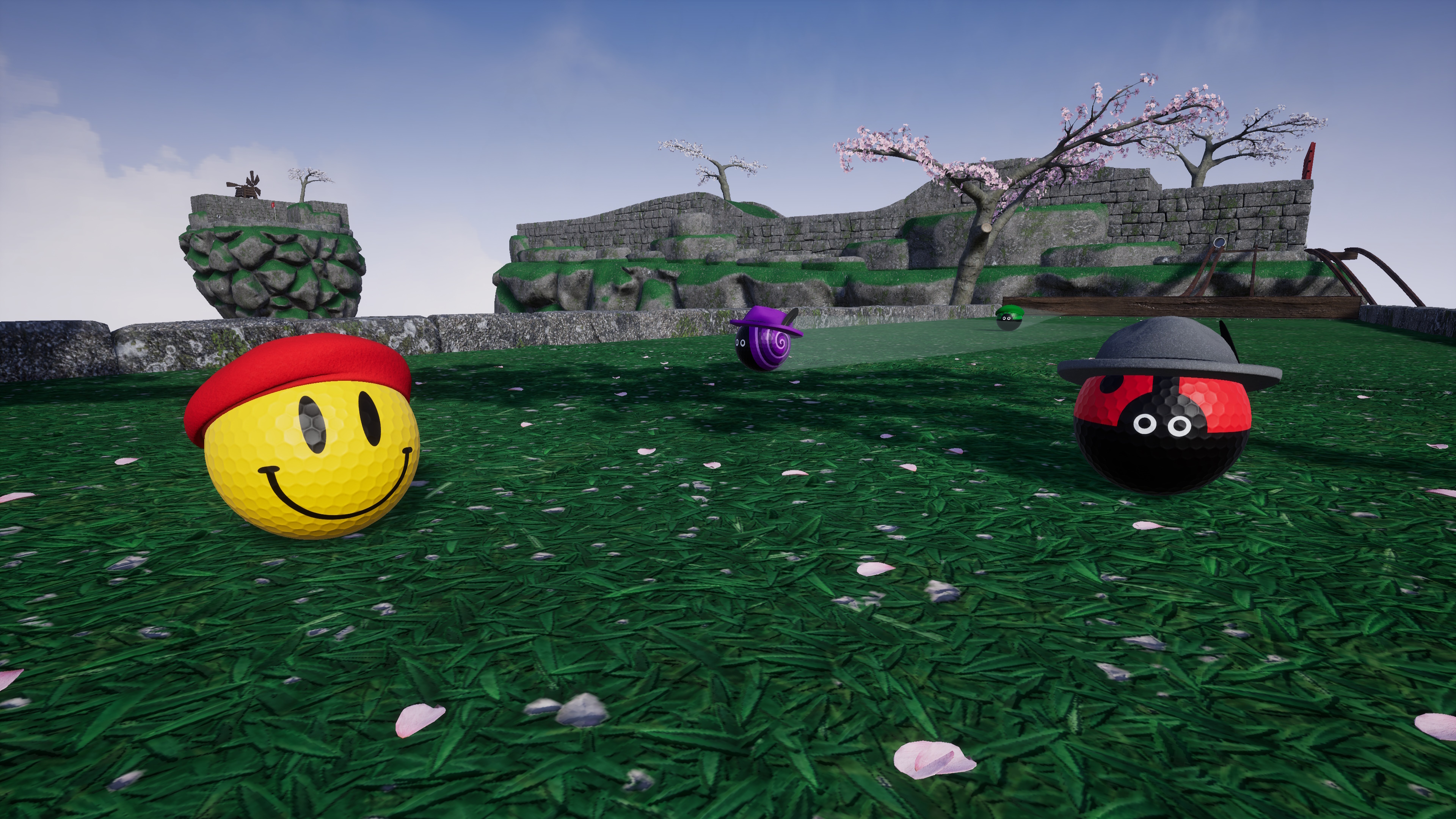
Beret and Tyrolean hats
As a fun addition to localization we looked at some regionally themed hats to add. Each of these can be color customized and are available to all players to equip with no unlock requirements.
Tutorial system
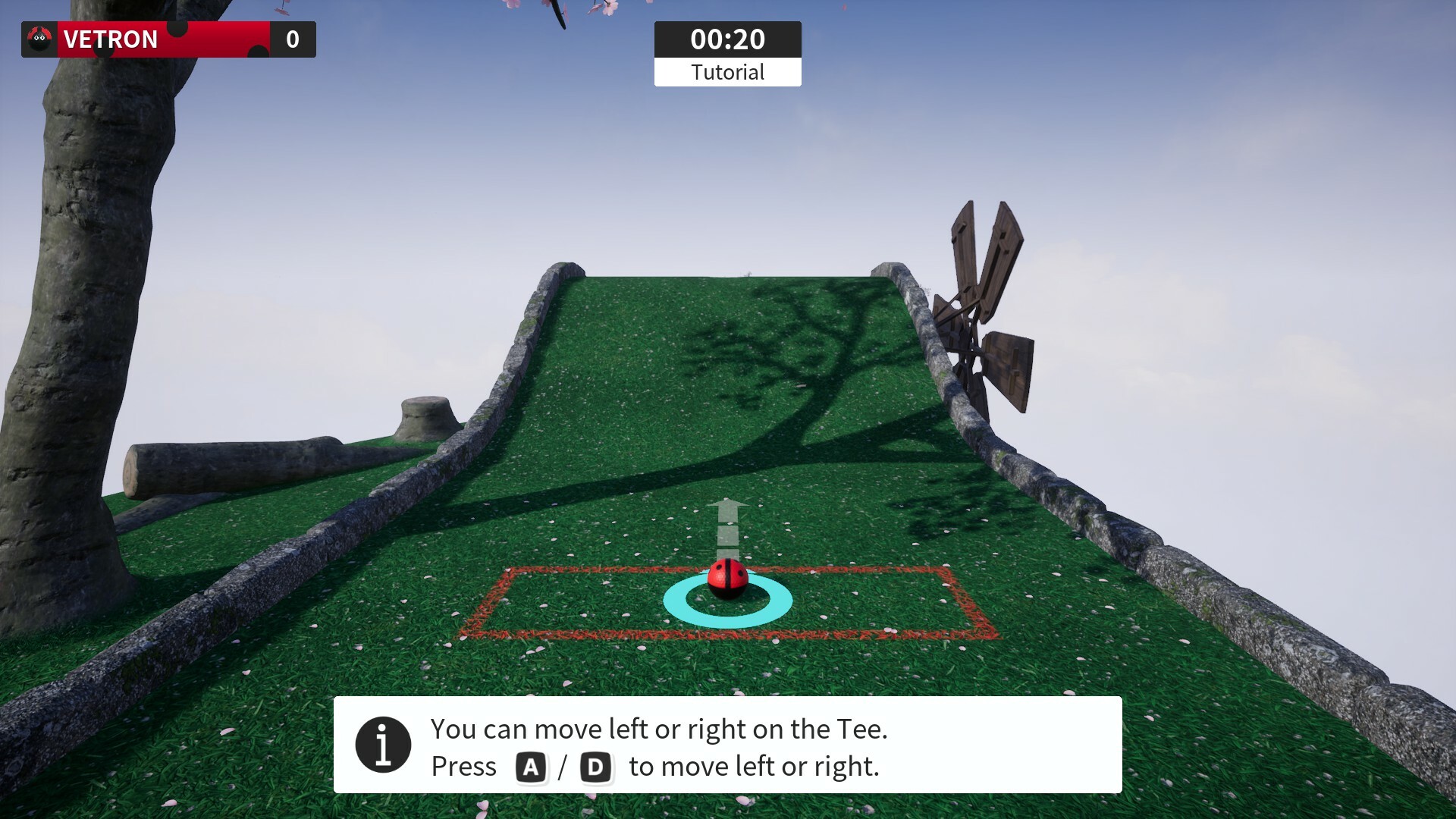
Golfing in Aether now features an on-demand tutorial to teach you basic controls and how to play. When starting from a fresh saved-game you will be prompted on first launch of the game if you wish to play it, but it is not a requirement to do so. The tutorial can be started at any other point from the button on the main menu.
For most players it will take only around five minutes to complete. Its possible we will add additional steps to this tutorial in the future, but for now we wanted to start with the basics of how to launch the ball and other common mechanics.
Cancel new game auto start
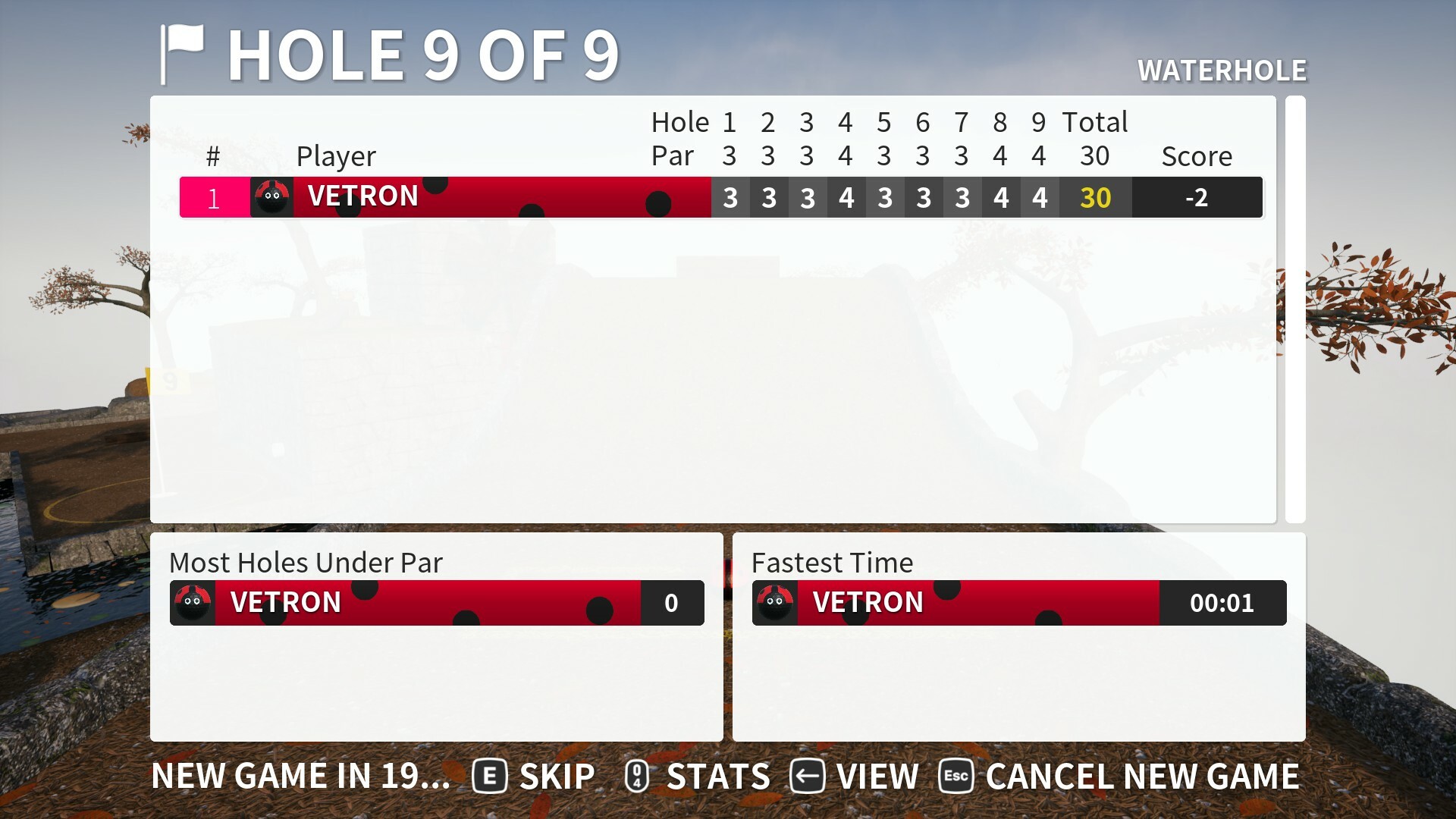
We've added an option to cancel the automatic starting of a new game upon completing an offline 9 hole game. To do this there will be a button on the scoreboard that can be pressed, or press e.g. B on gamepad.
After this is pressed the text in the bottom left will change from "new game starting in..." to "returning to main menu in...". You can of course press skip at any point to speed that action up.
Various bug fixes
Check the full notes below for all the changes made, if you are aware of any issues then please let us know so they may be fixed for a future update.
Added change to camera switch behaviour when spectating. Now when you press camera switch the free camera will engage right away. When playing it will remain as before and enter top camera or hold to enter free camera.
Added a short tutorial that goes over the controls of launching the ball. This is very brief and may be expanded on later.
Customization
Added Beret hat.
Added Tyrolean (aka Bavarian) hat.
Interface
Fixed an issue when selecting player reports for a user already on your friend list using a controller.
Fixed an issue when as a dedicated spectator, when going between social menu / inspect and scoreboard the scoreboard time remaining wasn’t exact. This didn’t effect players.
Added improvement to loading screen so that the custom scale is used, so will be much bigger at 150% to improve readability.
Added ability to return to main menu in offline mode after the podium, on the scoreboard. This is “Cancel new game” button. The way this works is similar to how selecting “restart level” works in practice, in that the time is not skipped when pressed, but you can also press skip right away if you want to go now or continue looking at scores.
Fixed an issue with the appearance of some how-to-play button prompts.
Added further increase to font size on the hole info.
Fixed various Japanese localization issues.
Fixed an inconsistency where entering an invite code did not take you to the session info but rather to the session directly. You now go to session info to choose to play or spectate.
Fixed joining via invite code not having correct loading screen text.
Golfing in Aether Update Released [1.7.1]
This is a update primarily containing fixes following on from the recent major update, which you can read about via the link below. https://steamcommunity.com/games/1914980/announcements/detail/6122166977349061820 There are also a few quality of life additions such improving the line during level into sequences so it can be recolored, and adding a level skip option for offline play.
Level intro line color option
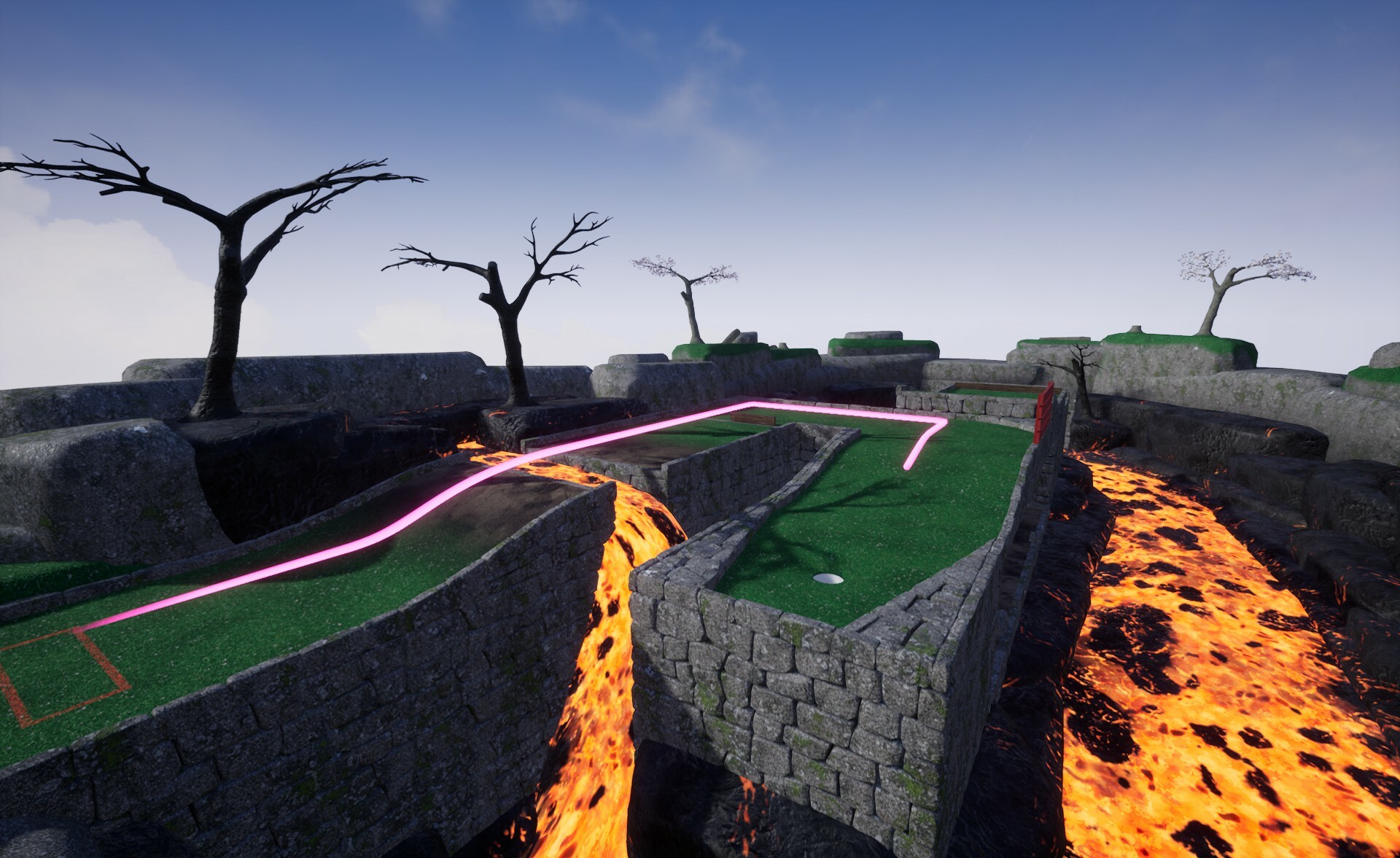
The effect has been updated to support color options as part of either accessibilty or personal preference. We've also made the line a bit thicker and tapered the starting point as part of improving the appearence and making it easier to see.
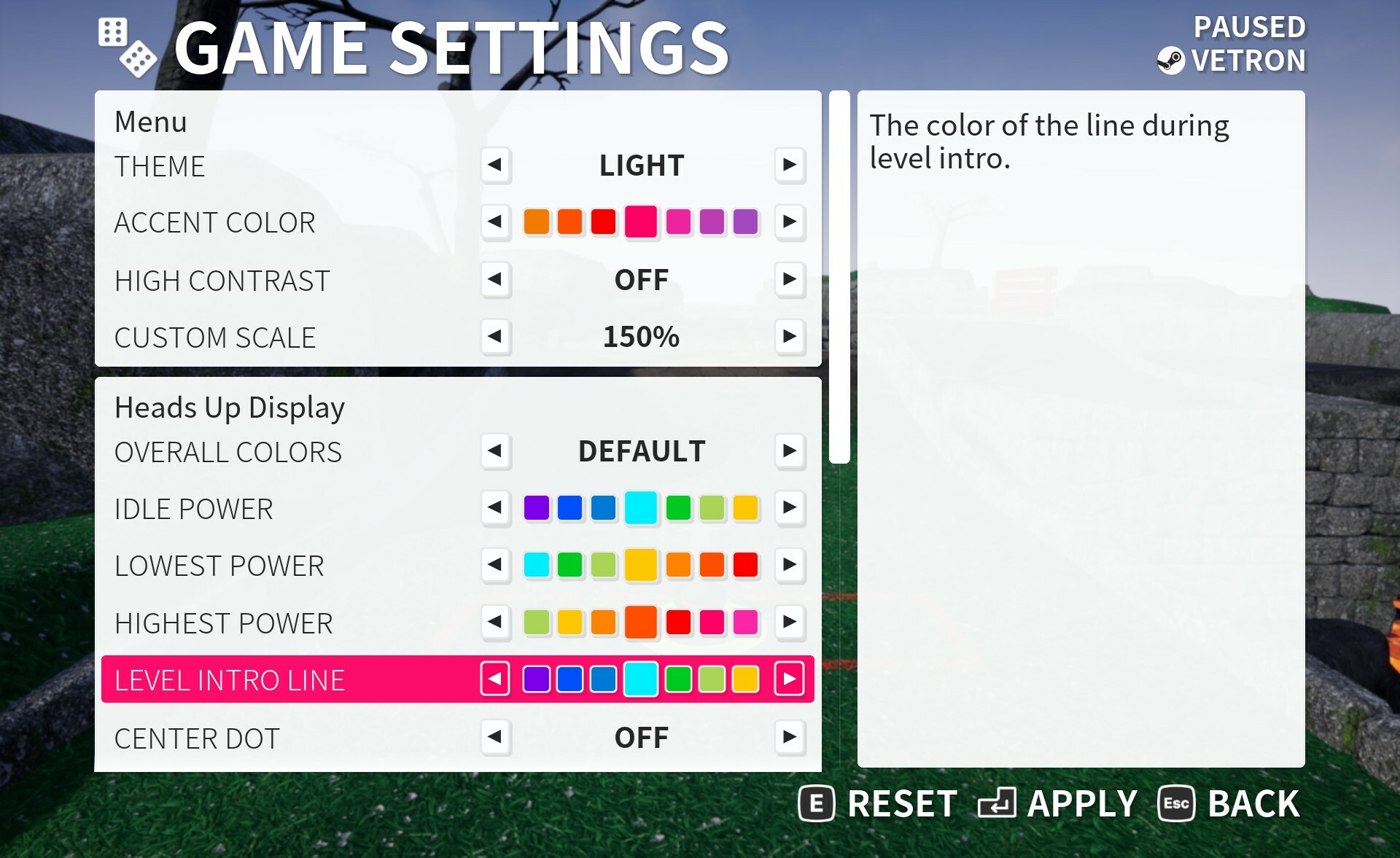
You can find a seperate color option under HUD color settings, when changing the HUD color preset this will also change to match.
Skip level for offline play
This is somewhat a 'puzzle skip' function for accessibility purposes, and only works in offline play (excluding practice, which is a single level). Its particually helpful if you were to disable all time time limits so you can 'give up' or just 'skip' a level if you no longer wish to keep playing it. When playing local play such as split-screen this can work per player as well.
If you've taken no strokes at all you'll be given par (but no XP), and otherwise be indicated as if you've played it. Whereas if you've already taken a number of strokes beyond that this will instead be the score recorded. You'll only get Style XP and not any holeout XP.
Achievements cannot be earned using this, nor as already stated can you earn XP either so it has no negative effect on anything.
Its also worth noting if you don't like playing a particular level you can always use the custom settings to pick and choose which levels will be in the random rotation. With there being 80 in the game now theres plenty of variety.
Various bug fixes
Check the full notes below for all the changes made, if you are aware of any issues then please let us know so they may be fixed for a future update.
Fixed an issue relating to timed Halloween content (not available yet).
Added ability to change the level intro sequence line color. When changing a preset this is set to the same color as idle power, but you can set individually if you wish.
Environment
Fixed an issue where rotators in ES3.1 mode didn’t cast shadows.
Fixed an issue relating to shadow bias in ES3.1 mode.
Fixed a floating stump on “boneyard”.
Added improved level intro sequence line.
Interface
Added skip level button to in-game menu when playing offline menu. This is per player (when split screen etc.) and allows you to ‘give up’ or ‘skip puzzle’ for the current level. Either your current strokes or Par, whichever is greater will be recorded on the scoreboard. You will not get holeout or time XP, and will be ineligible to earn any score based achievement.
Added slight increase in font size for the level info HUD element for hole and par text.
Golfing In Aether Update Released [1.7.0]
This update coincides with the second anniversary of the game, and is probably our largest update yet. We have a brand new expansion, “Cauldron” which is free and contains new levels including a couple of new Volcanic levels.
In addition to that we’ve spent the last couple of months bringing several improvements to most areas of the game, with a lot of interface improvements, camera behaviour improvements, new achievements, better session lookup for multiplayer, controller remapping improvements, and a whole bunch of additional accessibility options. The list really does go on and I’ll cover as many of the highlights as I can below, but do check the full notes for the long list of changes.
Free Cauldron Expansion
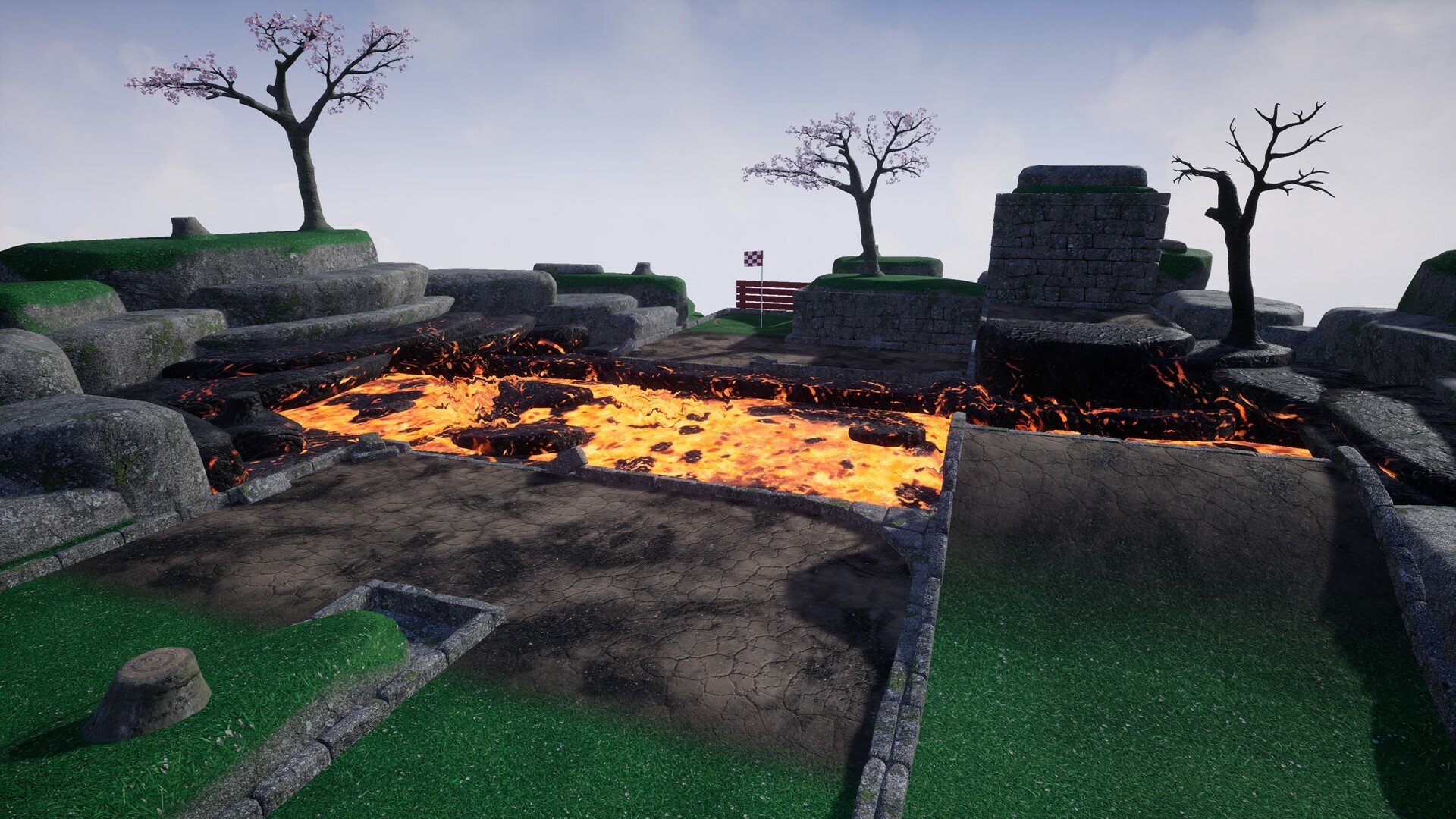
This features ten new levels, two of which feature a volcanic environment and others that feature new gameplay mechanics.
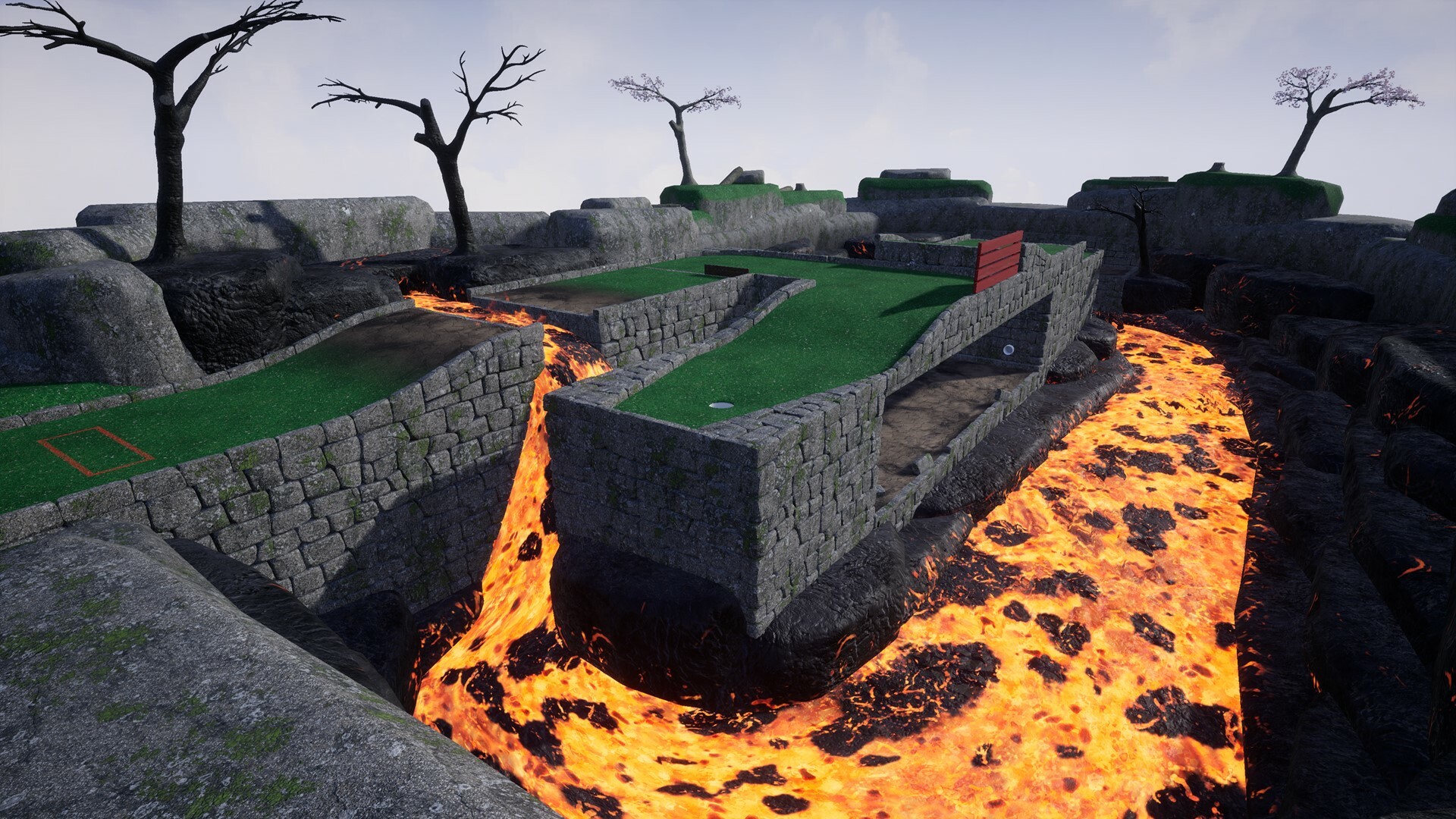
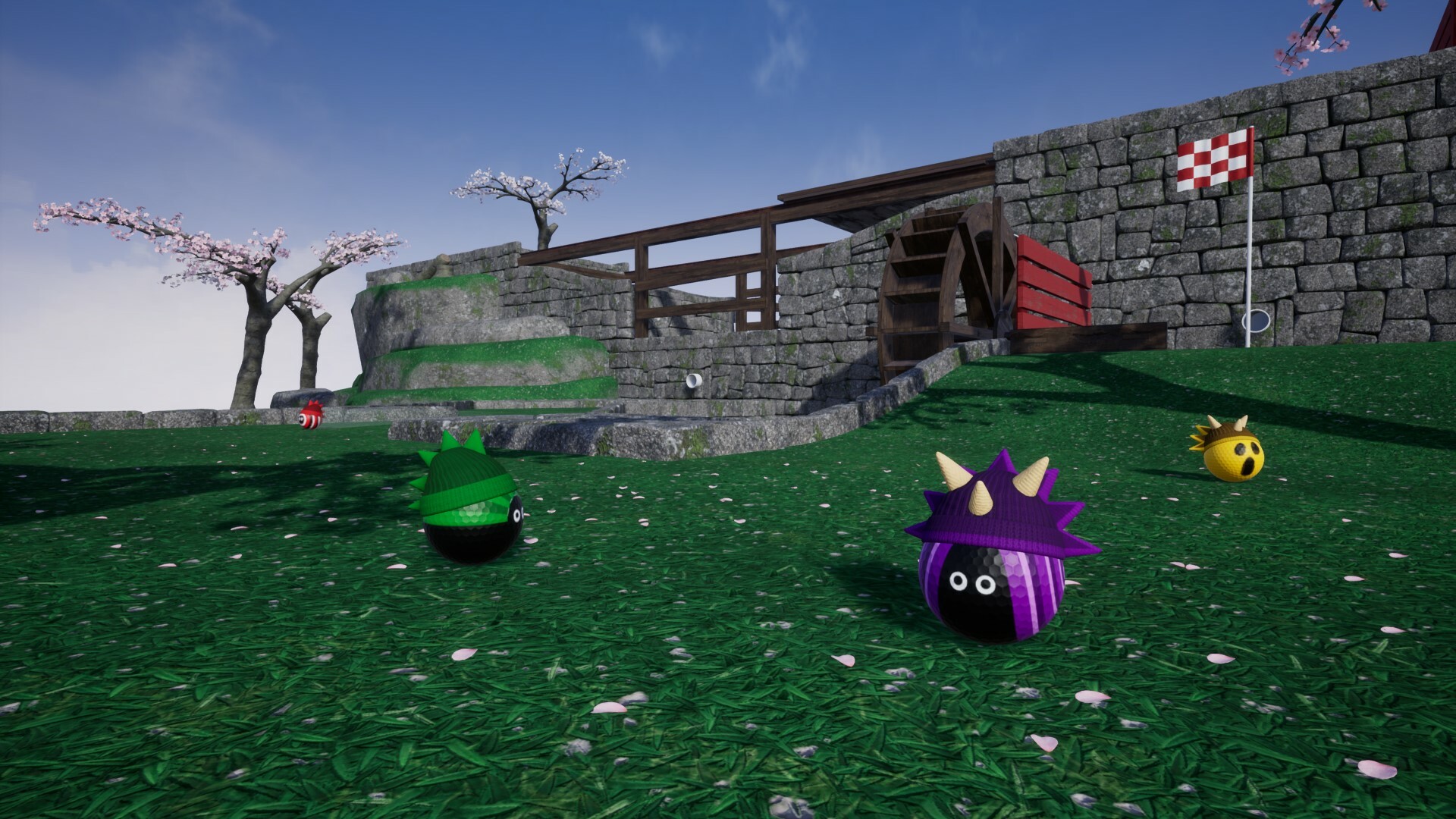
https://store.steampowered.com/news/app/1914980/view/4188989767908120552 We first showed off the levels Cauldon and Scorcher a couple of months ago in the above article, but for those of you who didn’t read about those here is a brief recap. The level “Cauldron” features a volcanic cauldron you have to navigate your way though and offers some distinctive scenery and hazards.
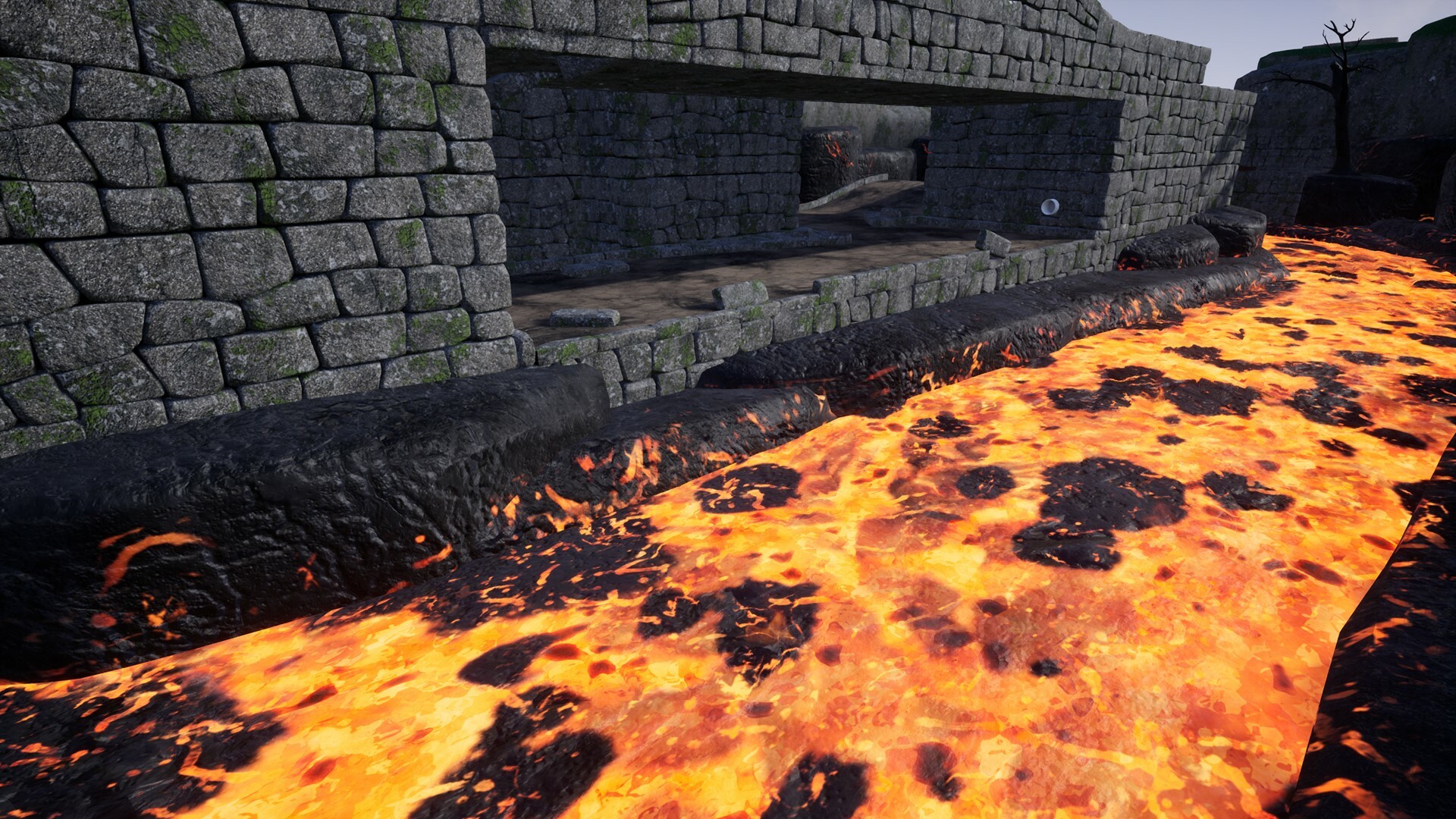
Upon reaching the first hole you will be transported to the lower portions against the lava flow. Upon finding your way through you have to make a large jump back out to safety, where you'll find the final goal.
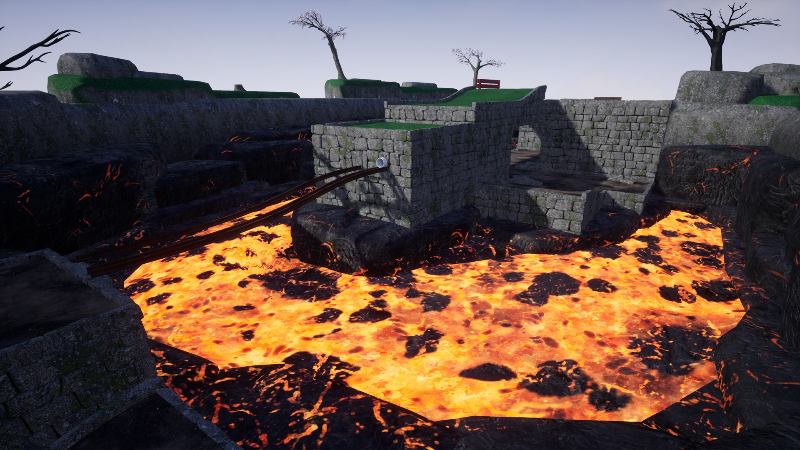
Scorcher meanwhile features a river of fire you have cross. You can either make use of the floating boulders (which move down river) for a tricky shot or take safer longer ramped route.
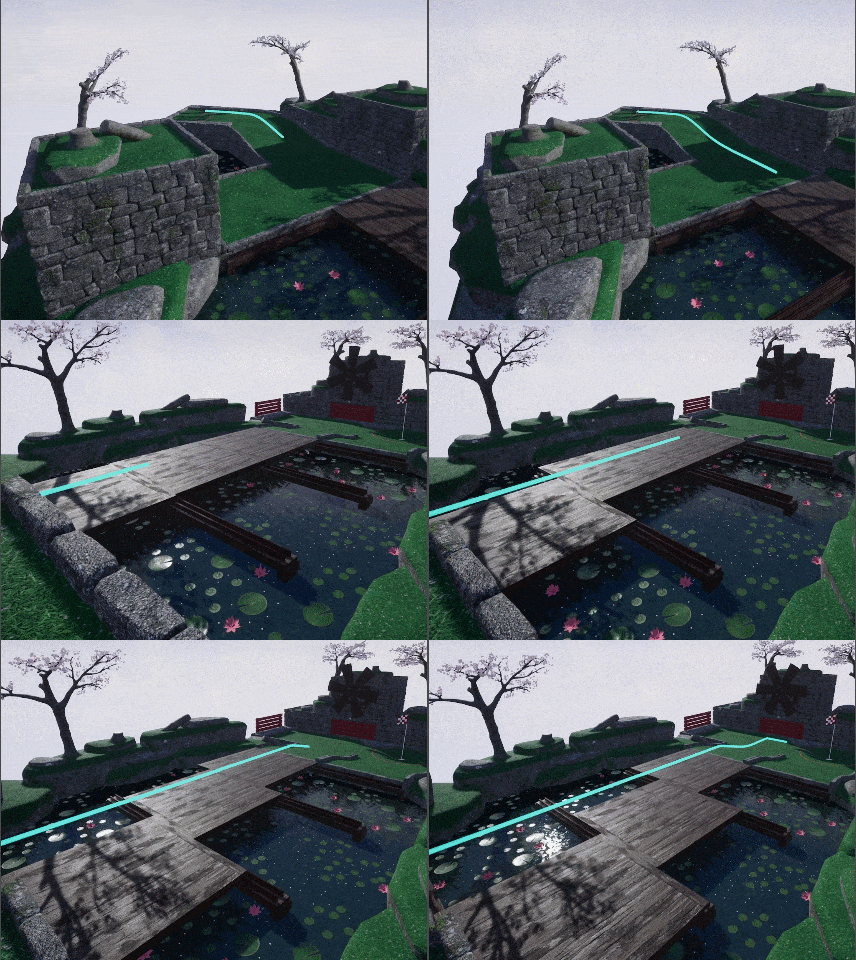
The next bunch of levels are Bridge Over Par, Putt the Gap, Putt & Dunk. These levels use a new moving platform mechanic in various configurations. Shown above is the level “Bridge Over Par” which have platform bridges which move side to side in sequence.
Meanwhile in the level “Putt the Gap” has a singular bridge platform which moves. The goal with this level is to aim your putt power so it travels on the bridge in motion without rolling off before it reaches the other side.
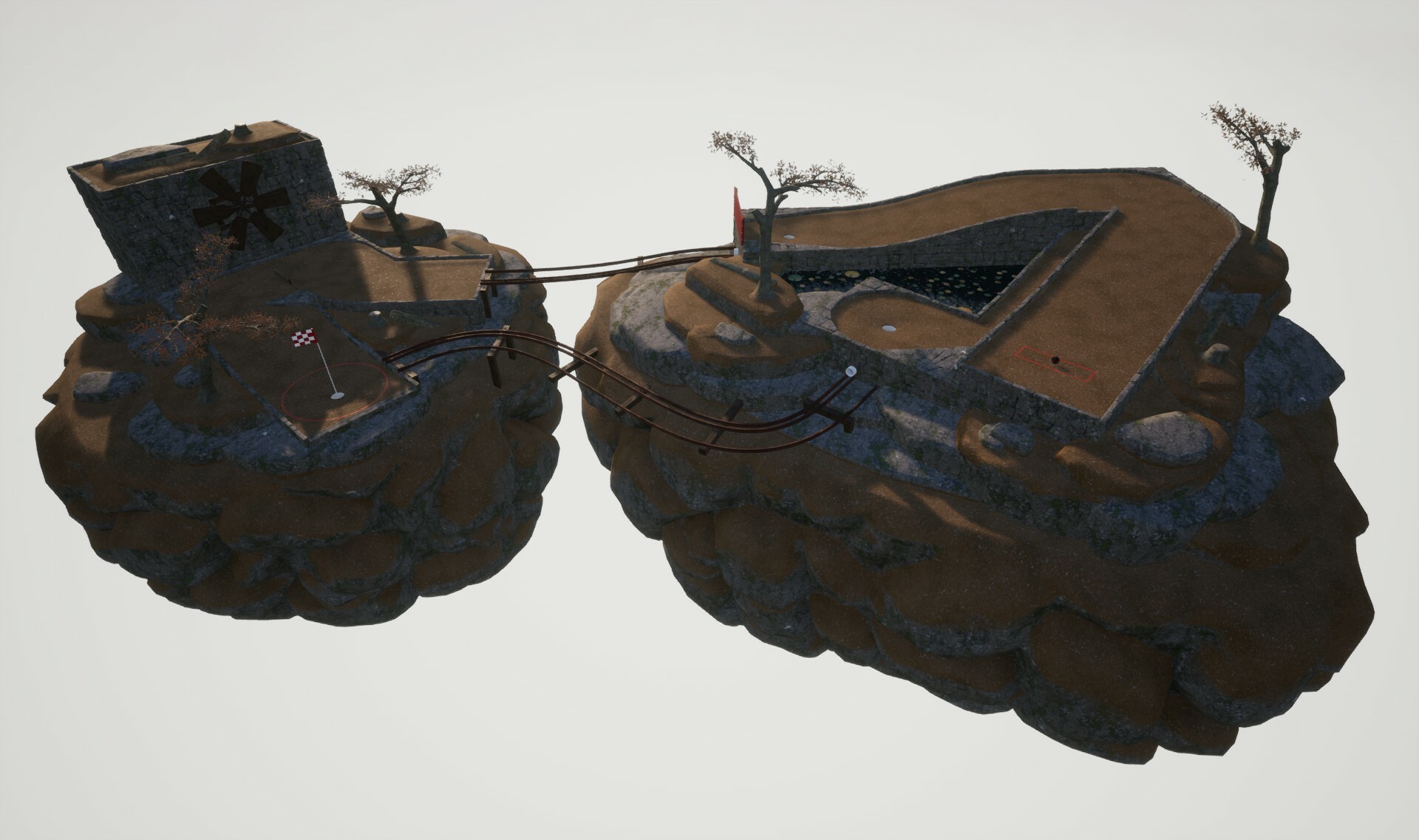
Rail run makes use of rails we first introduced in the free autumn expansion. It has a pair of different routes you can take as well and offers a challenge to get that hole in one.
For players who prefer simpler levels that focus more on the basics of angling your shot we also have an additional variety of small levels as well.
The cauldron free expansion also brings two new dinosaur themed headwear options. These are available to use right away and each come with a selection of color options.
New Camera Behaviour
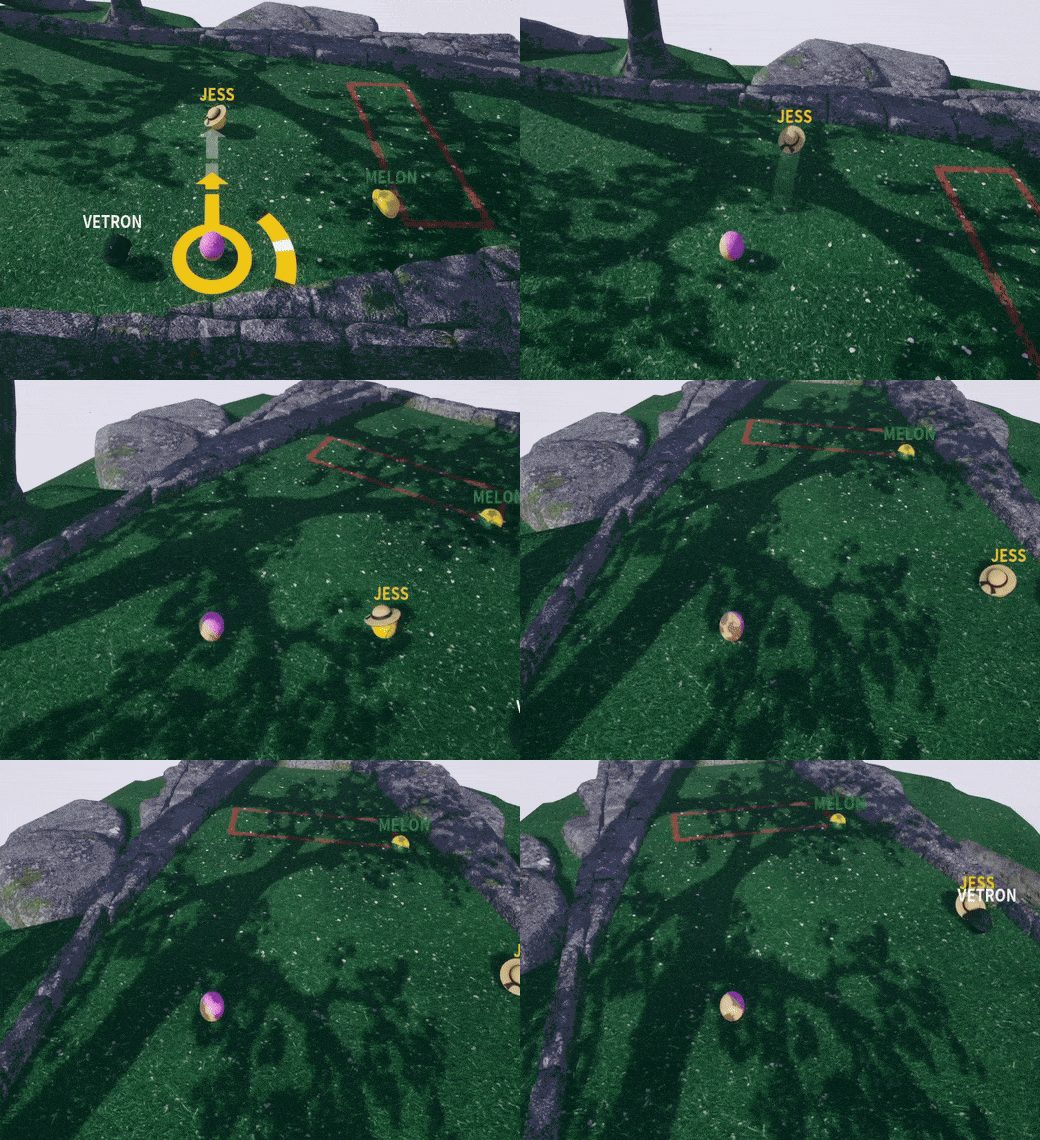
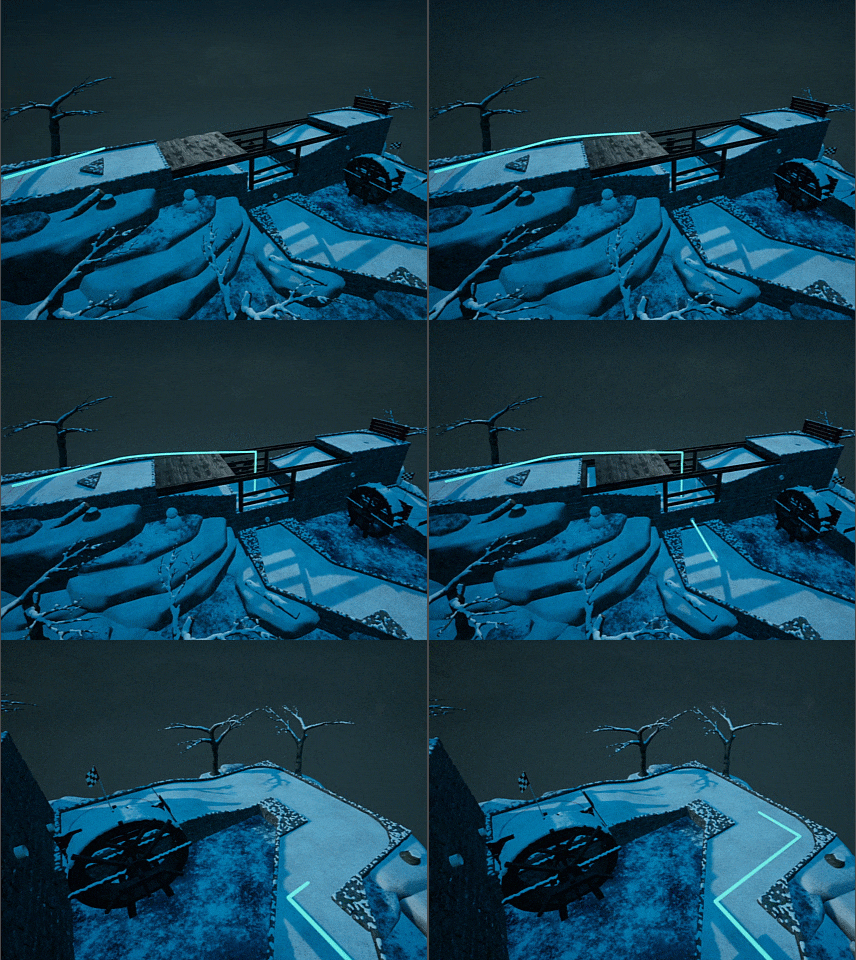
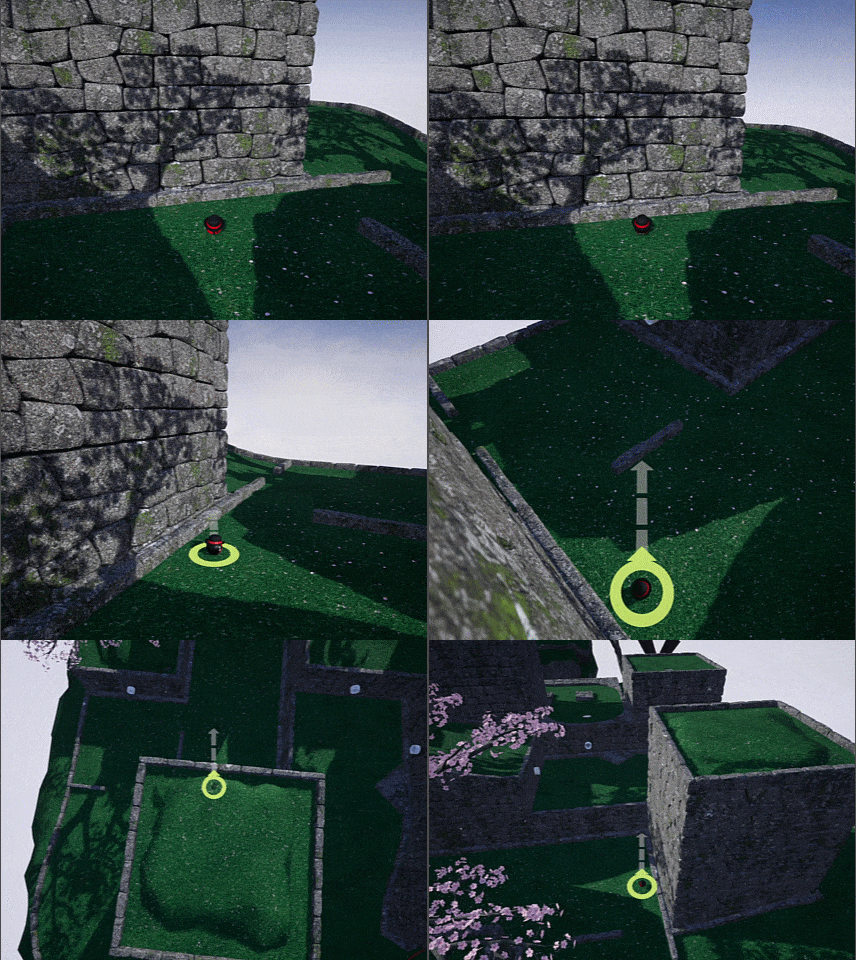
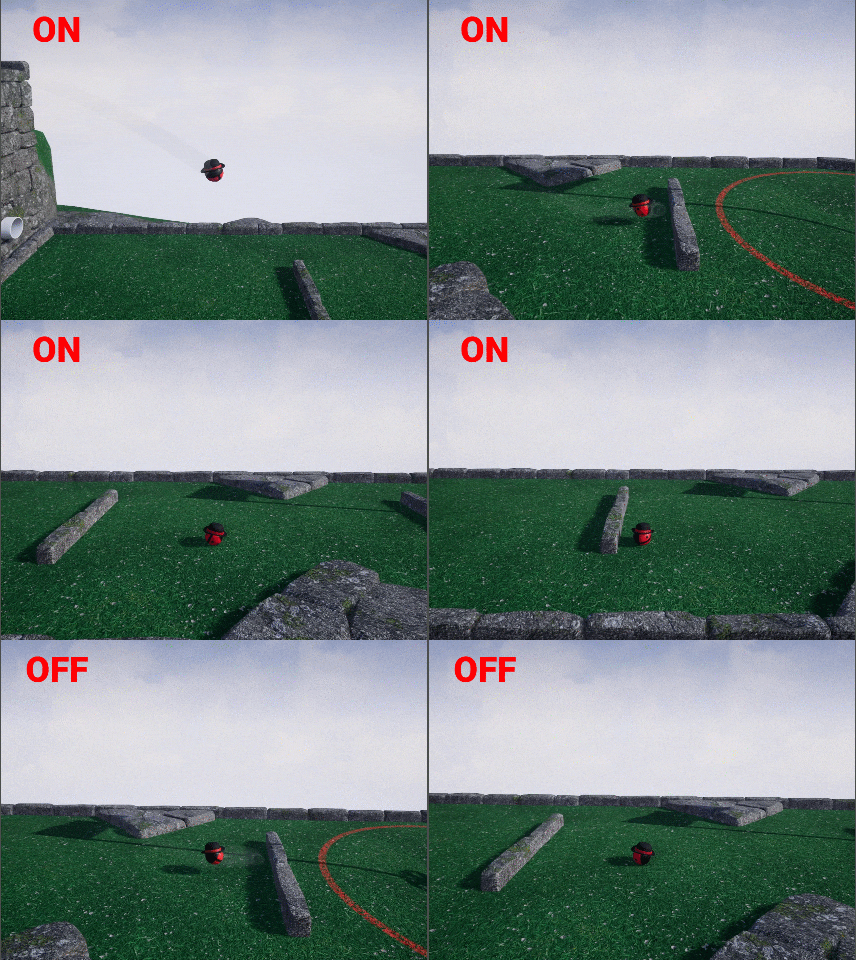
There are two parts to this, the first is that when in proximity to a wall or object the camera will now automatically put you into top camera, and then return after a short delay when sufficient space is available. We have prepared a short gif above which you can see this in action.
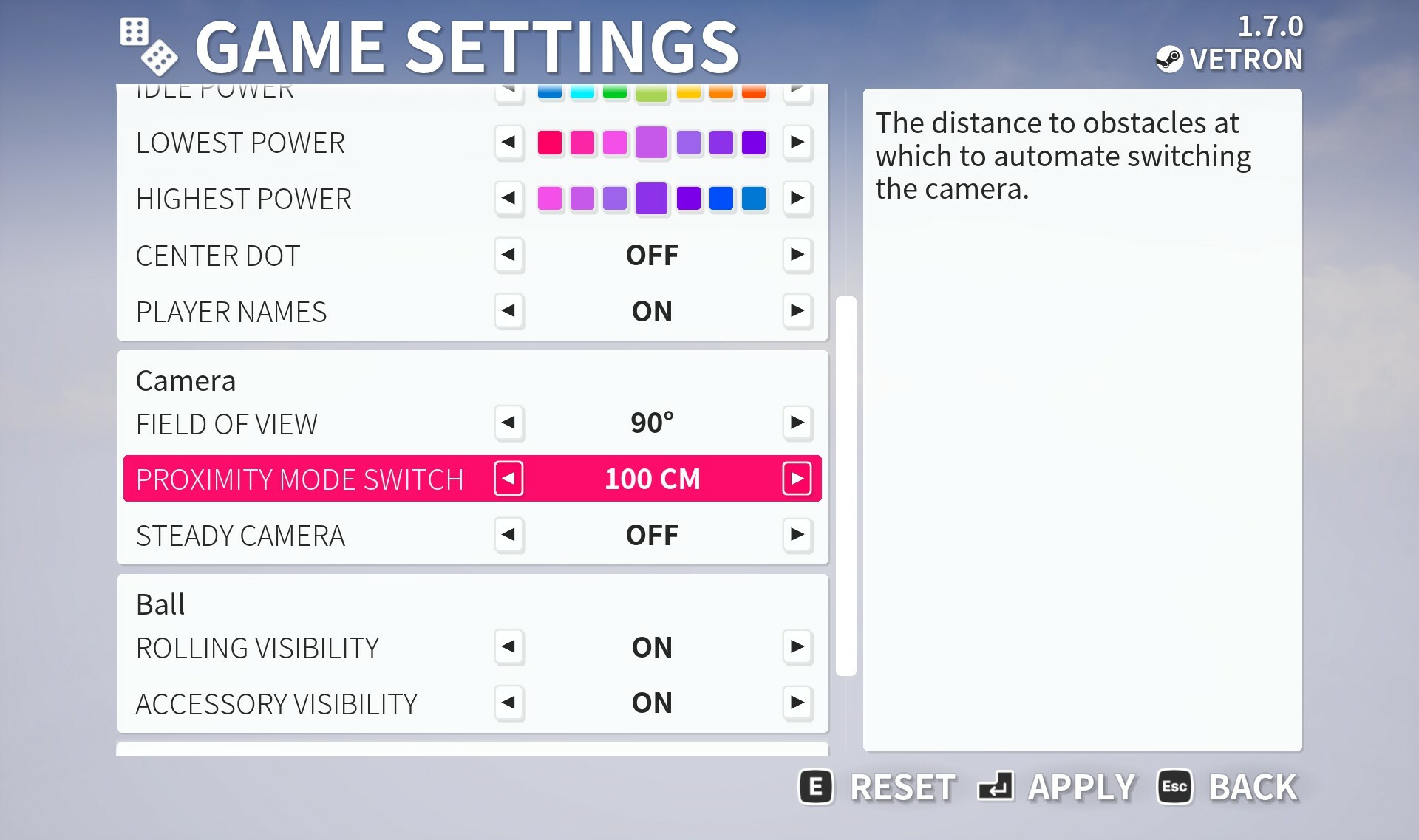
If you don’t like this behaviour you can disable it via Game Settings menu. You can also adjust the distance to which it is triggered as well. We were finding a lot of players didn’t know about the Top Camera and automating it can make it easier. The camera itself has also been improved slightly be raising it a bit higher to 3 meters and generally polishing the whole process.
The second improvement is that we’ve added some ‘Smooth Camera’ options. Most notably a way to cancel out small bumps which we’ve enabled by default. This works by the camera automatically snapping to the ground if it is within a short distance vertically below. You can also disable this setting if you don’t like it, and we have also provided additional options such as to lag the camera if you wish.
New achievements
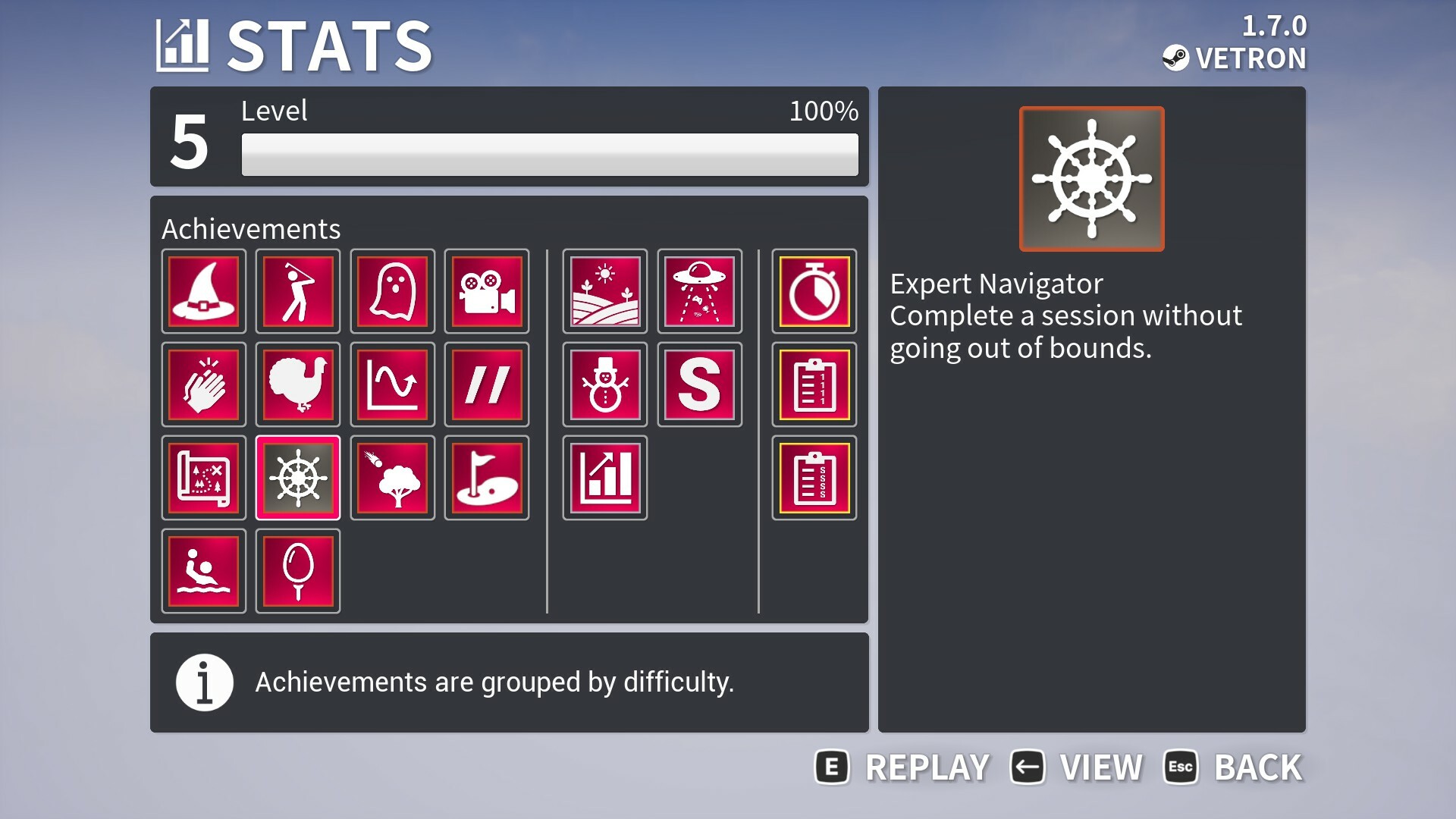
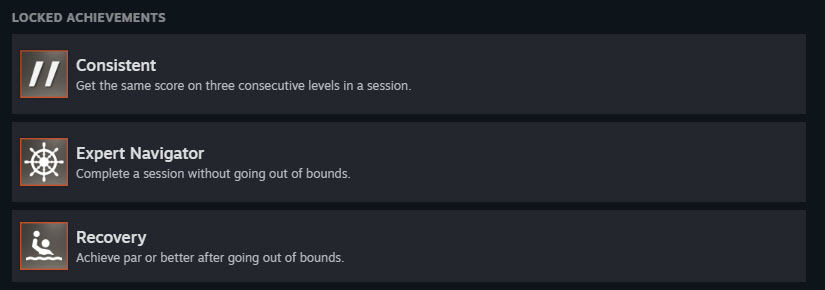
We have three new achievements, the first is “Recovery” which is about achieving a par or better after going out of bounds. For “Expert Navigator” you have to complete 9 holes without going out of bounds. Finaly there is “Consistent” for getting a consecutive score across three holes.
These on the easier side to obtain but balance out some of our existing ones we think, and are just something extra to aim for during additional play sessions.
Improved Accessibility Menu
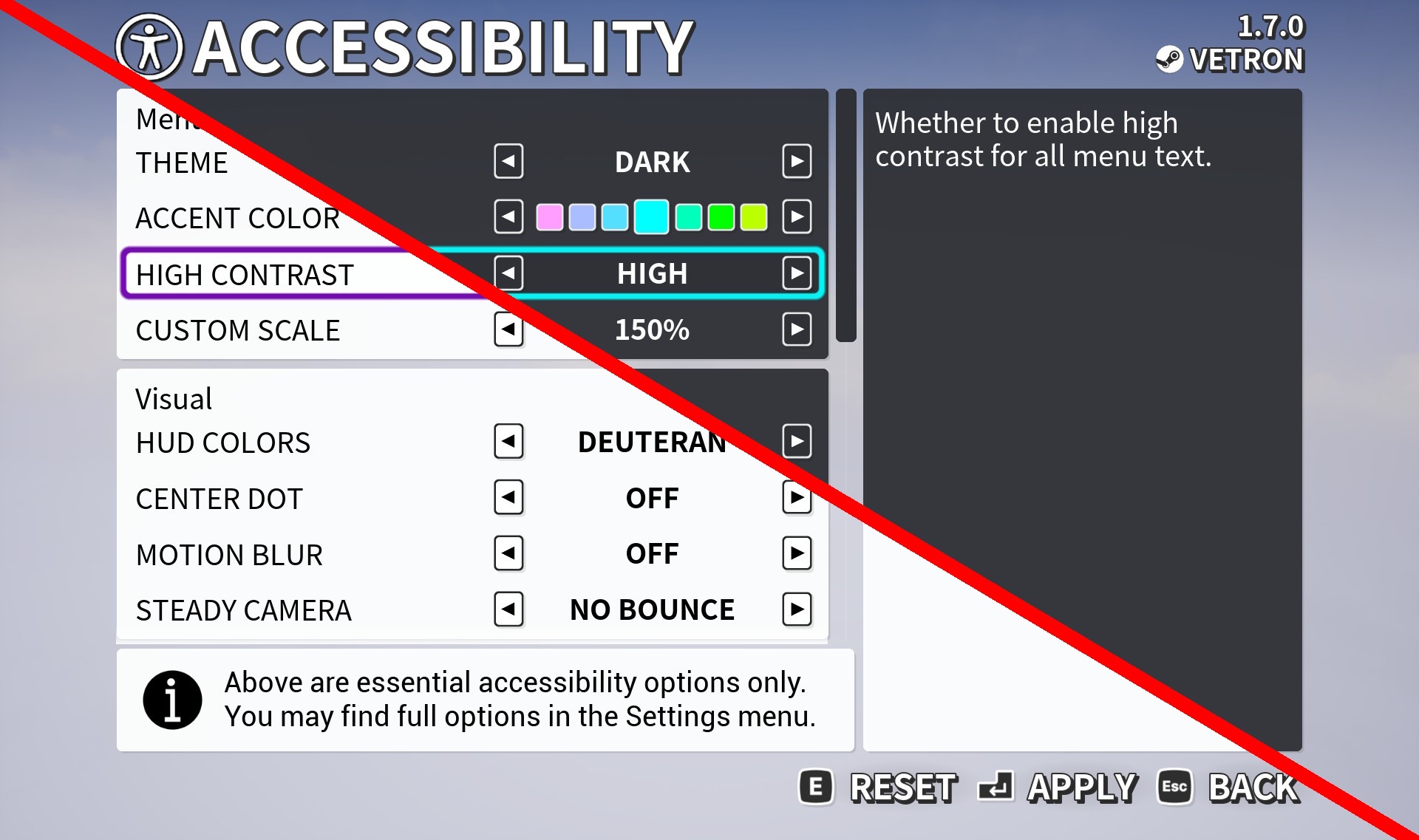
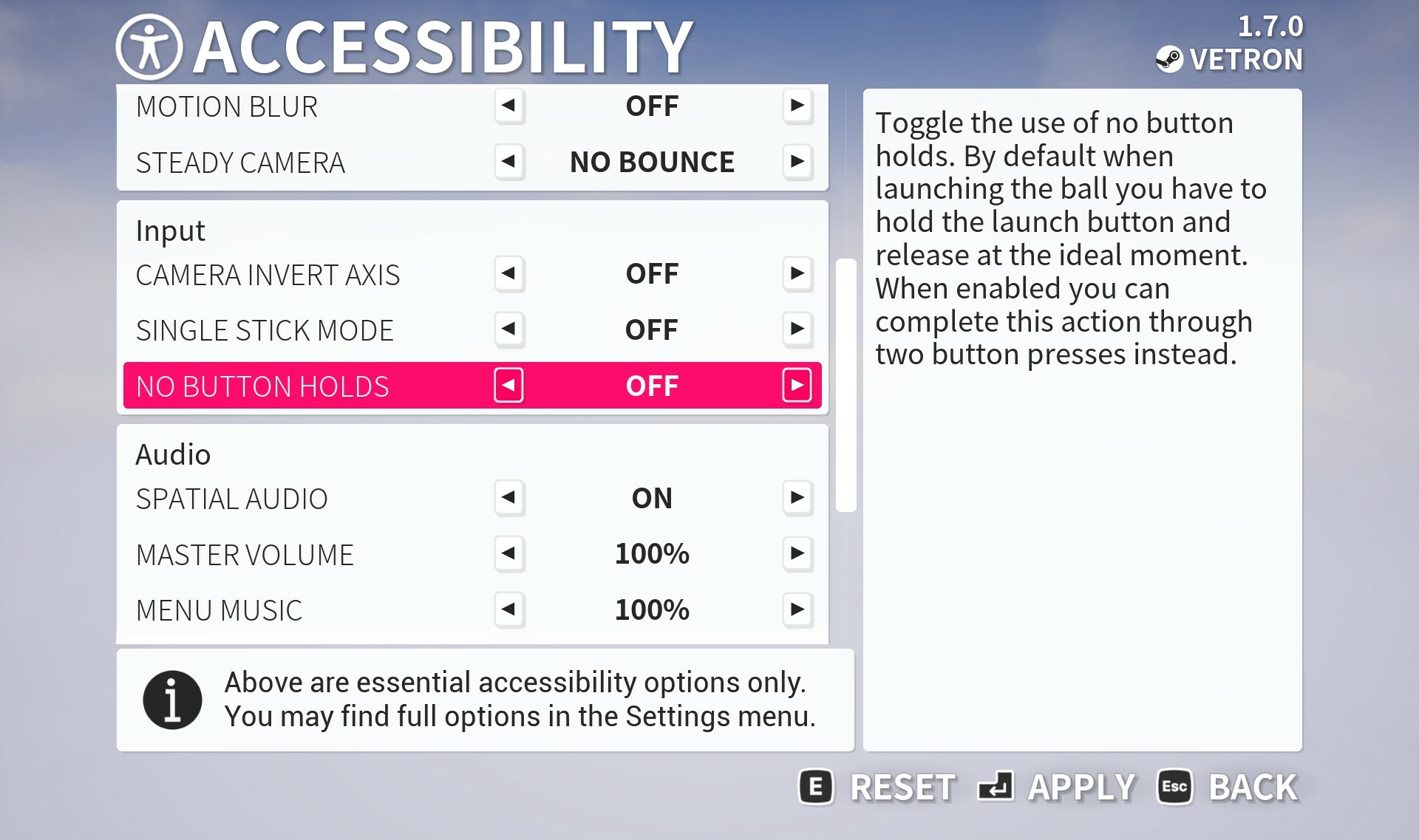
We have overhauled the accessibility menu that appears on first launch with several additional options. To start with you will find existing volume controls now here in addition to the sound’s menu, but also an option to disable spatial audio if you require it.
For visual we have added a new high contract option shown above, this in addition to previous options. When enabled you will have a unique set of highlight colors specific to this mode and whether you are using light or dark overall theme.
There are also additional input options which will talk about in the next section.
Improved Input Remapping
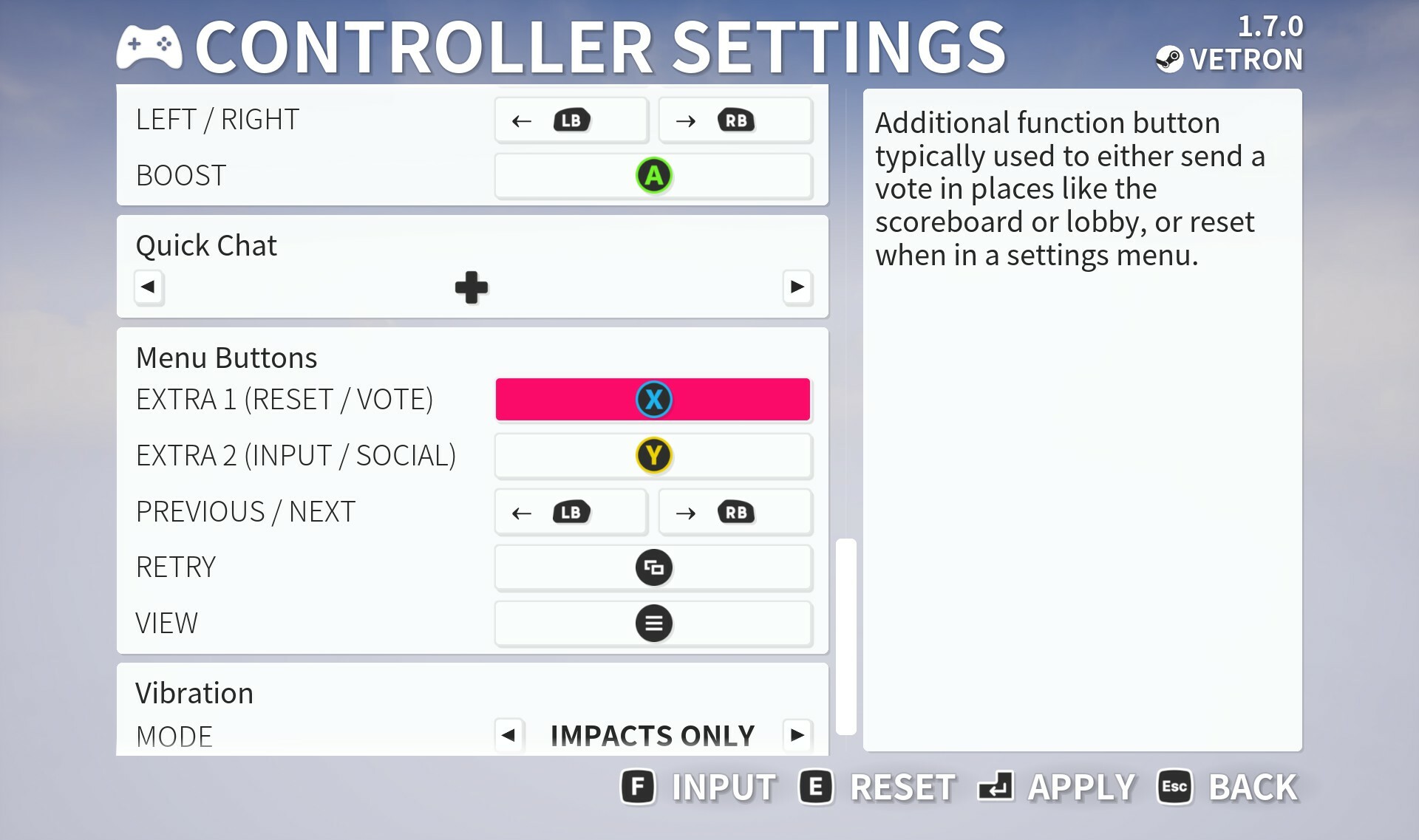
We now provide a more streamlined way of setting a single stick mode preset if you require it, we also allow several menu buttons to be remapped.
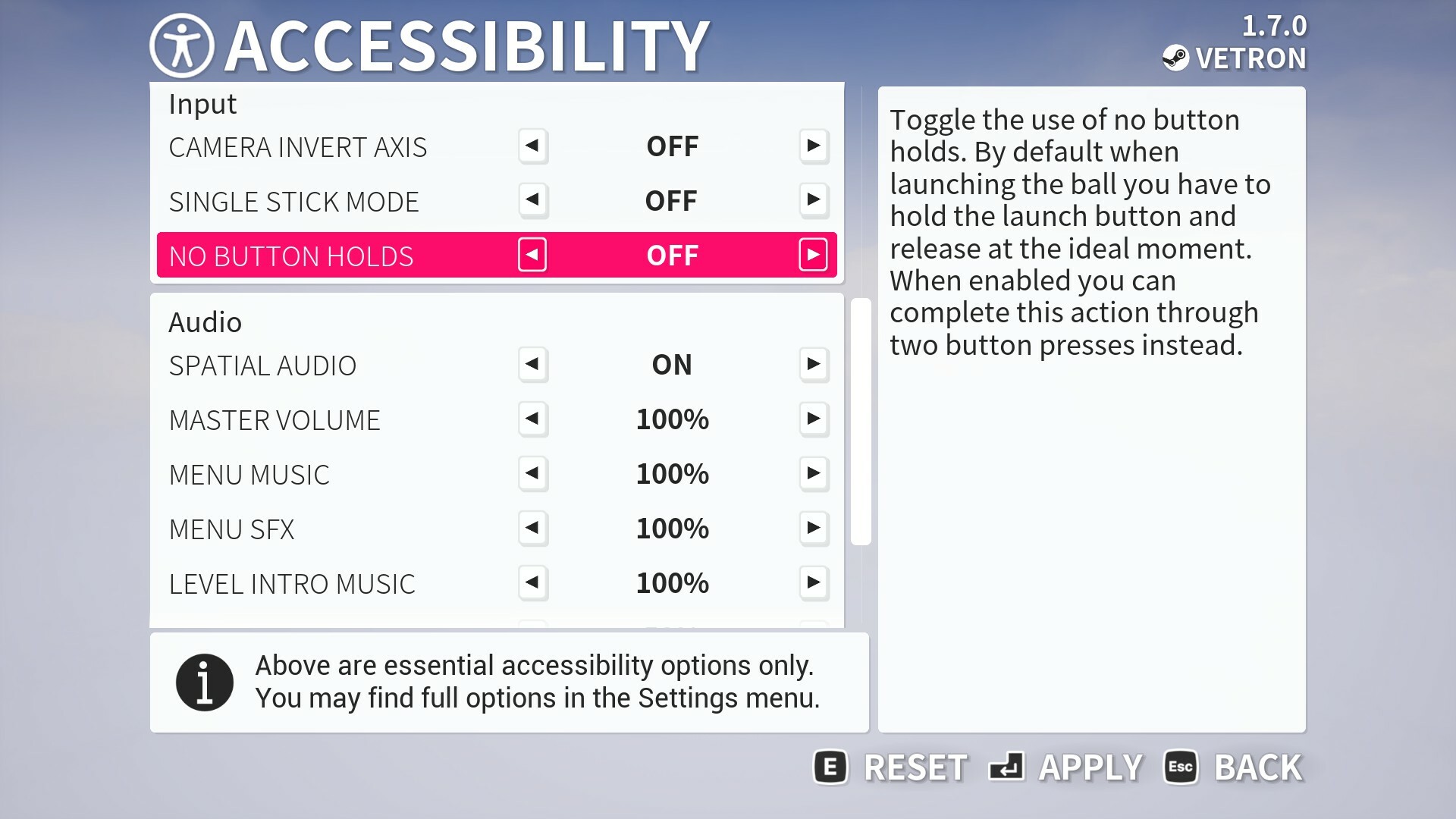
You will also find a new option to disable button holds in both the controller / keyboard menus and accessibilty menu. Button holds include having to hold the A button to launch or skip some sections for example. Instead this becomes a toggle, press to start the ‘hold’ and press again to release the equivalent to hold.
Additional options found in the controller menu include the ability to set the sensitivity of power up / down independently.
Keyboard only / keyboard camera
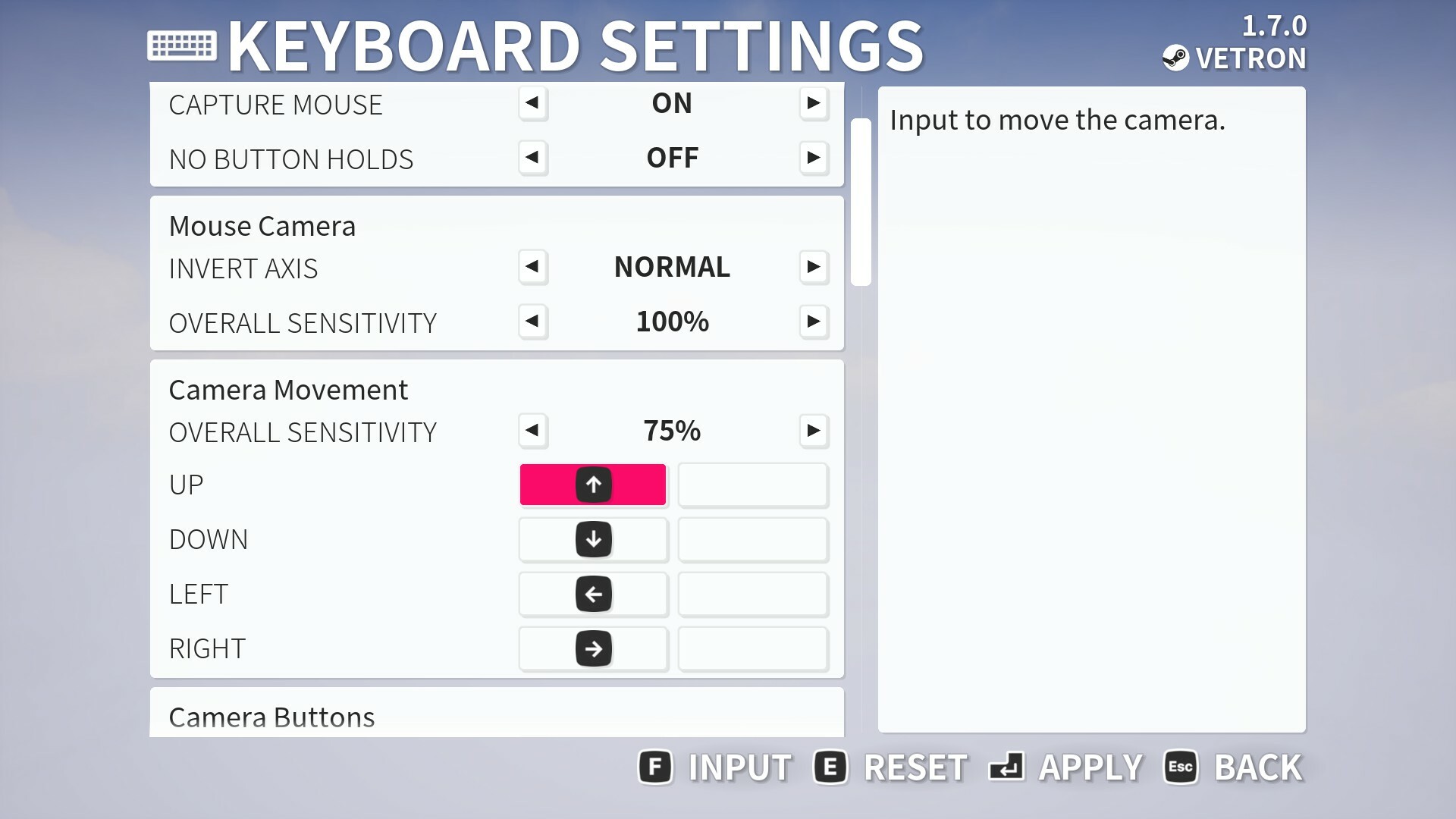
You can now play entirely with a keyboard if you wish, as-in, not require a mouse, by using arrow keys to control the camera. You can also remap these inputs as well as various others in the keyboard settings menu.
All additions to the controller menu such as menu button remapping and no button holds can also be found here.
Pausing Improvements
You can now pause the level intro sequences while playing singleplayer or in offline local multiplayer. This will help if you need a bit of extra time to inspect the level you will be playing.
New difficulty options
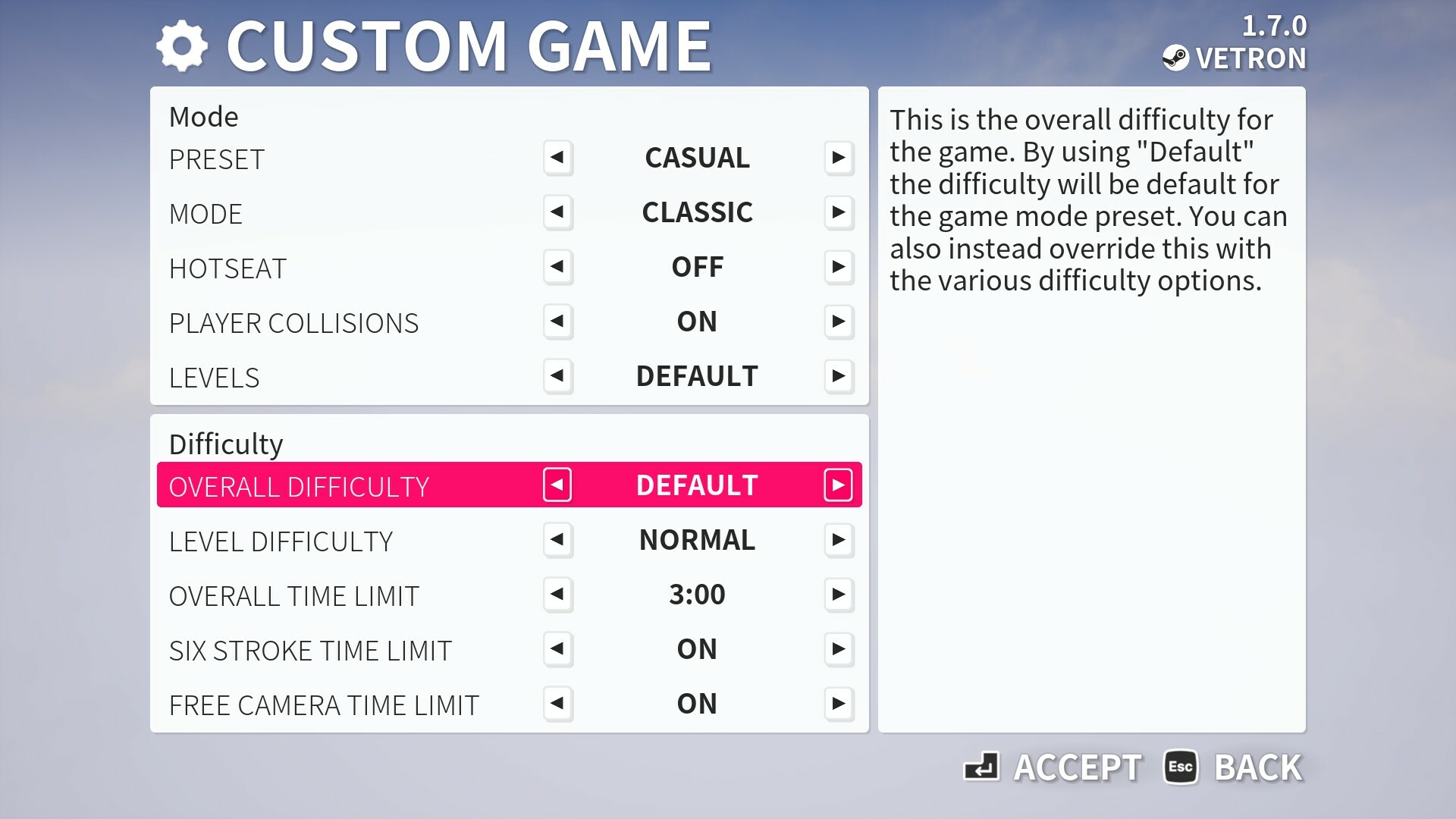
We have made improvements to how the Custom Game settings menu is laid out when playing in offline gameplay. In particular we have split the settings into two sections, one for the game mode itself and another for difficulty.
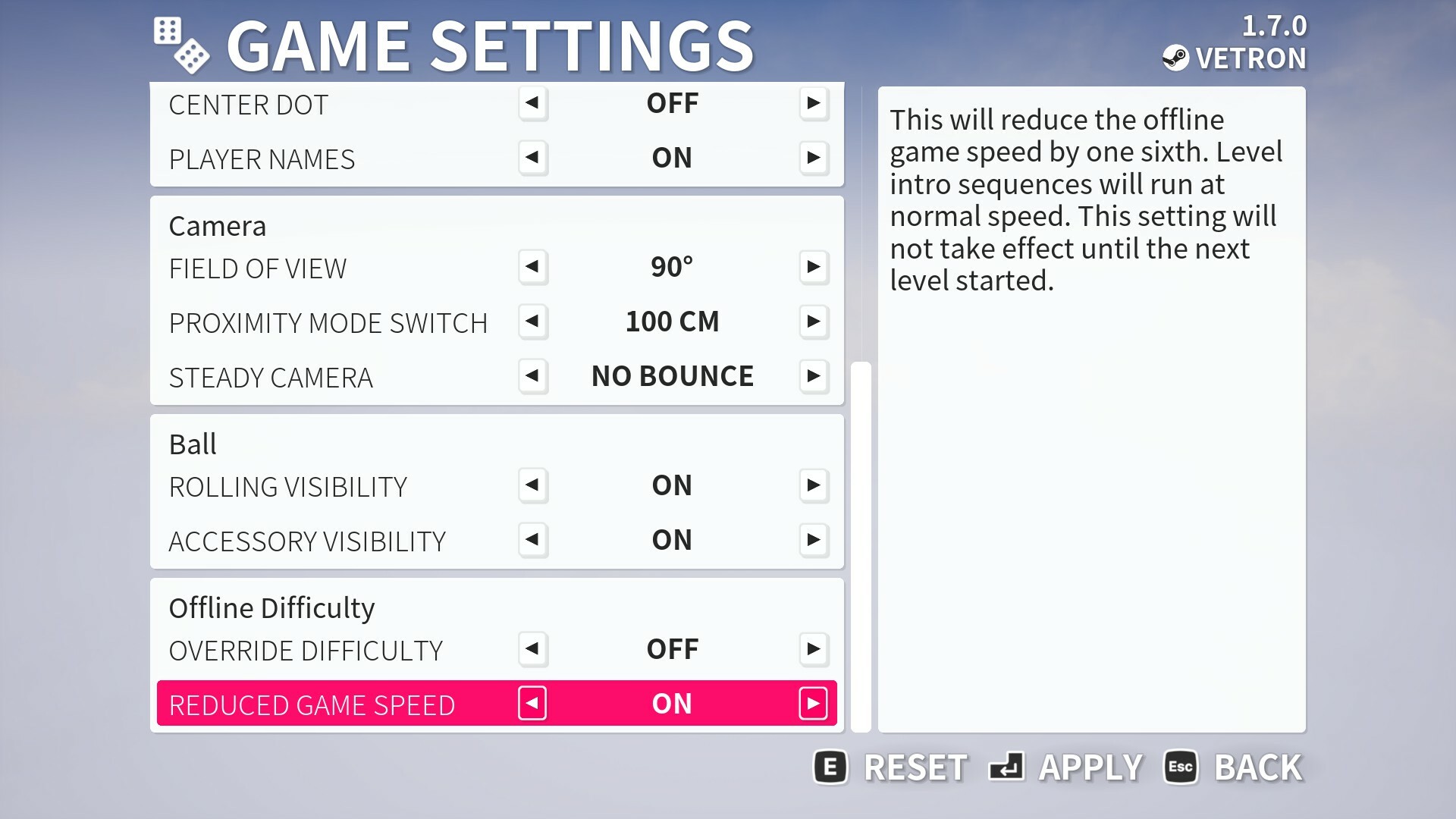
You will find new difficulty presets that will control these settings a whole. But as an additional feature you may also set an override in game settings for all offline gameplay without having to use custom.
Also in game settings is an ability to slightly reduce game speed by one sixth when playing offline. Level sequences and music will play at original speed in this mode still because those are synchronised.
Various other improvements
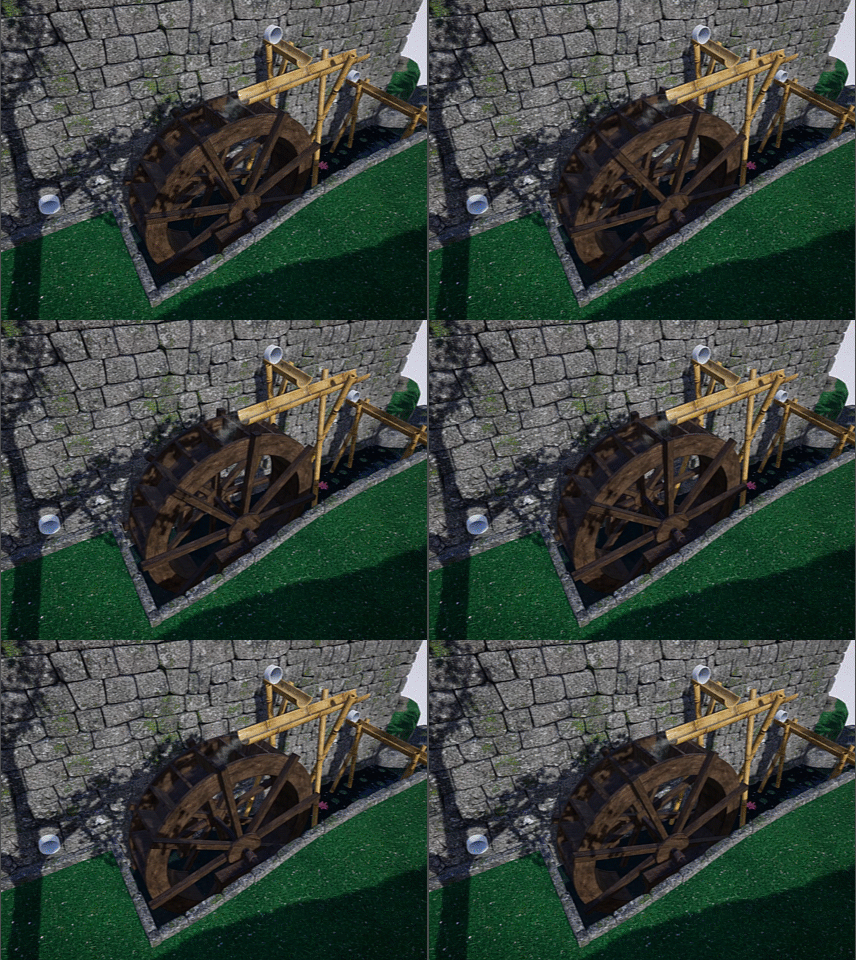
In this update you will also find various minor improvements such as water wheels having a basic water effect, the stone around some movies will now correctly have snow or ice on it. Some constructions such as windmills will have minor visible damage in the dustbowl theme but not in others too.
Tree's have had their texture mapping improved in places, some rocks have been given better LOD models as well. ES3.1 mode in particular also got some improvements to shading and ambient occlusion. You'll notice especially around the flag pole this does look a bit more consitent with the regular graphics mode.
This is a huge update so check the full notes below for the full list of changes. Also of note, Golfing in Aether will be on sale for the next week for 75% off if you haven't yet played the game - do note that a demo is available is if you wish to try it first (the demo will get all these improvements too).
Added new camera behaviour so by default you will automatically be taken into the top camera when the camera is too close to a wall or other obstacle (less than 60cm). Upon space being available after a few seconds it will revert again. This does not impact your ability to manually enter top camera. Hopefully this helps in some situations and especially when you are playing local play perhaps with friends or family members who aren’t aware of the switch camera button.
Added a tweak to make top camera raise to 3 meters from 2.25 meters by default to help clear some obstacles. You can still use the zoom but as required.
Fixed bobble hat black and yellow selection options being in wrong place.
Fixed an issue where if you held the focus on flag then went to open the pause menu, you would be stuck in restricted input until then toggling the focus flag again.
Added achievements “Recovery”, “Expert Navigator”, and “Consistent”.
Added rate optimization to stat and friends list creation.
Fixed a rare issue relating to top camera behaviour at the start of a level.
Added improvements to custom inputs being loaded at game launch.
Fixed an issue in hotseat mode where if playing with local players, all other local players have reached the goal, and then the remaining player were to go out of bounds they would become hidden.
Added improved session join behaviour. Should an error occur after clicking on a session in the session list, this error will initially fail internally, a new search will be performed for that session and a second attempt at joining will be attempted. This can work to the extreme of a player starting a session, killing it, then creating another while you have yet to refresh the list and are clicking join on the original.
Added some improved rate limit behaviour for friends and blocked player list queries.
Fixed an issue where invalid player controllers may be referenced internally.
Fixed an issue where crossplay preference wasn’t factored in when creating a session via the ‘no sessions found’ on join menu.
Fixed an issue where offline achievement progress wasn’t registered at game launch following successful login.
Fixed an issue where some remappings of inputs didn’t function.
Added steady camera behaviour in two flavours. First is an option to help remove very small vertical bounces only (about 30 cm) by having the camera move to the ground when available. Second is a more indepth option that will also introduce camera lag, this means the camera will not track the ball exact, and instead at a slightly slower speed than the ball transition towards its position. This helps reduce pinball-like camera movements.
Added no button holds setting. Instead of having to hold the launch button you will press it once to begin the launch and then press the button again at an ideal moment. Other holds such as reset, skip and focus flag will be toggle as well.
Fixed a logic issue where if two local players were to start an offline competitive session. Player one times out, and then player two disconnects. In this situation the game detected an end of round situation twice because of the disconnecting local player.
Fixed logic issue relating to timed out players that could be potentially be omitted from voting totals for scoreboard.
Added ability to control the camera additionally with keyboard, by default mapped to arrow keys.
Fixed a logic problem when selecting Early or Mid + Late for levels when you’d already played all levels the game was unable to correctly pick a level.
Added some improvements to balls entering holes in regard to camera. The camera will be kept out of the hole in more cases thus reducing clipping effect that can occur.
Added improvements to invitation acceptance flow. A number of additional steps and checks are performed in the event of a failure to help bring you to the correct session.
Fixed a memory leak that could occur when the game was minimised following doing alt+enter from fullscreen. When minimised the game will run at your capped menu framerate.
Fixed an issue where if you started a hotseat game, playing by yourself with no other players, local or online, then immediately on your first shot launched the ball into some water it would go invisible until you took another shot.
Engine
Added optimization to package size for future updates.
Added refactor of various subsystems.
Platform
Added support for platform blocked players which will match behaviour of shared friends lists.
Fixed an issue that could occur with game versioning and multiplayer compatibility. This will enable ongoing hotfix releases without causing a version mismatch (with other platforms that might be slower to patch).
Environment
Fixed a rock partially poking through the track on “law of reflection”.
Added a change to the multi-holes on “Goofy Golf” so that the holes are easier to enter, and less likely to roll over the hole itself. The level layout itself is unchanged.
Added a change to the ramp hole on “Go for it” to make it more accepting of the ball. The outer dimensions are unchanged (but the outer edges painted with grass), but the internal part is wider initially so it doesn’t role back out so easily.
Added water exiting pipes near waterwheels. This includes two different kinds for different graphical quality levels as well as added sound effects.
Fixed some movers having a too low restitution in their physical material (ball wasn’t bouncing off them sufficiently).
Fixed an issue with the alignment of wall back faces on one of the ramps.
Fixed various reflection issues after checking all water reflection volumes.
Added various visual assets that will be used for the upcoming free expansion later this year.
Fixed some collision profiles relating to red fences – particularly the one on “See you on the other side” which was causing unwanted behaviour.
Added baked ambient occlusion to the base of the flag pole, which will show up most prominently while running ES3.1 graphics mode.
Added improvements to wall LOD colouring during winter in ES3.1 graphics mode.
Added improvements to LODs of some rock models.
Added a minor performance optimization to water wheels that are static.
Fixed some parts of the hole in one pipe on ‘pick a hole’ level so that the trajectory will more reliably send you into the hole. Given the difficulty of getting into this pipe, to then miss would be frustrating.
Fixed an inconsistent material between base and wheel during winter for the waterwheel.
Fixed some texture mapping on one of the cherry tree branch lower quality levels.
Fixed a small wall gap on bogey town.
Fixed an odd piece of behaviour where if the flag was raised due to being within proximity of it, and you re-applied some graphics settings, it would return to its default position until raised again.
Interface
Fixed the scoreboard having potential to have bleed-through from the selection color between advanced scores at very low resolution / screen sizes.
Fixed a couple of text strings.
Fixed some Japanese localization that I felt needed improvement.
Added option to set the distance at which the camera will automatically switch when in proximity to obstacles, off is also an option.
Added a tidy up to game settings menu to get rid of some duplicated settings and make it more streamlined for ease of use.
Fixed inconsistent shadows on achievement icons.
Fixed an issue with scoreboard advanced details showing.
Fixed incorrect level name and number showing when loading a replay.
Fixed the display of some achievements during an offline state.
Added the level info to list of widgets hidden when hiding the replay HUD, so you can now have a screen without UI for screenshots.
Added changes to ‘select profiles’ menu wording. Profiles is replaced with ‘players’ and any reference to create is replaced ‘set up’. This is to avoid any ambiguity with the wording used on some platforms used for system functions.
Added changes to language used on leaderboards. Instead of ‘global’ it will instead clarify as cross-platform, and you will then have e.g. Steam Top Players when you’ve changed the view/filter. The same will apply for friends leaderboards.
Added changes to language used in friends list to specifically say which is cross-platform friends and which is e.g. Steam friends (before it just said ‘friends’).
Fixed some text strings relating to friends lists.
Fixed an issue where the scroll bar wouldn’t inherit the correct theme I the social friends list.
Fixed an issue where you could press Y in the social friends list and bring up a invite code prompt when not in a session.
Fixed some balls such as pool eight ball having unreadable activity message when joining a session, in the recently added pre-game lobby chat due to text being white on a white background. Normal messages had already been fixed but this is now fixed too.
Fixed the text size of the level name that appears following the level sequence and being in three player split screen. Long text would sometimes go beyond the bounds of the screen.
Fixed an instance where local players wouldn’t initially gain access to quick chat following level start.
Fixed some issues with input mapping for local players.
Fixed an issue relating to interface scaling in some graphics settings menus.
Fixed a potential text string issue when inviting a friend to a session.
Fixed an issue with the level name appearing incorrect in hotseat session.
Fixed the appearance of some menus opened by local players in a hotseat session.
Added ‘loading’ dots to player names in the pre-game lobby for when the player information is still being replicated.
Fixed an instance where account name would not be visible in pre-game lobby.
Added improvements to keyboard remapping by reserving esc key and allowing this as a cancel remapping function.
Fixed an instance where credits menu could be accessed when button prompt was hidden in-game.
Fixed an issue where remapping a keyboard input to an identical key wouldn’t clear the icon for a duplicate entry.
Fixed a behaviour issue where if a local player were to open the in game menu while it’s their turn the HUD wouldn’t become hidden.
Fixed a behaviour issue where if a local player were to disconnect from a hotseat session the HUD would potentially remain hidden in some situations.
Added context sensitive string for the where it would normally say ‘main menu’ in the ingame menu for local players. I.e. to disconnect them.
Added improvement to recent players so only real players are recorded using their original account names. Local players will not be included in the list.
Added improvements to friends list refreshing from actions such as accepting friend requests.
Added a change to how some credits are displayed, for the music we licence we will only mention the company name and not the url to avoid advertising language issues on some platforms.
Added a change to some terminology. All references to ‘Gamepad’ are replaced with ‘Controller’ to be consistent with platform terminology.
Fixed an issue where the scrollbox in one of the gamepad settings menus wouldn’t apply dark theme.
Fixed an issue where one of the social menus was not displaying the correct side description text.
Added improvements to the blocked player list to list both cross-platform and platform specific (i.e. Steam) blocked players.
Added improved context to the player inspect menu when a player is blocked on the local platform. When this happens you cannot perform social actions to invite or add them, until they are unblocked on the local platform as this takes priority.
Added context to hide/show the sound test button in sound options when only highlighting options that can make use of it.
Fixed an issue where the host in a session would send an activity message (to themselves) when ending the session.
Fixed potential issue where joining a session via the join menu quick join and backing out immediately could result in a duplicate menu prompt appearing.
Added a change so menu scale is now 125% by default when starting a new savedgame. All options to tweak it as before remain.
Added a slight change to the menu titles. The main text is reduced from 48 to 44, and shifted to the left by a few pixels. Right text is adjusted to remain aligned centre. The point of this change is accommodate longer player names in menus with long menu titles.
Fixed an issue found where it would be possible to interact with the mouse or keyboard, release it, but gamepad prompts return, until moving again and then sticking to keyboard. Prompts will now persist correctly.
Fixed an issue where it would be possible to join a session via invite code if either your or the host were on a different network and disallowed crossplay.
Added a limit to the name length of additional player characters created for local players, this is 16 characters.
Added improved behaviour to the scoreboard podium so a players account ID can be shown below their character name. Character names will better handle long strings and automatically be resized to fit.
Added improvements to how player names are displayed on the scoreboard, there is now room for a few extra text characters. Plus when then player has a really long character name and a long account id, the account id will be placed vertically below the character name, and the character name set to same font size as the id.
Added account id to the ‘its your turn’ hotseat screen. Adjustments have been made to fit very long character names, such as 16 character using double spaced letters.
Fixed the in game / pause menu player name clipping if the name was very long, names will be scaled if really long.
Added a tweak to how ‘Recent players’ is labelled. During an active session this menu will be called “Players”, and “Recent players” when not. When the menu is “Recent players” a sub-section for current session will be hidden as its not relevant.
Fixed activity messages for players with long names clipping in some menus.
Fixed an issue where it was not possible to endlessly toggle between shared and regular input in the choose players menu.
Fixed an issue where the button text for shared input didn’t change in the choose players menu.
Fixed a navigation issue with the dpad only on the settings menu from a previous update.
Added improvements to the accessibility settings menu with options for volume control, spatial audio, steady camera, center dot and no button holds.
Added rework of the sounds menu to be consistent with accessibility menu order and added spatial audio control. Names for settings have been changed but the function they relate to is unchanged. “Applause” was renamed to “Win / Loss”, “Effects” is “Action”, “Level Sequence” is “Level Intro”, “Interface” is “Menu” and Environment is “Ambient”.
Added ability to remap additional menu buttons.
Added ability to adjust increase and decrease power sensitivity independently.
Added ability to remap the pause button.
Fixed an issue where triggers wouldn’t be considered as a duplicate input during remapping due to both analog and digital states.
Added new keyboard and mouse settings menu which also contains additional mappings for keyboard camera, pause, and menu functions.
Added input function to keyboard menu that works in similar way to gamepad button, this means you can remap keys purely using the keyboard optionally without any mouse input.
Added improved duplicate detection to keyboard settings.
Fixed an issue where if you held the Thumbstick directionally and selected apply settings it were possible for navigation to continue while the prompt were visible.
Added sound test functionality to volume controls now added to accessibility menu.
Added a limit to 20 player character profiles being creatable as well as added an error prompt should there be insufficient storage space to store a profile.
Fixed the delete profile button having an incorrect icon in the choose players menu when editing a profile.
Added additional difficulty preset settings including a fixed override option found under game settings. When enabled any offline game you start will use these preset settings, these presets are also found under custom settings.
Added optional reduced game speed option which will work when playing offline. When enabled gameplay will be reduced in speed by one sixth, this will not include the level sequences as the music is timed to match.
Added improved contrast options with a new high contrast mode with existing option renamed to medium. In all settings various text that doesn’t not have a background will have a faint outline to make it more distinguishable against really bright sky.
Fixed ability to select a unused element on the choose players menu.
Fixed an issue relating to padding when changing the view in lobby.
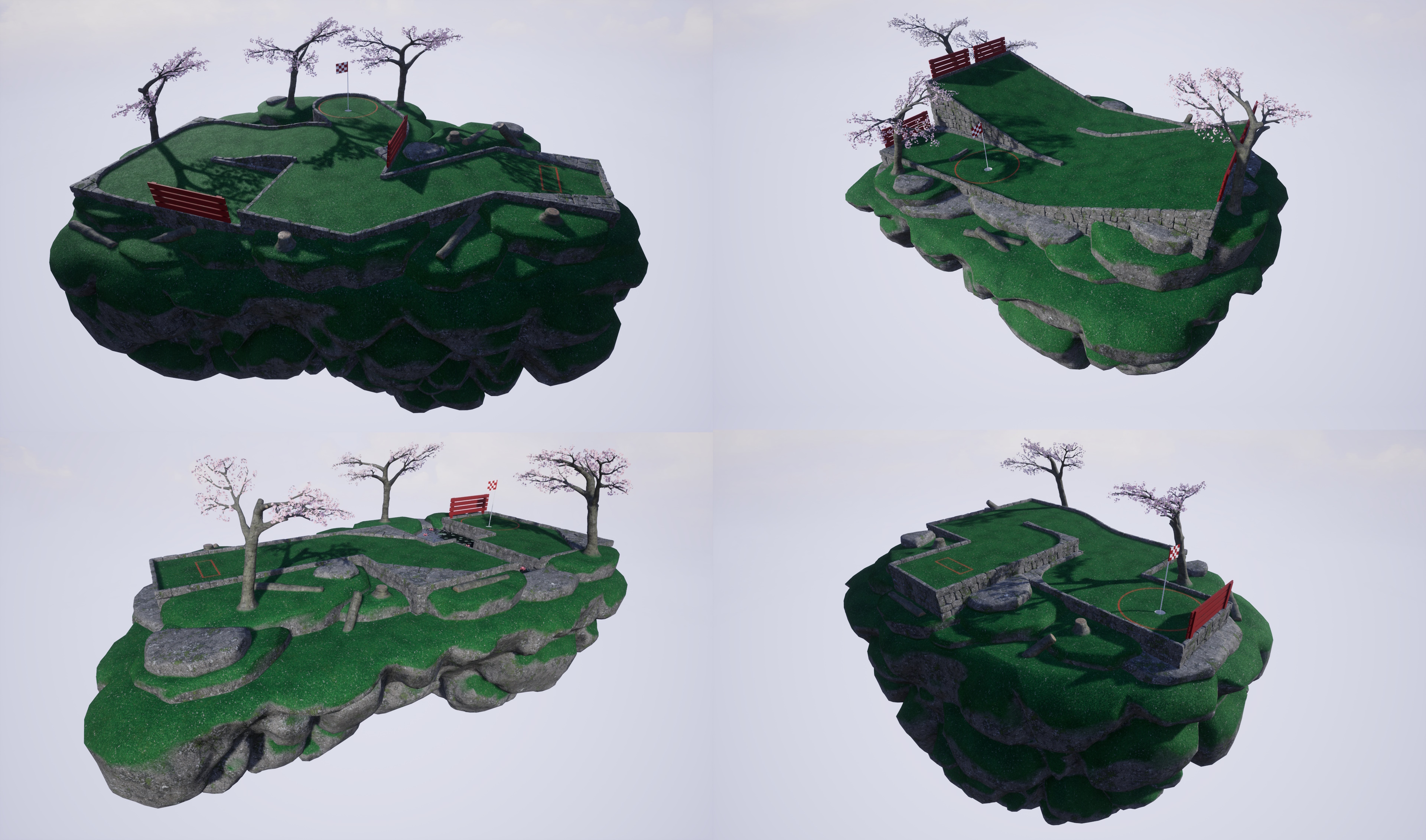
Golfing in Aether - FREE Cauldron Expansion Coming Soon
Today I want to share some screenshots of the upcoming free expansion coming later this year which you can find listed below as coming soon.
Please note that this is work in progress and not due to release till sometime in Q3-Q4 if everything goes to plan, which is to coincide with releasing console versions of the game which have been in development for some time.
Level 'Cauldron'
This is the fifth free expansion, featuring ten levels, two of which will be feature the new volcanic elements, and the rest will be an assorted mix to bring further variety to the game including some new mechanics or hazzards. Shown above is the titular level which is one of the new late game ones. This features a volcanic cauldron you have to navigate your way though and offers some distinctive scenery and hazards.
Upon reaching the first hole you will be transported to the lower portions against the lava flow. Upon finding your way through you have to make a large jump back out to safety, where you'll find the final goal.
This level, like all in this expansion, works with all existing themes so can be played in Autumn, Winter, or Dustbowl appearance in addition to the default Spring.
Level 'Scorcher'
The second volcanic themed level in this expansion features a river of fire you have cross. You can either make use of the floating boulders (which move down river) for a tricky shot or take safer longer ramped route.
This expansion will be similar in setup to the third free expansion, Leviathan, where the focus is more on having distinct new environment elements rather than a specific overall level theme. When adding lava as part of levels I wanted there to be gameplay here that couldn't already be done with the existing water and this level is a good example of that.
Coming later this year
There will of course be more levels than previewed here in the final expansion release which is still quite a bit away, so I may do further teasers including to show off in detail some new gameplay mechanics / hazards that some of the new non-lava levels will feature.
Just to repeat, this expansion will be entirely free, and you can wishlist today to be notified of its later release.
Discord Server
Be sure to check out the official discord server with channels for Golfing In Aether and my other various projects.
Golfing In Aether Update Released [1.6.9]
This update contains a handful of quality of life additions, several bug-fixes, and also adds a couple of new hat options as part of an update to the free Dustbowl DLC.
New hats as part of free Dustbowl DLC
In the previous update I added some hats to the free Leviathan DLC to match the earlier DLC's, such as Autumn and Winter, which include some seasonal content. So as part of this update I've added the 'Race' and 'Safety' helmets as part of the free Dustbowl DLC.
Each of these hats are well detailed for their size and come with all the usual color options included with other hats. You will find these available right away when you look in the hat/accessory options.
Dustbowl was the fourth free expansion released last November. It introduced a desert-like environment featuring sand and dust covering the usual grassy levels. The theme supports all existing levels as well as the DLC adding ten additional levels to the game.
While I'm not ready to reveal what the next free expansion will be, there is some work towards it underway.
Improved social menus
The invite and block menus have been reworked to focus on the consistent inspect menu for actions. Improvements have been made so you can maintain additional friends/block list in-game on top stream friends list. The point of this is so when the game is available on other platforms as crossplay you also have this as an option as a fully functional alternative than having to use accounting linking already provided if its not something you want to do.
When in the friends menu, by default you'll only see your Steam friends list until you add a player from another platform, then you'll have an ability to switch views and interact with a combined list if you wish.
A report players menu has been added, these are automated reports based on options you pick and are sent to us to look into. The primary point of this menu is should you encounter players from other platforms outside Steam you have issue with.
You can still reach out to us at our support email with any specific issue, but if its with another Steam player your best bet is to just report them directly in Steam as all we will be doing is interfacing with platform account providers in most cases ourselves. For proactively dealing with things like offensive names and that kind of thing we will be maintaining a basic filter list but are not expecting much in the way of problems.
You can also access this social menu now via the "Online" menu, it doesn't have to be solely done in-game.
We still don't have an launch date in mind for other platform versions of the game, such as consoles, but hopefully later this year. It should be said the game is functional for crossplay already (it was developed originally from the start with this in mind) so don't expect any changes to how the game behaves beyond a few tweaks here and there to things like improving the in-game social menus.
Online settings menu
Some of the settings found in 'game' settings have been moved to a dedicated 'online' menu as I thought it was a bit packed, especially with all the quick chat options in it.
You'll find an additional option for "Crossplay". When you disable this you'll only encounter non crossplay sessions and wont have any interactions beyond other Steam users. Leaderboards menu's will only display the Steamworks leaderboards and not the option to switch between those and global.
Functionally the game remains the same, its just a series of flags to provide a block to interacting with players not from Steam if that’s something you wish. You can also set a separate setting as part of creating a custom session and filter for these sessions if you wish that as well.
Gamma setting
In graphics settings you will find an additional option to change the overall display gamma. This has a helpful widget in side description to assist with calibrating if needed.
Providing your monitor is set right and you don't usually have to worry about it in other games this likely isn't something you'll need to play with, this is just a per-game option if needed.
Various menu performance improvements
This won’t be something that’s hugely noticeable, but you will notice slightly more responsive leaderboard and friend list fetching for example. If you run the menu's at uncapped framerate rather than the default 60 then some menu's such as practice menu have been reworked internally to be less of a performance drain here.
The point of these changes was mostly for very low end hardware where even instances of a few too many UI elements could cause slowdowns. From a front end perspective you won't notice any functional difference.
Various bug fixes
A couple of levels got some minor fixes and tweaks where issues were identified, one such example was on the level "Mind the gap" where there was a chance to get stuck in the pipe leading to the waterwheel. The geometry for this pipe has been reworked so should no longer happen.
Additionally while testing this I noticed a behaviour issue where if you reset the ball during a session (not practice) after going down a waterwheel, you would then fall off the waterwheel after exiting the pipe again. Maybe a niche issue but has now been fixed.
Please check the full notes below for all the changes made as its hard to mention everything, if you are aware of any issues then please let me know so they may be hotfixed.
Added additional gamma display settings. Existing brightness has been made to better reflect this is a world brightness setting.
Fixed pathfinder mistakenly triggerable on ‘Birdies nest’.
Fixed an issue where if in a standard game (not practice) you were to traverse a waterwheel, then immediately reset to the pipe exit just before the waterwheel, you might not correctly exit the waterwheel due to a change in collision state.
Fixed a trigger for ‘Ghost Buster’ achievement as it was possible to achieve it in an instance where it shouldn’t be achievable.
Platform
Added improvements to the rich presence strings as well as improved support for Japanese.
Engine
Added update to FSR to latest FSR3 version.
Added updates to various online subsystems.
Environment
Fixed appearance of some blending glass pieces up close.
Added a couple of rocks and tweaked the appearance of a few placements on Tee Time to improve quality.
Fixed an instance where pipes on “Mind the Gap” had potential to stop the ball.
Fixed a small gap in the water on "Up to Par".
Interface
Fixed demo main menu string not fitting nice.
Fixed an issue with manually disconnecting a local player after recent update.
Added performance boost to the practice menu. Note: If capped at 60fps on a recommended spec machine you won’t notice this – but extremes for low spec / high framerate will.
Fixed view button visible in leaderboard-less mode on XP screen.
Added very small performance boost to the HUD. This is a very small change and more noticeable on CPU bound systems trying to support 8 players.
Added slight tweak to padding values around HUD elements so a couple more characters for names can fit. Also added dynamic scaling so longer names will have their size reduced to fit. This works fine for names 12 to 16 characters, and any longer names will just get cropped.
Added additional header strings for ‘end practice’ and ‘end the game’ when playing offline.
Added a display gamma slider to graphics settings for all graphical modes. This also includes calibration helper widget in the description field.
Fixed some brightness configuration values between 125 and 150% missing.
Fixed an issue where horizontal navigation while using a gamepad in select settings menu (e.g. gamepad) would not update the description on the side bar.
Added tweaks to text on loading screen to instead of saying “loading” will more accurately describe the process such as “starting new game” or “connecting to online session” etc.
Fixed an instance where global player leaderboards could be found in global friends leaderboards.
Fixed the default state for win rate displaying as 100% when starting the game for the first time.
Fixed an instance where the play offline new game theme select menu may inconsistently show “Invite only” rather than “new game” as a menu title.
Fixed a left and right navigation issue on some prompts.
Fixed the season menu not displaying the correct menu name for the back button in some instances.
Fixed some navigation issues on the player inspect menu.
Fixed an issue with dpad navigation on the session info menu.
Added a rework to how the session info screen is updated. Previously was based on lobby update bindings but I’ve noticed some unreliable behaviour so the cache of this data is checked every couple of seconds (while in this one menu) and refreshed if need be. This will help catch any network related or timing problems that could occur to the visual information displayed.
Added new “Online” settings menu to the Settings menu. This has news settings such as to disable cross-network interactions with a “Crossplay” setting. Some of the settings from game settings such as leaderboards and quick chat have been moved here instead (this menu was particularly large so this should make it easier to navigate). Keyboard settings has been moved to a second column, and Online settings placed in its place, so this shouldn’t disrupt the navigation flow for gamepad users.
Added an option to reach the social menu via the “Online” menu.
Added new friends list menu which works more traditionally in that you select each friend and then get to perform an action, e.g. invite. The previous menu with having to use ‘input’ button to select friends you wished to invite was a bit awkward. This new menu will also make use of the same customization as found on the leaderboards menu.
Added localization into Japanese of various legal texts where possible.
Added ability to remove friends you’ve added that aren’t Steam friends. Steam friends cannot be managed in-game.
Added various performance improvements to the backend flow relating to generating friends lists so it should be more responsive.
Added ability to report players for online behaviour issues such as offensive names, spamming, or cheating. This would come in particular use for any players you encounter that don’t have a steam profile to be reported via.
Added some refresh-rate improvements for leaderboards on scoreboard.
Added ability to unblock players from the player inspect menu with the blocked players menu now taking the player to this menu instead following selecting the player you wish to unblock.
Added some refresh rate improvements to the blocked players list and friends list.
Discord Server
Be sure to check out the official discord server with channels for Golfing In Aether and my other various projects.
Golfing In Aether Update Released [1.6.8]
For this update some of the themes included in free DLC such as Winter and Dustbowl have been each given some small visual improvements. There is also a bunch of general quality of life additions, and two new hat customizations.
Theme updates
The first addition is frost detailing on stone or wood surfaces, which takes advantage of some of the back-end support introduced with Dustbowl for these parts dynamically being changed as part of the level construction. This isn't a major change but does bring a bit of added natural coloring to levels running this theme.
Dustbowl has had some models such as the windmill and its bases tweaked to reflect a more worn out and damaged look.
For all themes the tracks for movers have been adjusted to have a terrain blending effect, making the gaps the boards raise from or run along seem more natural. This is a small change but particually in the winter and dustbowl themes this helps a lot with the look.
New hats as part of Leviathan DLC
Earlier free DLC "Winter" and "Autumn" both recieved some additional customization even if they were part of timed events or just timed unlocks and I wanted to add some in-theme customization as part of this DLC as well. So now included are two novelty knit hats titled "Shark" and "Fish" somewhat matching the theme of the expansion. Just a little fun extra and these can be color customized like other accessories.
DLC store pages in general have been been given fresh images and added information, the only one I've yet to do is Dustbowl which may also get some themed customization in a future update.
Various bug fixes
Please check the full notes below for all the changes made as its hard to mention everything, if you are aware of any issues then please let me know so they may be hotfixed.
Added support for time based seasonal content – for instance, decorative items such as the pumpkins will now show up automatically around Halloween and the main menu text wishing Merry Christmas or Happy Halloween.
Platform
Added new images to store pages as well as added information in cases.
Engine
Added various internal refactoring of files as part of a general tidy up.
Environment
Added additional frost layer for winter theme (from 2nd free expansion) on all wood, stone walls, and tree’s. This helps improve the theme with a bit more of a natural color rather than reused textures from the base game. The more recent Dustbowl expansion had this treatment.
Added blended terrain to the mover stone piece so appears more seamless. This particularly helps the winter and dustbowl themes.
Fixed snow coverage on a triangle piece on “Rebound”.
Fixed flag raise range on “Up the stairs” being a little too short given the speed of shots taken.
Added themed versions of the support posts holding up rails in some levels.
Added visually damaged model of the windmill for Dustbowl theme.
Fixed a couple levels lacking snow on windmill wall mounts.
Fixed position of flippers in some levels to be more seamless with terrain for placement (as well as added blended terrain like other movers).
Fixed some wall placement on Zig Zag.
Fixed some minor wall gaps on Fore Fun.
Fixed a stump too high on Hill climb.
Fixed incorrect physical material on a decorative wall piece on Behind the Tee.
Fixed the two top holes on Tee Time having a swapped camera.
Fixed some rock placement on Centre Path.
Interface
Fixed draw order of the “X” when no hat is selected on the choose players menu.
Fixed incorrect main menu message shown in demo.
Fixed some loading text not displayed if starting a custom game / session.
Discord Server
Be sure to check out the official discord server with channels for Golfing In Aether and my other various projects.
Golfing In Aether Update Released [1.6.7]
This is a small update primarily containing fixes following on from the recent update, which you can read about via the link below. https://store.steampowered.com/news/app/1914980/view/3989693438984004136 There are also a few quality of life additions such as a new achievements menu and improved loading screens.
Improved achievements menu
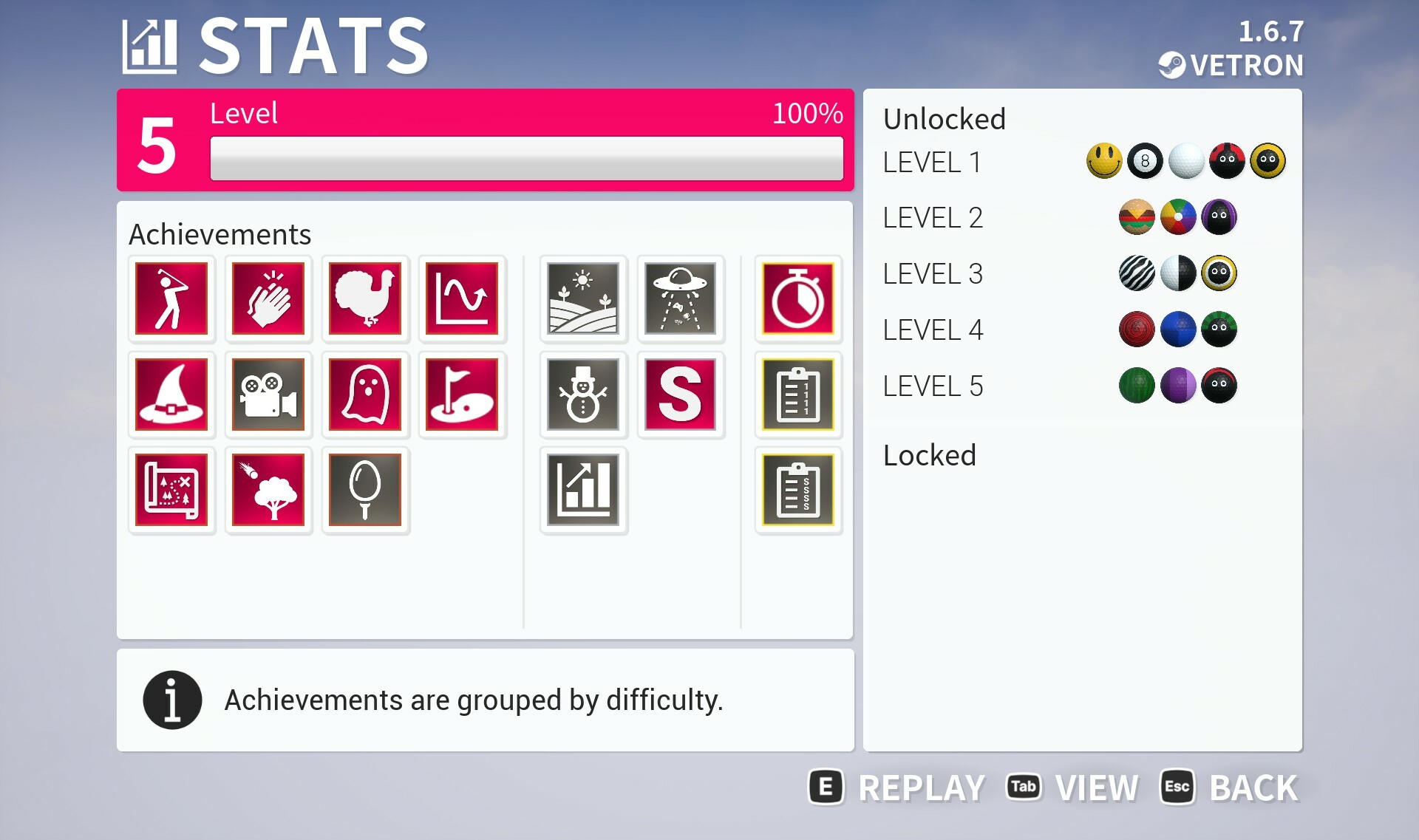
The stats menu now has a view toggle button which includes combined progression and achievement information. This is instead of the previous two additional sub menus. In this menu page you can navigate to select either your XP level or one of the achievements to read a description as well as any additional progress infromation.
A new achievement "Breakfast Ball" has also been added. This achievement can be obtained during practice mode, with the requirements of "undo your first shot and then finish the hole with par or better".
Improved loading screens
You will now see a clearer description of what the loading state is as well as additional information such as when starting a new game that a course is being constructed. Previously the screen just said "Loading...". After a game is complete it will also state the completion state plus specifically that the game has ended and a new game is starting. To the left of the text is also a segmented progression wheel that will update as each stage of the loading is complete so you can get a clear indicator of progress.
The loading times were already very short so the focus of these changes was more on giving clearer information as to what is actually going on if not aware.
Various bug fixes
Check the full notes below for all the changes made, if you are aware of any issues then please let me know so they may be fixed for a future update.
Fixed an issue where if a player brings additional split screen local players into the session, and as the level timer is almost up so they are forced as spectator for the remainder of that round, the screen would still divide into split screen rather than stick to player 1 only moving camera around.
Added ‘breakfast ball’ achievement. In practice mode, use the reset button to undo your first shot. Then finish the hole with a par or better.
Fixed an issue where incorrect time would be applied to the time stat total during a late session join.
Fixed an inconsistency with an achievement internal name. As this is a steam stat achievement this didn't effects its unlocking but would impact its result being displayed in achievements menu.
Engine
Added latest versions of various online subsystems and various other engine plugins used.
Environment
Fixed an overlapping wall in “Drop to the left…”.
Fixed a slightly low tree in “Shortcut”.
Fixed some shadow pop in on some lods of one of the rock types.
Fixed some incorrect physical behaviour applied to bamboo.
Fixed some minor wall gaps on “Around the bend”.
Interface
Fixed level par information not being shown on level title for split screen player on later rounds following various spectating actions in a previous round.
Fixed the faceplate for melon not tiling on really wide menus such as new pre-game lobby.
Fixed two quick chat messages being a bit too long to fit in quick chat side menu.
Added internal refactoring for various menu interfaces with various cleanups where needed.
Added support for additional application states to pause game when required.
Added a change to the title of the previous ‘custom session’ menu when exclusively playing offline to instead say ‘custom game’, same for the level picker. Various other references to online play are removed for consistency.
Fixed some inconsistent styling with a scroll bar on practice menu.
Added layout improvements to the custom game/session levels menu to better handle the scroll bars.
Added improved scrollbar shadows to all menus. This gives a smoother blending effect rather than abrupt dark shadow that was previous.
Added new combined achievements and unlocks page to the stats menu. This replaces the previously two individual menus. All information is retained in this new menu along with it being much easier to get an overview of your current game progress in one single spot.
Added a tweak so the stats animation will only play coming from the main menu, not going back from session replay.
Added improved combo buttons which will render better at extreme resolutions.
Added change to how in-game menu is constructed, with more of a shift to runtime with a singular widget rather than the ever growing pre-set variations needed. This will ease development and debugging.
Added improvements to how replay’s are handled in game menu’s with some custom strings such as “continue watching” rather than the generic playing.
Fixed a minor padding issue with the horizontal scroll theme select.
Added a confirmation prompt to starting a replay via the practice and leaderboard menus. Other actions involve different menu’s you have to pass through such as picking your ball when you want to play for example, whereas a replay would just instantly start – which can be annoying if you press the wrong button, so an extra step to confirm the action has been added.
Fixed some minor padding that was inconsistent in the ES3.1 graphics menu.
Added additional input check mechanism to all menus which can better handle blocking of inputs when required due to application state change.
Added additional explanation text to the theme select menu that states choice does not have an impact on the levels chosen.
Added some loading screen improved descriptions to better explain current loading action – be it loading a practice level, generating a course for a new game, or starting a new game after the previous one was complete for example.
Added a segmented progress wheel to loading screen for loading actions involving levels to give an indicator of actual progress.
Added a minimum loading time of 2 seconds to loading, this is primarily for user experience and reliability, particularly as hardware advances to avoid timing related issues, both local and network related. It would also be the case that any information on these screens wouldn’t be readable at all if the screen became just a white flash.
Added a slight reduction in hold to skip level sequence time by around 0.2 seconds as various platform and user operations have been moved earlier in the loading stack.
Added an “X” instead of a blank space for the none accessory/hat option in the combo select area.
Fixed some minor padding on the blocked players menu.
Fixed an issue with the secondary view for the race scoreboard due to changes in recent update.
Fixed some shadow behaviour relating to the player widget in the scoreboard.
Fixed an issue where Thumbstick navigation in the scoreboard was inverted (dpad was correct) as part of added input from previous update.
Added some increased minimum padding to the on HUD player widget during race mode so double digit race positions have sufficient space.
Added a quality pass on all menu icons with better targeted resolution in cases where it was required or a few cases entirely new icons.
Added new stat for ‘fewest strokes’ during race mode to replace previous strokes stat. In this game mode as strokes don’t matter towards score an uncapped strokes will be shown without par factored in.
Added a tweak to the pregame lobby added in previous update so the visual look of scrollbars is more consistent with other menus.
Added a “player has left the session” activity message which will also show up in menu’s with the embedded quick chat like scoreboard and pre-game lobby.
Added improved rendering quality for the holeout animations when using split screen. Particularly the text wasn’t scaling nice so these have been tweaked to be as consistent as on a single screen.
Fixed some race place behaviour relating to on screen HUD where it was possible to display a place incremented beyond total players by one in some instances when playing with multiple players in both split screen and online multiplayer.
Discord Server
Be sure to check out the official discord server with channels for Golfing In Aether and my other various projects.