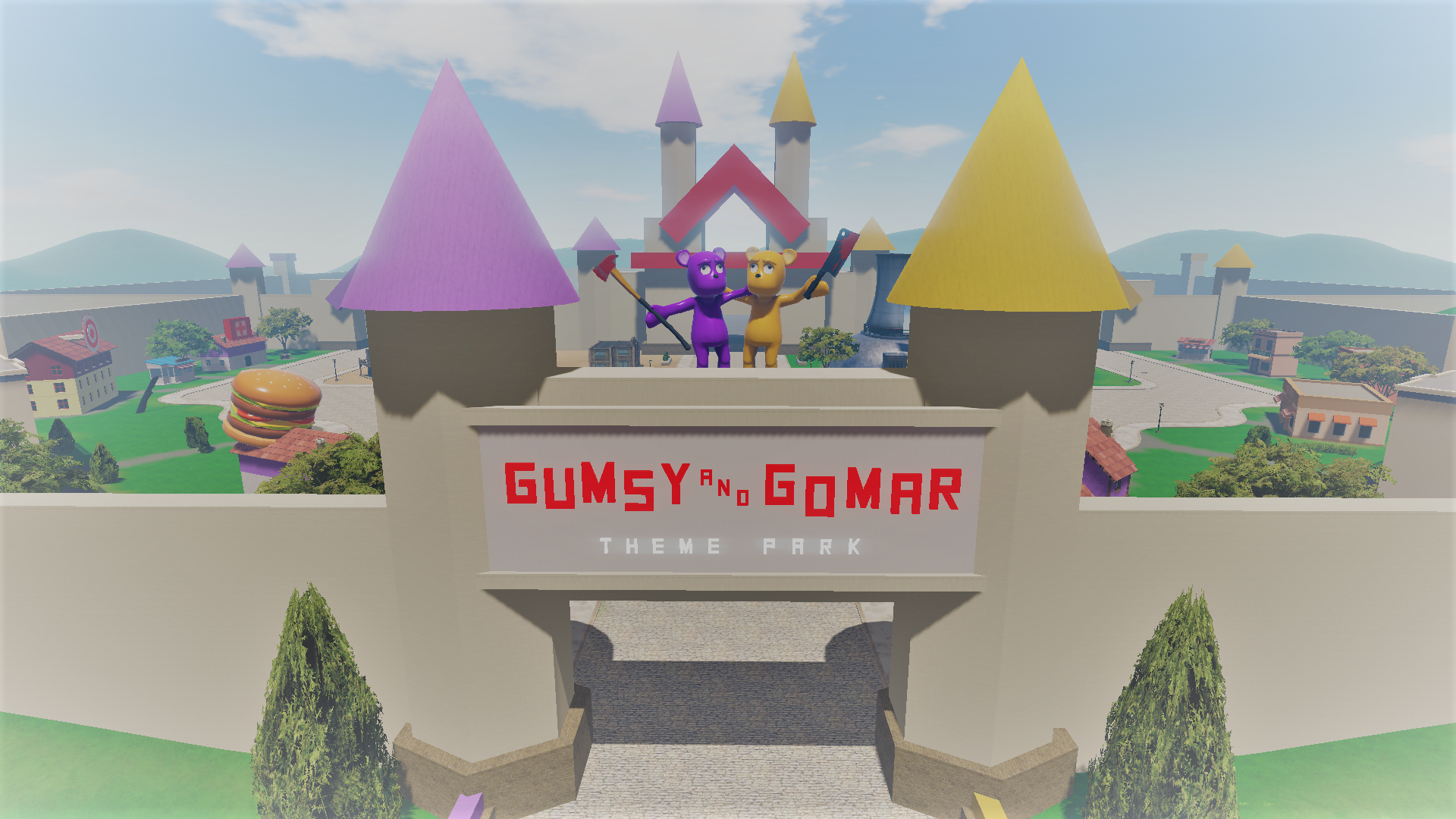
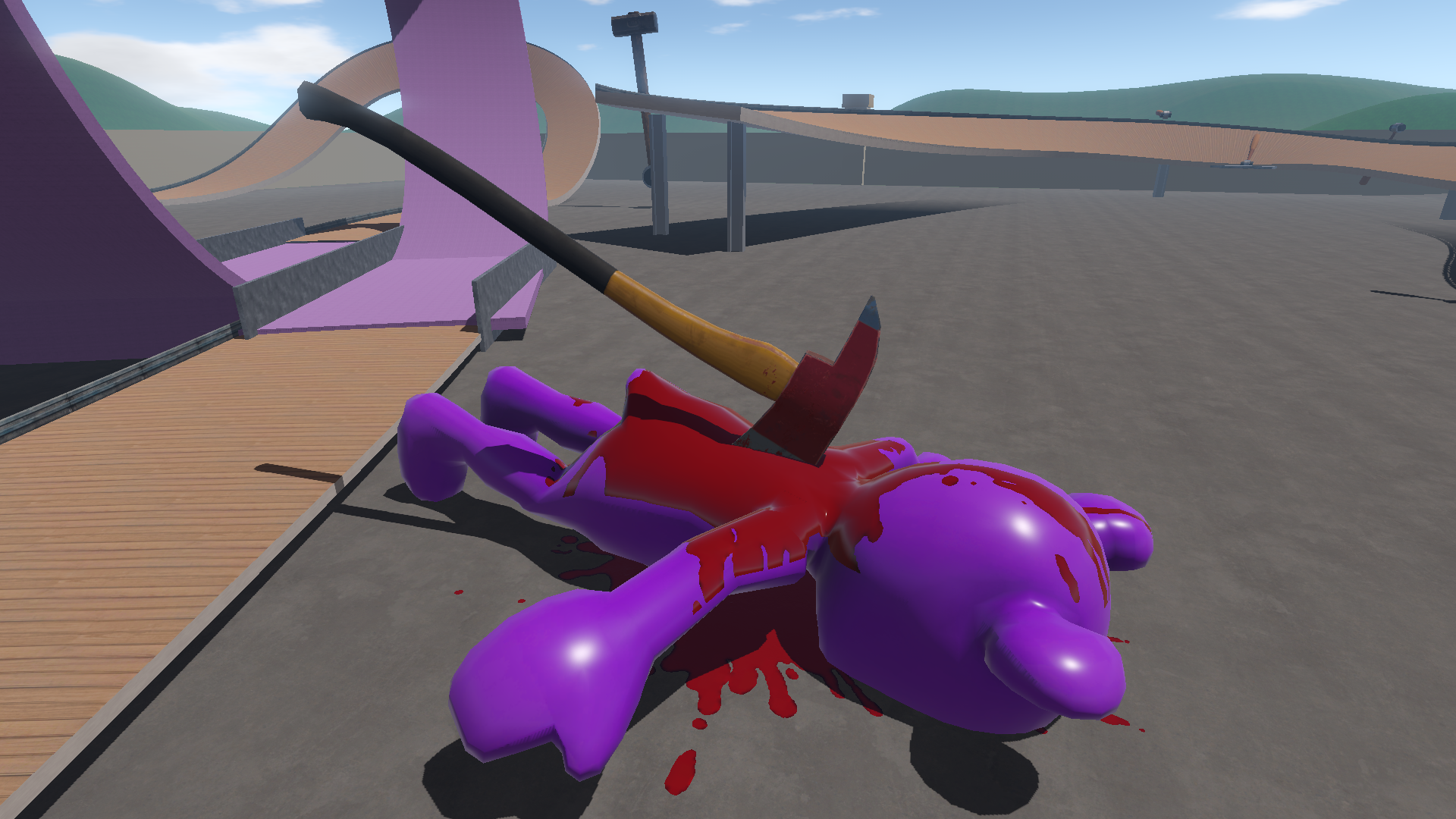
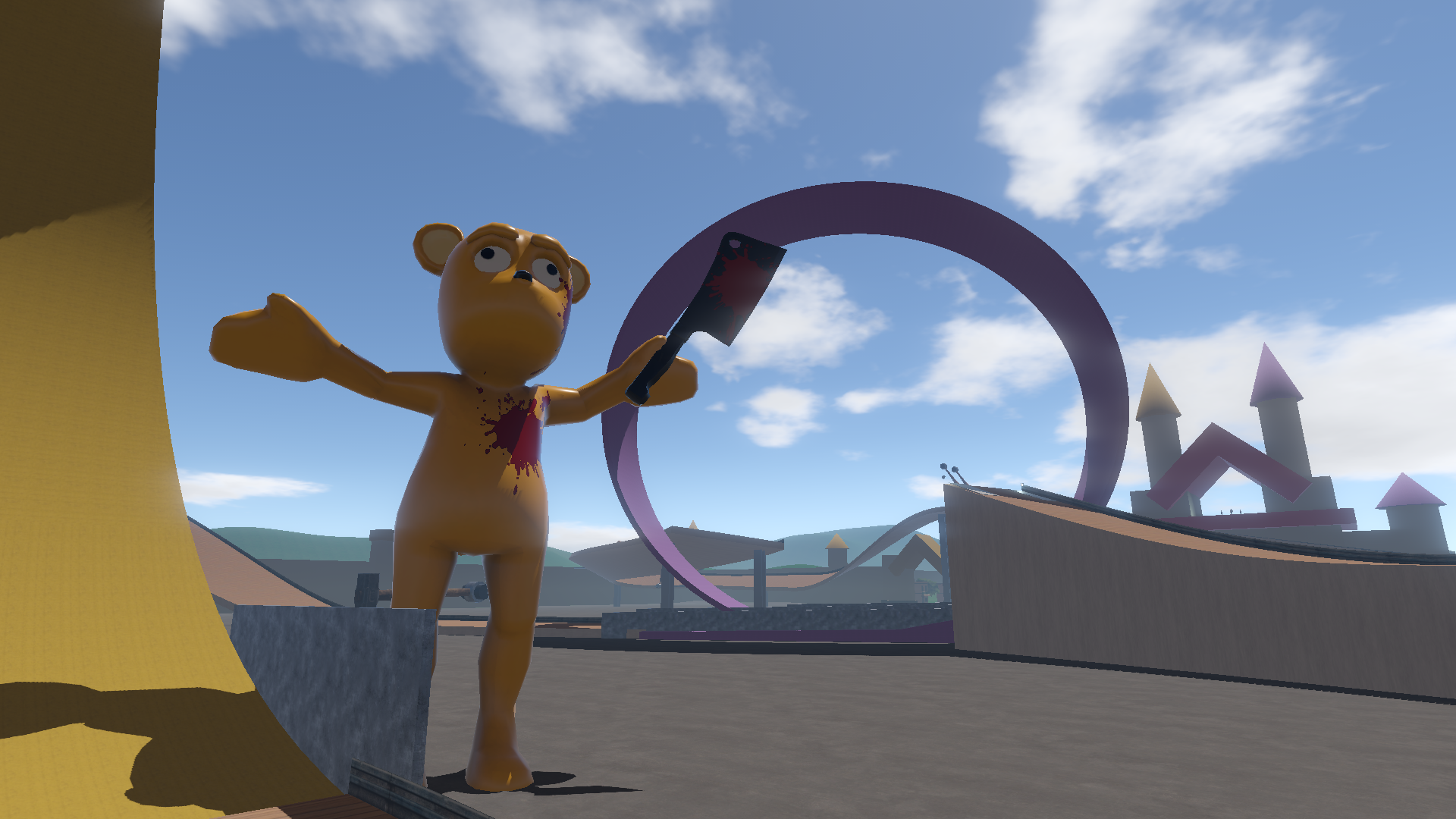
The Yang Family has finally reached their destination: the Gumsy and Gomar Theme Park!
The final four Yang tracks are now available.
Can you complete Car Parkour in one run? It will put your car driving skills to the test.
WTF is Gumsy and Gomar?
Gumsy and Gomar is the most popular children’s show on television, dedicated to teaching kids about safety—by demonstrating all the things not to do! It’s kind of a parody on Itchy and Scratchy from The Simpsons (big fan!), as well as poking some fun at Five Nights at Freddy’s (not a fan! But hats off to the developer for his success.)
Basically this theme gives me an excuse to add some wackier content like oversized hammers, giant baseball bats and The Blender from the original Yang Family Demo. I received a few requests to add Flip Pads, so I went ahead and built some of those too.
All of these new items, plus many more will also be added to the Level Editor in a Workshop update next week! That way people can expand on the theme park by building their own "rides" in the Community Tracks. xD
Music Upgrade
I also upgraded all of the newer music with higher quality tracks and proper looping. It accounts for about half the update size, so I apologize for the larger-than-normal download size... but it's worth it for the better quality.
Settings Menu Patch v2
If you were affected by annoying issues with the new settings system, like fullscreen resets, then this patch is for you!
You may need to reset your Settings after the update.
I just uploaded another small patch that should fix these issues:
Settings Menu: Fixed Visual button not being interactable with mouse.
Fixed bug that caused music to sometimes stop when changing levels on some computers.
Fixed bug that caused full screen to exit when returning to Main Menu on some computers.
Plus these minor changes for y'all that like details:
-Increased out-of-bounds fall distance before auto-rewspawn.
-Fixed "Happy Day" character selection camera.
-Fixed checkpoint order in "Pedal Pushin Papa" level.
-Finishing tracks menu now highlights "Next Track" instead of "Change Track"; changed auto-pop-up from 5 seconds to 8.
Only 1 out of 3 of my test computers experienced these bugs, but I wanted to make sure they got fixed for you guys asap instead of waiting until the full update this weekend.
Settings Menu Patch
Thanks to everyone who sent bug reports concerning the new Settings Menu system! It should be pretty solid now.
This small update contains the following changes:
Fixed Settings Menu bugs and other improvements:
-Fixed Shadow Projection type not saving between reloads.
-Fixed LOD Bias slider not adjusting to quality presets; fixed slider resetting on scene reloads
-Fixed Global Volume resetting when scene changed
-Fixed level load cams being reset back to origina on some tracks.
-Improved Main Menu GUI text clarity
-Fixed default settings
-Fixed LOD Bias minimum too low
-Fixed Auto-resolution/full screen reversion after respawn/new level
-Some improvements to video capture compatibility (some OBS issues persist; new settings will be added later to remove post-processing FX that may be interferring; will revisit this issue later)
-General Qualtiy Presets now change the applicable sub-settings to match
-Revised Quality Setting presets
-Escape key now exits the Setting Menu too
-Improved loading screen checks for reliability on slower machines
-Improved Music Manager (please report if music tracks suddenly stop playing; check audio settings first please)
-Upgraded FPS counter; faster and more accurate; also moved to bottom middle of screen so it can be used in Level Editor
-Added Anti-Aliasing post-processing settings (experimental... G&G uses Deferred Rendering, which does not allow 'true' AA processing but has other benefits). Removed old test script.
-Removed Texture setting (found no real performance savings and caused GUI issues)
-Removed Settings Menu from Pause Menu to improve stability across machines and make future troubleshooting faster and easier
Also:
Fixed bug that caused blue Workshop button to not activate Steam Overlay when returning from a level.
Improved car destruction: More impact points and detachable parts. More reliable collision detection. Optimized processing time. (more work needed for very high speed collisions)
Swinging Logs now auto-reverse upon collision. Useful for new level creation scenarios. This feature will also be used for the upcoming new Hazards: Giant Baseball Bats and Sledgehammers.
Now that the technical stuff is done... on to the FUN STUFF!
Next update will be the final four Yang tracks!
v0.4.1: Control Customization and New Settings
What’s New?
New Settings Menu
Controller Mapping and Sensitivity Settings
Improved car handling
Minor optimizations & bug fixes
IMPORTANT NOTE: You will need to adjust your Settings next time you enter the game. Defaults are low quality.
Control Customization
Control customization, expanded controller support, and improved handling seemed to be top priorities, so that’s what this update is all about!
You will find that your settings have reset next time you launch the game. This is because the temporary Settings Menu has been completely replaced. This new system is more professional and allows for a lot of room to expand the options as things grow. It should also be more reliable than the old settings and work better on different aspect rations and resolutions. It’s all brand new though, so if you run into any issues please let me know.
Control Menu There is now a full control mapping and customization system!
I completely un-installed and re-setup all of the controller support plug-ins and mappings. I discovered a few issues with how it was setup initially, so this should be a nice, clean install of all controller support features.
You can finally map your own keyboard and controller buttons! There are also sensitivity settings, so you can adjust how smoothly steering works, etc.
Mouse control support has been requested several times, so I added options for mapping that as well. However, it is very experimental right now and may not work for everyone; more work to be done on this feature, but just wanted to get some feedback on it so far.
Vehicle Handling
I spent several hours tweaking the car handling controls. I softened up the steering, reduced the assists, increased standard braking slightly, and adjusted wheel frictions and physics settings. This fixed the problems with turning the vehicle at mid-high speeds without drift, and made handling feel more natural overall. It’s still a drift-focused vehicle though!
I also spent a little bit of time tweaking Earl’s ATV handling. He still has “drunken controls”, but I did soften things up a bit to make it a little easier to handle. Maybe more work to be done on this later, but let me know what you guys think.
Bike handling is the same. I’ve found that on some controllers it handles very differently than others though, so you may want to tweak the steer sensitivity settings accordingly.
Spikes
I noticed a lot of people have been making the spikes very large. This broke how the spike mechanics worked, so I did a quick fix on that. Basically, the spikes have an invisible collider box around them. Any characters that touch that box get stuck by the spikes. I just increased the size of this collider to match the spikes.
I will create a new “High Quality Spike” object in the next update that will have individual colliders for each spike so they will behave more realistically if scaled large. They will just have higher "complexity cost" to place.
Other Stuff I did some minor optimizations on the new Yang tracks to stabilize and improve FPS some. In a future update I’ll be giving all levels a major optimization pass, but I just haven’t had time to do that yet.
The first Yang track has an experimental new road shader. Still working through some issues with that not displaying properly on all graphics cards.
Fixed a handful of bugs, including one that kept all relevant vehicle options from being presented in the Official Tracks.
Settings
There is no automatic quality adjustments system setup yet, so the default settings are fairly low quality. You’ll want to take a minute to adjust the settings when you first launch the game. In particular, you’ll want to set Quality, Resolution, and Shadow Settings.
Below is an explanation of some of the more obscure settings:
Anisotropic Texturing: Makes textures look better at extreme angles. No need to set to anything lower than “Force Enable” unless you are running that game at or below minimum requirements.
Texture Quality: For low-end setups. No need to lower this unless your graphics card has low memory or you’re running the game on a very low-end machine.
V-Sync: Turning v-sync on can tank your FPS! Only use this if you experience “screen tearing”. That’s when images look cut/staggered on the screen.
Realtime Reflections: I have this highly optimized, so you shouldn’t need to turn it off unless running on low-end machine.
Shadow Projection: only need to adjust this if shadows seem to be rendering strangely for you.
Shadow Quality: I will add another option to this later for even higher quality. Generally two cascades will give you good results. You can turn this off if you have FPS issues though.
Shadow Distance: This can have a significant performance on FPS stability. Reduce this distance if you have FPS issues.
LOD Bias: This determines how detailed models appear based on how far away they are. I don’t recommend going below 0.5 on this or some objects may not appear at all (I need to put a limit on this next update). 1-2 will give you really good results.
I'm planning out future updates and timelines and will let y'all know when I have a rough plan in place to show.
Day 2 Patch
Just uploaded a small patch that fixes a handful of issues reported by you guys so far, including:
Expanded controller support. Hopefully fixes Xbox 360 controller issues. Also adds generic steering wheel support (experimental).
Improved Community Tracks screen and Workshop links
Changes to the temporary Settings Menu to work with more aspect ratios/resolutions
Simple, fast anti-aliasing for smoother edges.
Increased ATV strength so wheels don't break off quite as easily.
A handful of minor bug fixes
Xbox 360 Controllers I own a few different types of controllers, but strangely enough no 360 controllers, so I could not test this myself. I updated all the controller plug-ins and expanded the default mappings. Also built a special default mapping for 360 controllers in hopes of providing a fix. Please let me know if the forums if issues persist with 360 controllers.
I had a couple requests for steering wheel inputs, so I setup a generic map for that. Not tested.
Community Tracks Menu I simplified the Community Tracks menu to try and make everything easier to understand for newcomers. Also centers everything to work better on more types of screens. Steam Overlay feature should work more reliably now as well, but still trying to narrow down why it sometimes does not pop up.
Let me know if you guys think it needs tweaked further.